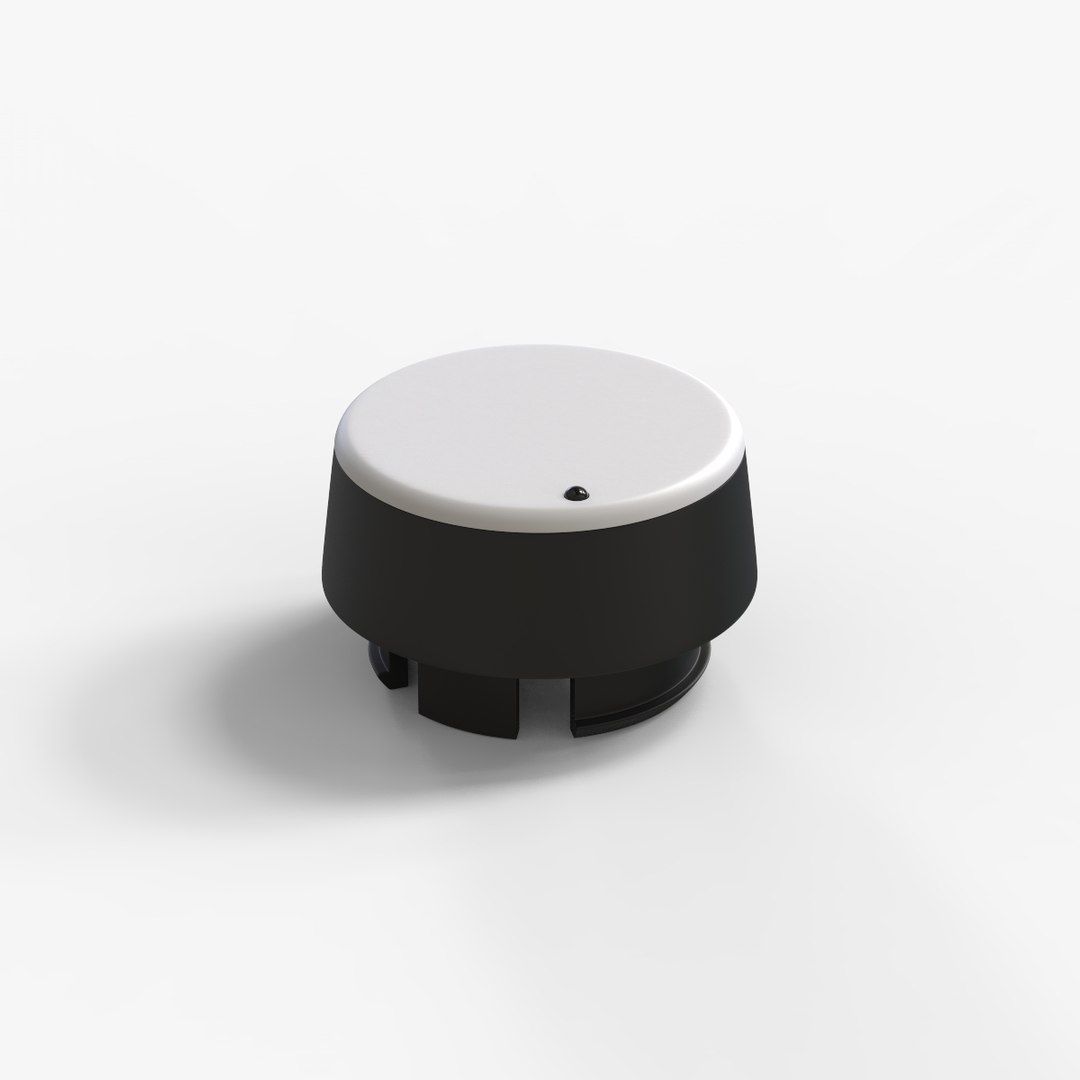
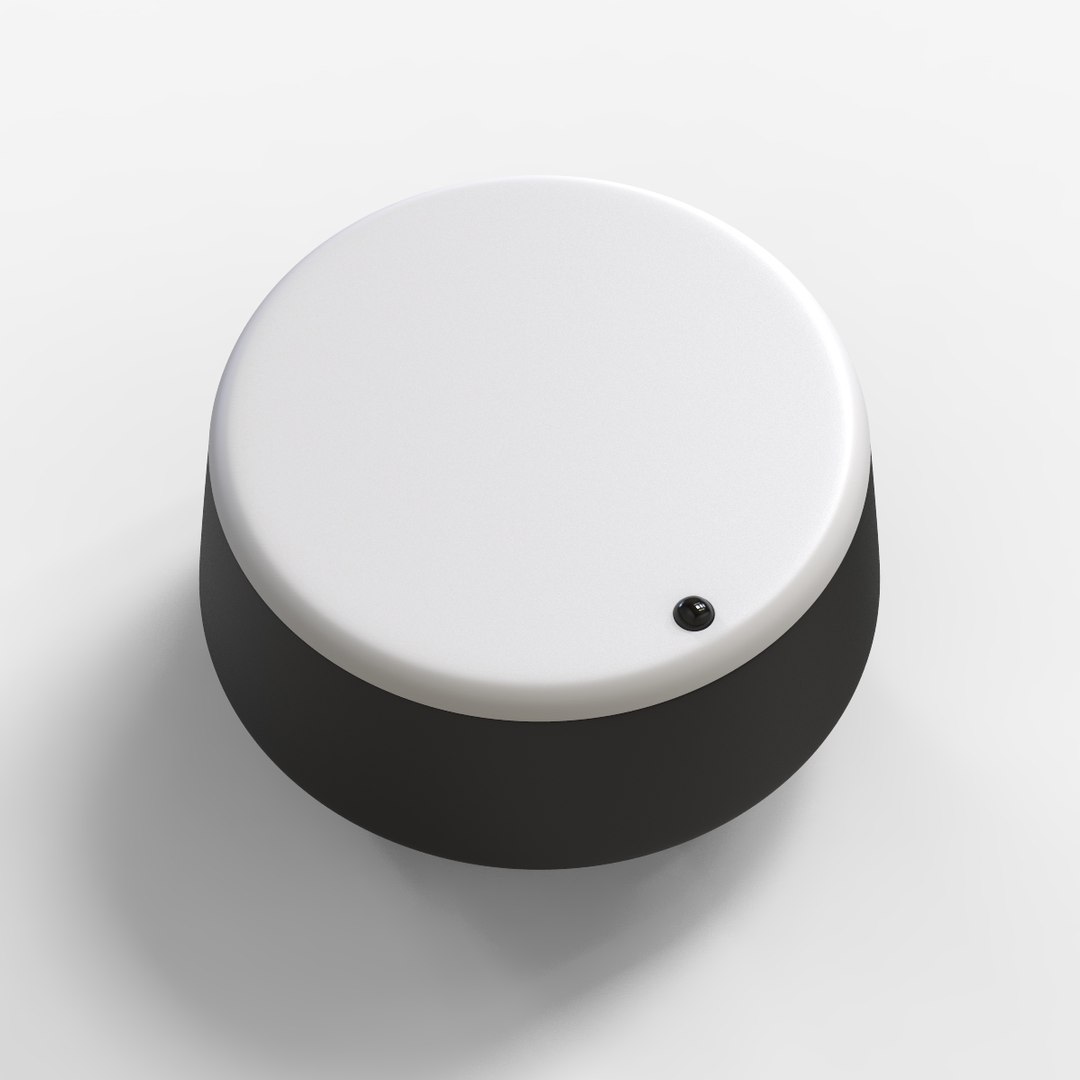
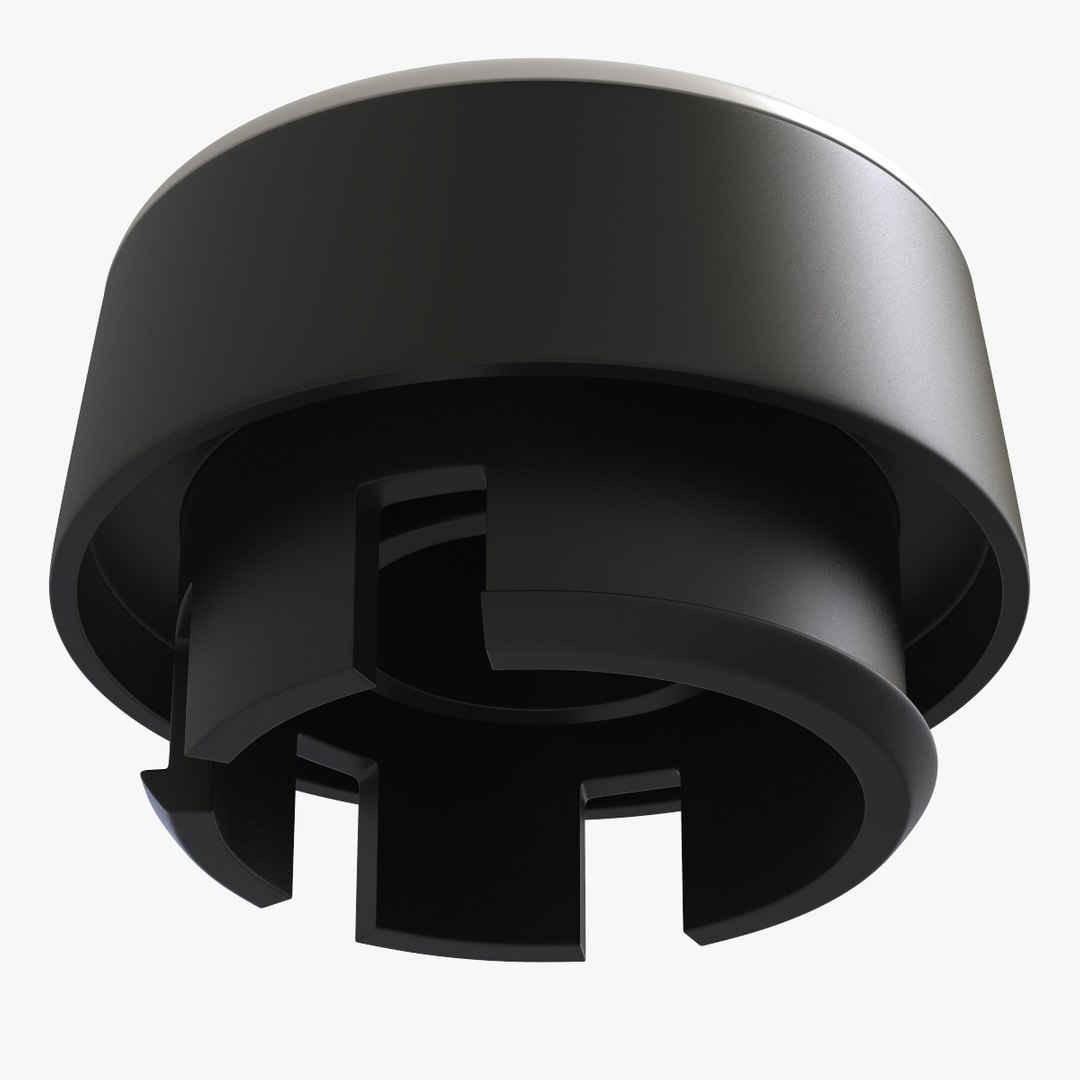
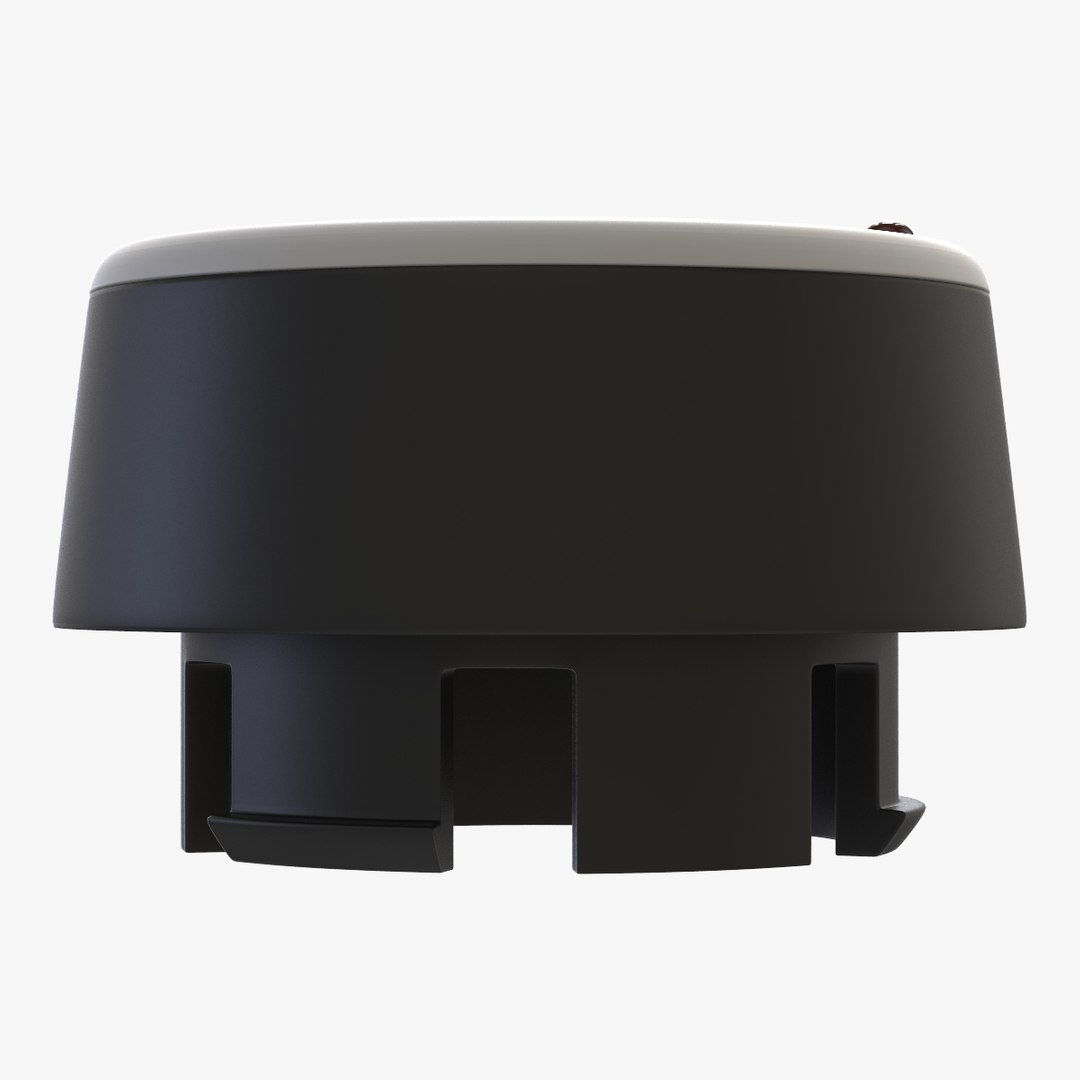
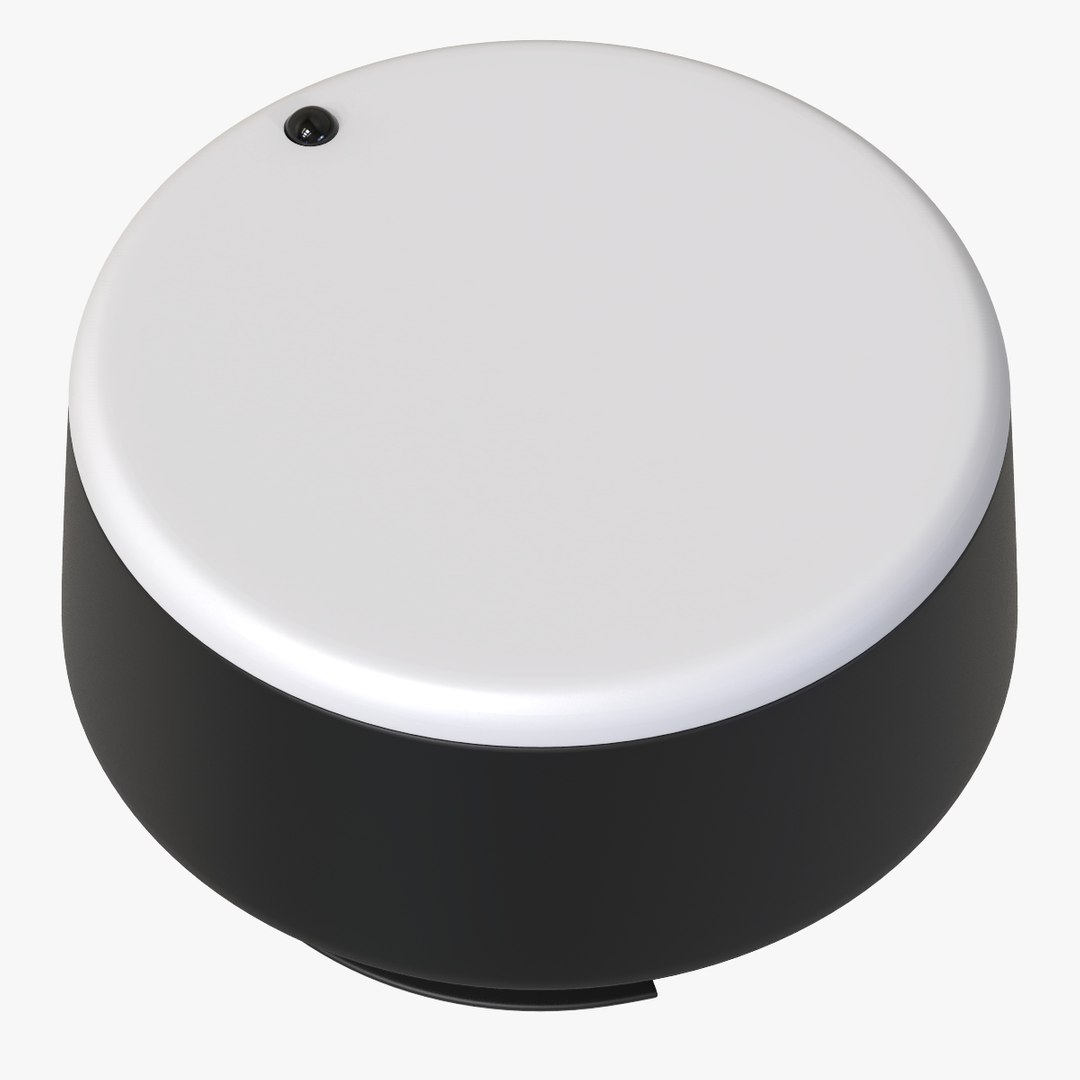
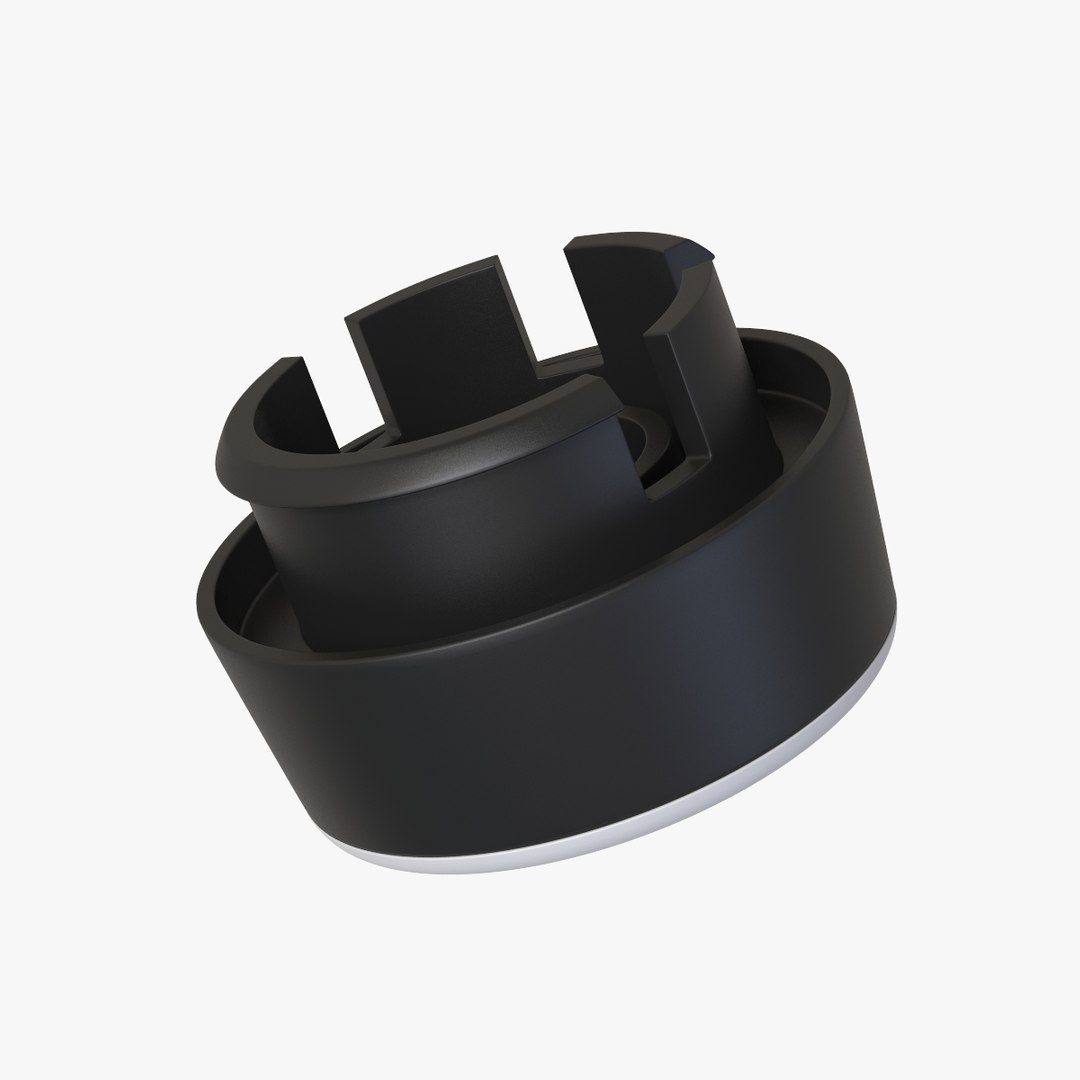
Selector Button

$9

Standard License | Upgrade License
Formats (4)
Native | Cinema 4D
3ds Max 2013 | V-Ray
OBJ
FBX
Specifications
Publish Date September 20, 2017
Product ID 1204589
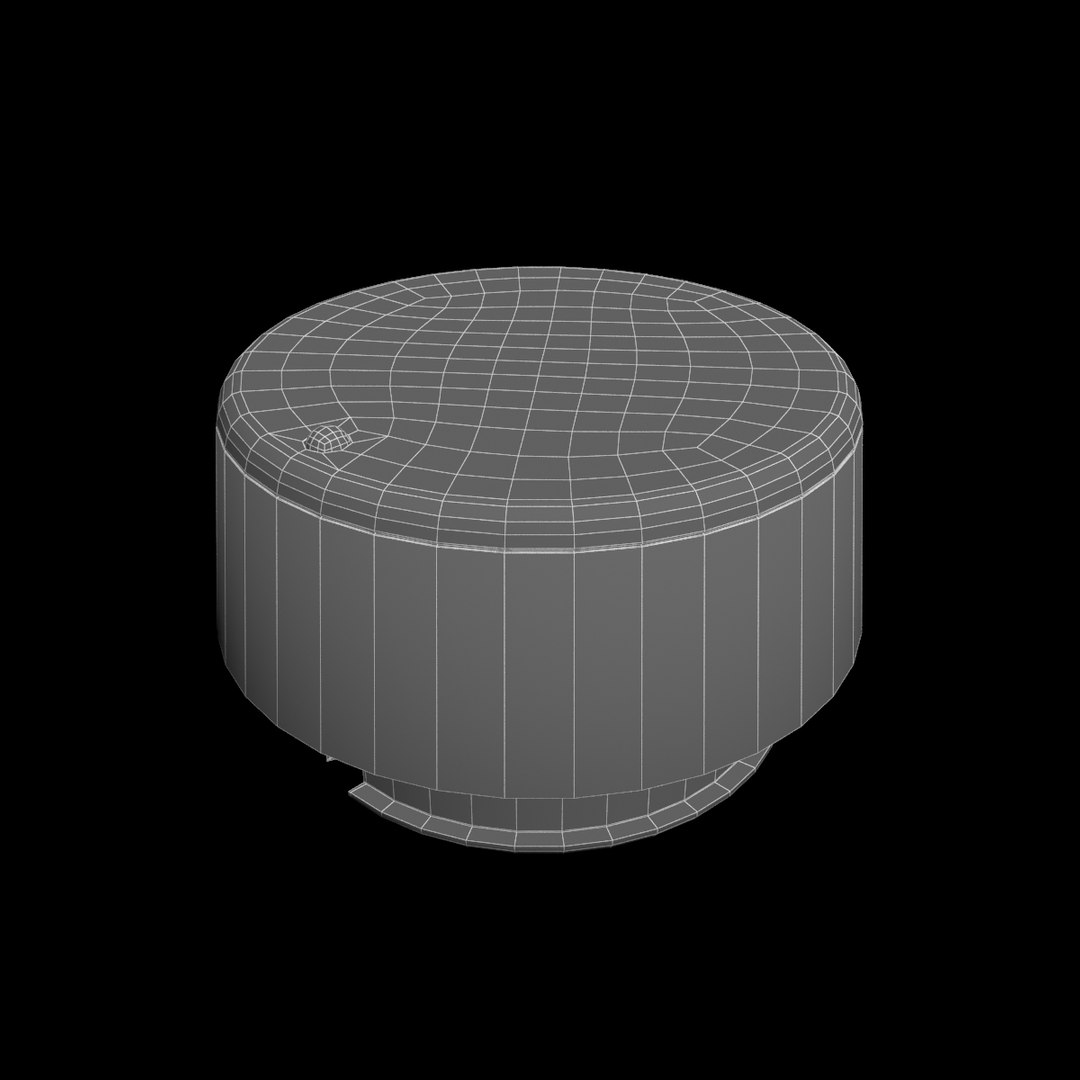
Polygons 2,103
Vertices 2,145
Polygonal Quads/Tris Geometry
Materials
TurboSquid Exclusive

member avatar
Newlc
4564 Products | Contributor Since 2008
Have questions? Chat with us now.

Description

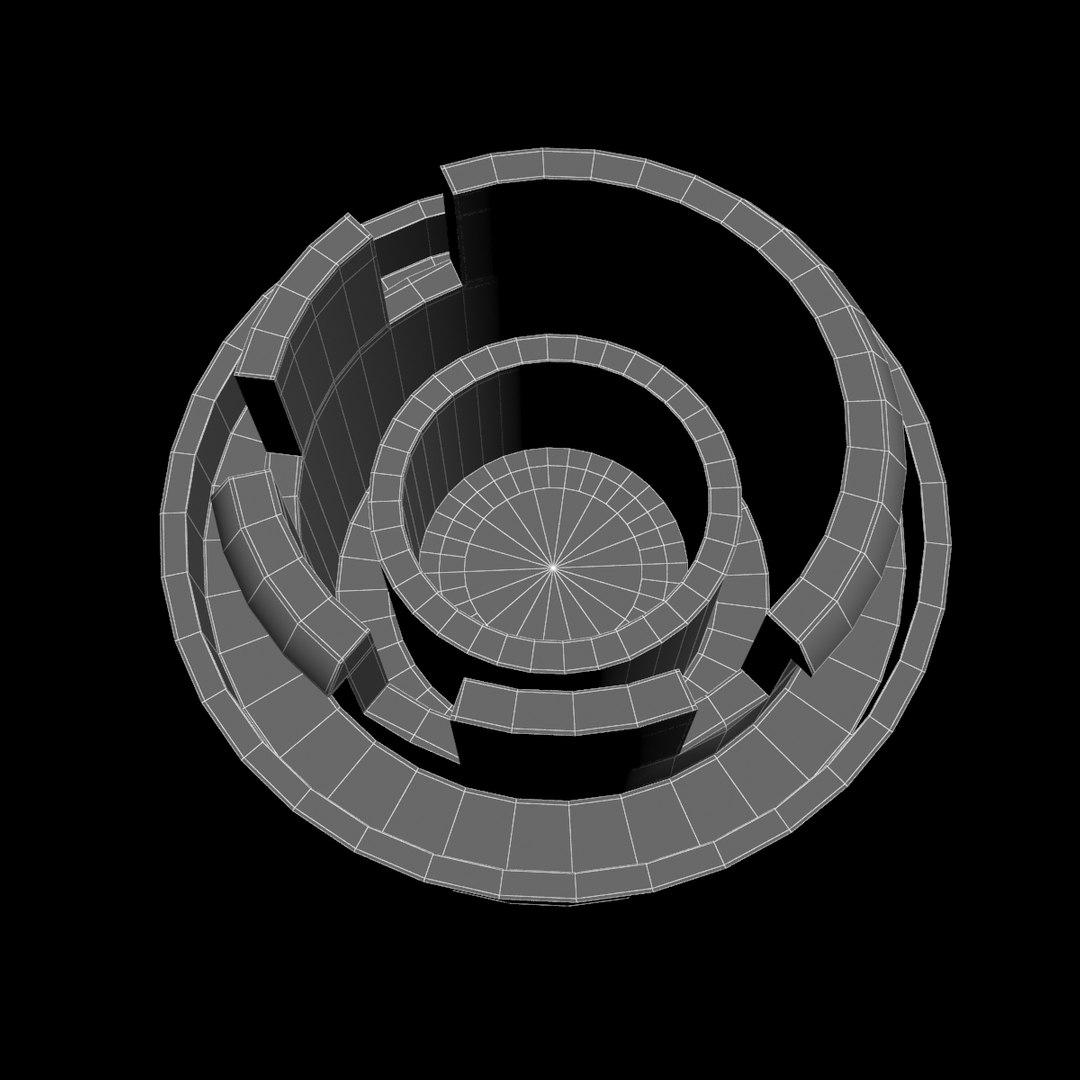
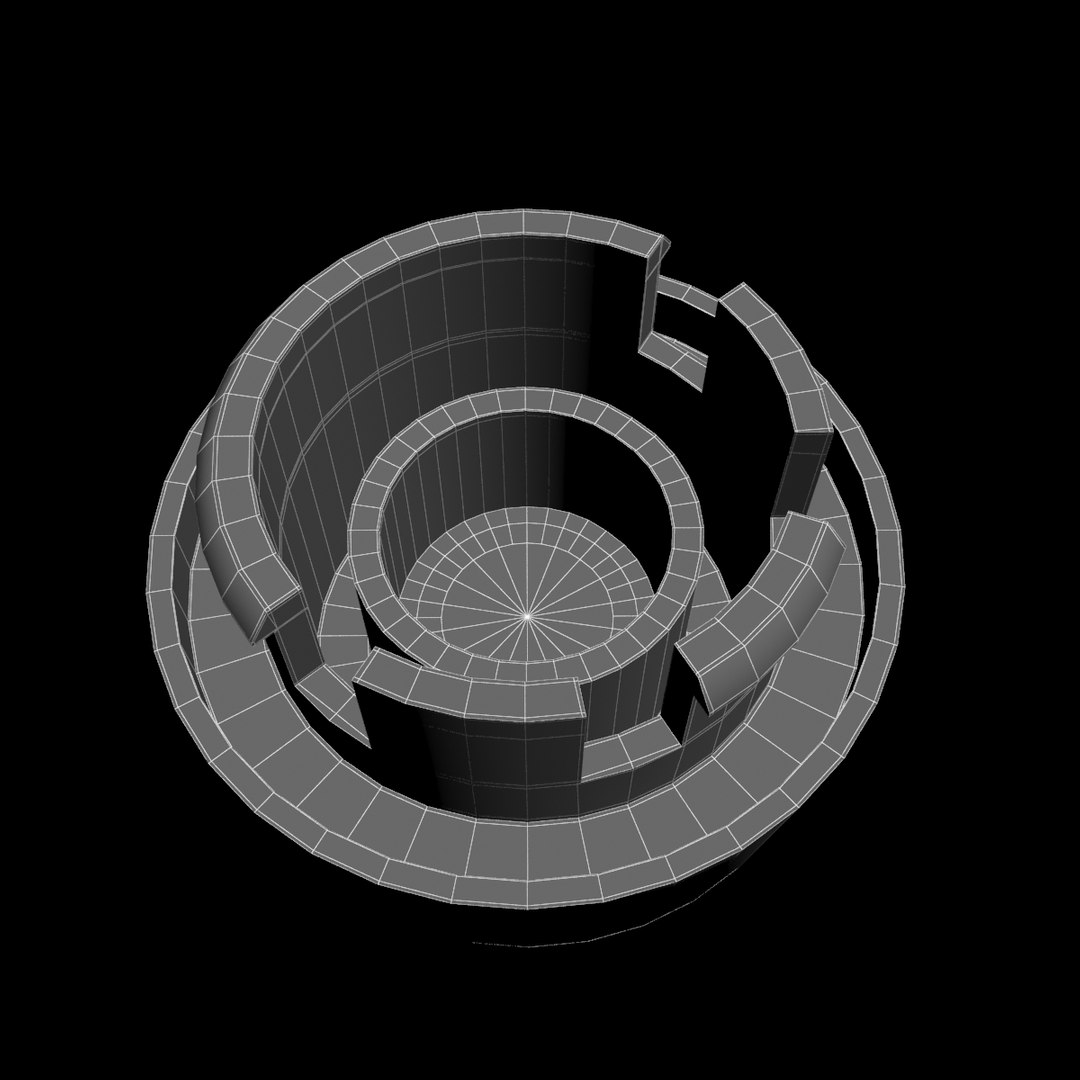
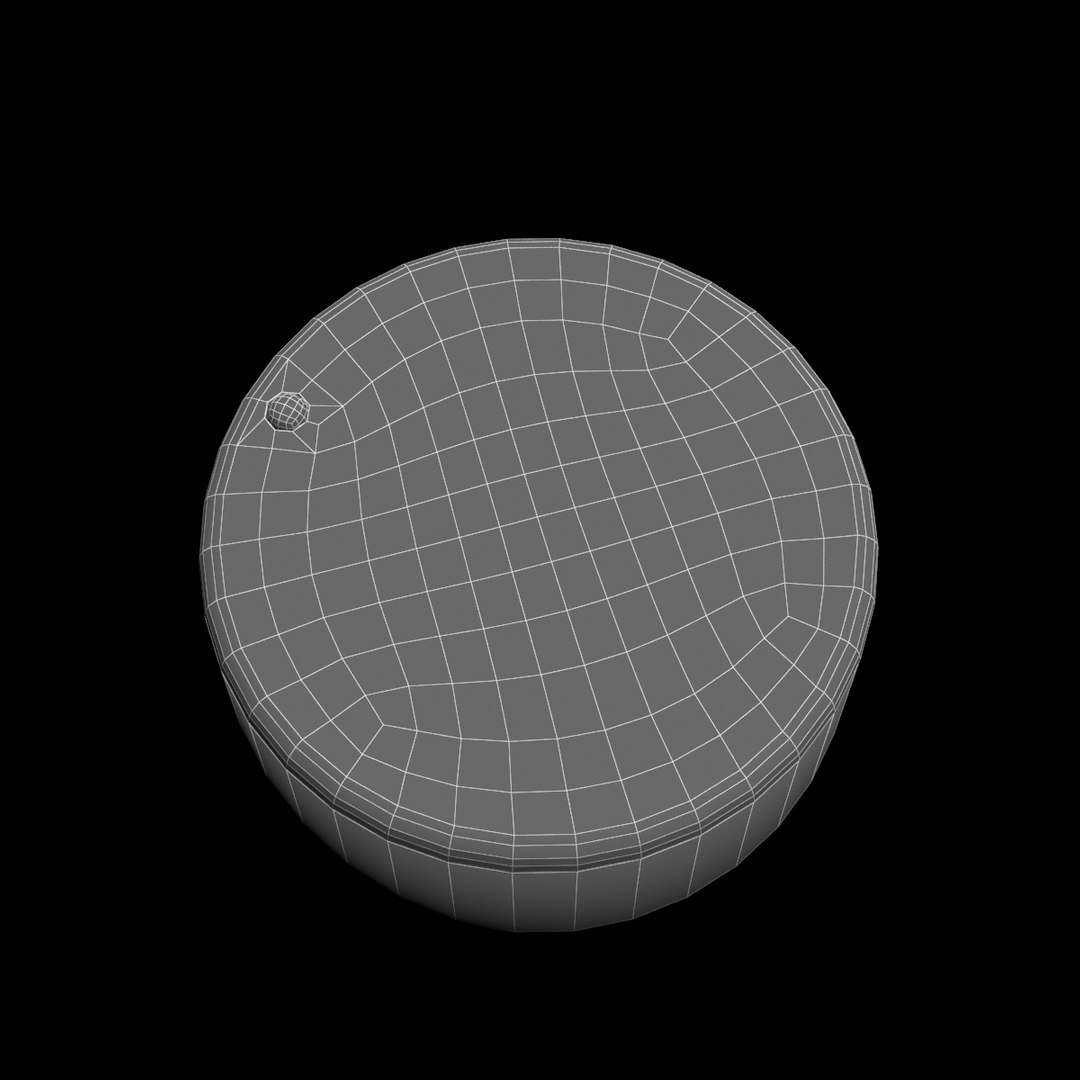
'Selector Button' is a high & accurate full 3D model to add more details and realism to your projects. Detailed enough for close-up renders.
*********************************
Features:
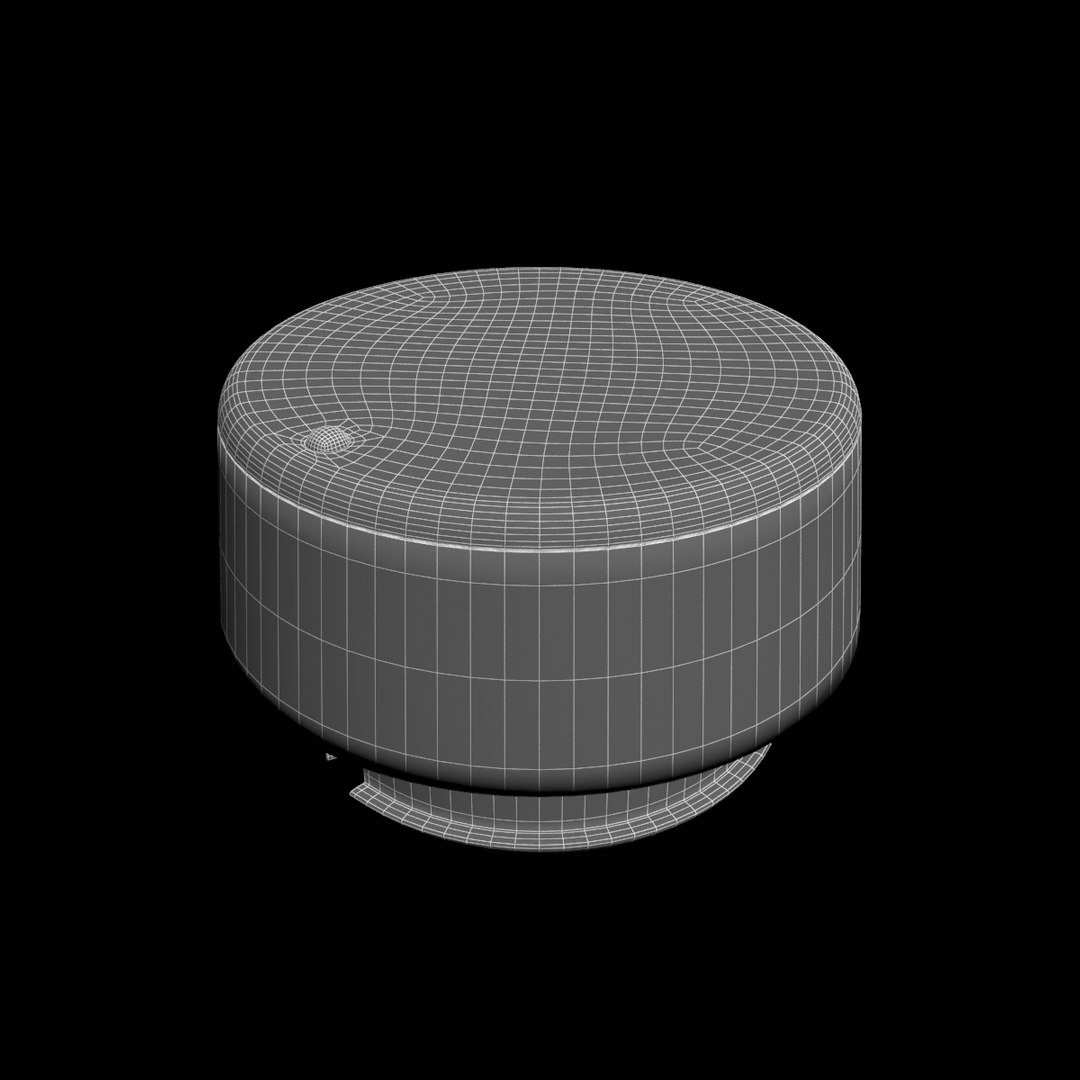
- Model resolutions are optimized for polygon efficiency(in 3DS MAX the meshsmooth function can be used to increase mesh resolution if necessary).
- All colors can be easily modified.
- No part-name confusion when importing several models into a scene.
- No cleaning up necessary, just drop model into your scene and start rendering.
- No special plugin needed to open scene.
- HDRI background i used is not included
- No Ngones
-No Texture, just materials
- Position on the Scene: 0.0.0.
*********************************
File formats:
- Max
- FBX (Multi Format)
- OBJ (Multi Format)
- Cinema 4D R17
*****************************************

Hope you like it!
Also check out my other models, just click on my user name to see complete gallery.

Infos about my work:
I work always my files with a lot of attention to details, good topology and optimizes polygons without Ngones, I also bring a serious touch in the provided textures.
I would like to thank every guys who bought my files, you motivate me to produce some more very nice 3d models.
Newlc - 2017

Select Enhanced License

  • $10,000 in Legal Protection (Indemnification)
  • Uncapped Legal Protection (Indemnification)
  • Waiver from injunctive relief
  • Assignable model rights
  • $1,000,000 in Legal Protection (Indemnification)
  • Waiver from injunctive relief
  • Assignable model rights
  • $250,000 in Legal Protection (Indemnification)
  • Assignable model rights
Read more about enhanced license tiers, or contact us at enterprise@turbosquid.com. Already a Shutterstock Enterprise Customer? Contact your Shutterstock Sales Support Agent to talk about adding 3D.

About Conversion Requests

To submit a conversion request for a purchased asset, please complete our Conversion Request Form.

If you have not yet purchased a model, please review our Documentation about Conversions to learn about what limitations you may encounter with a conversion.

For any additional questions about a model’s suitability for conversion, please contact TurboSquid Support.

Loading...