

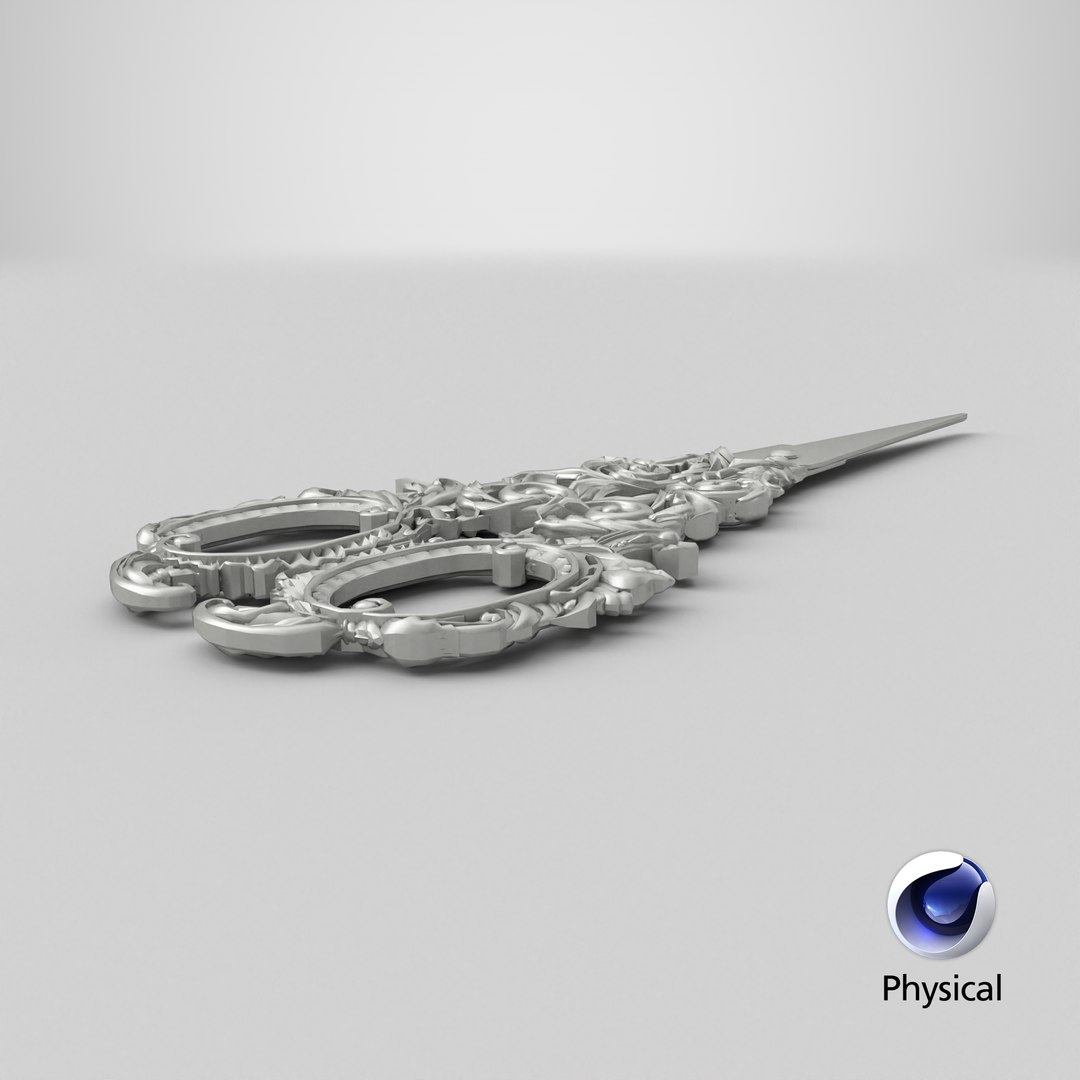
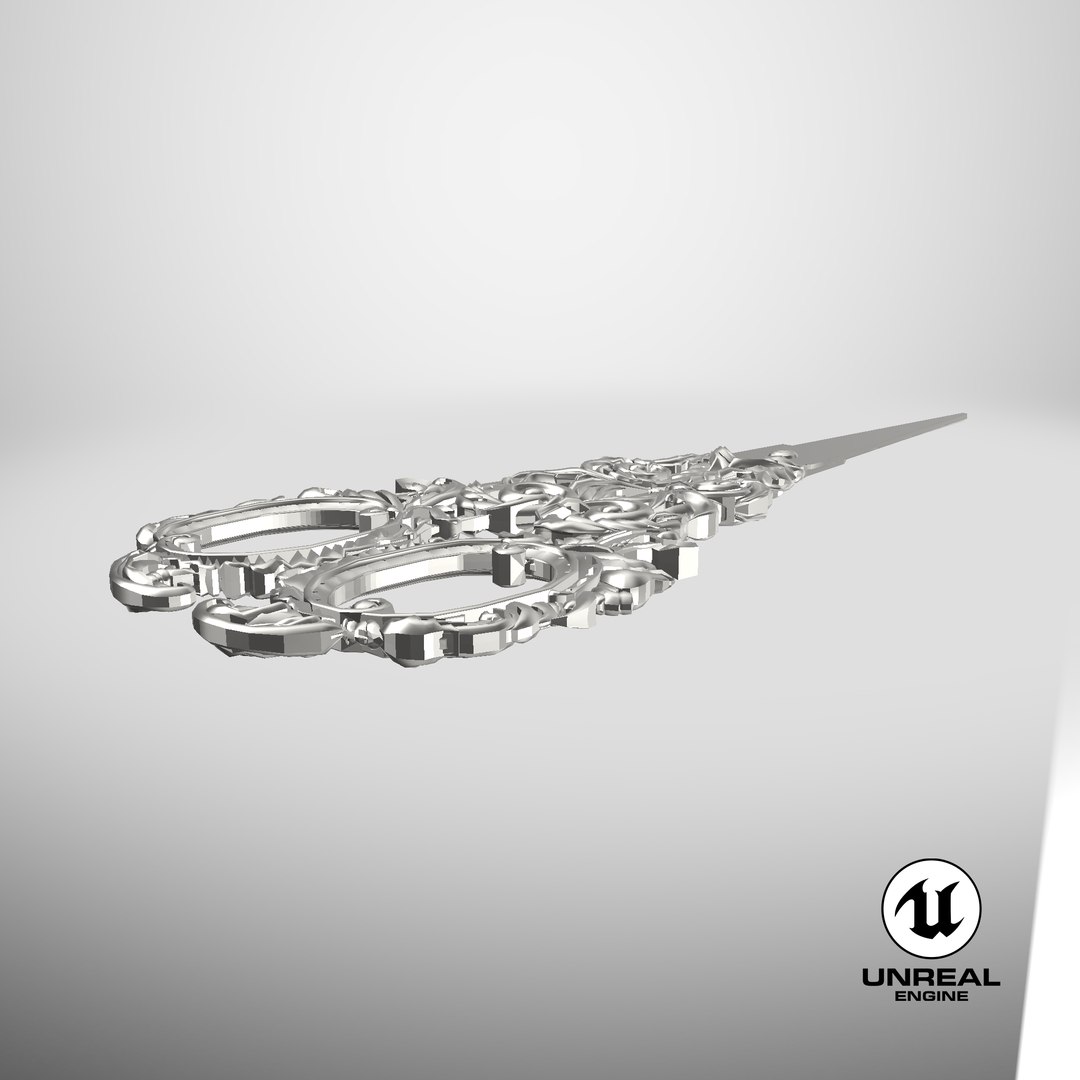
Scissors X2

$19

Standard License | Upgrade License
Formats (15)
Native | Maya 2018 | Arnold 5.0.1.0
Maya 2017 | Arnold 5.3.1.1
Maya 2015 | V-Ray 3.2
Cinema 4D R18 | Arnold 3.2
Cinema 4D R18 | Advanced Render 3.2
3ds Max 2015 | V-Ray 5.20.23
3ds Max 2018 | Arnold 7.0
Blender 3.4 | Blender Render 3.4
Unreal 4.10 | Other
Unity 5.4 | Other
USDz 2 | Other
FBX
glTF
OBJ
FBX
Specifications
Publish Date June 22, 2023
Product ID 2086879
Polygons 53,912
Vertices 52,769
Polygonal Quads/Tris Geometry
Textures
Materials
UV Mapped
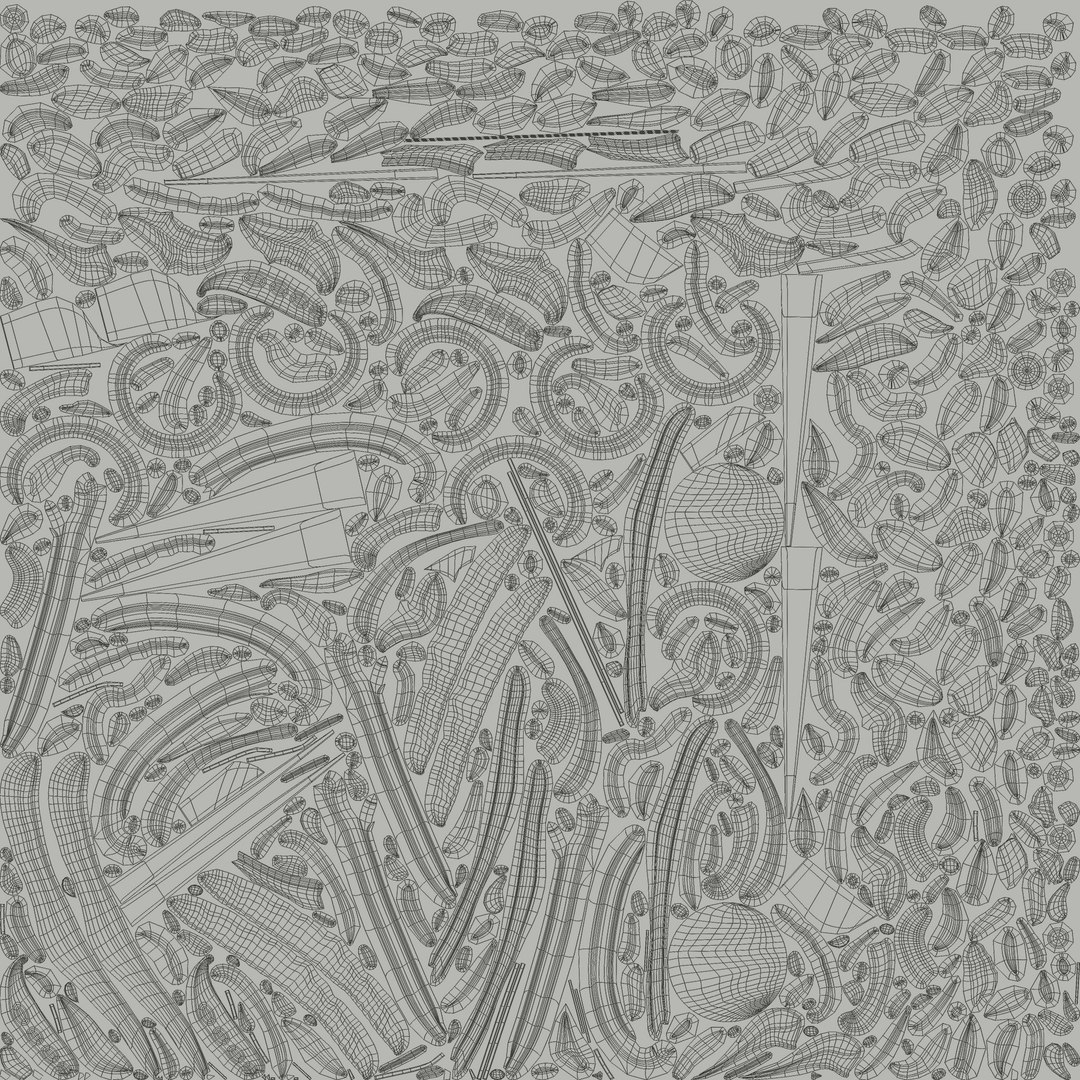
Non-overlapping Unwrapped UVs
PBR
Real-Time
StemCell Certified
TurboSquid Exclusive
member avatar
aelxr
317 Products | Contributor Since 2015
Have questions? Chat with us now.

Description

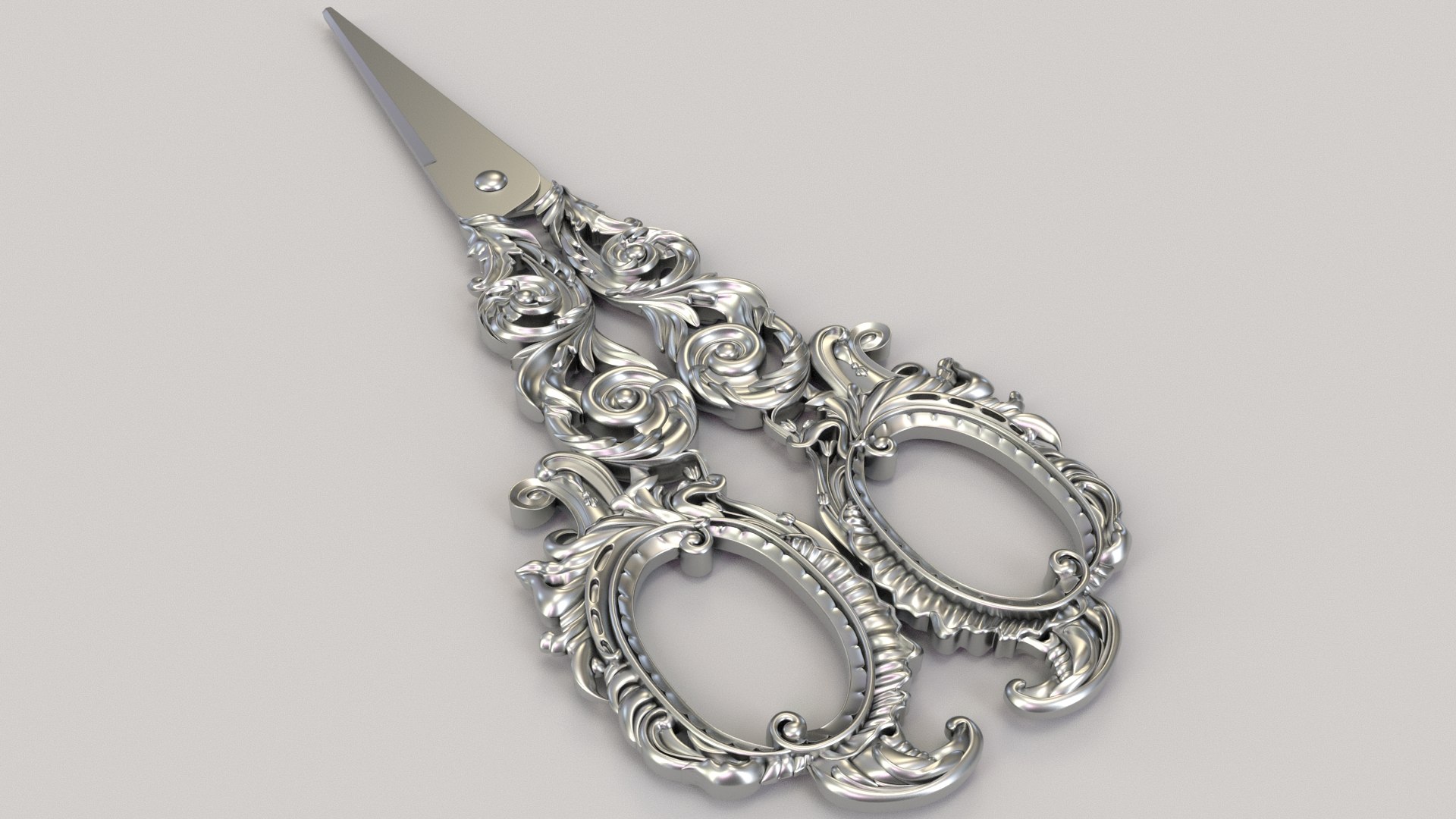
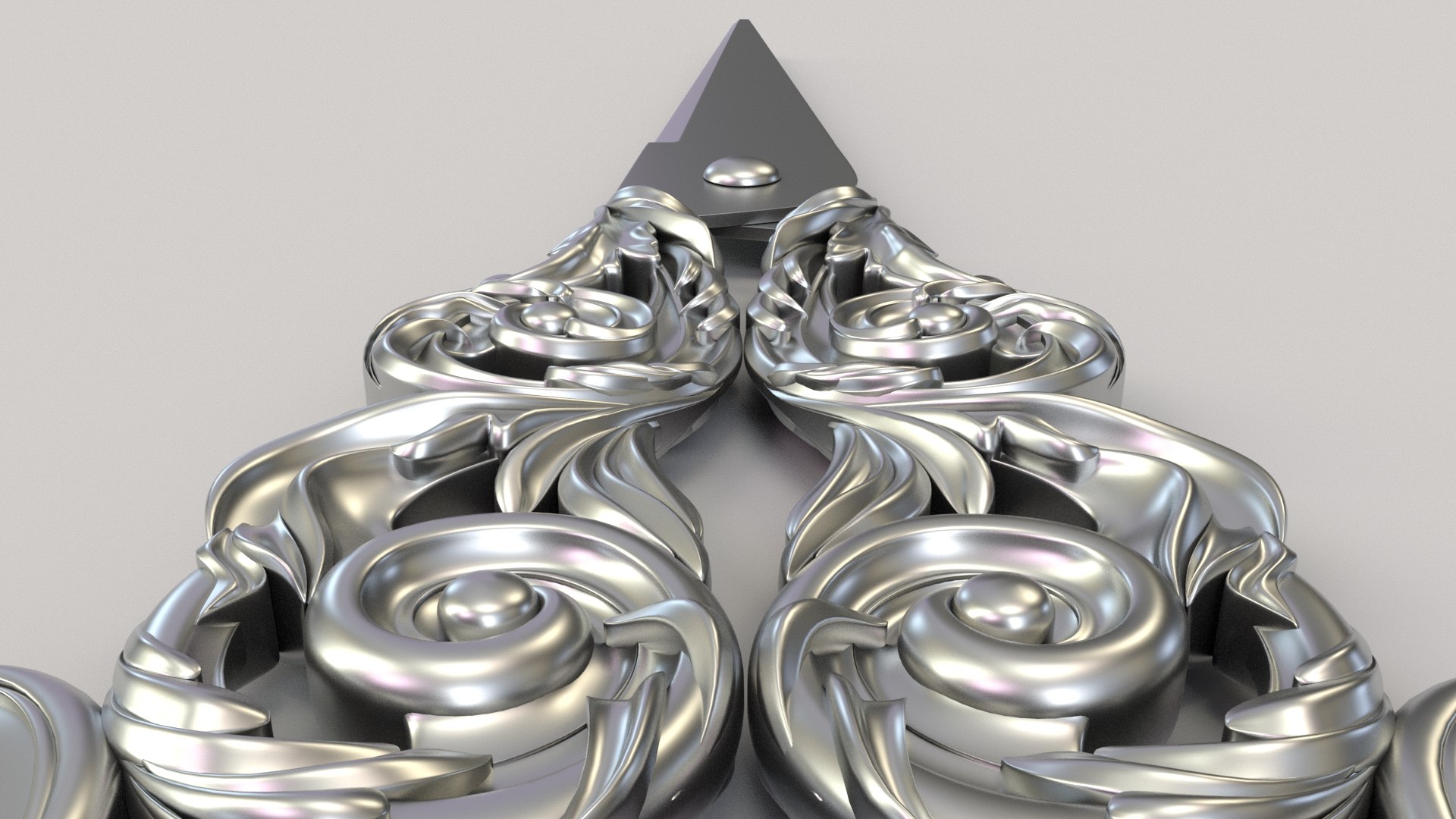
Scissors X2
_____________________

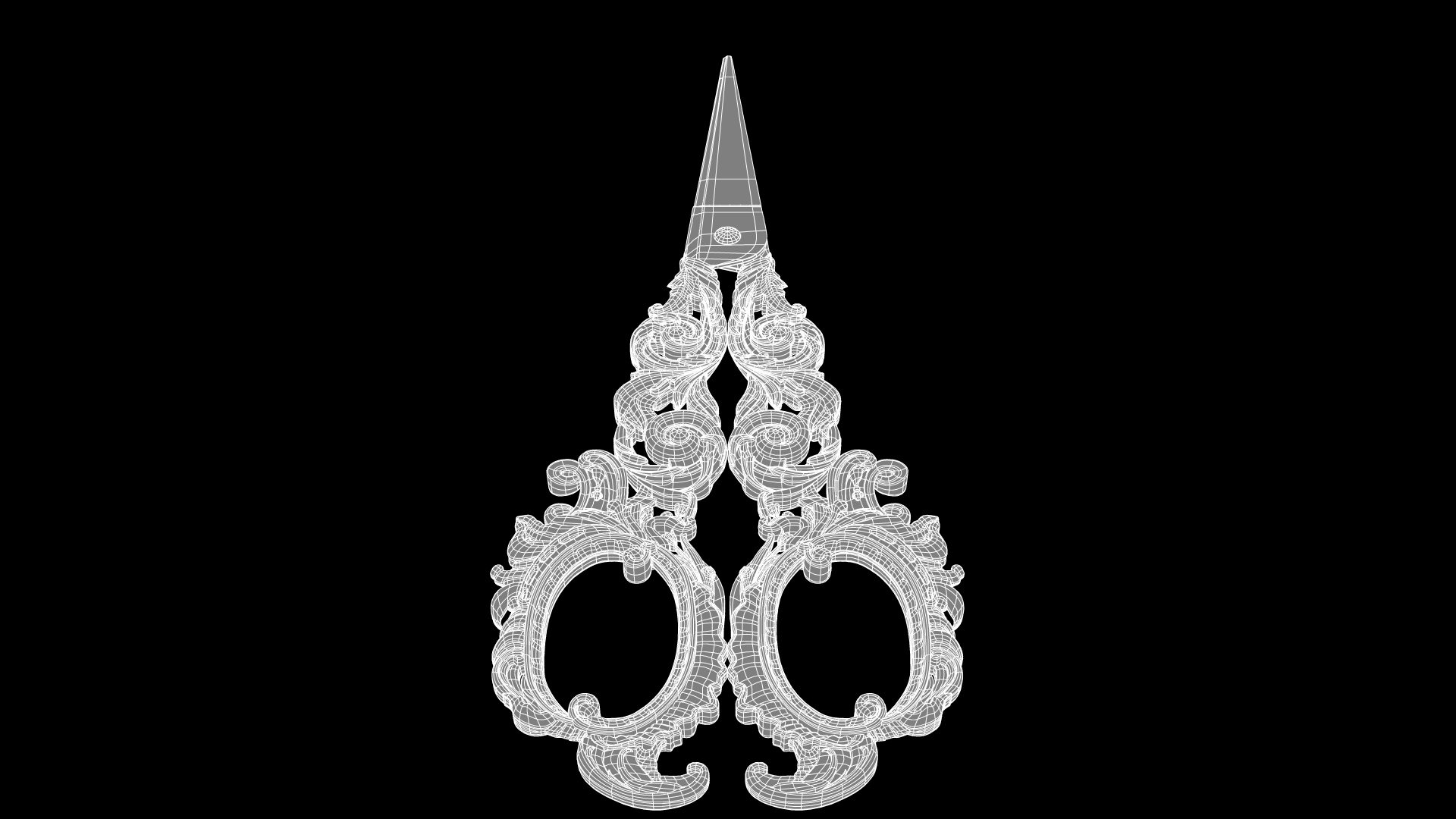
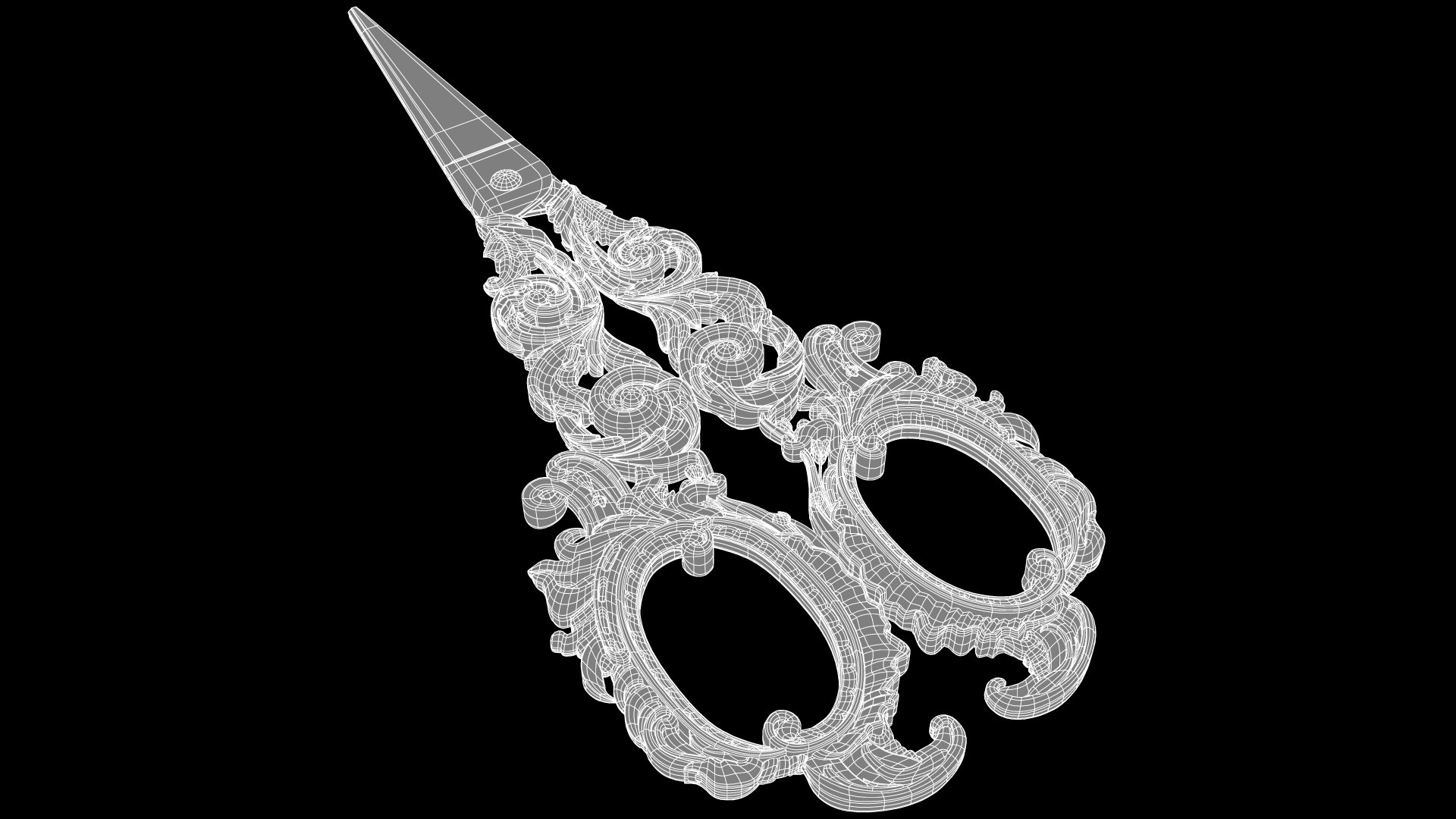
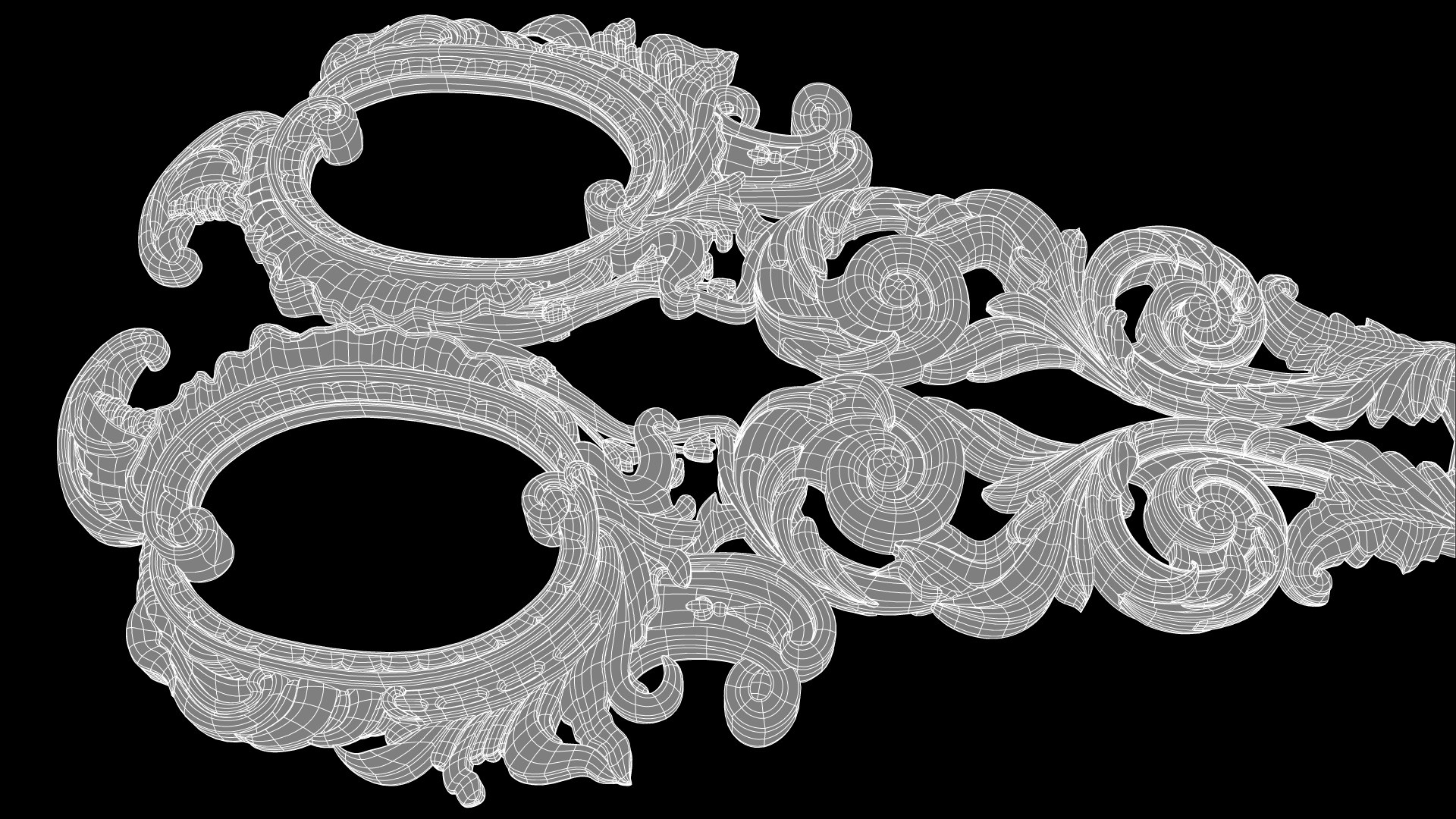
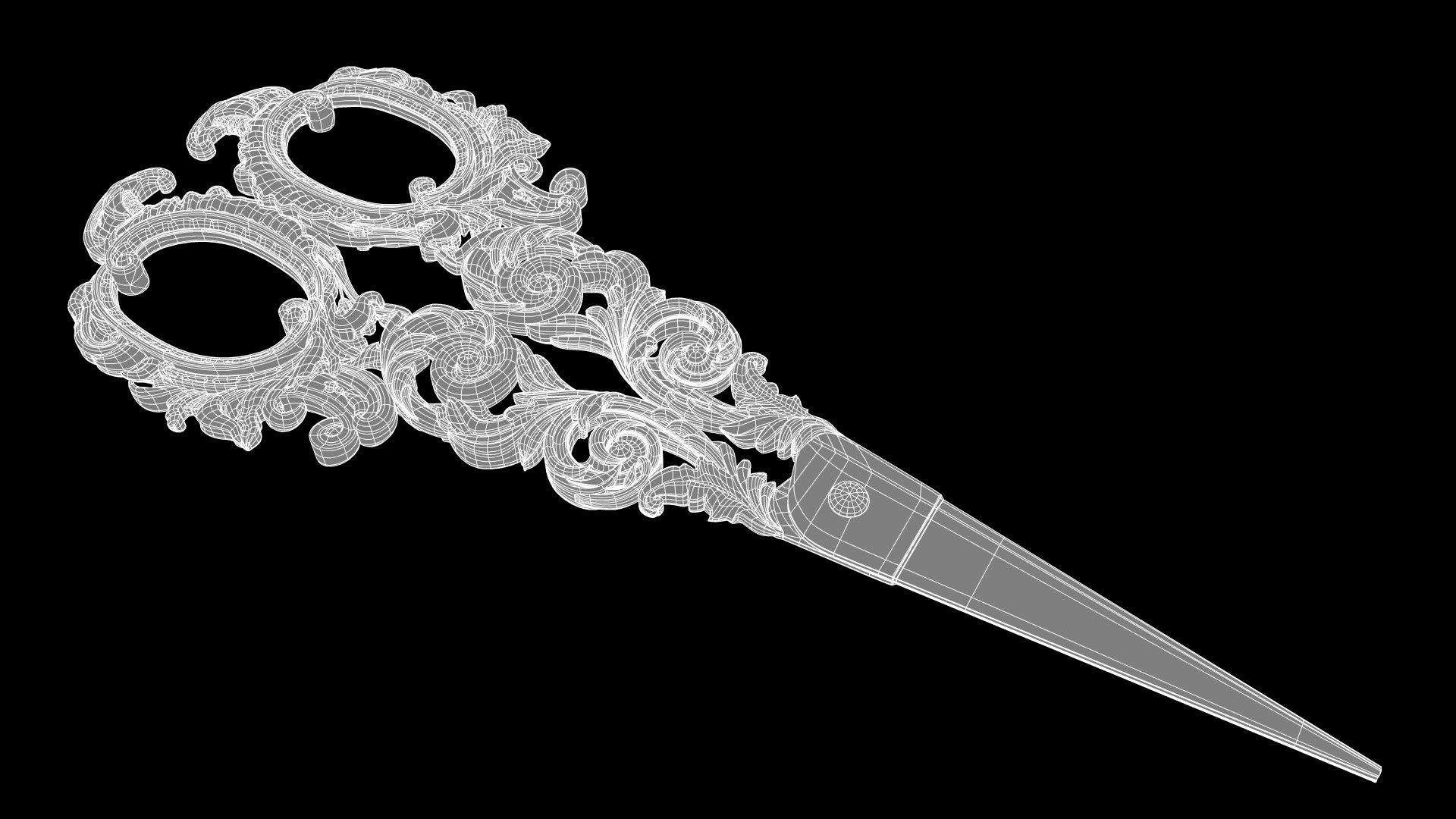
* clean geometry (93.9%-quads, 6.1%-tris, 0%-Ngons);
* completely ready to render as seen in preview with Arnold settings (camera and HDRI-file magiclight5.exr for Image Based Lighting INCLUDED);
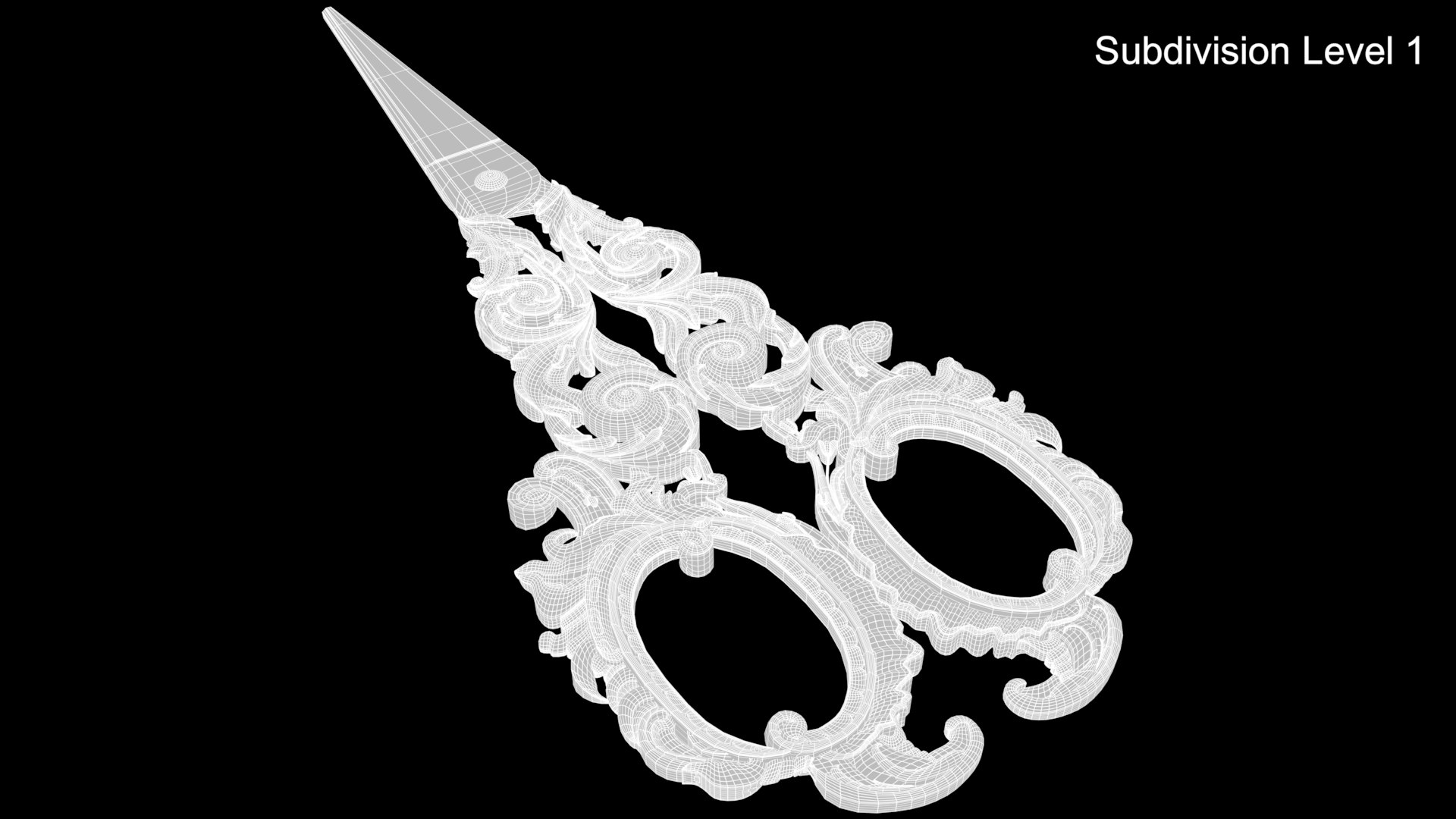
* polygons intelligently distributed for good edge flow, clean topology and further subdivision:
subdivision level 0: 53912 polygons; 52769 vertices;
subdivision level 1: 212574 polygons, 213128 vertices;
subdivision level 2: 850296 polygons, 850850 vertices;
* original size 6.2cm * 0.5cm * 16cm;
* centered at 0,0,0 origin and can be sized and imported into any scene.
* no isolated vertices;
* no coincident vertices;
* textures resolution:
magiclight5.exr 8192*4096

GREAT for visualization & close up renders.

_____________________
click on the username /*aelxr to see other works >>

Select Enhanced License

  • $10,000 in Legal Protection (Indemnification)
  • Uncapped Legal Protection (Indemnification)
  • Waiver from injunctive relief
  • Assignable model rights
  • $1,000,000 in Legal Protection (Indemnification)
  • Waiver from injunctive relief
  • Assignable model rights
  • $250,000 in Legal Protection (Indemnification)
  • Assignable model rights
Read more about enhanced license tiers, or contact us at enterprise@turbosquid.com. Already a Shutterstock Enterprise Customer? Contact your Shutterstock Sales Support Agent to talk about adding 3D.

About Conversion Requests

To submit a conversion request for a purchased asset, please complete our Conversion Request Form.

If you have not yet purchased a model, please review our Documentation about Conversions to learn about what limitations you may encounter with a conversion.

For any additional questions about a model’s suitability for conversion, please contact TurboSquid Support.

Loading...