

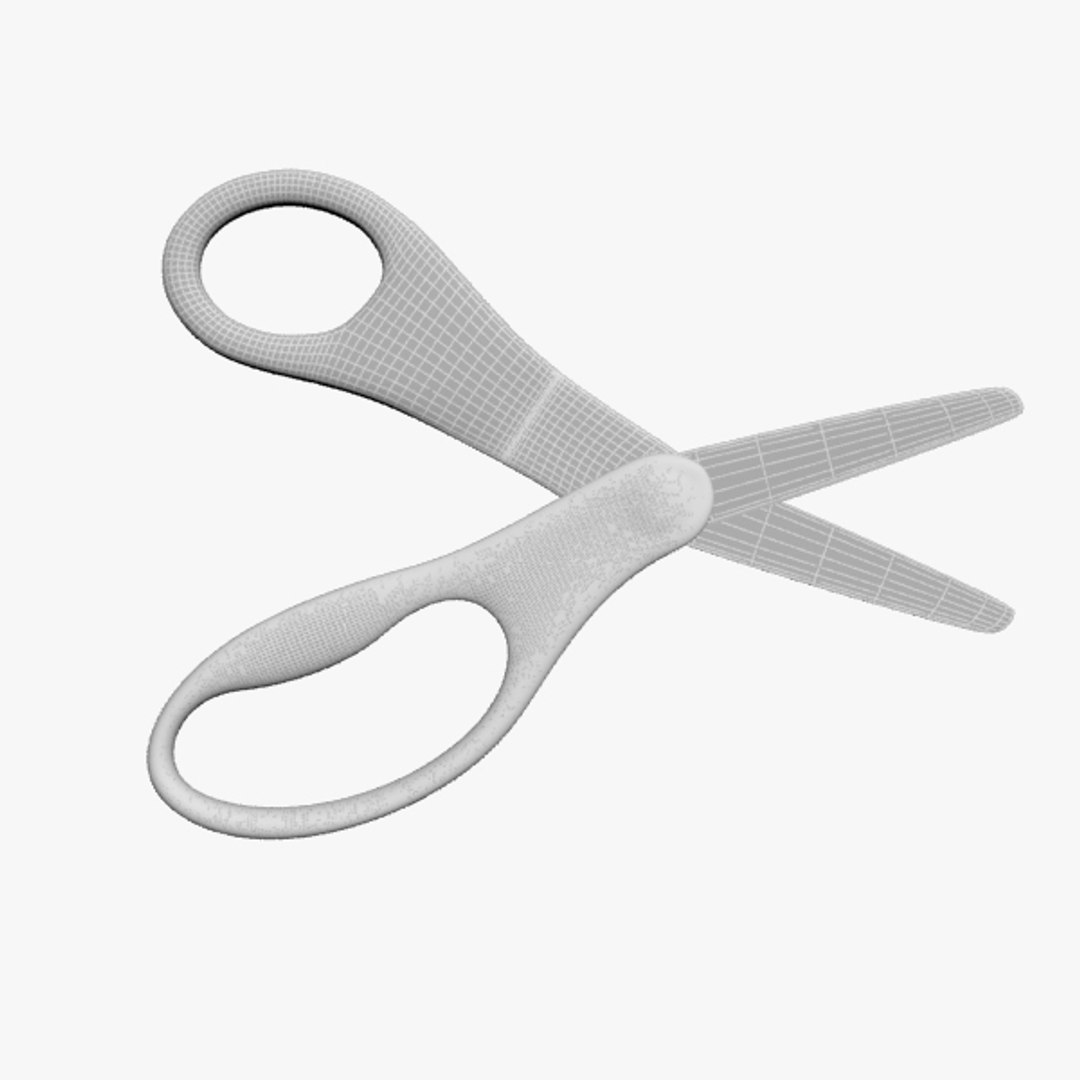
Scissors

$19

Standard License | Upgrade License
Formats (9)
Native | 3ds Max 2012 | V-Ray 2.0
3ds Max 2009 | Default Scanline
glTF
3ds Max
USD
FBX
Specifications
Publish Date November 11, 2013
Product ID 780135
Polygons 22,972
Vertices 23,078
Polygonal Ngons Used
Textures
Materials
UV Mapped
Non-overlapping Unwrapped UVs
PBR
TurboSquid Exclusive

member avatar
maxmdl
9 Products | Contributor Since 2013
Have questions? Chat with us now.

Description

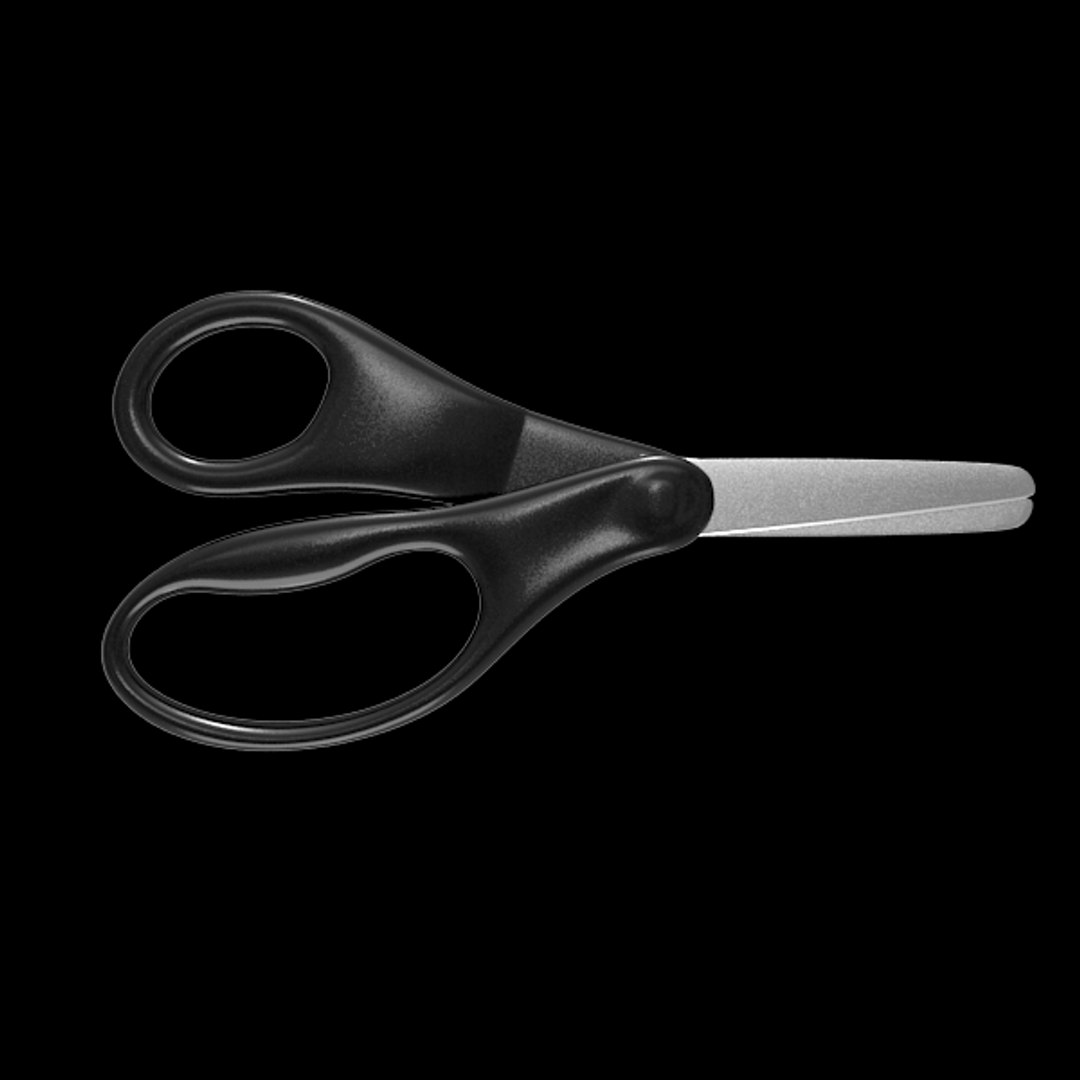
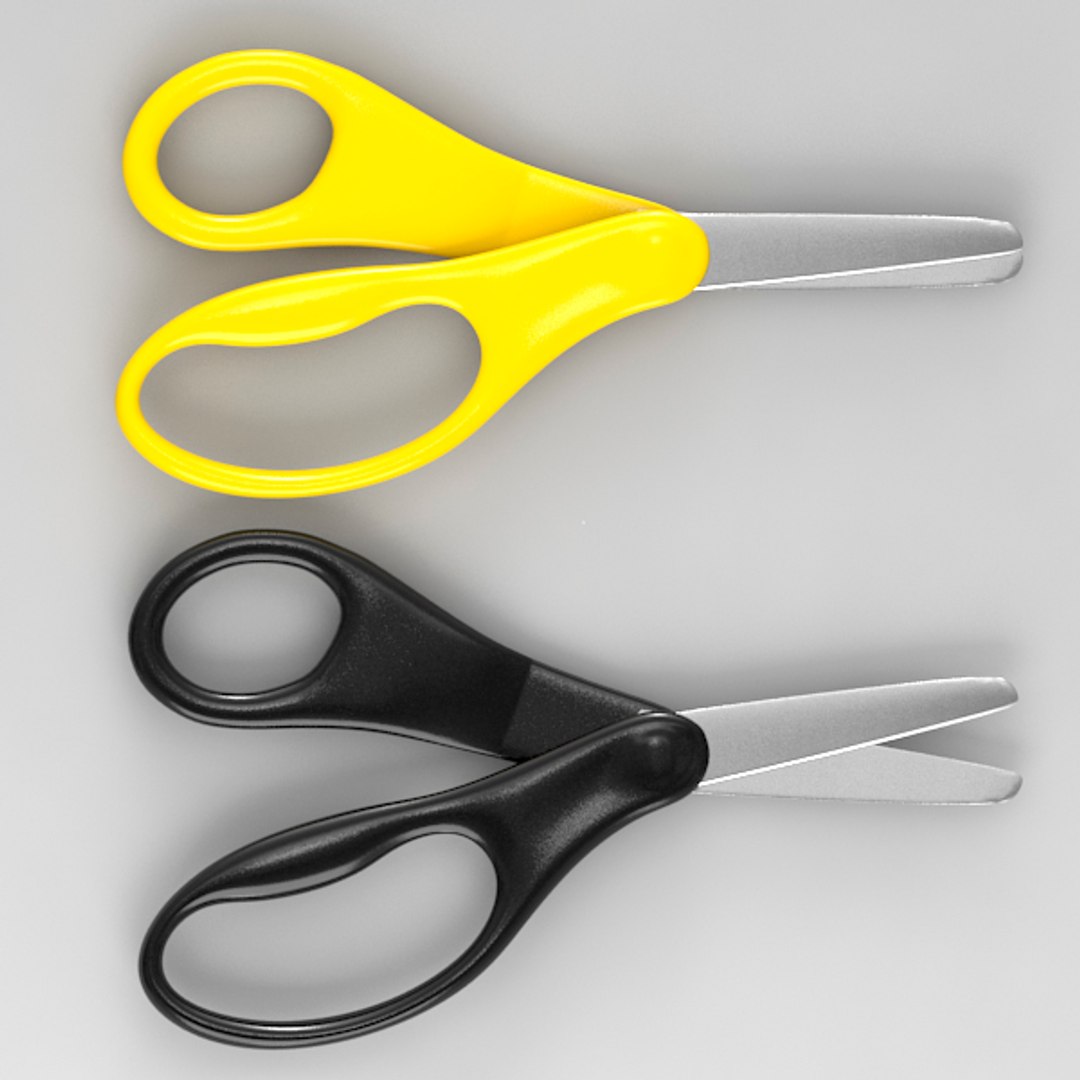
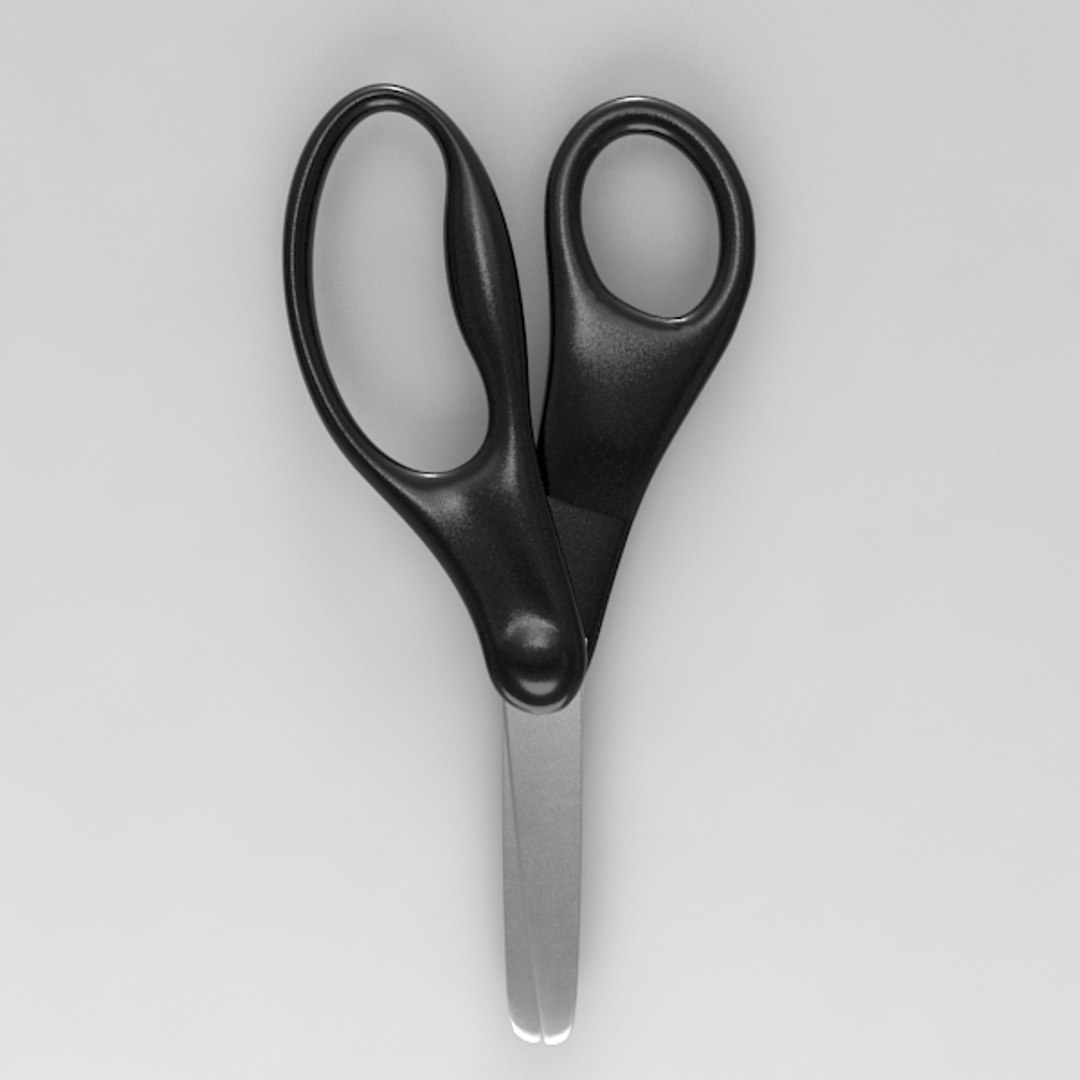
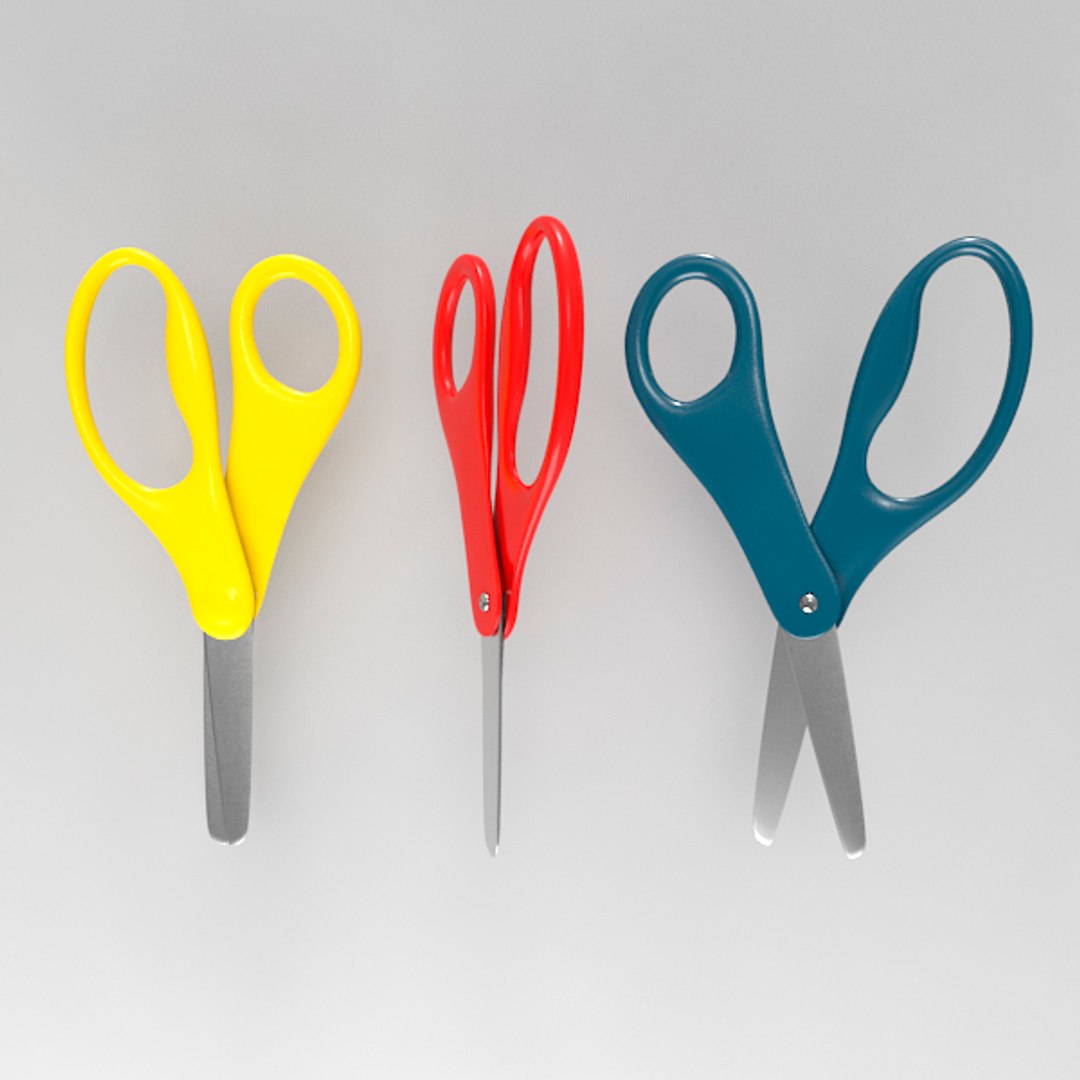
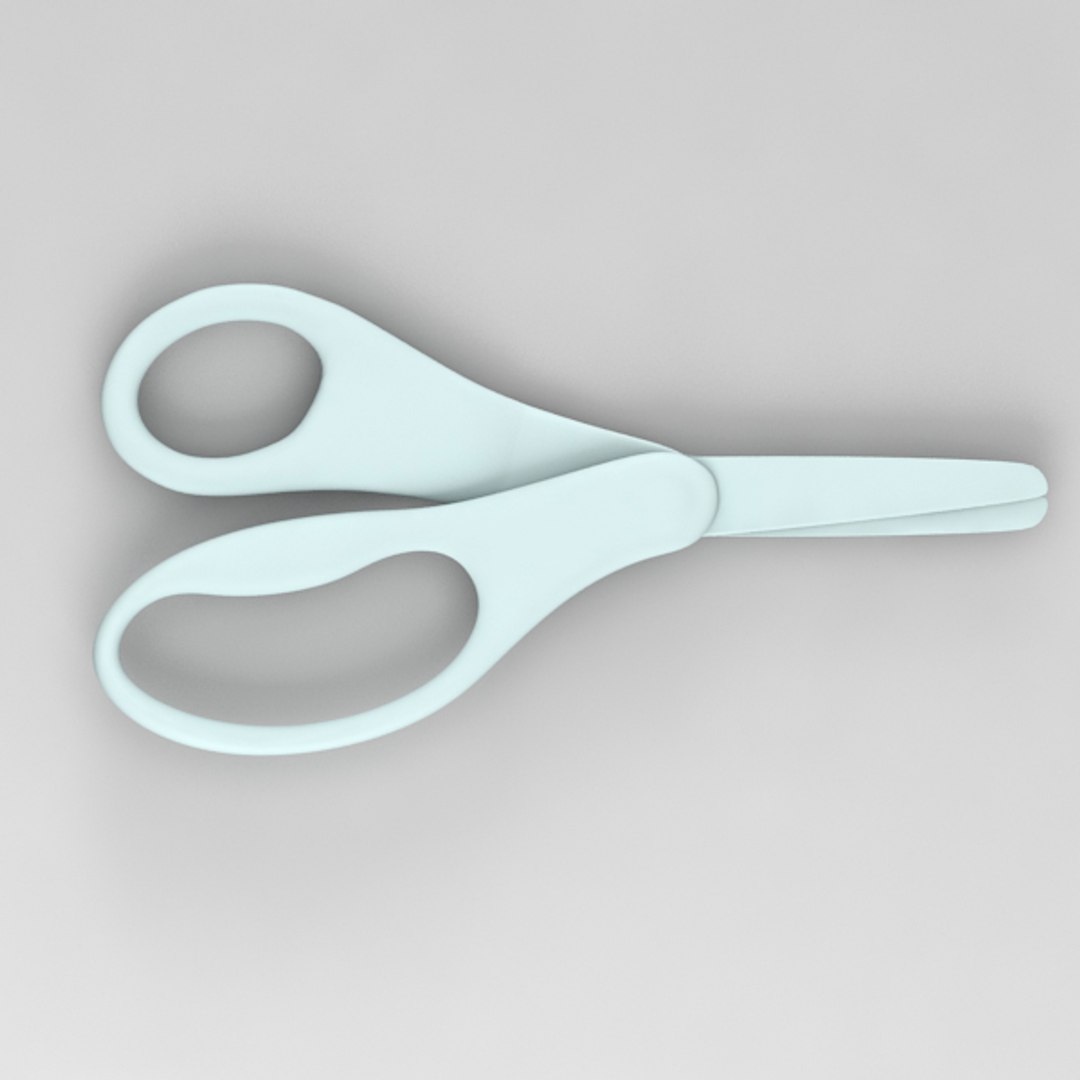
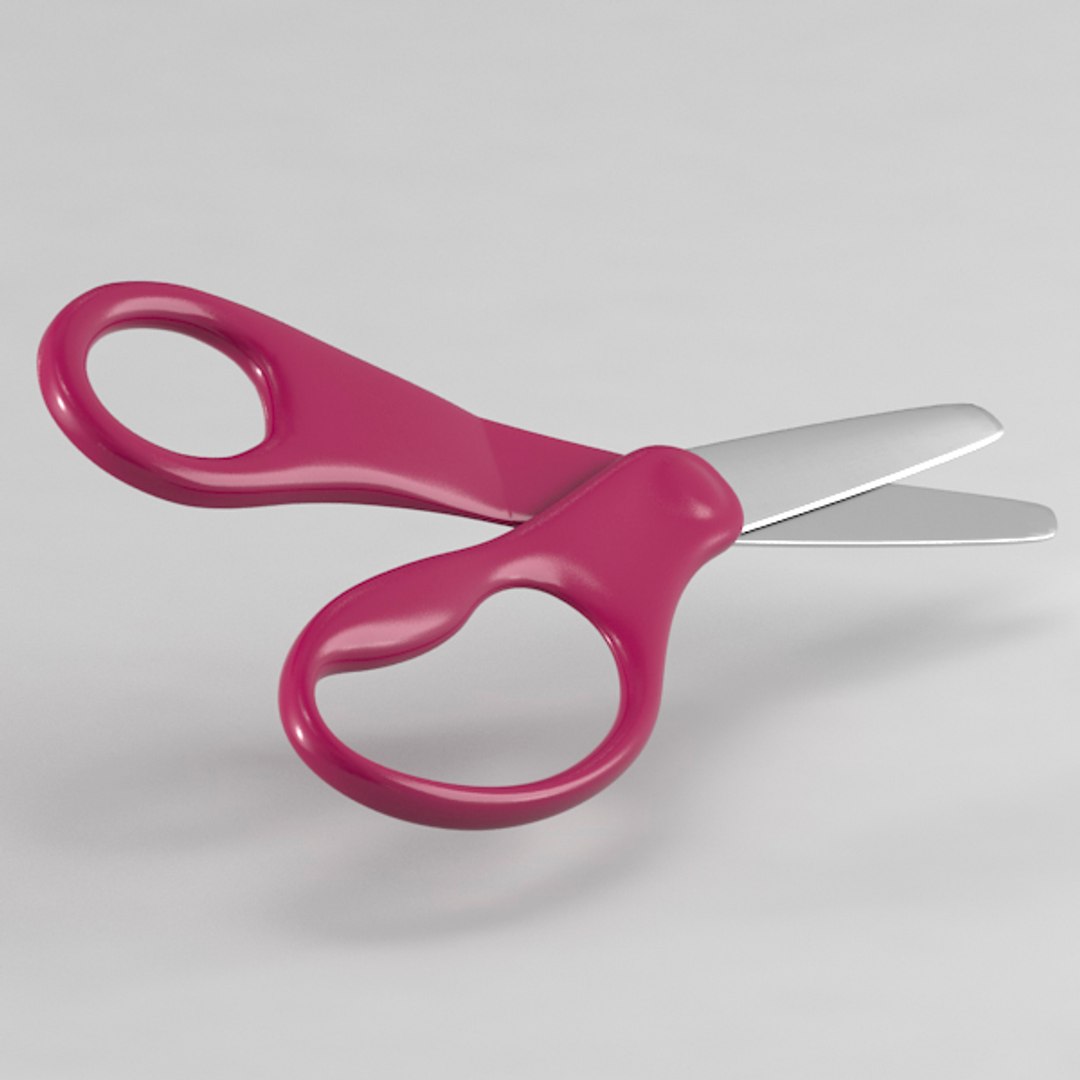
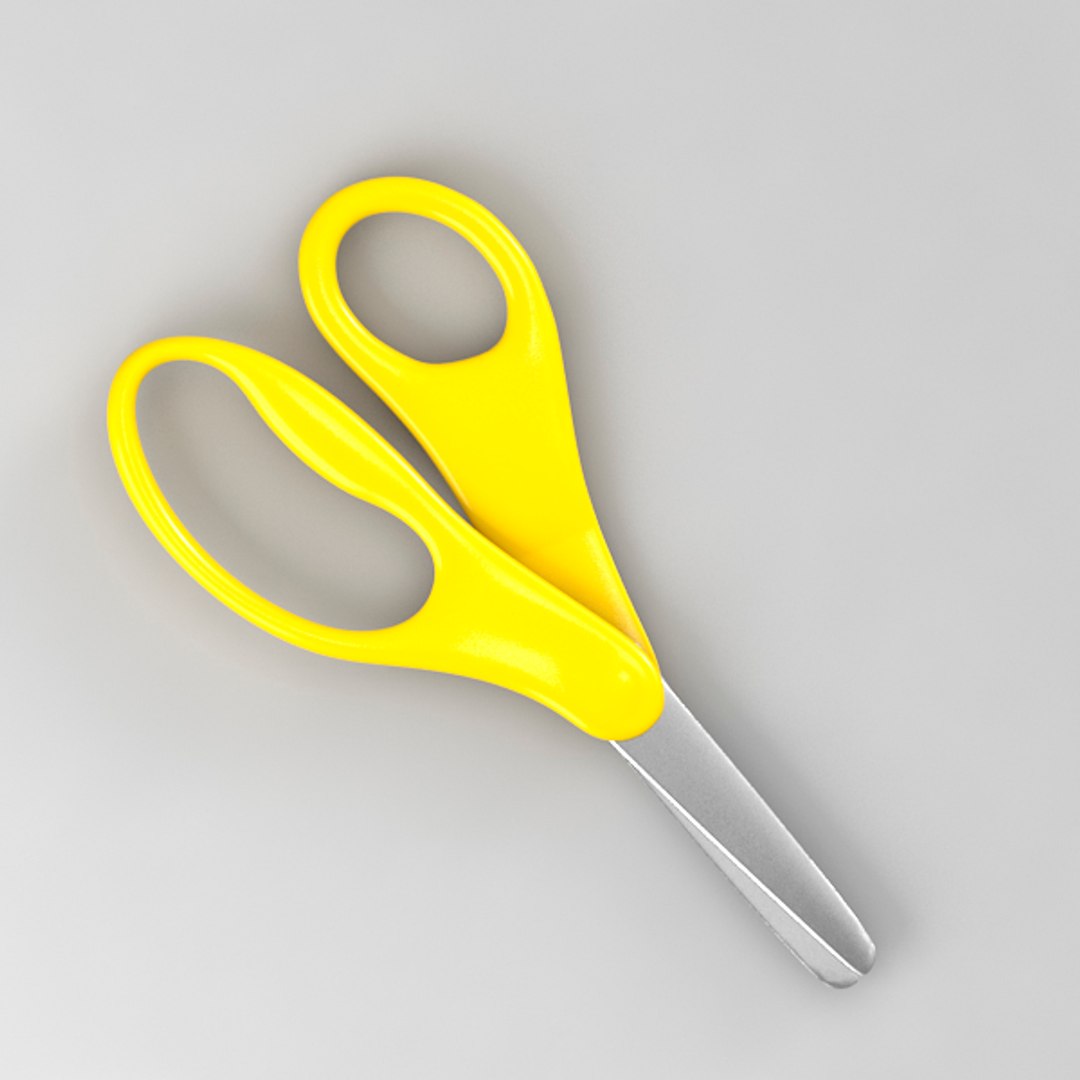
Scissors model to add more details and realism to your rendering projects.

Originally modelled in 3ds max 2013. Final images rendered with vray 2.0.

The 3ds max zip file contains also vray mats and HDRI


*********************************
Features:

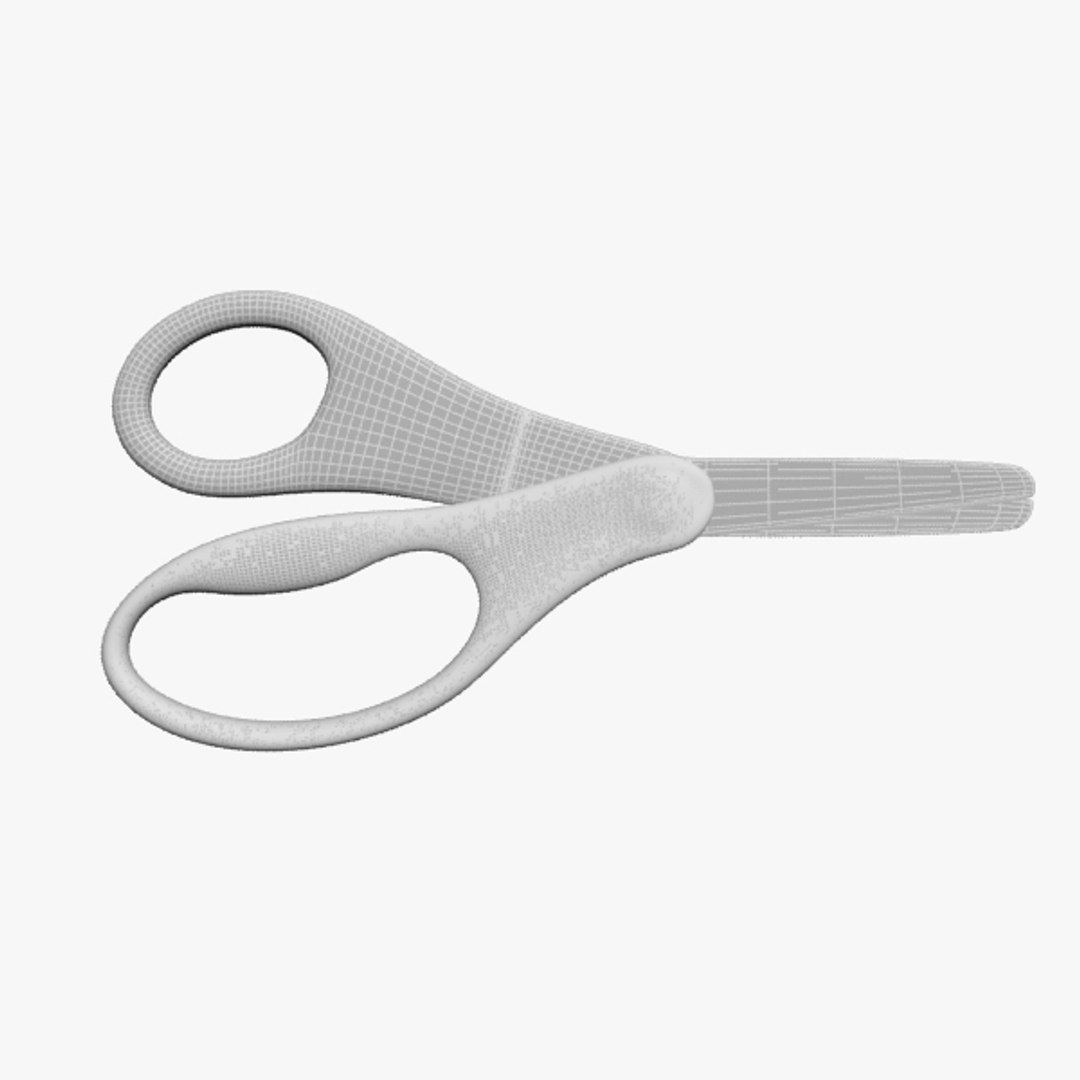
- Model resolutions are optimized for polygon efficiency(in 3DS MAX the meshsmooth or turbosmooth function can be used to increase mesh resolution if necessary).
- All colors can be easily modified.
- Also Comes in black yellow redwine and blue color
- Model is fully textured with all materials applied.
- Max models grouped for easy selection & objects are logically named for ease of scene management.
- No part-name confusion when importing several models into a scene.
- No cleaning up necessary, just drop your models into the scene and start rendering.

*********************************
Models:
5 objects 3 materials

vertices 23961
normals 23109
tverts 791
triangles 140
quads 23885
materials 3
*********************************
File formats:
- 3ds Max 2013 (Contains also vray materials!)
- 3ds Max 2009 (Contains default materials for scanline)
- Maya 2013
- FBX

IMPORTANT:
The model has been checked with the appropriate software. (including Check LIte and CheckPro V 1.0/2.0

Select Enhanced License

  • $10,000 in Legal Protection (Indemnification)
  • Uncapped Legal Protection (Indemnification)
  • Waiver from injunctive relief
  • Assignable model rights
  • $1,000,000 in Legal Protection (Indemnification)
  • Waiver from injunctive relief
  • Assignable model rights
  • $250,000 in Legal Protection (Indemnification)
  • Assignable model rights
Read more about enhanced license tiers, or contact us at enterprise@turbosquid.com. Already a Shutterstock Enterprise Customer? Contact your Shutterstock Sales Support Agent to talk about adding 3D.

About Conversion Requests

To submit a conversion request for a purchased asset, please complete our Conversion Request Form.

If you have not yet purchased a model, please review our Documentation about Conversions to learn about what limitations you may encounter with a conversion.

For any additional questions about a model’s suitability for conversion, please contact TurboSquid Support.

Loading...