
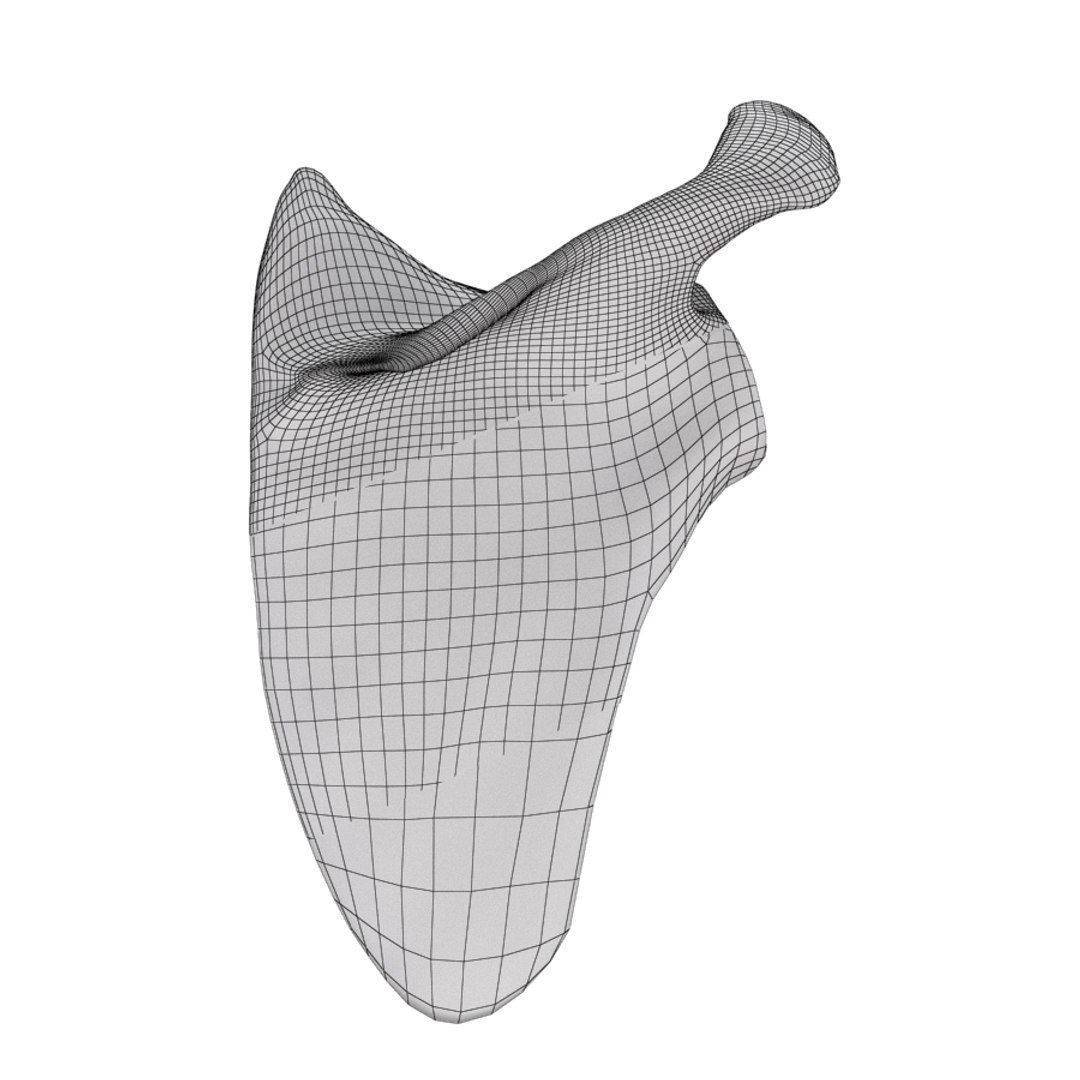
Scapula Bone

$59

Standard License | Upgrade License
Formats (5)
Free file format Conversions available
Native | 3ds Max 2010 | V-Ray
3ds Max 2010 | mental ray
FBX
3D Studio
OBJ
Specifications
Publish Date October 24, 2010
Product ID 564698
Polygons 14,957
Vertices 14,970
Polygonal Quads Only
Textures
Materials
UV Mapped
Non-overlapping Unwrapped UVs
TurboSquid Exclusive
member avatar
joXit
69 Products | Contributor Since 2007
Have questions? Chat with us now.

Description

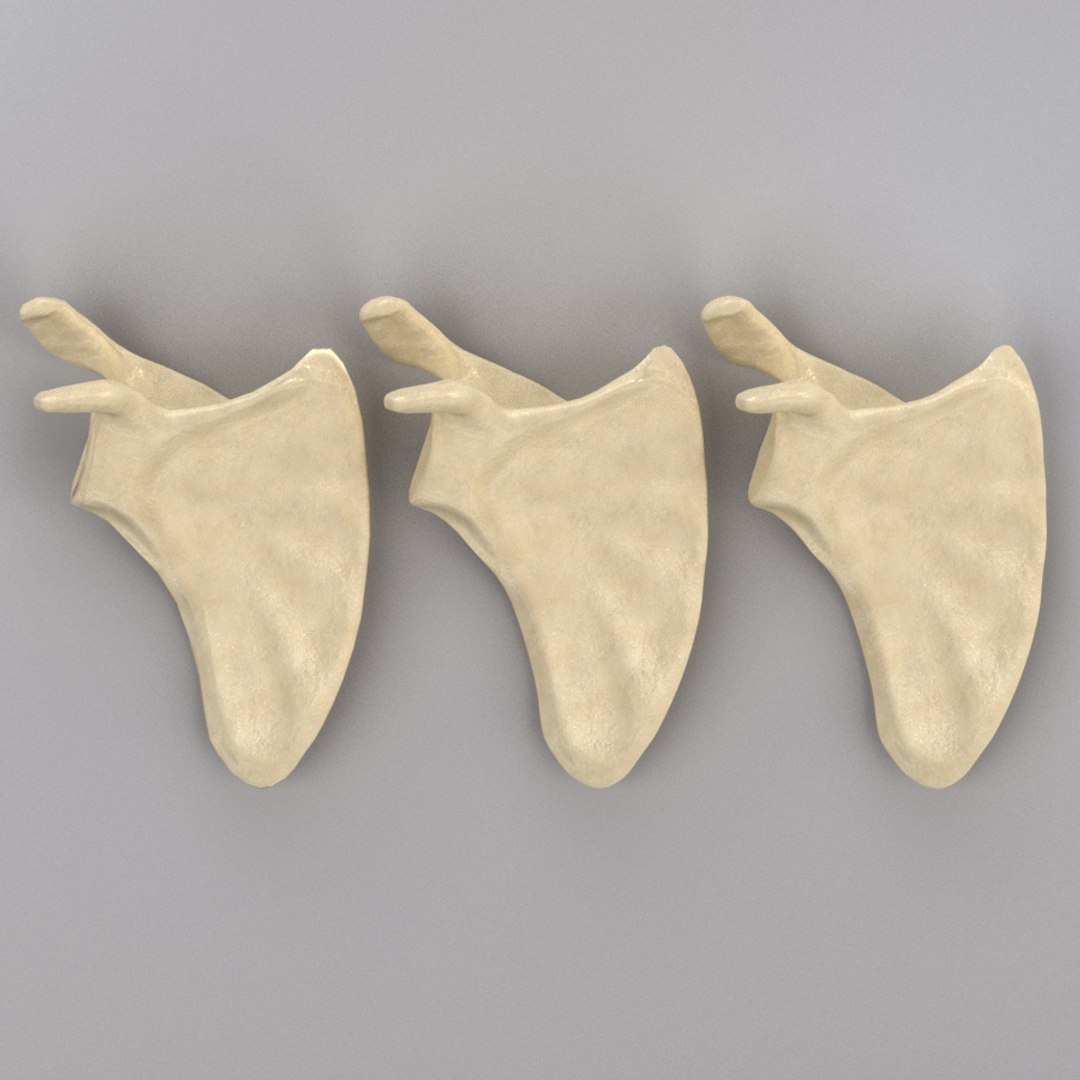
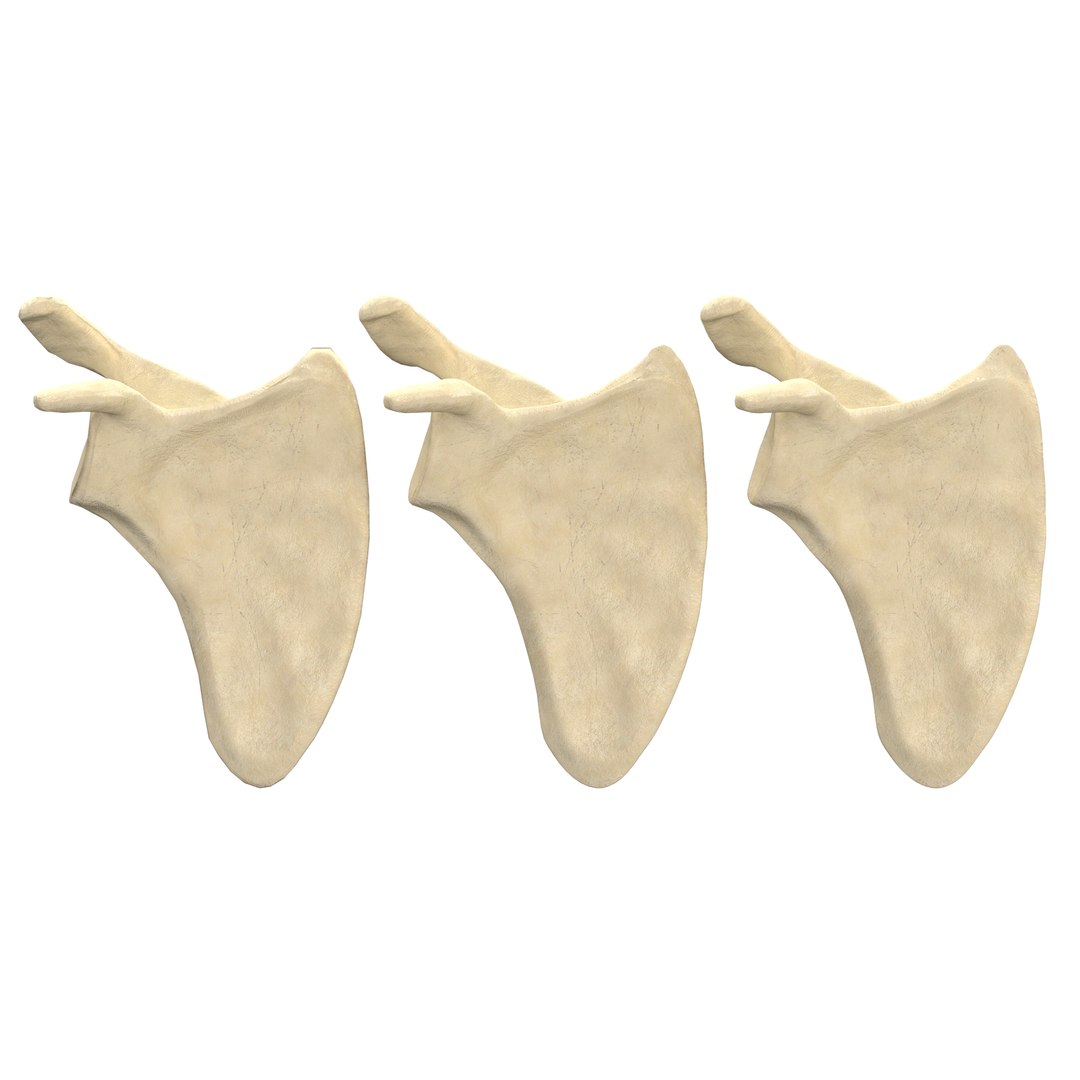
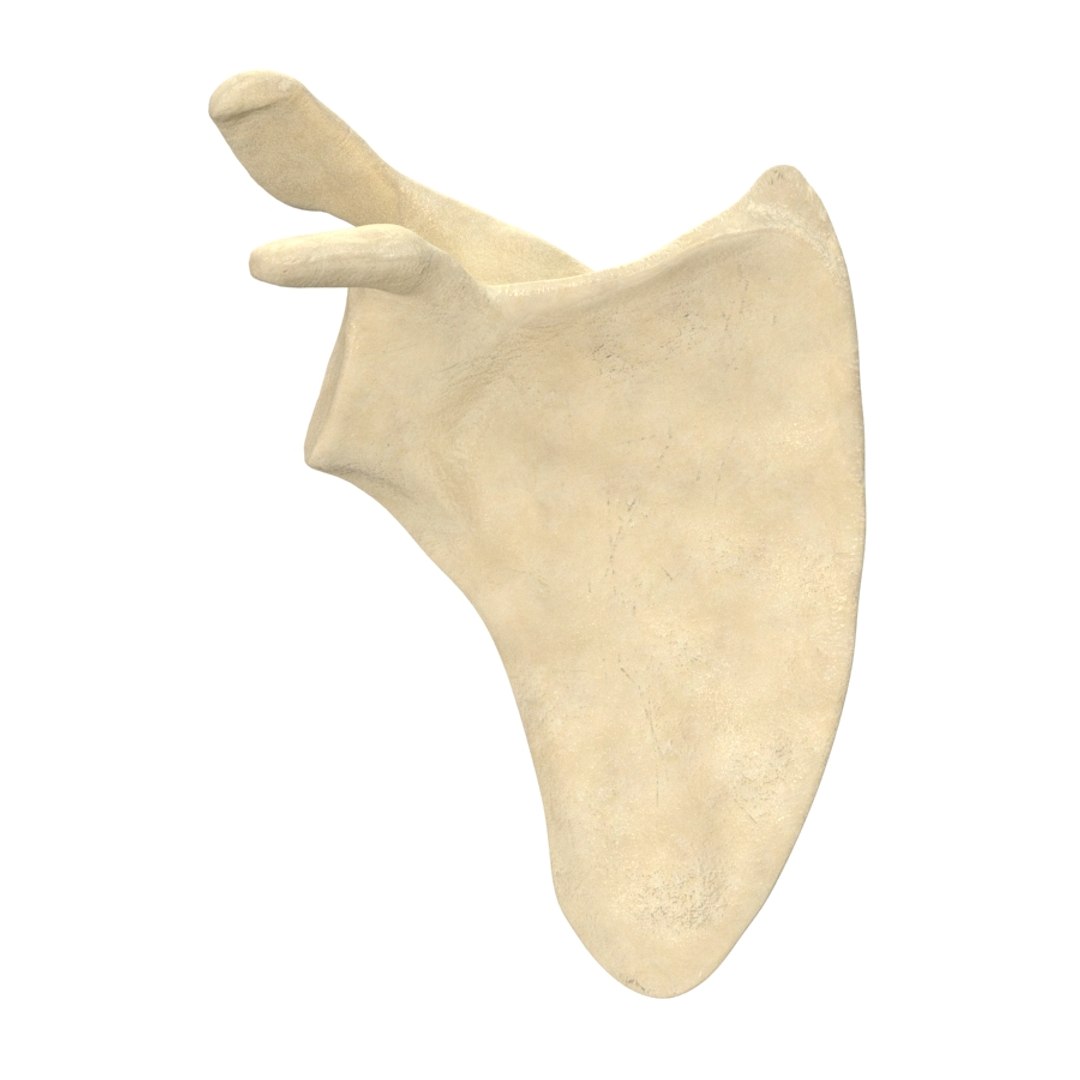
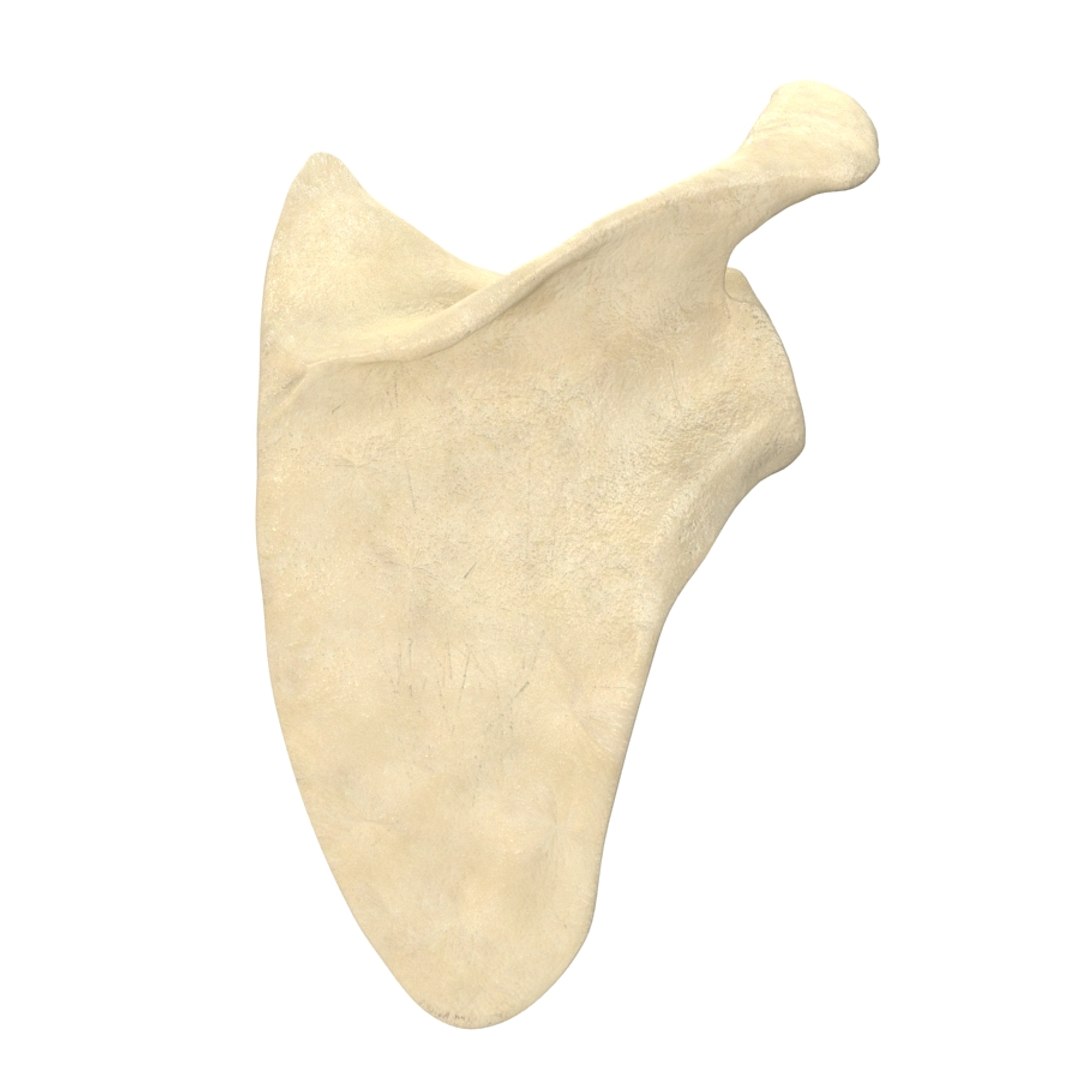
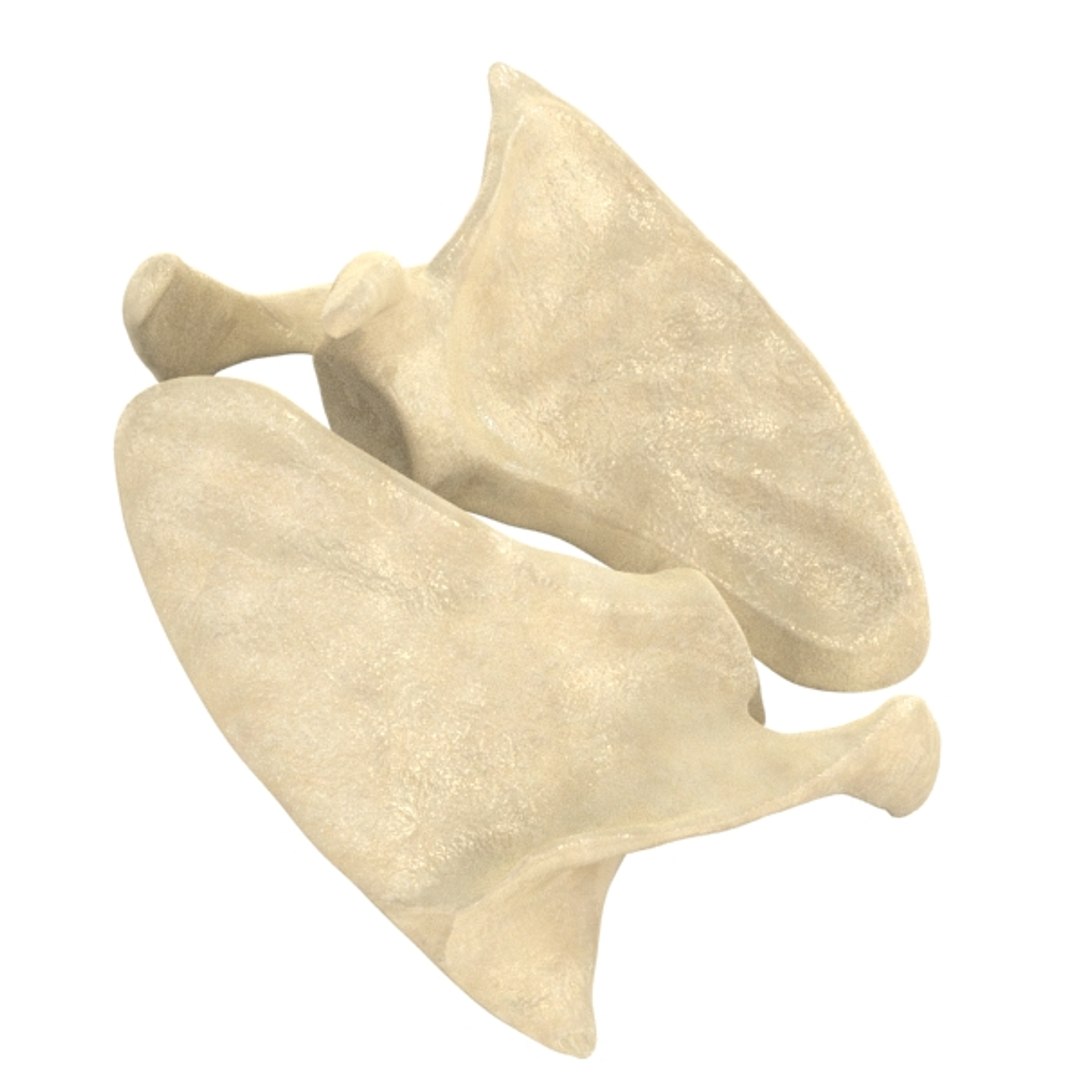
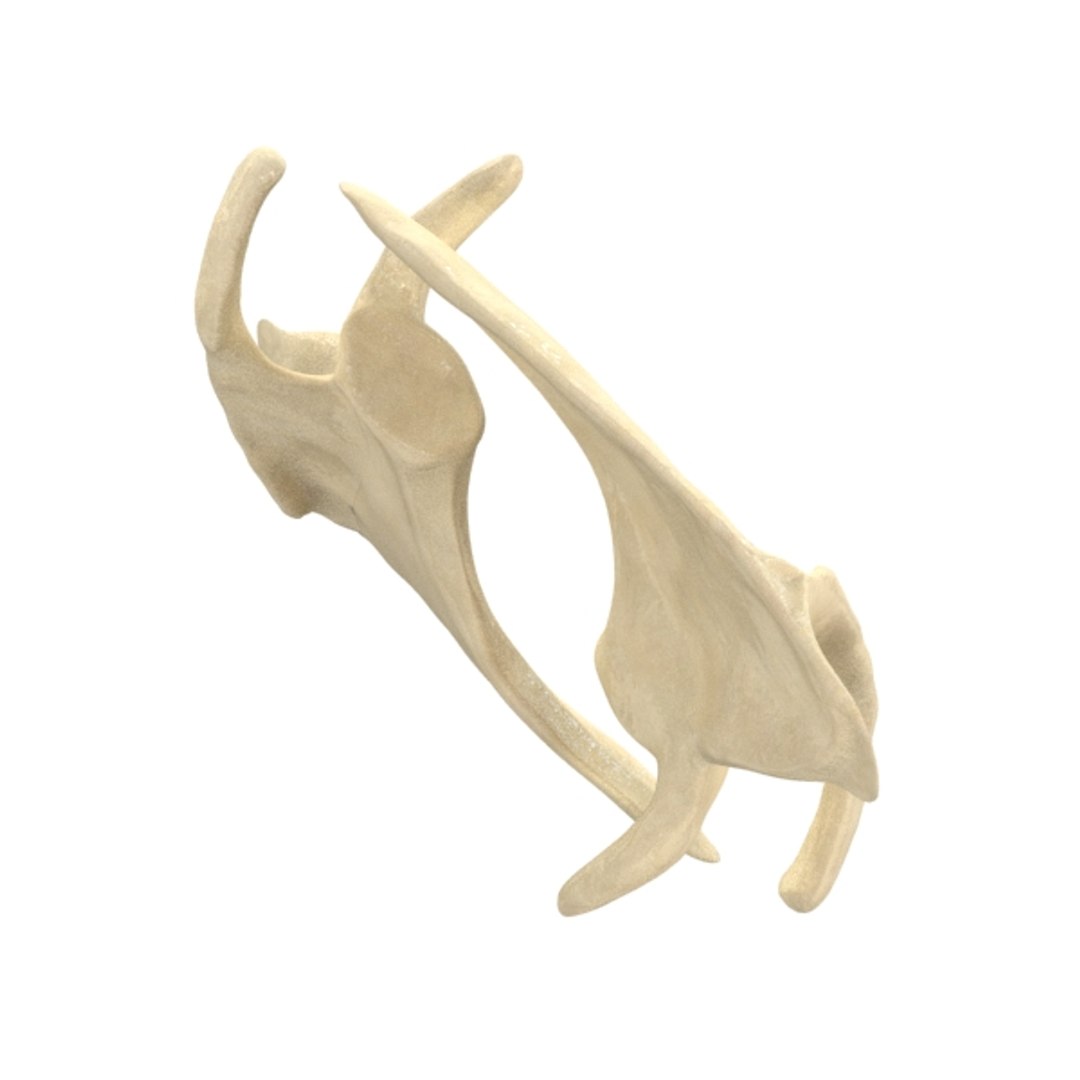
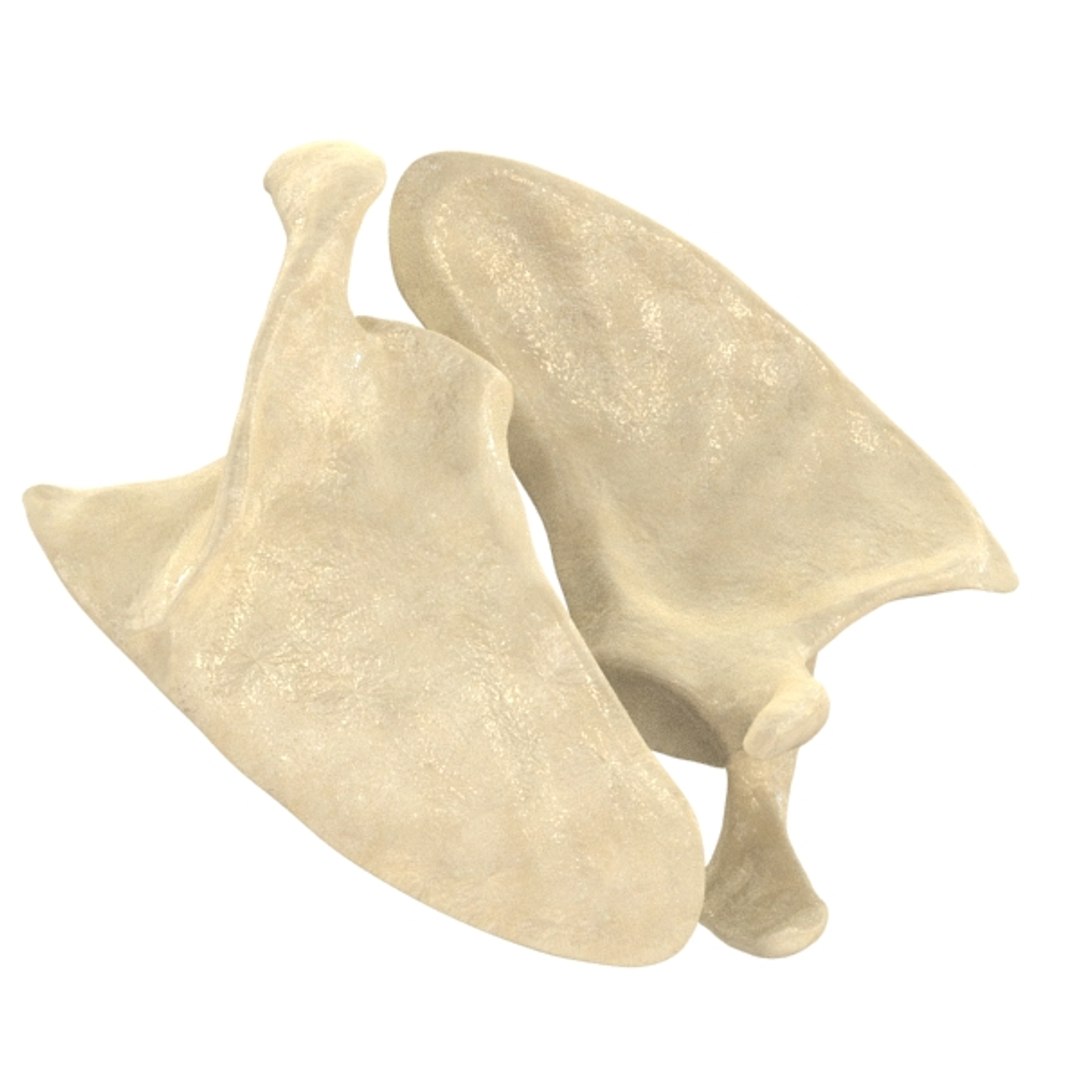
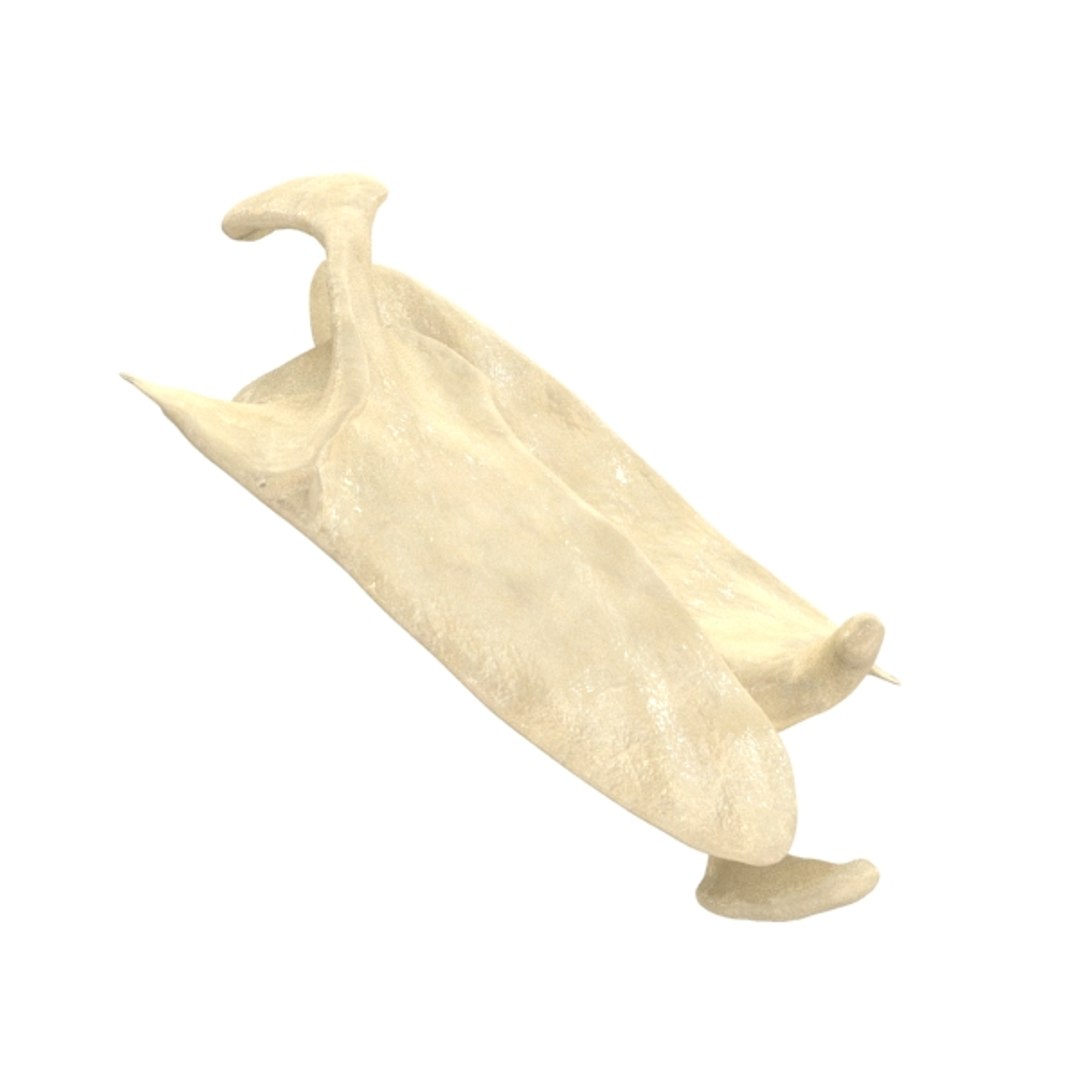
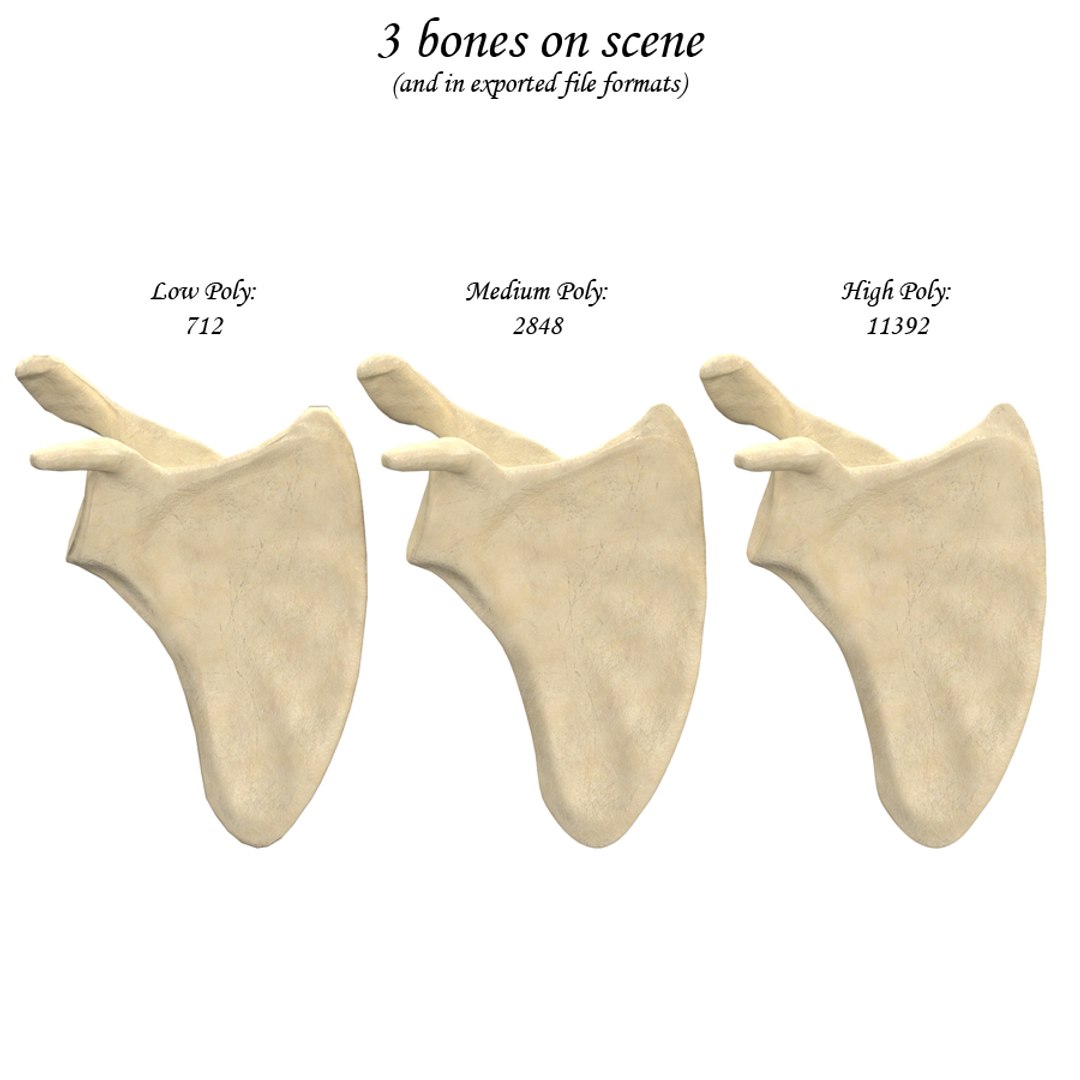
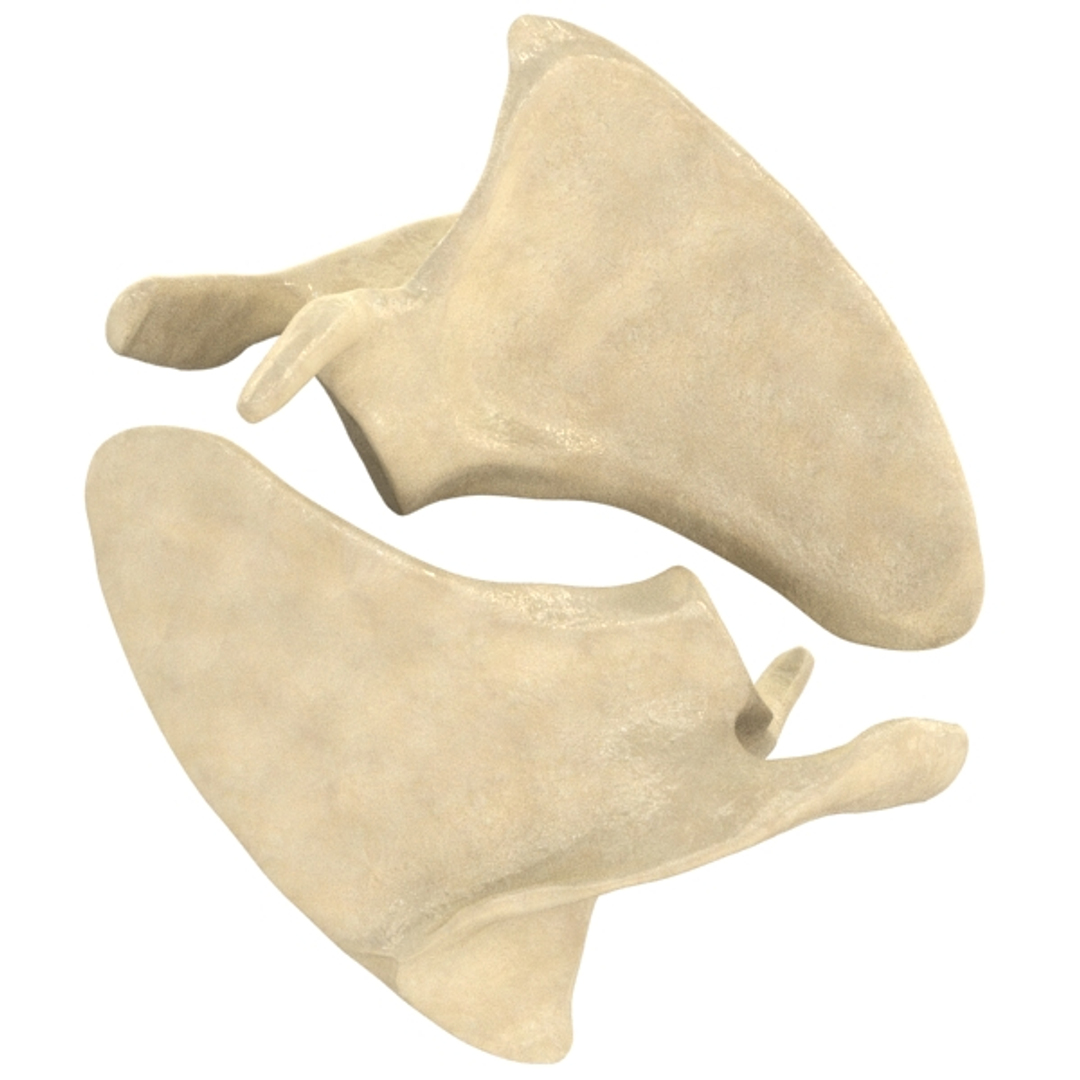
High detail scapula bone.
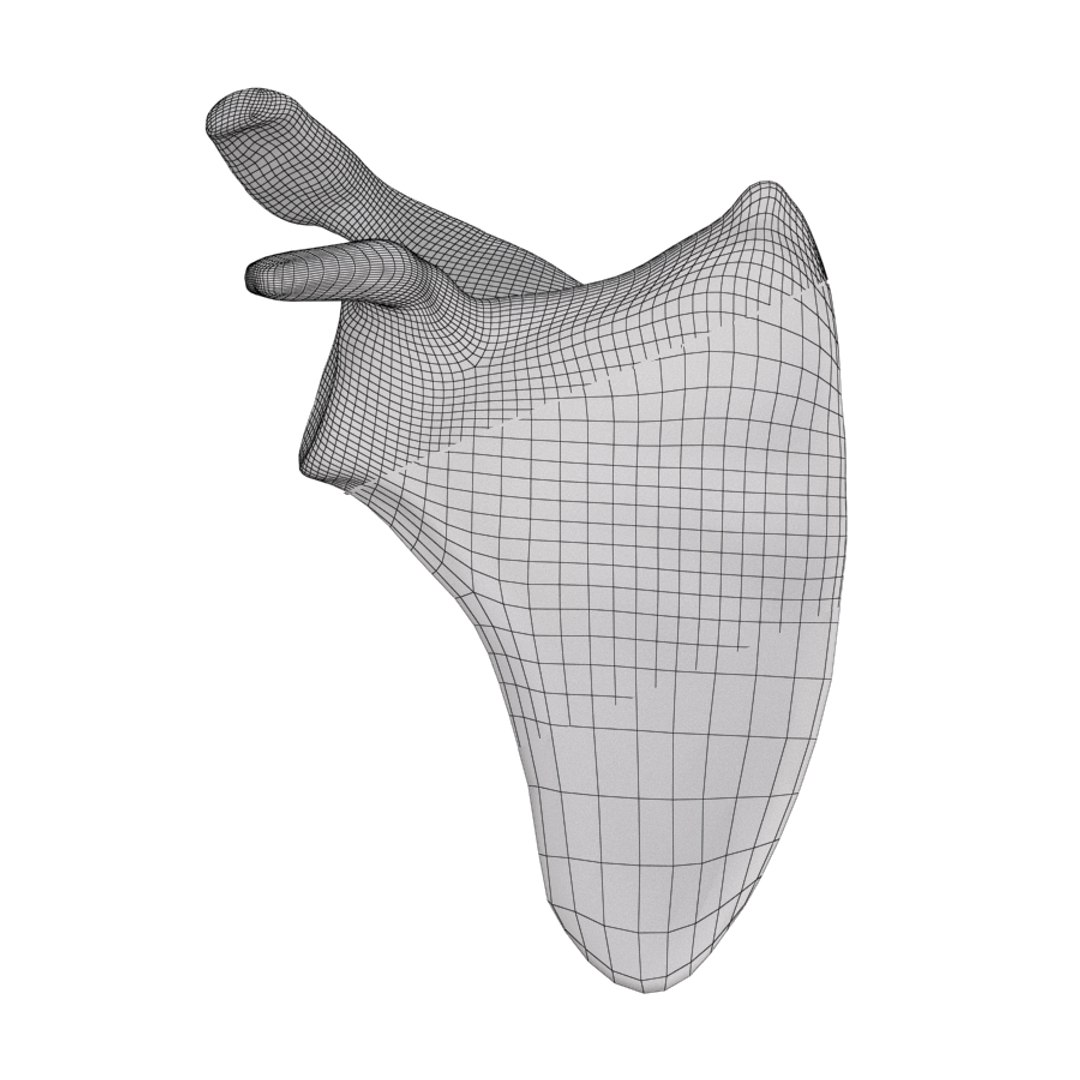
Clean topology all in quads, subdivision ready.
Materials, textures and objects named logically.
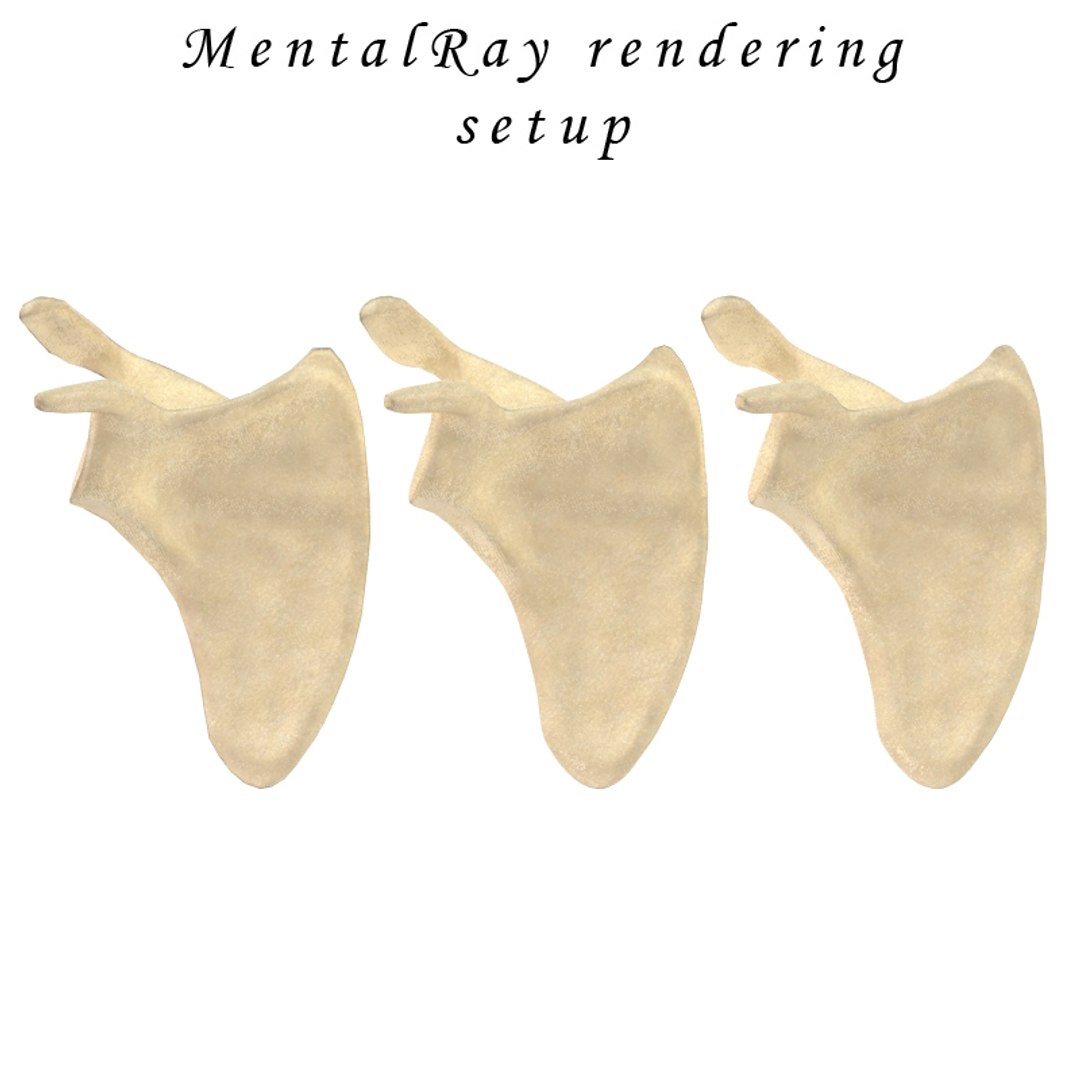
V-Ray and mental ray rendering setups available. No third party plug-ins required.
For rendering in other software, simply apply glossy reflecting material and attach textures to corresponding slots.

Everything on scene is included except environment HDR image. HDR image is not included. In provided rendering scene, map spot is left defined in material library (causing a prompt when opening the file). Just browse one of your own HDR images (tweak if necessary) and you are ready to go.

What is in the box:

max format (V-Ray version):
-Scene like on previews all 3 bones.
-Textures in PNG format.

max format (mental ray version):
-Scene like on previews all 3 bones.
-Textures in PNG format.

3ds format:
-Exported geometry (all 3 bones).

obj format:
-Exported geometry (all 3 bones).

fbx format:
-Exported geometry (all 3 bones).

Textures archive:
-Textures in PNG format.

Geometry info stated is for everything on scene (3 bones and background plane).

Select Enhanced License

  • $10,000 in Legal Protection (Indemnification)
  • Uncapped Legal Protection (Indemnification)
  • Waiver from injunctive relief
  • Assignable model rights
  • $1,000,000 in Legal Protection (Indemnification)
  • Waiver from injunctive relief
  • Assignable model rights
  • $250,000 in Legal Protection (Indemnification)
  • Assignable model rights
Read more about enhanced license tiers, or contact us at enterprise@turbosquid.com. Already a Shutterstock Enterprise Customer? Contact your Shutterstock Sales Support Agent to talk about adding 3D.

About Conversion Requests

To submit a conversion request for a purchased asset, please complete our Conversion Request Form.

If you have not yet purchased a model, please review our Documentation about Conversions to learn about what limitations you may encounter with a conversion.

For any additional questions about a model’s suitability for conversion, please contact TurboSquid Support.

Loading...