
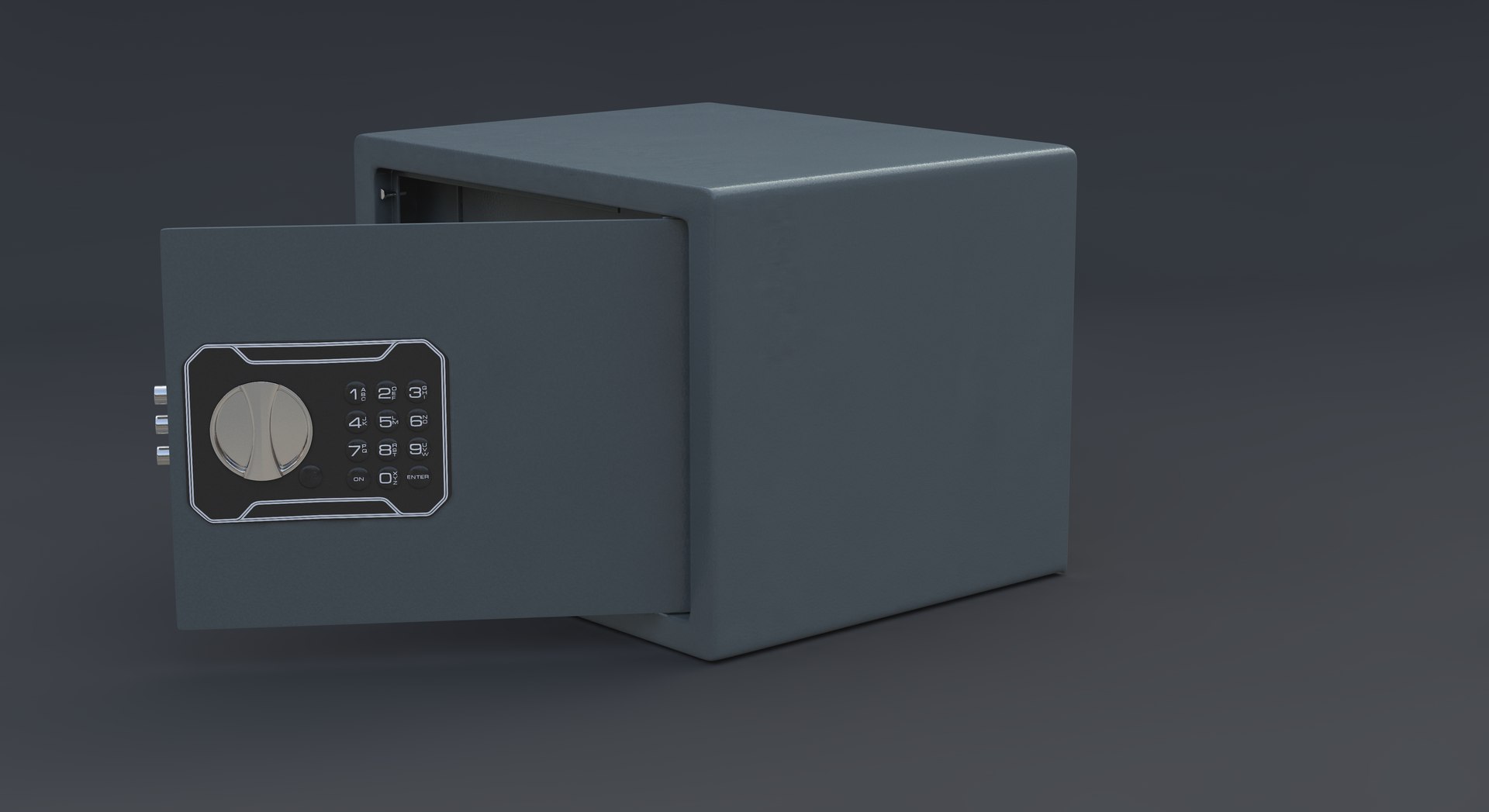
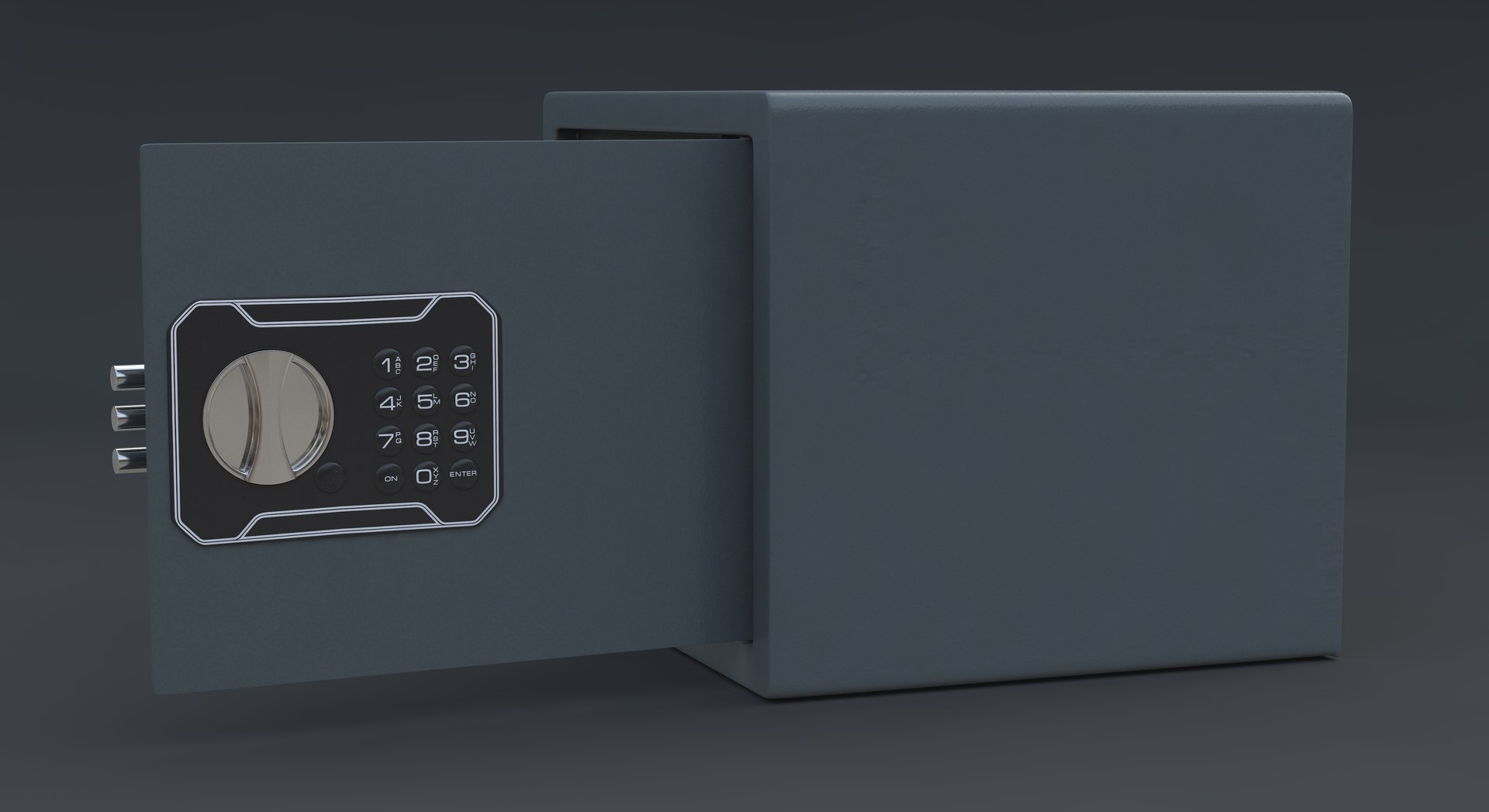
Safe Gun AIKO TT-23

$29

Standard License | Upgrade License
Editorial Uses Only
Formats (4)
Free file format Conversions available
Native | Cinema 4D 19 | Advanced Render
Collada
FBX
OBJ
Specifications
Publish Date October 30, 2020
Product ID 1641578
Polygons 12,583
Vertices 12,631
Polygonal Quads Only
Textures
Materials
UV Mapped
Non-overlapping Unwrapped UVs
PBR
TurboSquid Exclusive

member avatar
3d craft
50 Products | Contributor Since 2016
Have questions? Chat with us now.

Description

3d model Safe Gun AIKO TT-23
Created in Cinema 4D R19 and shown with Advanced Render.
Native The file is equally correctly opened in 23, 22, 21, 20, 19, 18 version of Cinema 4D.
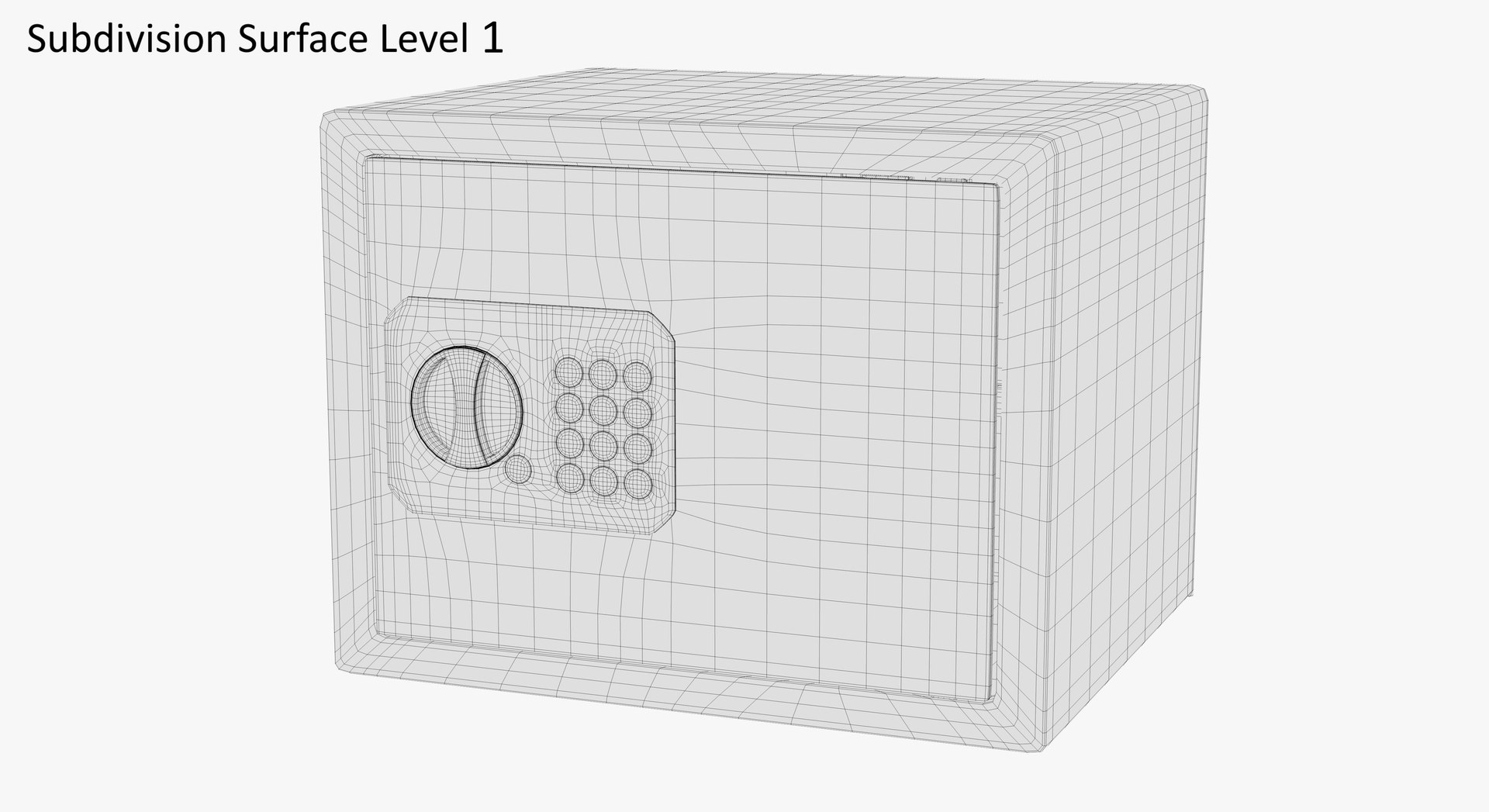
Modeled for subdivision - only quads polygons.
Model is built to real-world scale.
Used C4D scene units: centimeters. Size: Length 45 cm, Height 23 cm, Width 30 cm..
3d model consists of 20 objects.
SPEC:
polygons: 12583
points: 12631
Subdivision Surface Level 1:
polygons: 62915
points: 63011
Subdivision Surface Level 2:
polygons: 213911
points: 214007
Textures:
The scene has 1 PBR materials: 7 texture resolution (8192x8192), format PNG (.png)., Included HDRI map.
Other formats exported as base mesh:
OBJ
FBX (7,5)
DAE (COLLADA 1,4)
To other multi formats, you need to apply the subdivision modifier after importing it into your 3d editor.
And in all cases, to obtain an image of a shiny metal, the scene must have a source of environment HDRI map.
For correct display of textures, Subdivision Surface needs to be switched to Boundary or Edge mode.

Abbreviations of names of textures:
Color - Color, Color reflection
Difus - Diffusion, Color
Roug - Roughness
Metal - Metallnes
Bump - Bump, Displacement
Norm - Normal

Select Enhanced License

  • $10,000 in Legal Protection (Indemnification)
  • Uncapped Legal Protection (Indemnification)
  • Waiver from injunctive relief
  • Assignable model rights
  • $1,000,000 in Legal Protection (Indemnification)
  • Waiver from injunctive relief
  • Assignable model rights
  • $250,000 in Legal Protection (Indemnification)
  • Assignable model rights
Read more about enhanced license tiers, or contact us at enterprise@turbosquid.com. Already a Shutterstock Enterprise Customer? Contact your Shutterstock Sales Support Agent to talk about adding 3D.

About Conversion Requests

To submit a conversion request for a purchased asset, please complete our Conversion Request Form.

If you have not yet purchased a model, please review our Documentation about Conversions to learn about what limitations you may encounter with a conversion.

For any additional questions about a model’s suitability for conversion, please contact TurboSquid Support.

Loading...