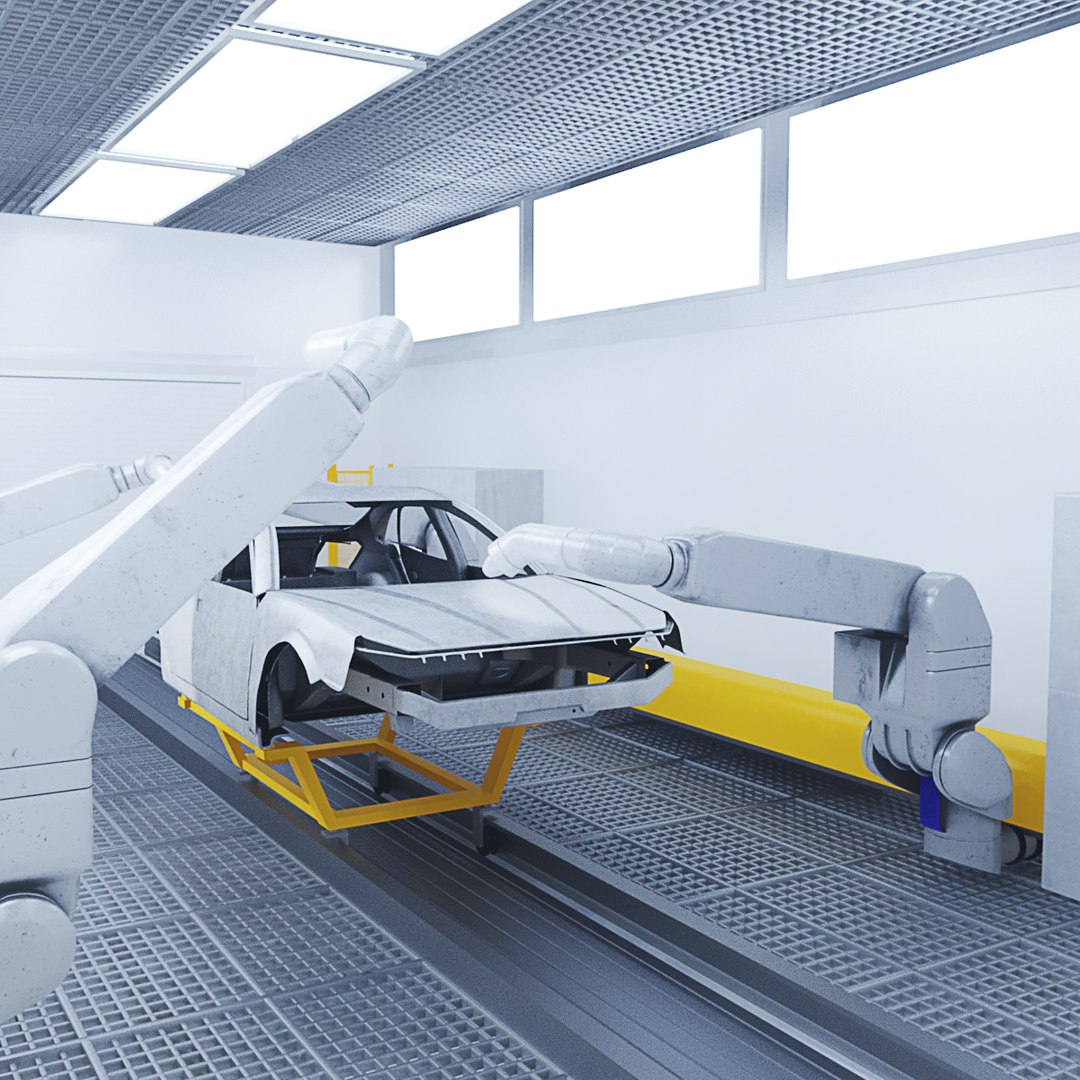
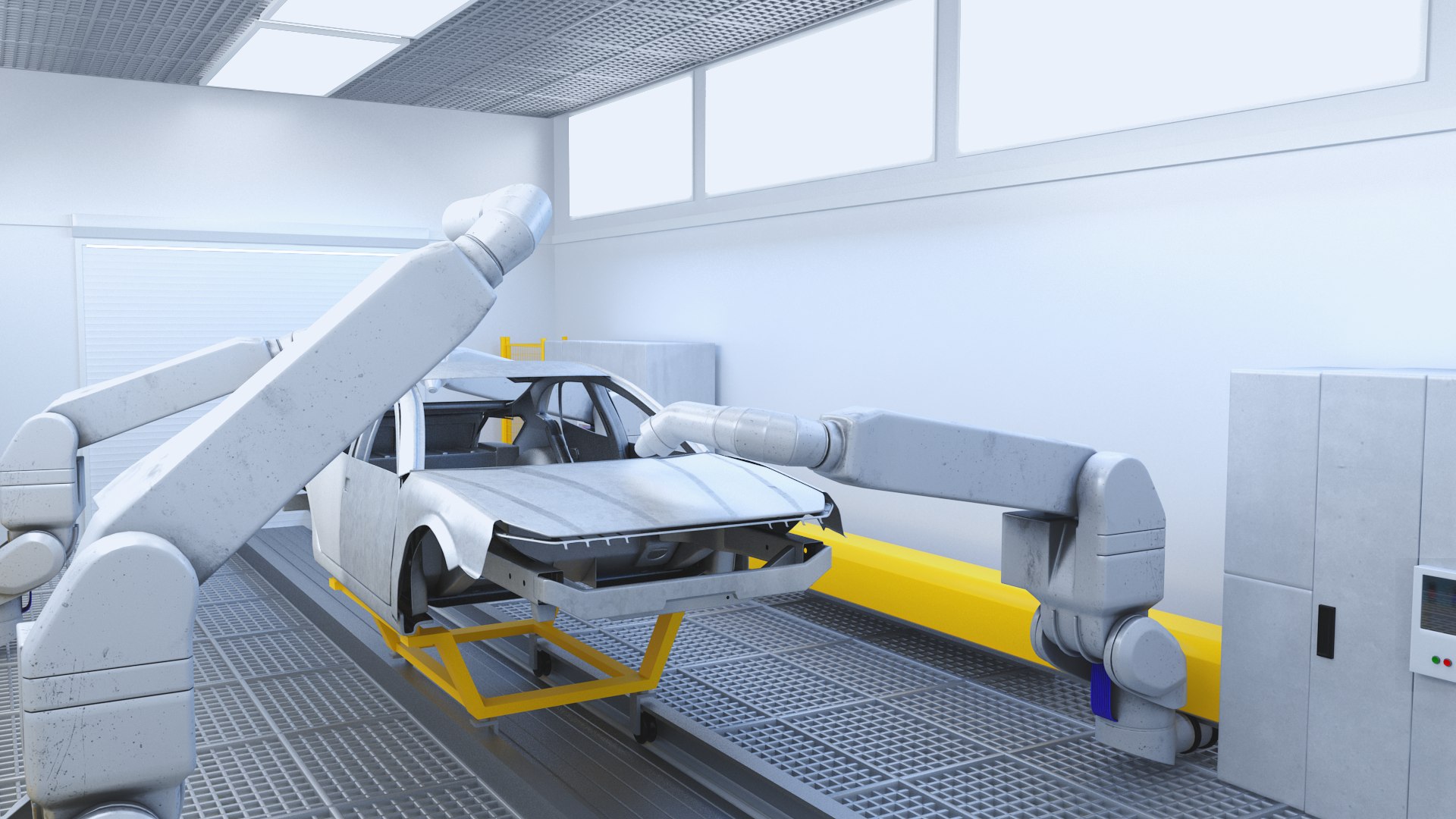
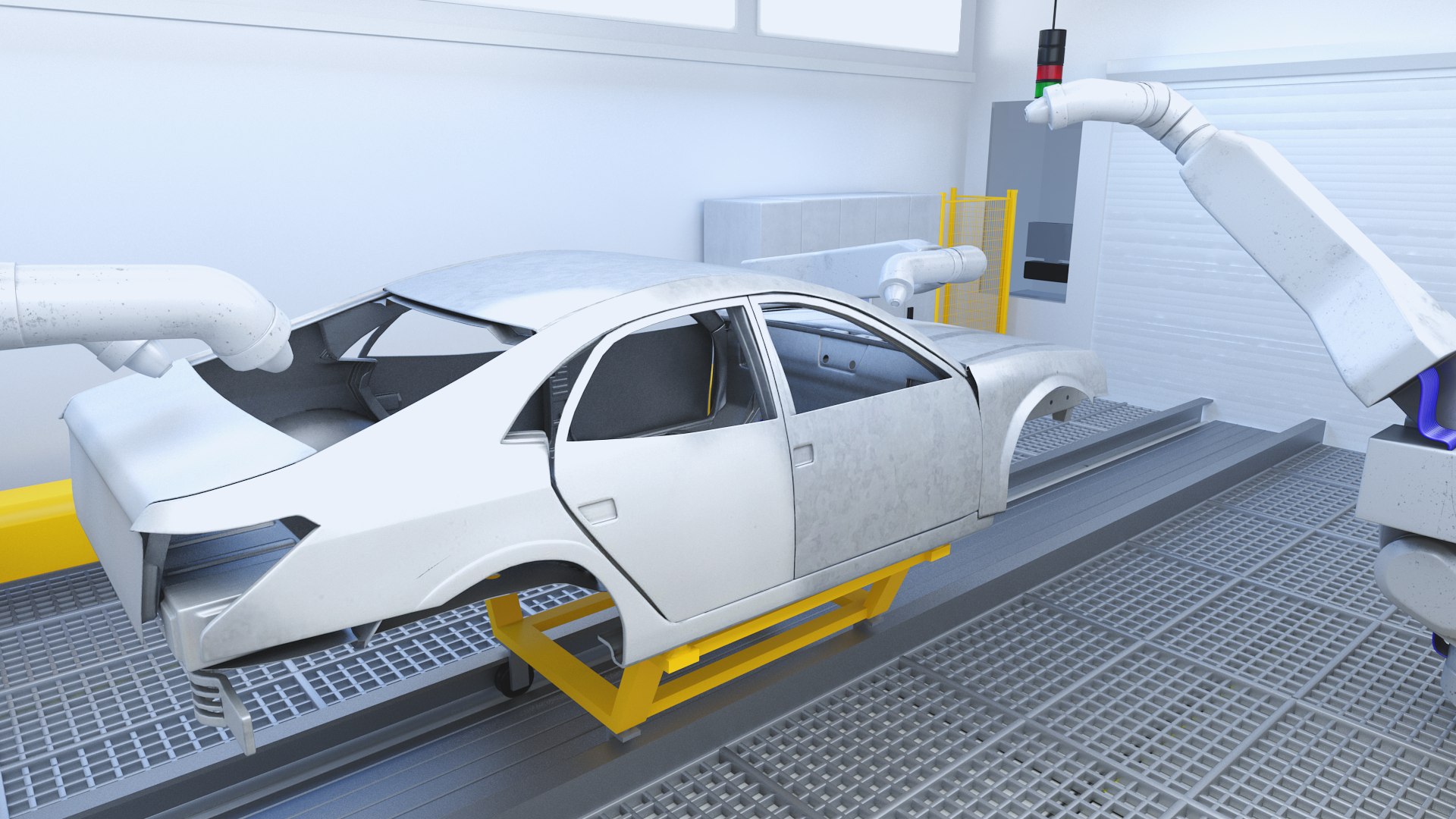
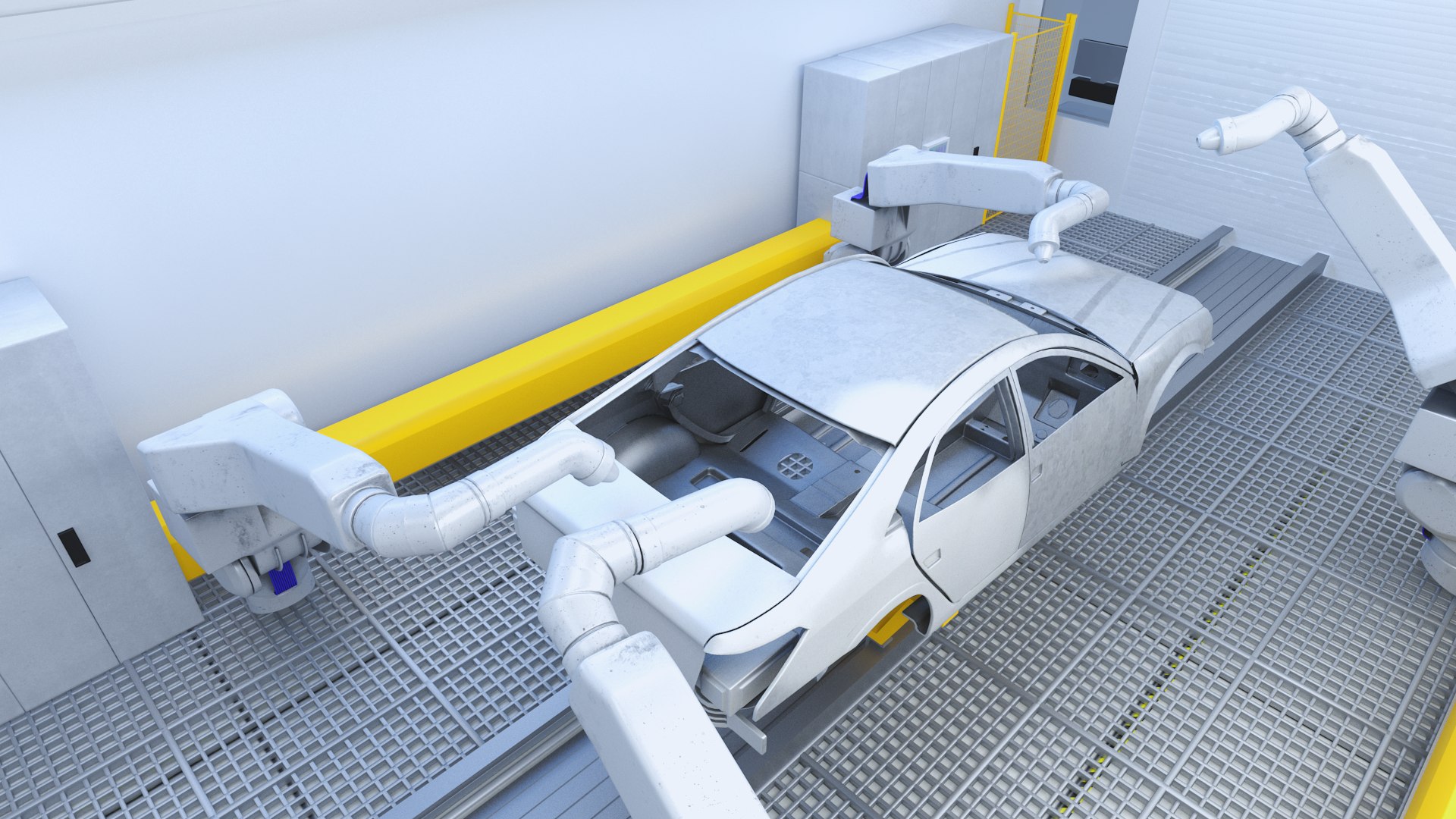
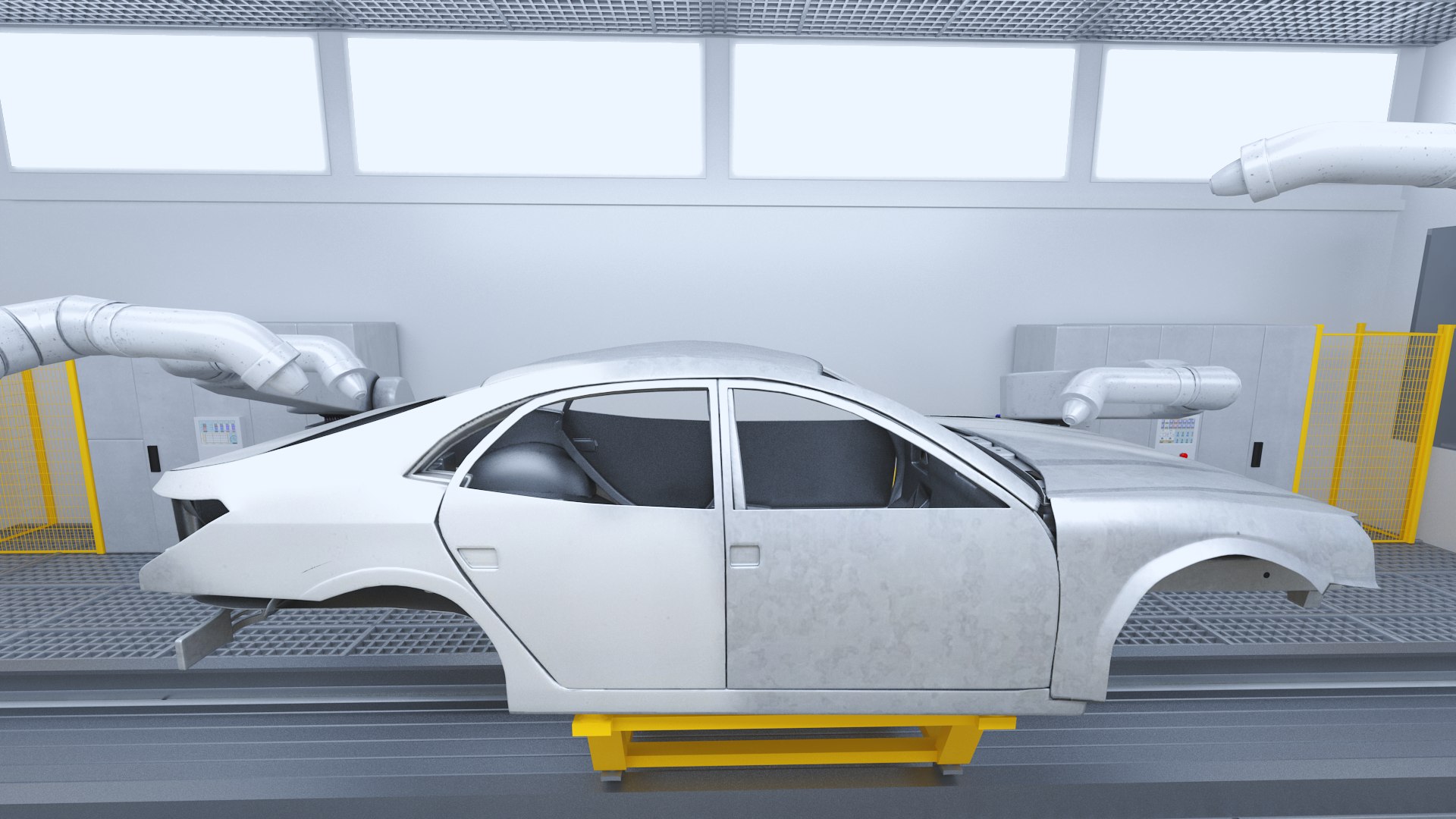
Robot Painting Production Line

$99

Standard License | Upgrade License
Formats (4)
Free file format Conversions available
Native | 3ds Max 2010 | V-Ray 2.4
3ds Max 2010 | Default Scanline
FBX
OBJ
Specifications
Publish Date June 26, 2021
Product ID 1751669
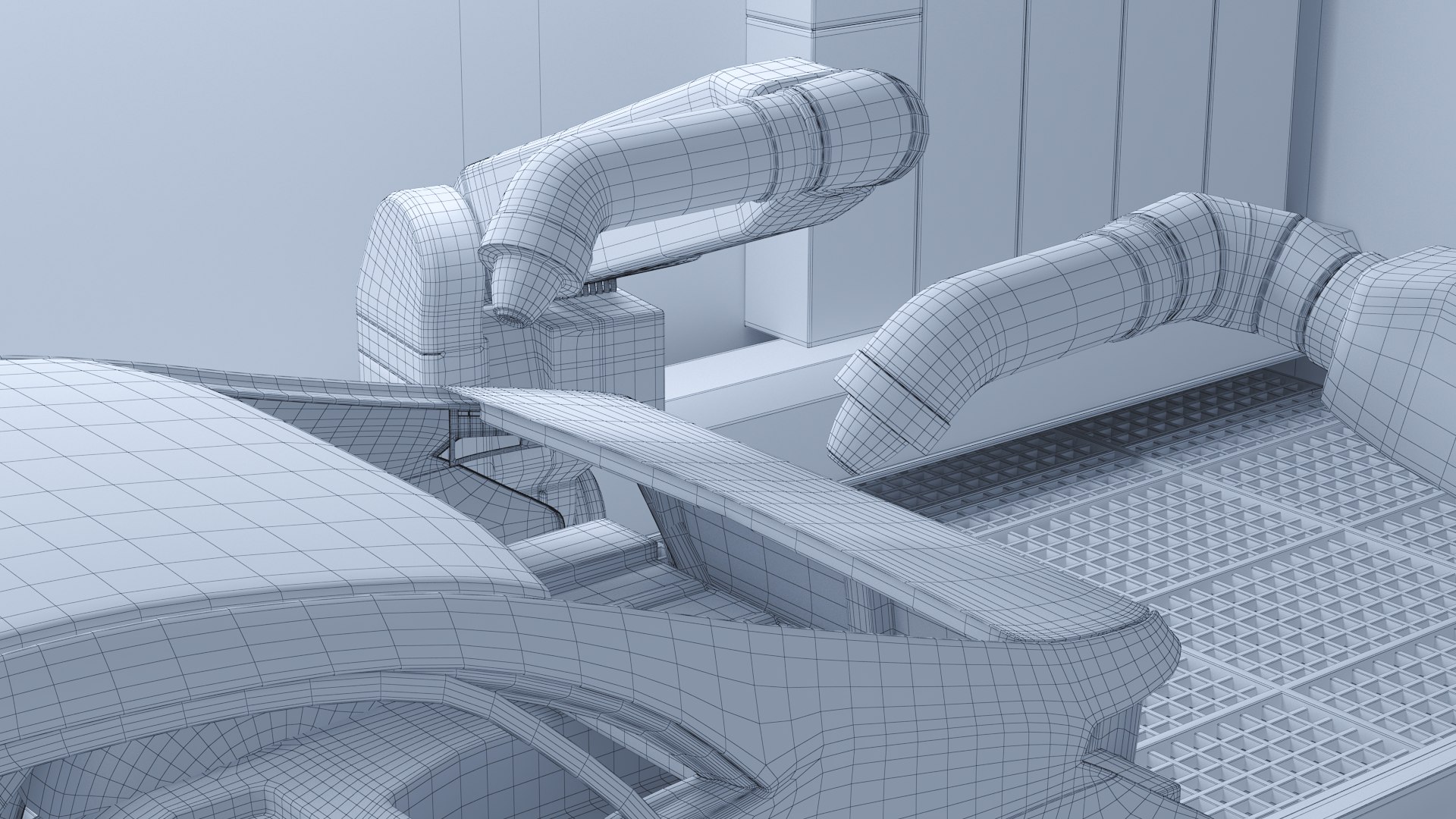
Polygons 411,087
Vertices 410,741
Polygonal Quads/Tris Geometry
Textures
Materials
UV Mapped
Mixed Unwrapped UVs
TurboSquid Exclusive

member avatar
machine_men
351 Products | Contributor Since 2013
Have questions? Chat with us now.

Description

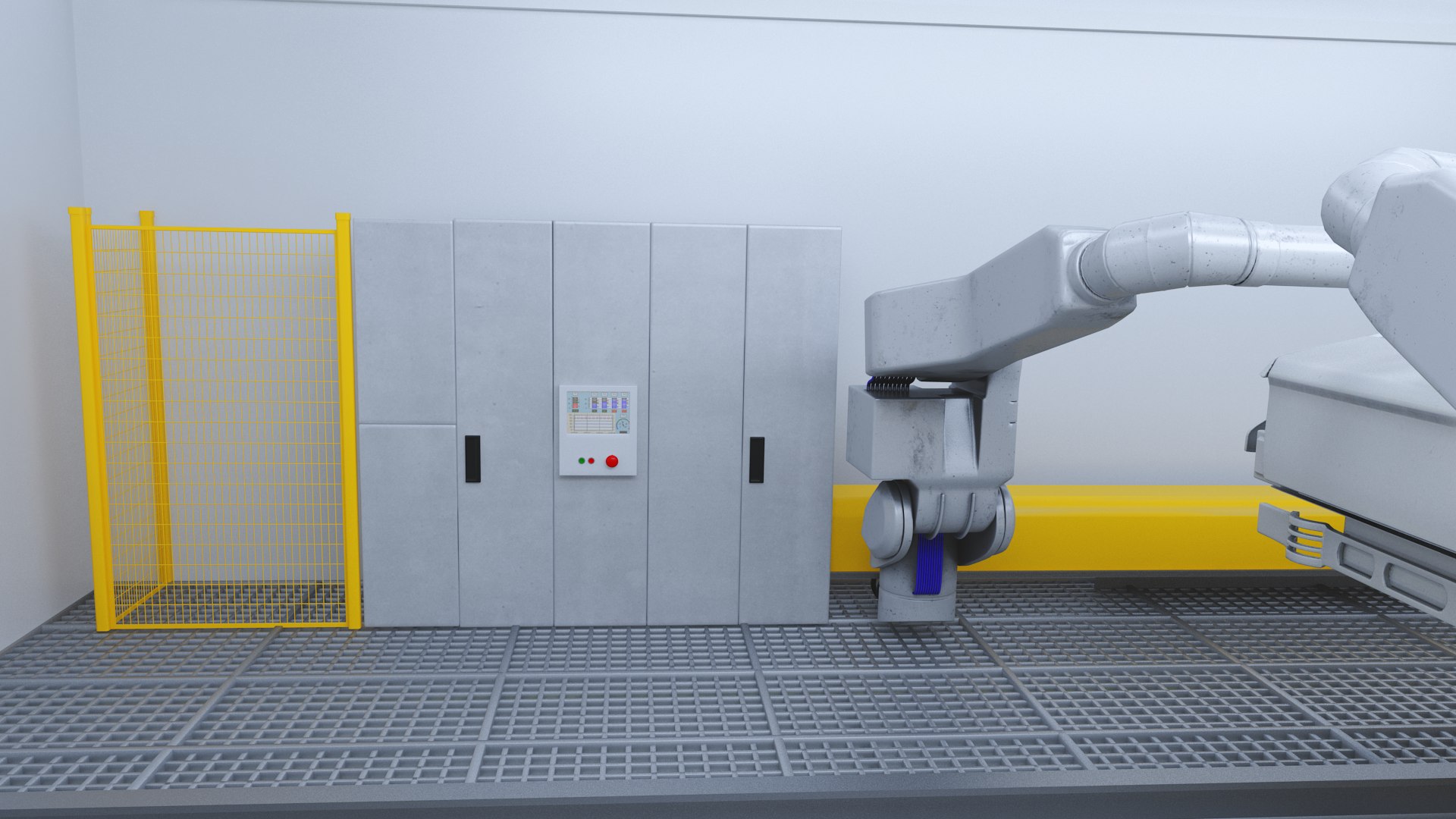
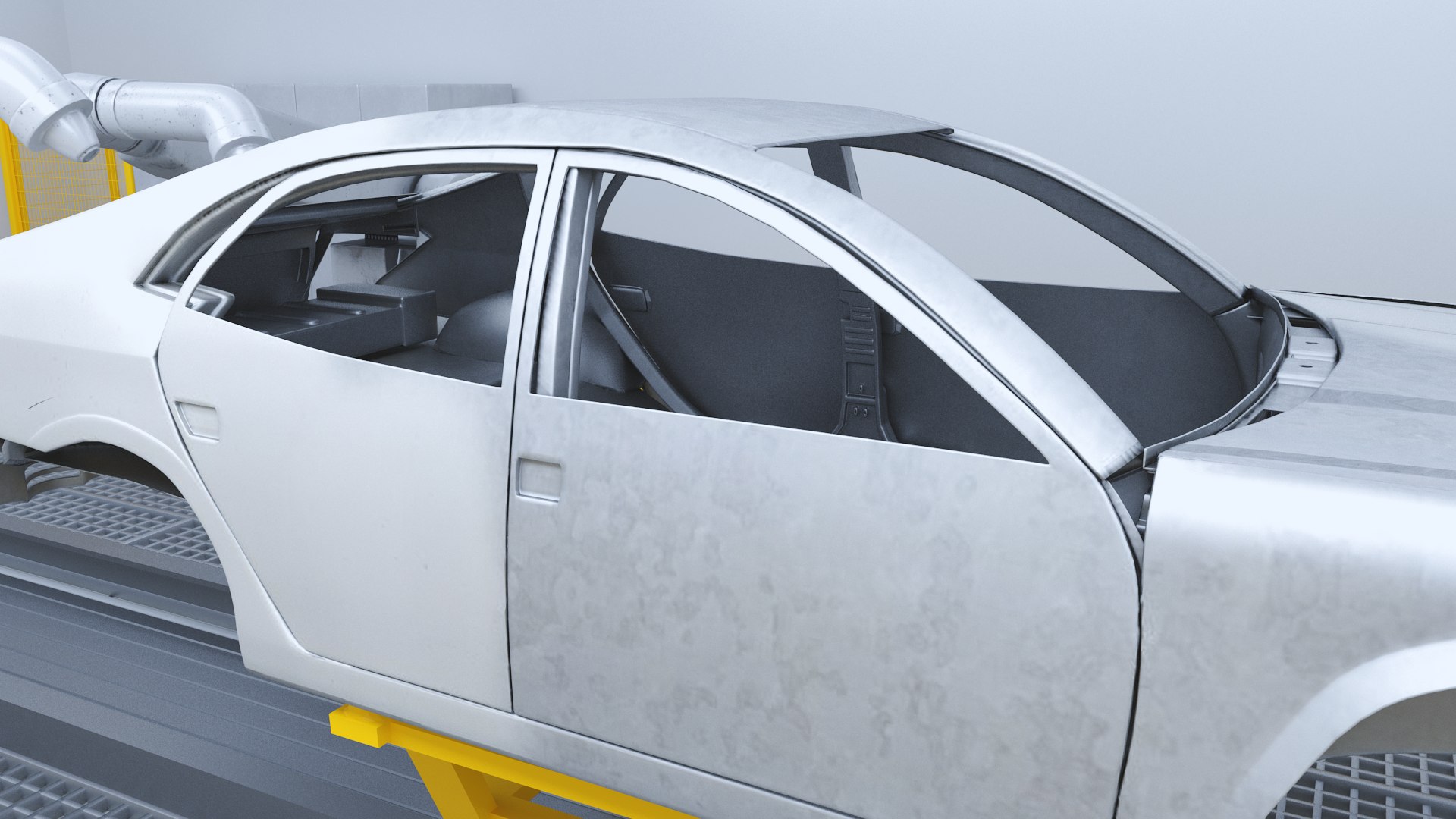
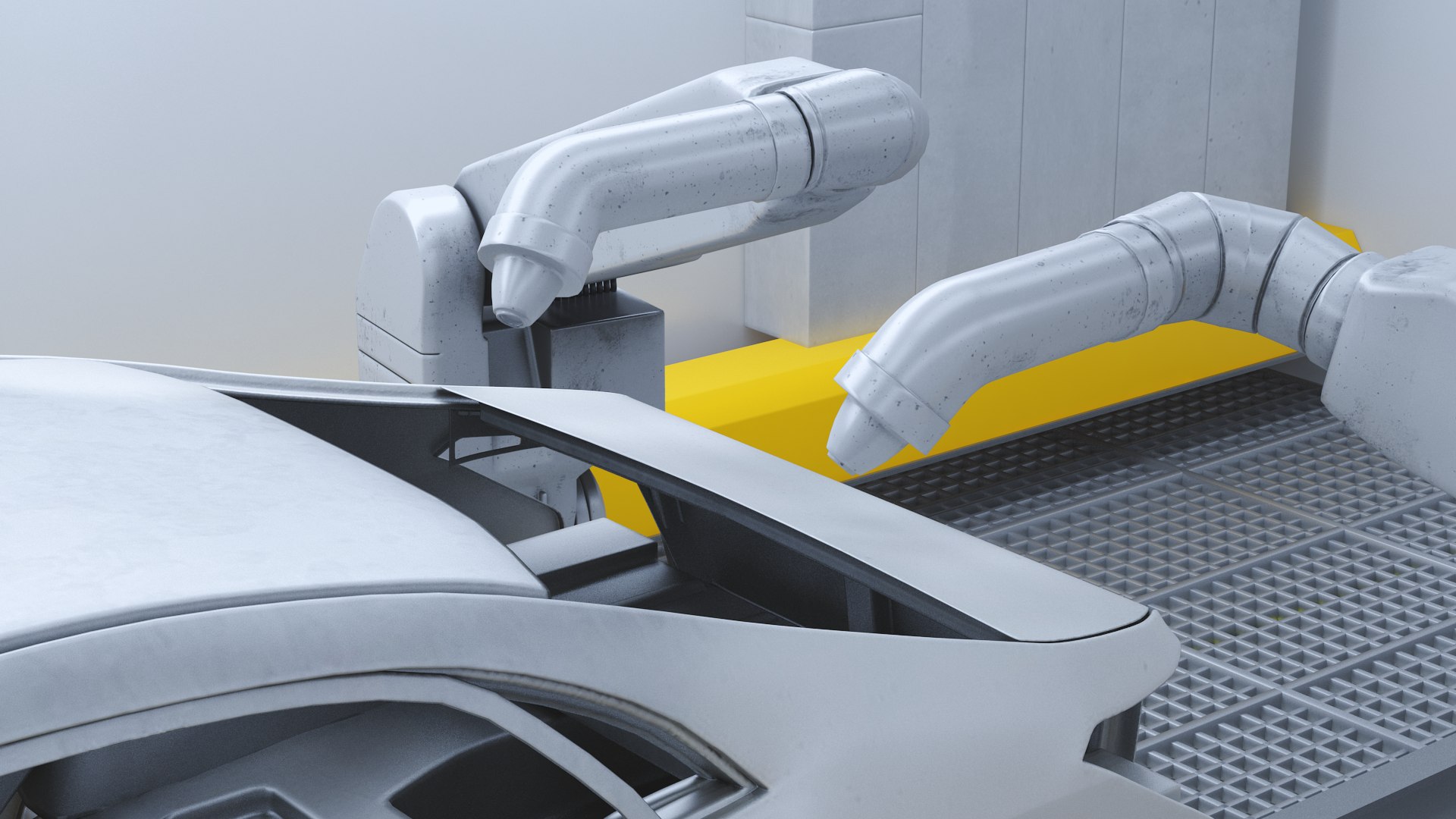
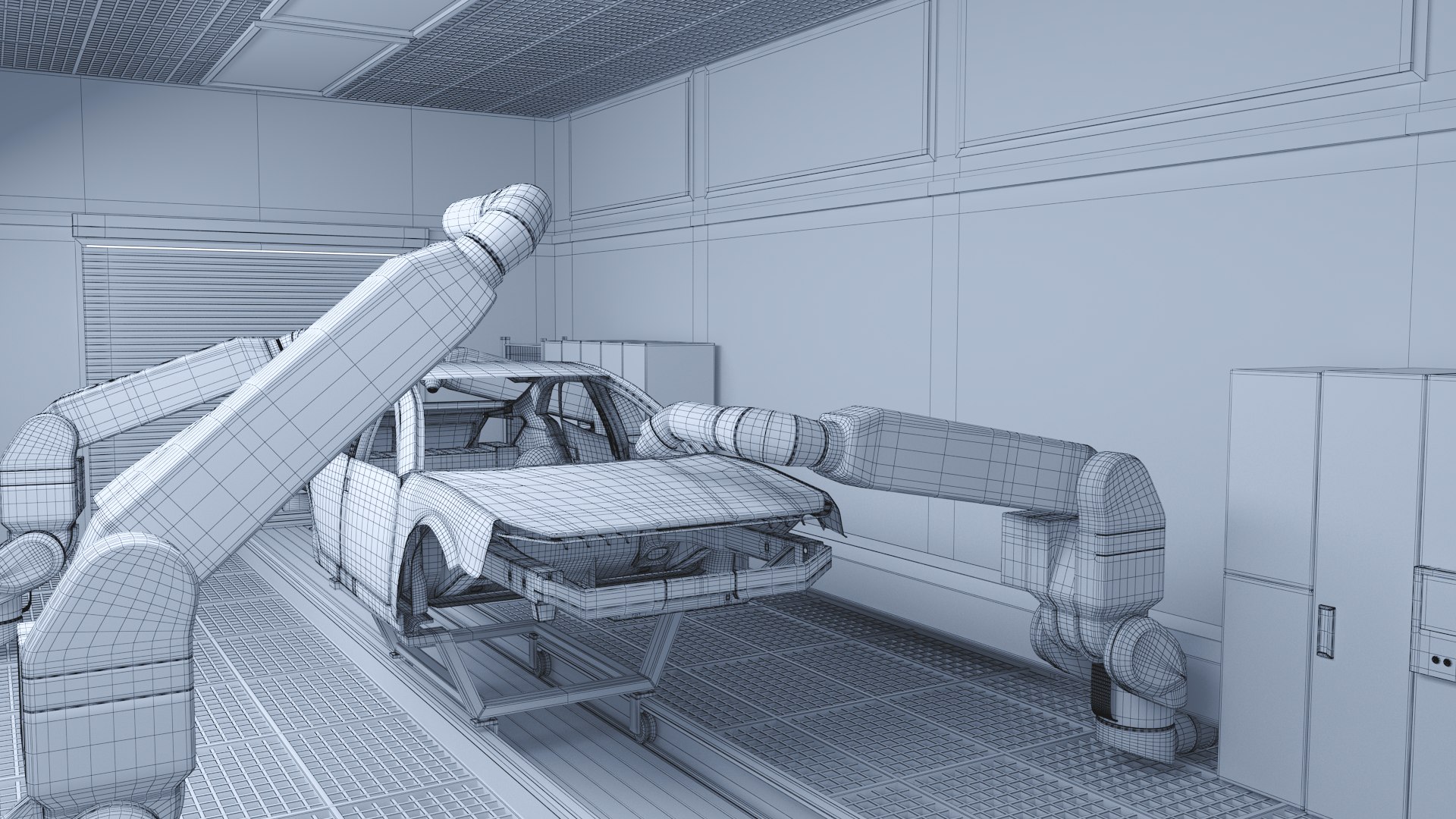
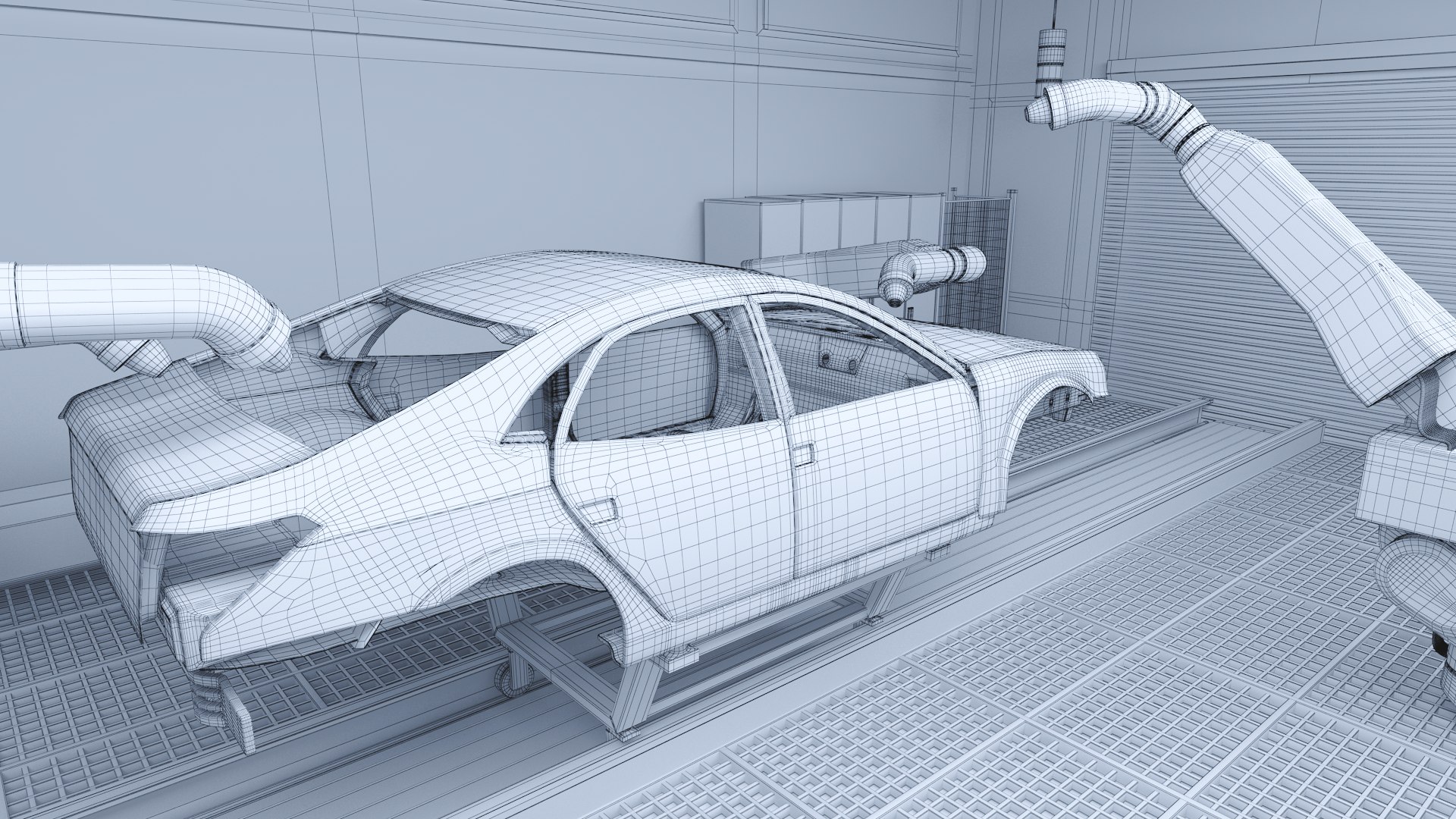
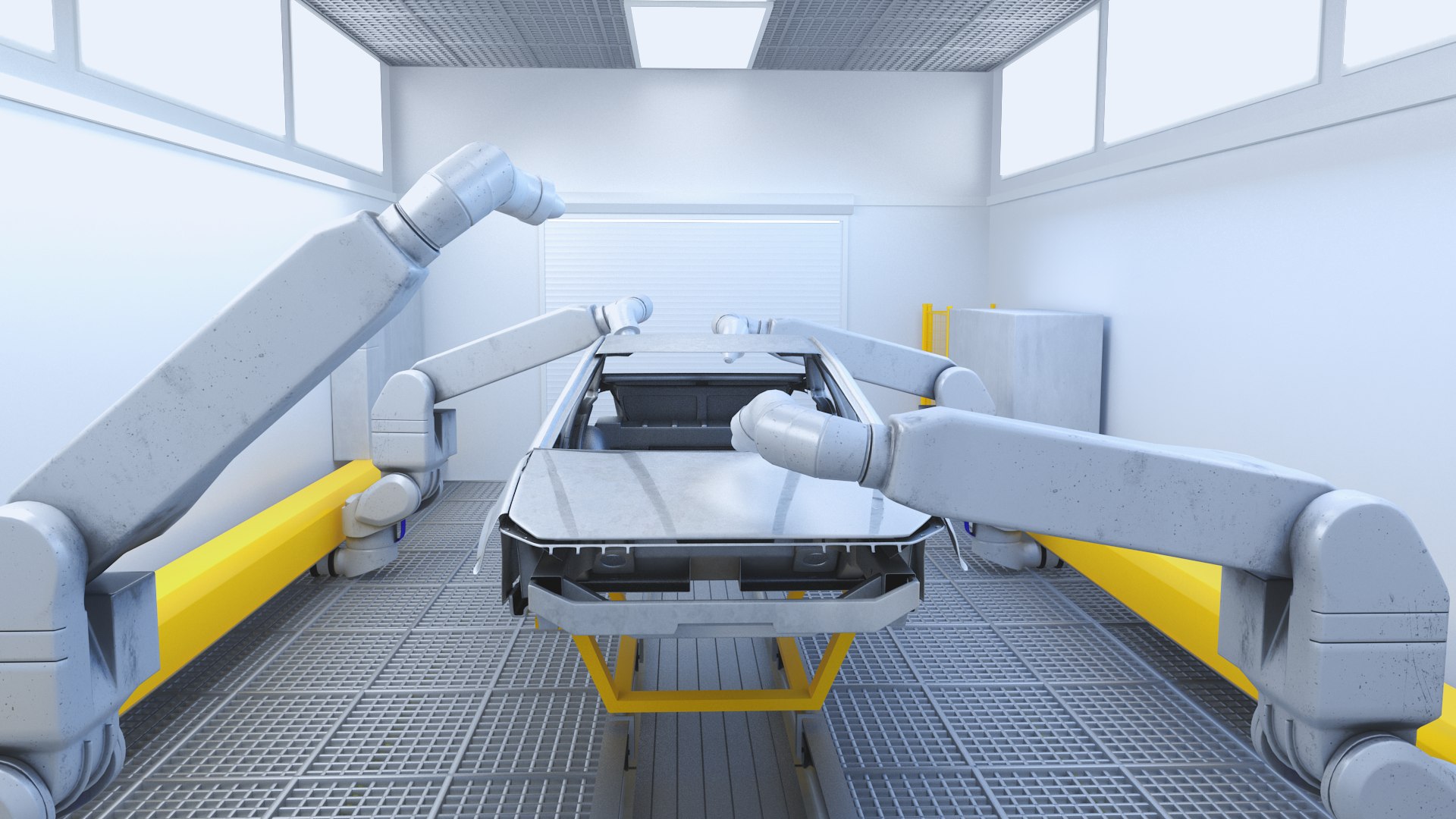
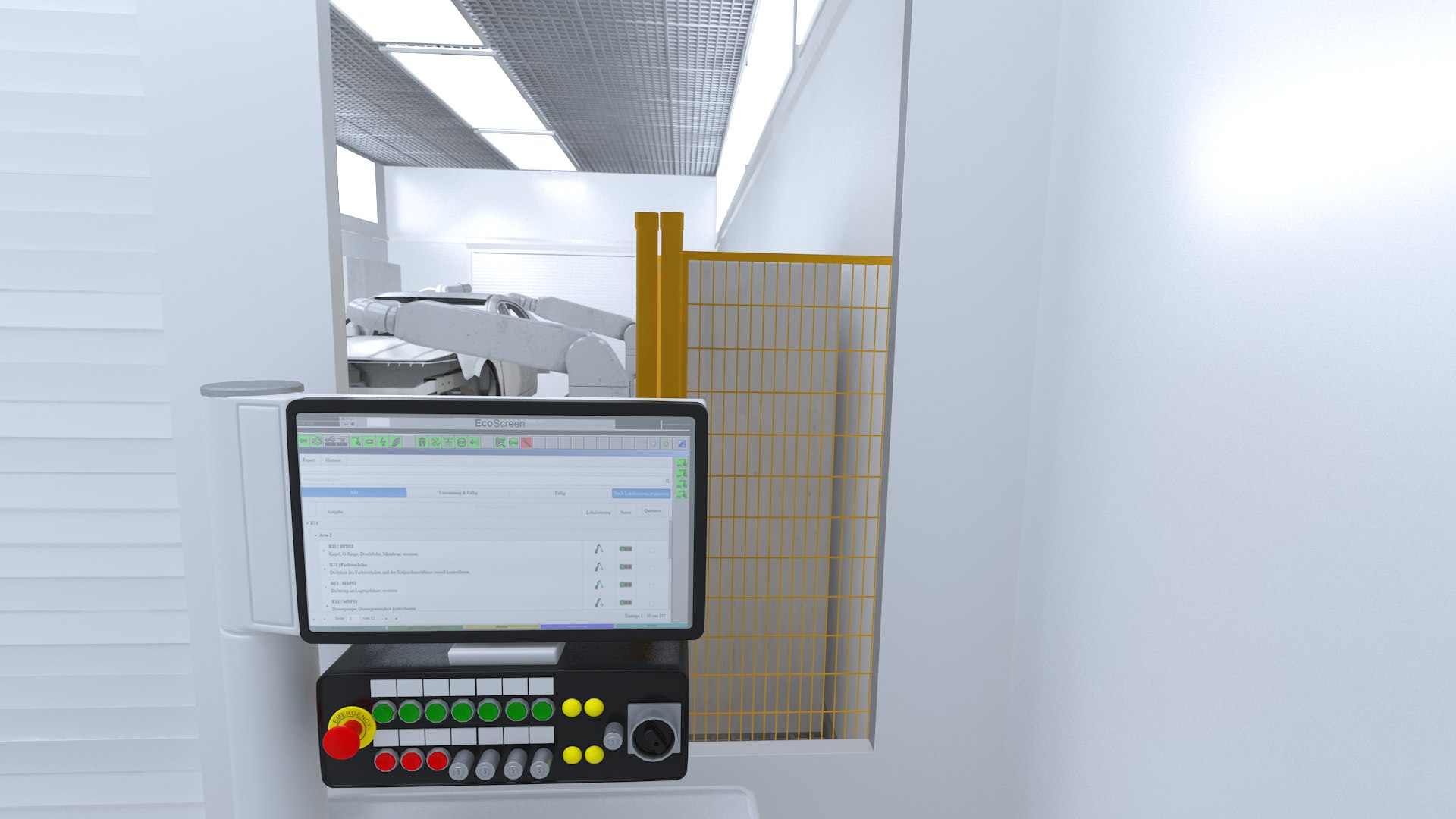
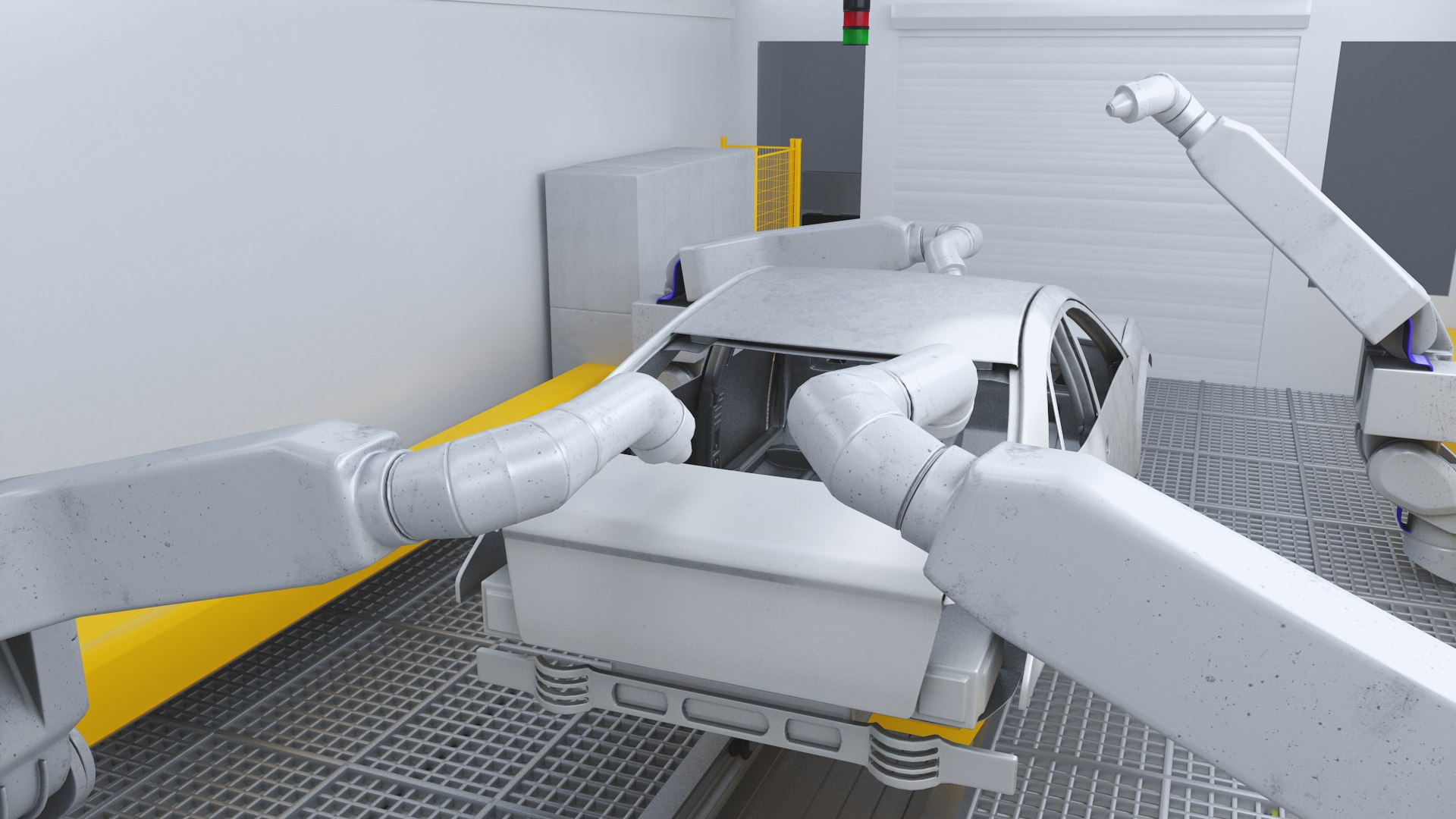
Quality 3D model of Robot Painting Production Line
Model supports V-Ray and default Scanline Render
Lights and cameras are included in the files (only V-ray)
[ USAGE ]
- This model is suitable for use in broadcast; high-res film close-up, advertising, design visualization, forensic presentation, etc.
- The model is accurate with the real world size and scale.
[FEATURES]
- Model ready for render.
-No errors on opening
- Units used: mm
- No special plugin needed to open scene.
- Model is fully textured with all materials applied.
- Good file organization. All components are intelligently grouped and layered.
Please note - exchange formats may need the textures/materials re-linked/recreated.
[ SPECIFICATIONS ]
- This model contains 8 separate objects, 3 light sources, 10 cameras.
- This model contains 411087 polygons and 410741 verts.
[ PRESENTATION IMAGES ]
- All preview images are rendered with V-Ray as Renderer
[ TEXTURES ]
- The scene contains 2 textures:
Car_Production_Line_floor.jpg 8192x8192
Robot_Painting_Production_Line 8192x8192
Hope you like it!

Select Enhanced License

  • $10,000 in Legal Protection (Indemnification)
  • Uncapped Legal Protection (Indemnification)
  • Waiver from injunctive relief
  • Assignable model rights
  • $1,000,000 in Legal Protection (Indemnification)
  • Waiver from injunctive relief
  • Assignable model rights
  • $250,000 in Legal Protection (Indemnification)
  • Assignable model rights
Read more about enhanced license tiers, or contact us at enterprise@turbosquid.com. Already a Shutterstock Enterprise Customer? Contact your Shutterstock Sales Support Agent to talk about adding 3D.

About Conversion Requests

To submit a conversion request for a purchased asset, please complete our Conversion Request Form.

If you have not yet purchased a model, please review our Documentation about Conversions to learn about what limitations you may encounter with a conversion.

For any additional questions about a model’s suitability for conversion, please contact TurboSquid Support.

Loading...