
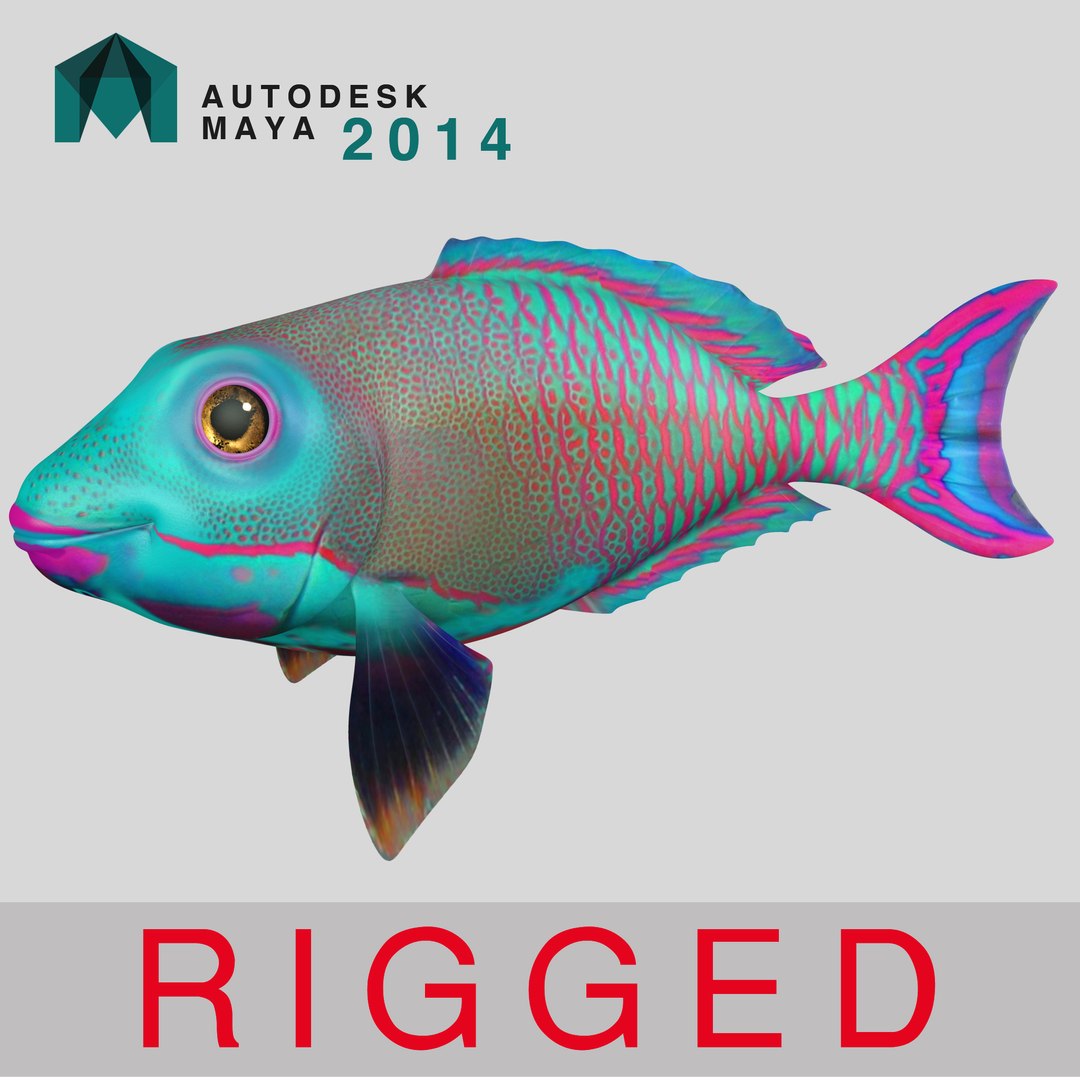
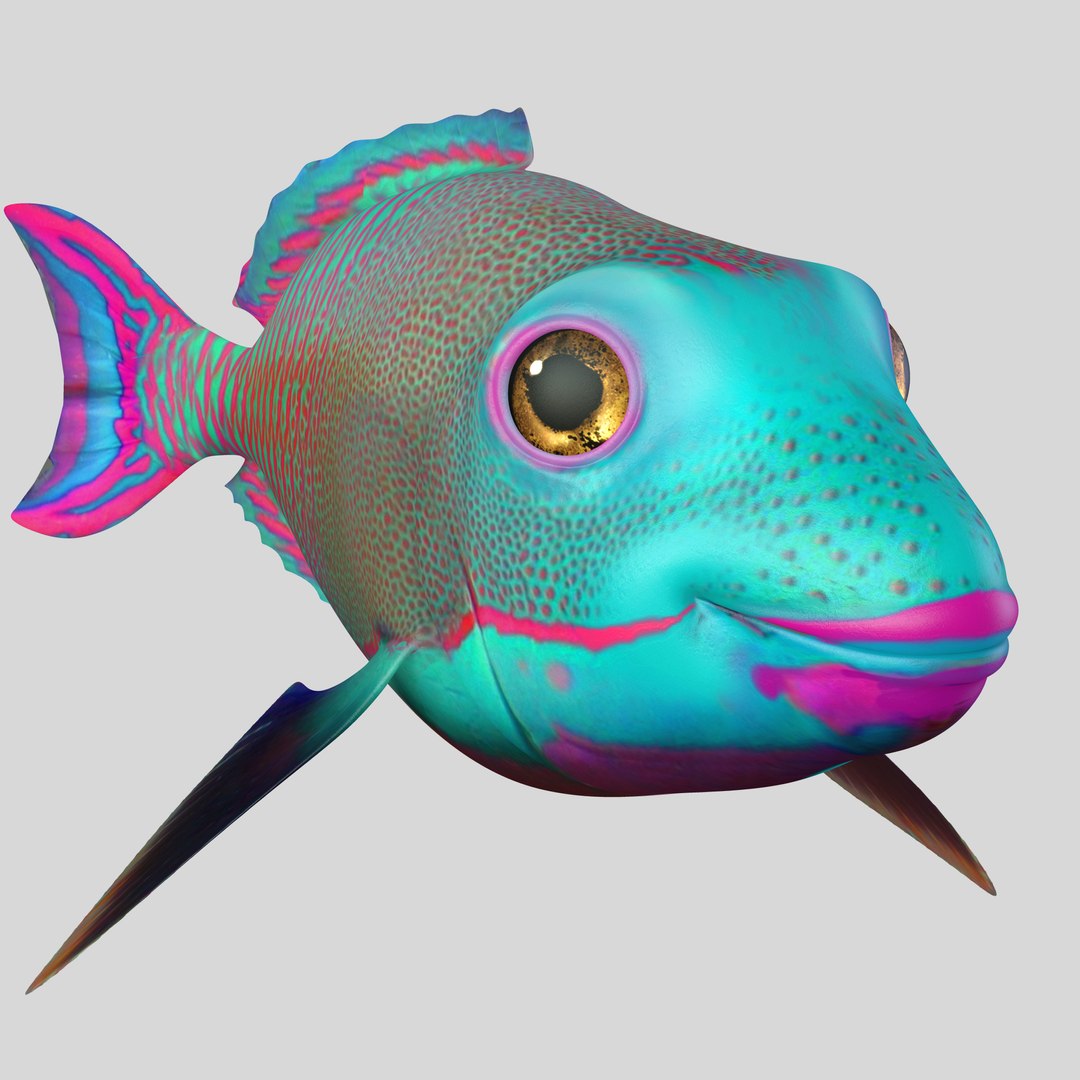
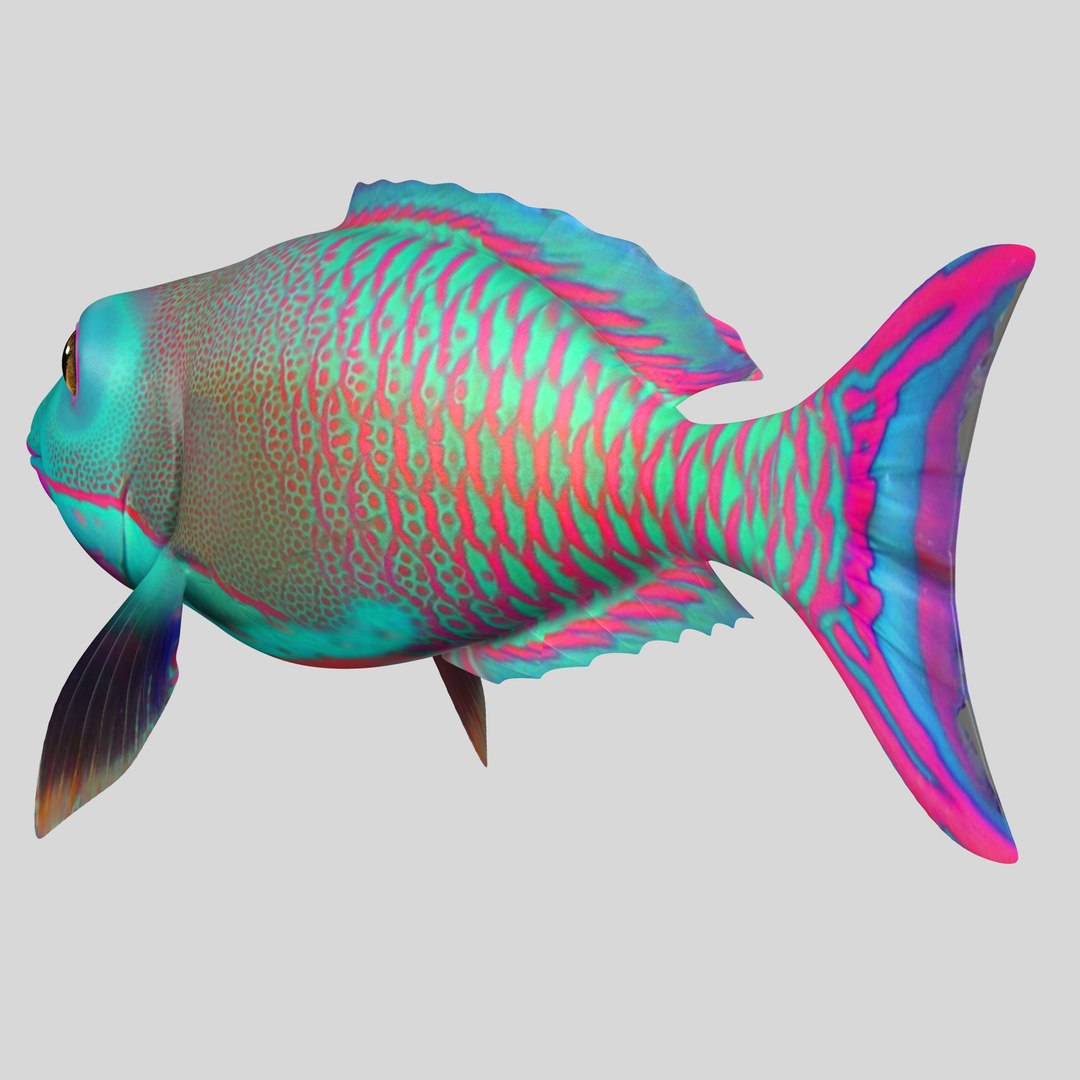
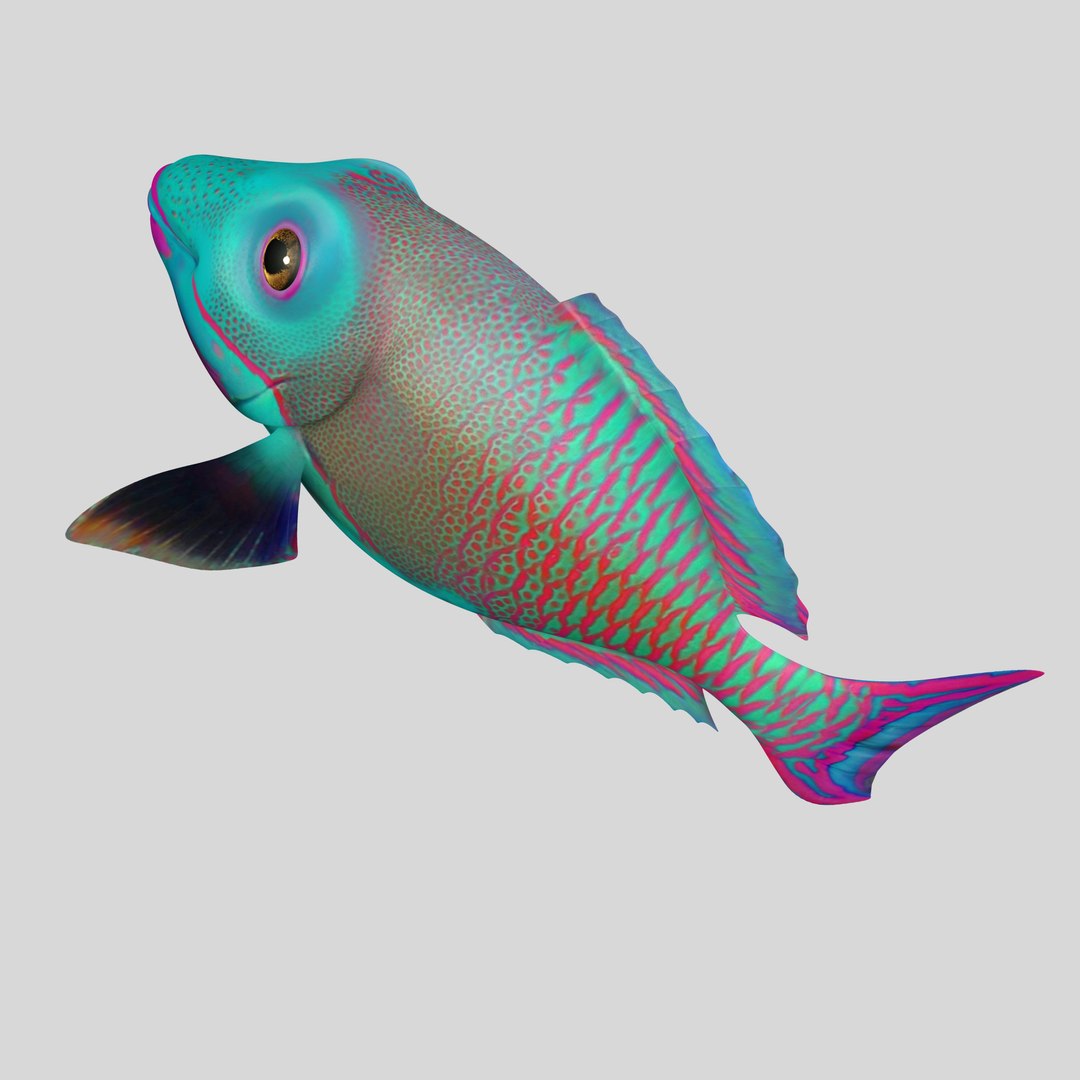
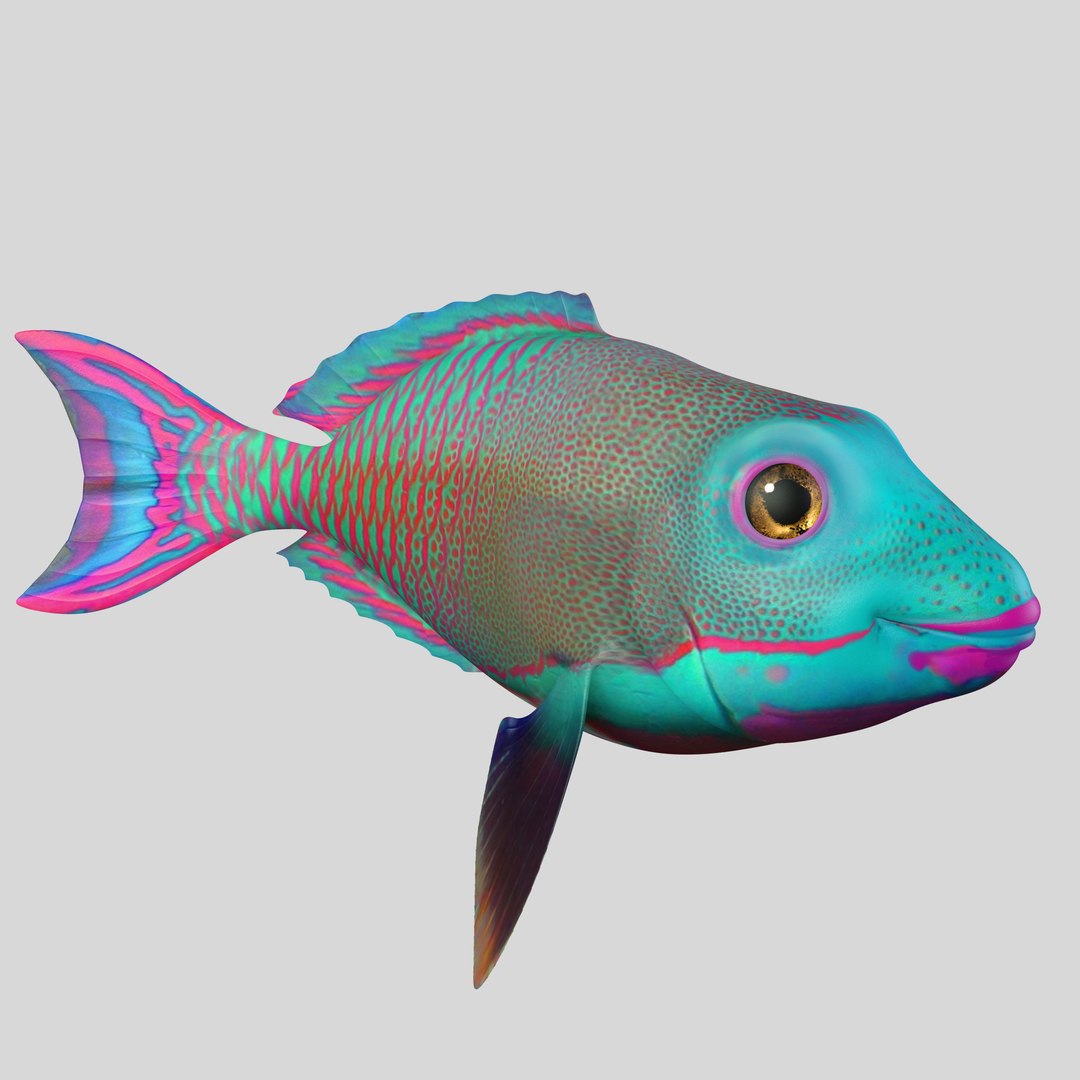
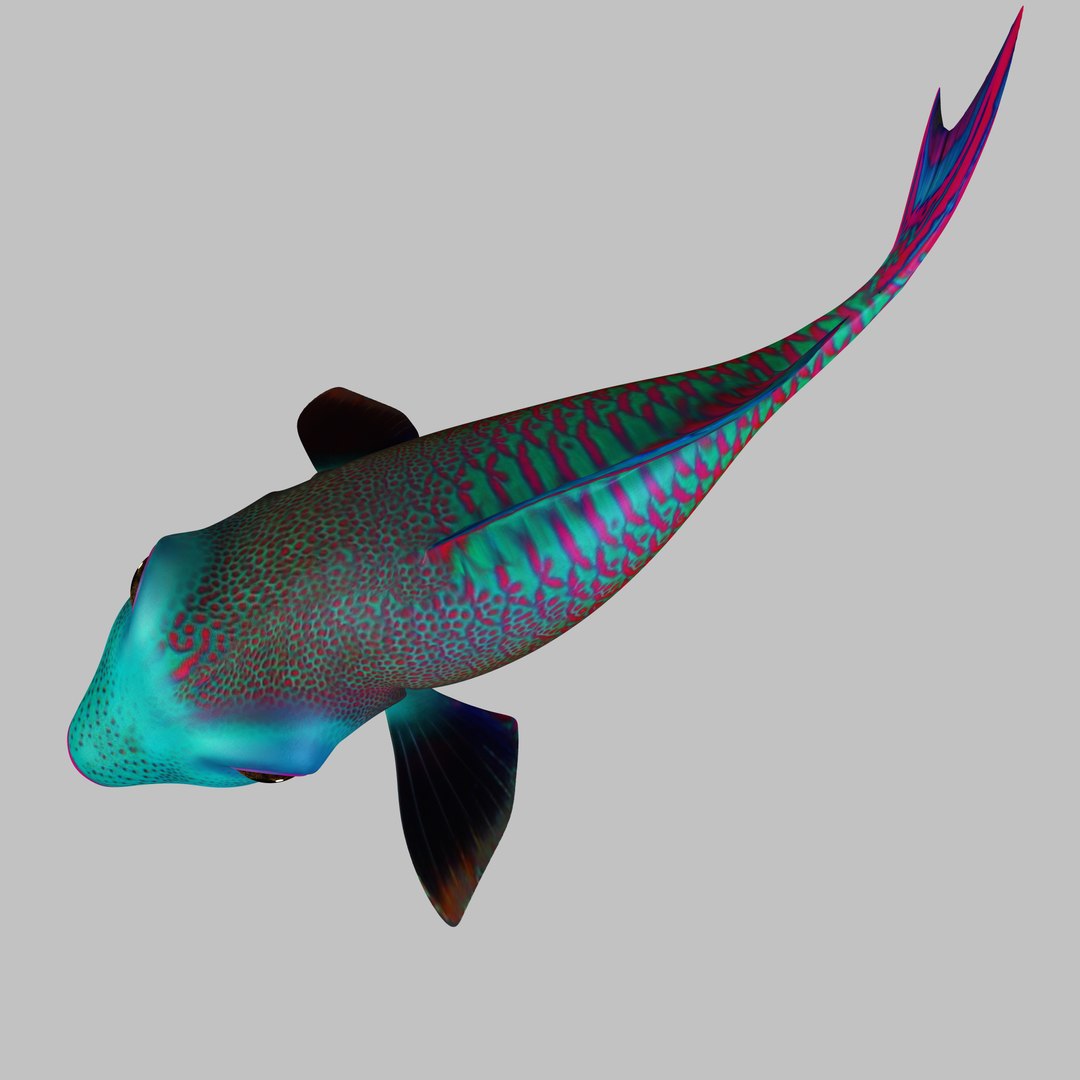
FISH RIGGED

$55

Standard License | Upgrade License
Formats (3)
Free file format Conversions available
Native | Maya 2014 | mental ray 2014
FBX
OBJ
Other Files
Fish Eye CrappieTrout.jpeg inner jaw.JPG parrotfish_dif.jpg parrotfish_dif_DISP.jpg parrotfish_dif_NRM.jpg parrotfish_dif_OCC.jpg parrotfish_dif_SPEC.jpg
Specifications
Publish Date January 12, 2017
Product ID 1112438
Polygons 2,864
Vertices 2,832
Polygonal
Textures
Materials
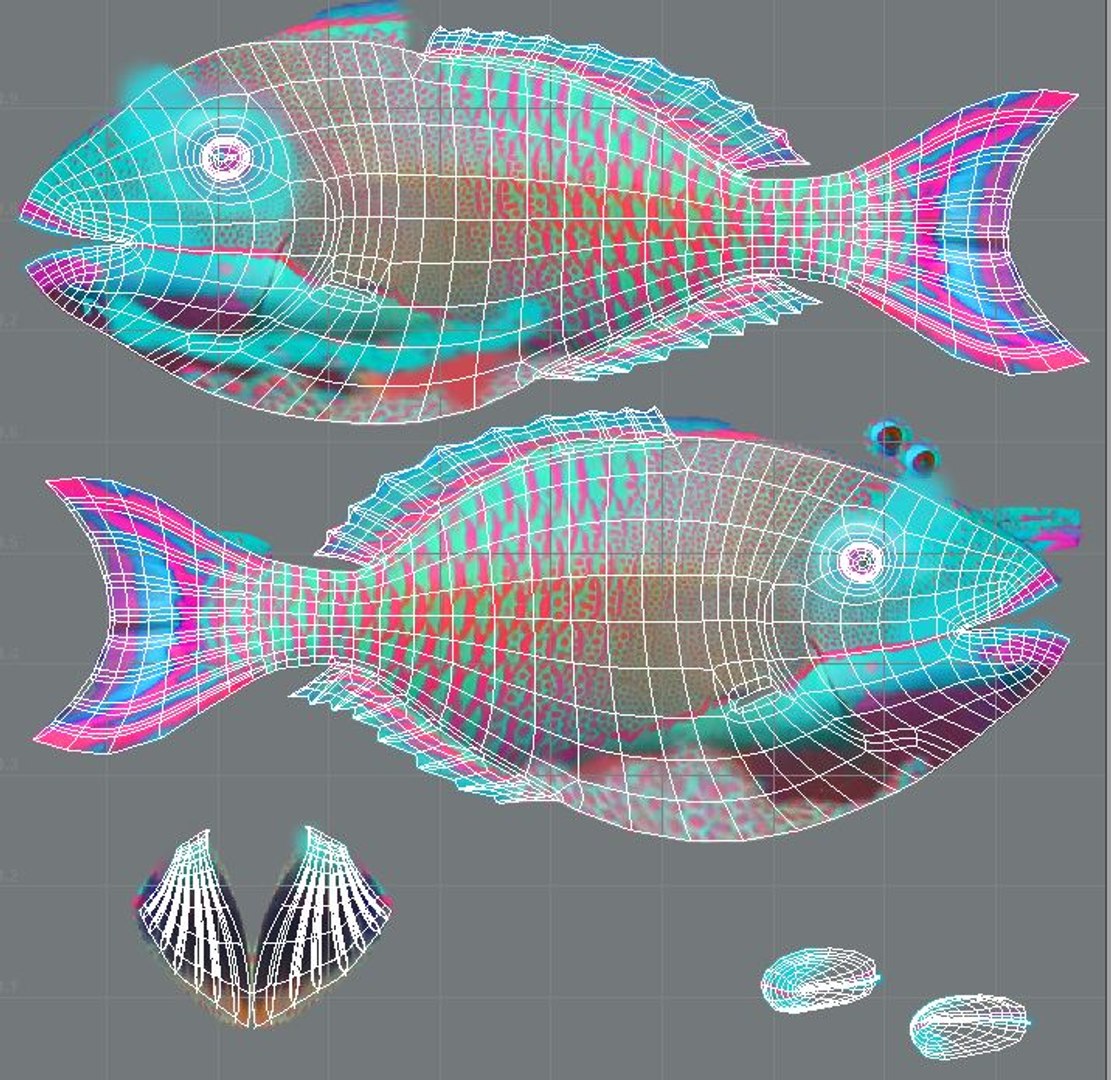
UV Mapped
Non-overlapping Unwrapped UVs
Rigged

member avatar
COMPLETE 3D
1 Products | Contributor Since 2016
Have questions? Chat with us now.

Description

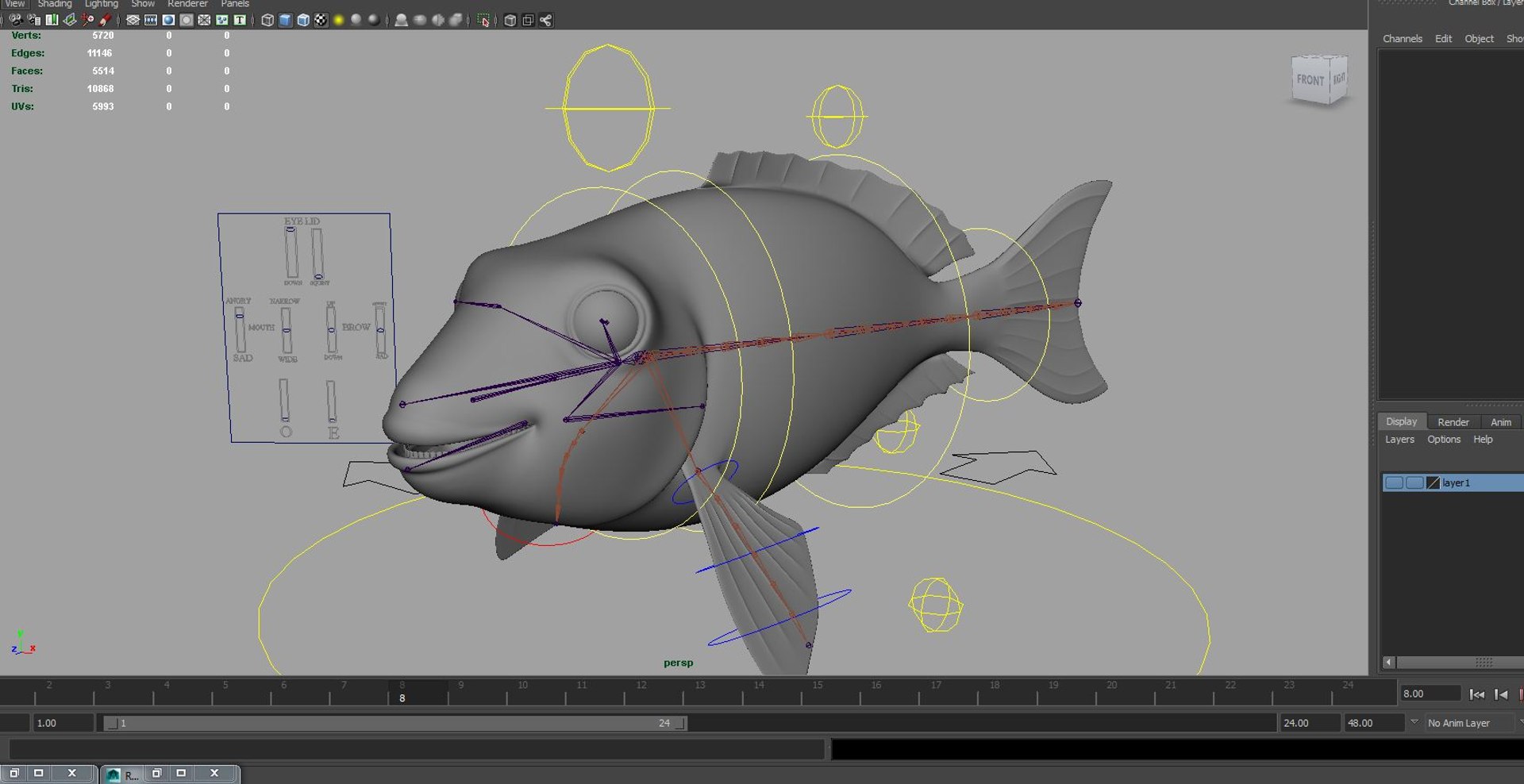
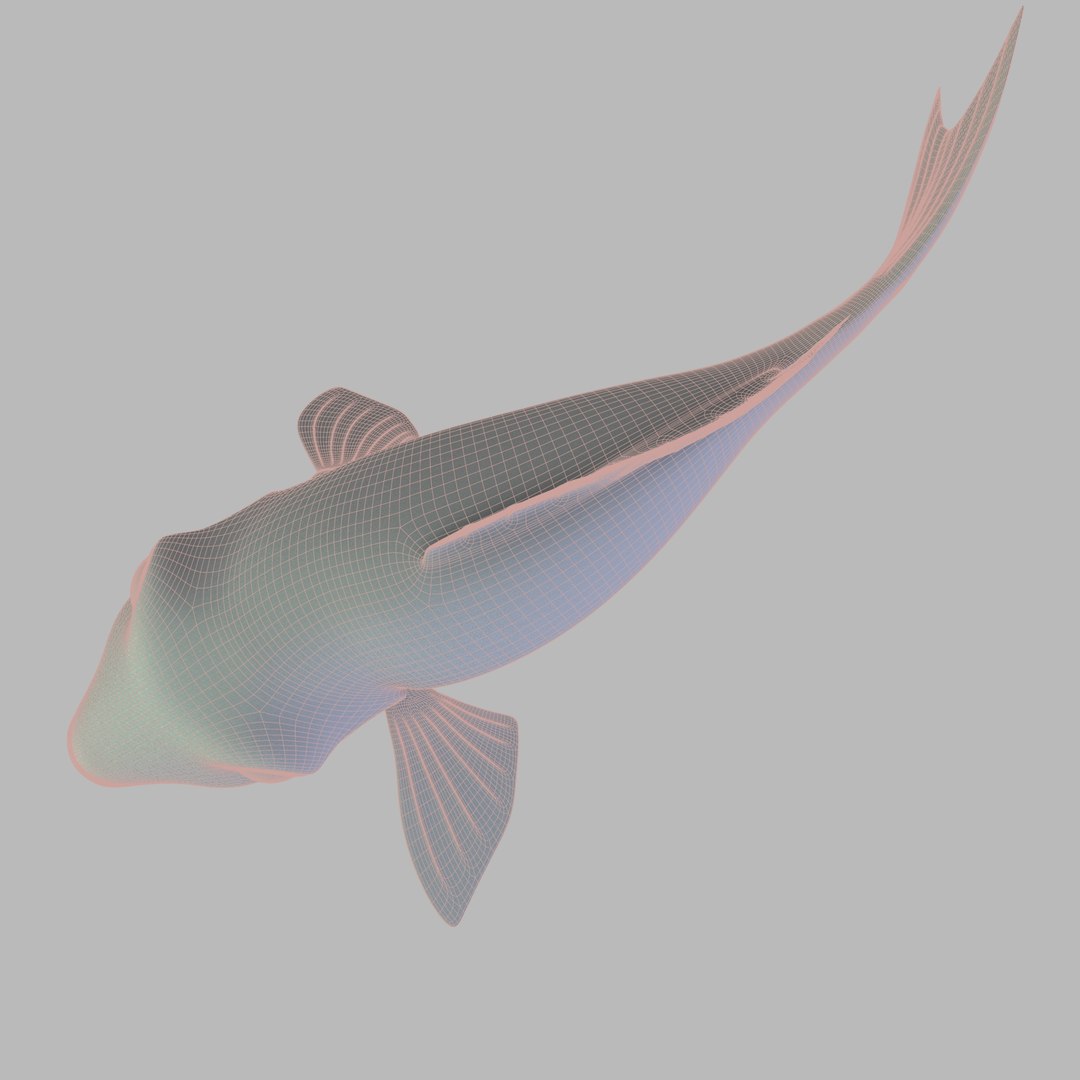
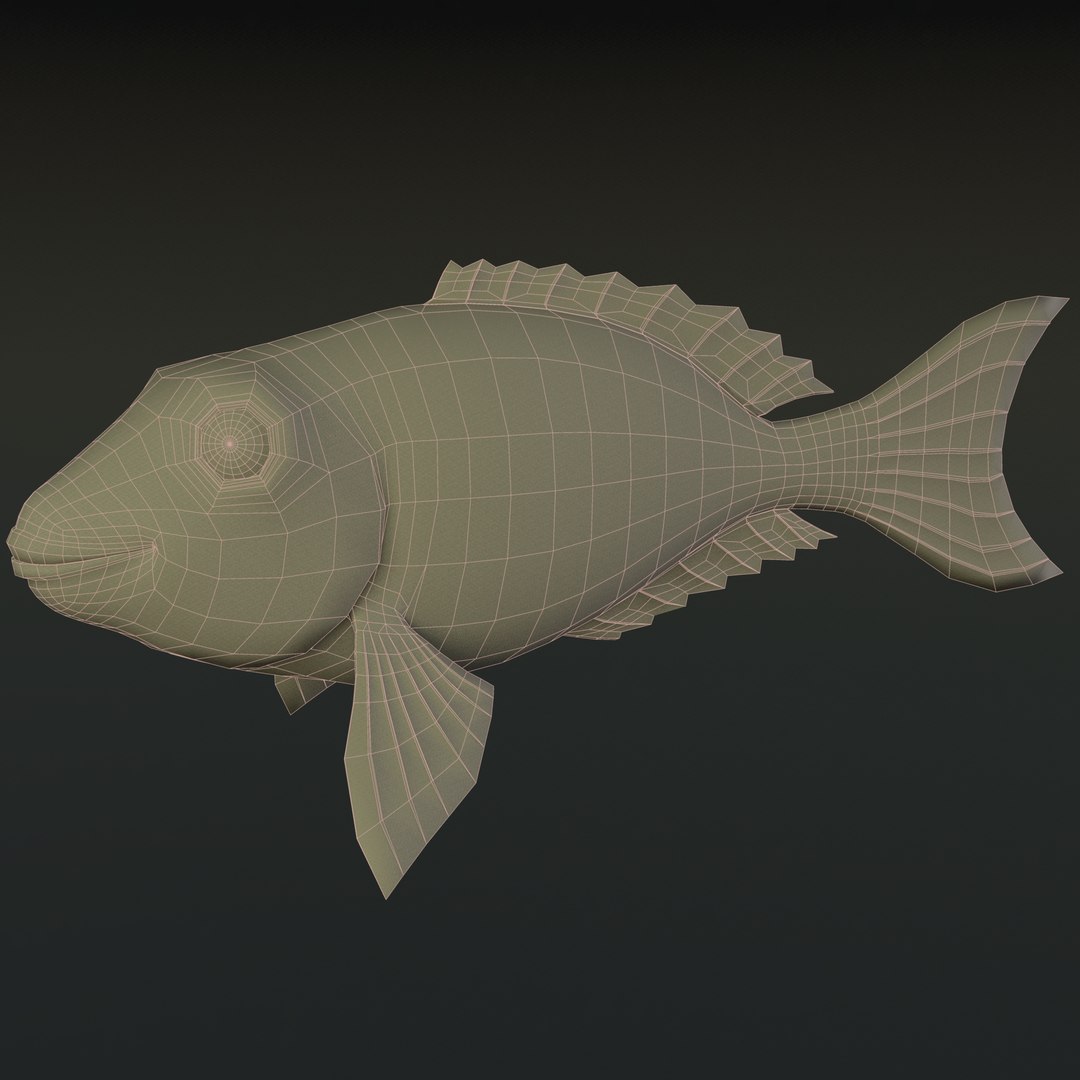
Fully rigged with bones and skin system in Maya 2014.
You can easily position it the way you need or animate.

Features:
- High-quality polygonal model, correctly scaled for an accurate representation of the original object.
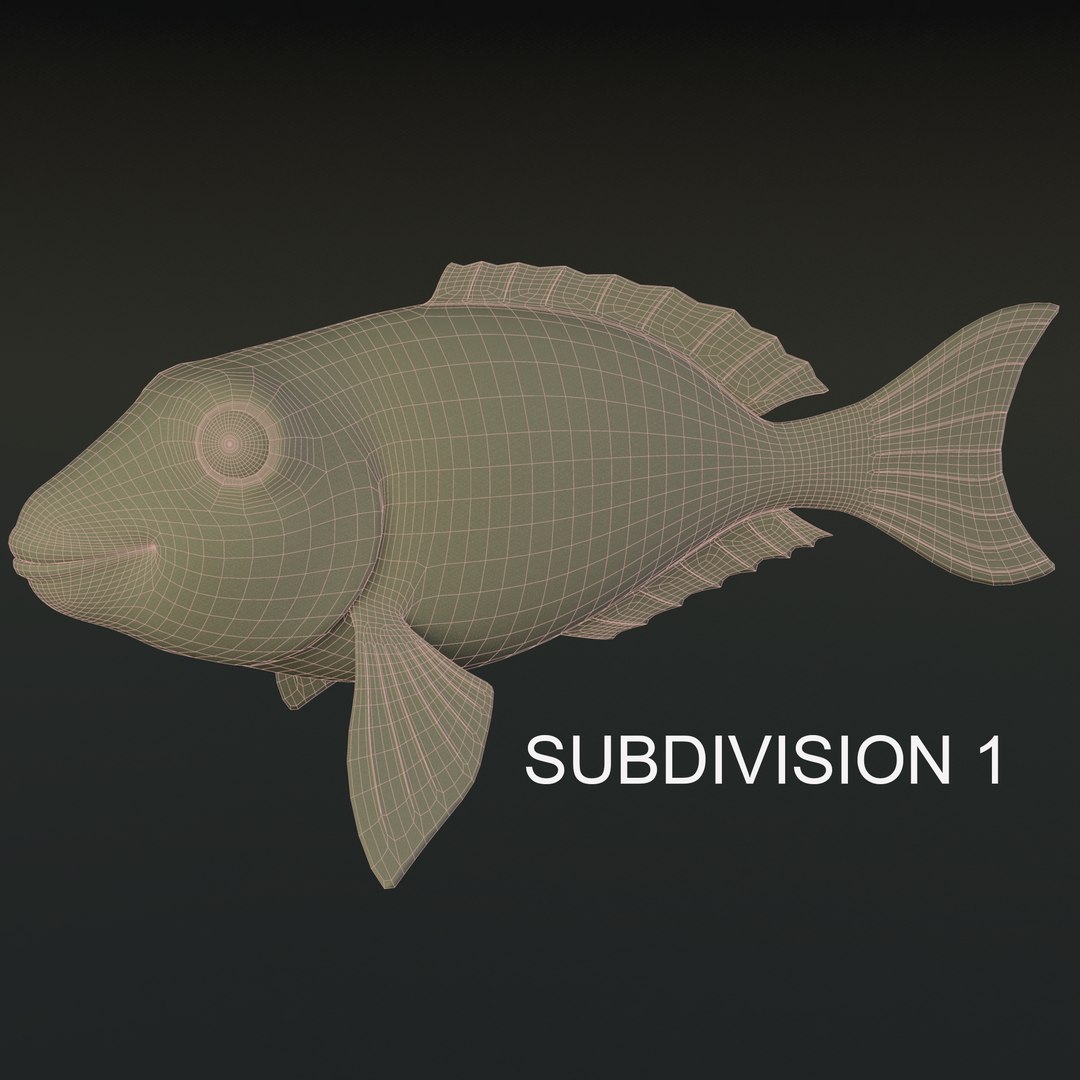
- Model resolutions are optimized for polygon efficiency. (In Maya, the Smooth Mesh function can be used to increase mesh resolution if necessary.)
- Model is fully textured with all materials applied.
- Every Feather and body have individual control. you have to change only value and it will change behavior.
- All textures and materials are included and mapped.
- Maya models are well arranged for easy selection, and objects are named properly for ease of scene management.
- No cleaning up necessary just drop your models into the scene and start rendering.
- No special plugin needed to open scene.
- Units: cm
- You can delete BG(Environment) for your own requirement if you want.
- It's Ready to use for any type of animation.

Hope you like it.

Select Enhanced License

  • $10,000 in Legal Protection (Indemnification)
  • Uncapped Legal Protection (Indemnification)
  • Waiver from injunctive relief
  • Assignable model rights
  • $1,000,000 in Legal Protection (Indemnification)
  • Waiver from injunctive relief
  • Assignable model rights
  • $250,000 in Legal Protection (Indemnification)
  • Assignable model rights
Read more about enhanced license tiers, or contact us at enterprise@turbosquid.com. Already a Shutterstock Enterprise Customer? Contact your Shutterstock Sales Support Agent to talk about adding 3D.

About Conversion Requests

To submit a conversion request for a purchased asset, please complete our Conversion Request Form.

If you have not yet purchased a model, please review our Documentation about Conversions to learn about what limitations you may encounter with a conversion.

For any additional questions about a model’s suitability for conversion, please contact TurboSquid Support.

Loading...