Plastic Zip Lock Bag with Fluid

$24

Standard License | Upgrade License
Formats (5)
Free file format Conversions available
Native | Blender 2.79 | Cycles Render 2.79
Cinema 4D R20 | Default Scanline rendererVersion
3D Studio
FBX
OBJ
Other Files
textures.zip
Specifications
Publish Date January 19, 2019
Product ID 1368911
Polygons 35,854
Vertices 35,860
Polygonal Quads Only
Textures
Materials
UV Mapped
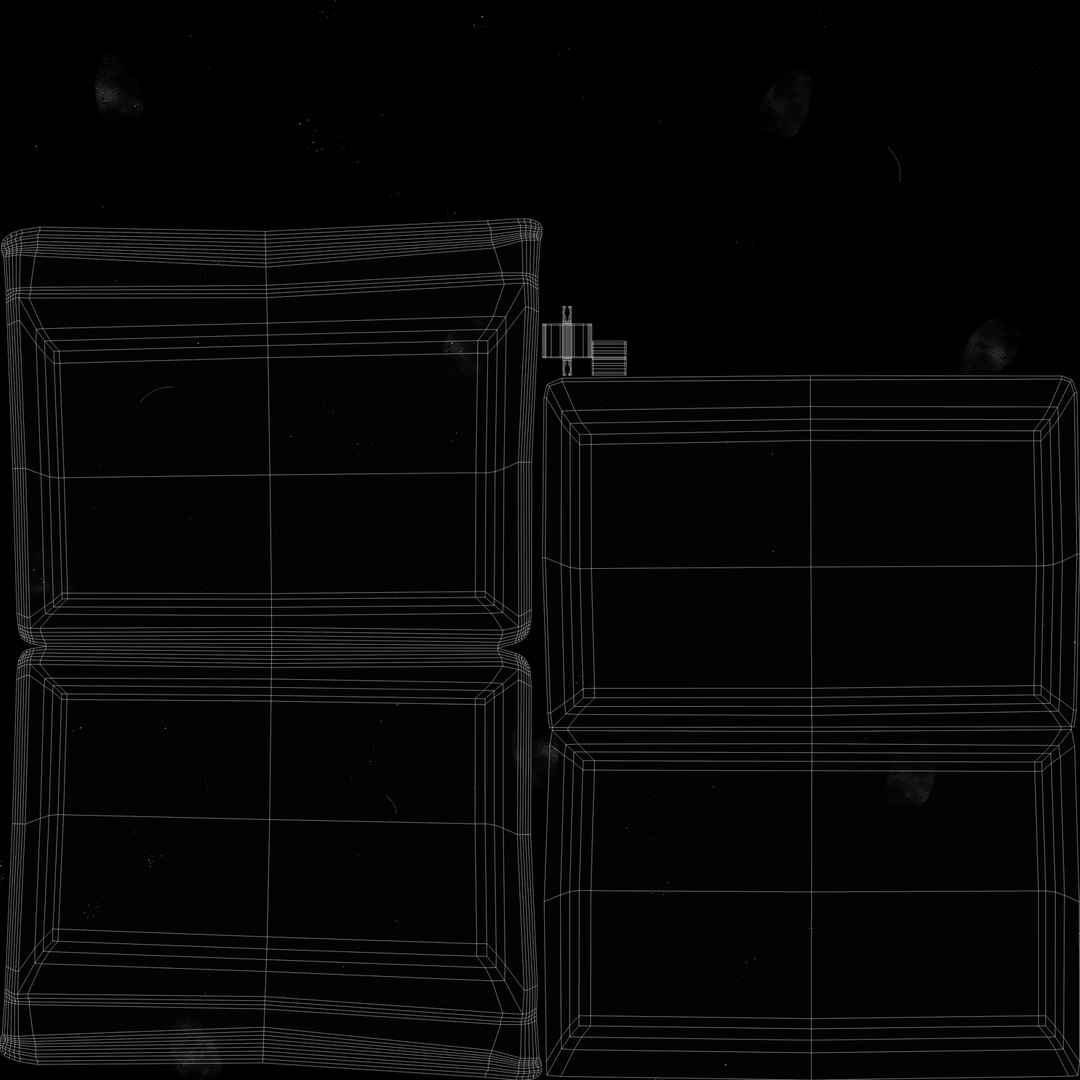
Non-overlapping Unwrapped UVs
TurboSquid Exclusive

member avatar
Ruslan_T
16 Products | Contributor Since 2016
Have questions? Chat with us now.

Description

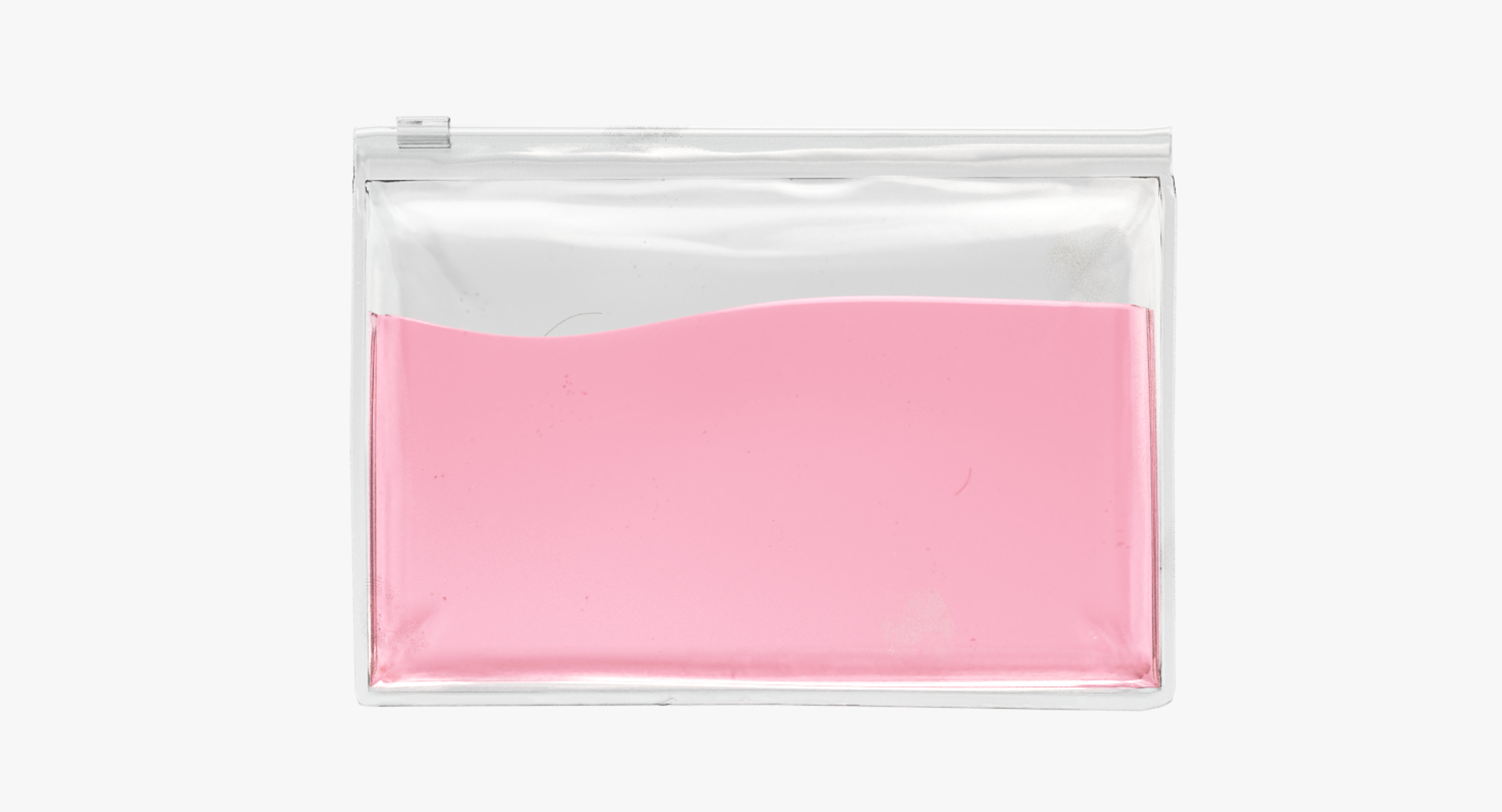
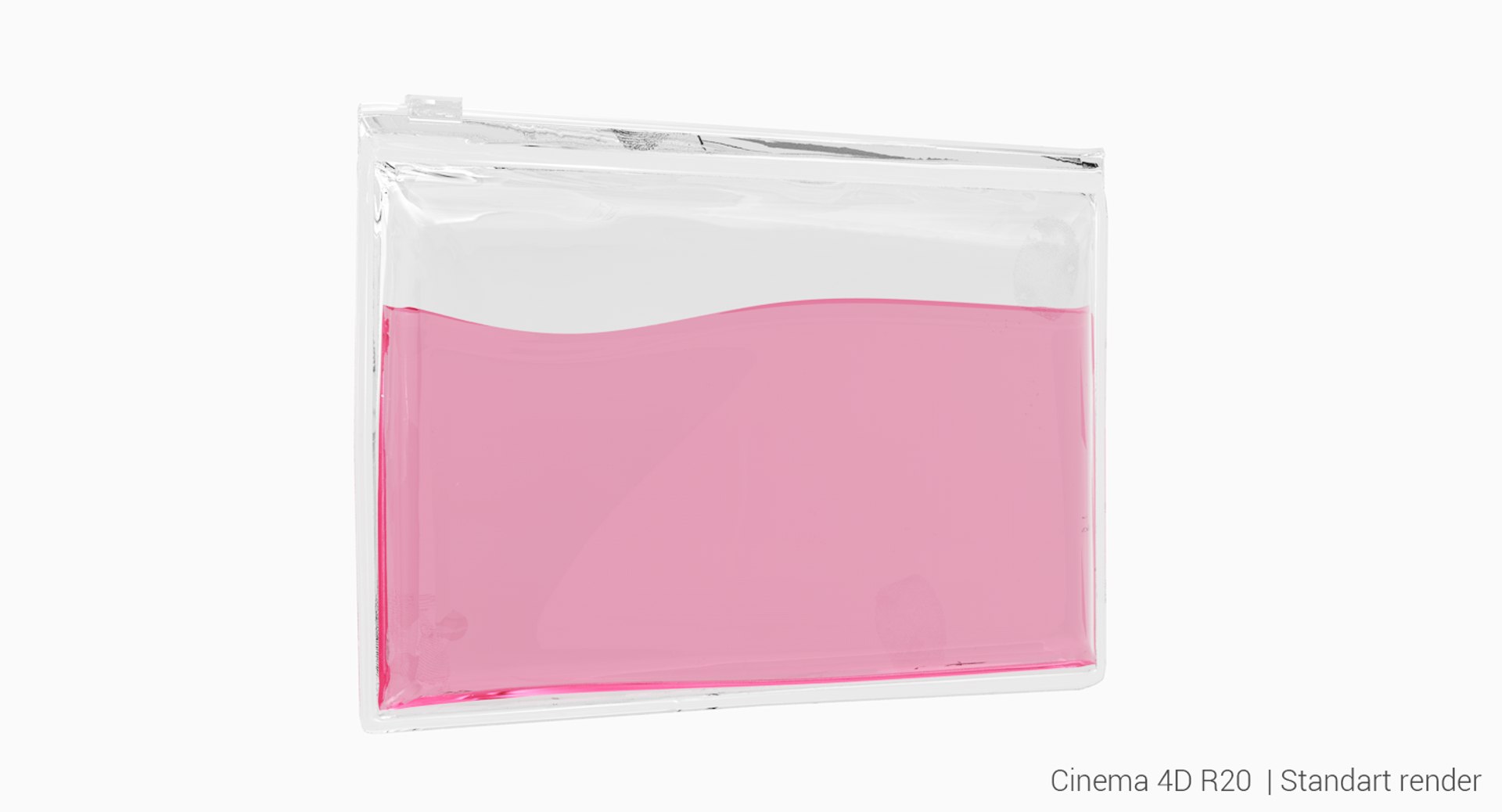
3d model of zip lock bag with fluid.

The model was originally created in Blender 2.79, then rendered using Cycles.

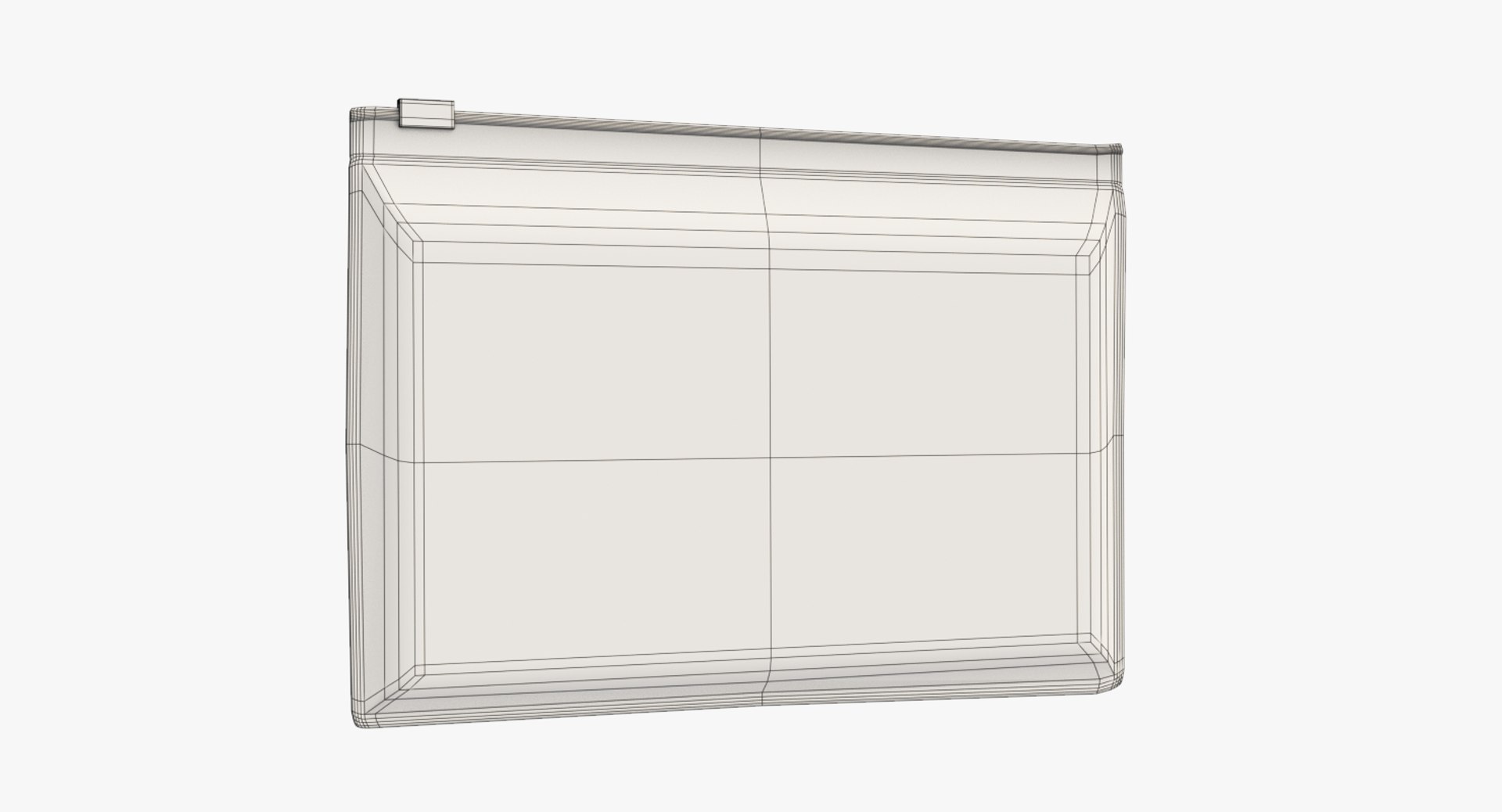
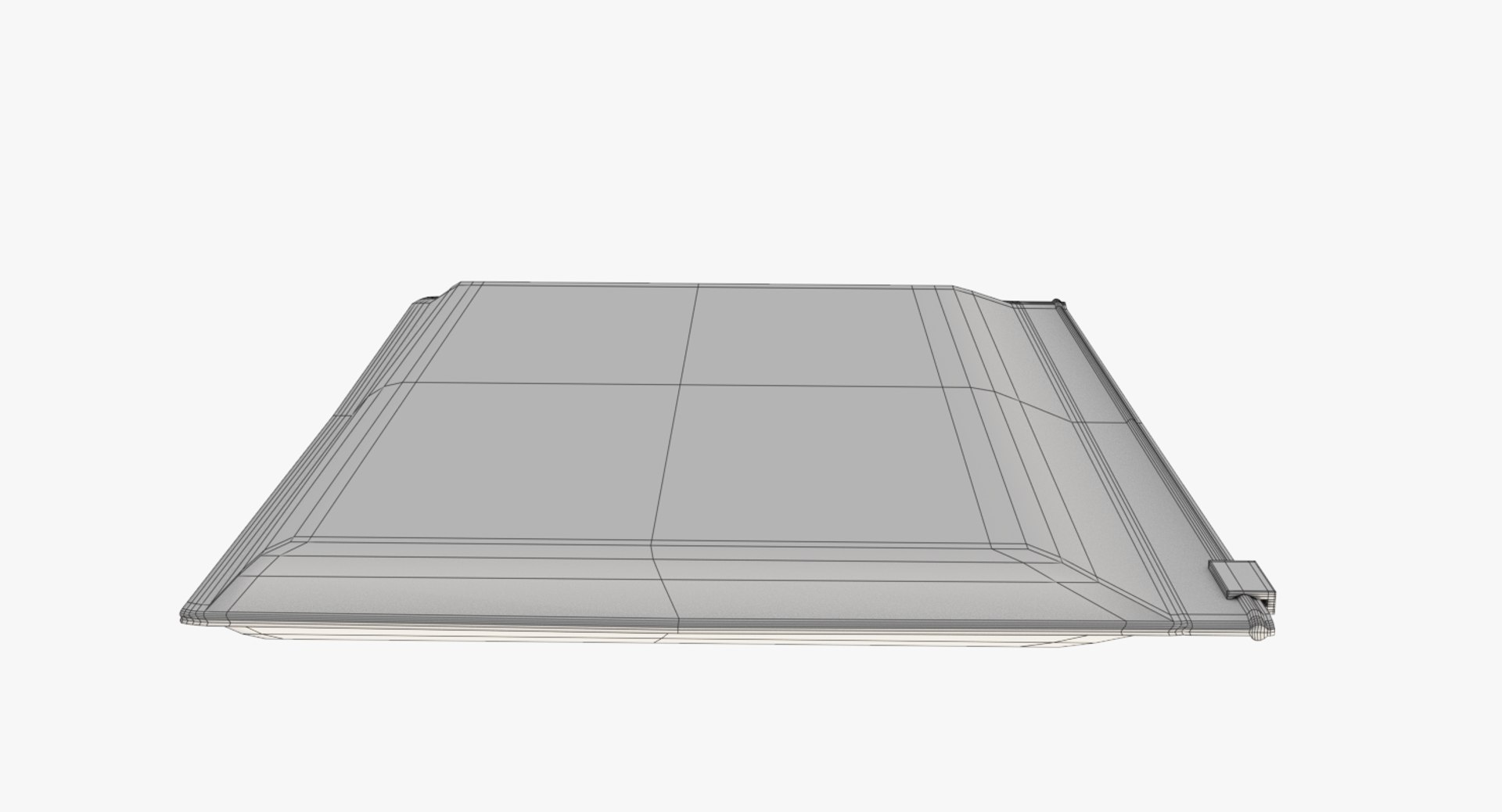
All geometry of the model are optimized for 100% quads. Supports subdivisions for closeup renders. Contains baked normal map from sculpted hi-poly version.

Features:
-Match the real object size.
-Inner geometry for realistic refractions
-Clean and optimized topology.
-Model is fully sub-dividable
-Fully unwrapped UVs.
-No extra plugins are needed for this model.
-Lights are not included to the scenes (except .blend and .4d file).
-C4D scene setup for Standart render.

Specifications:
-Separate objects bag and fluid
-Scene setup for Blender 2.79 Cycles
-Model consists of:
1038 Faces and 1042 Vertices (bag)
35854 Faces and 35860 Vertices (bag + fluid)
-Model Dimensions: 14.7cm x 10.5cm x 0.97cm
-Units in all formats: centimeters
-Textures 4000x4000px
-Clean UV
-Normal map and diffuse texture (dirt) included

Select Enhanced License

  • $10,000 in Legal Protection (Indemnification)
  • Uncapped Legal Protection (Indemnification)
  • Waiver from injunctive relief
  • Assignable model rights
  • $1,000,000 in Legal Protection (Indemnification)
  • Waiver from injunctive relief
  • Assignable model rights
  • $250,000 in Legal Protection (Indemnification)
  • Assignable model rights
Read more about enhanced license tiers, or contact us at enterprise@turbosquid.com. Already a Shutterstock Enterprise Customer? Contact your Shutterstock Sales Support Agent to talk about adding 3D.

About Conversion Requests

To submit a conversion request for a purchased asset, please complete our Conversion Request Form.

If you have not yet purchased a model, please review our Documentation about Conversions to learn about what limitations you may encounter with a conversion.

For any additional questions about a model’s suitability for conversion, please contact TurboSquid Support.

Loading...