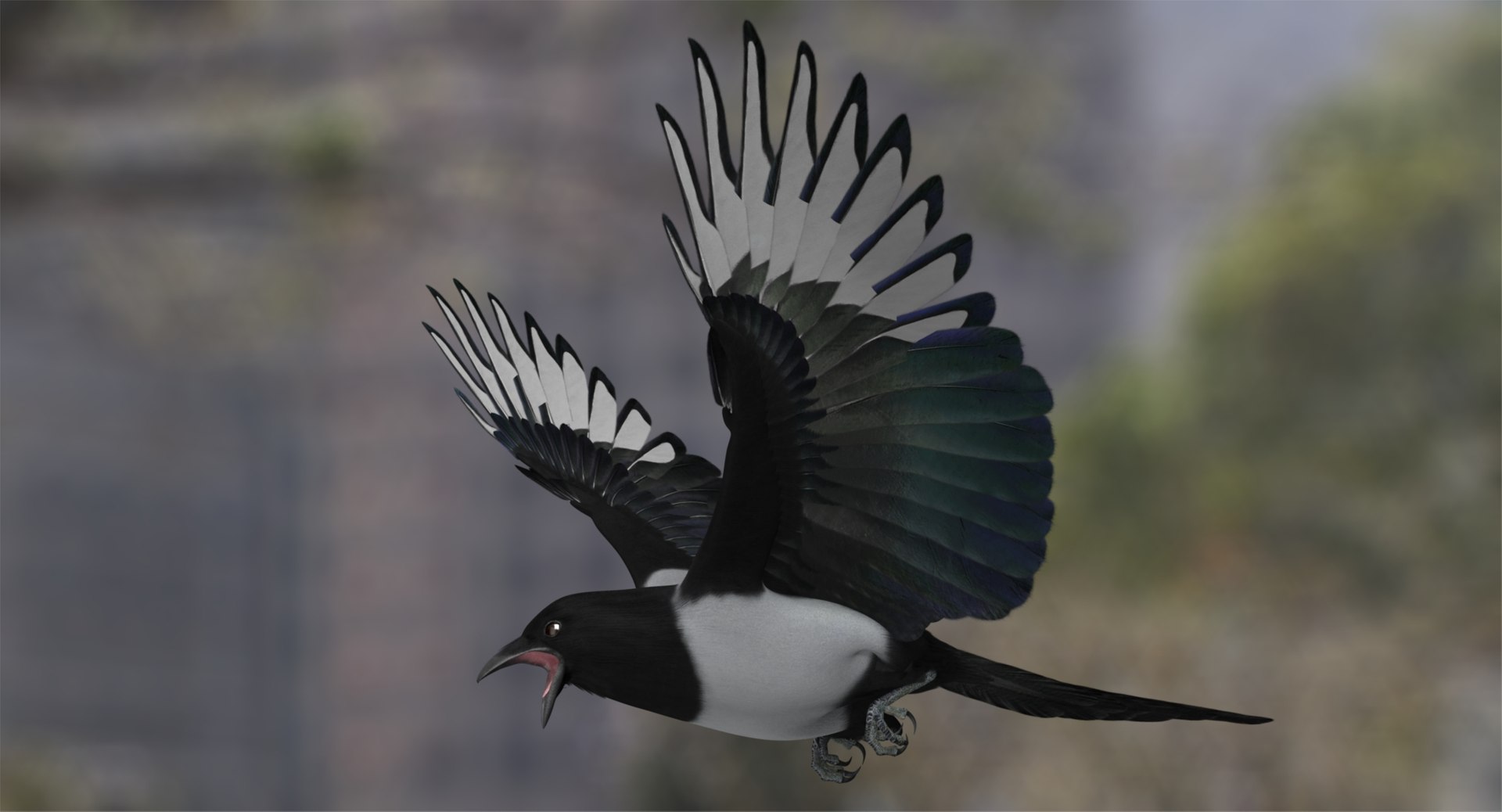
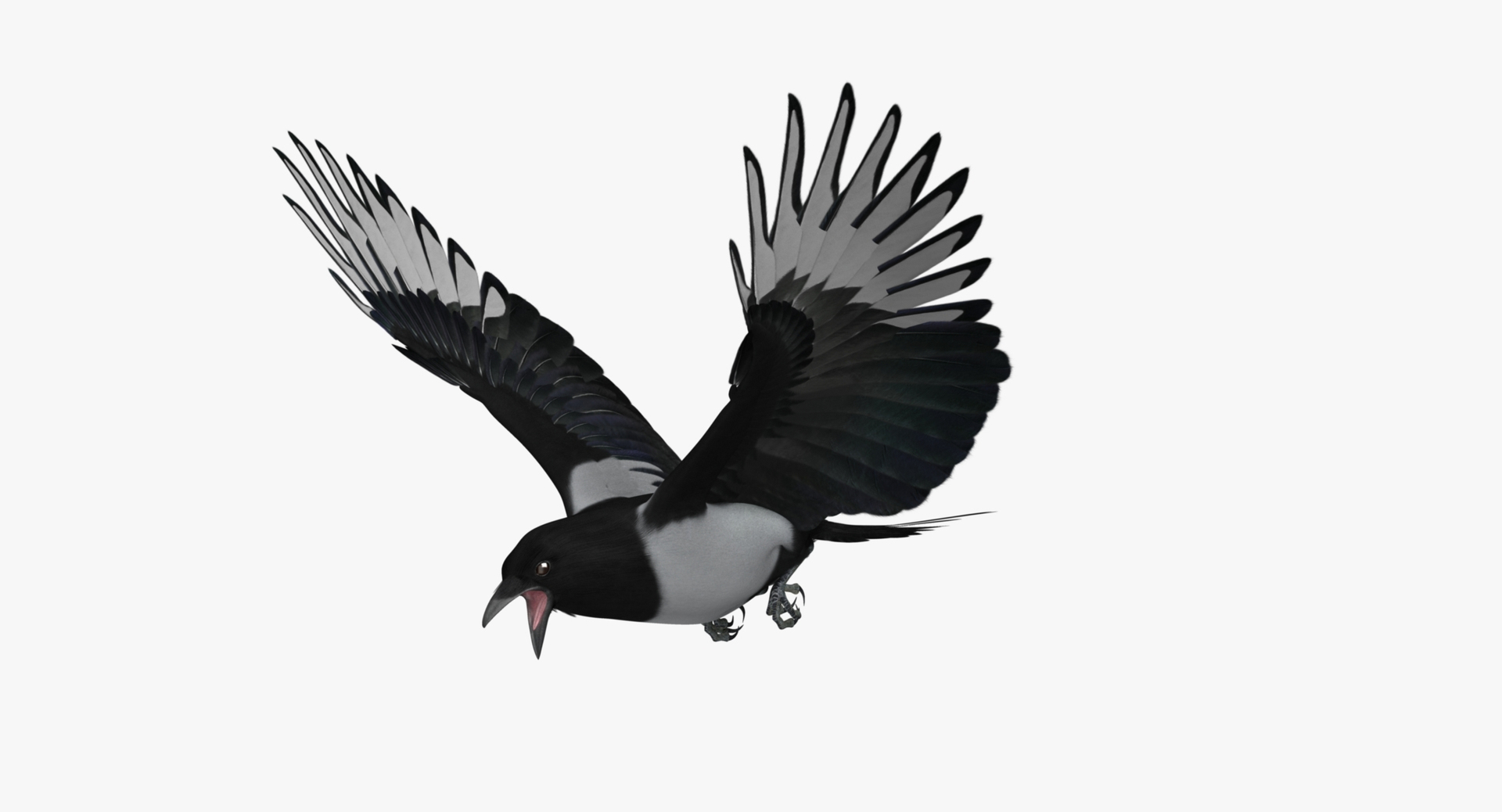
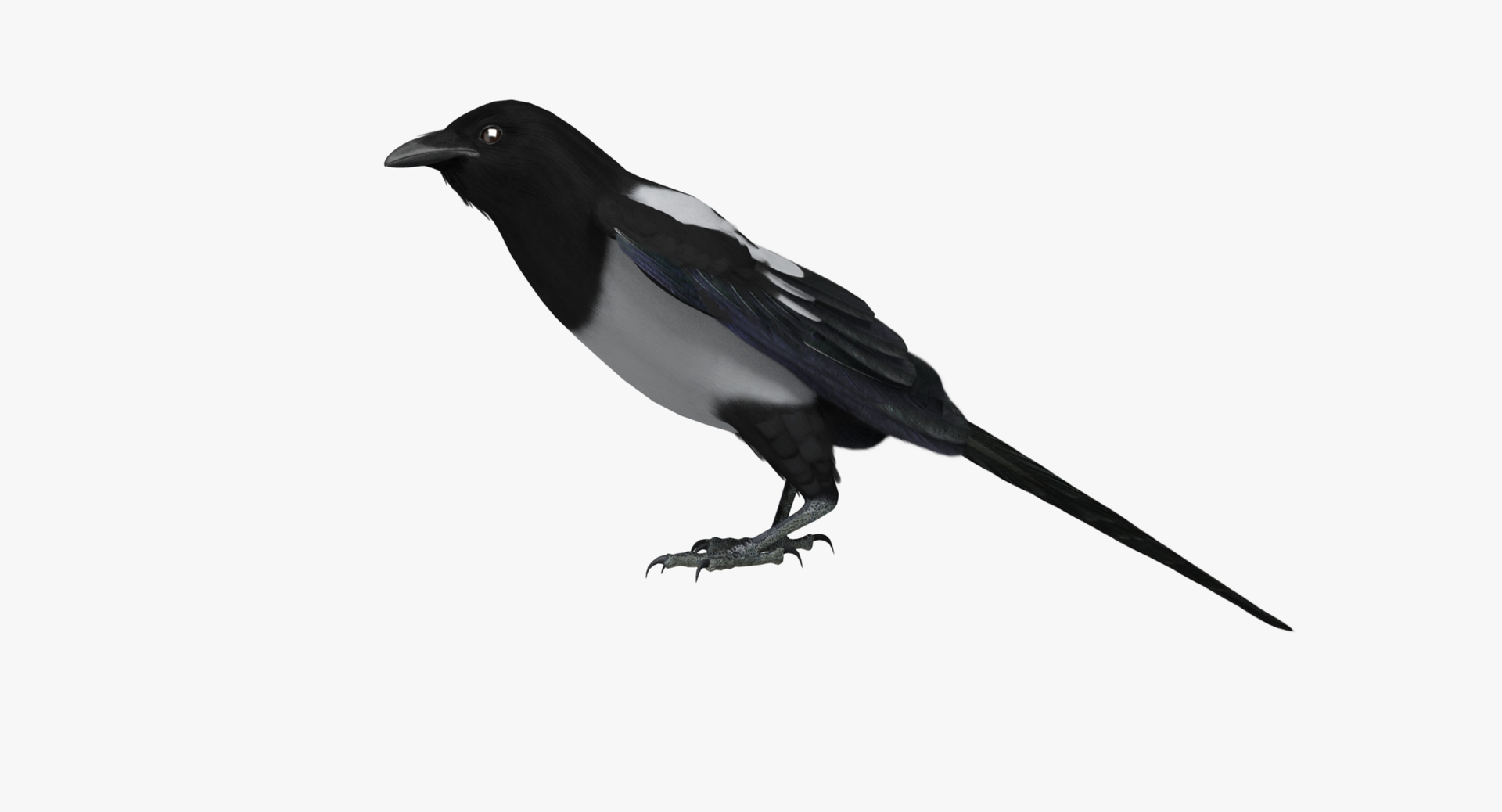
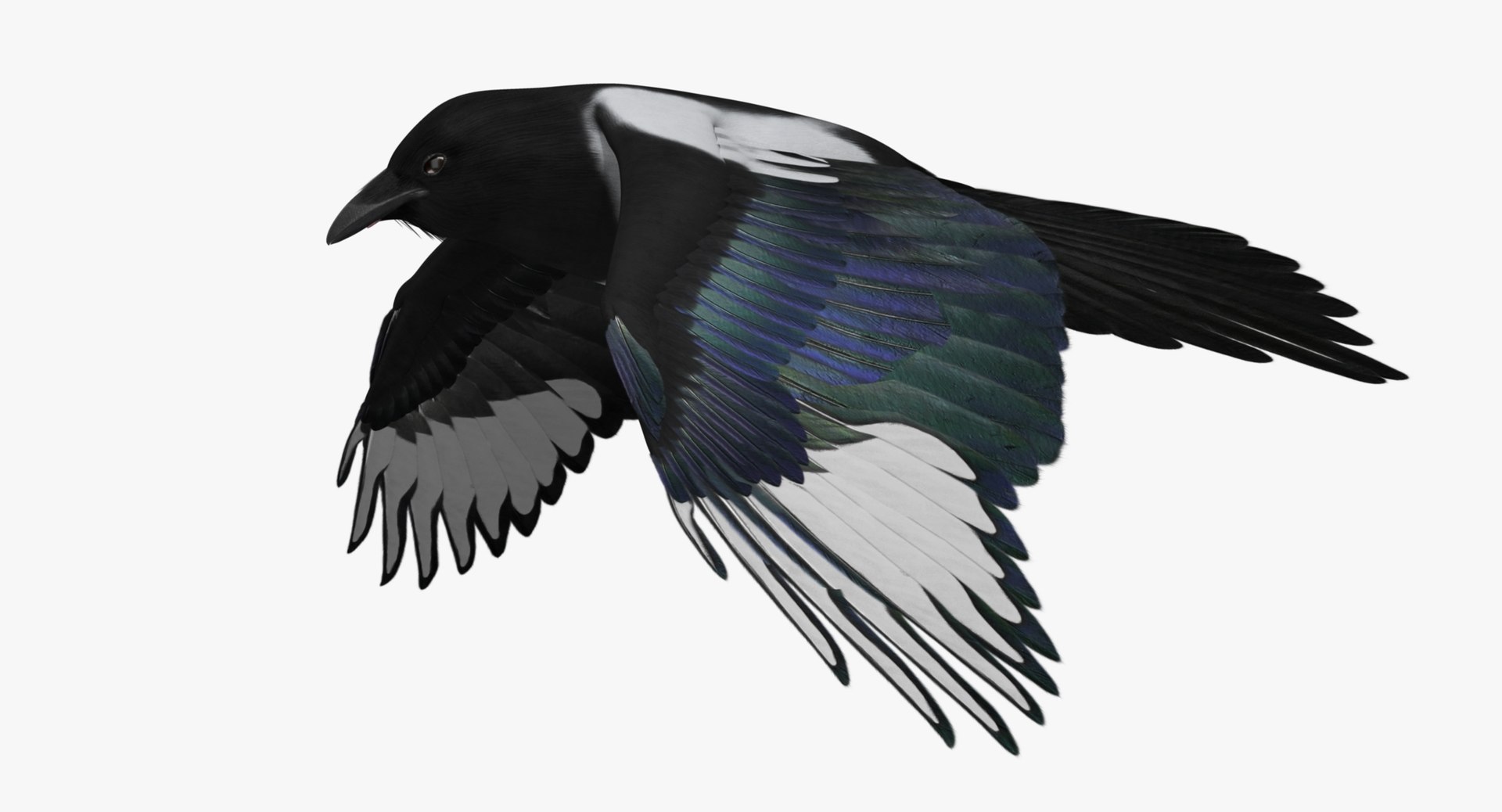
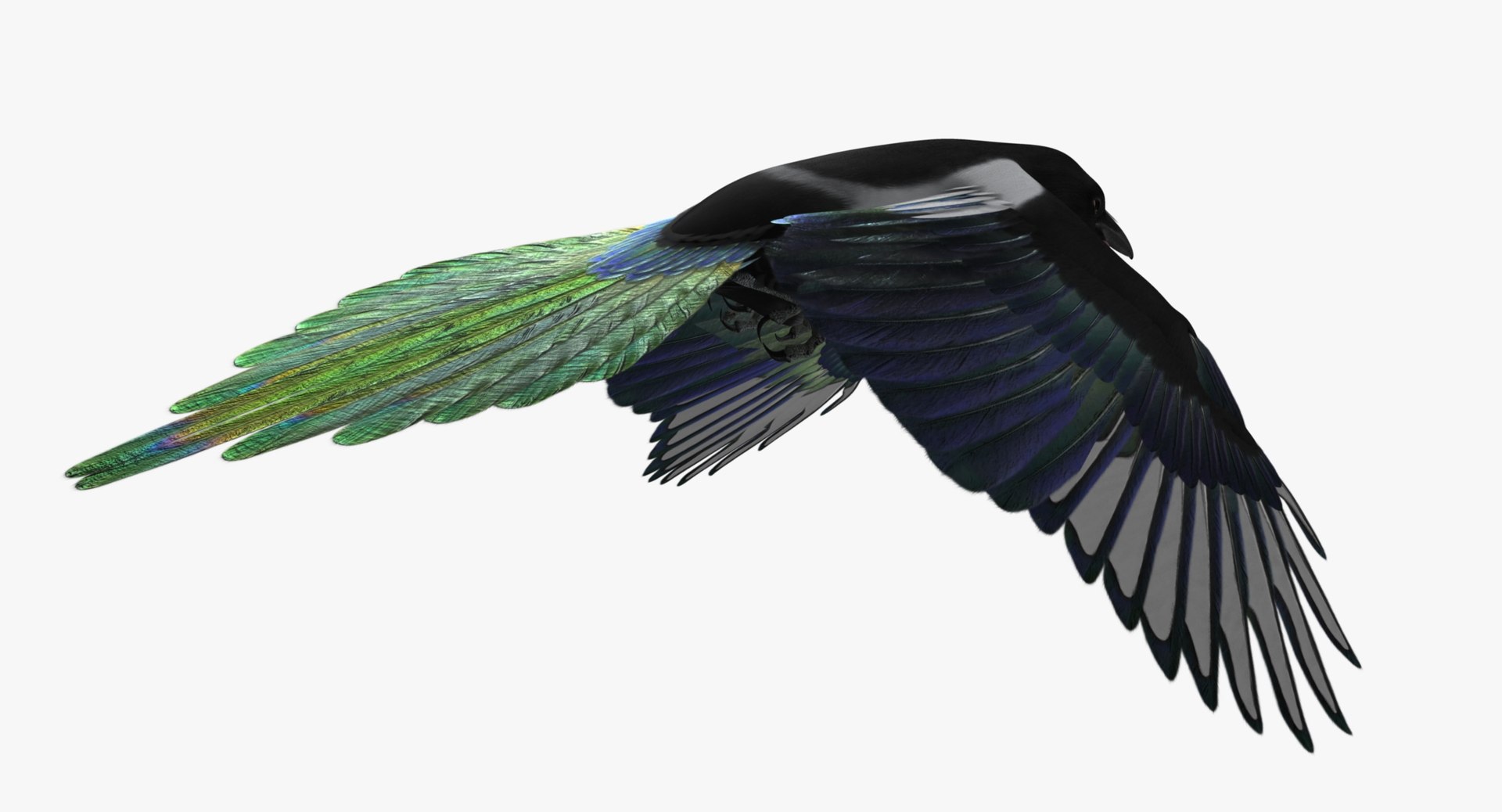
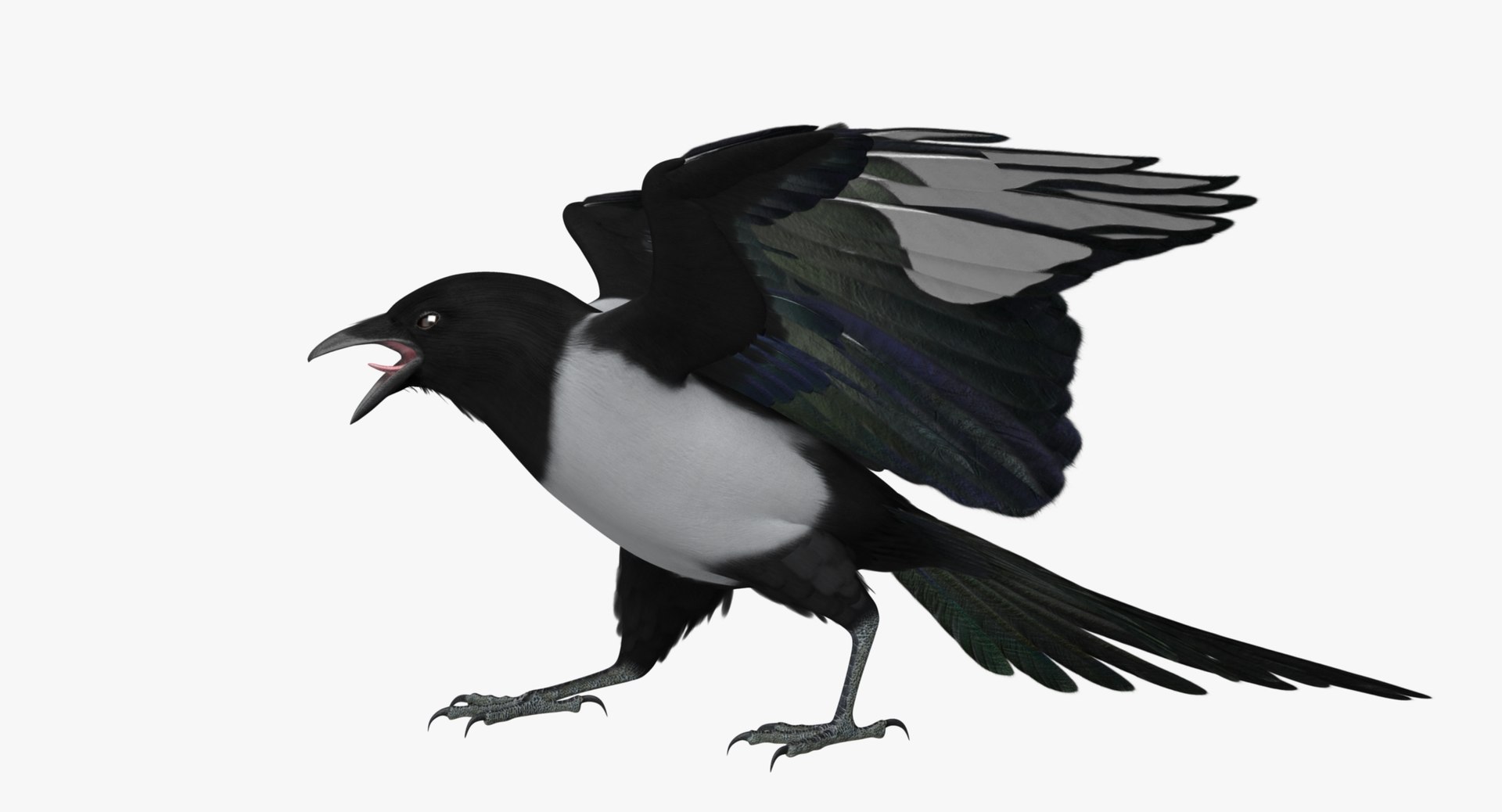
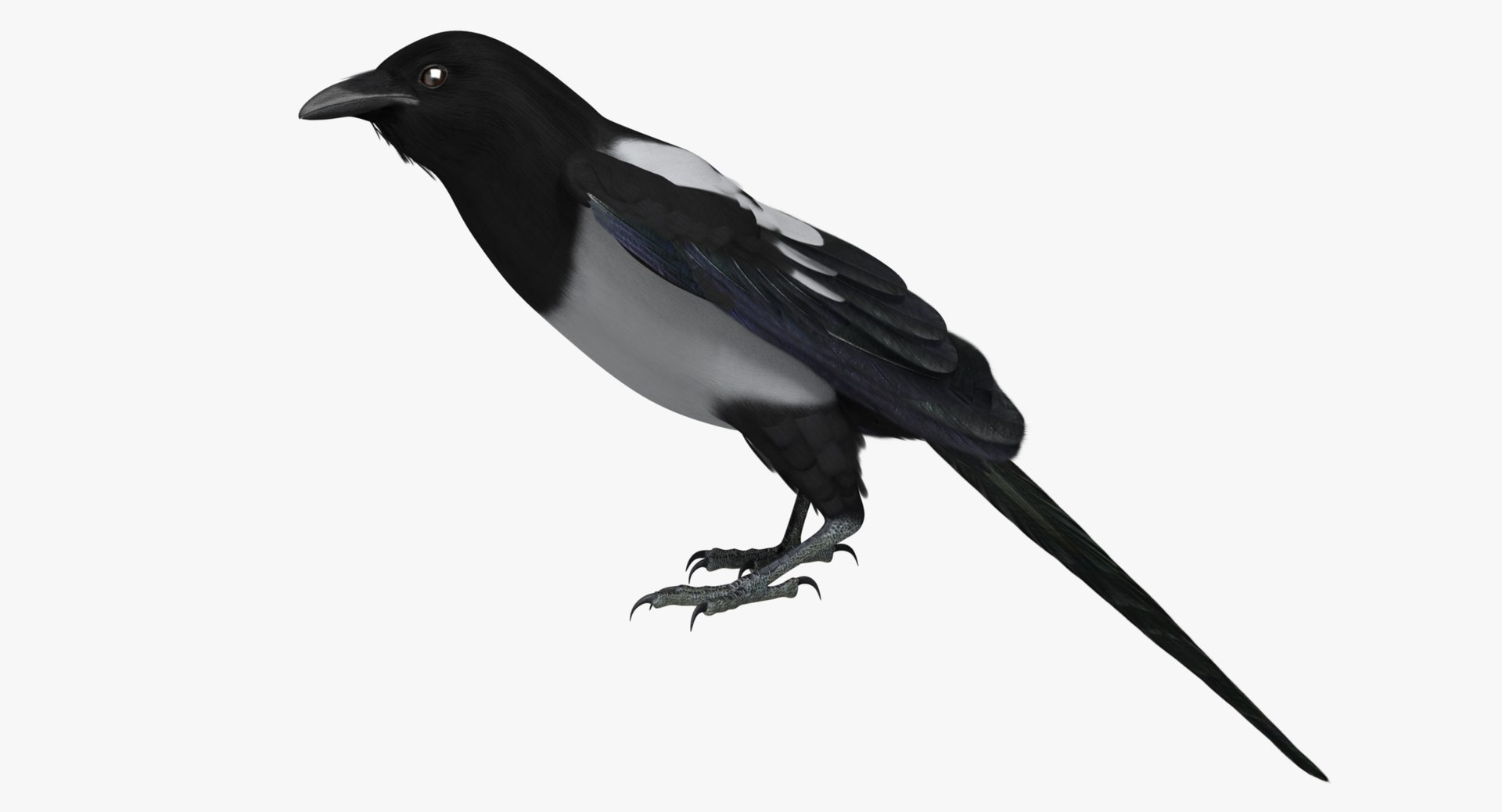
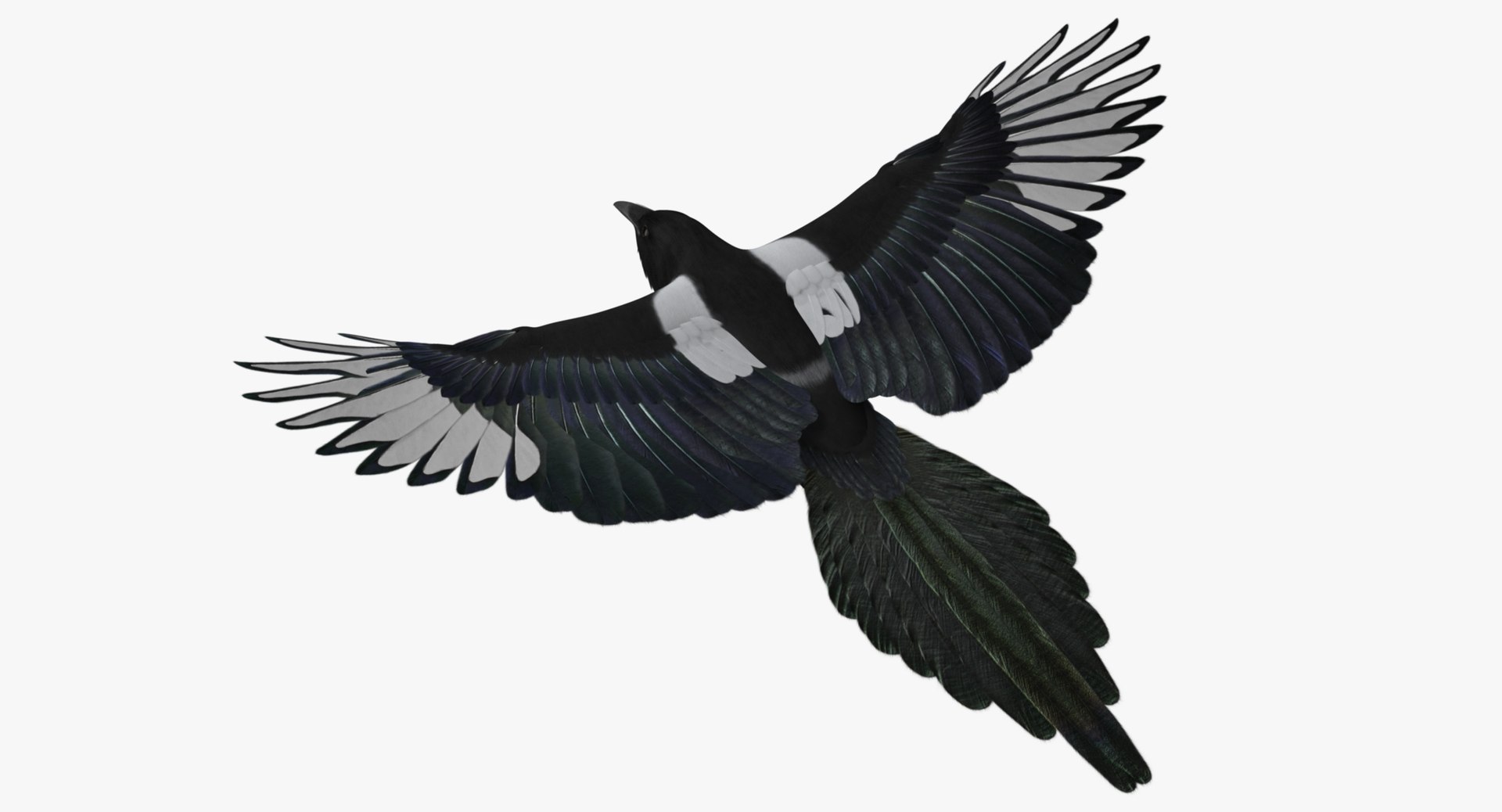
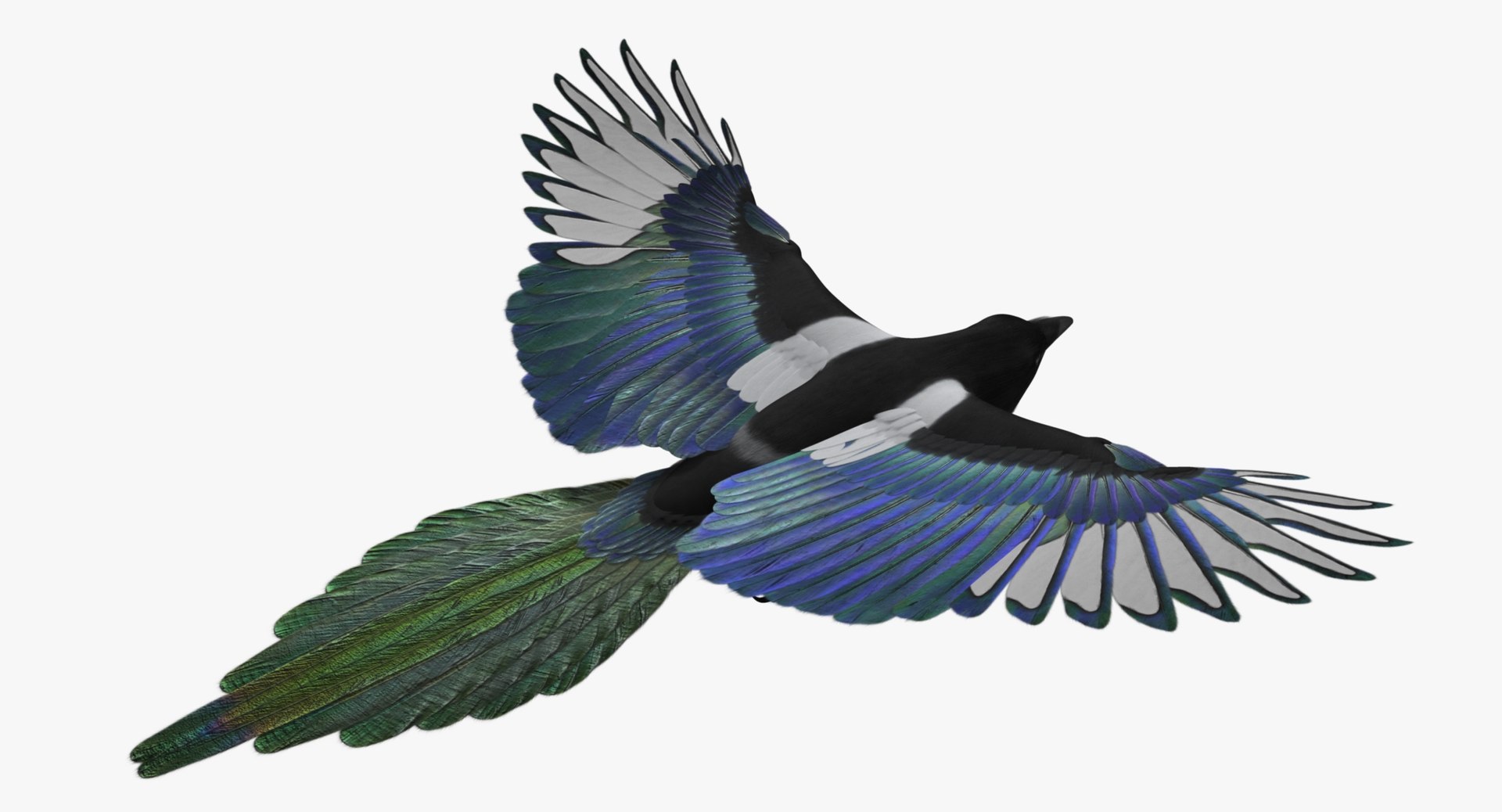
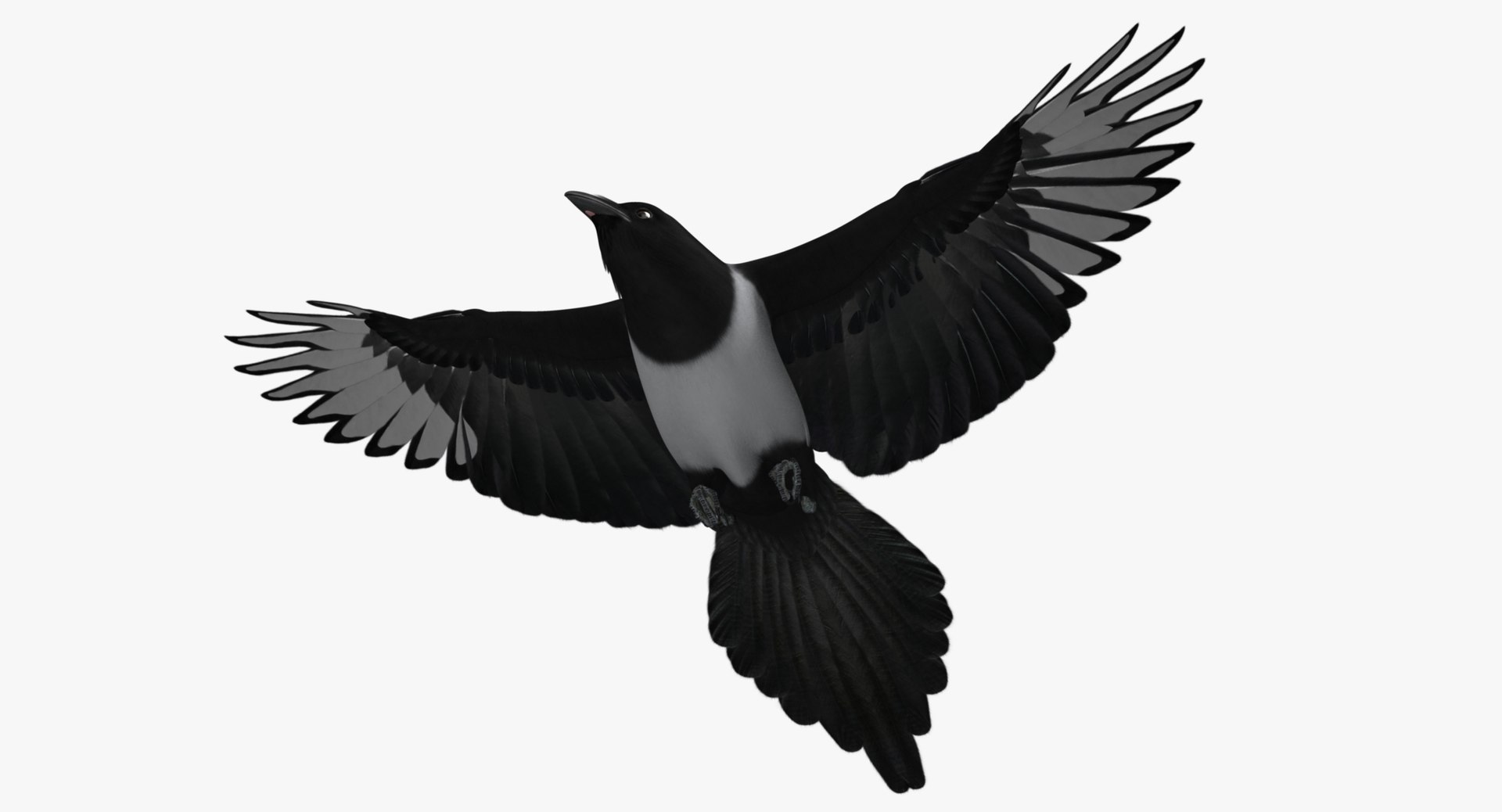
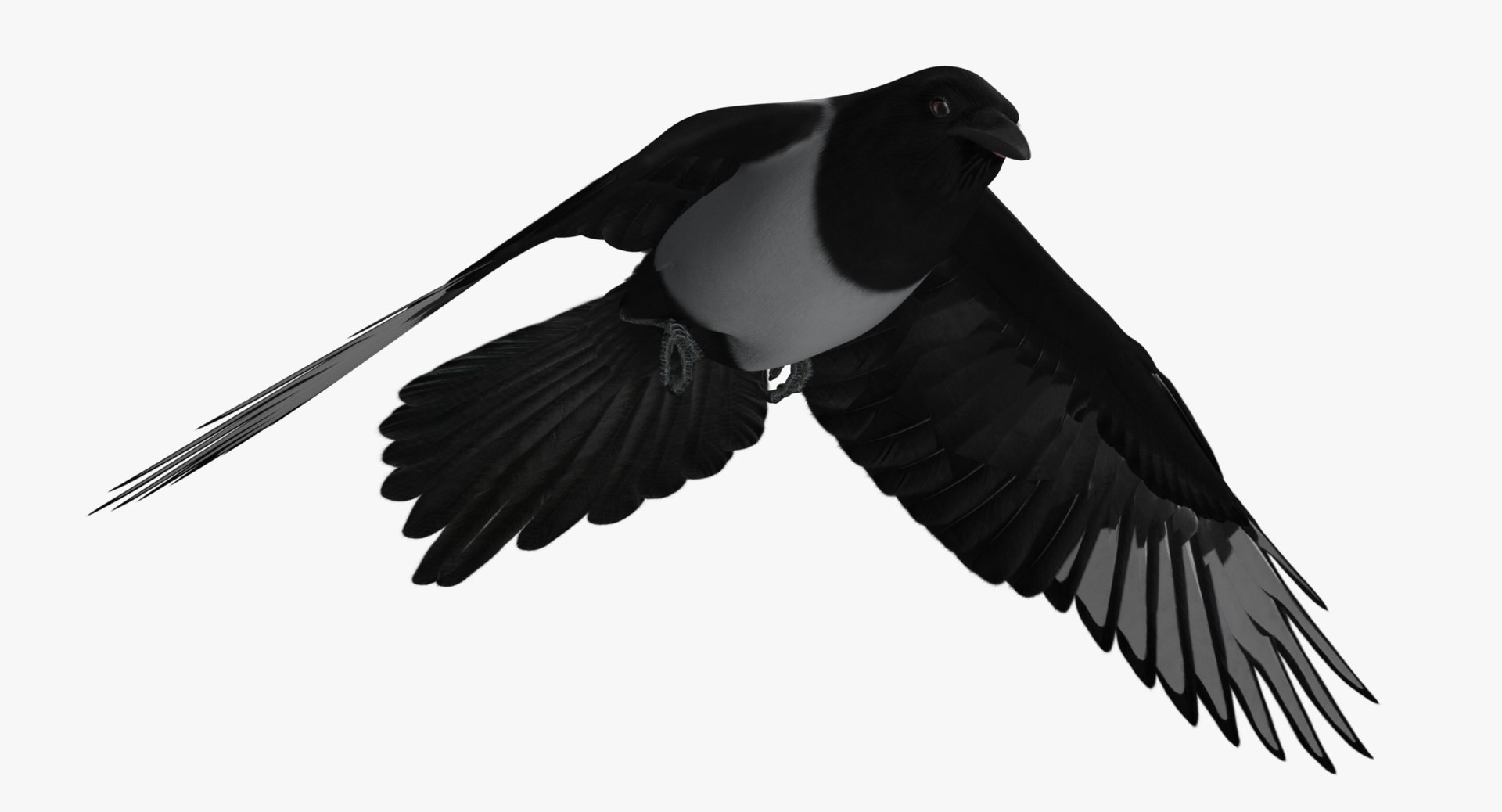
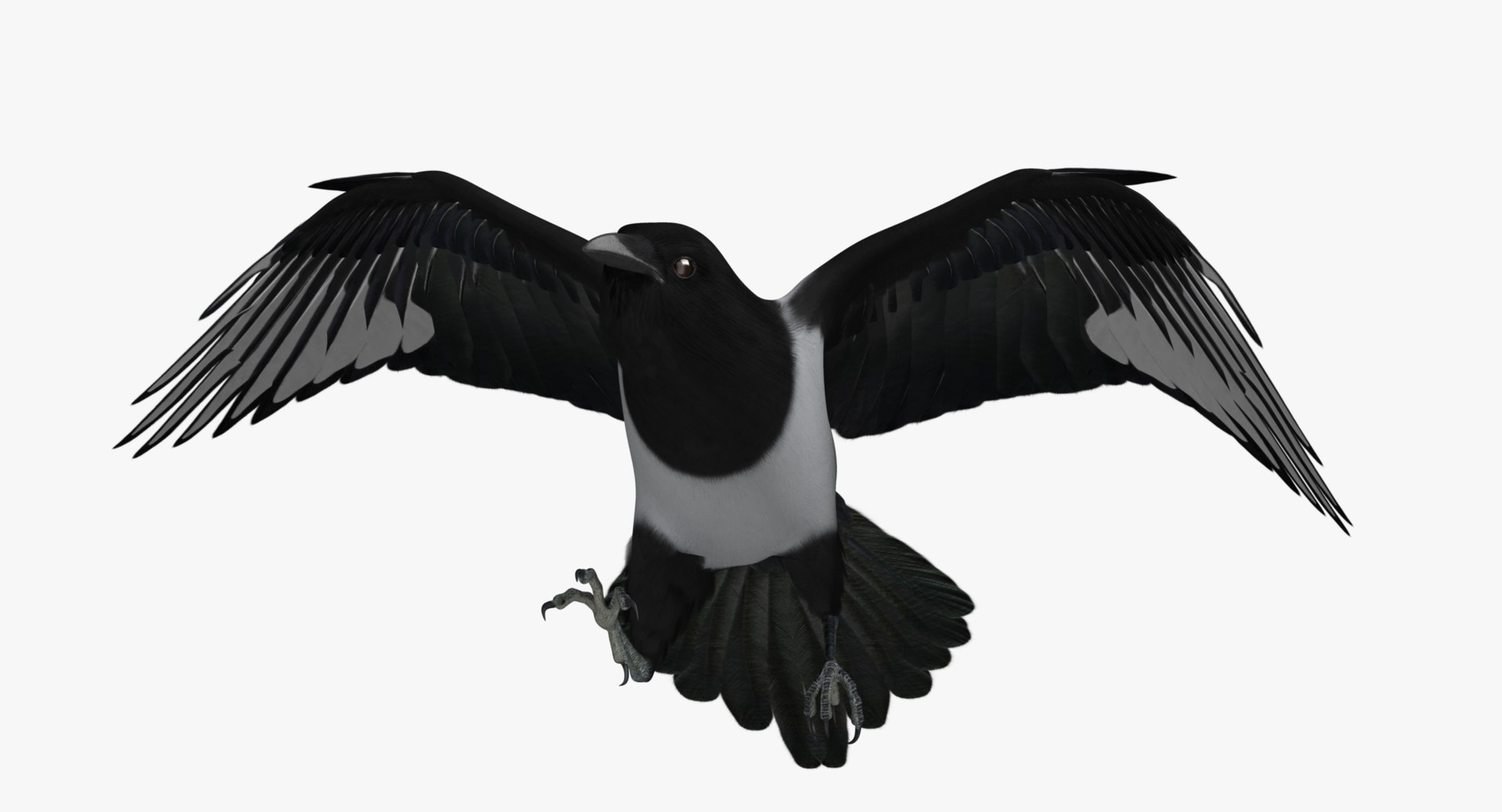
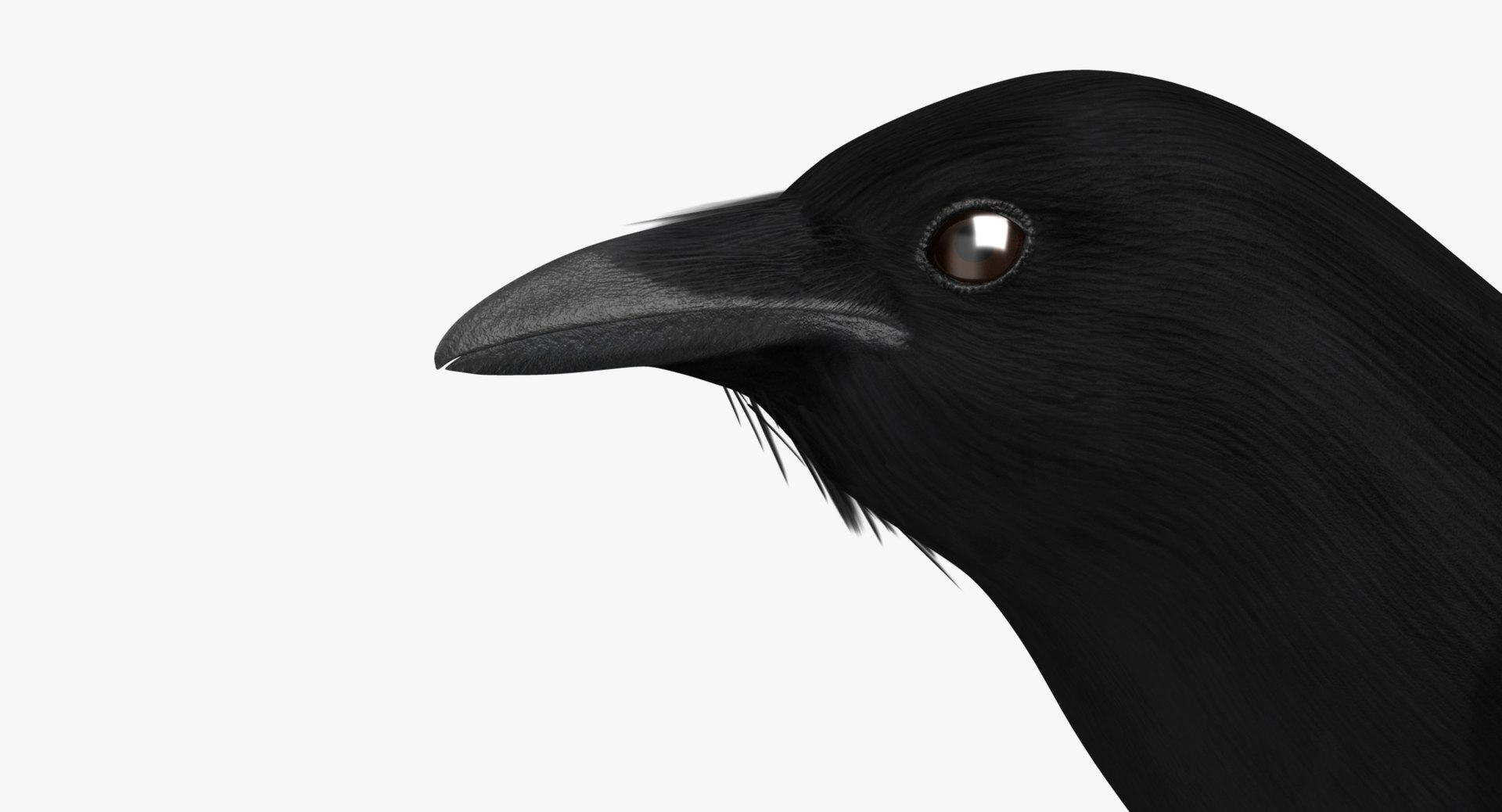
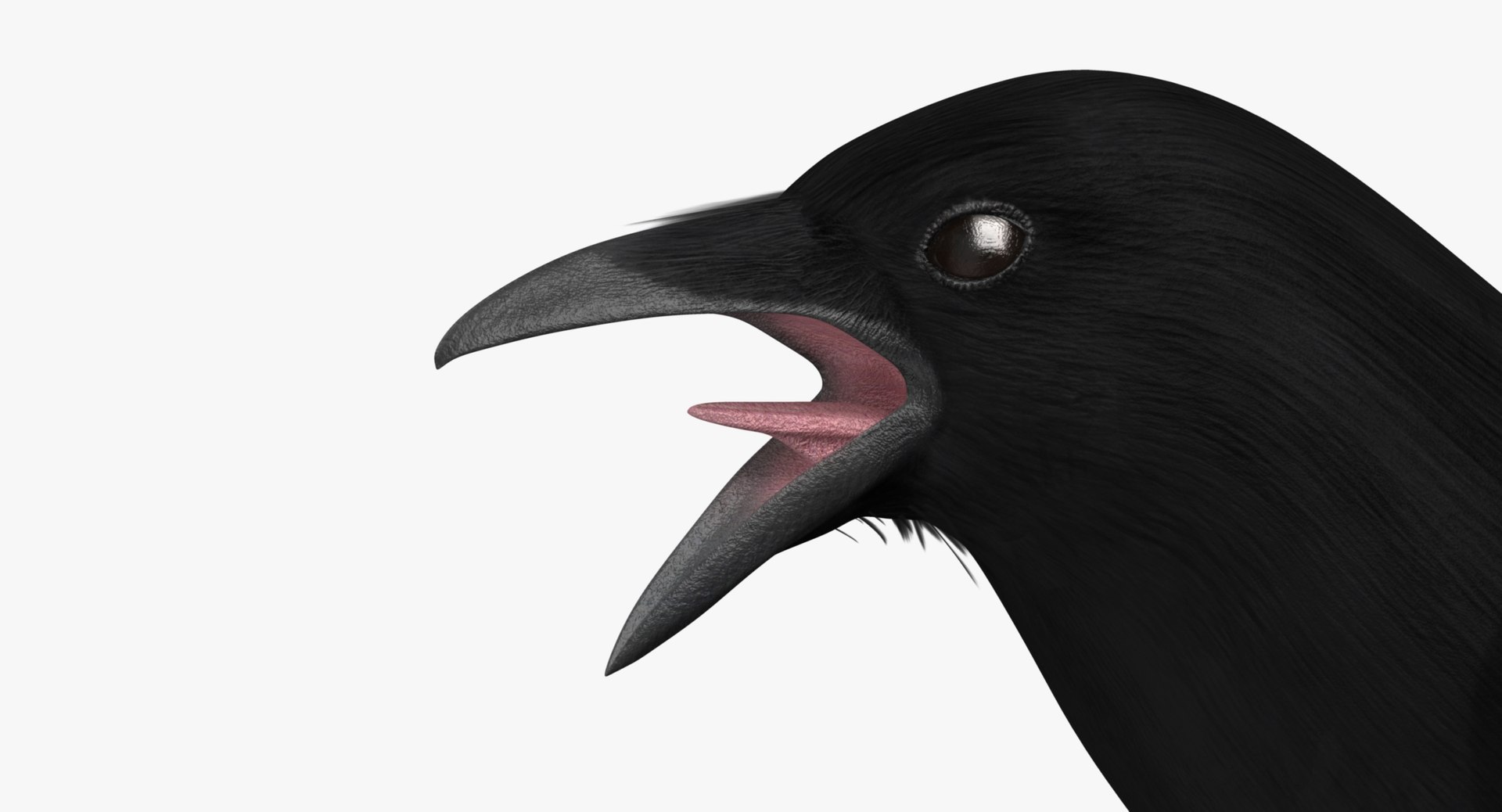
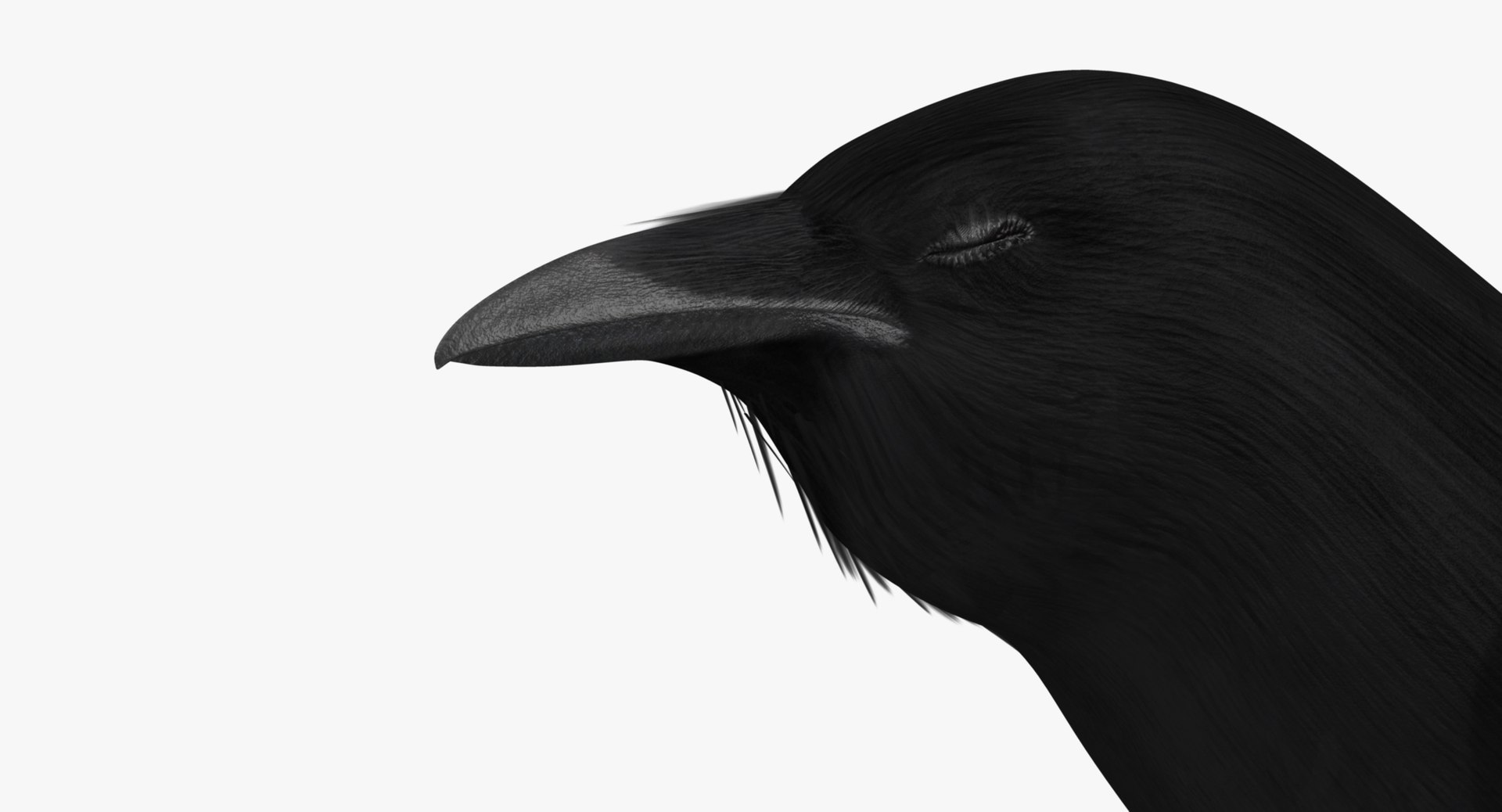
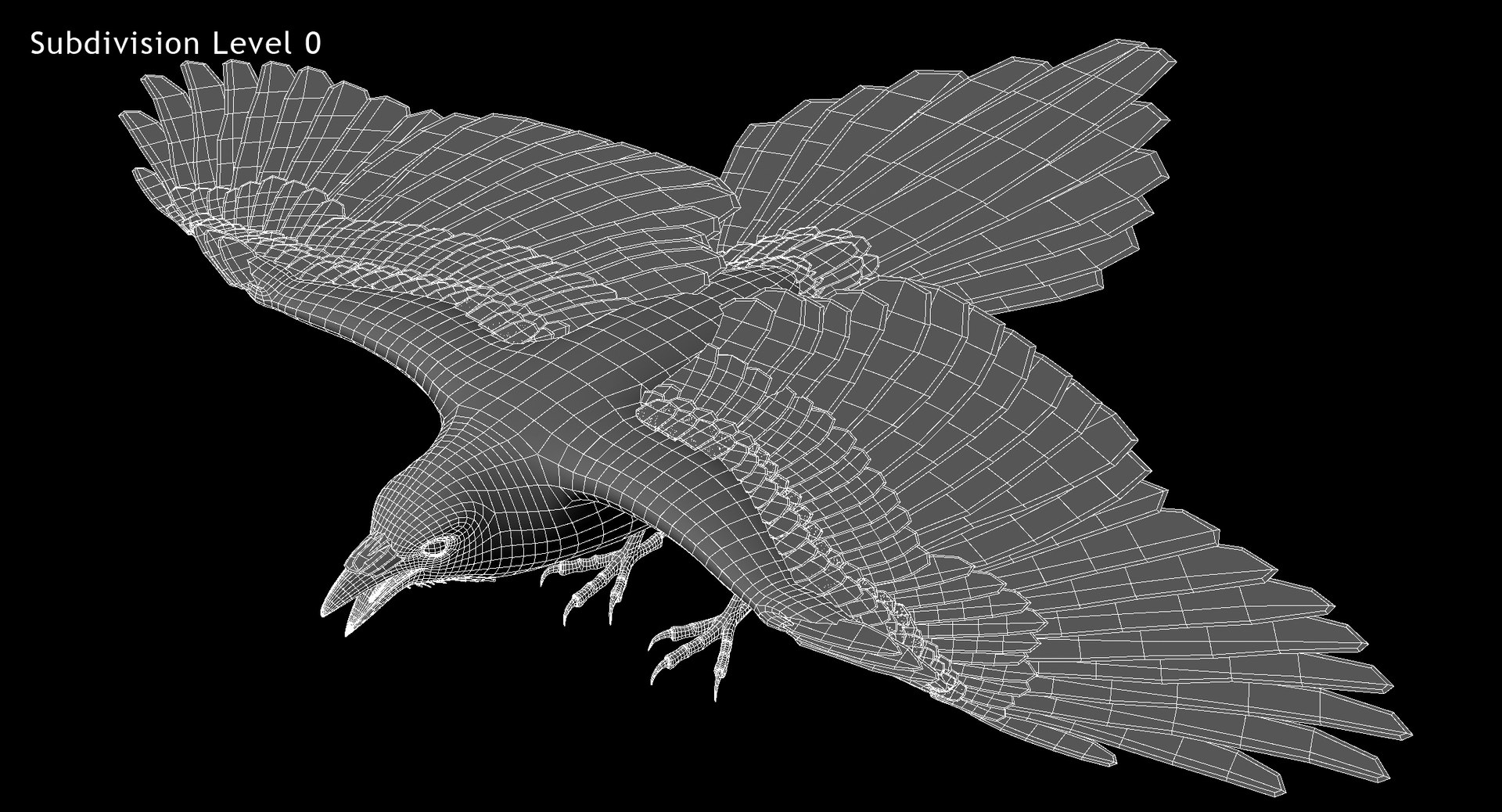
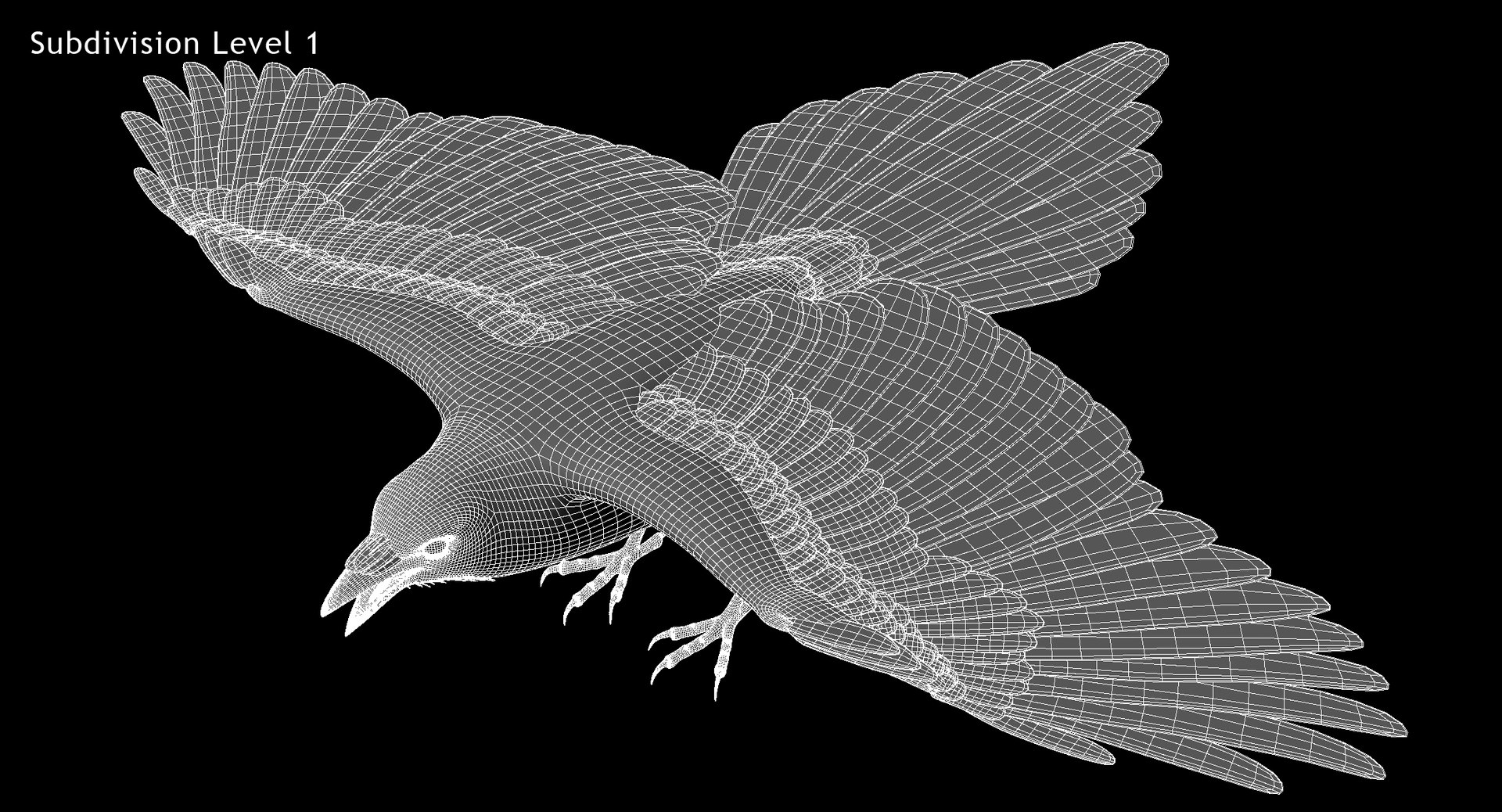
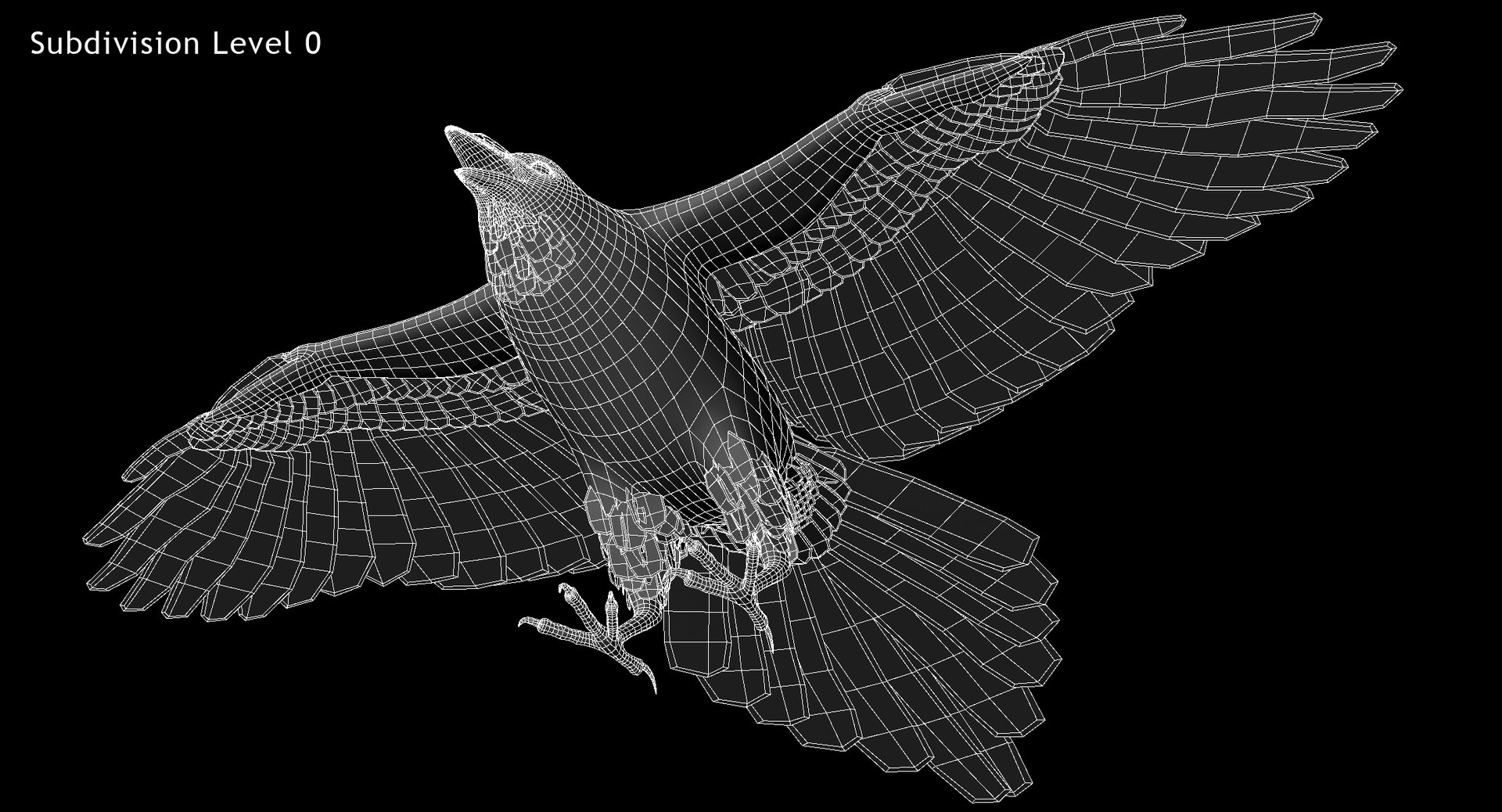
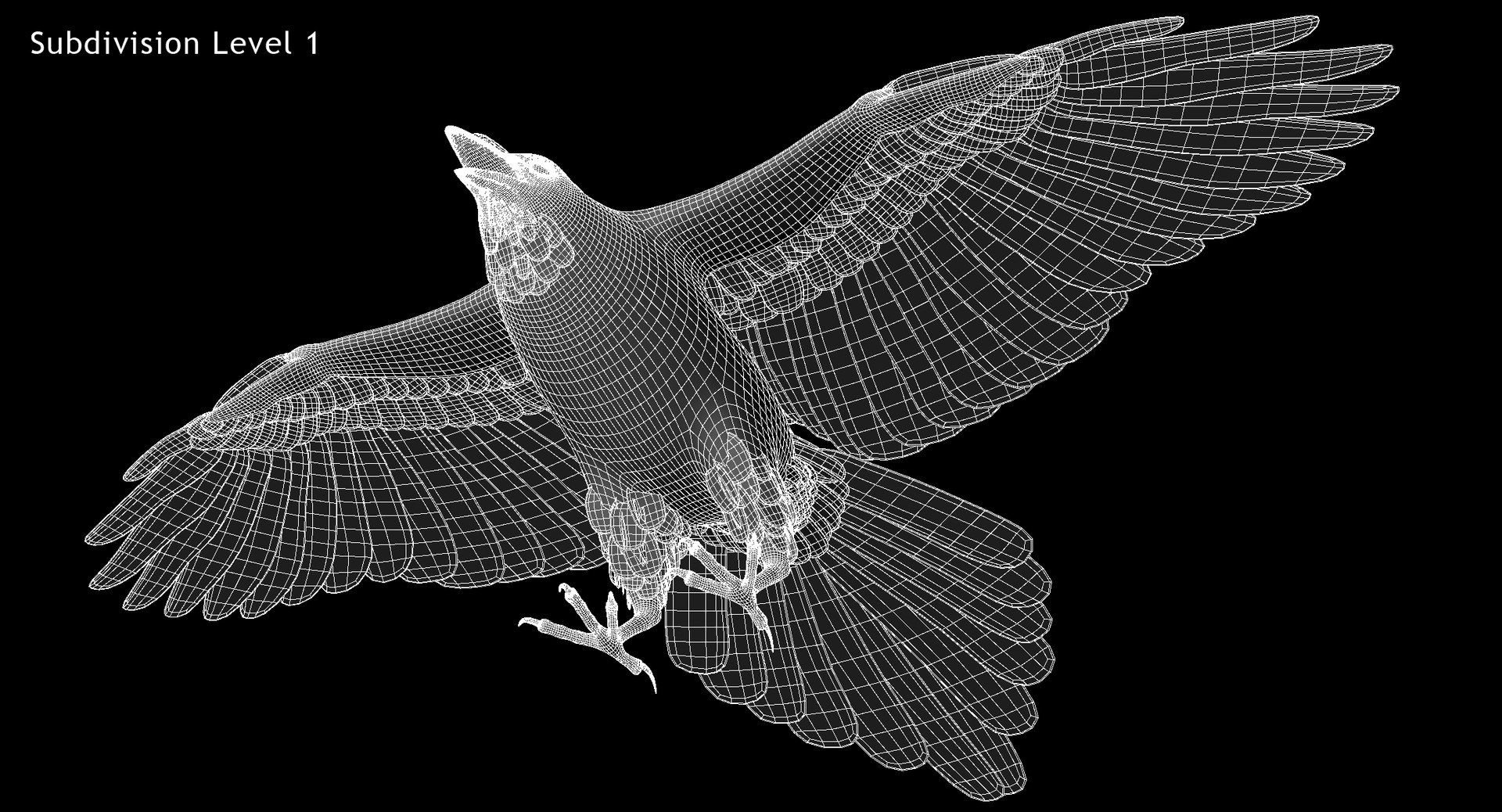
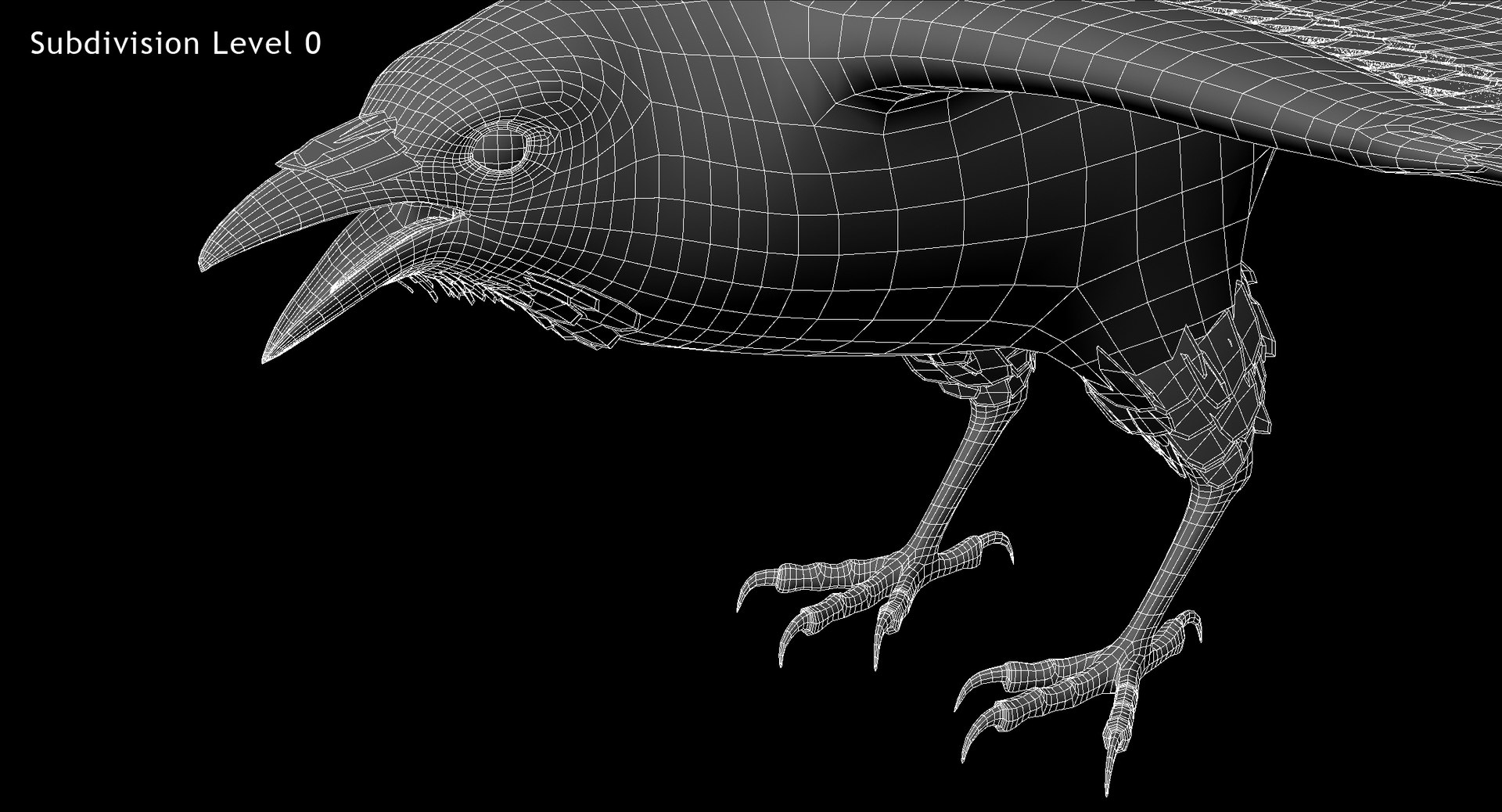
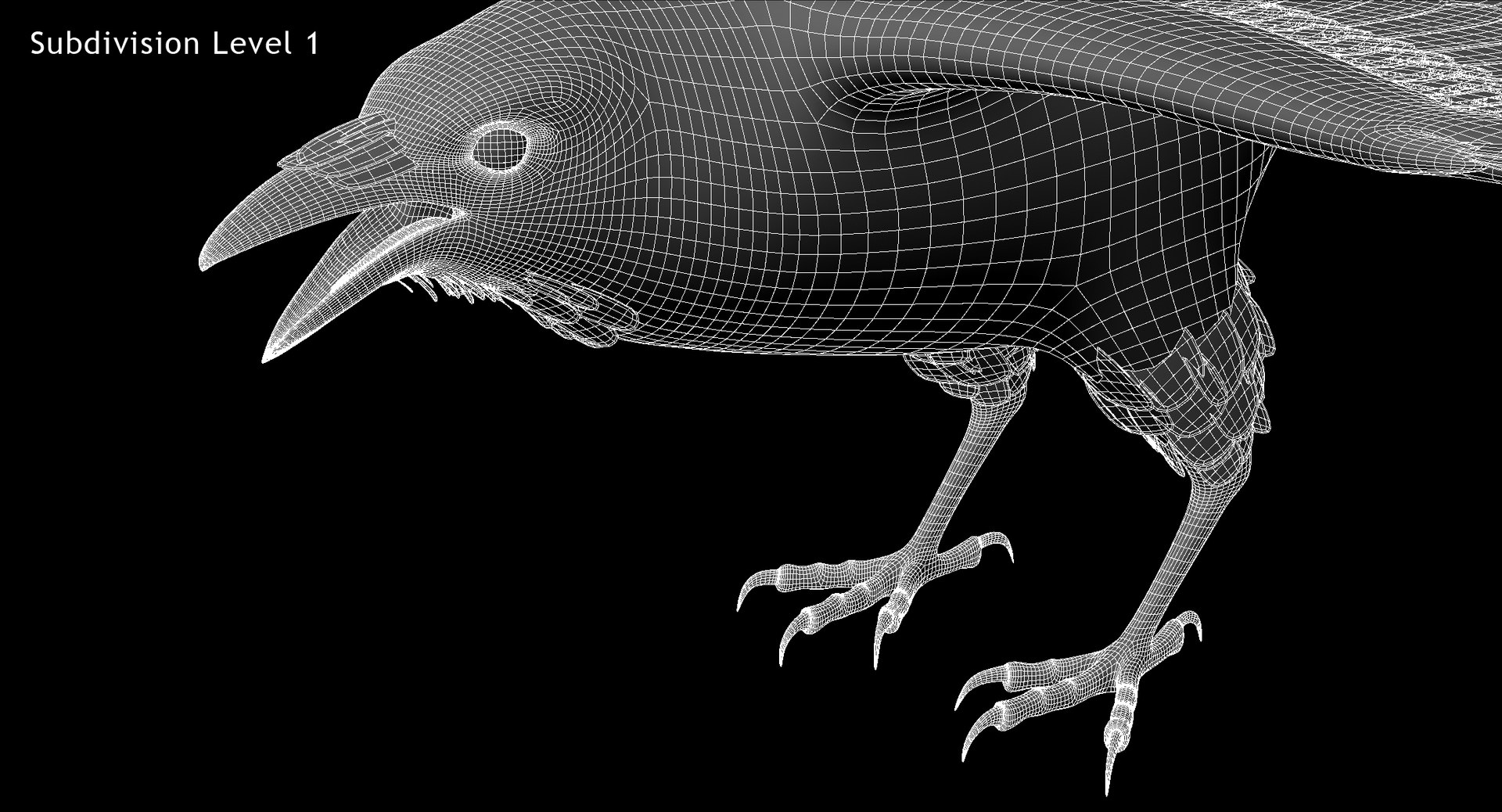
3D model of Pica Hudsonia "Black-billed Magpie" created in Maya 2013.
Real-world scale.
Clean topology with quad polygons only.
All objects properly named.
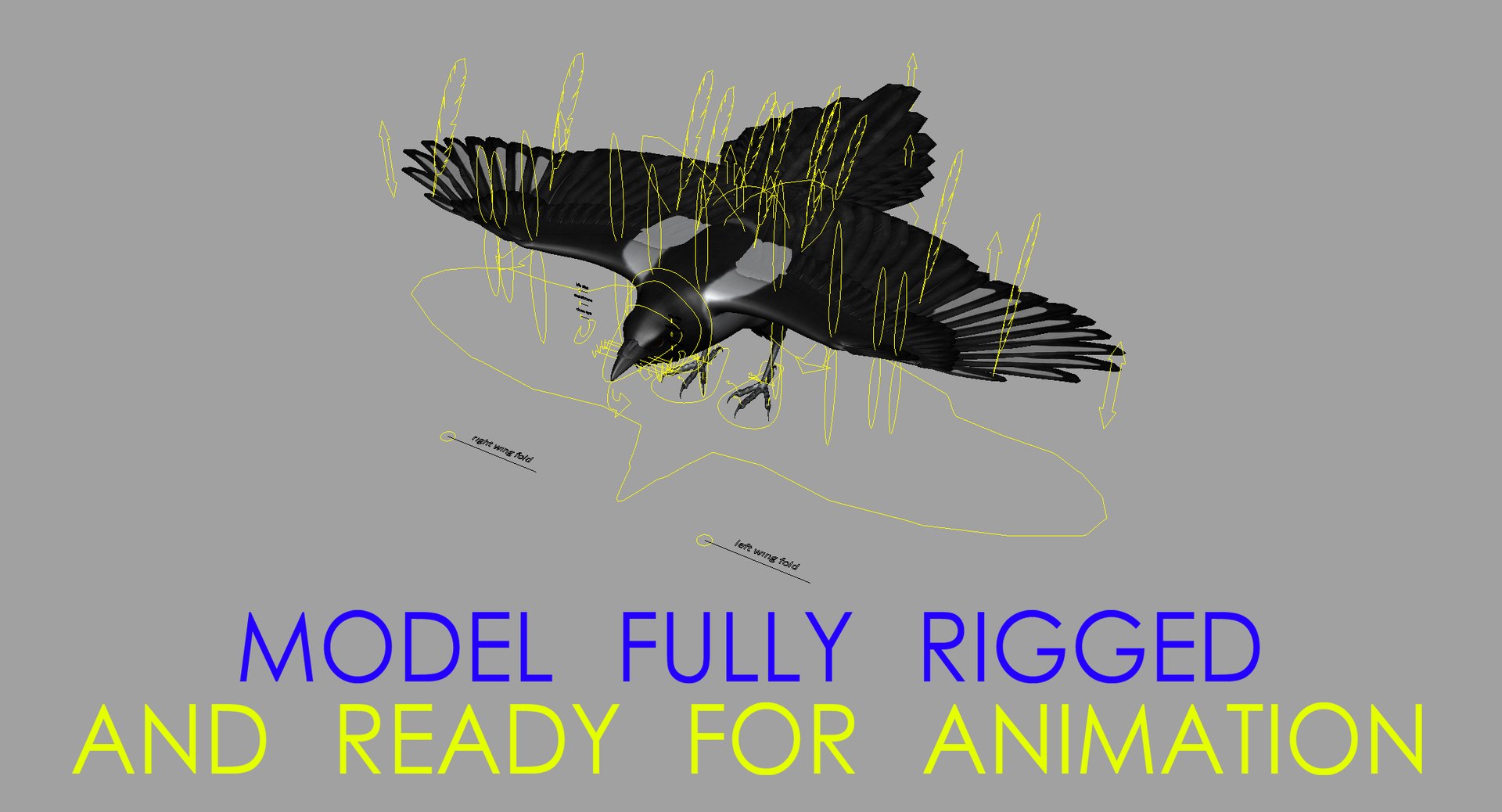
Model fully rigged and ready for animation. Please watch attached video with rig preview.
Also rig's readme file attached.
Model Exported to .obj format.
Polygons:
Faces: 36316
Vertices: 39958
Textures:
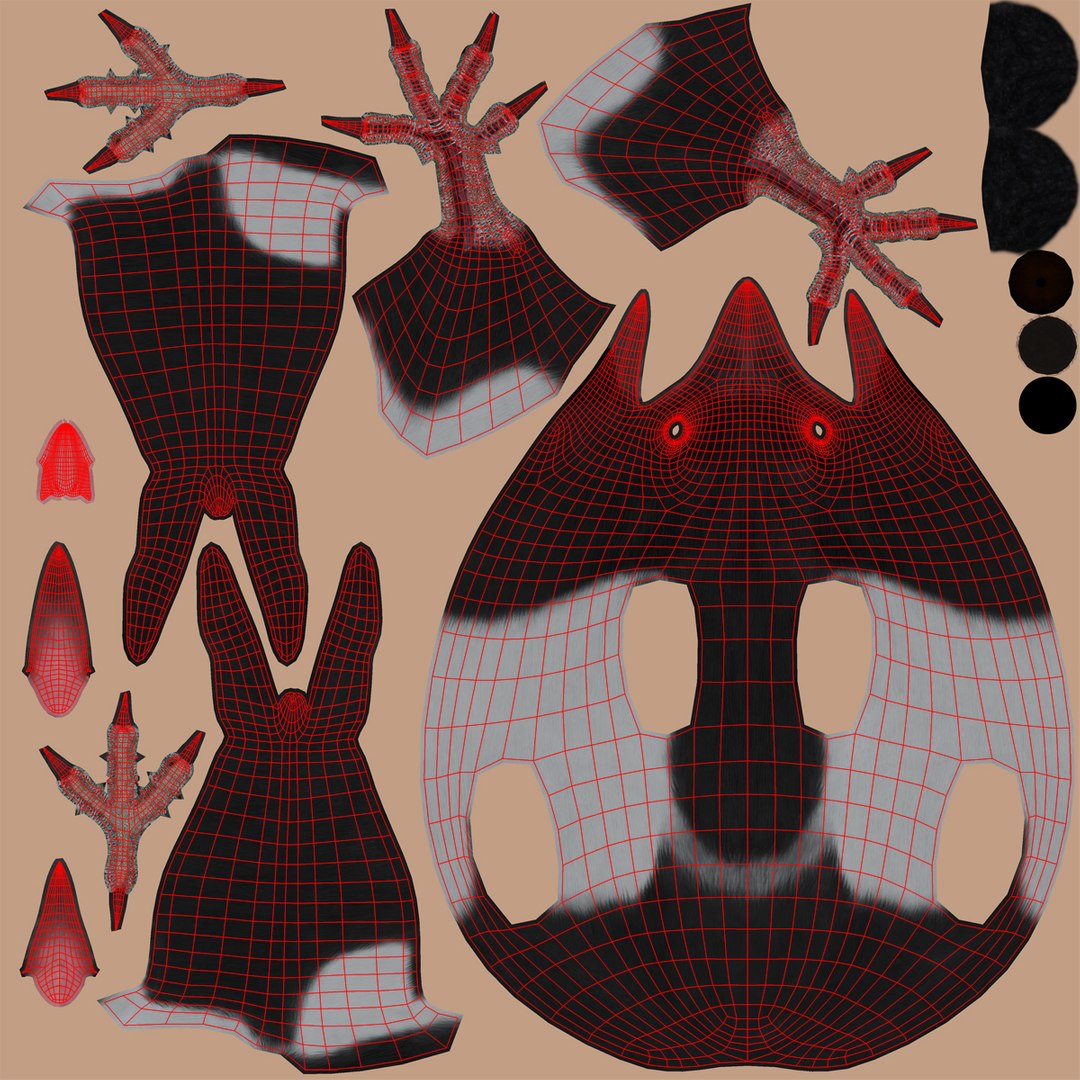
body_bump.jpg (4096x4096)
body_diffuse.jpg (4096x4096)
body_specular.jpg (4096x4096)
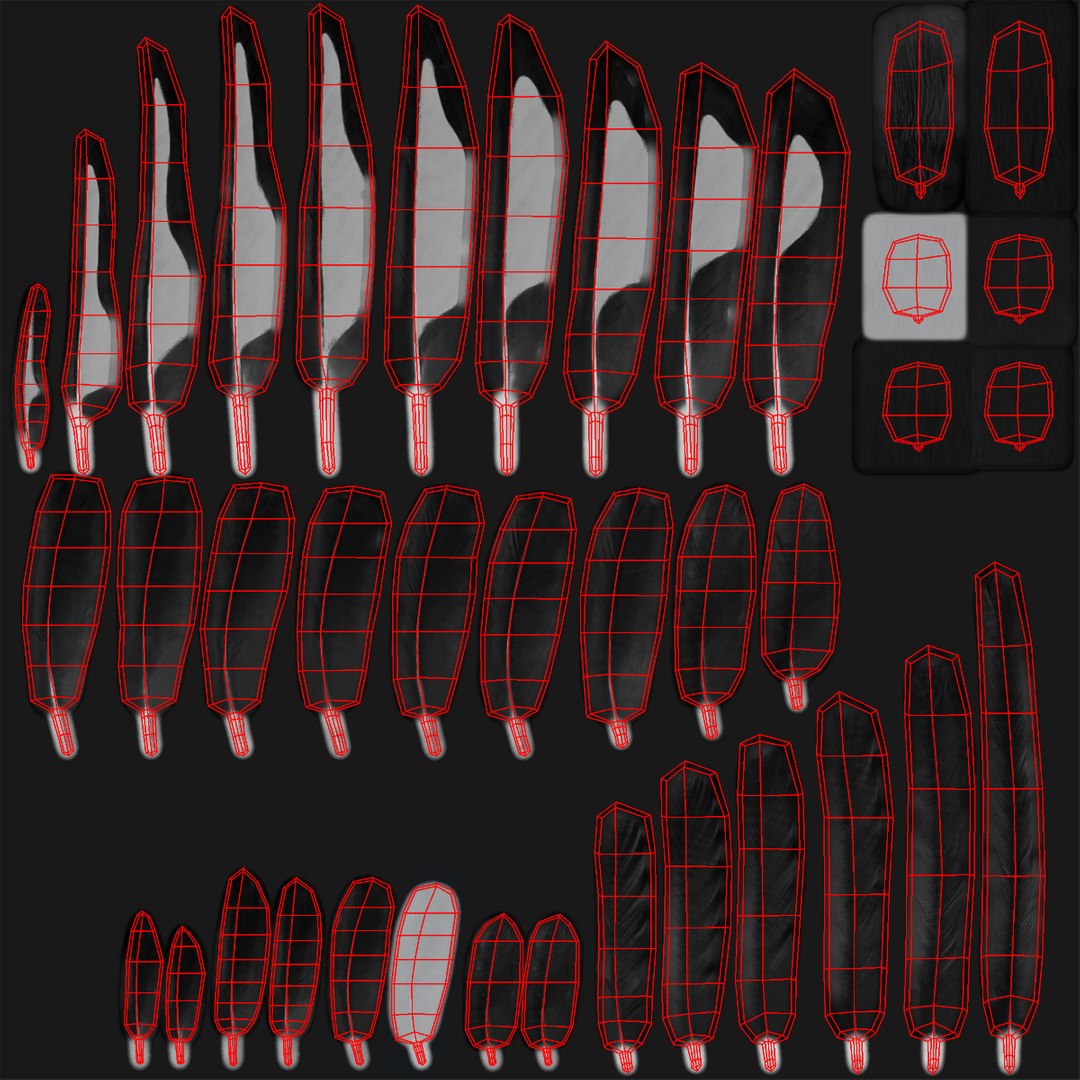
feathers_bump.jpg (2048x2048)
feathers_diff.jpg (2048x2048)
feathers_opacity.jpg (2048x2048)
feathers_specular.jpg (2048x2048)
zstudiolight.tga (1024x1024) environment map
Rig description:
MainControl - controls whole model position and rotation
Body_Control - controls body position and rotation
tail_fold_Control - controls tail folding
Tail_Control - controls tail rotation
ltfeathers_Control1-2 - control bending of left side of tail
rtfeathers_Control1-2 - control bending of right side of tail
mtfeathers_Control1-2 - control bending of middle part of tail
Neck_Control1-2 - control neck rotation and position
Head_Control - controls head rotation and position
Beak_Control - controls beak opening
Tongue_Control1-4 - control tongue rotation and stretch
Throat_Control - controls throat size
lEye_Control - left eye taget
rEye_Control - right eye target
liris_Control - left eye's iris size
riris_Control - right eye's iris size
leyelids_Control - close left eye
reyelids_Control - close right eye
lmembrane_Control - close left eye membrane
rmembrane_Control - close right eye membrane
lwing_fold_Control - controls left wing folding
rwing_fold_Control - controls right wing folding
lWing_Control1-5 - left wing rotation
rWing_Control1-5 - right wing rotation
lprimaryfeathers_Control - controls bending of primary feathers on the left wing
rprimaryfeathers_Control - controls bending of primary feathers on the right wing
lsecondaryfeathers_Control1-3 - control bending of secondary feathers on the left wing
rsecondaryfeathers_Control1-3 - control bending of secondary feathers on the right wing
lalula_Control - controls left alula feathers
ralula_Control - controls right alula feathers
louterfeathers_Control, lmiddlefeathers_Control, linnerfeathers_Control1-2 - additional feathers controls of left wing
routerfeathers_Control, rmiddlefeathers_Control, rinnerfeathers_Control1-2 - additional feathers controls of right wing
lupleg_Control - left upper leg position and rotation
rupleg_Control - right upper leg position and rotation
lknee_Control - controls left knee position
rknee_Control - controls right knee position
lLeg_Control - left leg position and rotation
rLeg_Control - right leg position and rotation
lfoot_Control - left foot position and rotation
rfoor_Control - right foot position and rotation
lfinger1_Control1-2, lfinger2_Control1-2, lfinger3_Control1-2, lfinger4_Control1-2 - control bending of left leg's fingers
rfinger1_Control1-2, rfinger2_Control1-2, rfinger3_Control1-2, rfinger4_Control1-2 - control bending of right leg's fingers

 Apple Quick Look
 Meta Spark
 Omniverse
 Snap Studio
 TikTok
 Unity
Unity
 Unreal
 3ds Max
 Blender
 Cinema 4D
 Maya
Maya