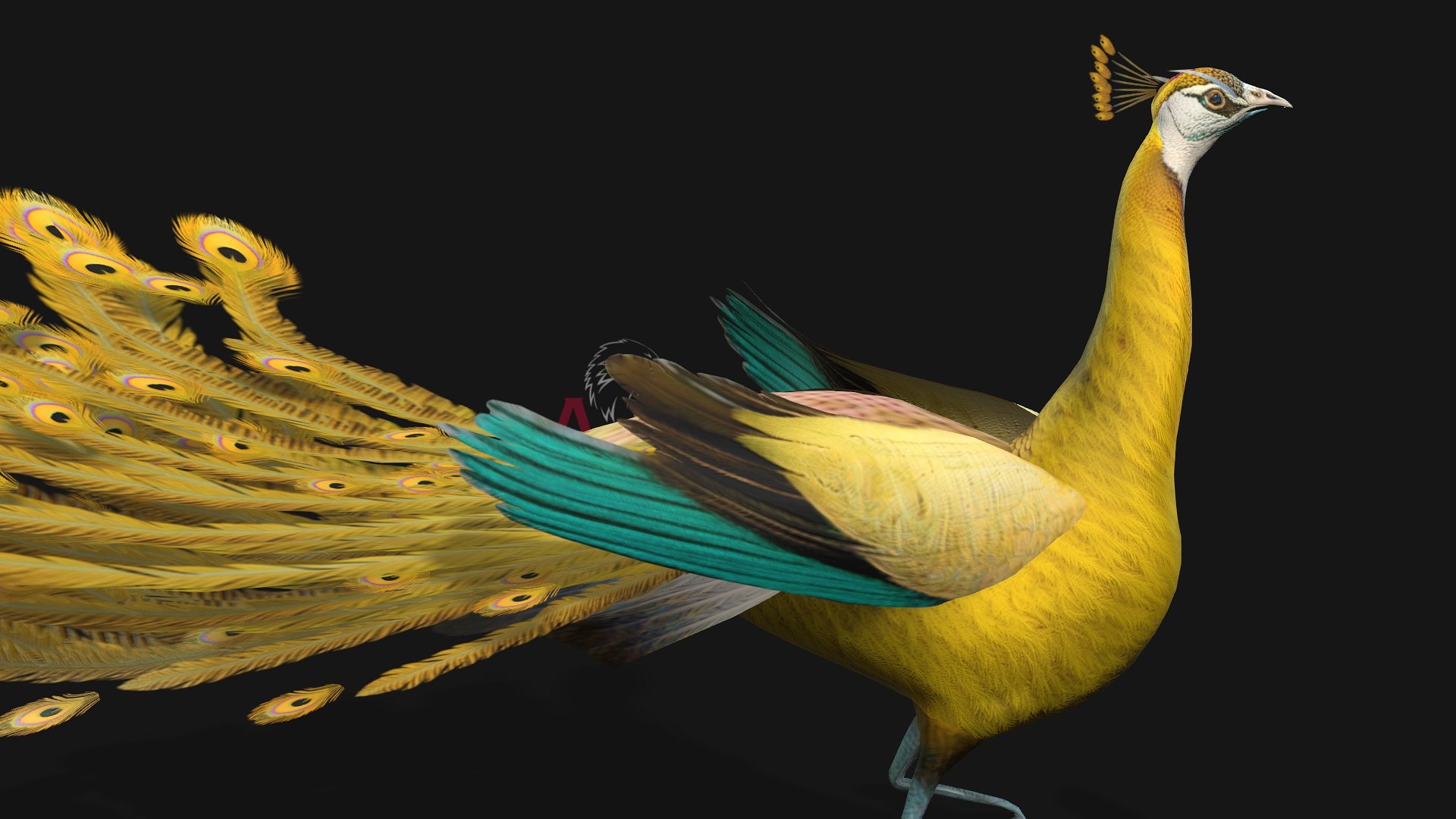
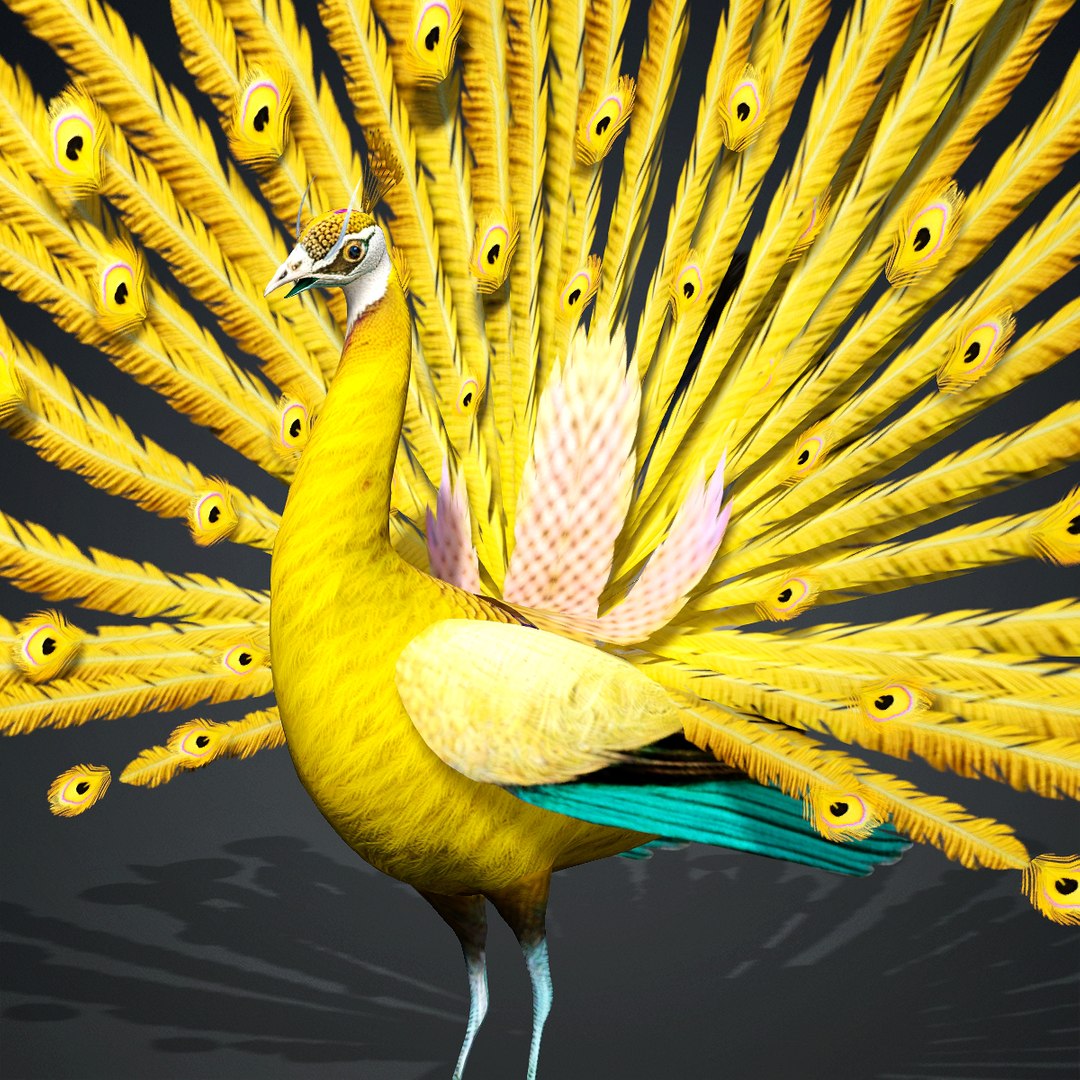
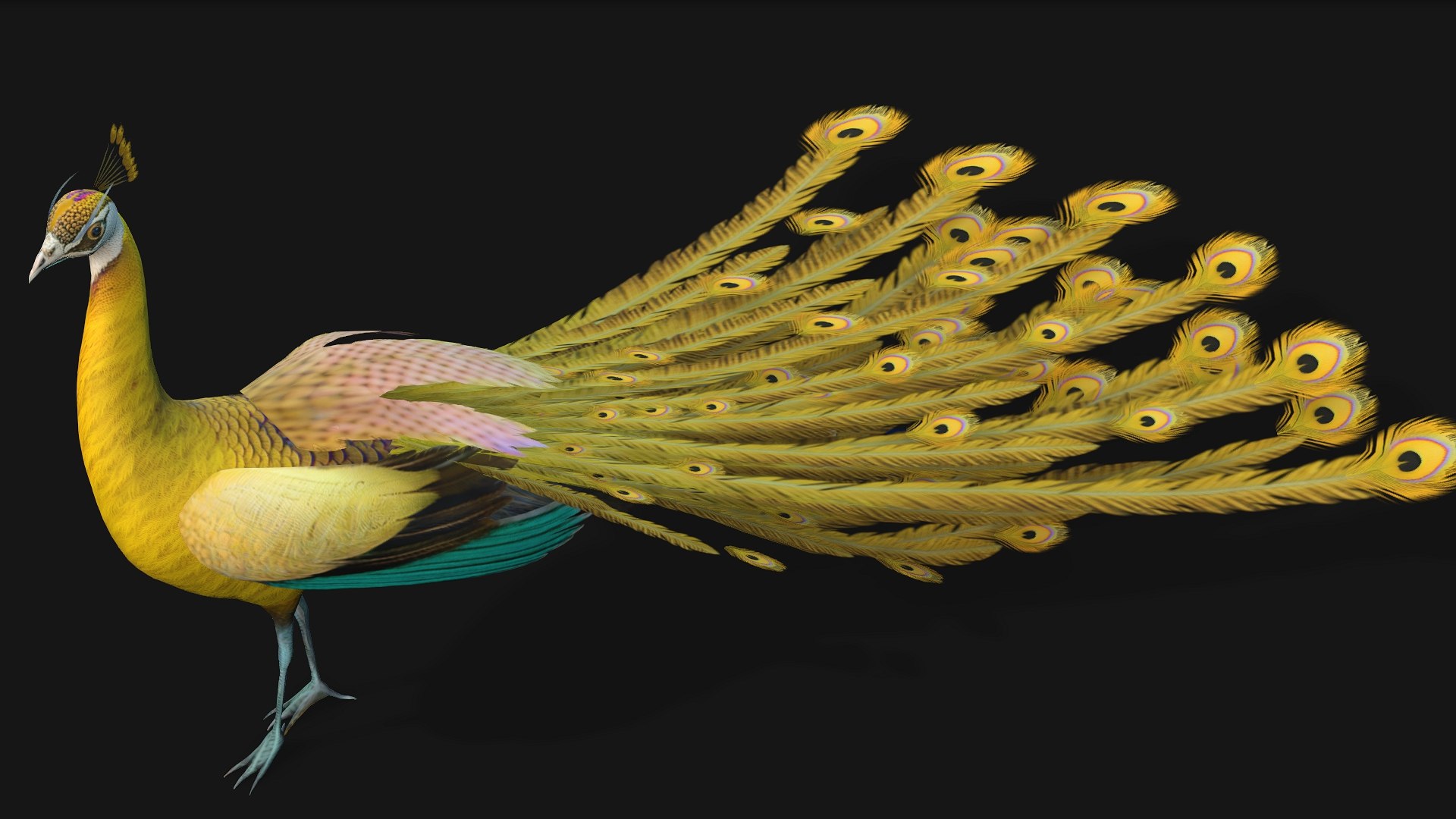
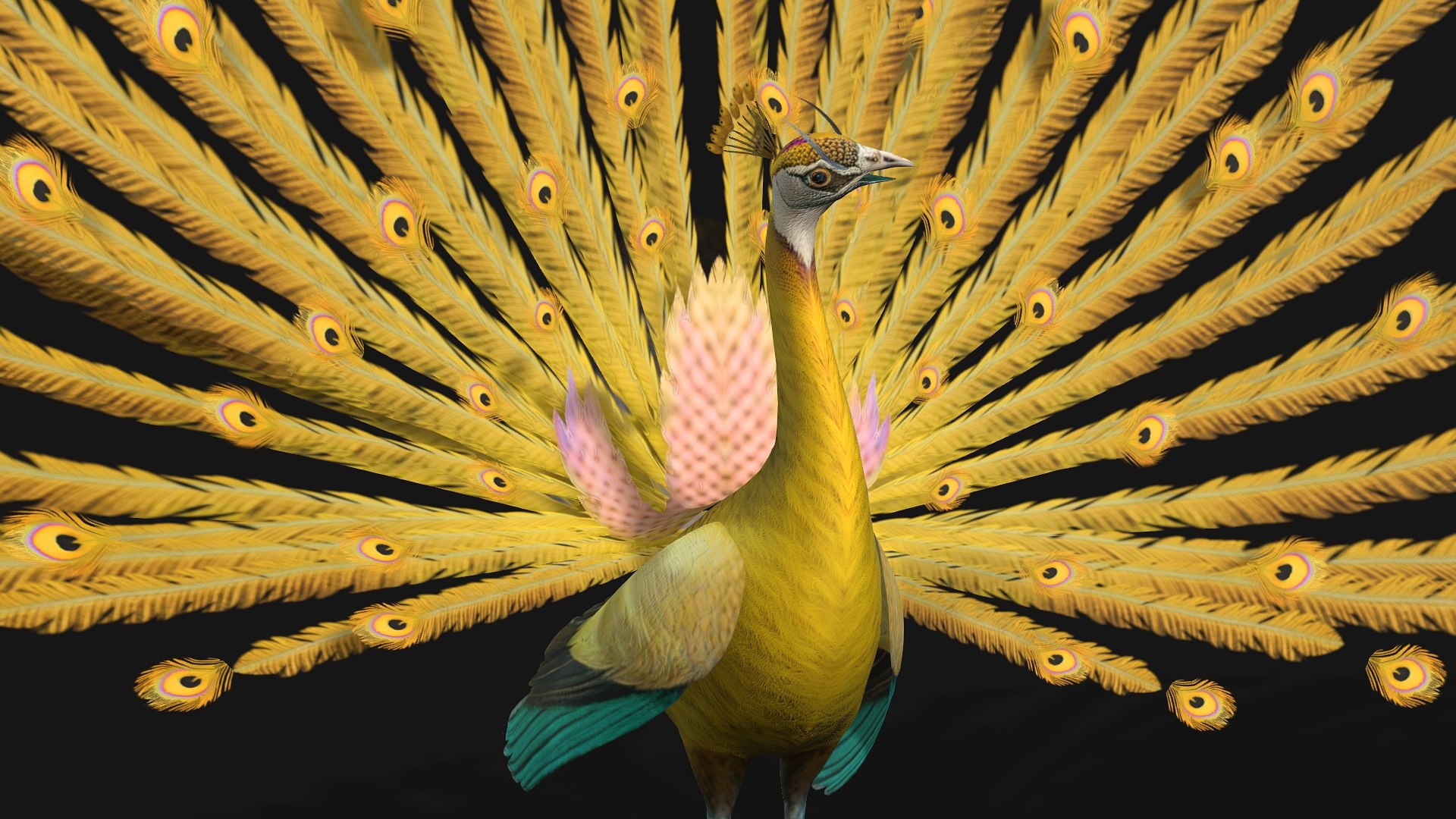
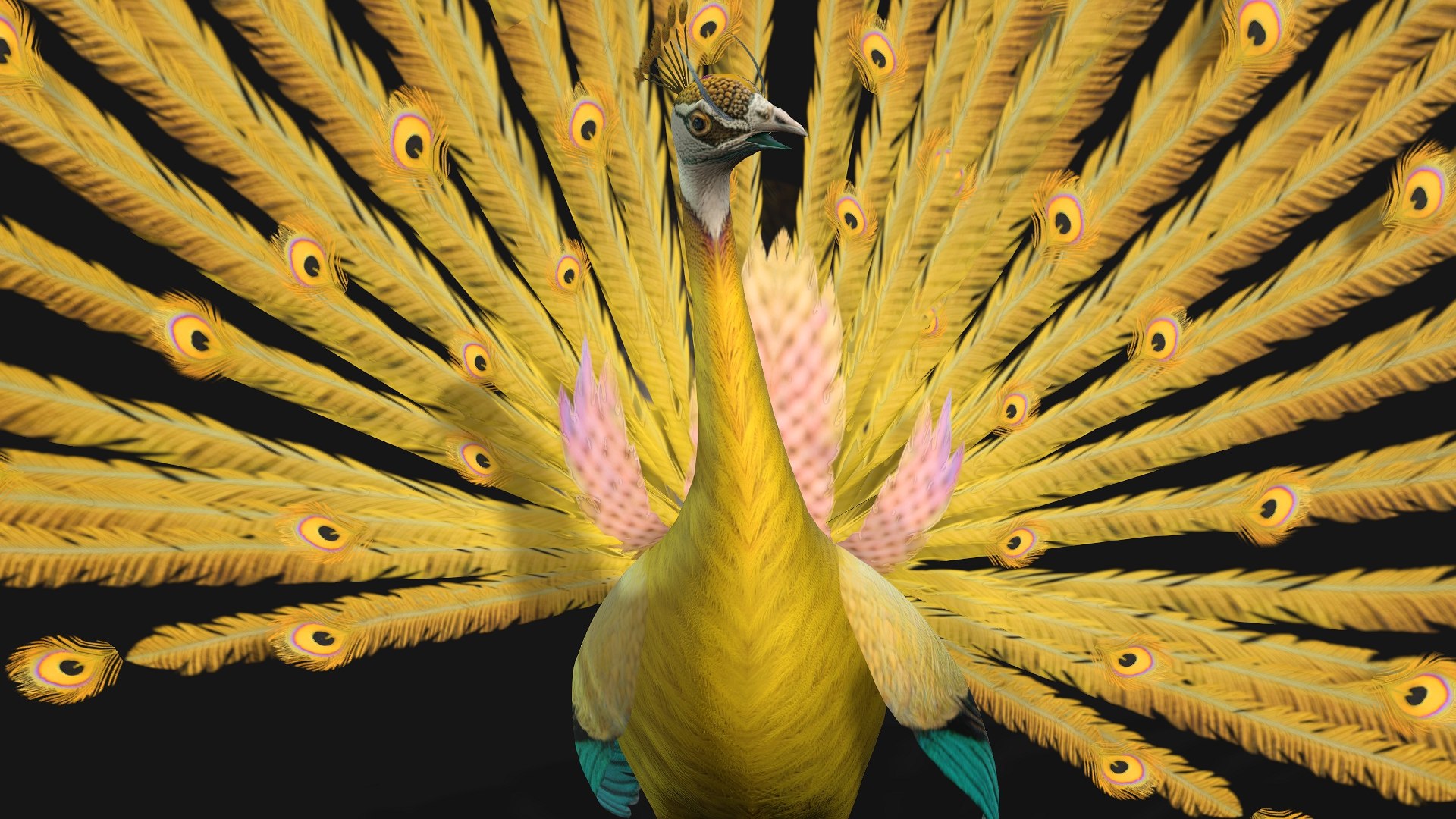
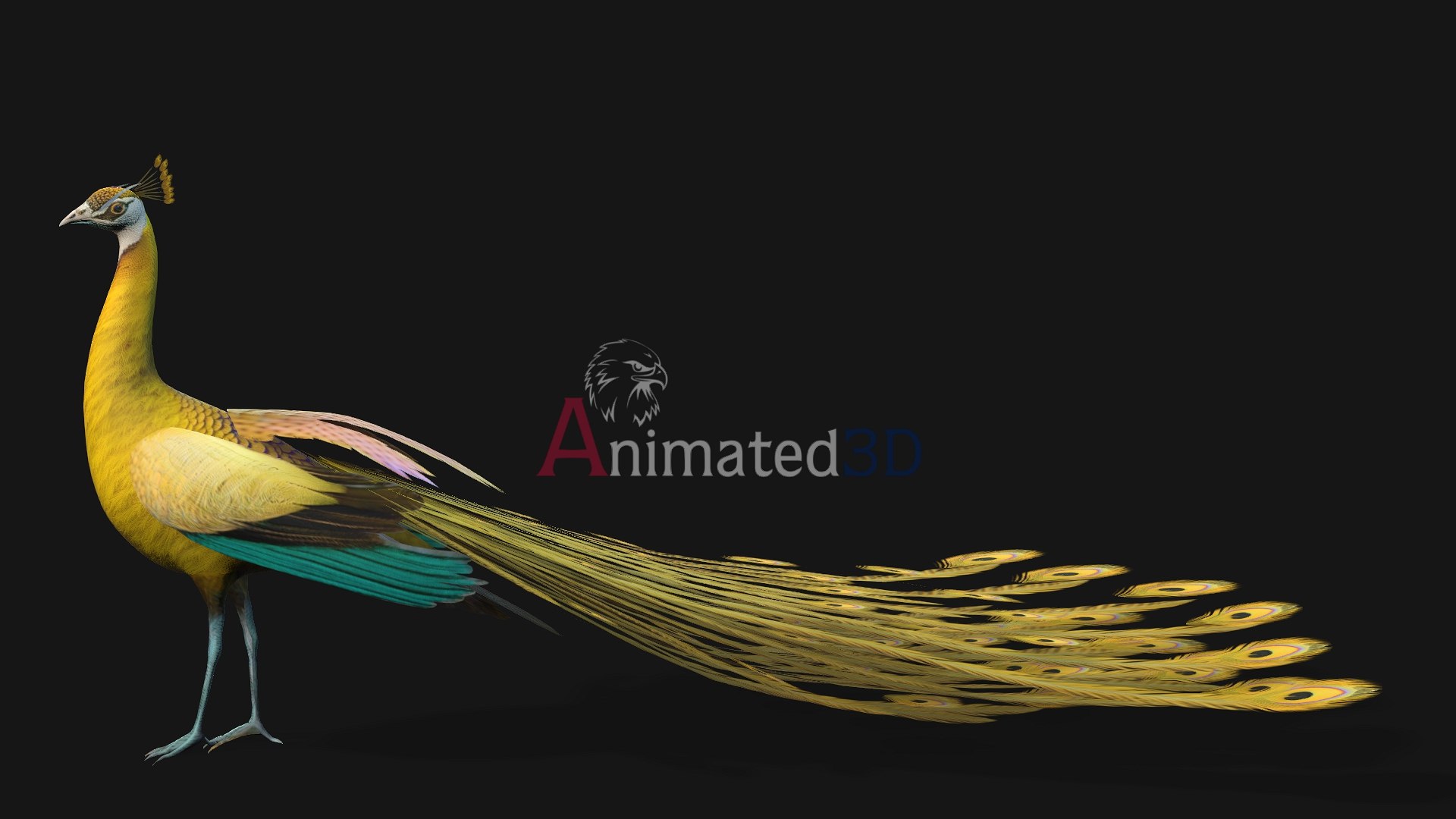
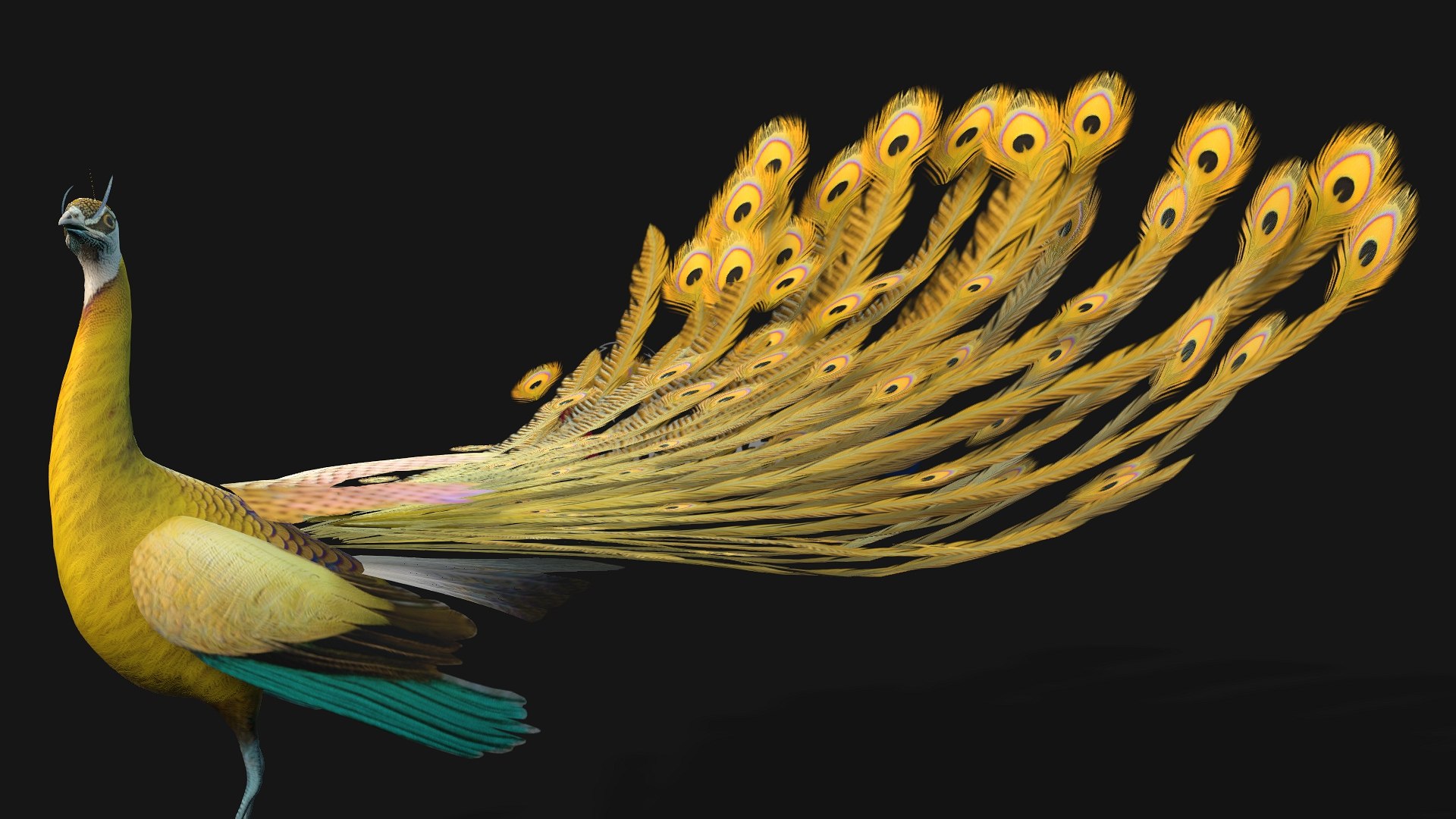
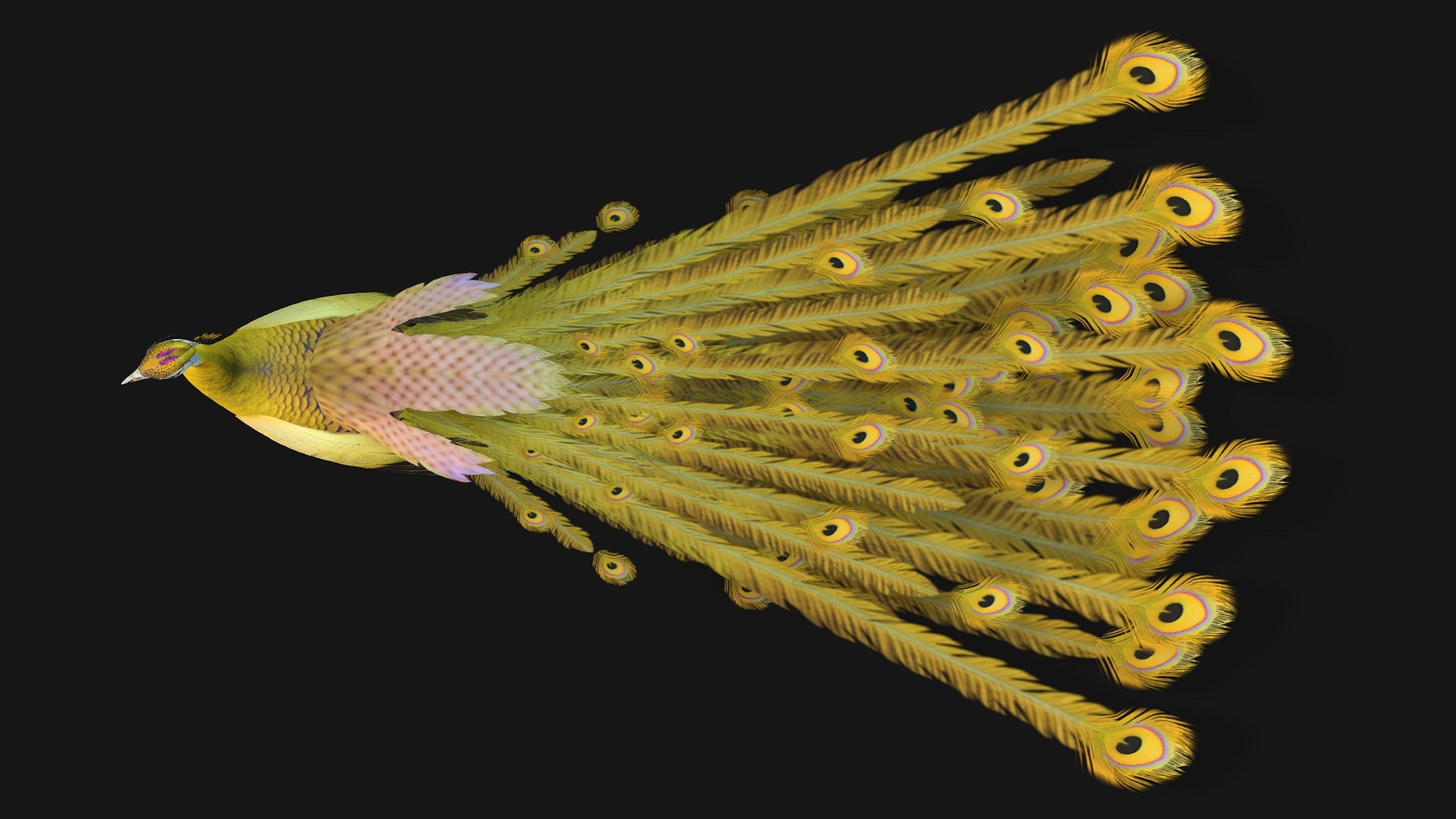
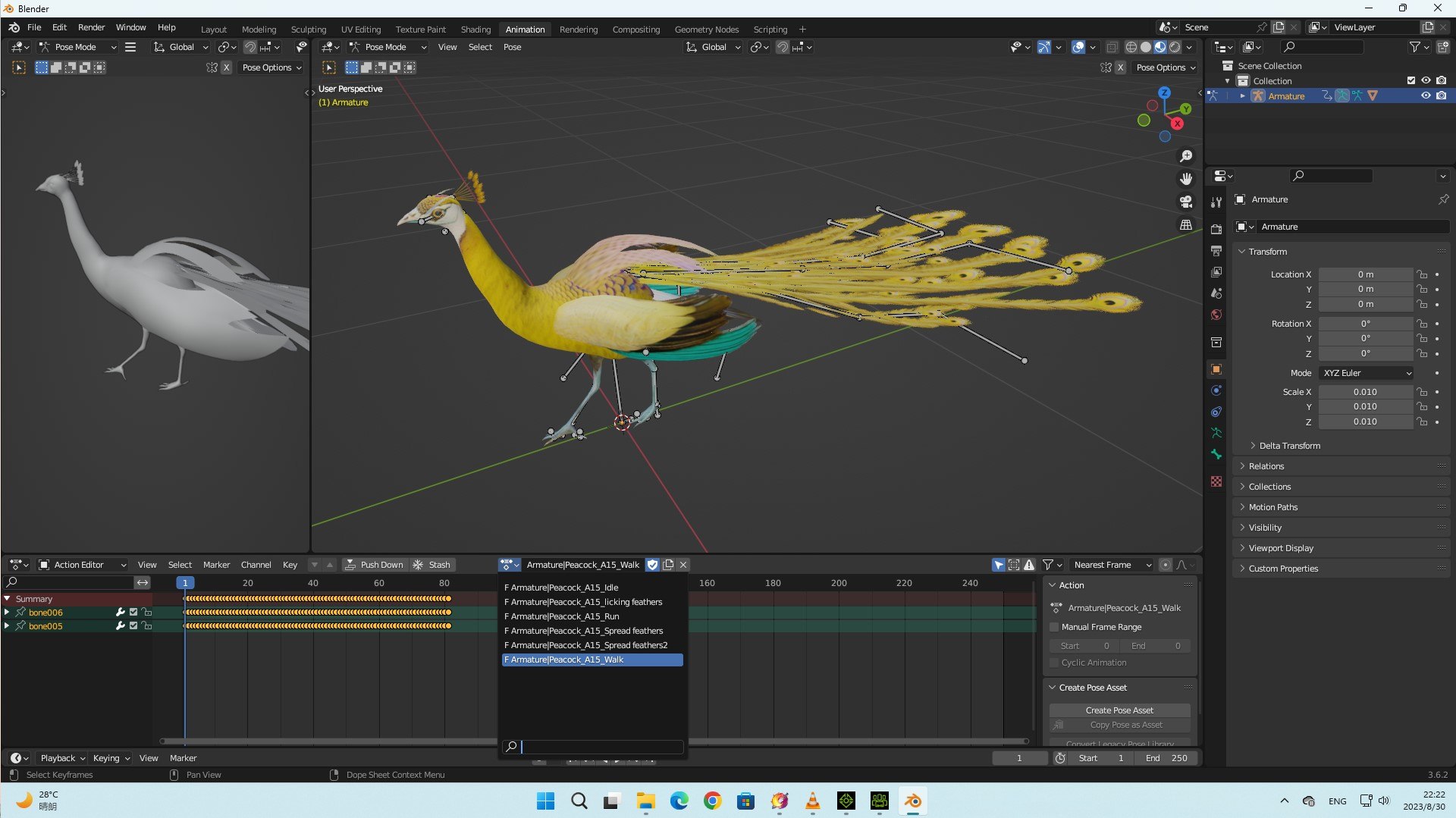
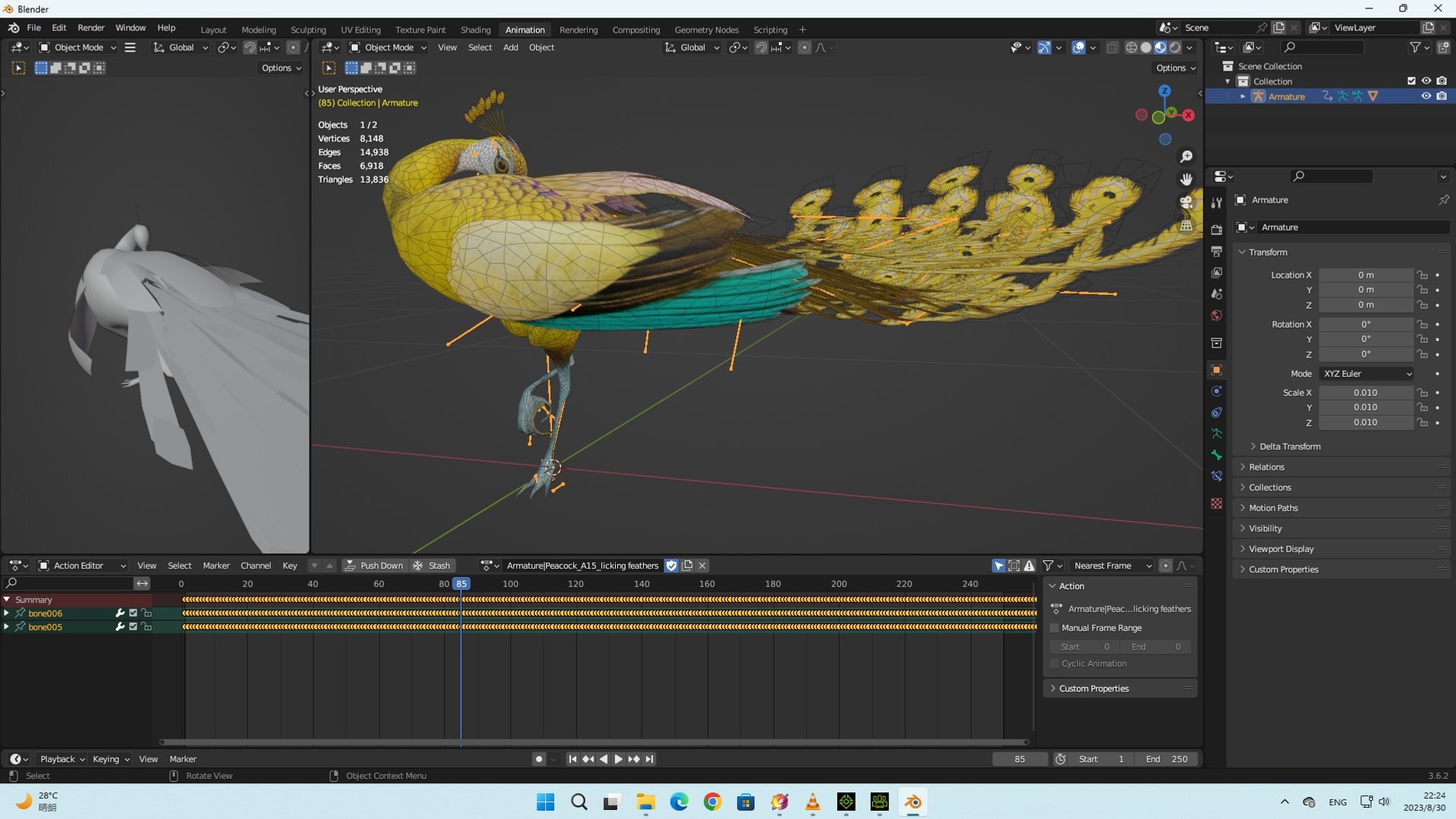
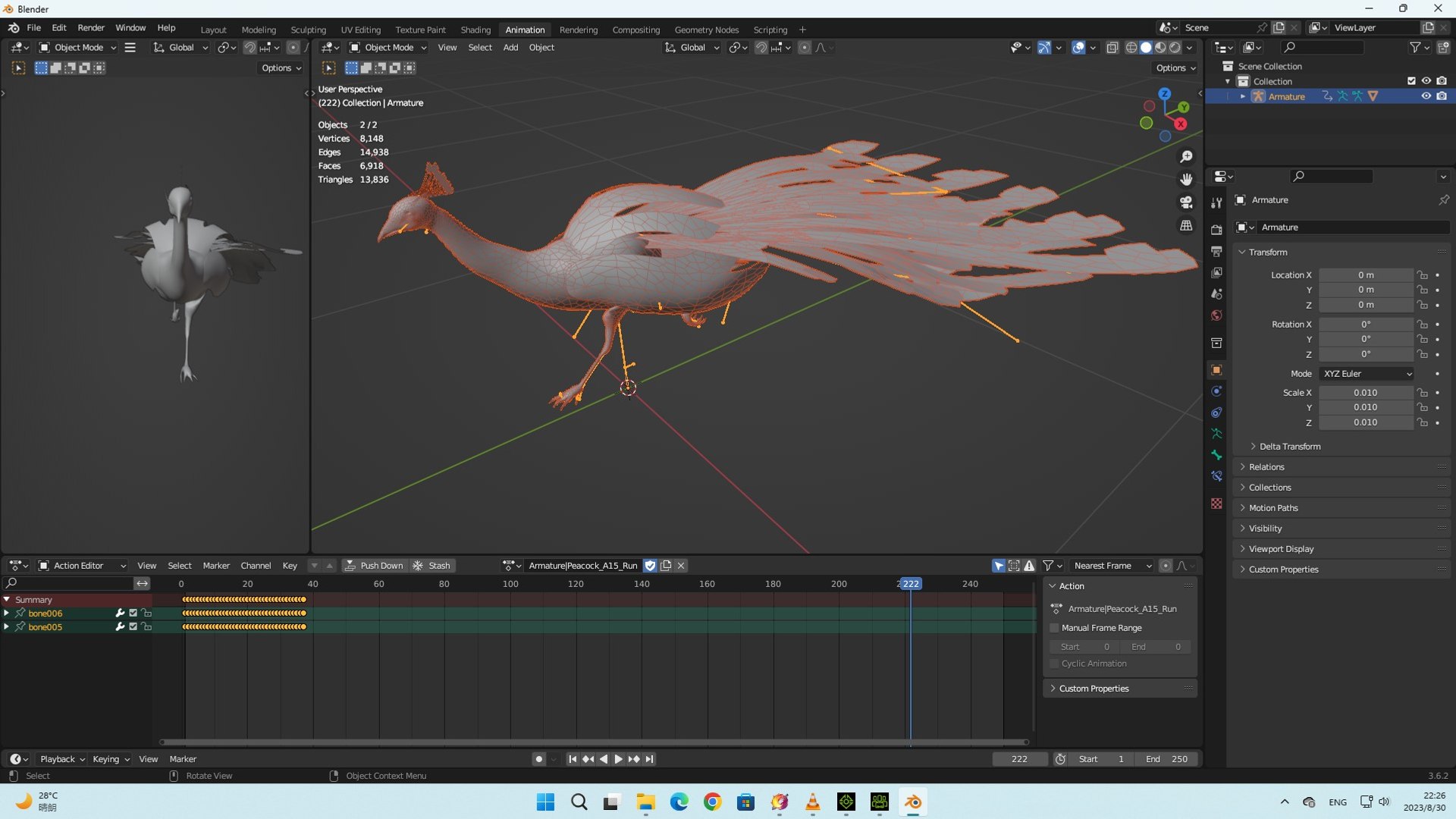
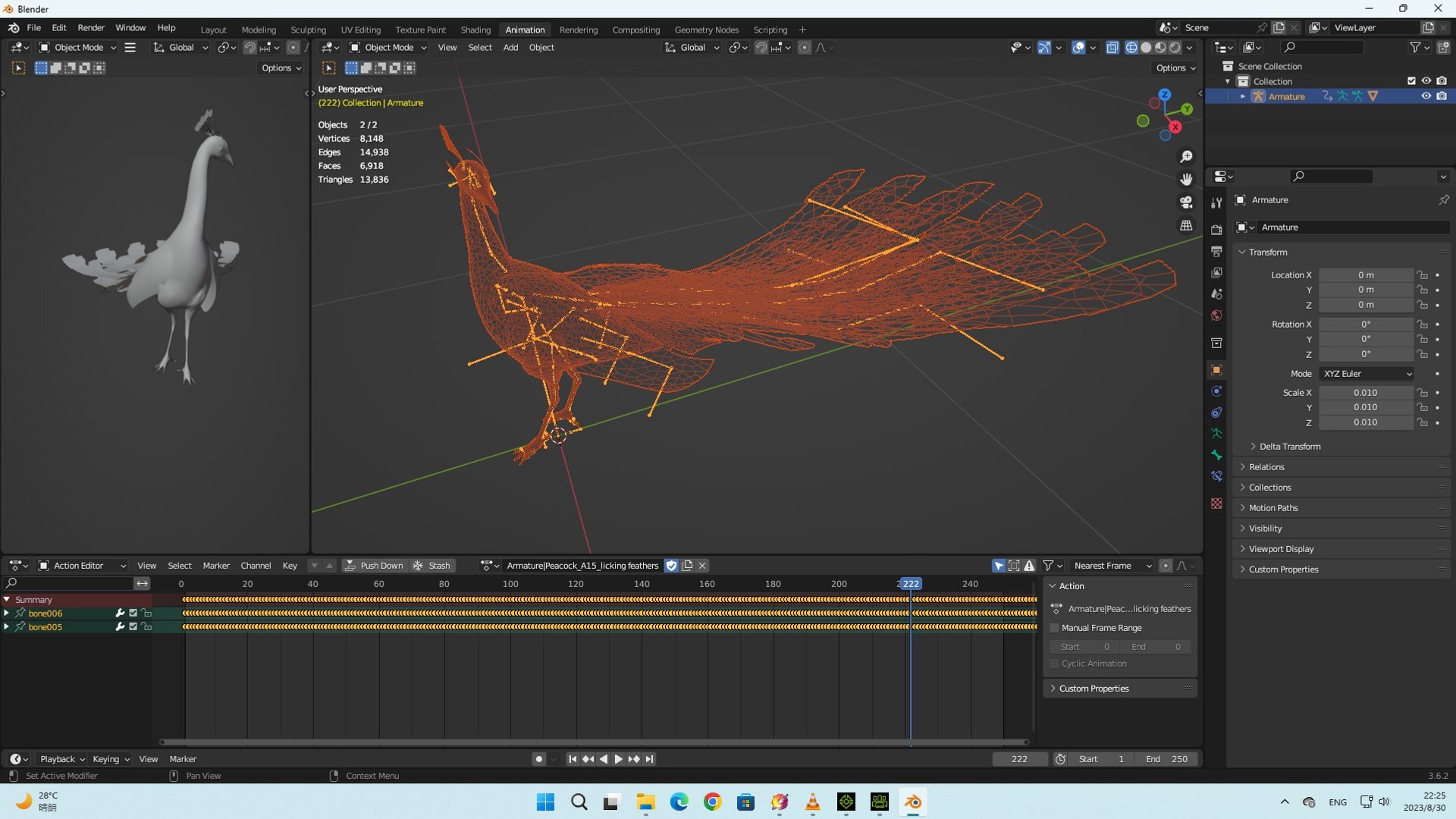
Peacock-A2

$35

Standard License | Upgrade License
Formats (6)
Native | Blender 3.6 | Cycles Render V2
FBX Maya
FBX Blender
FBX 3dsmax
FBX UE5
FBX Unity
Specifications
Publish Date June 13, 2025
Product ID 2420879
Polygons 6,918
Vertices 8,148
Polygonal Ngons Used
Textures
Materials
UV Mapped
Non-overlapping Unwrapped UVs
Rigged
Animated
PBR
Real-Time

member avatar
Animated3D
338 Products | Contributor Since 2025
Have questions? Chat with us now.

Description

Please read product information carefully before purchasing.

1. Product
Compatible with : 3Dsmax, Maya, Blender, Iclone 8 and CC4, Unity, UE5, Nvidia Omniverse, Marmoset Toolbag …vv

2. Format file:

• Blend-Blender 3.6- One Blender All
motion

• FBX Blender- One Fbx All motion

• FBX Unioty- One Fbx All motion

• FBX UE5- One Fbx All motion

• FBX 3DSmax-Mesh and Motion (One
motion per file)

• FBX Maya-Mesh and Motion (One motion
per file)

3. Frame Rate:
60 Fps

4. Vertices: 8.148
- Faces: 6.918

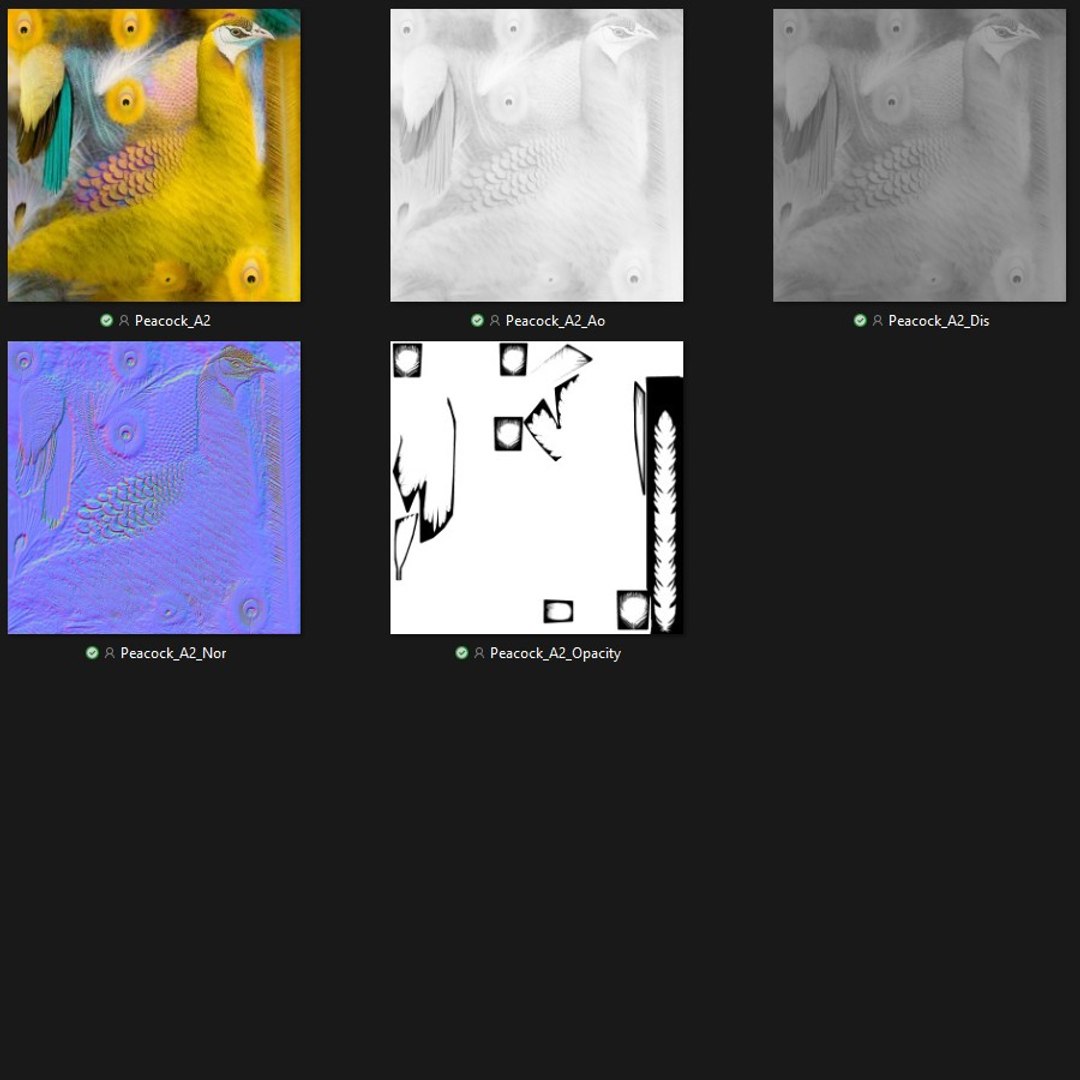
5. Textures:
PBR_Yes

• DiffuseMap PNG 2K

• NormalMap PNG 2K

• AoMap PNG 2K

• DisplacementMap PNG 2K

• OpacityMap PNG 2K

6. Motions: 06
– Idle, licking feathers, Run, Spread
feathers, Spread feathers2, Walk

7. Rigging: Yes

8. Plugins
(Addon): No

9. Customize
products as required: No

• FBX Export is specific to Blender,
3Dsmax, Maya, UE5, Unity error may occur if using other platform to import,
please contact for support.

• Materials are maximally simplified,
usually using only 1-3 PBR materials so you can use them for most 3D Software
that supports motion today.

Select Enhanced License

  • $10,000 in Legal Protection (Indemnification)
  • Uncapped Legal Protection (Indemnification)
  • Waiver from injunctive relief
  • Assignable model rights
  • $1,000,000 in Legal Protection (Indemnification)
  • Waiver from injunctive relief
  • Assignable model rights
  • $250,000 in Legal Protection (Indemnification)
  • Assignable model rights
Read more about enhanced license tiers, or contact us at enterprise@turbosquid.com. Already a Shutterstock Enterprise Customer? Contact your Shutterstock Sales Support Agent to talk about adding 3D.

About Conversion Requests

To submit a conversion request for a purchased asset, please complete our Conversion Request Form.

If you have not yet purchased a model, please review our Documentation about Conversions to learn about what limitations you may encounter with a conversion.

For any additional questions about a model’s suitability for conversion, please contact TurboSquid Support.

Loading...