Olive branch

$20

Standard License | Upgrade License
Formats (4)
3D Studio
Cinema 4D
3ds Max
OBJ
Specifications
Publish Date May 25, 2011
Product ID 606679
Polygons 23,420
Vertices 23,610
Polygonal
Textures
Materials
UV Mapped
Non-overlapping Unwrapped UVs

member avatar
3dexp
89 Products | Contributor Since 2010
Have questions? Chat with us now.

Description

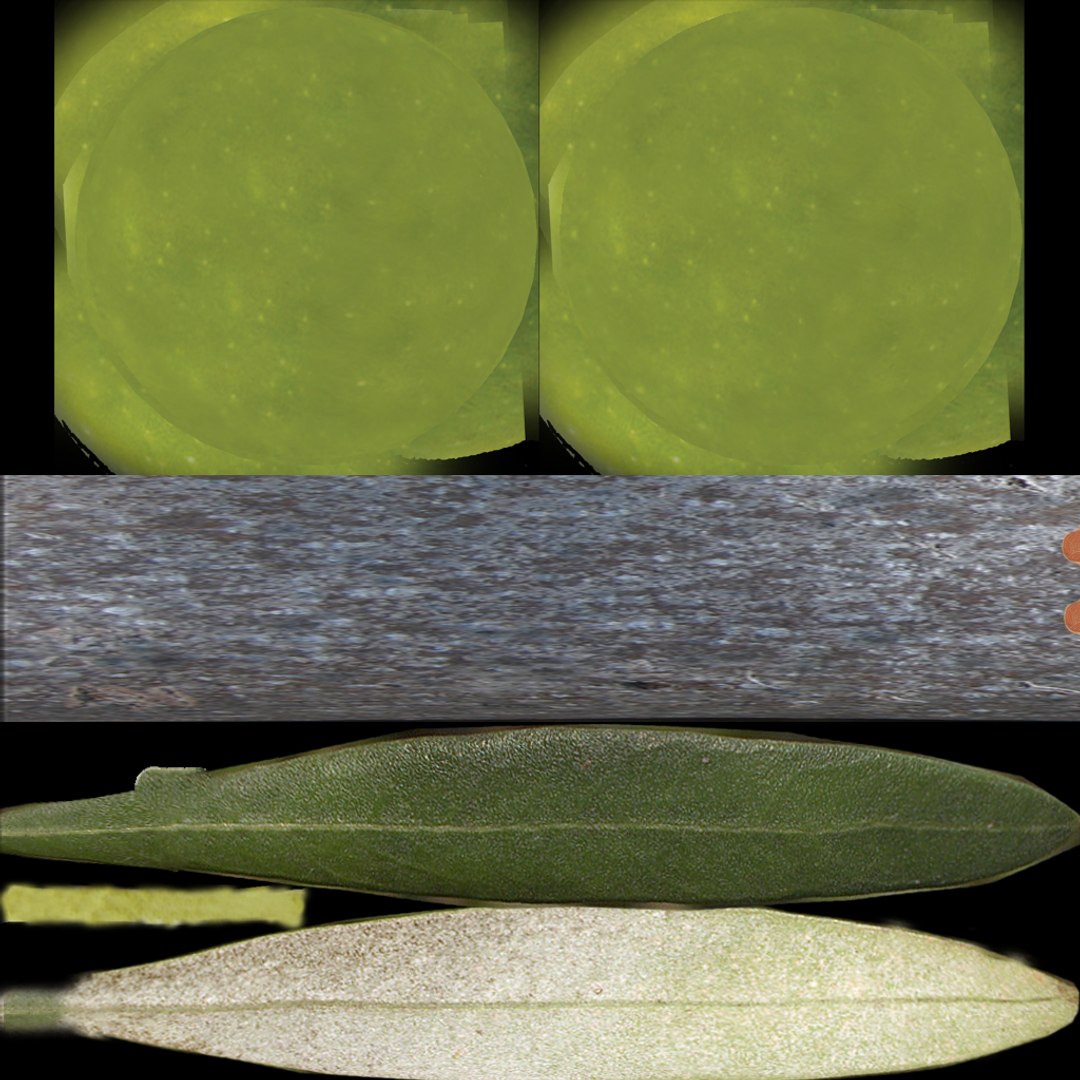
Highly Detailed model Olive branch.

***************************************

-The main format is 3ds max 8.max, also available in many formats.
-Model built to real-world scale.
-Model is placed to 0,0,0 scene coordinates.
-Every parts of the model named properly.
-Texture and material names correspond to model name.
-UV and Unwrap UV map modifier applied.


***************************************

Polygons: 23420
Vertices: 23610


***************************************


-Final images rendered with V-ray.
Hi-Res textures ready for close up renders.

-All textures and Materials are included.
Both 3ds max V-Ray and Standard material scene are included.


***************************************

-The model is fully ready for import into any project and ready to render as seen in previews.

***************************************

-Other formats available in .3ds, .obj, .c4d .
-Maps included separately for all formats into each zipped folder.
-Other formats may vary slightly depending on your software.

-All other formats were exported, tested and setup in respective software.

Select Enhanced License

  • $10,000 in Legal Protection (Indemnification)
  • Uncapped Legal Protection (Indemnification)
  • Waiver from injunctive relief
  • Assignable model rights
  • $1,000,000 in Legal Protection (Indemnification)
  • Waiver from injunctive relief
  • Assignable model rights
  • $250,000 in Legal Protection (Indemnification)
  • Assignable model rights
Read more about enhanced license tiers, or contact us at enterprise@turbosquid.com. Already a Shutterstock Enterprise Customer? Contact your Shutterstock Sales Support Agent to talk about adding 3D.

About Conversion Requests

To submit a conversion request for a purchased asset, please complete our Conversion Request Form.

If you have not yet purchased a model, please review our Documentation about Conversions to learn about what limitations you may encounter with a conversion.

For any additional questions about a model’s suitability for conversion, please contact TurboSquid Support.

Loading...