
Notebook 01

$19

Standard License | Upgrade License
Formats (4)
Native | 3ds Max 2011 | V-Ray 2.10.01
3ds Max 2011 | Default Scanline
OBJ
FBX 2009
Specifications
Publish Date October 04, 2022
Product ID 1967700
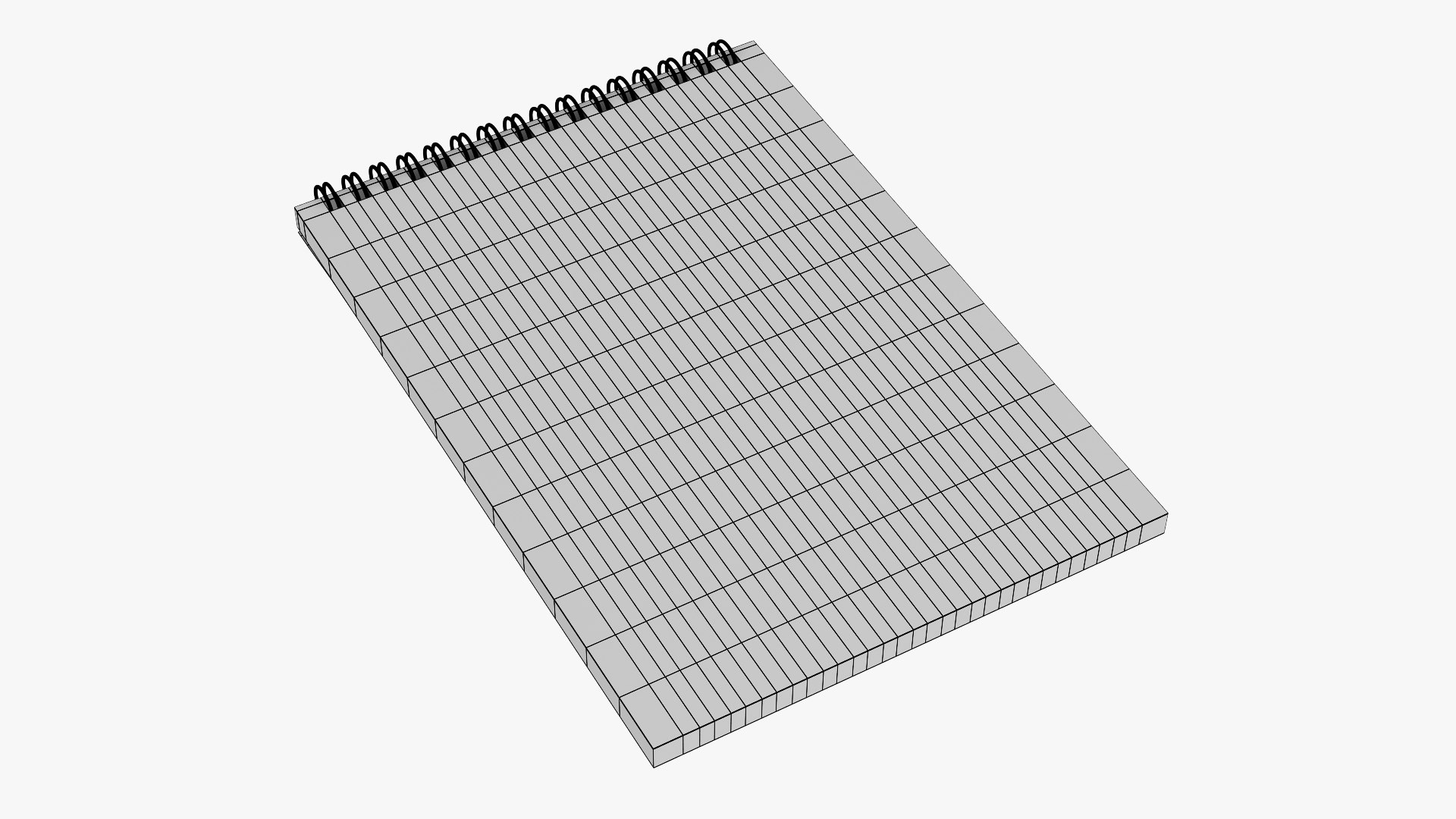
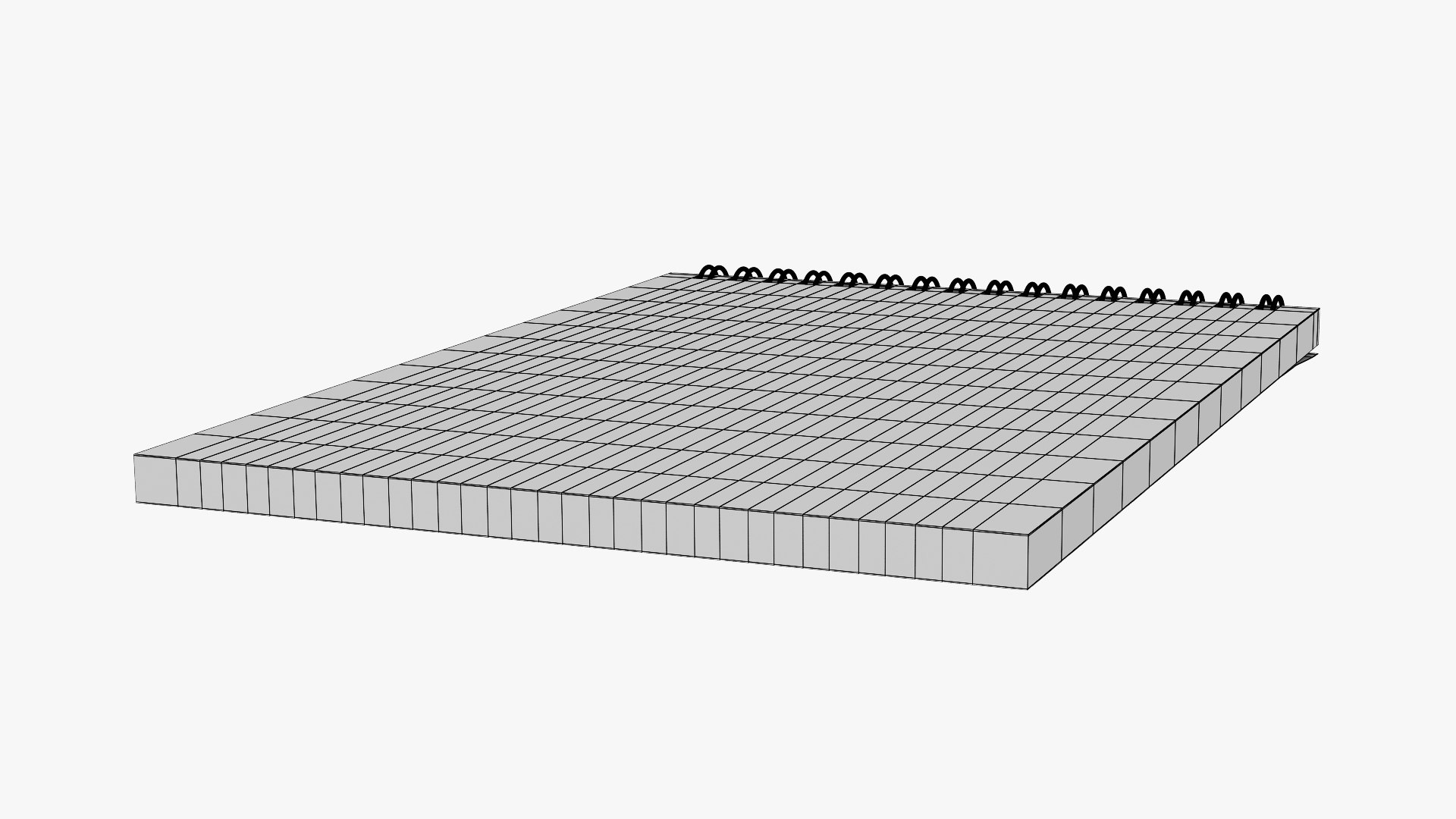
Polygons 59,950
Vertices 59,862
Polygonal Quads Only
Textures
Materials
UV Mapped
Non-overlapping Unwrapped UVs
TurboSquid Exclusive

member avatar
3d_Anngel
522 Products | Contributor Since 2011
Have questions? Chat with us now.

Description

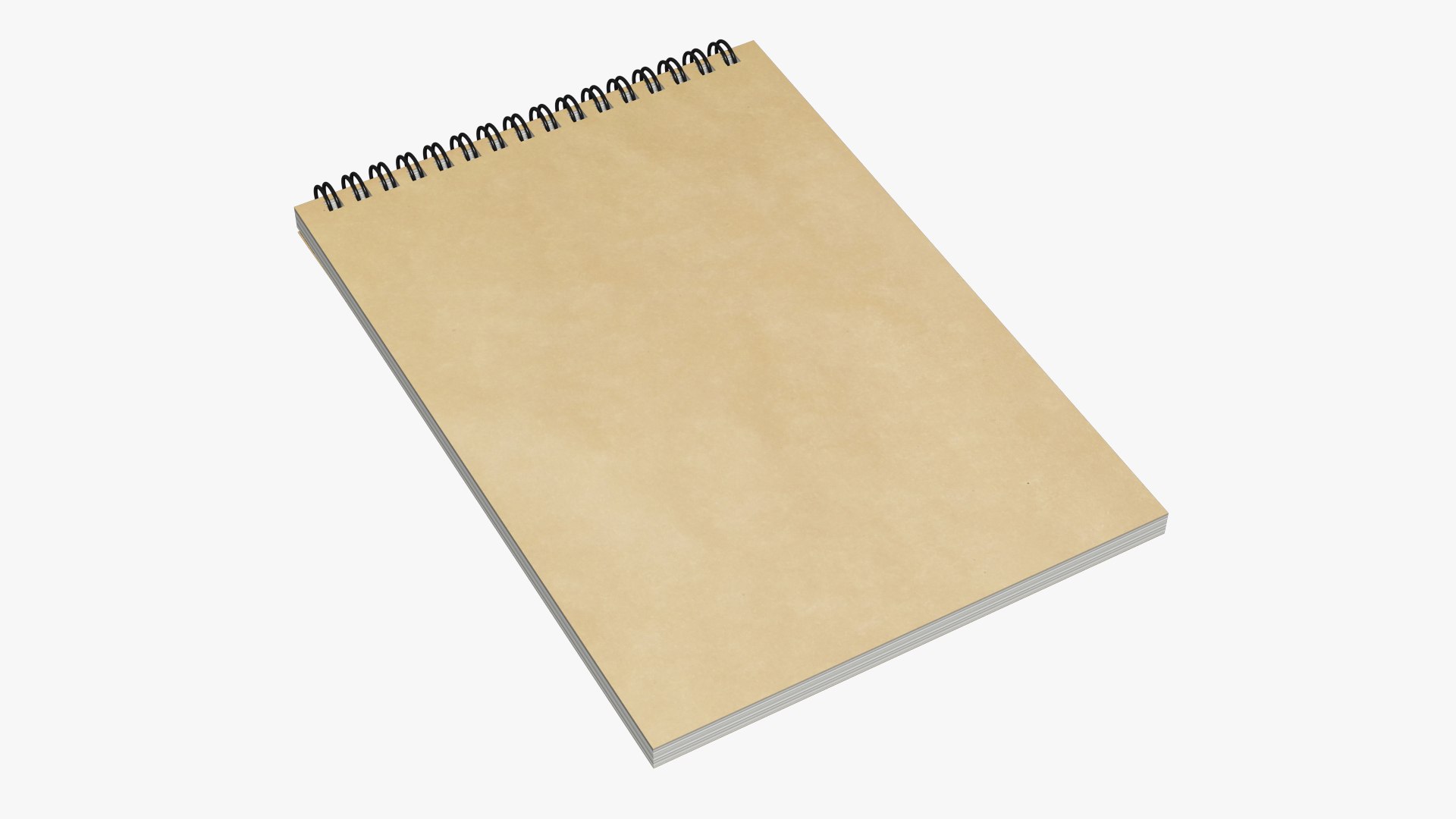
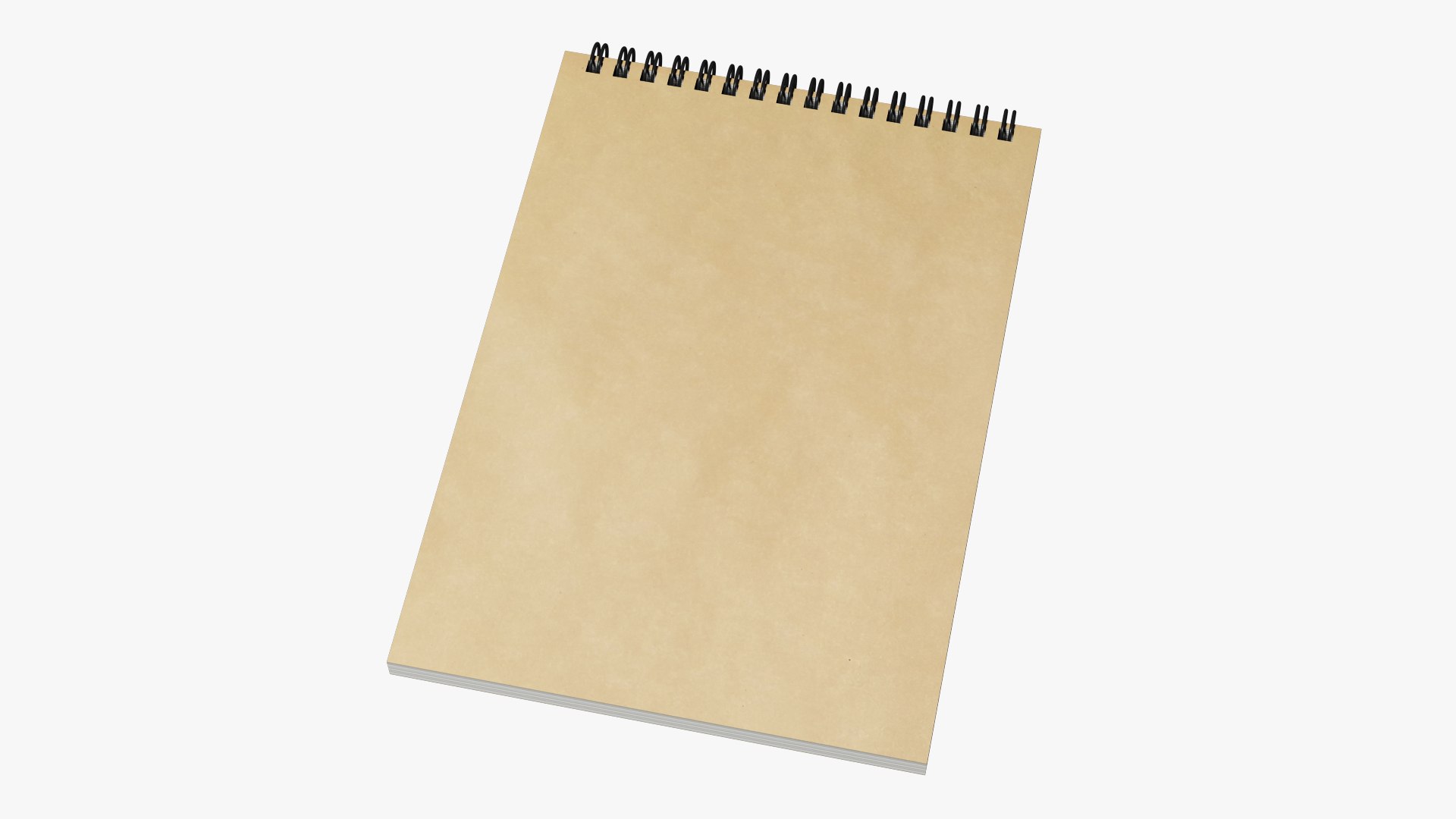
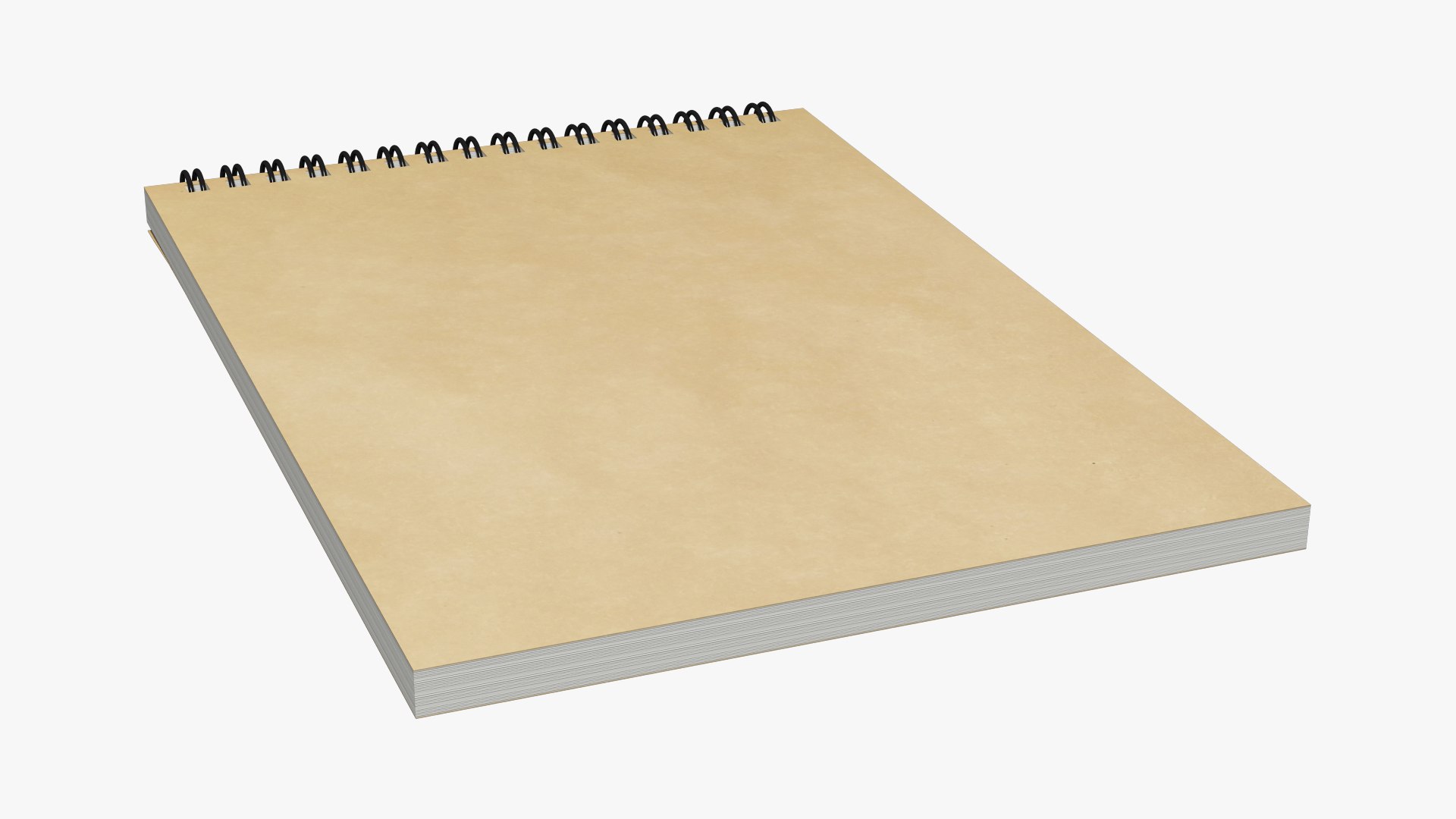
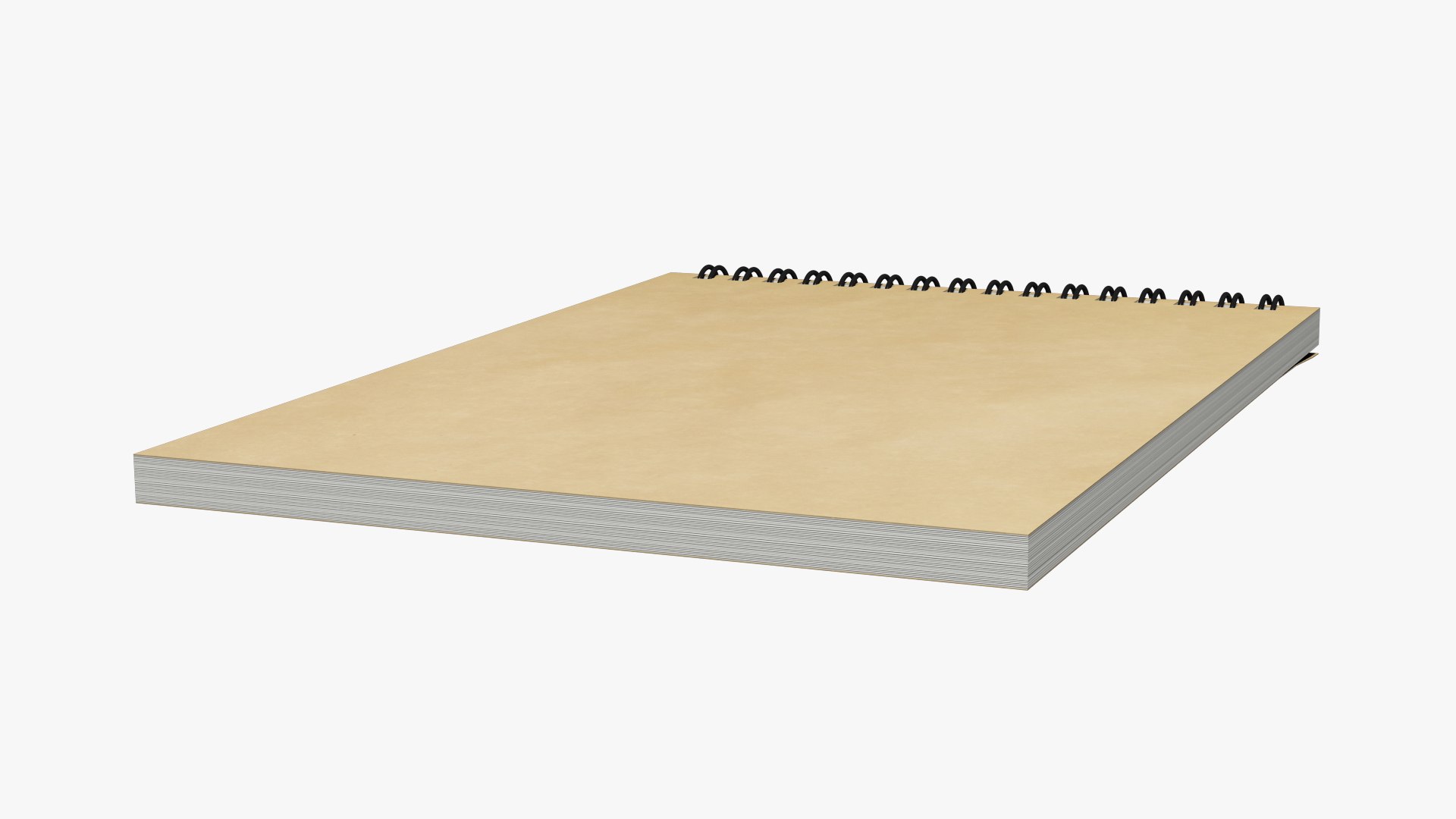
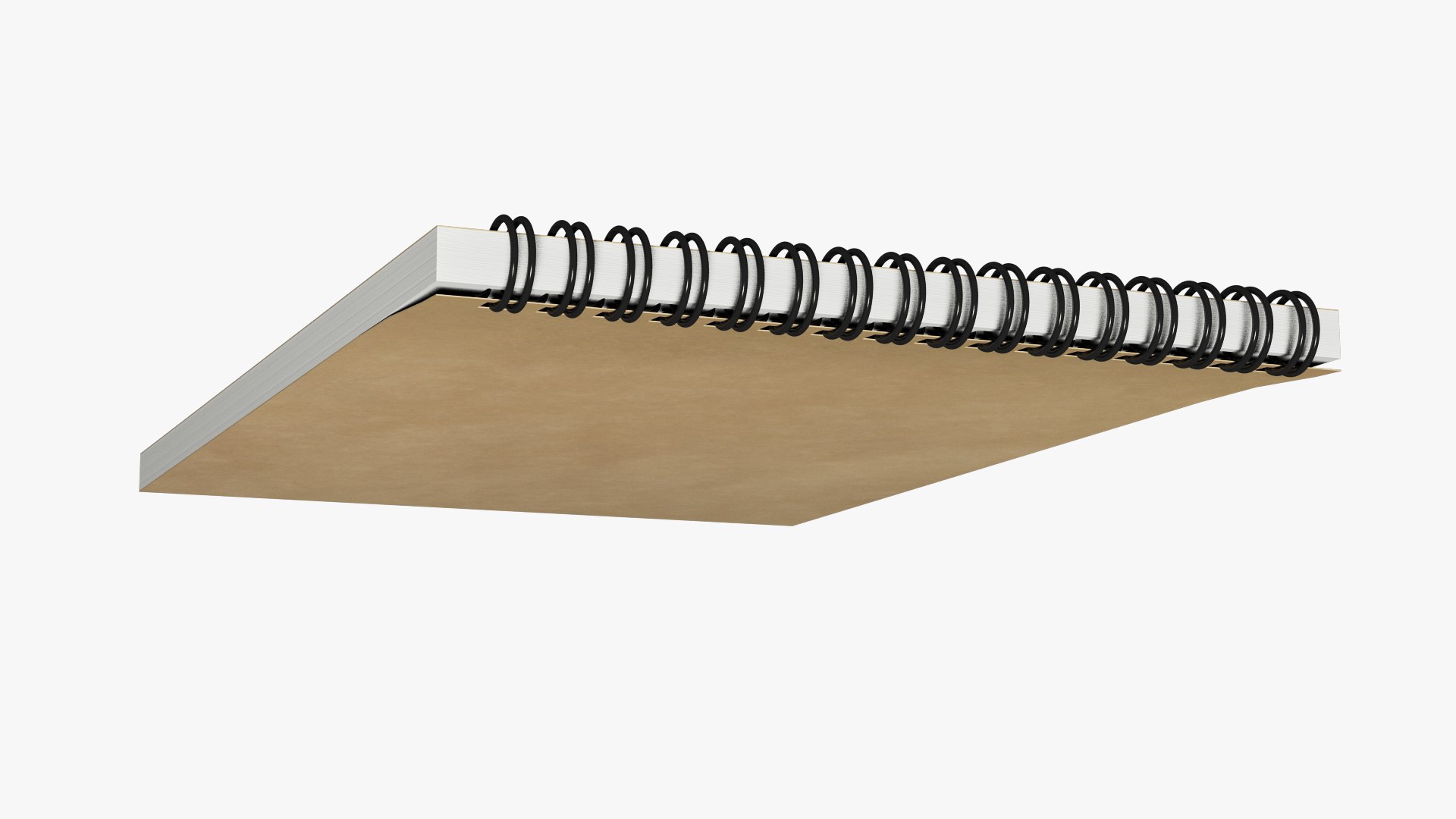
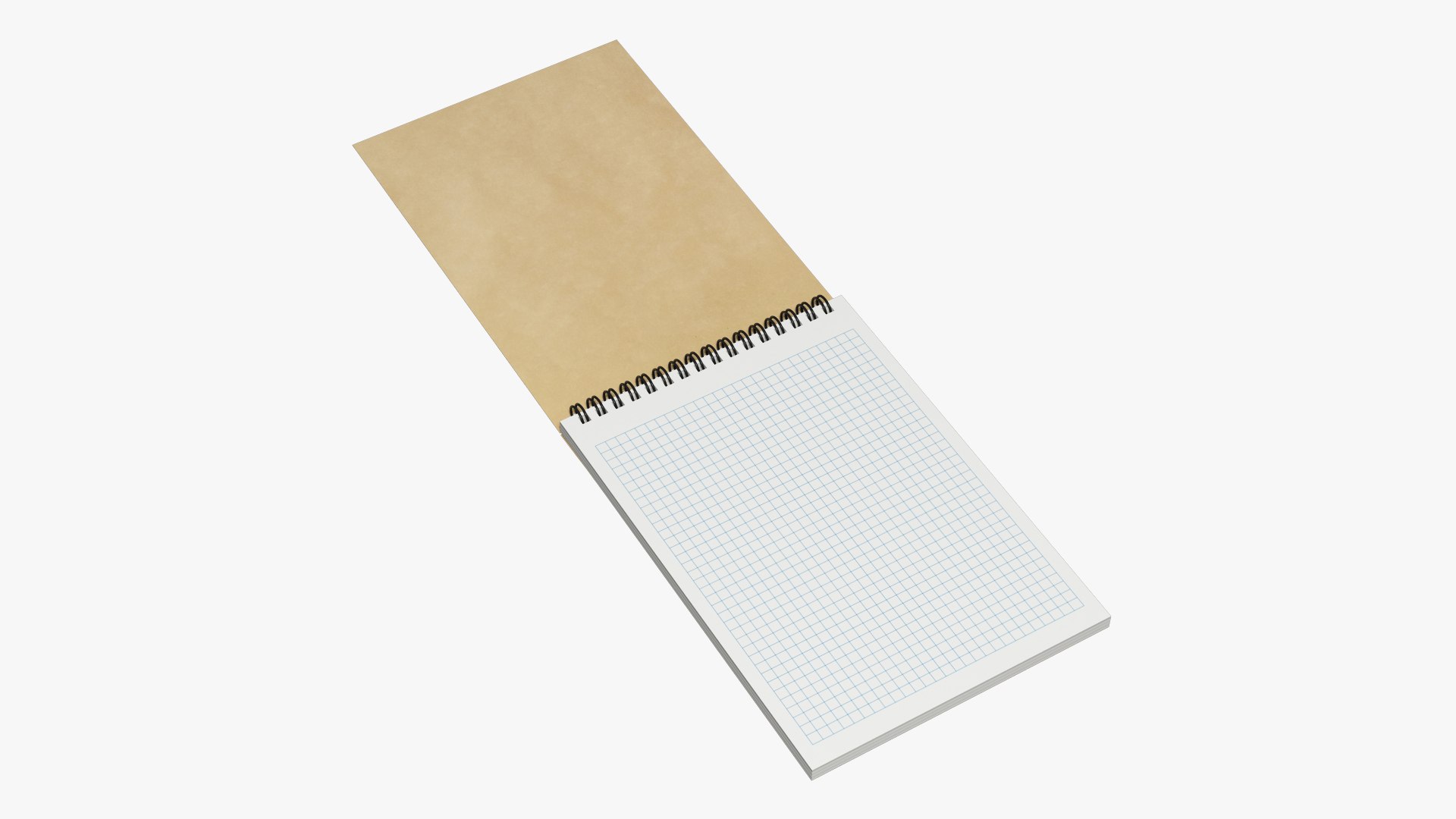
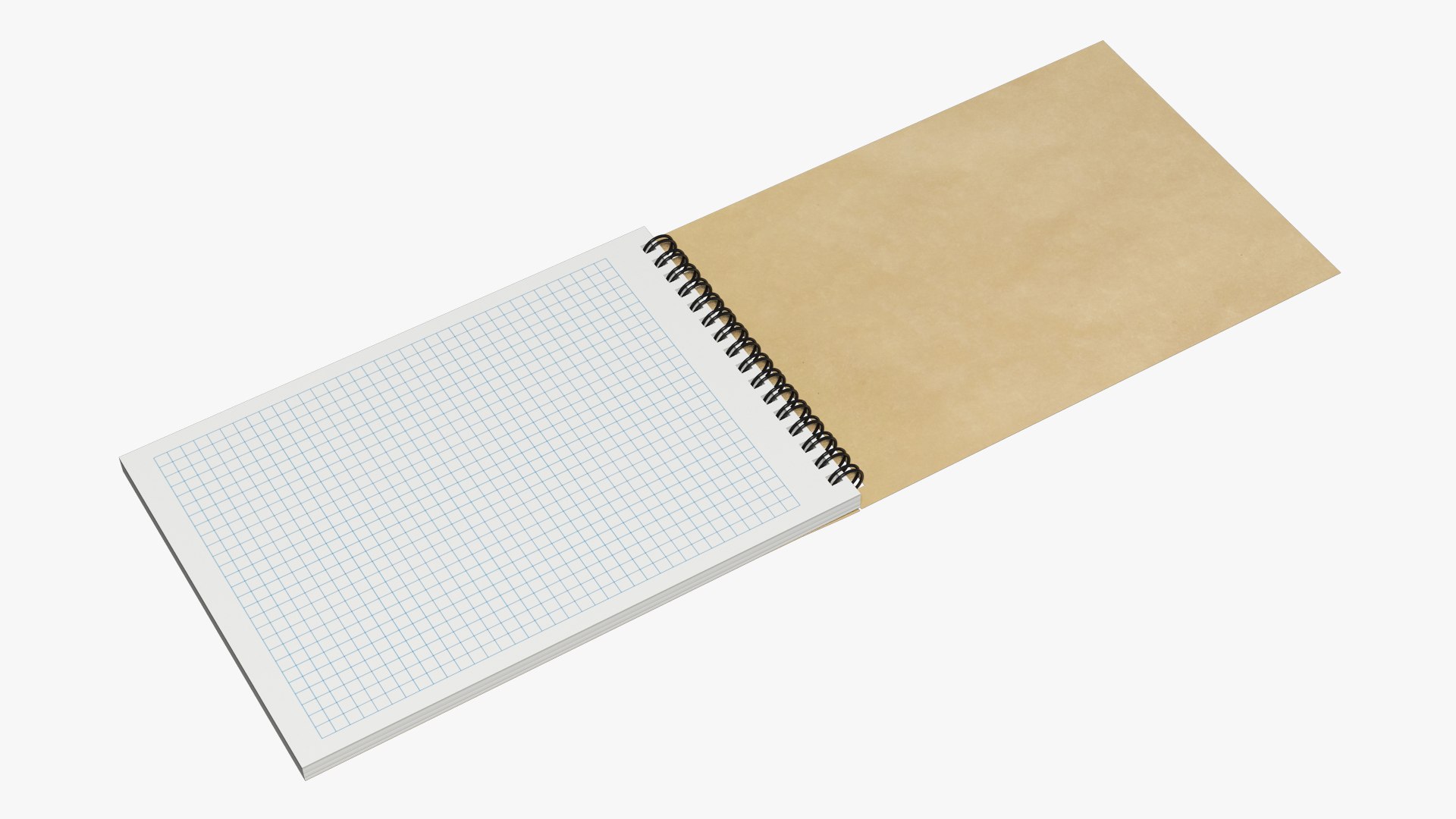
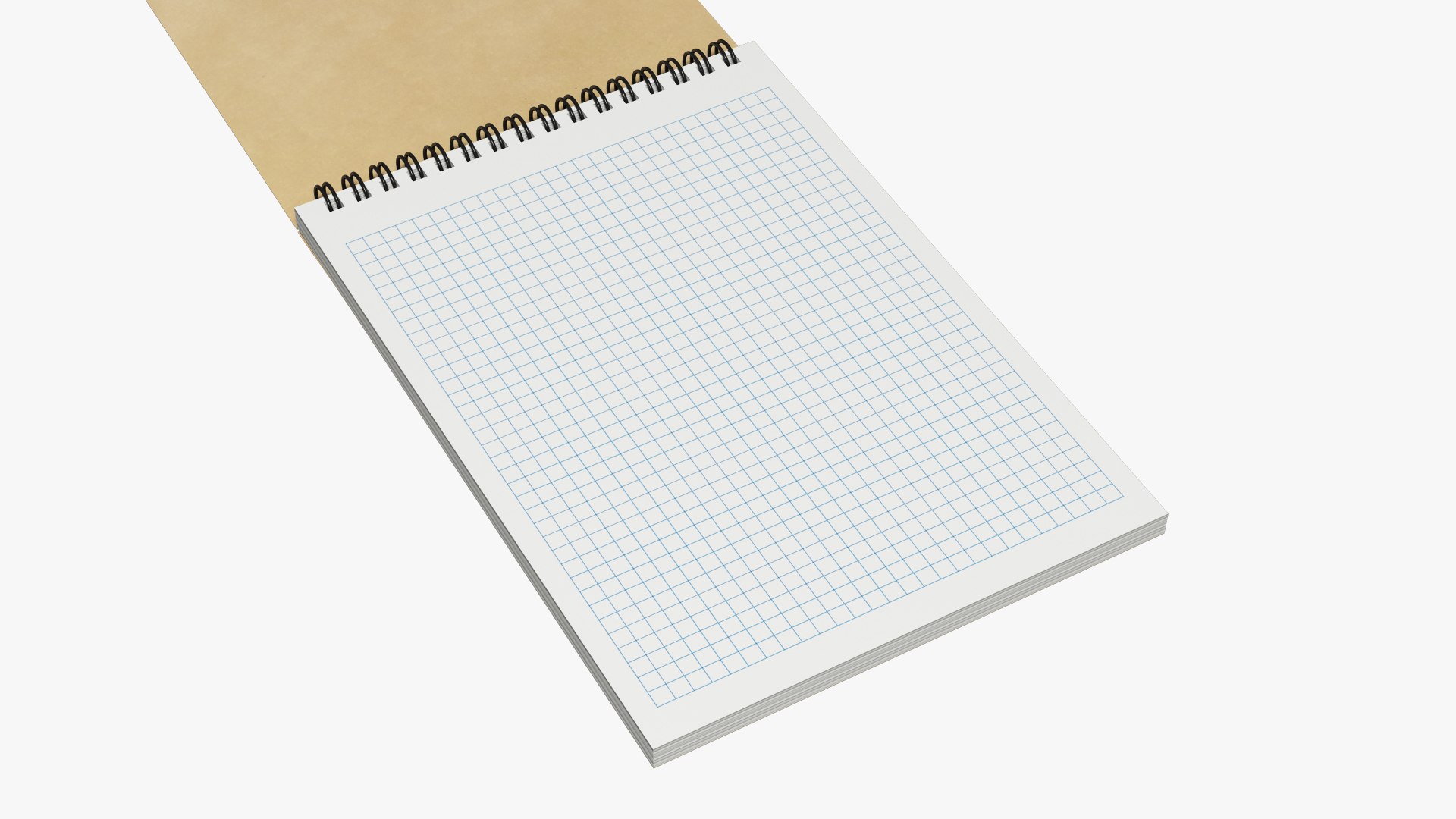
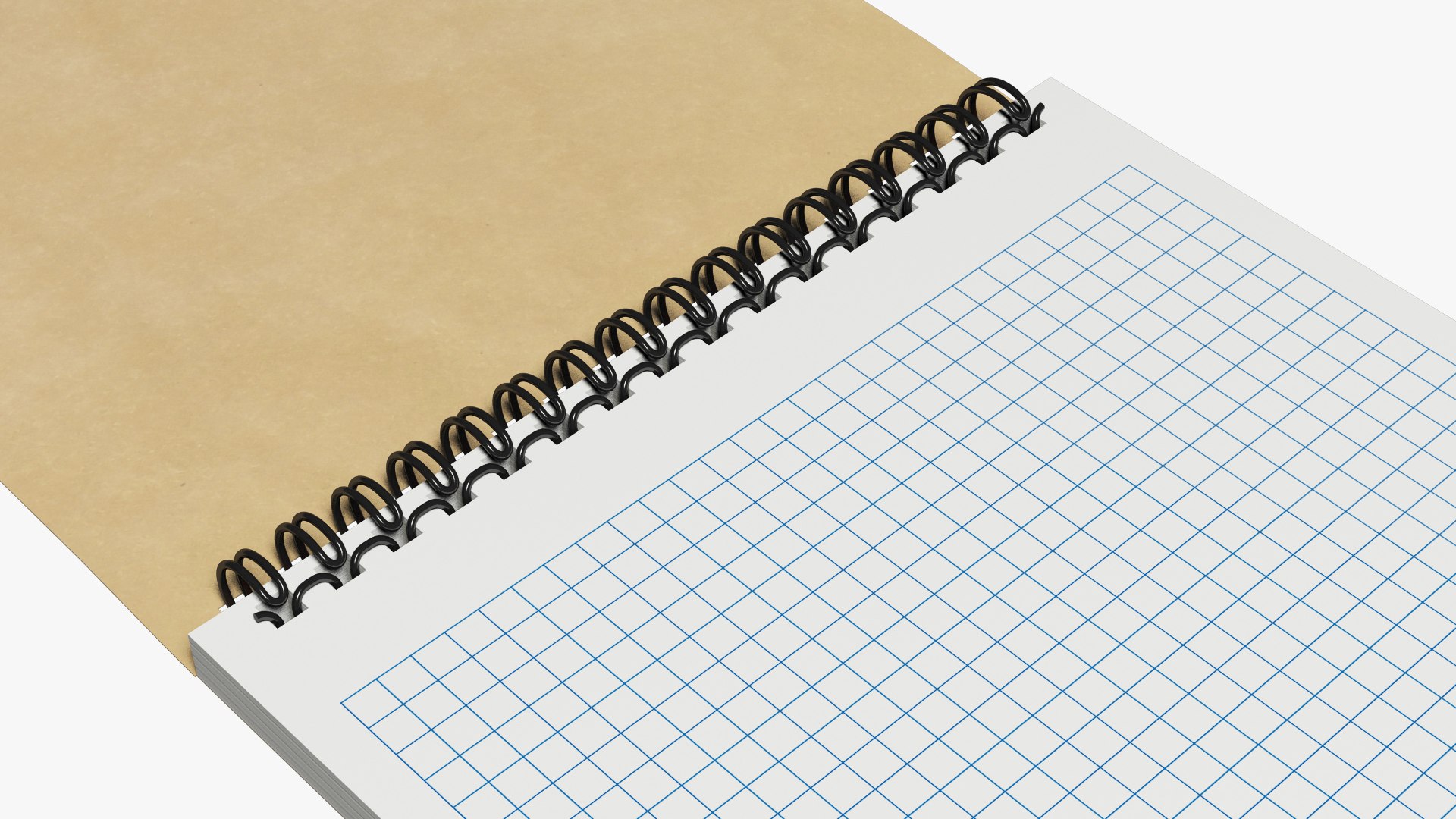
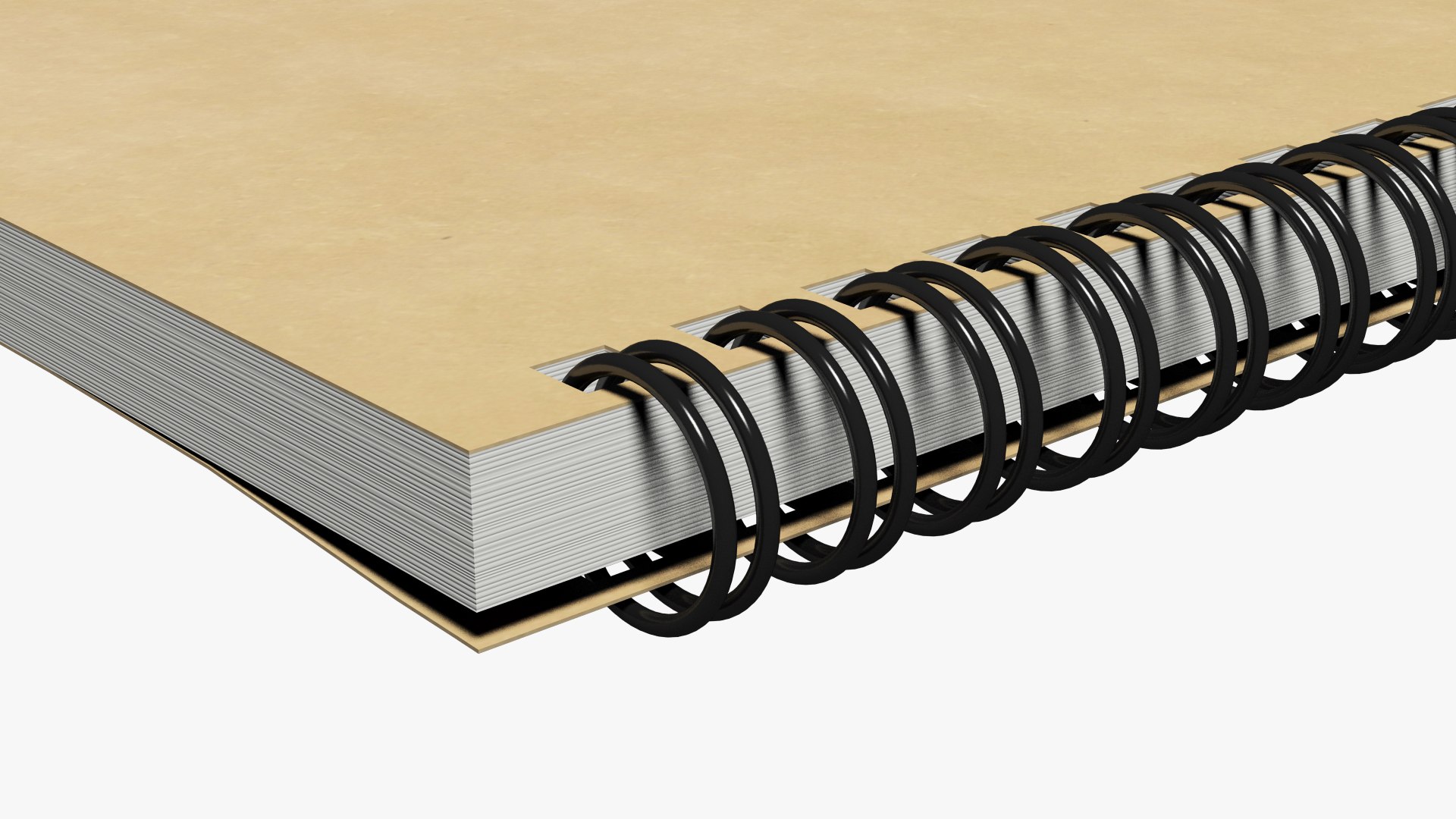
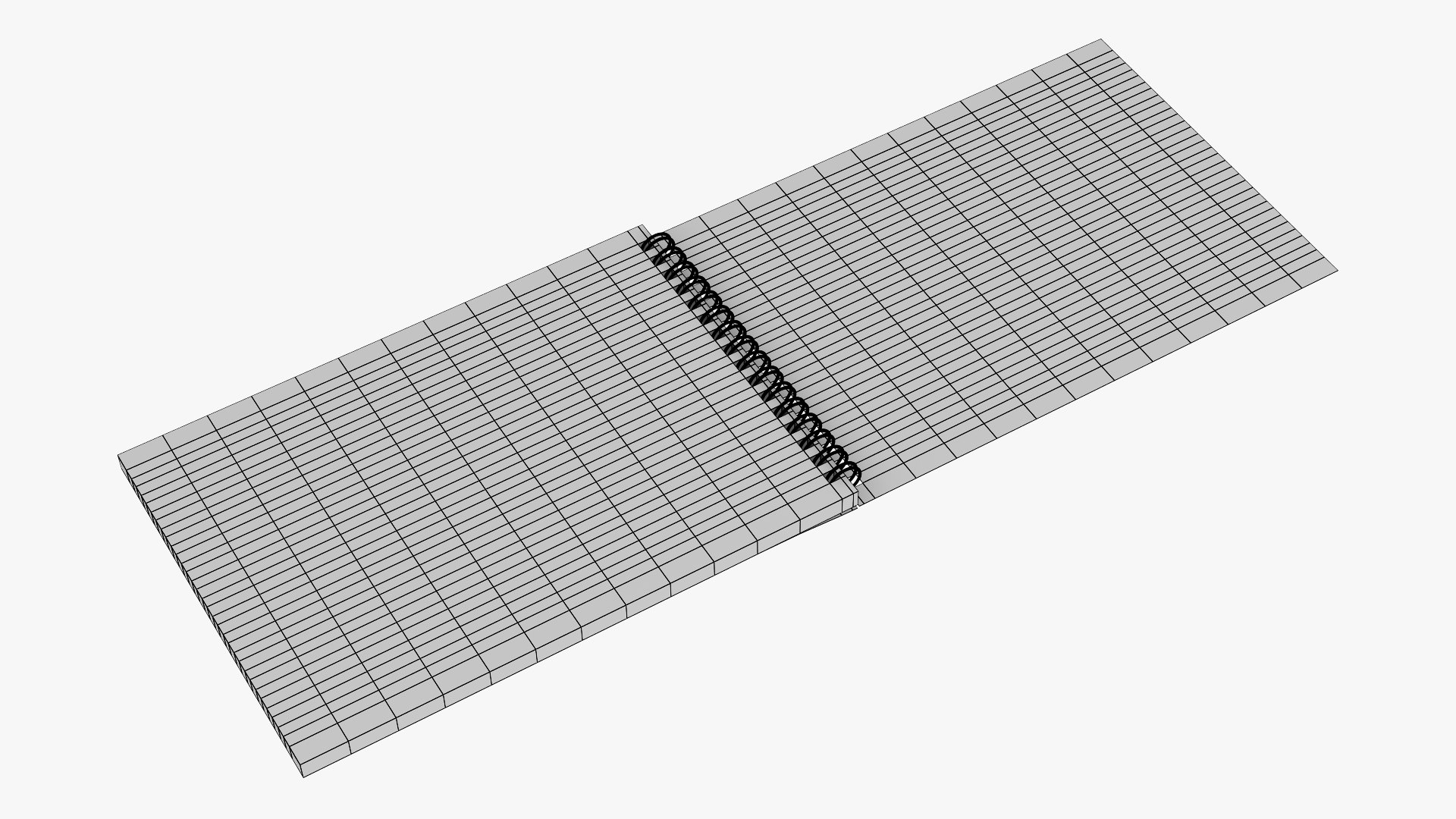
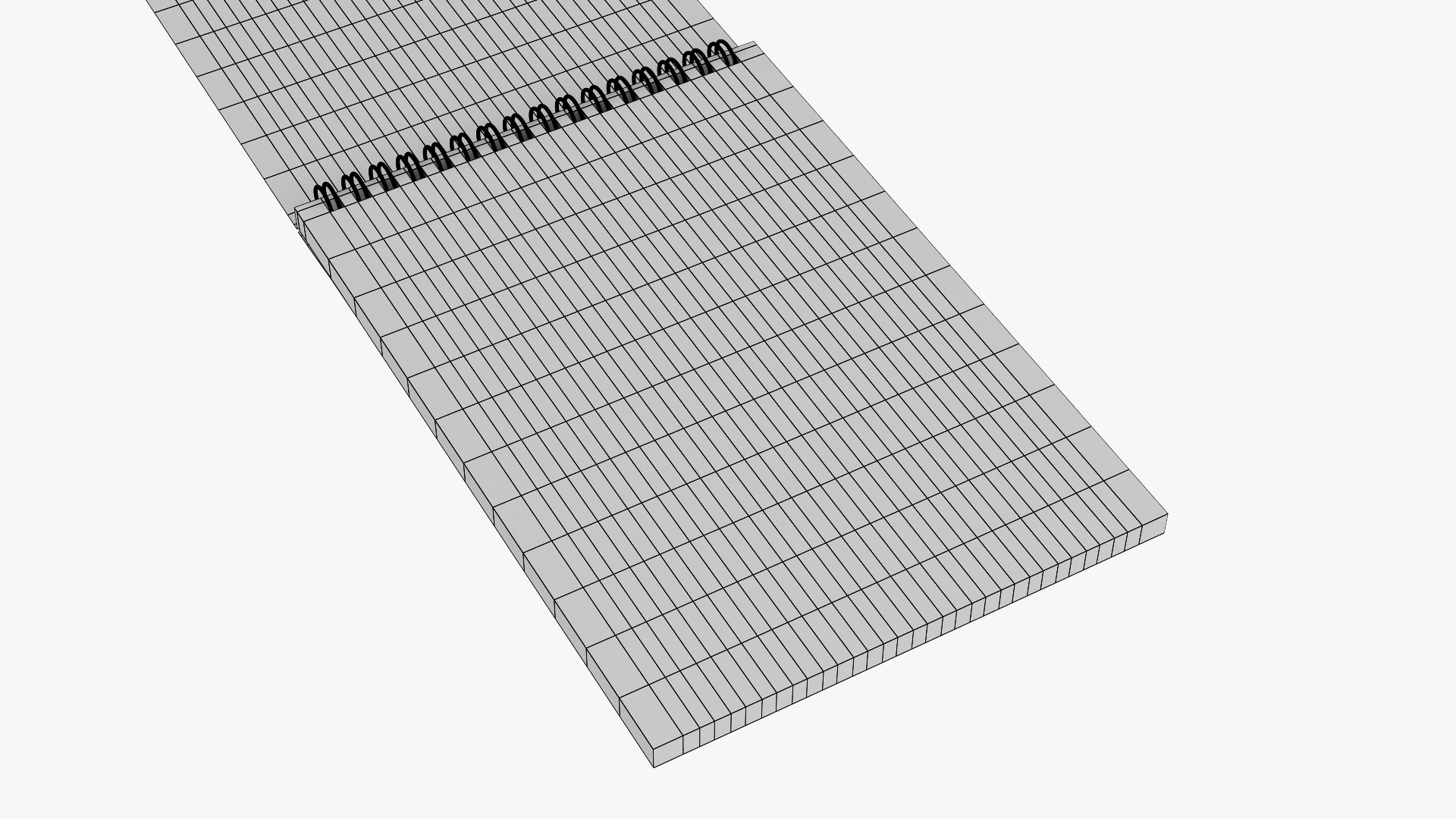
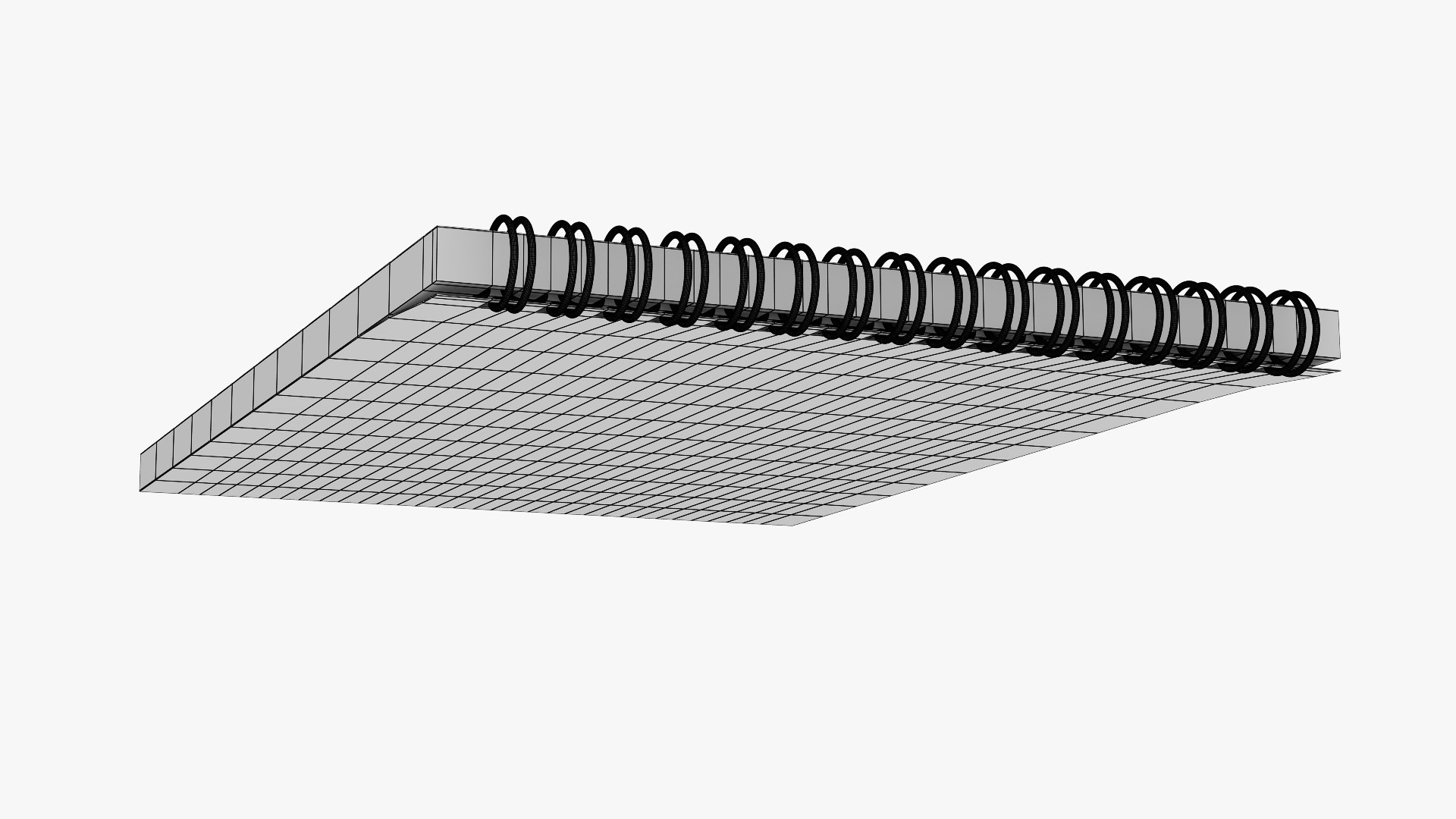
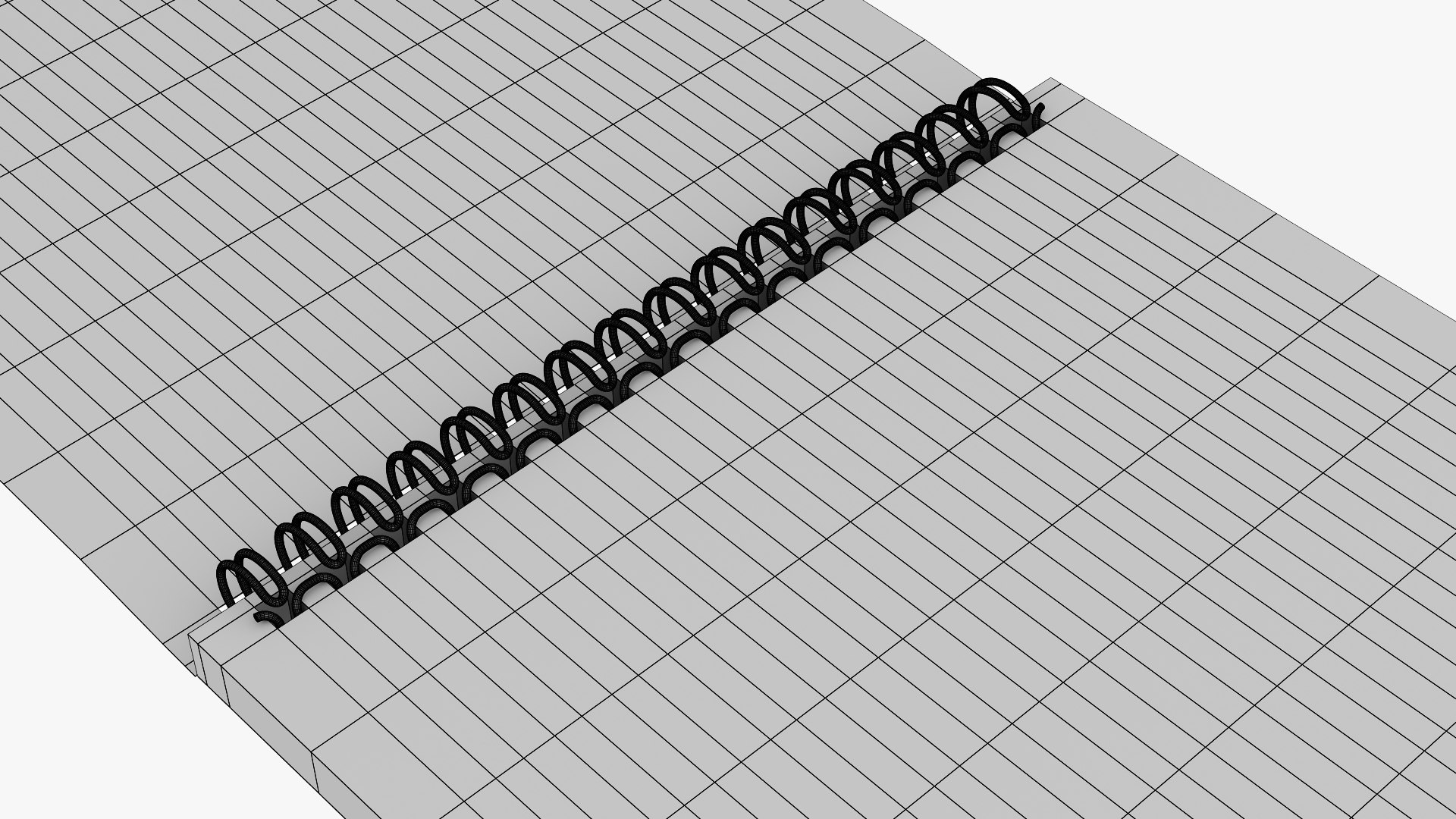
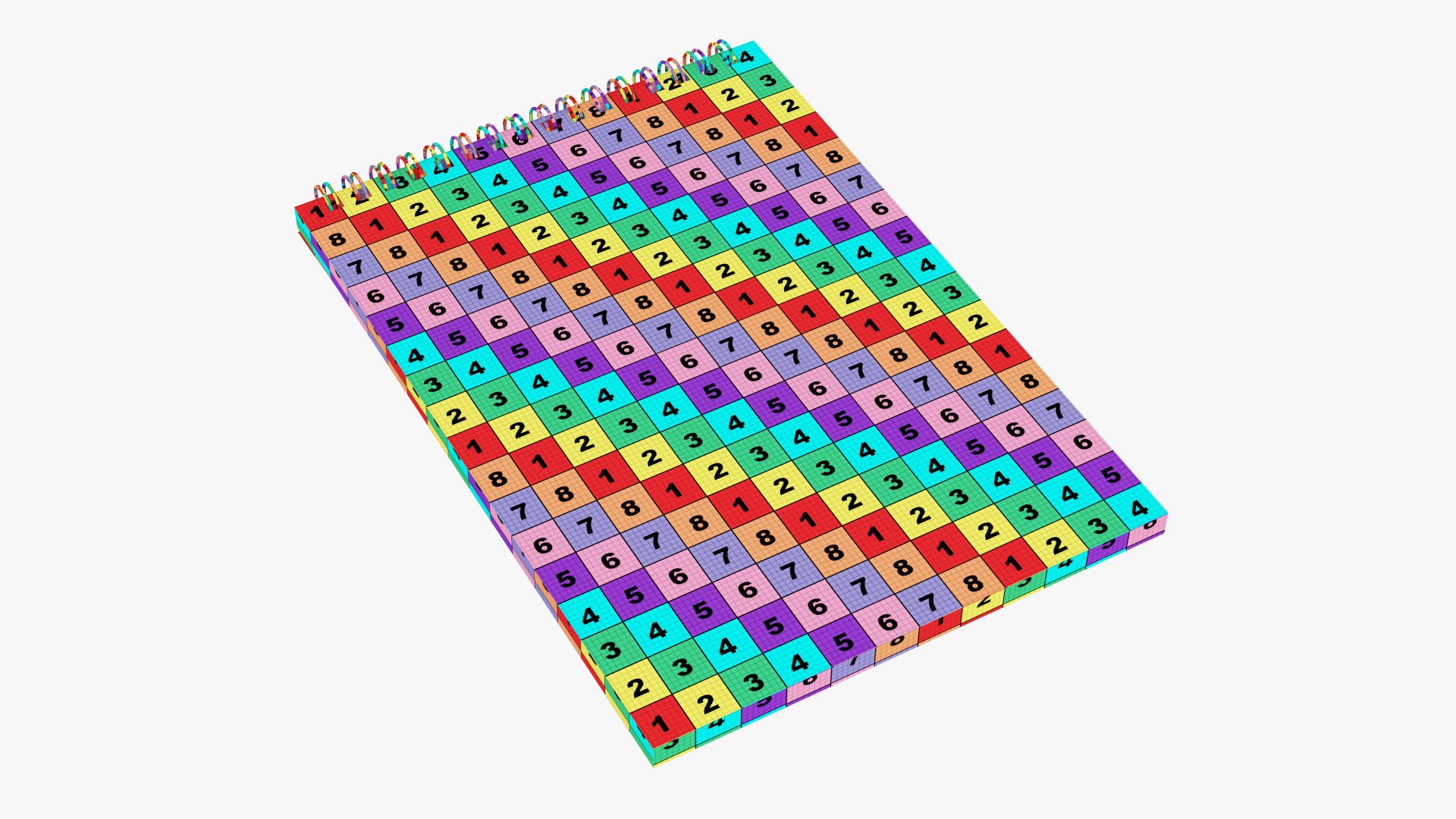
Notebook A5

Size: 148 x 218 x 13,5 mm.

High quality and realistic model specially for your projects.

The model is created in Autodesk 3ds Max 2011, rendered with Vray 2.10.01, materials are included.

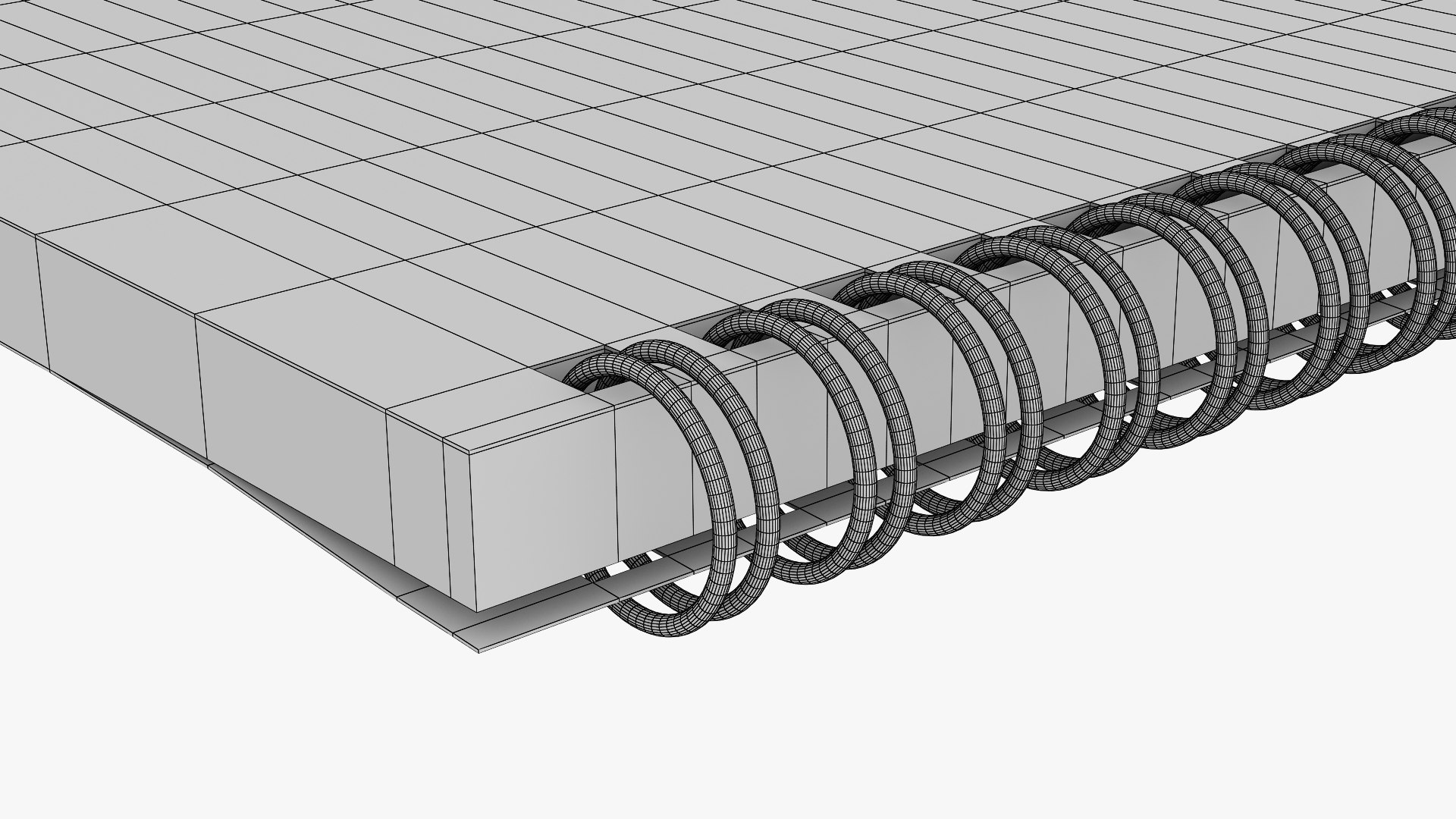
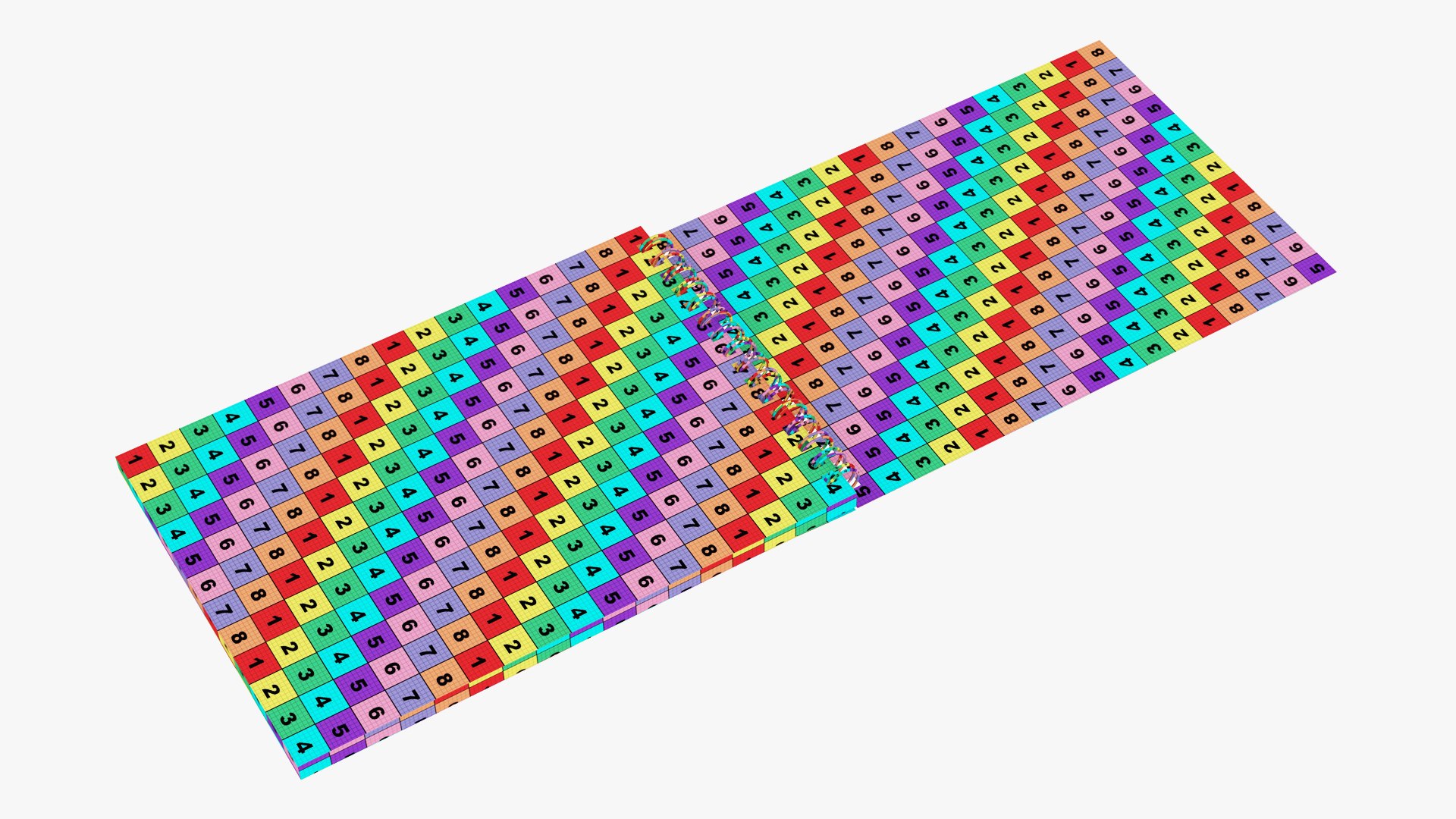
Spring, pages and covers are made as separate objects. You can open notepad.

You can apply any of your textures for pages and covers.

FEATURES:
- High quality polygonal model - correctly scaled accurate representation of the original objects.
- No third-party renderer or plug-ins needed.
- Scale of all details (100,100,100).
- Model has real-world scale and is centered at 0,0,0.
- Units: centimeter.
- All pivots in place.
- Materials, objects and textures have the correct names
- No cleaning up necessary, just drop your models into the scene and start rendering.
- Lights, cameras and scene are not included.
- Model unwrapped.
- Geometry: Polygonal only Quads.

FORMATS: fbx; obj; max.

TEXTURES: Includes 5 Png textures at 4096 x 4096,
1 Jpeg texture at 4096 x 4096,
1 Jpeg texture at 1200 x 1200.

Poligons: 59950
Vertices: 59862

Select Enhanced License

  • $10,000 in Legal Protection (Indemnification)
  • Uncapped Legal Protection (Indemnification)
  • Waiver from injunctive relief
  • Assignable model rights
  • $1,000,000 in Legal Protection (Indemnification)
  • Waiver from injunctive relief
  • Assignable model rights
  • $250,000 in Legal Protection (Indemnification)
  • Assignable model rights
Read more about enhanced license tiers, or contact us at enterprise@turbosquid.com. Already a Shutterstock Enterprise Customer? Contact your Shutterstock Sales Support Agent to talk about adding 3D.

About Conversion Requests

To submit a conversion request for a purchased asset, please complete our Conversion Request Form.

If you have not yet purchased a model, please review our Documentation about Conversions to learn about what limitations you may encounter with a conversion.

For any additional questions about a model’s suitability for conversion, please contact TurboSquid Support.

Loading...