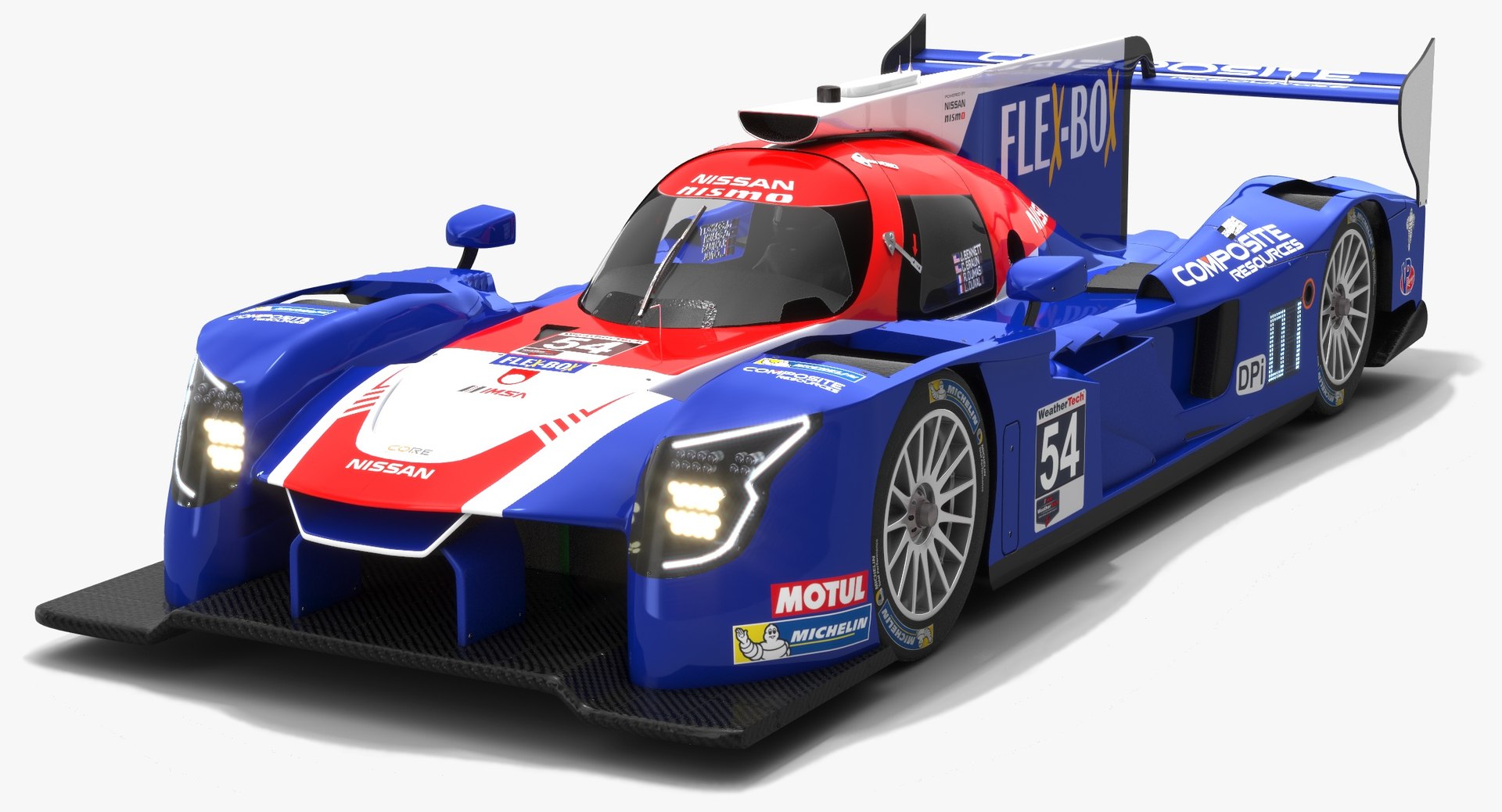
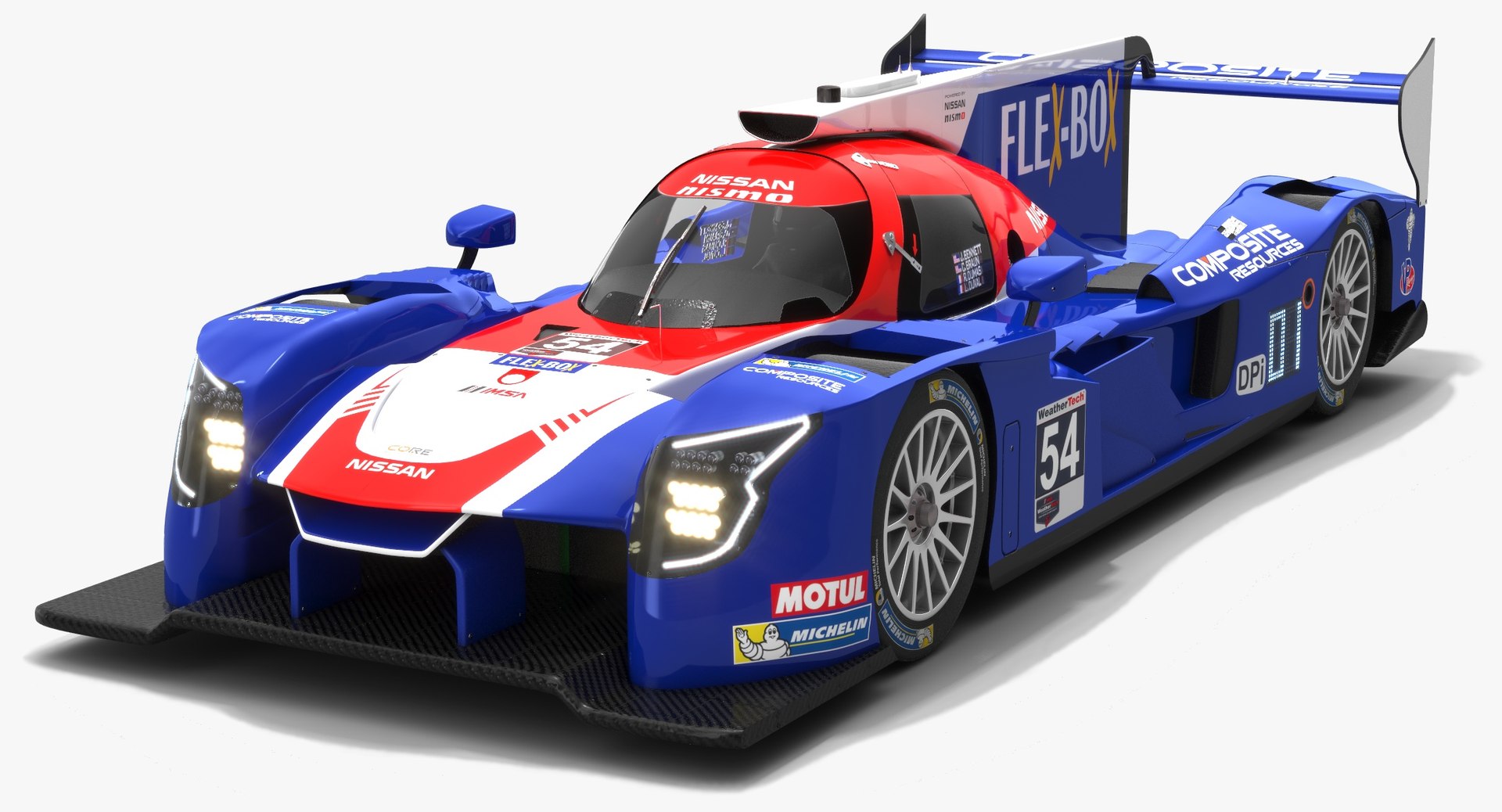
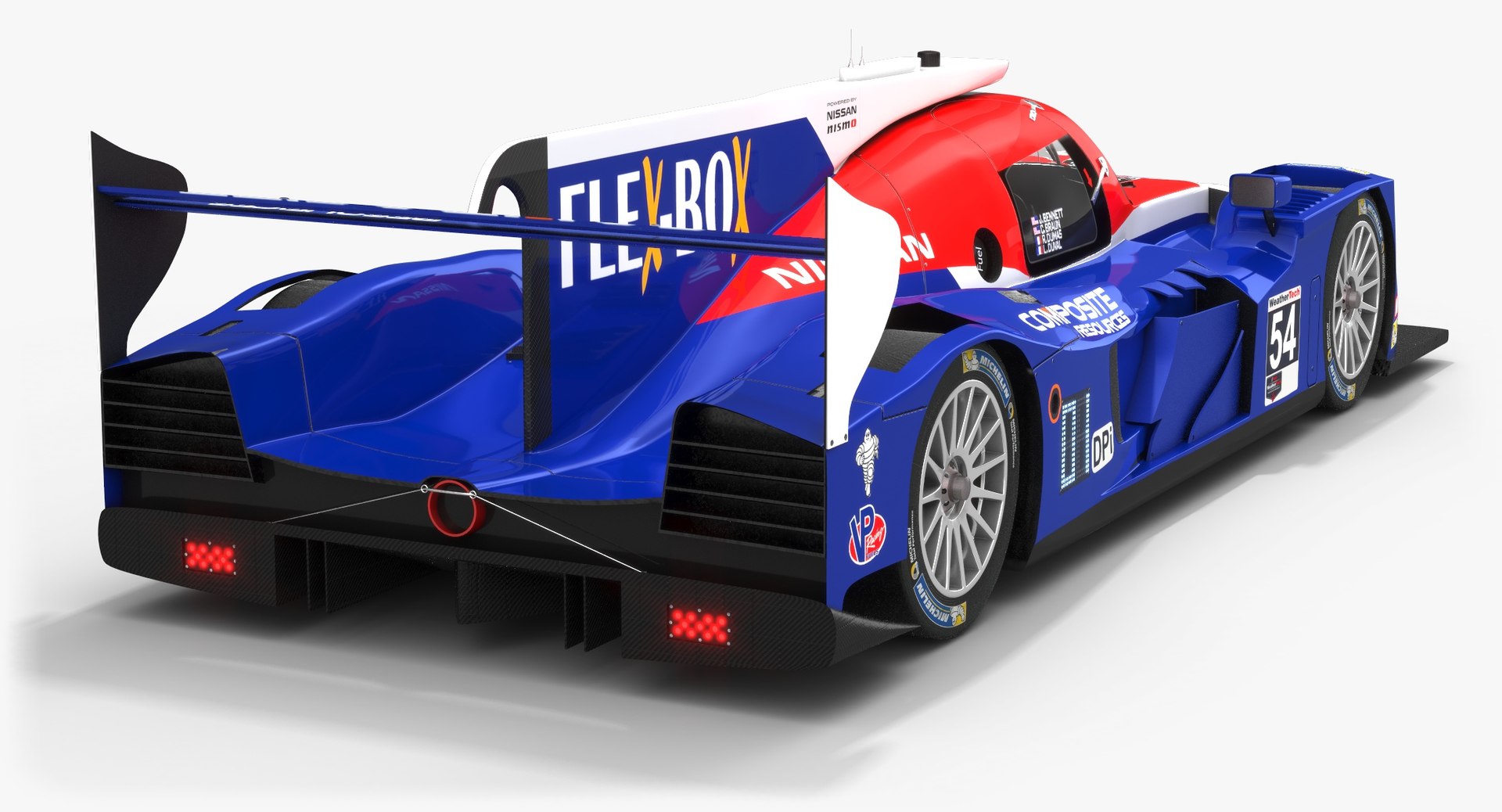
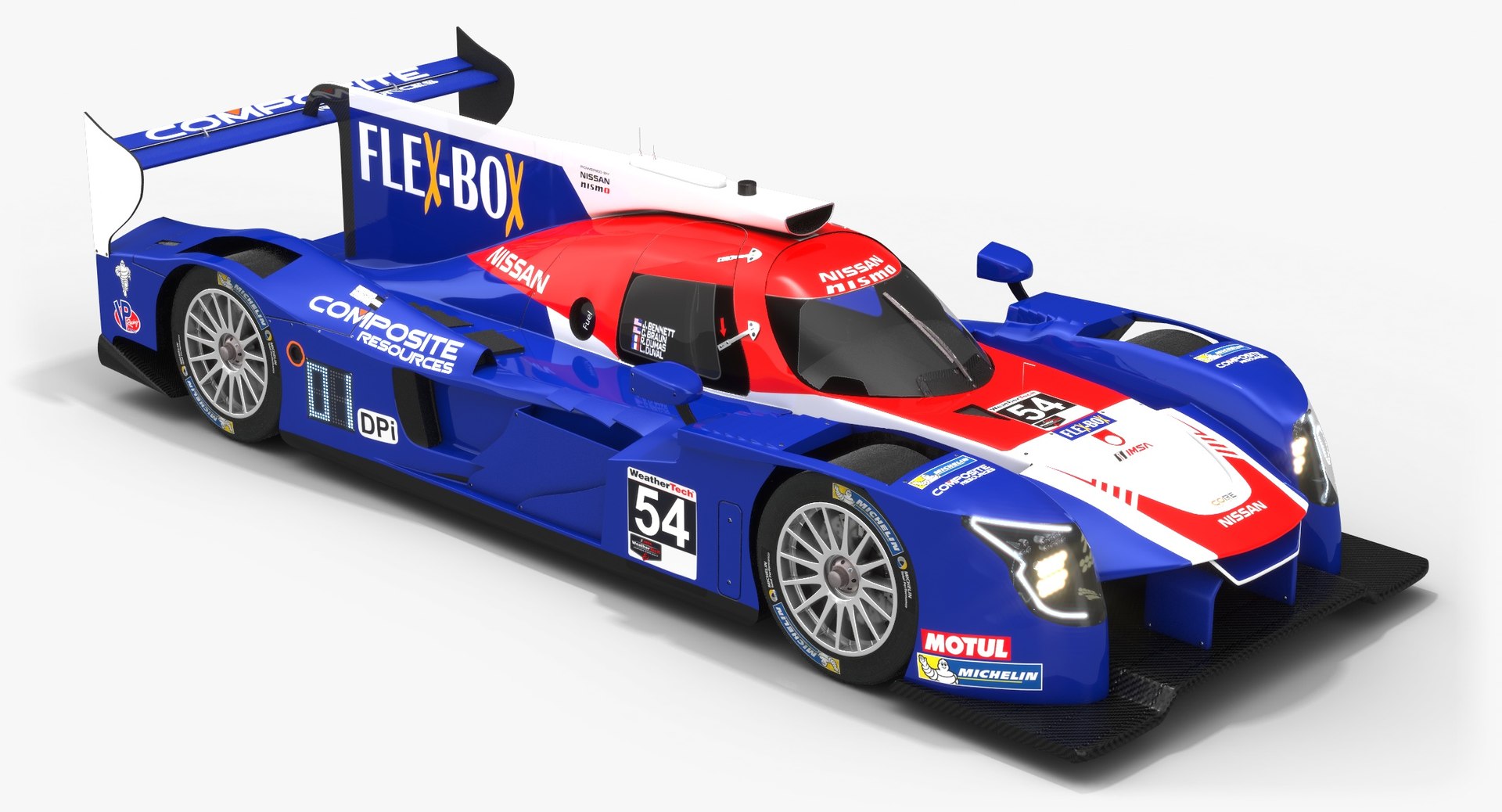
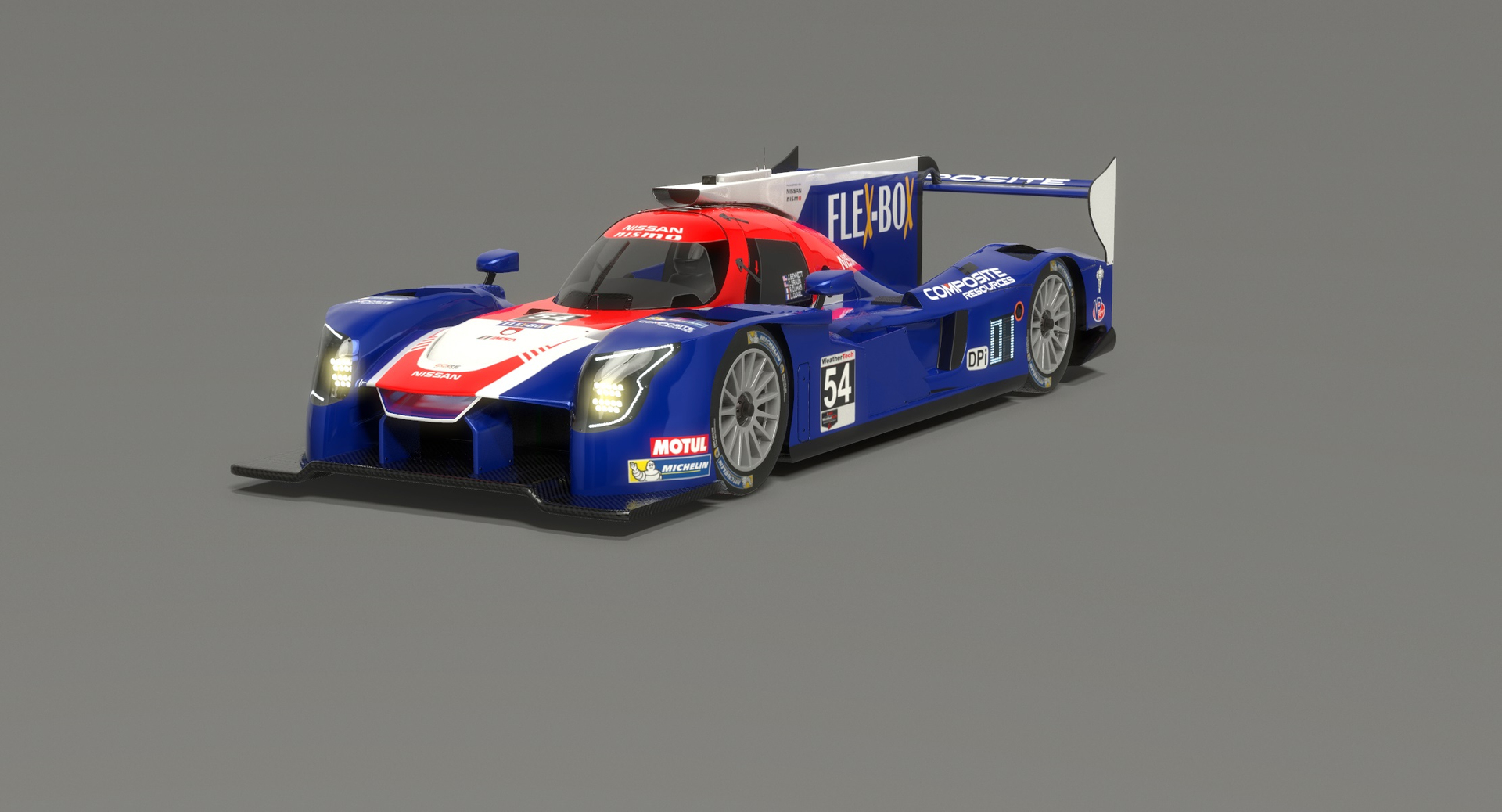
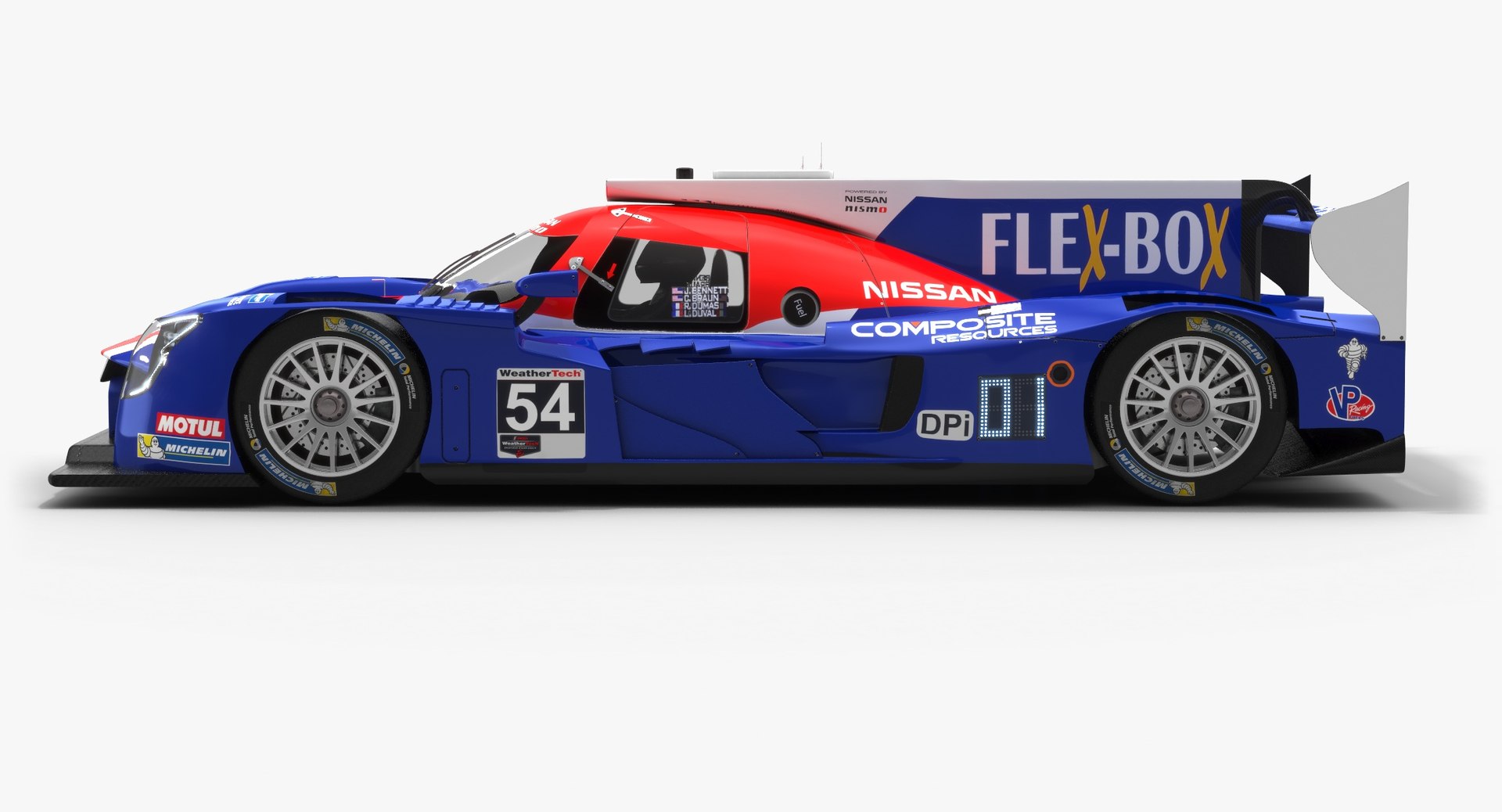
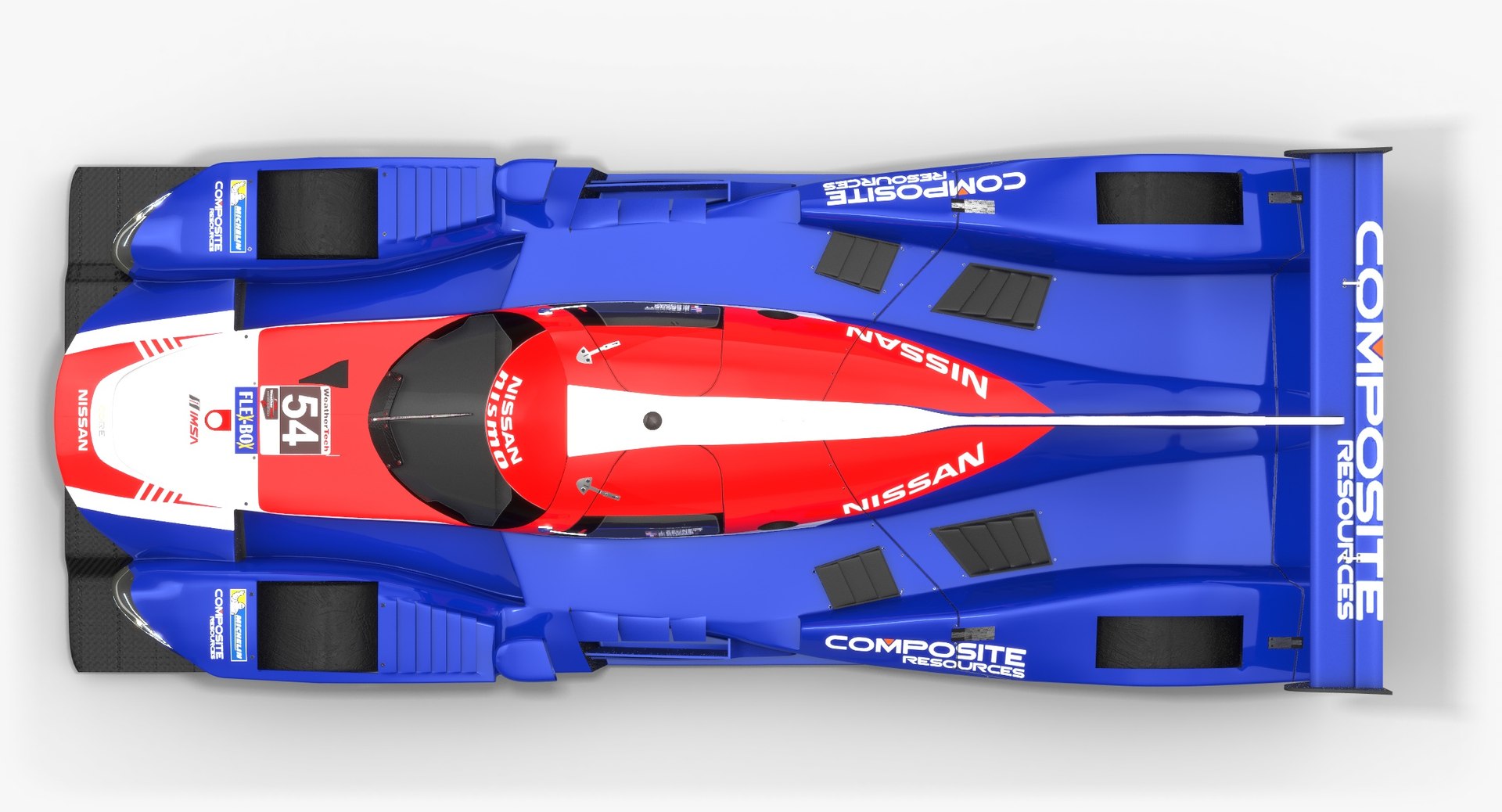
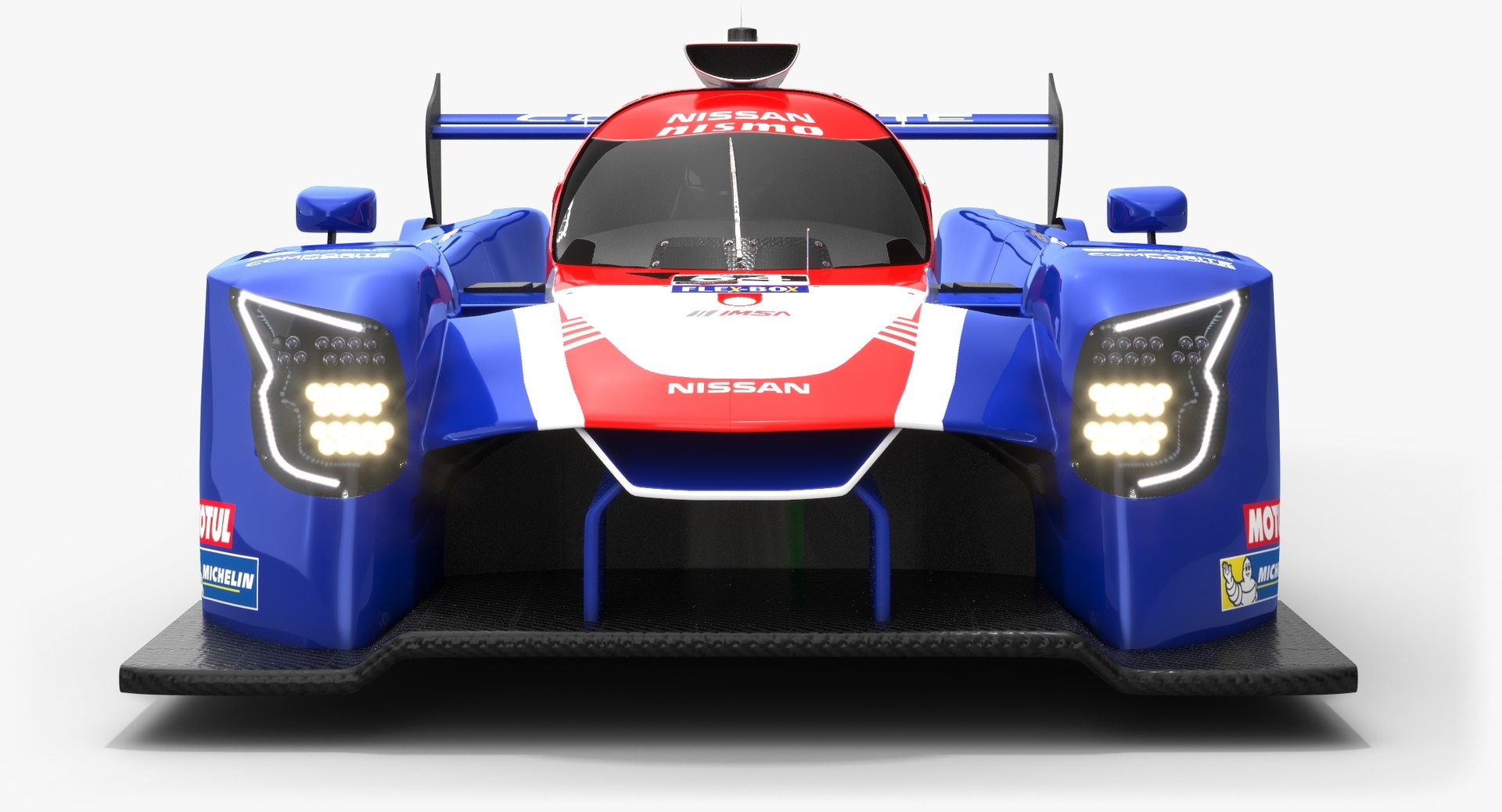
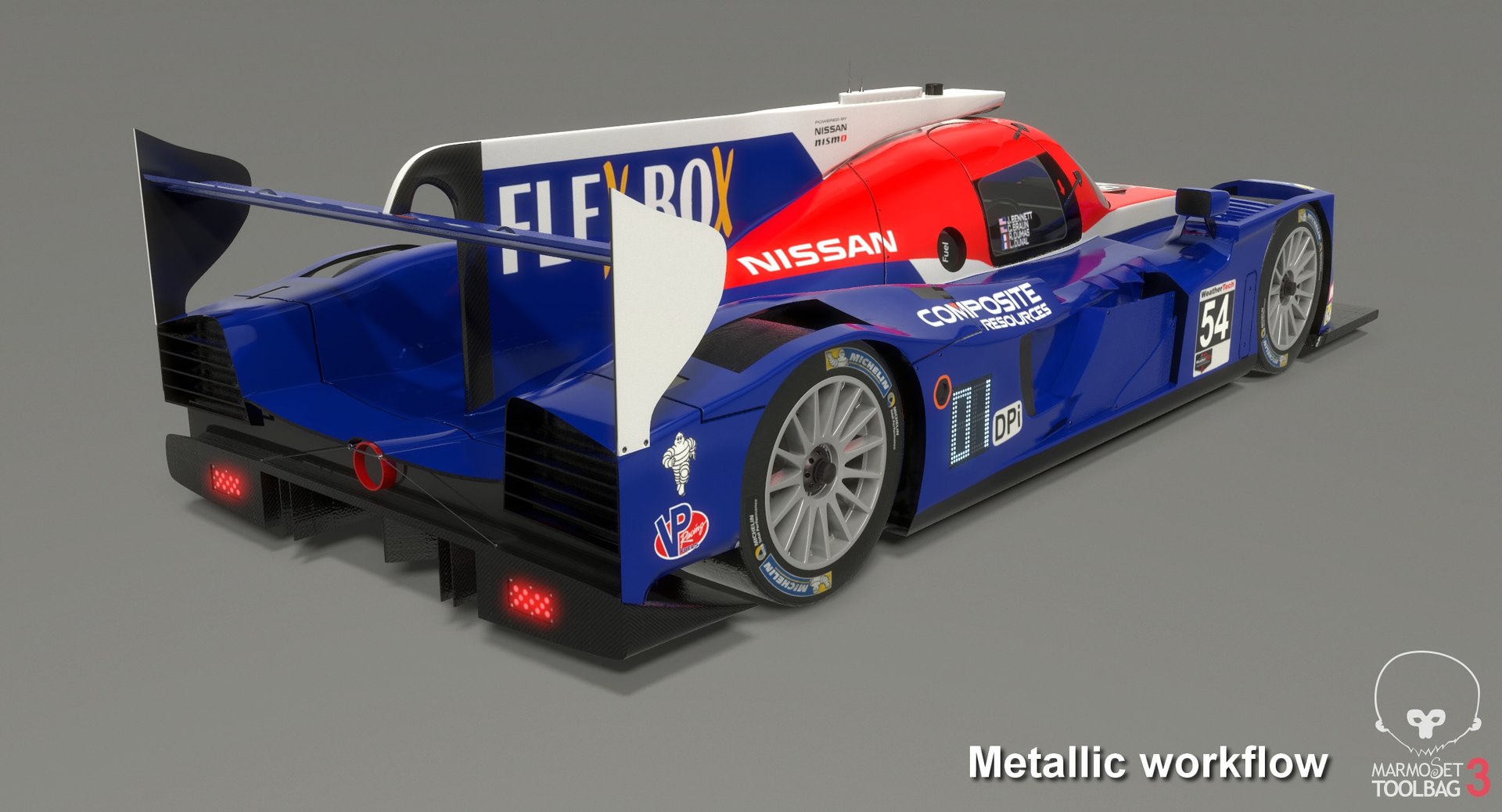
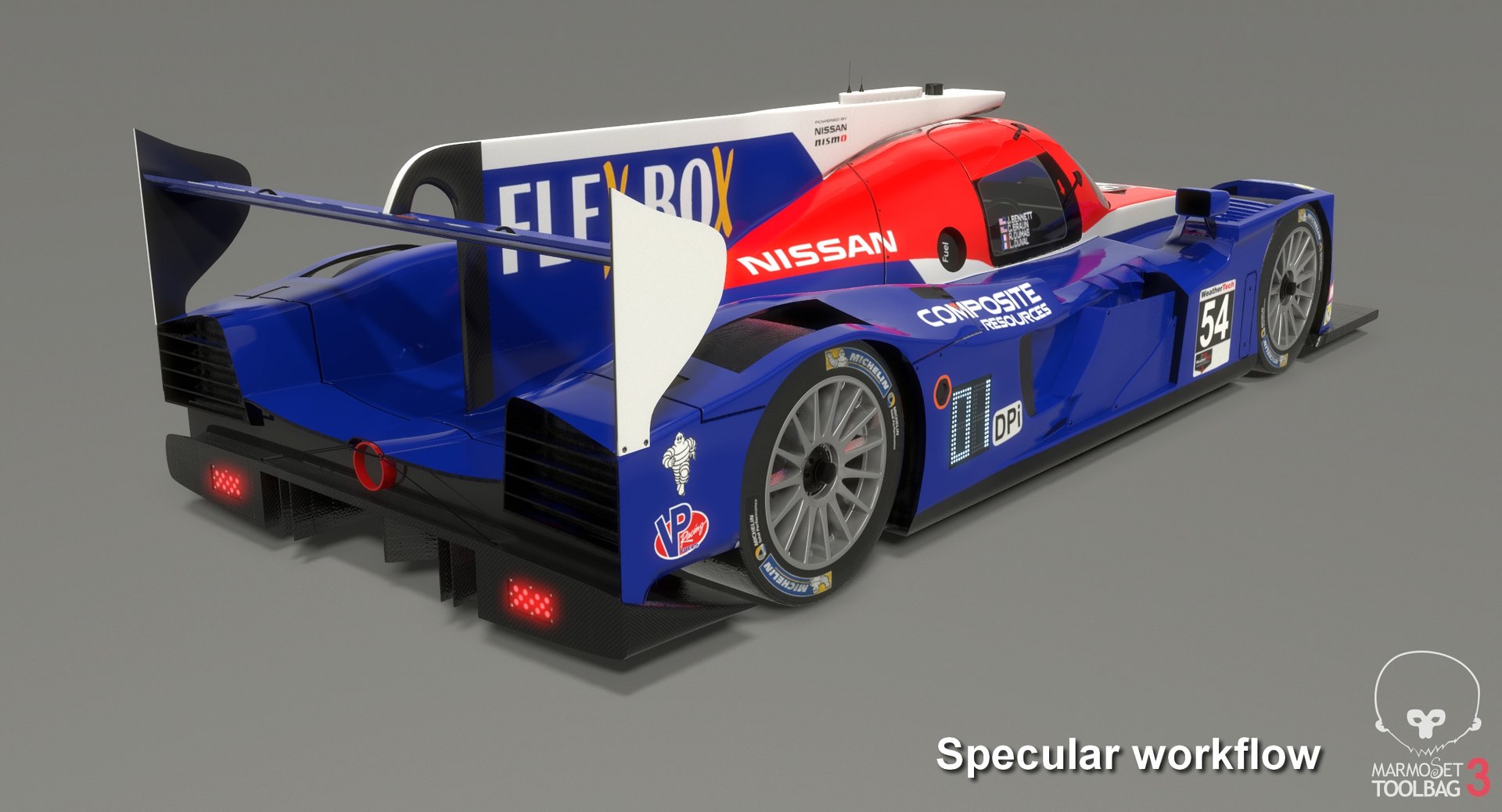
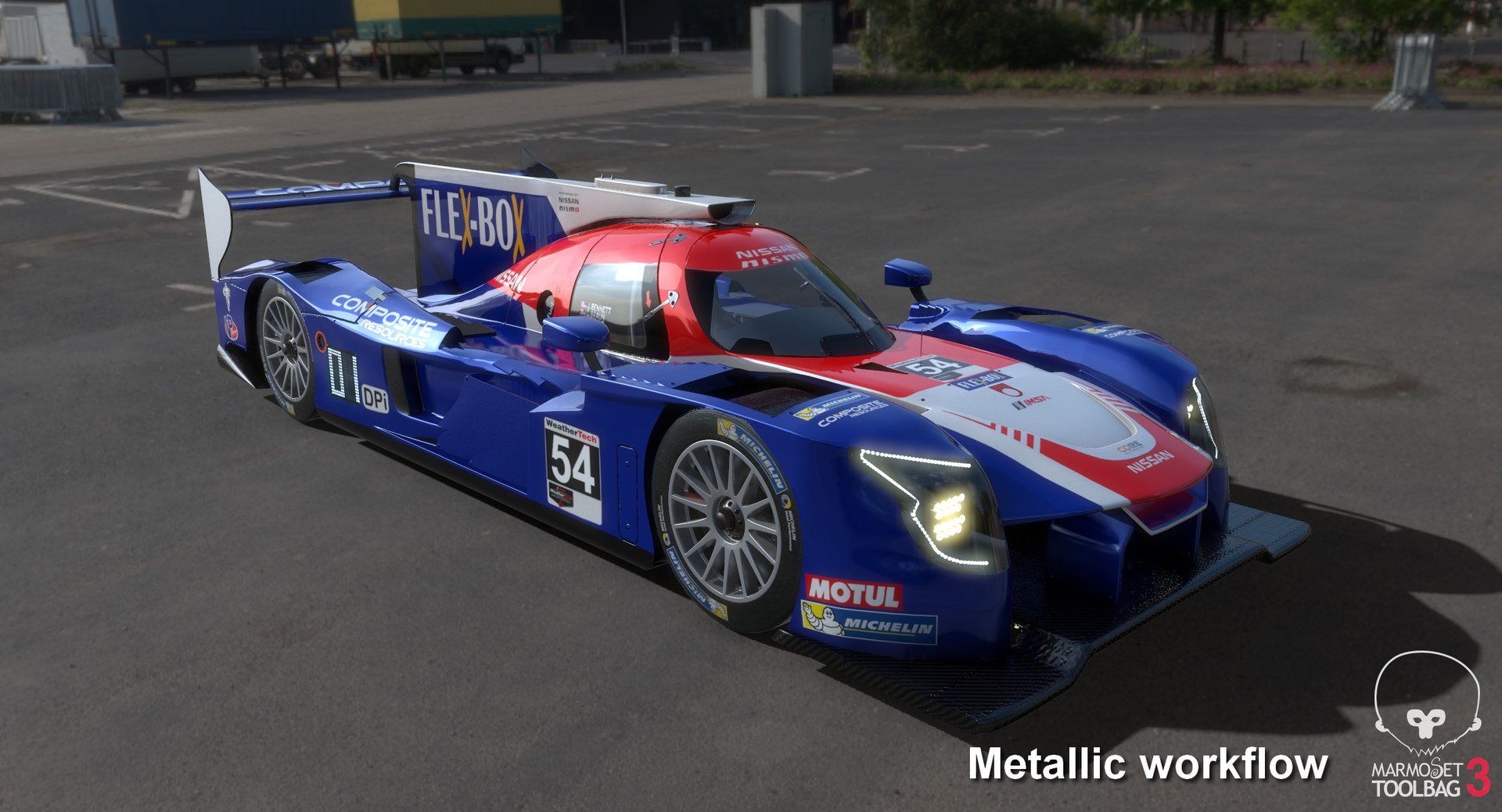
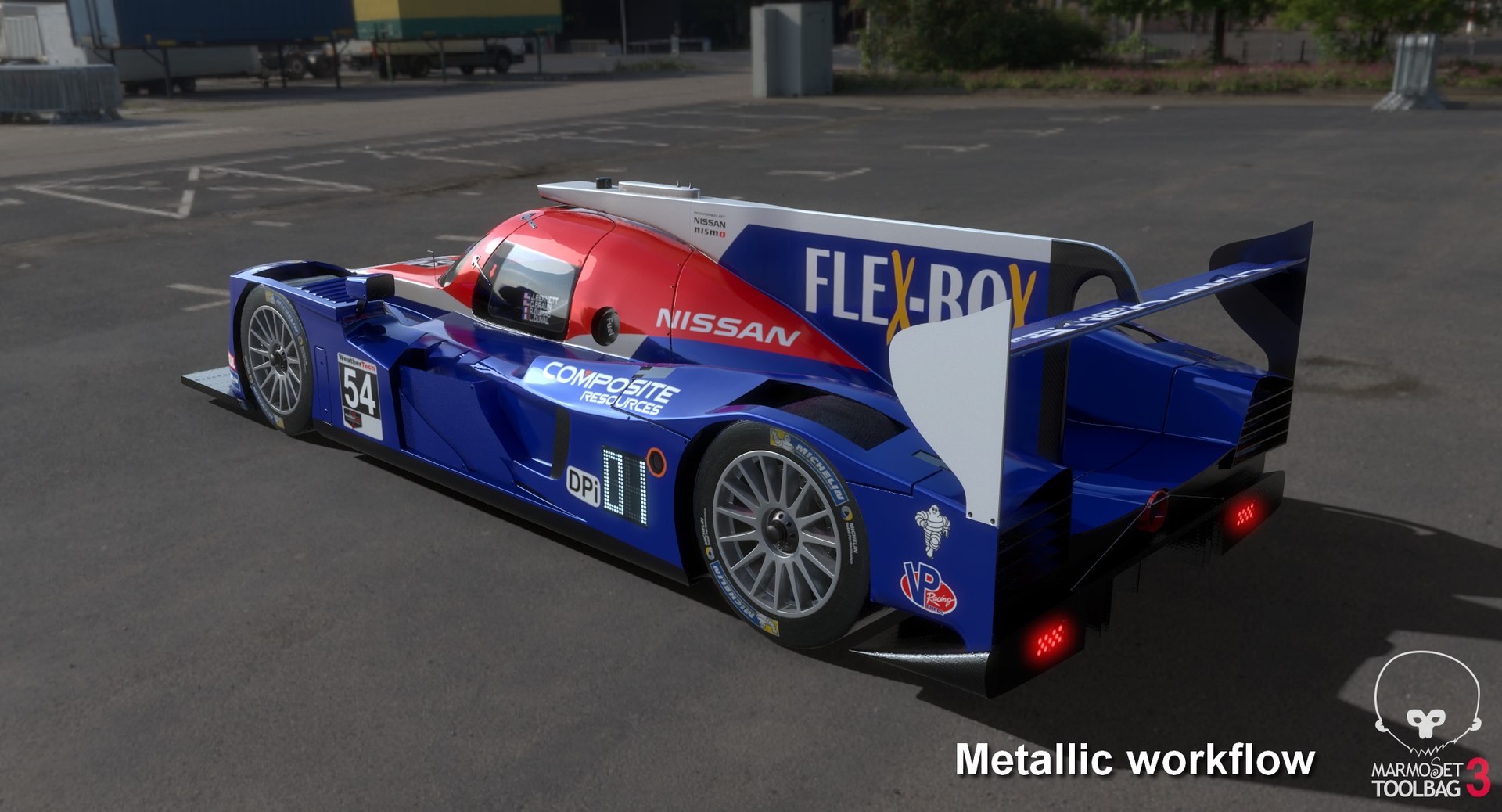
Nissan Onroak DPi IMSA Season 2019

$89

Standard License | Upgrade License
Editorial Uses Only
Formats (6)
Free file format Conversions available
Native | 3ds Max 2016 | V-Ray 3.30.04
3D Studio
DXF
FBX
OBJ
STL
Specifications
Publish Date May 17, 2019
Product ID 1407499
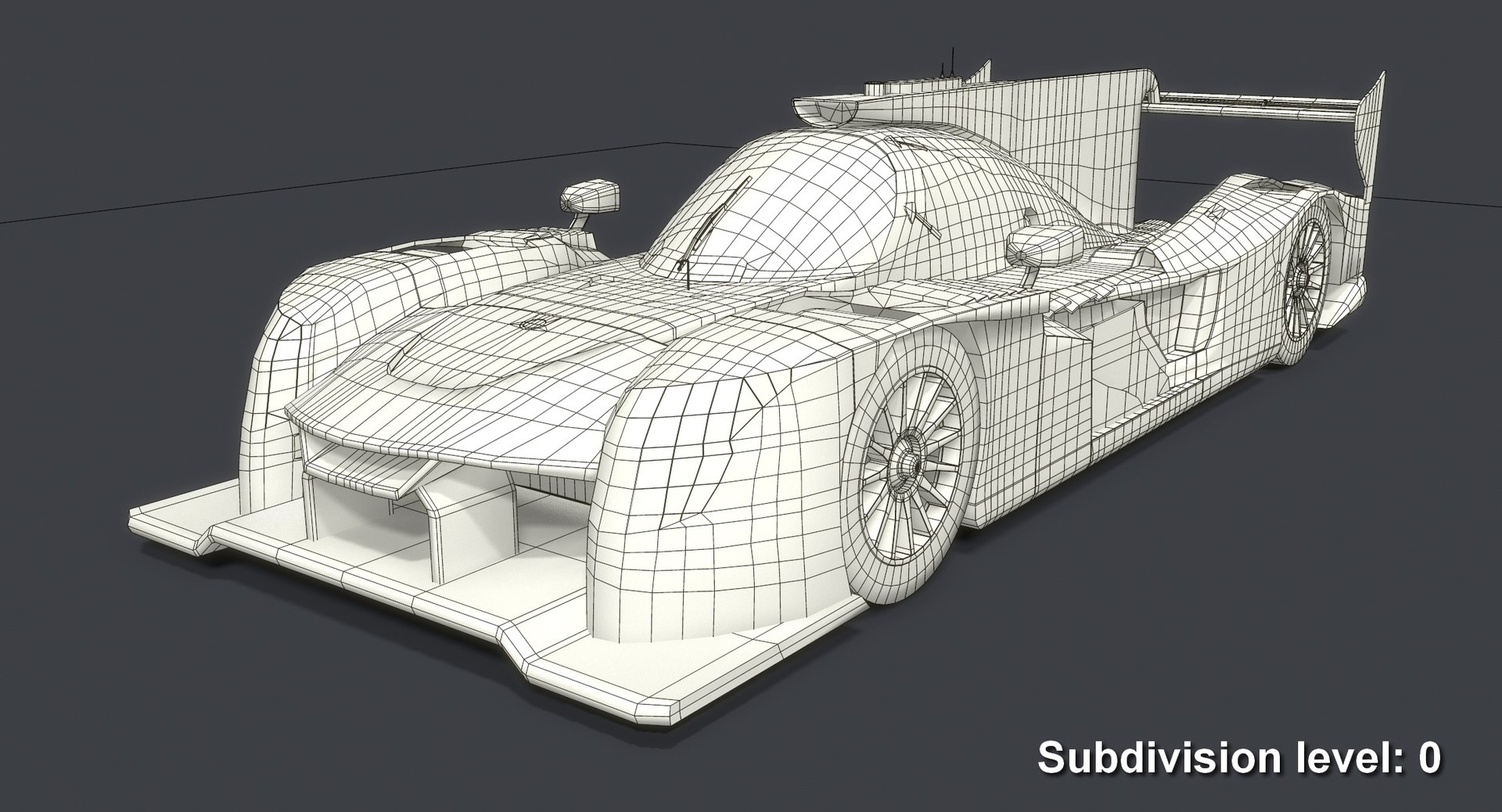
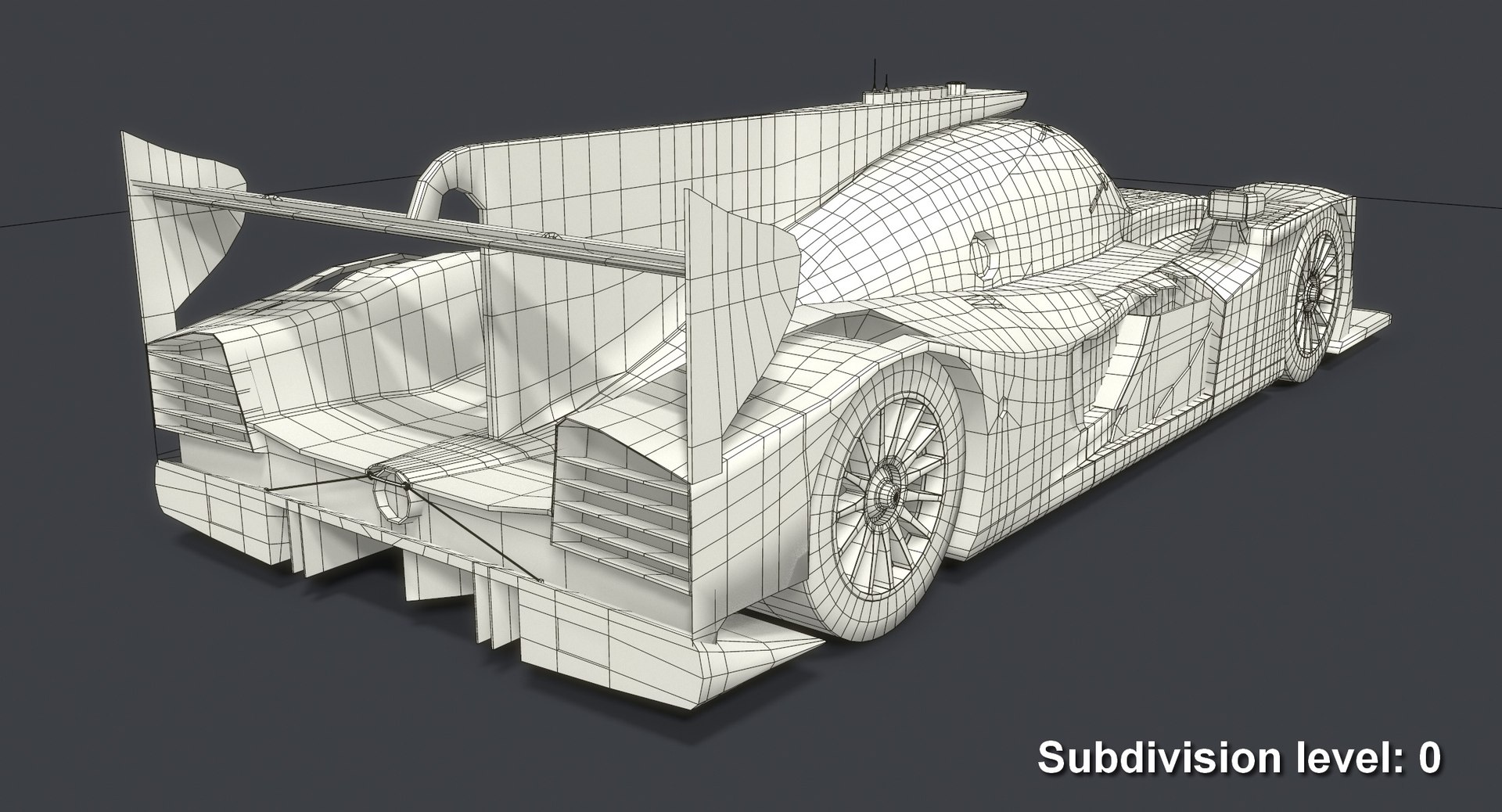
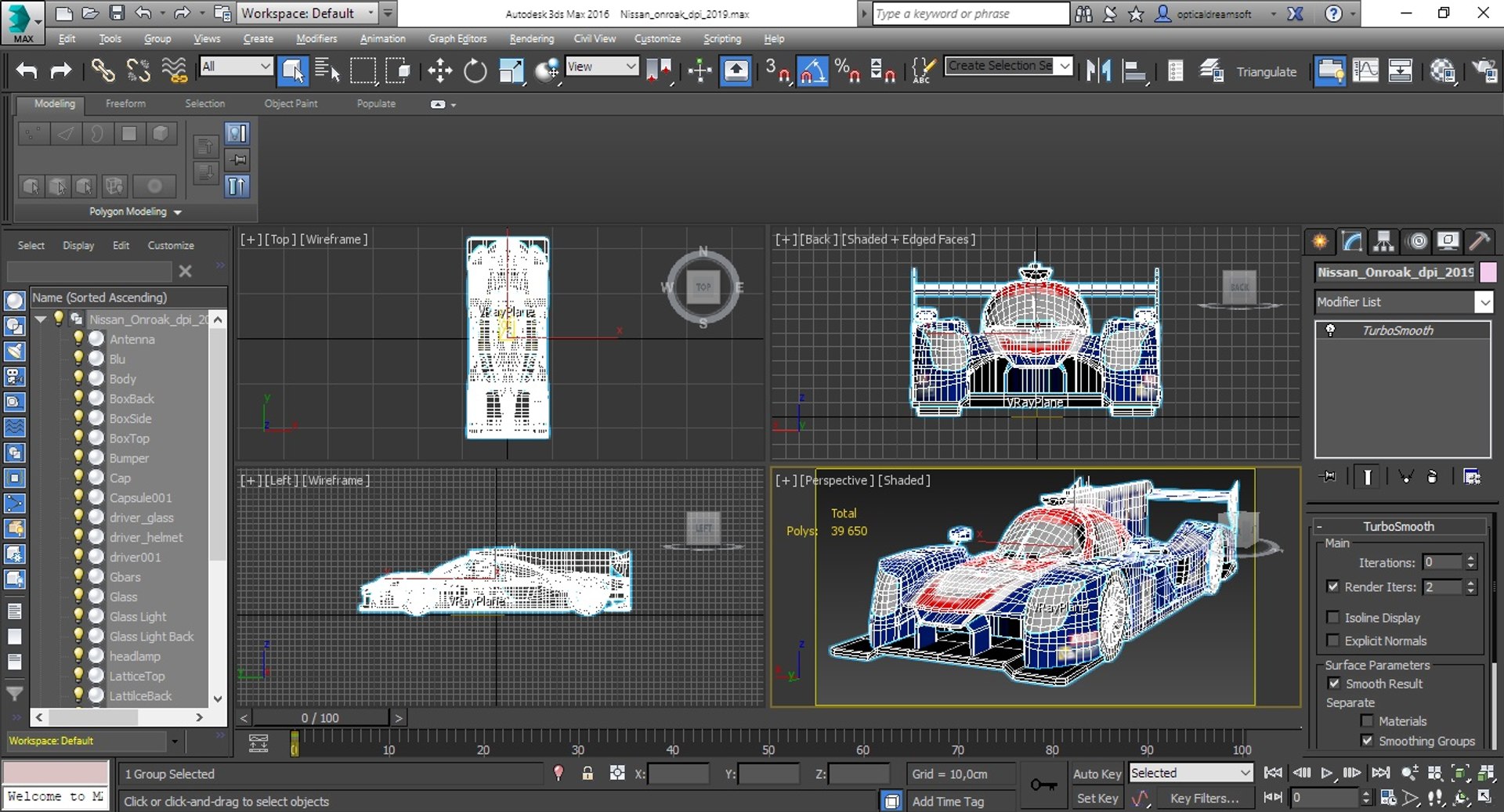
Polygons 20,277
Vertices 21,099
Polygonal Quads/Tris Geometry
Textures
Materials
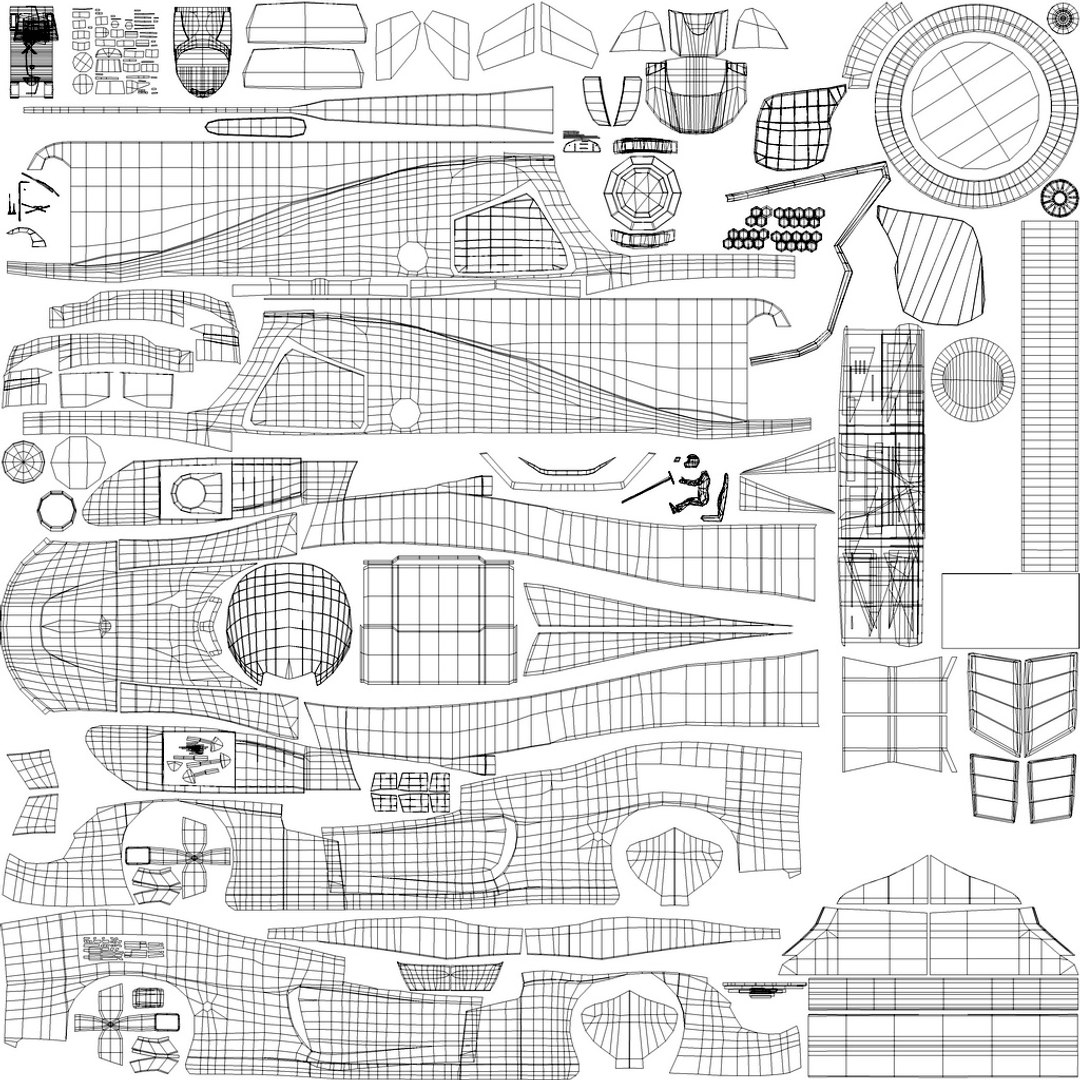
UV Mapped
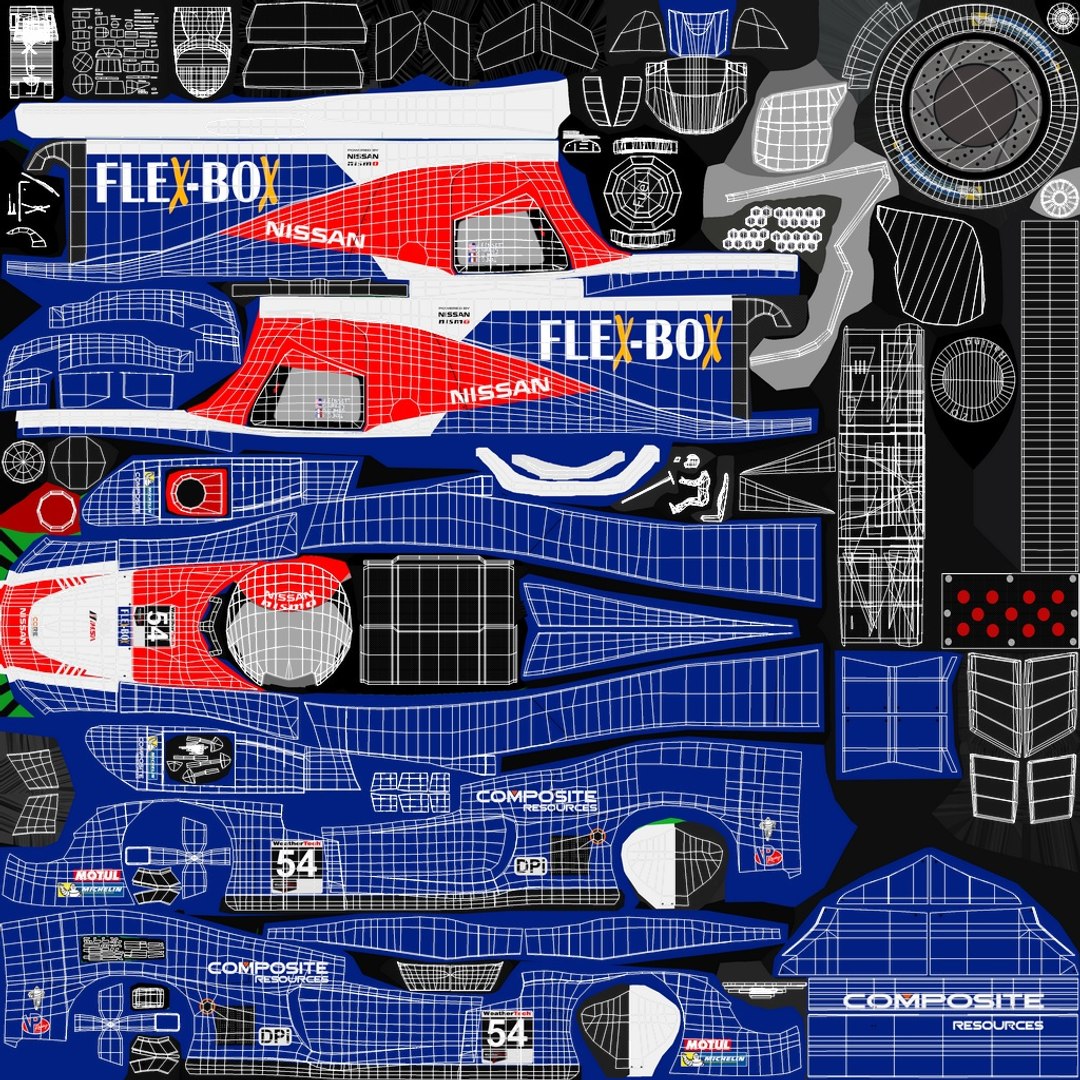
Non-overlapping Unwrapped UVs
PBR
TurboSquid Exclusive
member avatar
OpticalDreamSoft
794 Products | Contributor Since 2008
Have questions? Chat with us now.

Description

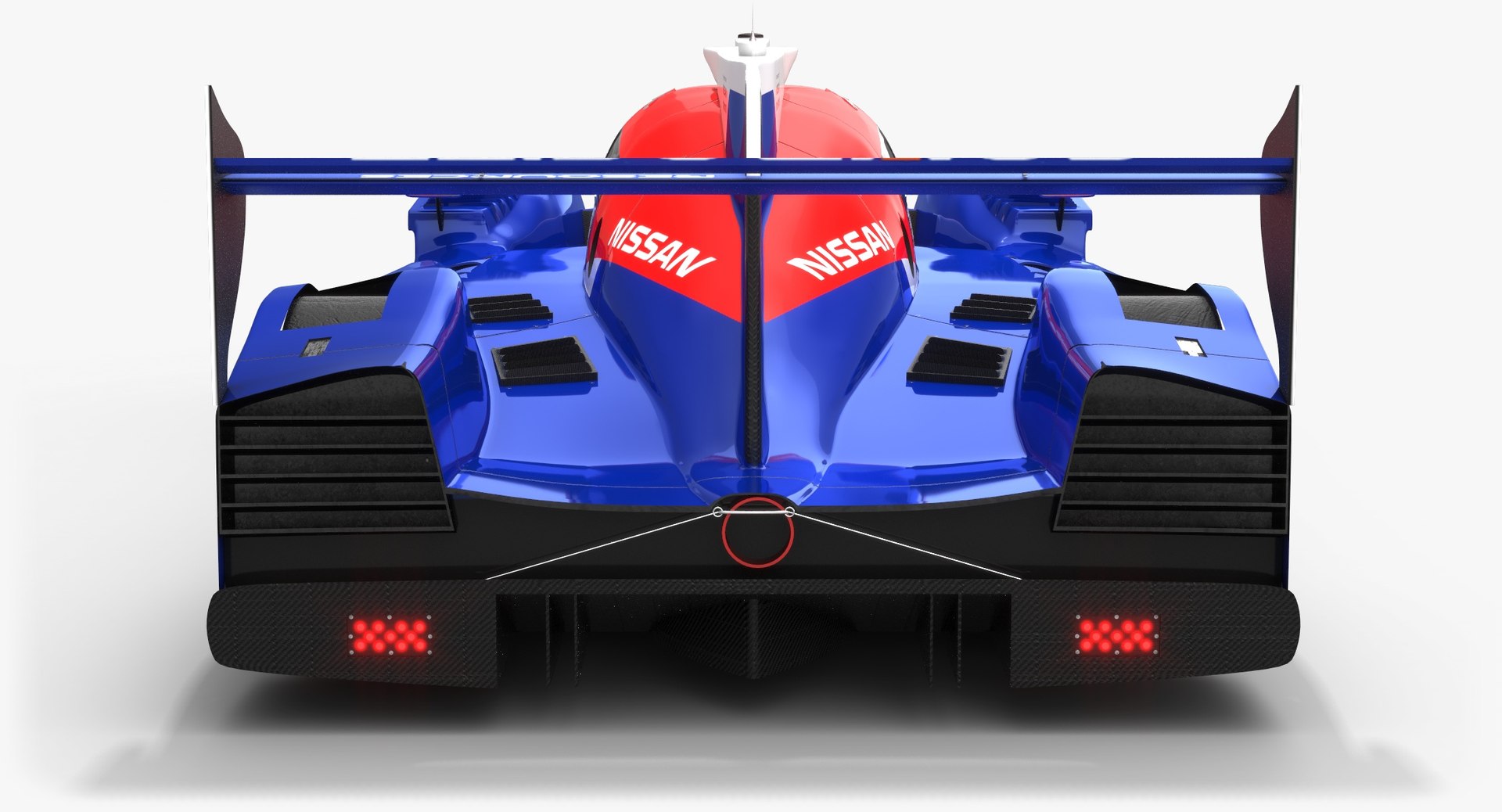
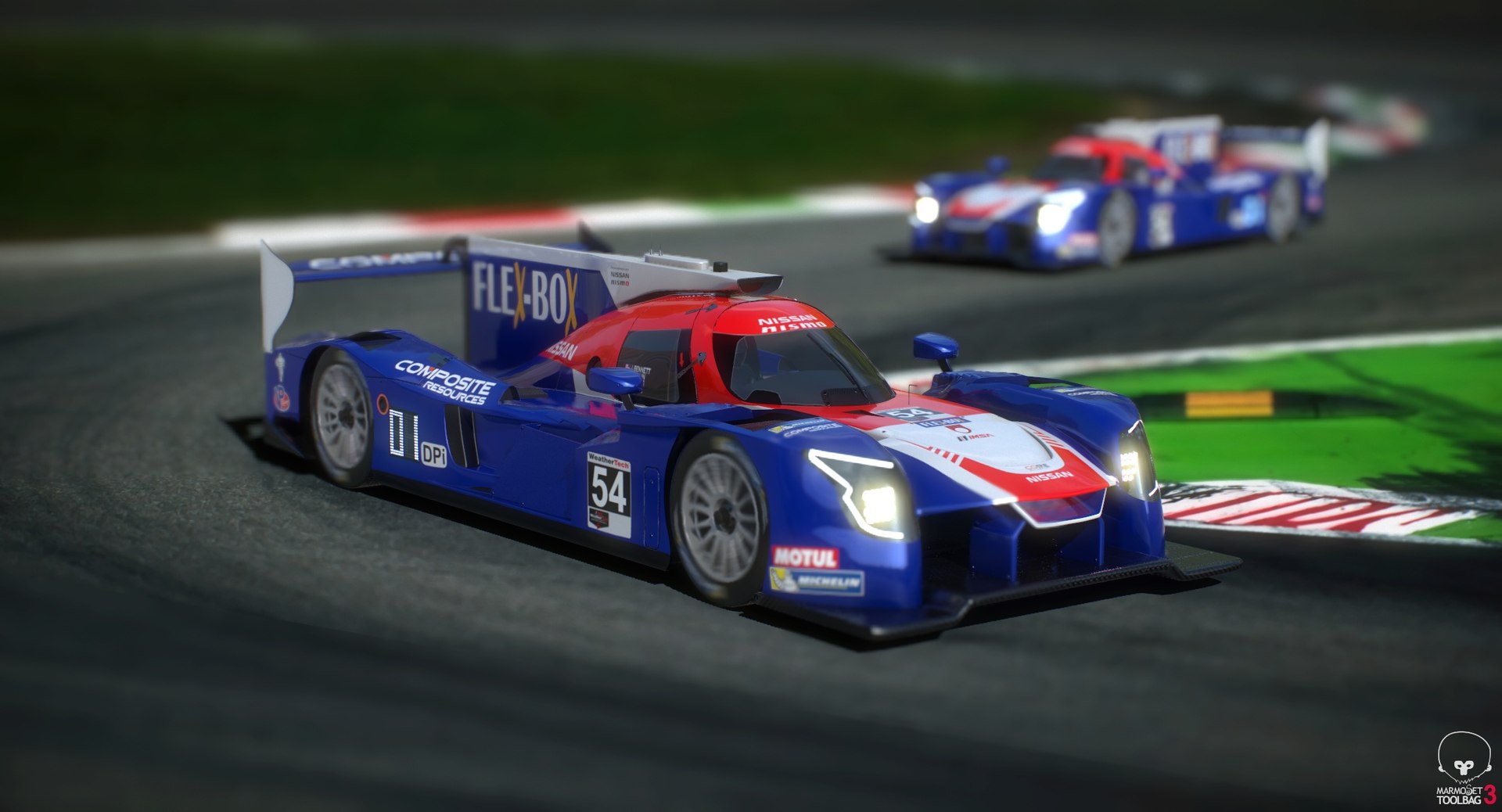
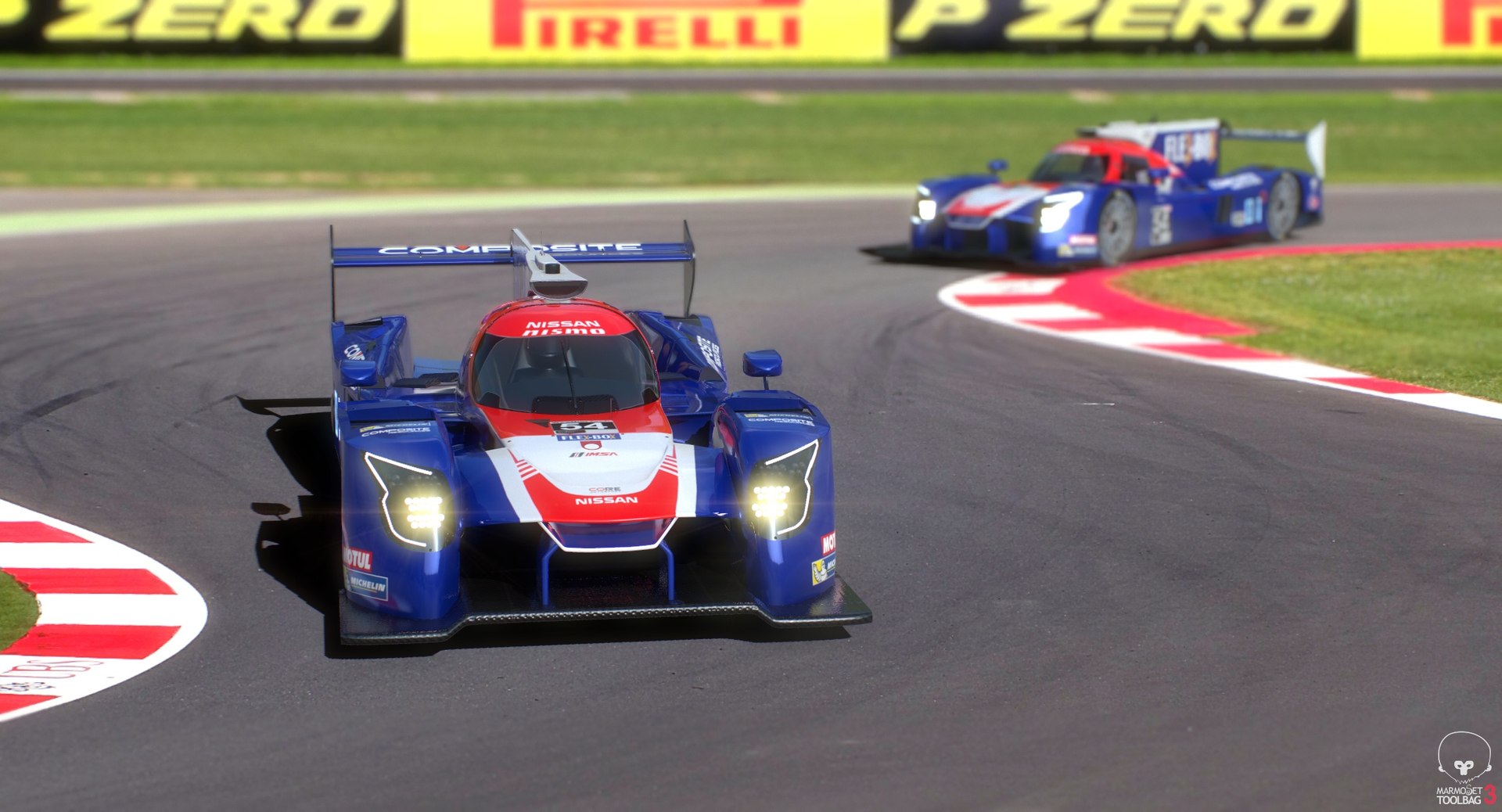
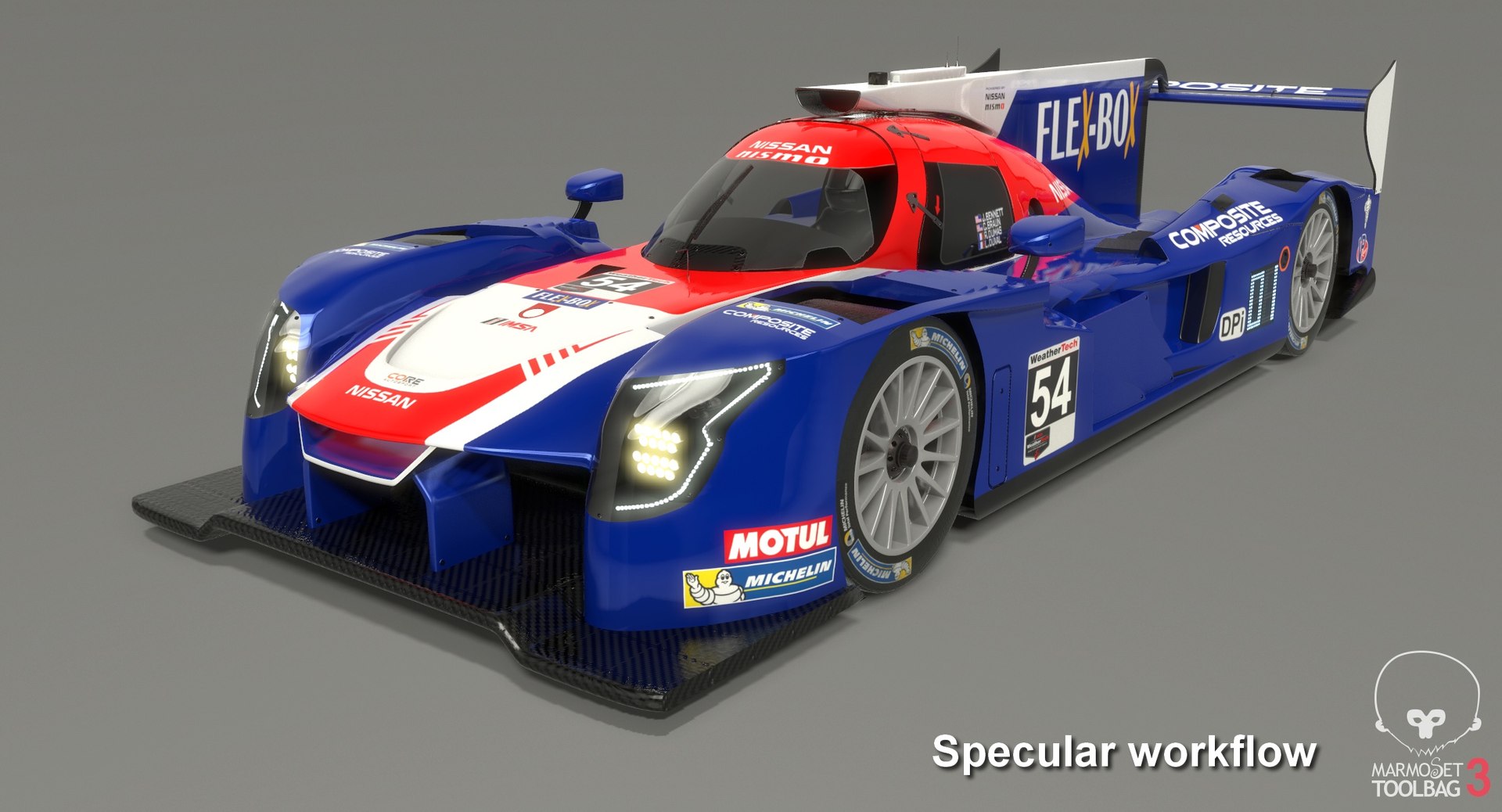
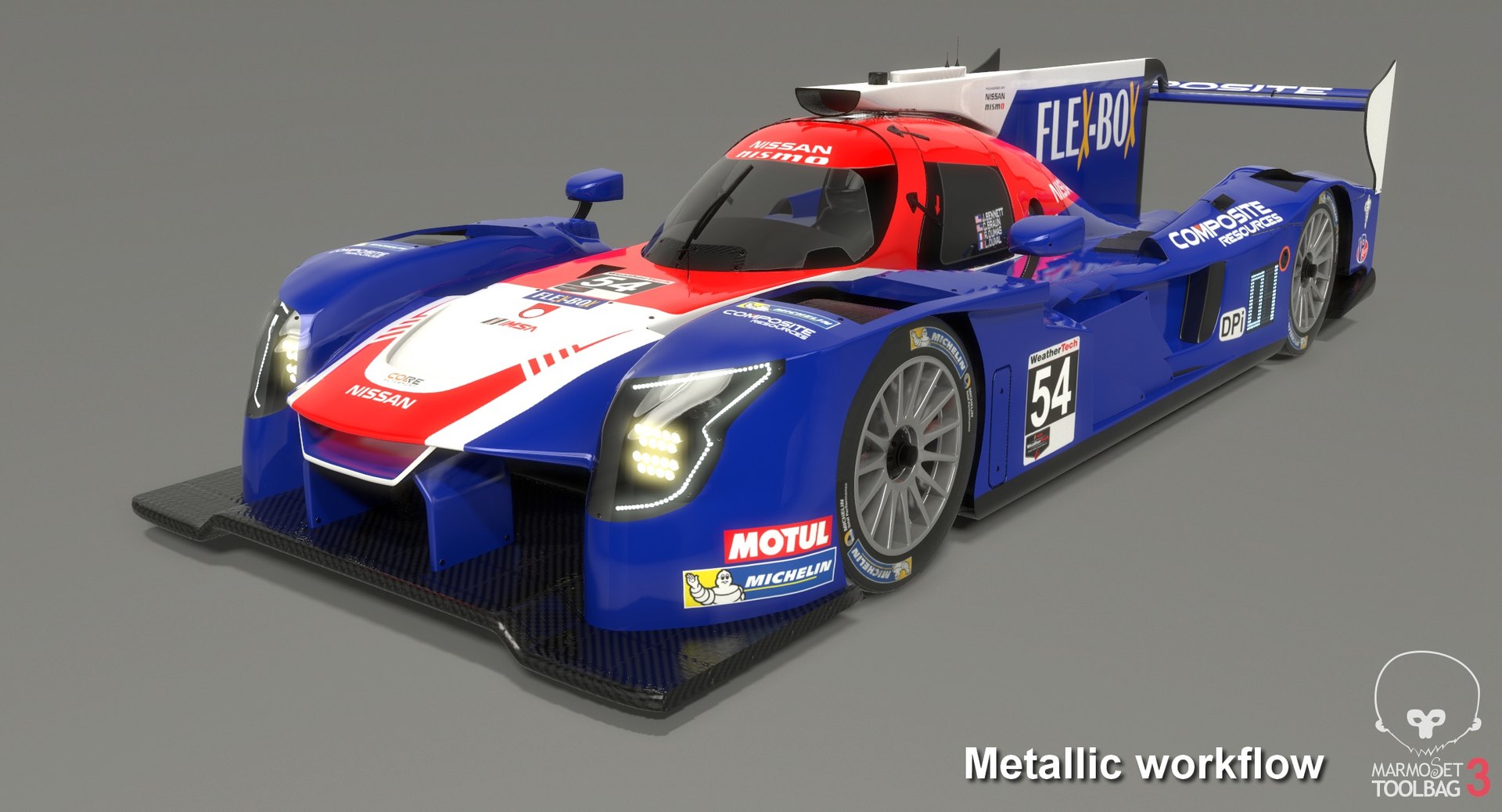
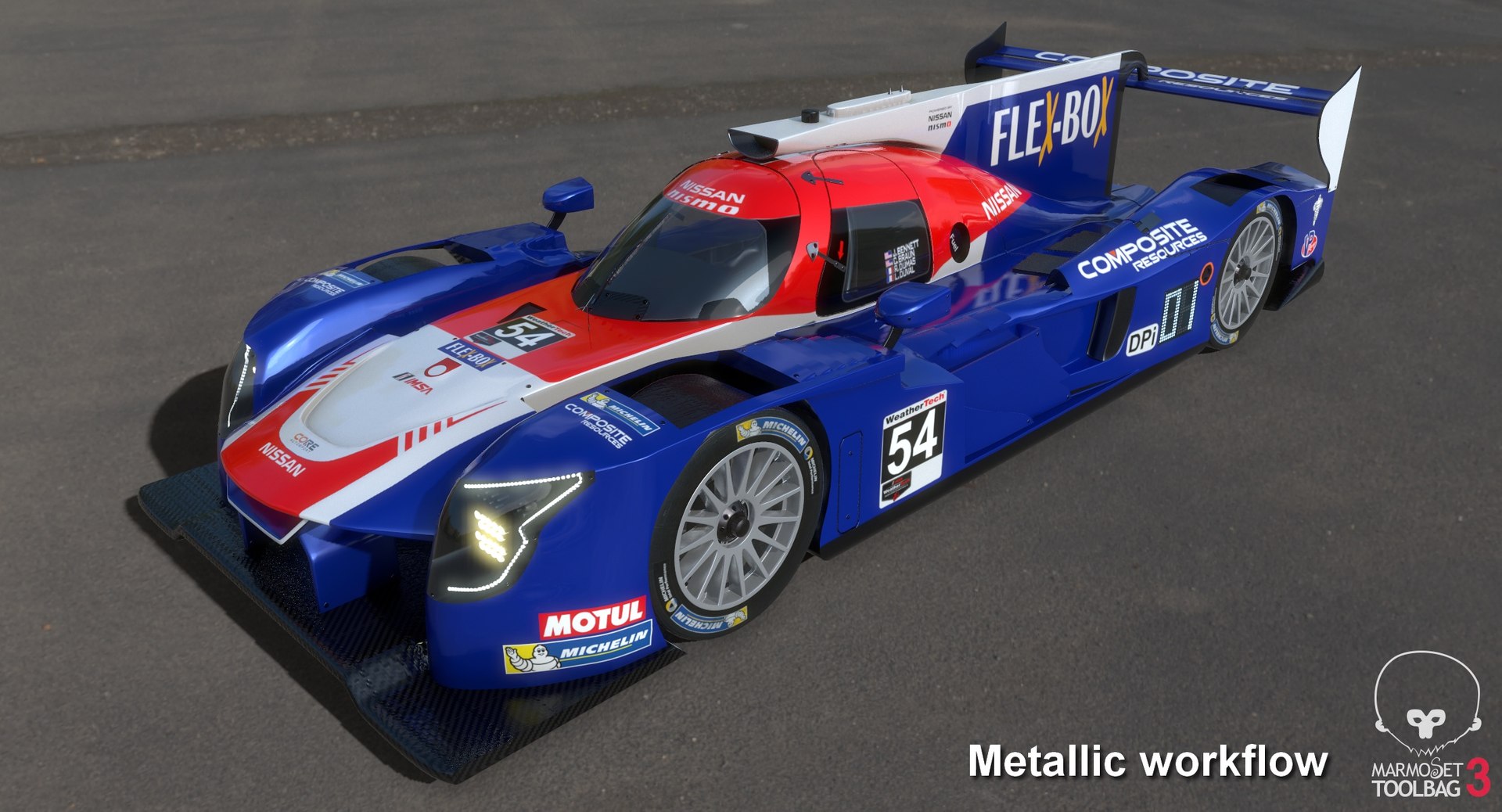
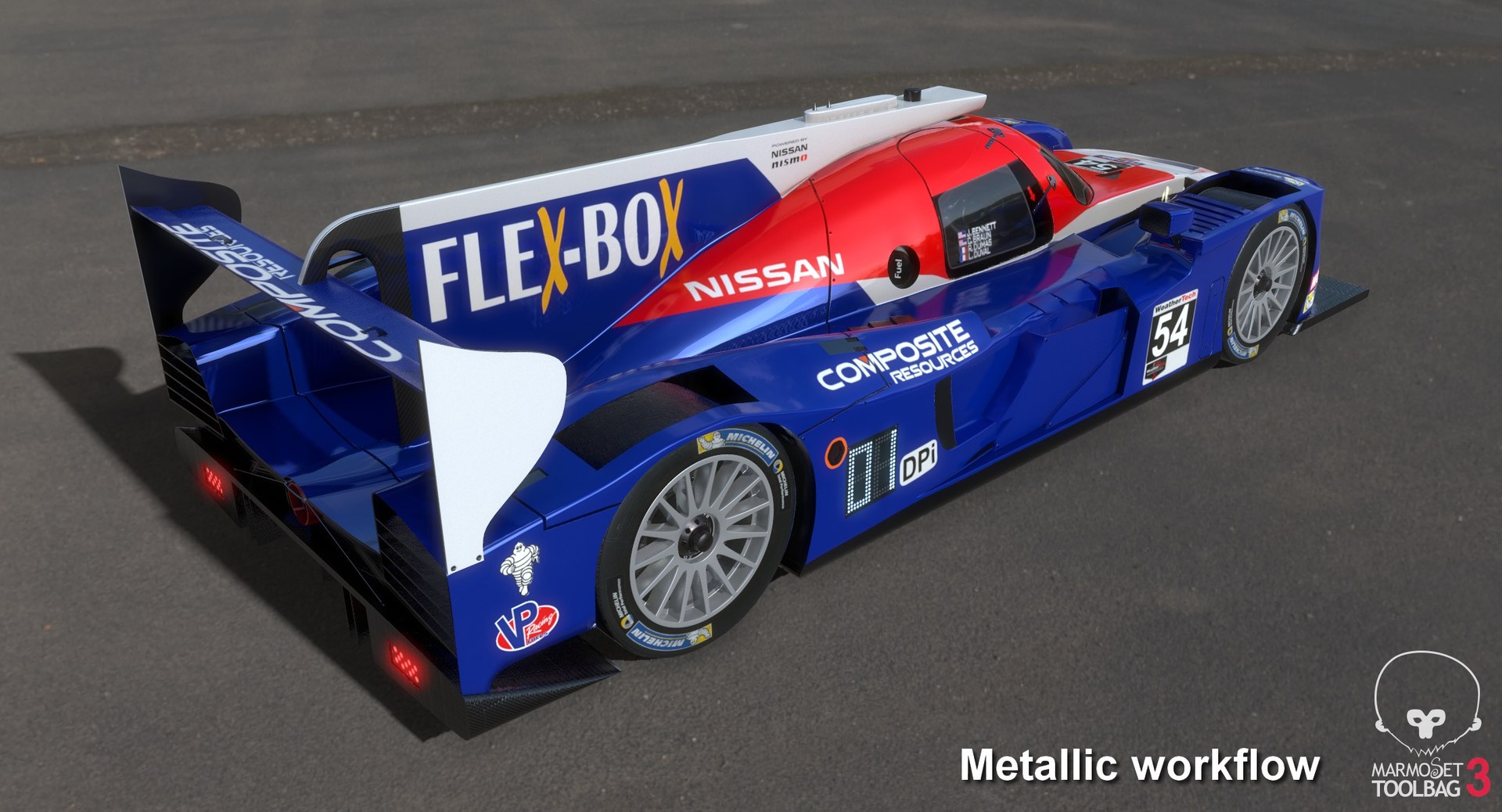
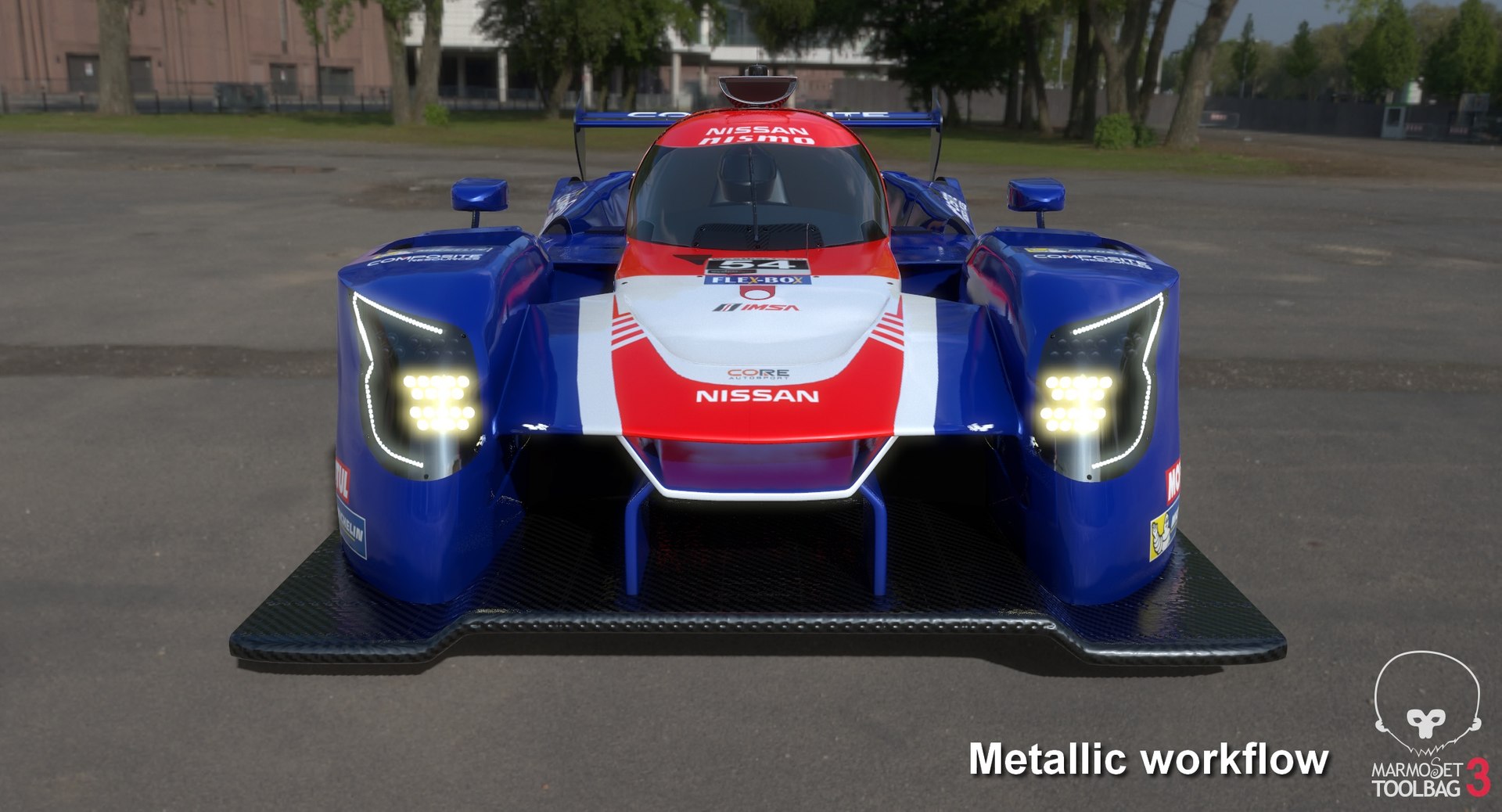
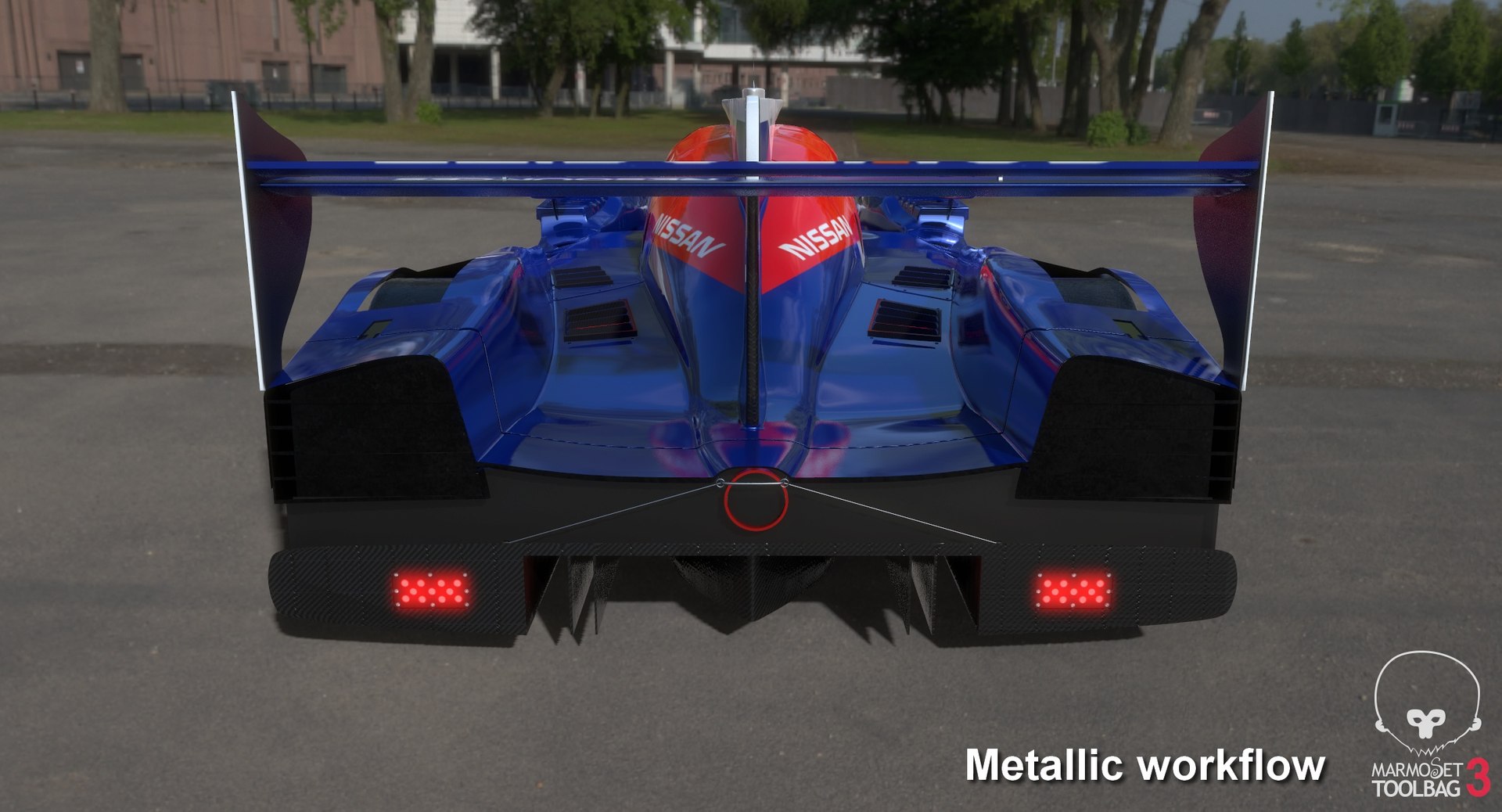
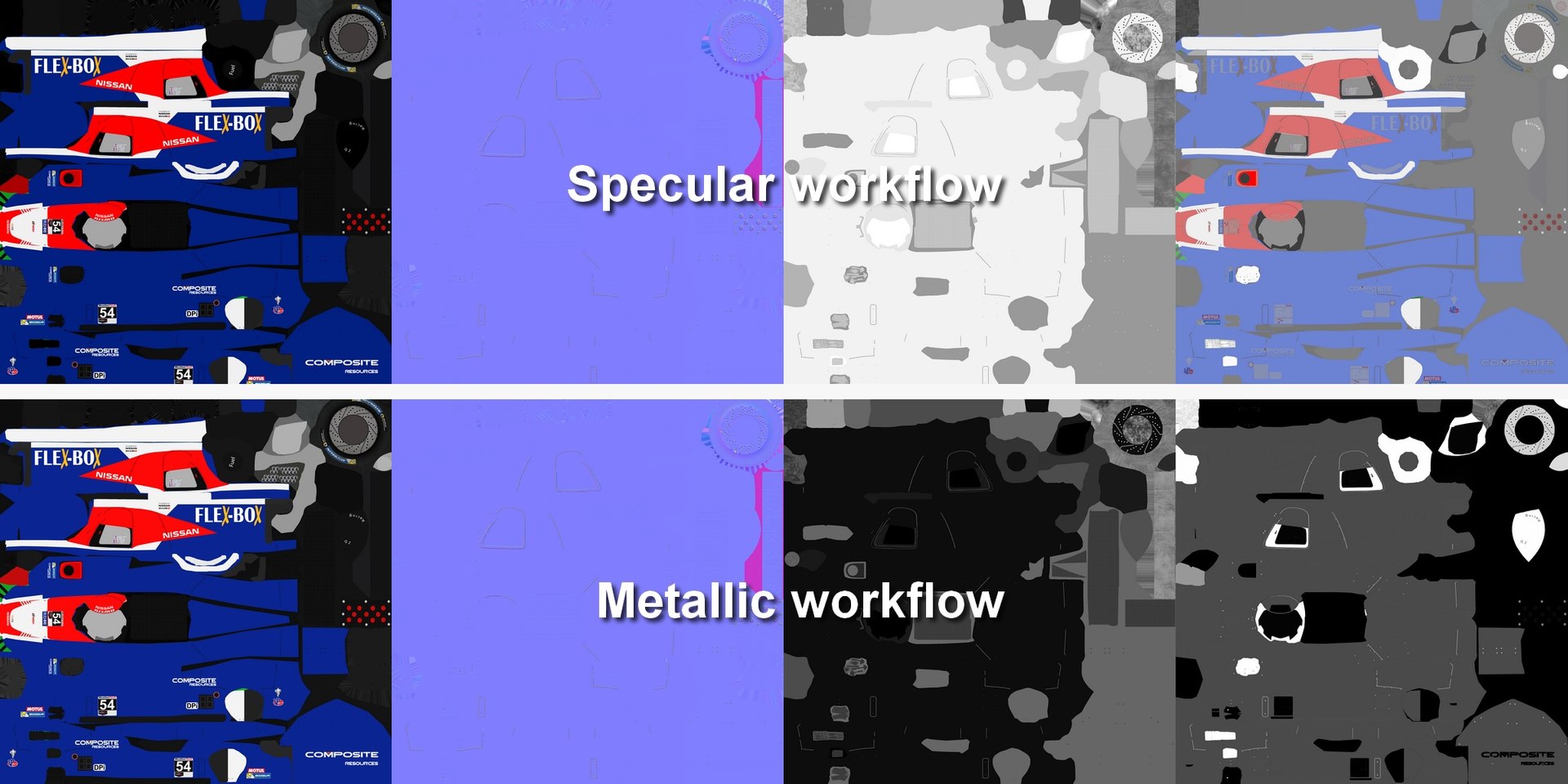
Low-poly subdivision-ready 3D model of Nissan Onroak DPi IMSA Season 2019 with PBR materials (Specular and Metallic workflows). Race car was fielded by CORE Autosport under No.54 and driven by Jon Bennett, Colin Braun, Romain Dumas and Loic Duval in the IMSA WeatherTech SportsCar Championship for the season 2019.

Advantages of the model:

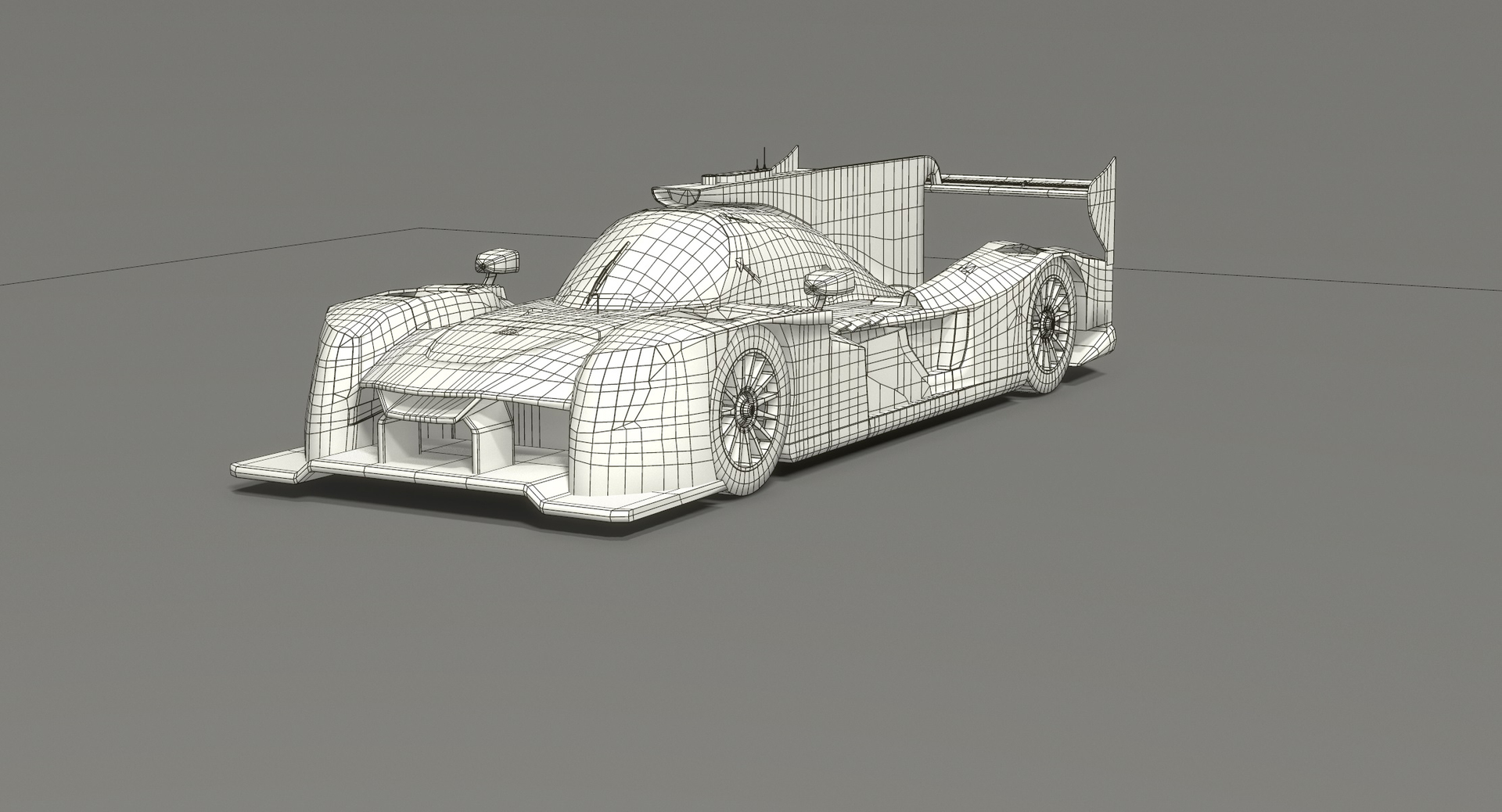
- Very clean geometry;
- The model is maximally optimized for use in 3d games and VR;
- Just one material and one set of textures for the whole model. This allows you to achieve maximum performance in games and real-time applications;
- Very low polycount. The model without turbosmooth is great for mobile games. When you apply a turbosmooth modifier, it starts to look great in large projects on PCs and game consoles as well. This is possible thanks to a very competent application of smoothing groups and properly adjusted geometry;
- Real world scale (Metric / Centimeters). So you can import this model easily into your project without need to change anything;
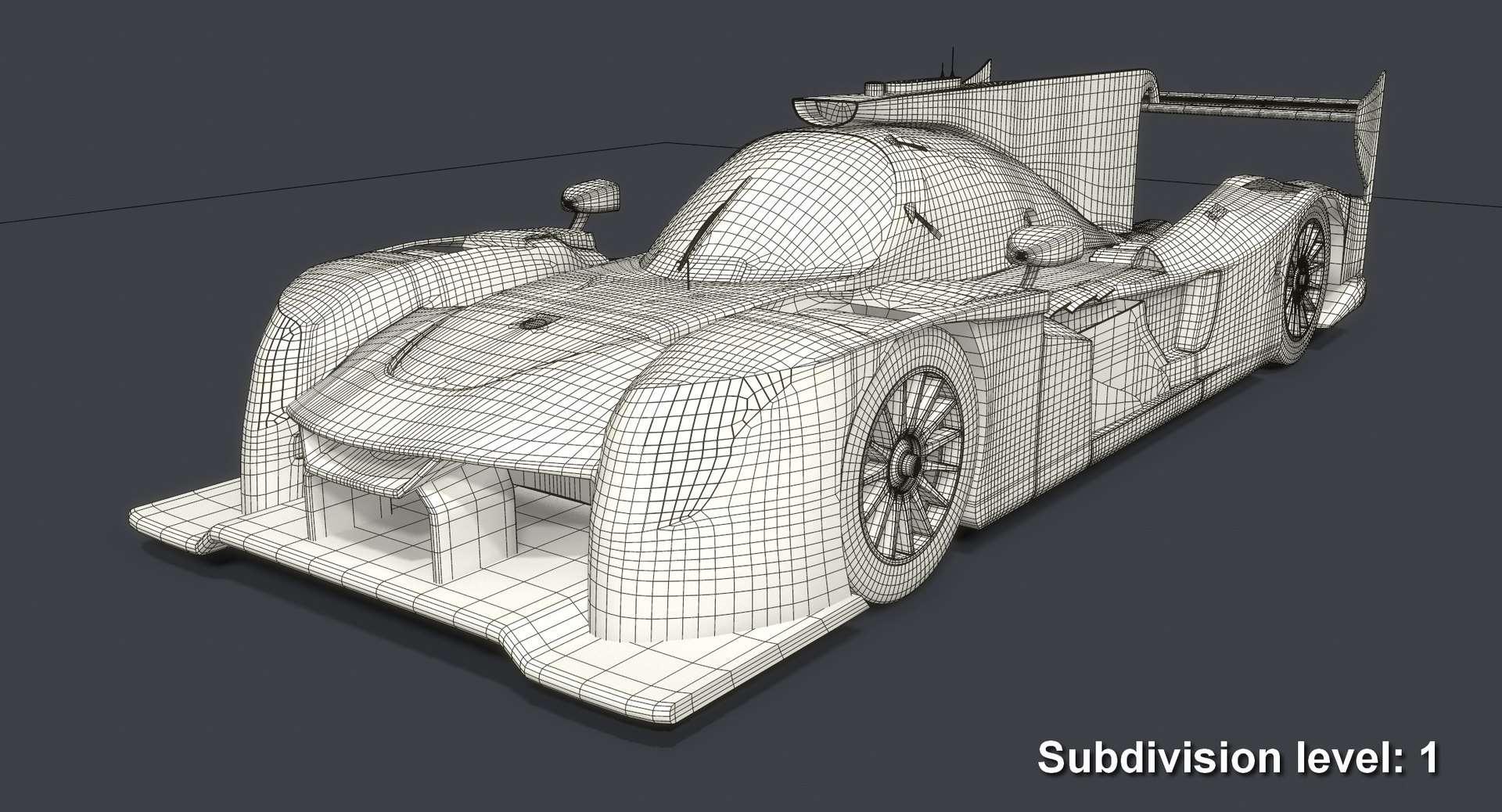
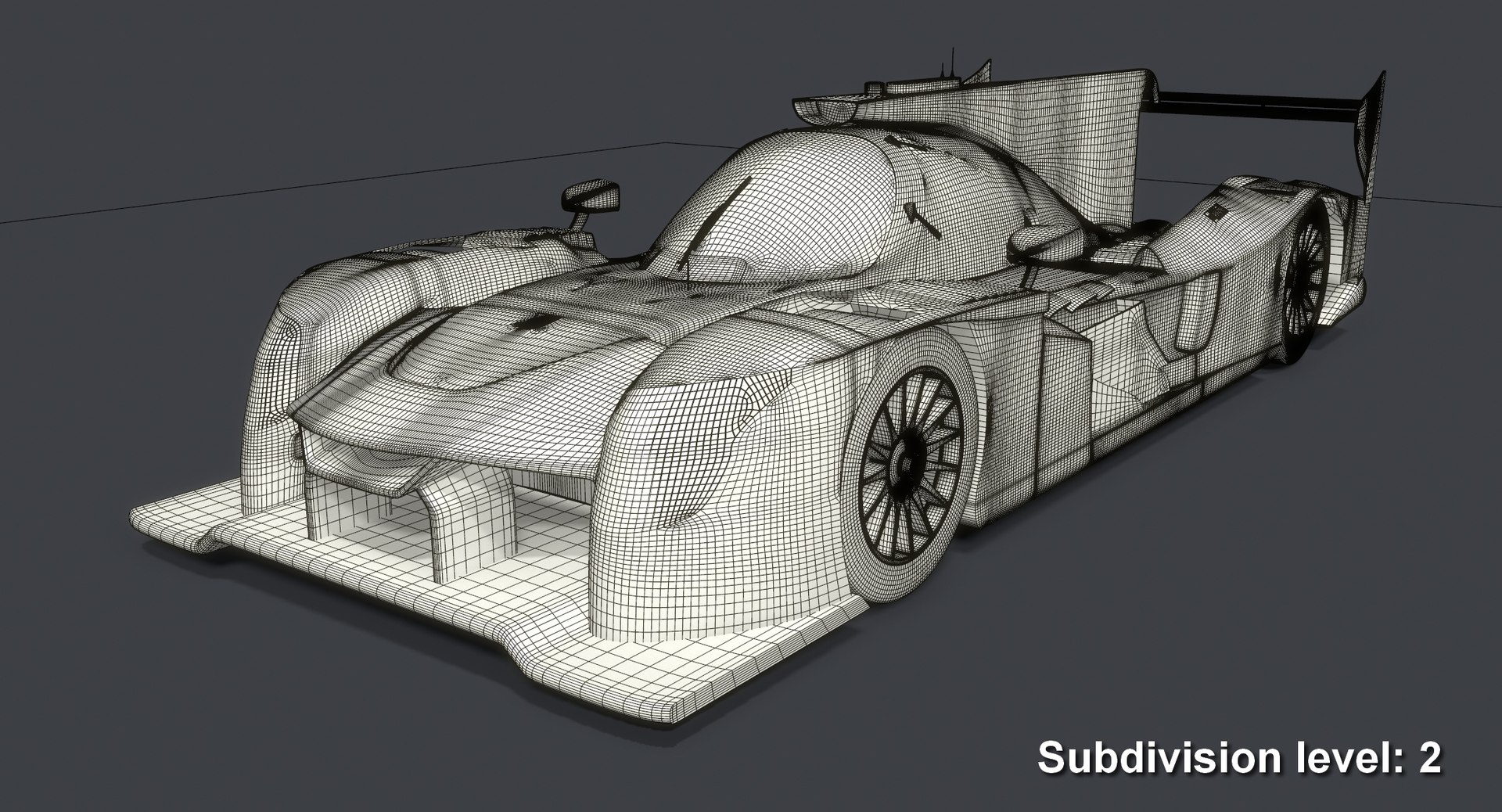
- The model uses smoothing groups, so you can always increase details to the required level simply by applying a turbosmooth modifier with a necessary number of iterations;
- Divided into functional parts and grouped for easy editing and using in game engines;
- The model consists of 28 separate objects grouped together. Each of these objects has a simple and understandable name;
- Specular and Metallic workflow textures included!
- Compatible with the majority of modern game engines!


Model specifications:

Created in 3DS Max 2016 and rendered with V-Ray 3.30. Lighting is a mix of global illumination from HDRI (included) and 1 v-ray light. The model does not require installation of additional plug-ins or software. You need only 3DS Max 2016 and V-Ray 3.30.04 to get the same rendering as on the preview image.

- Polygons count: 20,277 (no n-gons)
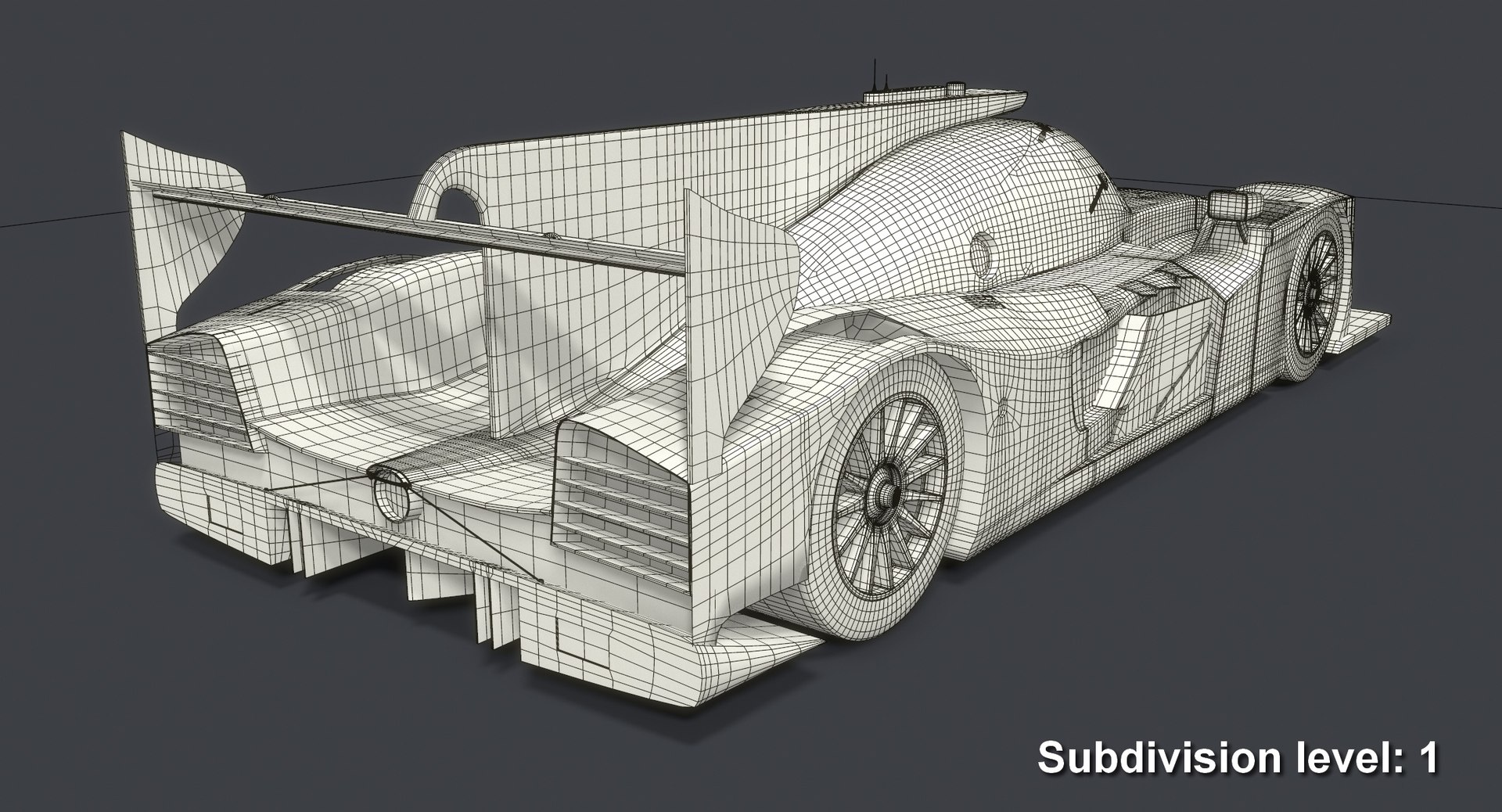
Subdivision 1 polygons count: 160,408
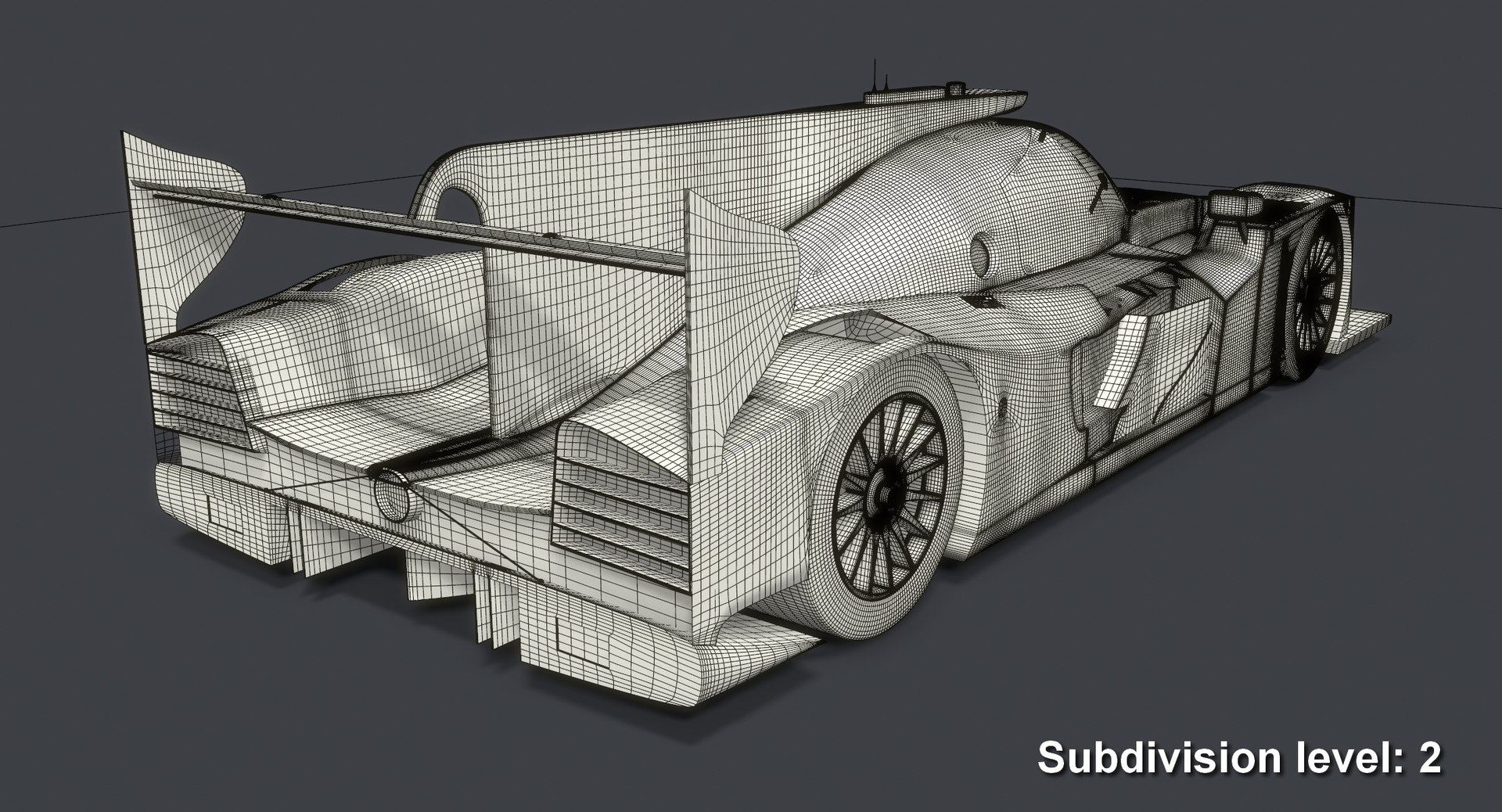
Subdivision 2 polygons count: 641,632
- Vertices count: 21,099
- Unit Scale: Metric / Centimeters


Materials:
A V-Ray PBR material with specular workflow is applied to the model. All its parameters were created for the StemCell standard.

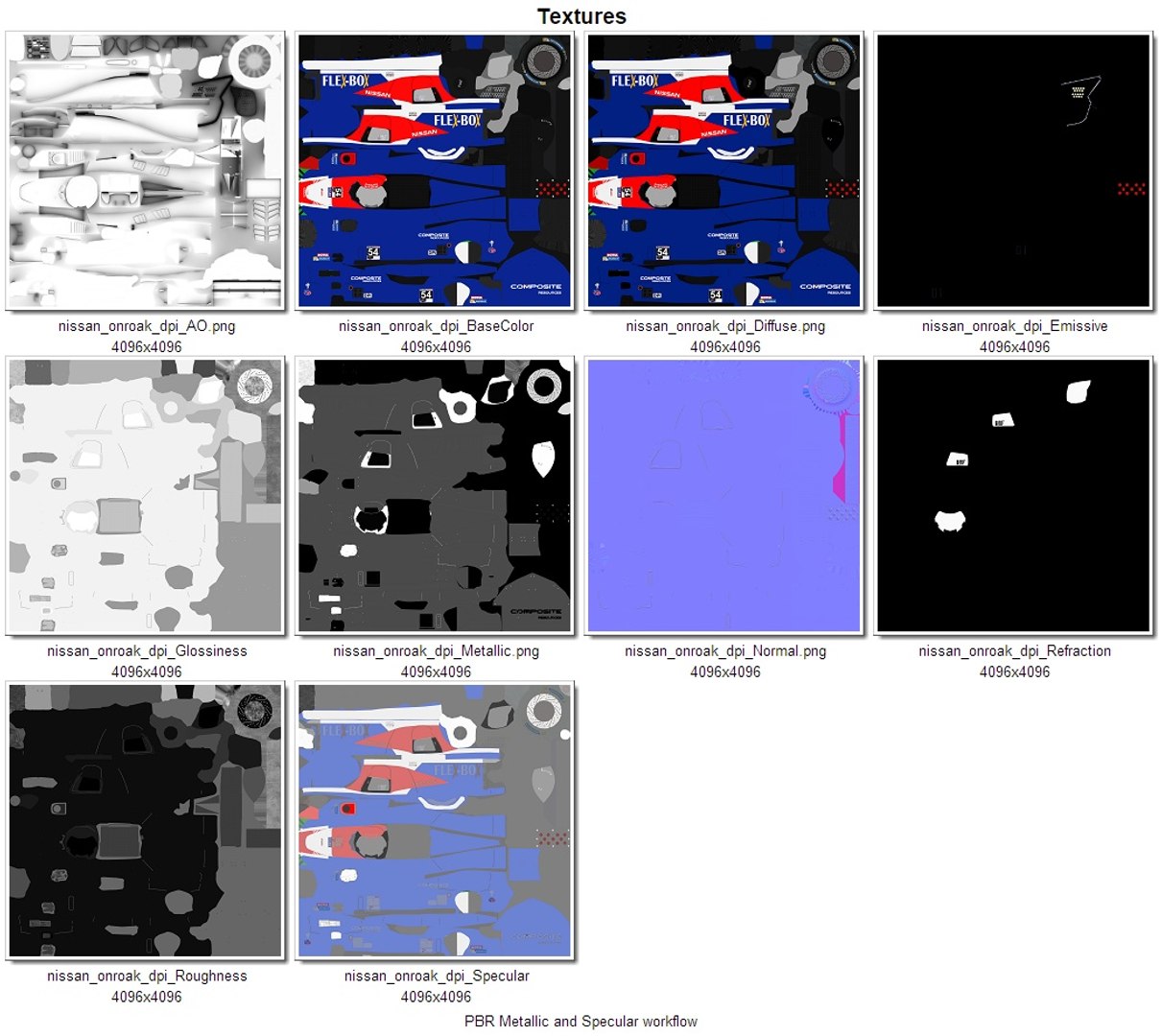
Textures (Specular workflow):
- Diffuse (4,096 x 4,096 PNG)
- NormalMap (4,096 x 4,096 PNG)
- Specular (4,096 x 4,096 PNG)
- Glossiness (4,096 x 4,096 PNG)
- Refraction (4,096 x 4,096 PNG)
- Emissive (4,096 x 4,096 PNG)
- Ambient Occlusion (4,096 x 4,096 PNG)

Textures (Metallic workflow):
- Base Color (4,096 x 4,096 PNG)
- NormalMap (4,096 x 4,096 PNG)
- Metallic (4,096 x 4,096 PNG)
- Roughness (4,096 x 4,096 PNG)
- Refraction (4,096 x 4,096 PNG)
- Emissive (4,096 x 4,096 PNG)
- Ambient Occlusion (4,096 x 4,096 PNG)

Model available in such formats:
- MAX (2016)
- FBX
- OBJ
- 3DS
- DXF (2010)
- STL


You will find 3 versions of the model in every archive (format) file except 3DS format: the original one and two modes with applied turbosmooth modifier (1 and 2 iterations). 3DS format does not have those due to limitations on the maximum number of polygons. The model in 3DS format is available only in subdivision 0.

Select Enhanced License

  • $10,000 in Legal Protection (Indemnification)
  • Uncapped Legal Protection (Indemnification)
  • Waiver from injunctive relief
  • Assignable model rights
  • $1,000,000 in Legal Protection (Indemnification)
  • Waiver from injunctive relief
  • Assignable model rights
  • $250,000 in Legal Protection (Indemnification)
  • Assignable model rights
Read more about enhanced license tiers, or contact us at enterprise@turbosquid.com. Already a Shutterstock Enterprise Customer? Contact your Shutterstock Sales Support Agent to talk about adding 3D.

About Conversion Requests

To submit a conversion request for a purchased asset, please complete our Conversion Request Form.

If you have not yet purchased a model, please review our Documentation about Conversions to learn about what limitations you may encounter with a conversion.

For any additional questions about a model’s suitability for conversion, please contact TurboSquid Support.

Loading...