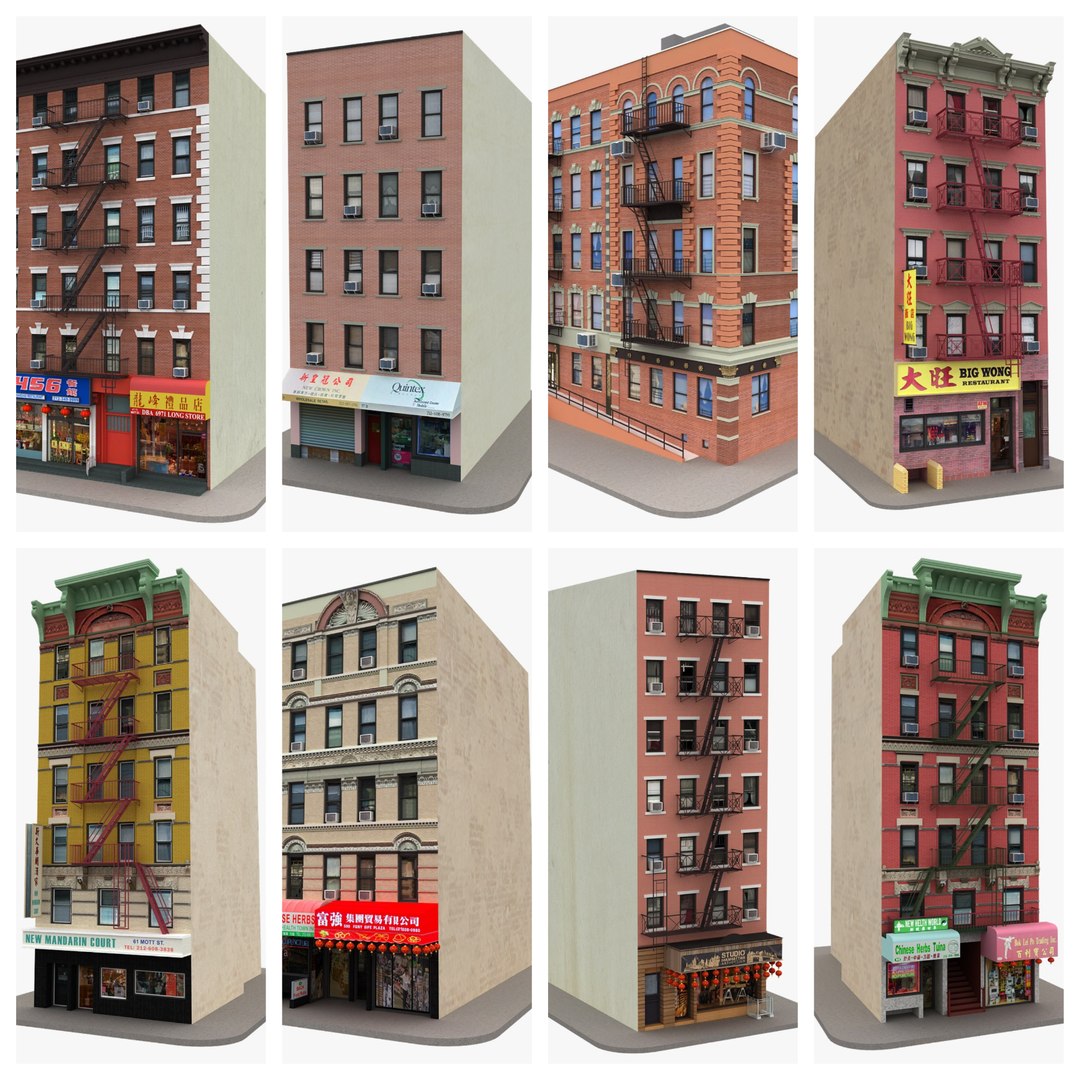
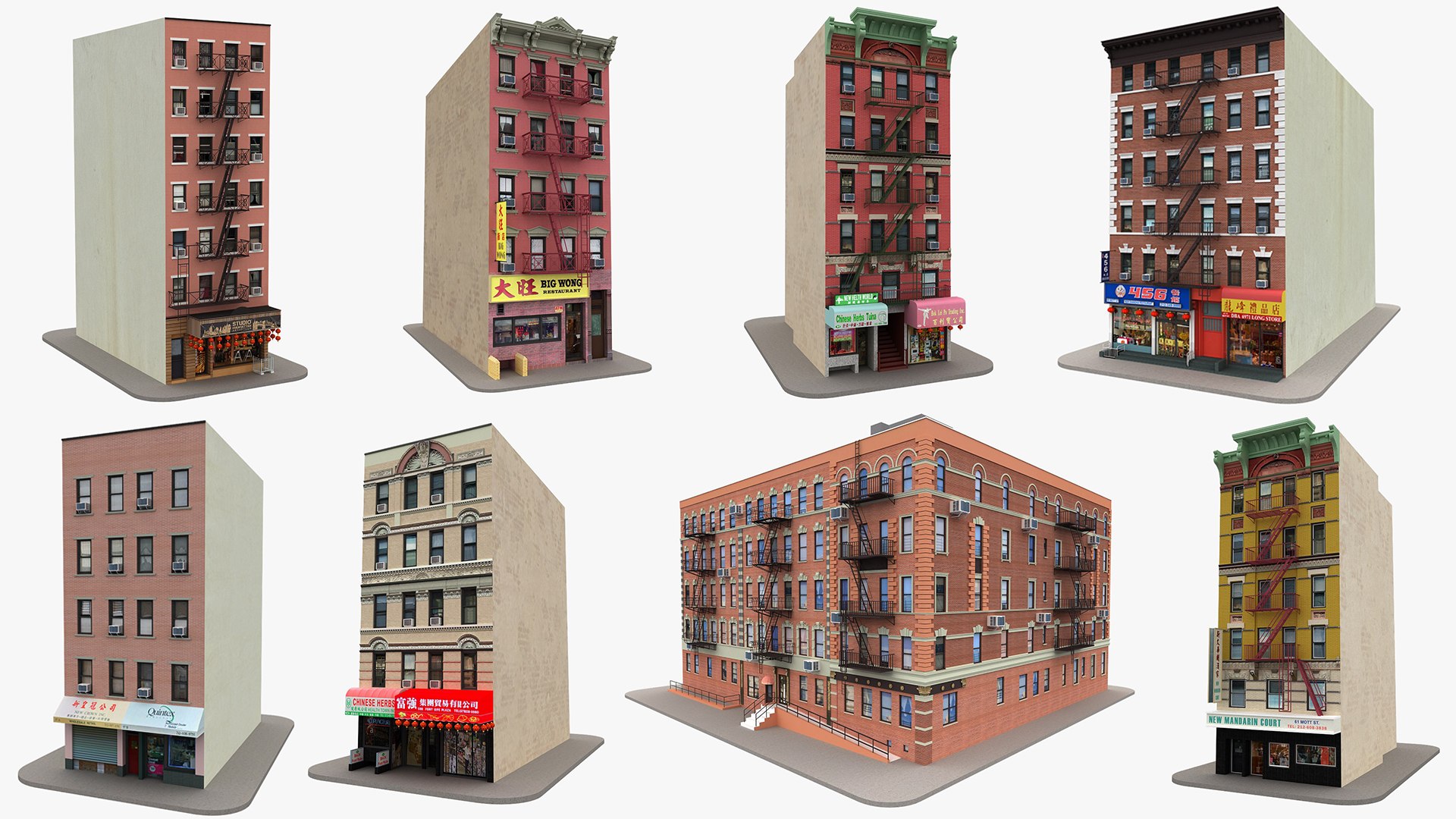
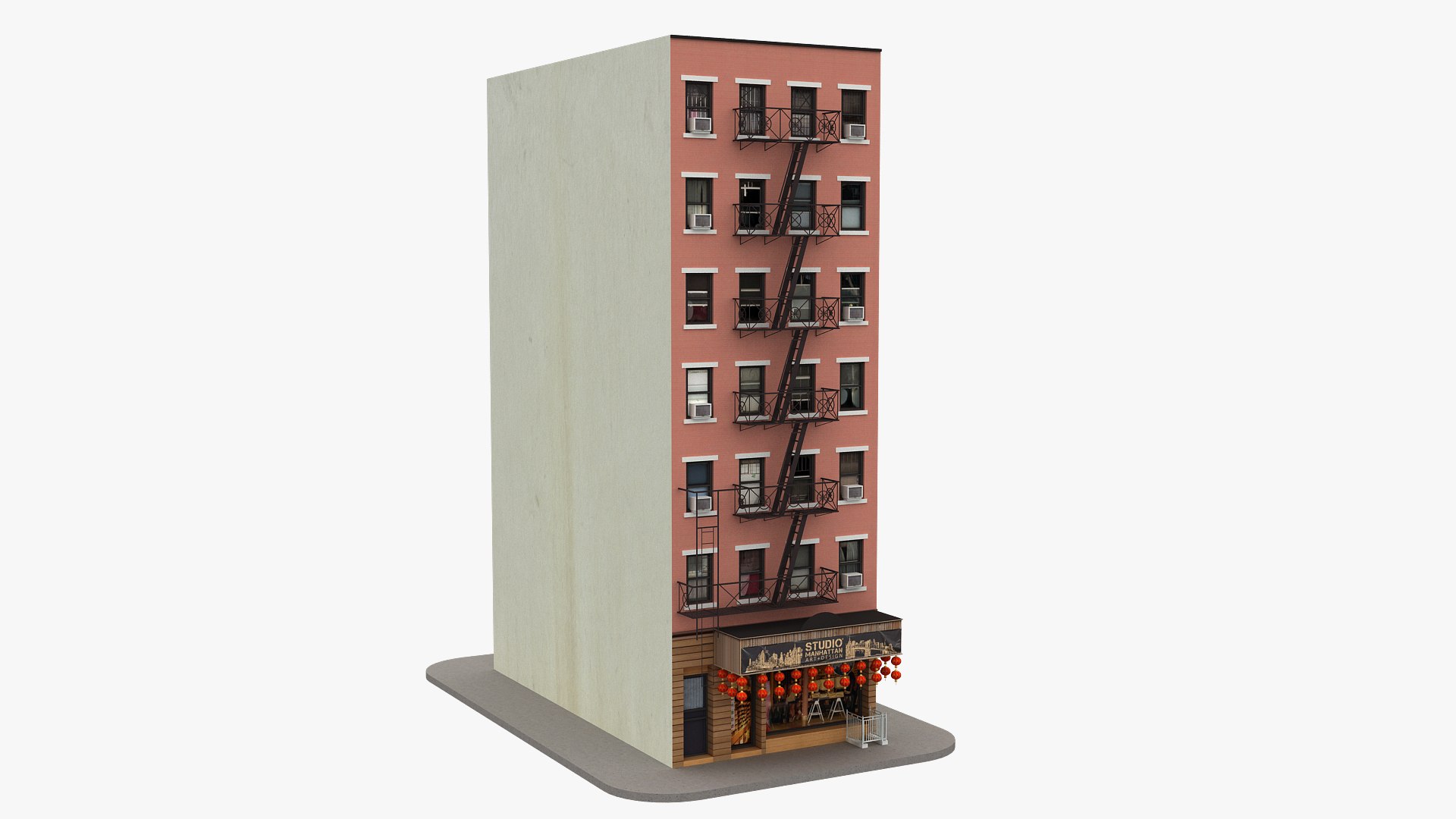
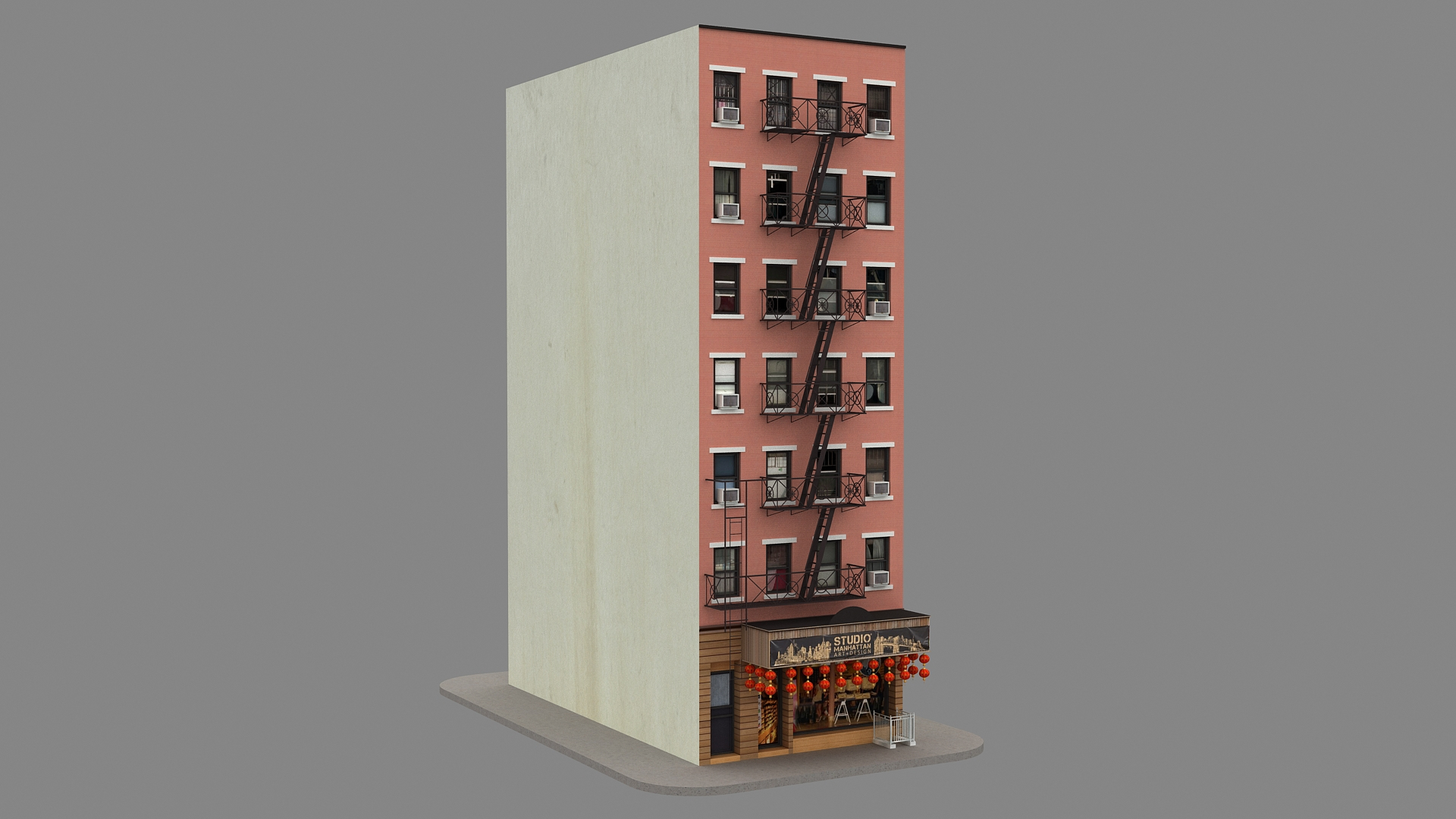
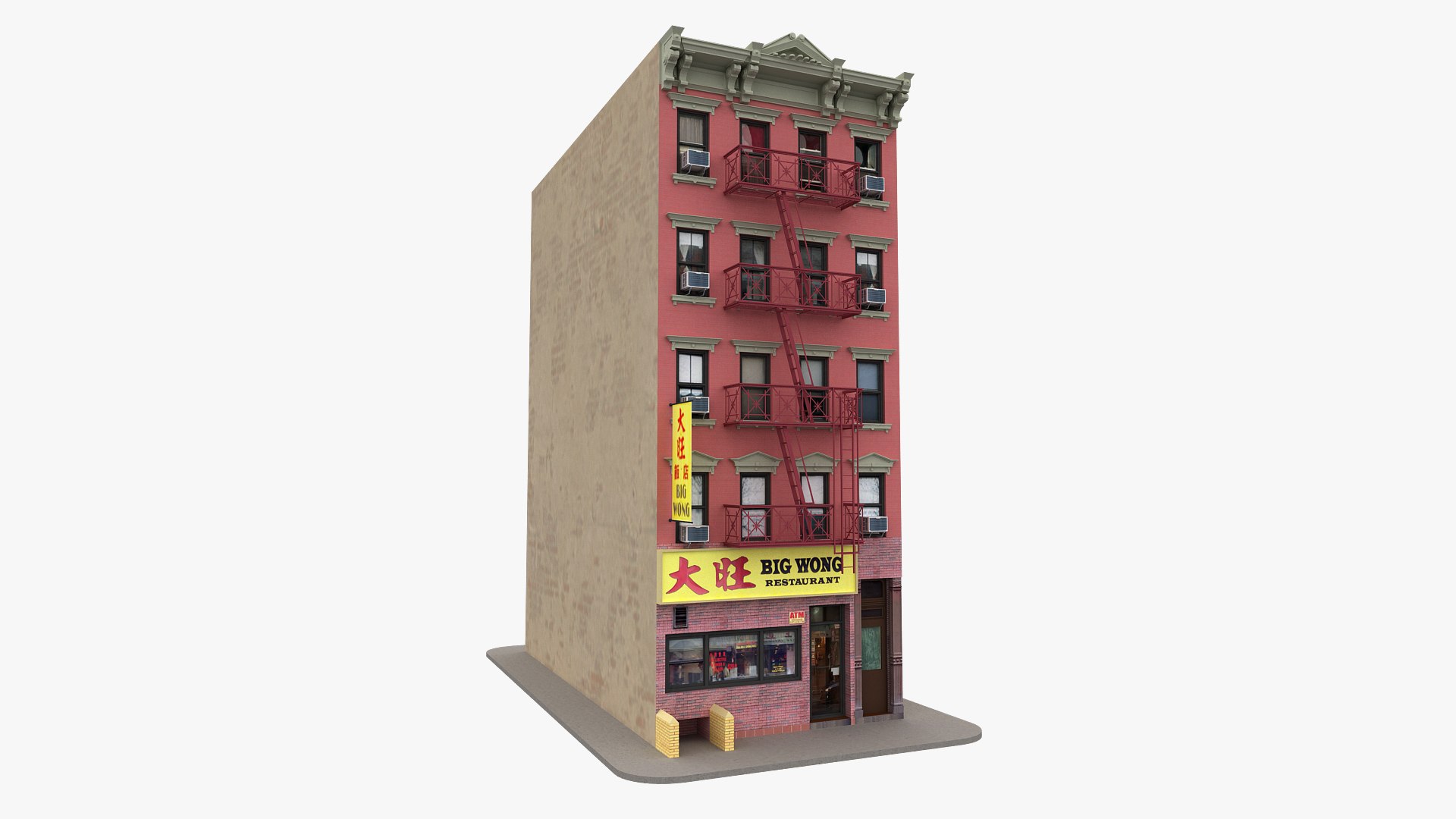
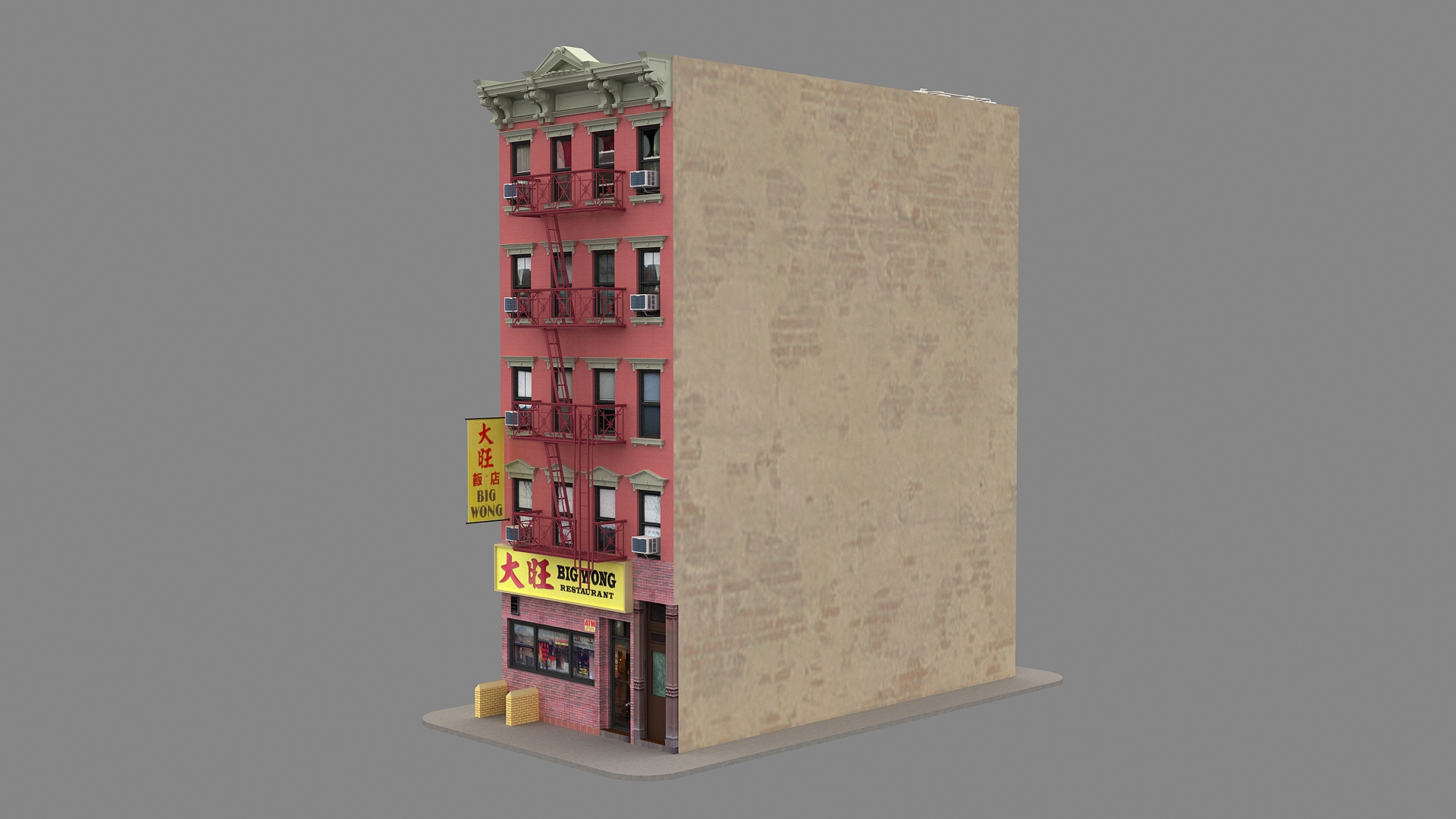
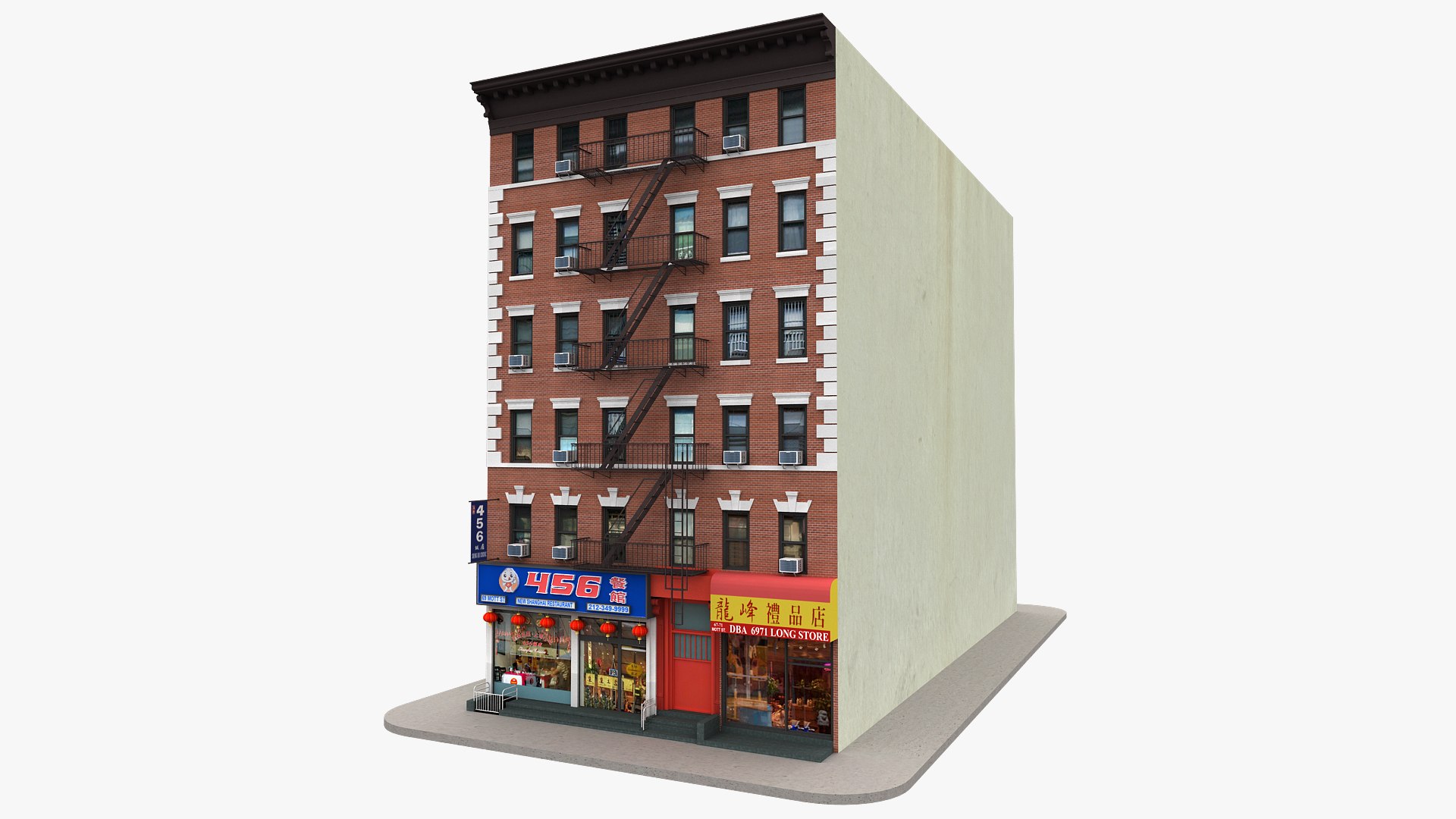
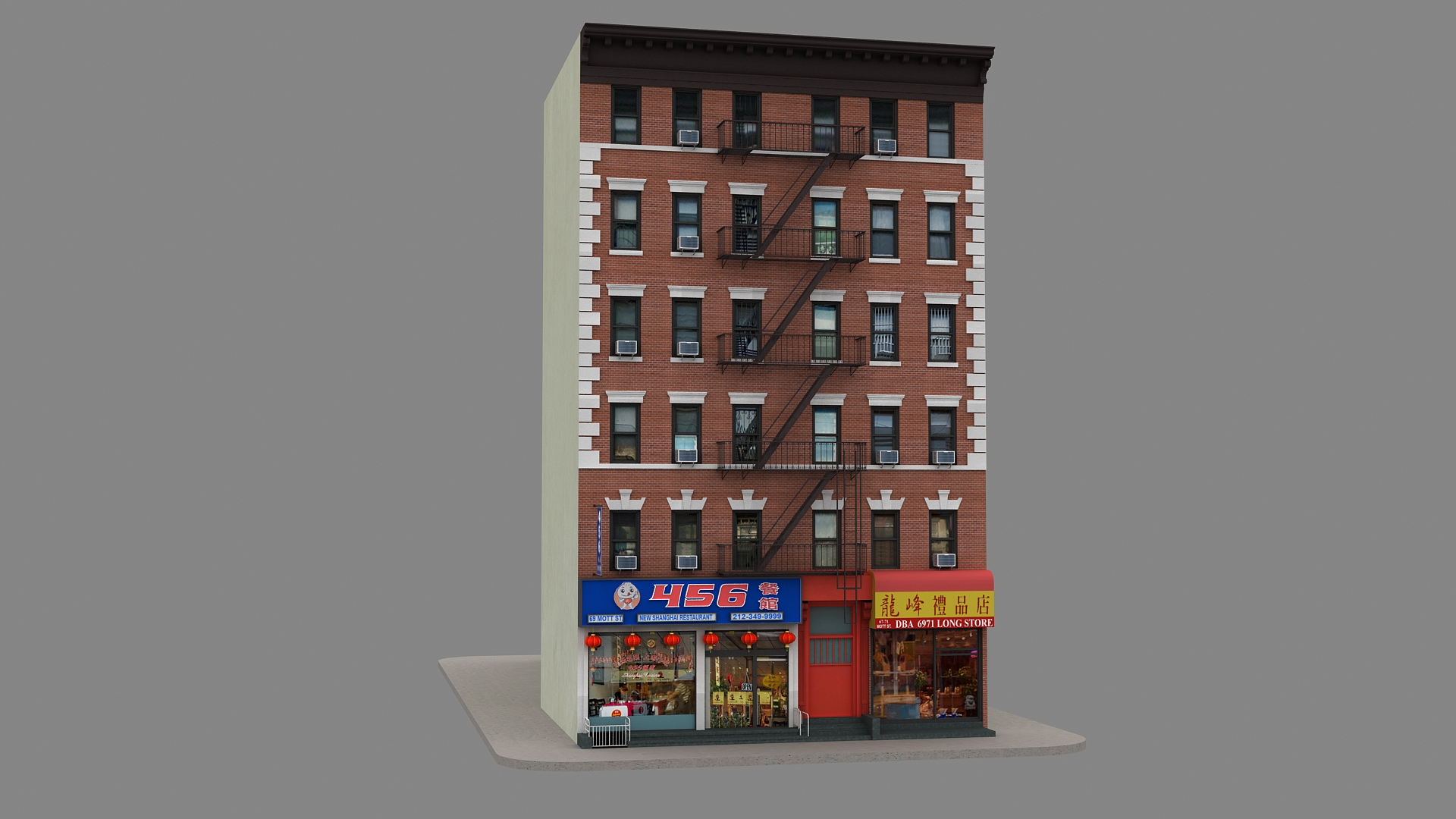
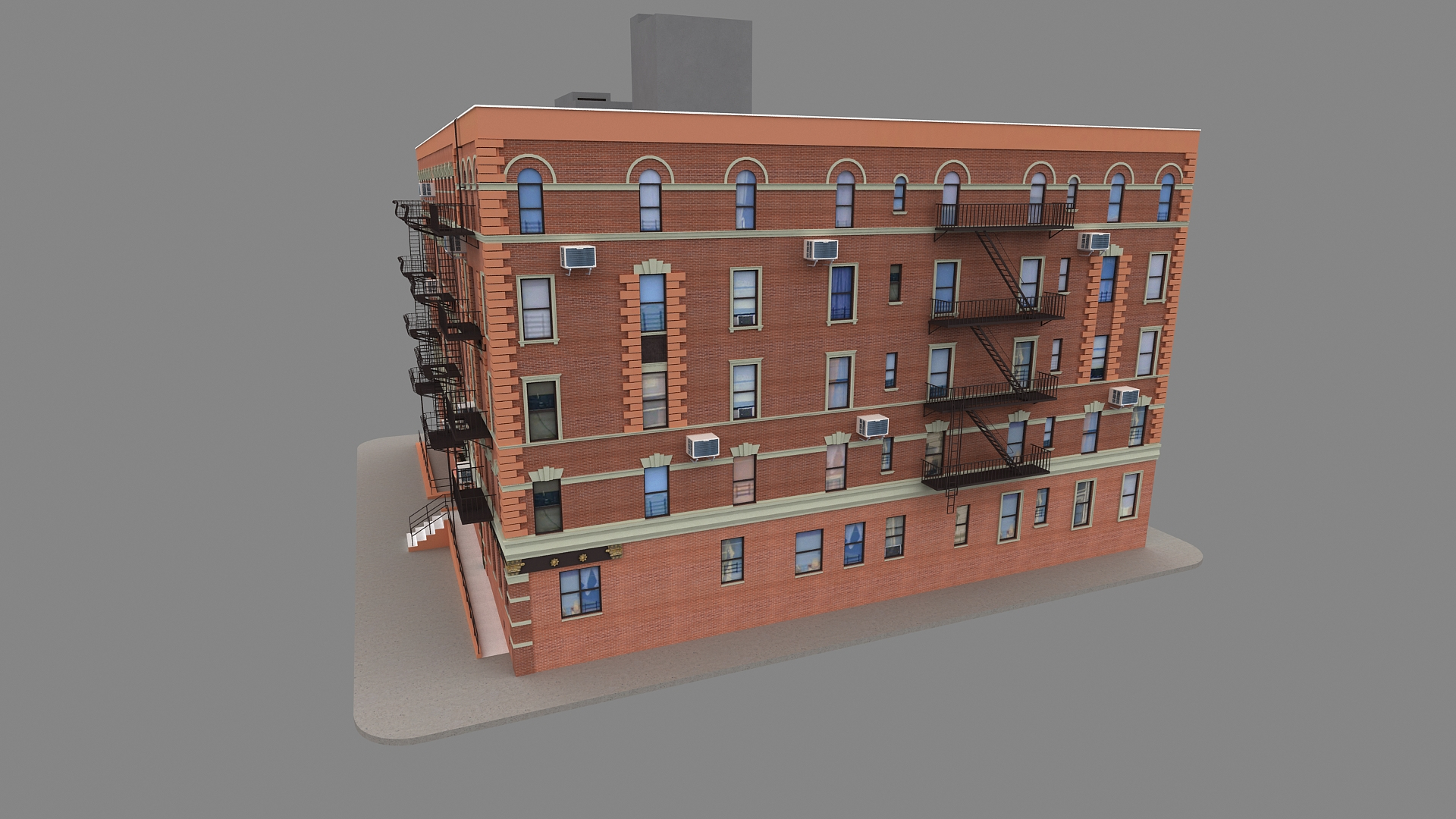
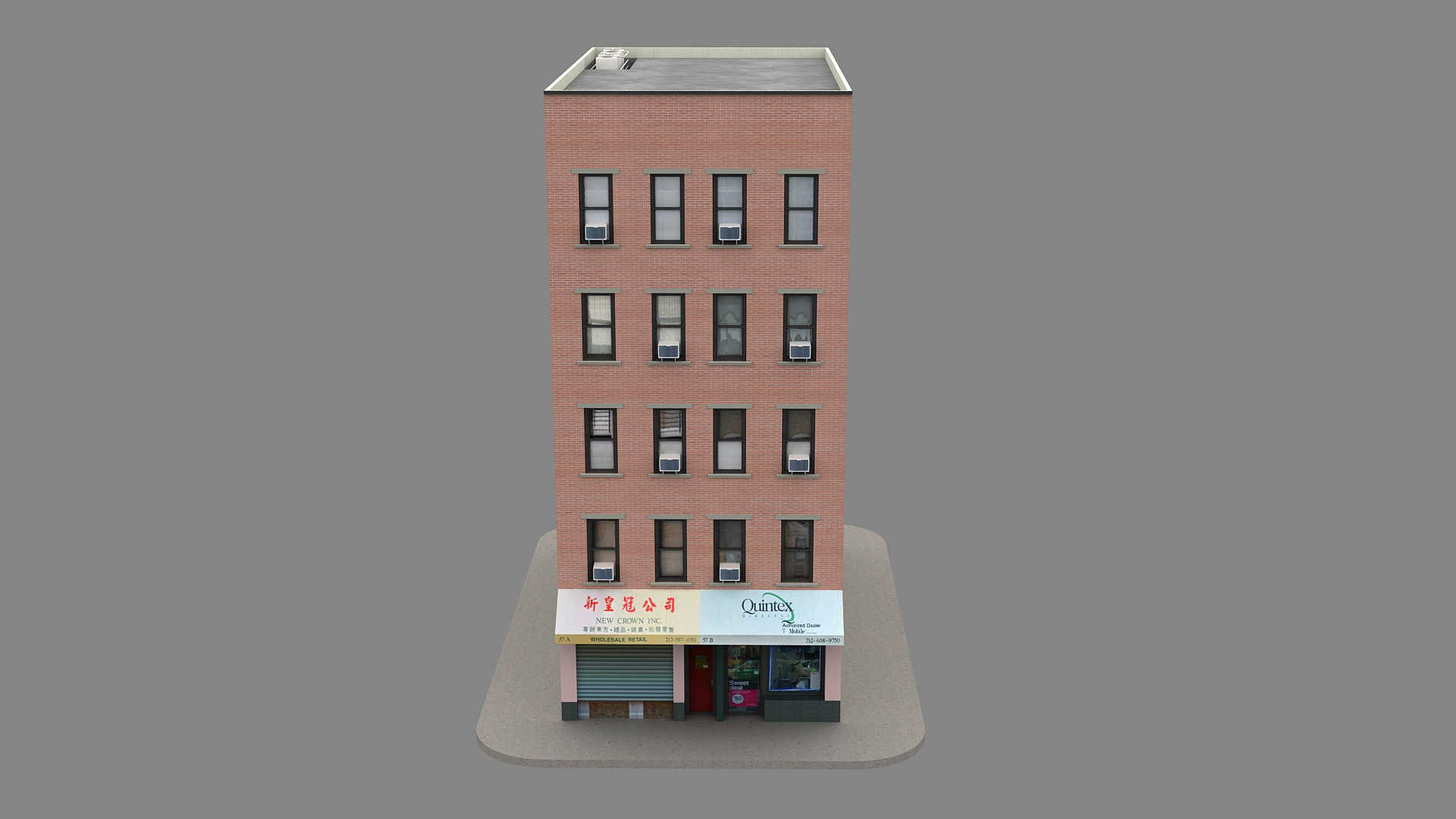
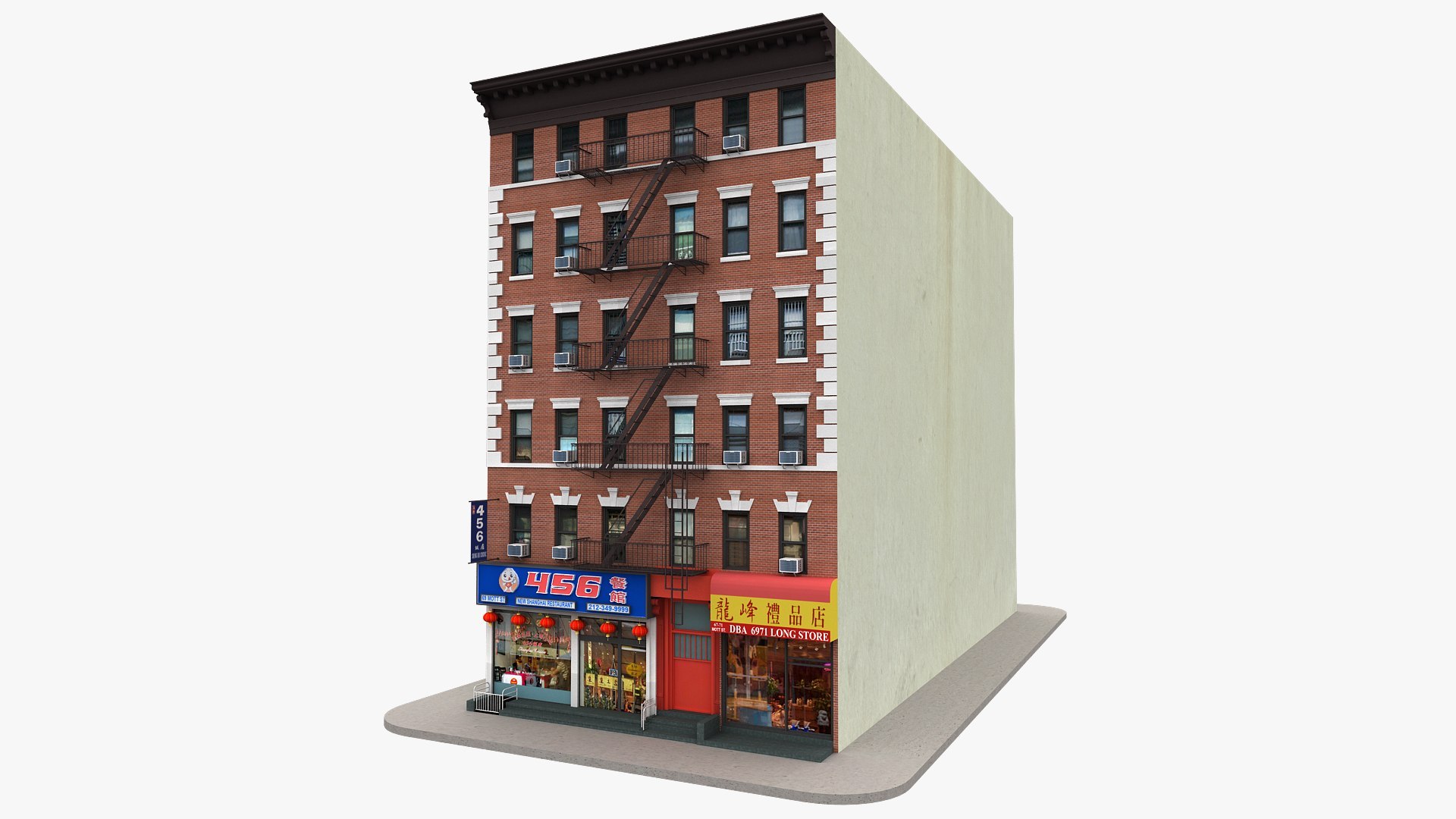
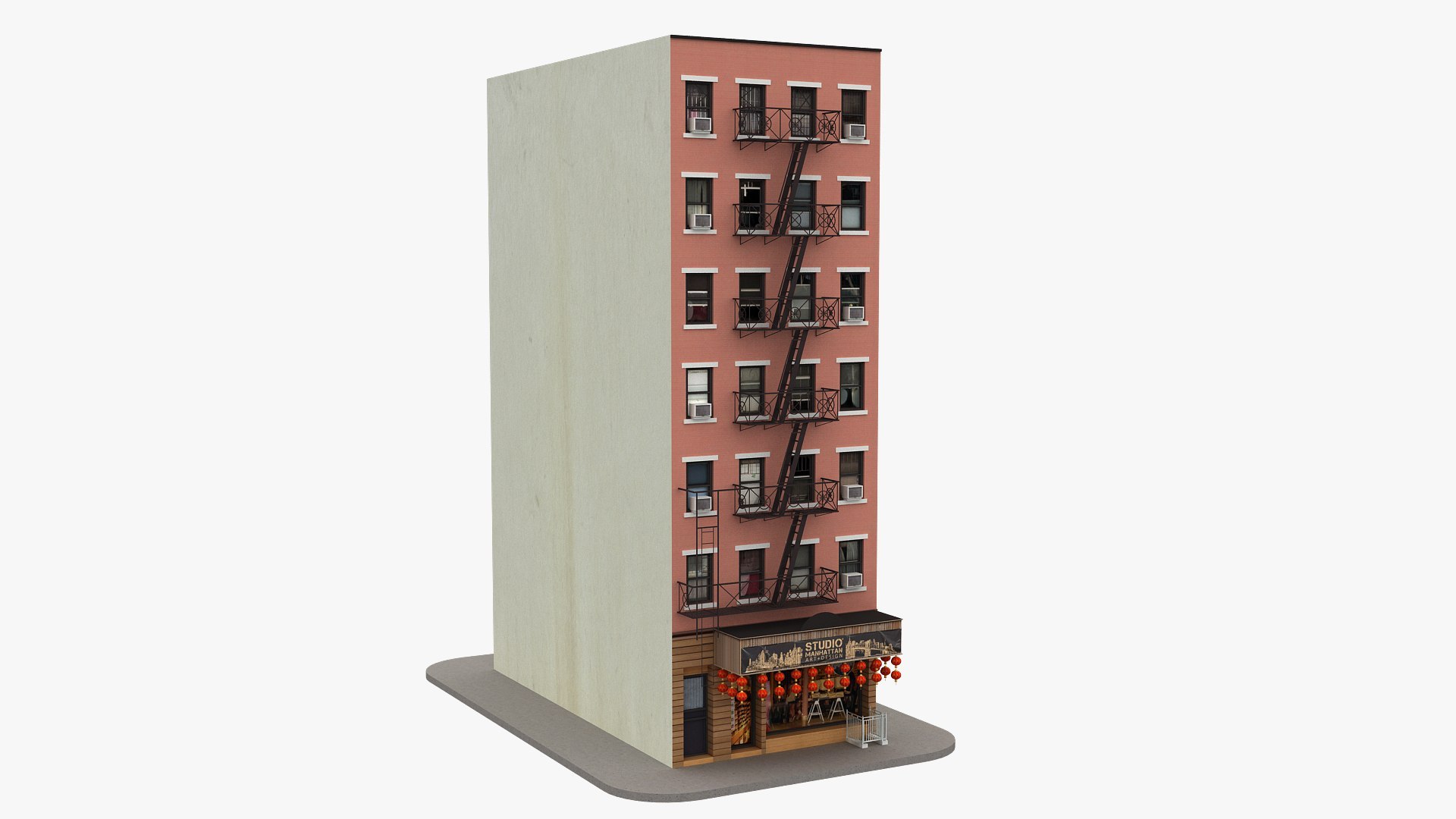
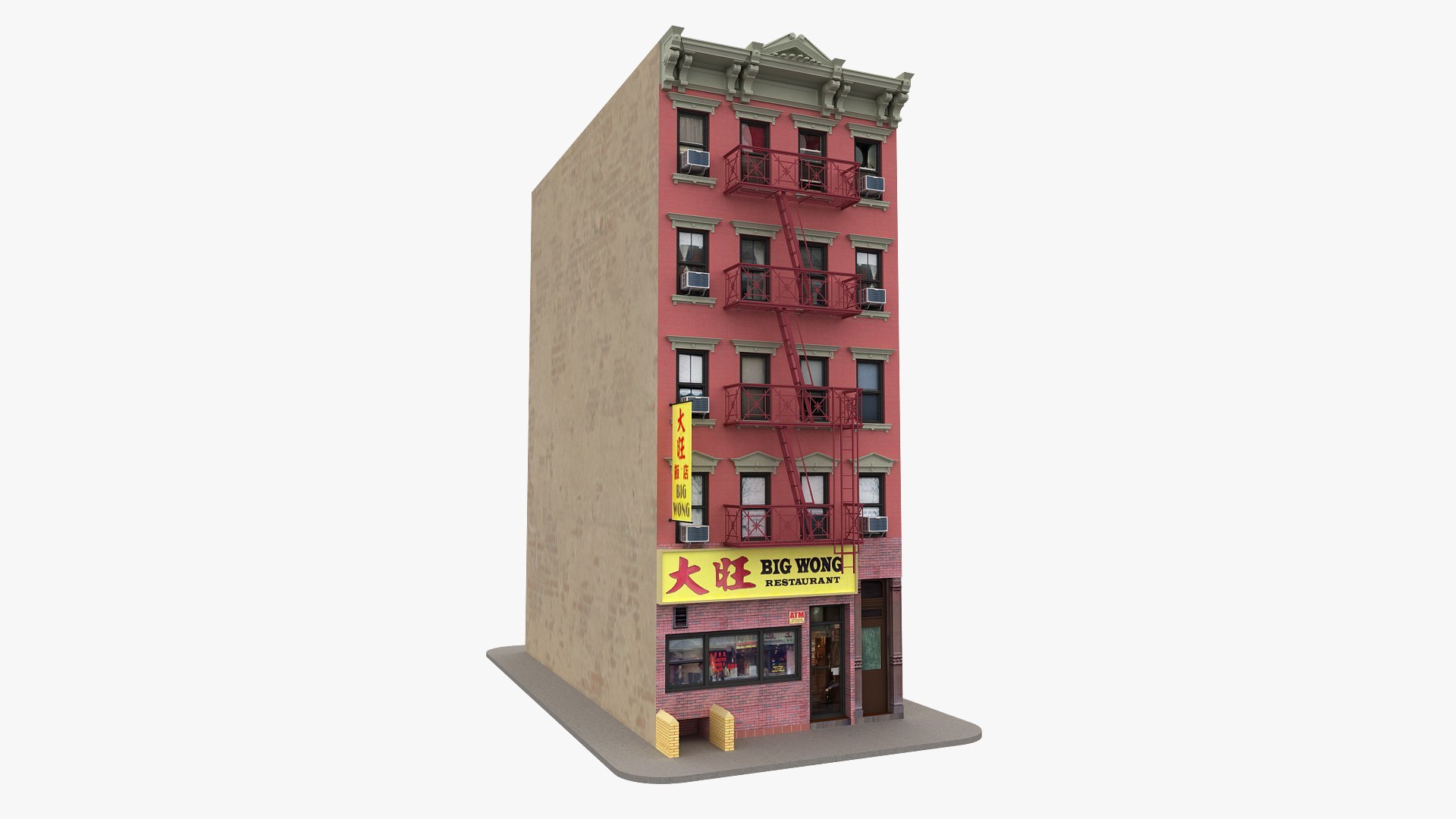
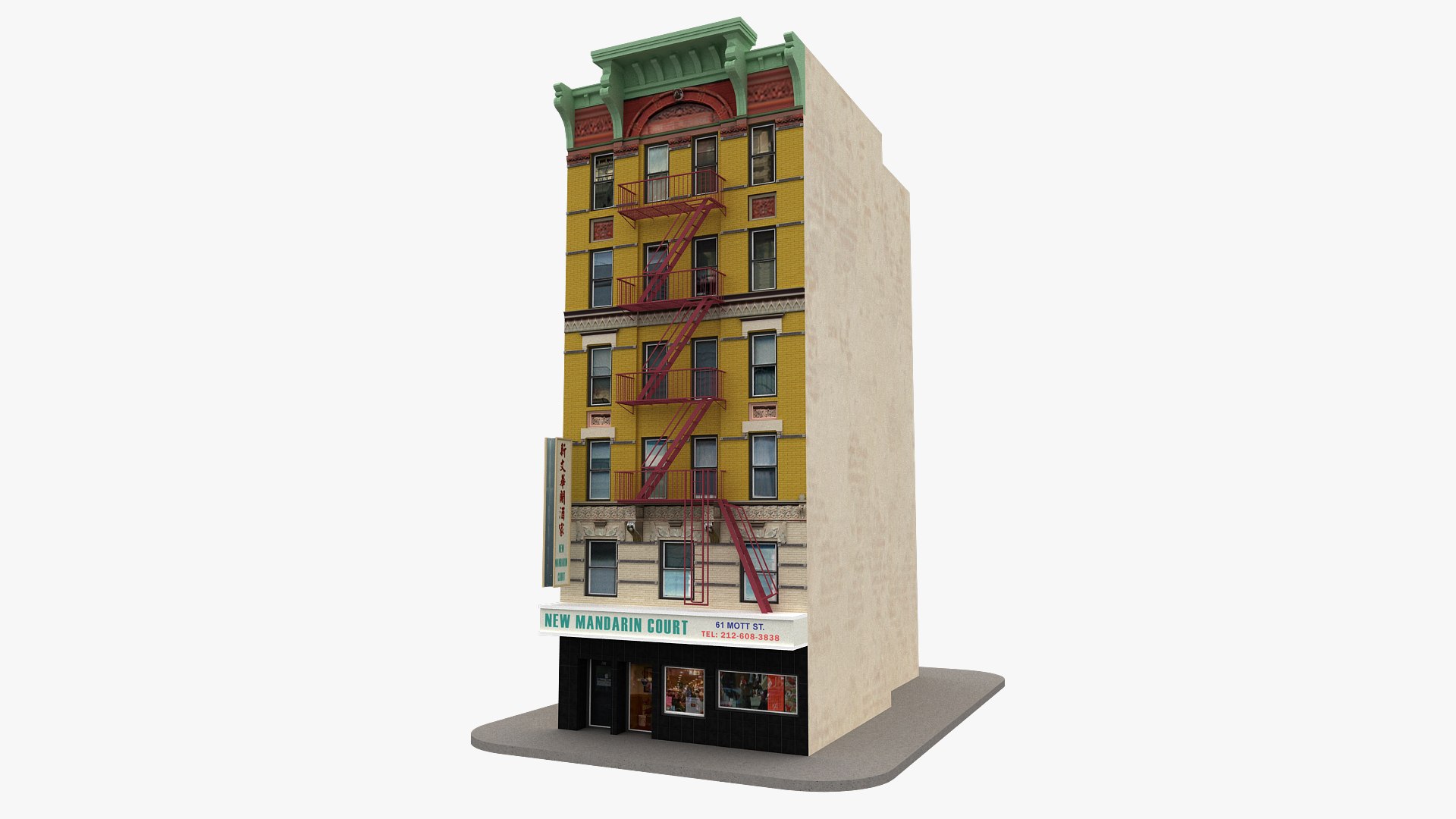
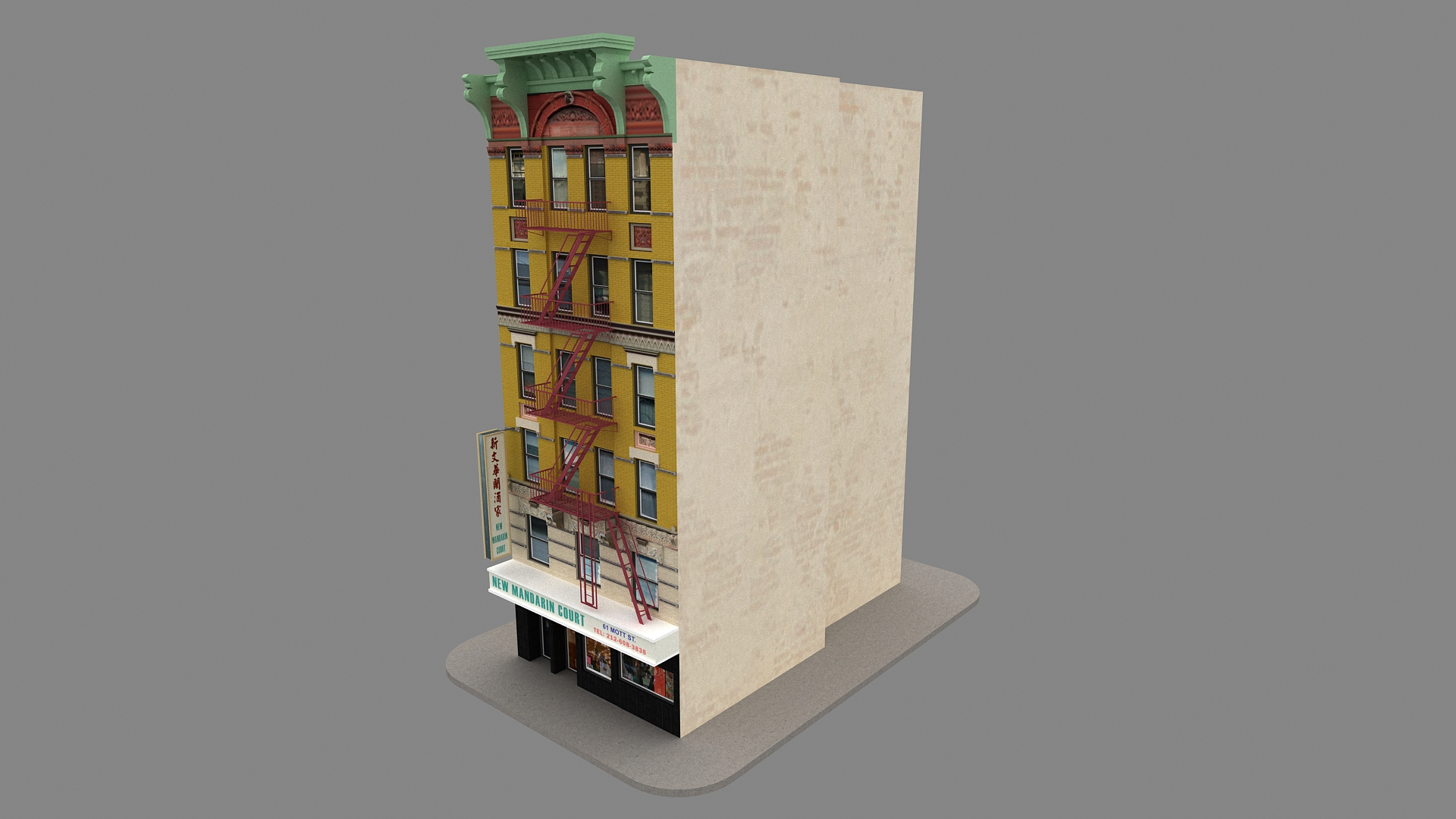
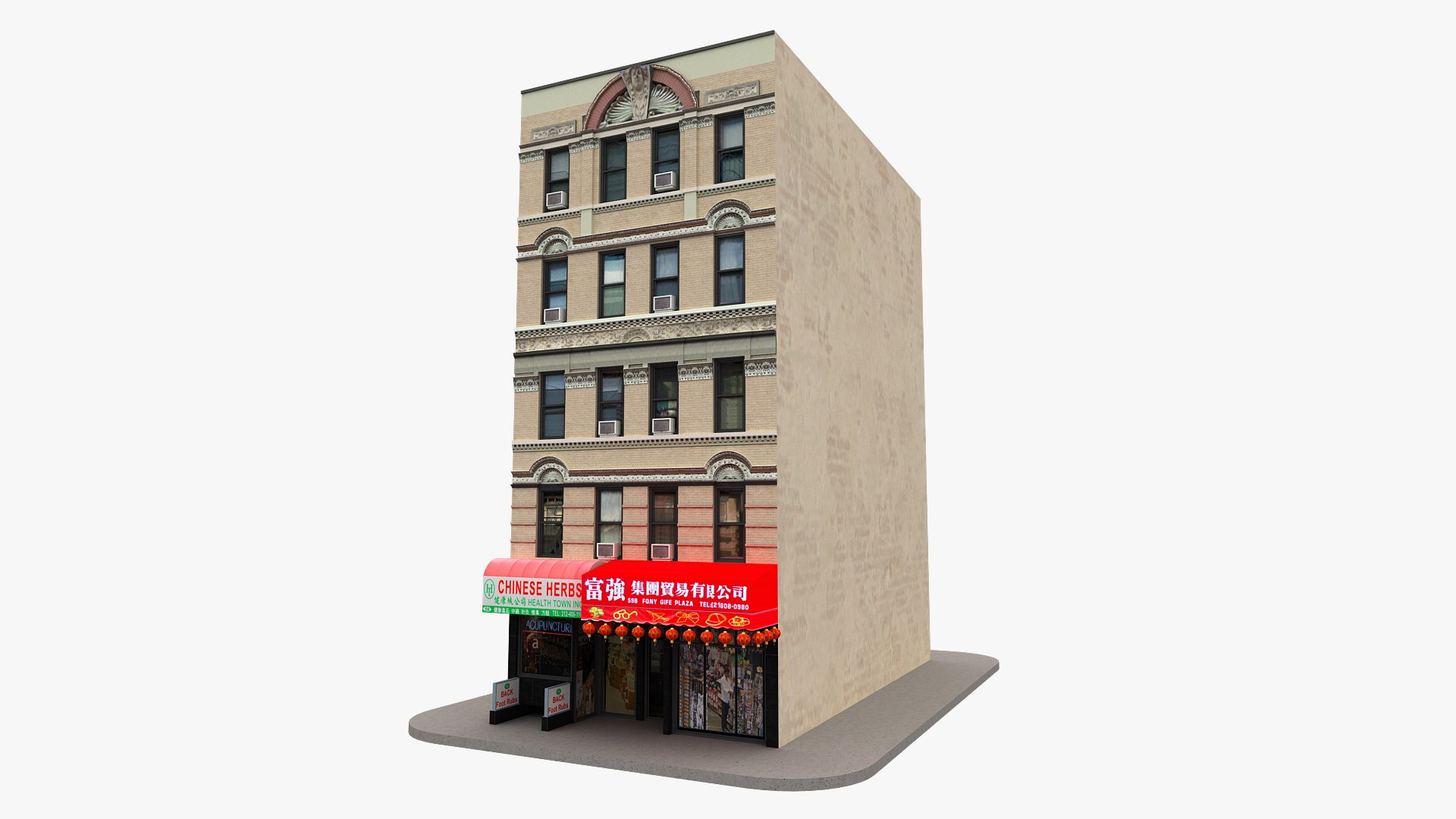
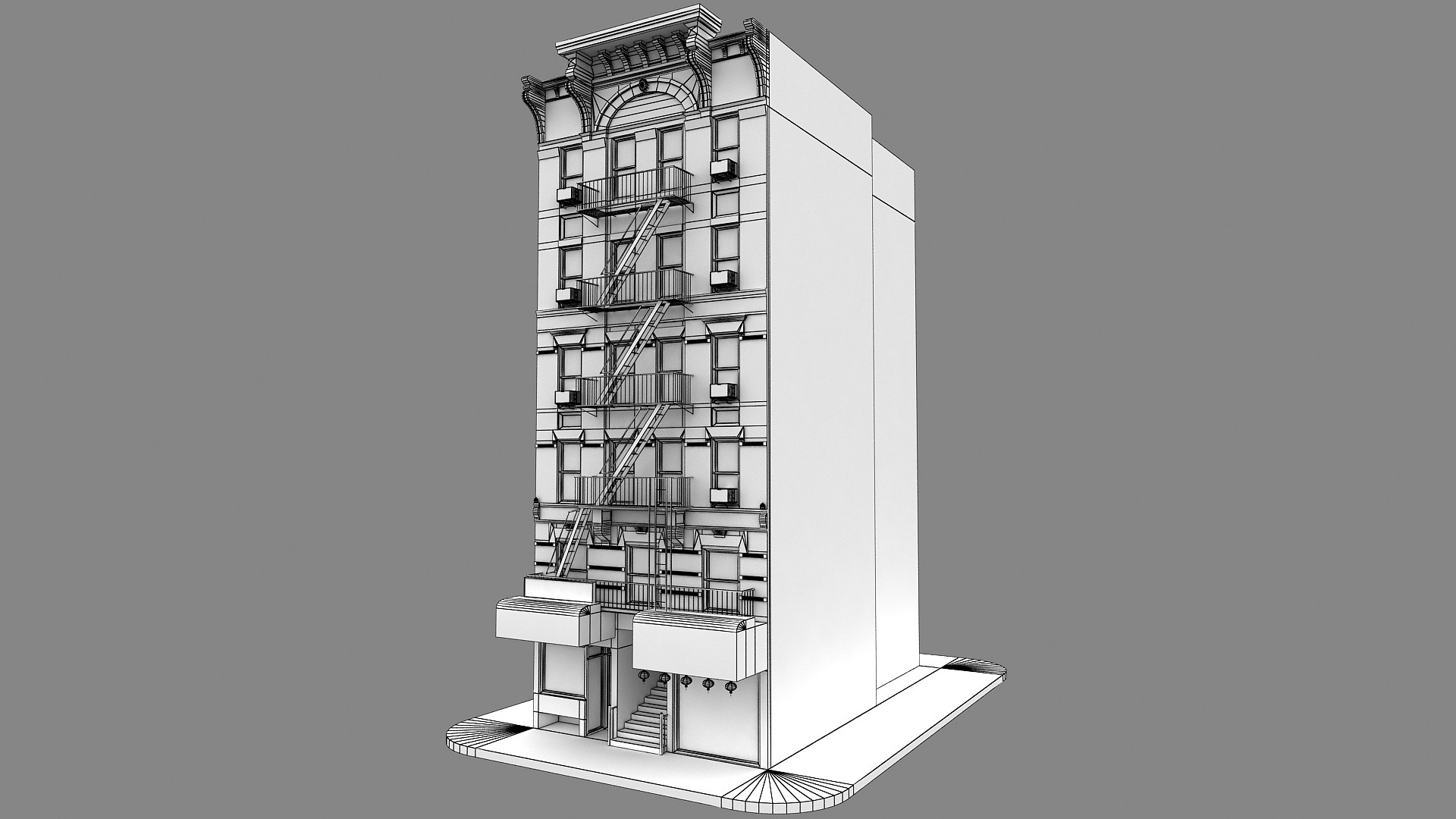
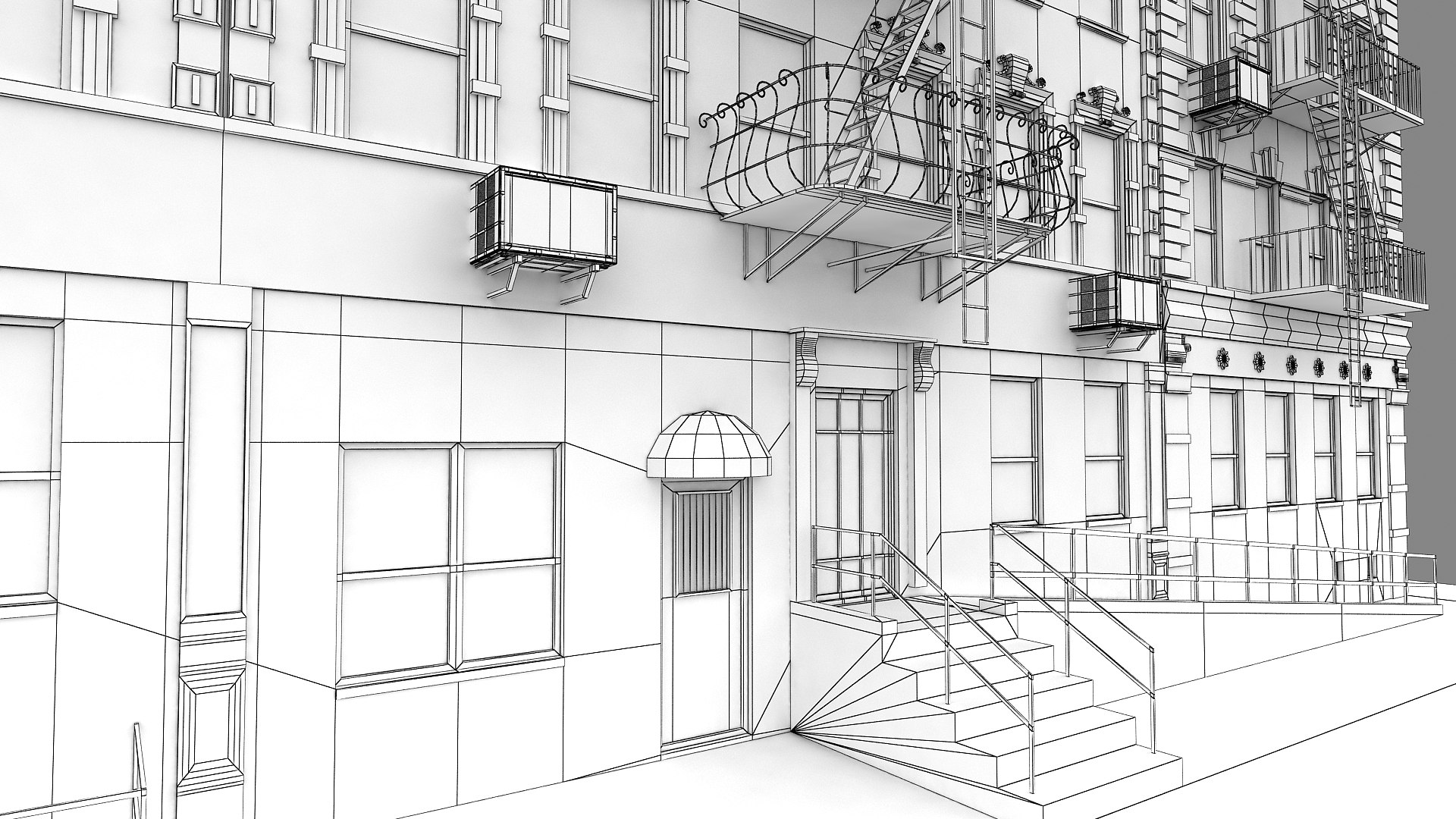
New York City Building Collection 3d model

$399

Standard License | Upgrade License
Editorial Uses Only
Formats (40)
Native | 3ds Max 2015 | V-Ray 3.0
Cinema 4D r13 | Default Scanline
3ds Max 2015 | V-Ray 3.0
3D Studio
FBX
OBJ
Specifications
Publish Date June 10, 2023
Product ID 2081708
Polygons 722,201
Vertices 871,069
Polygonal Quads/Tris Geometry
Textures
Materials
UV Mapped
Overlapping Unwrapped UVs
TurboSquid Exclusive

member avatar
ifingerstudios
509 Products | Contributor Since 2013
Have questions? Chat with us now.

Description

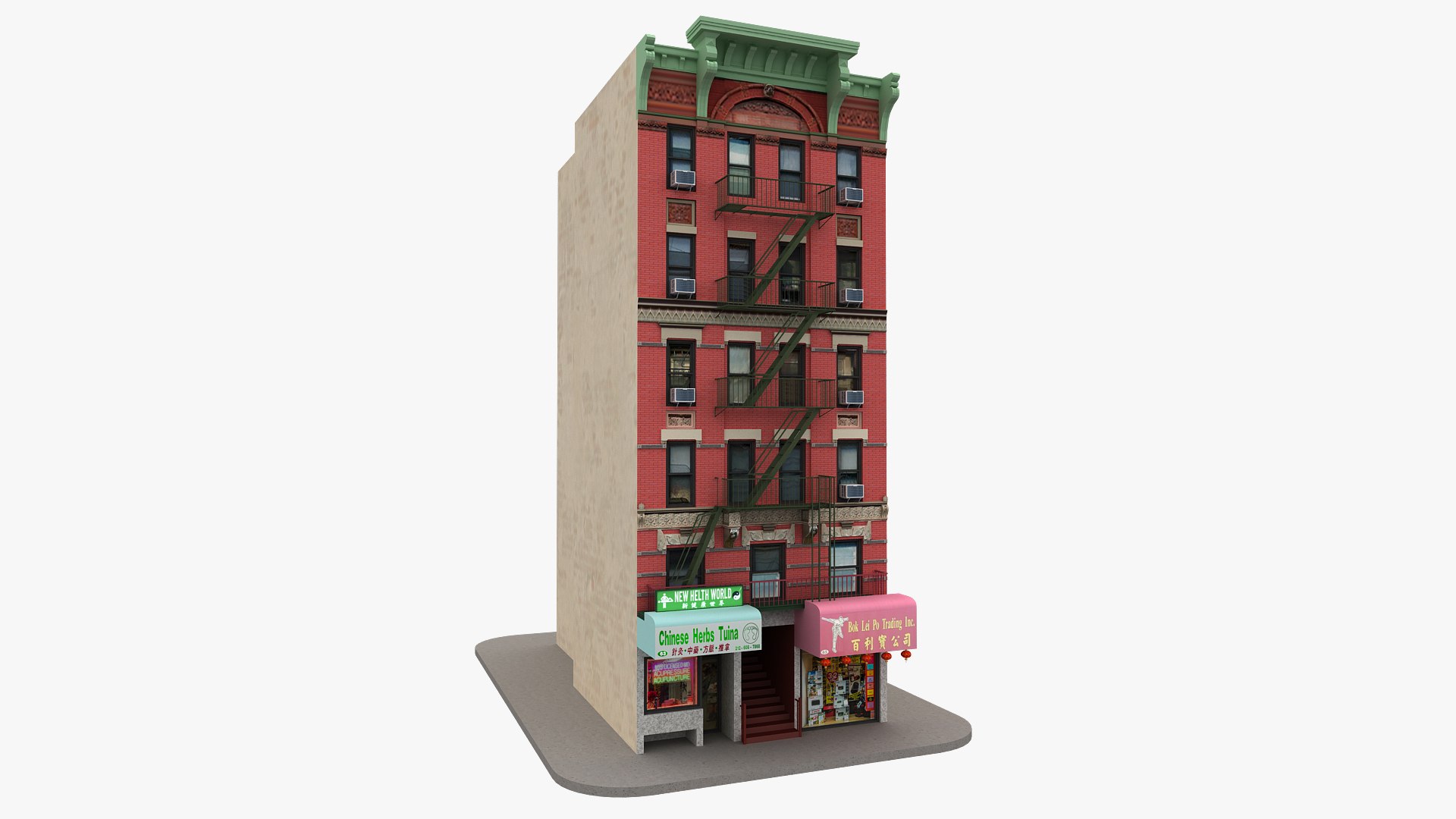
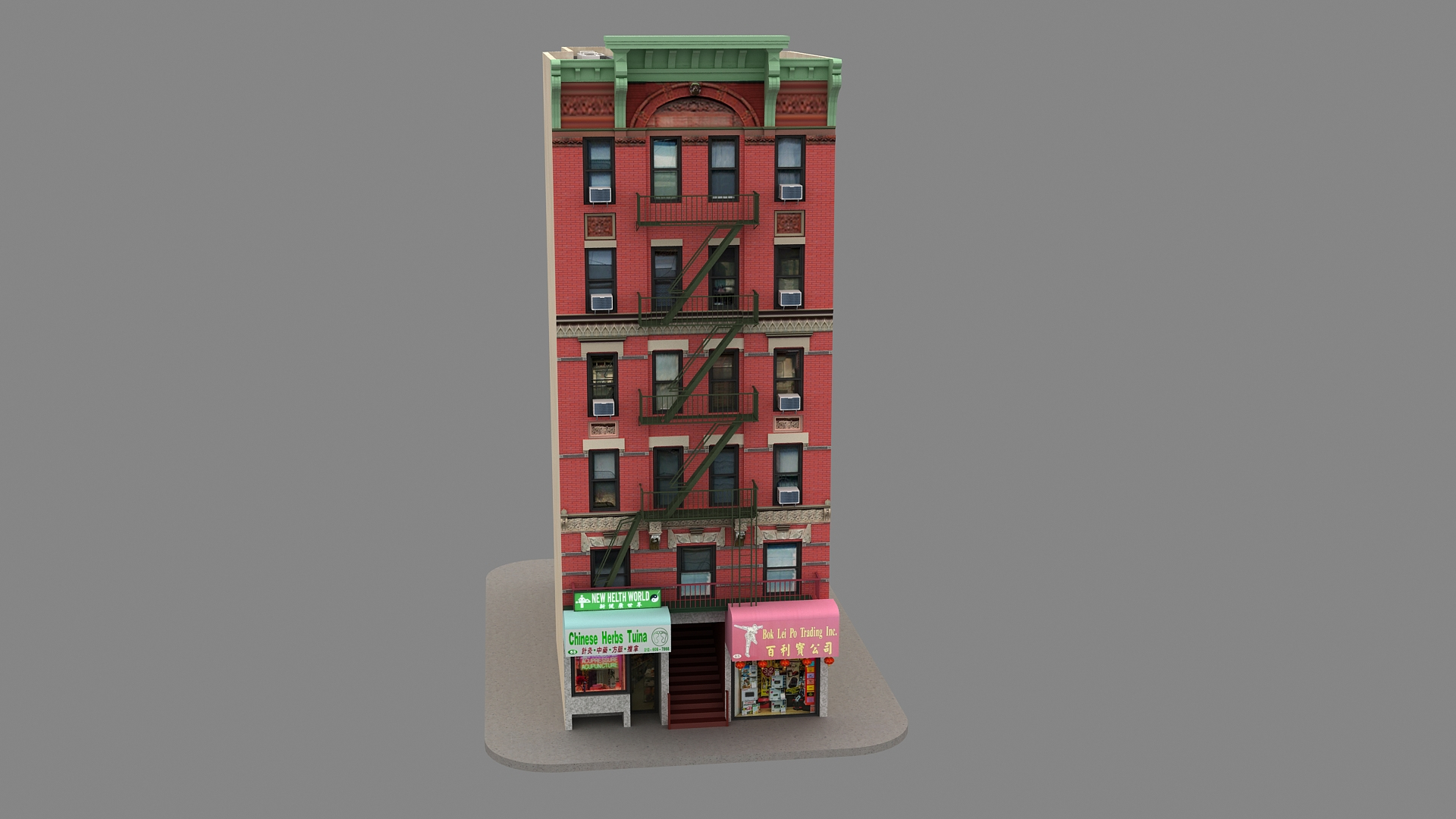
Collection Product: NYC New York City Building 3d model 07, NYC New York City Building 3d model 8, NYC New York City Building 06, NYC New York City Building 3d model 05, NYC New York City Building 3d model 04, NYC New York City Building 3d model 3, NYC New York Chinatown City Building 02, NYC New York Chinatown City Building 1

New York City Building Collection 3d model

Originally created with 3ds Max 2015 and rendered in V-Ray 3.0

Total Poly Counts: Total 8 Building
Poly Count = 722201
Vertex Count = 871069

- There is a Vray 3.0 version included.

- Model is placed at the origin

- Clean and optimized models for a quick rendering

- The clean scene with clear name convention

- No plugins required

- Every part of the model named properly.

- The model is Full UVW & unwrapped.

- The model does not include any background or scenes used in preview images.

Unit Setup: Meter

Available in many formats
3ds Max 2015 V-Ray Ray 3.0
3ds
OBJ
FBX

Select Enhanced License

  • $10,000 in Legal Protection (Indemnification)
  • Uncapped Legal Protection (Indemnification)
  • Waiver from injunctive relief
  • Assignable model rights
  • $1,000,000 in Legal Protection (Indemnification)
  • Waiver from injunctive relief
  • Assignable model rights
  • $250,000 in Legal Protection (Indemnification)
  • Assignable model rights
Read more about enhanced license tiers, or contact us at enterprise@turbosquid.com. Already a Shutterstock Enterprise Customer? Contact your Shutterstock Sales Support Agent to talk about adding 3D.

About Conversion Requests

To submit a conversion request for a purchased asset, please complete our Conversion Request Form.

If you have not yet purchased a model, please review our Documentation about Conversions to learn about what limitations you may encounter with a conversion.

For any additional questions about a model’s suitability for conversion, please contact TurboSquid Support.

Loading...