BEFORE BUYING WATCH THE DETAILED FULL MODEL VIDEO PREVIEW HERE :-
https://youtu.be/xUOQwFNAPRY https://youtu.be/rBdkM_c2OhM
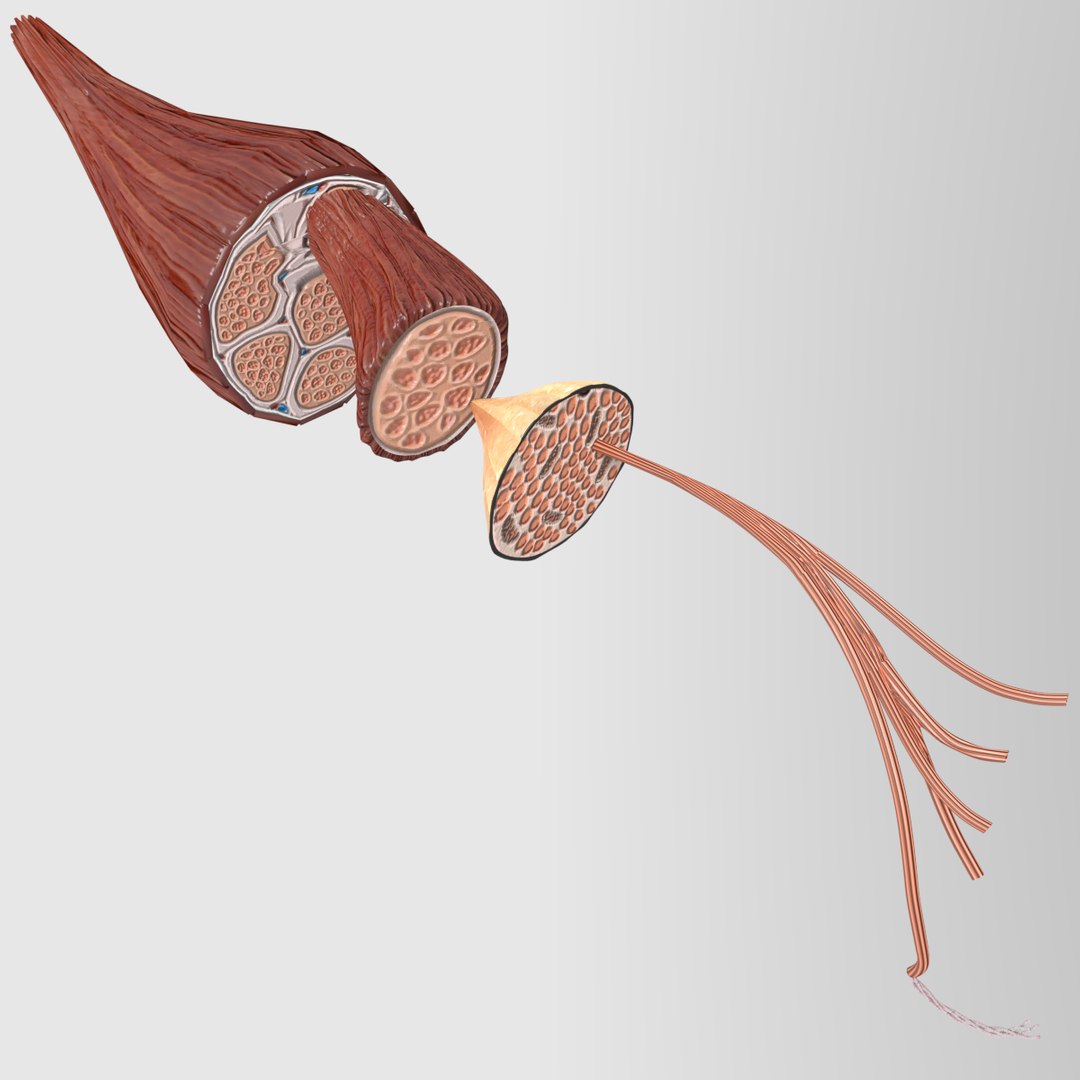
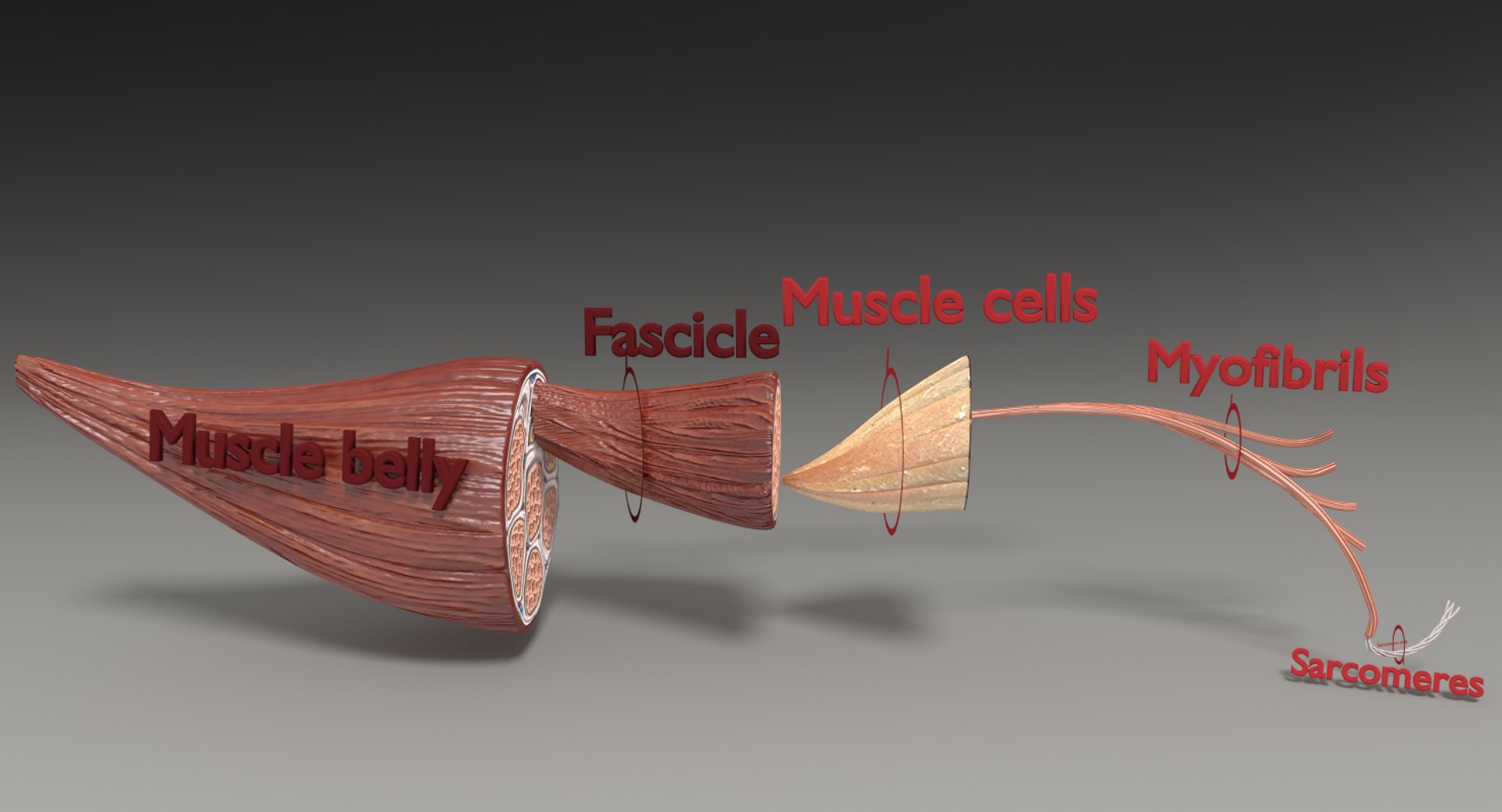
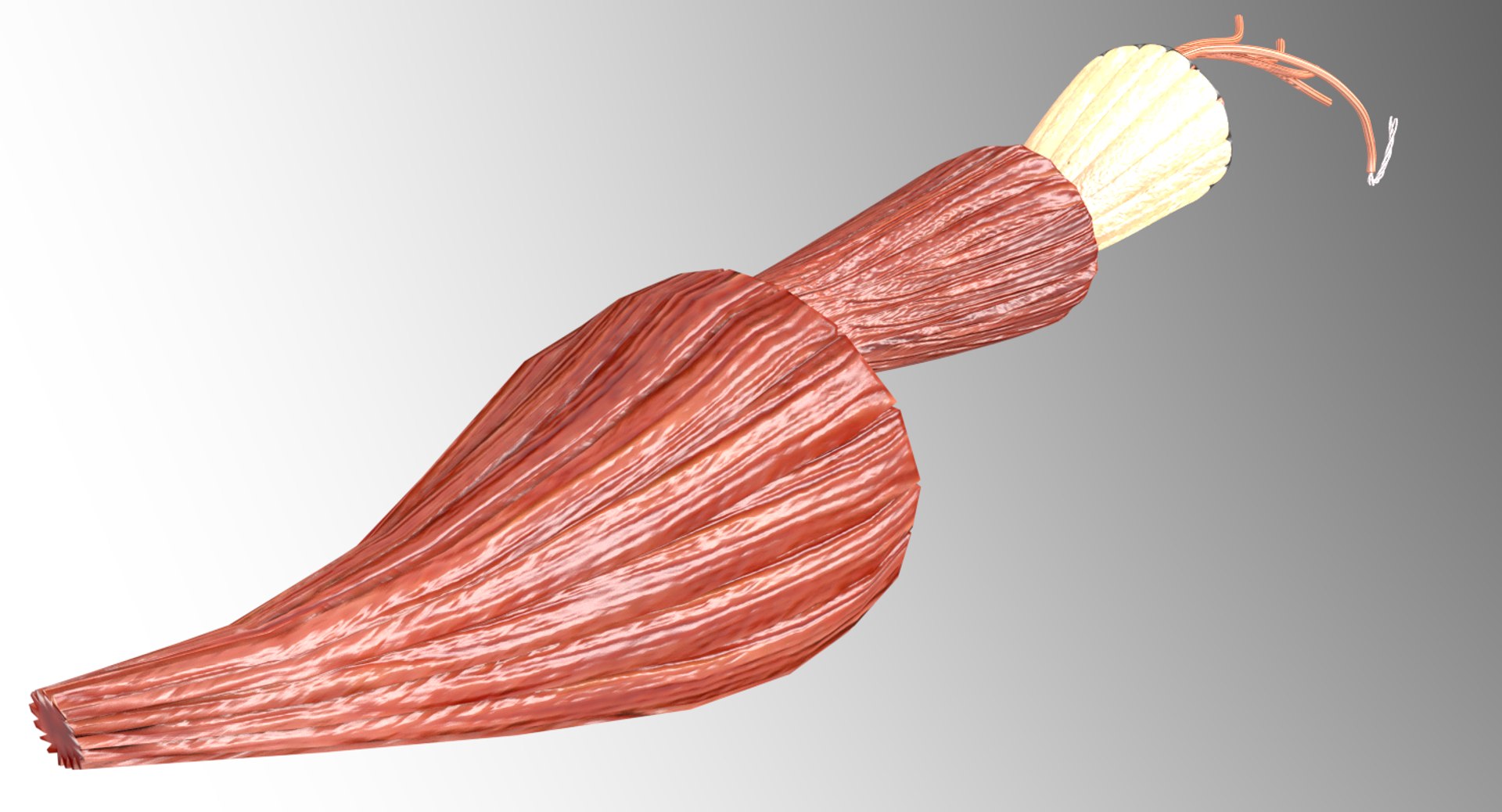
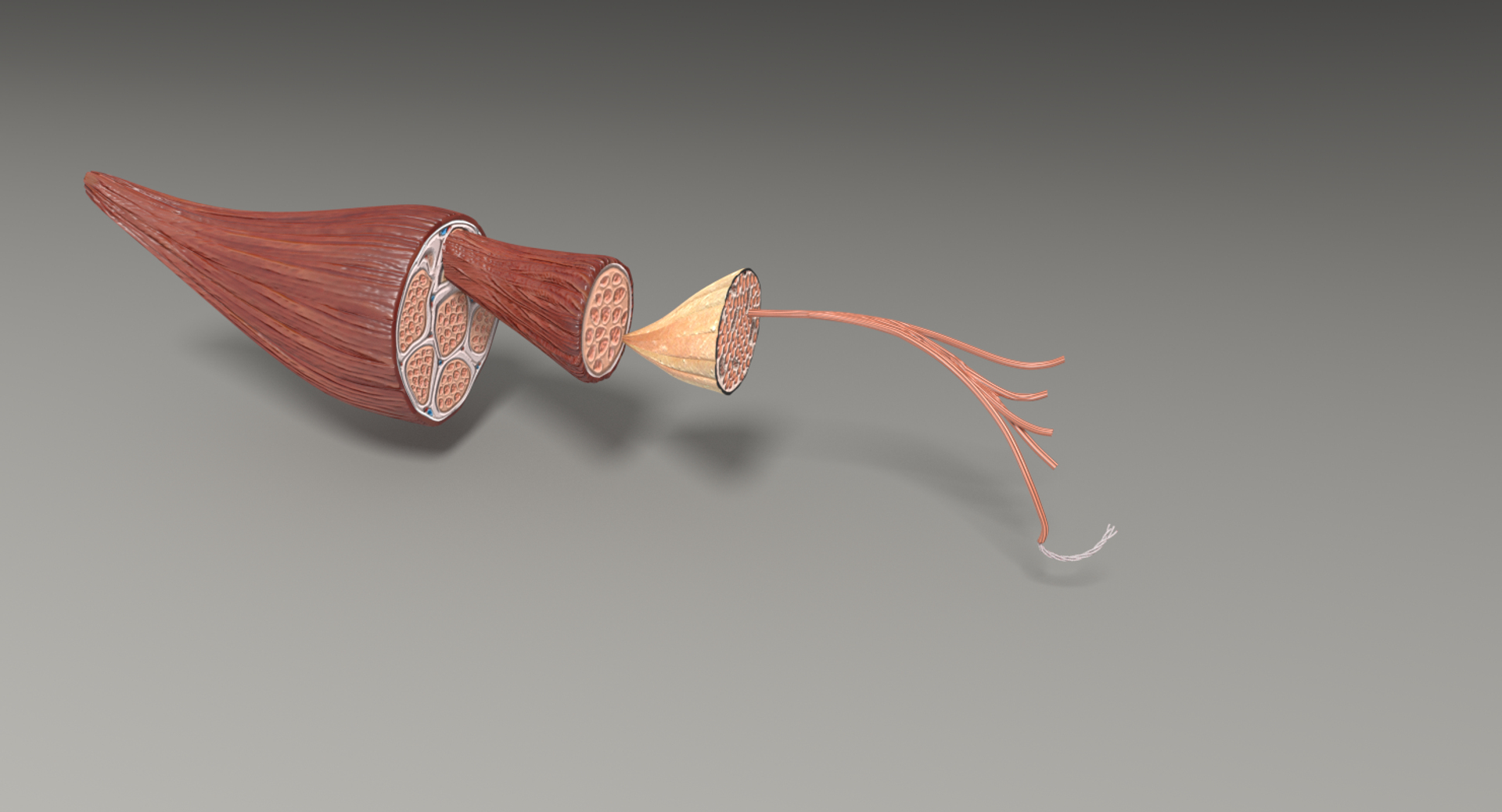
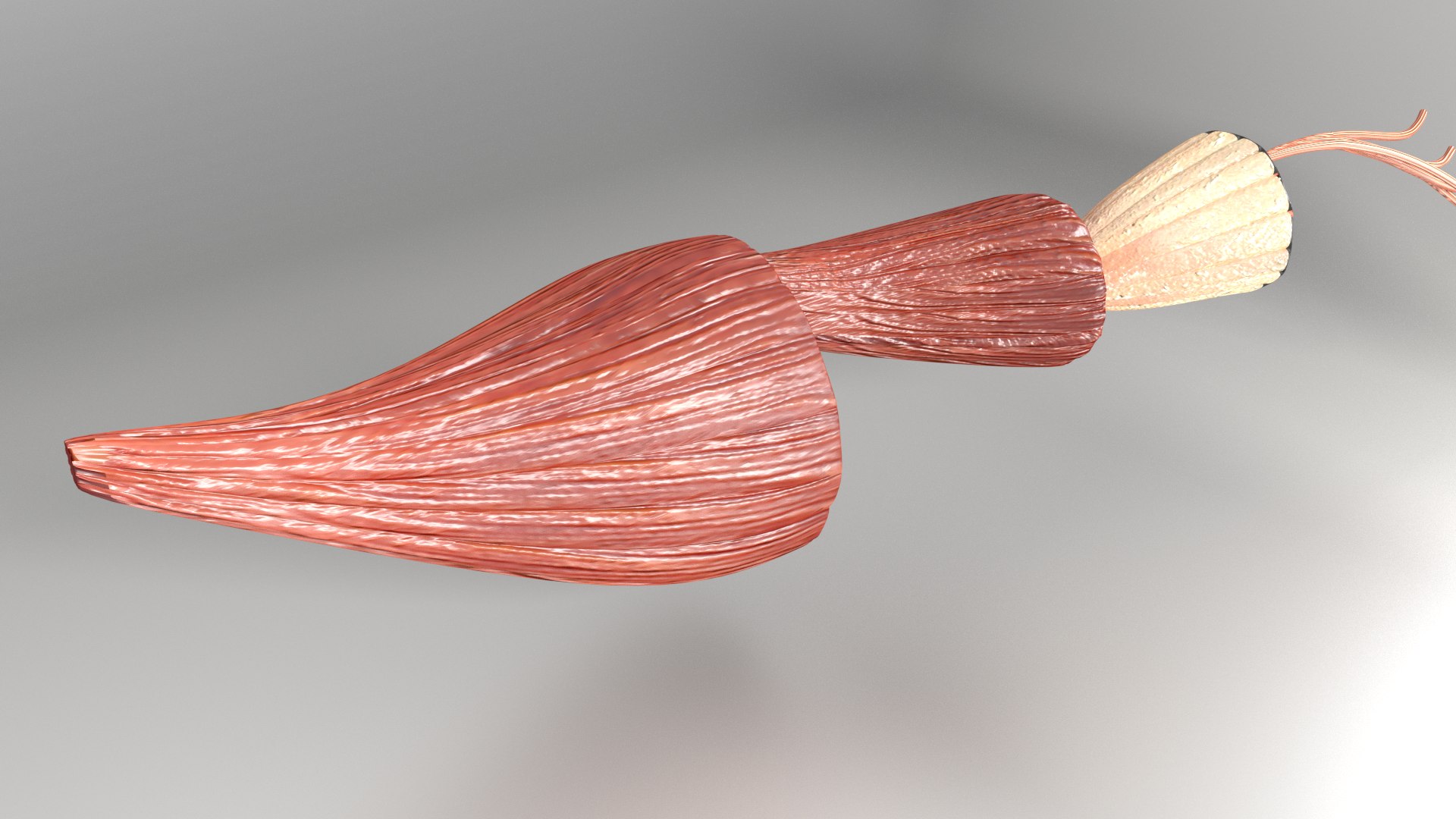
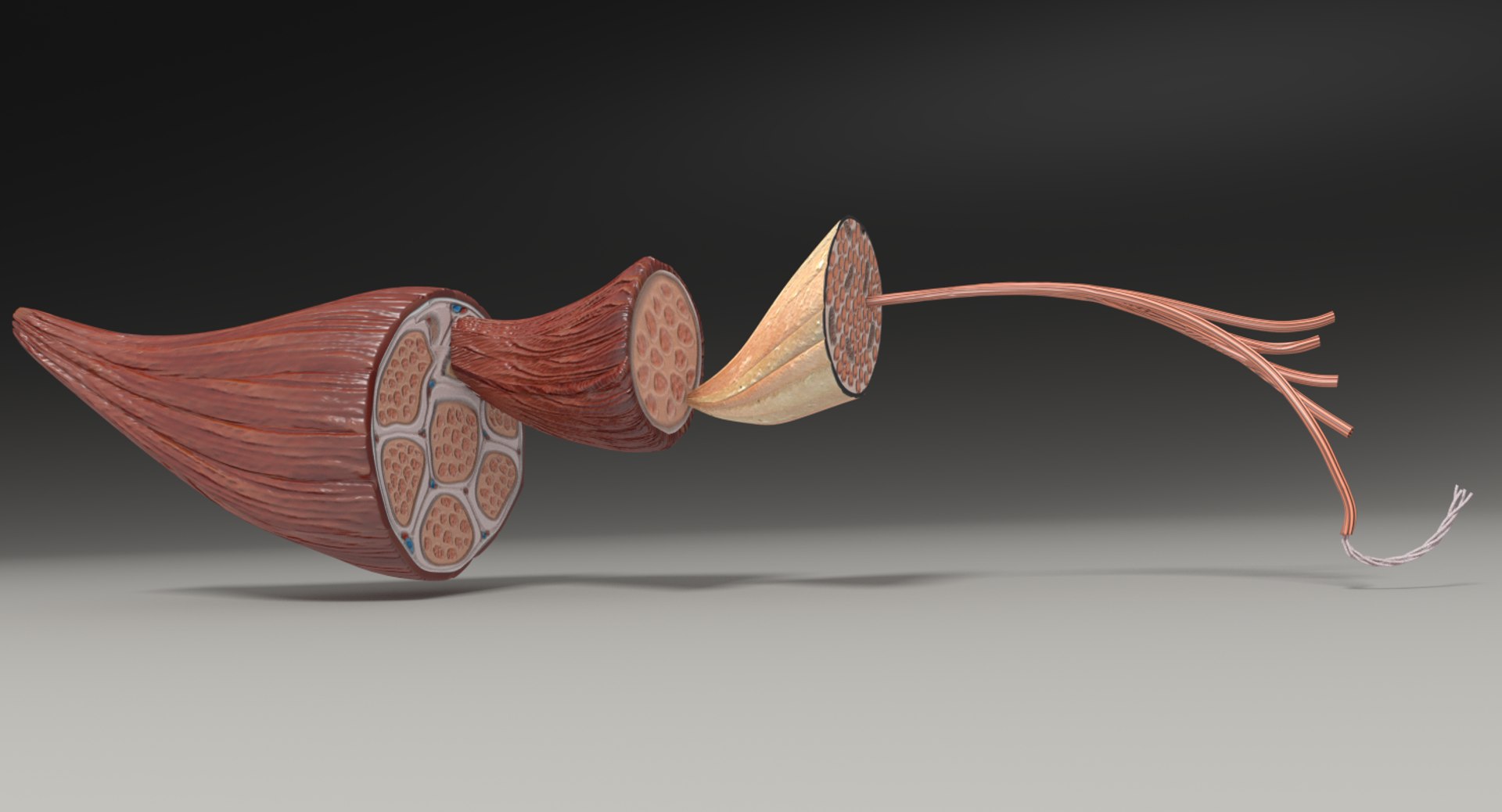
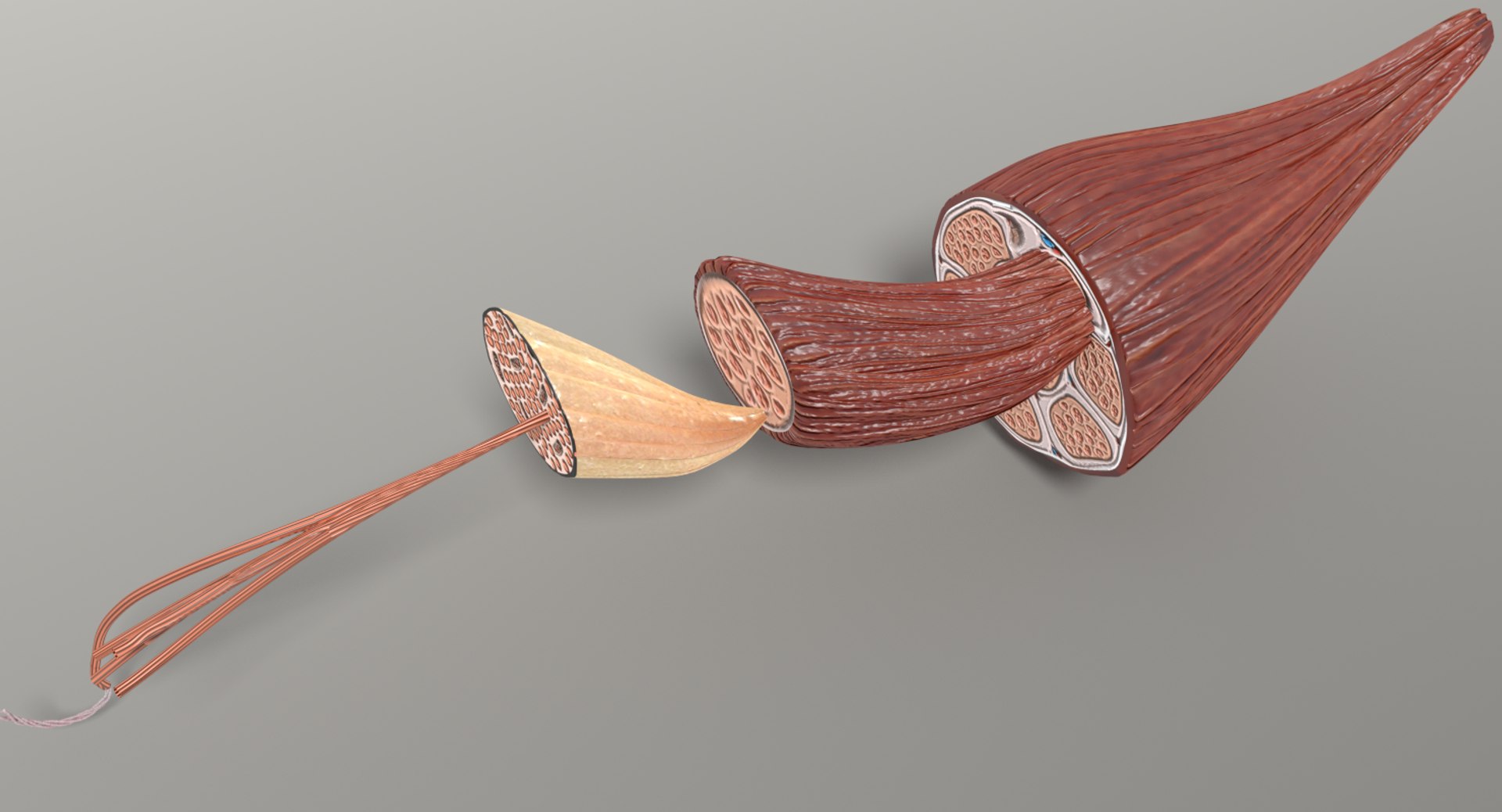
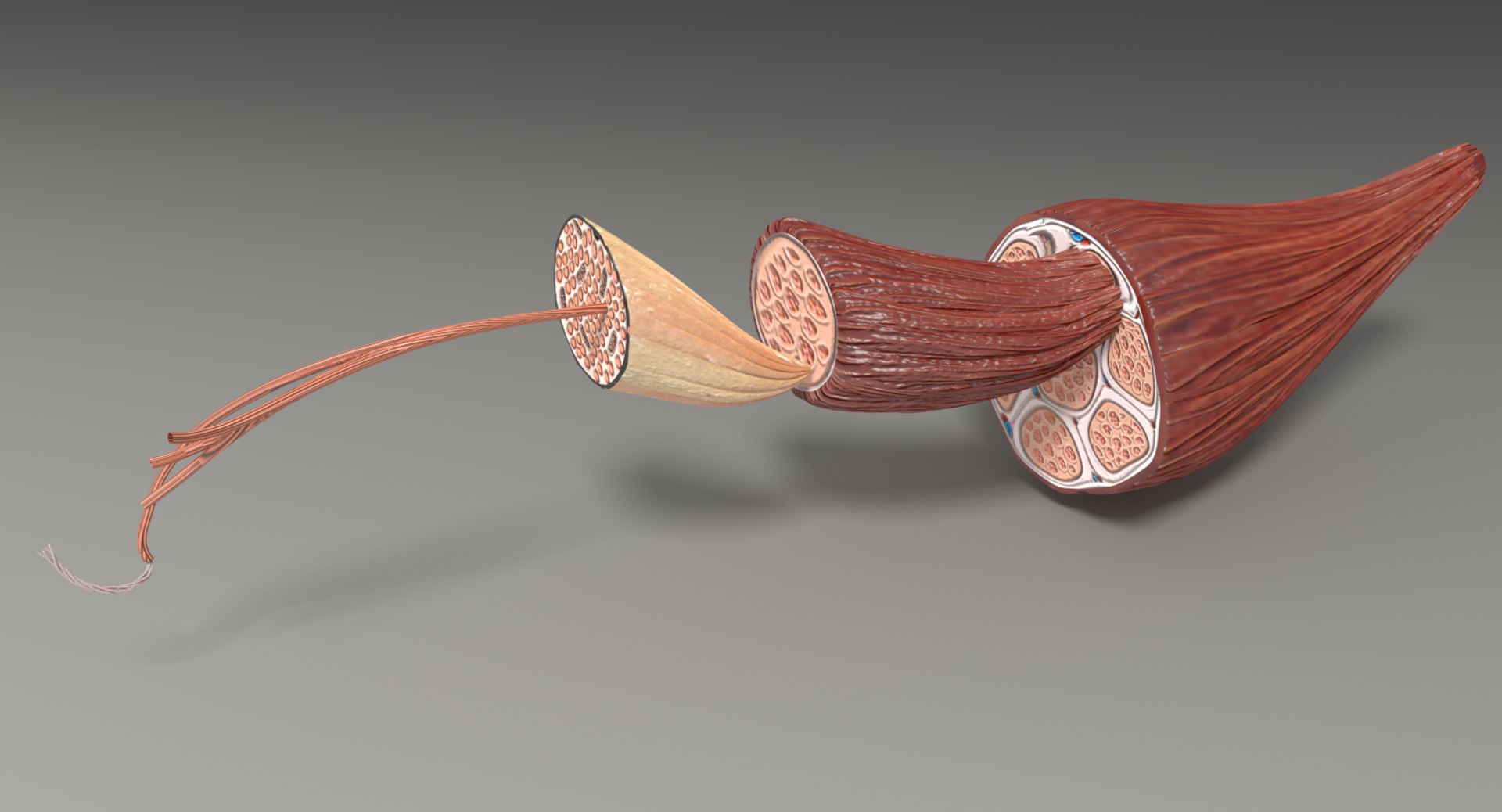
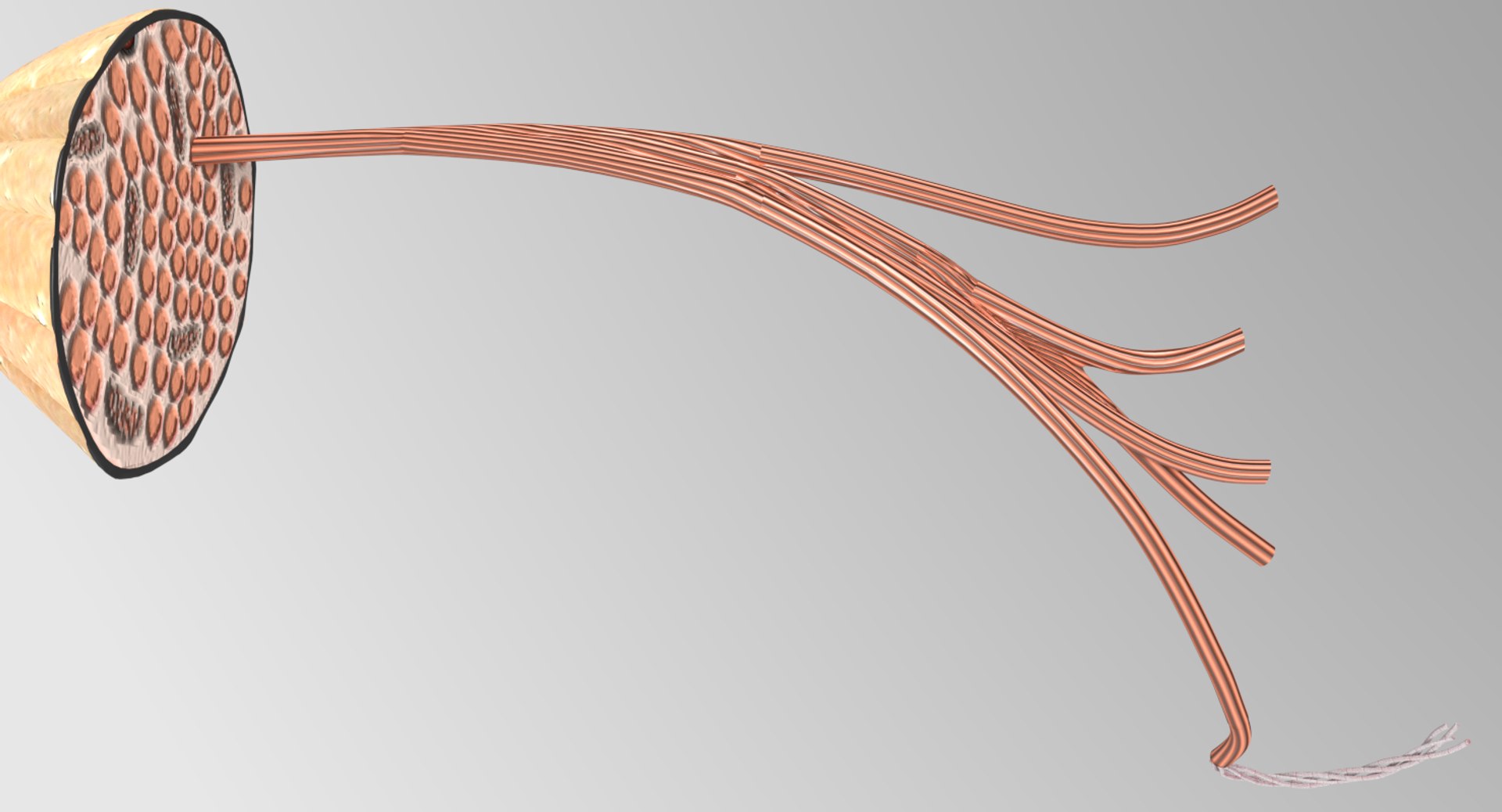
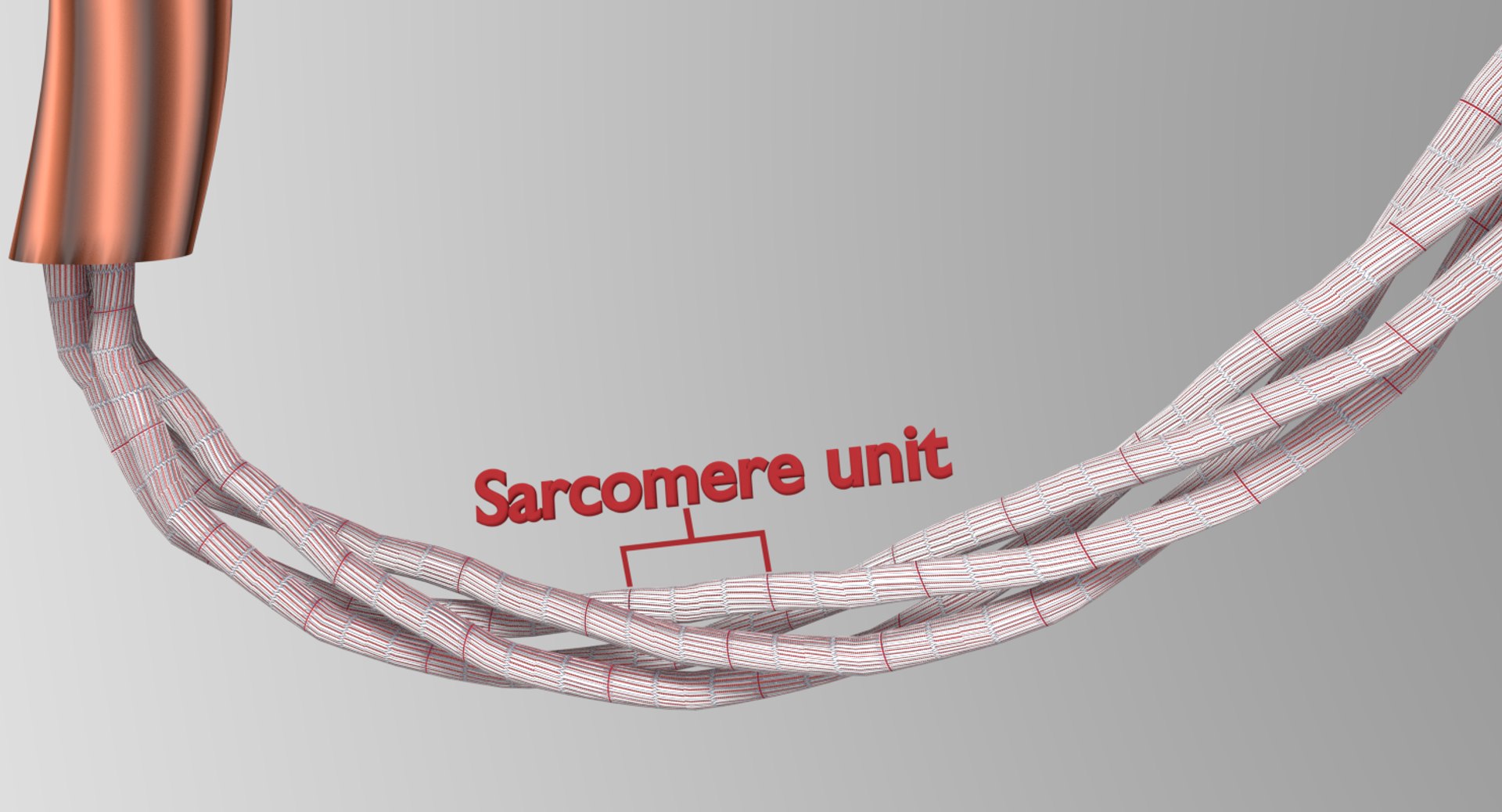
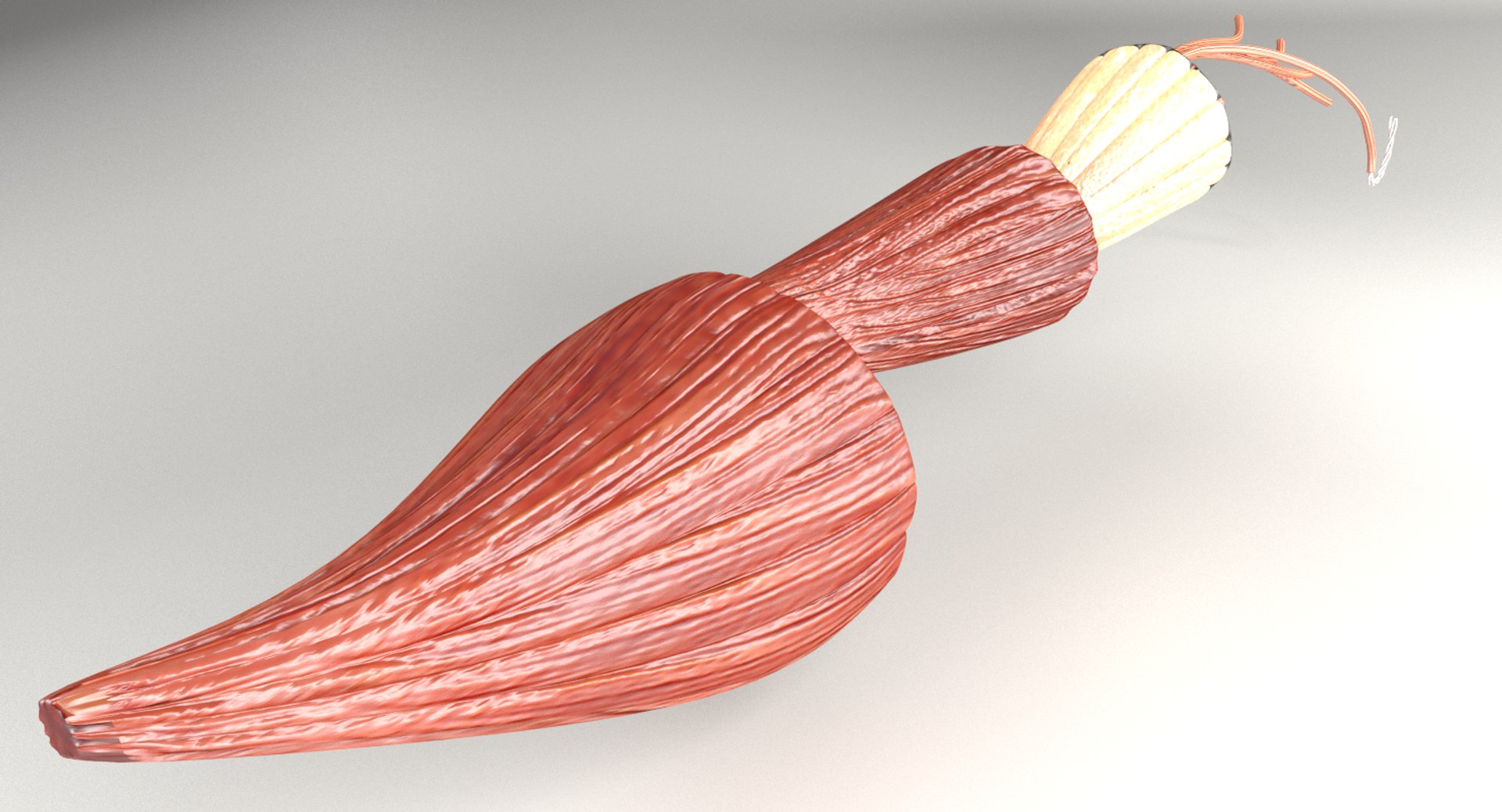
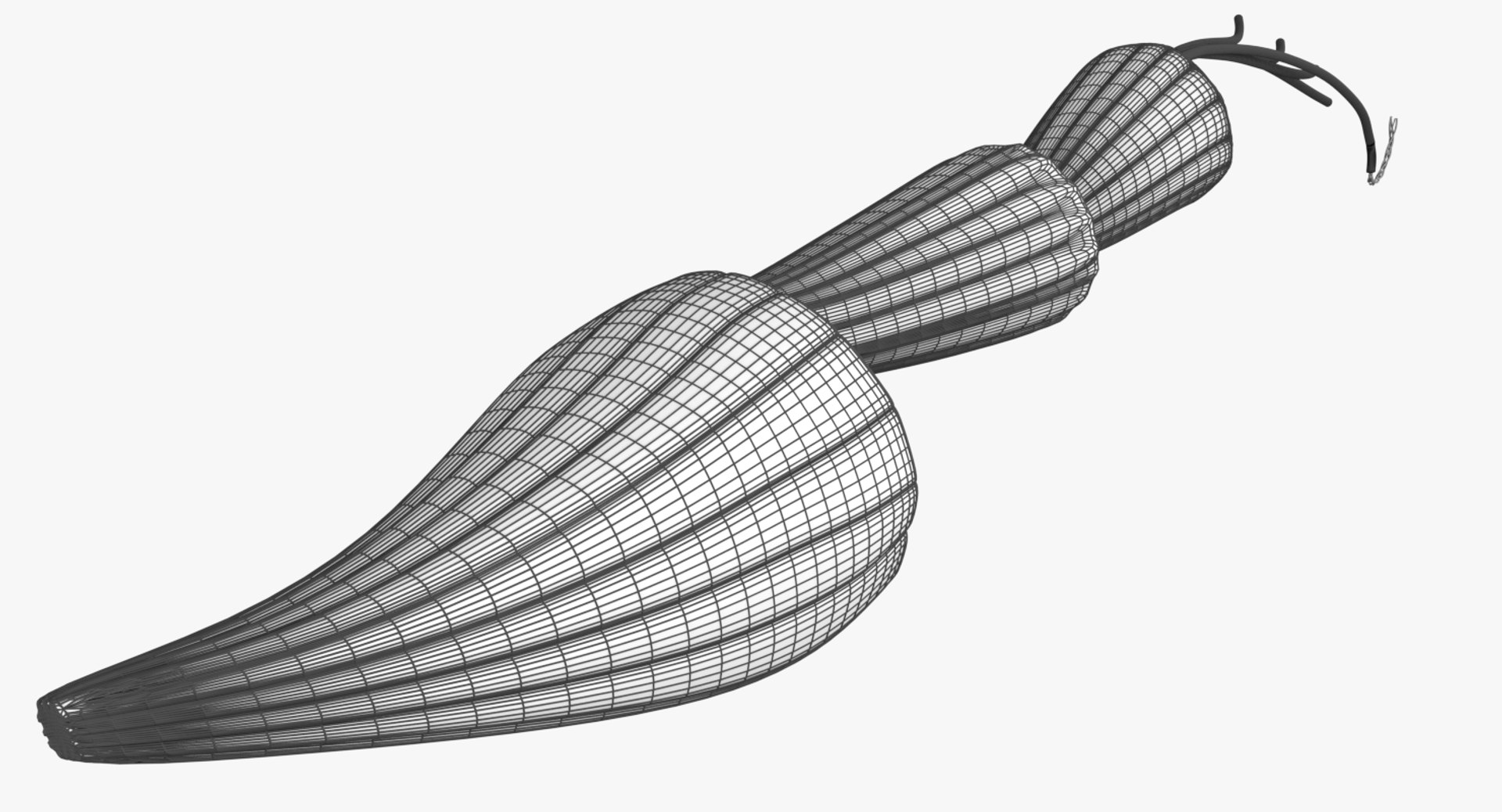
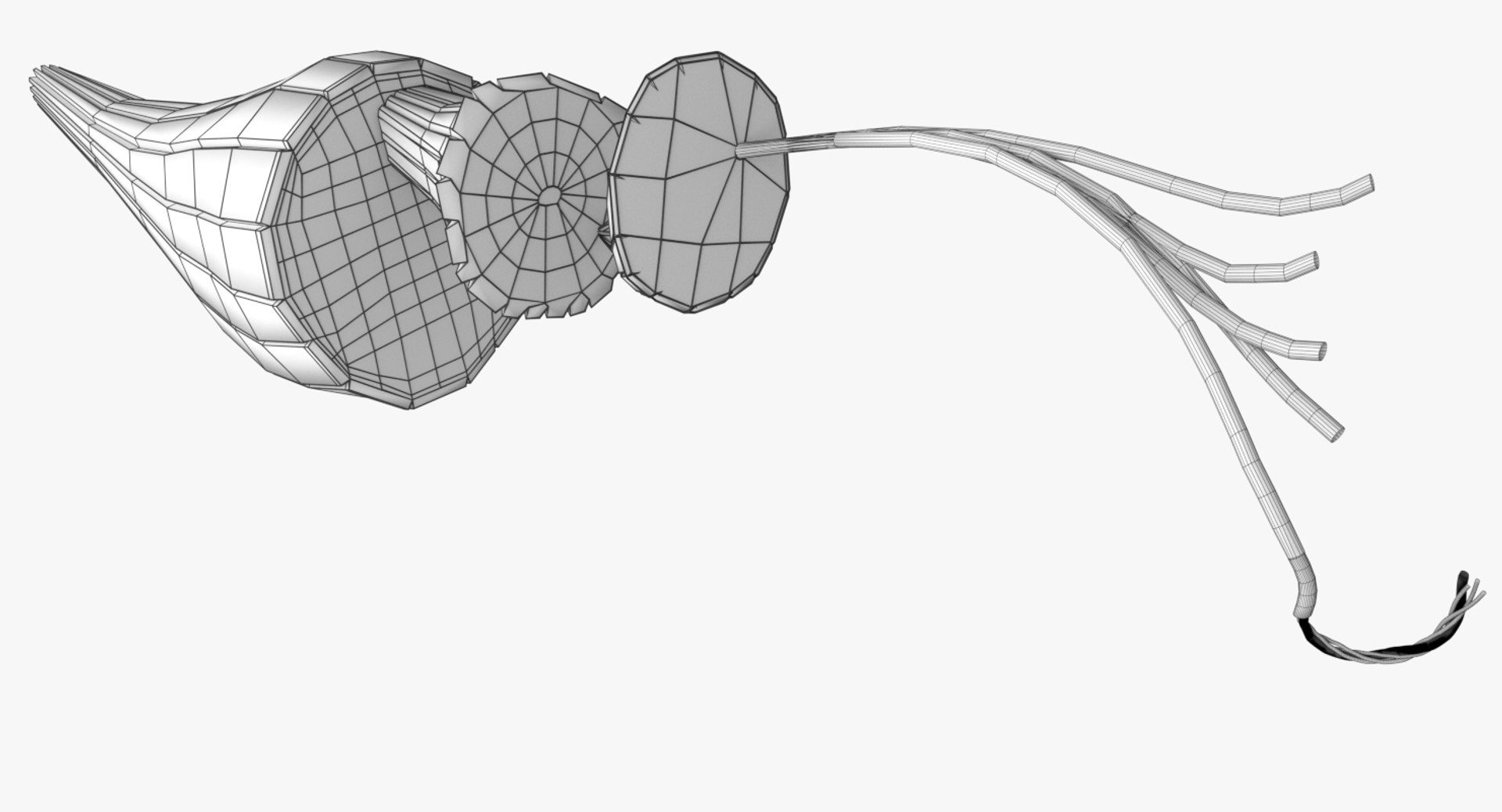
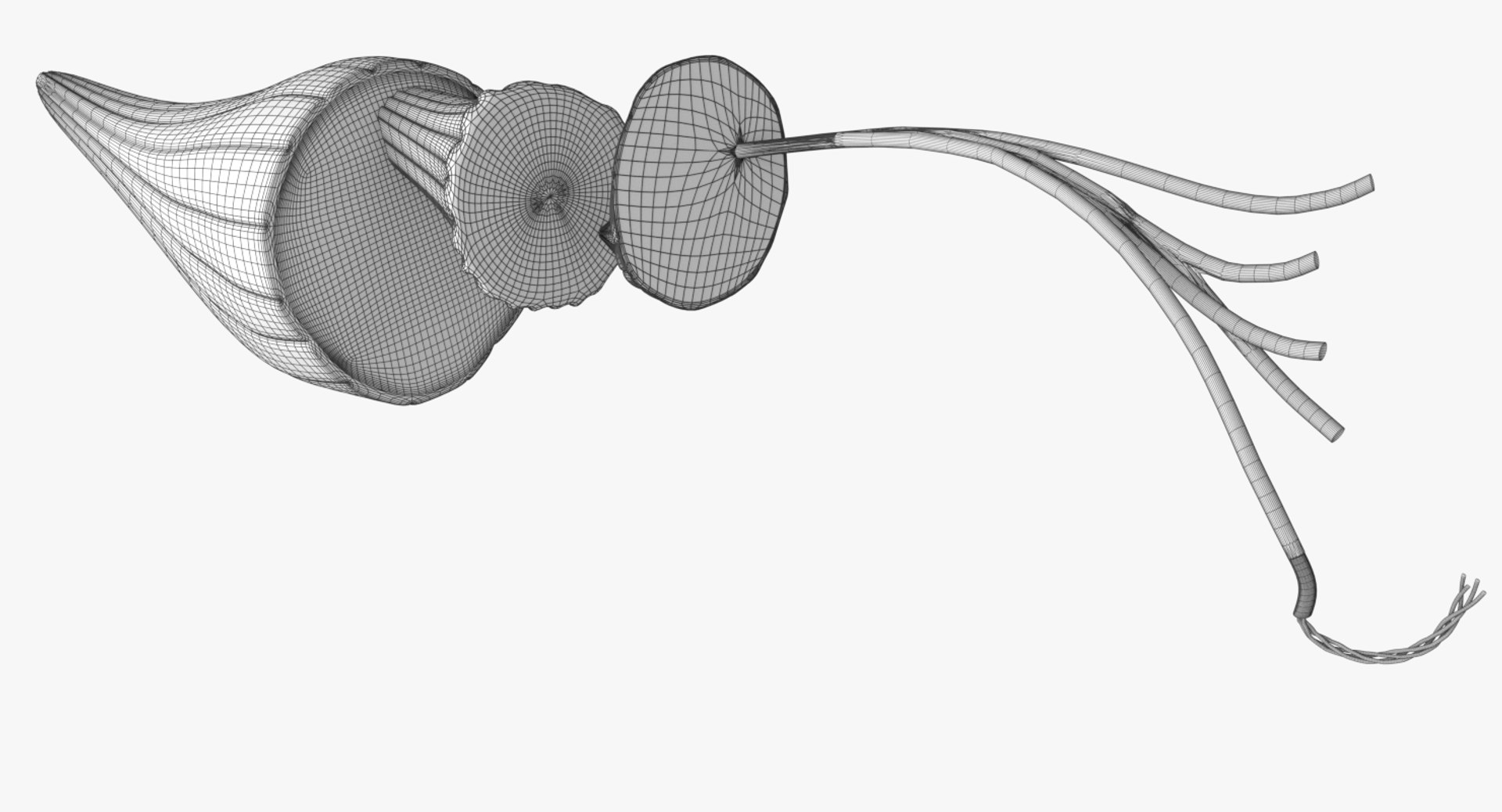
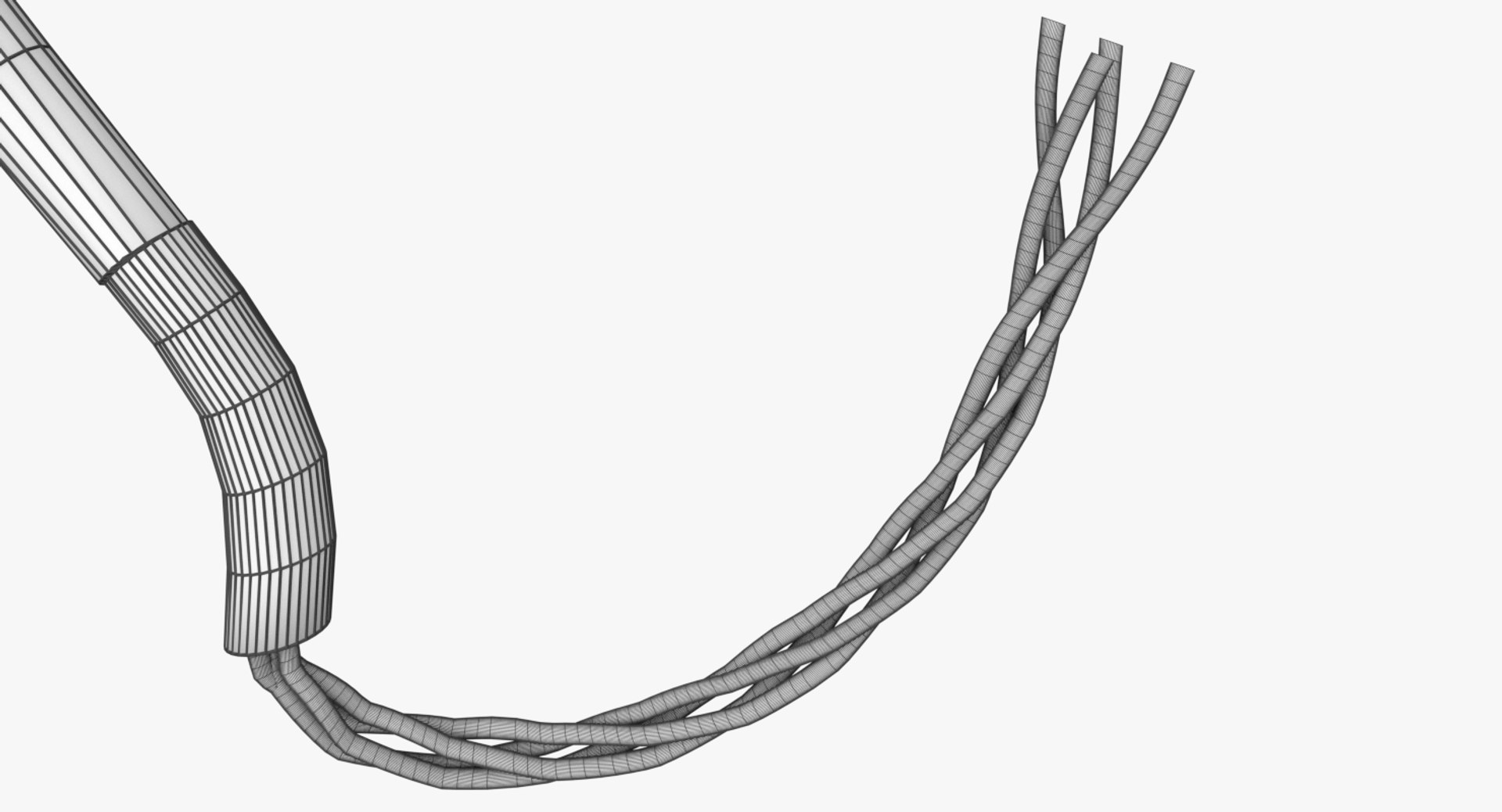
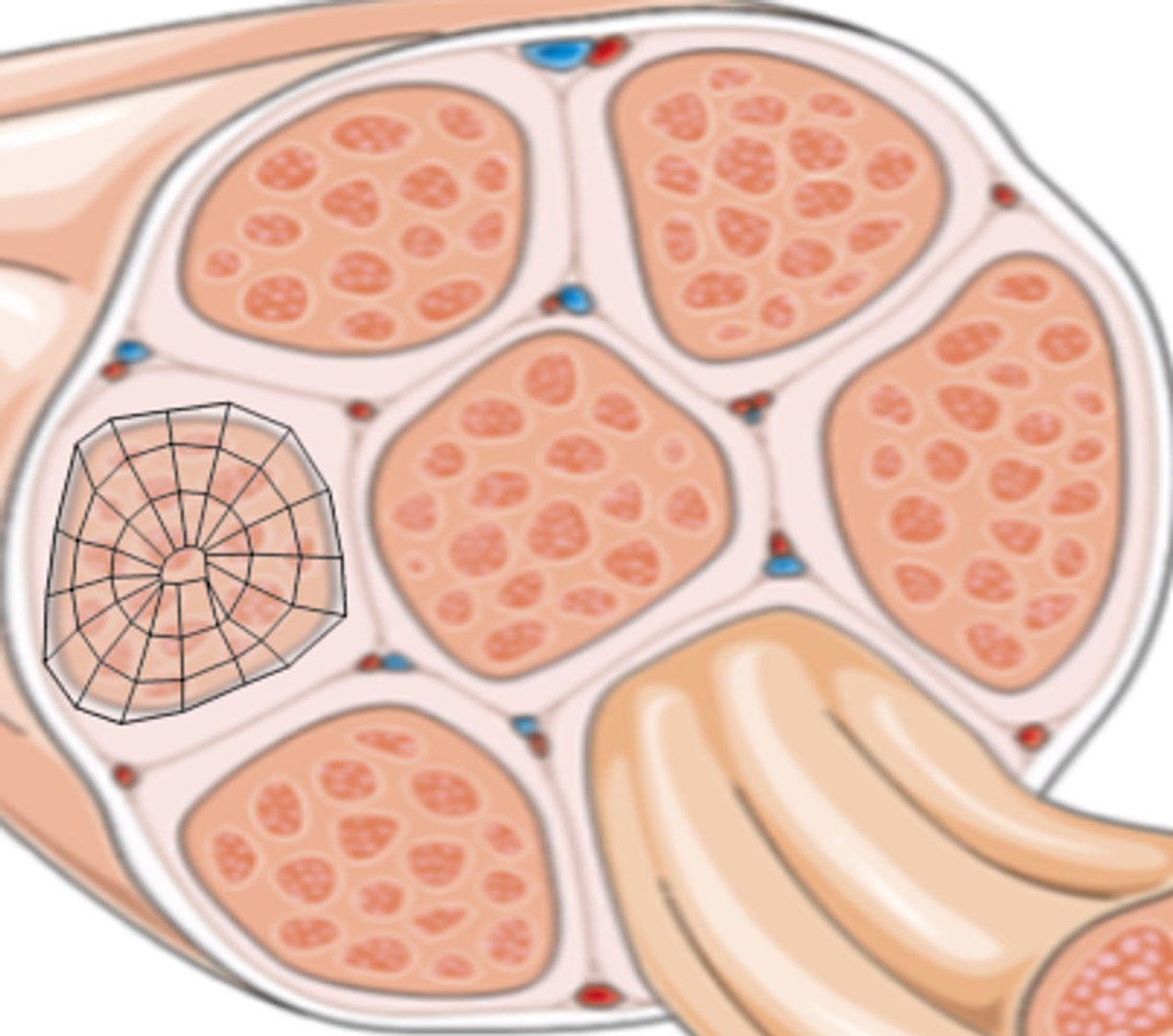
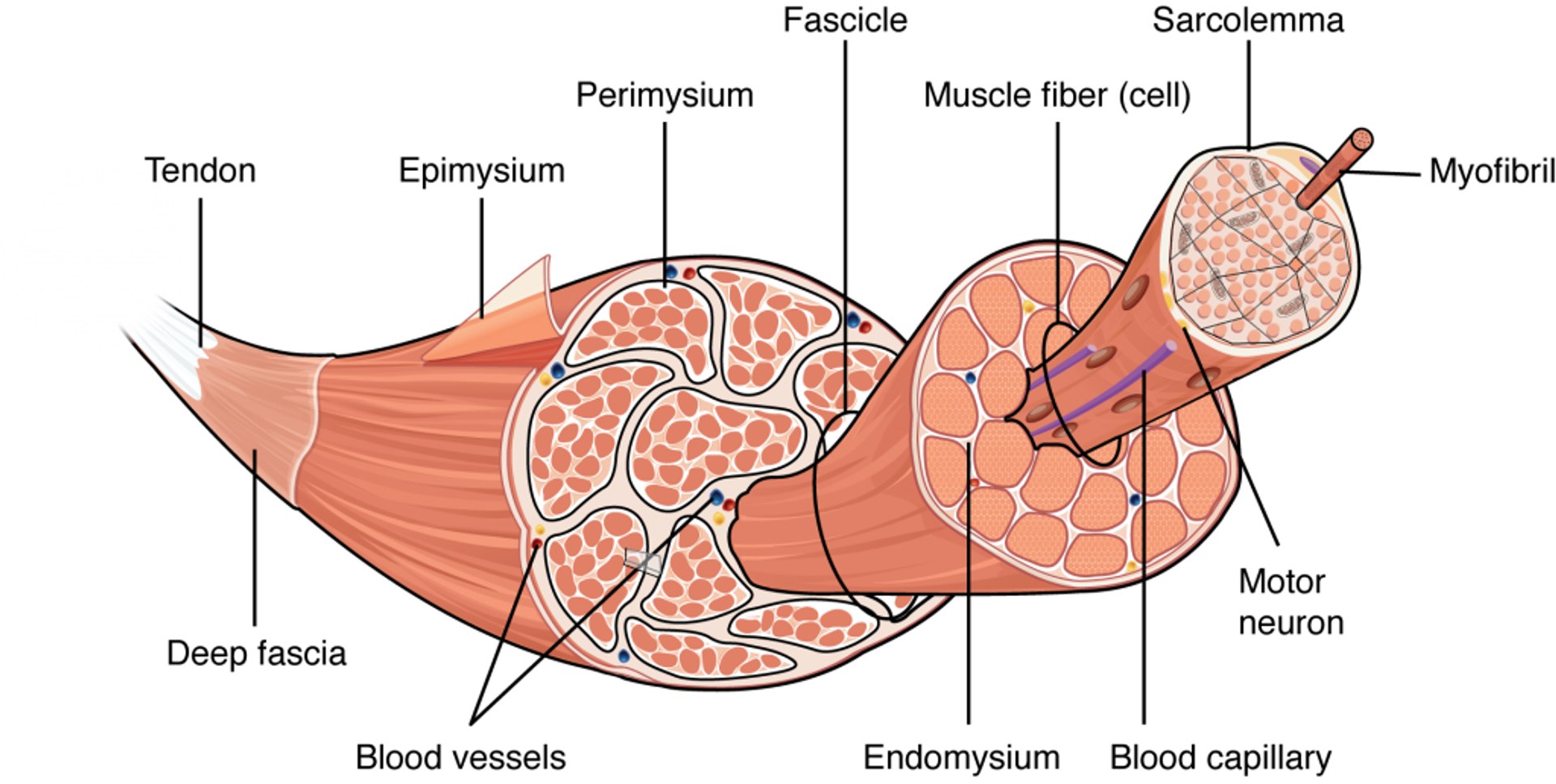
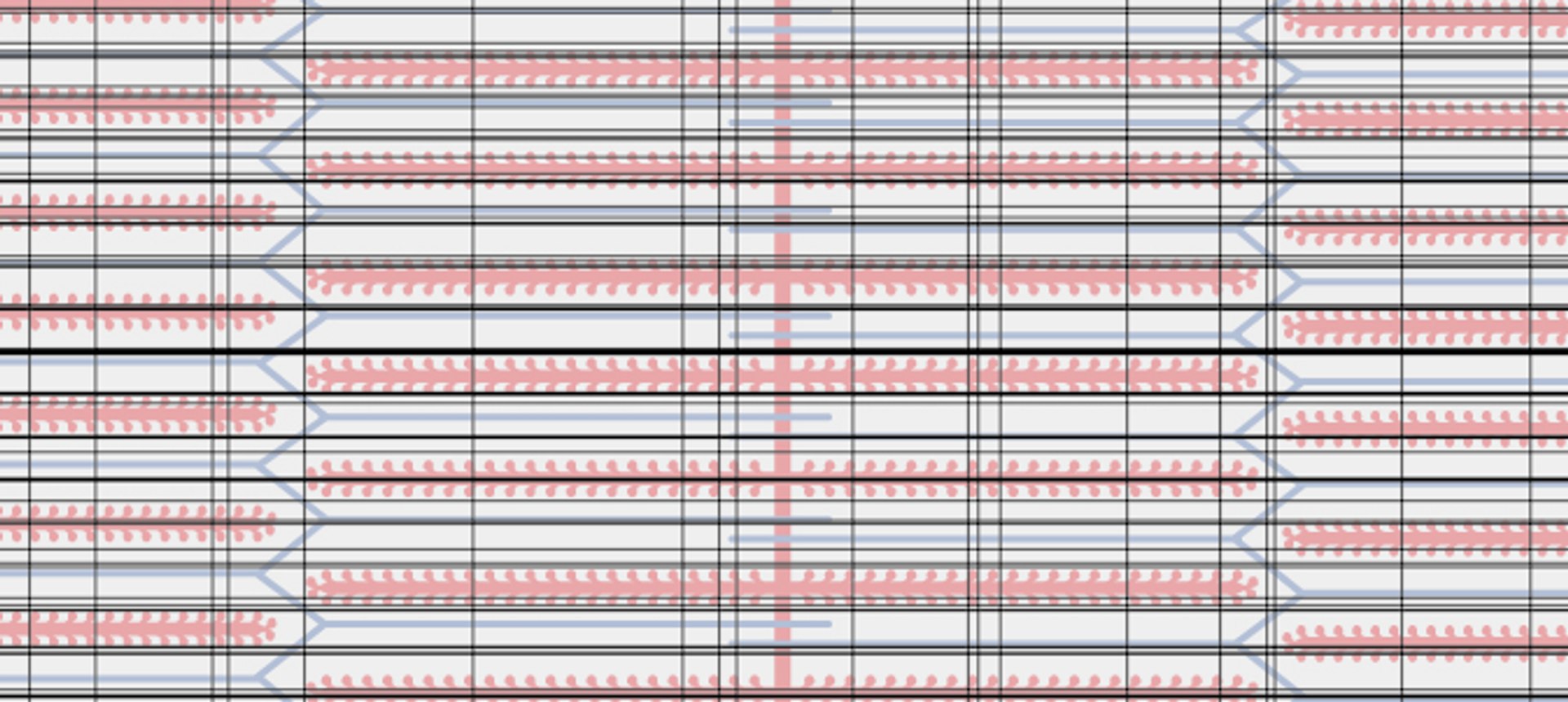
A microscopical model of a muscle showing all details with labels
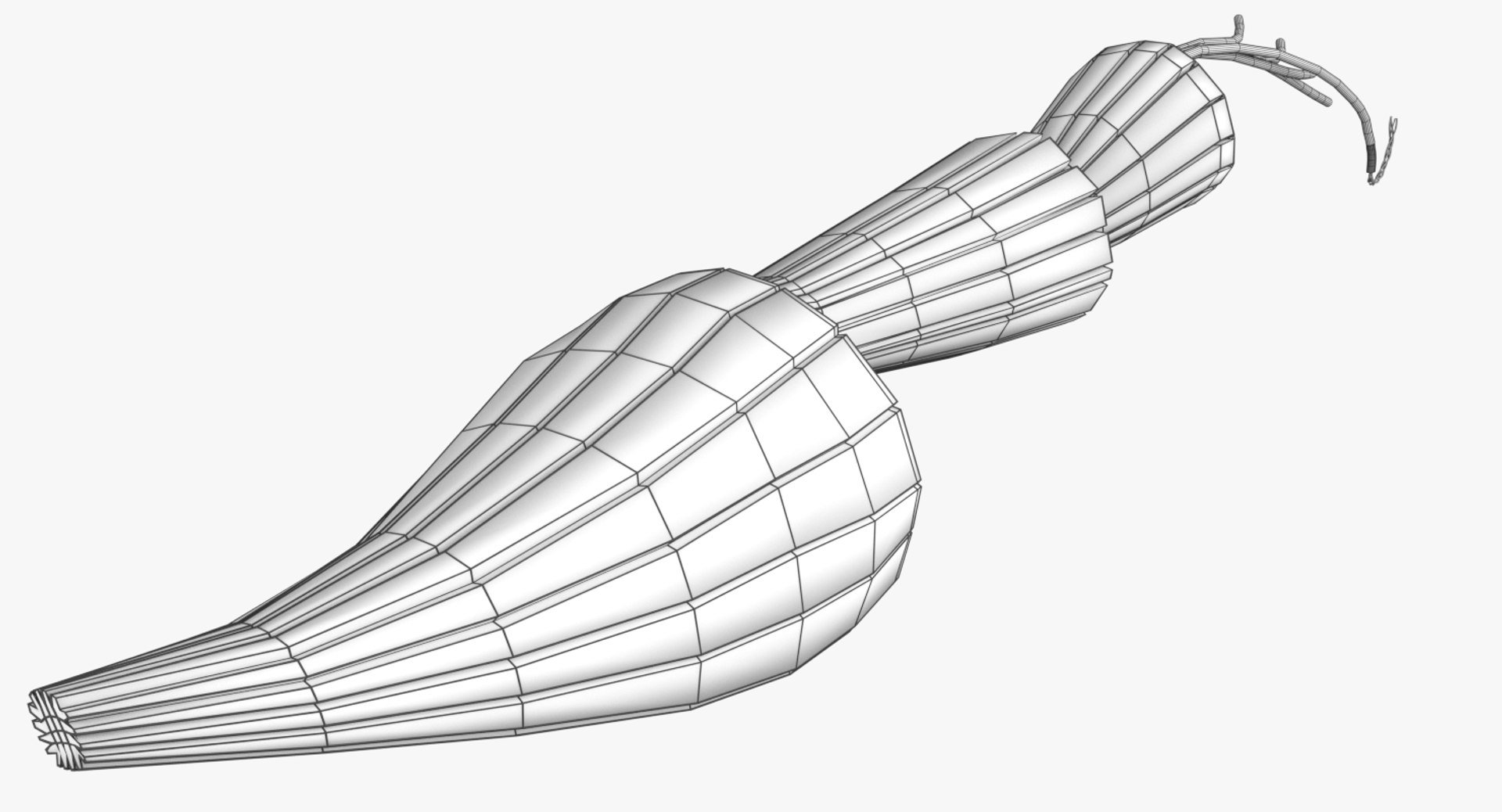
Each part is a separate mesh with un applied subdivision modifier in the blend file.
The textures have been supplied in zip file with uv images also.
The formats 3mf, ply, obj, fbx, USDZ,GLTZ & GLB with applied uv mapped textures have also been included in the downloads along with stl.
I have included the various formats needed by various customer for the various 3d modelling softwares they may be using.
The following formats are compressed in rar formats :-
1. blend
2. 3mf
3. stl
4. obj
5. fbx
6. glb
7. gltz
8. usdz
The downloaded files have to unpacked using any rar unpacker. After unpacking, the folder content of the respective formats will be as follows :-.
1. blend :- single file with all applied and packed textures.
2. 3mf :- single file with all applied and packed textures.
3. stl :- single file with only geometry data
4. obj :- mutiple files including .obj,.mtl, images textures.
5. fbx :- single file with all applied and packed textures.
6. glb :- single file with all applied and packed textures.
7. gltz :- mutiple files including .bin, images textures.
8. usdz :- single file
The native file is blend so the open source software blender opens mostly all the files, with textures (packed with the files). The best way is to open the files named blend with blender. Other files have to be imported in blender by clicking within blender "File >>Import>>select the type of file you want to import>>open file location of the downloaded unzipped files>>select the file>>the model would open in the 3d viewport of the software.
The other files including blender can be opened with most of the free and paid 3d modelling software. The files obj & fbx are compatible with other 3d modeling software, example maya. These software's have the open/import options similar to blender. The files stl and 3mf are compatible with 3d printing software's. The built in "3d builder " windows software opens all of these files including glb, & gltz. In case you don't have 3d builder installed just download it free from Microsoft store for free.
For 3d builder 3mf, fbx, stl, glb are standalone files (right click the model file>>select open with>>3d builder). For obj,ply, & gltz 3d builder will prompt you to select the model files .mtl and image textures (these are packed in the rar files).
The textures files have been separately supplied additionally; in case one needs them.