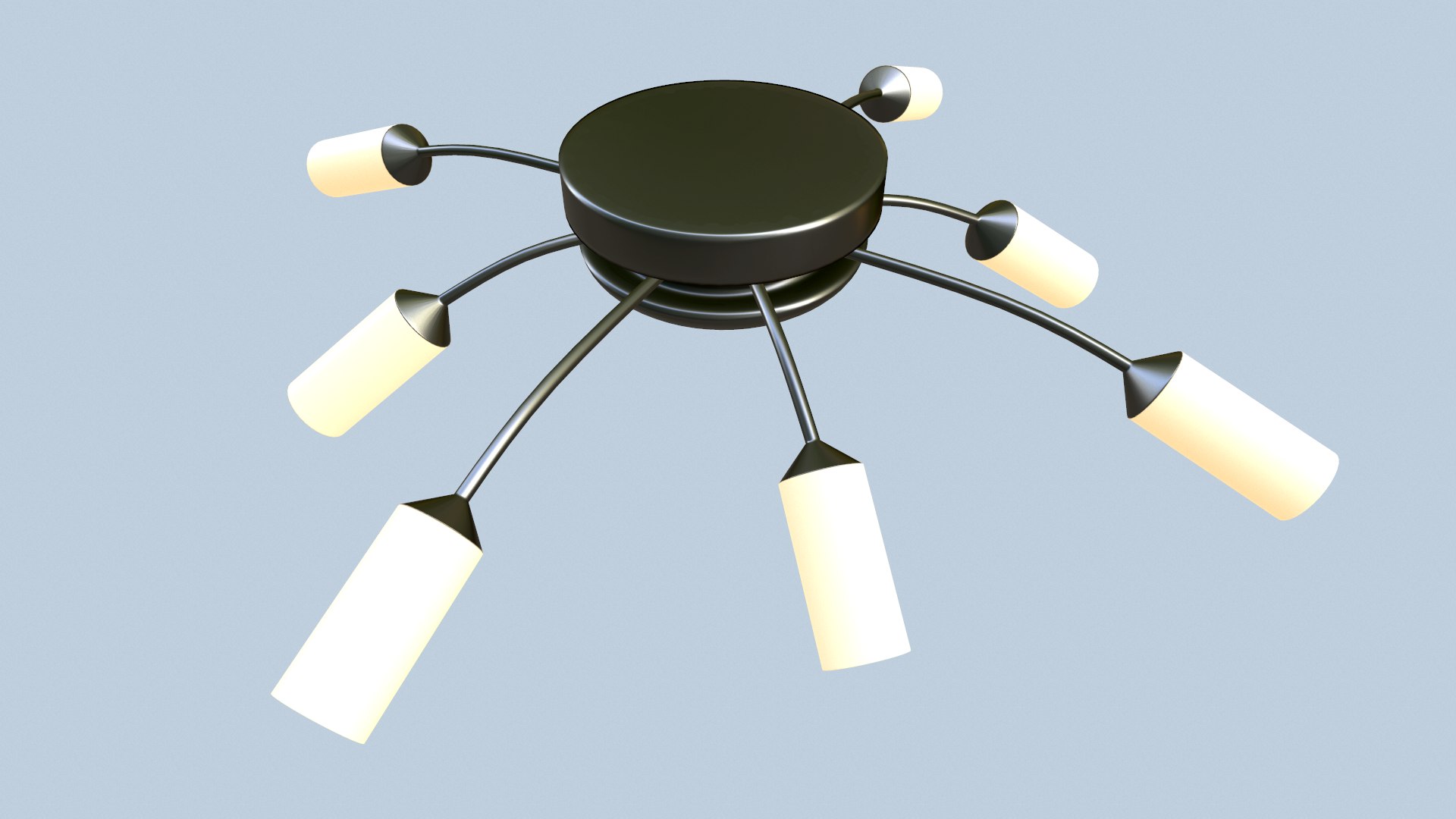
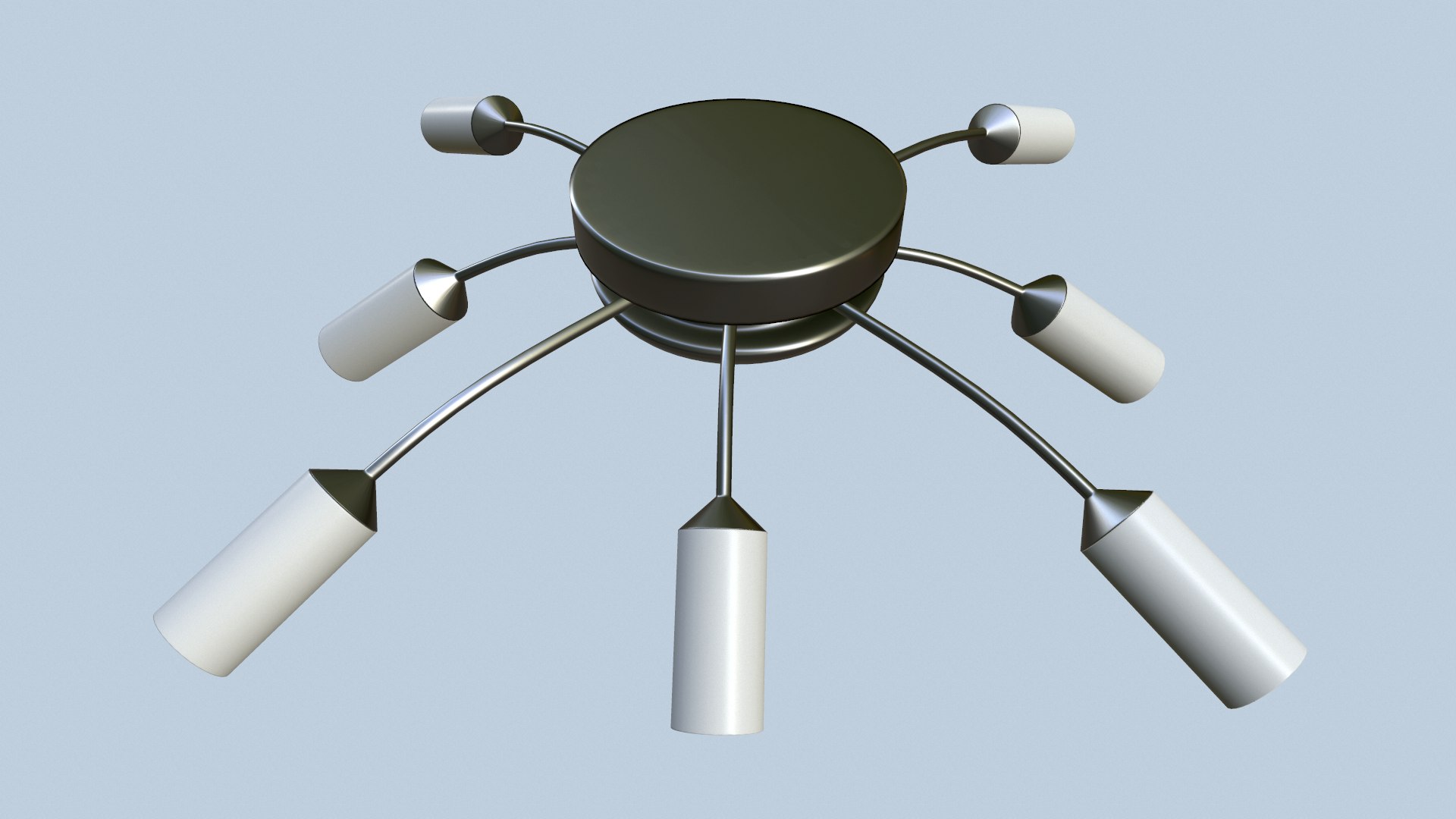
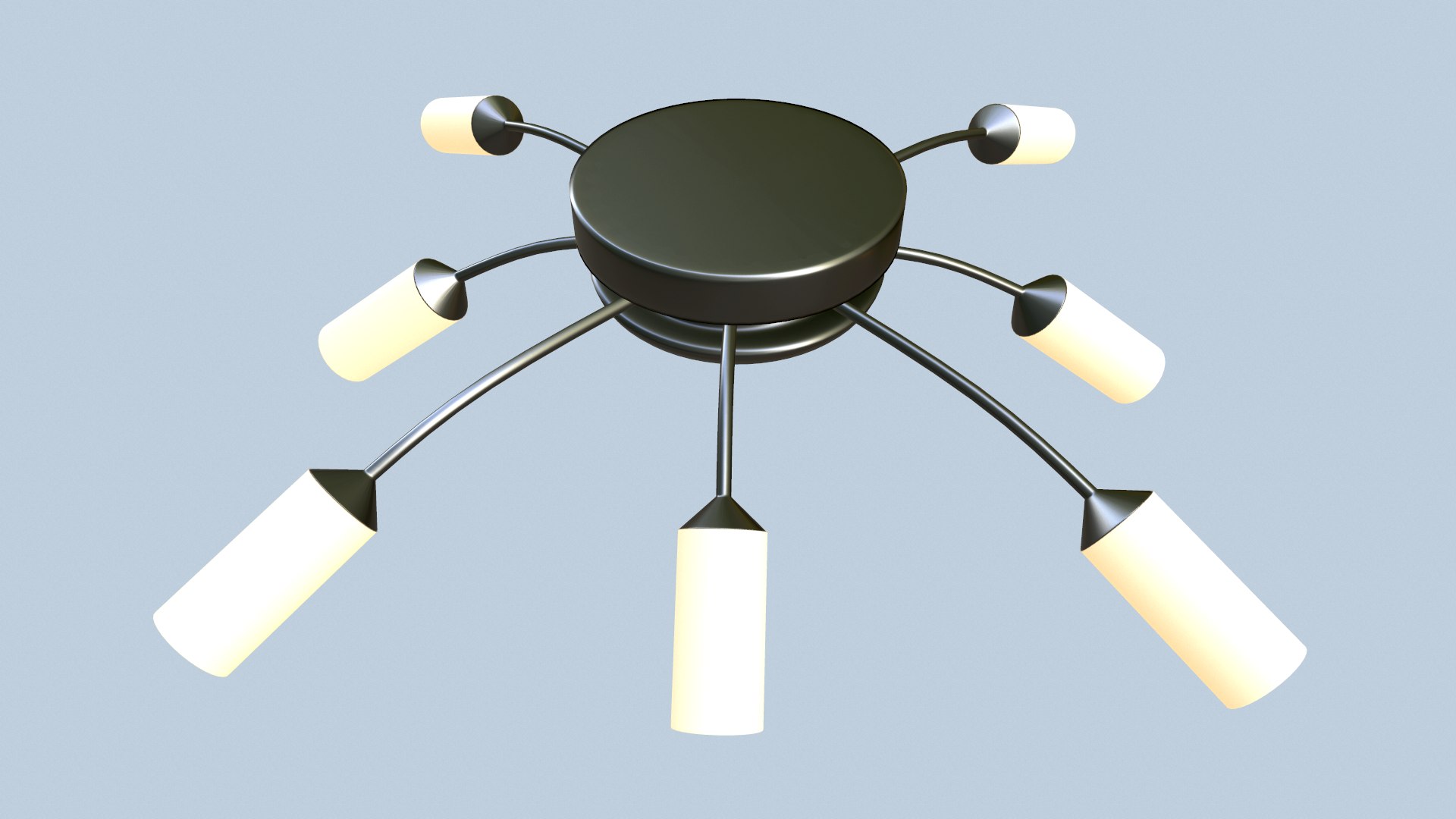
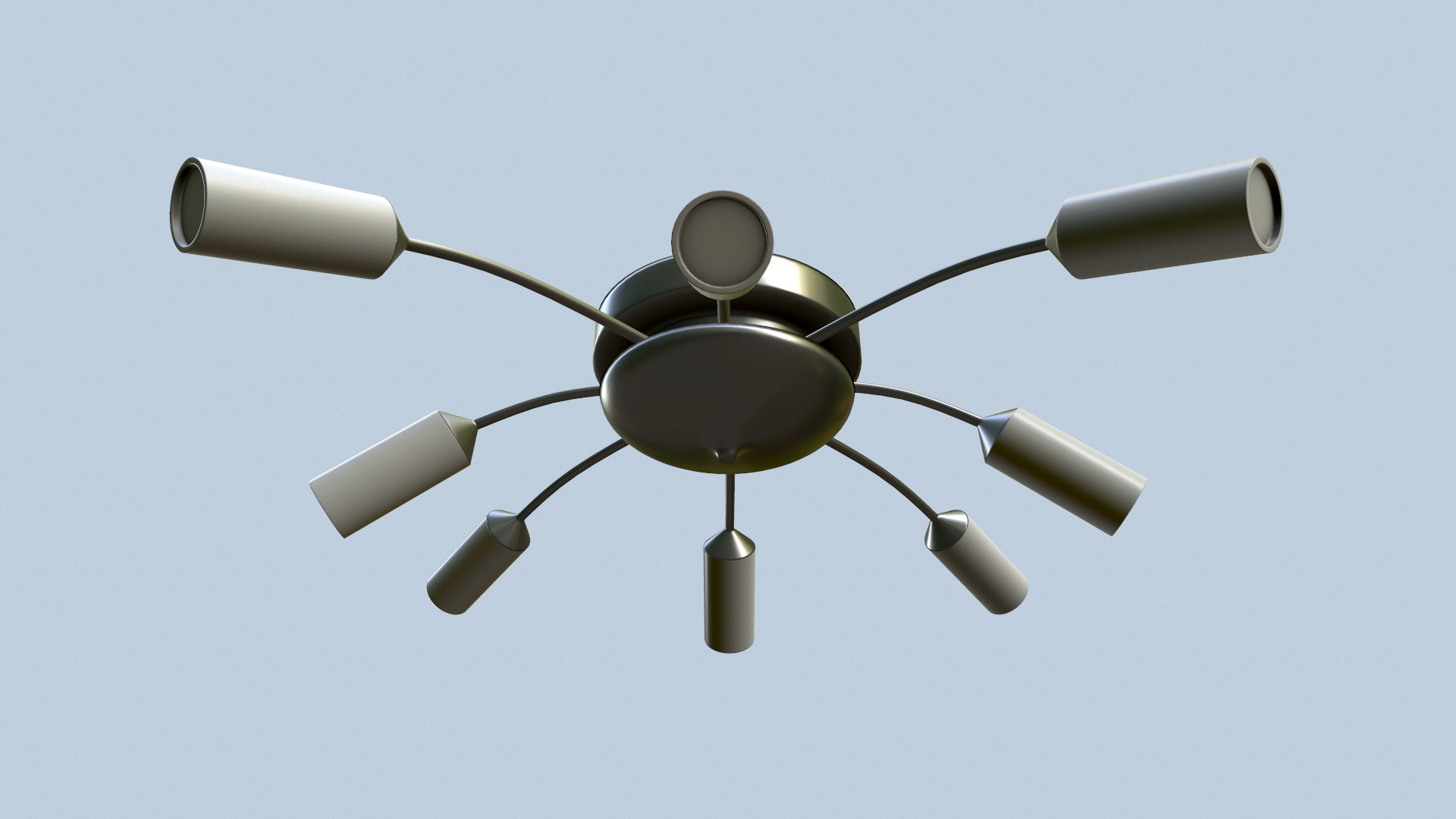
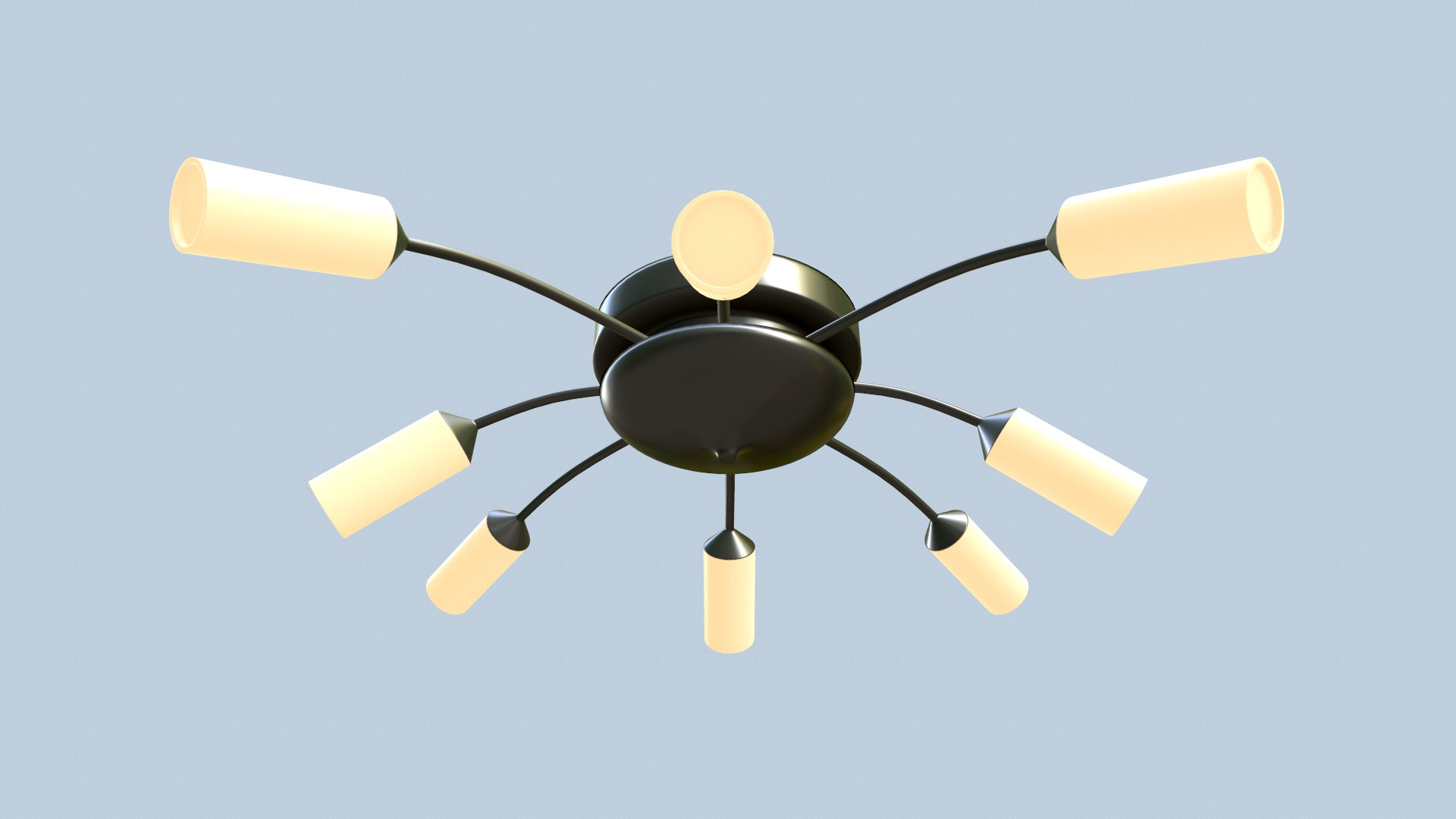
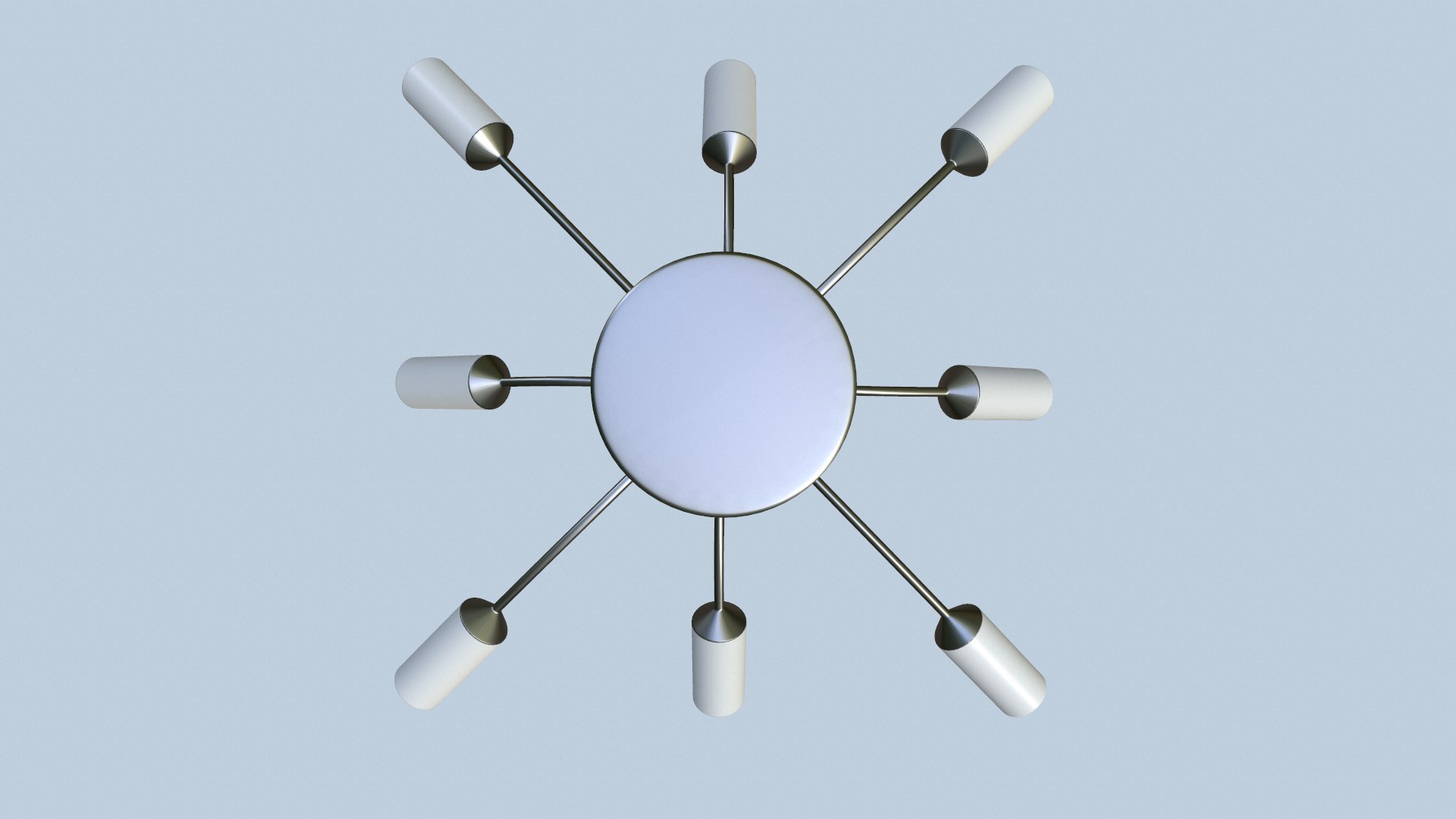
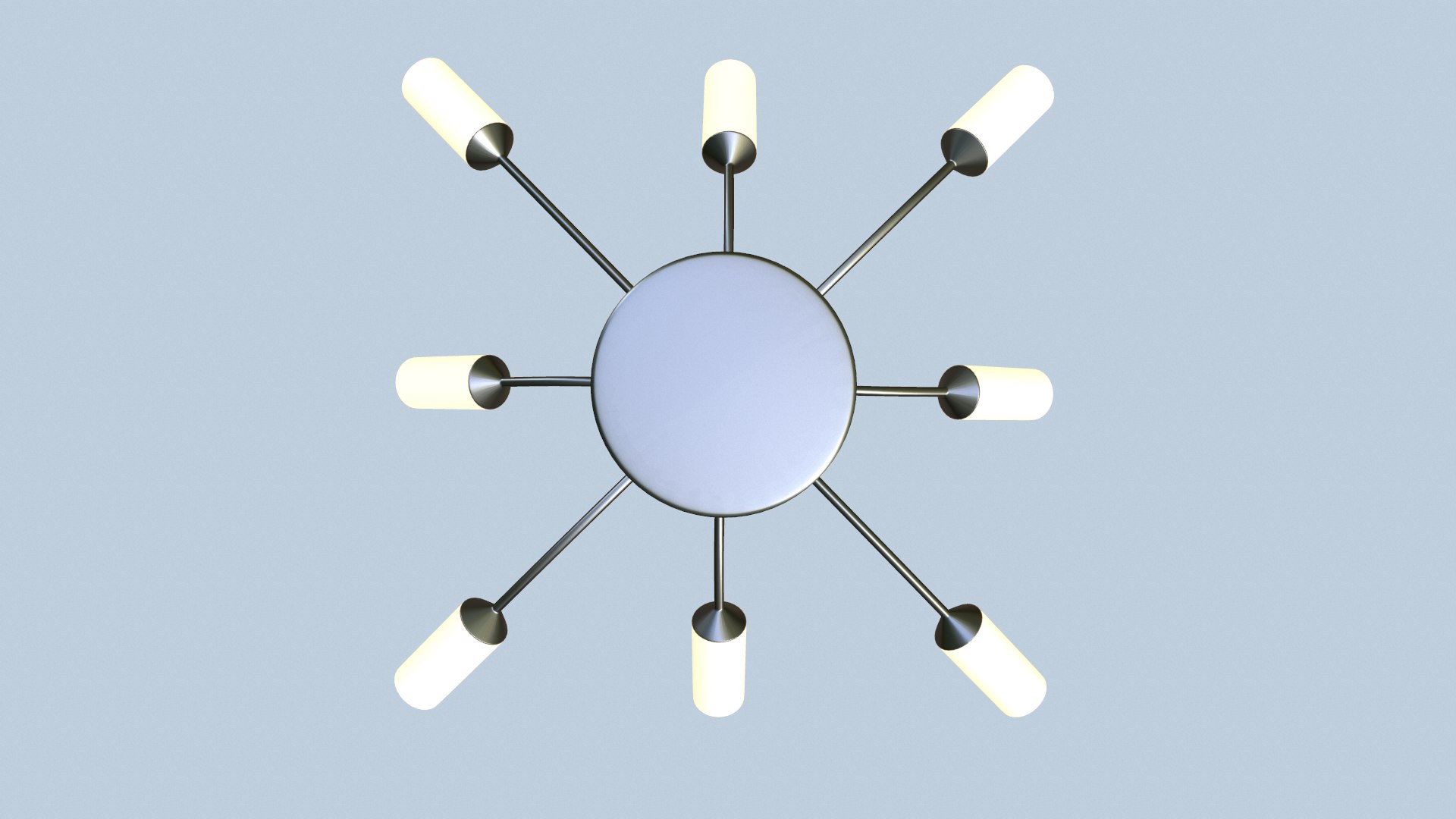
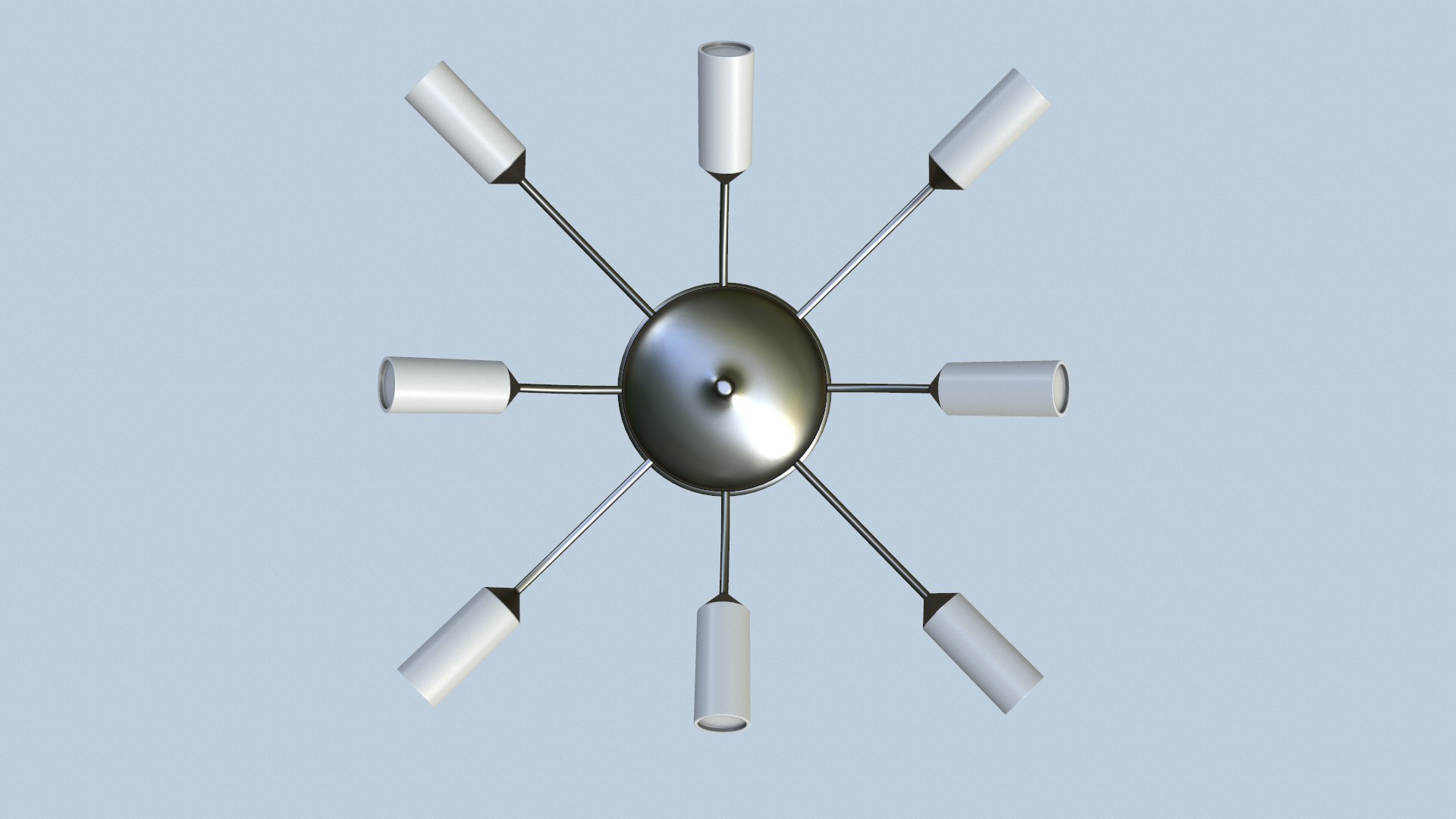
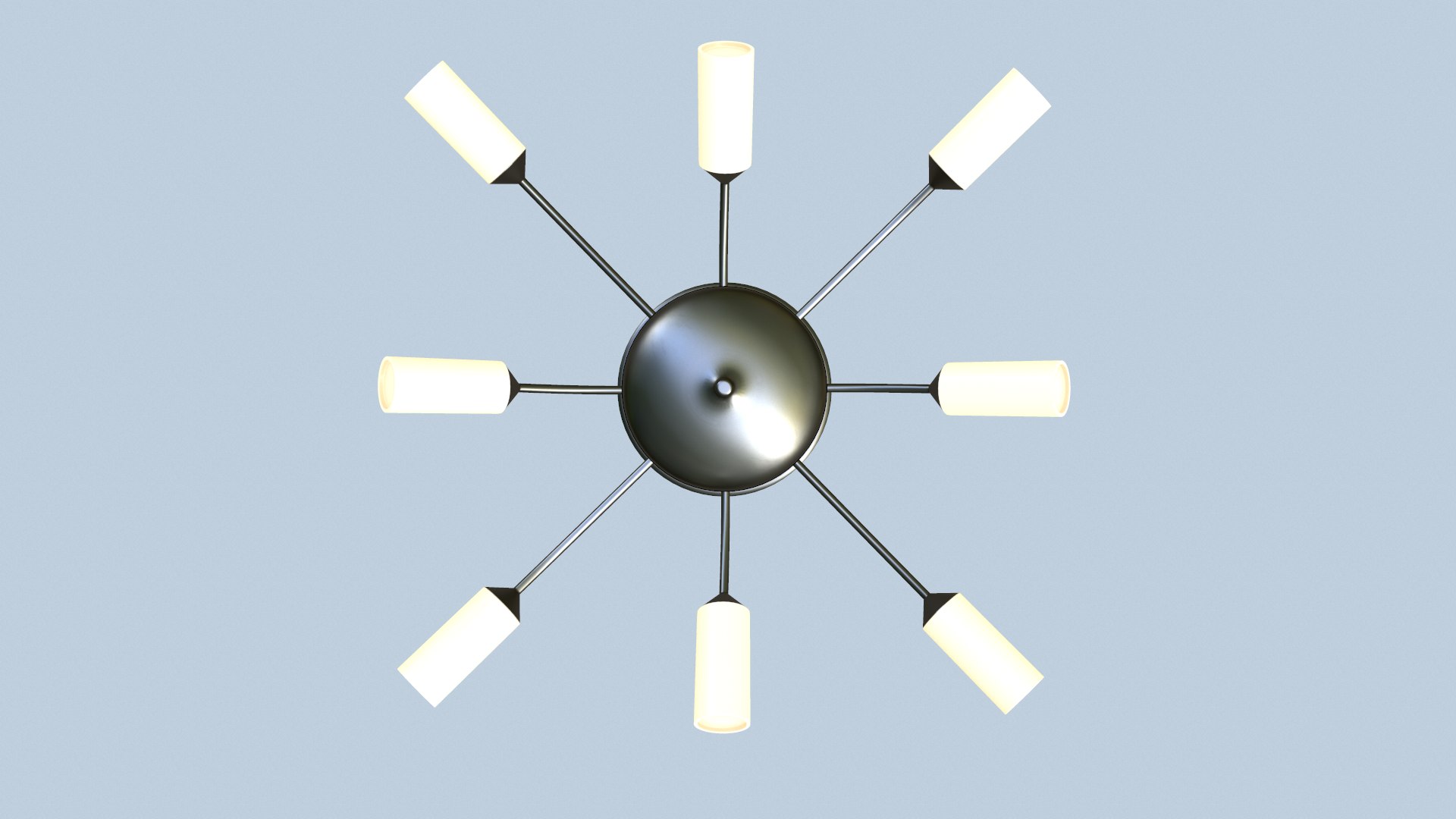
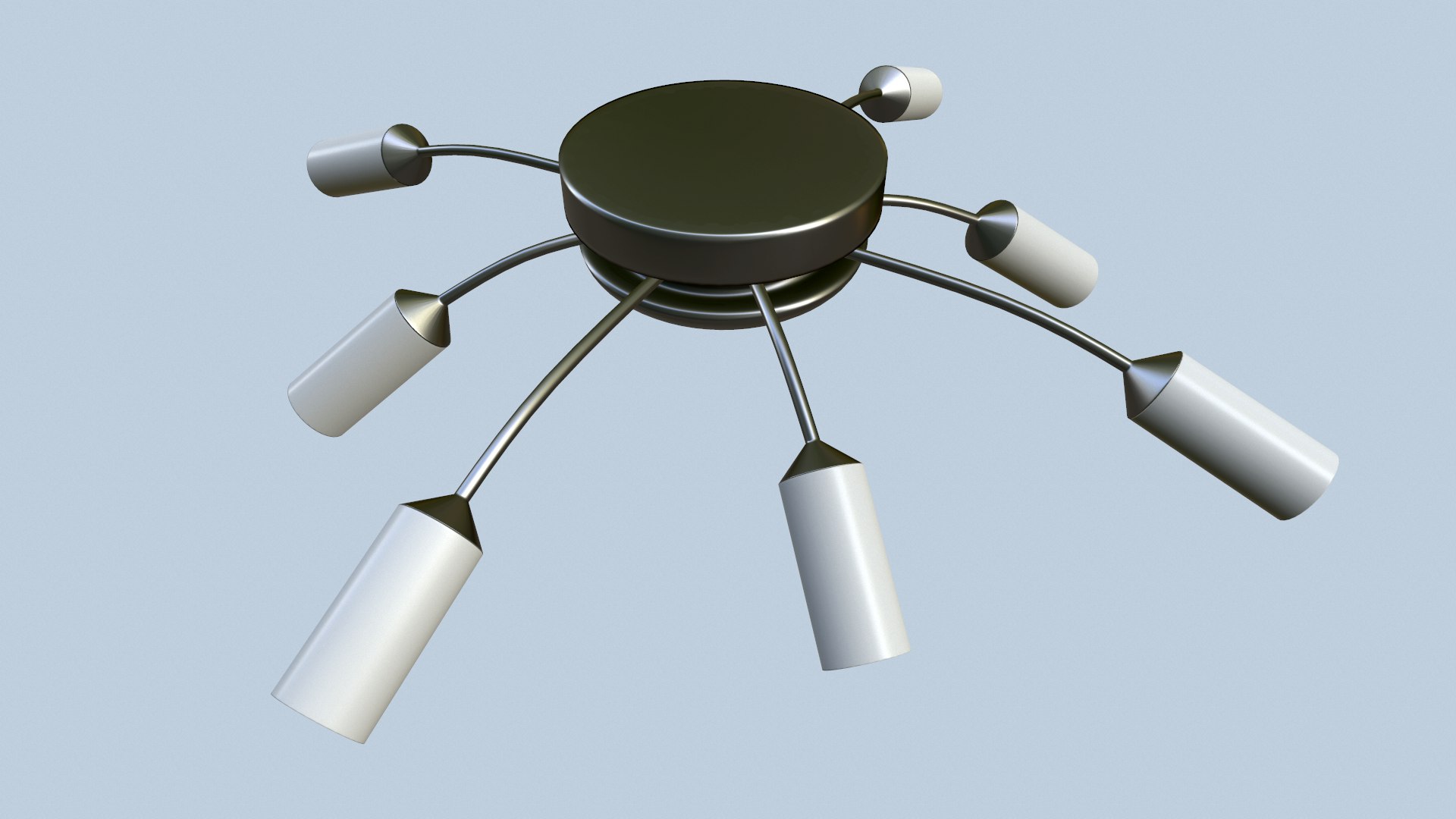
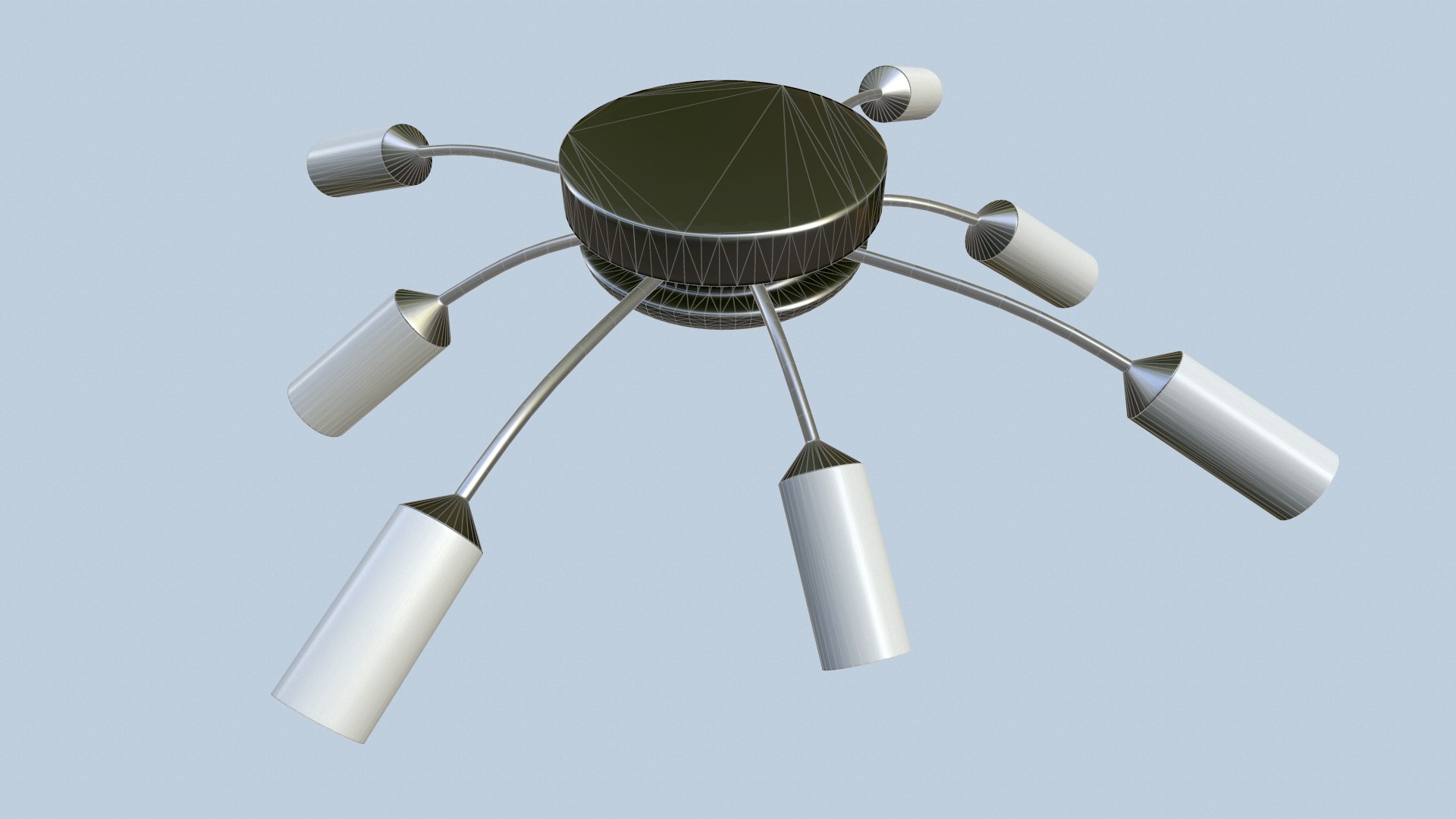
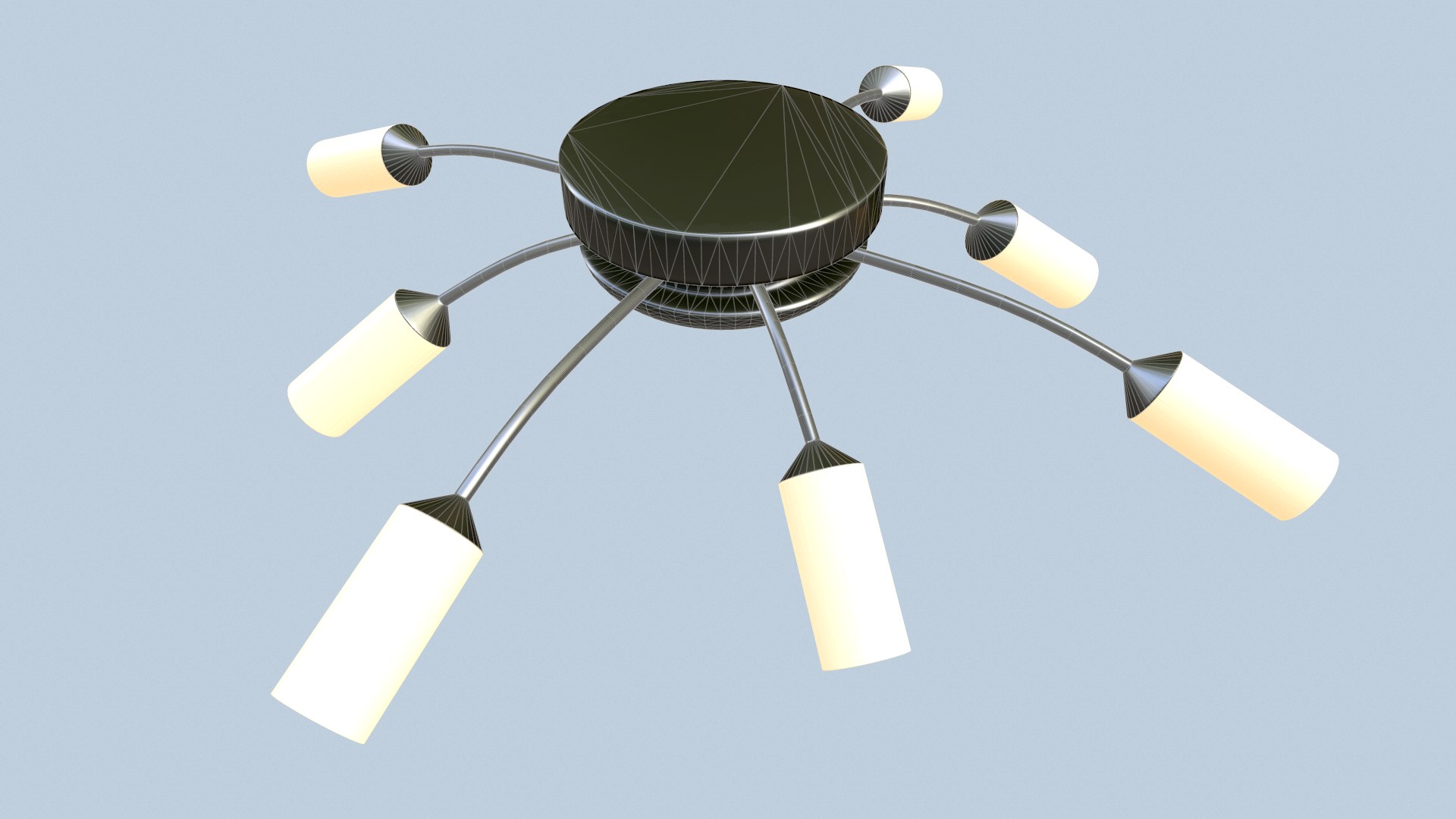
Chandelier

$5

Standard License | Upgrade License
Formats (1)
FBX
Specifications
Publish Date February 07, 2019
Product ID 1375948
Polygons 9,324
Vertices 4,490
Polygonal Tris Only
Textures
Materials
UV Mapped
Non-overlapping Unwrapped UVs
PBR
member avatar
NikiYani
204 Products | Contributor Since 2018
Have questions? Chat with us now.

Description

Textures (2048x2048):

1) Base color
2) Metalness
3) Roughness
4) Normal
5) AO
6) Emission

=============================================================================================================================

+READY FOR UNITY!!!

1) Albedo
2) MetallicSmoothness
3) Normal
4) AO
5) Emission

=============================================================================================================================

+READY FOR UNREAL ENGINE!!!

1) Base Color
2) Normal
3) OcclusionRoughnessMetallic
4) Emission

=============================================================================================================================

LODs:

lod0 - 9324 tris,
lod1 - 6993 tris,
lod2 - 4661 tris,
lod3 - 2330 tris.

=============================================================================================================================

Formats:

1) .fbx
2) .png
3) .obj
4) .3ds
5) .dae
6) .stl

=============================================================================================================================

Software used:

1) Blender
2) Substance Painter
3) Marmoset Toolbag
4) CrazyBump

Select Enhanced License

  • $10,000 in Legal Protection (Indemnification)
  • Uncapped Legal Protection (Indemnification)
  • Waiver from injunctive relief
  • Assignable model rights
  • $1,000,000 in Legal Protection (Indemnification)
  • Waiver from injunctive relief
  • Assignable model rights
  • $250,000 in Legal Protection (Indemnification)
  • Assignable model rights
Read more about enhanced license tiers, or contact us at enterprise@turbosquid.com. Already a Shutterstock Enterprise Customer? Contact your Shutterstock Sales Support Agent to talk about adding 3D.

About Conversion Requests

To submit a conversion request for a purchased asset, please complete our Conversion Request Form.

If you have not yet purchased a model, please review our Documentation about Conversions to learn about what limitations you may encounter with a conversion.

For any additional questions about a model’s suitability for conversion, please contact TurboSquid Support.

Loading...