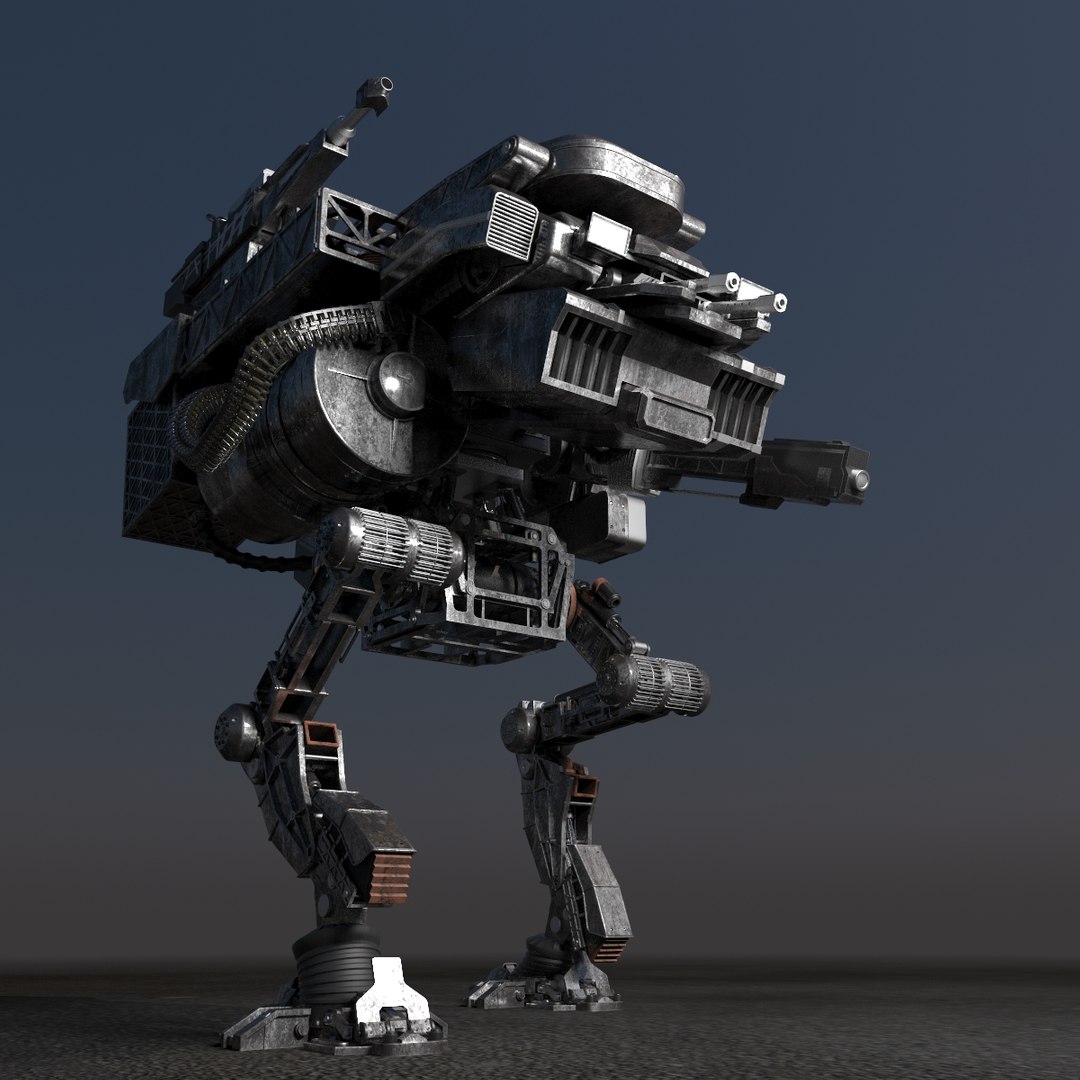
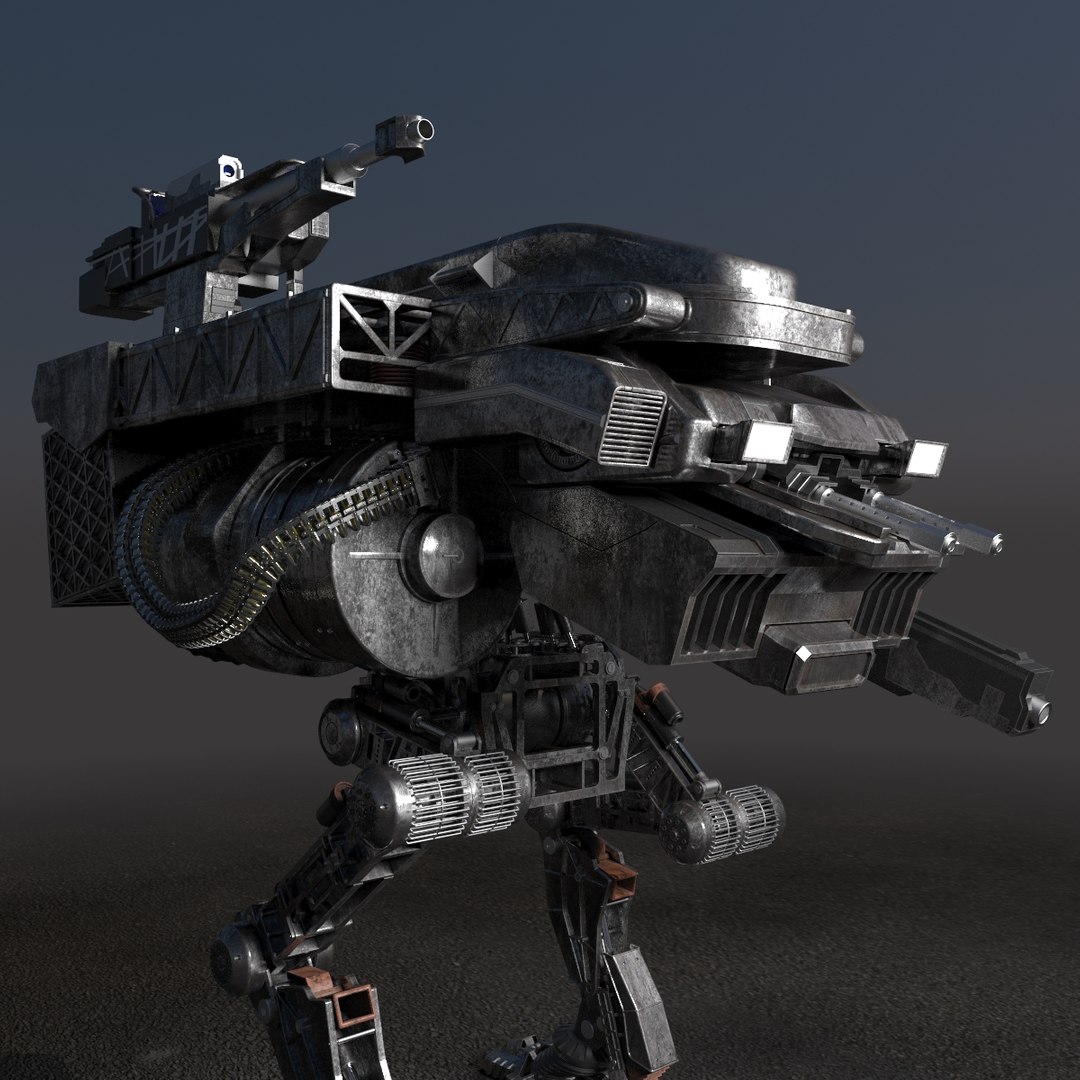
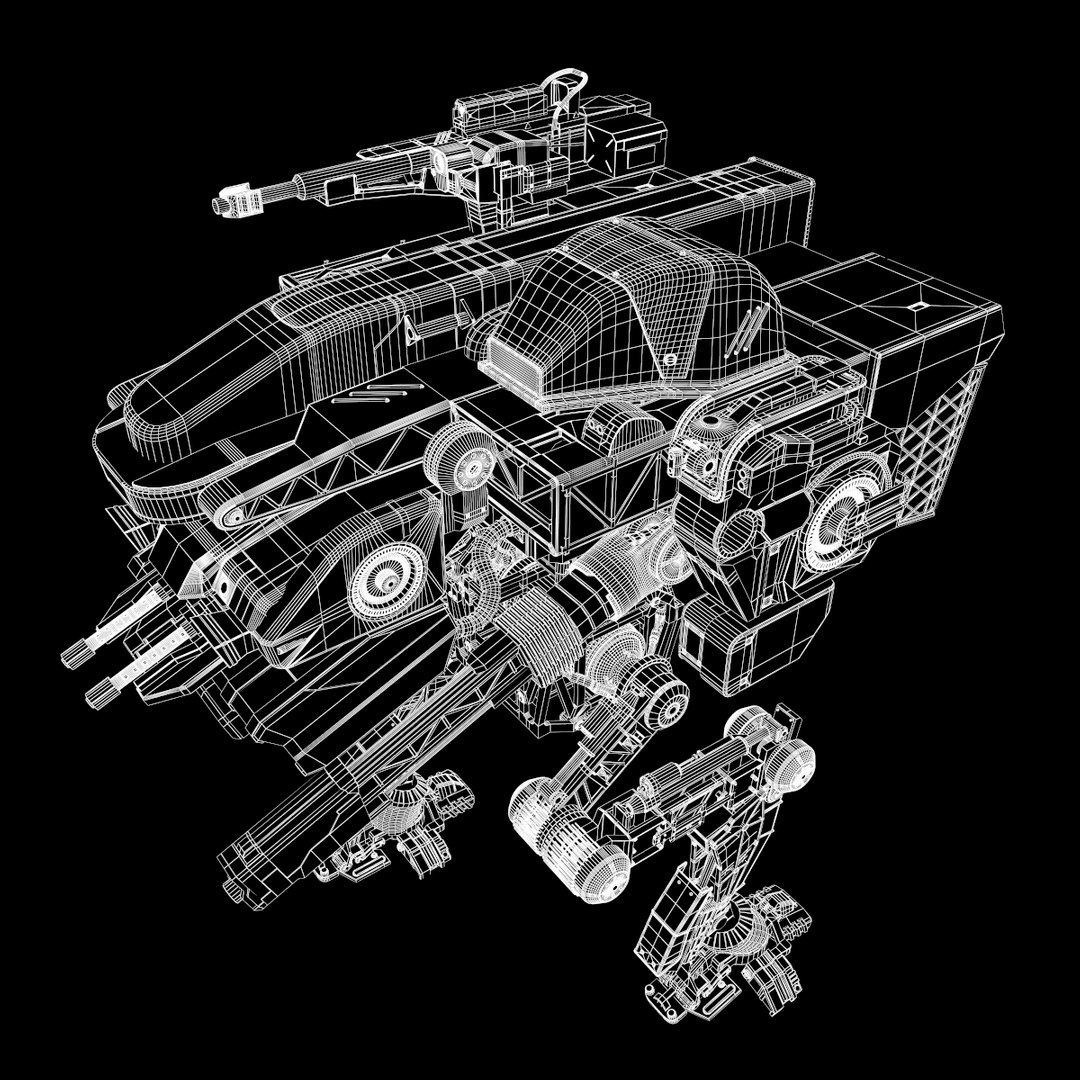
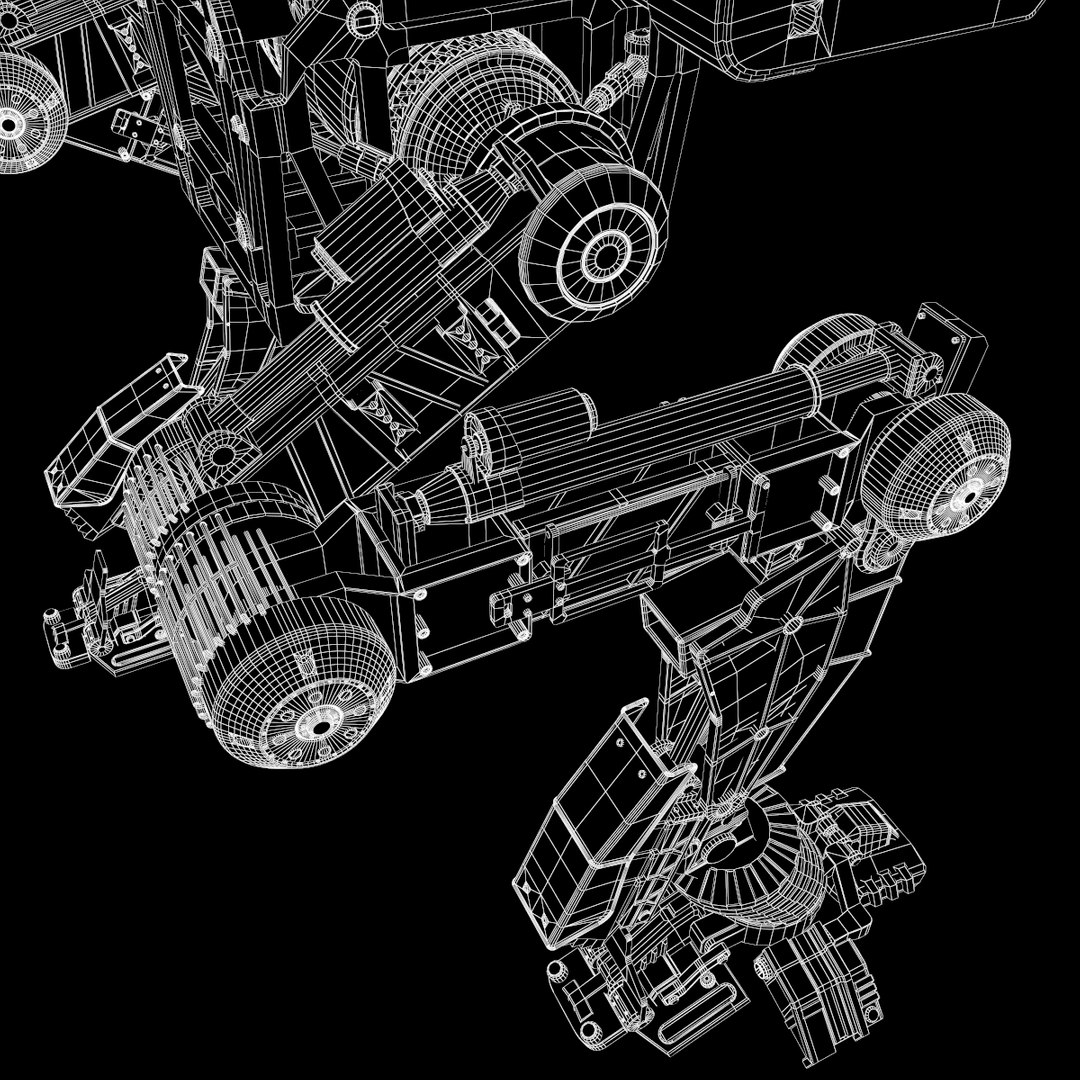
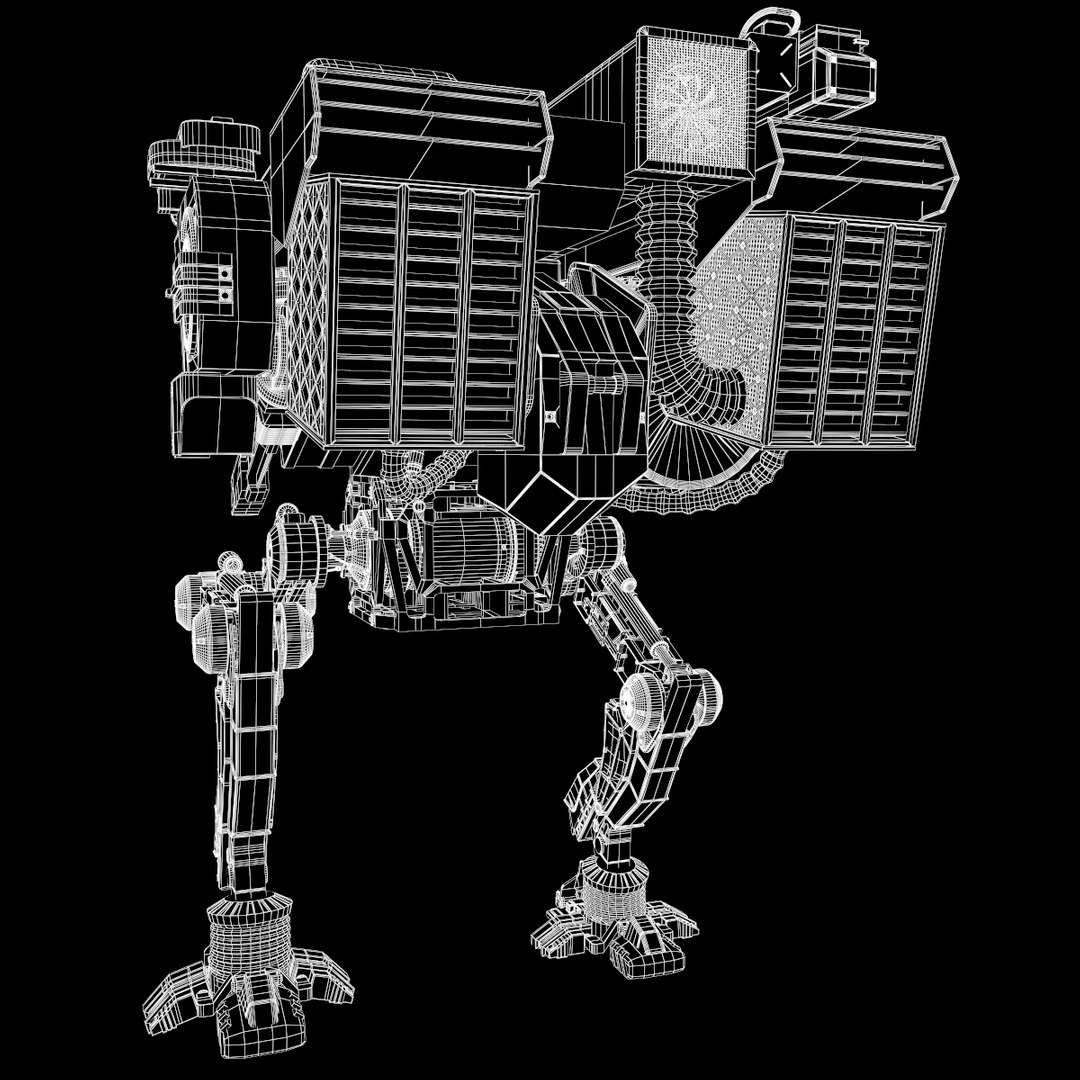
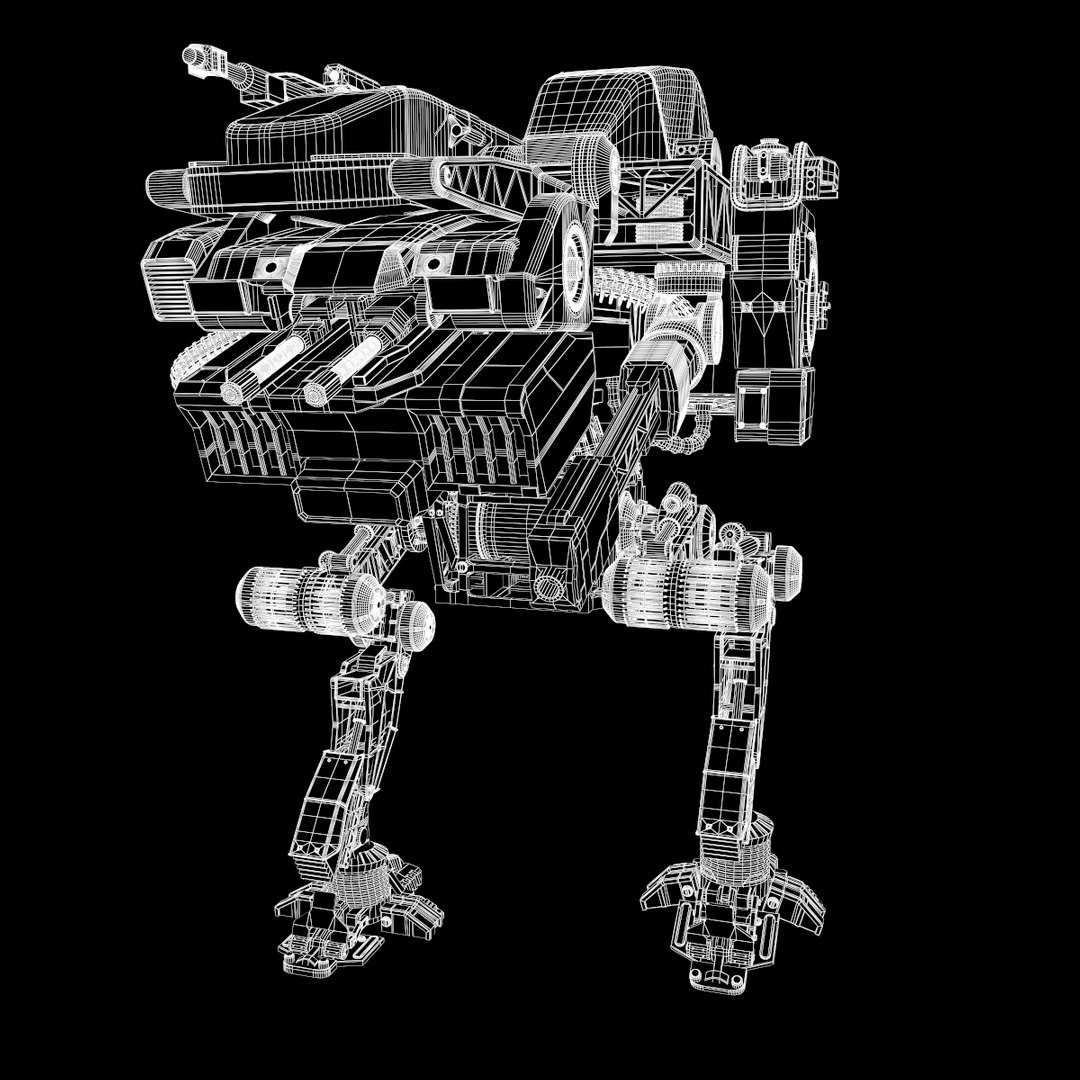
Robot de mech

$59

Standard License | Upgrade License
Editorial Uses Only
Formats (10)
Free file format Conversions available
Native | 3ds Max 2014 | V-Ray 3.4
3ds Max 2011 | V-Ray 3.4
Cinema 4D - | Default Scanline
Maya 2016 | Default Scanline
Rhino
FBX
OBJ
Specifications
Publish Date February 14, 2017
Product ID 1123429
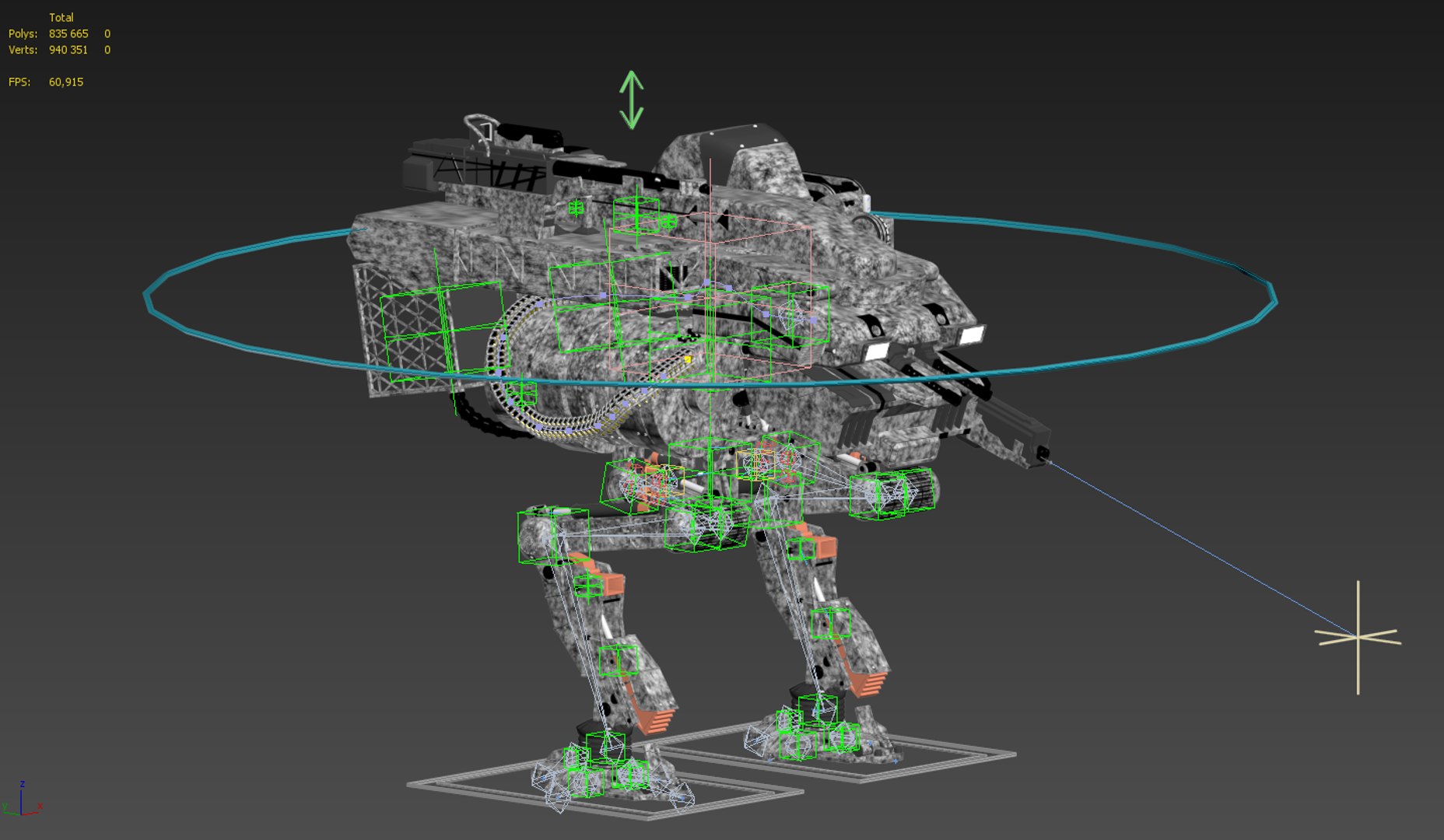
Polygons 835,665
Vertices 940,351
Polygonal Quads/Tris Geometry
Textures
Materials
UV Mapped
Mixed Unwrapped UVs
Rigged
Animated
member avatar
OMG3D
130 Products | Contributor Since 2016
Have questions? Chat with us now.

Description

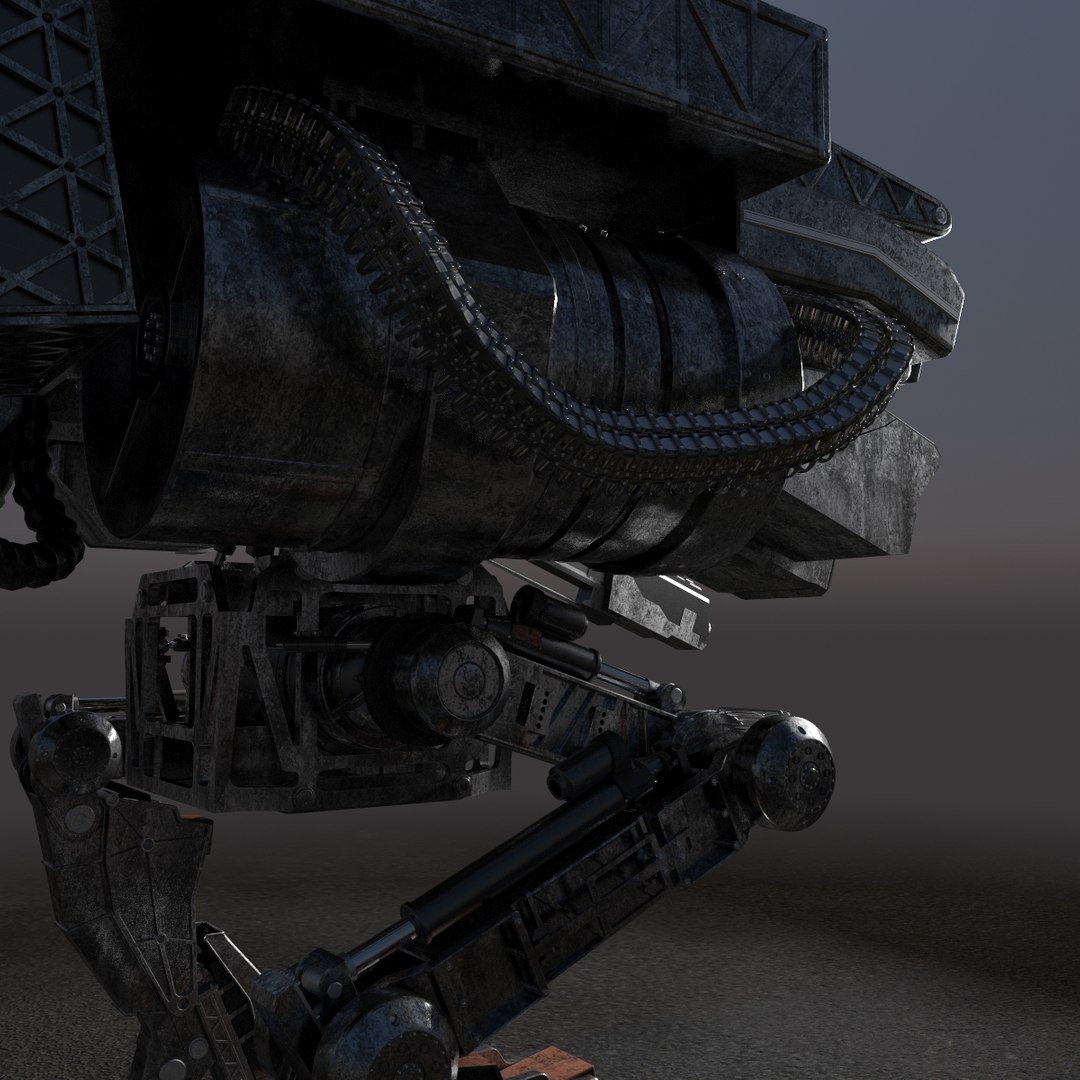
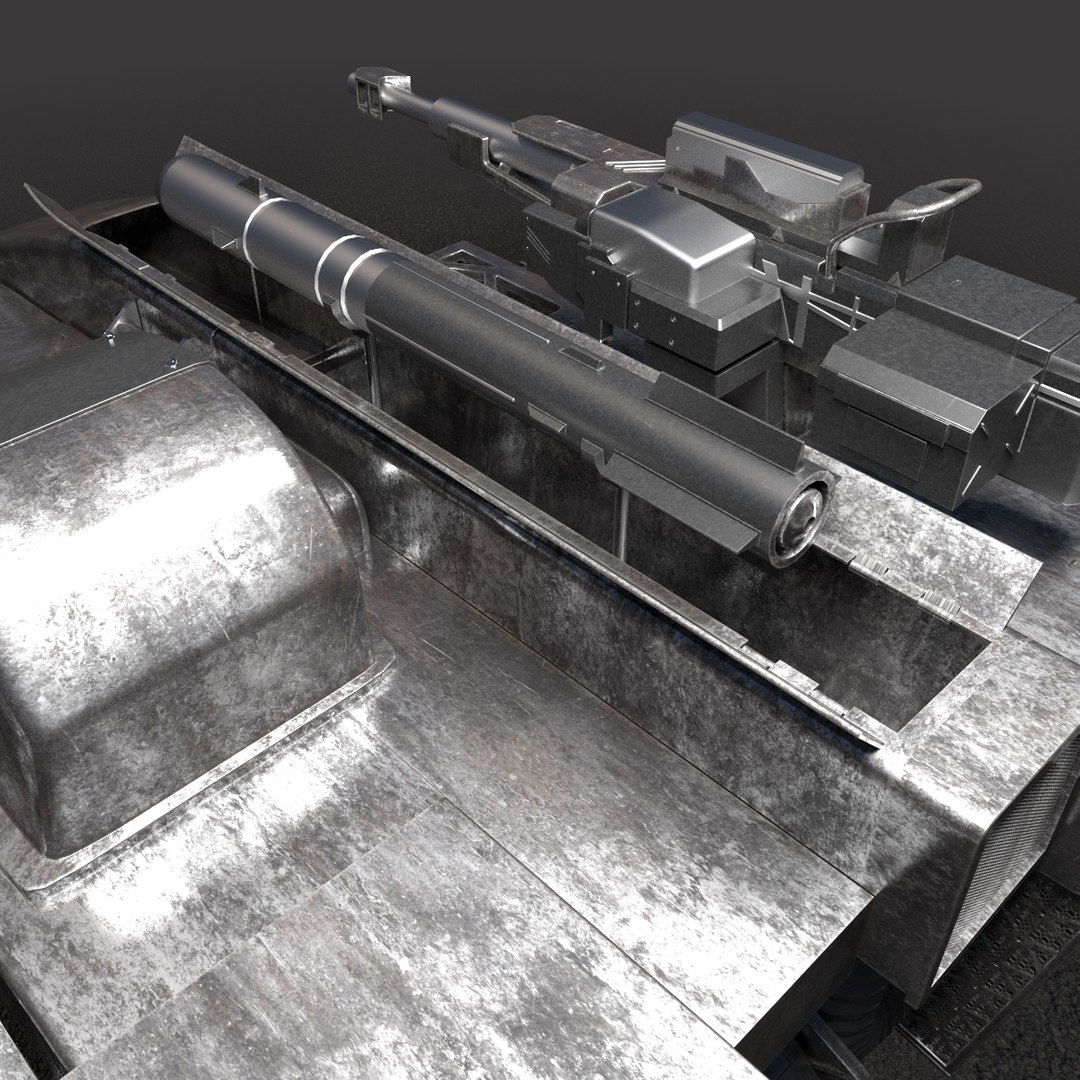
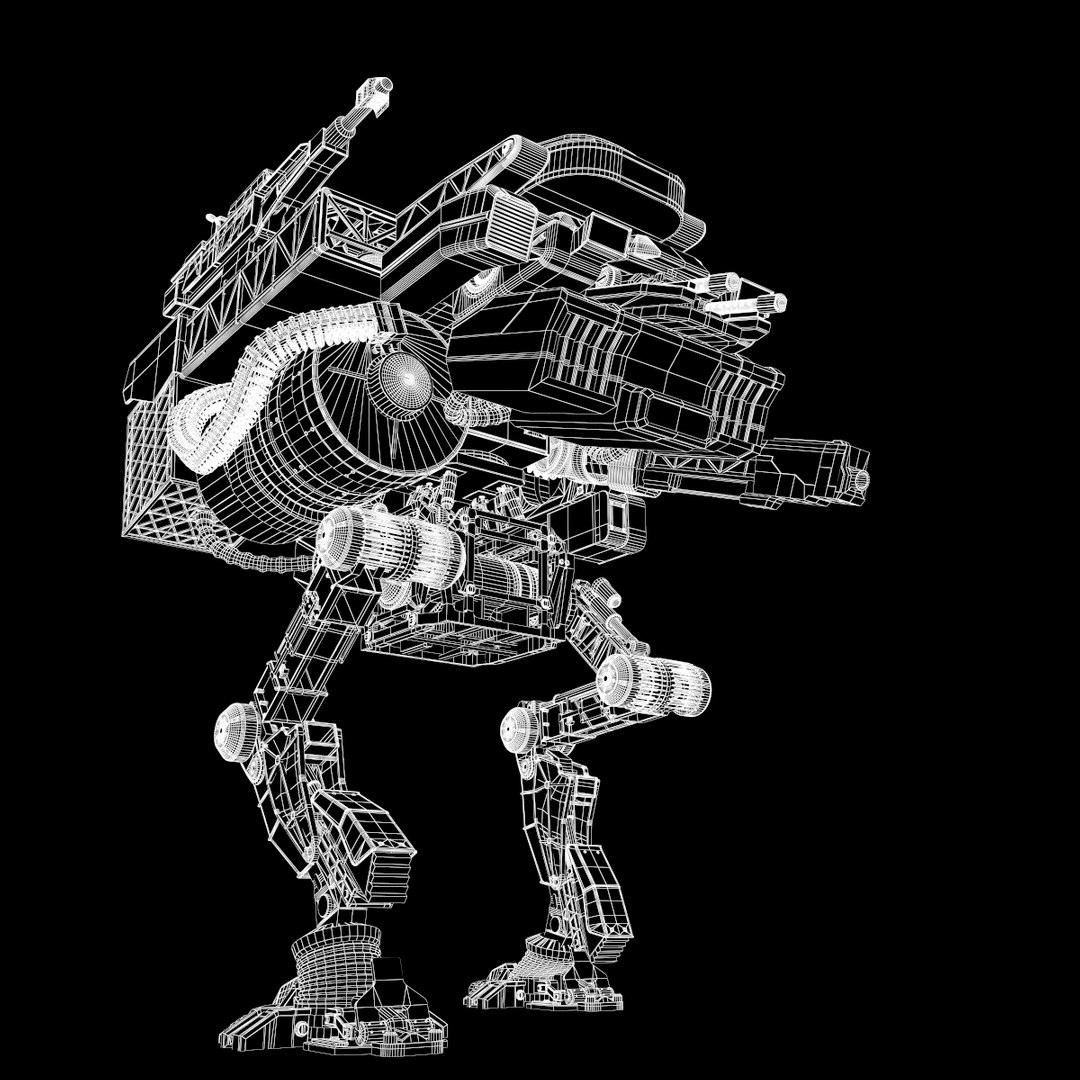
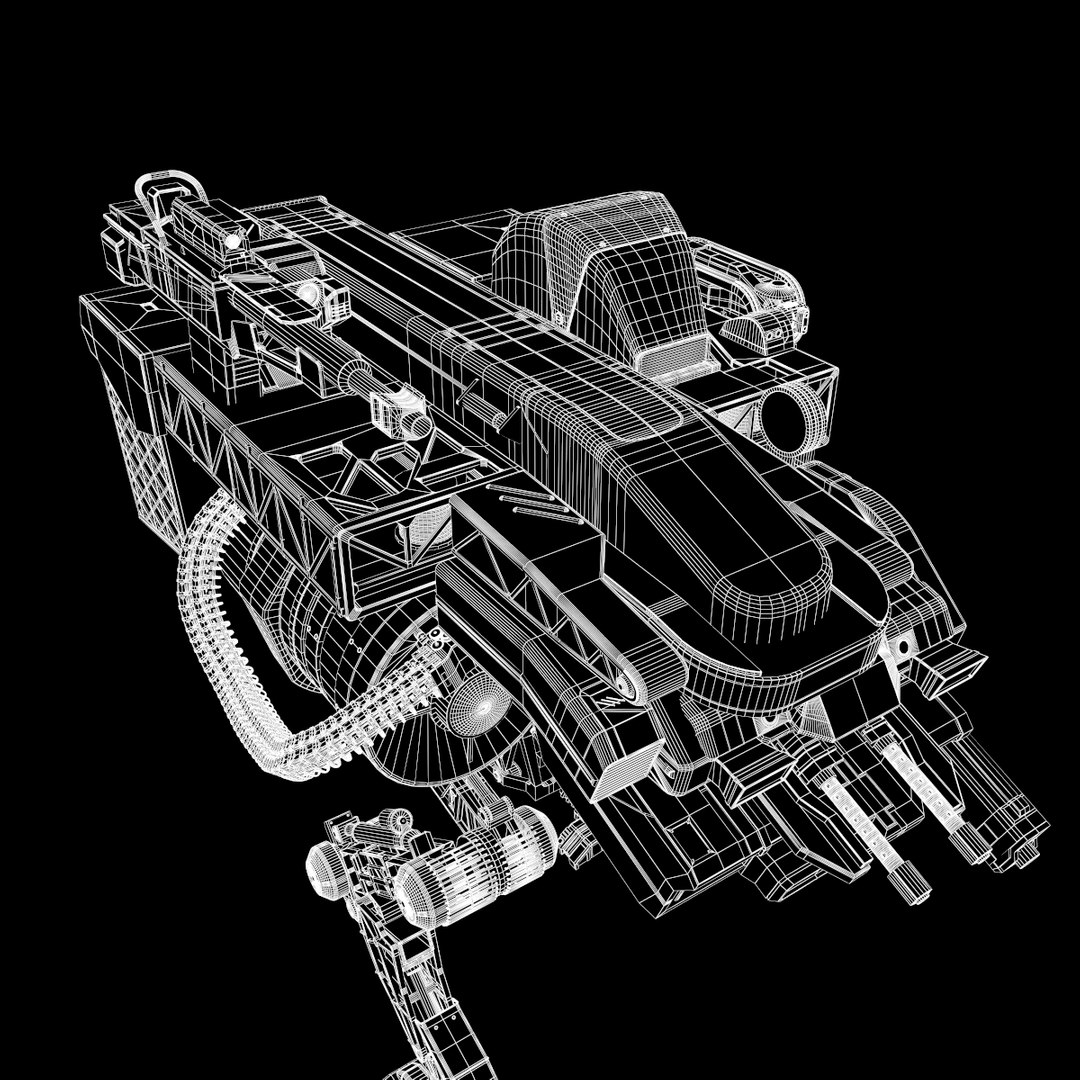
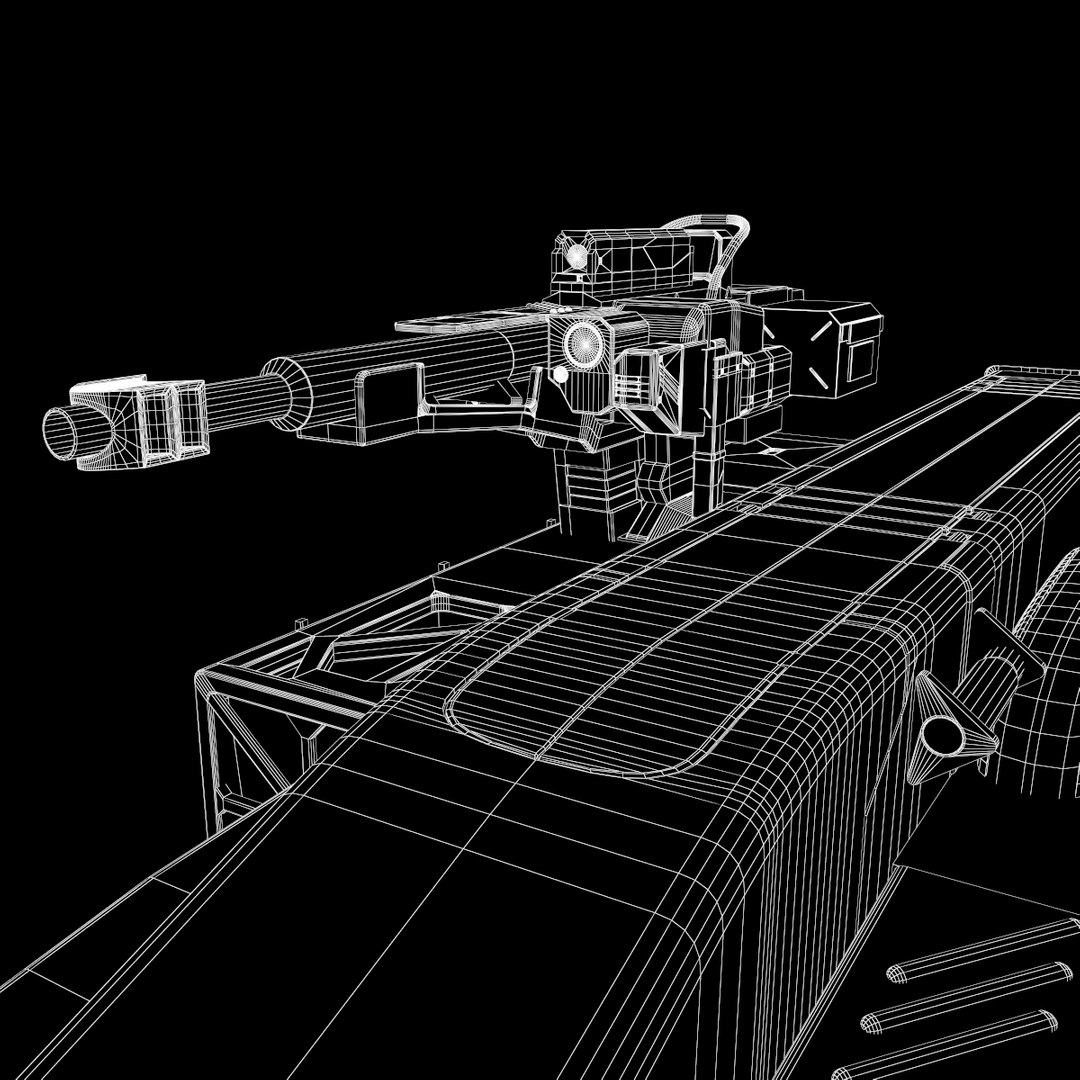
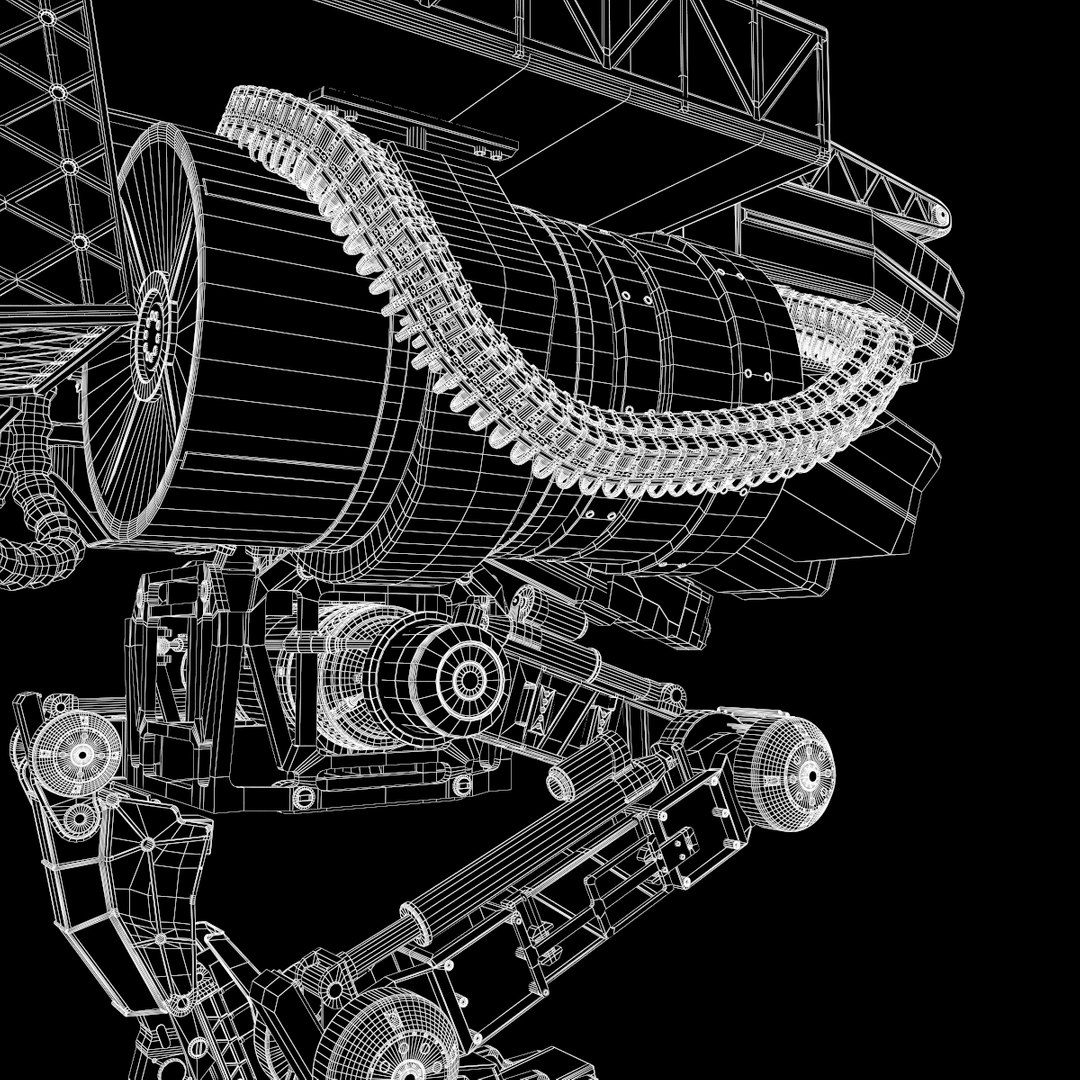
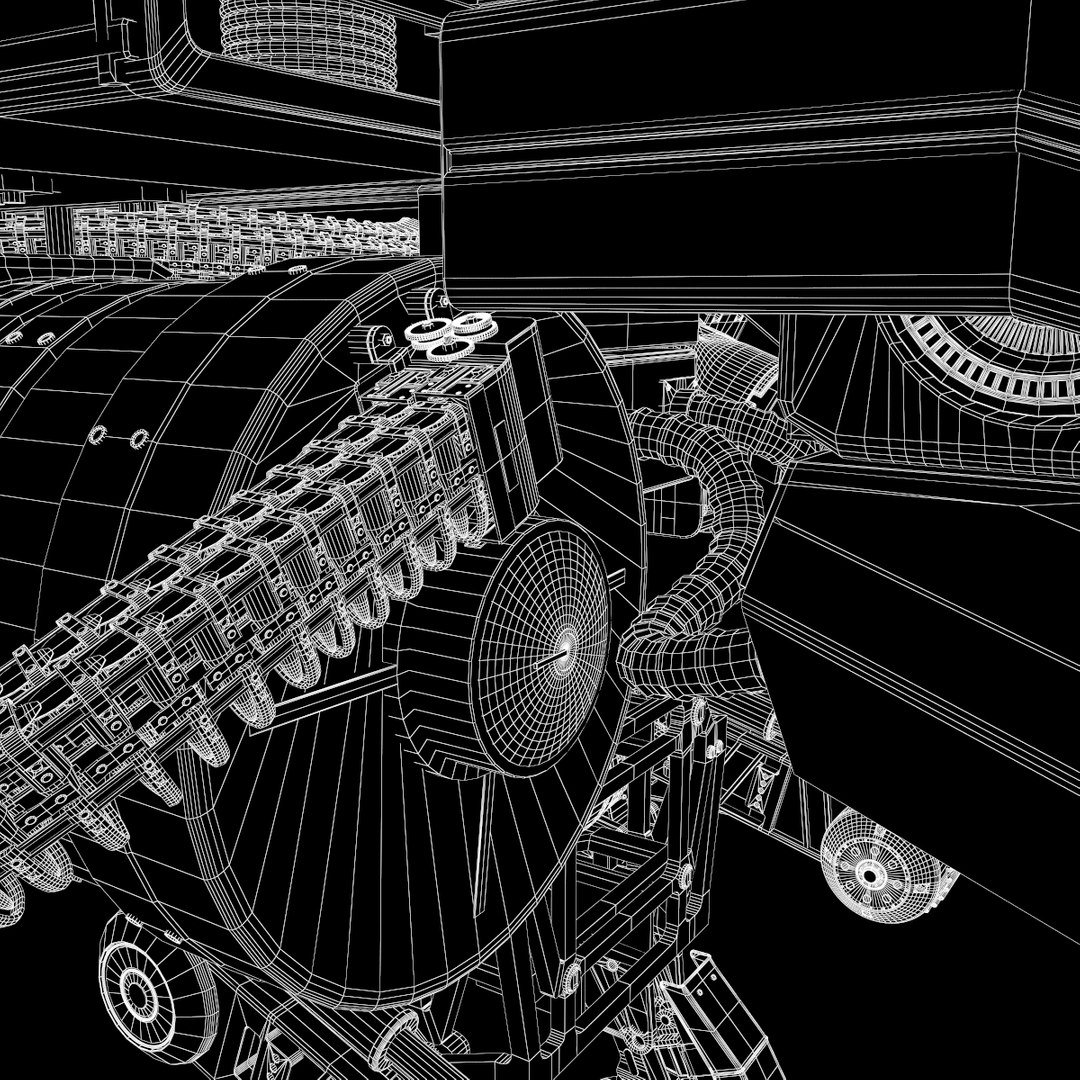
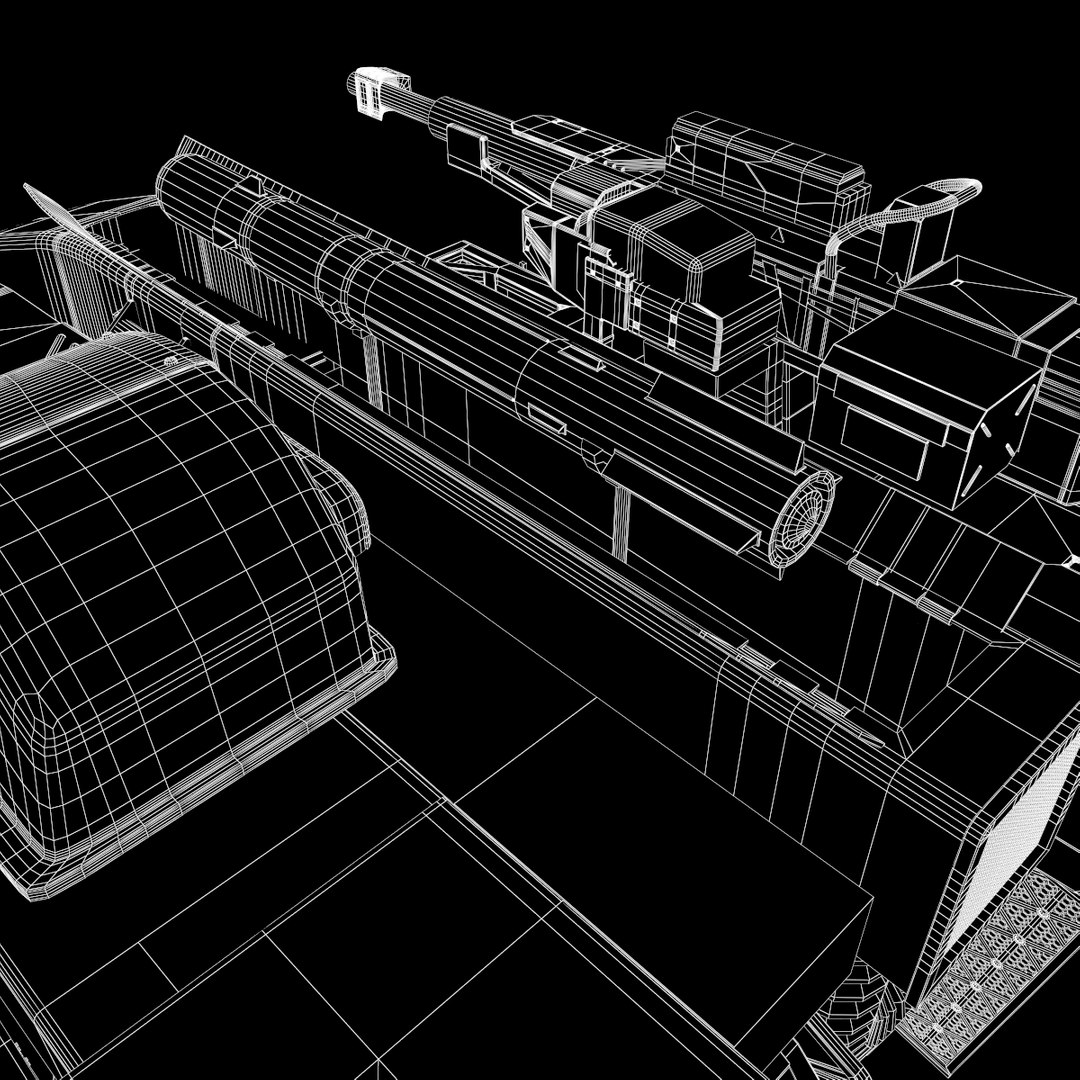
High detailed model of the Robot de mech

Animation details specified Frame length 10 - 100 cycle walking

Including formats:
3dmax 2014,max2011, obj,fbx,3ds,lwo,xsi,c4d.
Additional formats have been received from file OBJ.
PolyCount:
1) all Model: 835 665 polygon
2) only ammunition: 371 076 polygon, ammunition cartridges for high-quality images close
3) the robot can be used without ammunition, is a fast option: 464 531 polygon


-Bones rigging included, Inverse kinematics.
-objects have names
-objects have layers
-objects are highlighted stack
-materials in a named object multisub
-textures included 24 files.

All of our models was made on the 3dsmax 2014, and we are able to provide uncollapsed modifier stack only for the 3dsmax, the other file formats do not have turbosmooth modifier, so that you can use in another program a meshsmooth.

Appreciate the time and trouble!

If you are satisfied with the model, place the rating, it is REALY IMPORTANT!

Thank you for buying OMG3D models

Select Enhanced License

  • $10,000 in Legal Protection (Indemnification)
  • Uncapped Legal Protection (Indemnification)
  • Waiver from injunctive relief
  • Assignable model rights
  • $1,000,000 in Legal Protection (Indemnification)
  • Waiver from injunctive relief
  • Assignable model rights
  • $250,000 in Legal Protection (Indemnification)
  • Assignable model rights
Read more about enhanced license tiers, or contact us at enterprise@turbosquid.com. Already a Shutterstock Enterprise Customer? Contact your Shutterstock Sales Support Agent to talk about adding 3D.

About Conversion Requests

To submit a conversion request for a purchased asset, please complete our Conversion Request Form.

If you have not yet purchased a model, please review our Documentation about Conversions to learn about what limitations you may encounter with a conversion.

For any additional questions about a model’s suitability for conversion, please contact TurboSquid Support.

Loading...