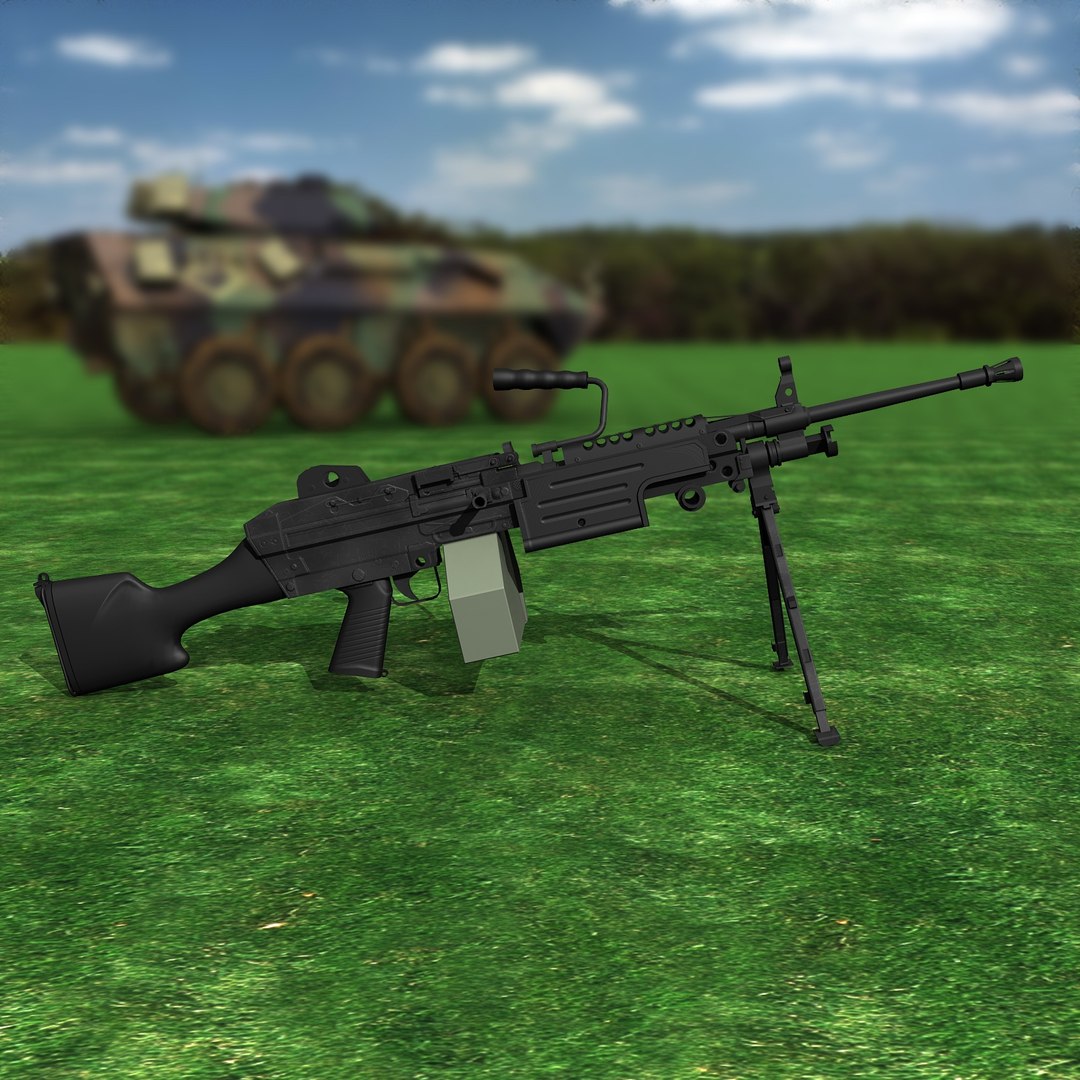
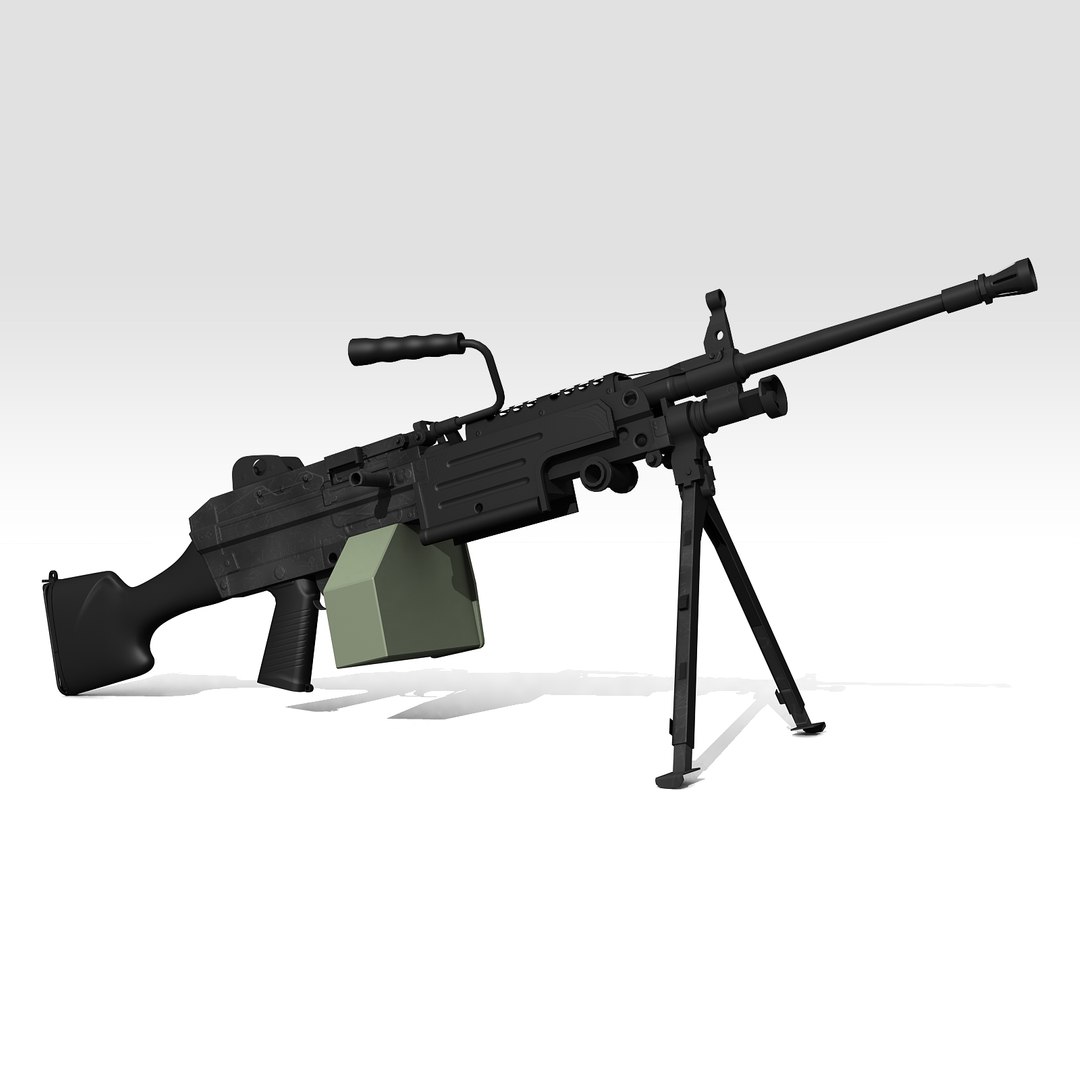
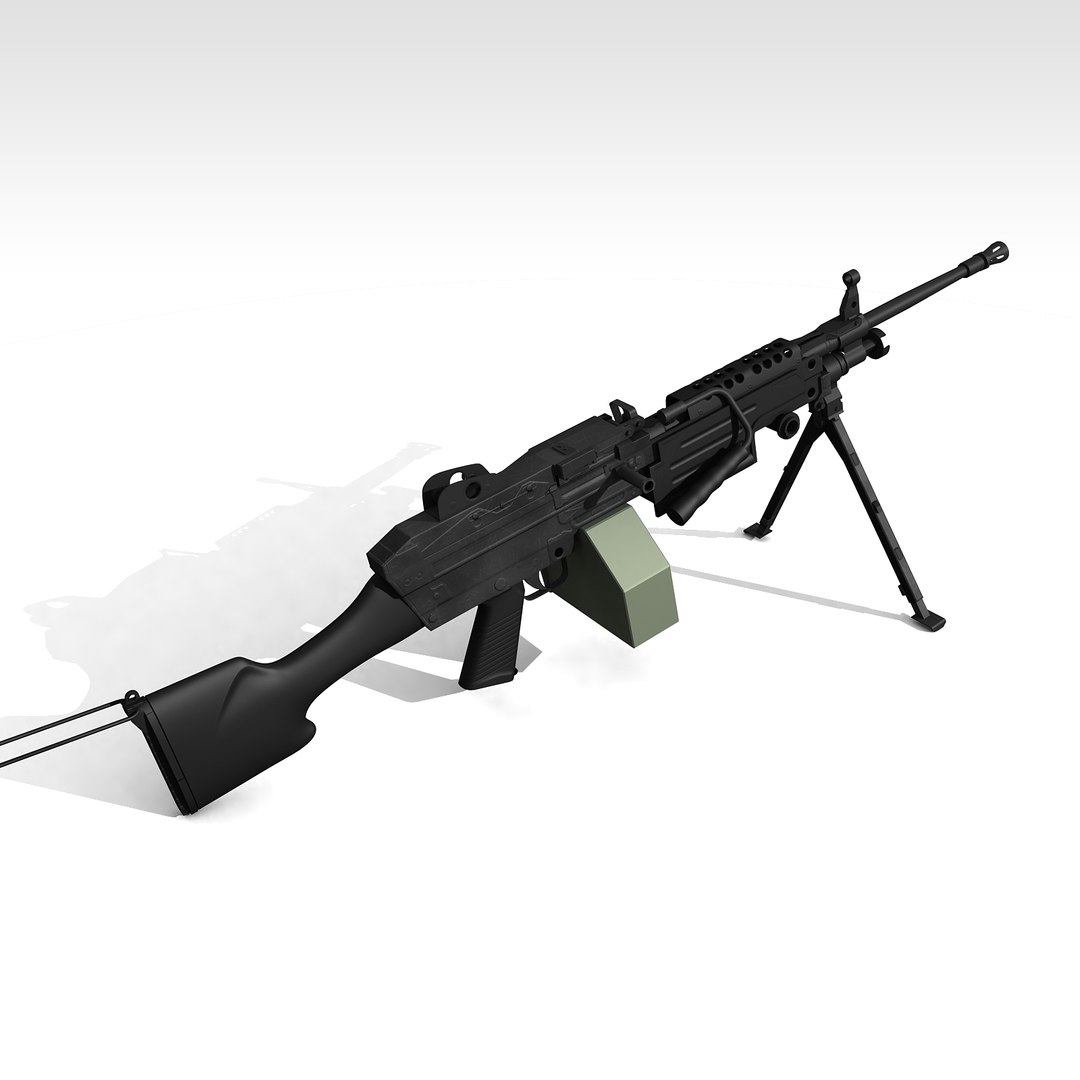
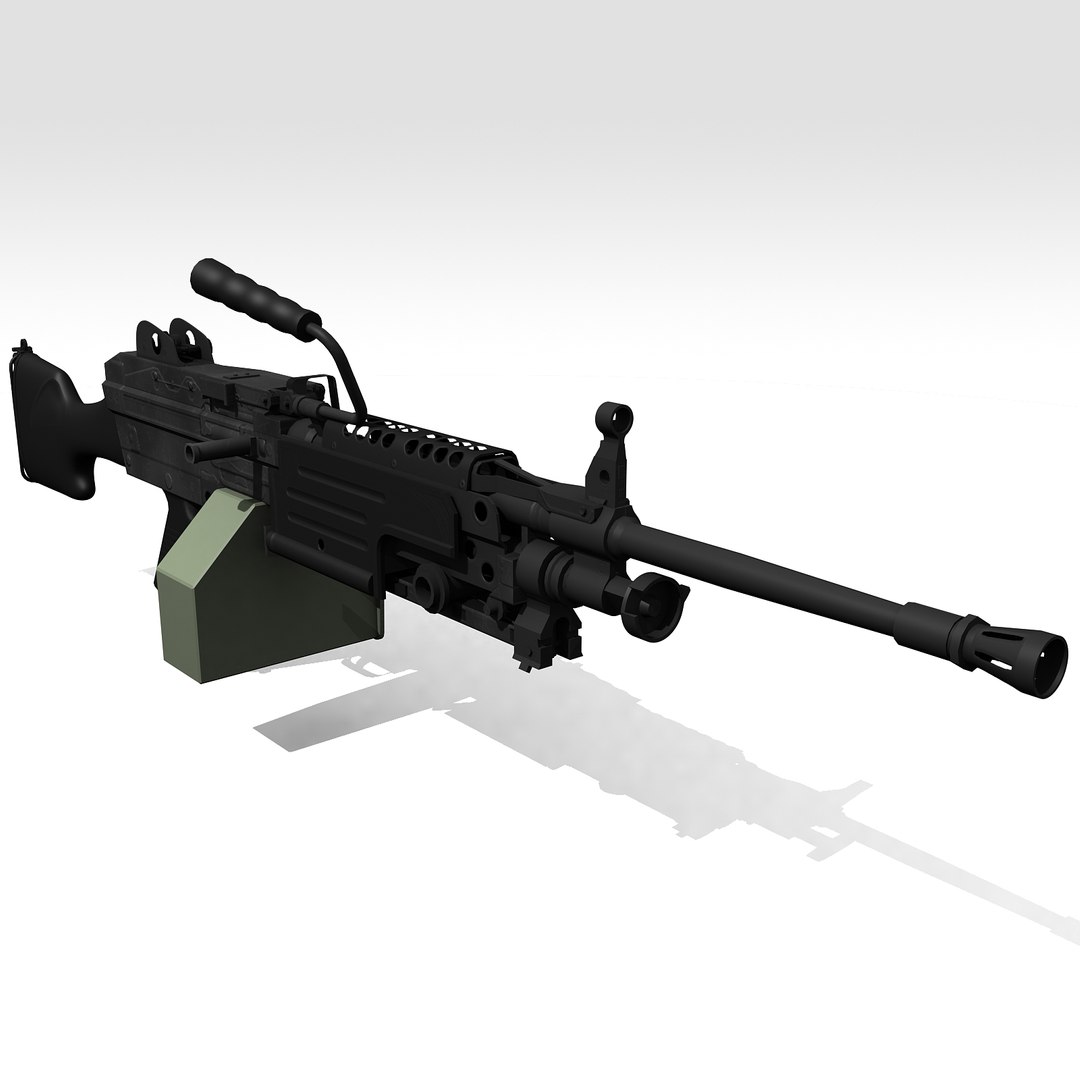
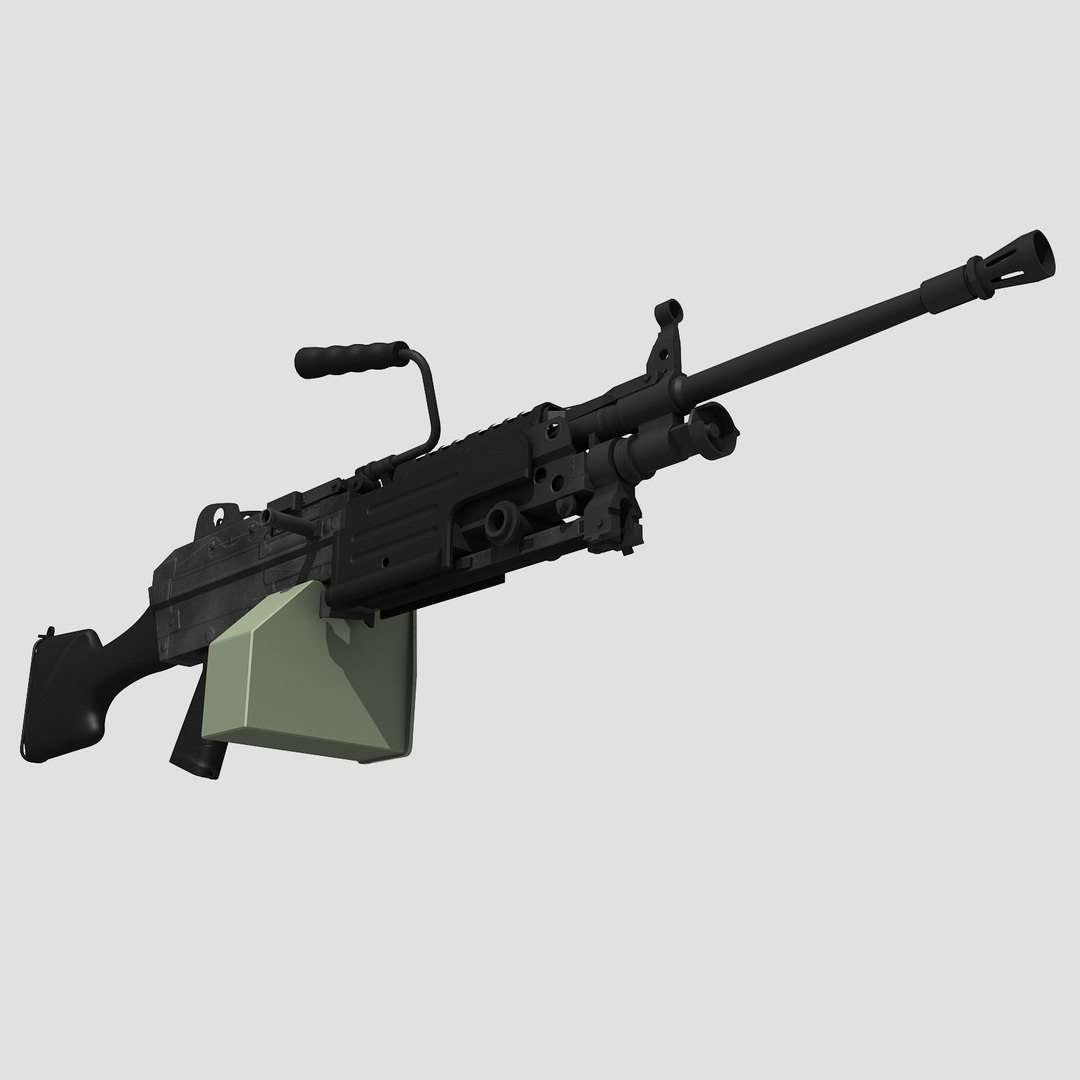
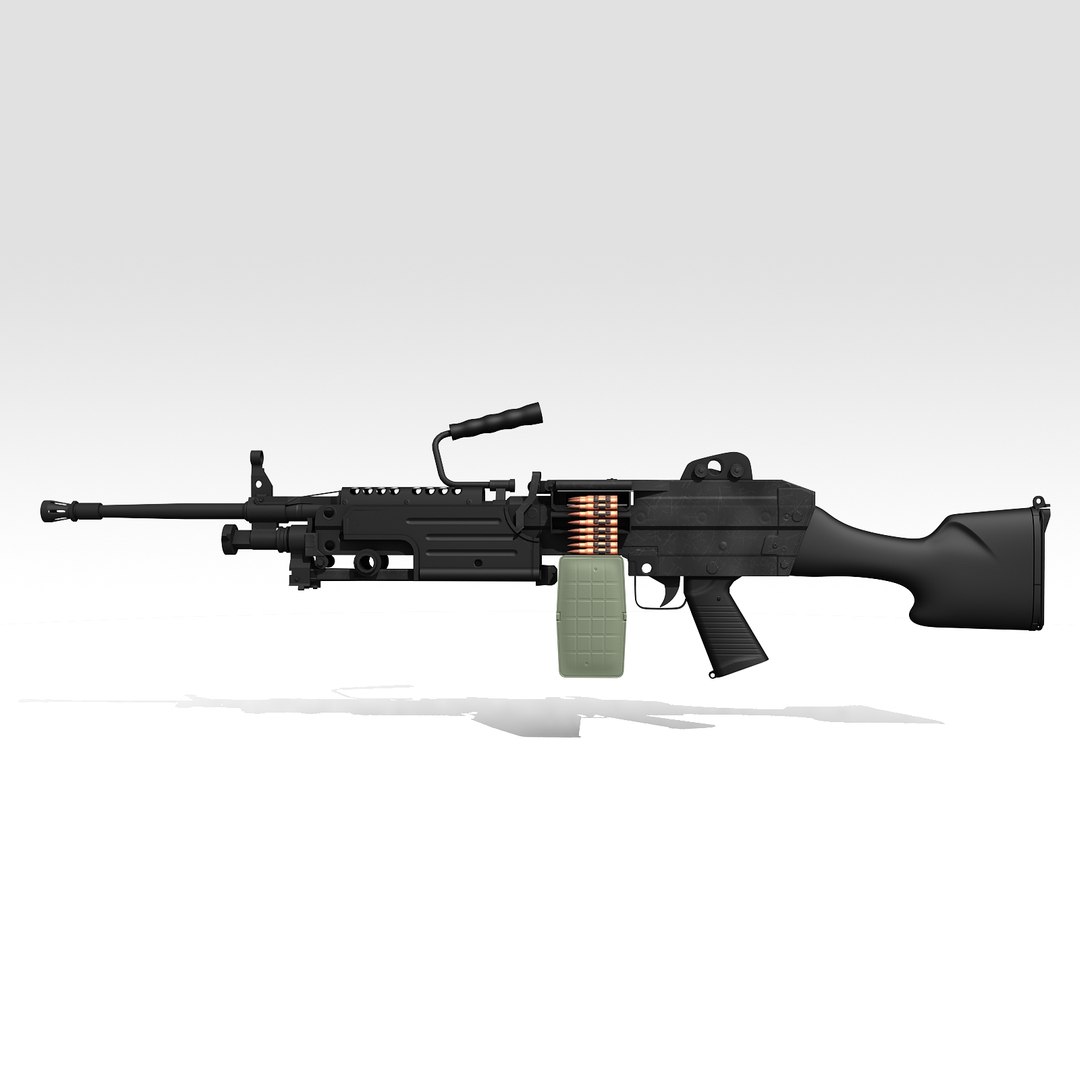
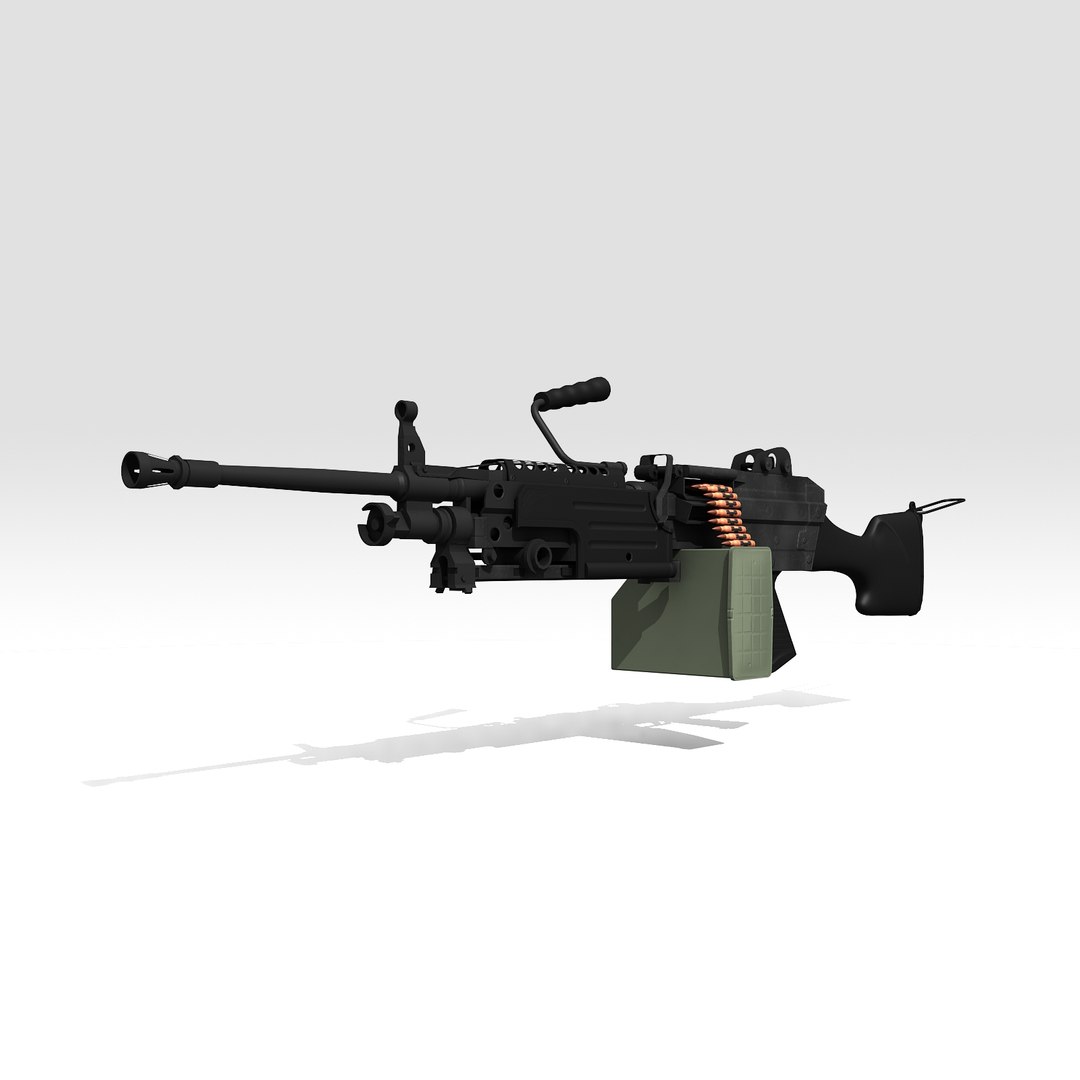
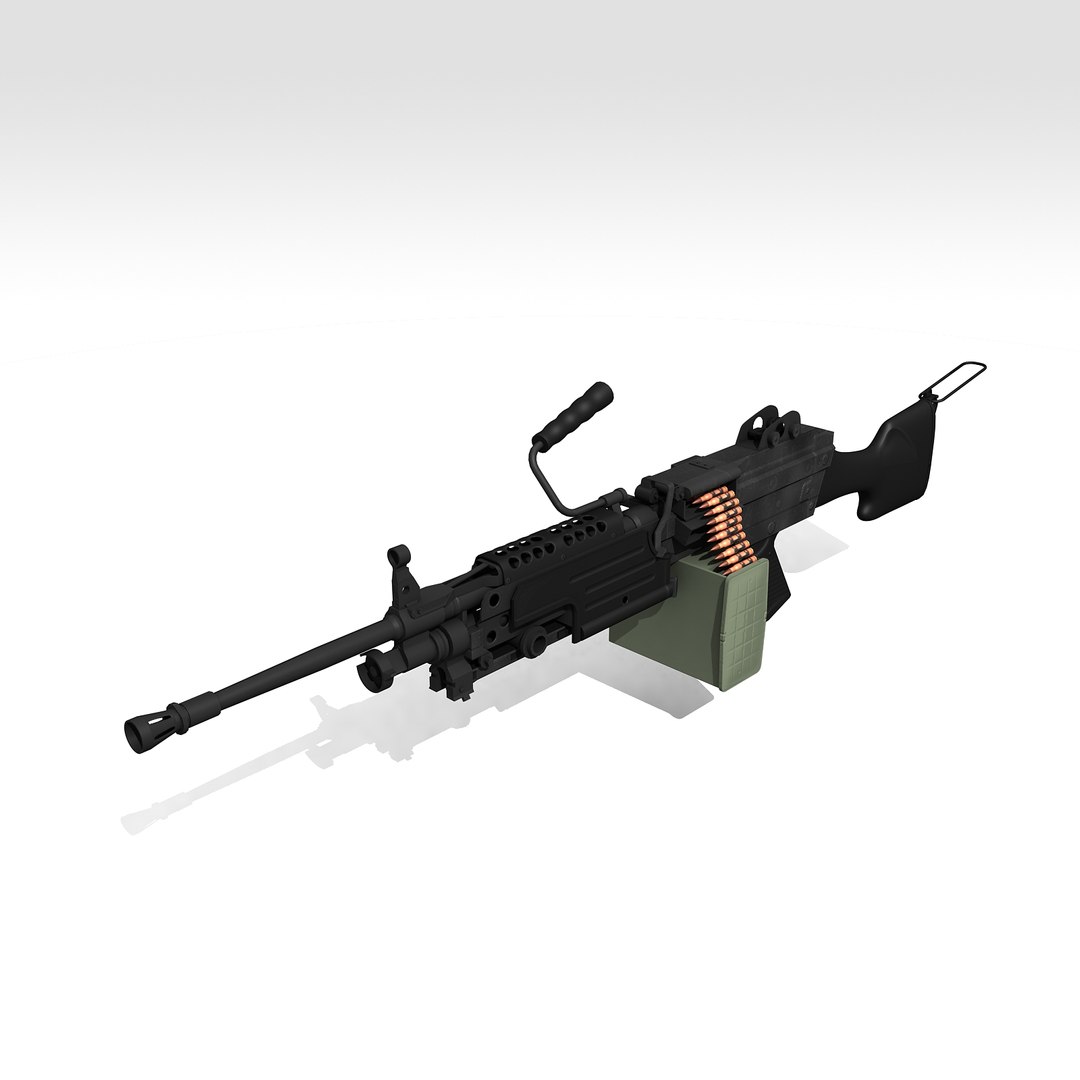
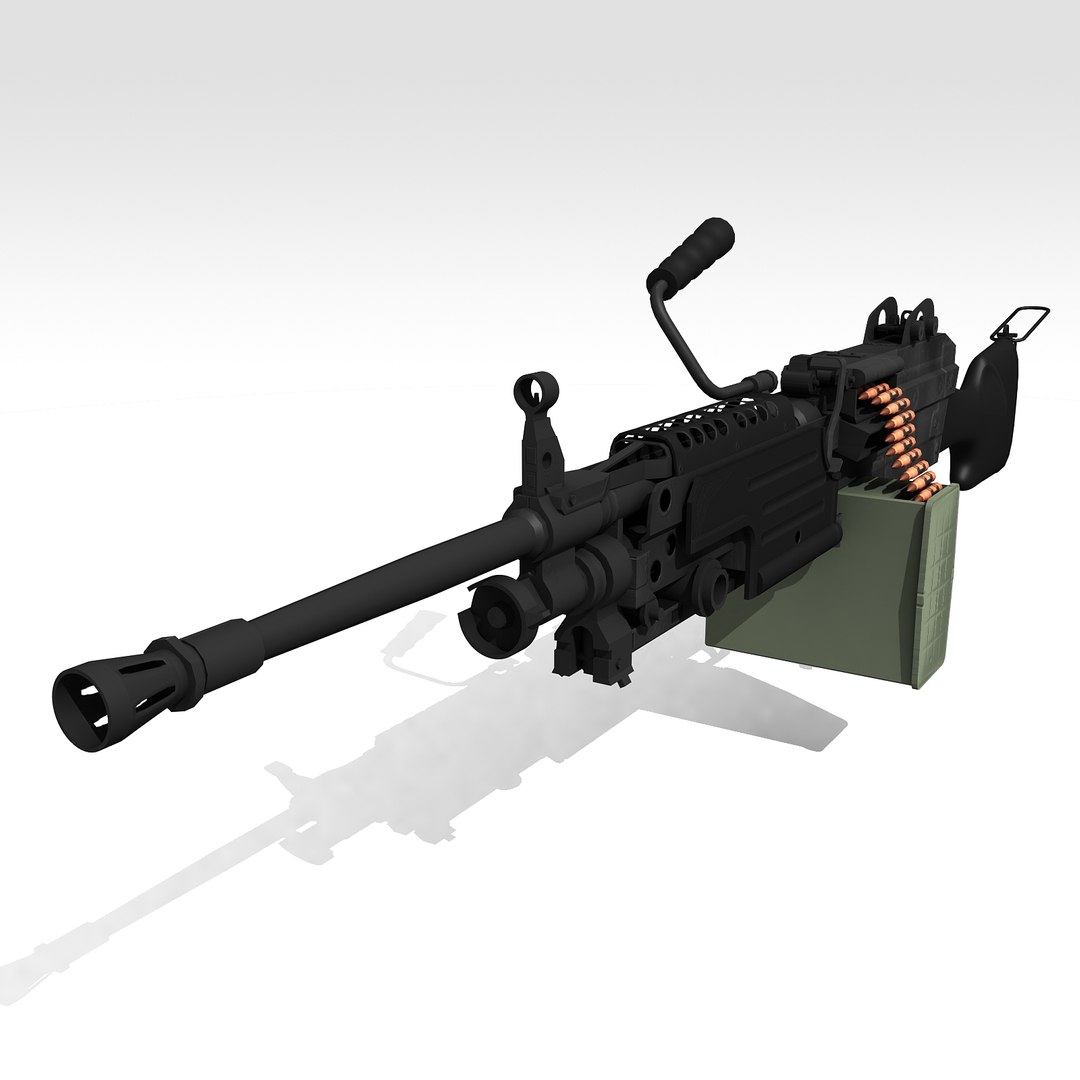
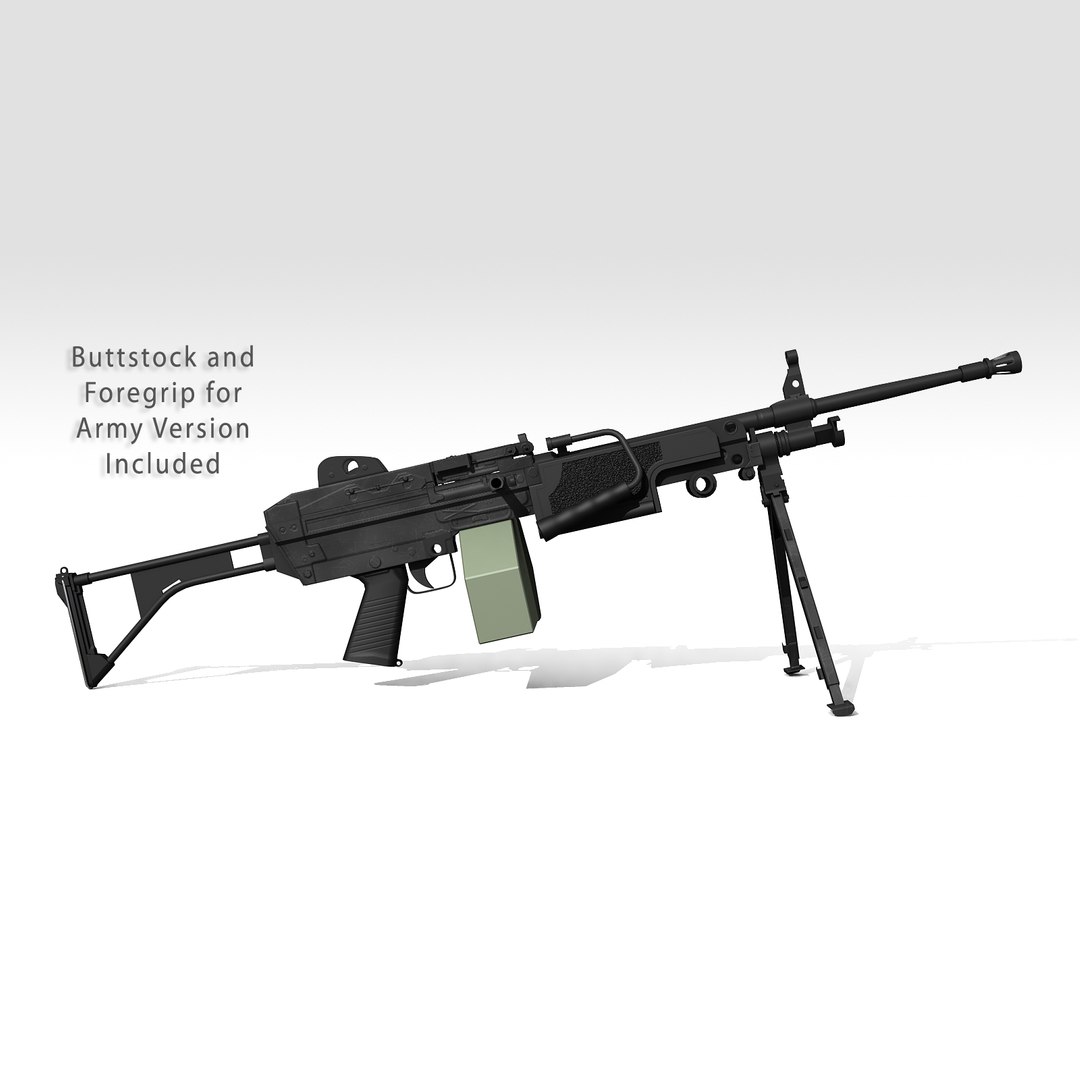
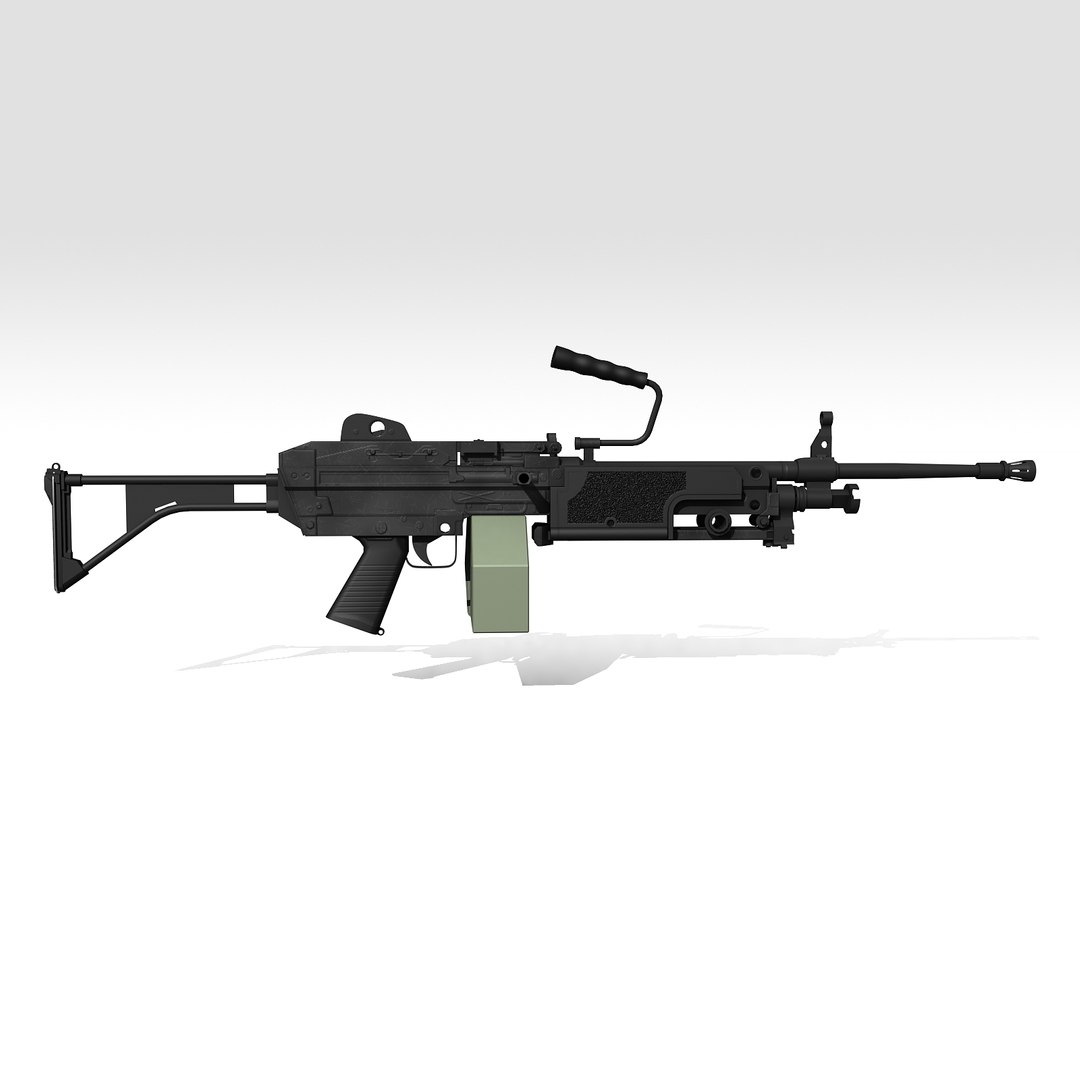
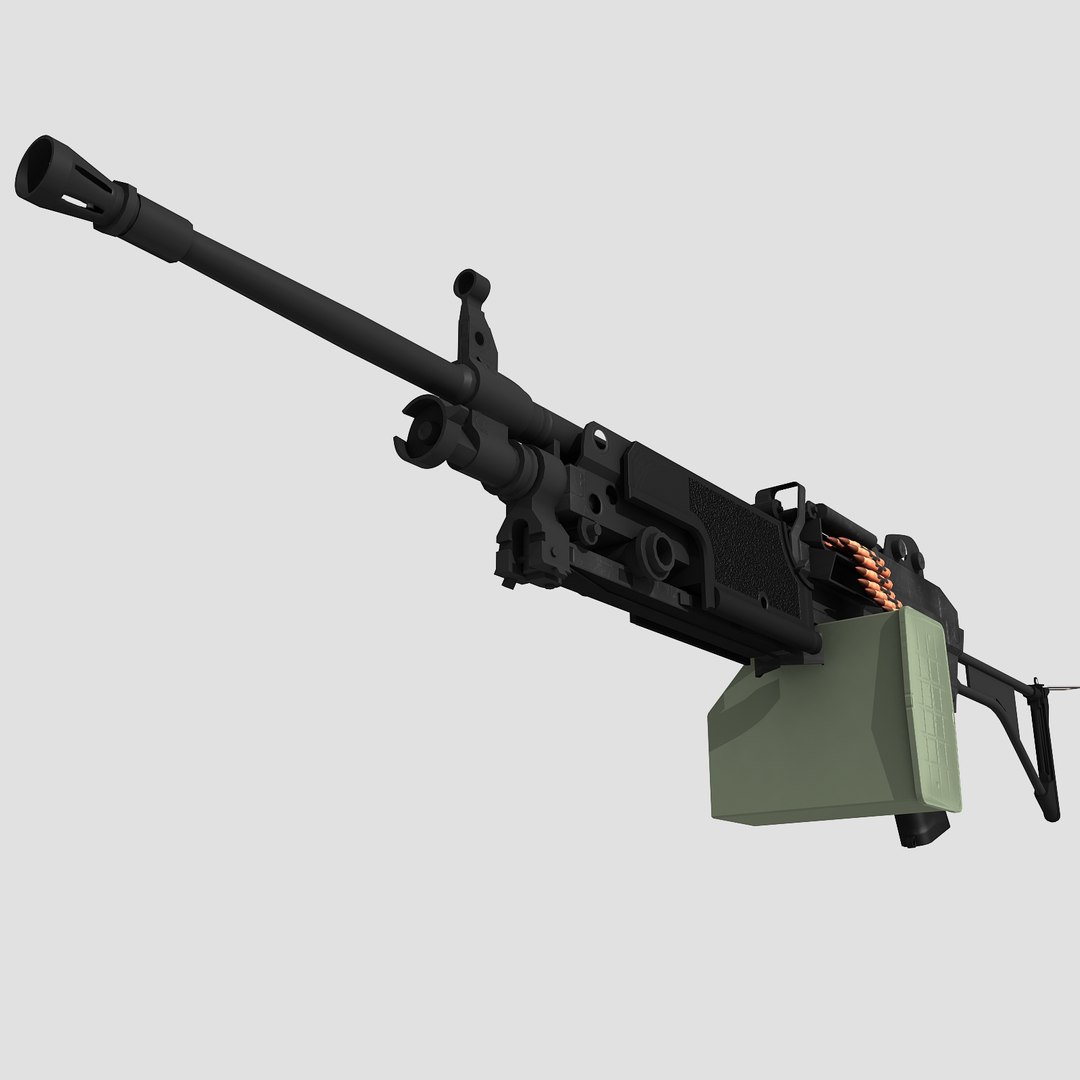
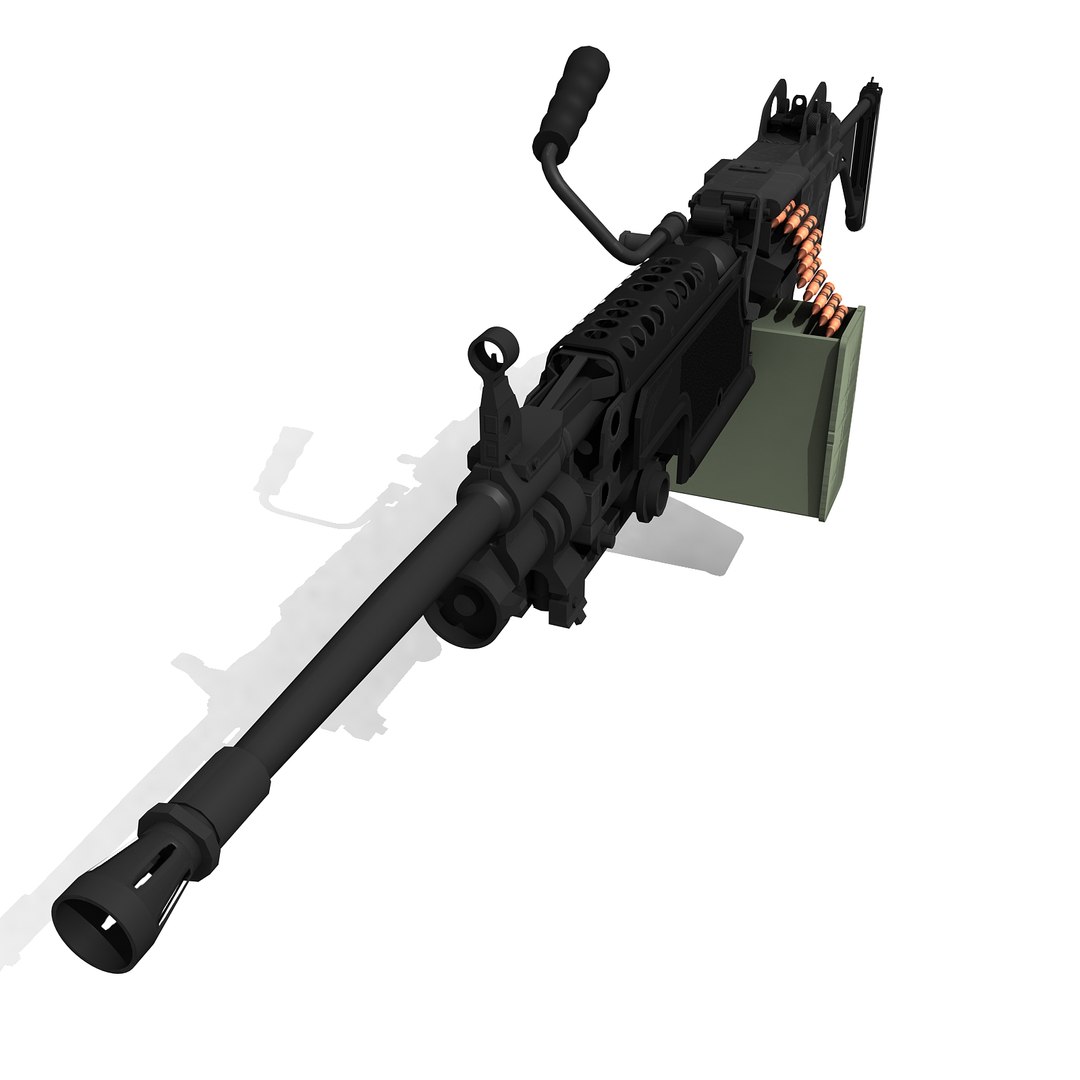
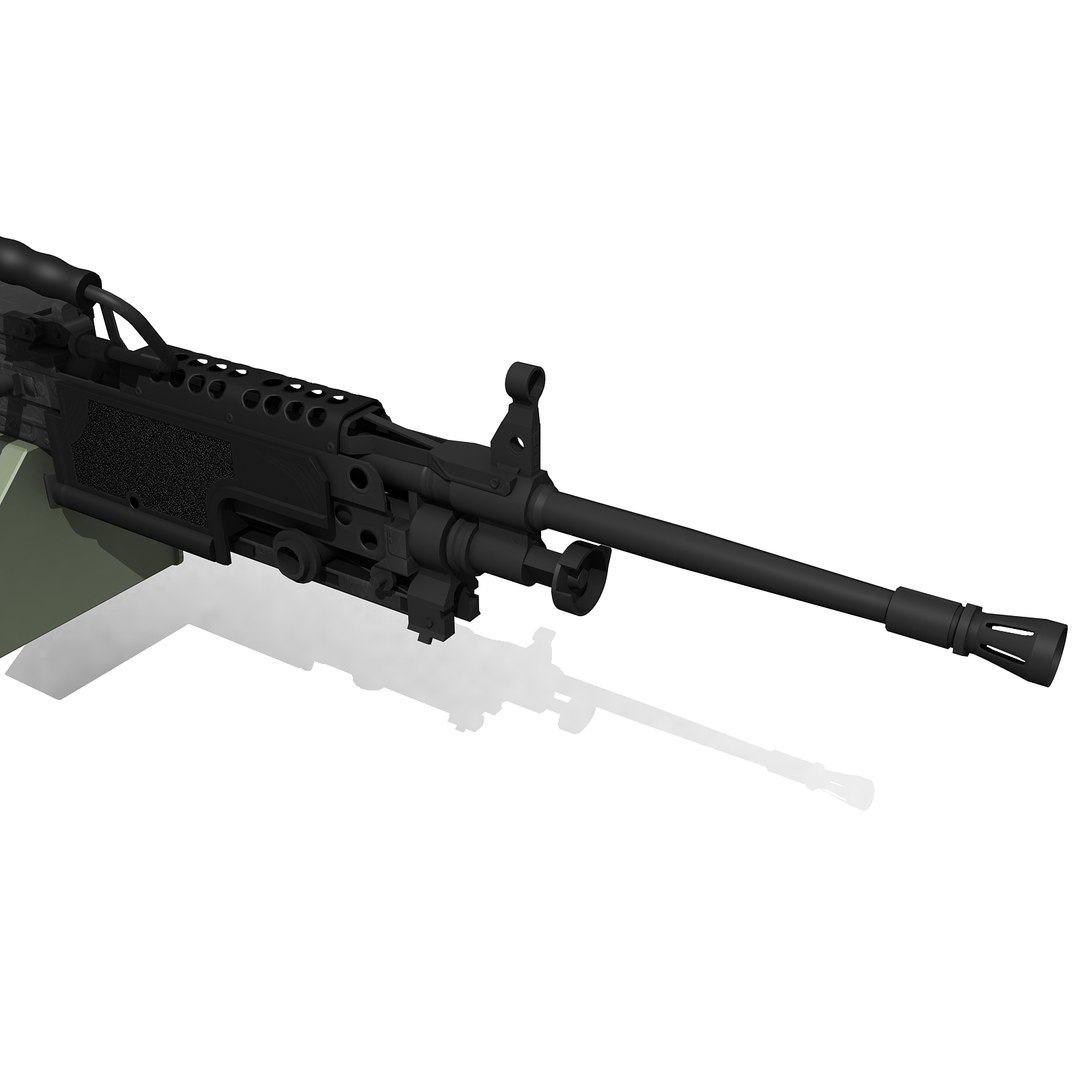
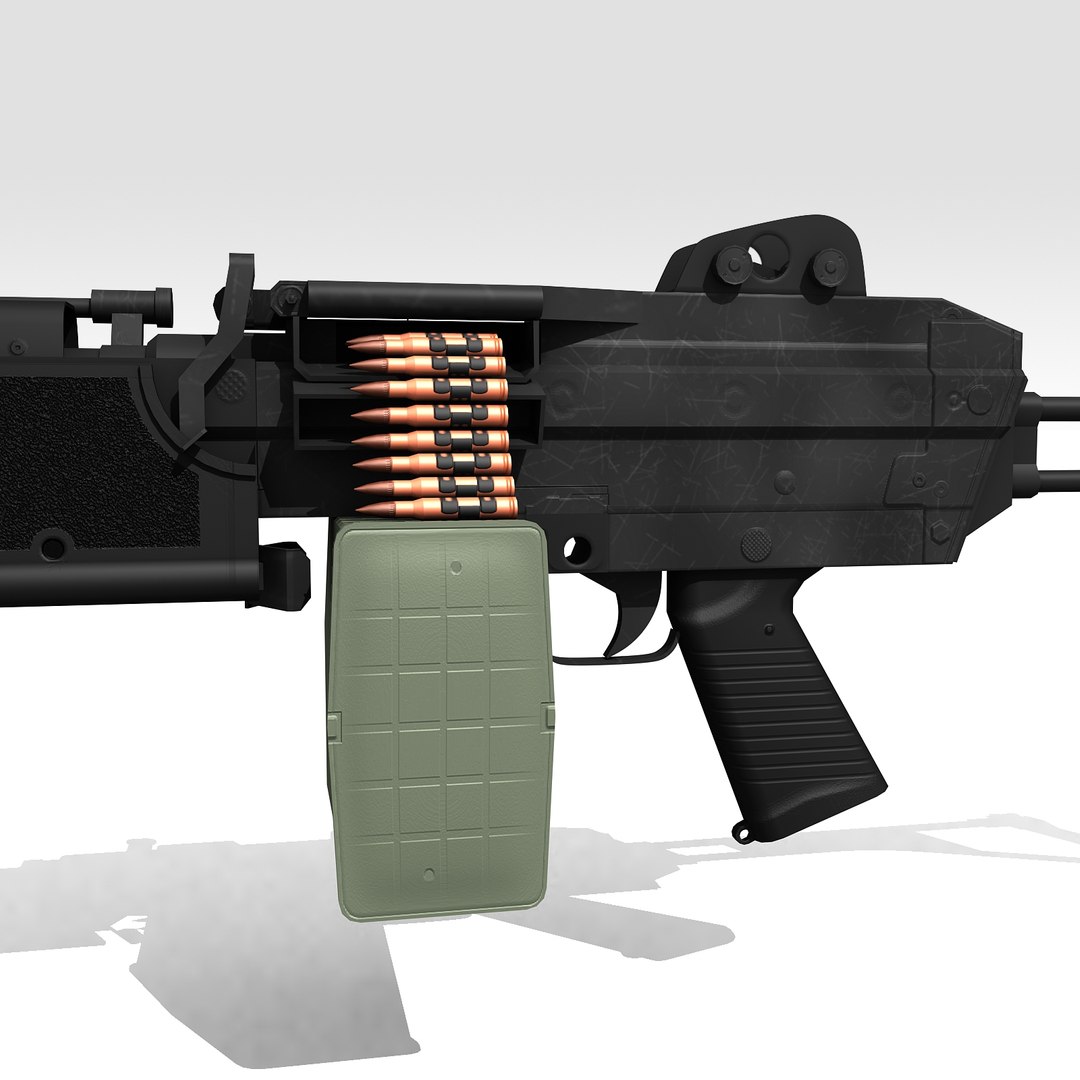
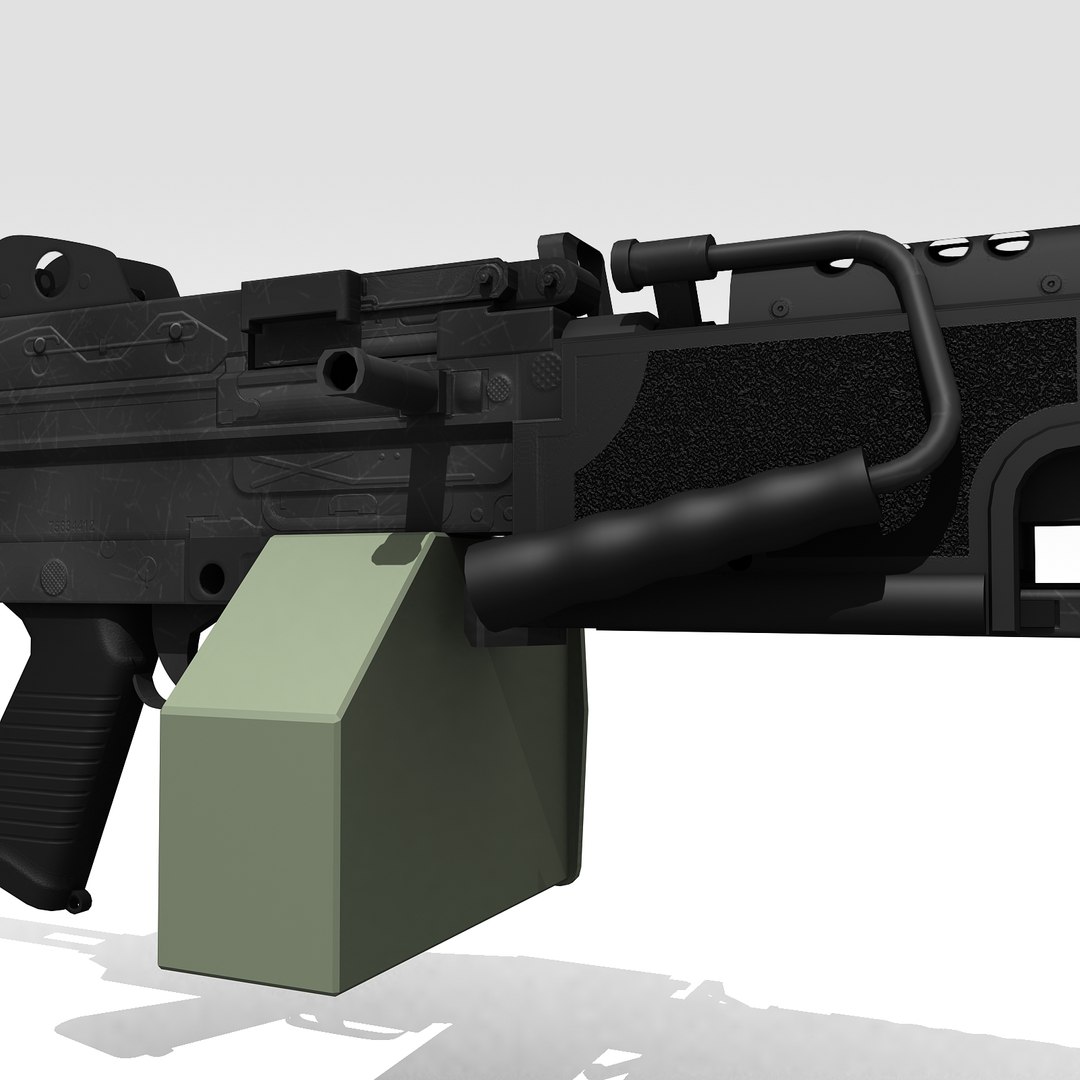
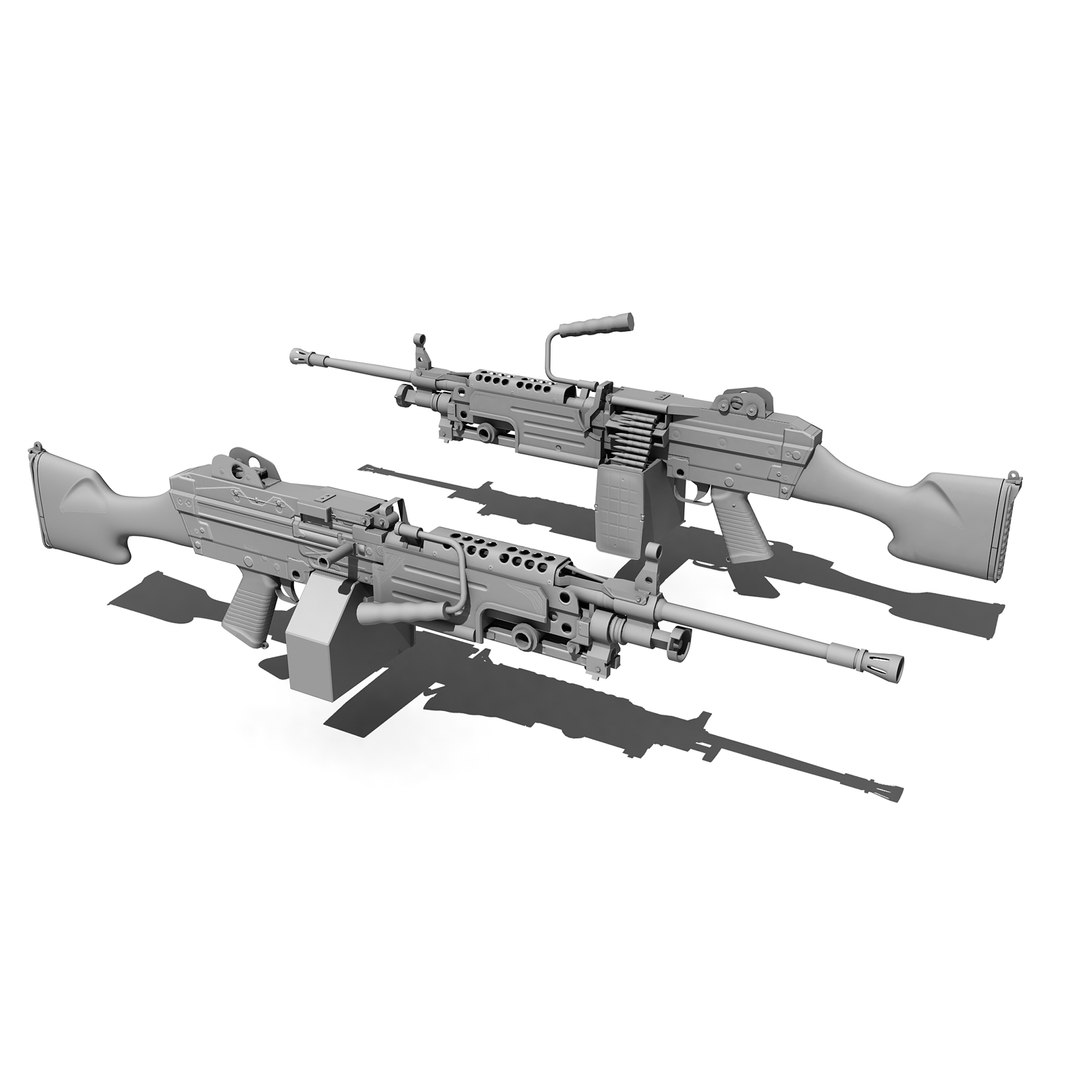
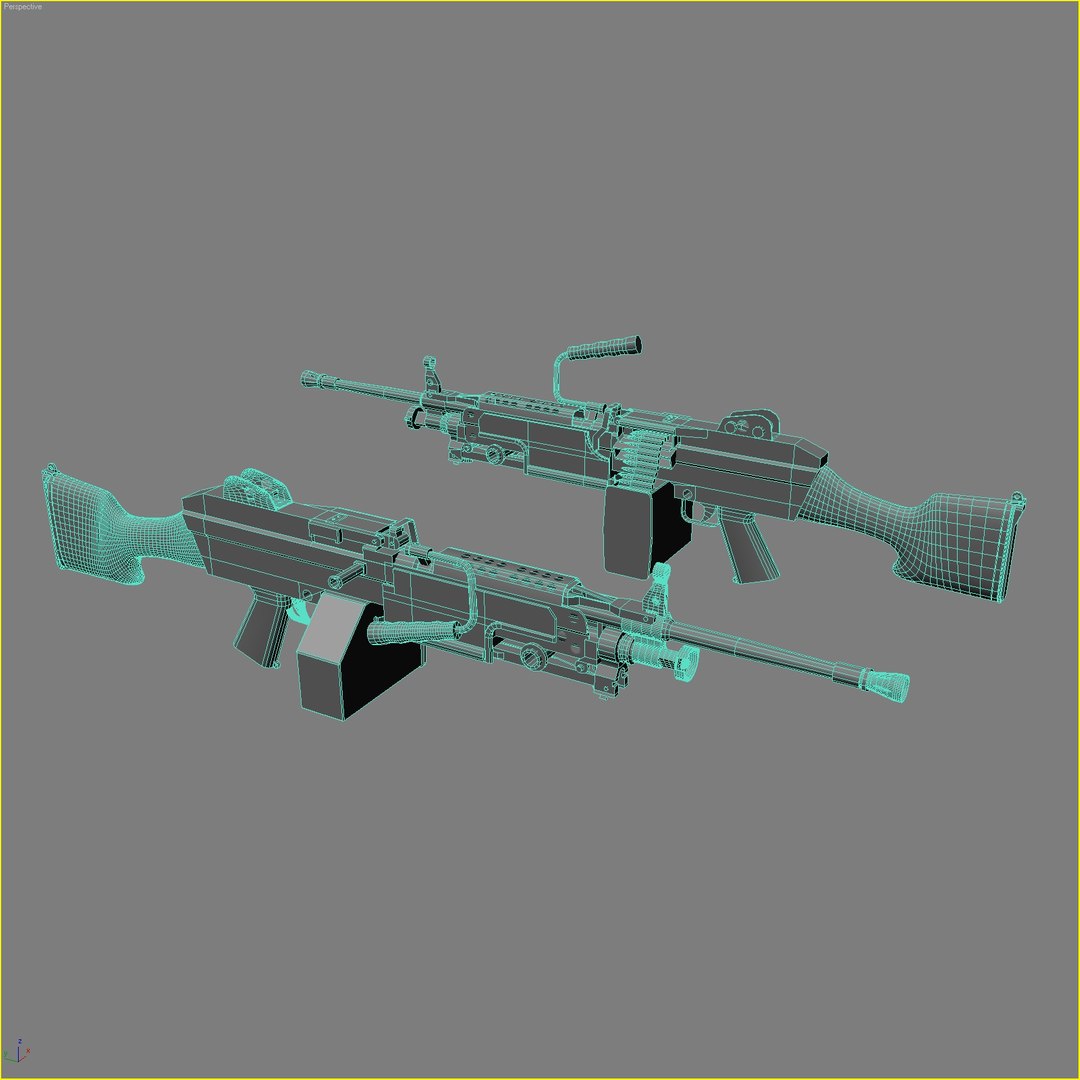
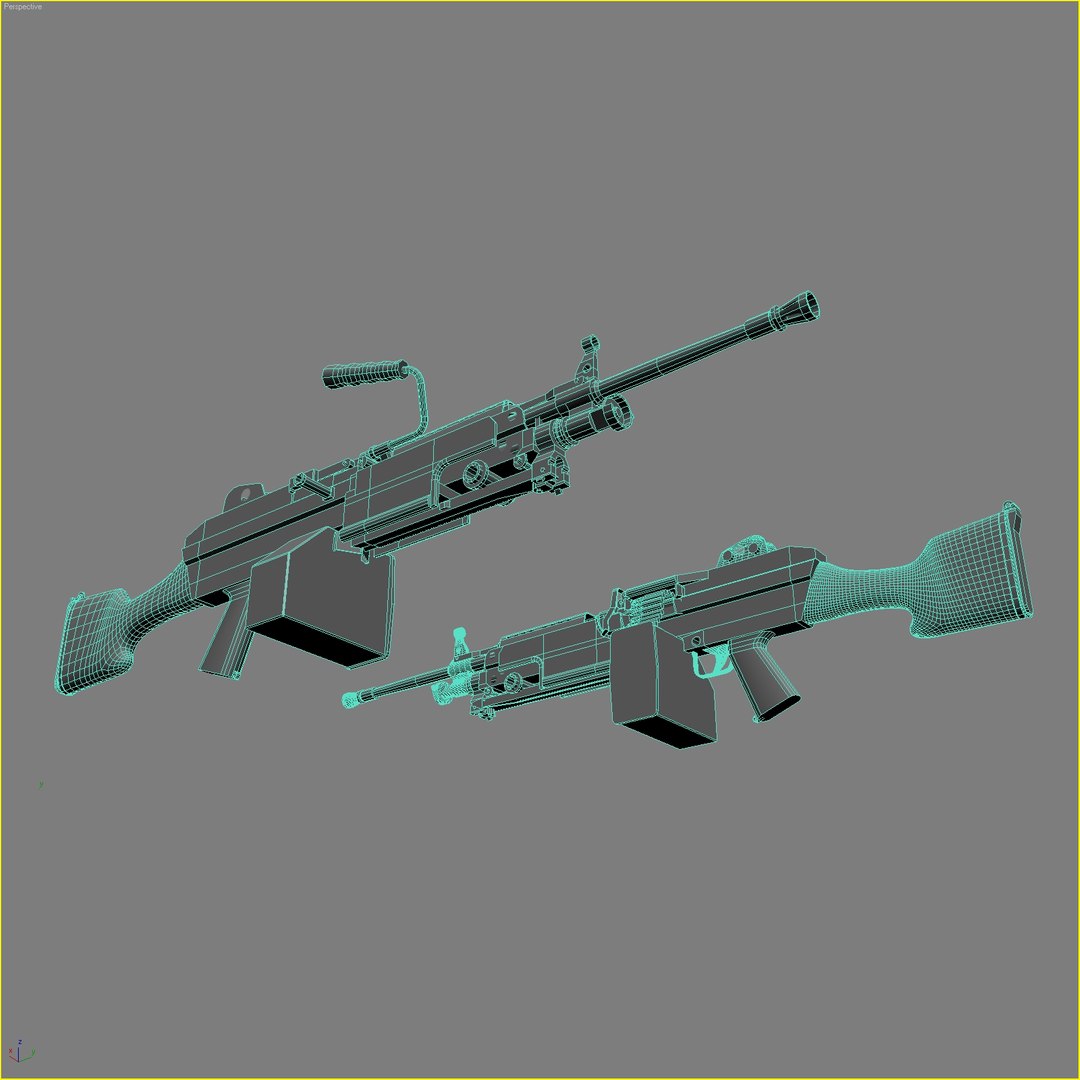
M249_Squad Automatic Weapon

$99

Standard License | Upgrade License
Editorial Uses Only
Formats (7)
Free file format Conversions available
Native | 3ds Max v6 | Default Scanline Lgt Tracer
VRML
OpenFlight
DXF
AutoCAD drawing
OBJ
3D Studio
Specifications
Publish Date November 09, 2009
Product ID 498182
Polygons 4,629
Vertices 5,576
Polygonal Ngons Used
Textures
Materials
UV Mapped
Mixed Unwrapped UVs
TurboSquid Exclusive
member avatar
ne3w2
22 Products | Contributor Since 2008
Have questions? Chat with us now.

Description

Features:

- Natively modeled in 3ds Max v6.

- Standard materials.

- Renders are made using Max6 built-in Light Tracer render engine.

- All objects and material have correct and corresponding names.

- Model uses texture map, bump map, opacity map, specular map, and glossiness map.

- A single version excluding parts for the army version uses 4018 polygon or 8717 tris.

- Pivot points are already adjusted to their correct position for the bipod, handle and shoulder rest of the buttstock.

- Meshsmooth subdivision is applied on some parts during closeup renders, (see clay renders and wireframe for illustration and comparison). These are all removed for all exported formats.

A highly optimized model of M249, well balanced between polygon modeling and texture modeling. There are no unnecessary polygons here. Realistic enough for most application. And loaded with many details that you"ll find on the real thing.

Select Enhanced License

  • $10,000 in Legal Protection (Indemnification)
  • Uncapped Legal Protection (Indemnification)
  • Waiver from injunctive relief
  • Assignable model rights
  • $1,000,000 in Legal Protection (Indemnification)
  • Waiver from injunctive relief
  • Assignable model rights
  • $250,000 in Legal Protection (Indemnification)
  • Assignable model rights
Read more about enhanced license tiers, or contact us at enterprise@turbosquid.com. Already a Shutterstock Enterprise Customer? Contact your Shutterstock Sales Support Agent to talk about adding 3D.

About Conversion Requests

To submit a conversion request for a purchased asset, please complete our Conversion Request Form.

If you have not yet purchased a model, please review our Documentation about Conversions to learn about what limitations you may encounter with a conversion.

For any additional questions about a model’s suitability for conversion, please contact TurboSquid Support.

Loading...