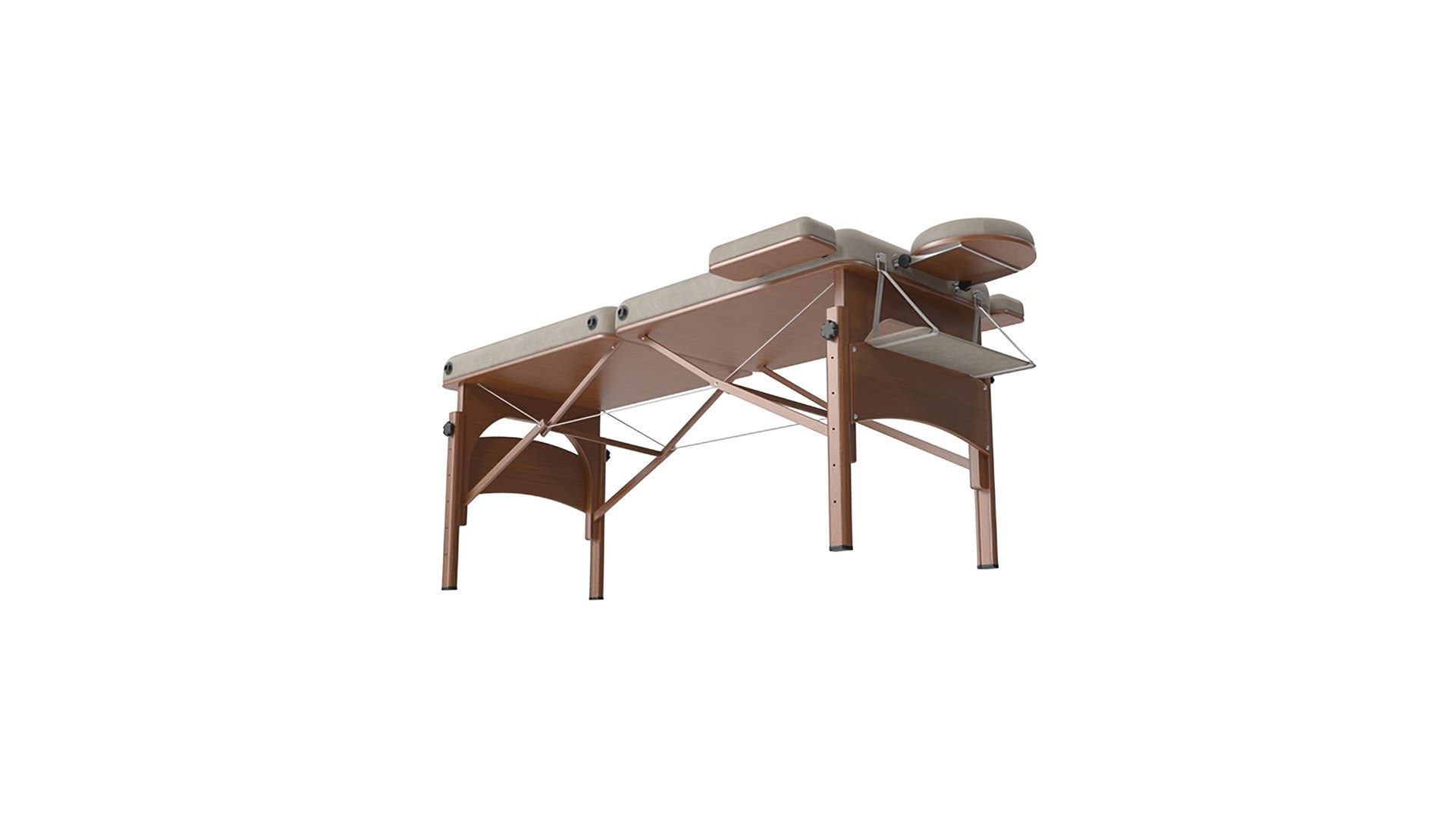
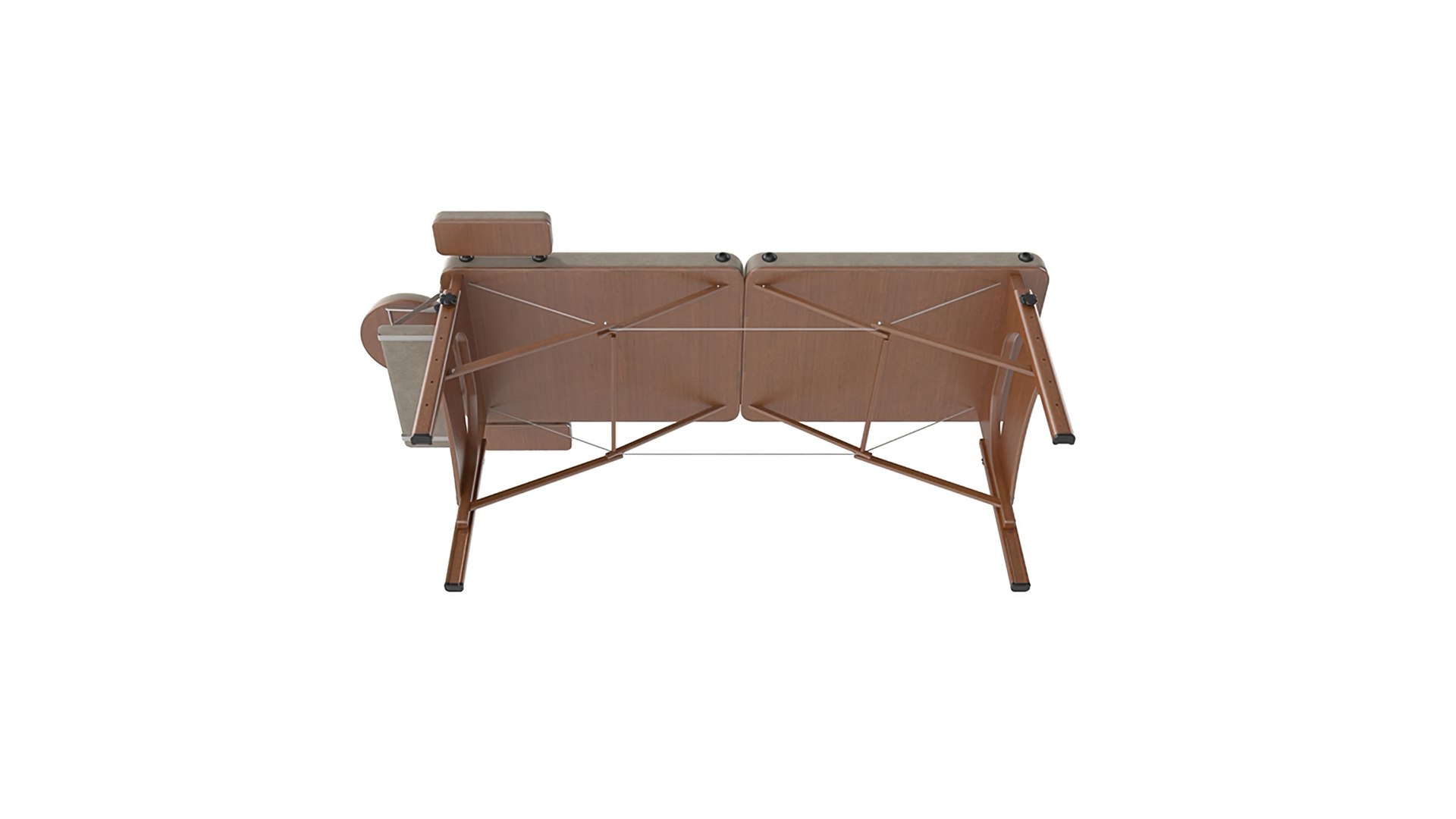
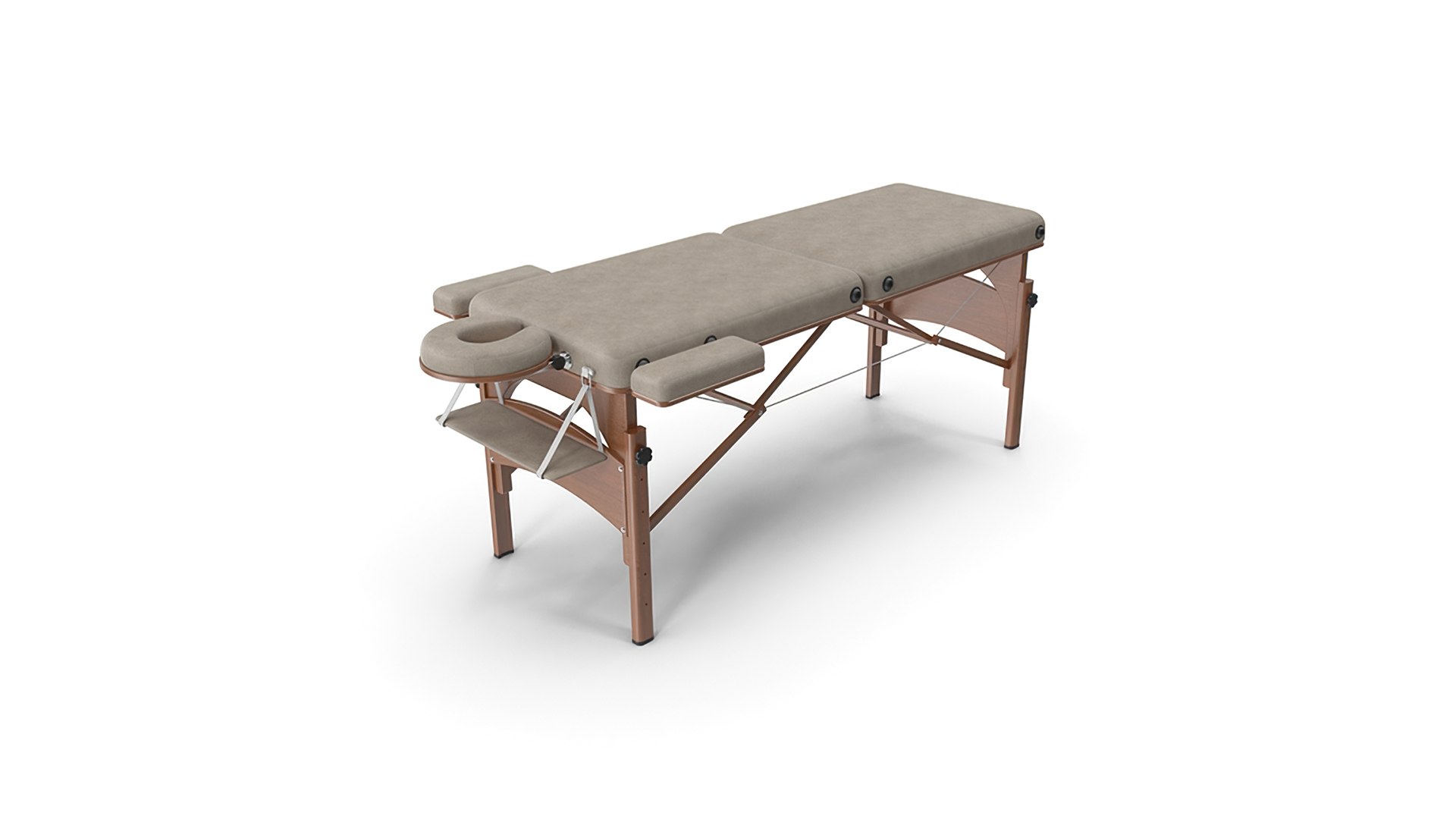
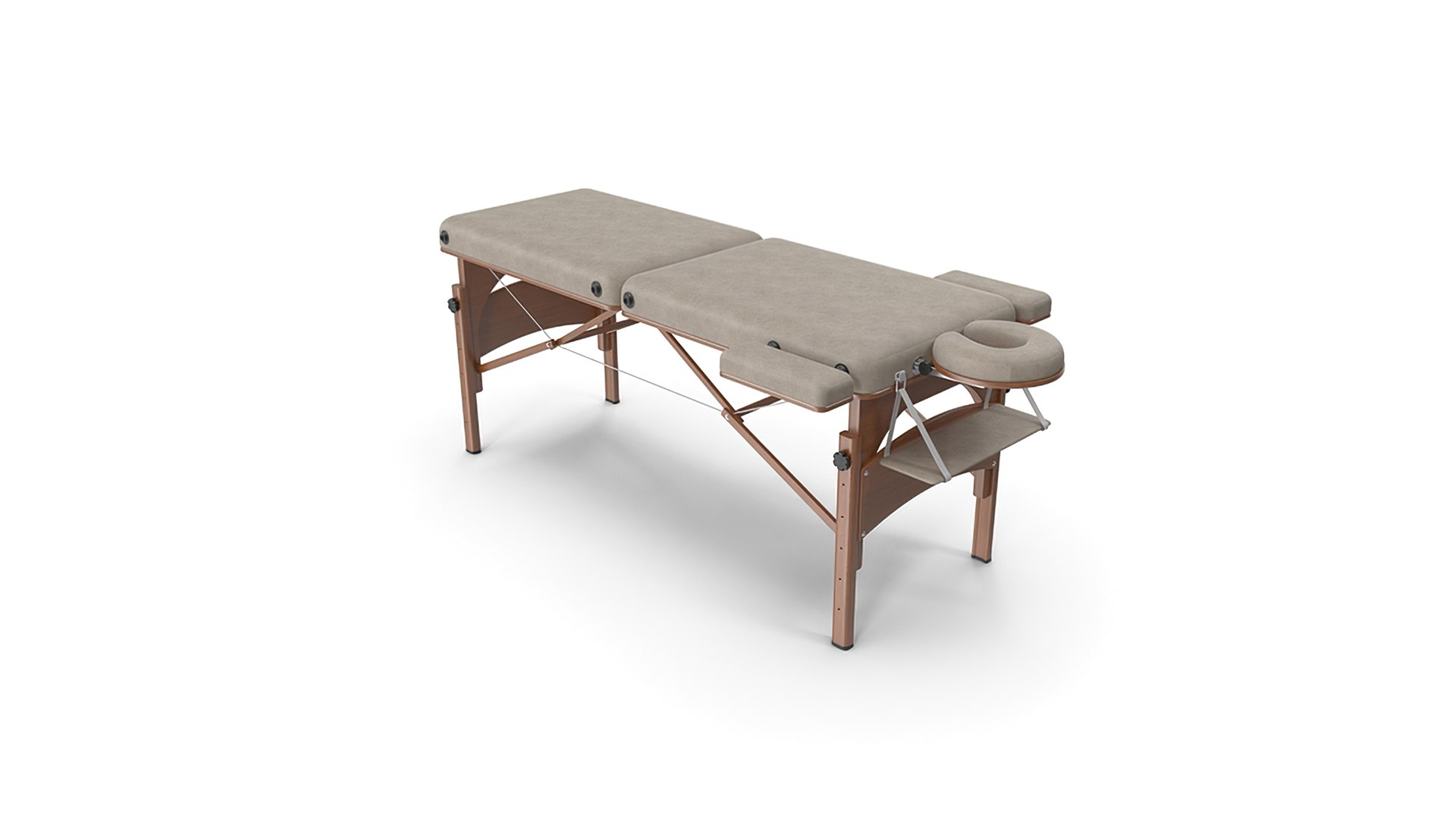
Massage Table

$29

Standard License | Upgrade License
Formats (10)
Free file format Conversions available
Native | 3ds Max 2016 | V-Ray 3.30
glTF
3ds Max
USDz
OBJ
STL
FBX
Specifications
Publish Date November 25, 2023
Product ID 2156249
Polygons 403,064
Vertices 403,929
Polygonal Ngons Used
Textures
Materials
UV Mapped
PBR
TurboSquid Exclusive

member avatar
barsim
476 Products | Contributor Since 2003
Have questions? Chat with us now.

Description

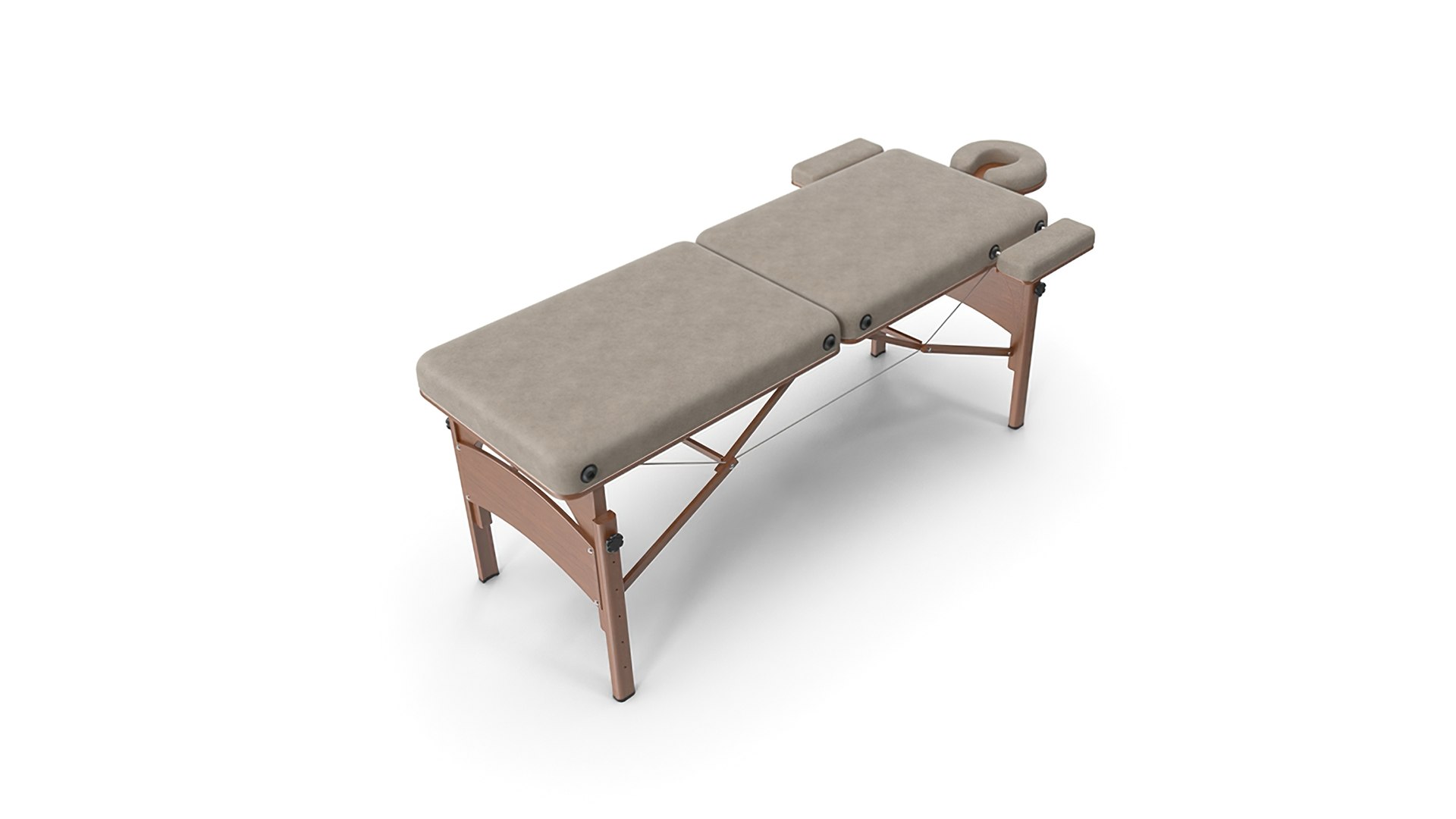
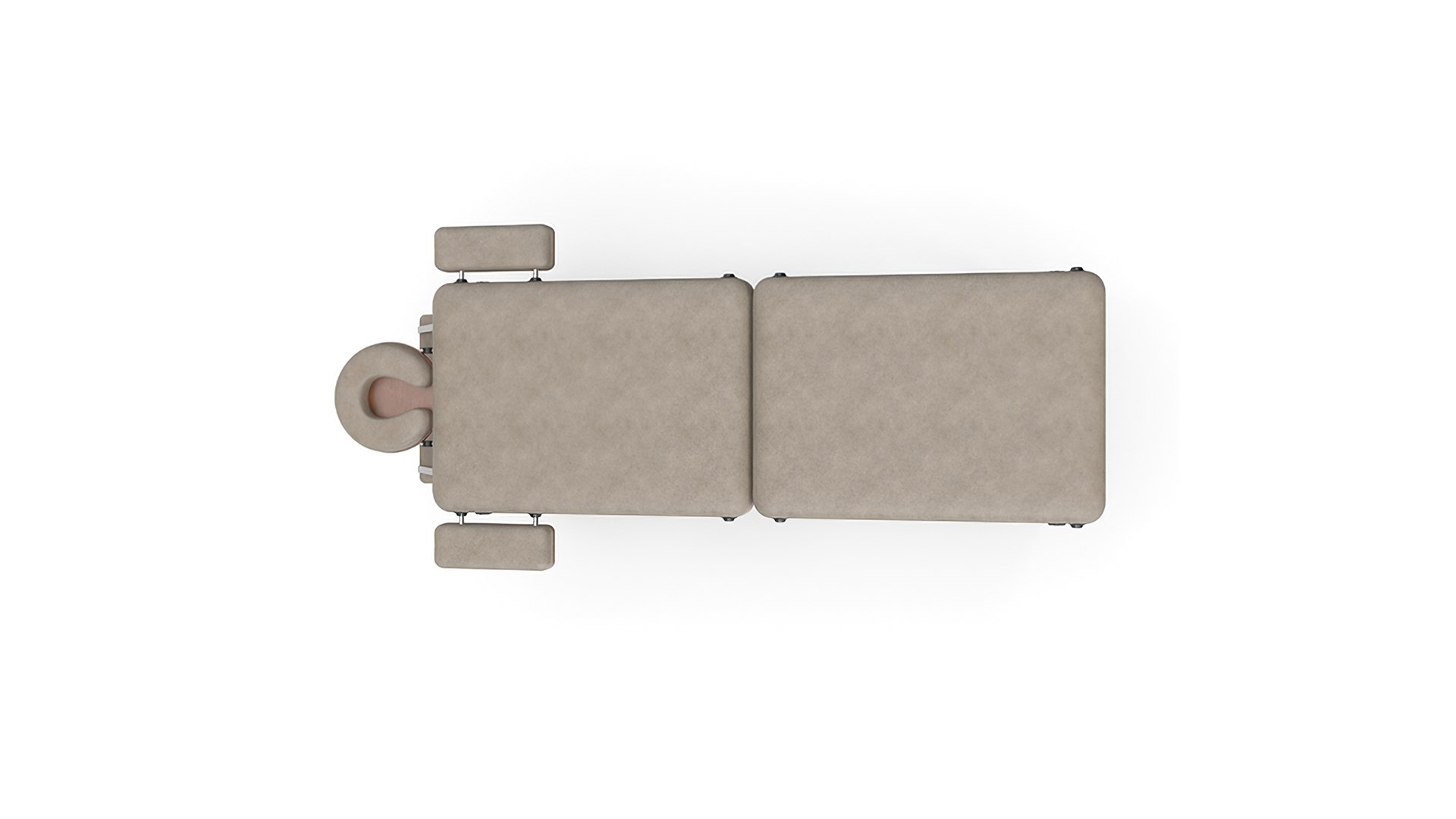
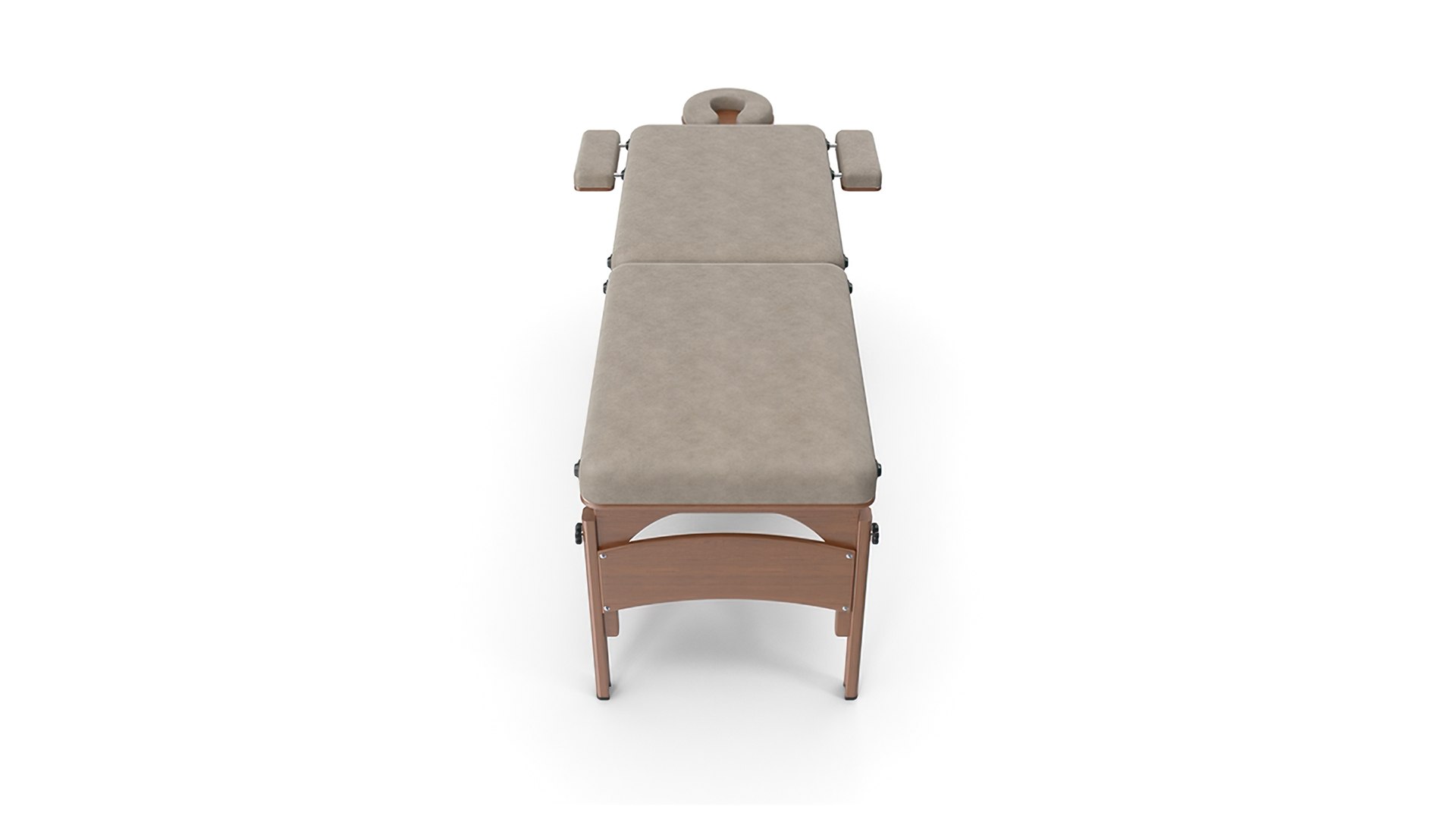
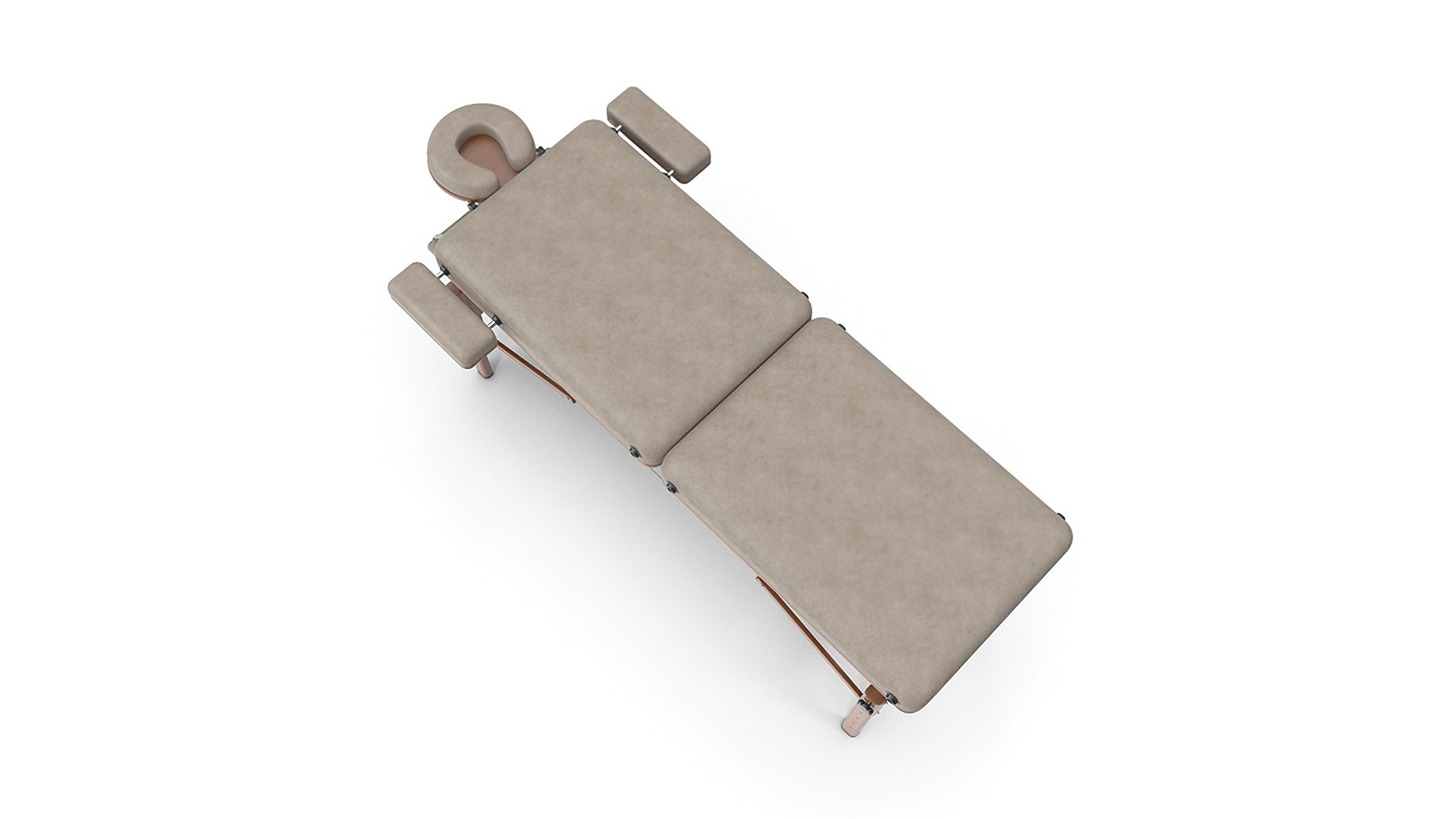
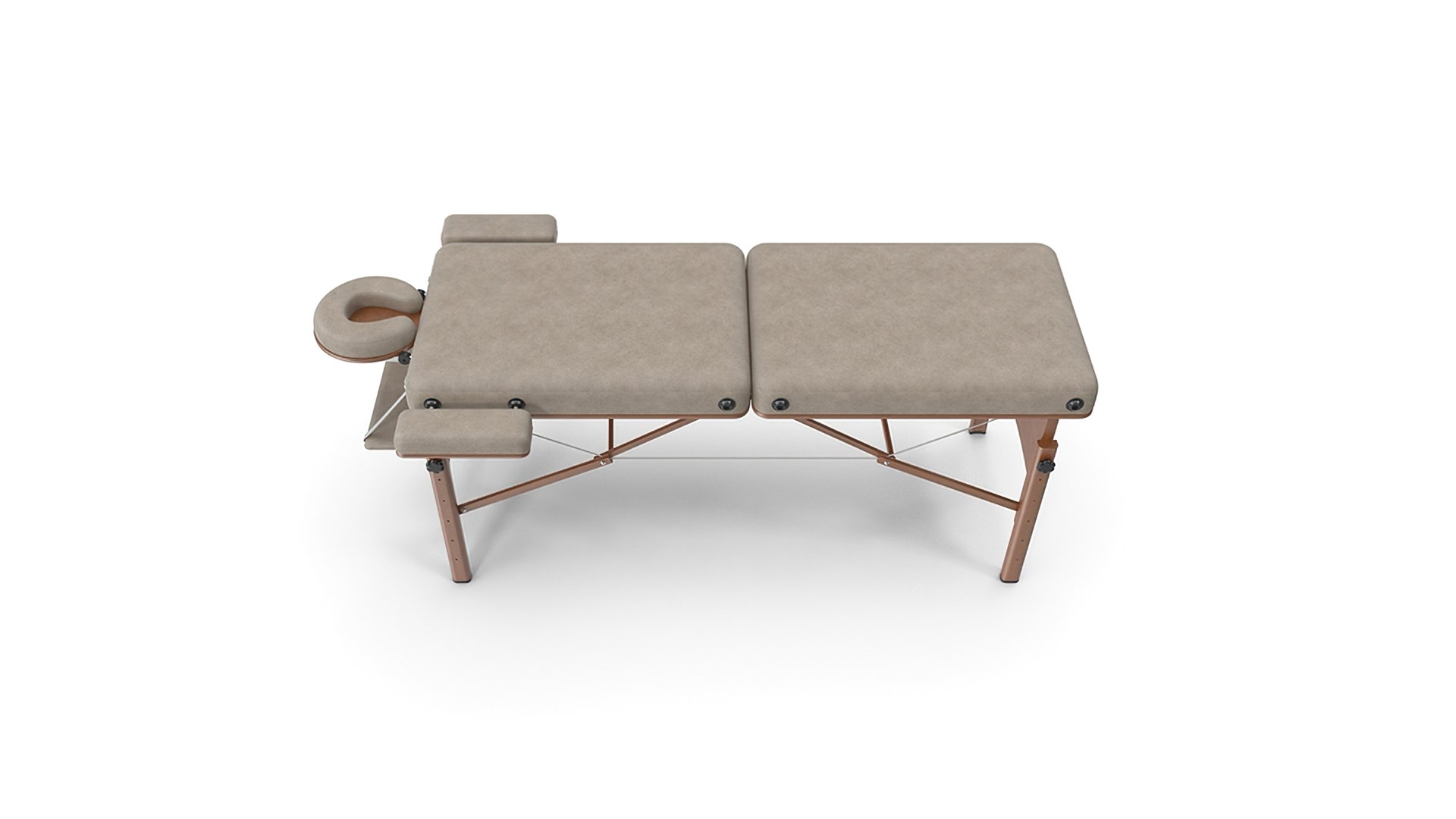
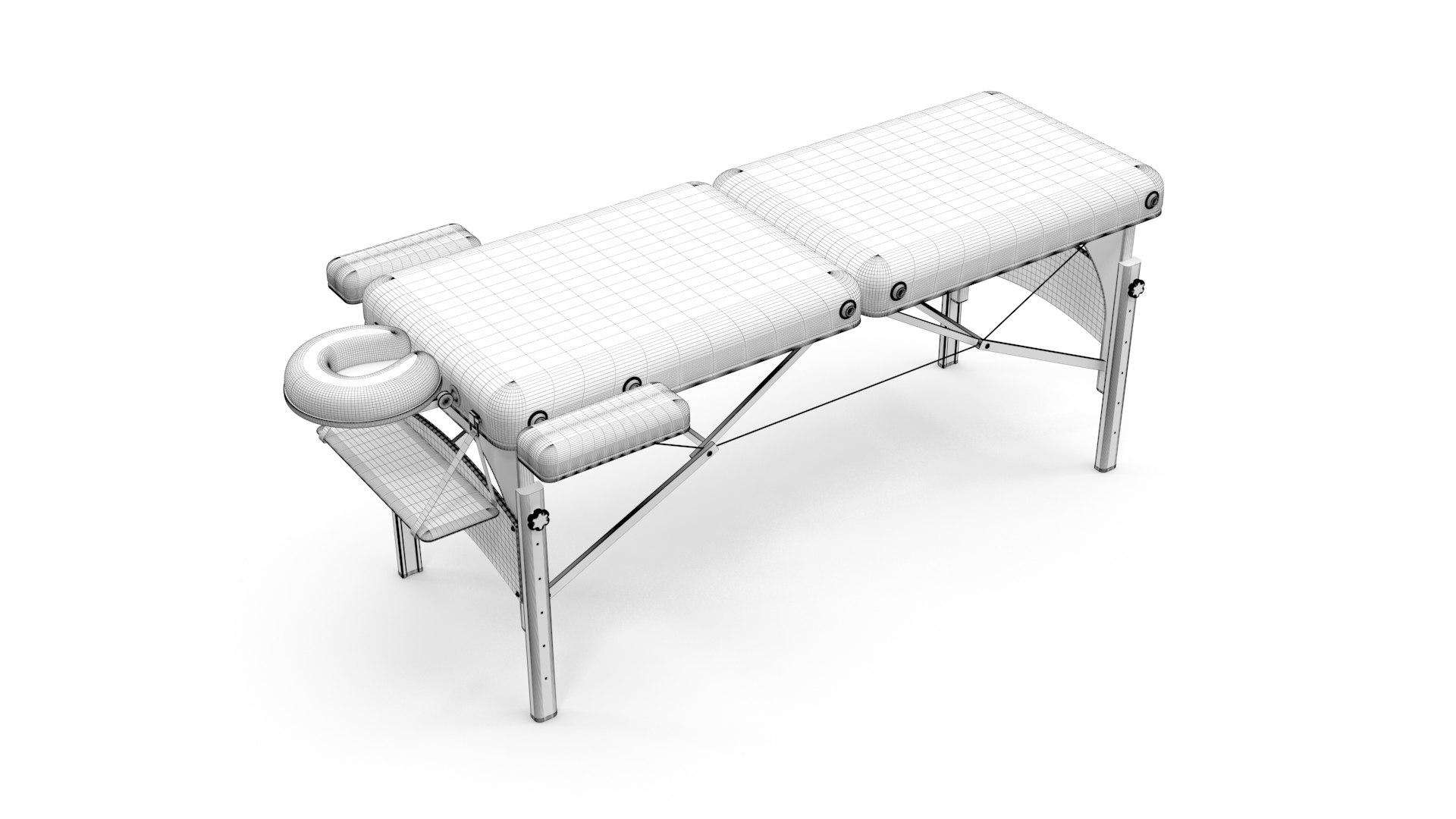
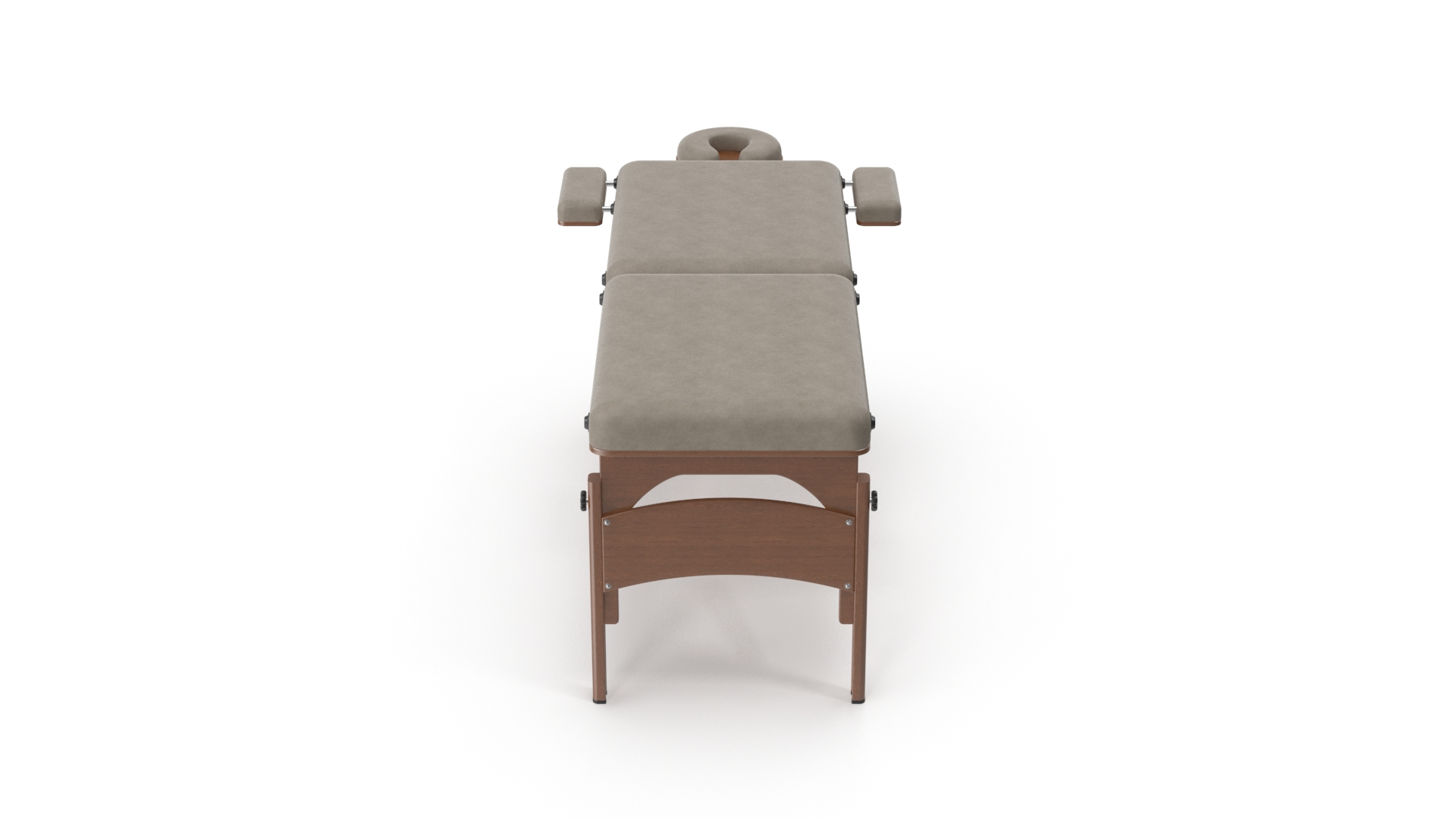
Massage Table 3D model. Created in 3DS MAX 2016 with Vray 3.30. FBX, STL and OBJ versions included. Scene setup, materials and textures are all native Vray compatible. Shaders and lights are included and the scene is rendered perfectly in Max Vray version.

PLEASE NOTE THAT:

The MAX native format version of this product includes all the required texture maps, models, Vray lighting and scene setup and if you have vray plugins installed in your machine you will definitely obtain the same results as in the shown pictures.

However; the FBX version contains textures and Vray materials, no lights, but full quality model as seen in pictures. You can setup a scene yourself, or import the model into your projects right away.

For the OBJ file, you will have to reassign the materials to the model, all textures are available within the file. However, you may not obtain the results shown in the pictures, unless you set the lights, rendering adjustments appropriately.

Provided STL file format is for compatibility purposes and may (and probably) not be 3D printed flawlessly.

Select Enhanced License

  • $10,000 in Legal Protection (Indemnification)
  • Uncapped Legal Protection (Indemnification)
  • Waiver from injunctive relief
  • Assignable model rights
  • $1,000,000 in Legal Protection (Indemnification)
  • Waiver from injunctive relief
  • Assignable model rights
  • $250,000 in Legal Protection (Indemnification)
  • Assignable model rights
Read more about enhanced license tiers, or contact us at enterprise@turbosquid.com. Already a Shutterstock Enterprise Customer? Contact your Shutterstock Sales Support Agent to talk about adding 3D.

About Conversion Requests

To submit a conversion request for a purchased asset, please complete our Conversion Request Form.

If you have not yet purchased a model, please review our Documentation about Conversions to learn about what limitations you may encounter with a conversion.

For any additional questions about a model’s suitability for conversion, please contact TurboSquid Support.

Loading...