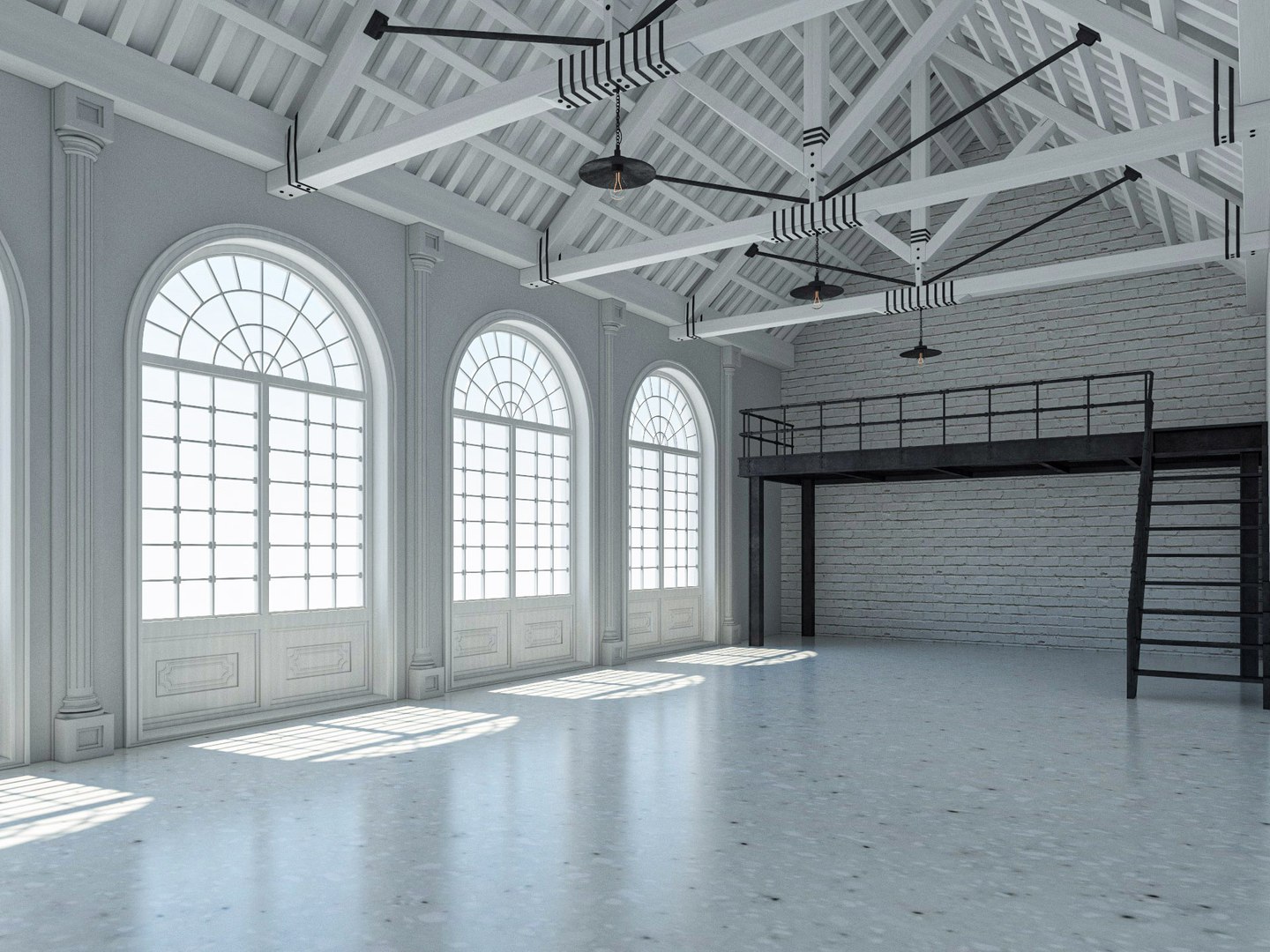
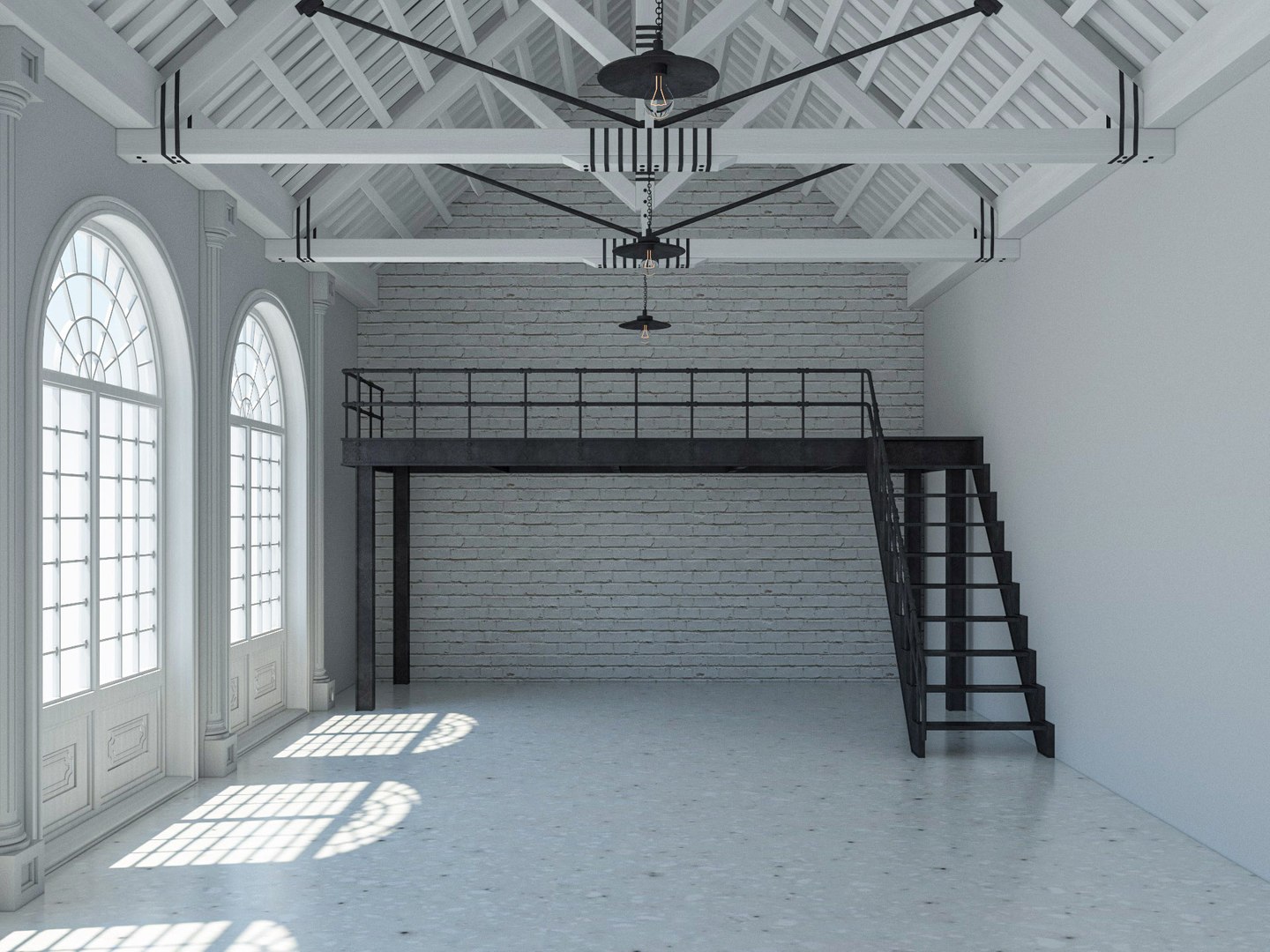
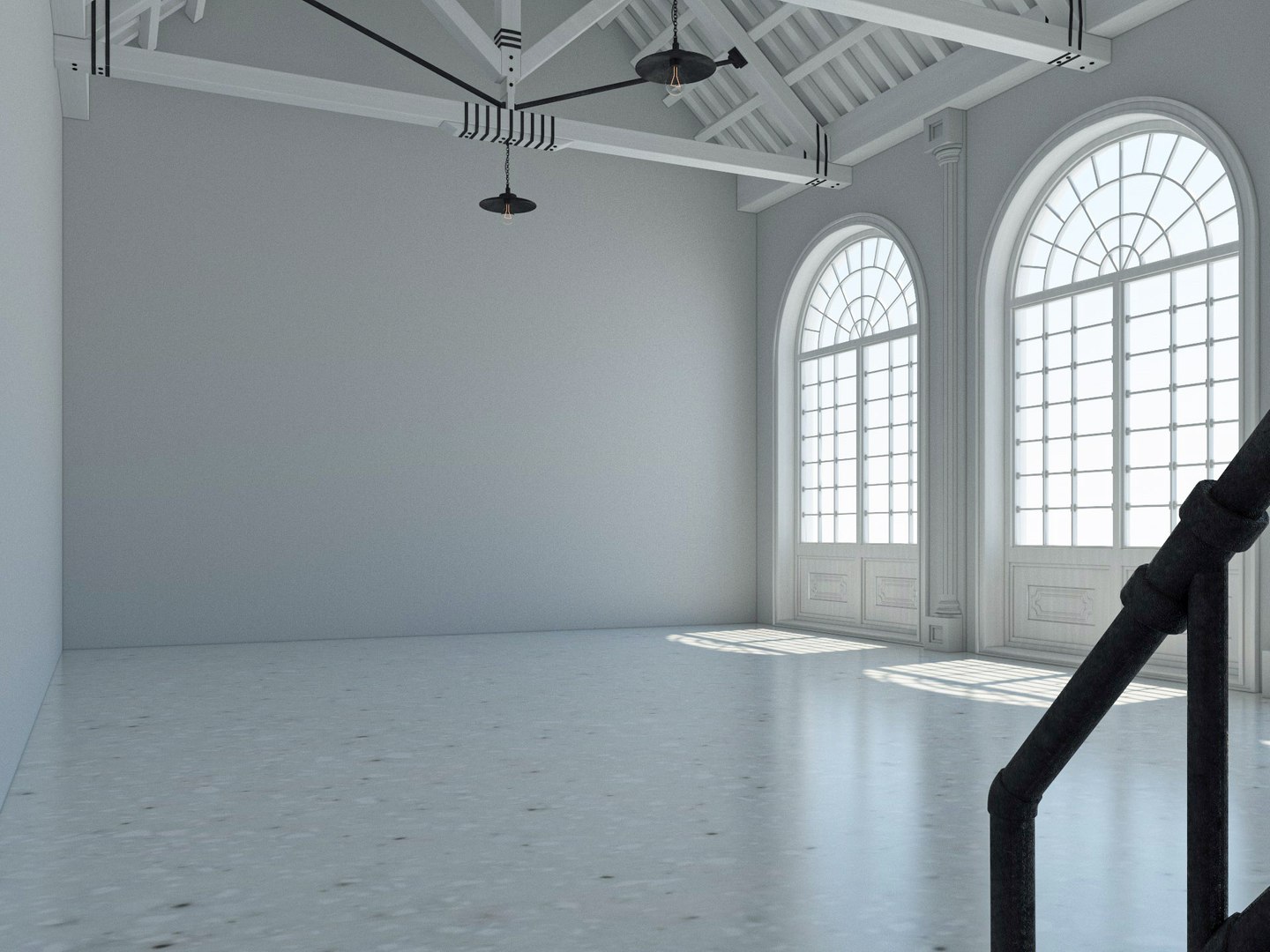
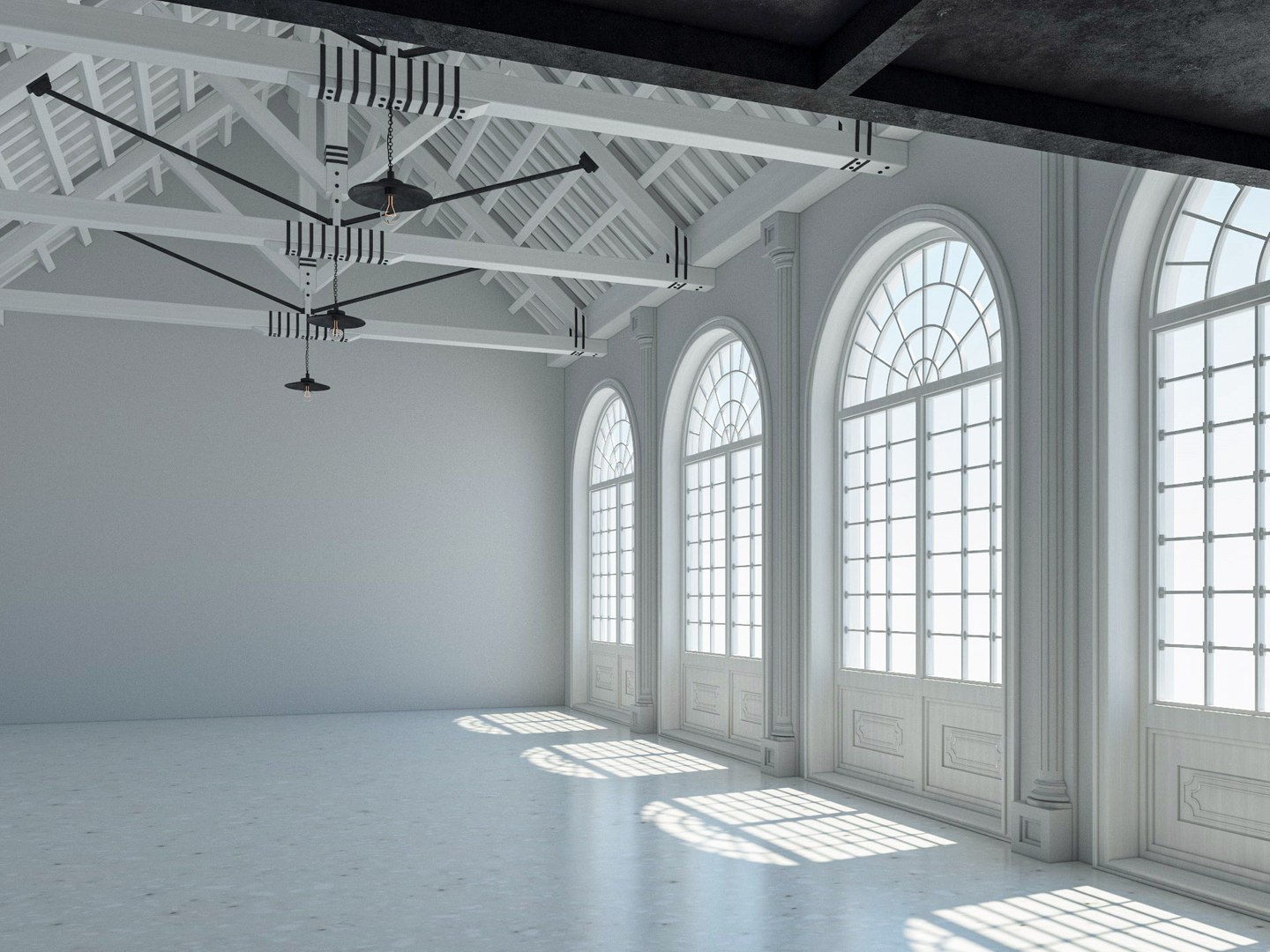
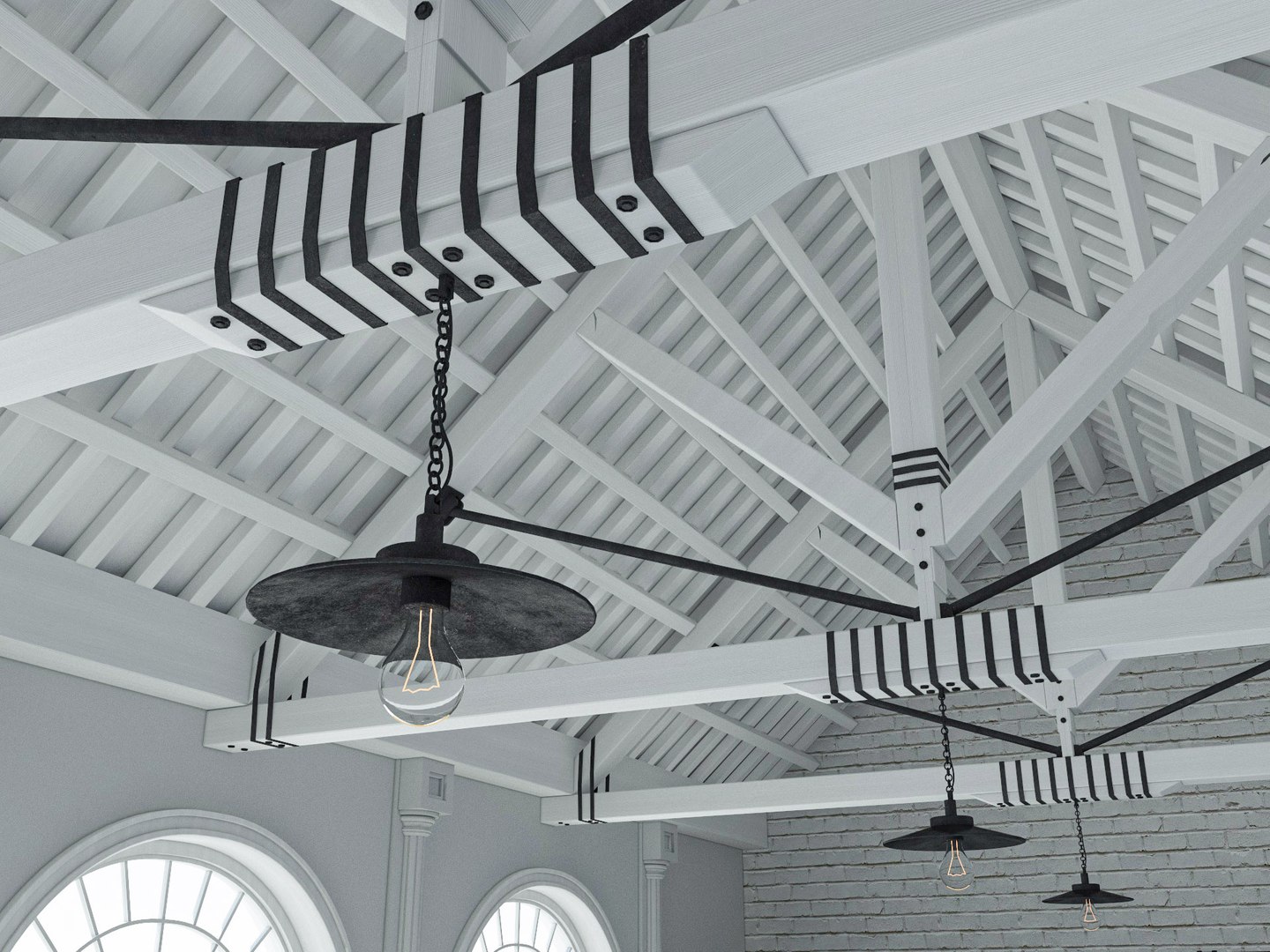
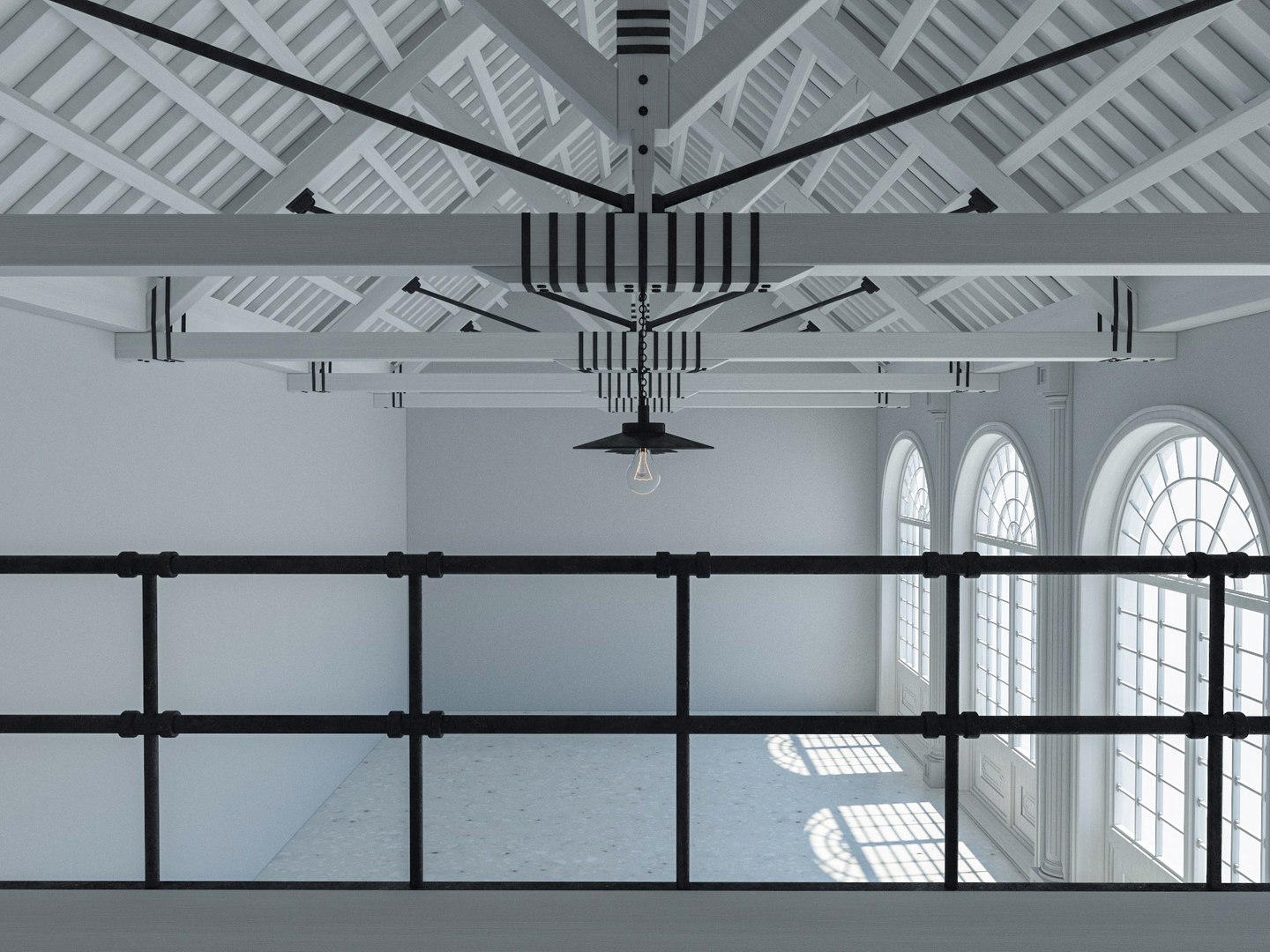
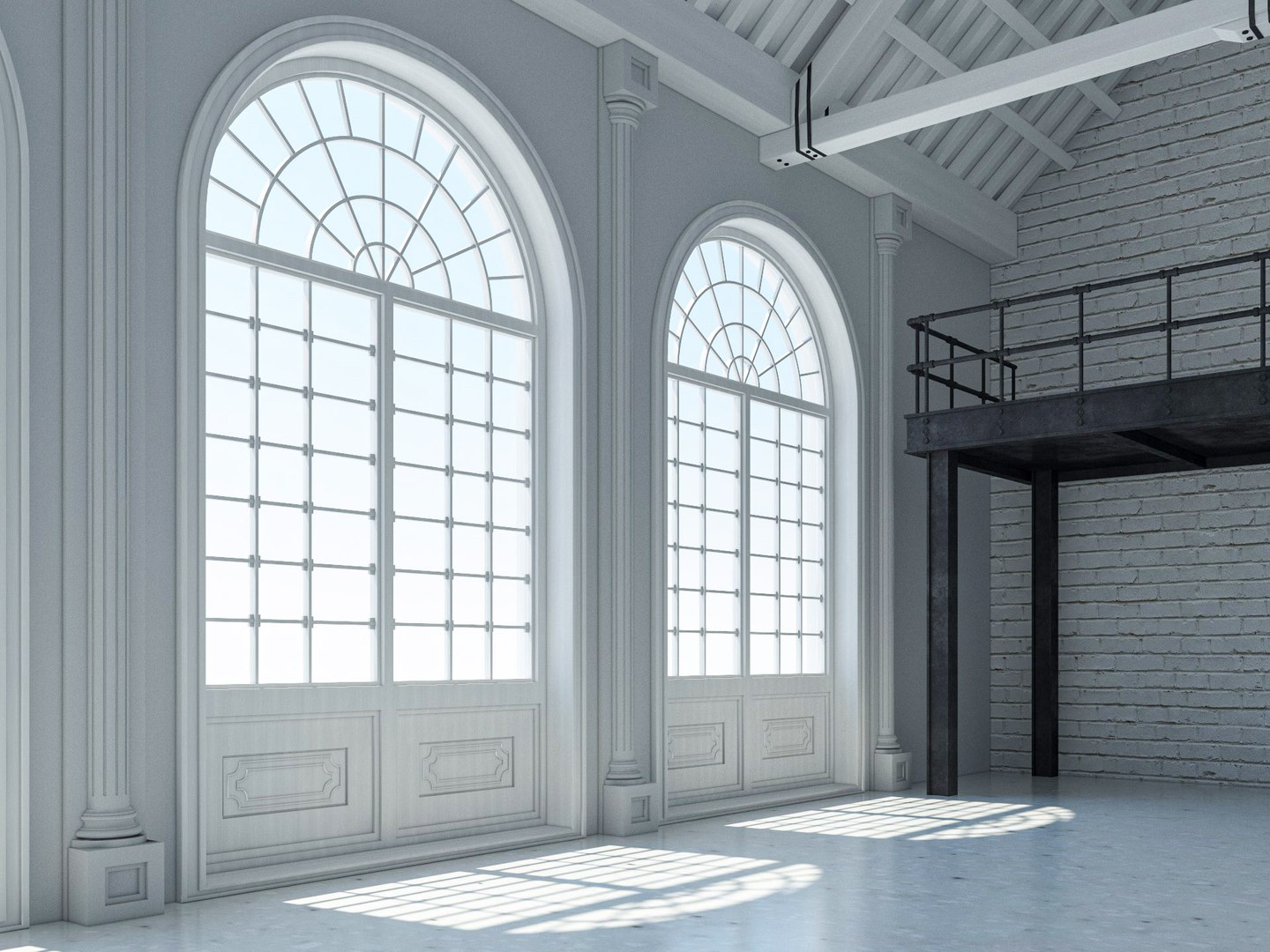
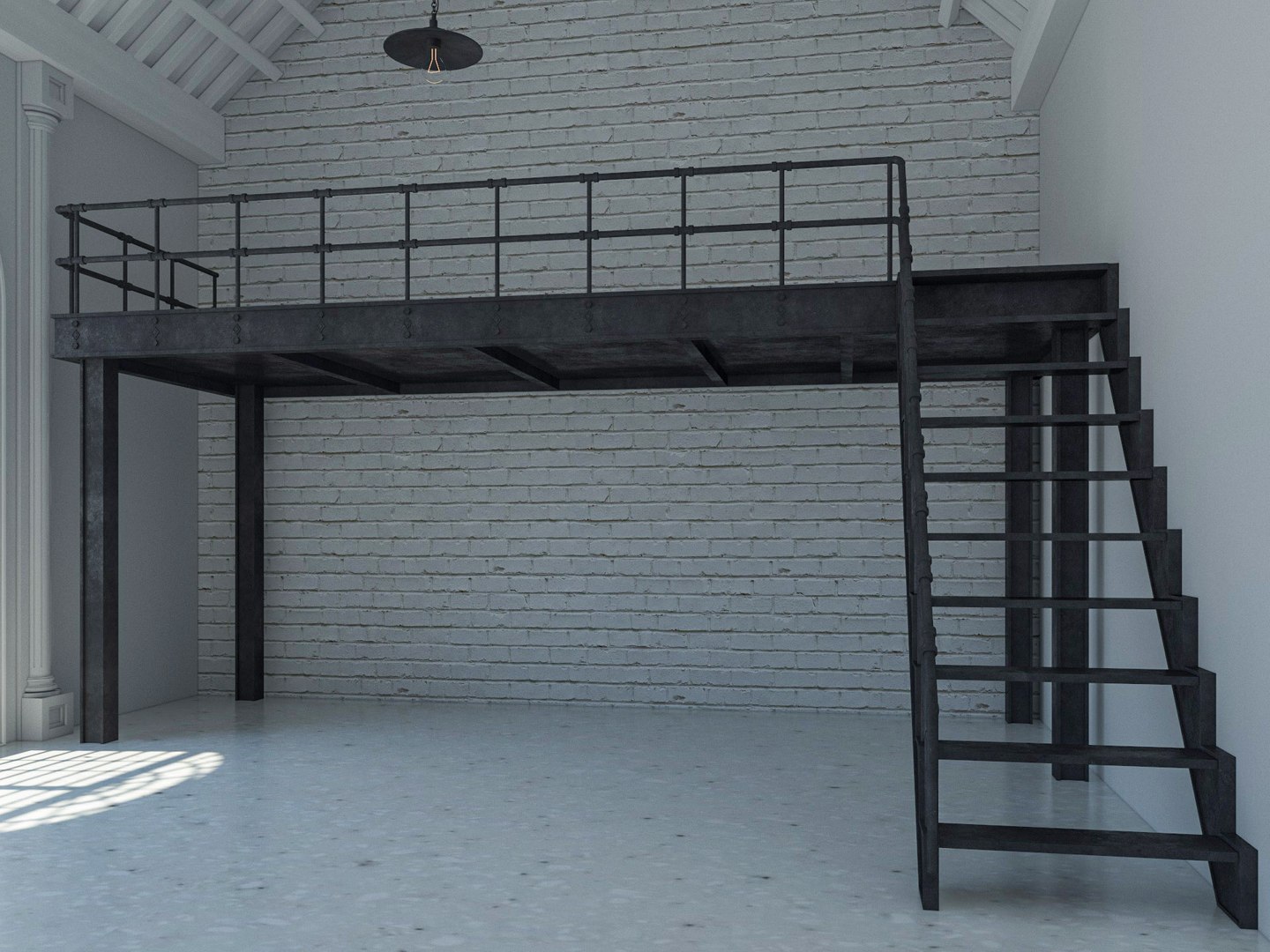
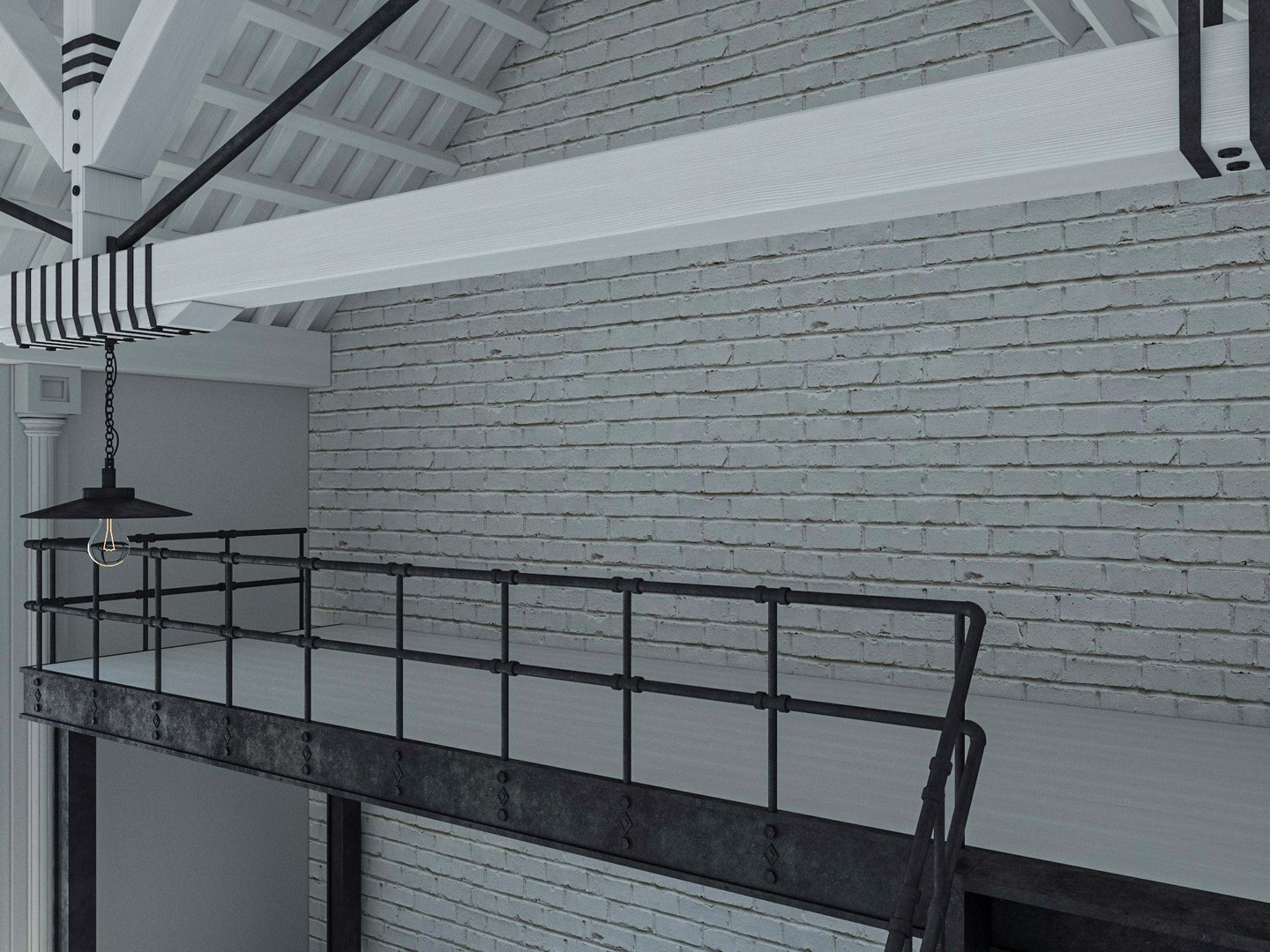
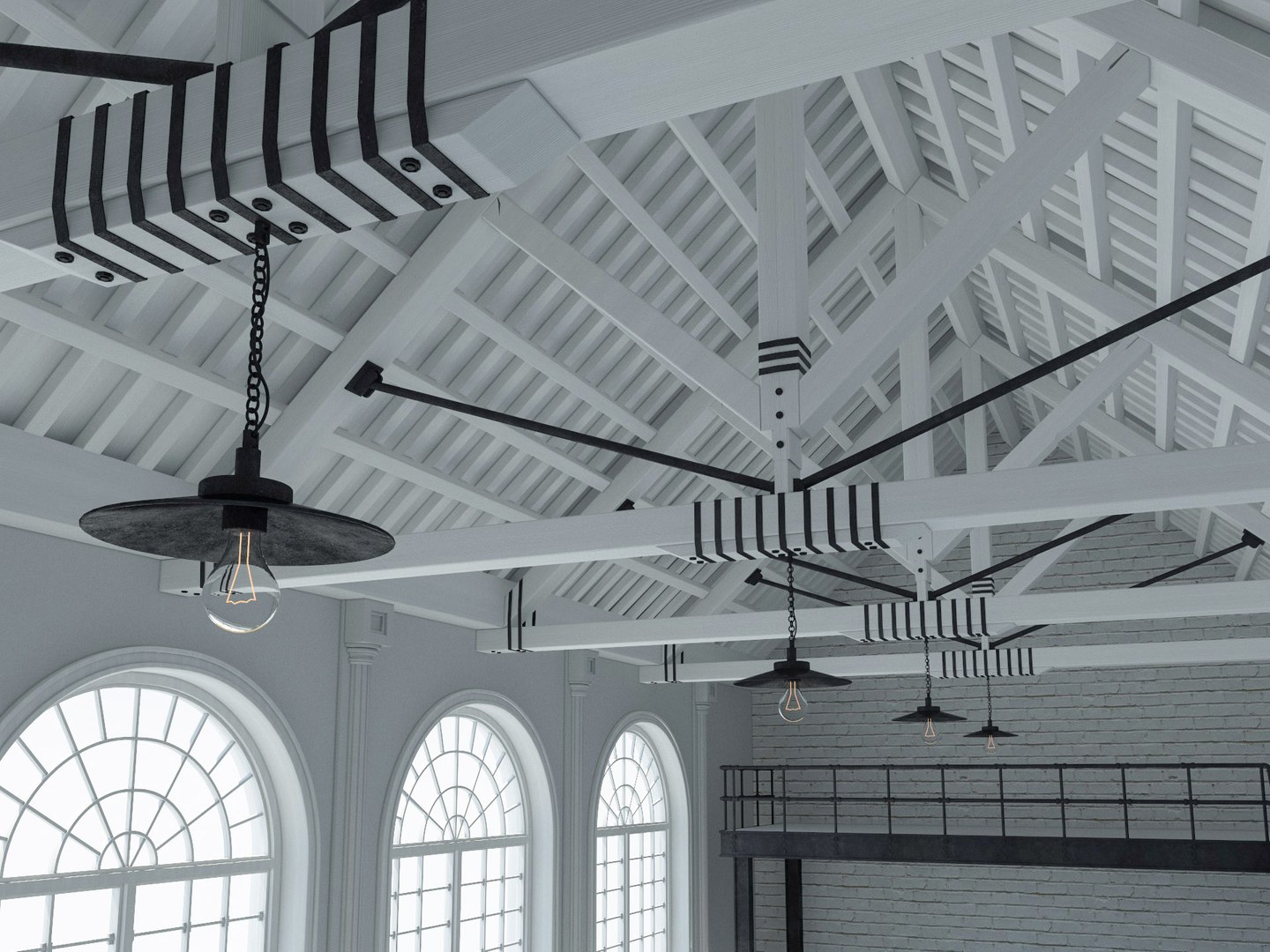
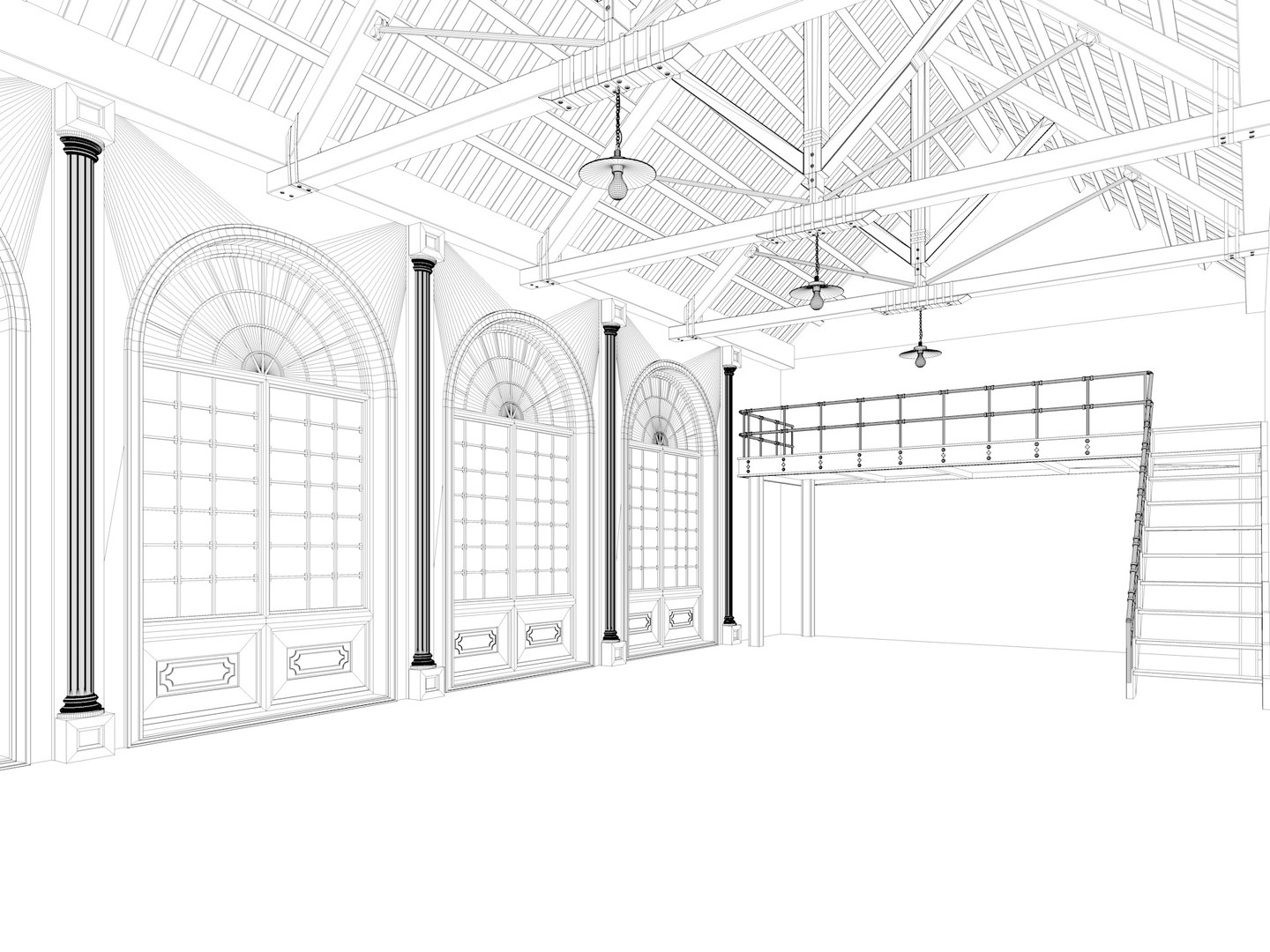
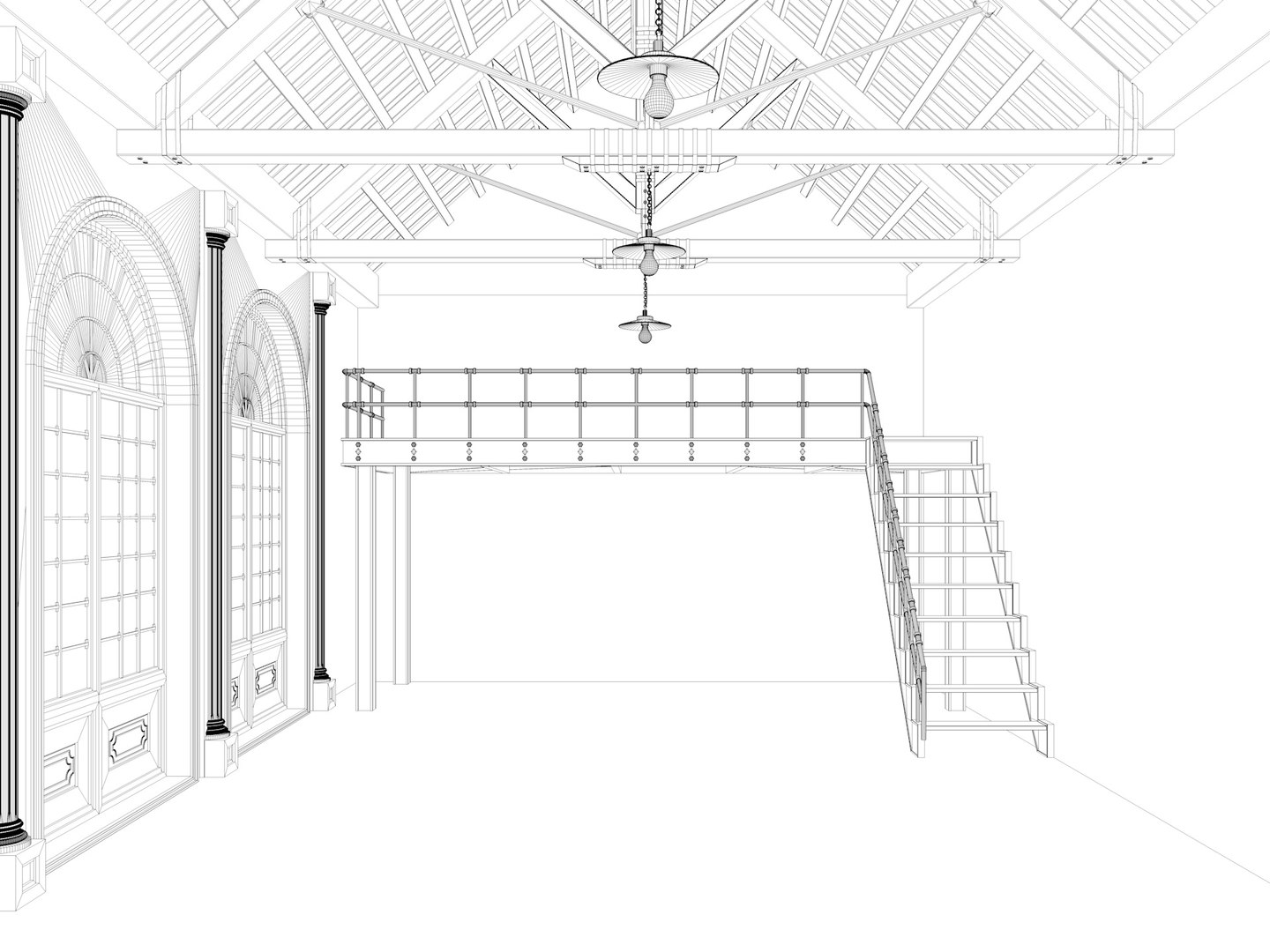
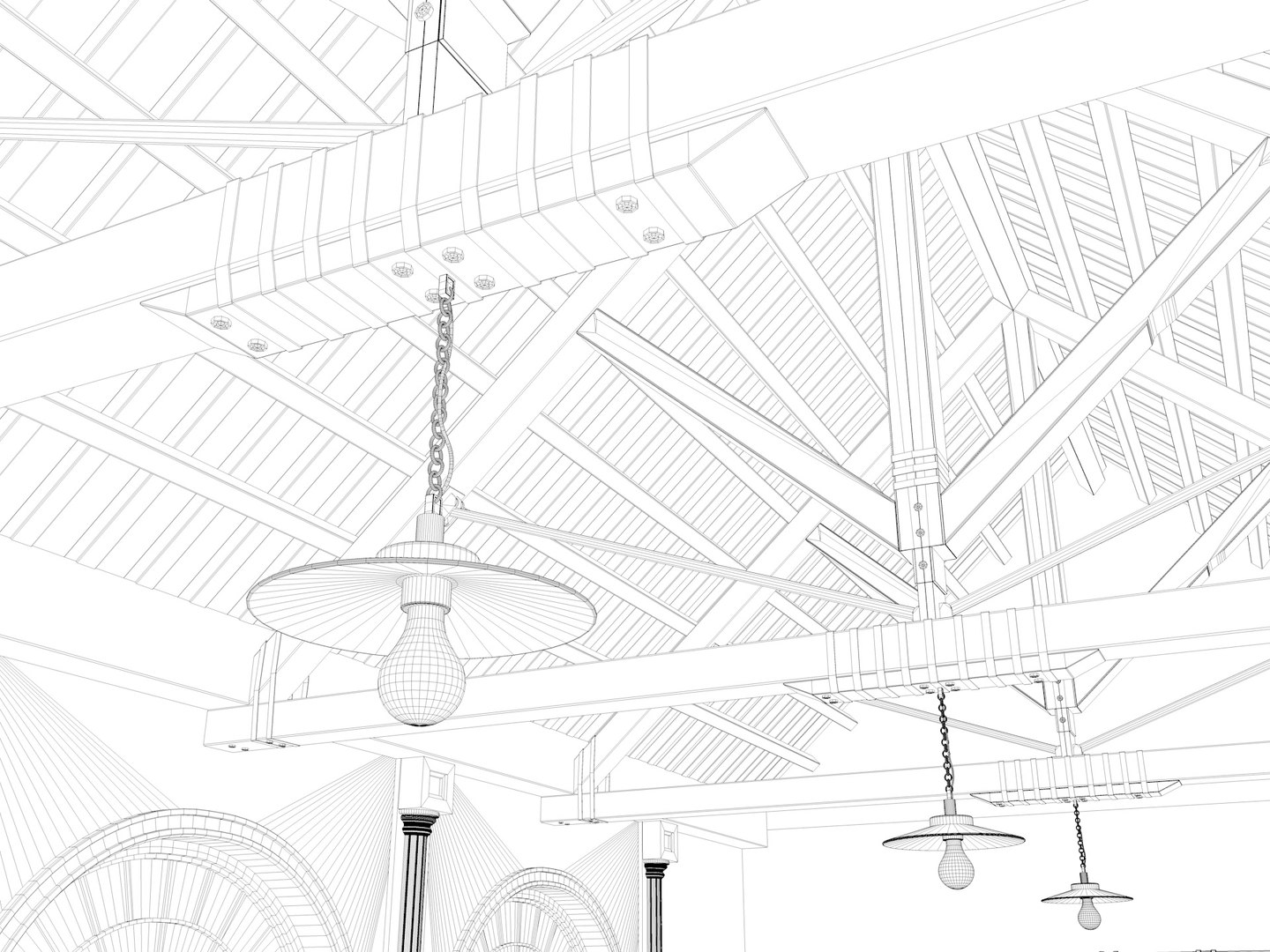
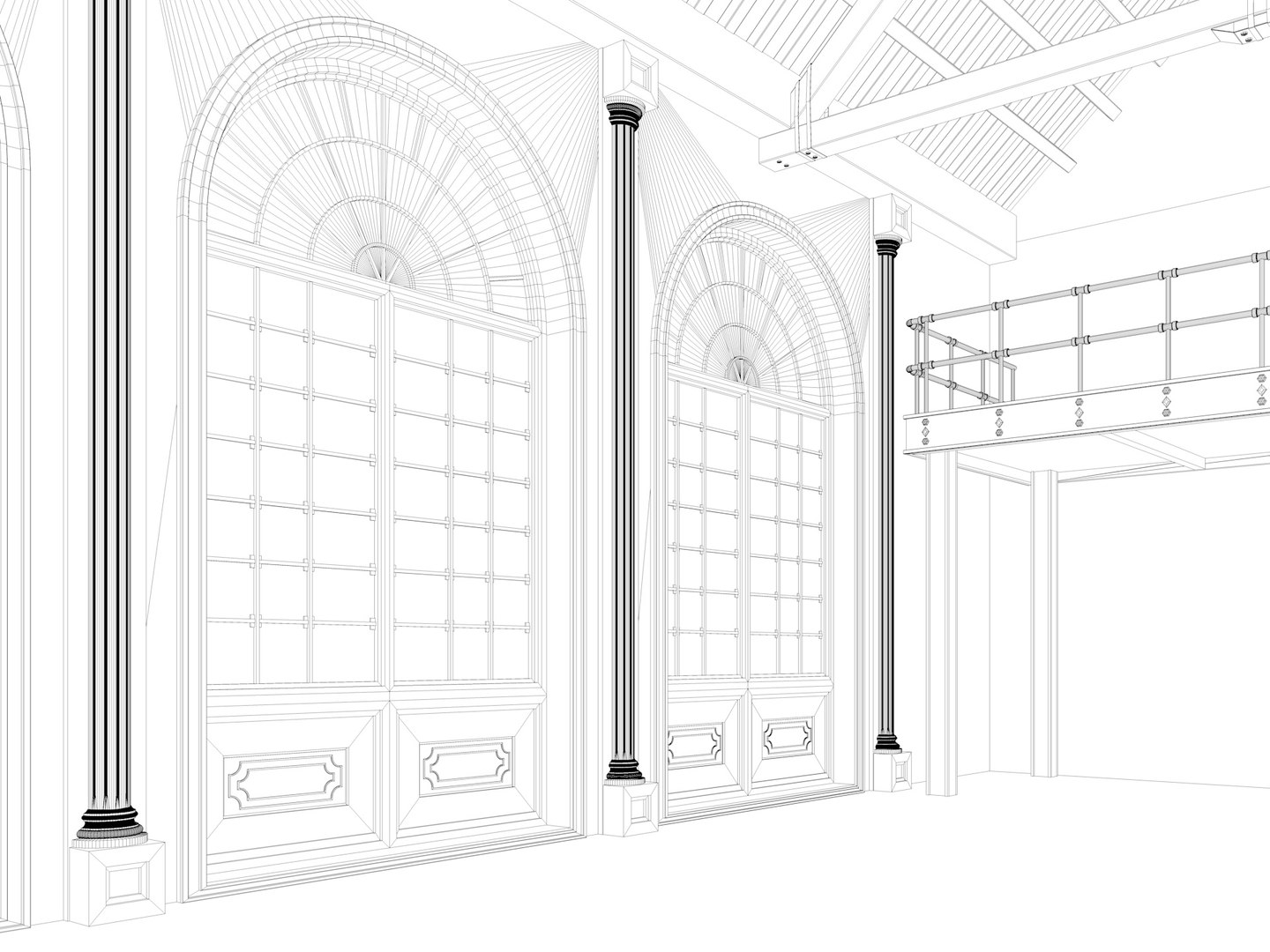
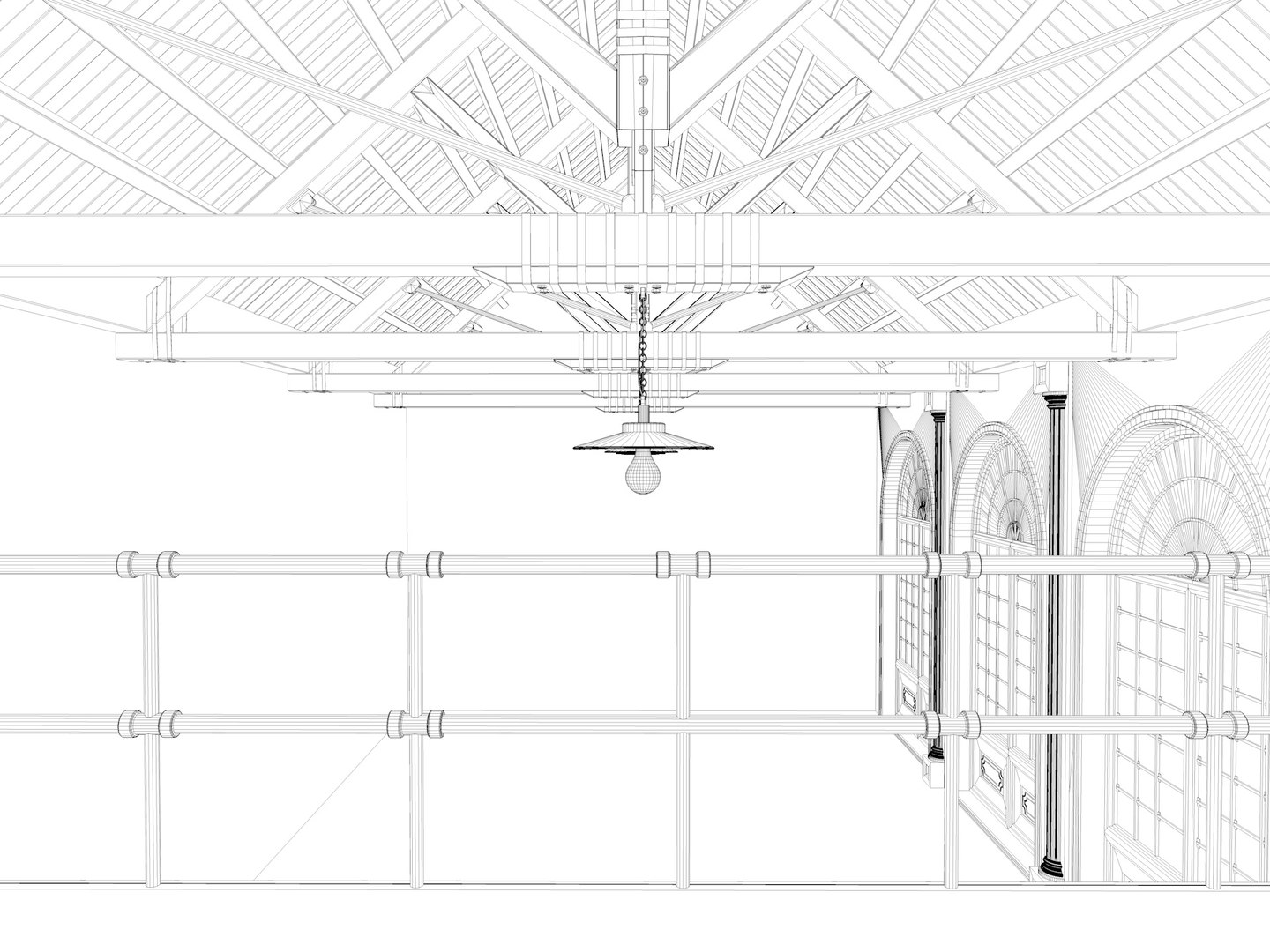
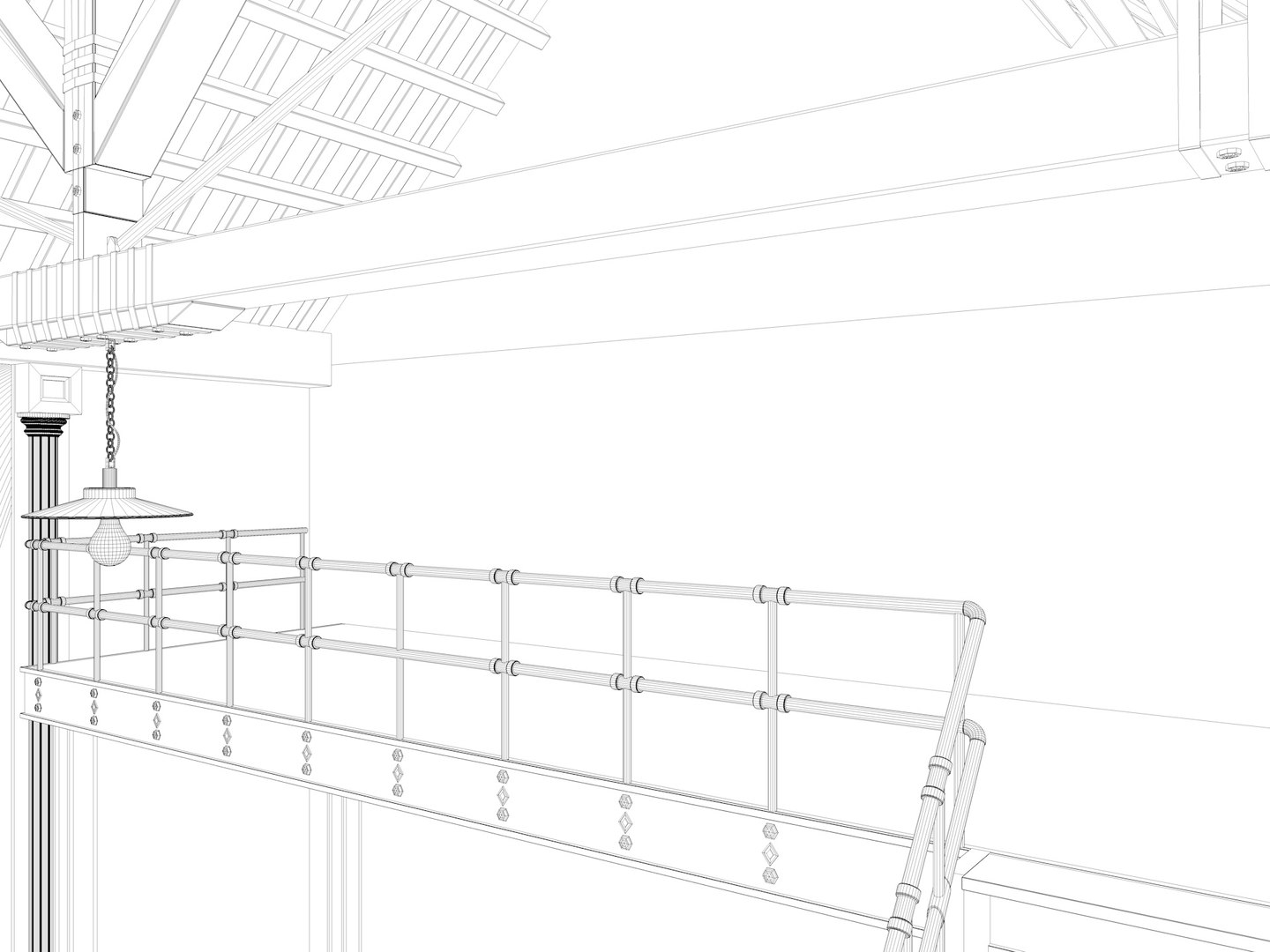
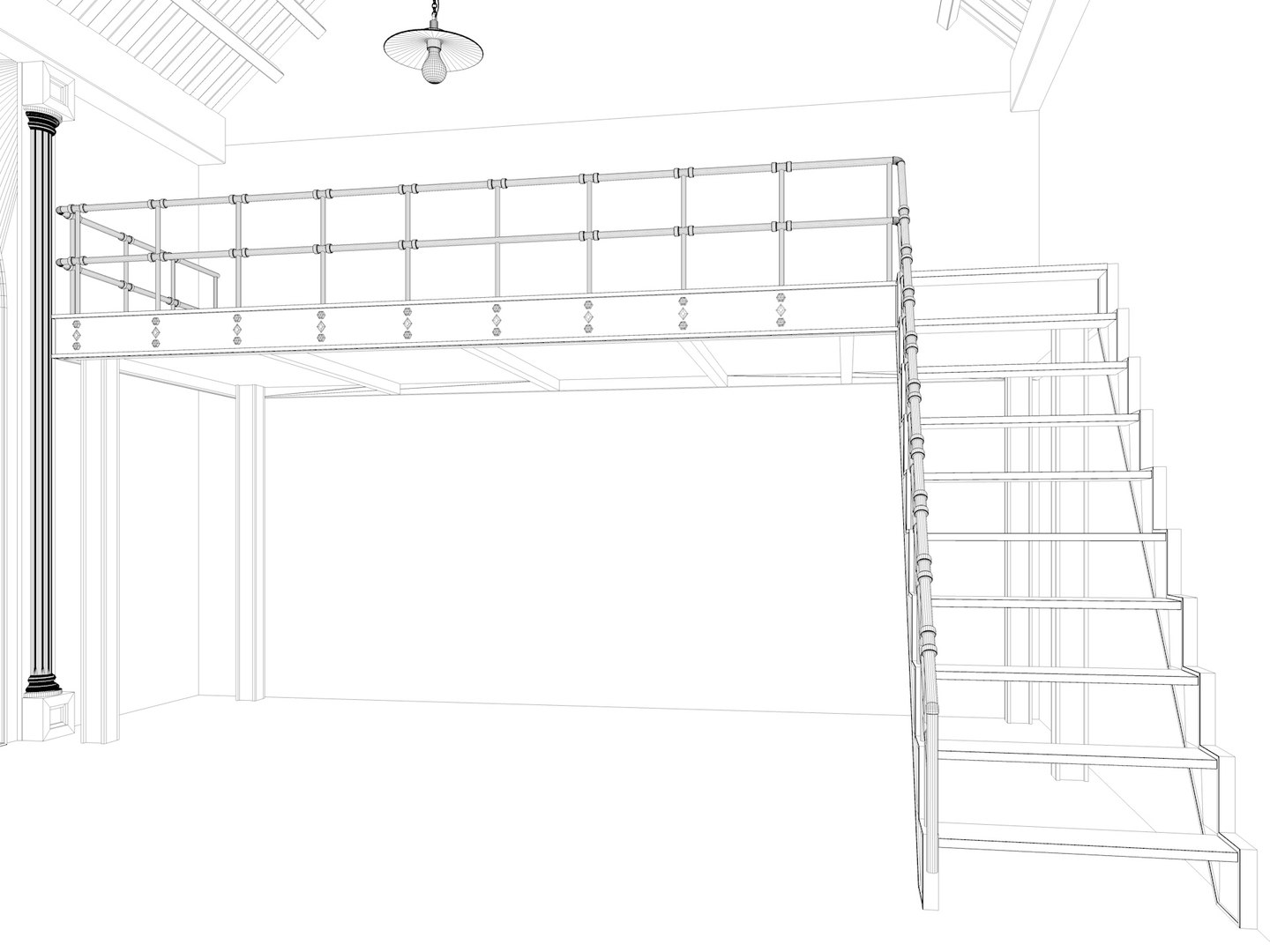
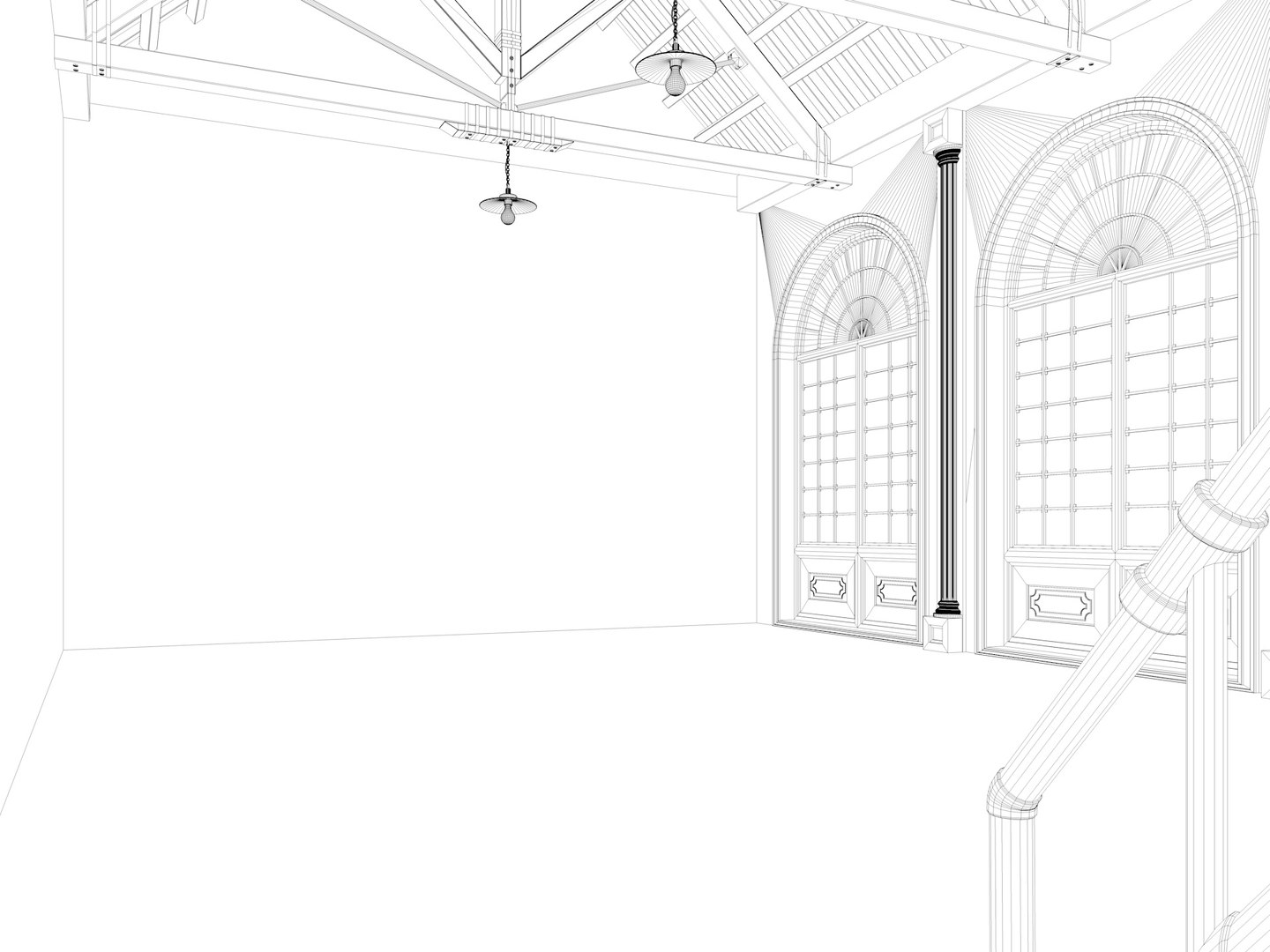
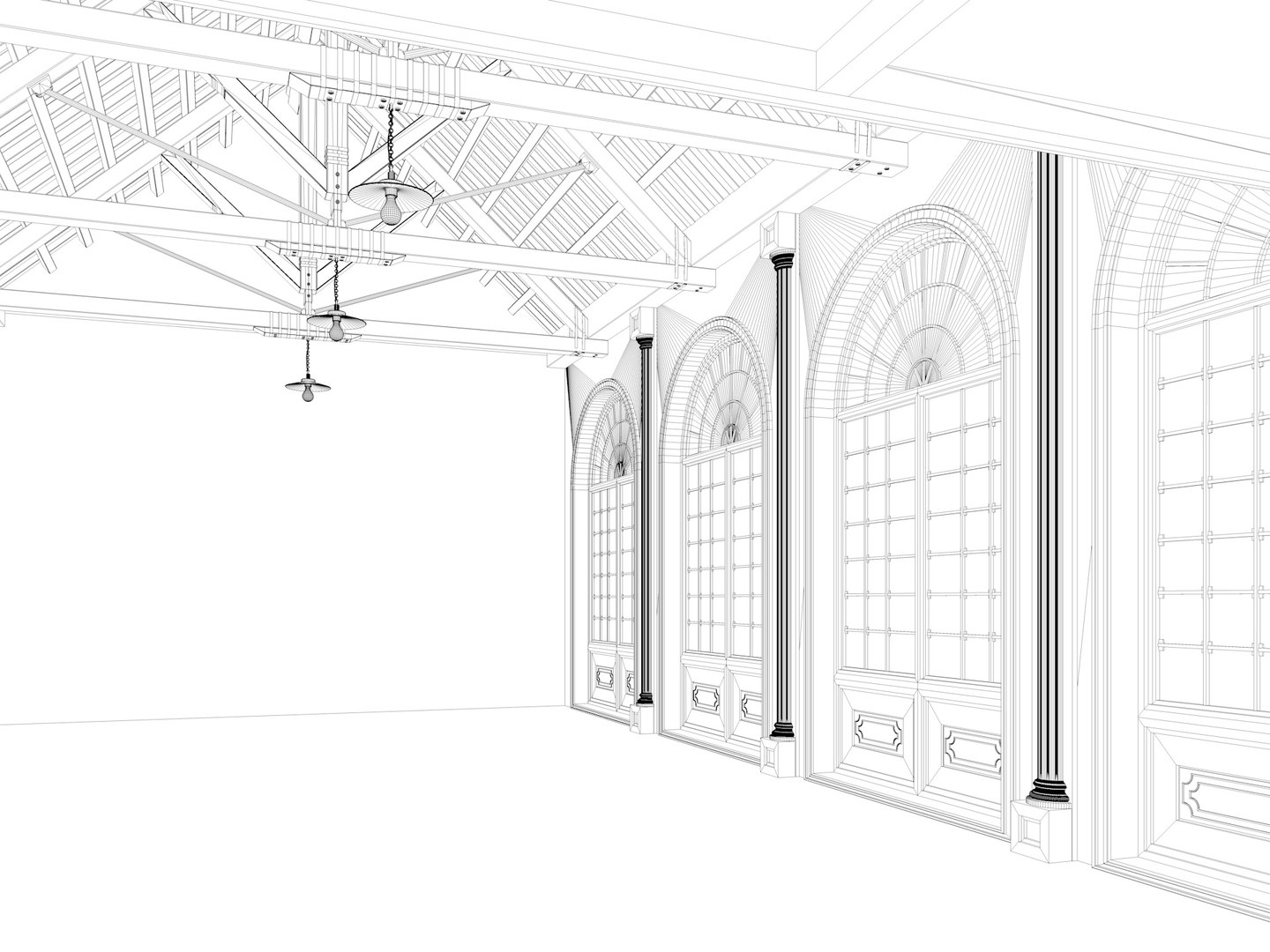
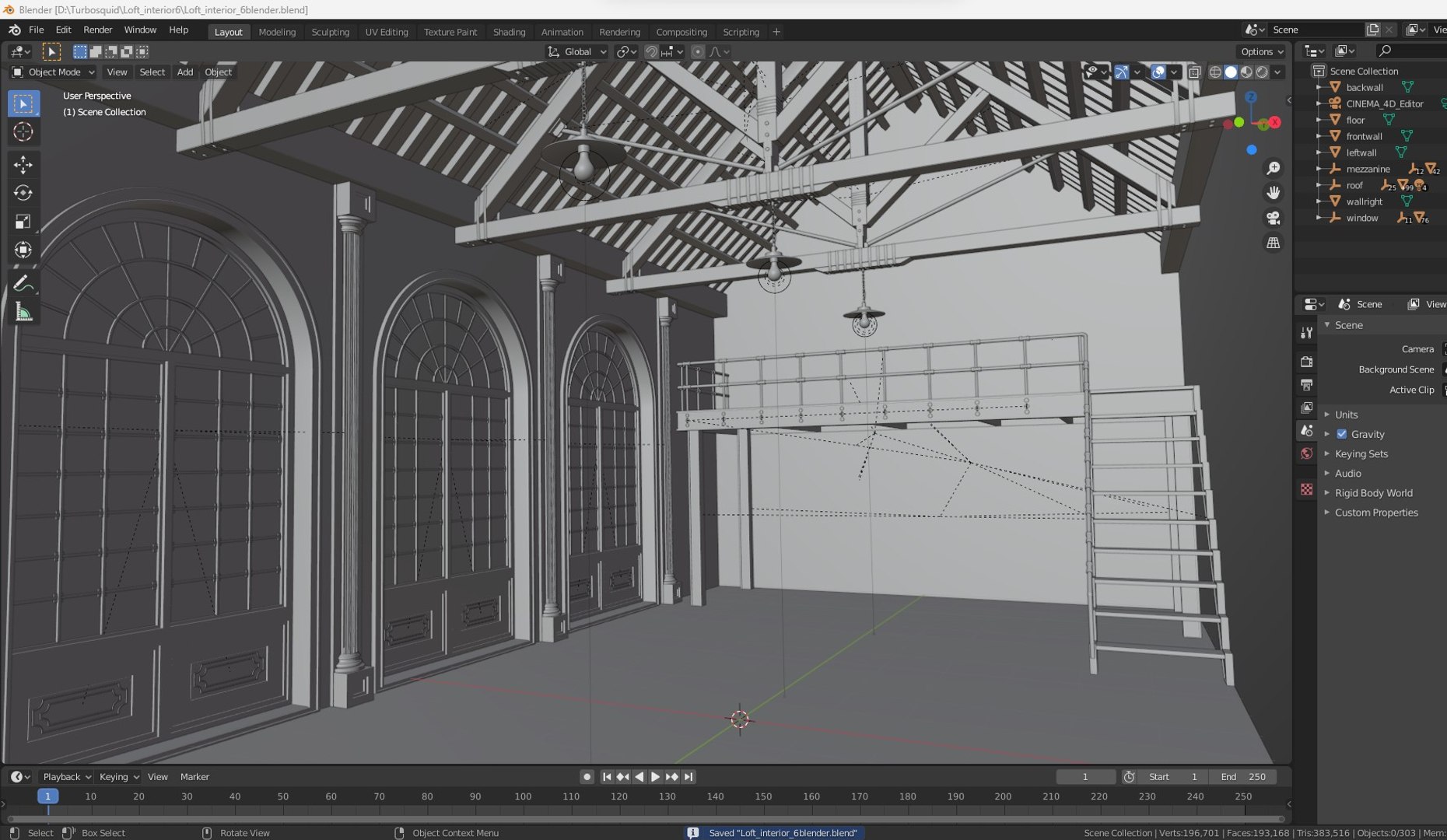
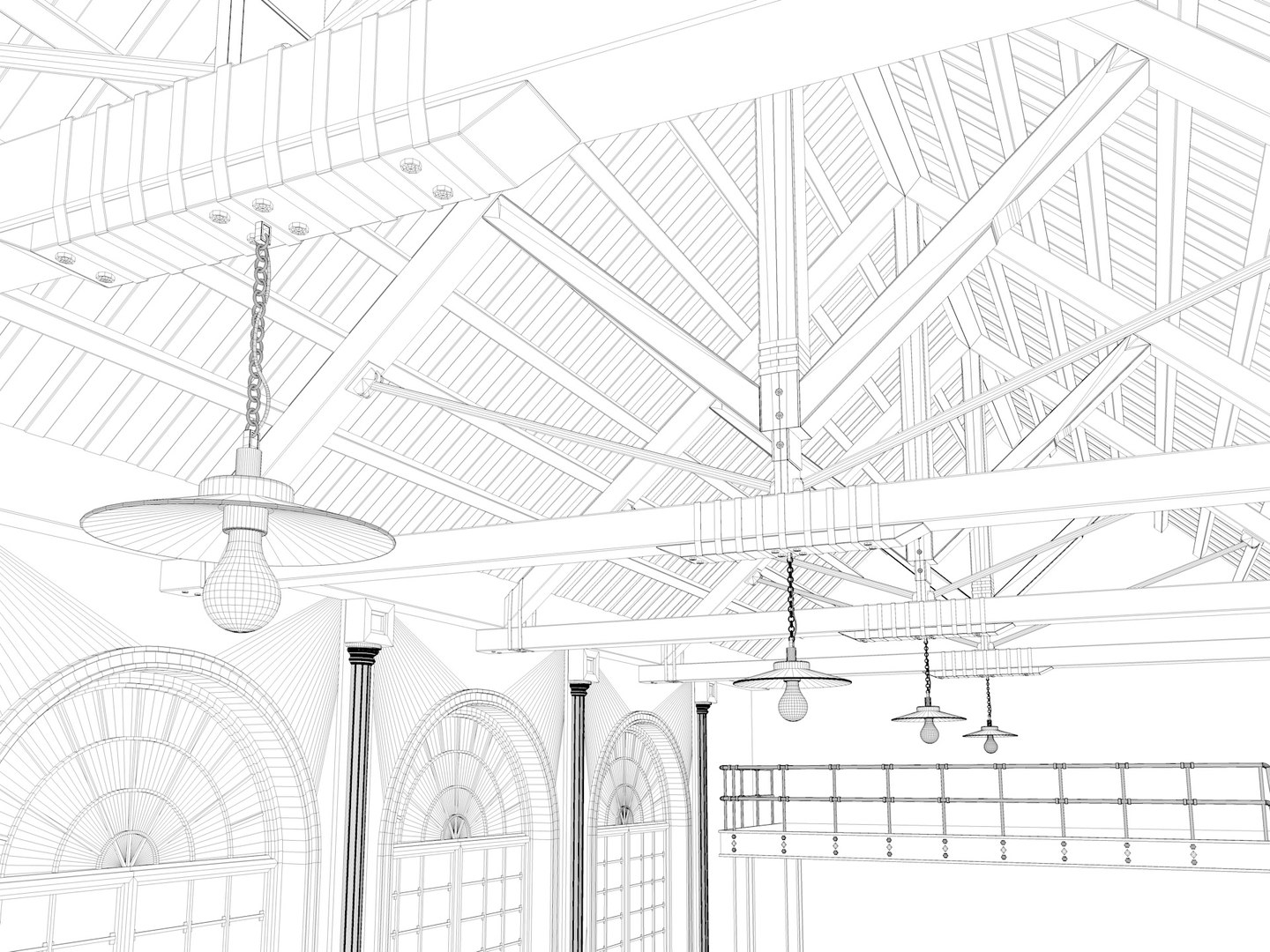
Loft interior 6

$19

Standard License | Upgrade License
Formats (6)
Native | Cinema 4D R19 | V-Ray 3.60
3ds Max 2016 | Default Scanline
Maya 2023 | Default Scanline
Blender 2.83 | Blender Render default
FBX
Collada dae
Specifications
Publish Date July 15, 2023
Product ID 2096658
Polygons 195,848
Vertices 196,701
Polygonal
Textures
Materials
member avatar
DnD05
440 Products | Contributor Since 2014
Have questions? Chat with us now.

Description

  • dimensions
  • lenght : 26meters
  • width : 12.75 meters
  • height : 14 meters
  • originally created cinema4d R19 ready scene
  • rendered with vrayforc4d 3.60 ready scene
  • If you open a model made in vrayforc4d 3.6 with vray 5, you have to replace the sun and other lights.
  • Modeled objects are grouped.
  • *only native file ready to render cinema4d and vrayforc4d 3.60 *
  • There is no texture in the exported formats because I use Vray material
  • in exported formats , you must reassign the materials

  • FORMATS
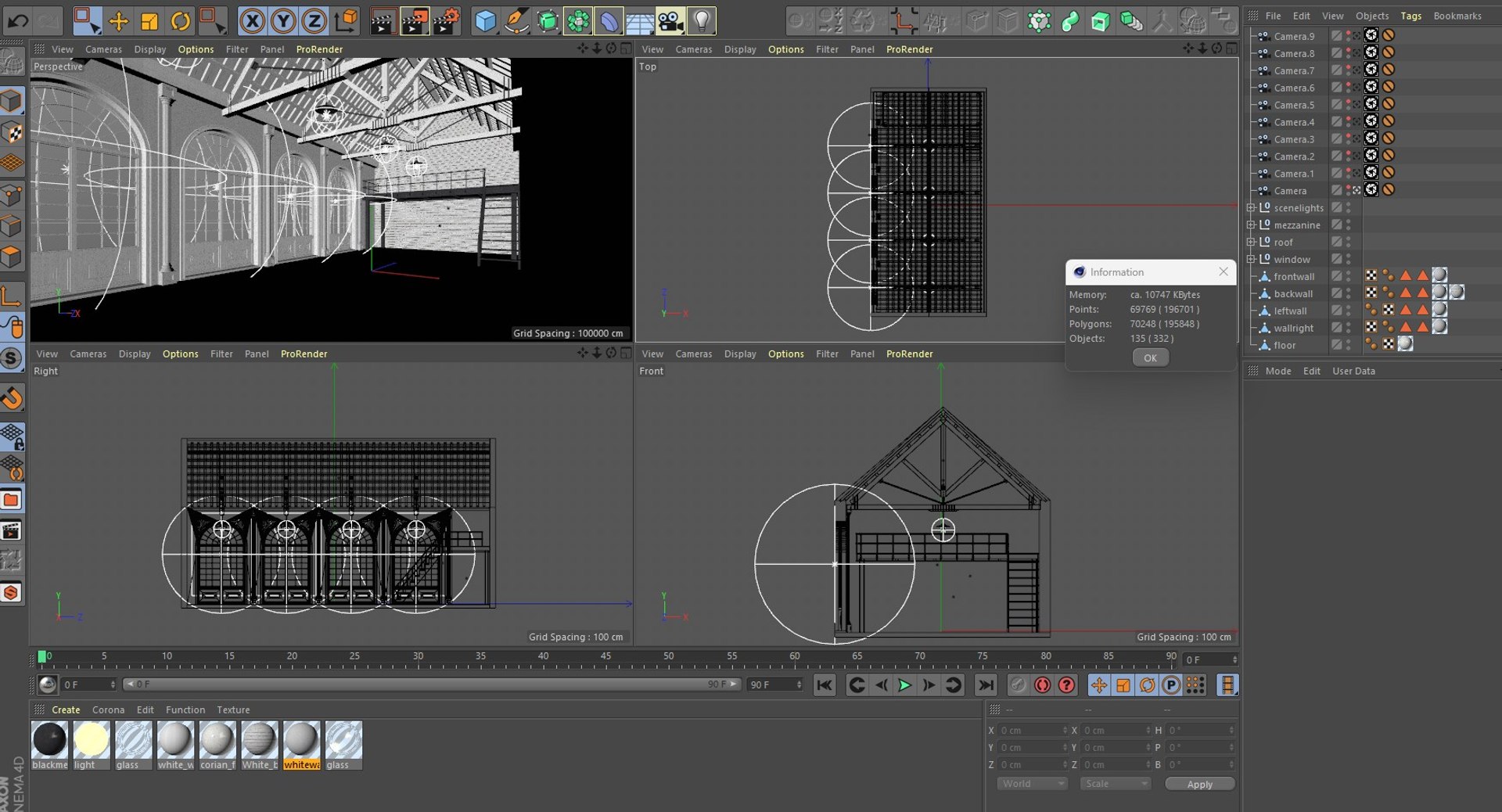
  • Cinema4d R19 (vrayforc4d 3.60) ready to render with texture and materials
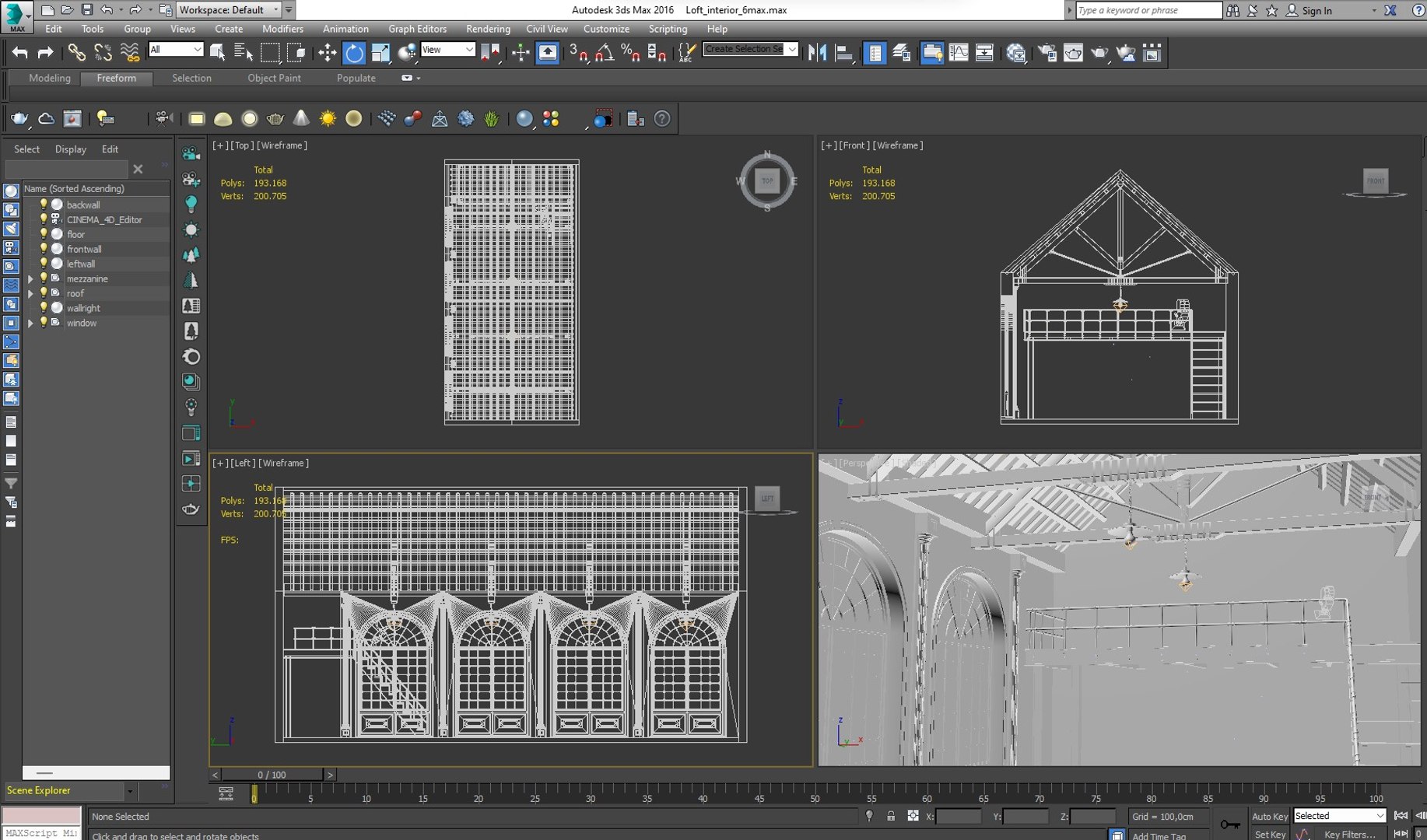
  • 3DSMAX 2016 (no material and texture only model)
  • Blender 2.83 (no material and texture only model)
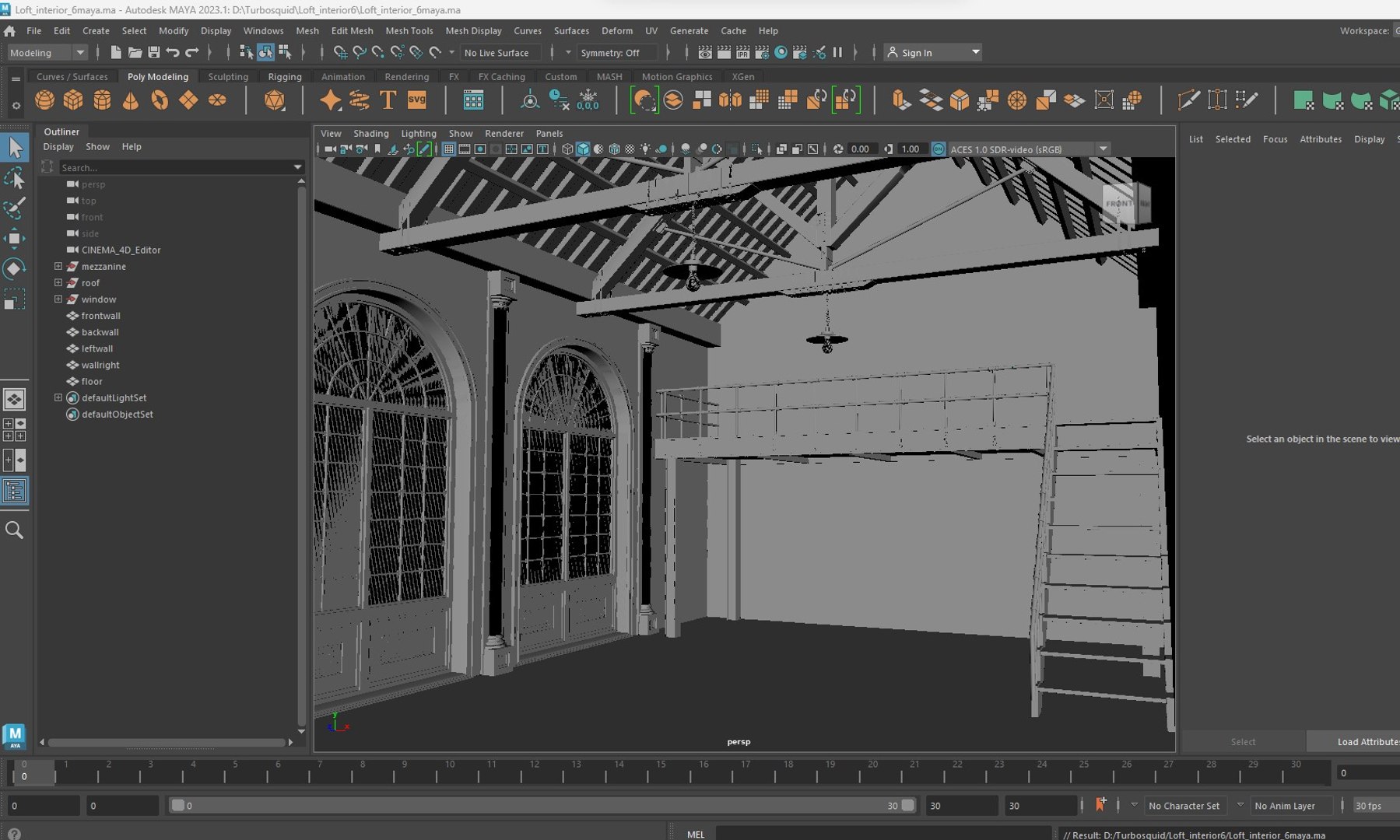
  • Maya 2023 (no material and texture only model) maybe scale problem
  • FBX (no material and texture only model)
  • DAE (no material and texture only model)
  • you can see the screenshots without buying the model

  • Geometry
  • Polygons : 195848
  • Vertex : 196701

Select Enhanced License

  • $10,000 in Legal Protection (Indemnification)
  • Uncapped Legal Protection (Indemnification)
  • Waiver from injunctive relief
  • Assignable model rights
  • $1,000,000 in Legal Protection (Indemnification)
  • Waiver from injunctive relief
  • Assignable model rights
  • $250,000 in Legal Protection (Indemnification)
  • Assignable model rights
Read more about enhanced license tiers, or contact us at enterprise@turbosquid.com. Already a Shutterstock Enterprise Customer? Contact your Shutterstock Sales Support Agent to talk about adding 3D.

About Conversion Requests

To submit a conversion request for a purchased asset, please complete our Conversion Request Form.

If you have not yet purchased a model, please review our Documentation about Conversions to learn about what limitations you may encounter with a conversion.

For any additional questions about a model’s suitability for conversion, please contact TurboSquid Support.

Loading...