
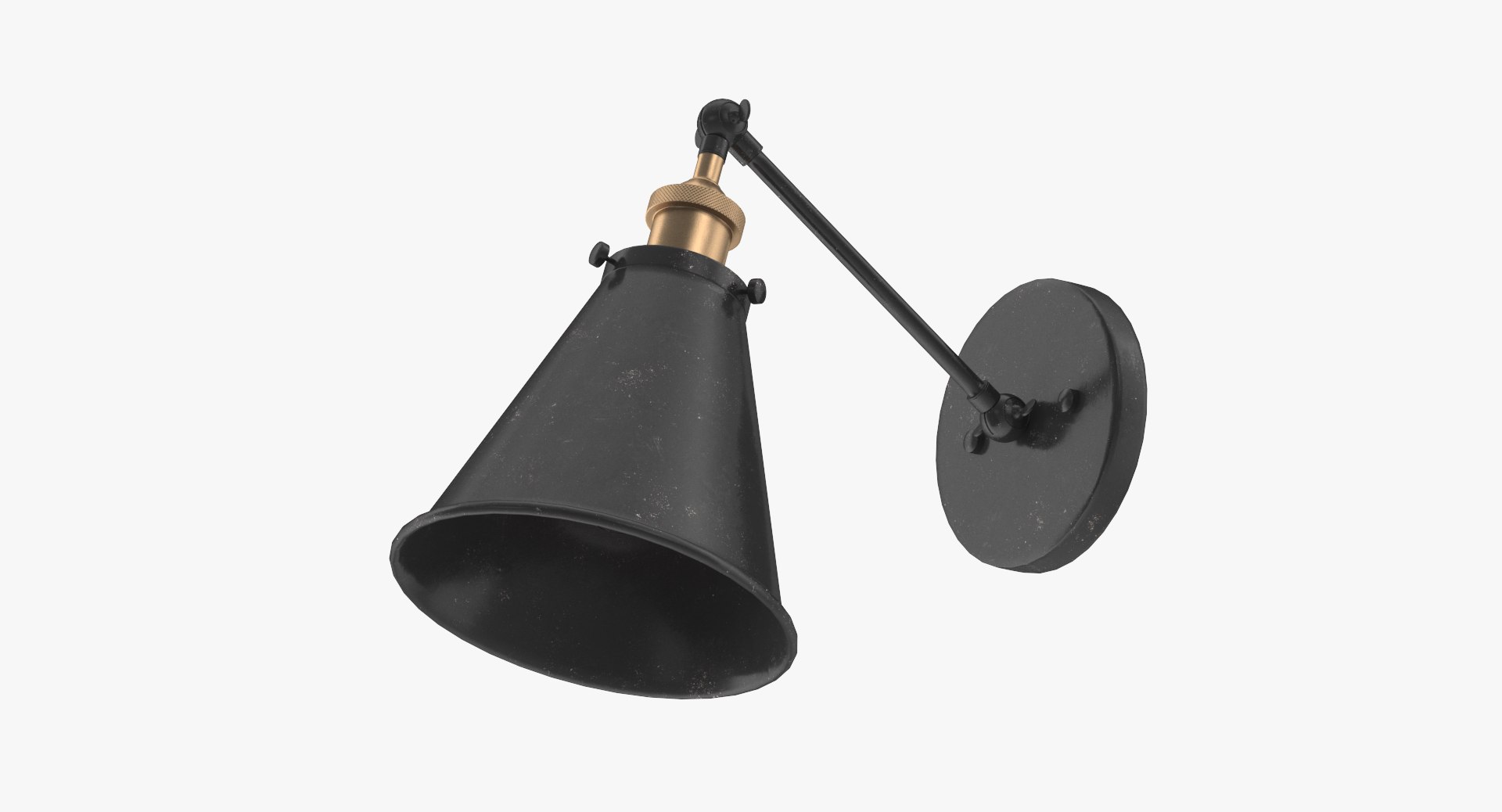
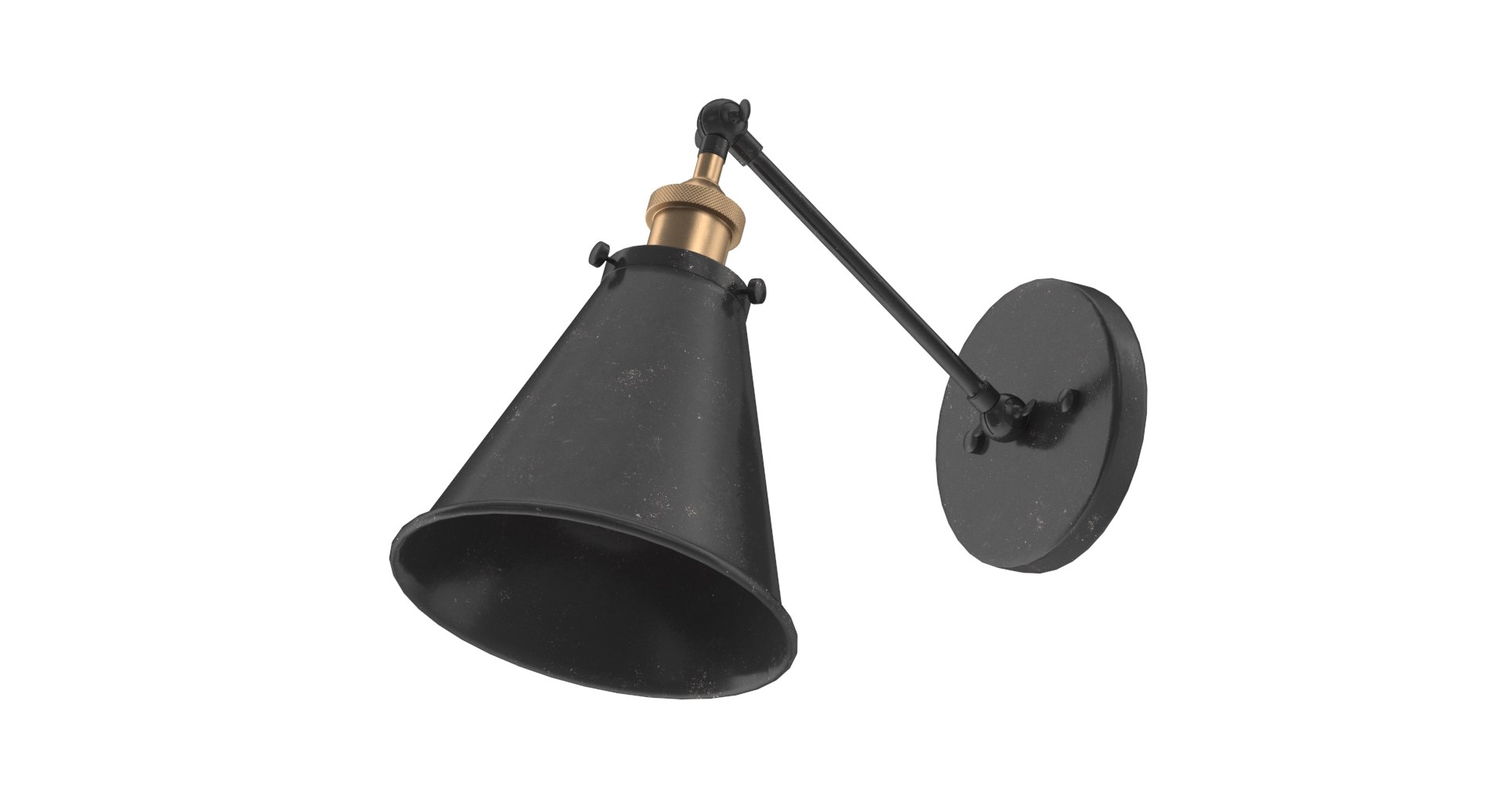
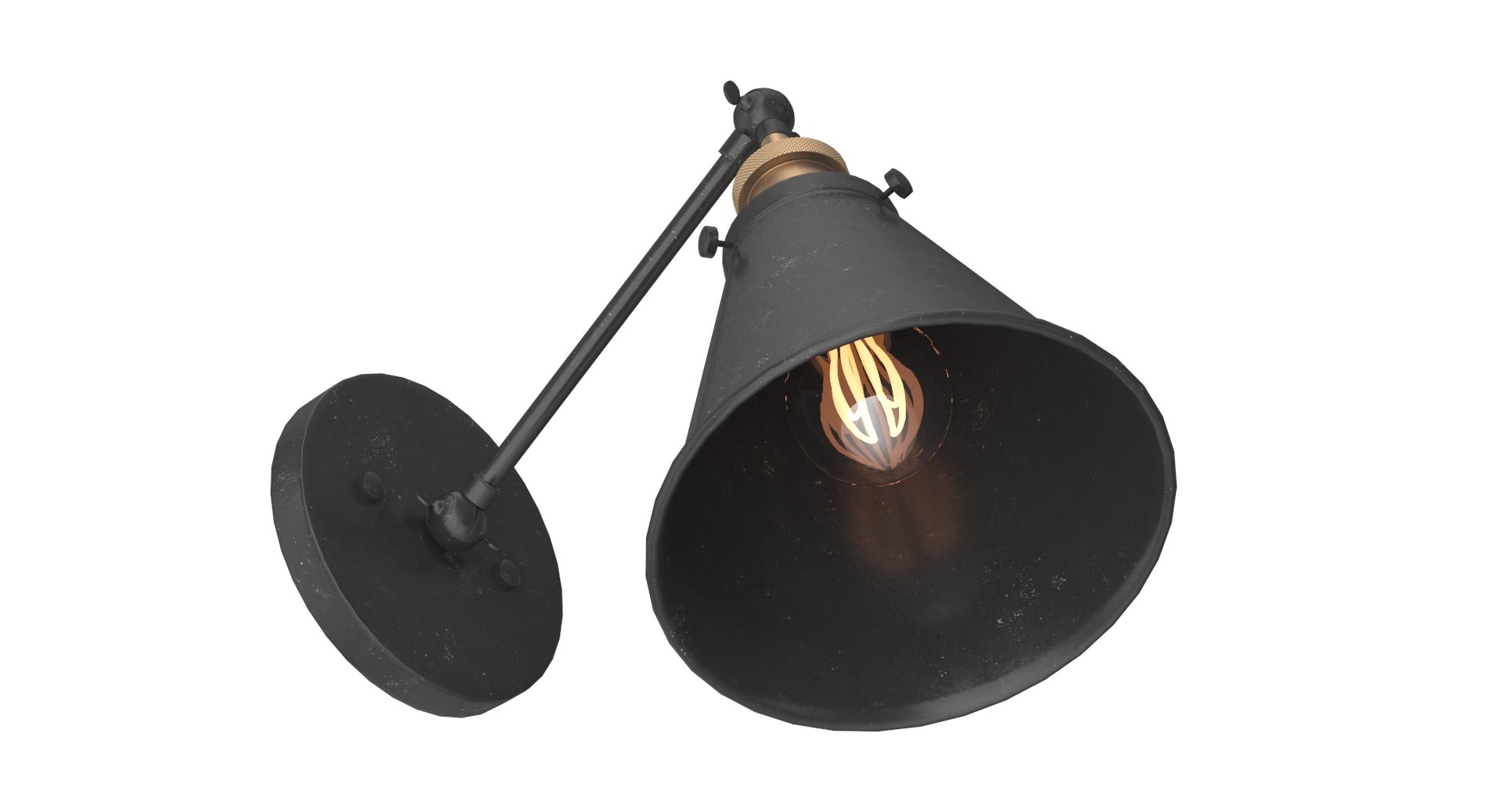
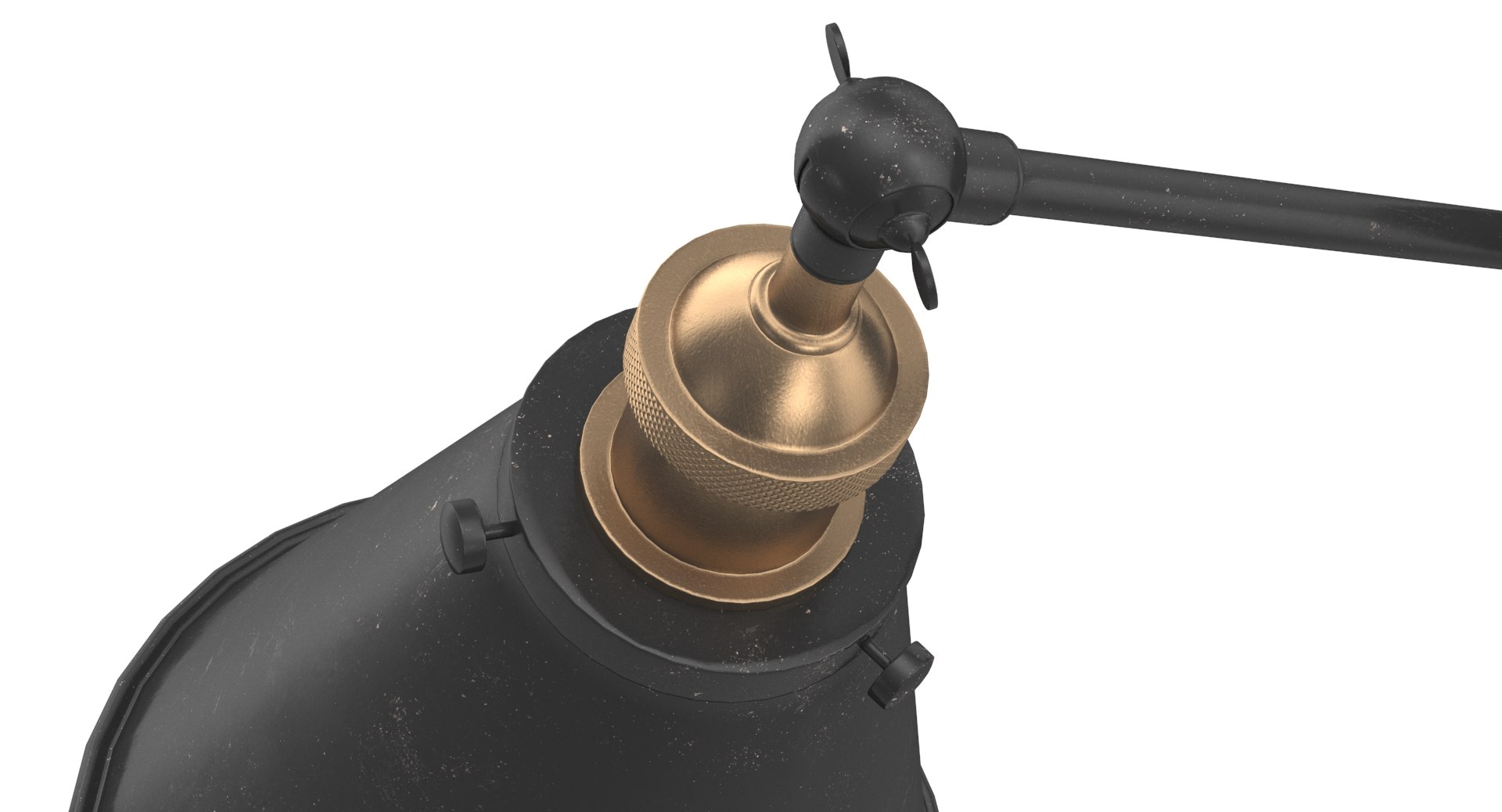
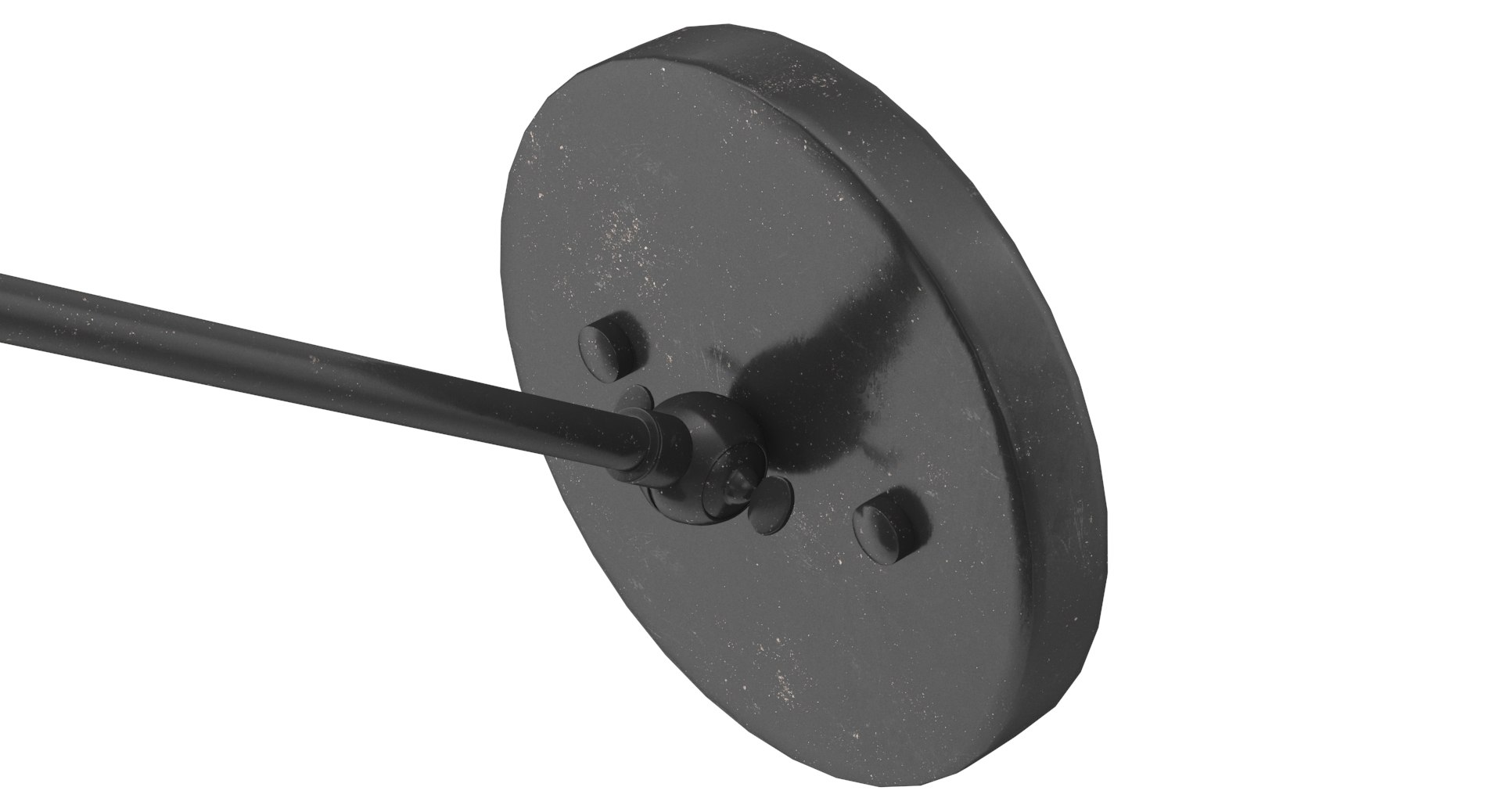
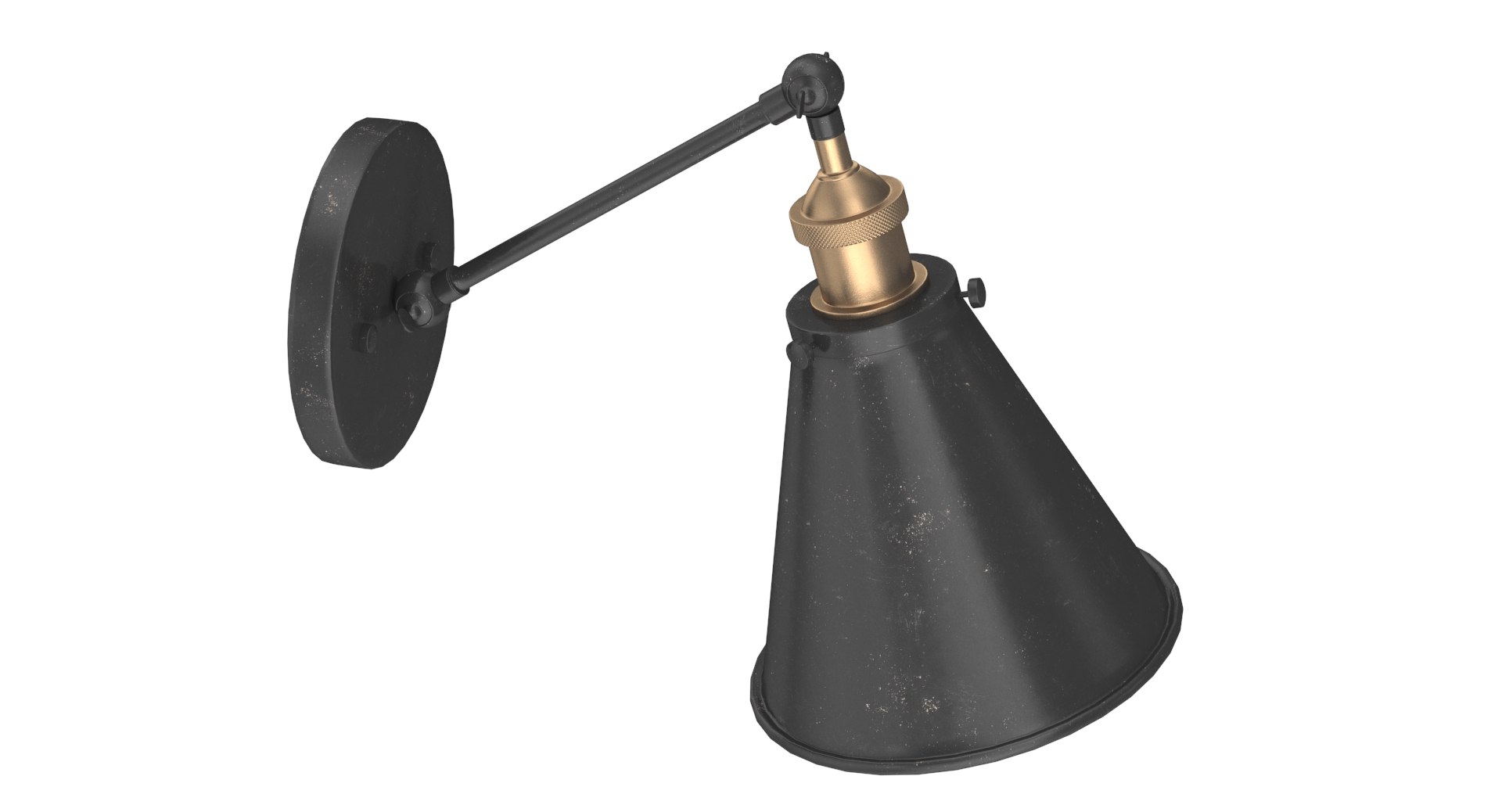
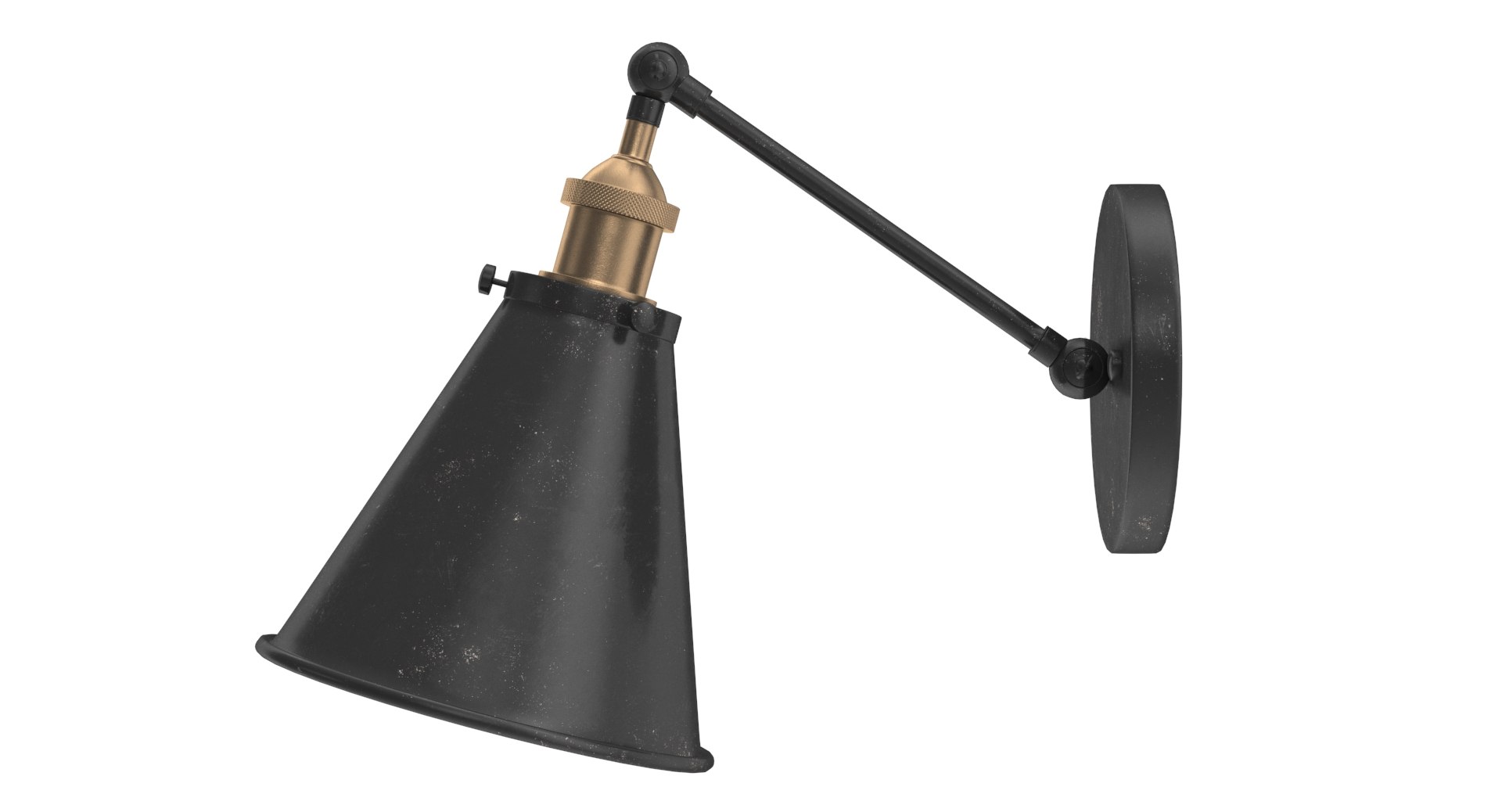
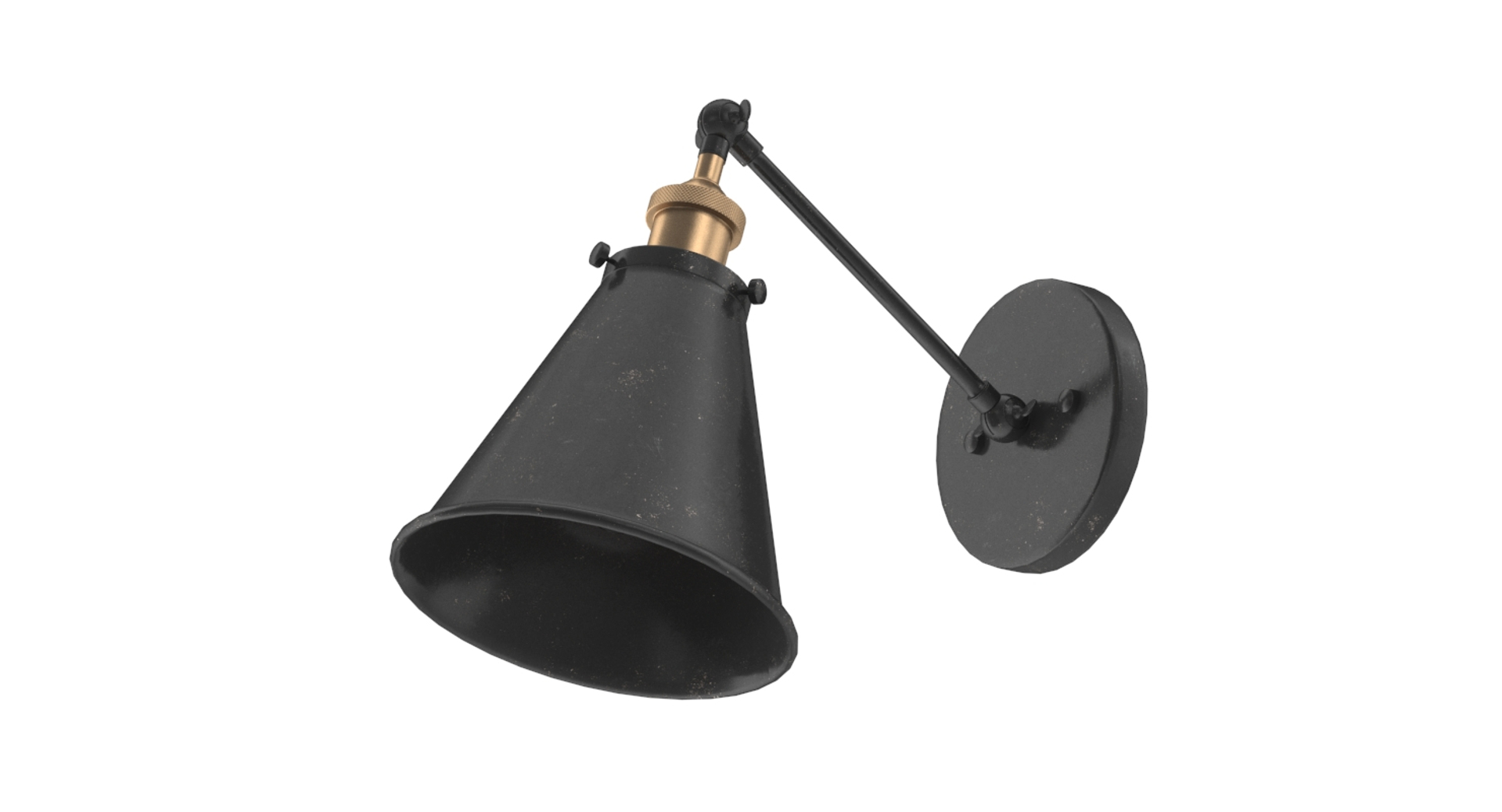
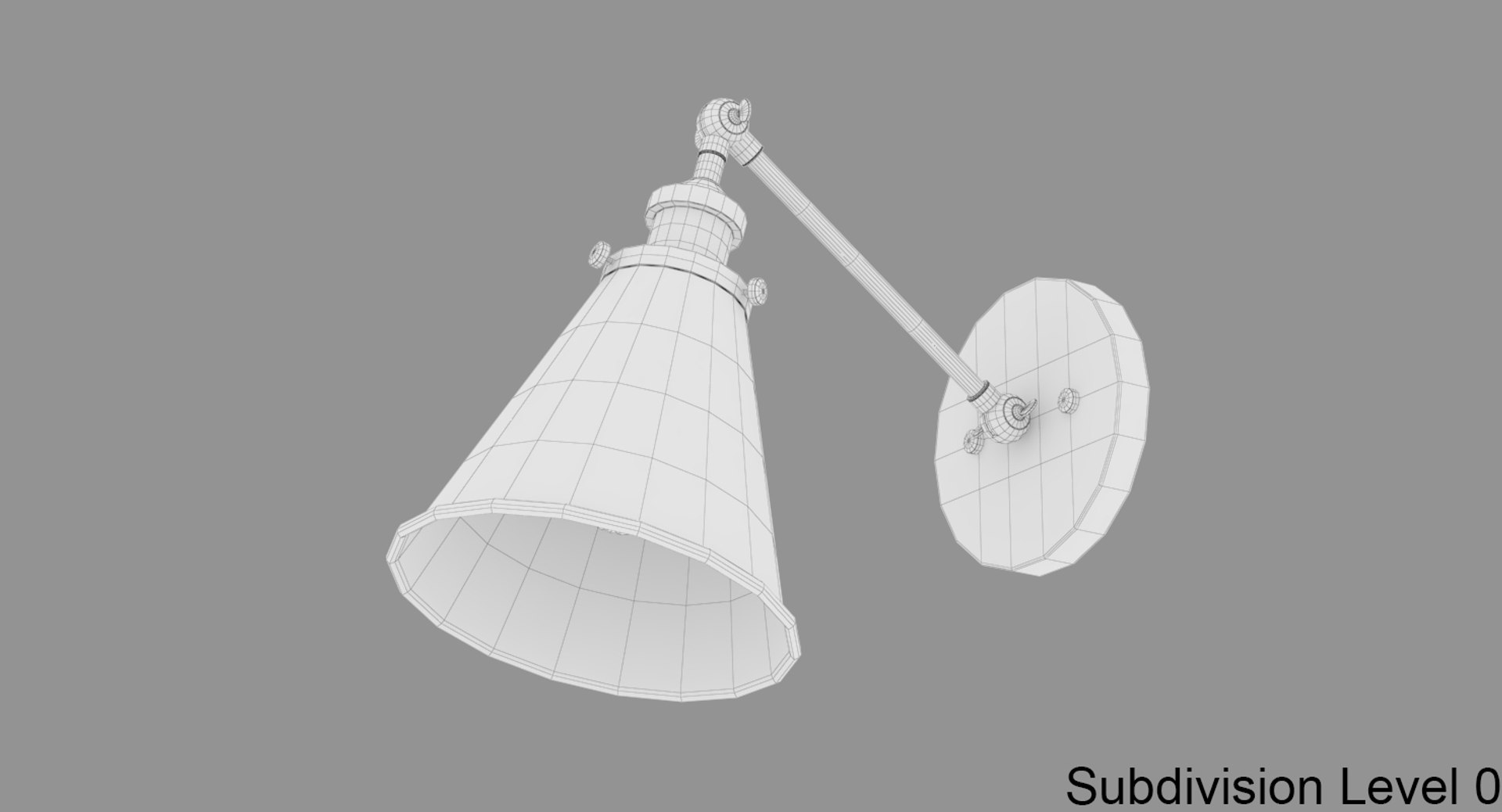
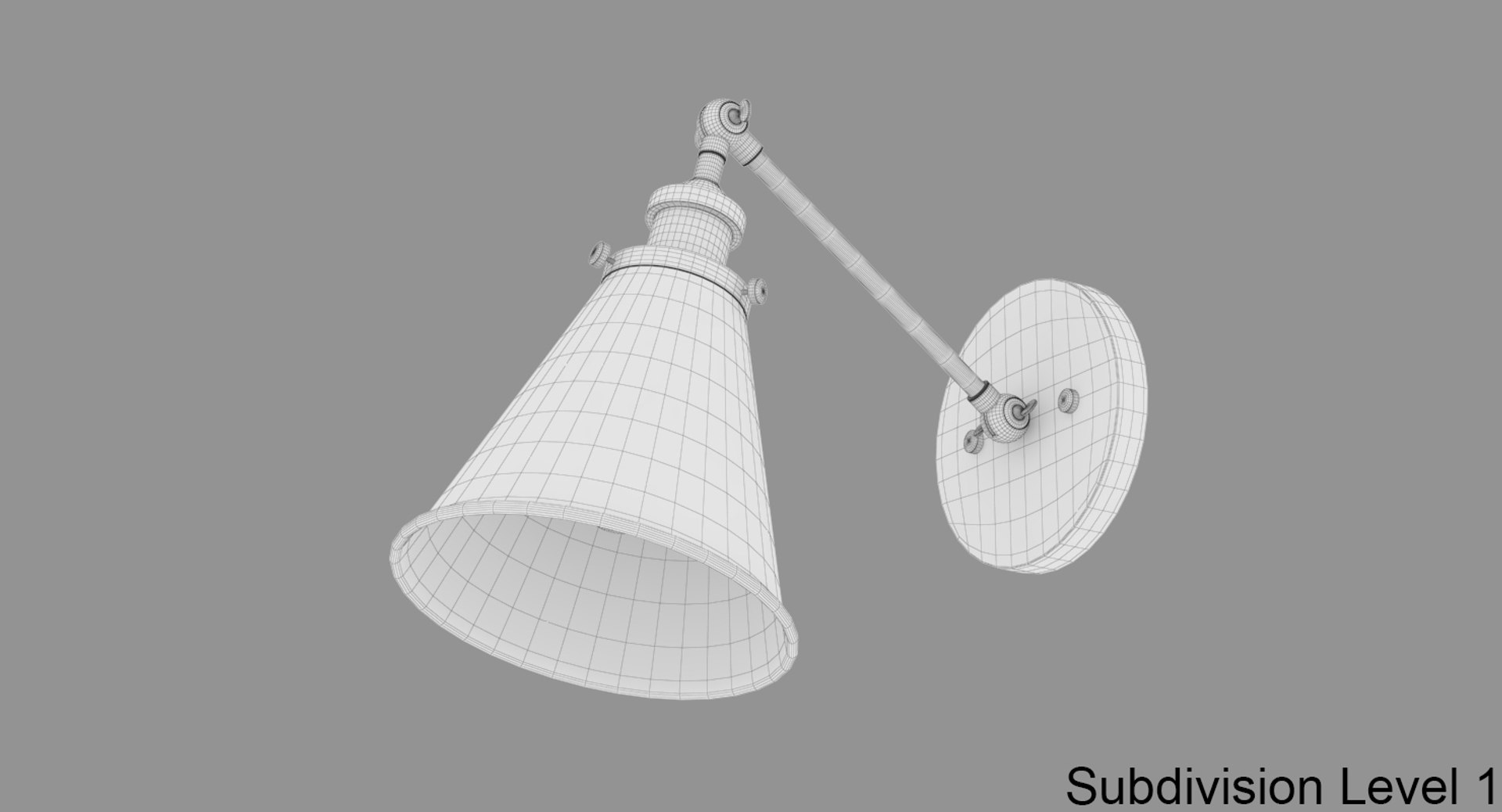
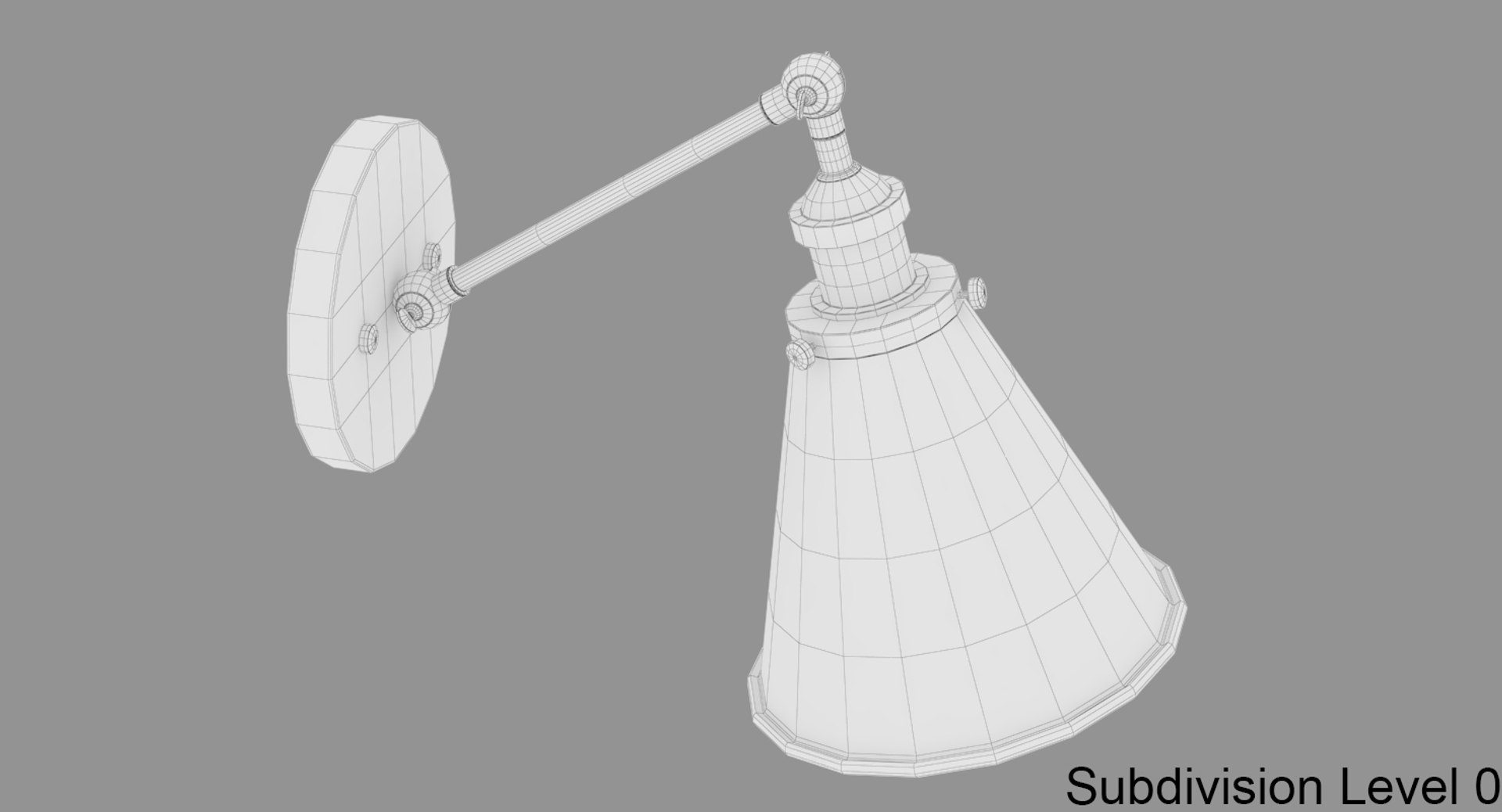
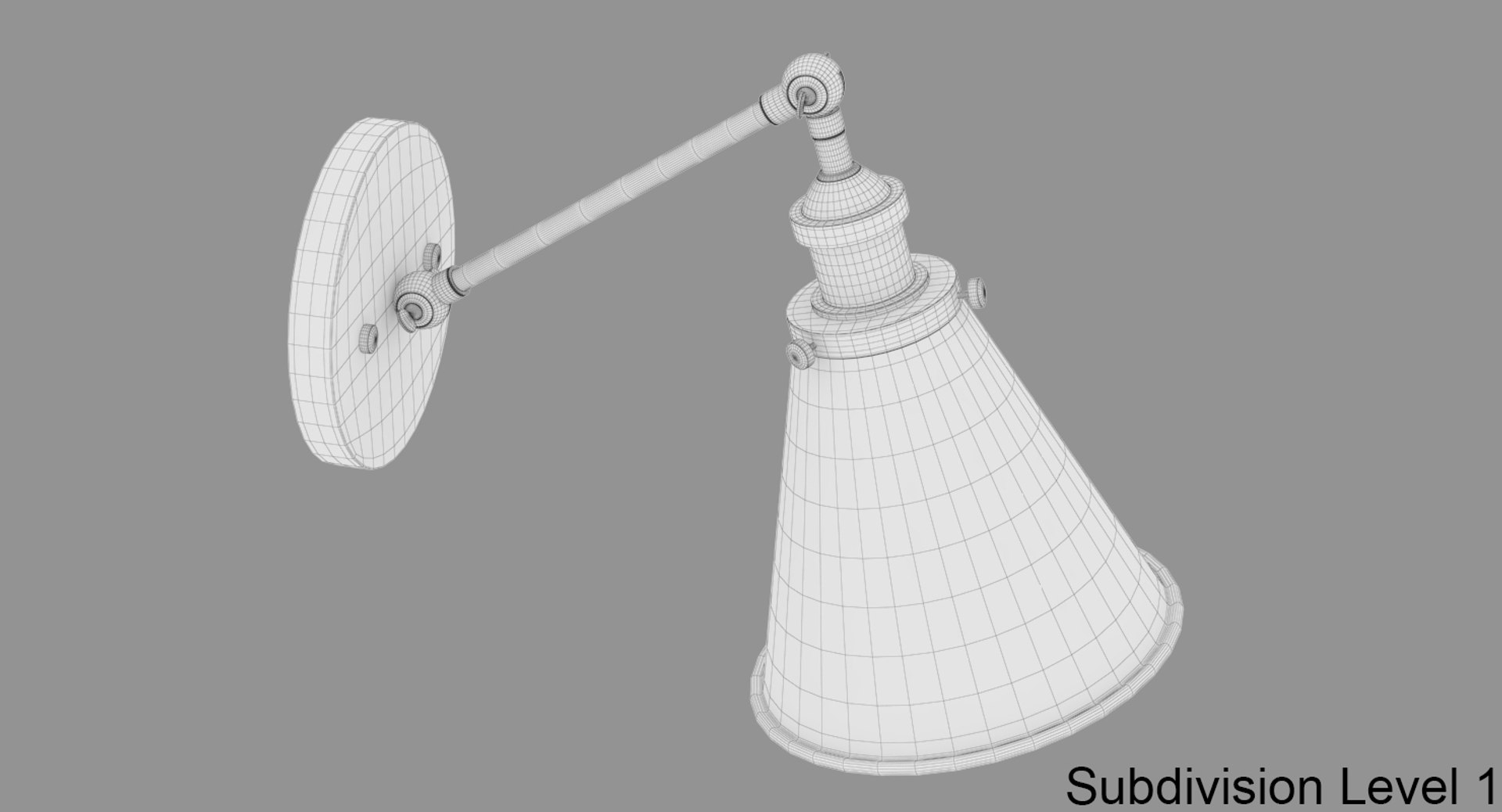
Lamp Vintage

$39

Standard License | Upgrade License
Formats (3)
Free file format Conversions available
Native | 3ds Max 2014 | V-Ray 3.40.01
FBX
OBJ
Specifications
Publish Date November 18, 2018
Product ID 1347540
Polygons 14,482
Vertices 9,042
Polygonal Quads Only
Textures
Materials
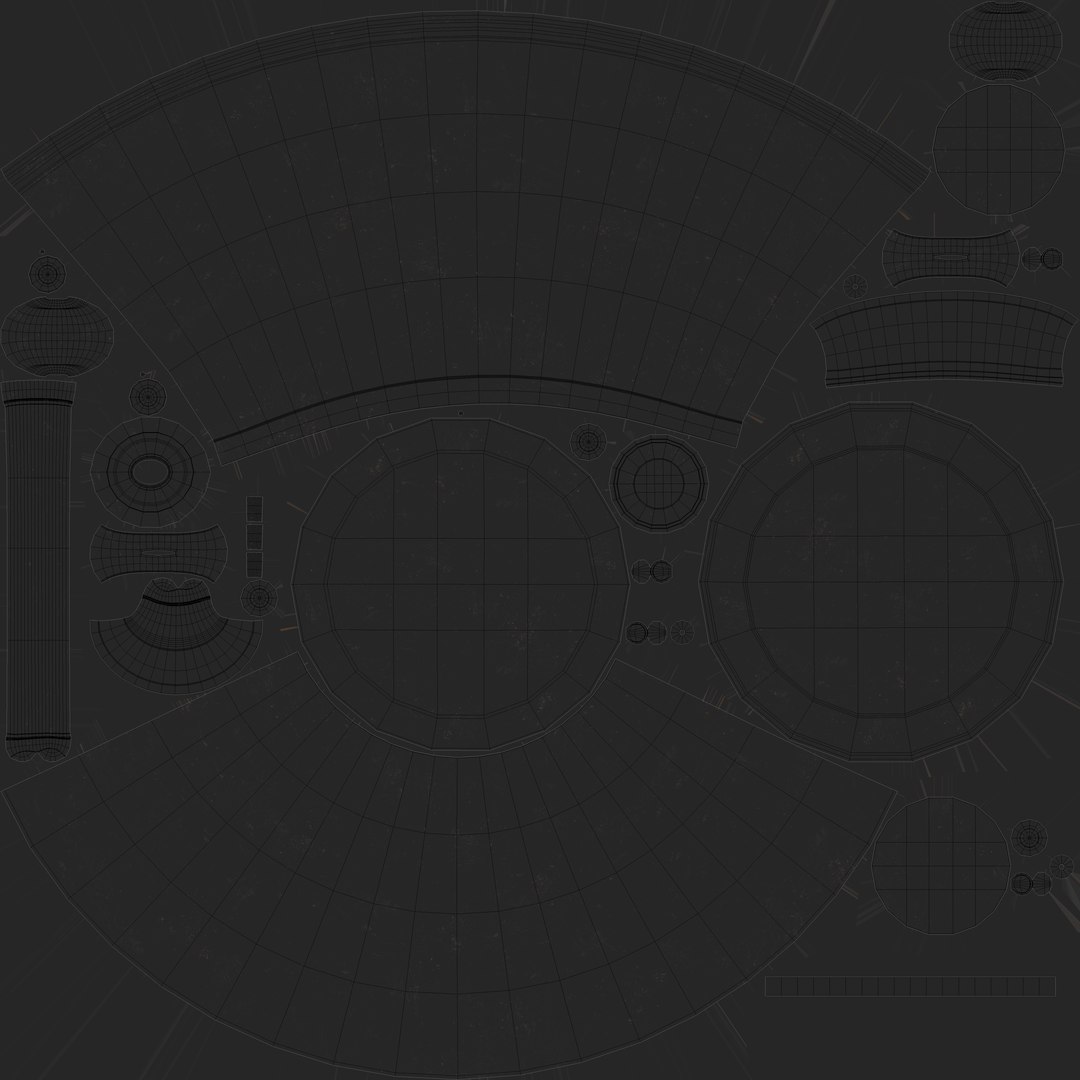
UV Mapped
Non-overlapping Unwrapped UVs
TurboSquid Exclusive
member avatar
kandrL
294 Products | Contributor Since 2011
Have questions? Chat with us now.

Description

Features:
- Real world scale of the model
- This model is completely UVunwrapped
- 3ds Max models are grouped for easy selection, and objects are logically named for ease of scene management.
- All objects, textures and materials have their own names
- No special plugin needed to open scene
- Scene objects are organized by groups and layers.
******************************************************************************
For FBX and OBJ file you can use vray material: Lamp_Vintage_.mat (included)
The .max scene is Ready to render with Vray 3.40.01 settings
---------------------------------------------
4096x4096 TIF ([X]) Main object and detail areas
***************************************


Units: Centimeters:

Scene Size:
- x - 18 cm
- y - 35 cm
- z - 28 cm

Total Subdivision Level 0:
polygons - 14482
vertices - 9042


*********************************************
Preview Images are rendered using the V-Ray version of the 3.40.01 renderer. If you render this

file using a different version of this renderer, you may not have the same results as you see on

the thumbnails.
*********************************************

The Scene Contains also the Studio-Setup

Select Enhanced License

  • $10,000 in Legal Protection (Indemnification)
  • Uncapped Legal Protection (Indemnification)
  • Waiver from injunctive relief
  • Assignable model rights
  • $1,000,000 in Legal Protection (Indemnification)
  • Waiver from injunctive relief
  • Assignable model rights
  • $250,000 in Legal Protection (Indemnification)
  • Assignable model rights
Read more about enhanced license tiers, or contact us at enterprise@turbosquid.com. Already a Shutterstock Enterprise Customer? Contact your Shutterstock Sales Support Agent to talk about adding 3D.

About Conversion Requests

To submit a conversion request for a purchased asset, please complete our Conversion Request Form.

If you have not yet purchased a model, please review our Documentation about Conversions to learn about what limitations you may encounter with a conversion.

For any additional questions about a model’s suitability for conversion, please contact TurboSquid Support.

Loading...