Katana Sword

$39

Formats (8)
Free file format Conversions available
Native | Blender 4.4.1 | Cycles Render 4.4.1
Other Textures
Collada
OBJ
glTF 2.0
FBX
Specifications
Publish Date June 17, 2025
Product ID 2422375
Polygons 4,506
Vertices 4,587
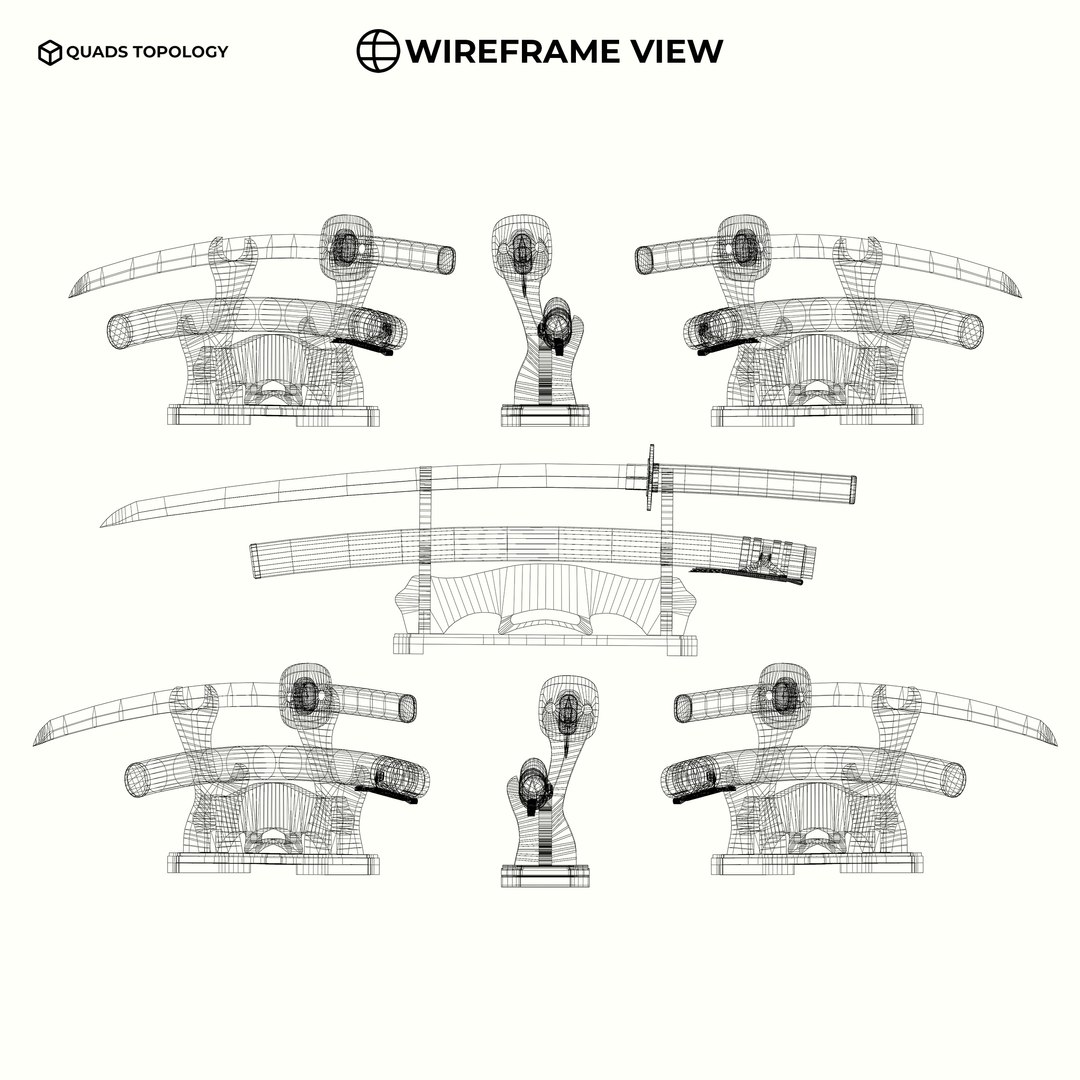
Polygonal Quads Only
Textures
Materials
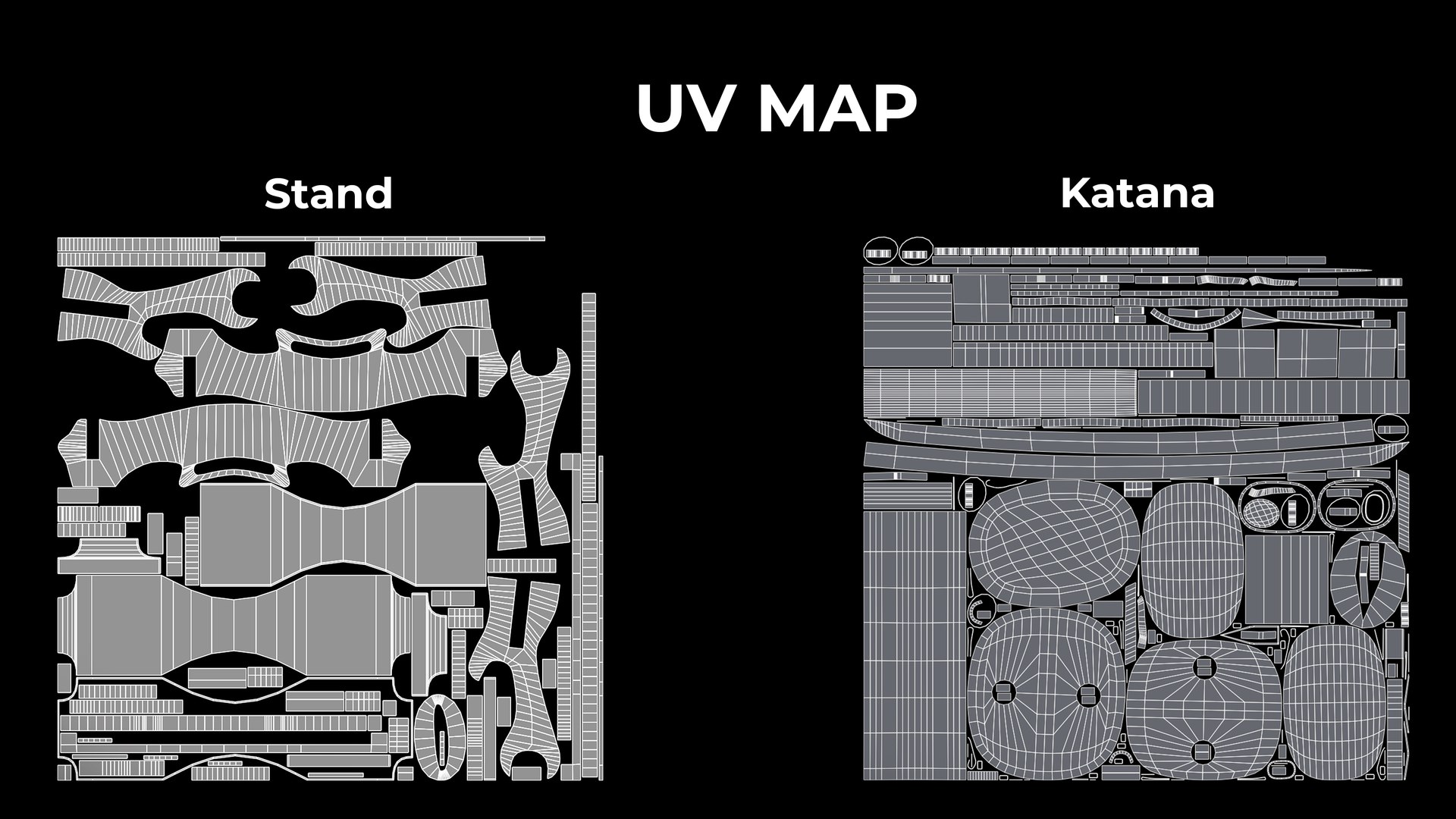
UV Mapped
Non-overlapping Unwrapped UVs
PBR
Real-Time

member avatar
Akramhossain
15 Products | Contributor Since 2025
Have questions? Chat with us now.

Description

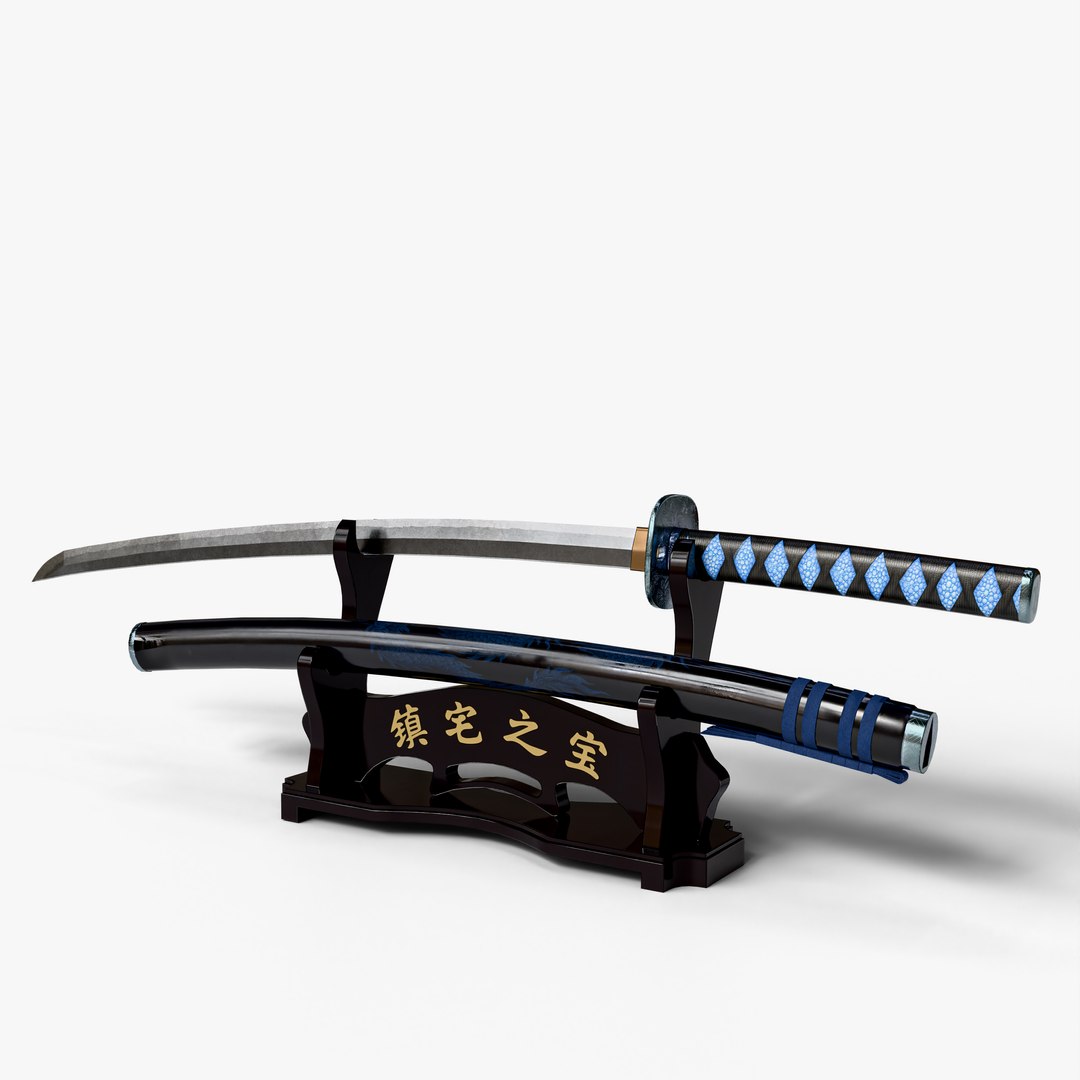
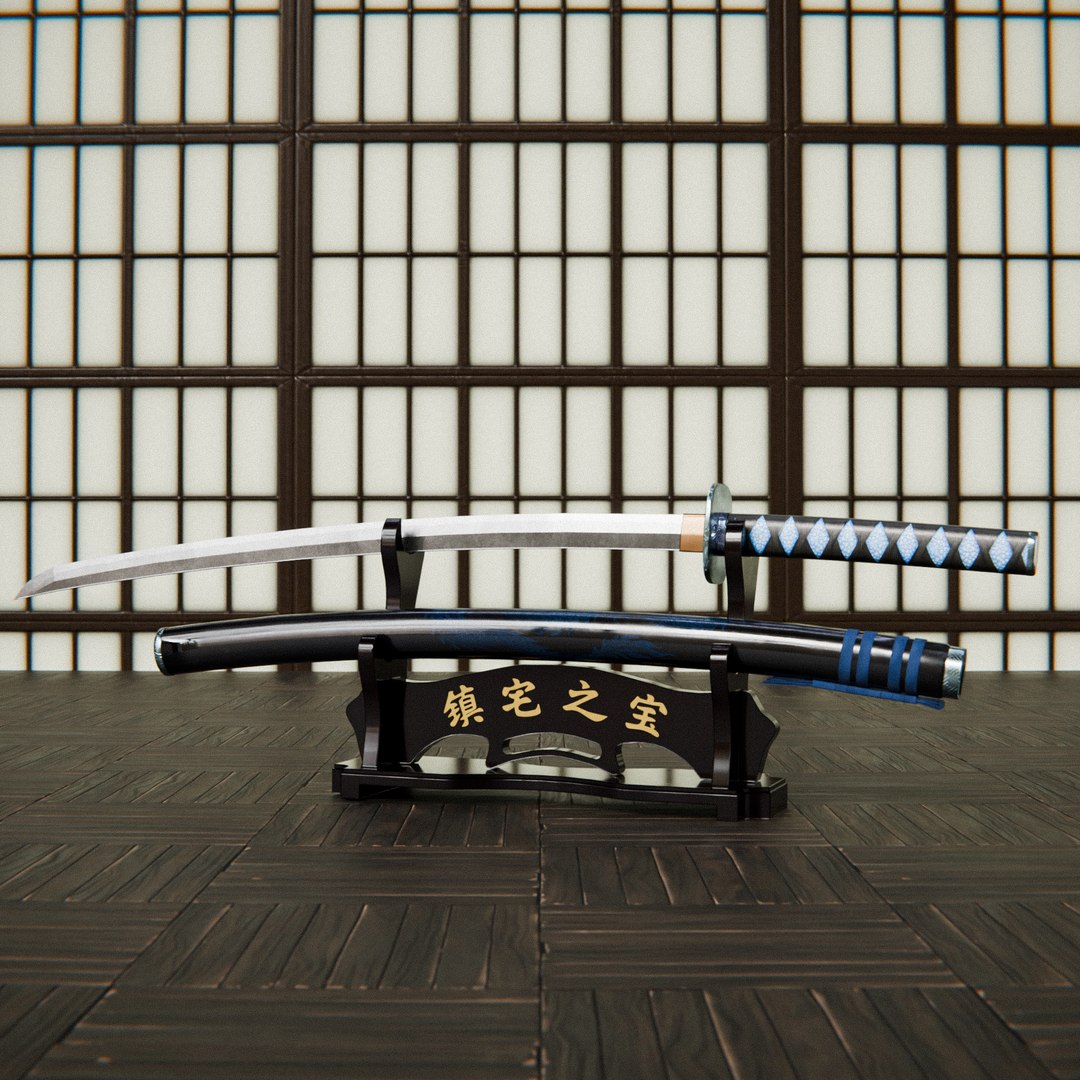
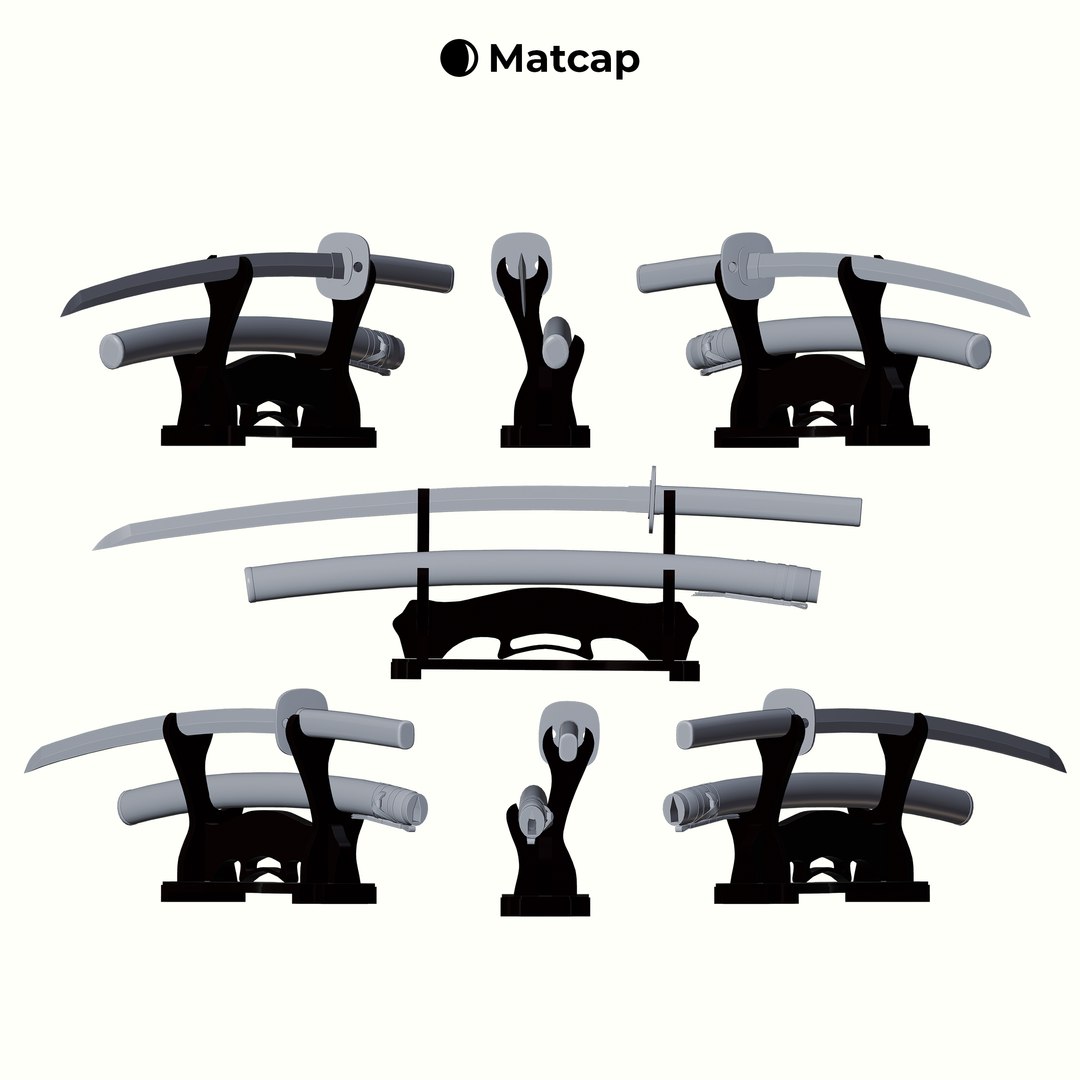
Katana Sword 3D Model | High-Quality Asset for Games, Animation, and Visualization

Overview:
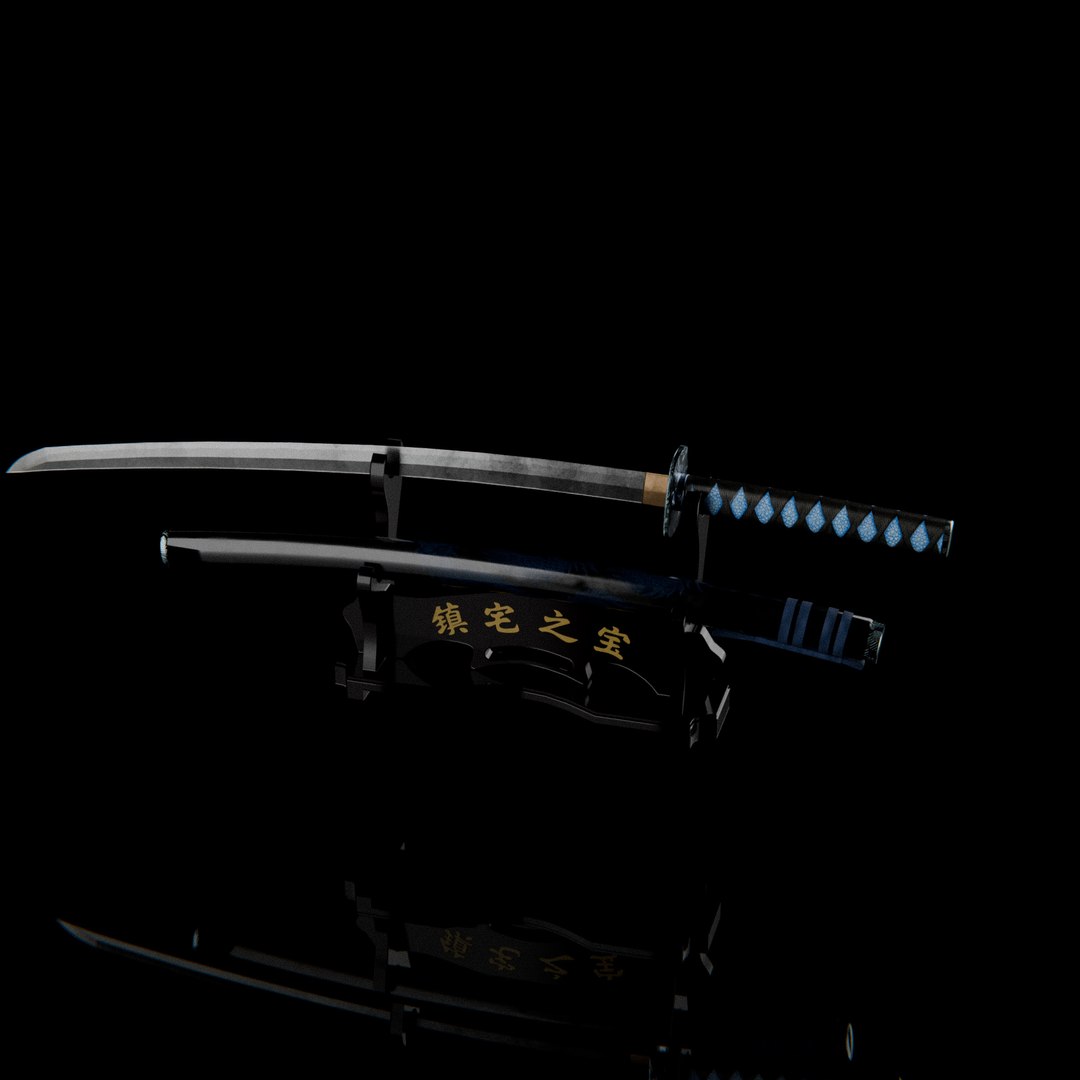
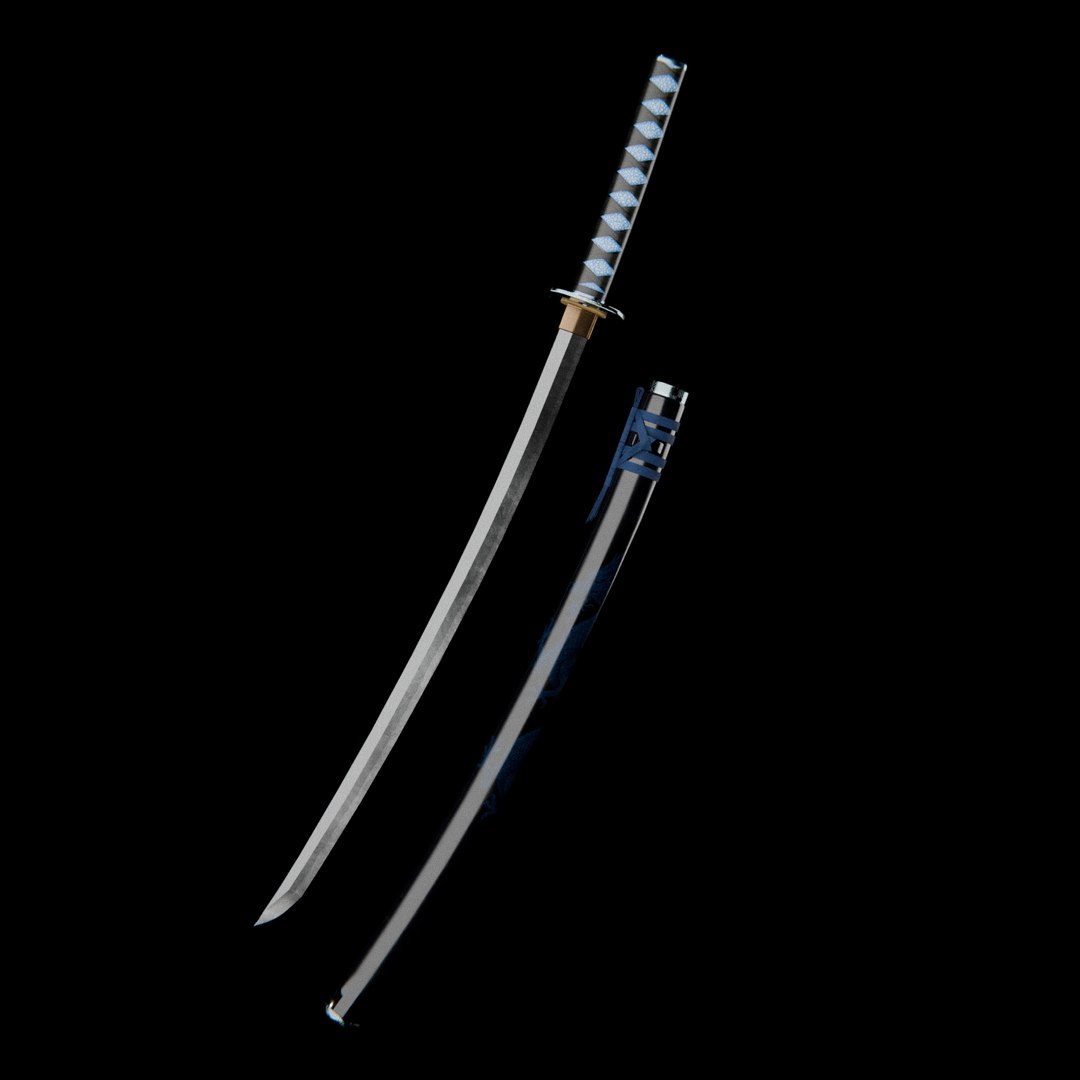
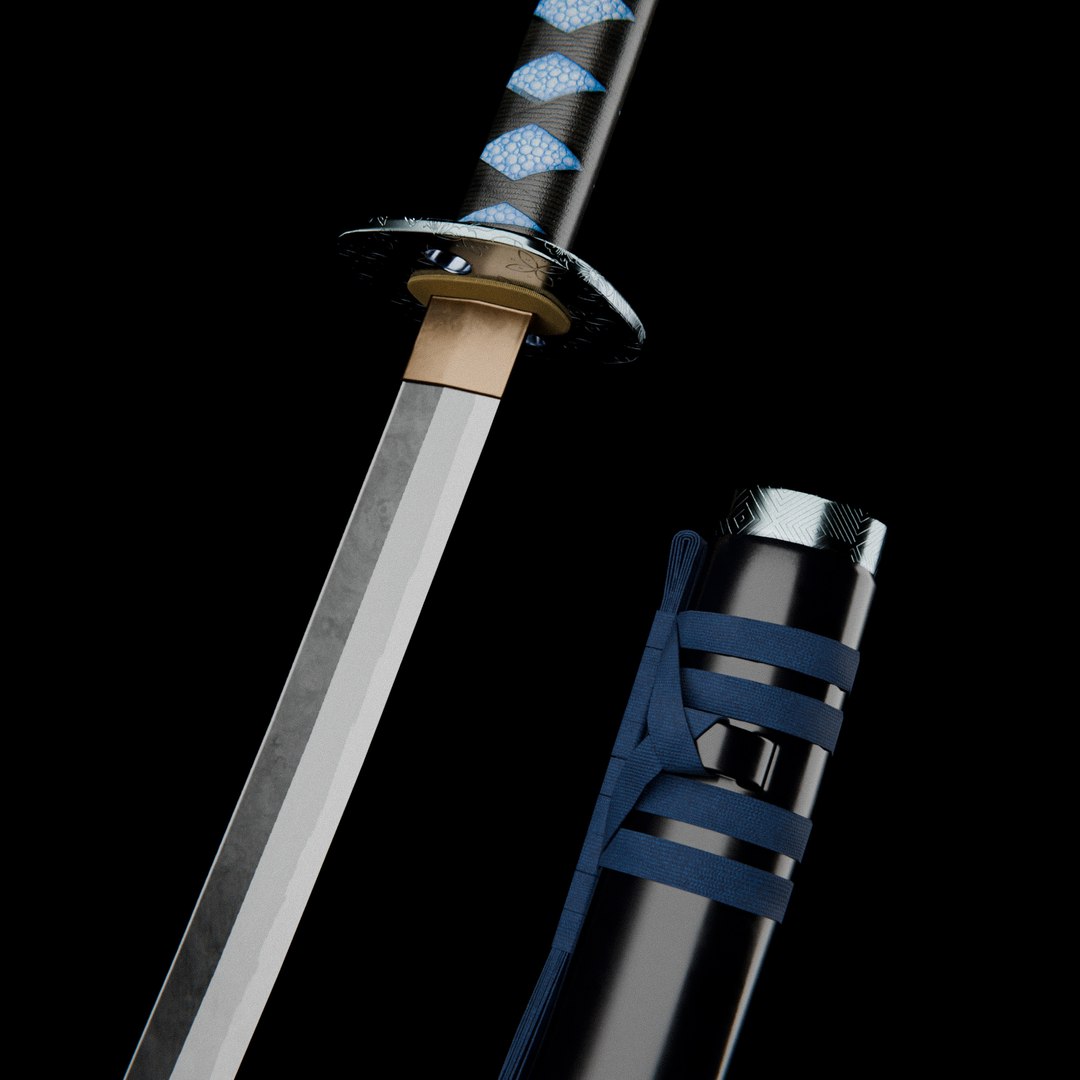
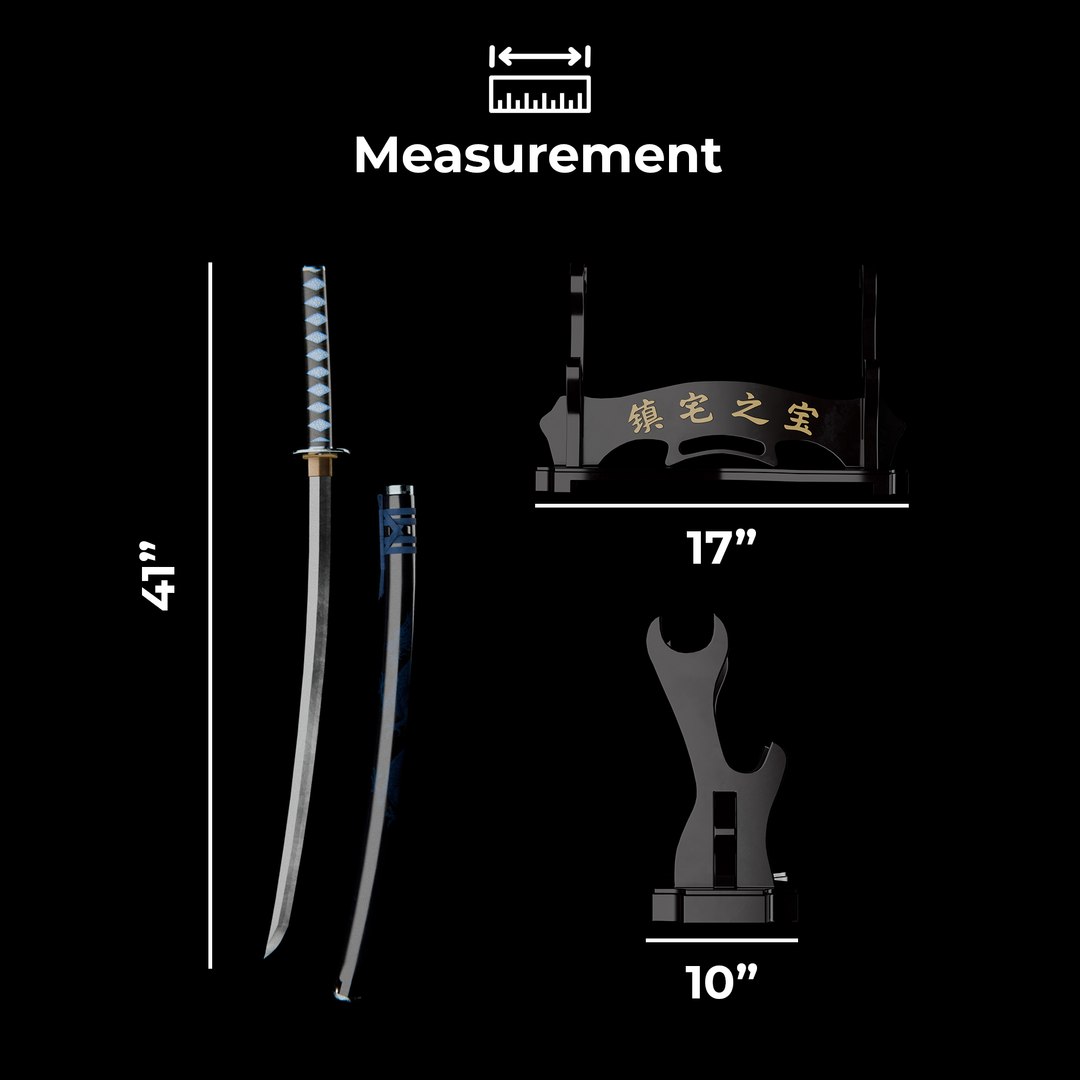
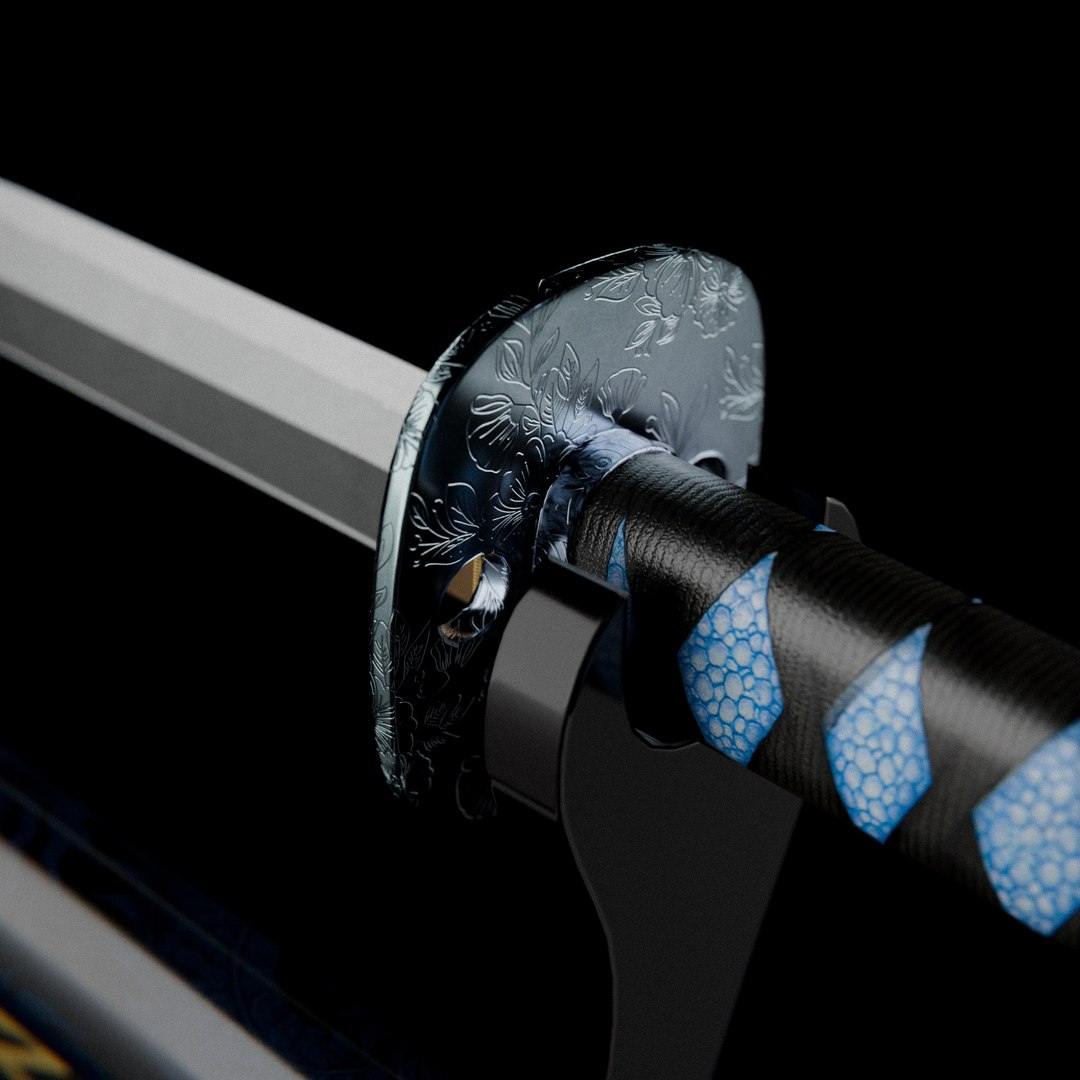
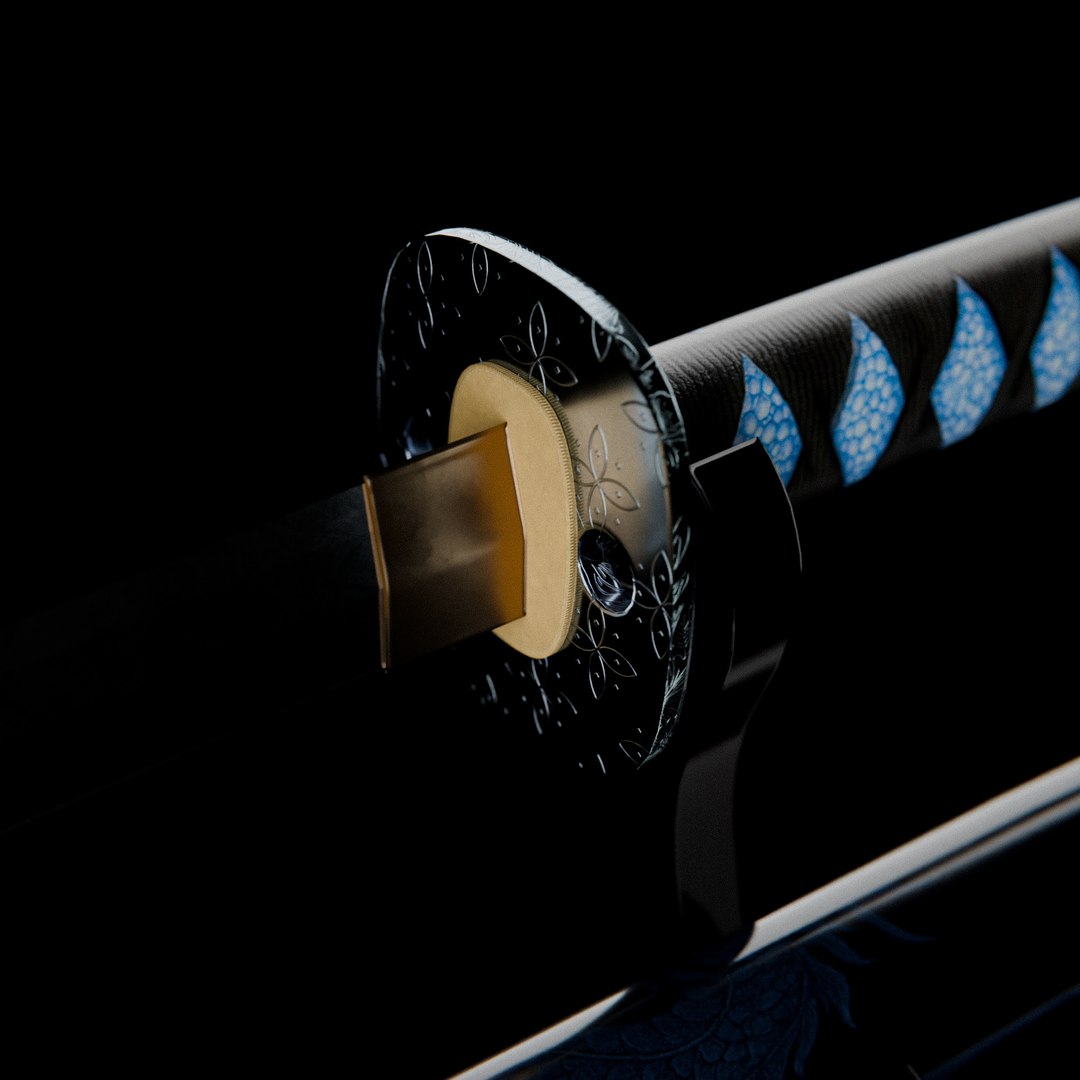
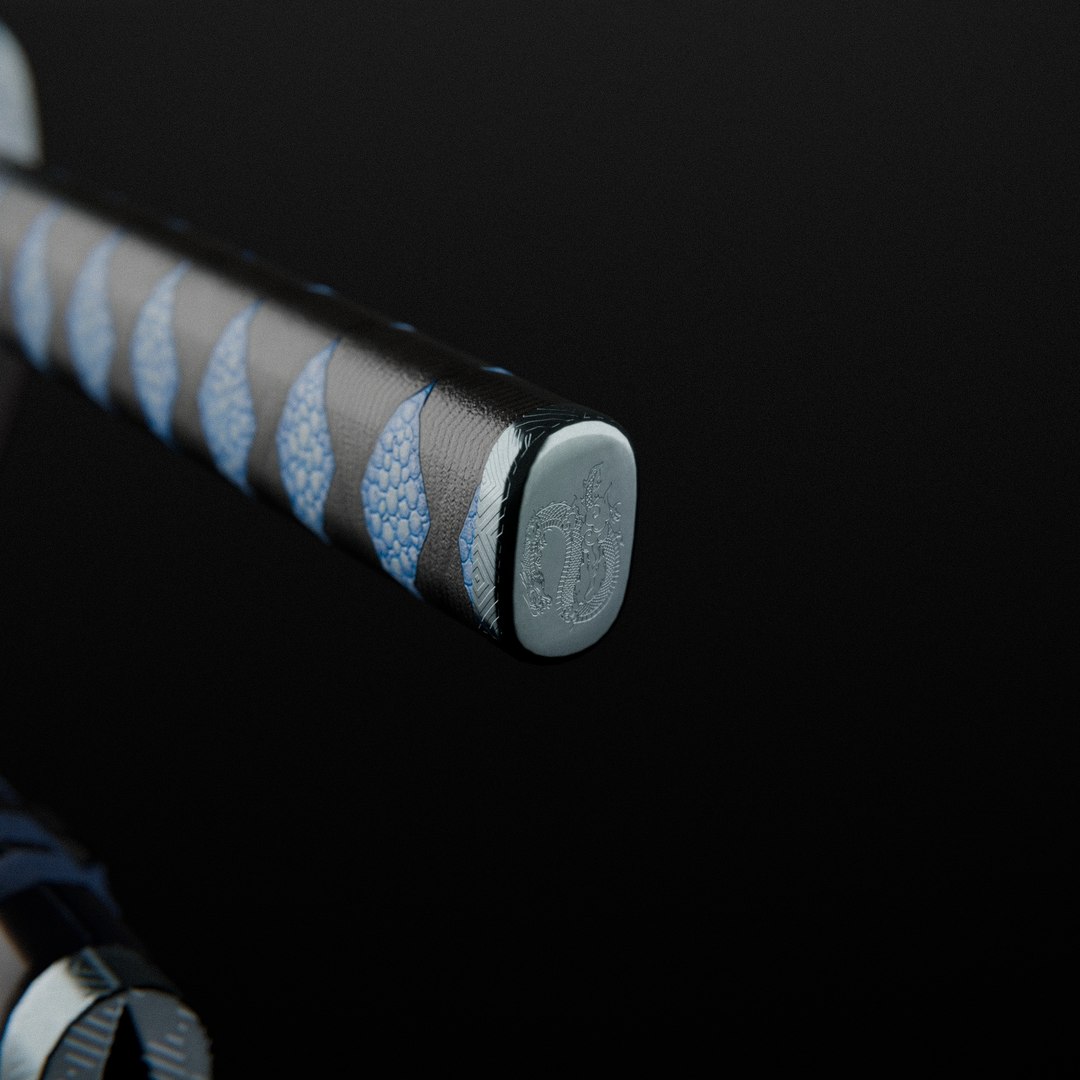
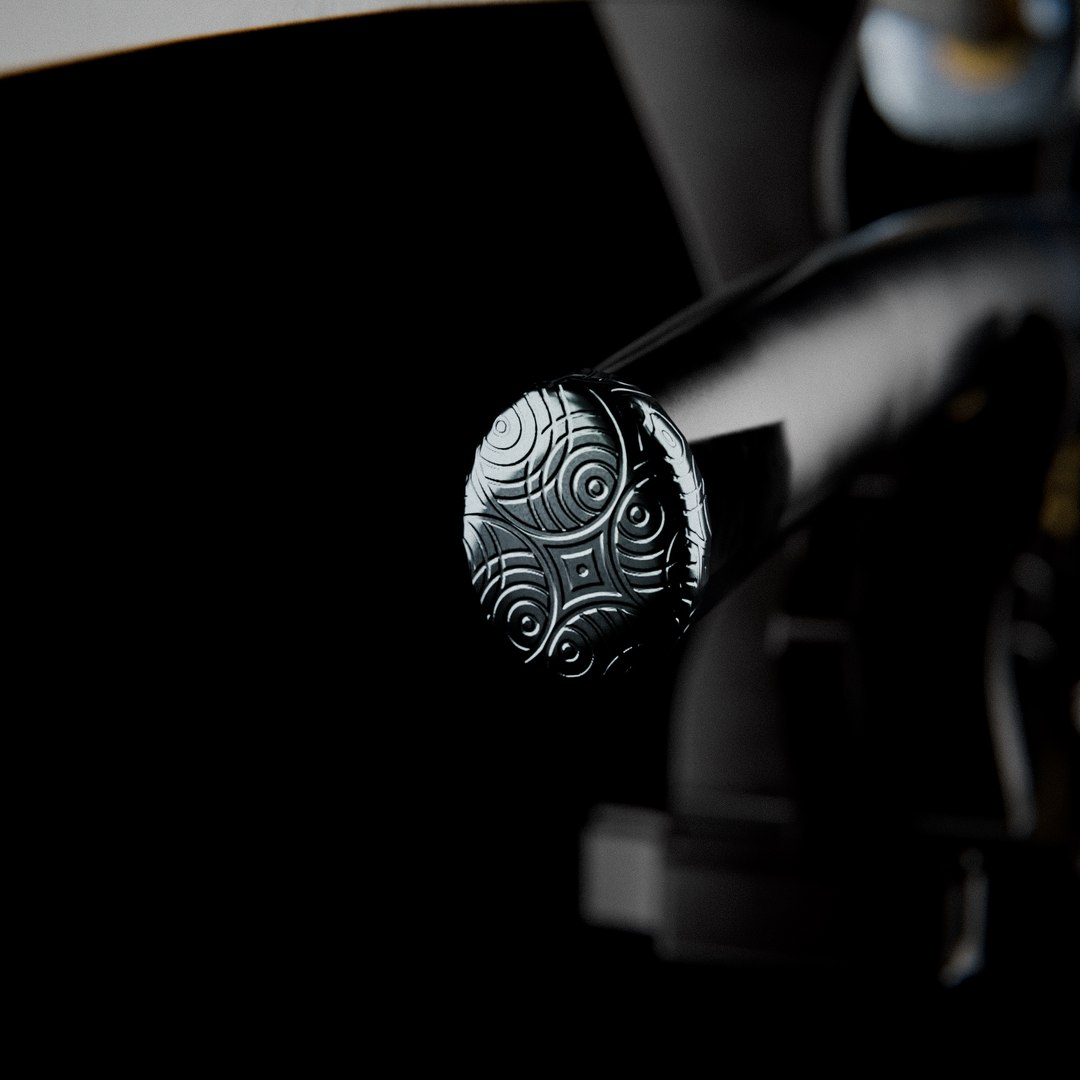
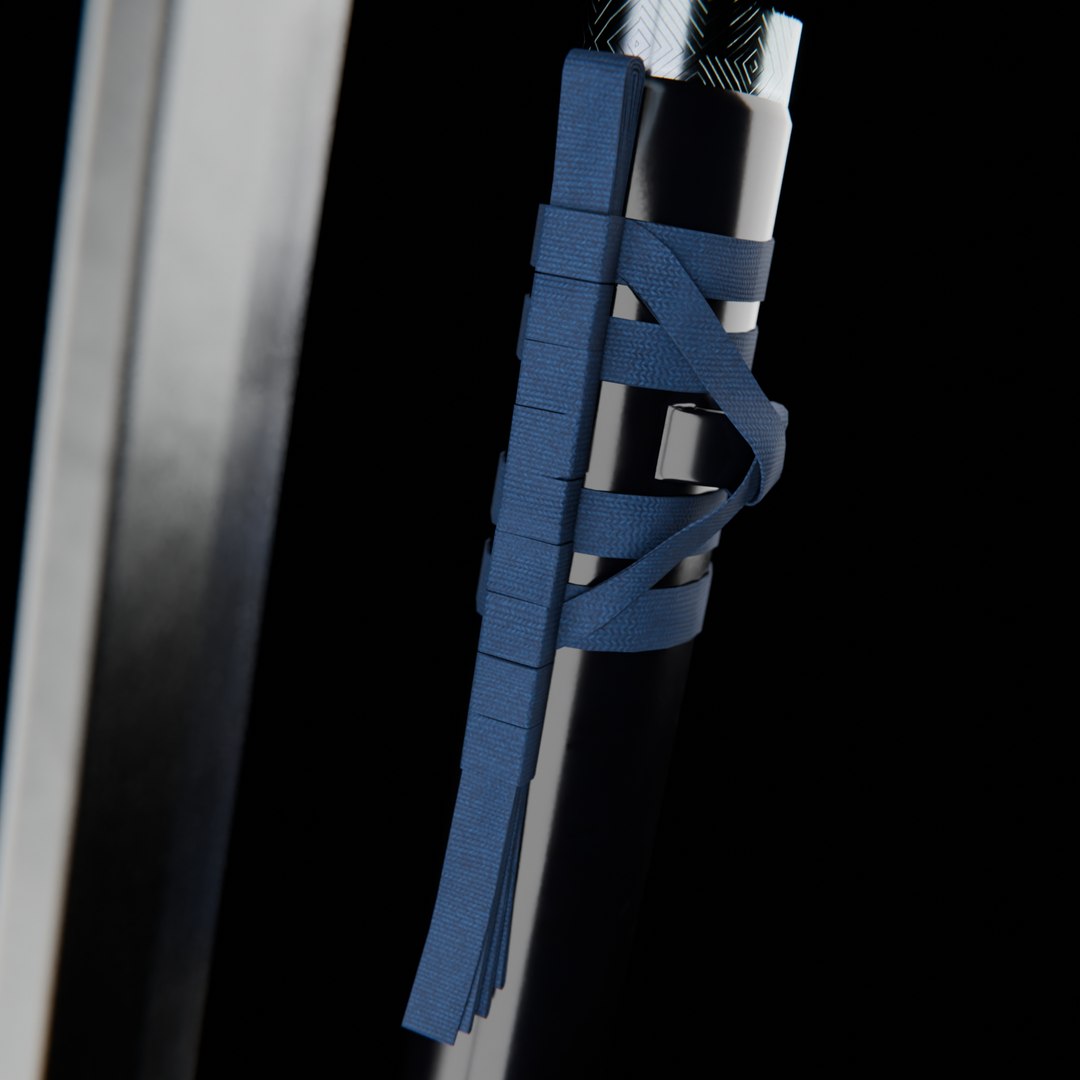
This detailed and realistic 3D model of a traditional Katana sword with saya (scabbard) and a wooden display stand is designed for use in high-quality renders, cinematic scenes, real-time games, VR/AR applications, and collectibles visualization. Modeled in Blender and rendered in Cycles, the asset reflects authentic proportions and material fidelity, ideal for close-up shots.

Key Features

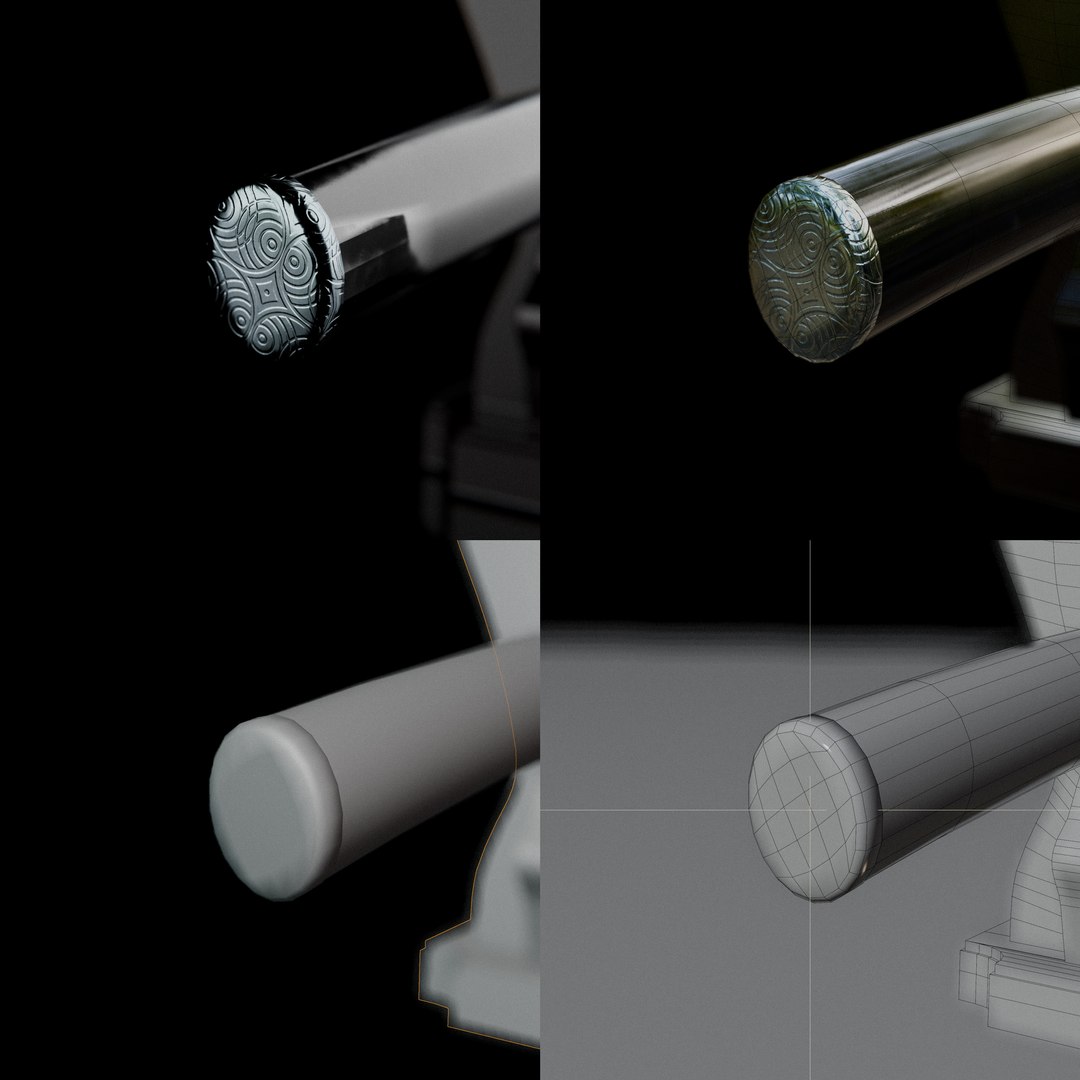
Game-Ready Low Poly

Vertices: 4,587 (Katana, and Stand)

Polygon: 4,506 (All Quads)

4K PBR High-Quality Textures

Textures Included:
Base Color
Roughness
Metallic
Normal Map
Ambient Occlusion


Available File Formats:
blend (Native Blender file)
fbx
max (3ds Max)
c4d(Cinema 4D)
obj
dae
abc (Alembic)
usd
ply
glb

Clean Topology Optimized UV layout

All-quads geometry optimized for smooth subdivision and performance.

No Ngons, no overlapping UVs, non-destructive workflow

Realistic Design

Accurate proportions based on real-world references

Includes both the Katana and Stand as separate objects for flexibility.

Select Enhanced License

  • $10,000 in Legal Protection (Indemnification)
  • Uncapped Legal Protection (Indemnification)
  • Waiver from injunctive relief
  • Assignable model rights
  • $1,000,000 in Legal Protection (Indemnification)
  • Waiver from injunctive relief
  • Assignable model rights
  • $250,000 in Legal Protection (Indemnification)
  • Assignable model rights
Read more about enhanced license tiers, or contact us at enterprise@turbosquid.com. Already a Shutterstock Enterprise Customer? Contact your Shutterstock Sales Support Agent to talk about adding 3D.

About Conversion Requests

To submit a conversion request for a purchased asset, please complete our Conversion Request Form.

If you have not yet purchased a model, please review our Documentation about Conversions to learn about what limitations you may encounter with a conversion.

For any additional questions about a model’s suitability for conversion, please contact TurboSquid Support.

Loading...