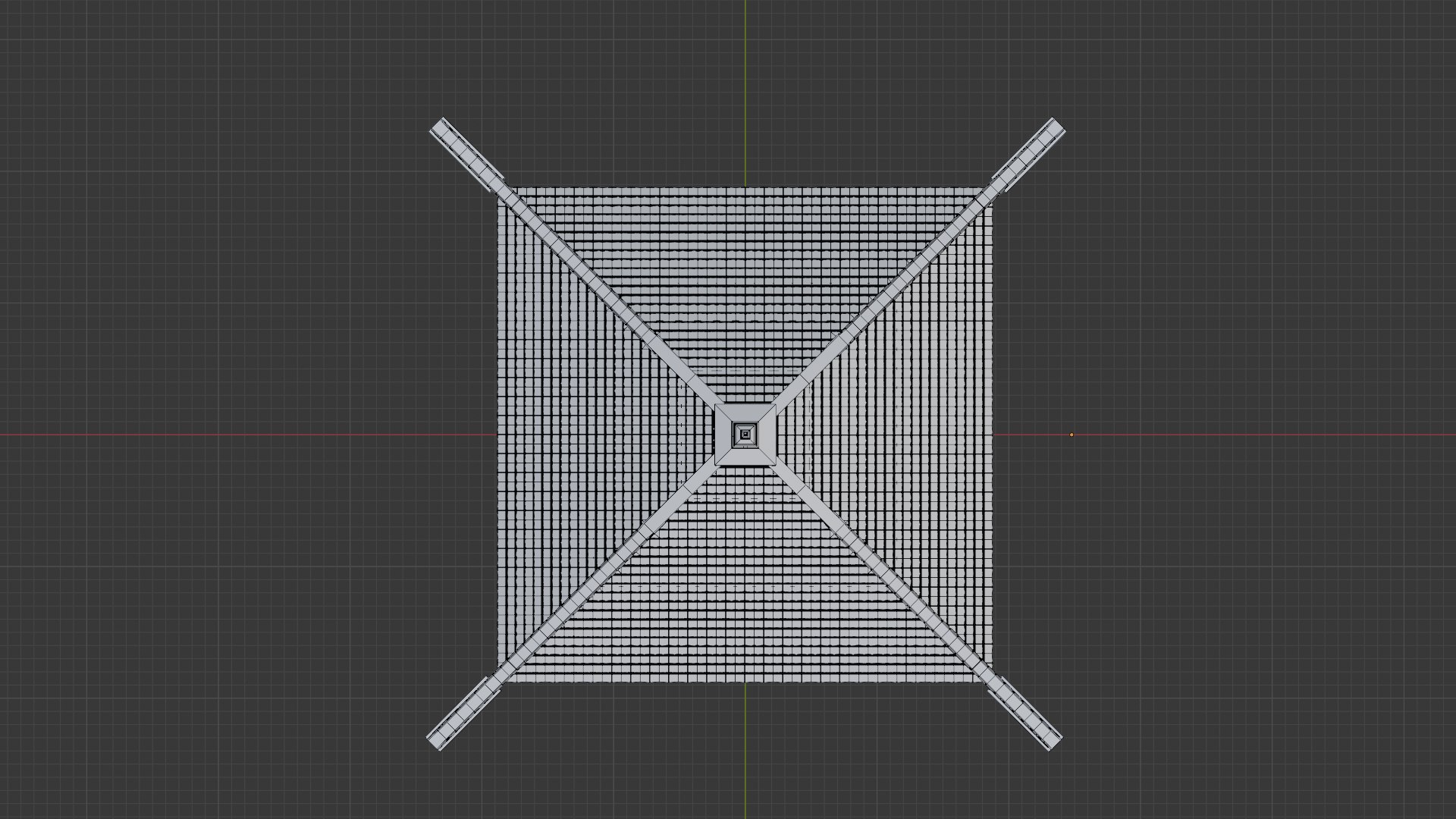
Java Gazebo

$3

Standard License | Upgrade License
Formats (3)
Native | Blender 4.0 | Cycles Render
FBX
OBJ
Specifications
Publish Date March 24, 2025
Product ID 2380953
Polygons 286,456
Vertices 144,204
Polygonal
Textures
Materials
Non-overlapping Unwrapped UVs
member avatar
AditiyaYudho
18 Products | Contributor Since 2025
Have questions? Chat with us now.

Description

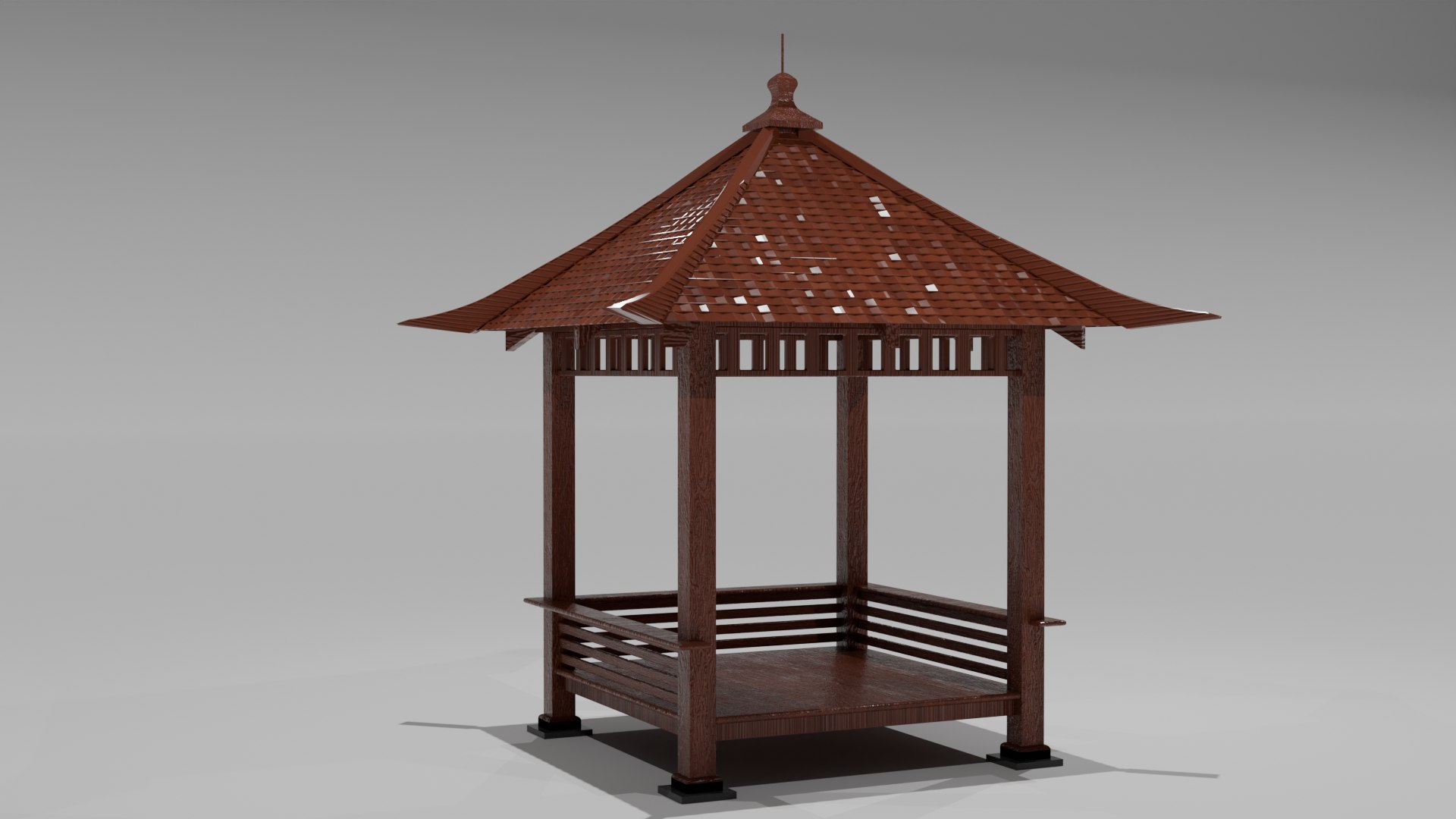
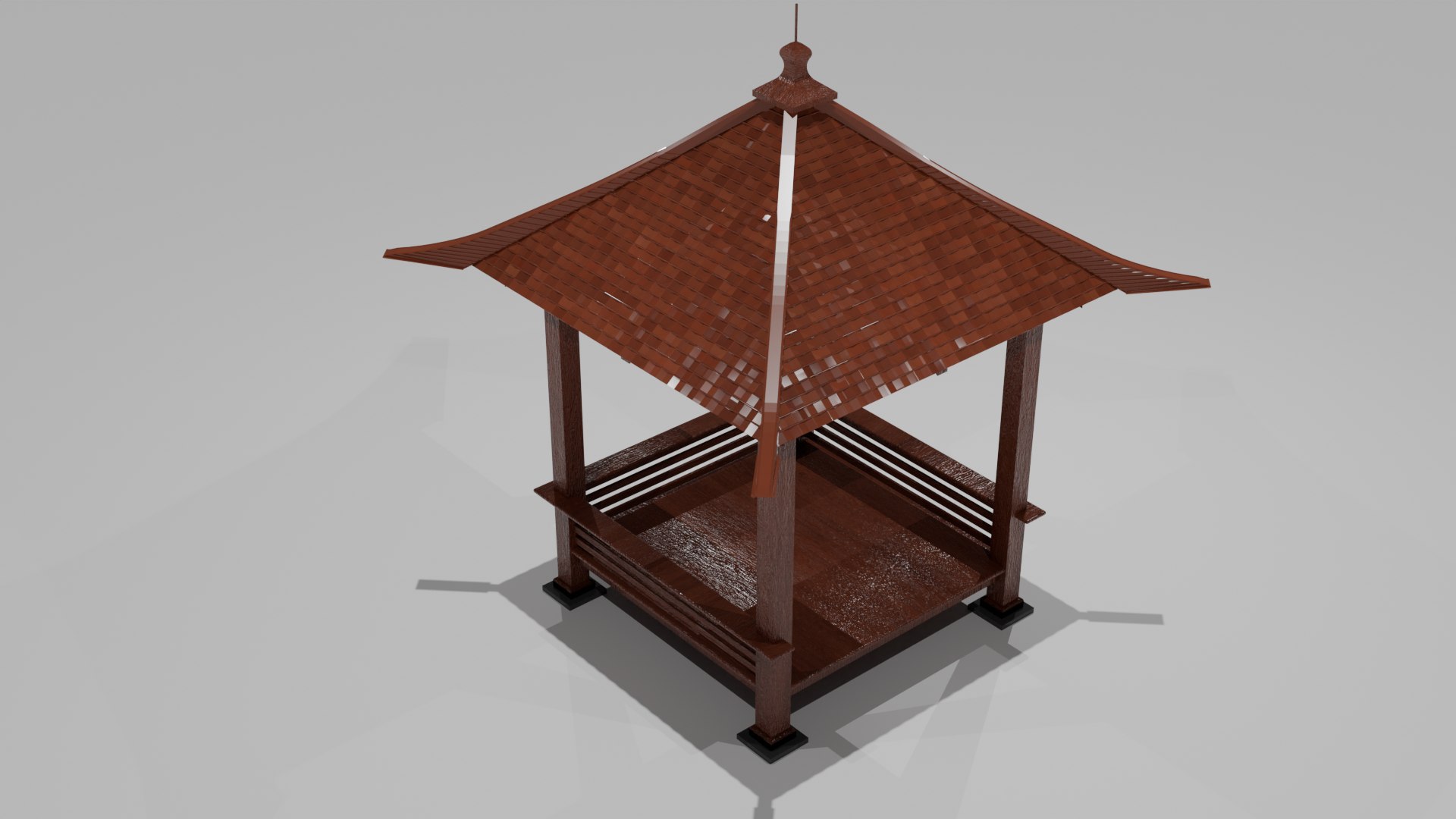
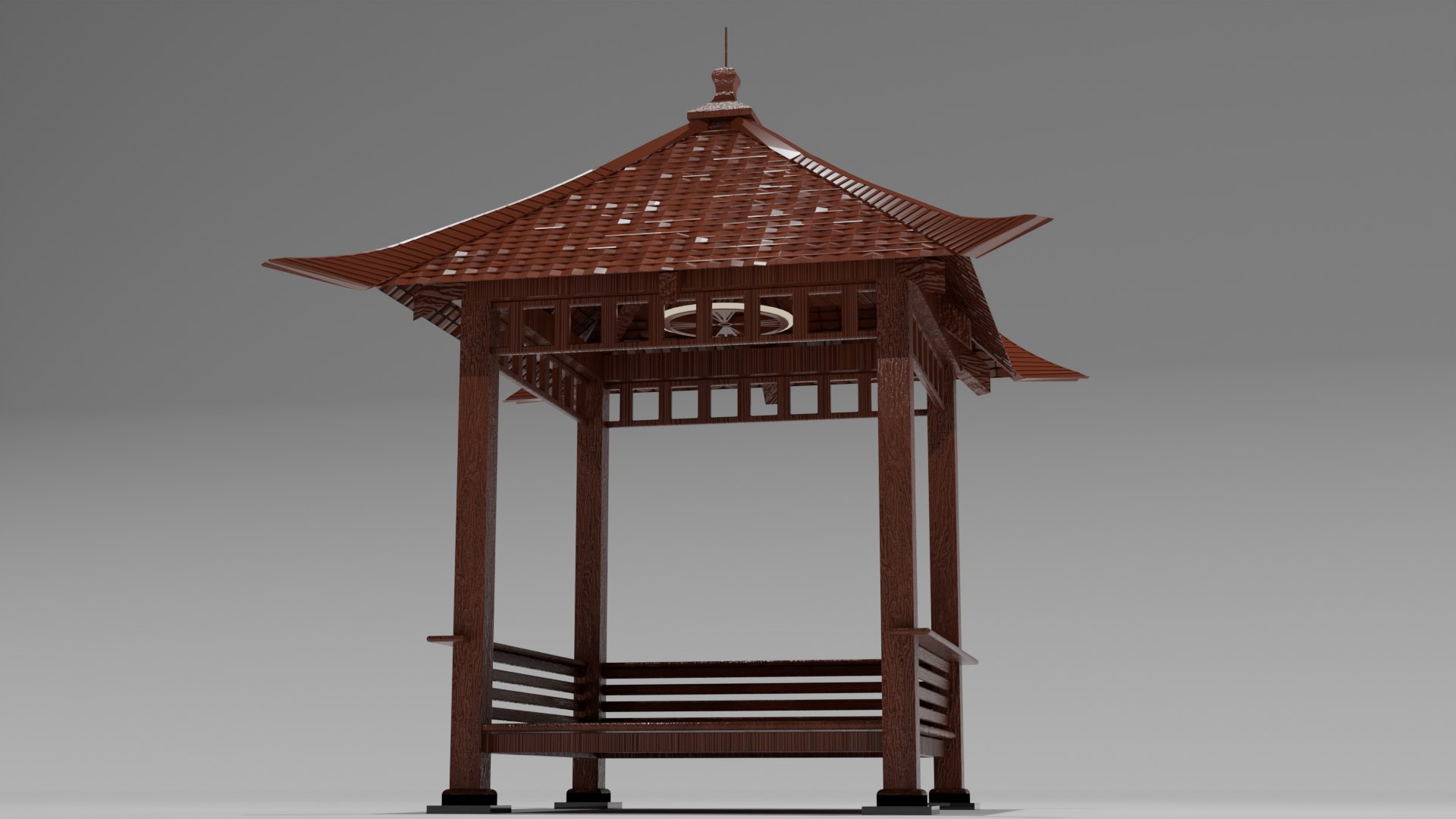
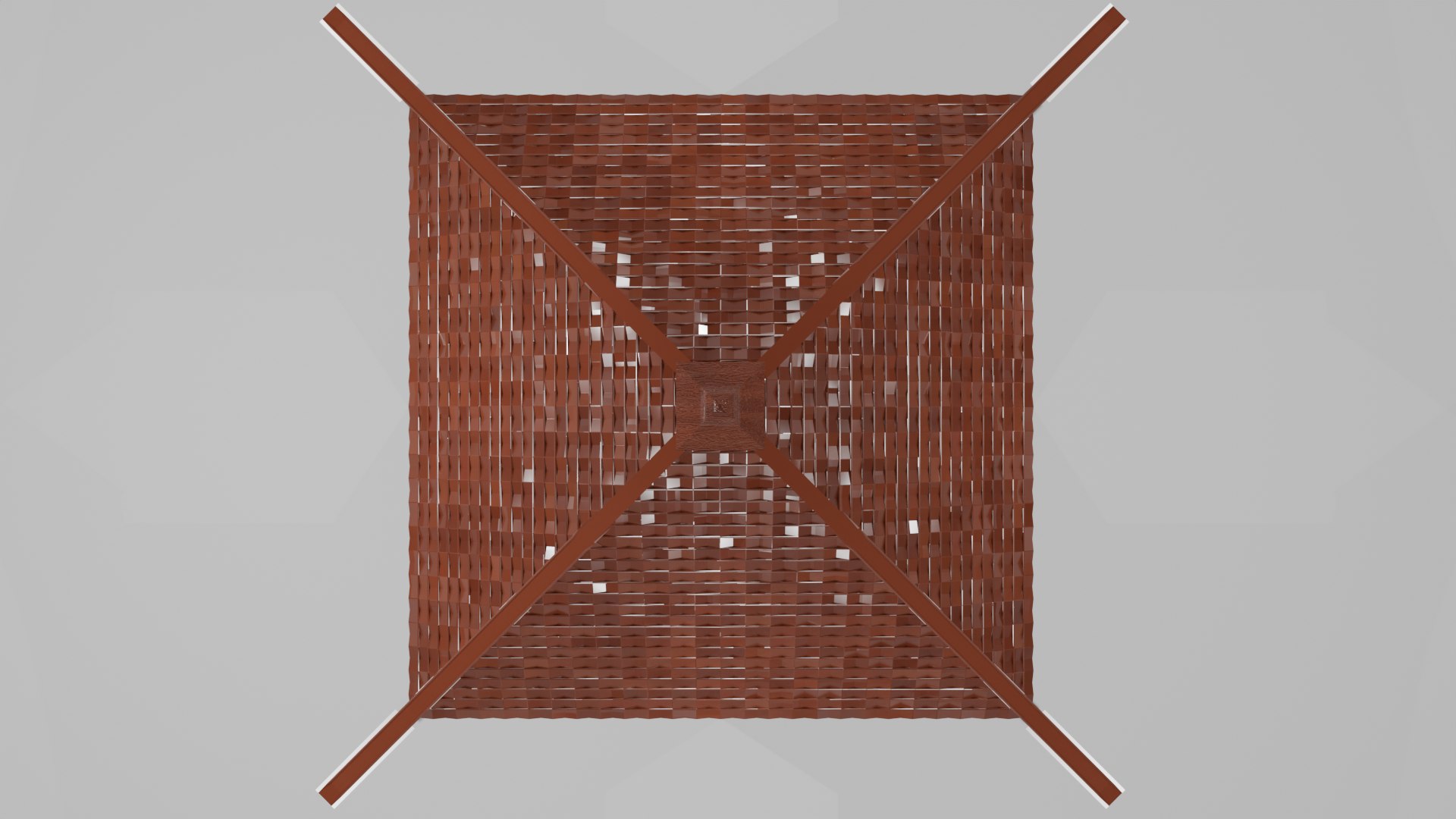
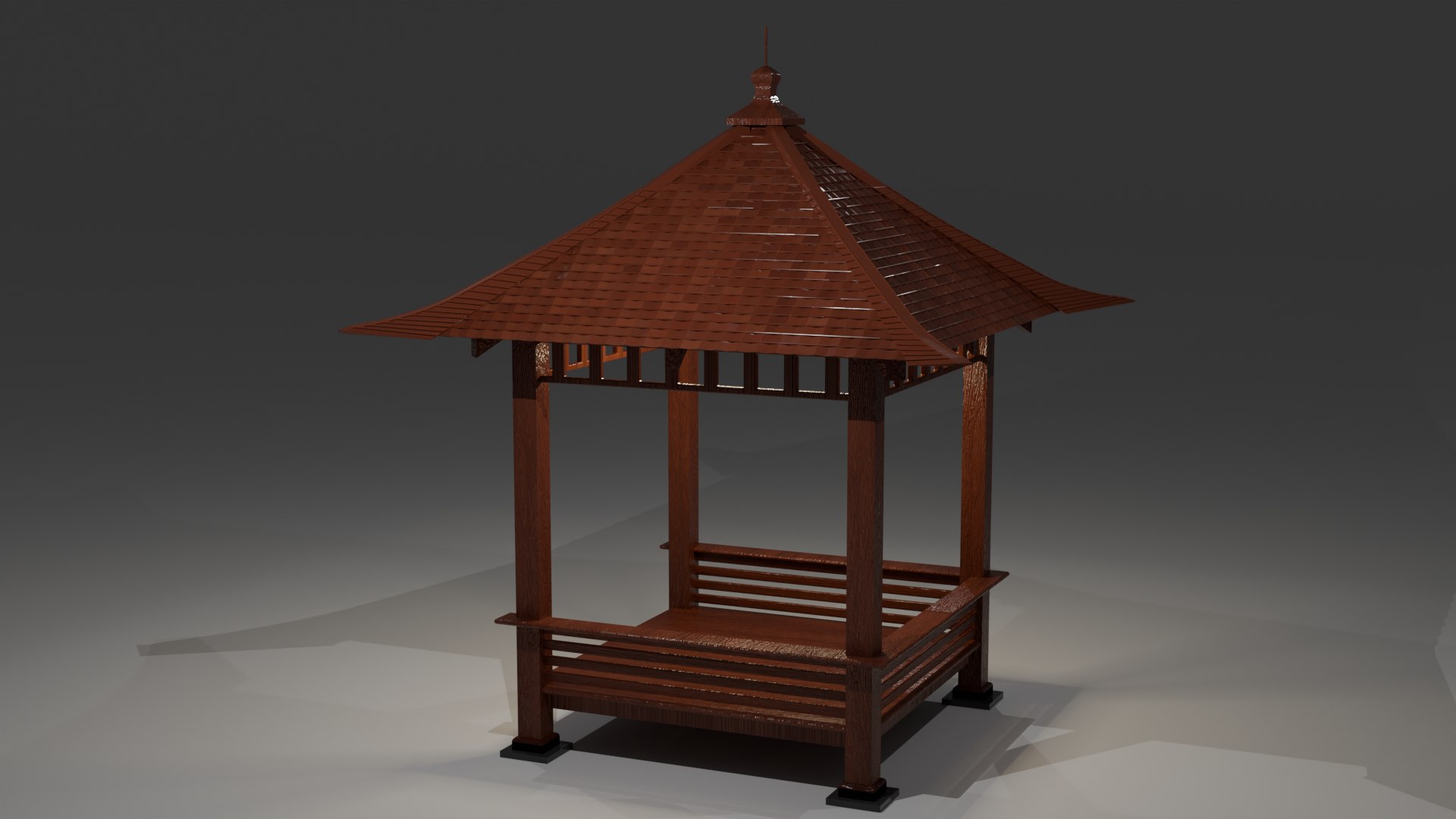
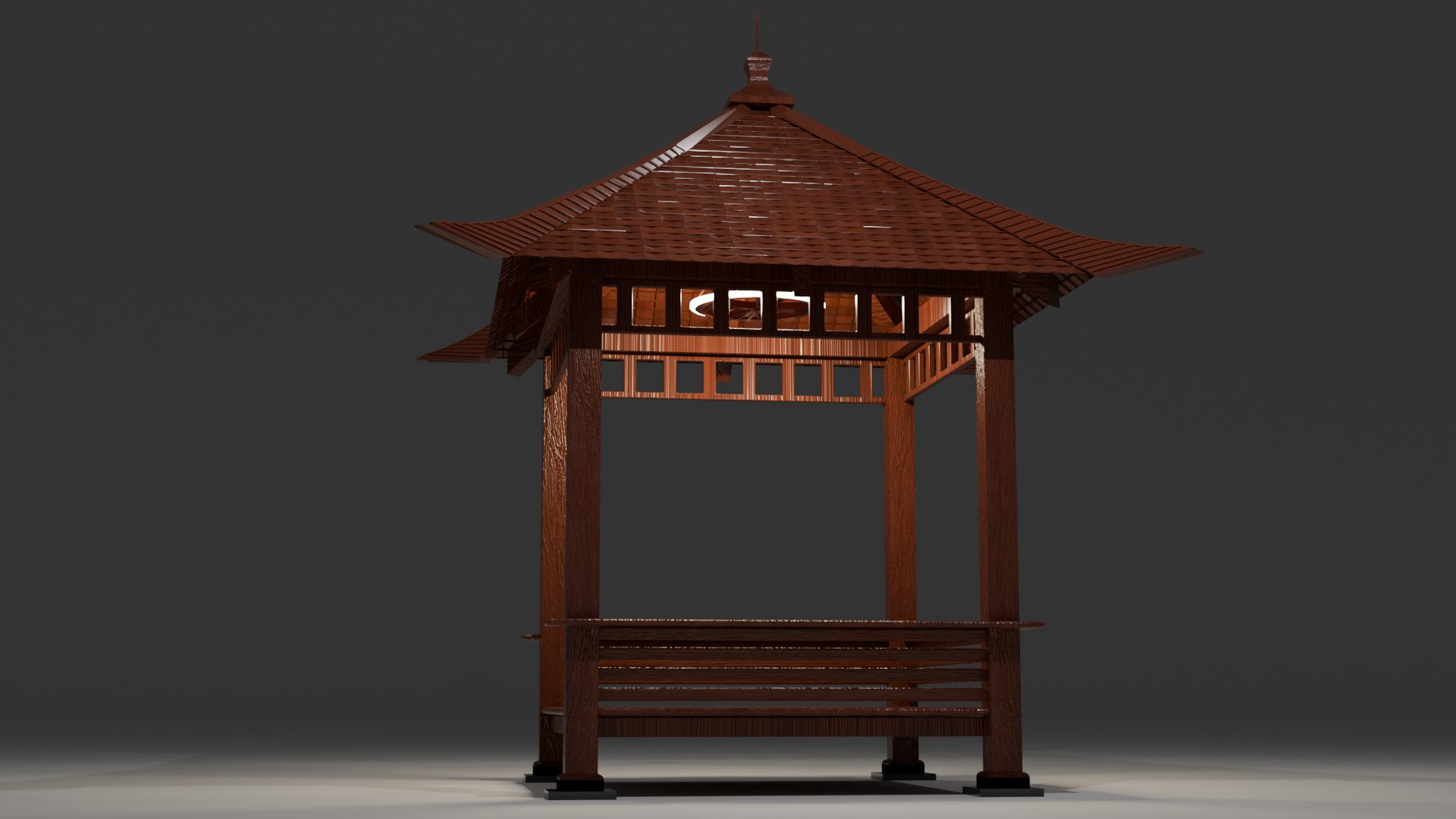
Bring the beauty of traditional Javanese architecture into your project with this Java Gazebo 3D Model! Designed with authentic proportions and intricate details, this model is perfect for architectural visualizations, game environments, VR experiences, and animated scenes. Inspired by the classic Javanese wooden pavilions, this asset adds a touch of cultural elegance to any setting.

– Modeled to match actual size for accurate integration

– Beautiful craftsmanship with detailed wooden structures
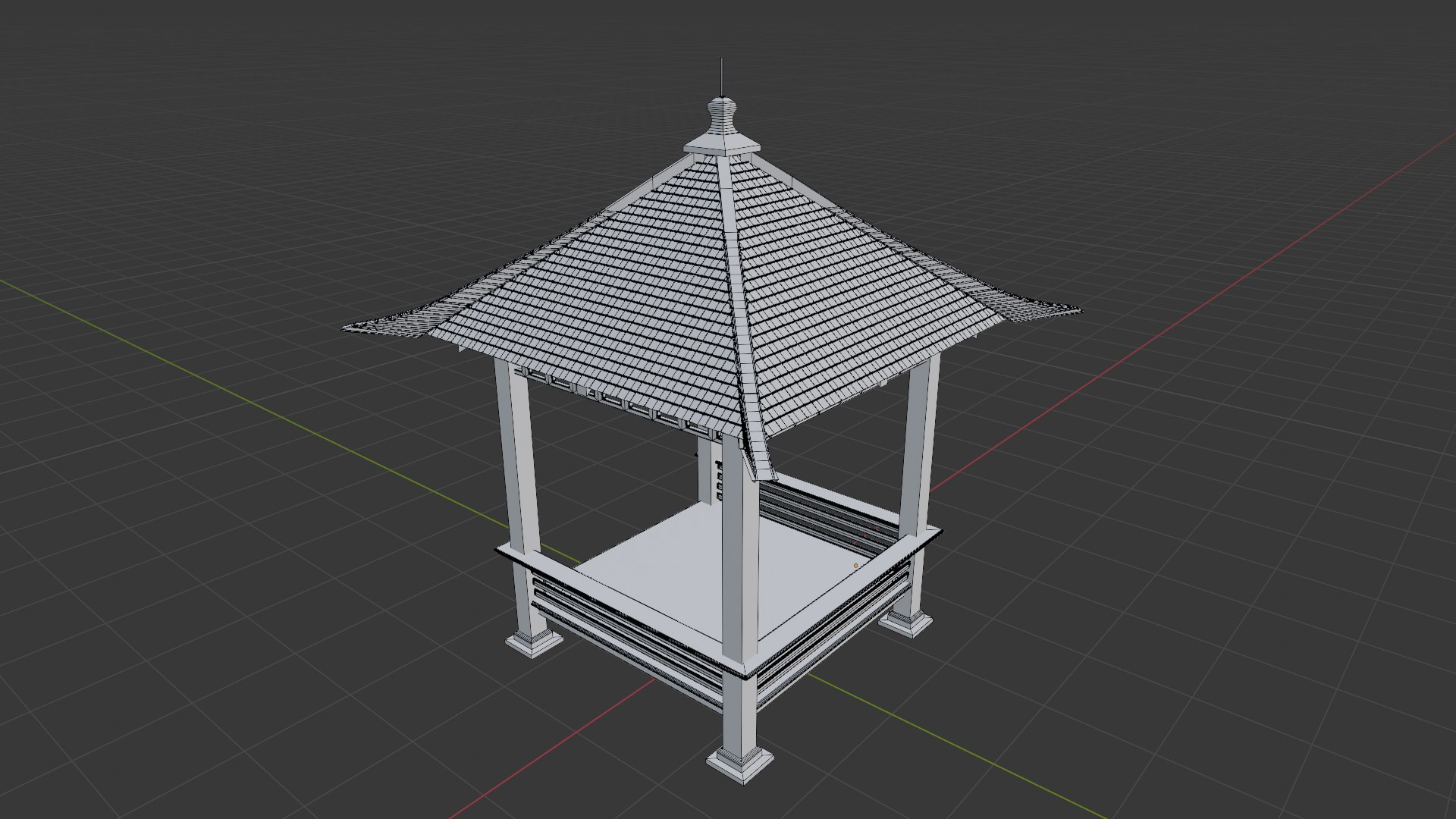
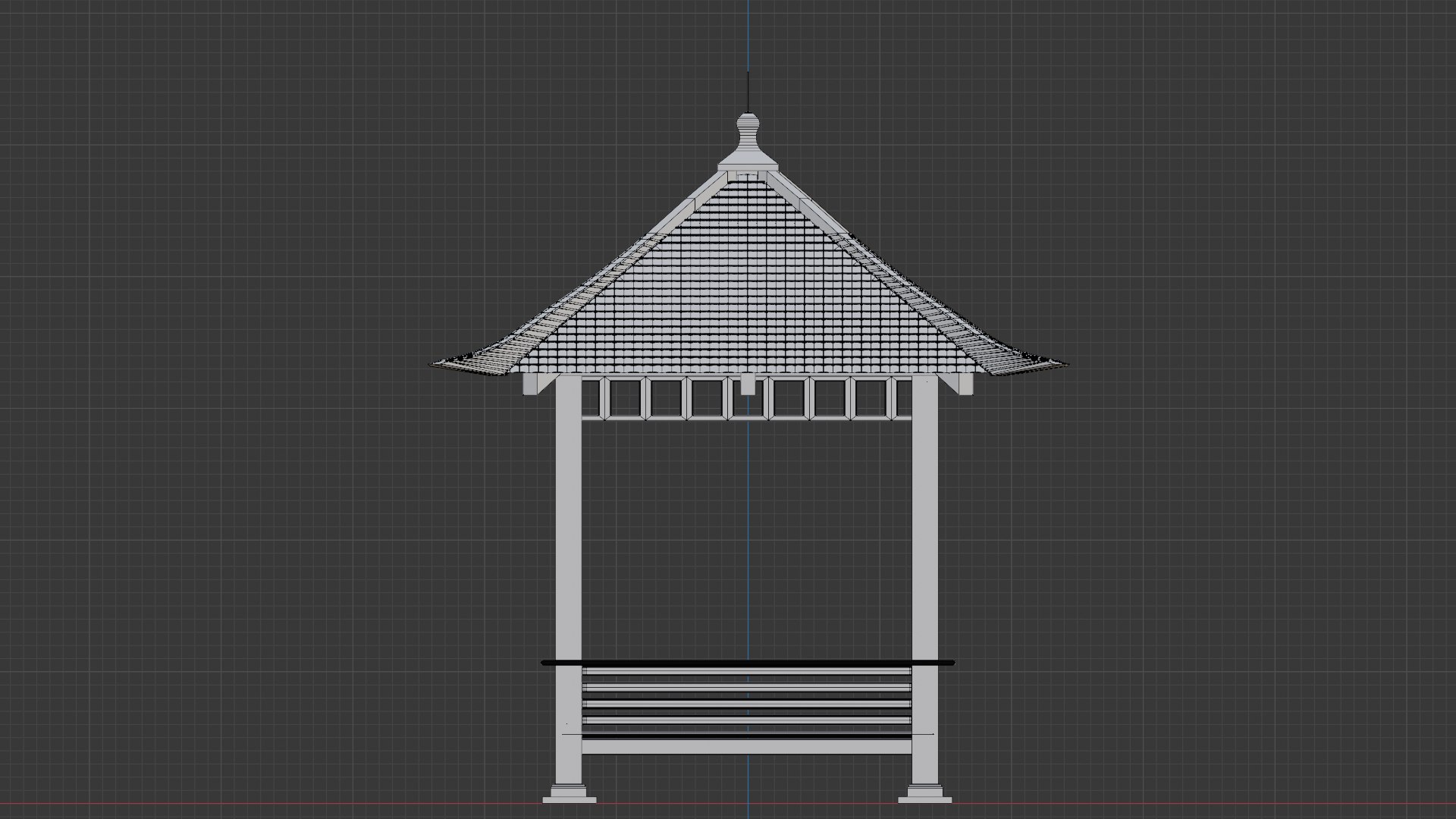
– Smooth polygon structure for high-quality rendering and real-time applications
– Created in Blender 4.0 with a clean and professional approach
– Ideal for architectural projects, , games, and VR worlds

Specifications:

  • Software Used: Blender 4.0
  • Render Engine: Cycles Render
  • Polygon Count: 286,456
  • Vertices Count: 144,204
  • Scale: Matches actual size
  • File Format: Blender (.blend), FBX, OBJ
  • Included 3D Model : Material and Textures

With its stunning details and optimized geometry, this Java Gazebo 3D Model is an essential asset for artists, architects, and game developers looking to add authenticity and beauty to their projects.

Select Enhanced License

  • $10,000 in Legal Protection (Indemnification)
  • Uncapped Legal Protection (Indemnification)
  • Waiver from injunctive relief
  • Assignable model rights
  • $1,000,000 in Legal Protection (Indemnification)
  • Waiver from injunctive relief
  • Assignable model rights
  • $250,000 in Legal Protection (Indemnification)
  • Assignable model rights
Read more about enhanced license tiers, or contact us at enterprise@turbosquid.com. Already a Shutterstock Enterprise Customer? Contact your Shutterstock Sales Support Agent to talk about adding 3D.

About Conversion Requests

To submit a conversion request for a purchased asset, please complete our Conversion Request Form.

If you have not yet purchased a model, please review our Documentation about Conversions to learn about what limitations you may encounter with a conversion.

For any additional questions about a model’s suitability for conversion, please contact TurboSquid Support.

Loading...