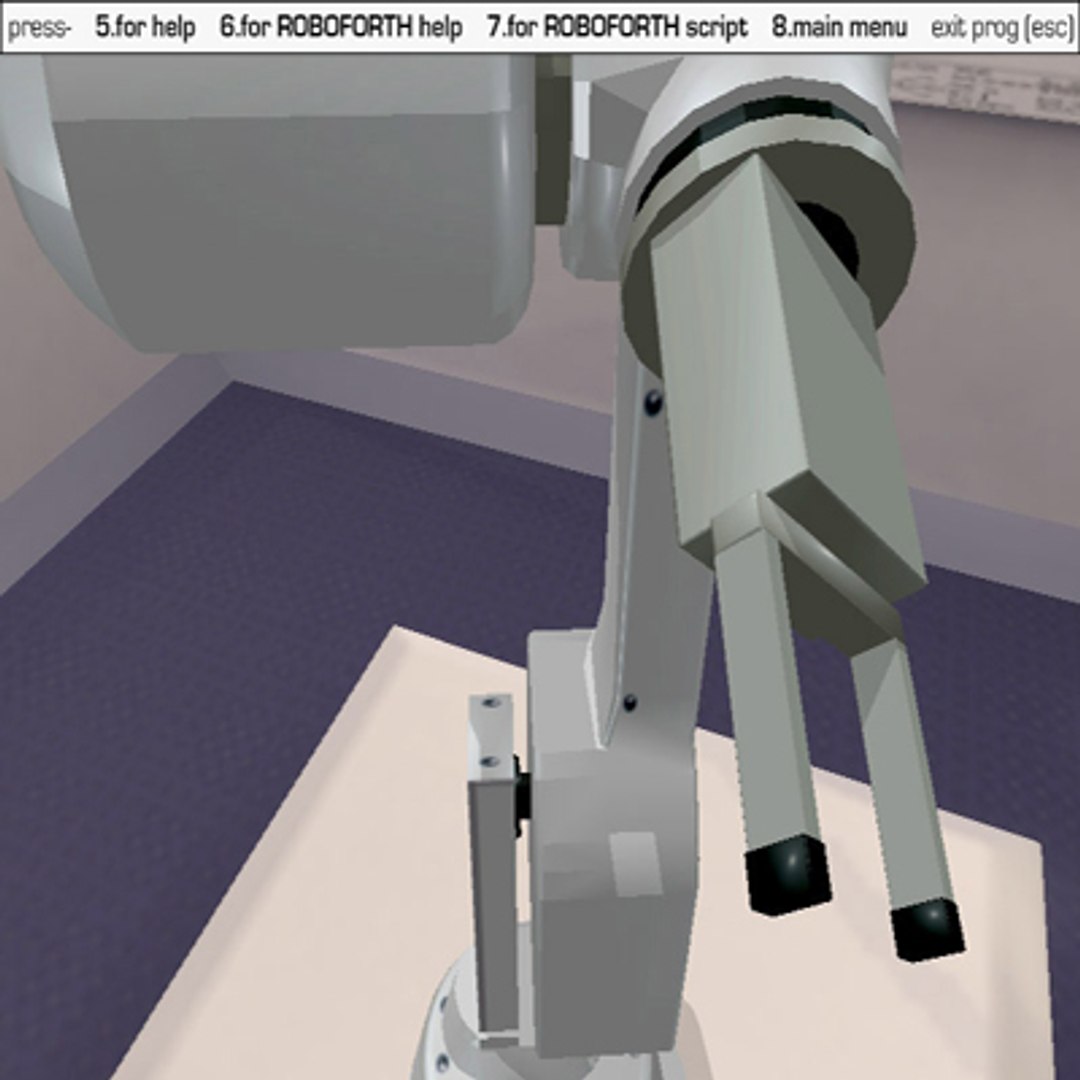
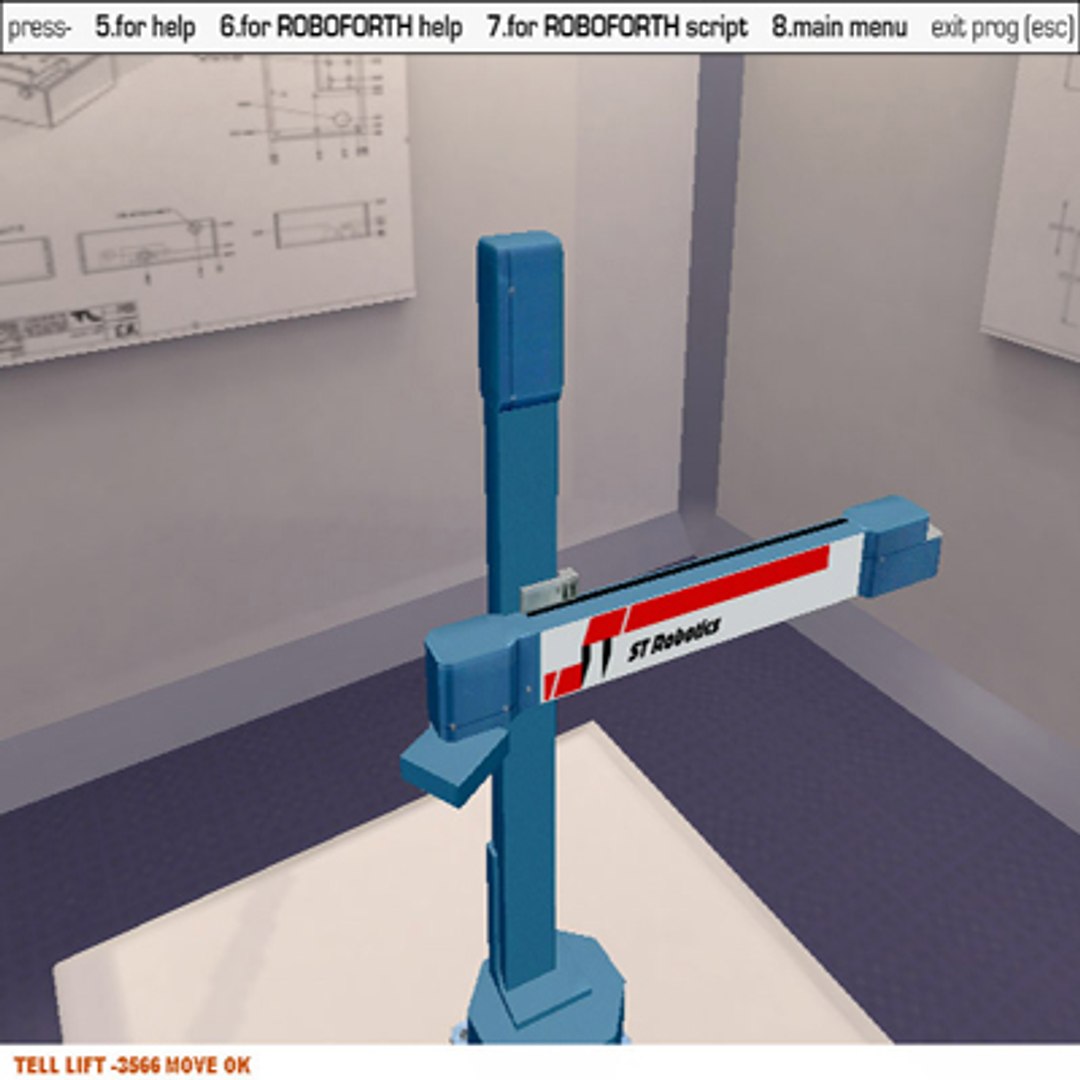
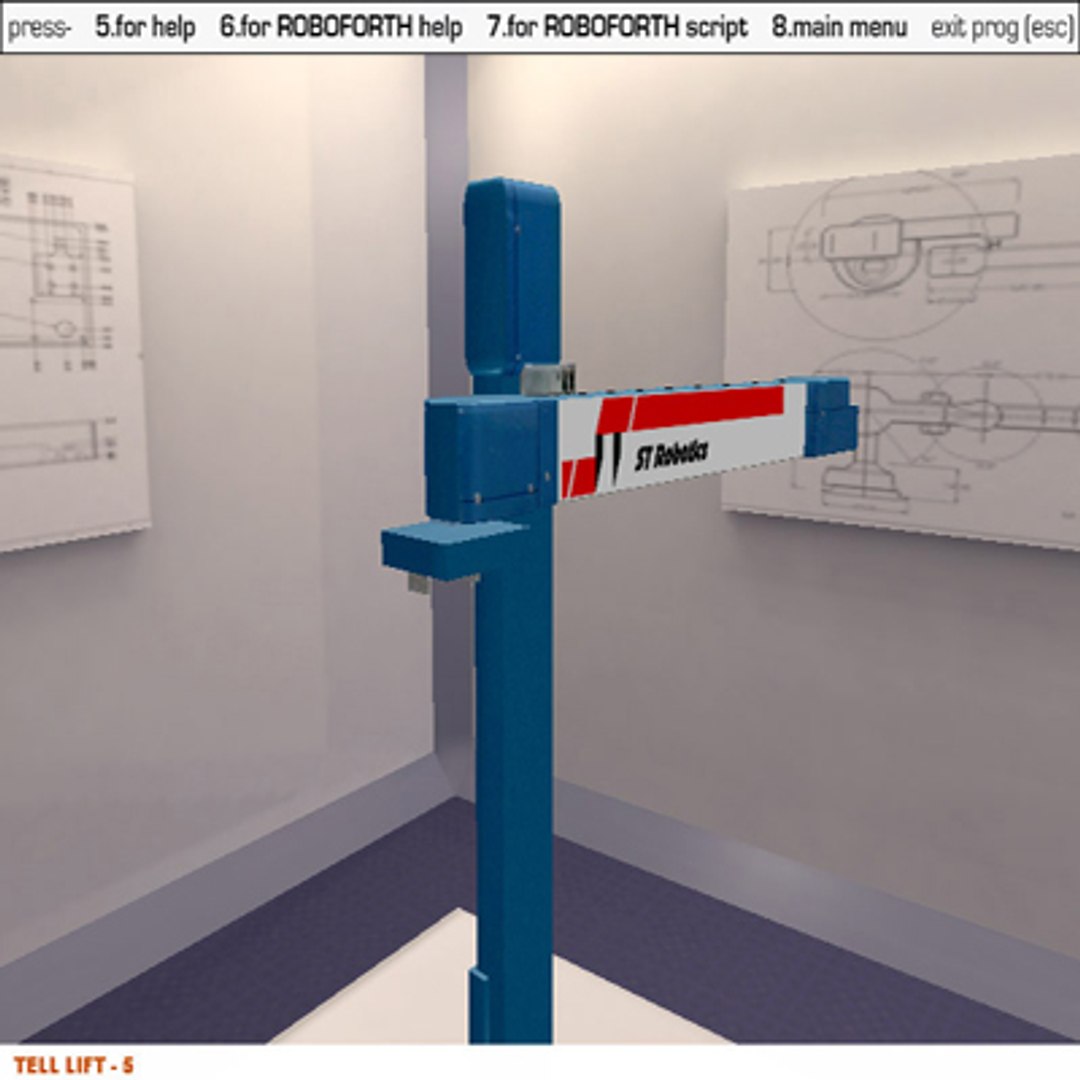
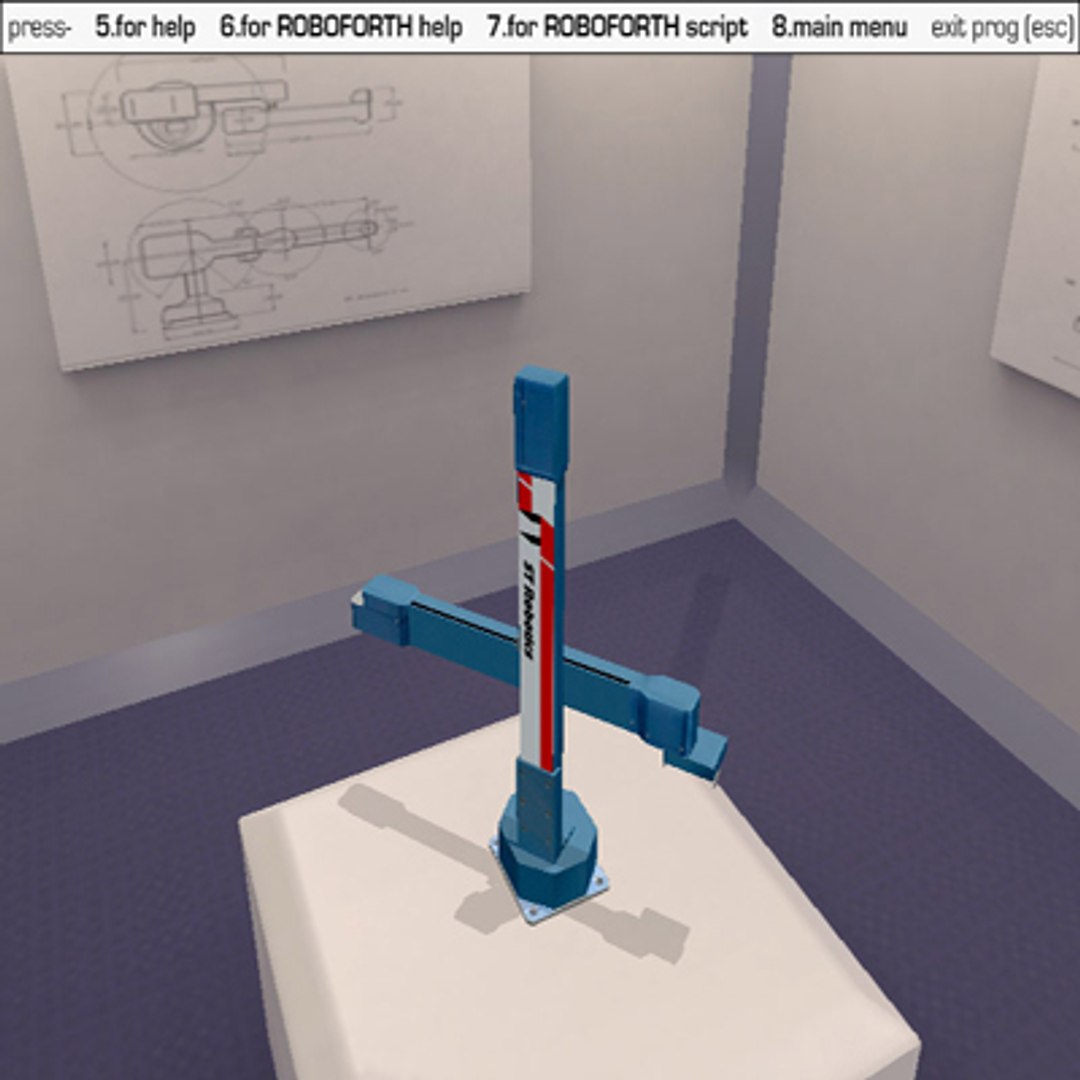
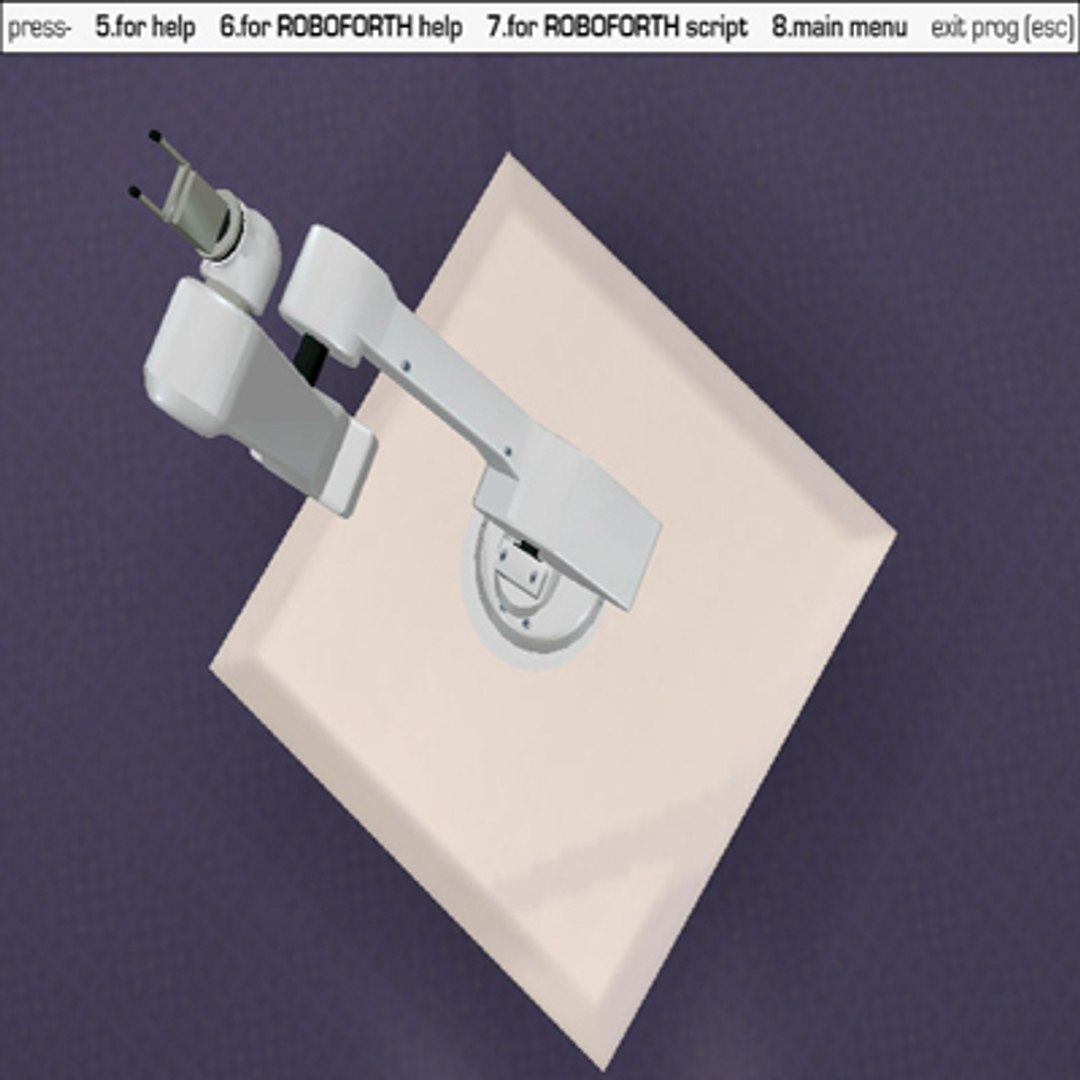
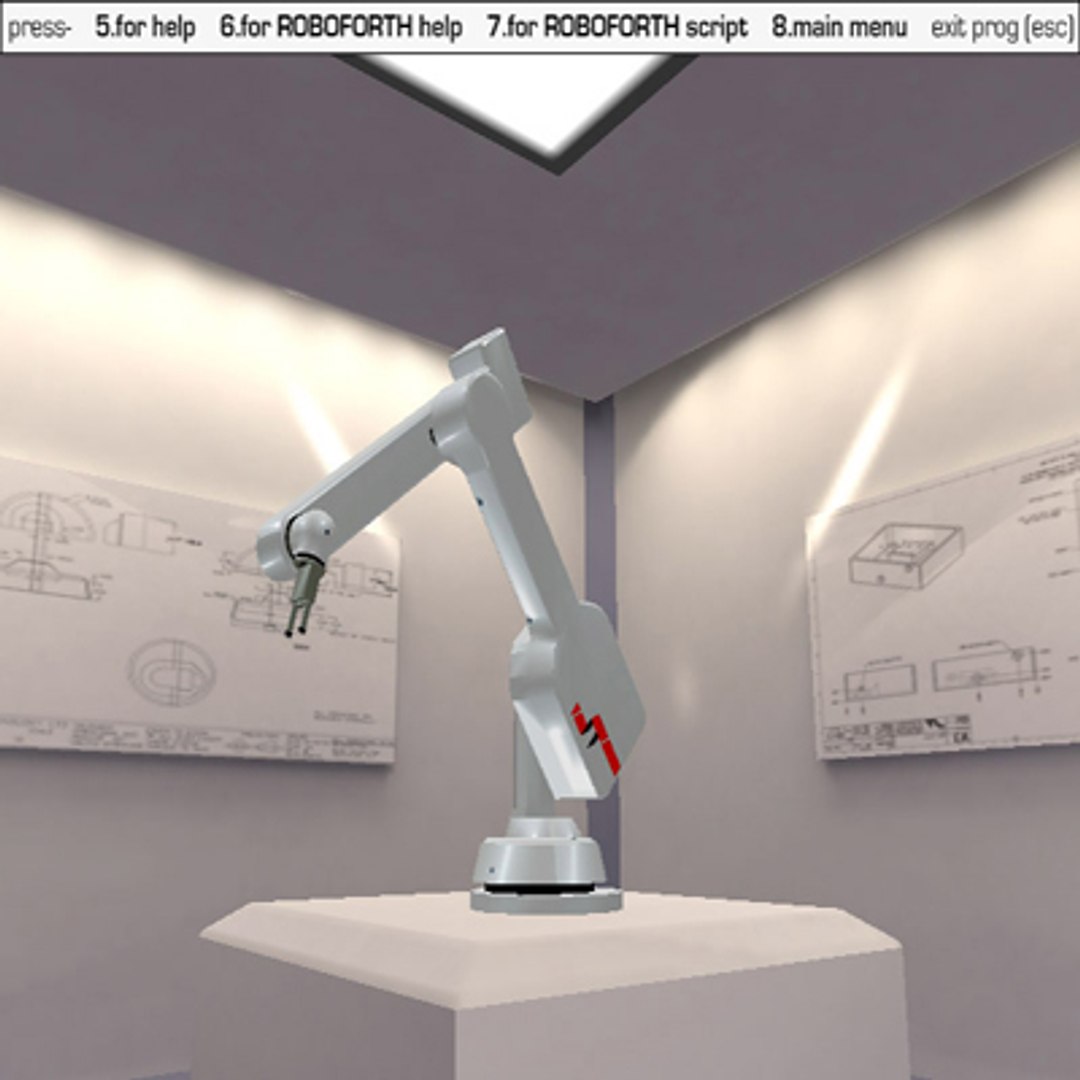
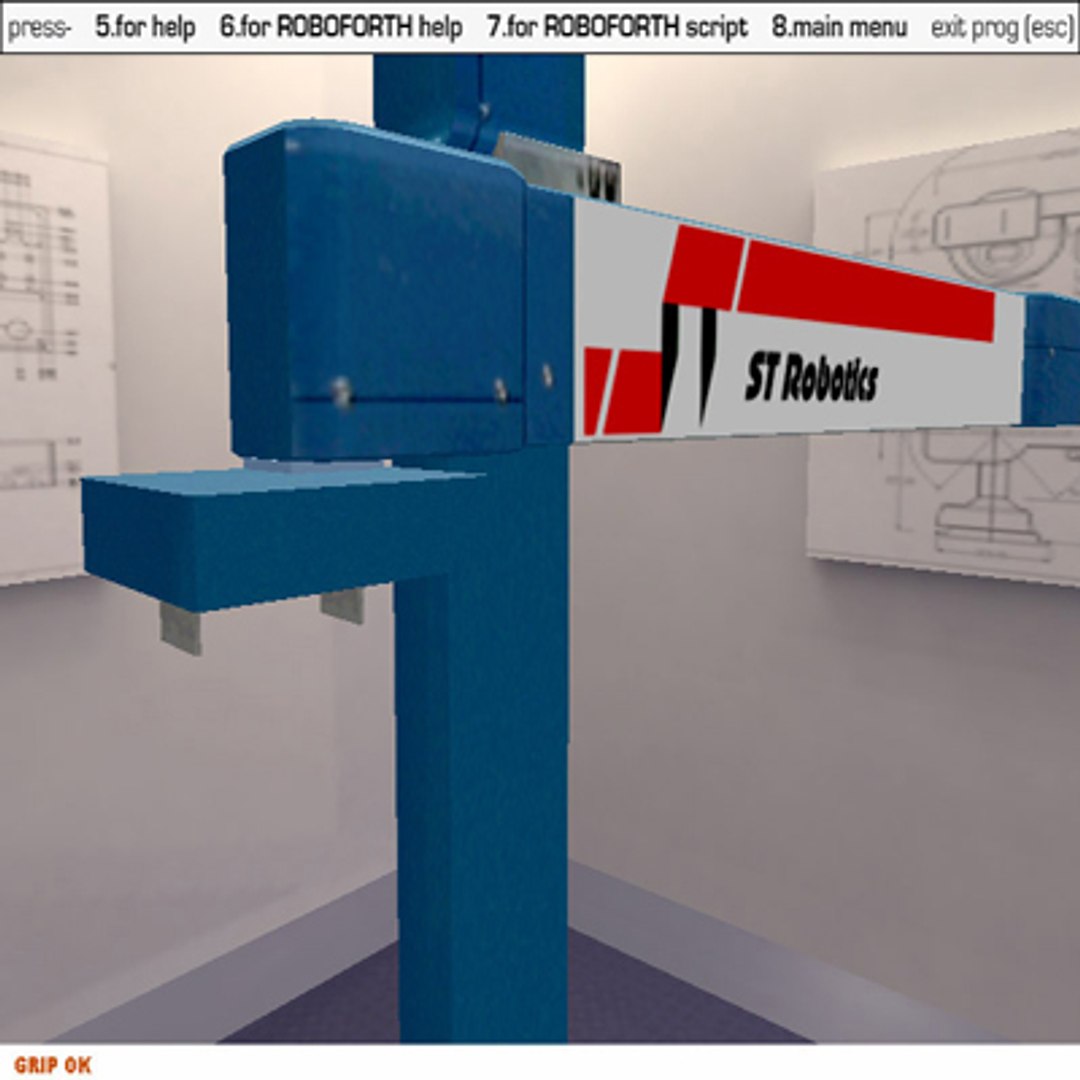
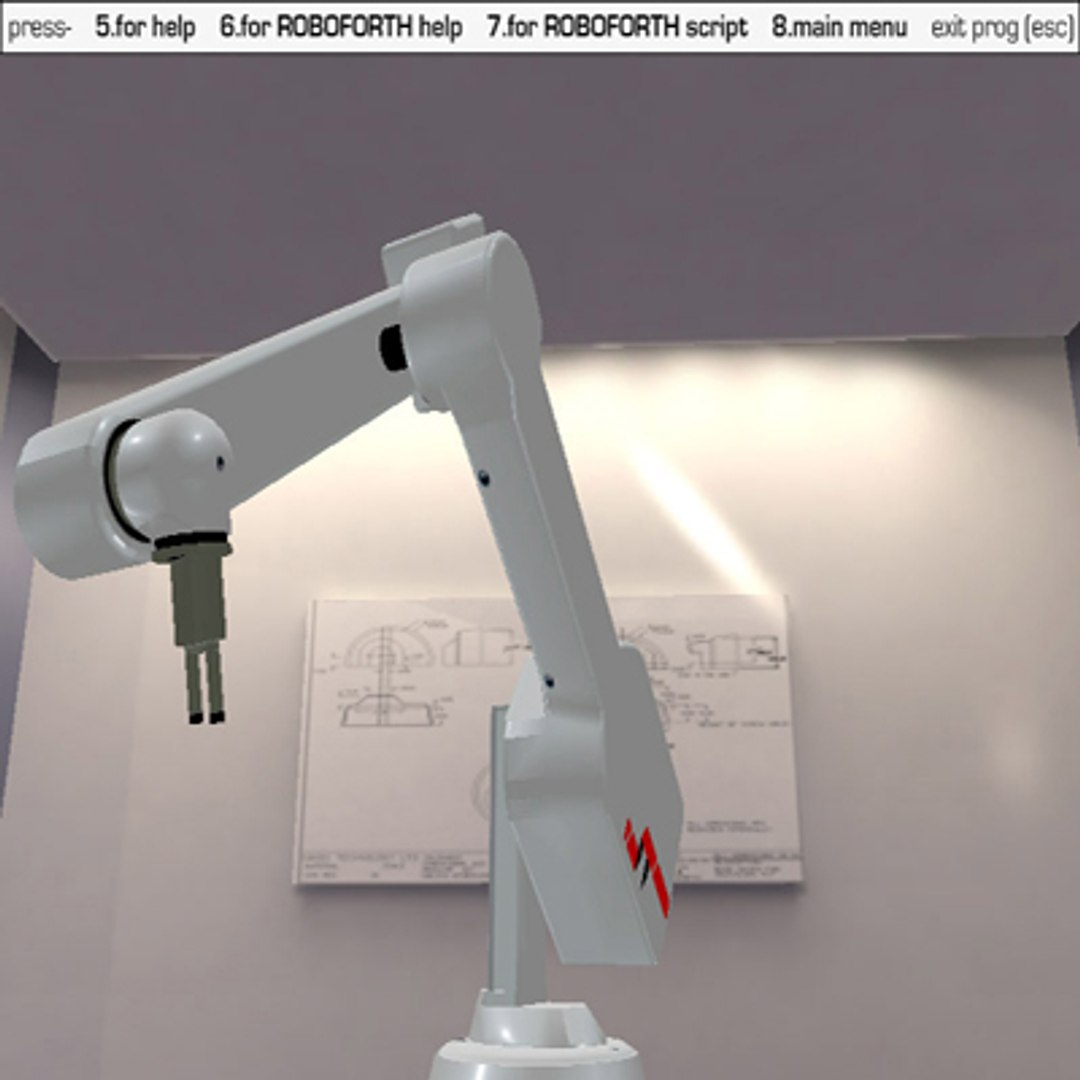
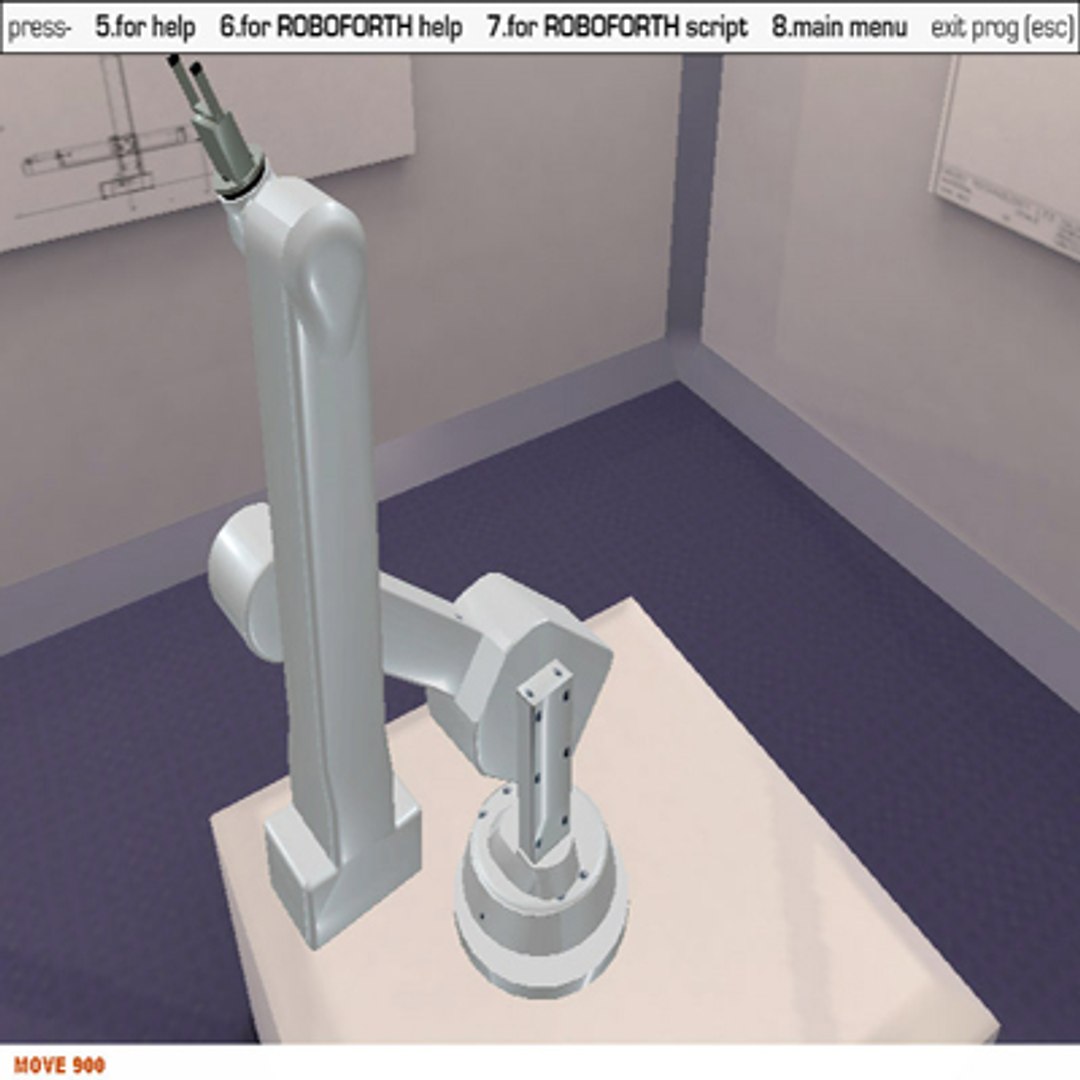
The instructions are in the level when it loads.
If you want to try moving the robotsusing the real scripting code used by the actual real life robot-
TELL (joint-name) (amount) MOVE - will move the named axis by the integer amount specified.
(amount) may be a negative number.
For R17:
Axis name value up to
WAIST 9000 for 90 degrees
SHOULDER 18000 for 90 degrees
ELBOW 9000 for 90 degrees
HAND 3600 for 90 degrees
WRIST 3600 for 90 degrees
These are similar but not the same values as the real thing.
For R19
Axis name value
WAIST 9000 for 90 degrees
LIFT approx 10000 for full stroke
EXTEND approx 10000 for full stroke
HAND 900 for 90 degrees
Other commands:
HOME - returns complete arm to HOME position.
GRIP - closes gripper
UNGRIP - opens gripper
Two versions are supplied, a fullscreen version and a windows version. Due to stretching, the windows version has better definition.
You will need the latest version of Direct x to run this. To load just click on the exe.
It is PC only format.
The file is fully encrypted and use of the meshes is not permitted with this free version.
PLEASE EXPLORE AND RATE AND REVIEW THIS LEVEL, THANK YOU.
We now can provide a service to make realtime 3D work from games to visualisations like this using existing meshes or entirely designed from new-