INDUSTRIAL PIPES ASSET PACK
Greetings my 3D Friends
Here we have another extensive and detailed Asset Pack for your consideration
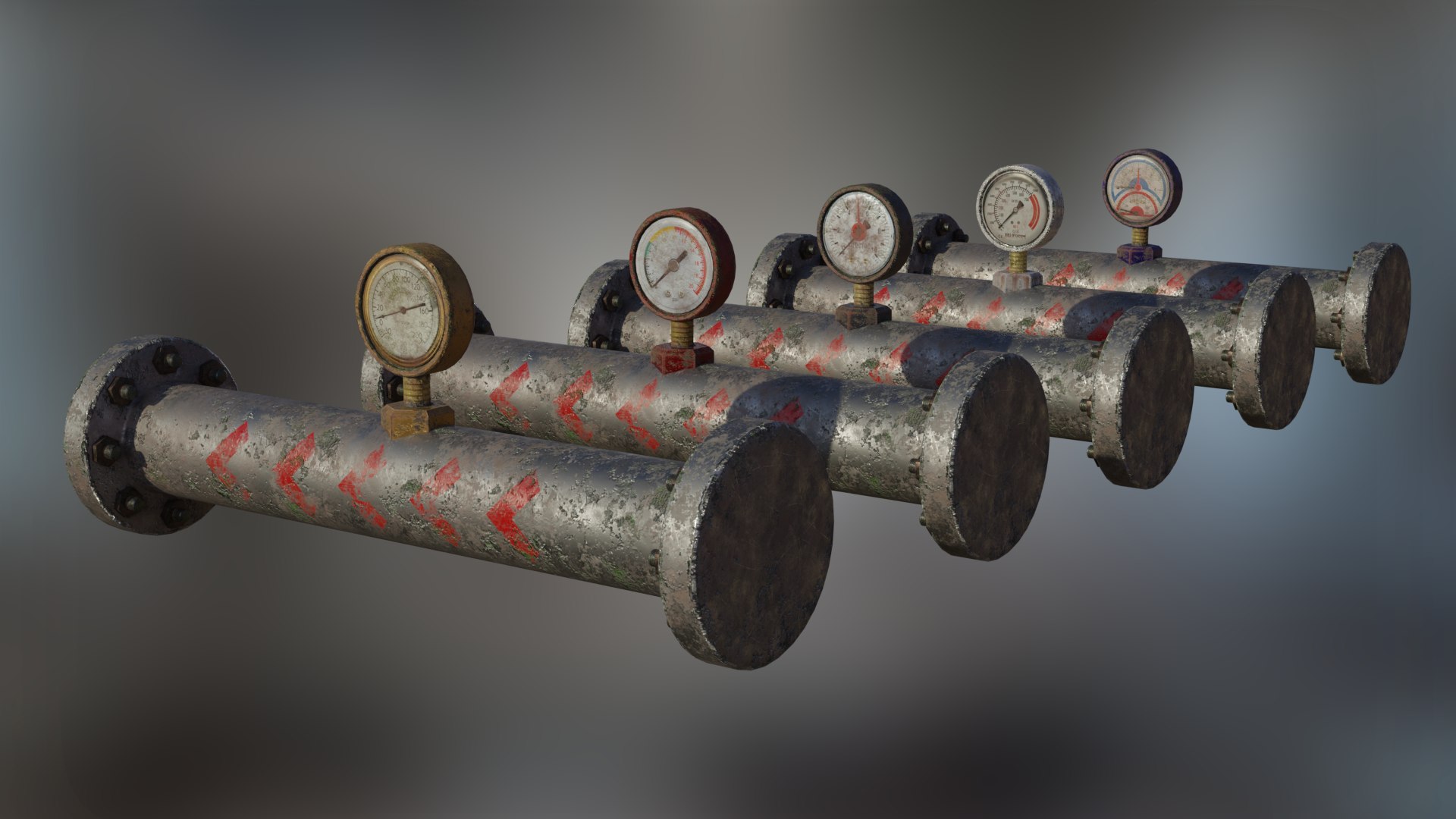
All Modelled to give a worn, aged look to each section
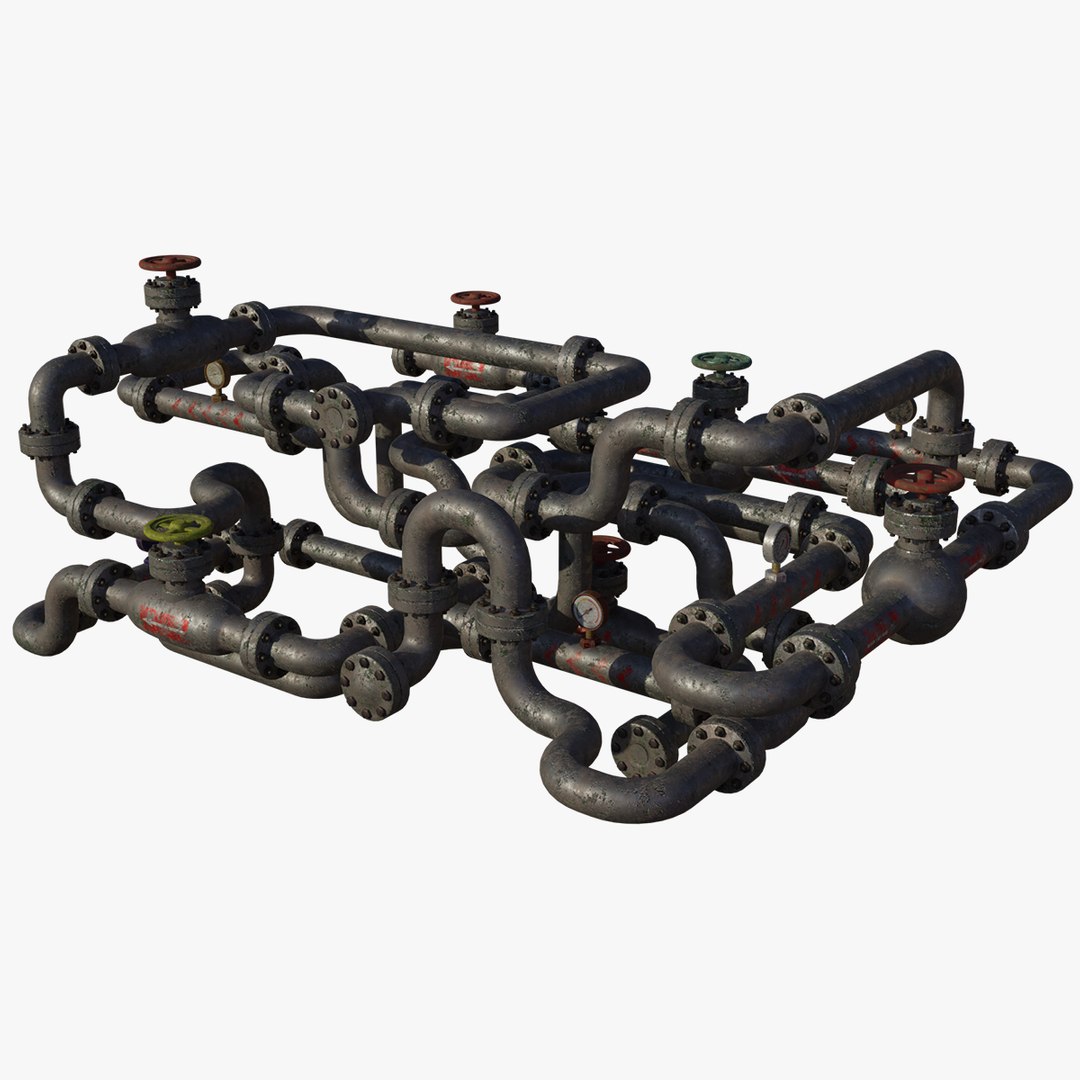
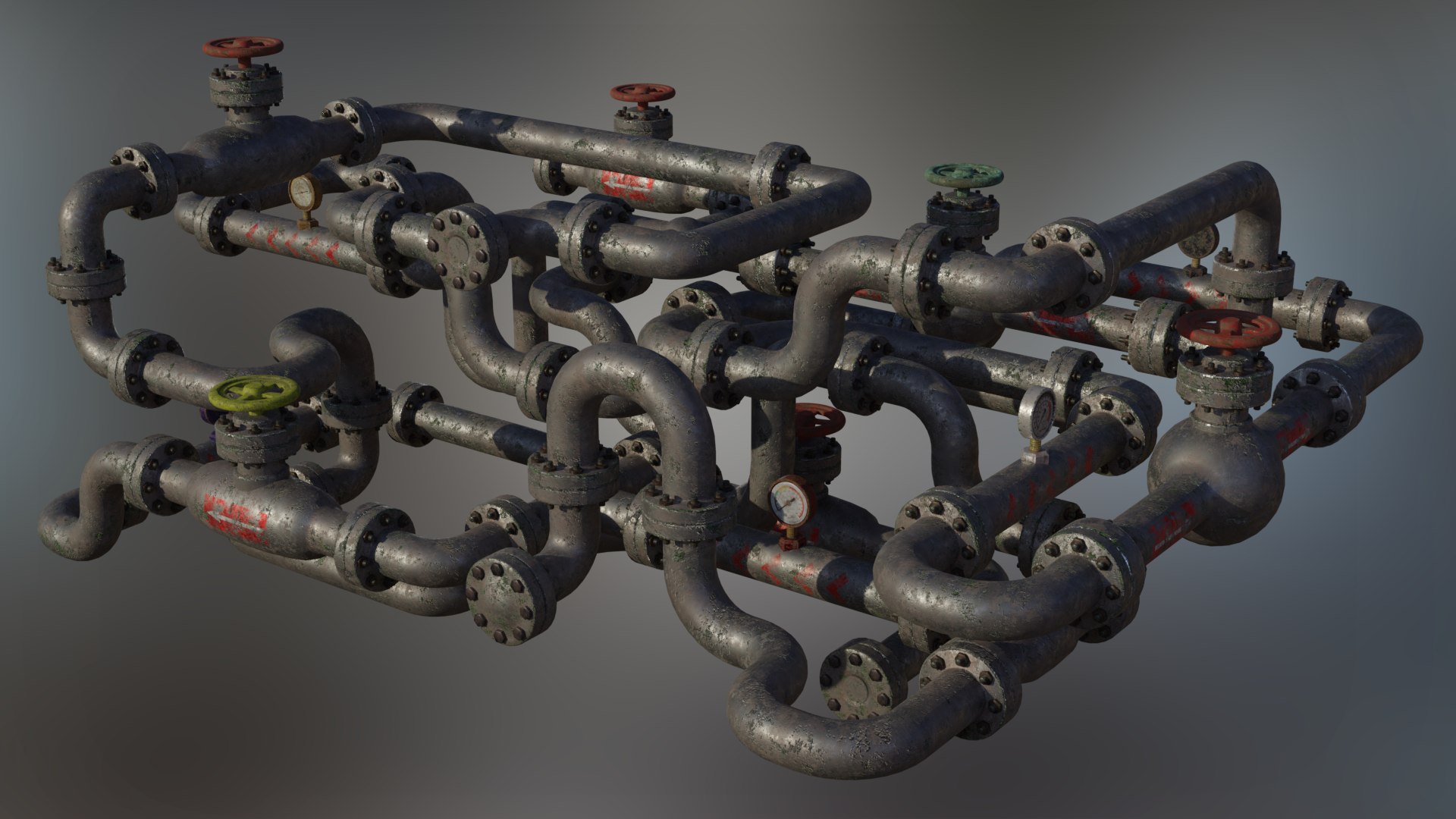
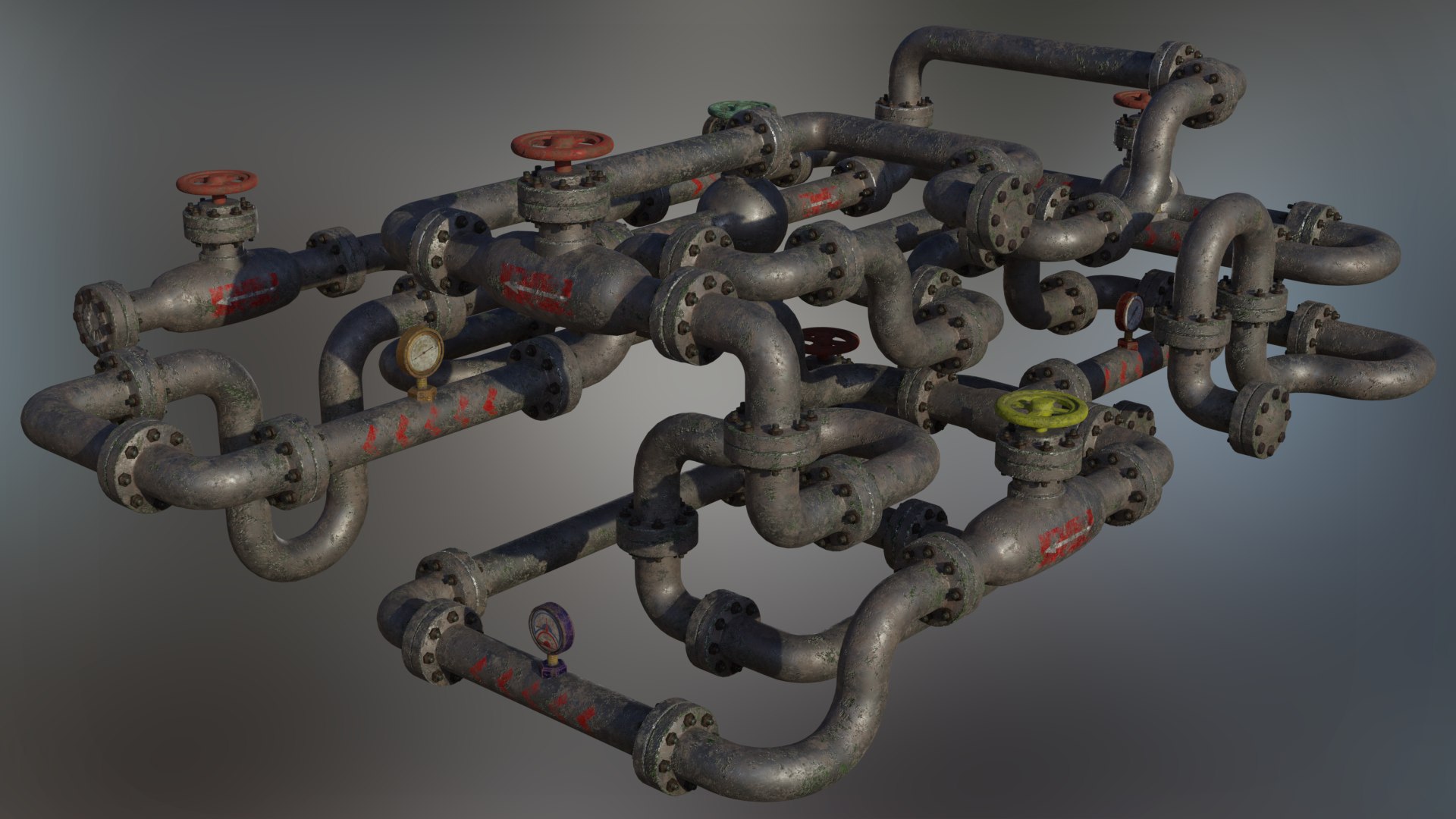
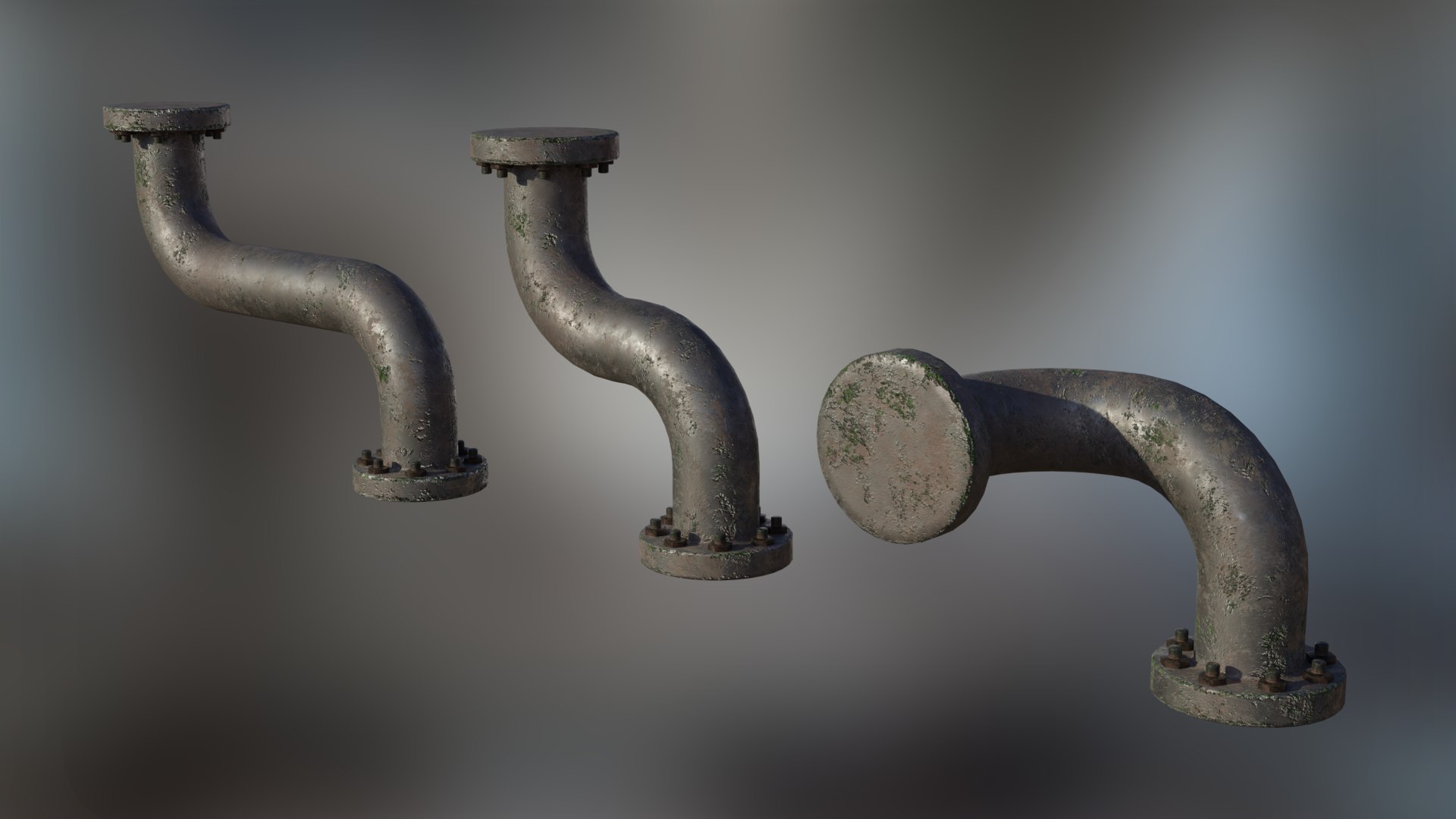
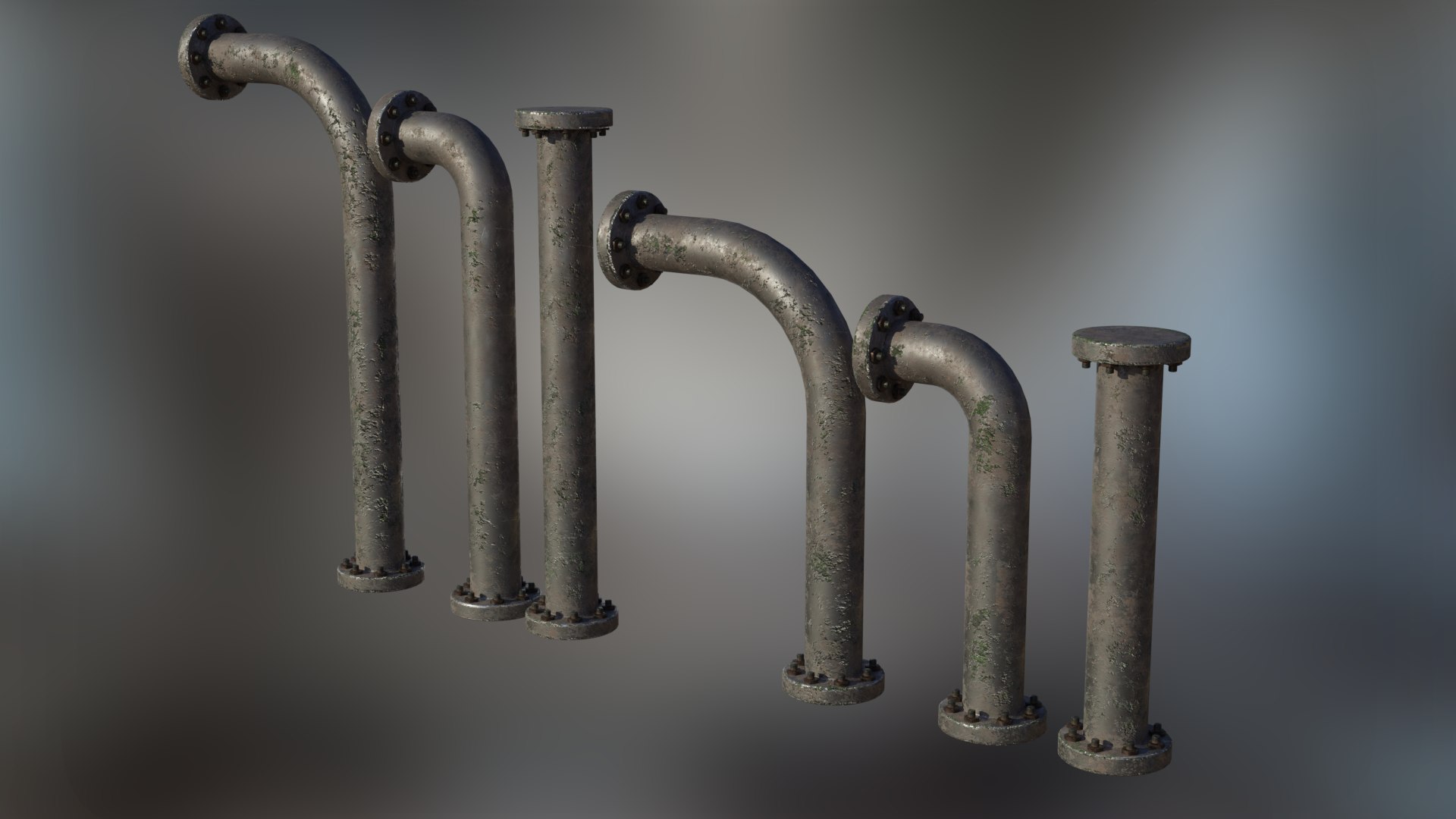
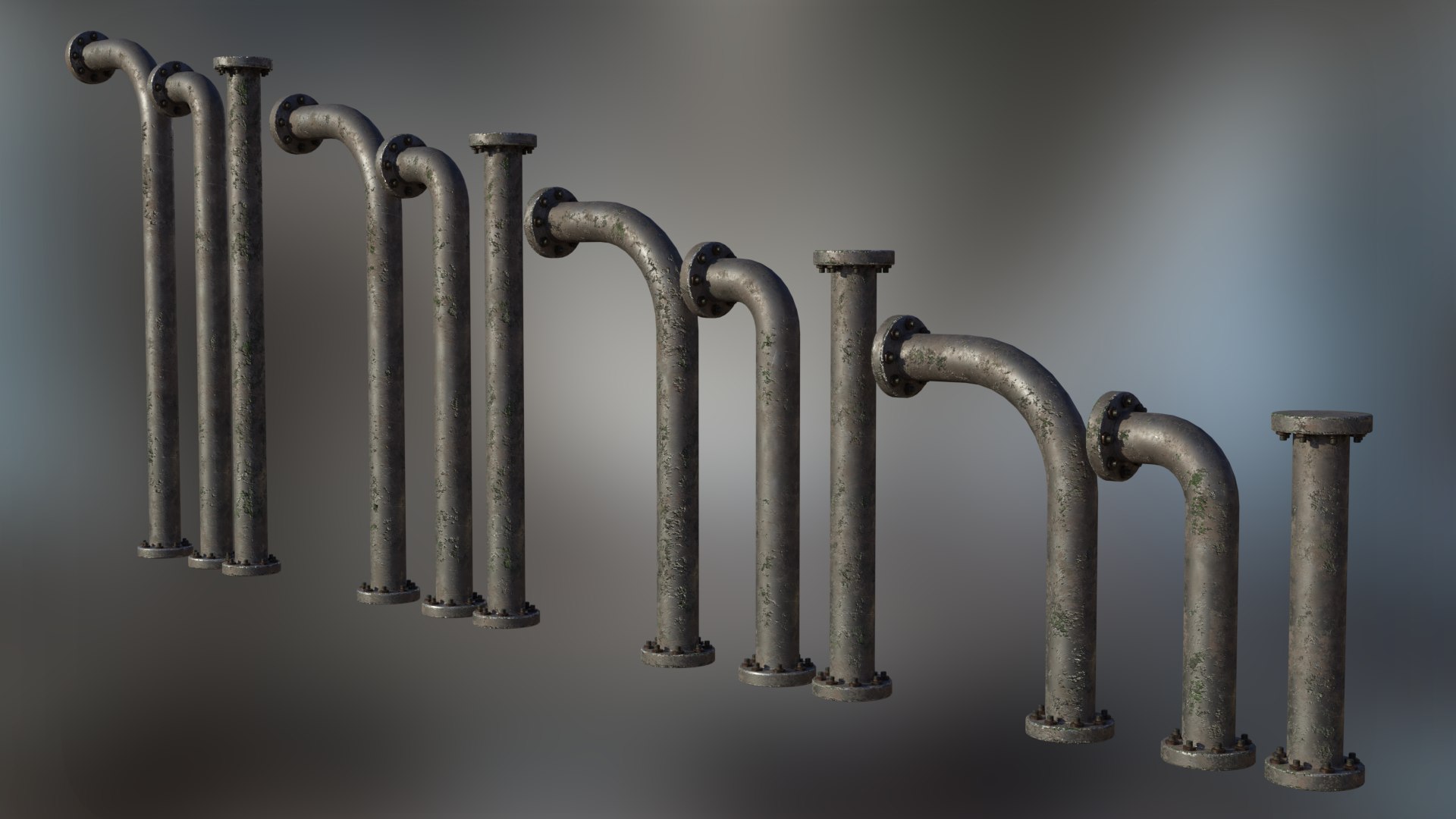
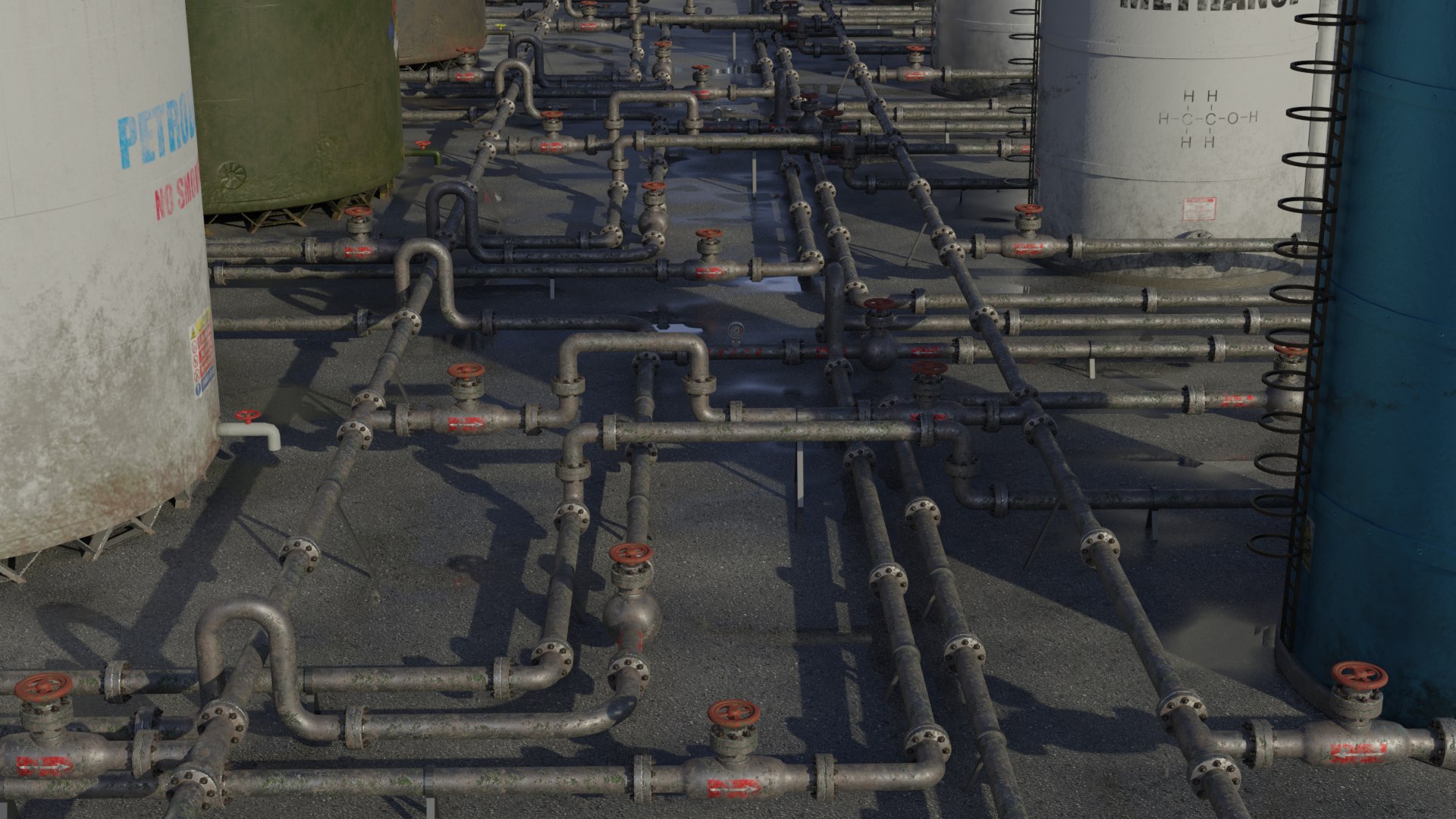
Please note you are purchasing the individual pieces and not the connected examples shown in my Renders
3 Formats included:
Blend
Fbx
Obj/Mtl
+ All Textures
What you will receive in this Pack:
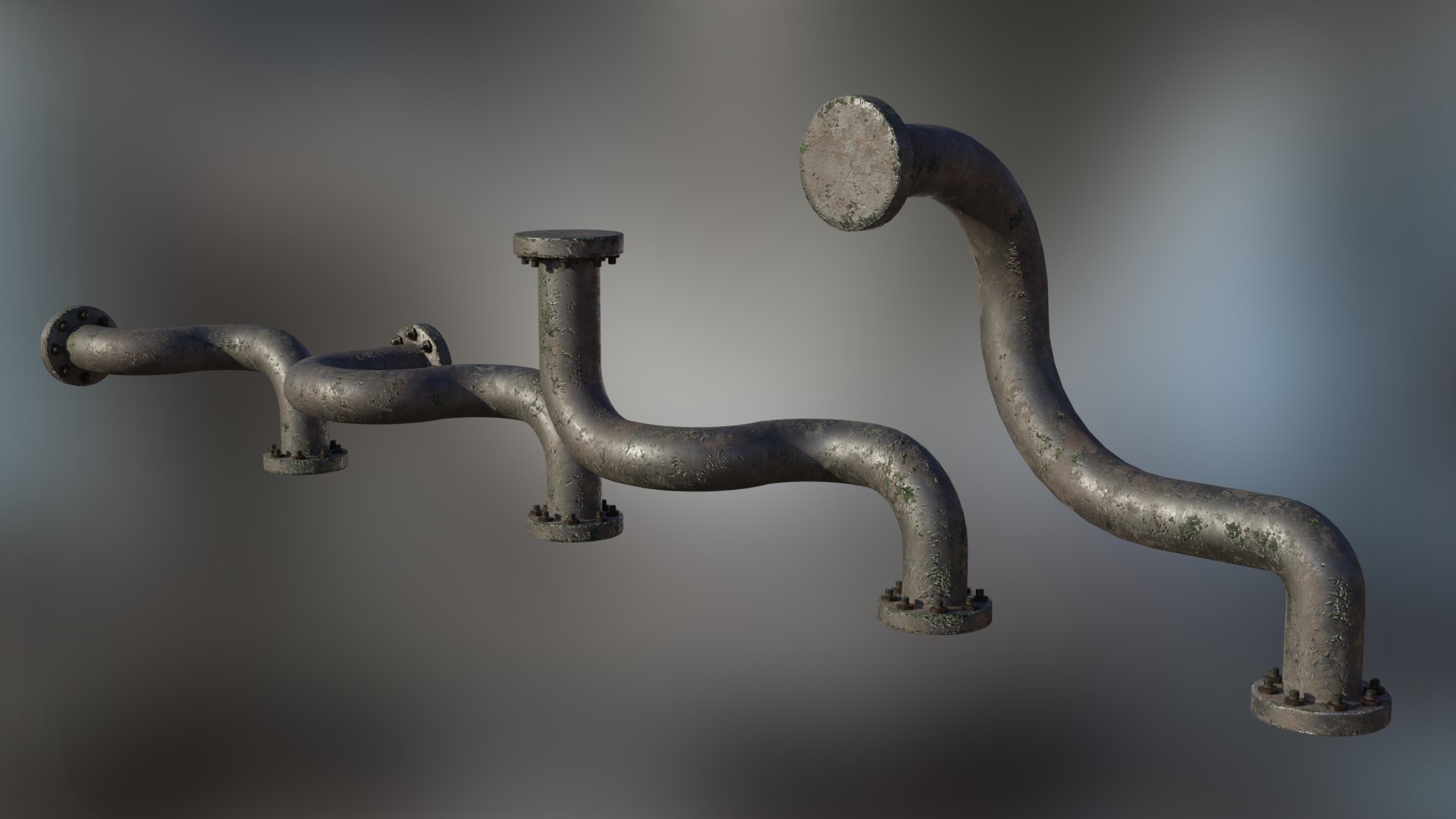
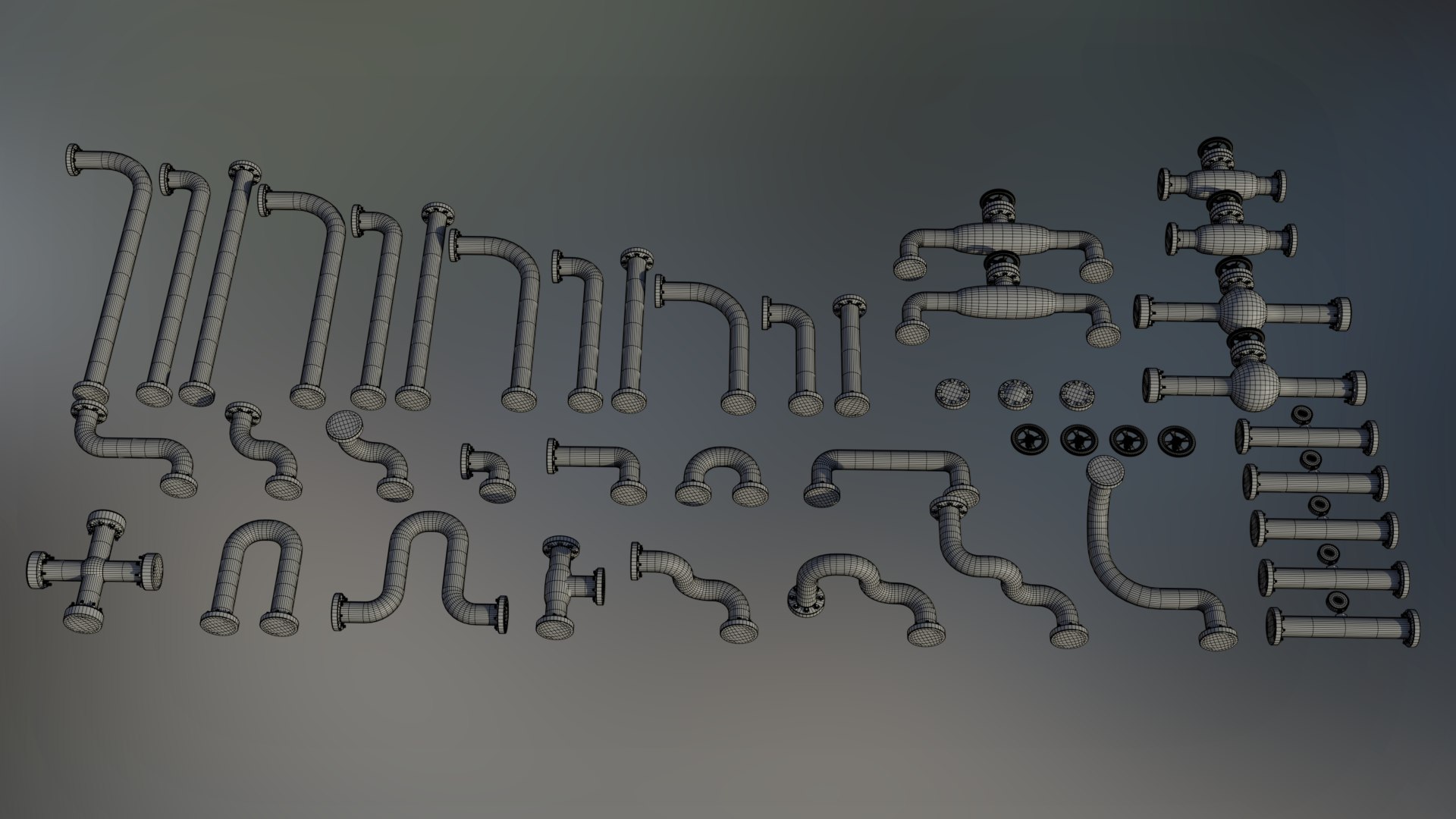
4 Straight Pipes of various lengths, 4 Straight Pipes with a short bend , 4 Straight Pipes with a long bend
15 Pipes with various configurations
3 Varied end caps
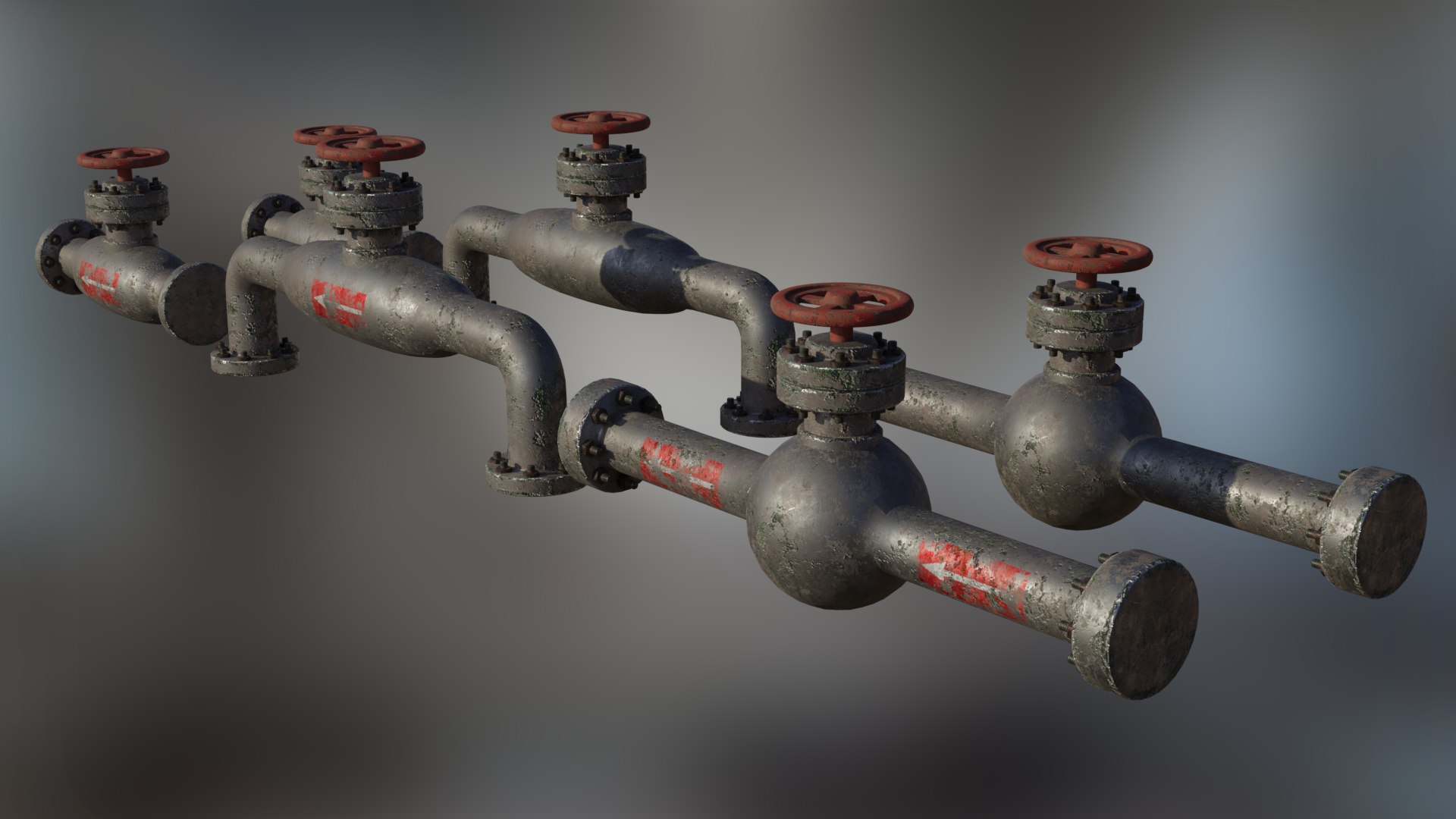
4 Handwheels - Brass, Bronze, Red, Yellow
5 Straight Pipes with Pressure Gauges including directional decals (5 Various types of Gauge)
6 Pipes with shut off valves (3 with directional decals, 3 without)
45 Separate Objects in total
This pack does not contain any other items shown in my example Renders (ie. The Storage Tanks)
As shown in the Rendered images provided you can easily build up a detailed scene simply by duplicating any of these Objects, you can easily route these objects to fit around your scene.
Modelled in Blender 2.80 (Compatible with versions 2.80 onwards)
Textured in Substance Painter 2
All Modifiers closed
All Objects named accordingly in the Outliner
Approximate real world scale (but of course you can scale to suit your project)
Scale 1.000 Metric
2K Resolution Maps / PBR /: BaseColor, Metallic, Roughness & Normal (Height Maps provided if you wish to use them)
2048 x 2048 Maps
Unwrapped - non overlapping UVs
Clean Topology, no loose or double Vertices
The HDRI used in the Renders is not included (There are loads of free ones out there, just do a simple Google search)
All Textures are included/packed into the .Blend file, if this is the format you wish to use
Once the .7z files are unzipped you will see 4 separate folders containing the following:
Blend File
Obj Files
Fbx file
All the Textures
The Polycount given is for the whole package combined
Notes:
Please note if you are using EEVEE:
You may need to go into the Render Properties Tab - Performance - Enable High Quality Normals
It would be best practice to scale the package as a whole to suit your project requirements
Origin of all Models:
The Origin for each object has been set at one of the outer faces centre vertex, this makes aligning the sections easier as you can set the cursor at this point then simply select in Object mode the piece you wish to attach, use Selection to cursor, then simply rotate in the Z axis if required. (Please see images provided on how this is done)
The pipes each have 8 bolts which will perfectly align if you rotate in 90,180,270 degrees. As there are 8, you could also rotate at 45 degrees and the bolts will align (Don`t forget to apply rotation after)
If you do decide to purchase this package I wish to thank you in advance
Thanks for your interest & support!
MagicCGIStudios
Just unzip the .7 files containing all Formats & Textures to your chosen directory

 Apple Quick Look
 Meta Spark
 Omniverse
 Snap Studio
 TikTok
 Unity
Unity
 Unreal
 3ds Max
 Blender
 Cinema 4D
 Maya
Maya