Hot Stuff

$24.95

Formats (1)
Free file format Conversions available
Poser
Specifications
Publish Date July 31, 2009
Product ID 478683
Polygons 0
Vertices 0
Polygonal
Textures
Materials
Unknown Unwrapped UVs
Rigged

member avatar
PhilC
42 Products | Contributor Since 2001
Have questions? Chat with us now.

Description

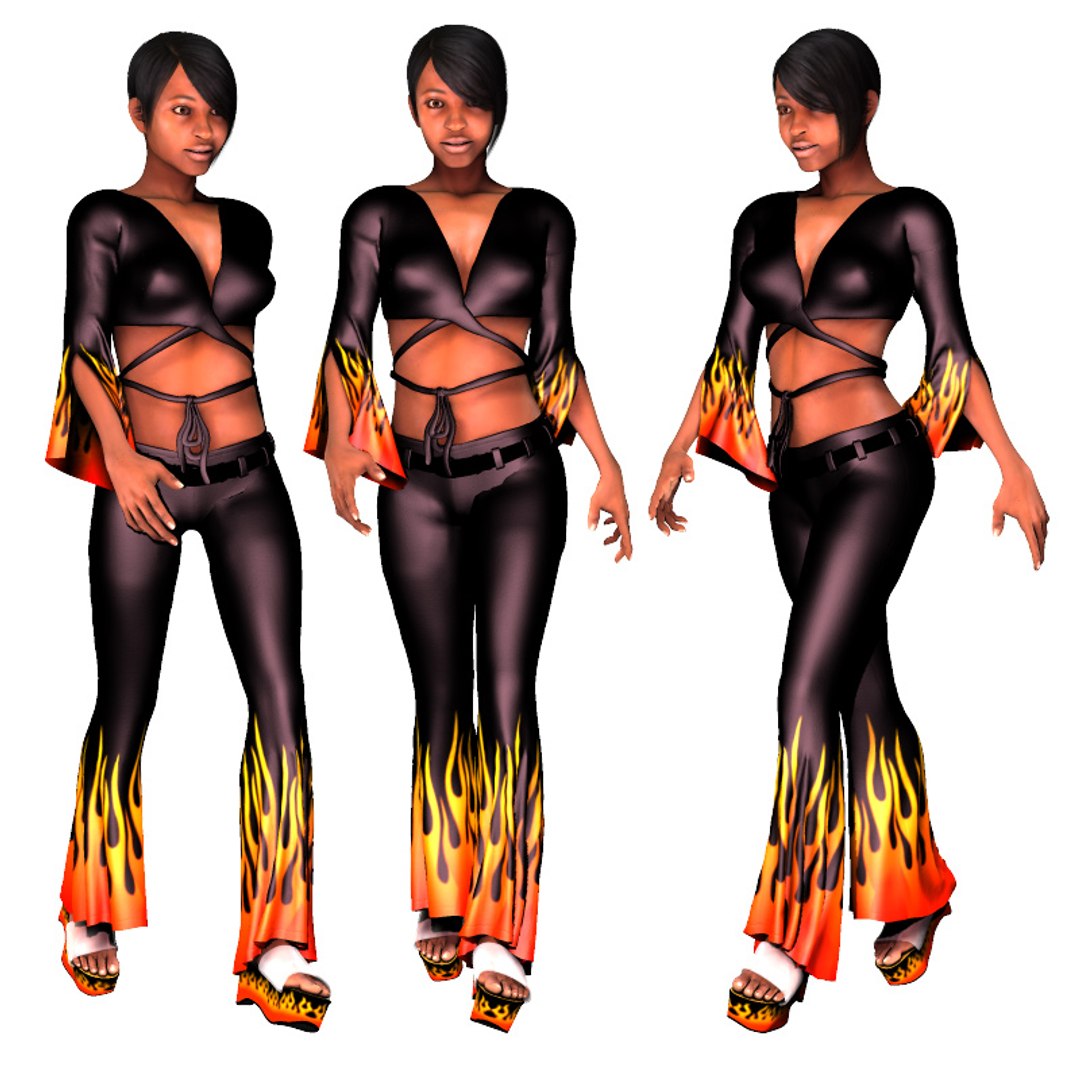
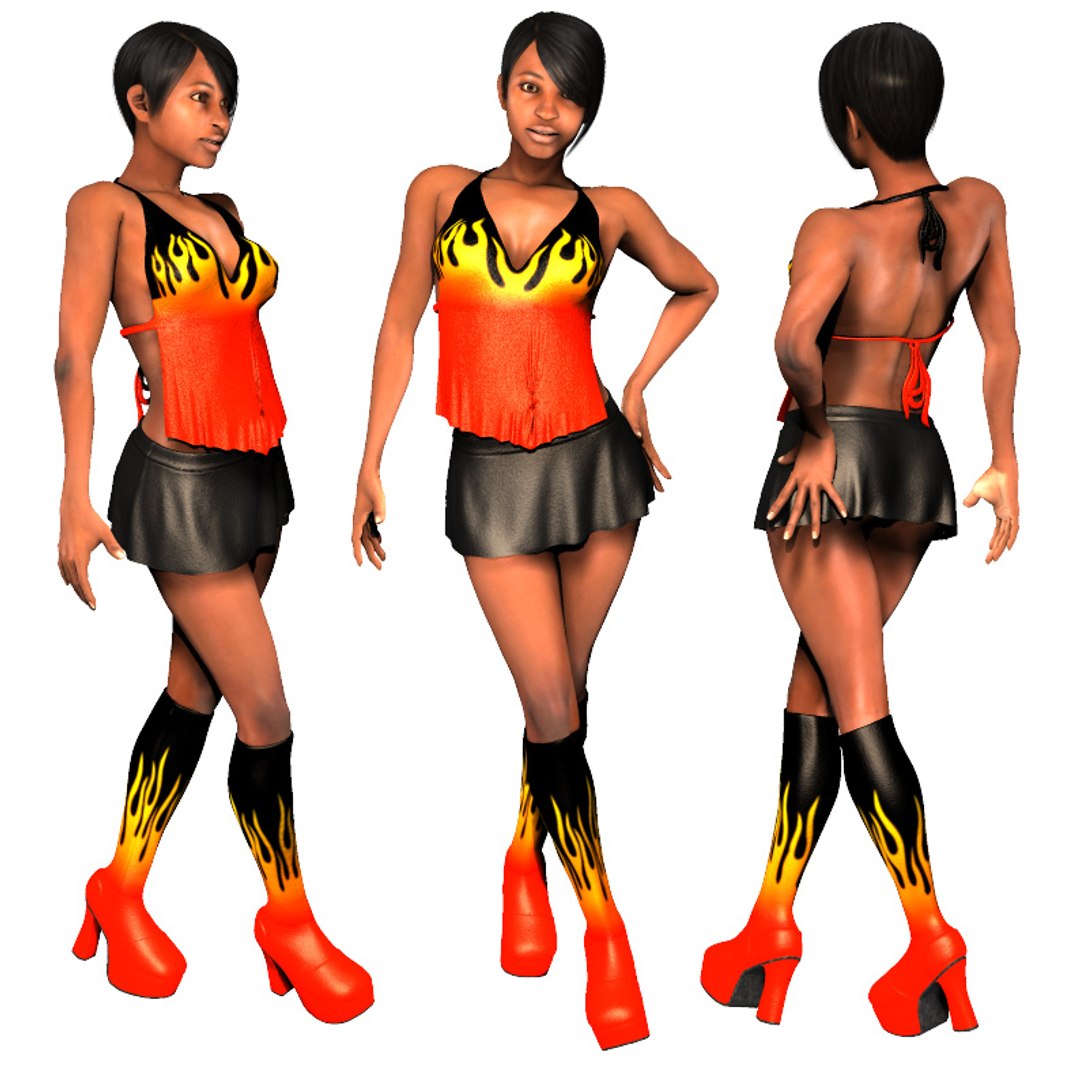
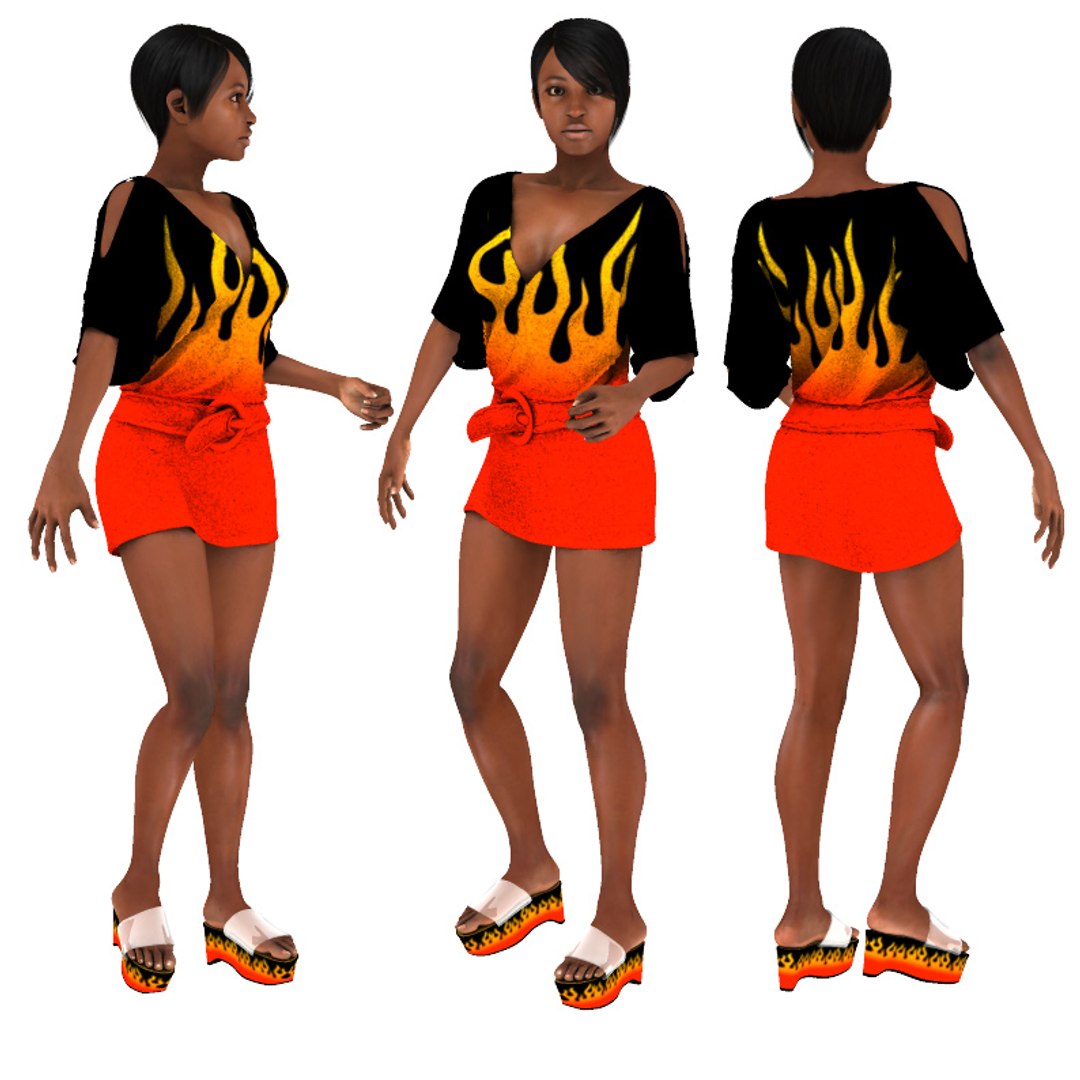
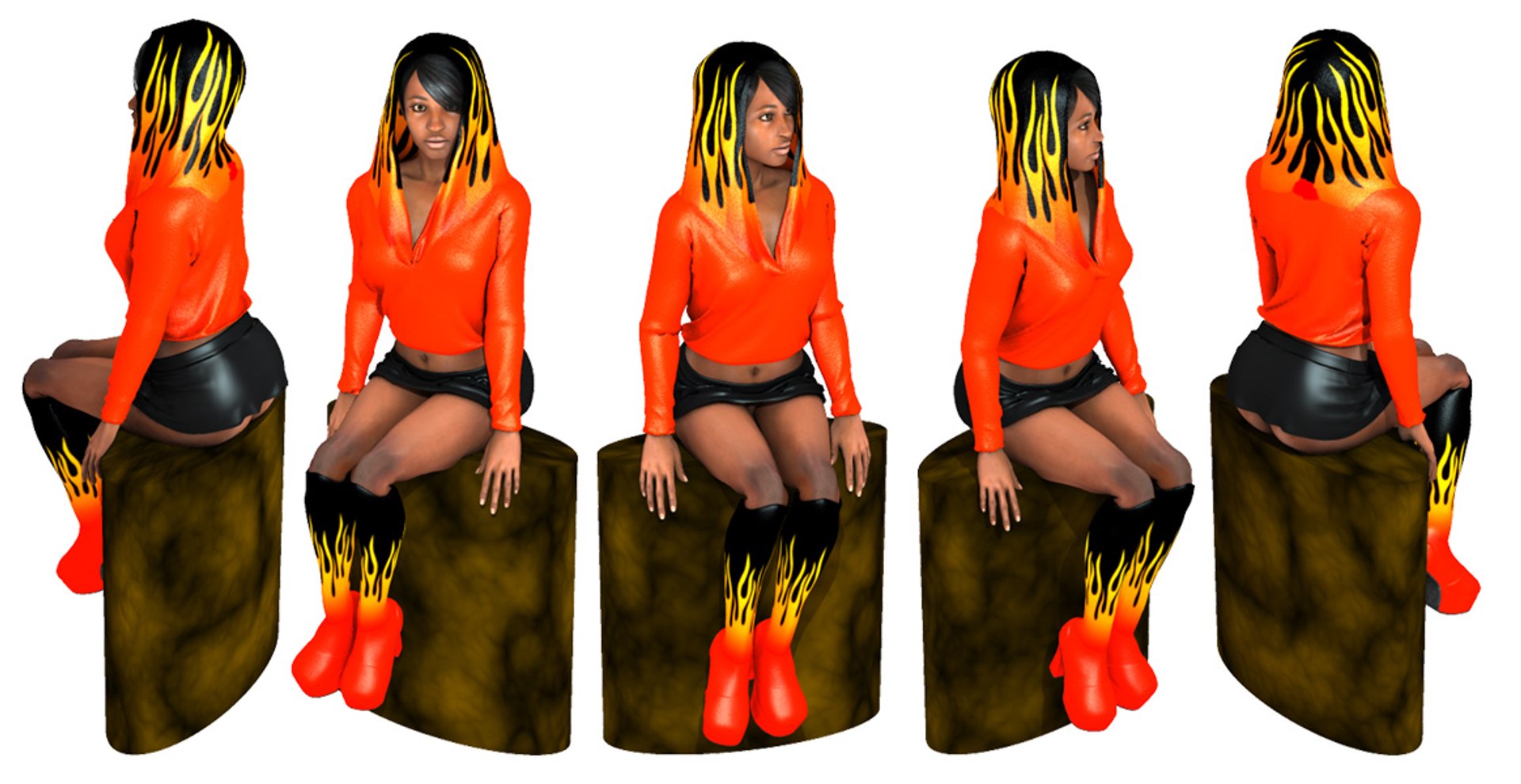
Hot Stuff for G2 female figures,
OliviaG2, SydneyG2 & JessieG2

Poser 5 and later
PC & Mac

This set includes "hybrid" clothing.

Hybrid clothing is a combination of conforming and dynamic cloth. Conforming clothing poses quickly but can less realistic, dynamic clothing takes longer to simulate but generally gives better looking results. Hybrid clothing aims to utilize the best features of both systems. When you load one of the hybrid clothing figures you will get a pop up message indicating the required work flow. See sample message below.

Hybrid clothing:-
Bib Top
Crossover Top
Loon Pants
Mini Skirt
Sloppy T Shirt

Conforming clothing:-
Platform Boots
Platform Sandals

Dynamic clothing prop:-
Hoodie

Sample pop up message:-

Bib Top
----------
Conform to Olivia using the Poser menu Figure > Conform to.
Apply Olivia"s magnets to the clothing.
Turn Olivia"s IK"s off and set her in the zero pose.
Advance to frame 30 Pose Olivia as required.
Note that the Front will still retain there original form at this point.
Enter the Cloth Room.
Set up a new simulation.
Clothify the Front and set to collide with Olivia.
Suggest an offset of 0.3, other cloth parameters have been preset.
Run the simulation.

Redistribution of the supplied files by any means, in any format in whole or in part is prohibited.
Categories

Select Enhanced License

  • $10,000 in Legal Protection (Indemnification)
  • Uncapped Legal Protection (Indemnification)
  • Waiver from injunctive relief
  • Assignable model rights
  • $1,000,000 in Legal Protection (Indemnification)
  • Waiver from injunctive relief
  • Assignable model rights
  • $250,000 in Legal Protection (Indemnification)
  • Assignable model rights
Read more about enhanced license tiers, or contact us at enterprise@turbosquid.com. Already a Shutterstock Enterprise Customer? Contact your Shutterstock Sales Support Agent to talk about adding 3D.

About Conversion Requests

To submit a conversion request for a purchased asset, please complete our Conversion Request Form.

If you have not yet purchased a model, please review our Documentation about Conversions to learn about what limitations you may encounter with a conversion.

For any additional questions about a model’s suitability for conversion, please contact TurboSquid Support.

Loading...