
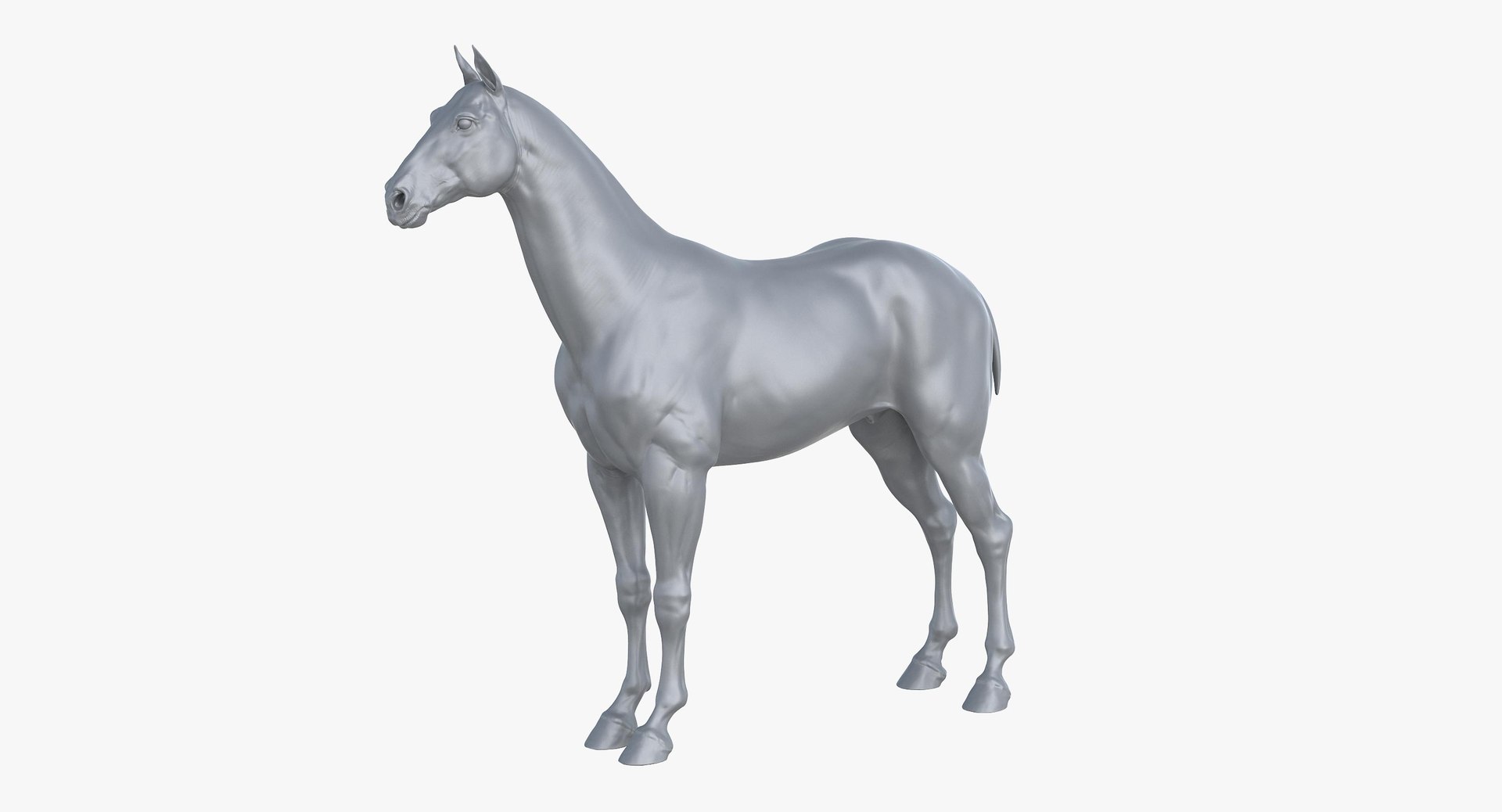
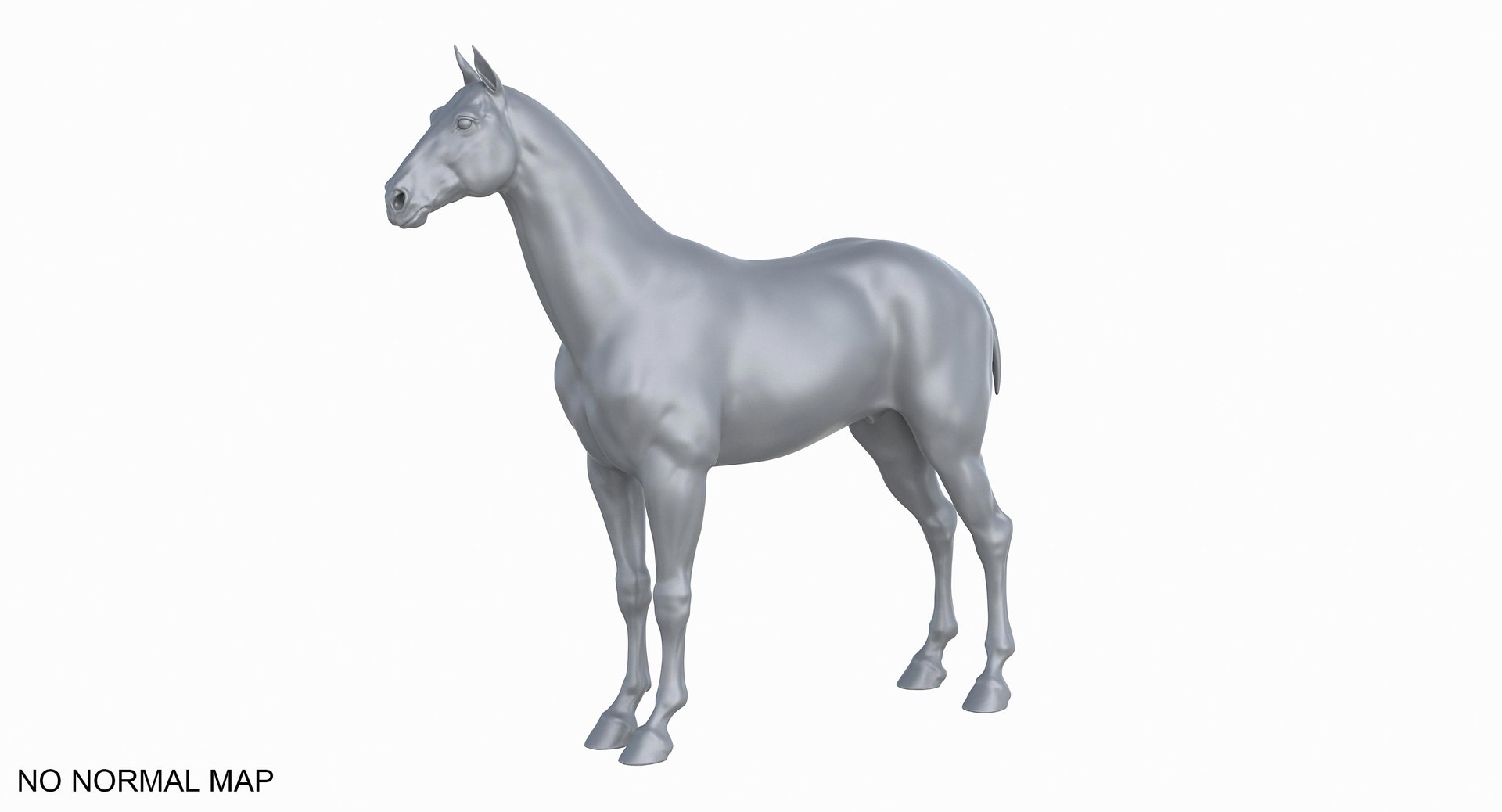
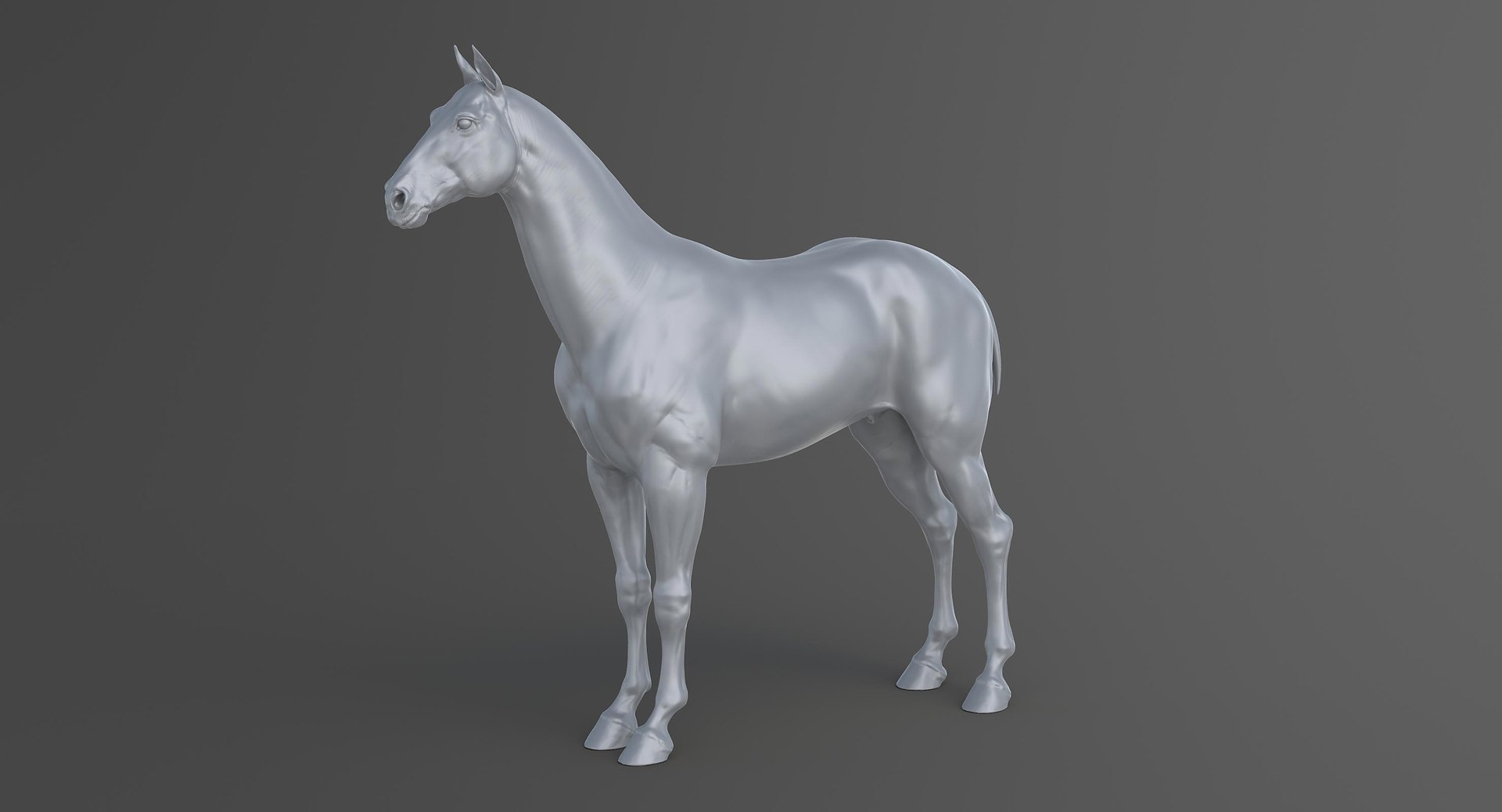
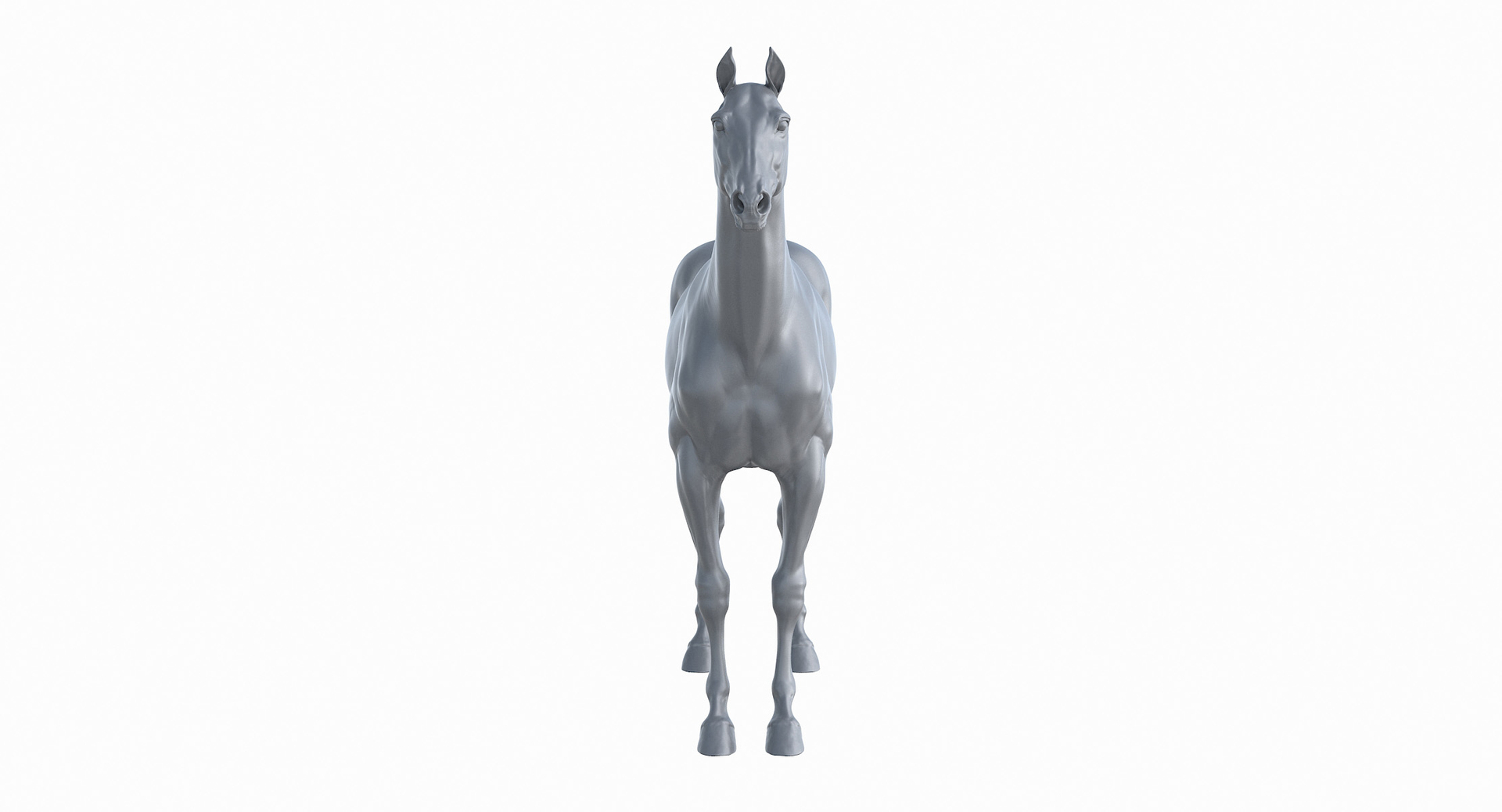
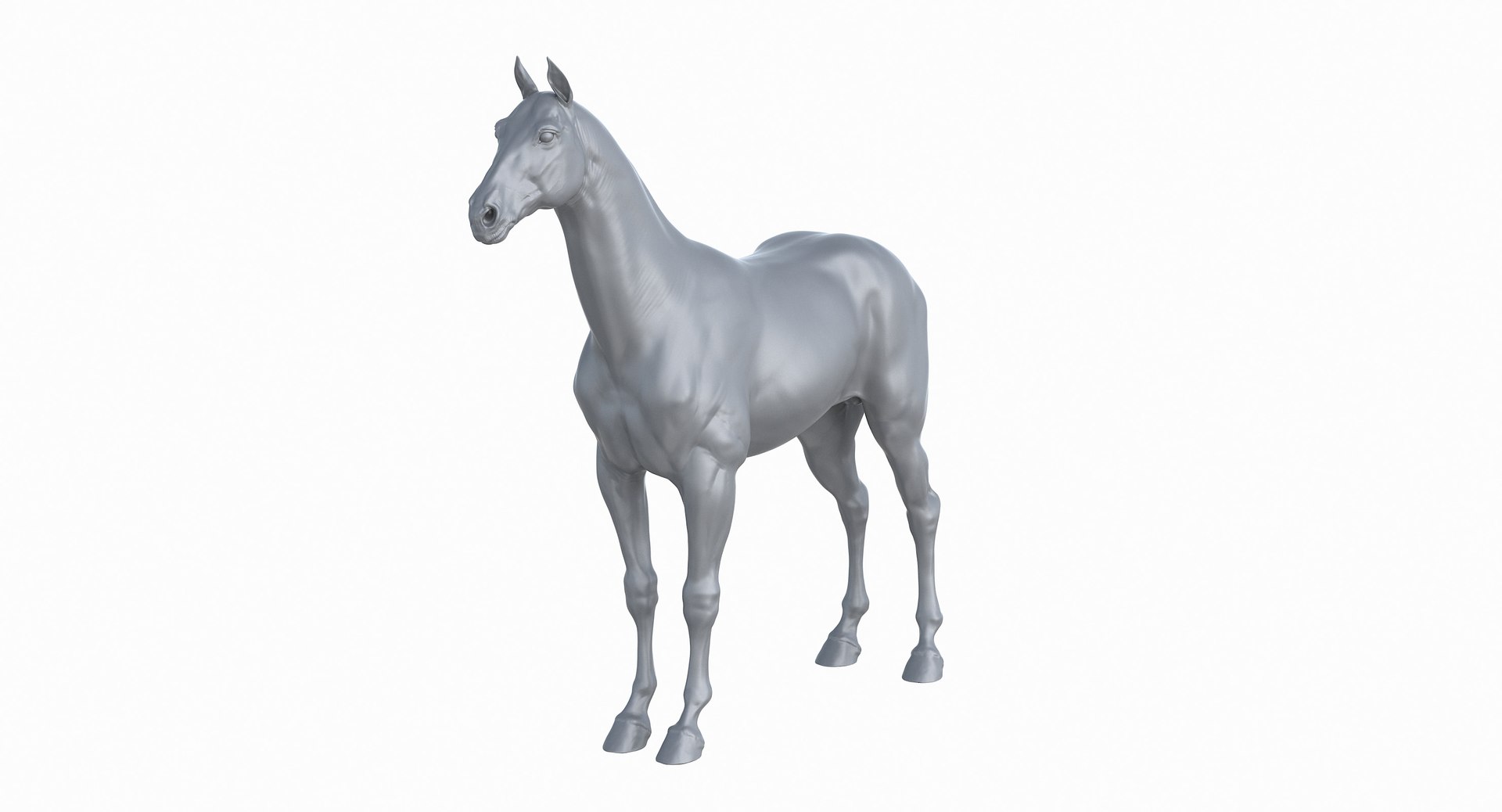
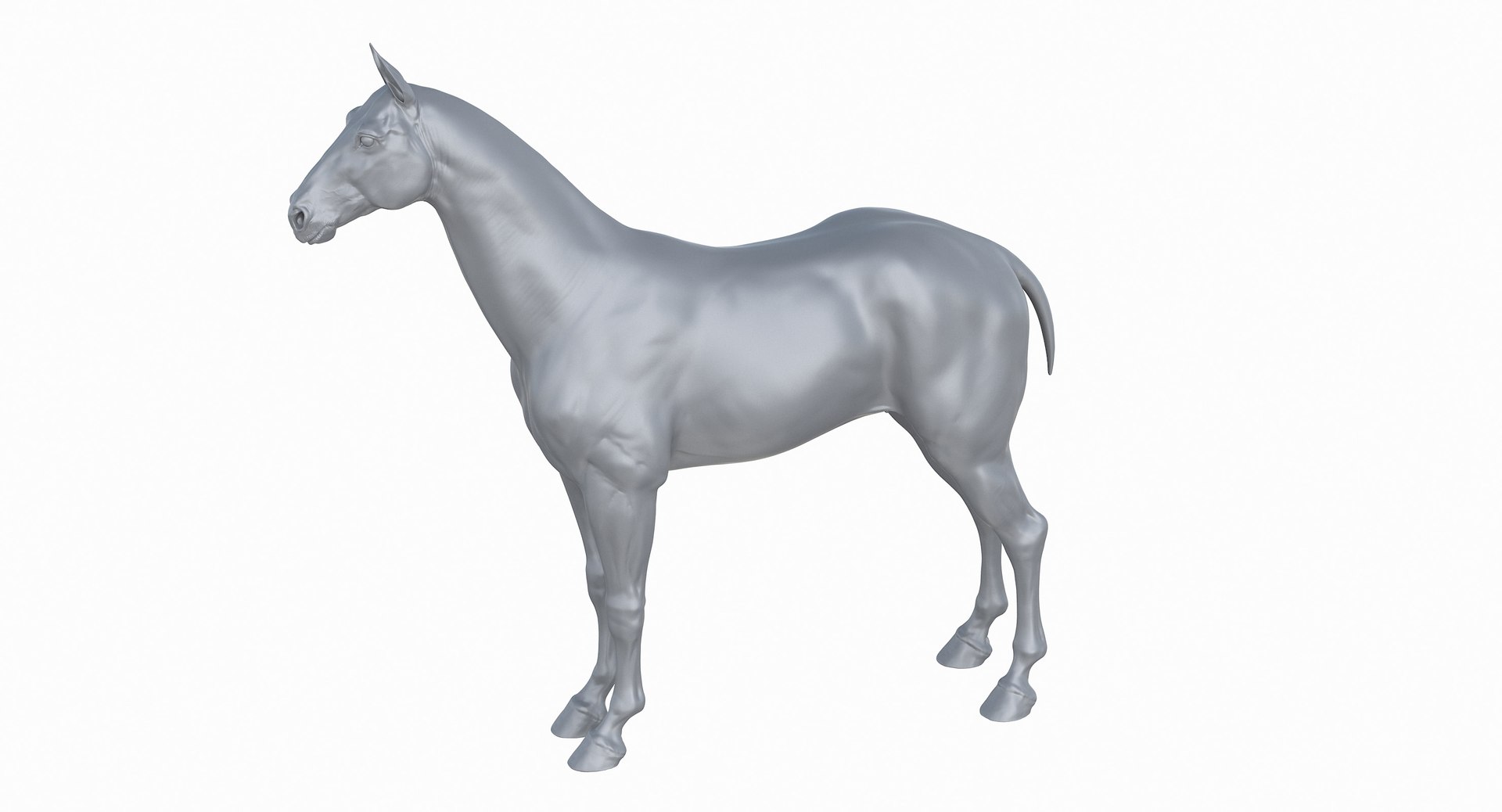
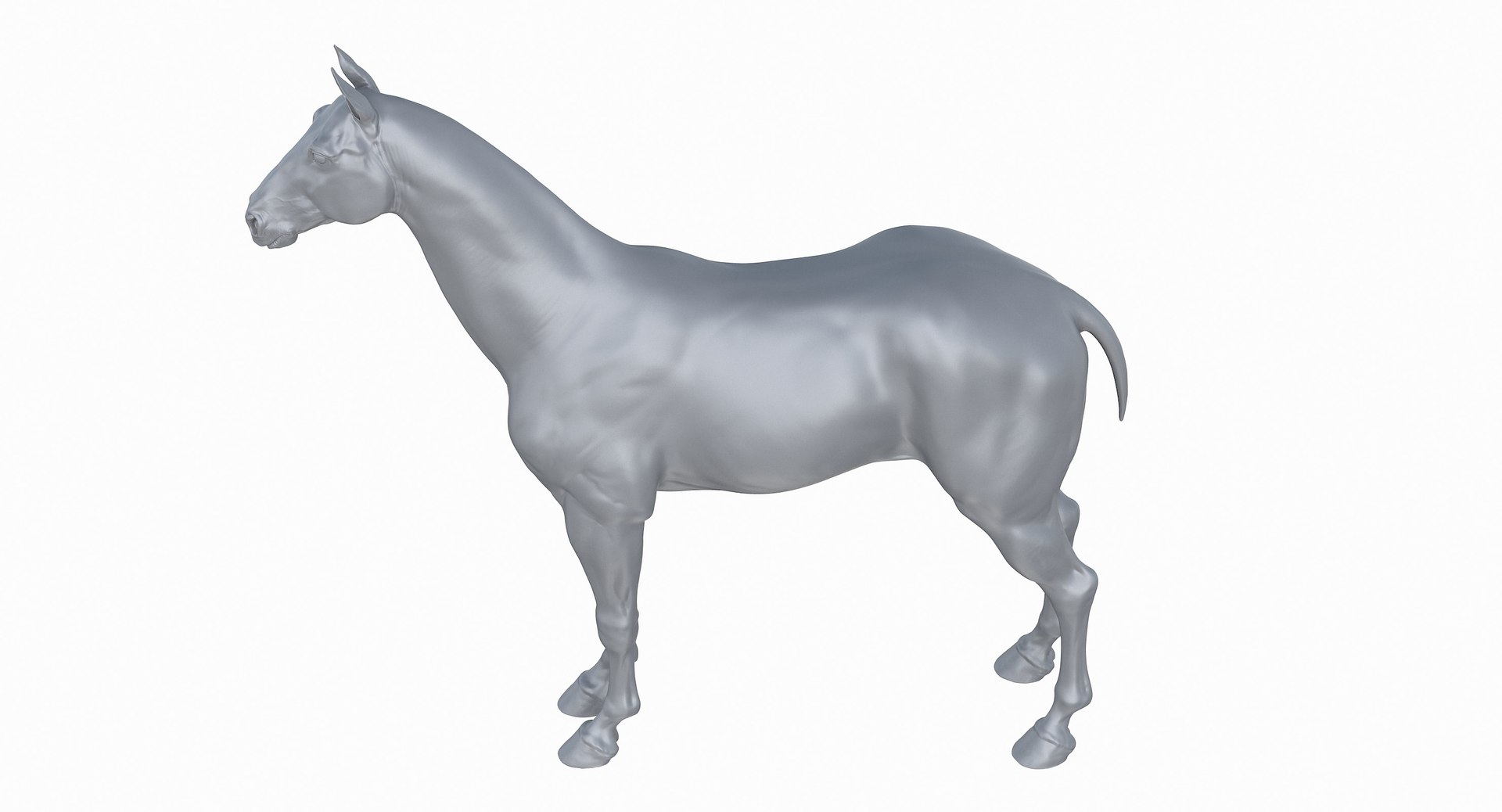
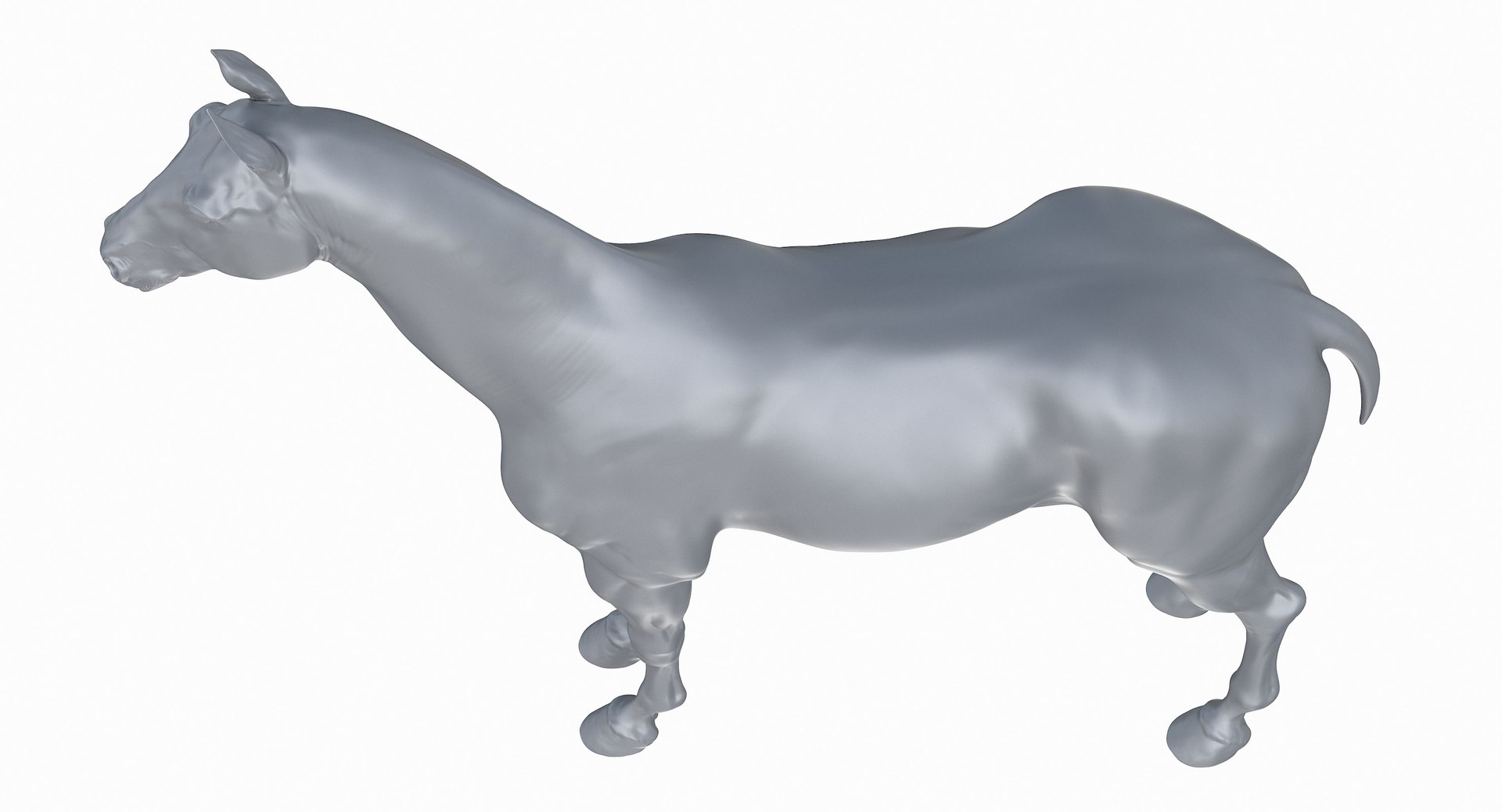
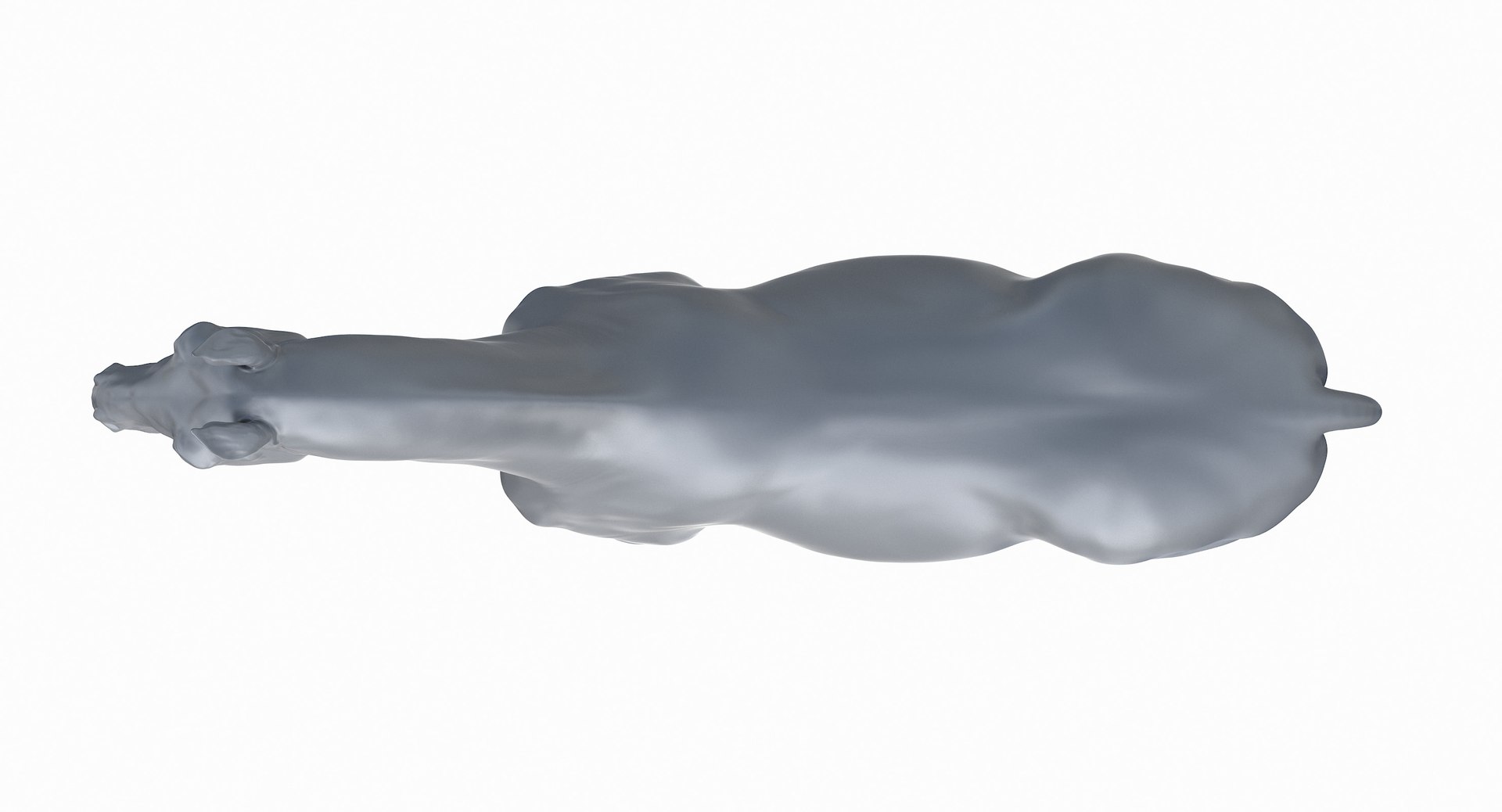
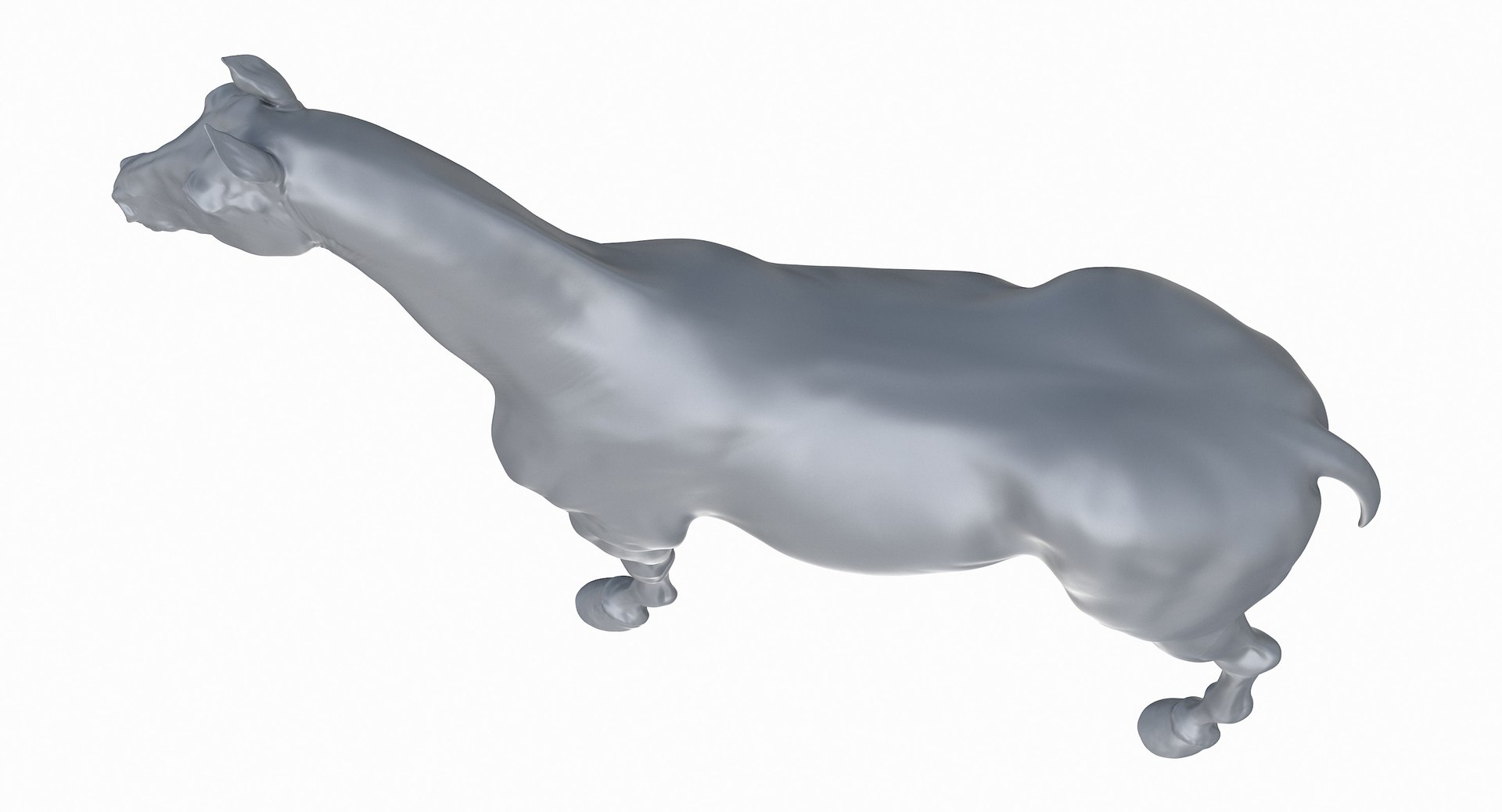
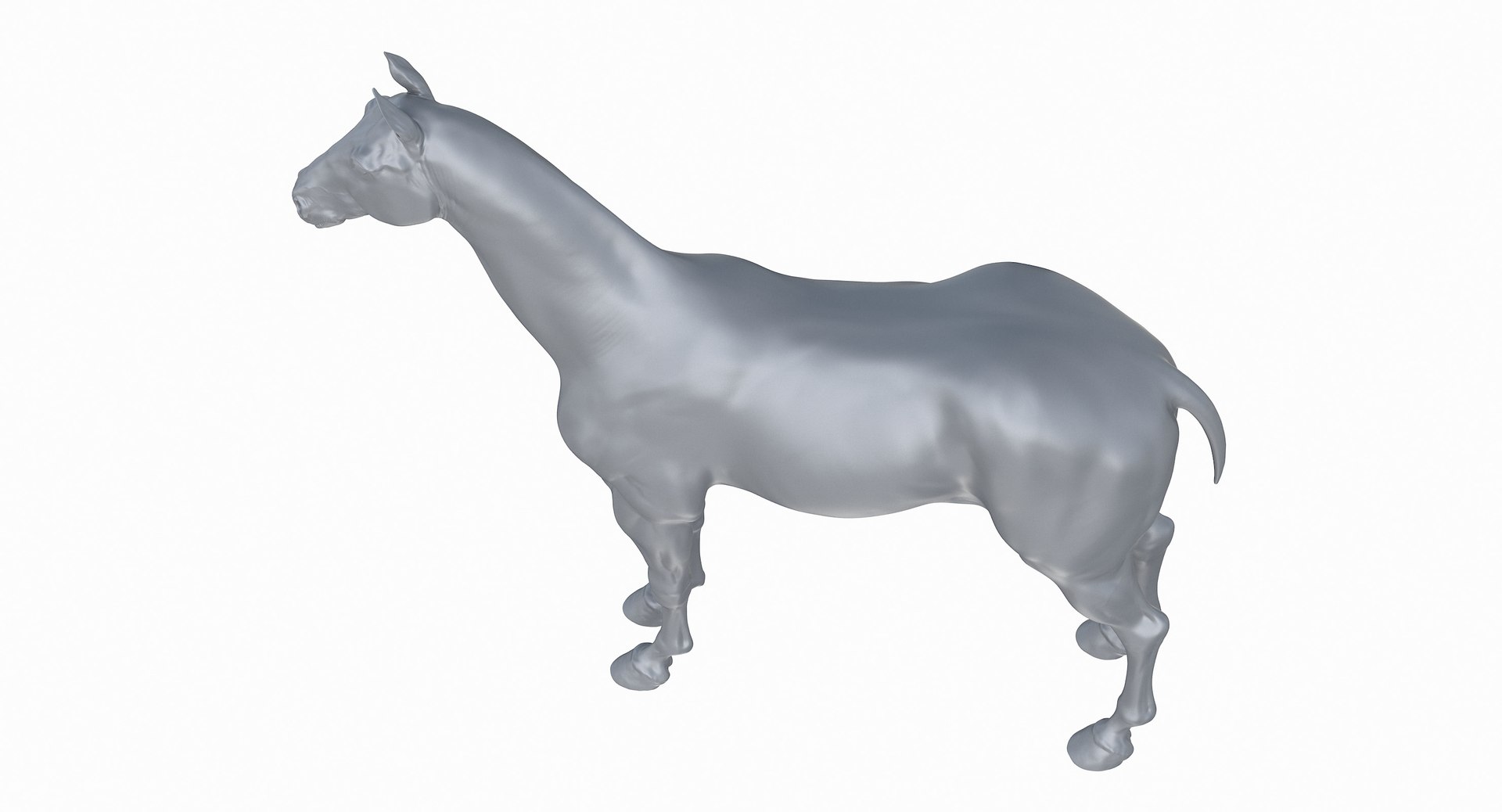
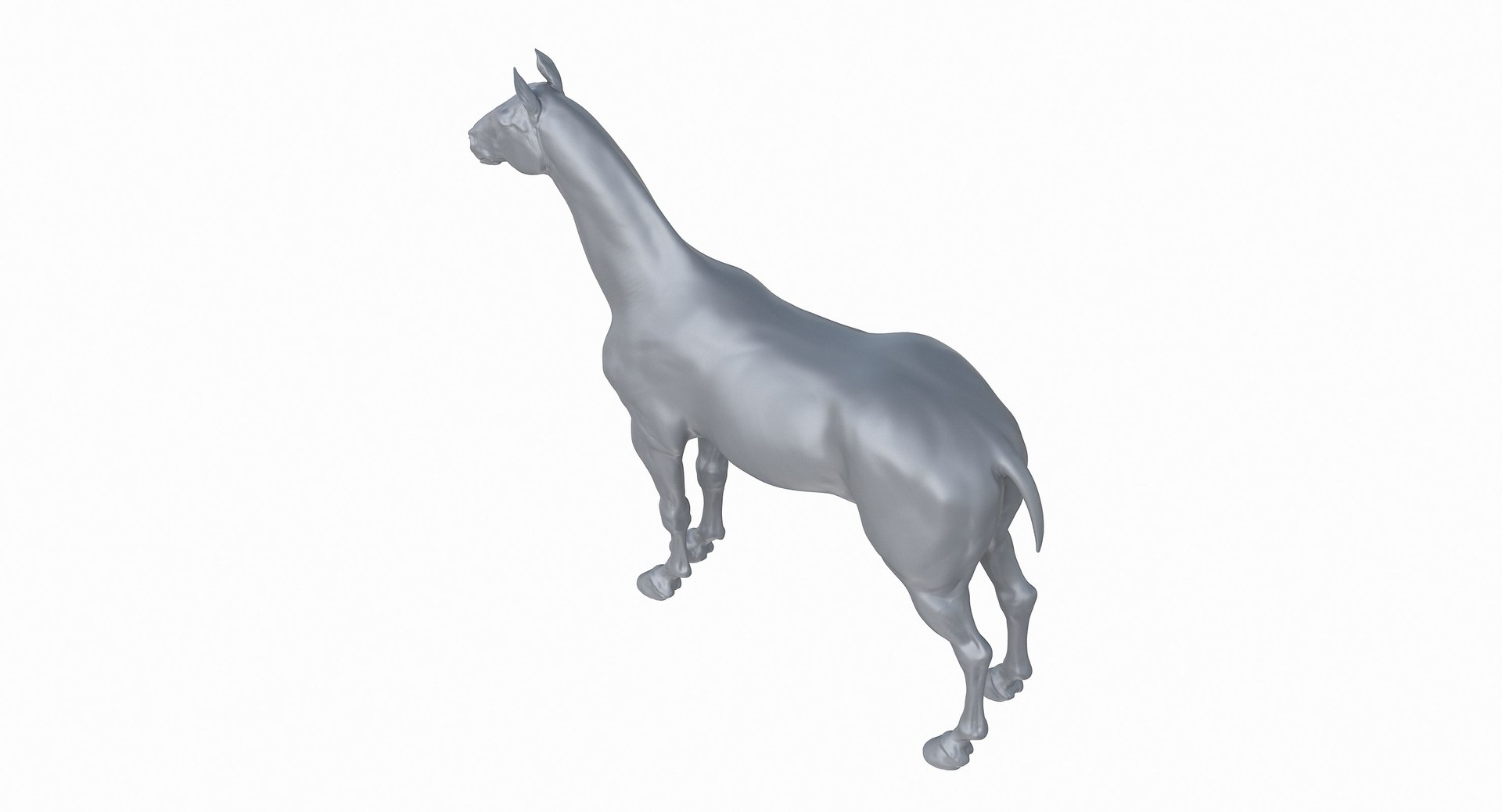
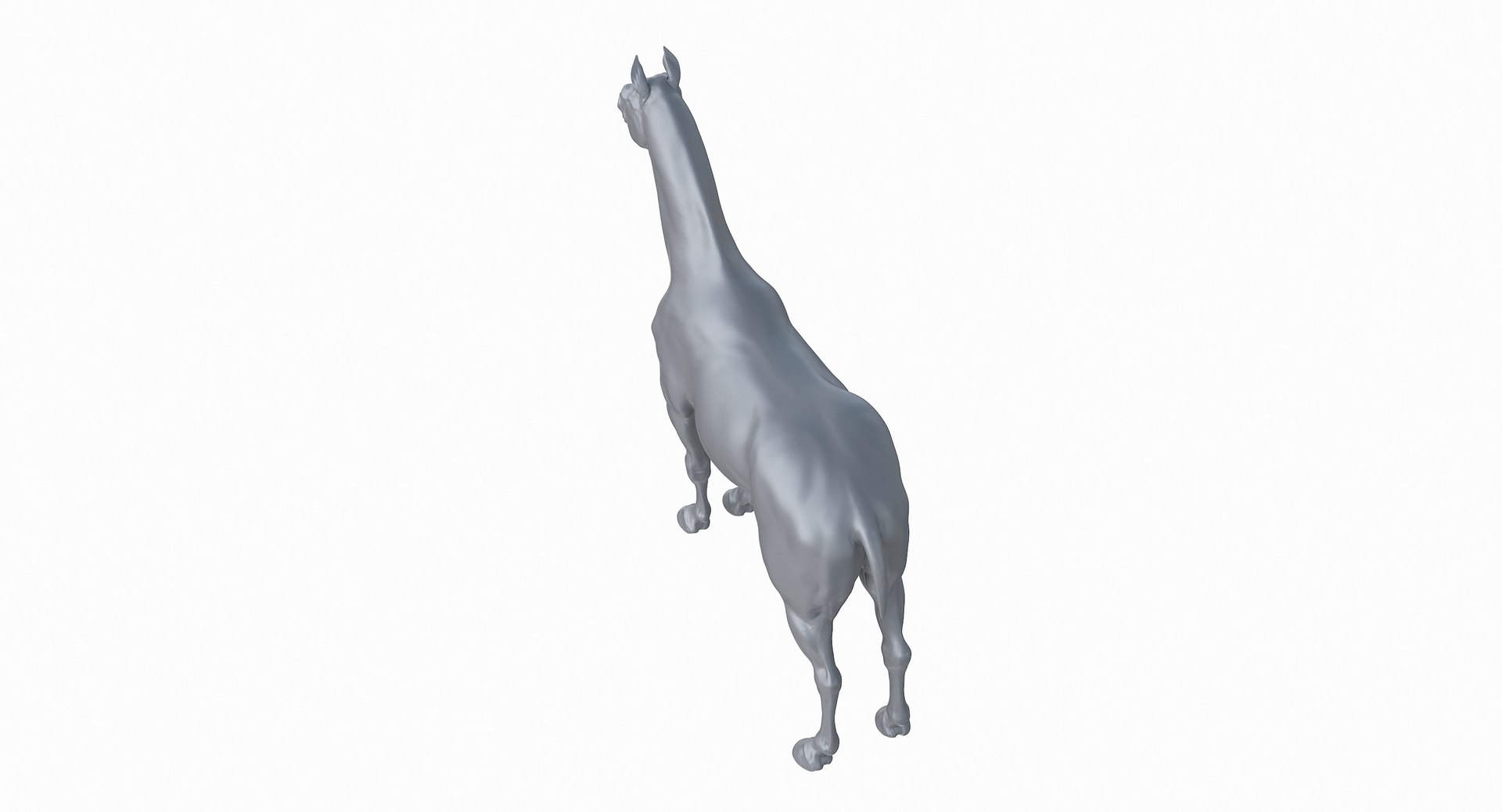
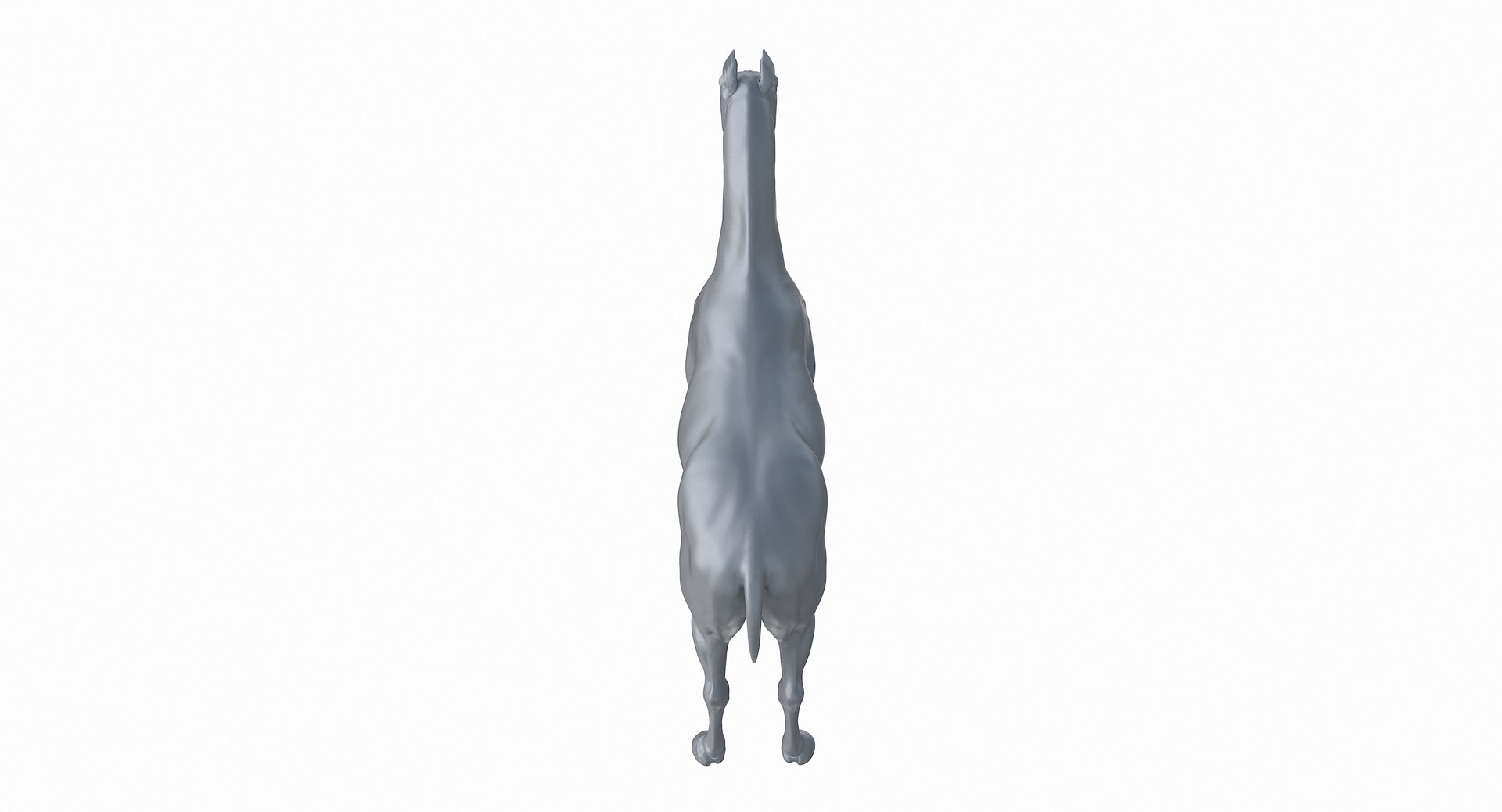
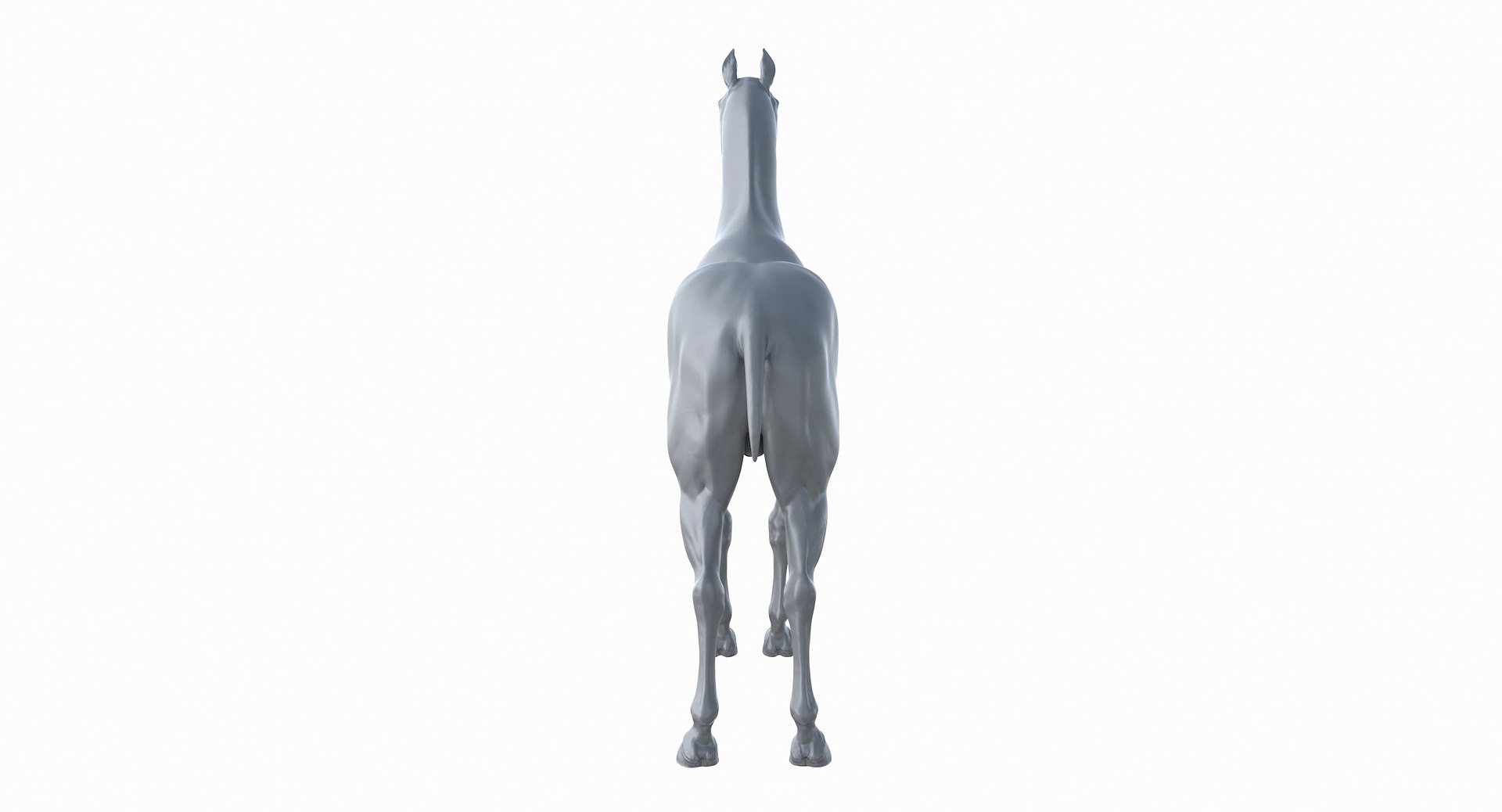
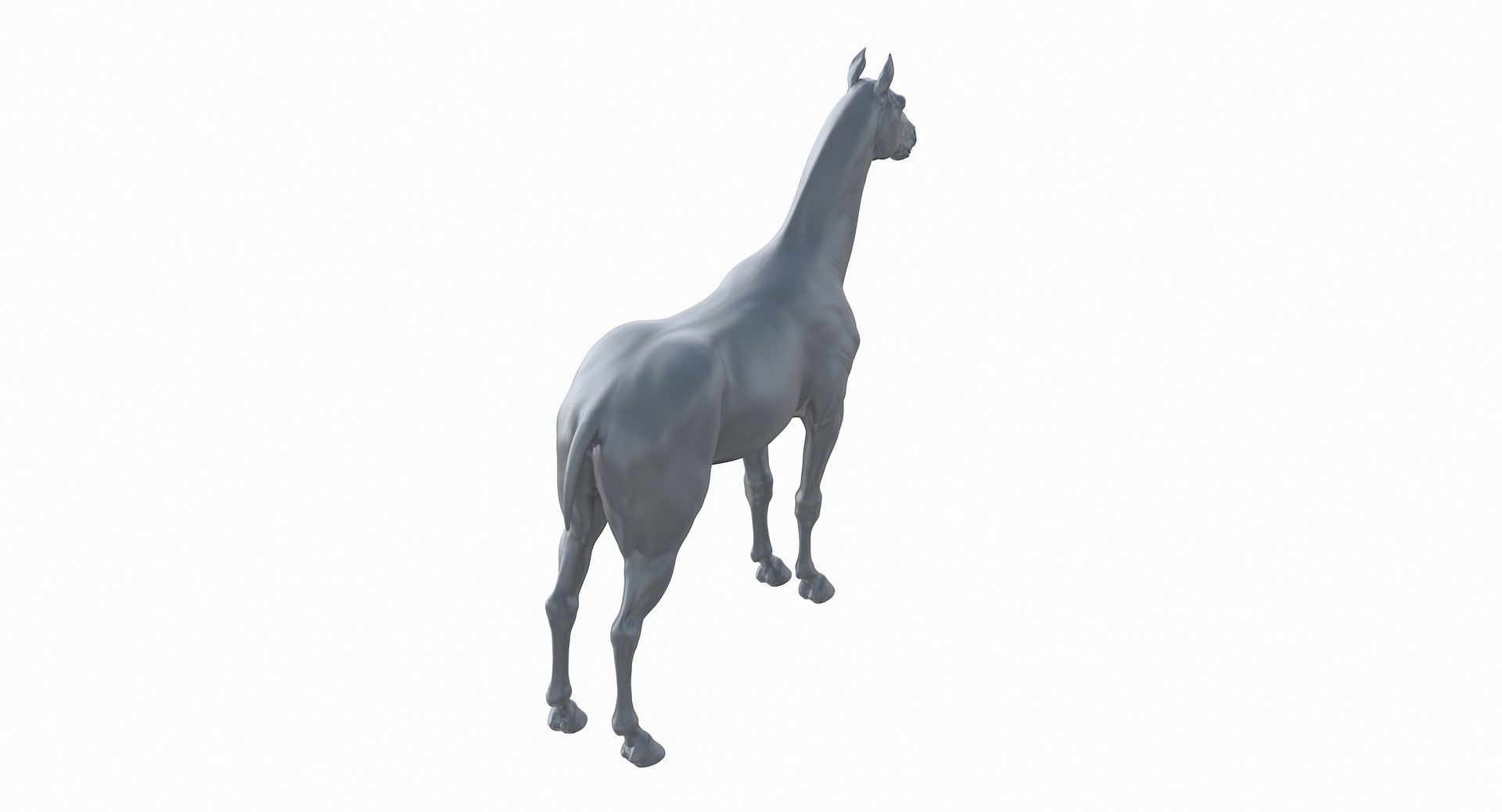
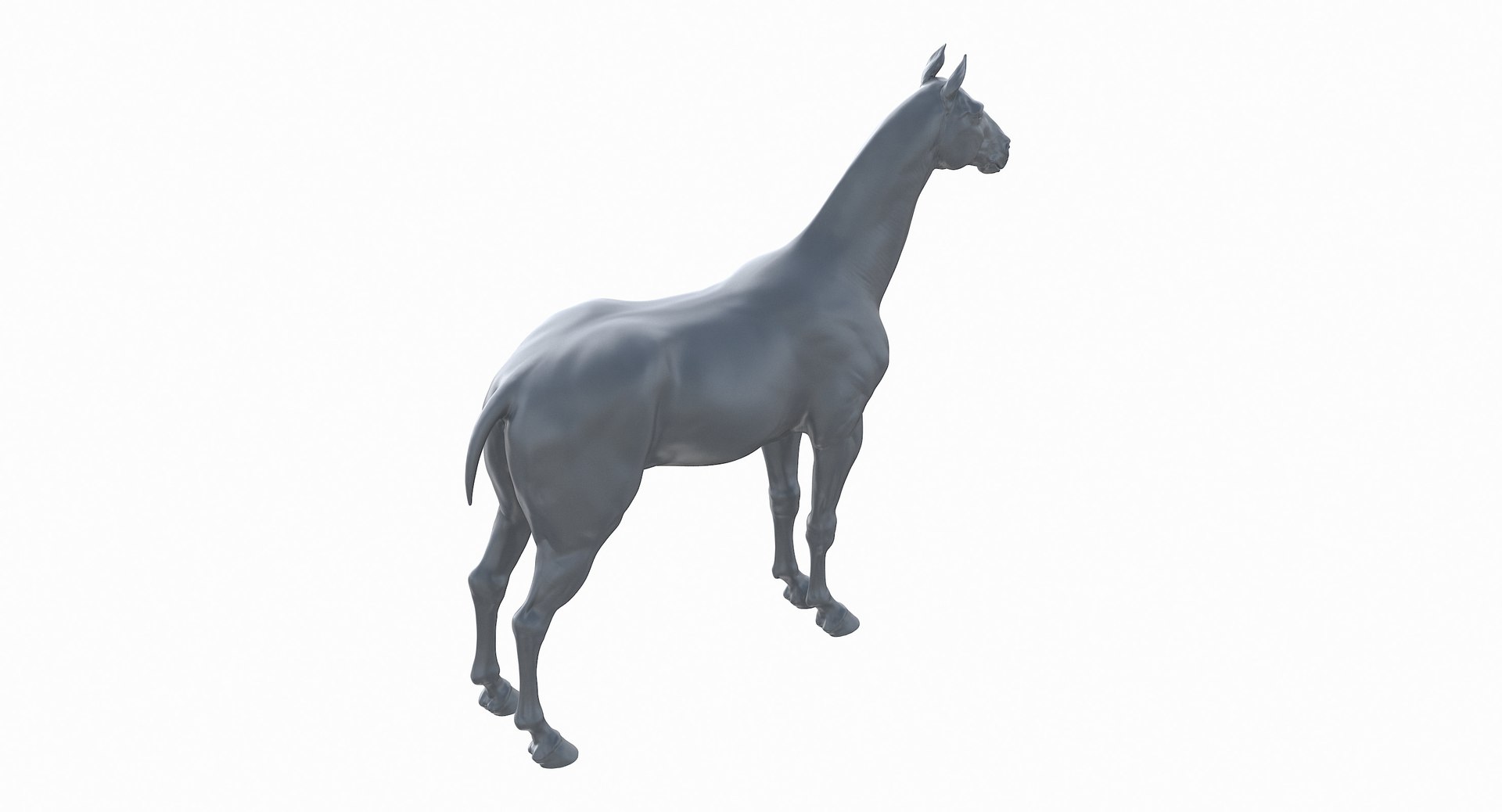
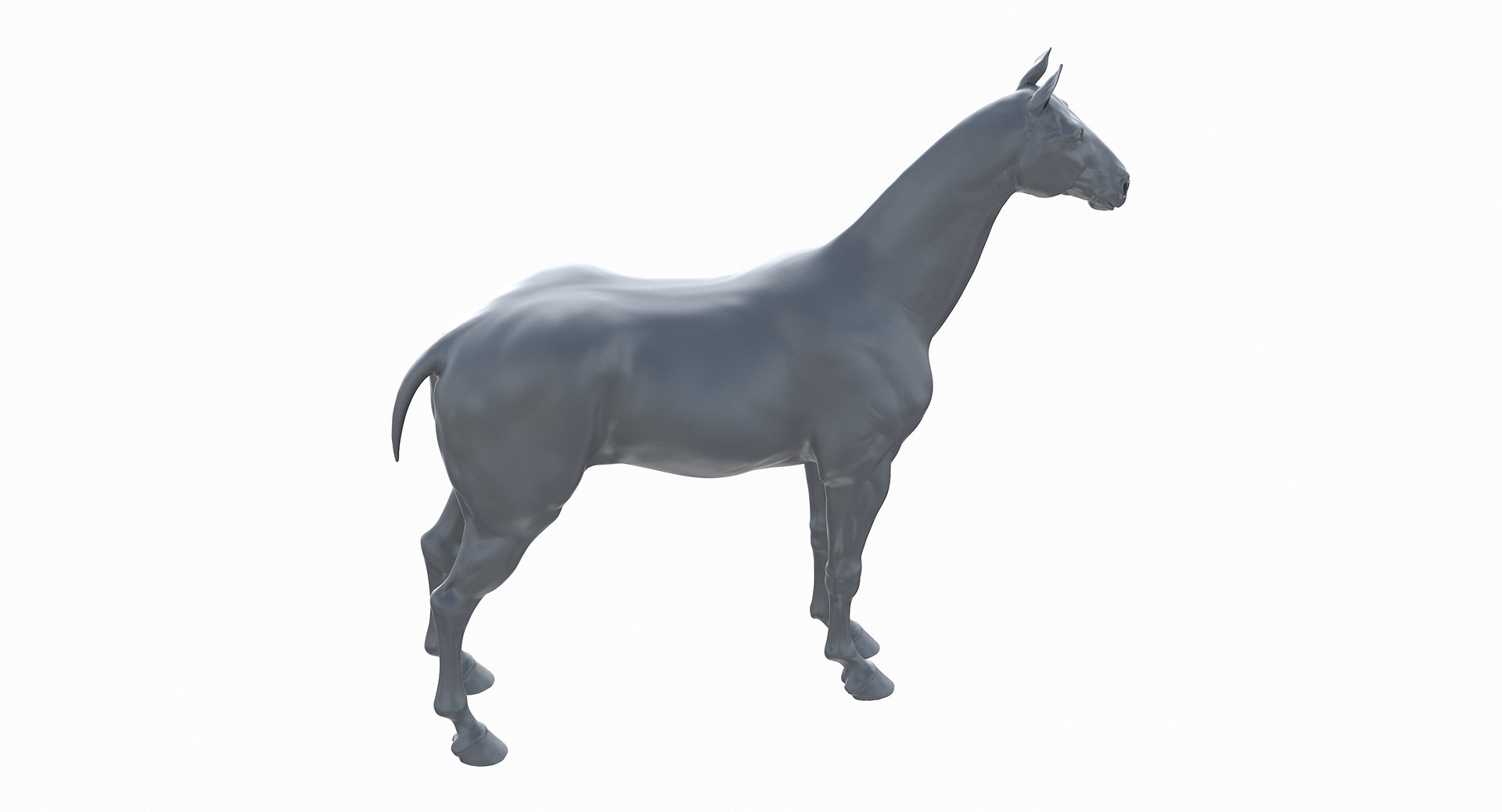
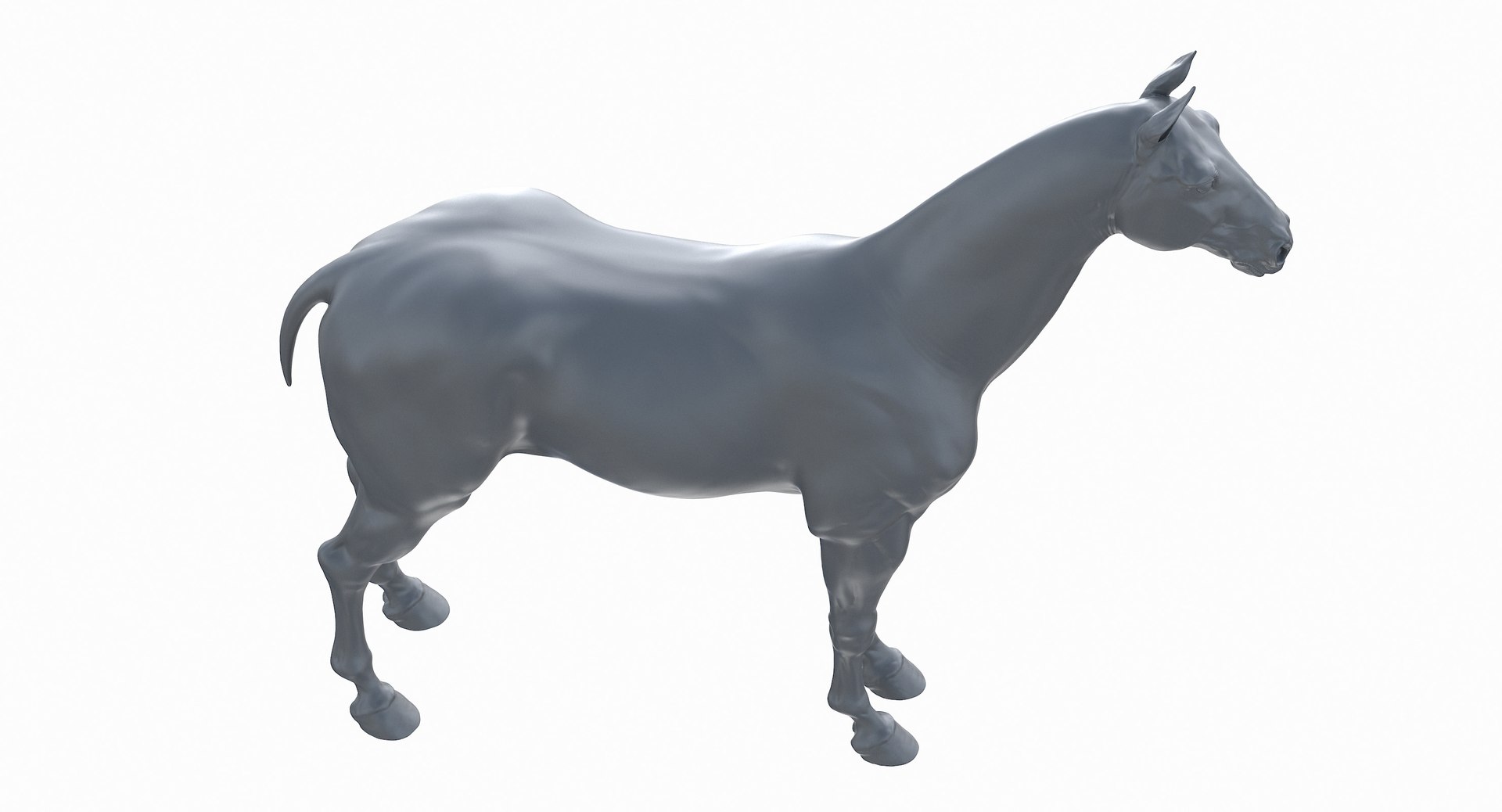
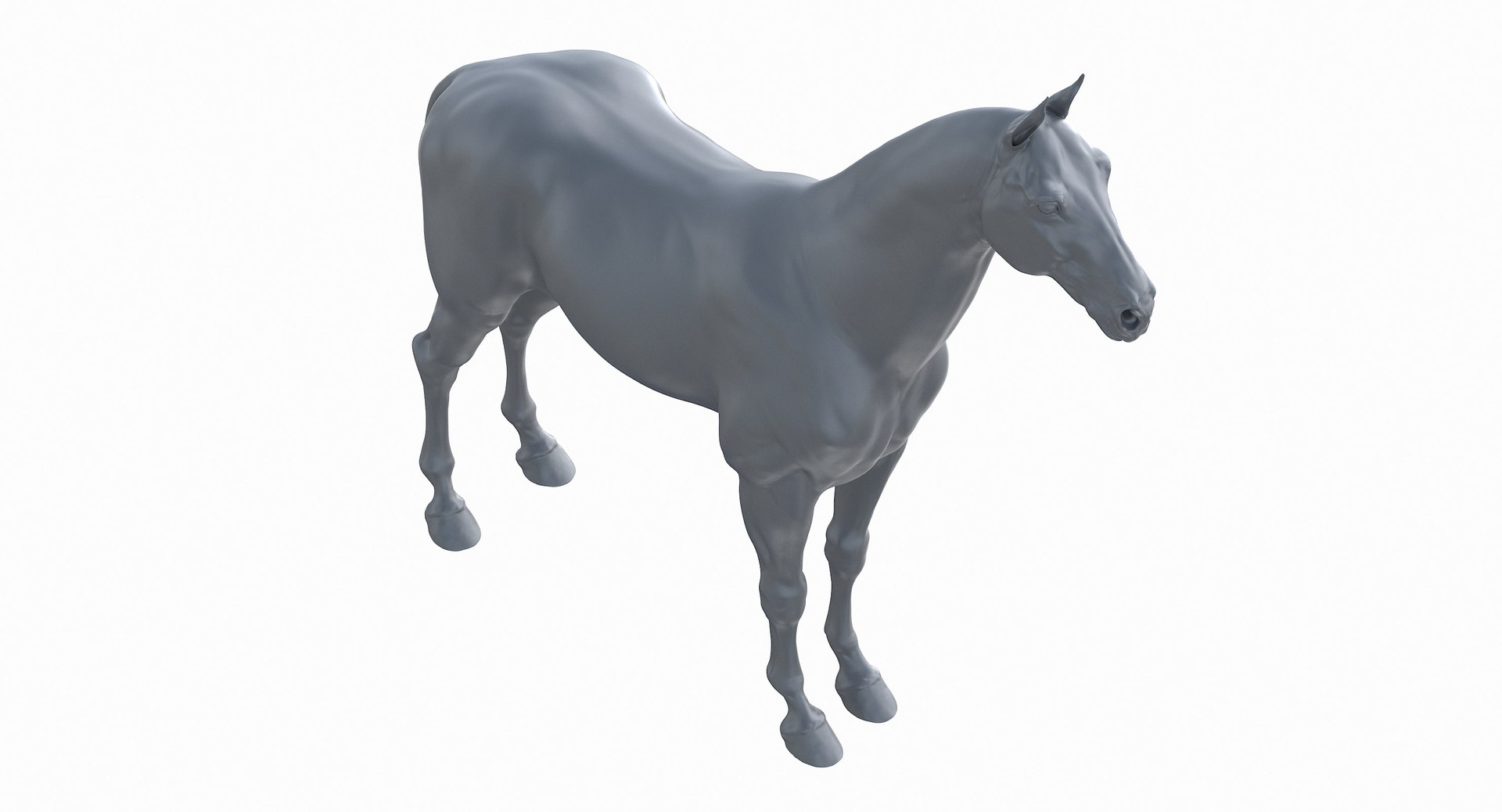
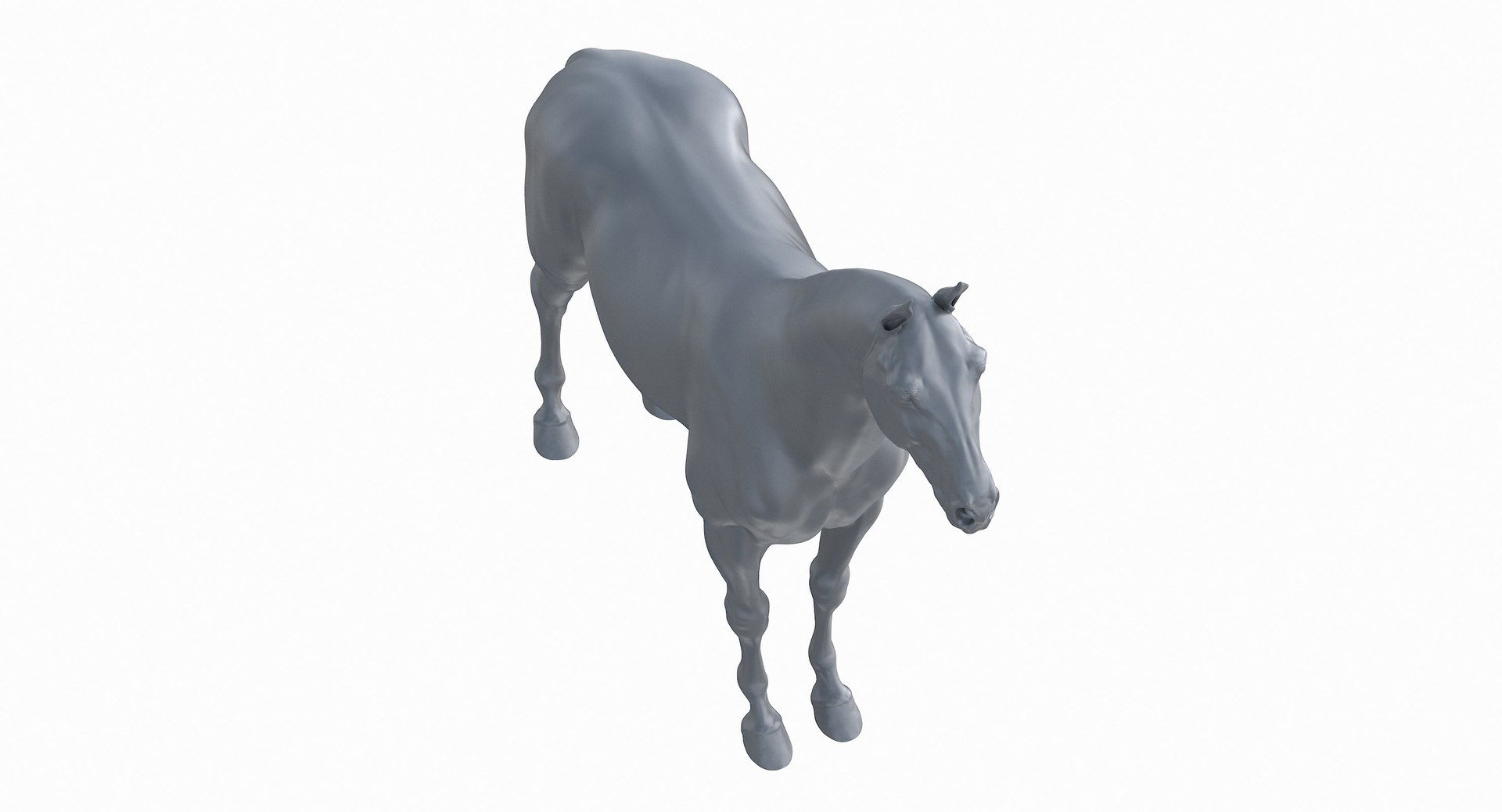
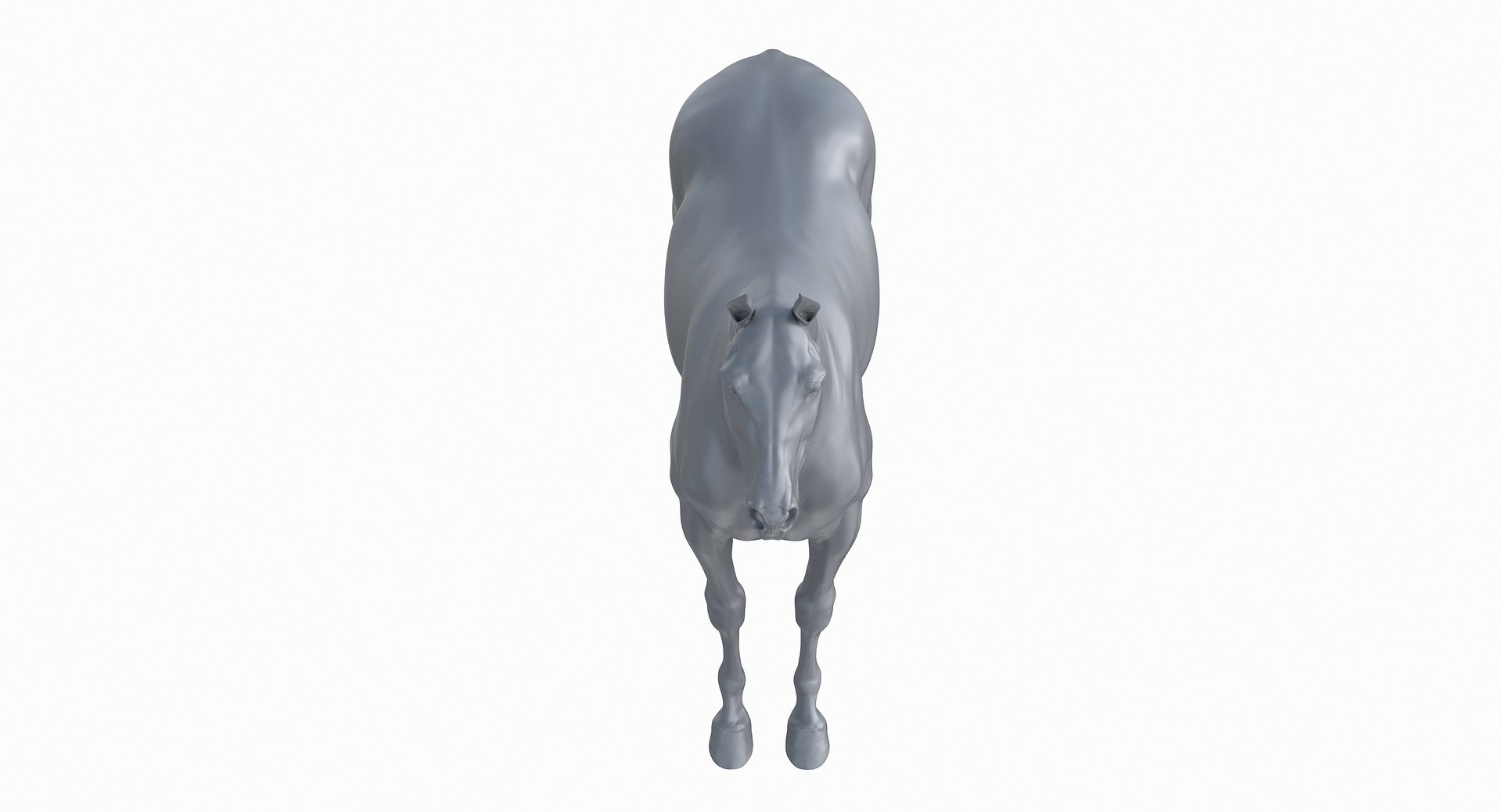
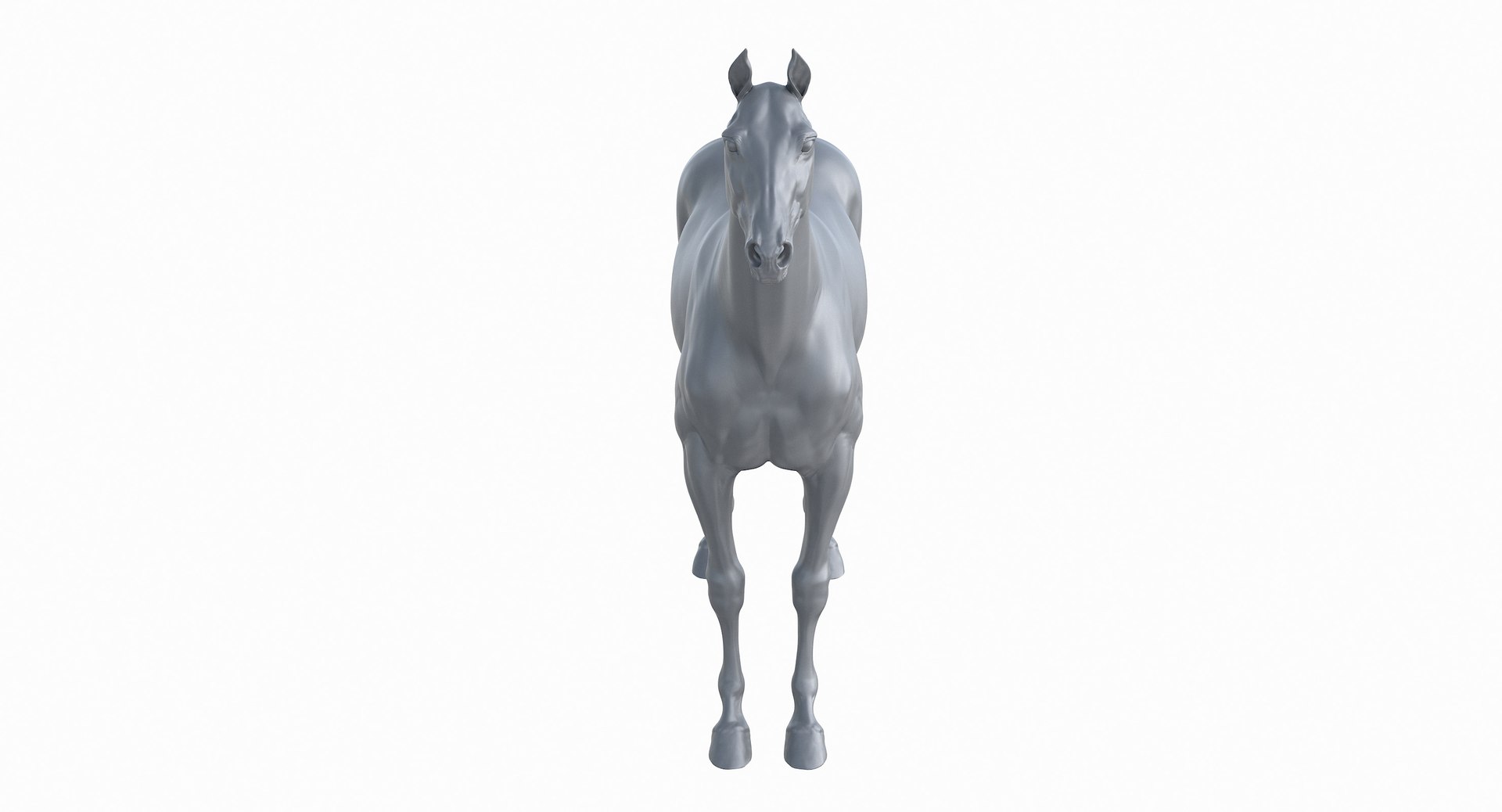
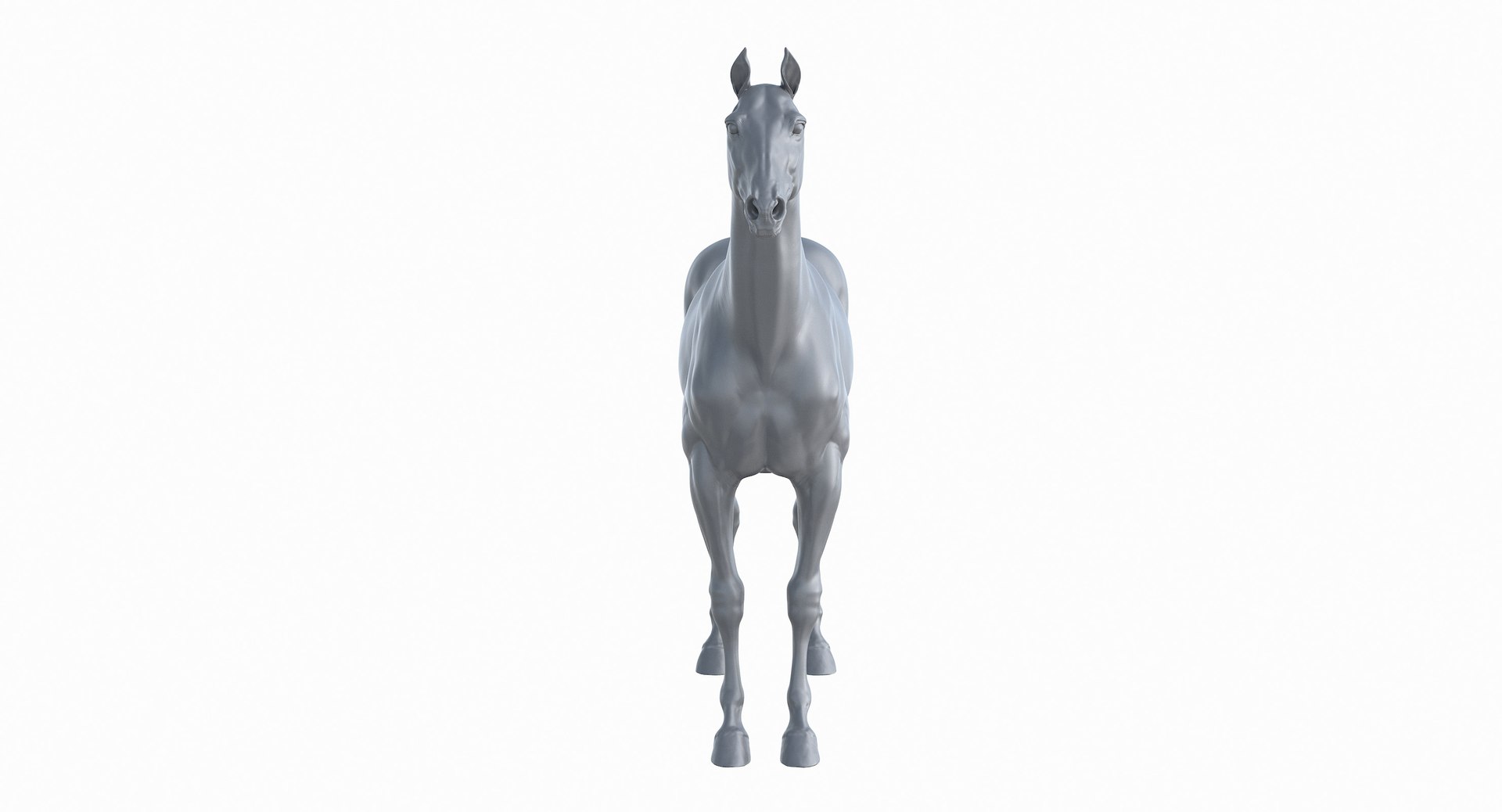
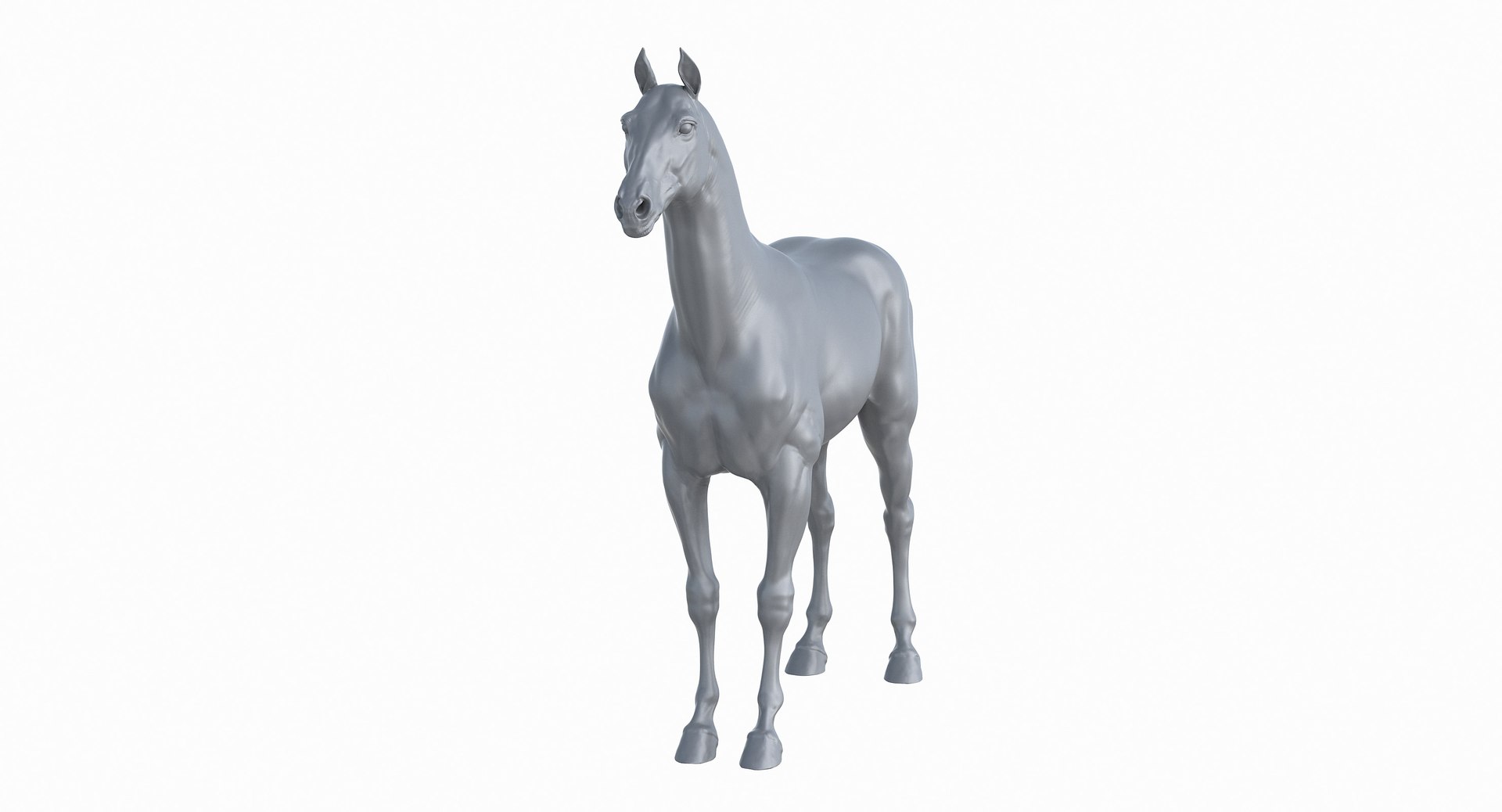
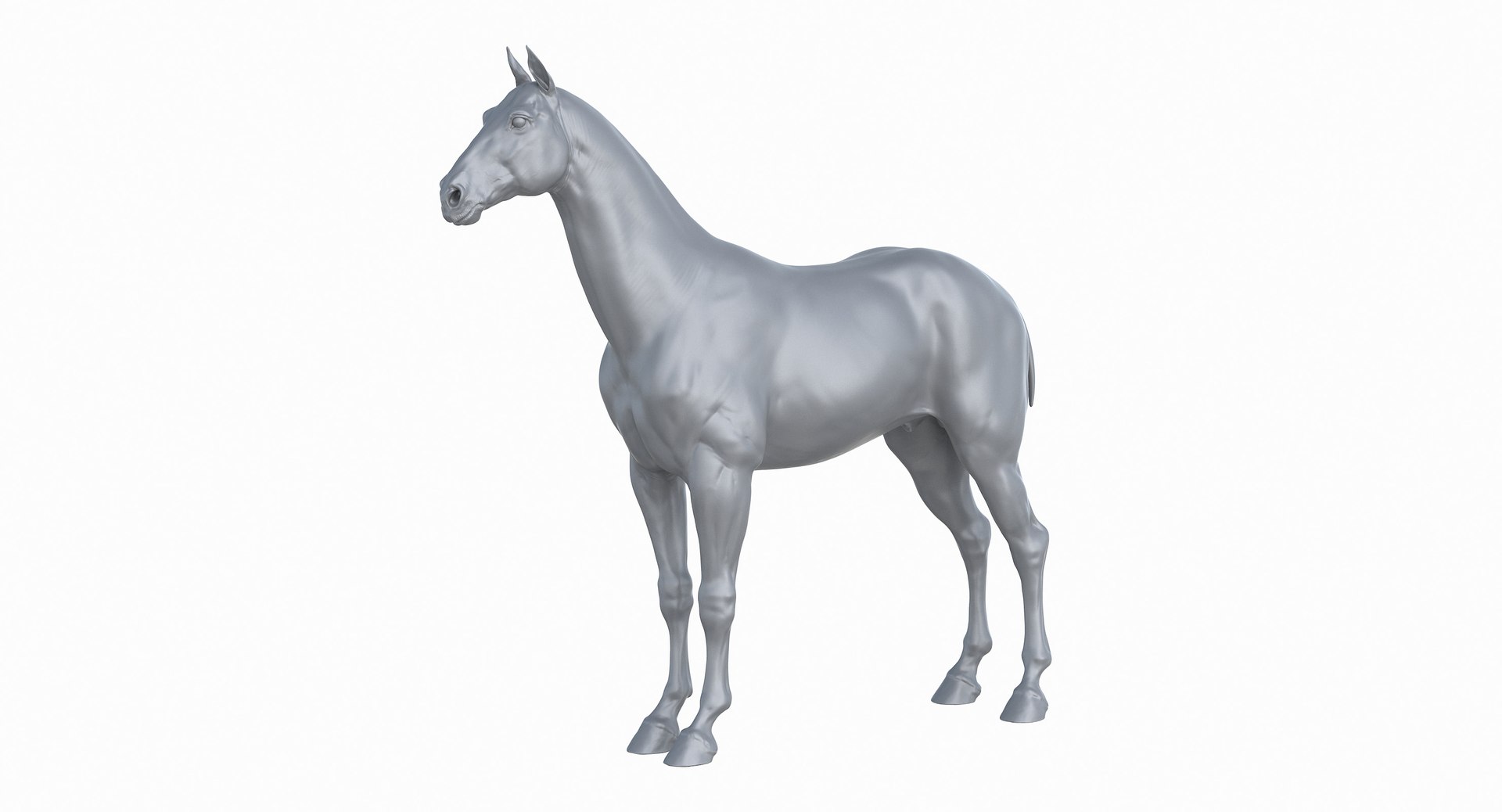
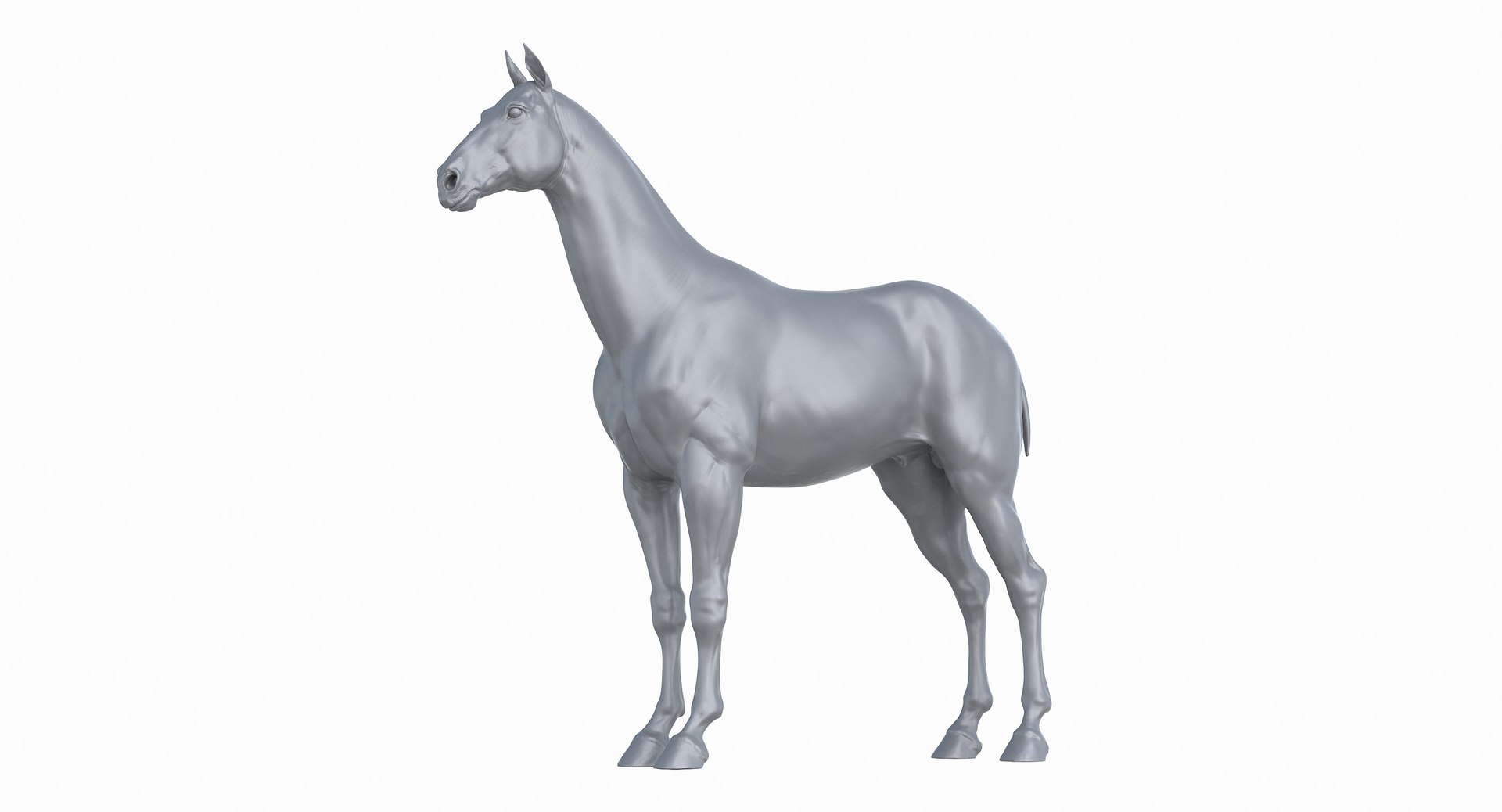
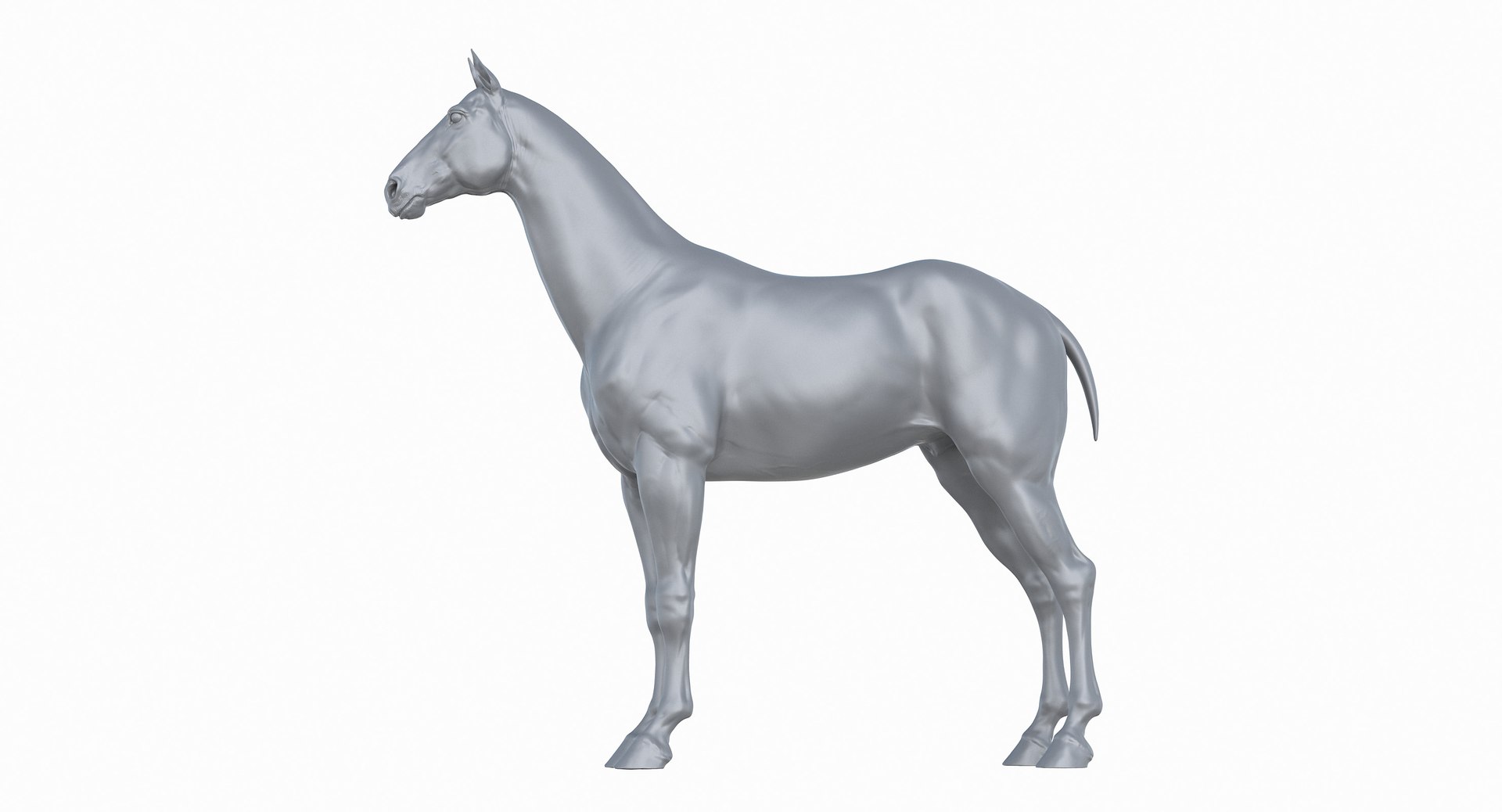
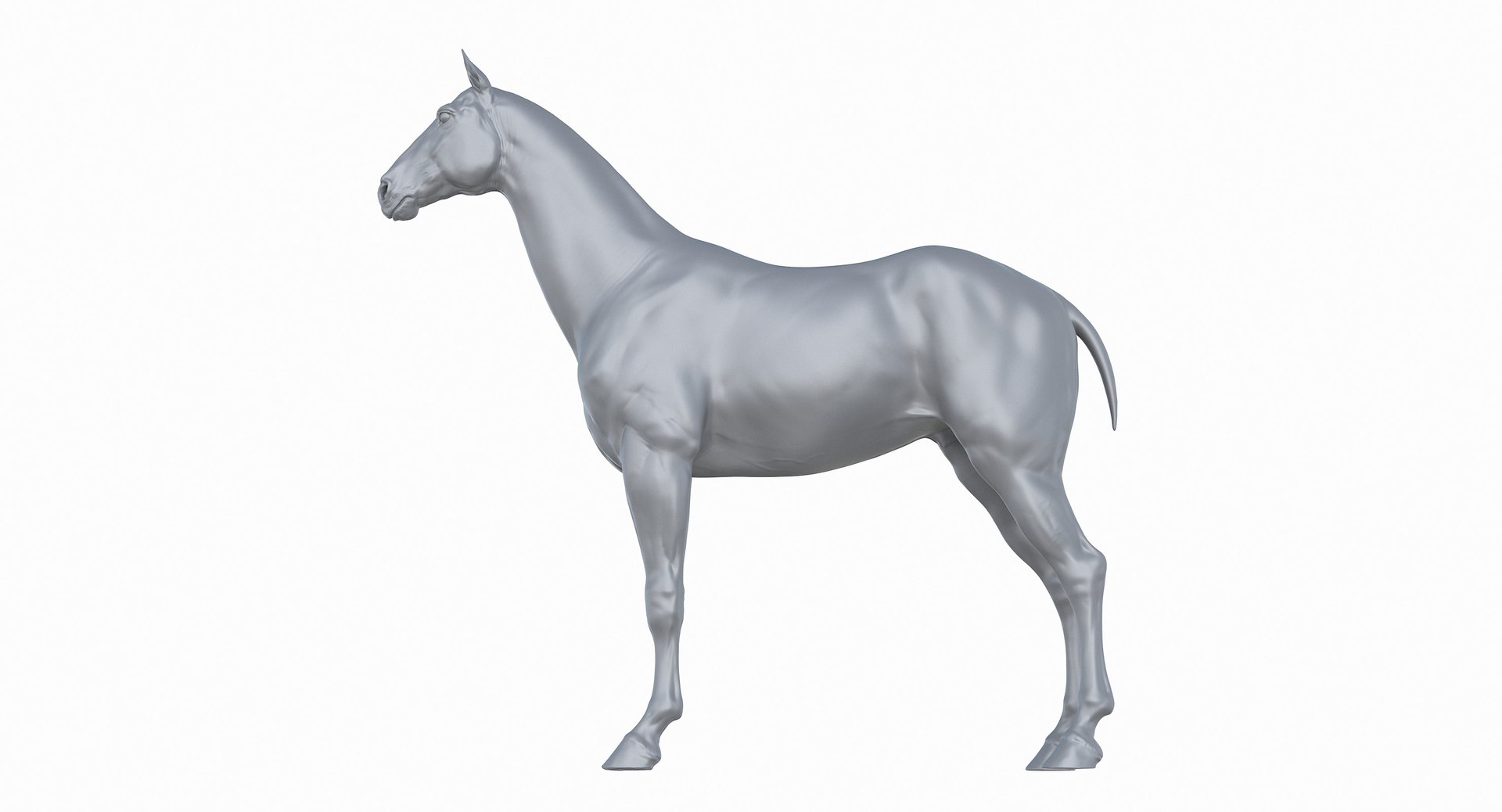
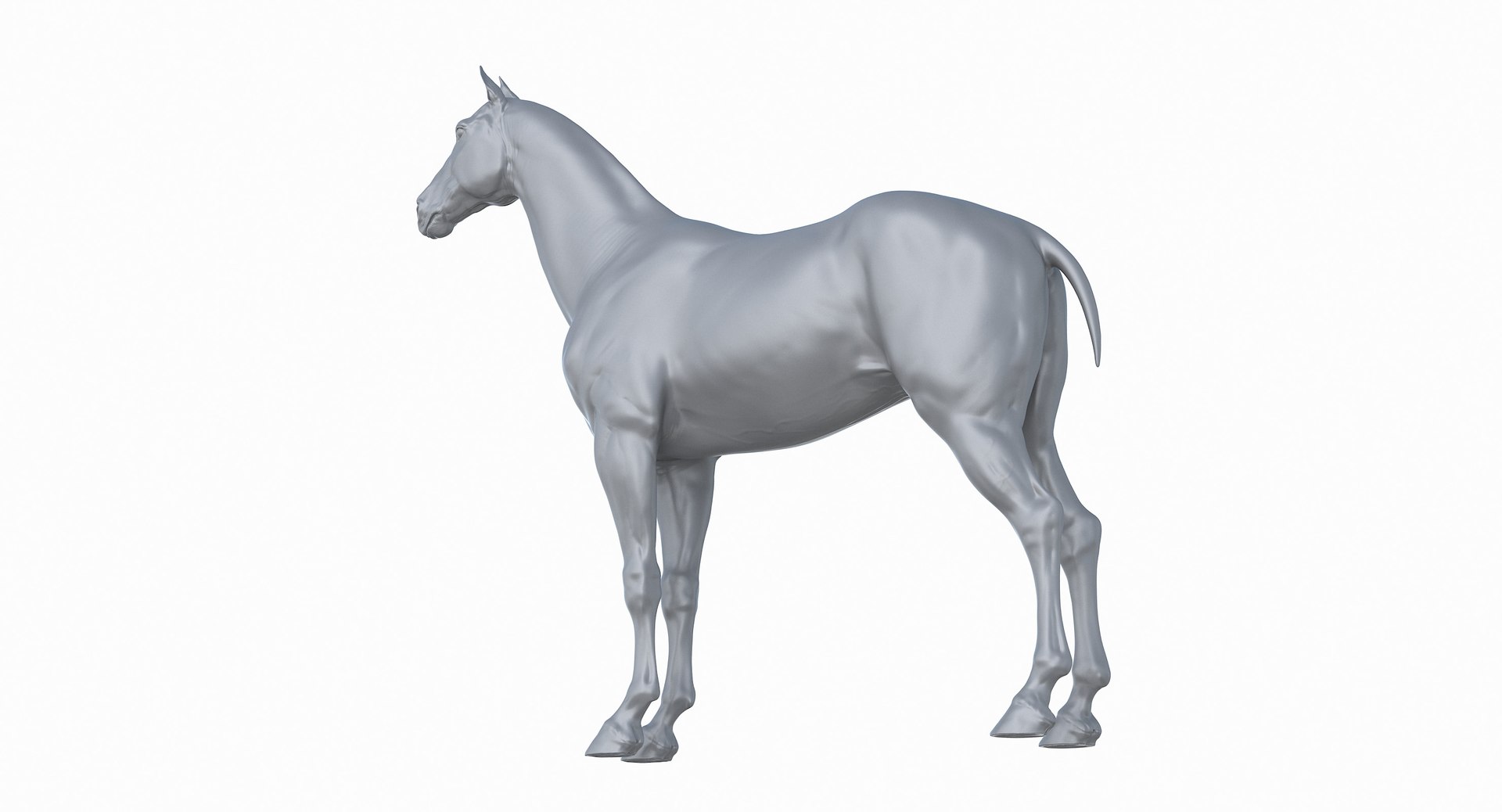
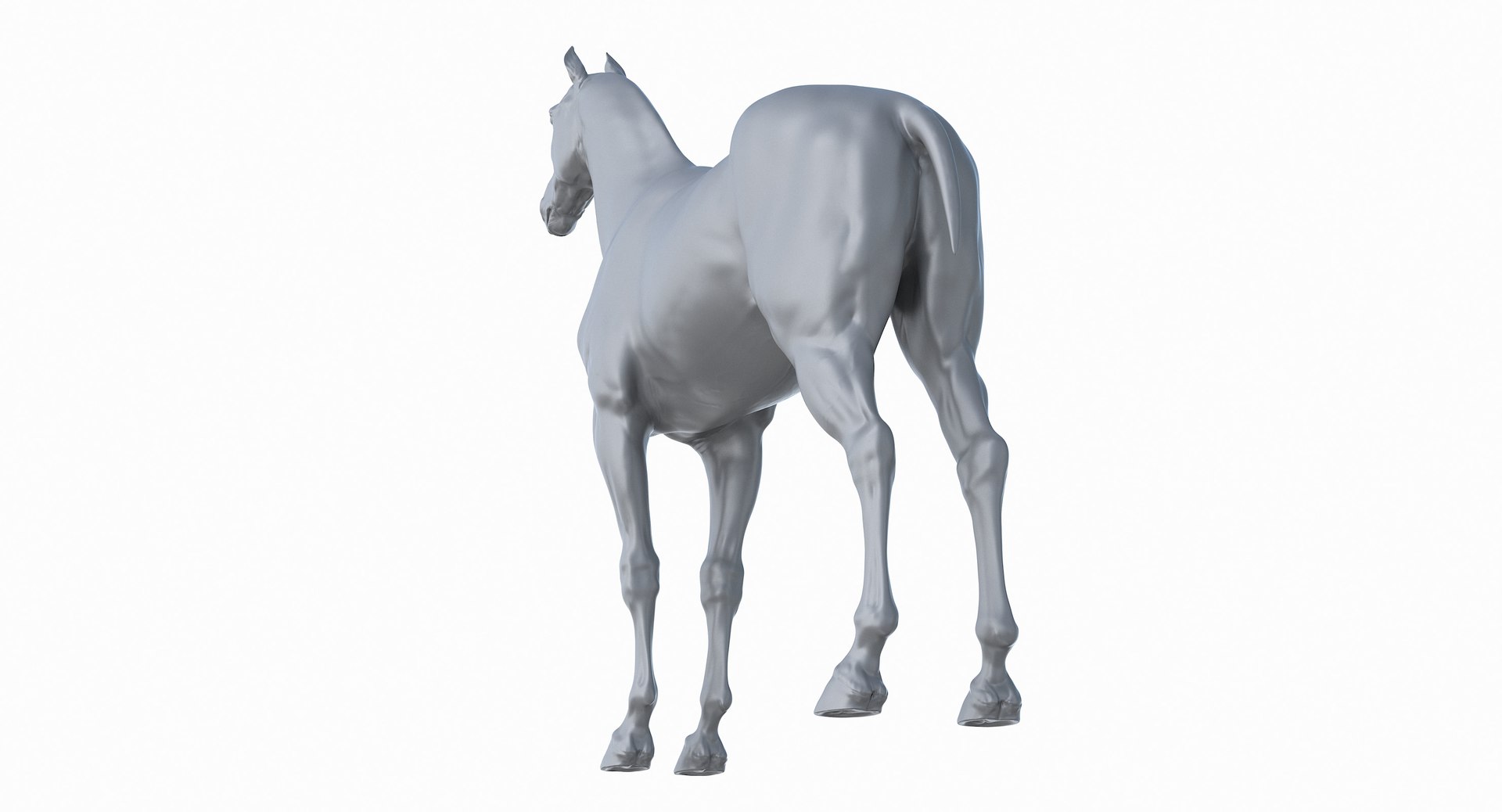
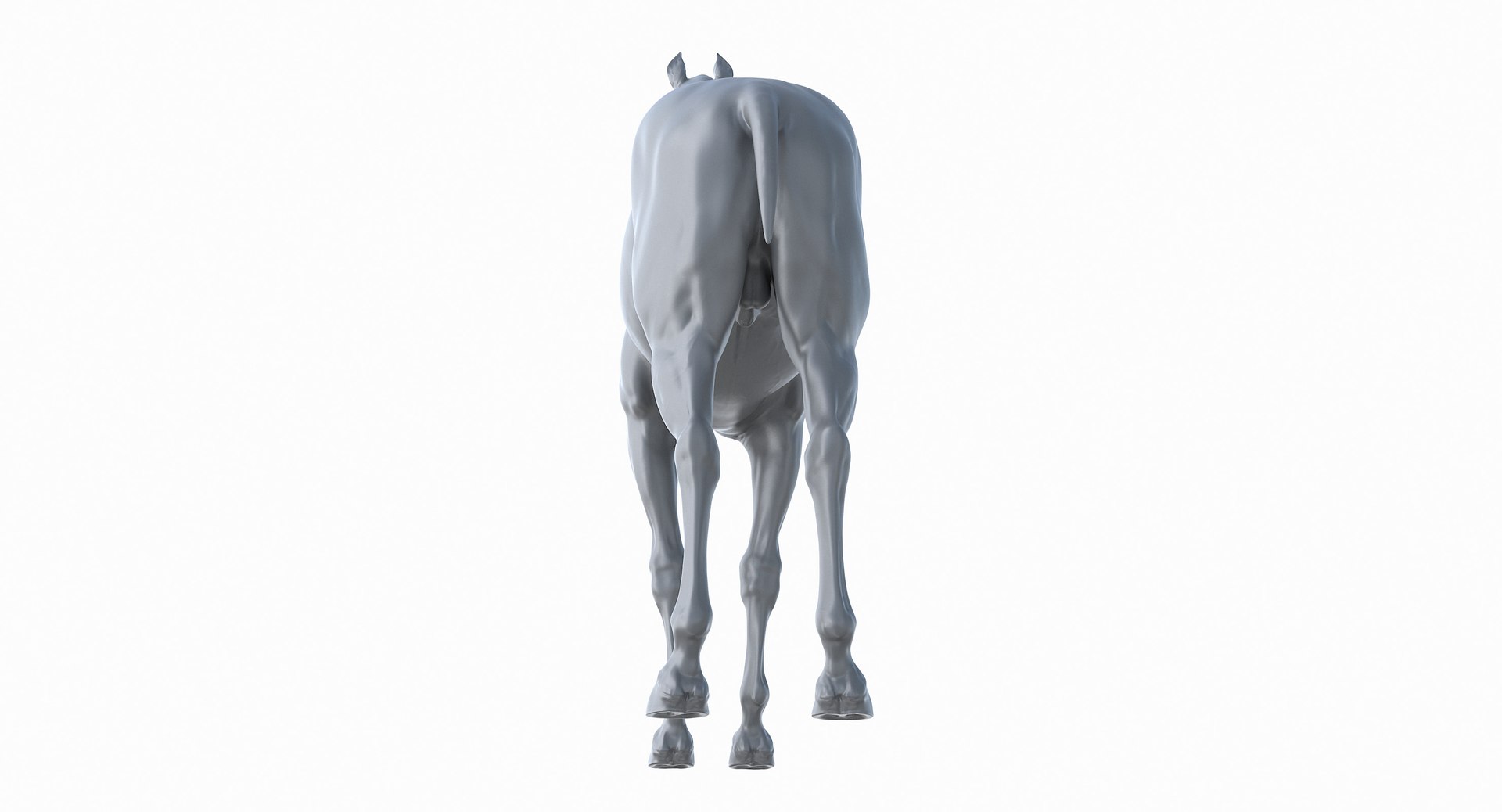
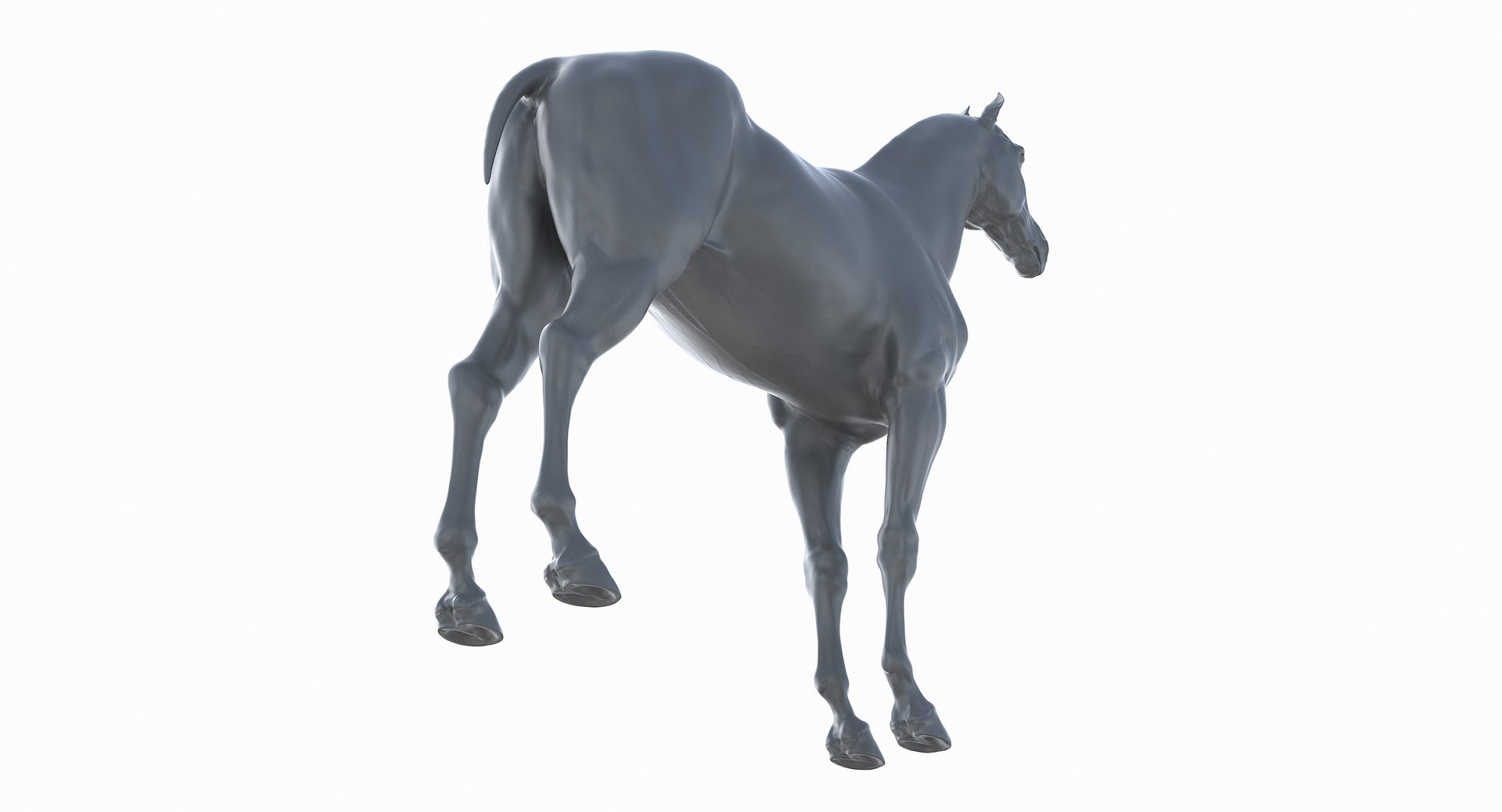
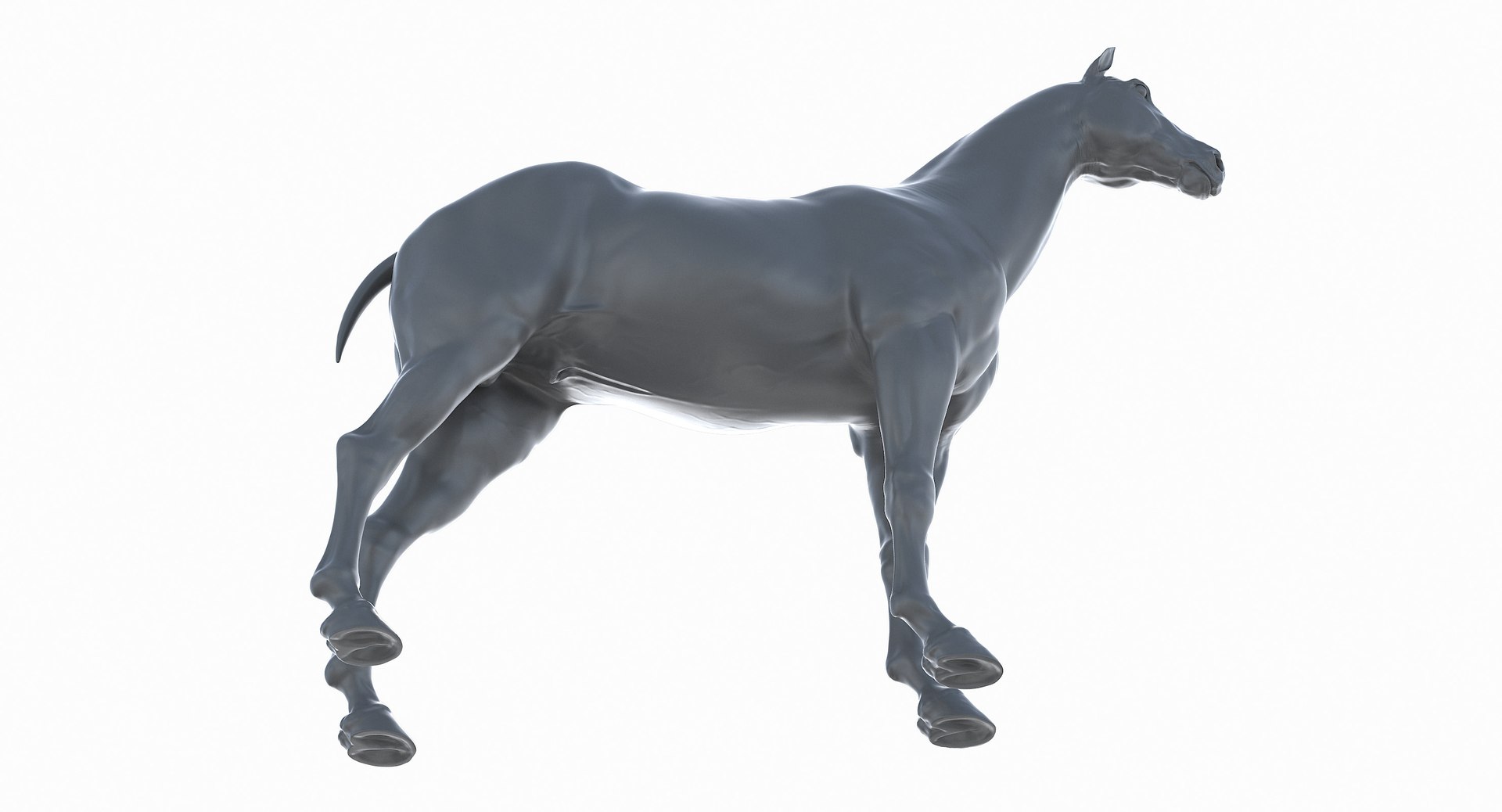
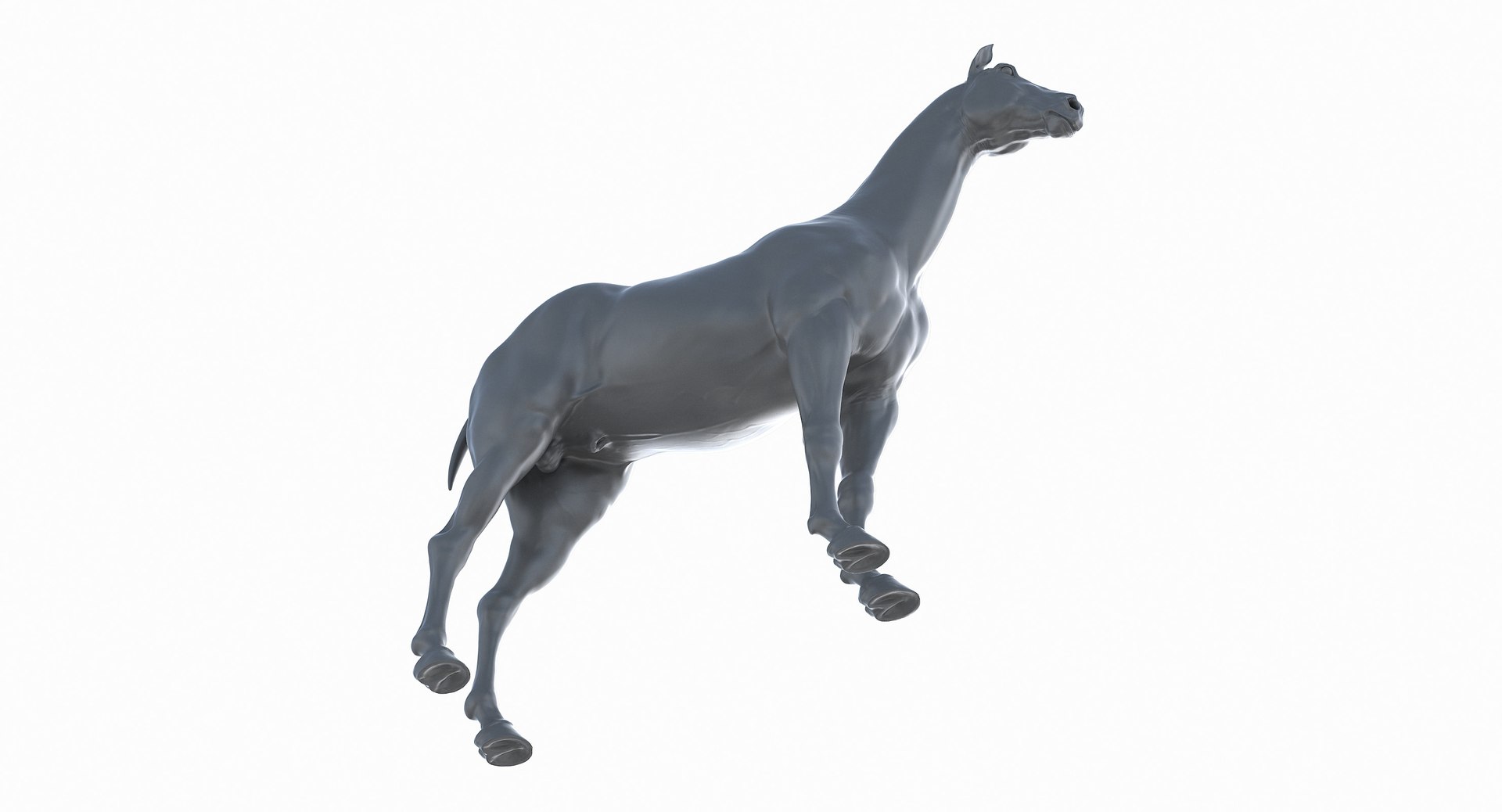
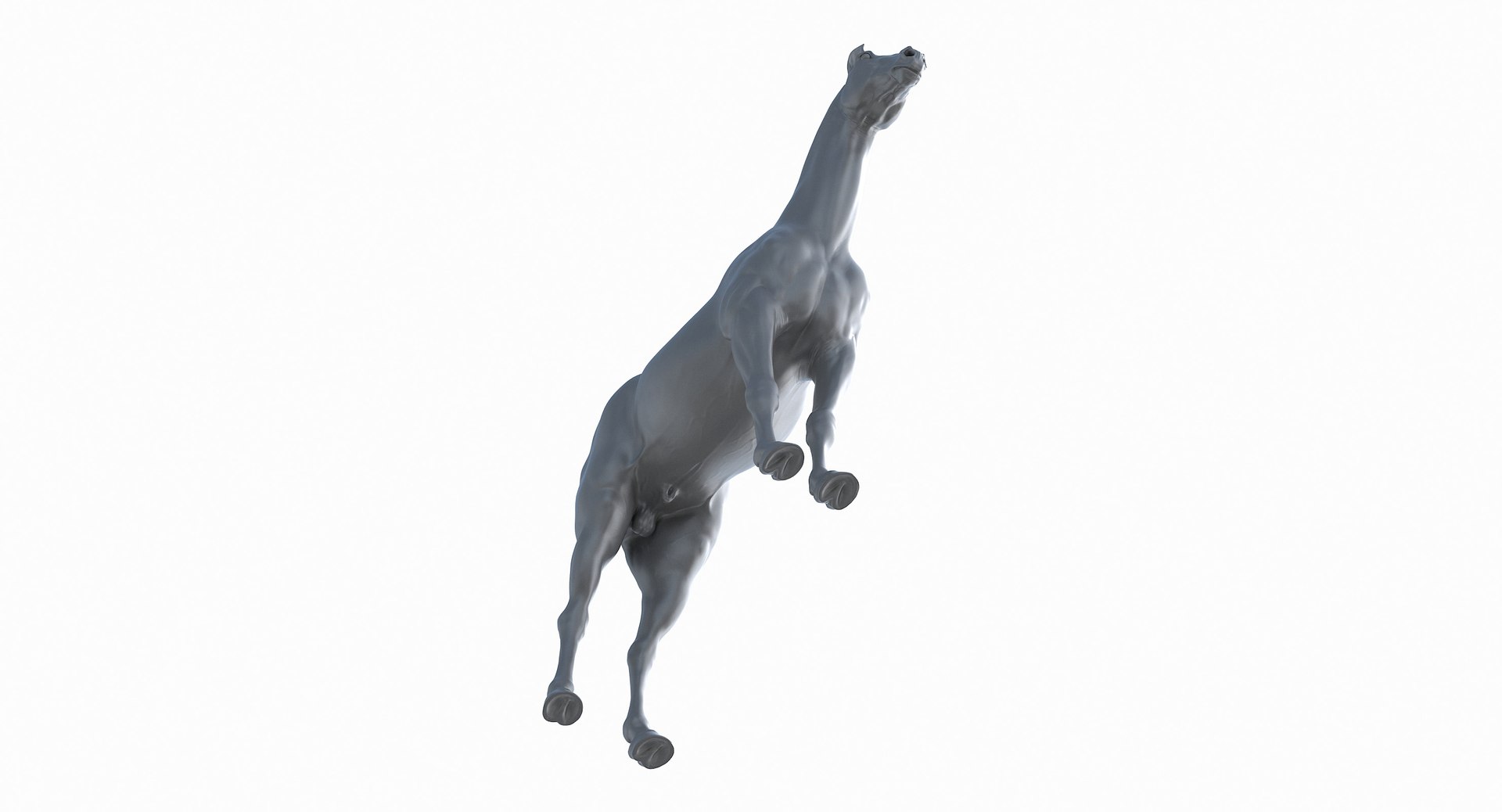
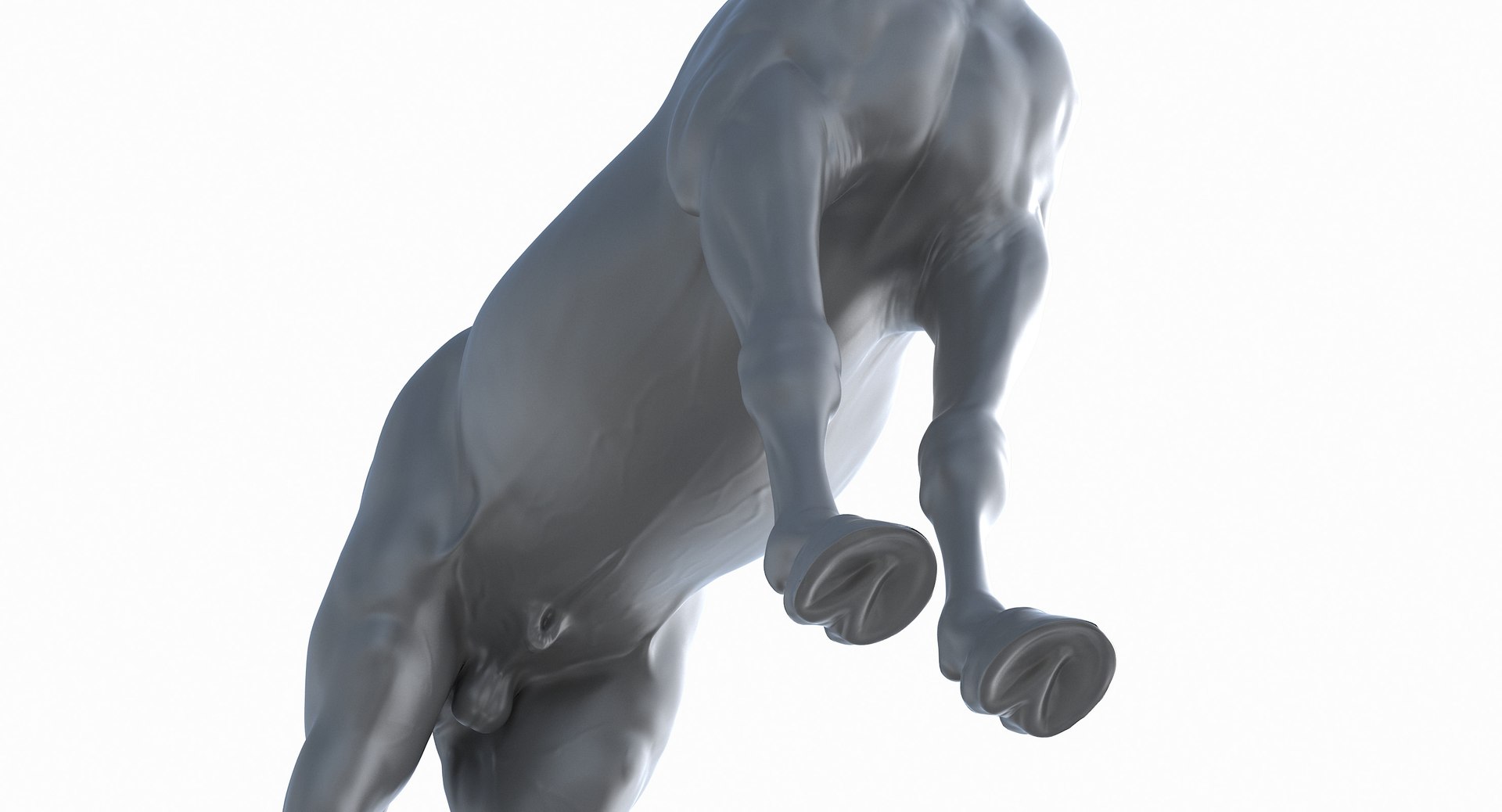
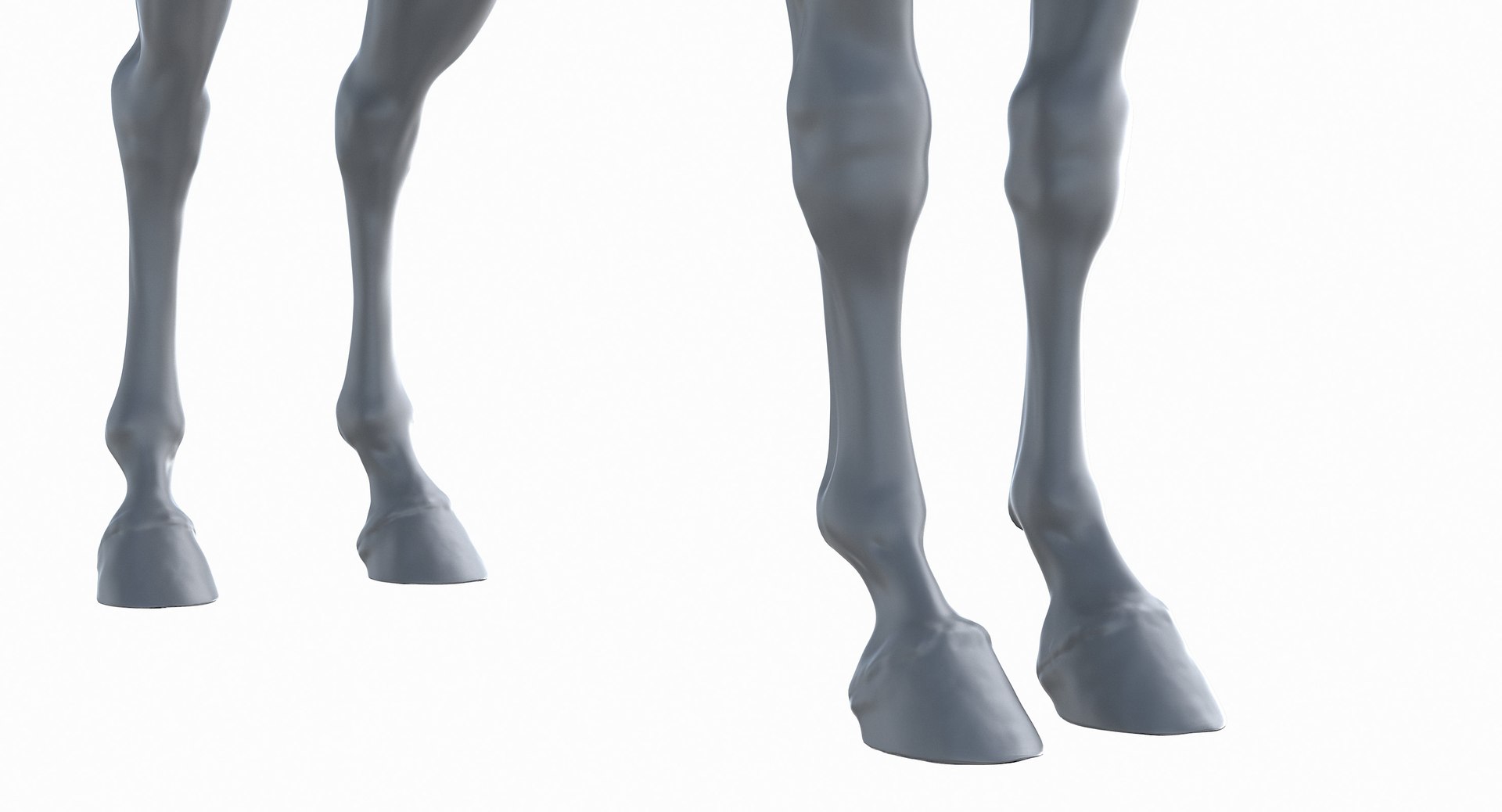
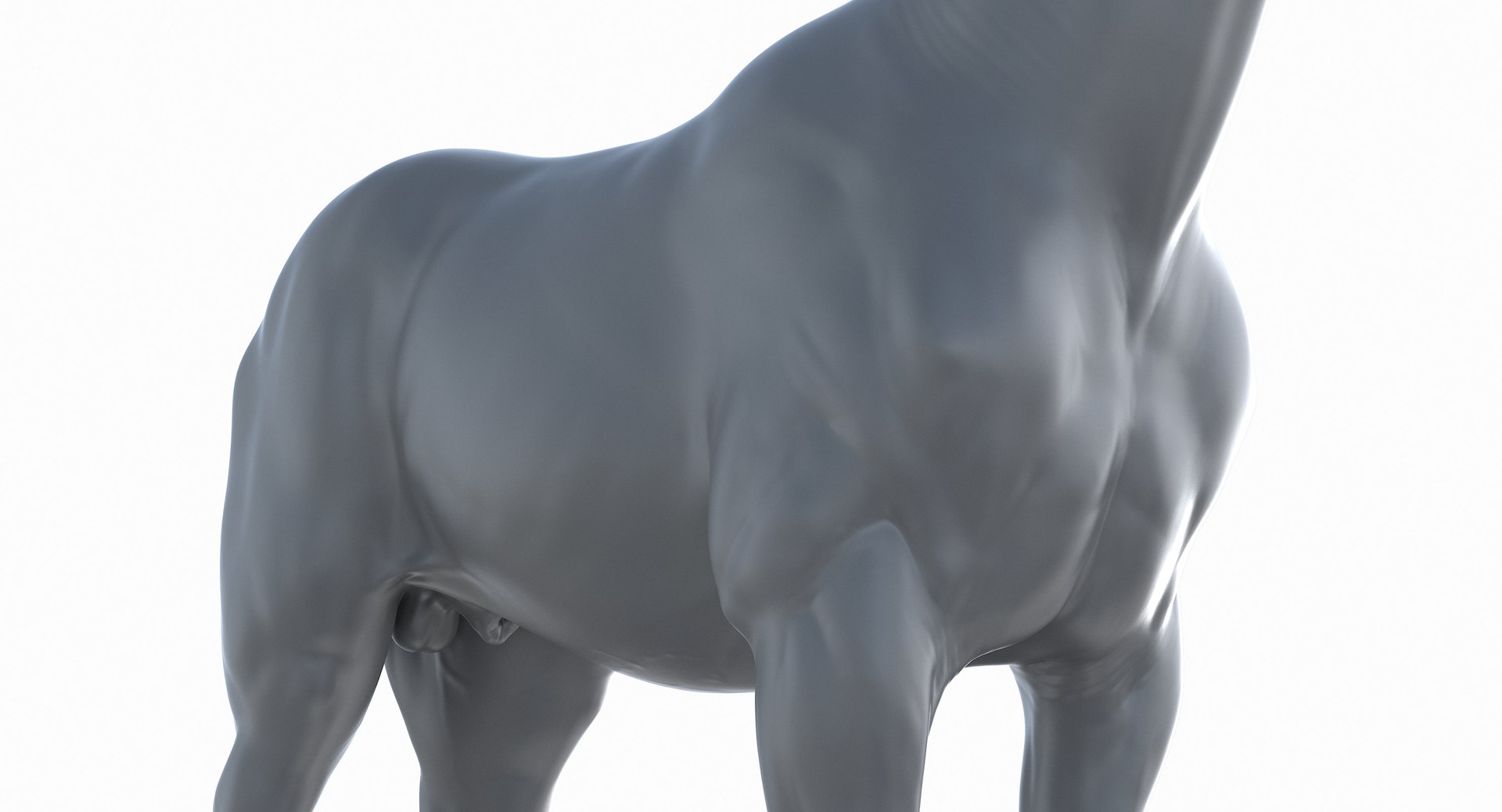
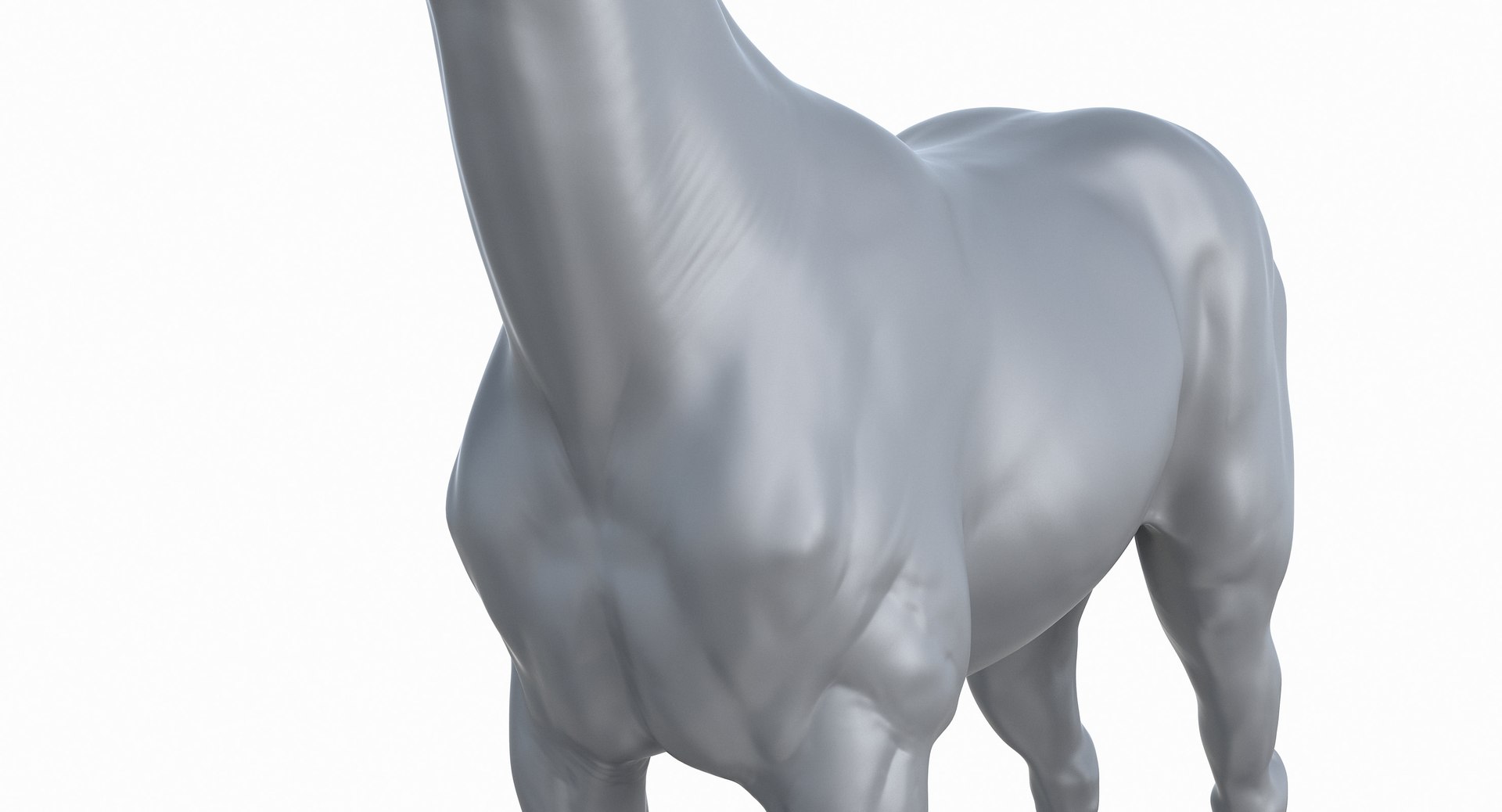
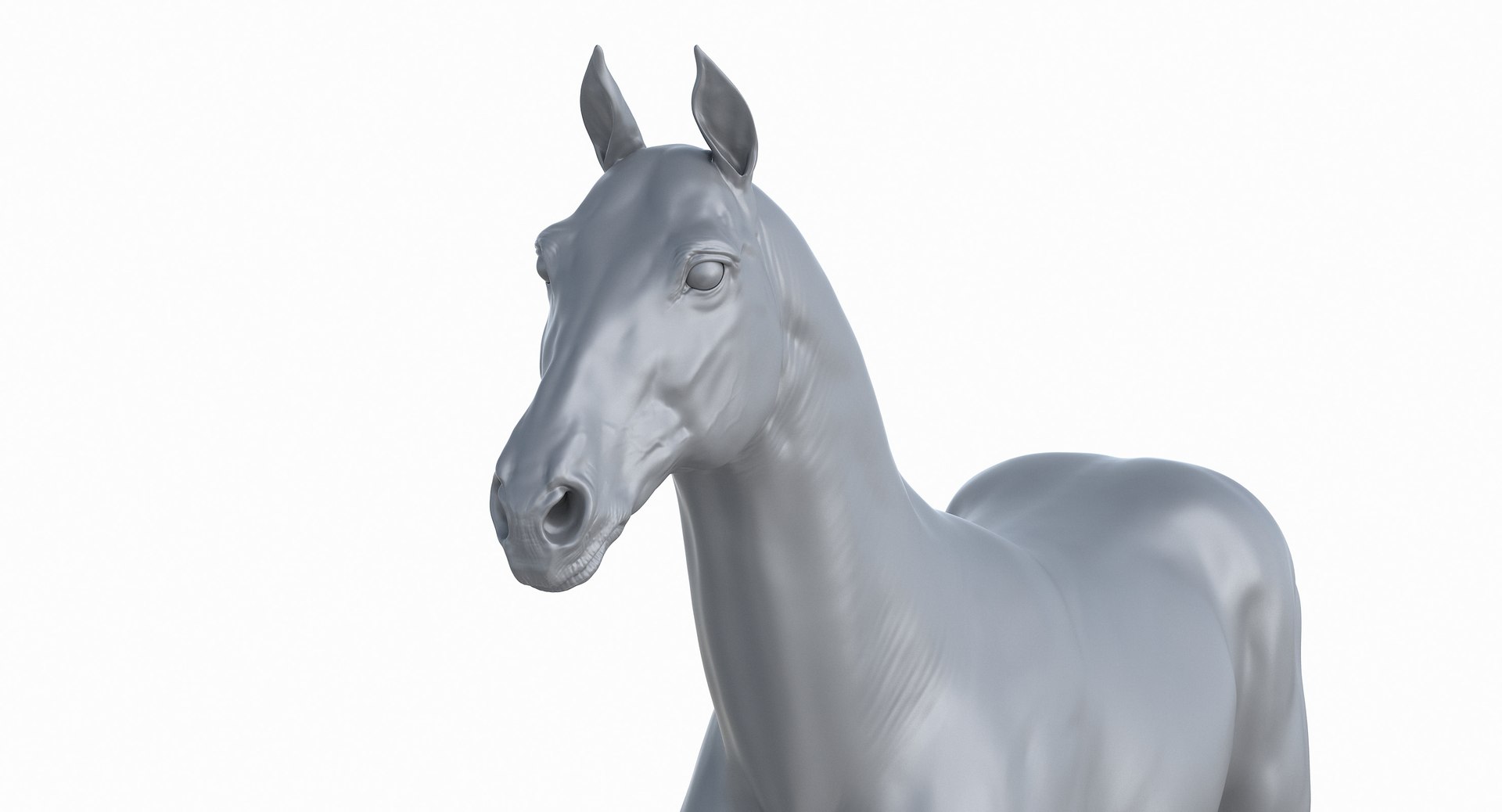
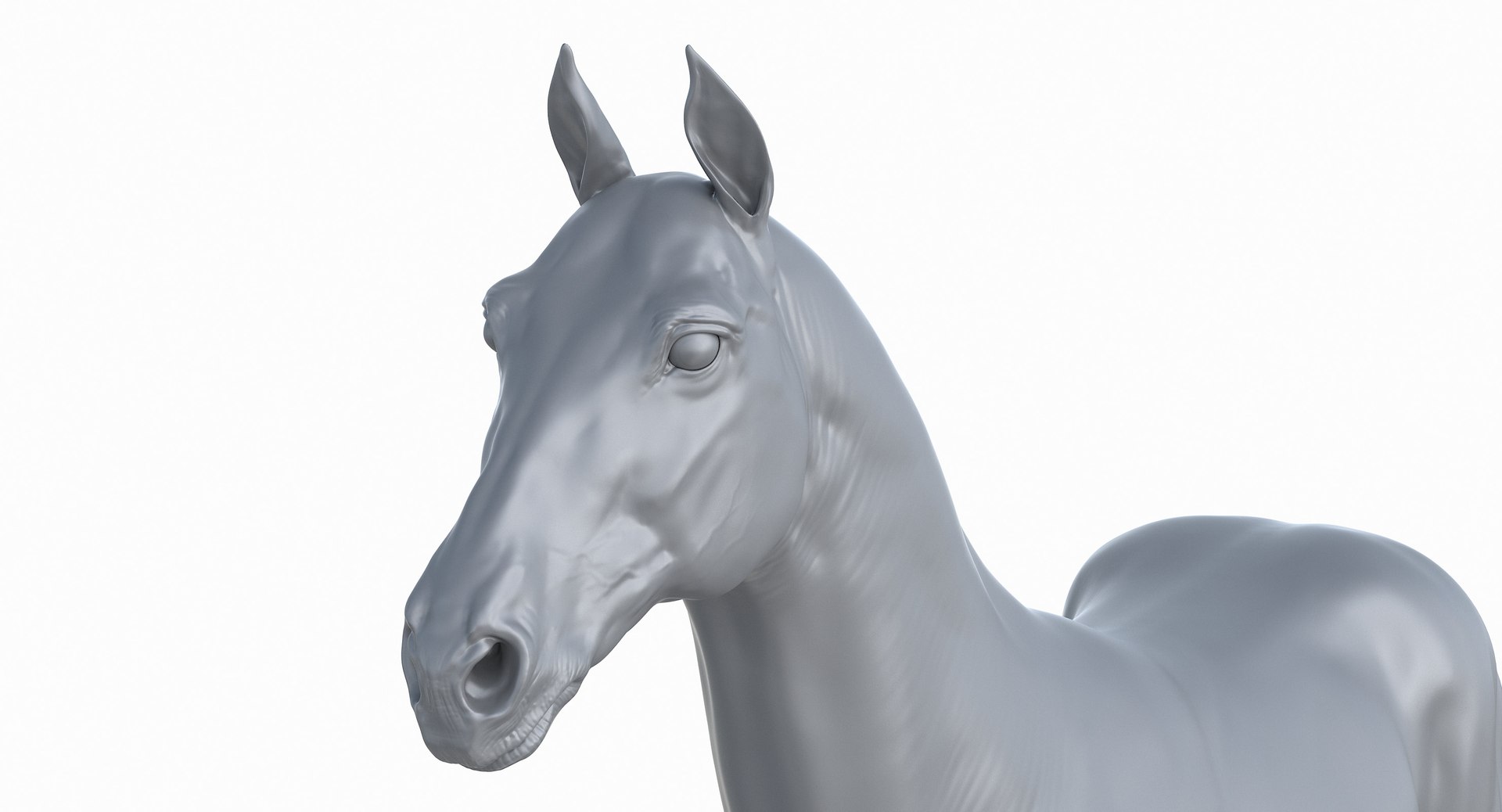
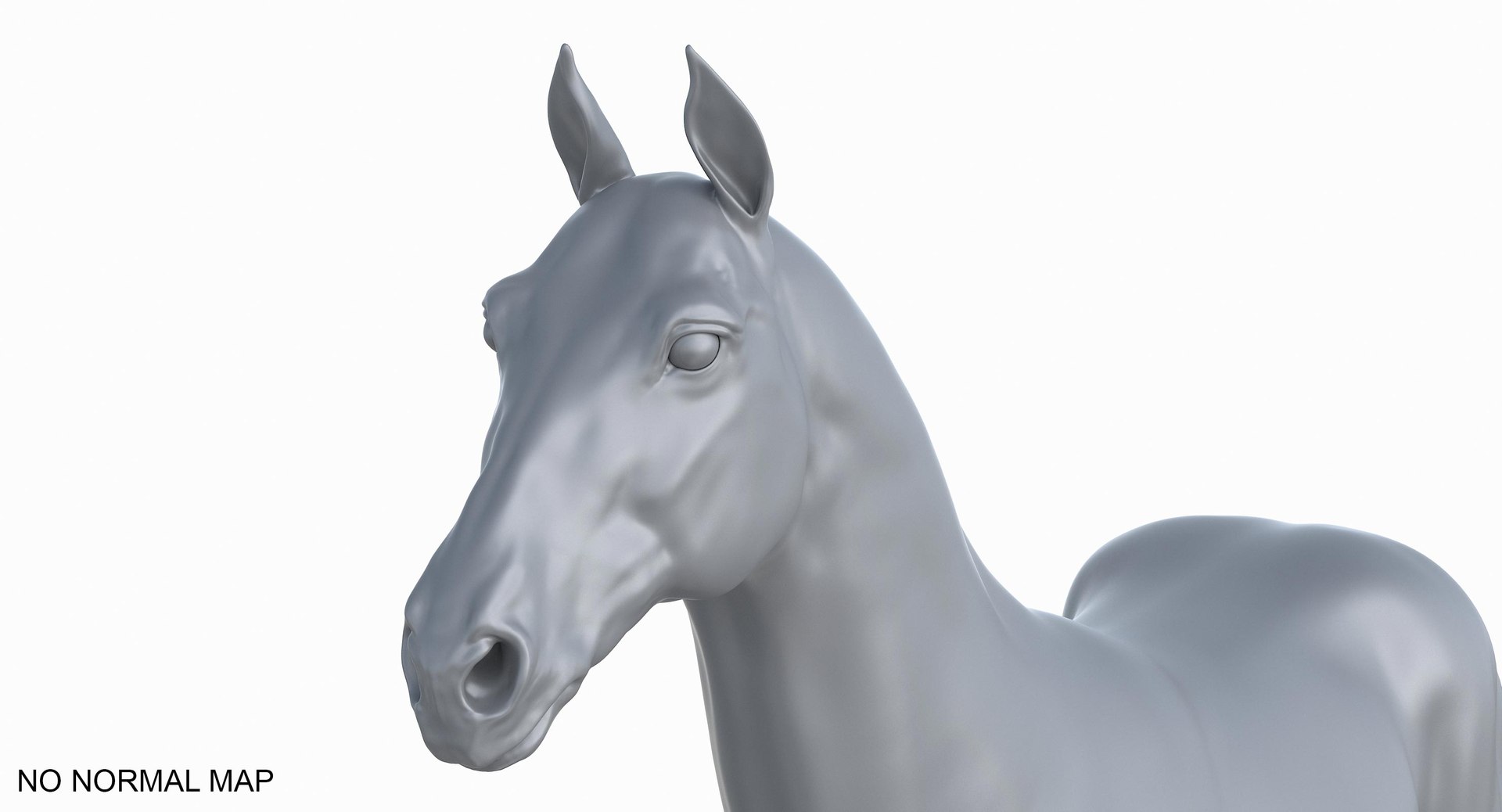
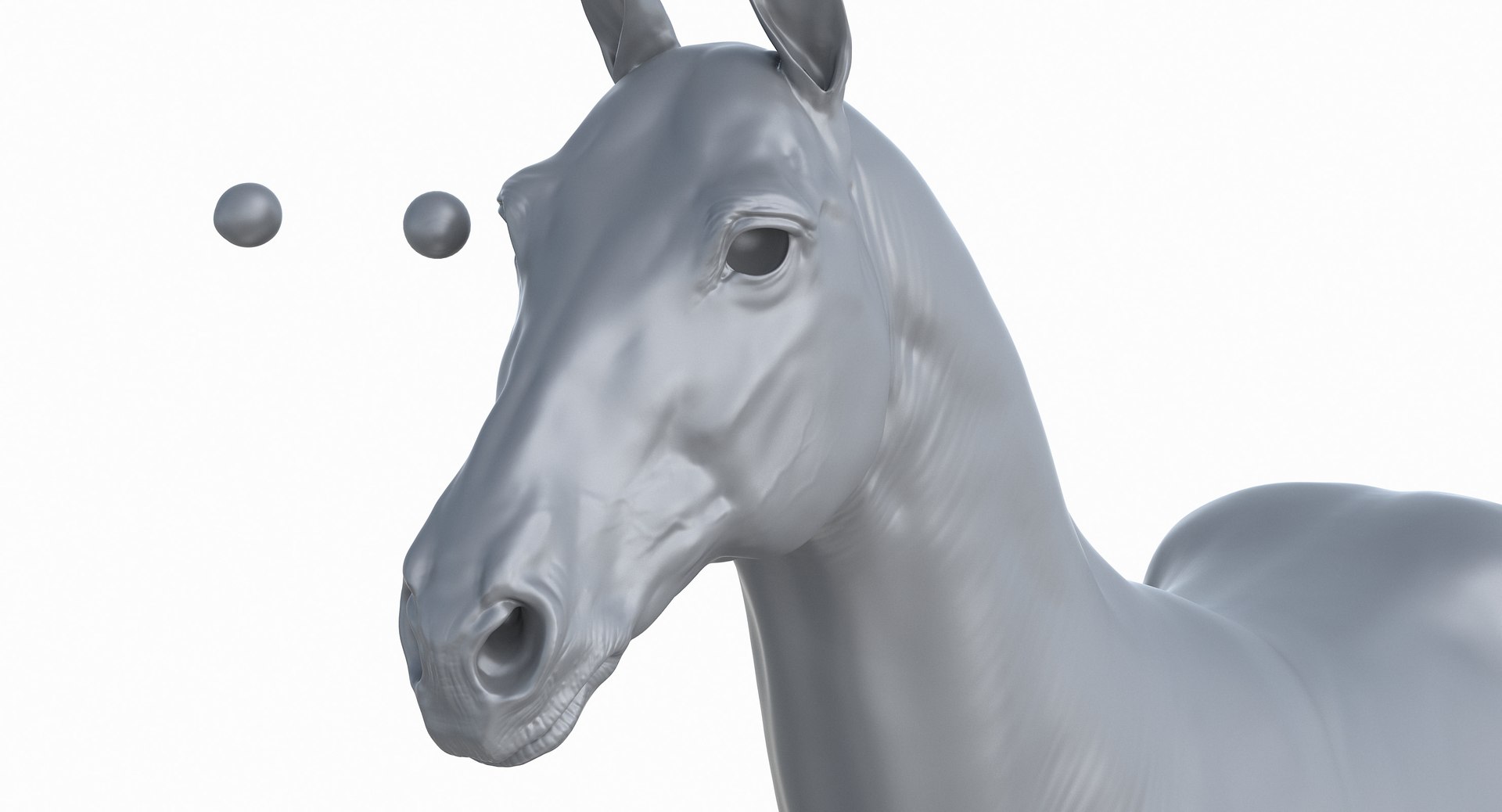
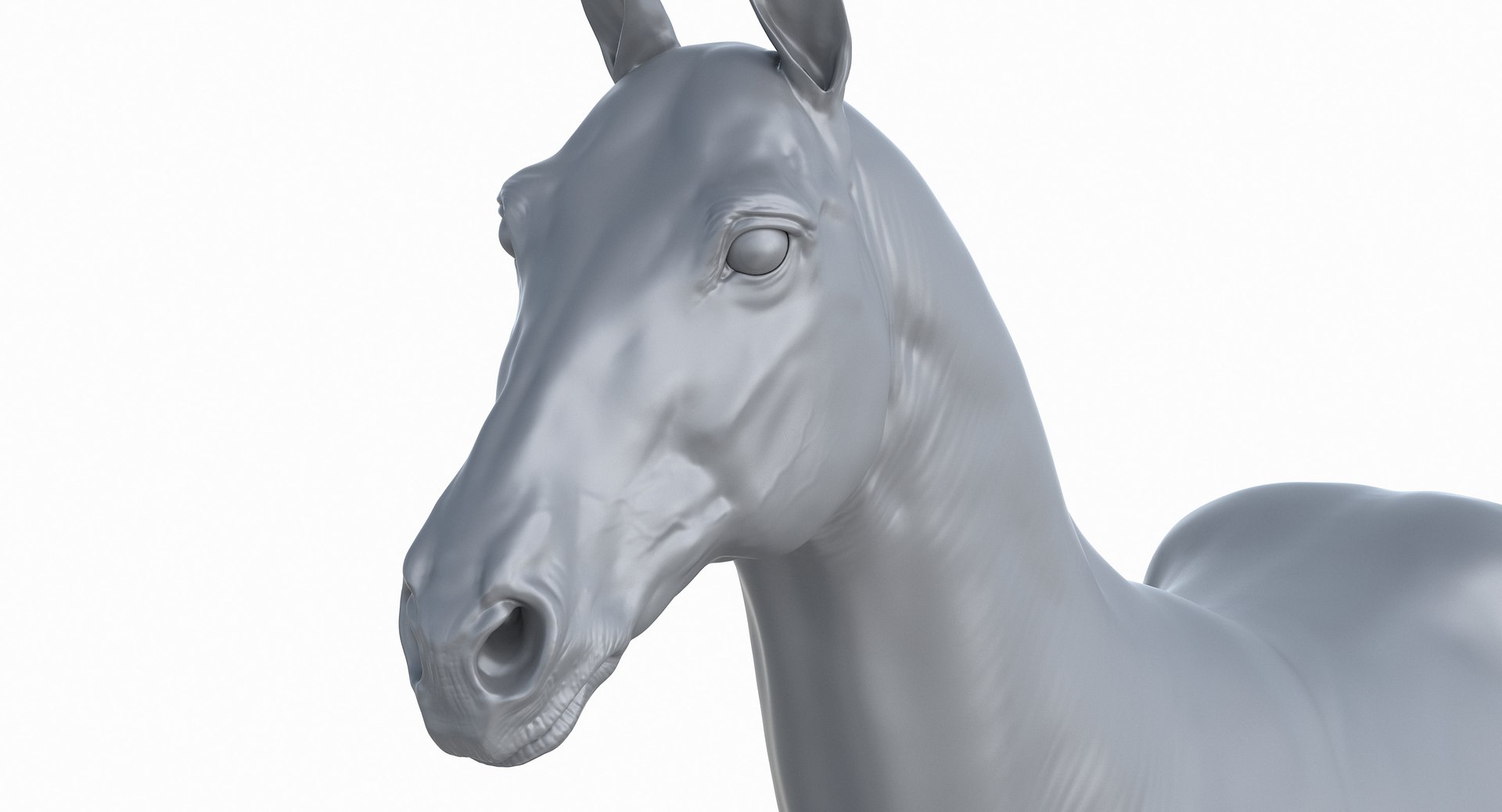
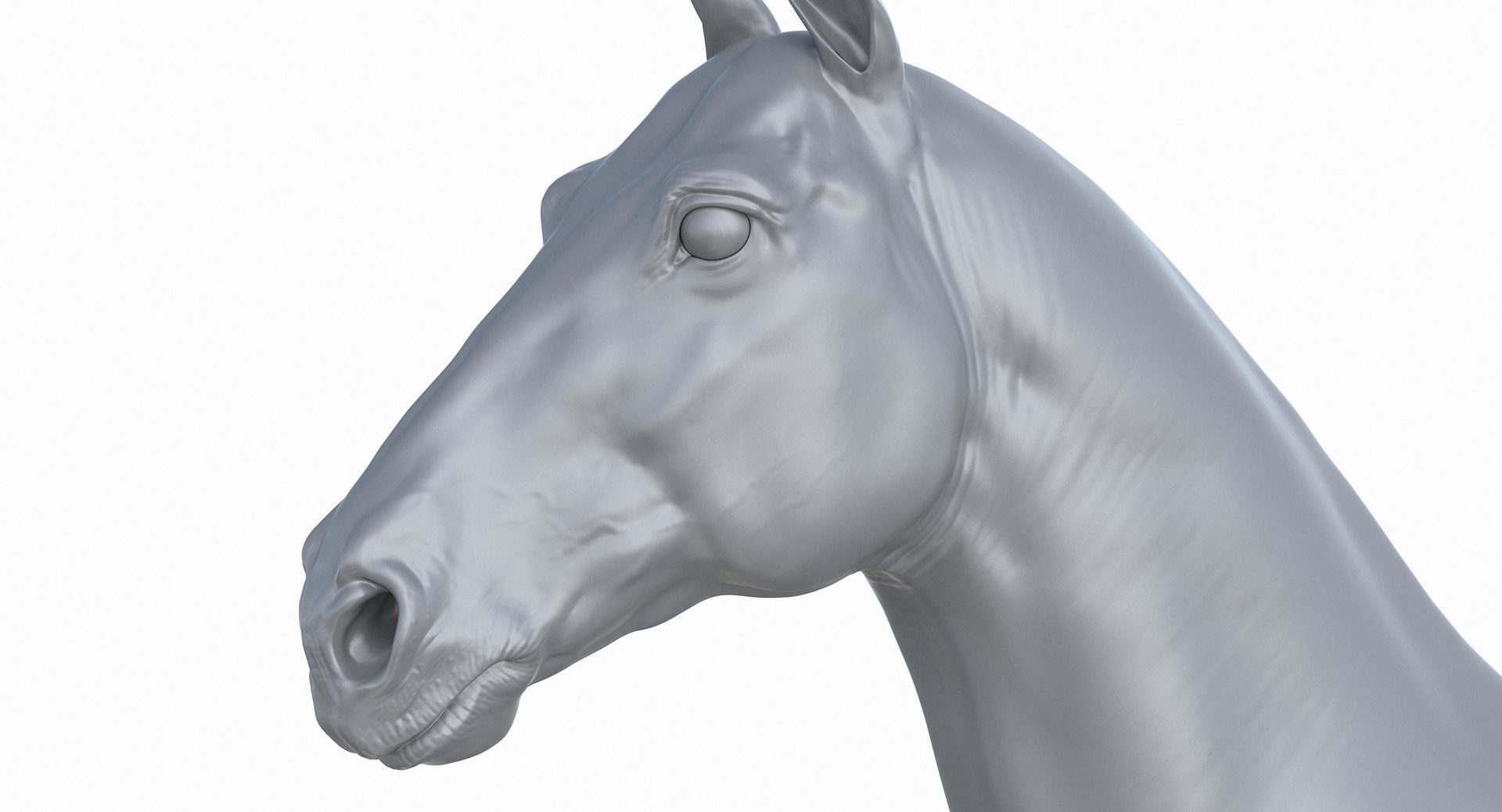
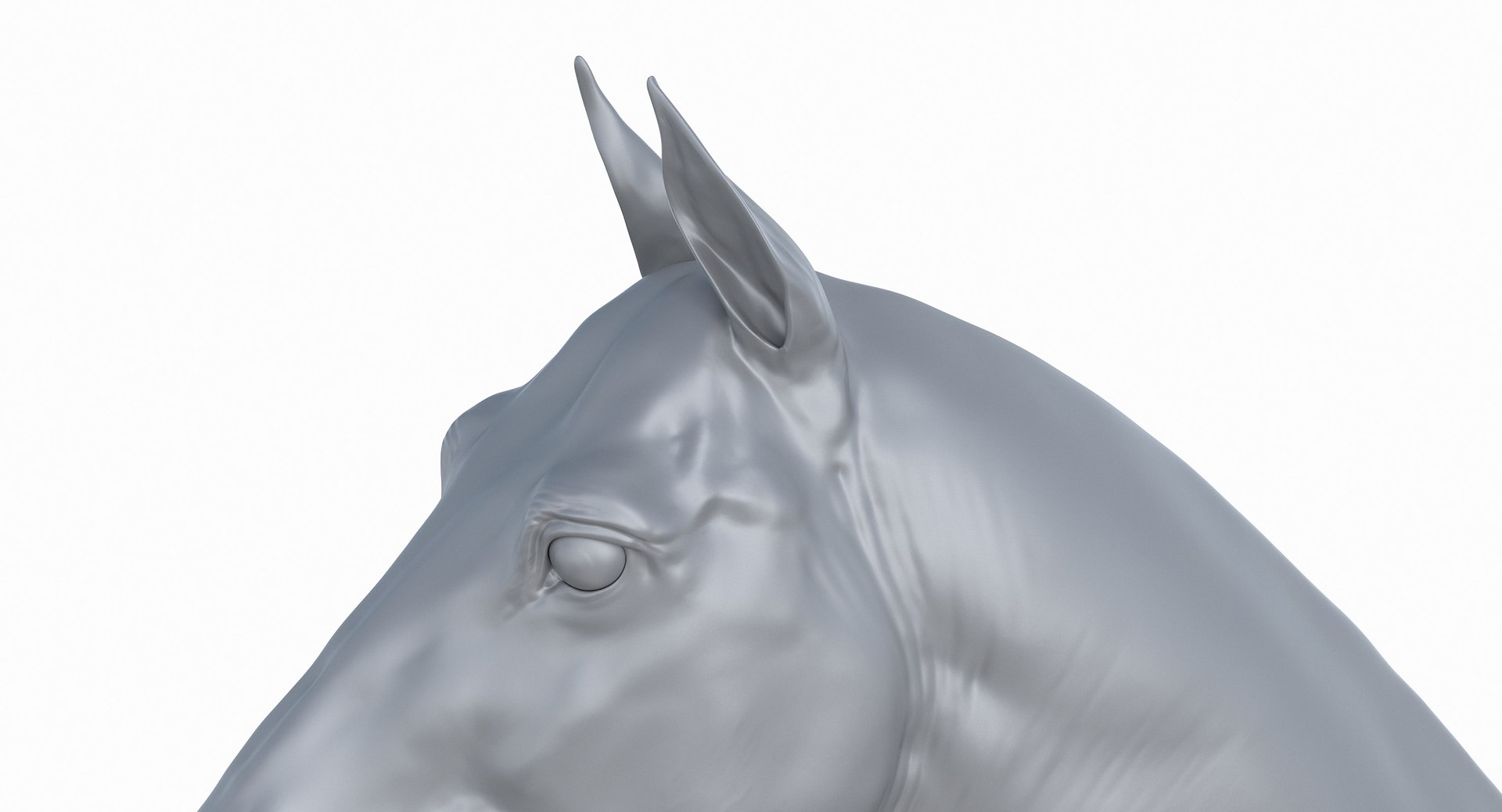
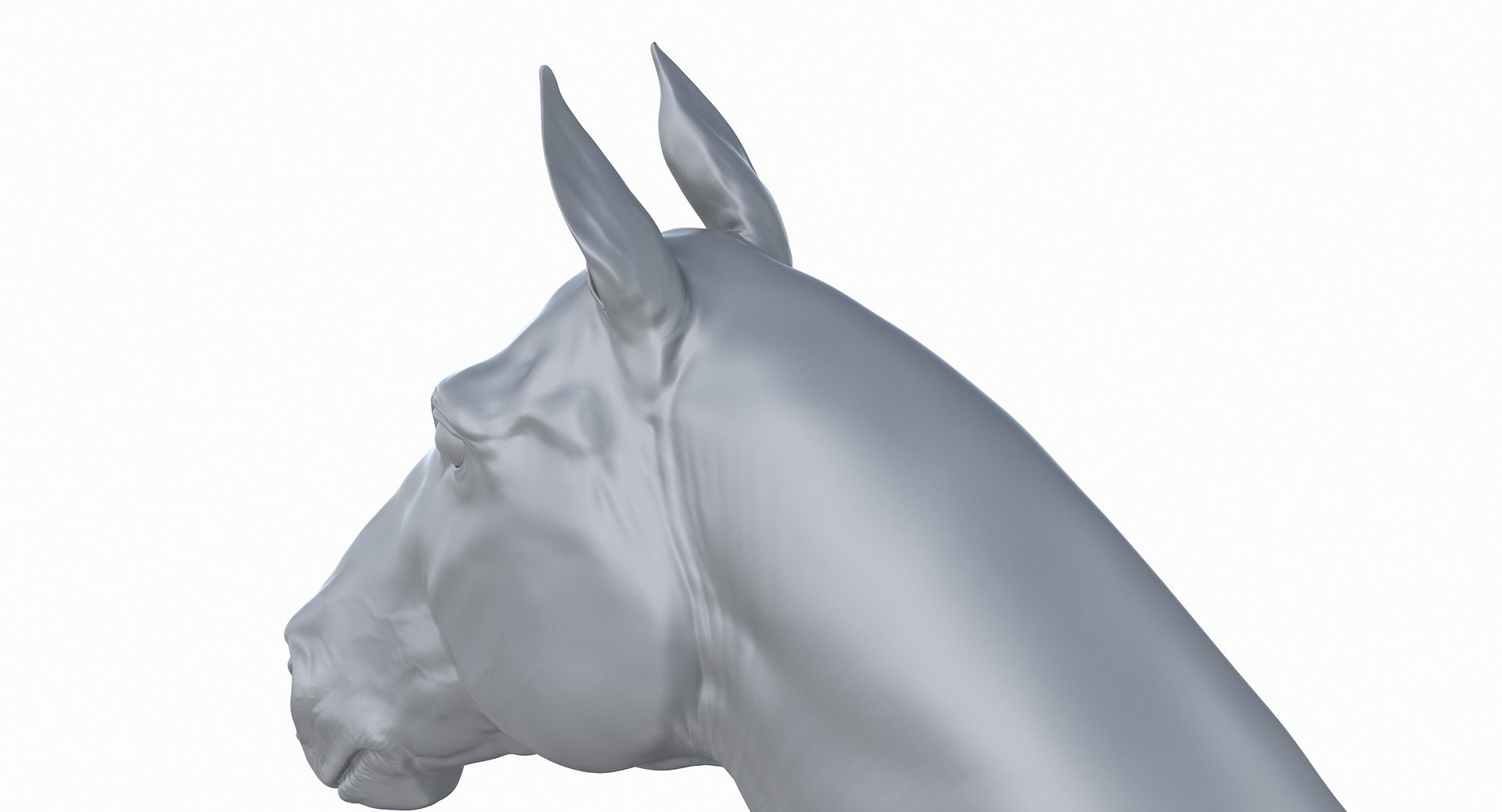
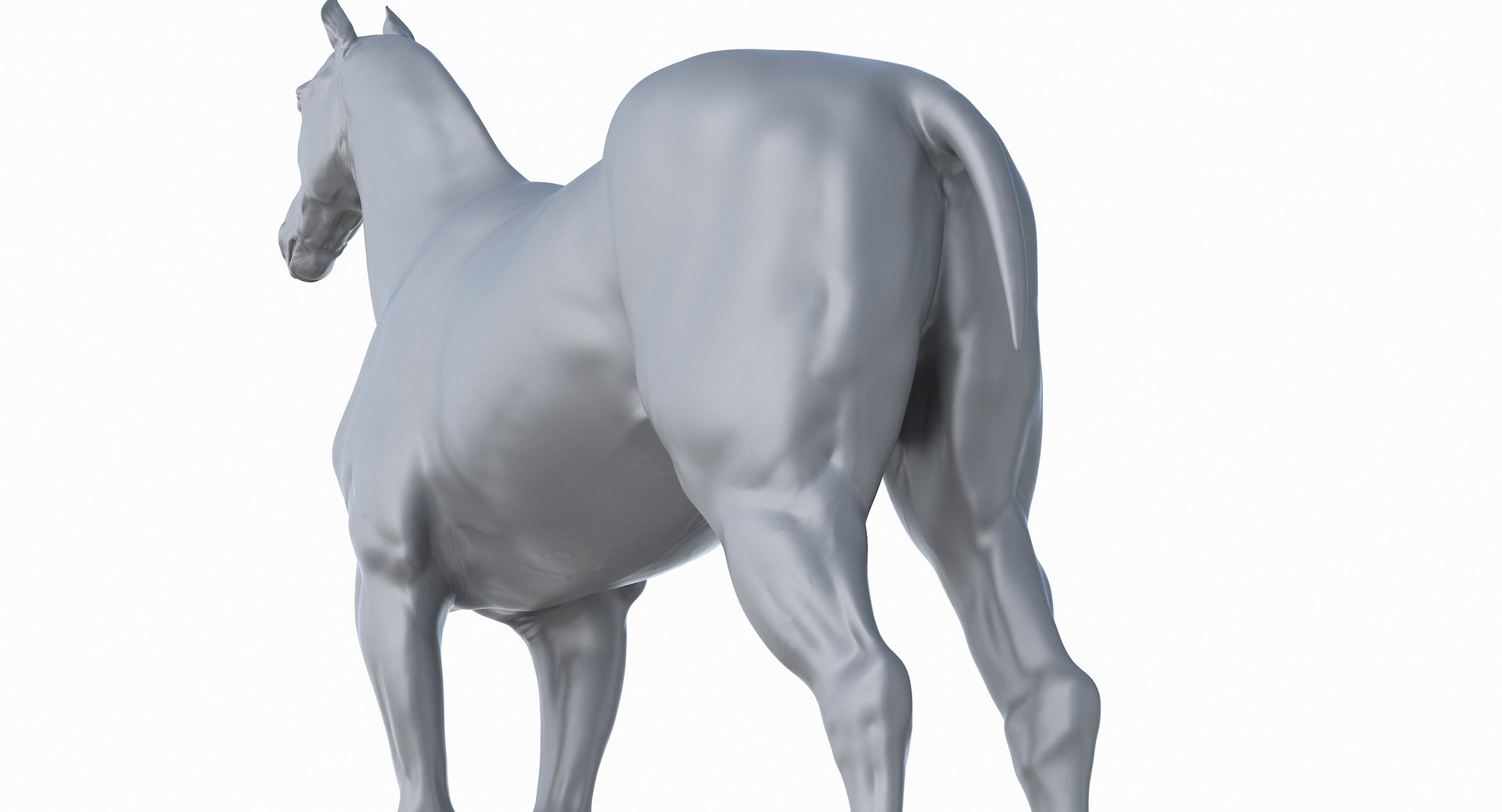
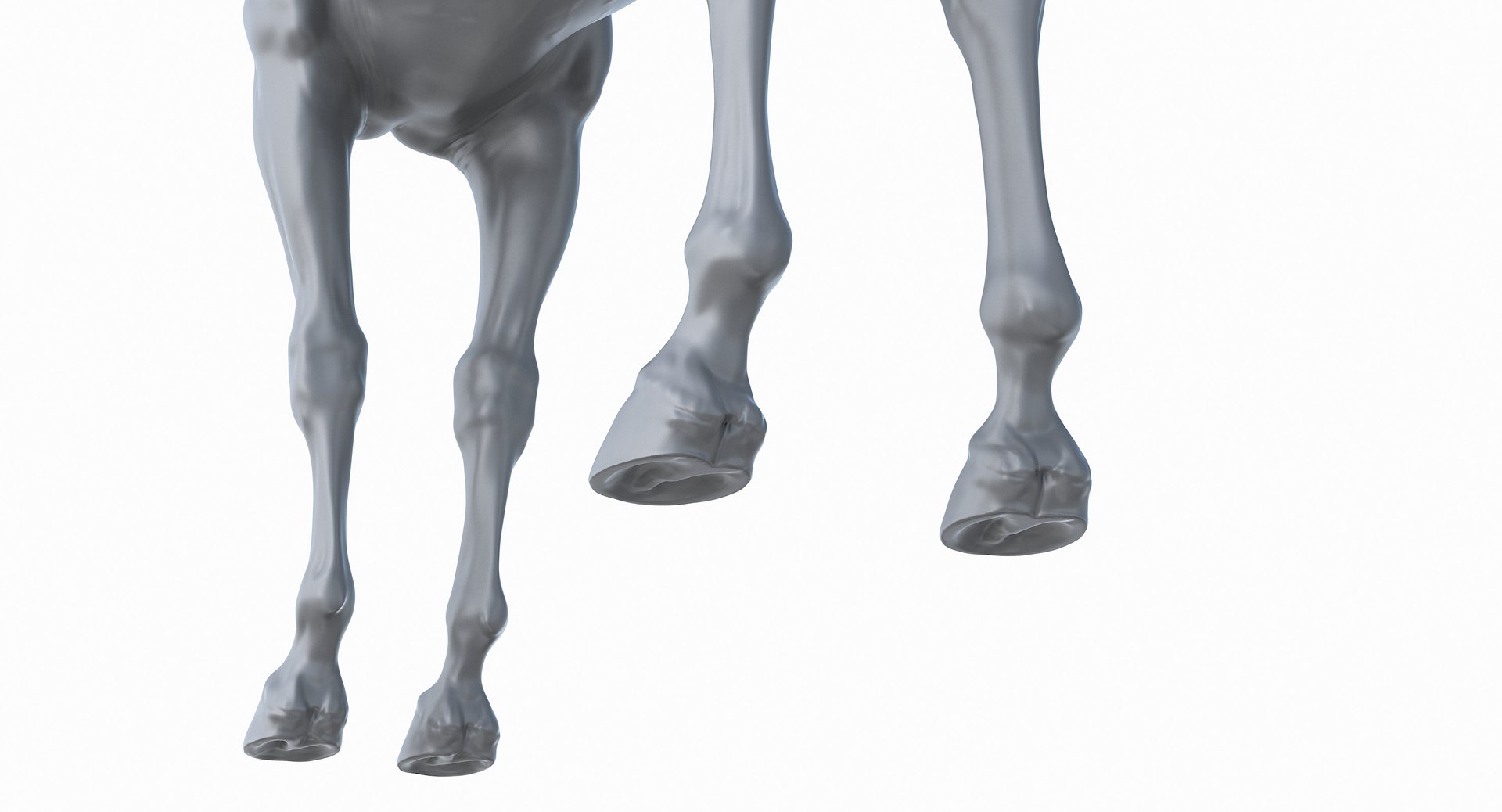
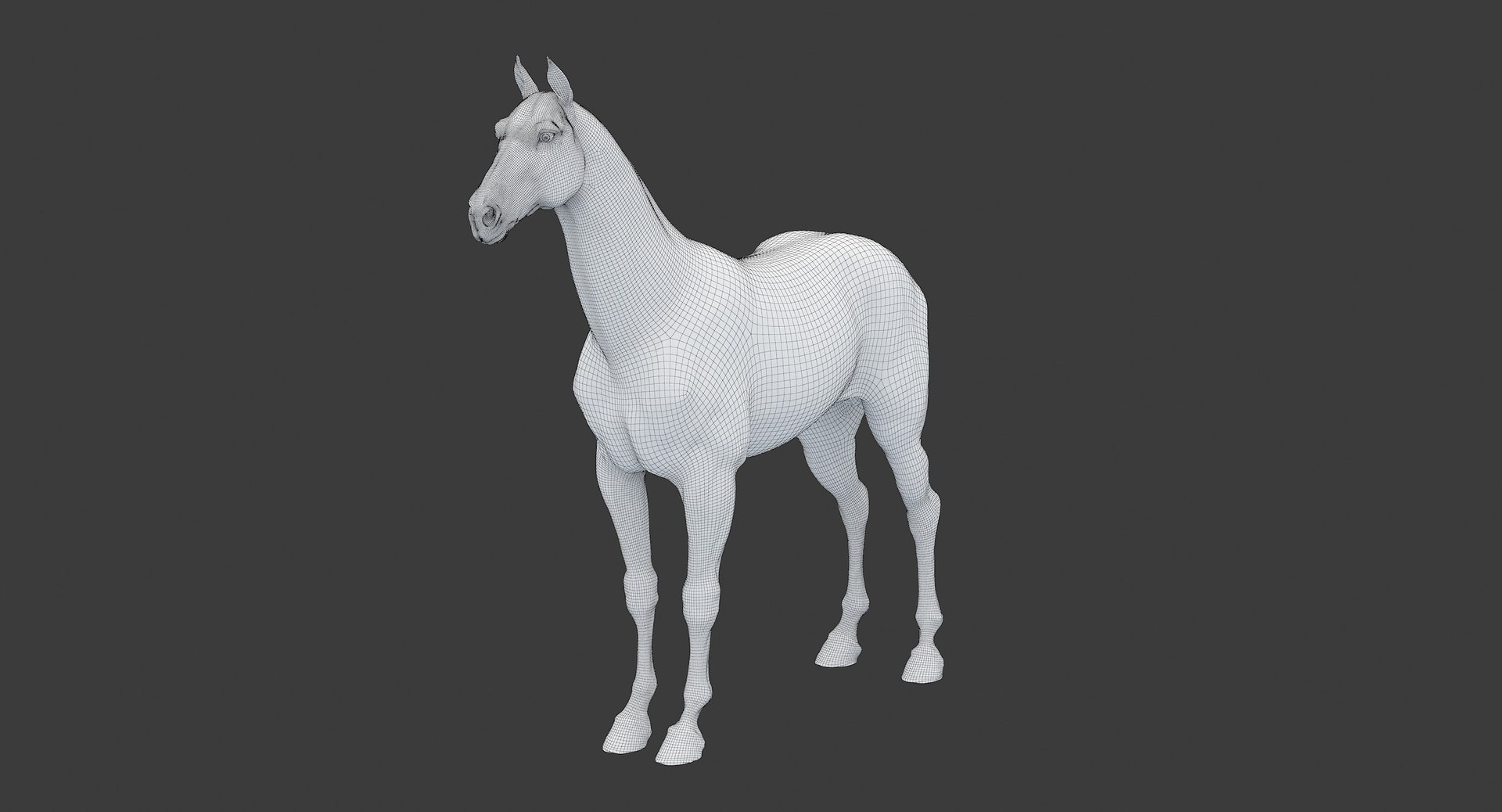
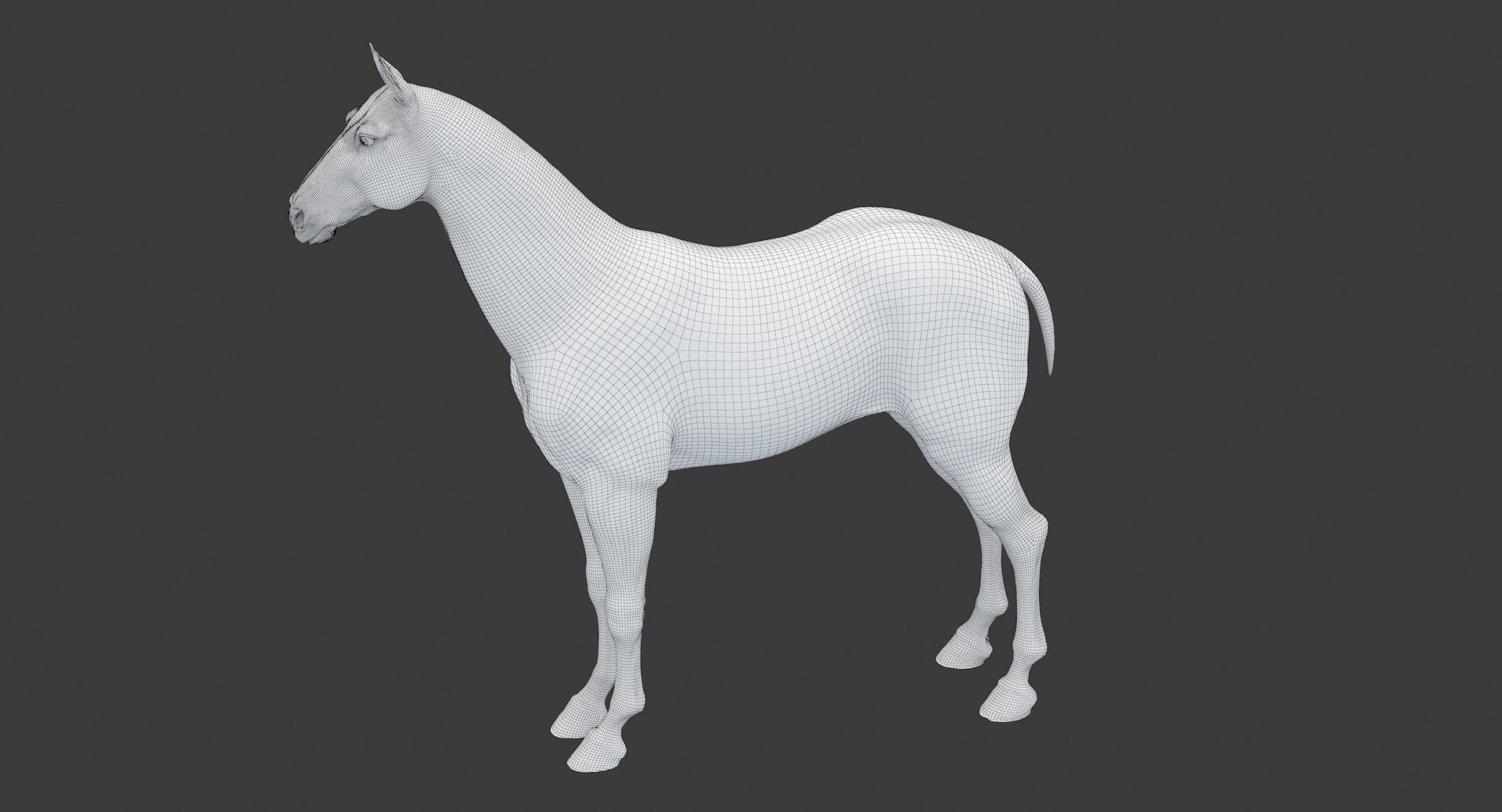
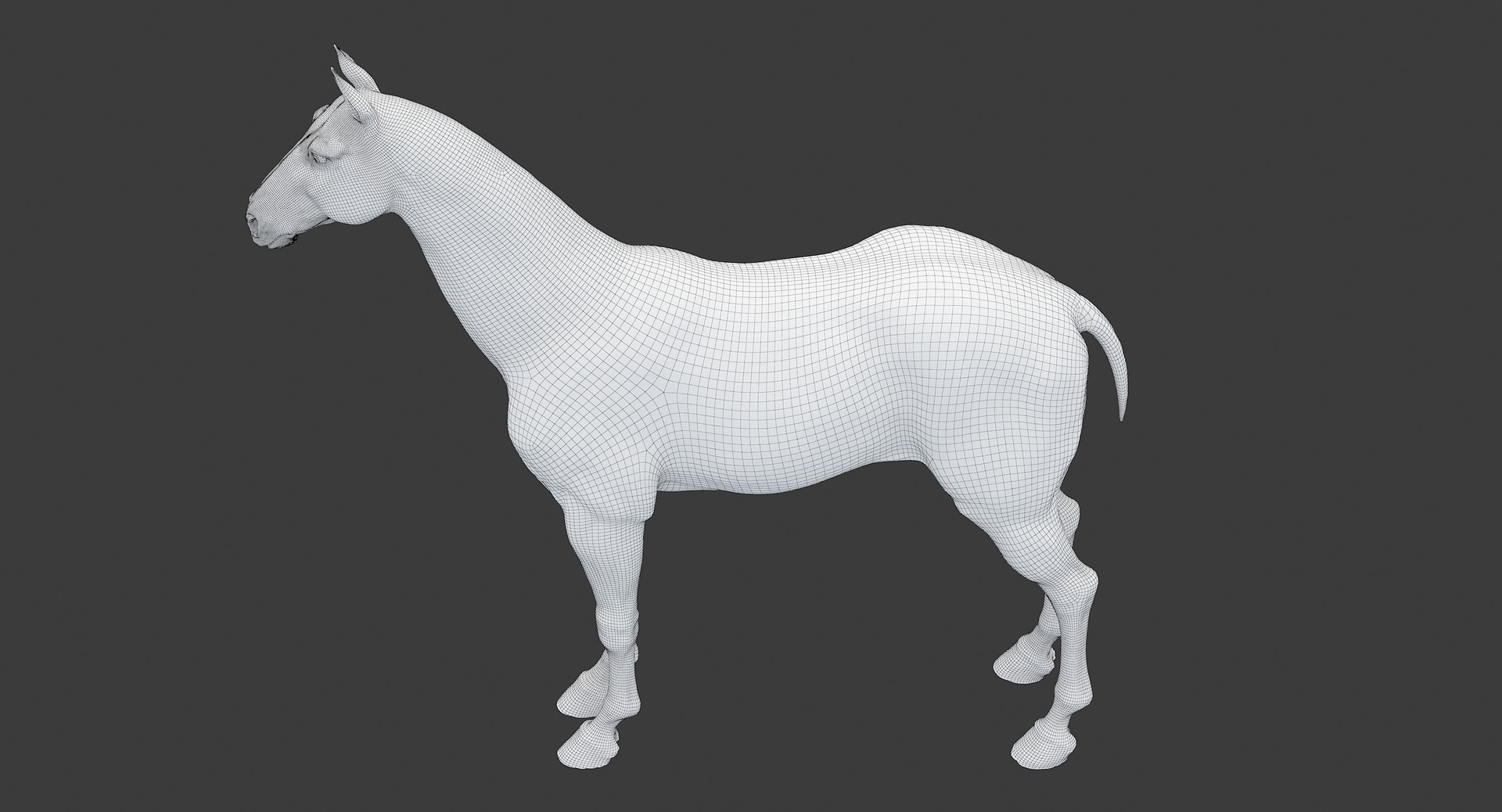
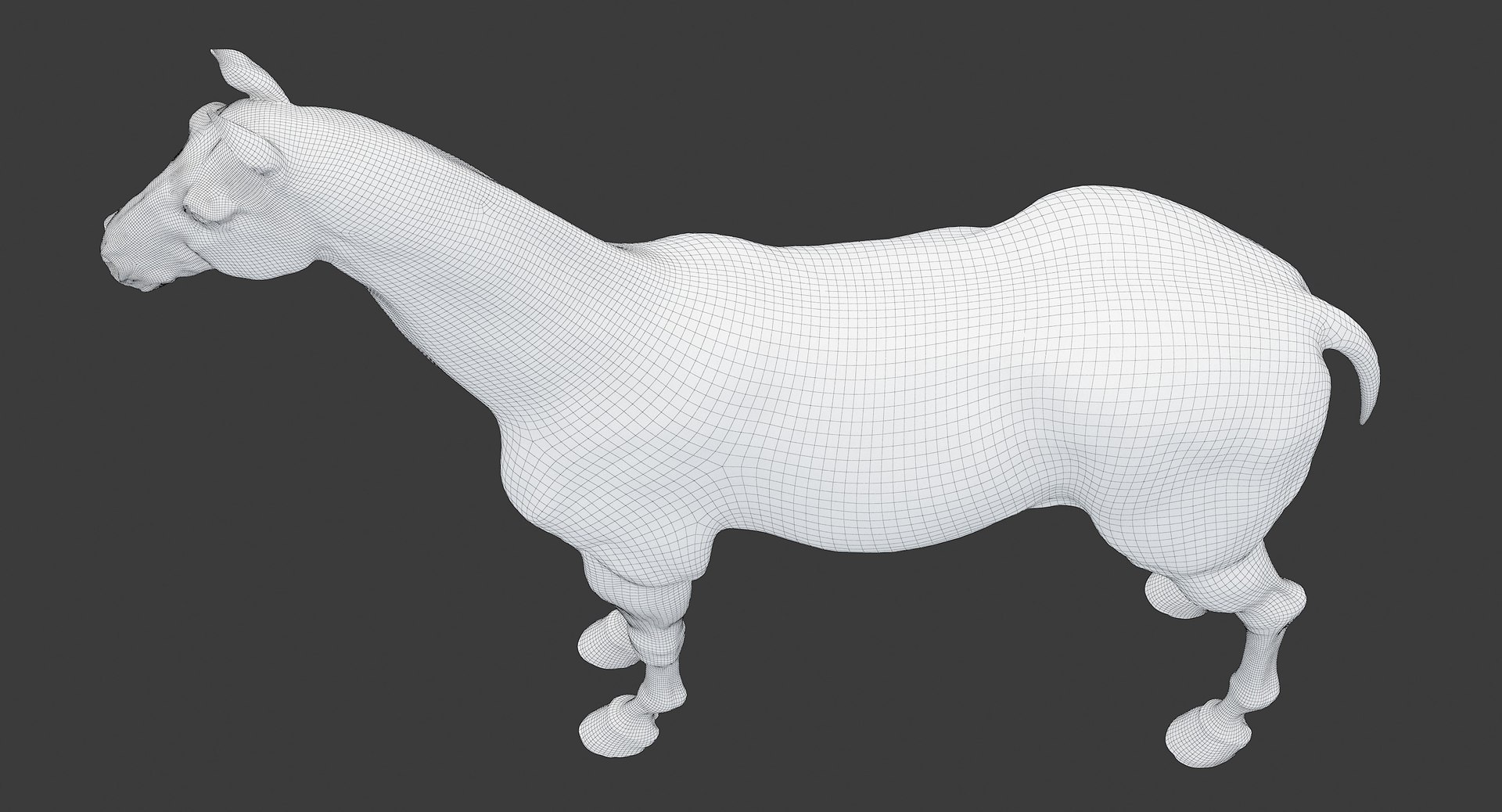
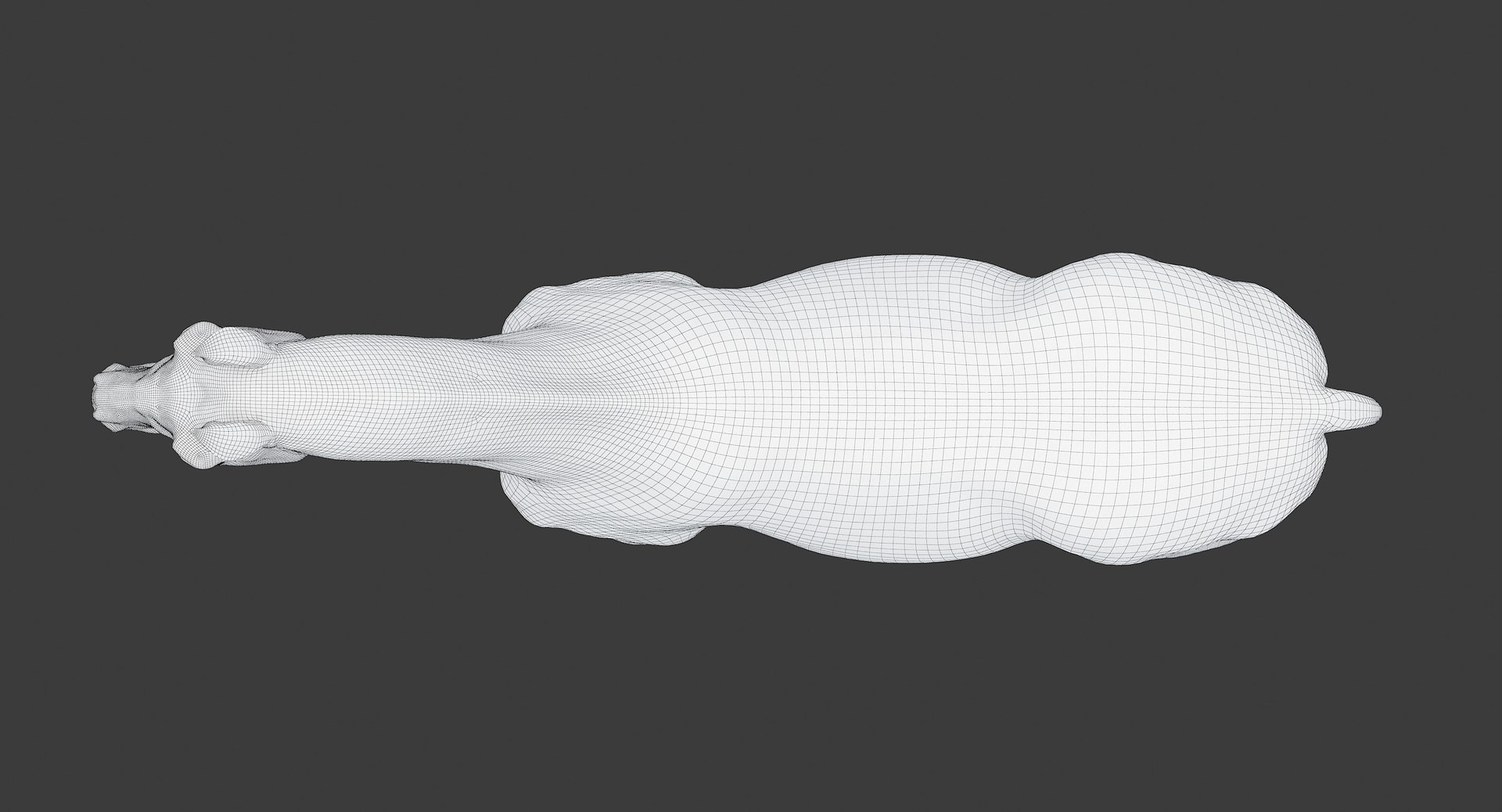
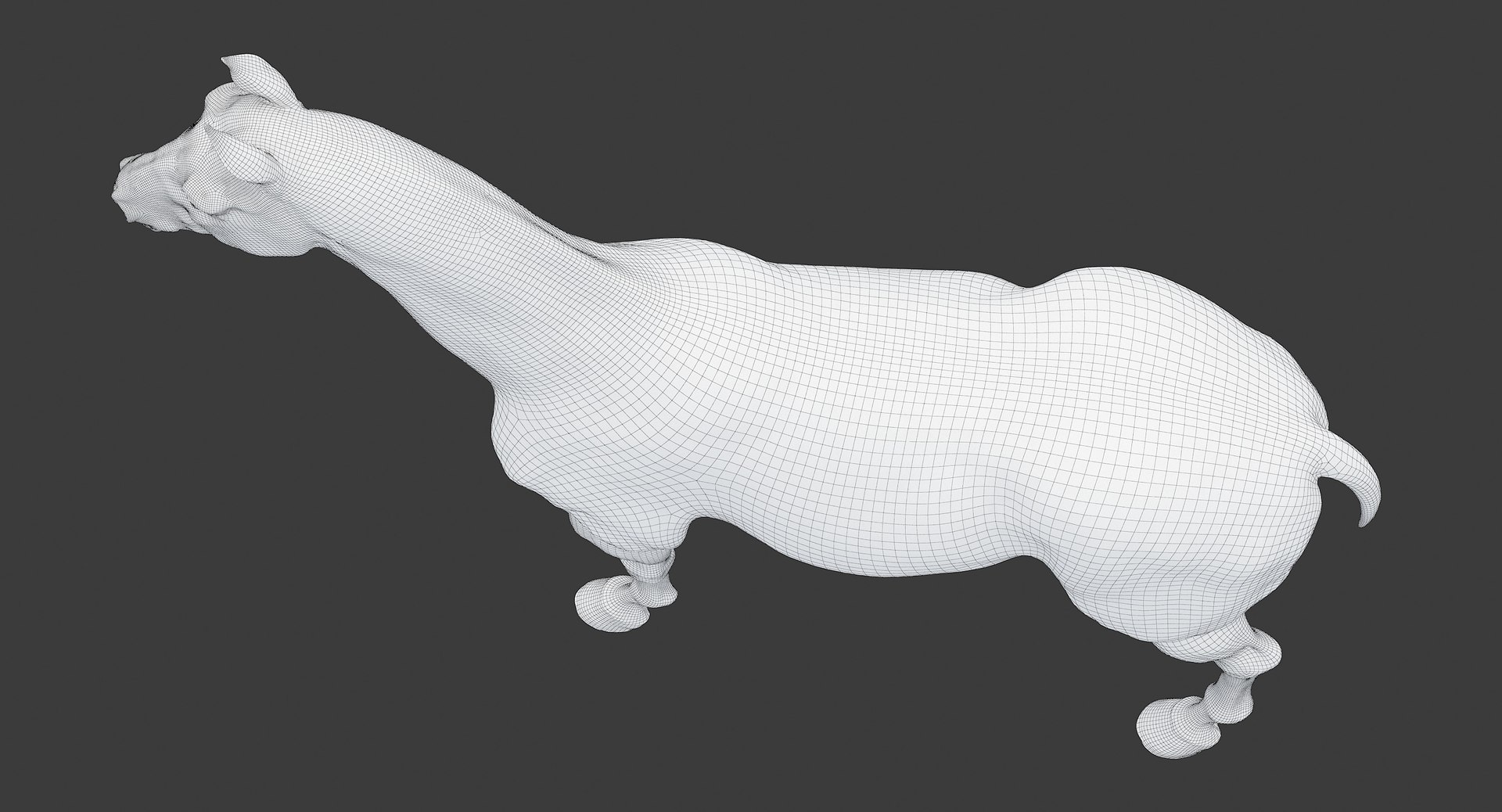
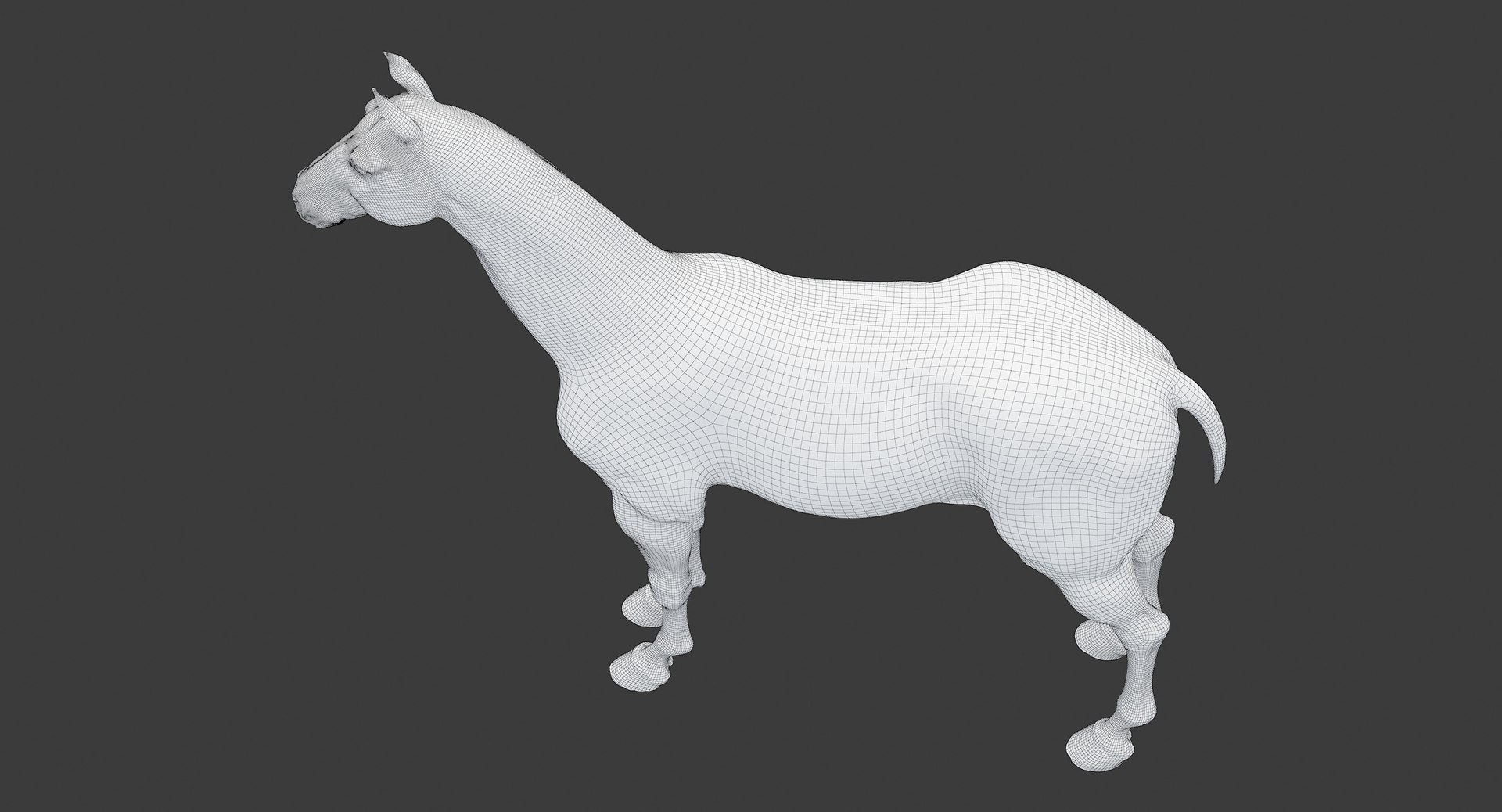
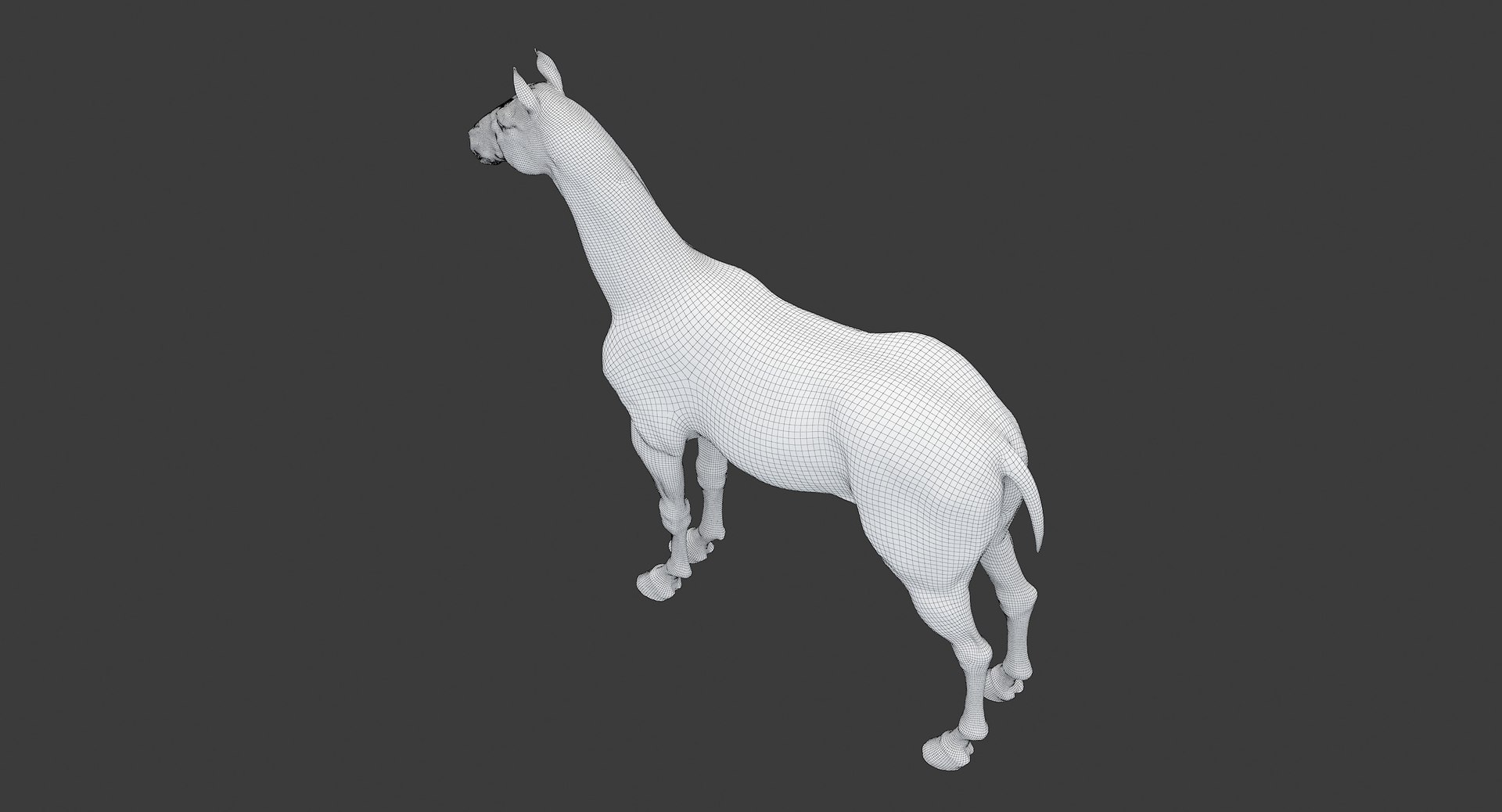
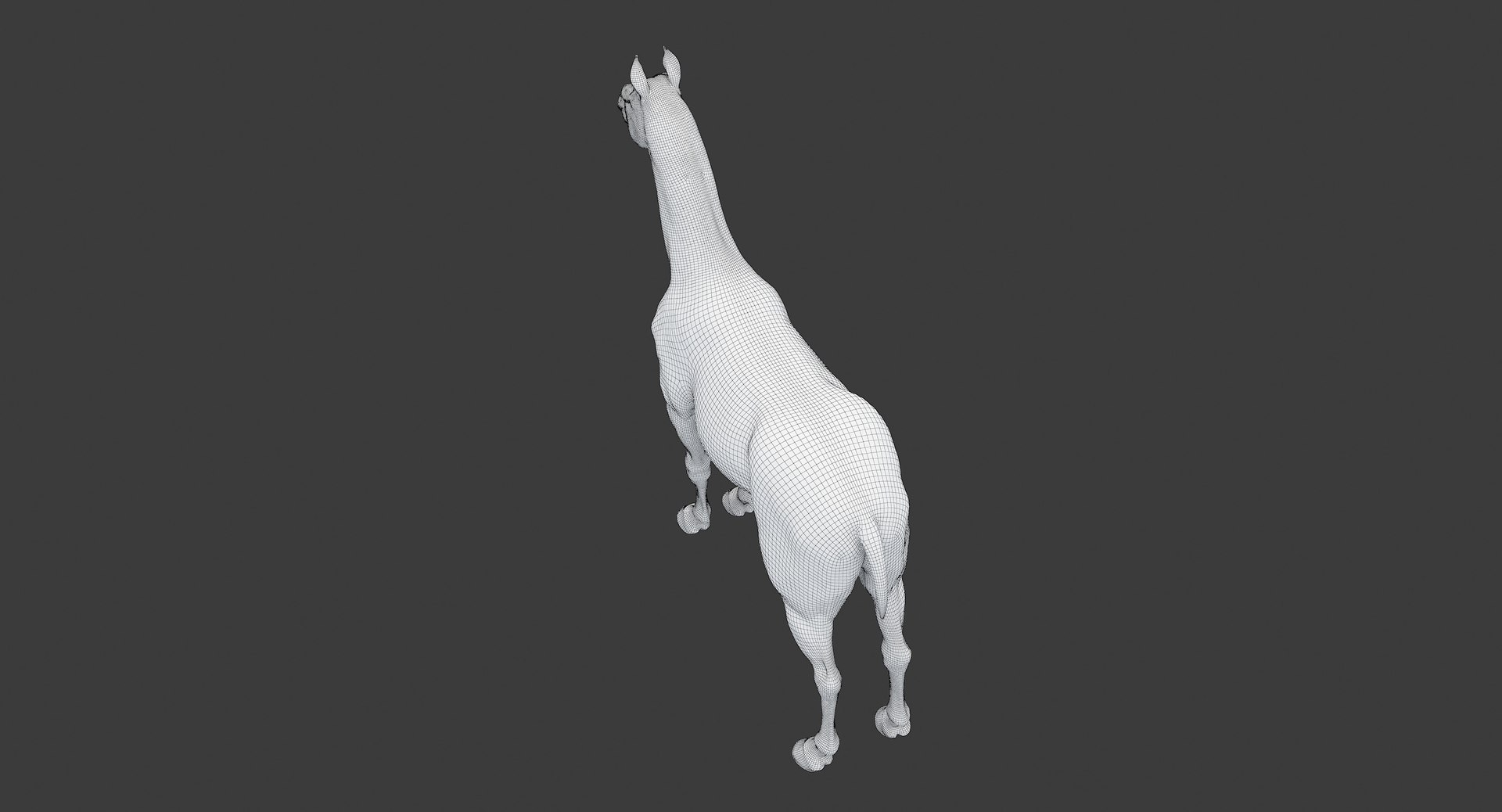
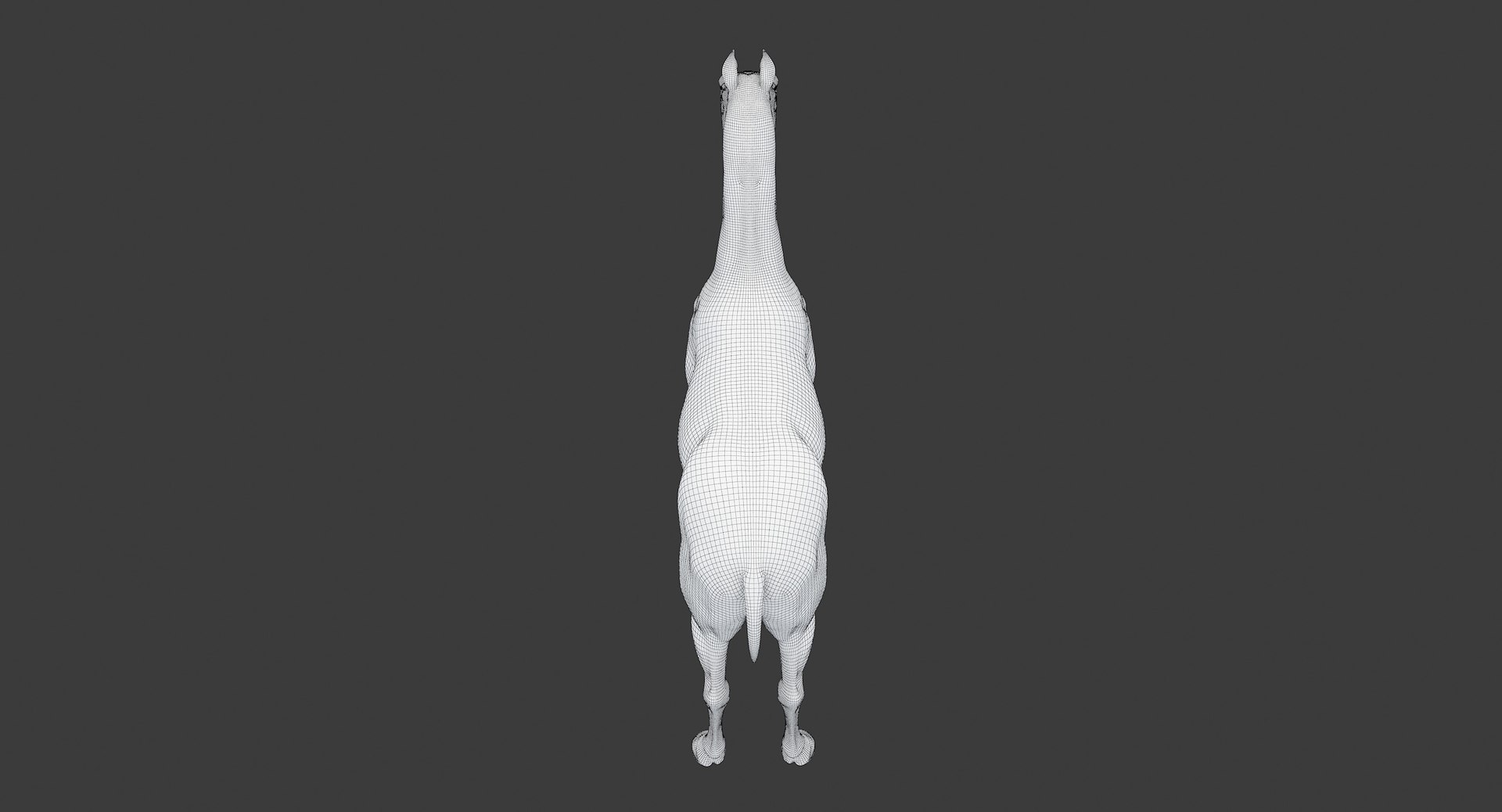
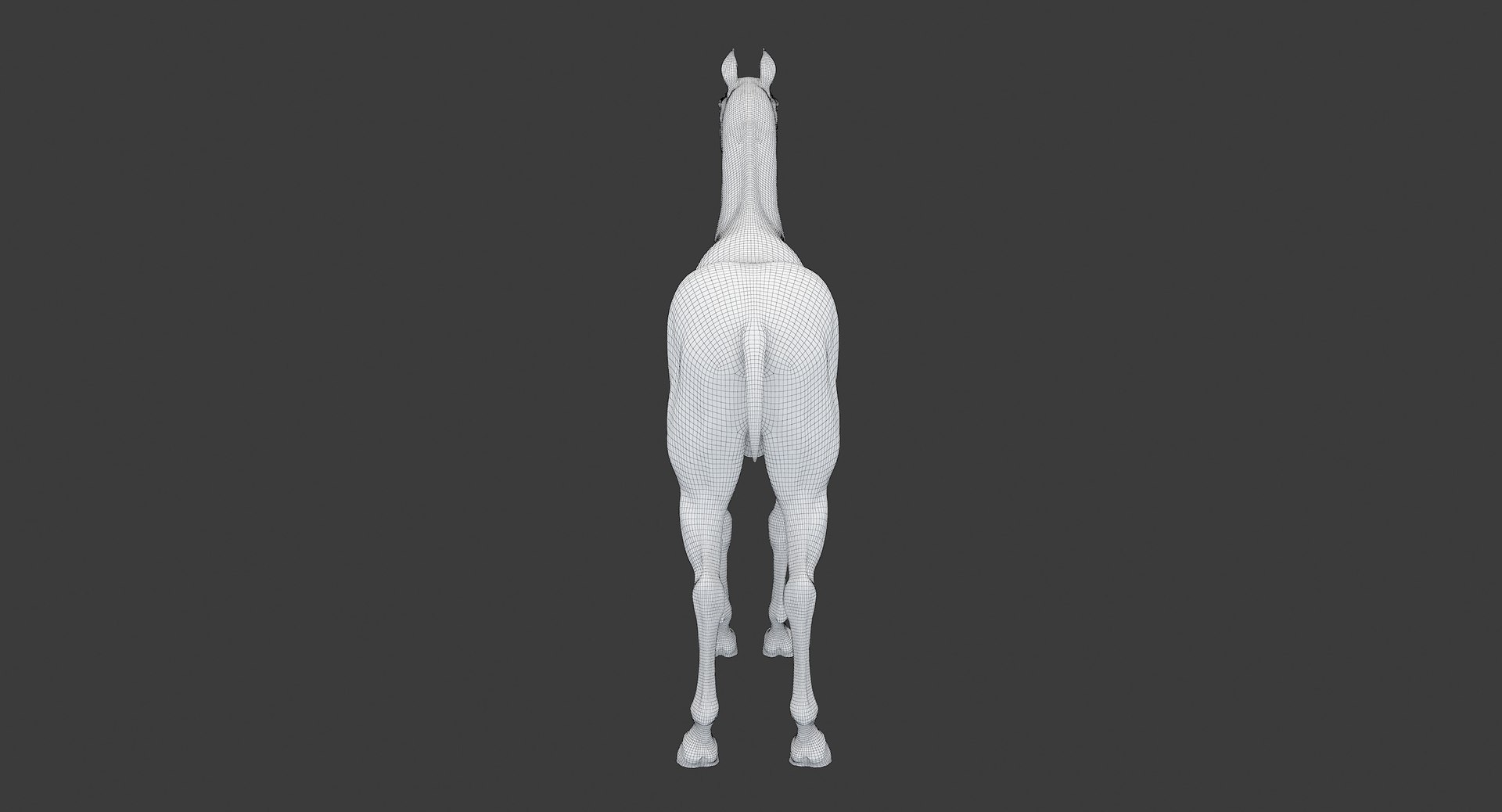
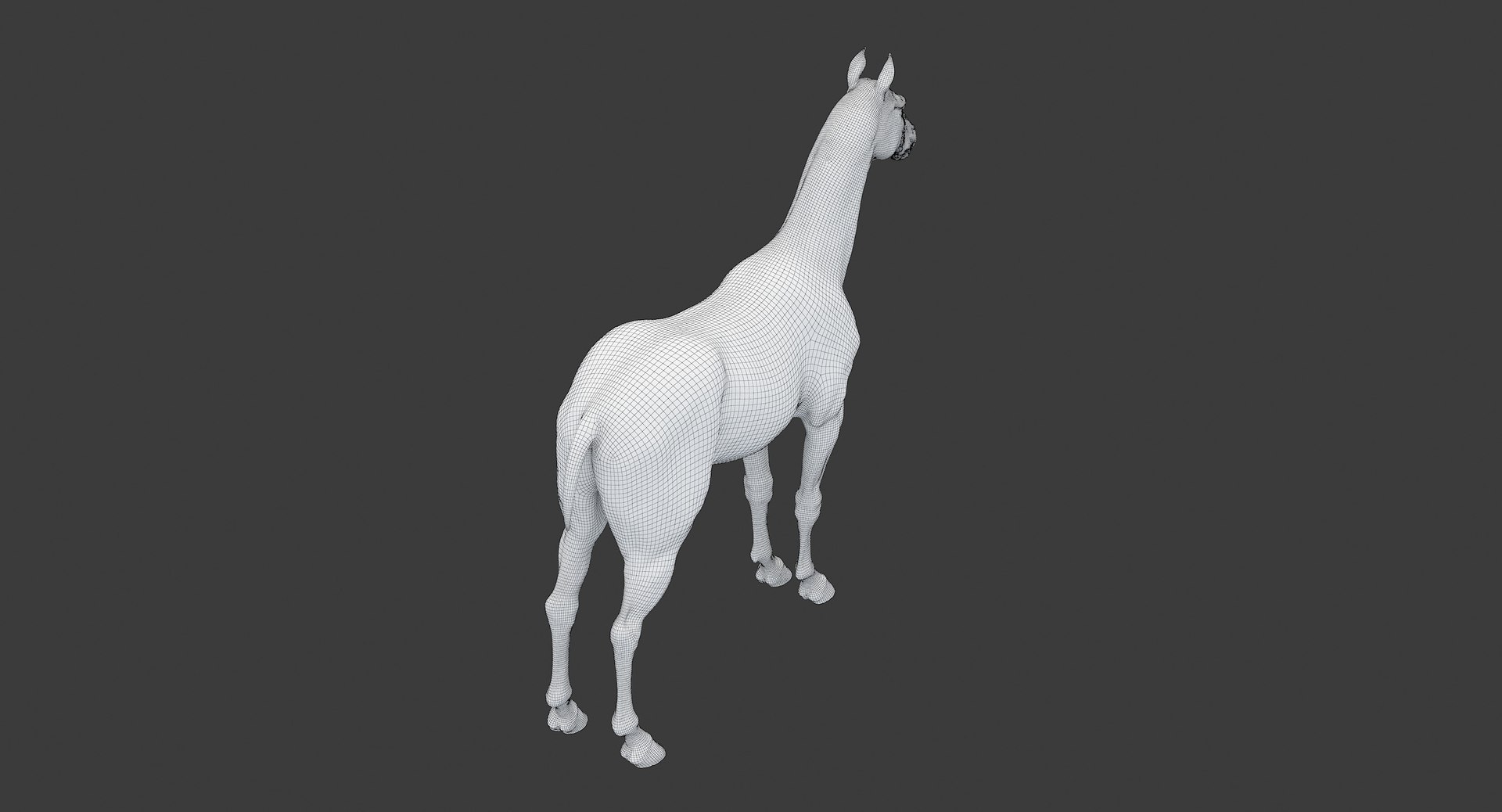
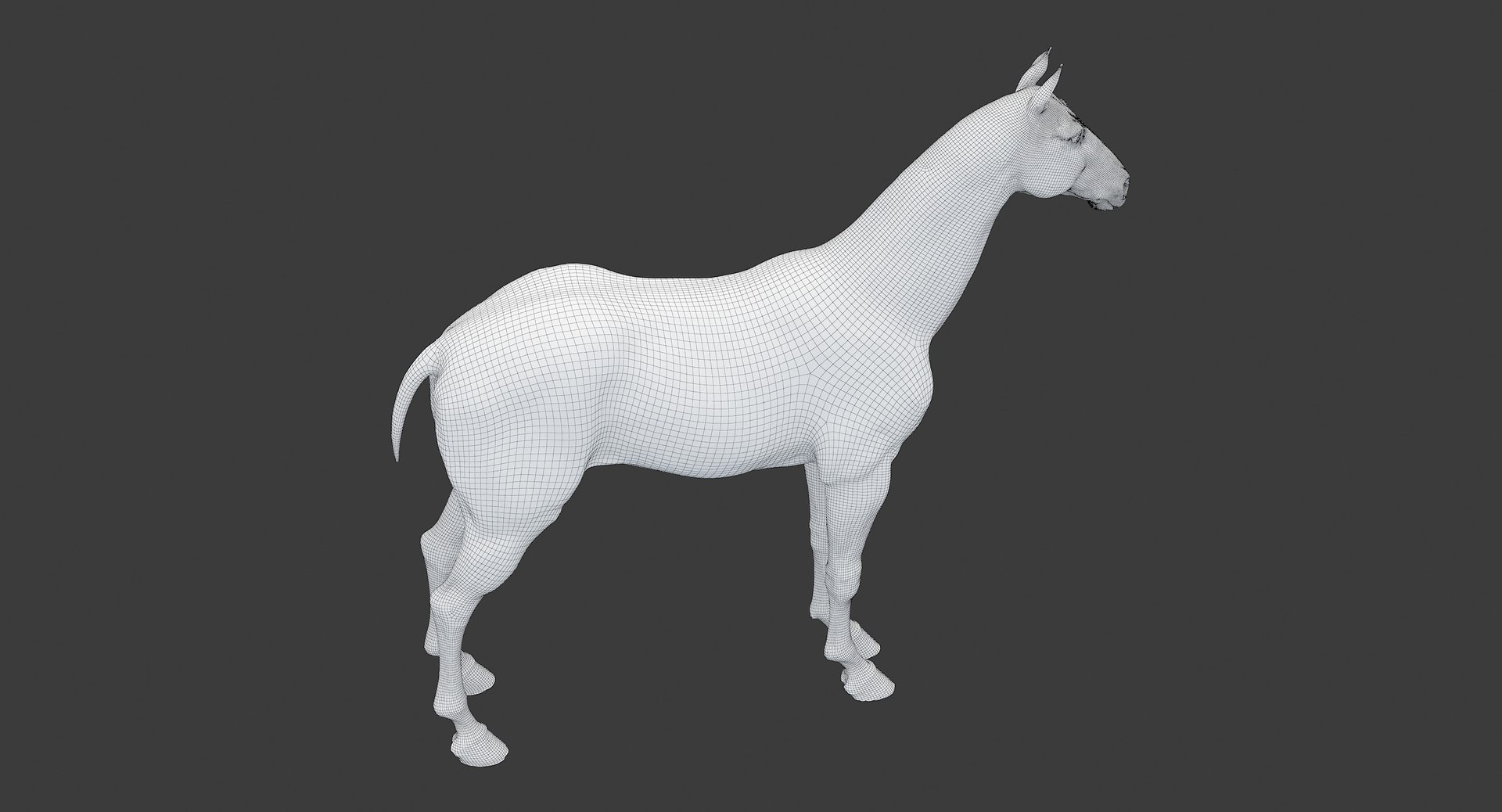
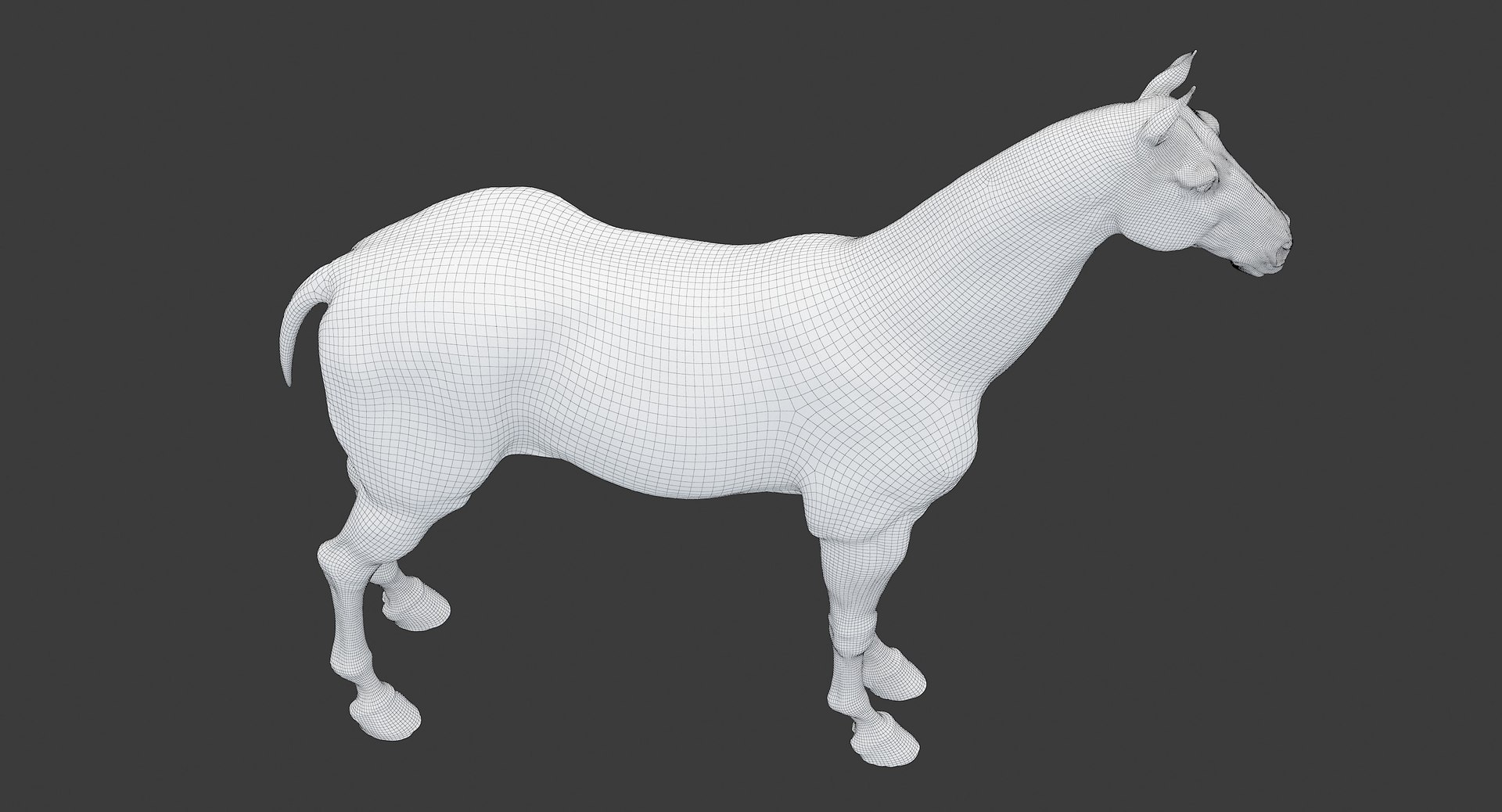
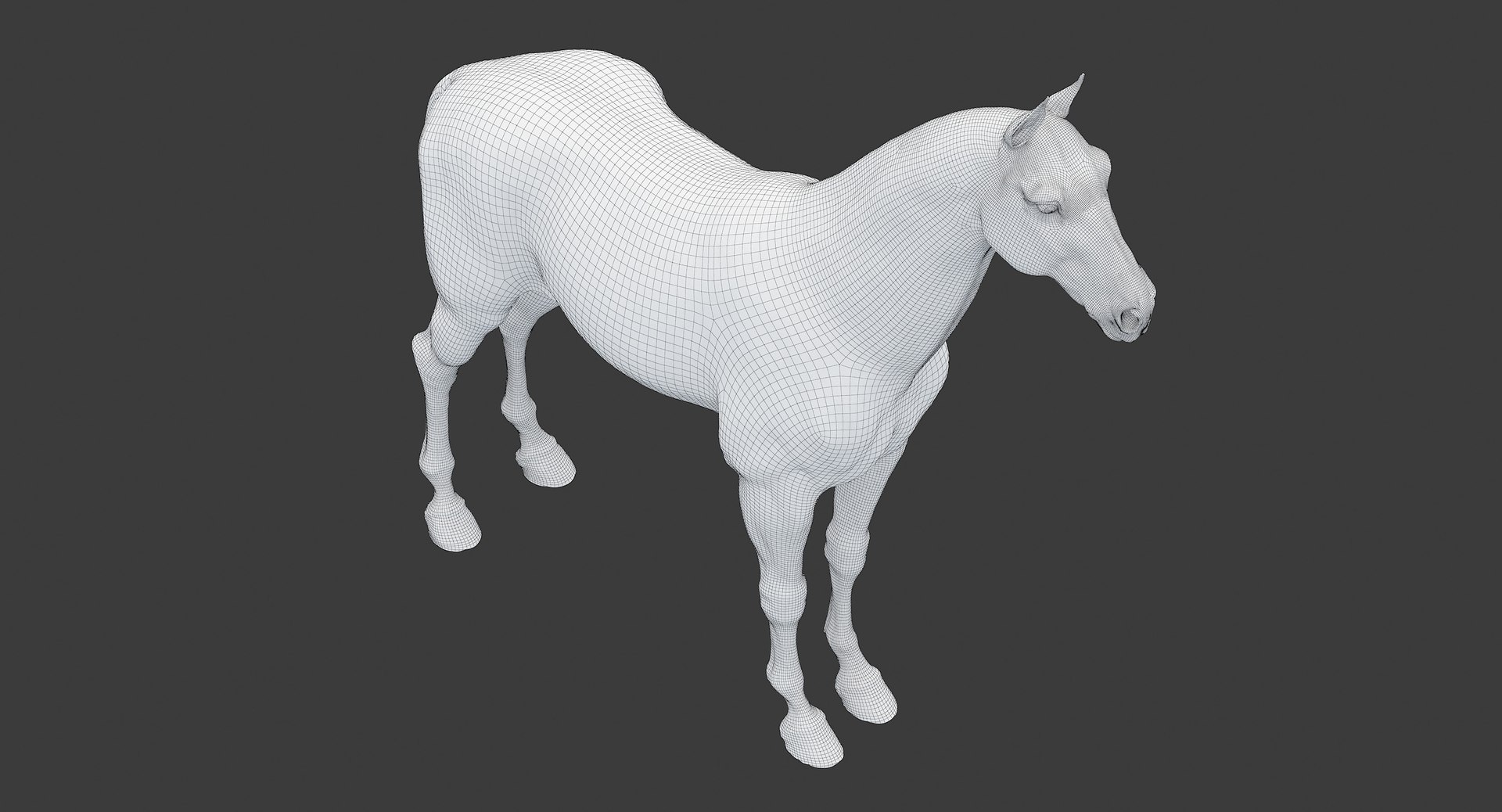
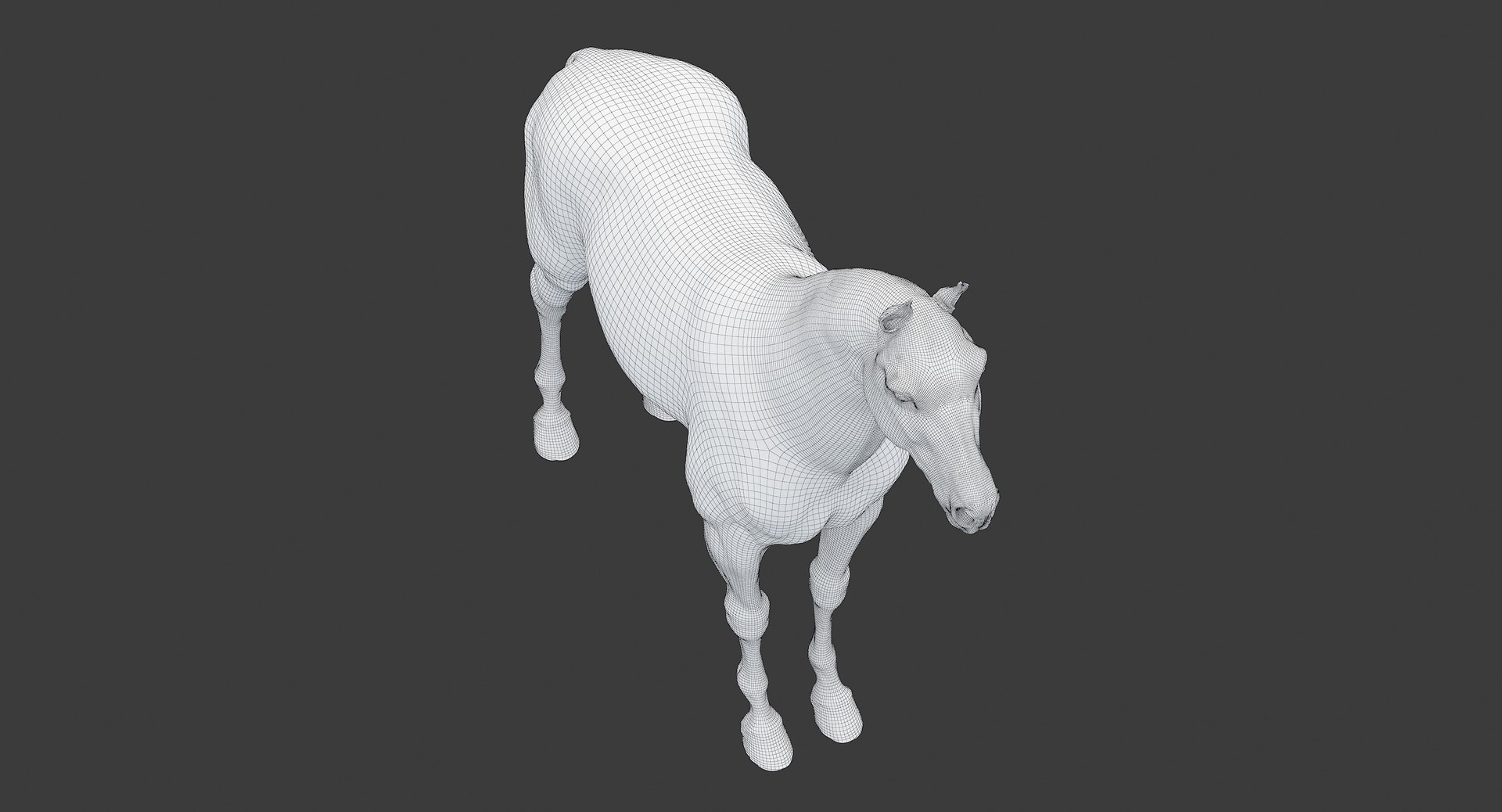
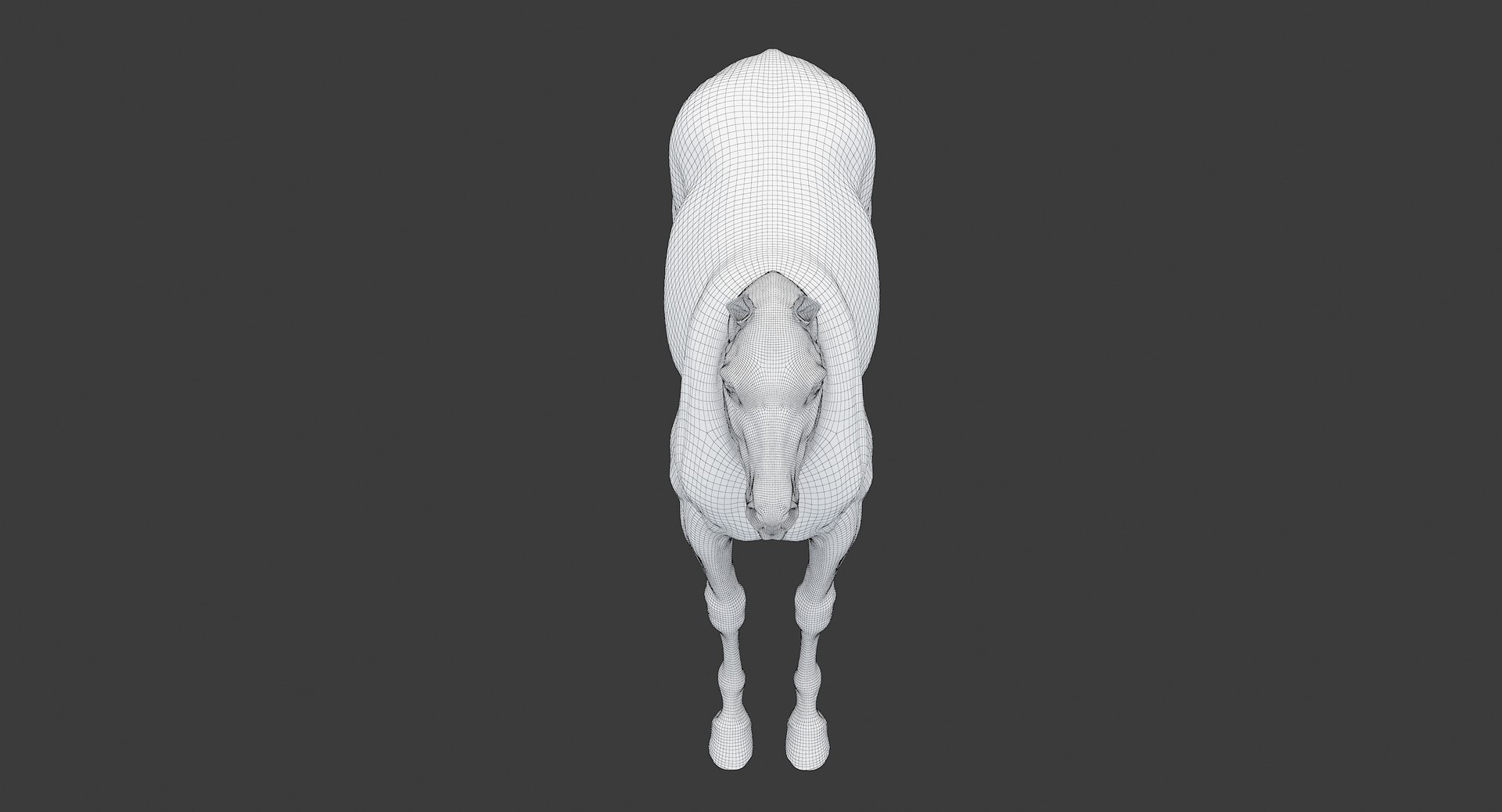
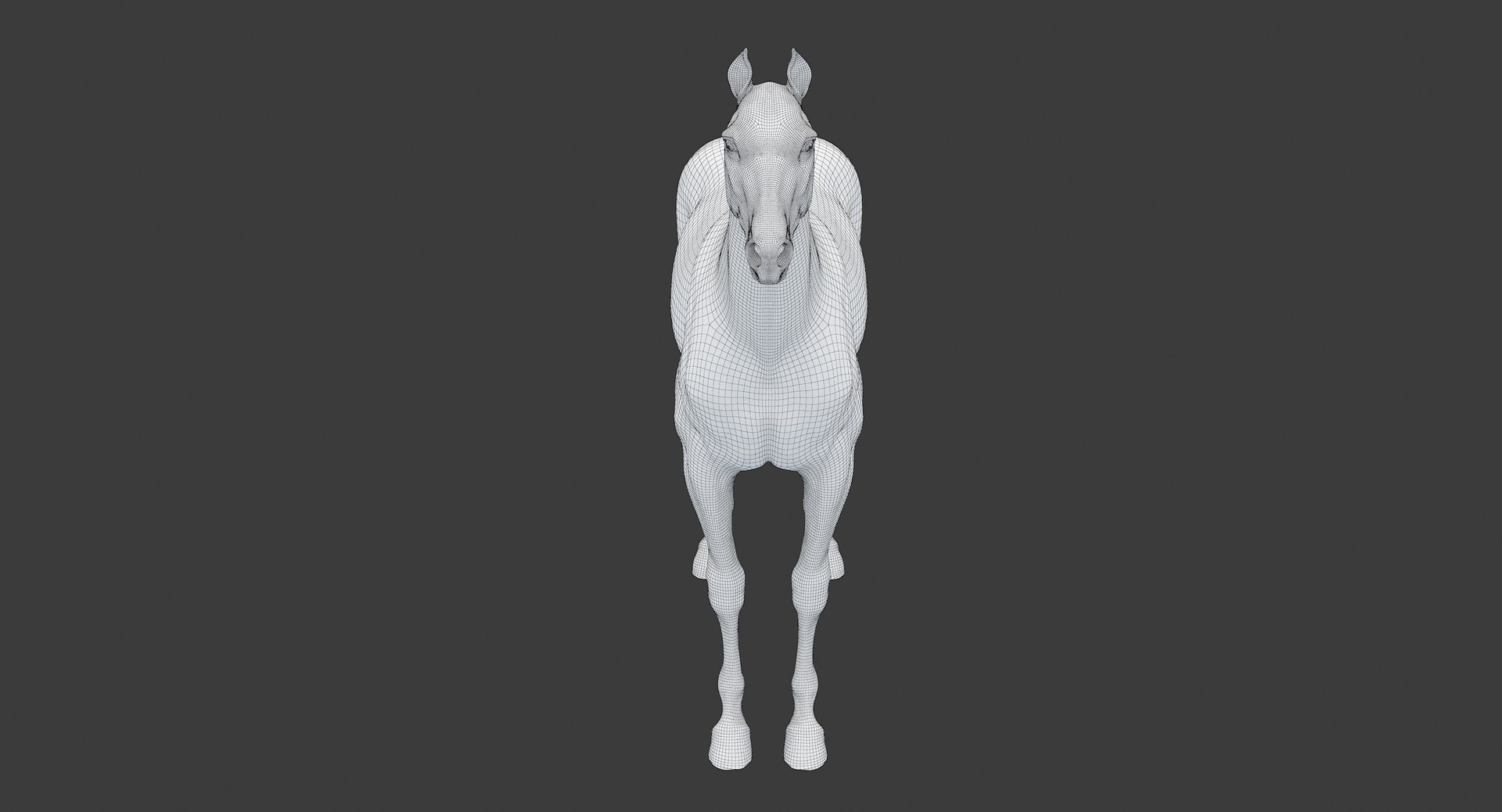
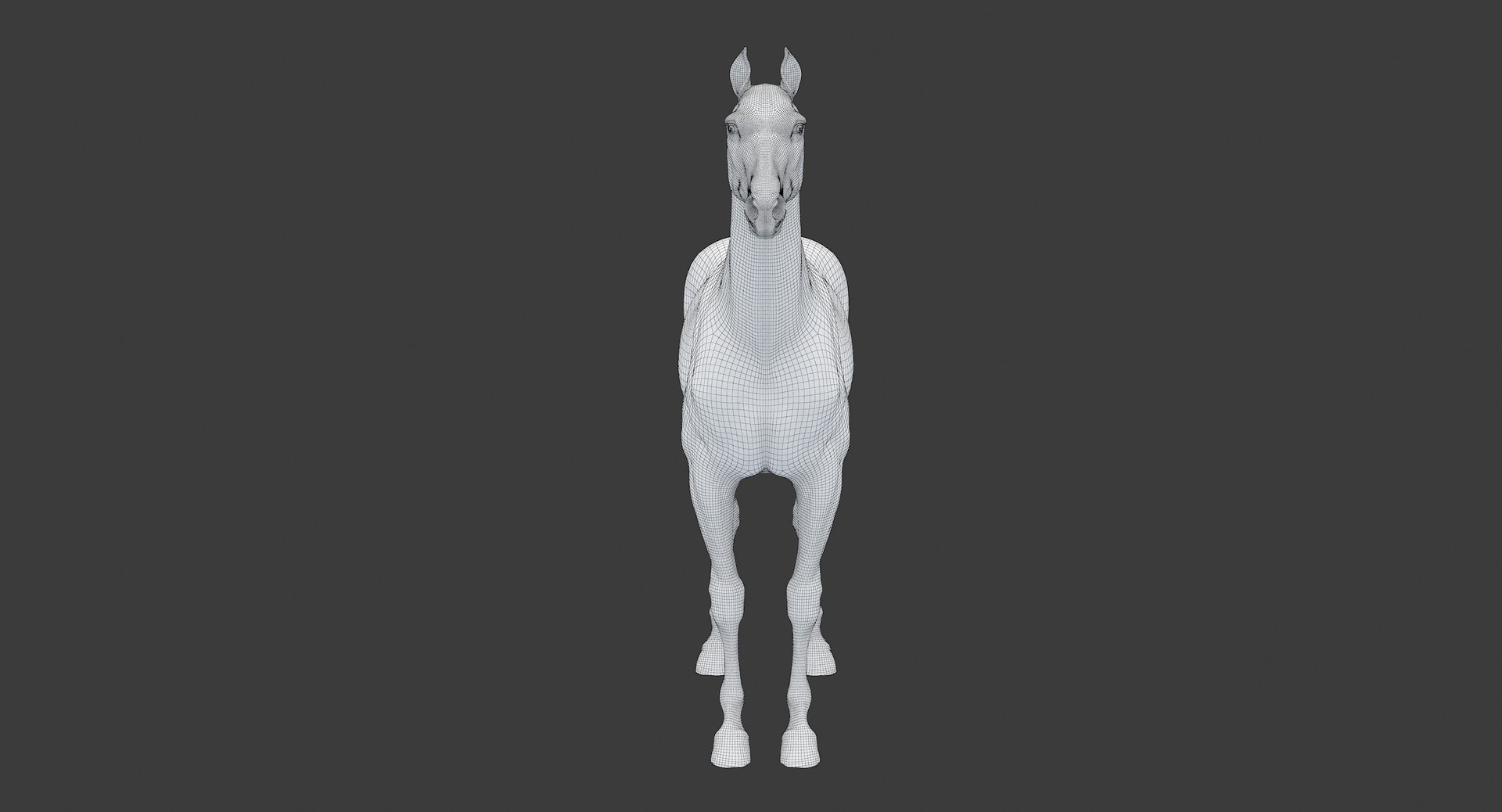
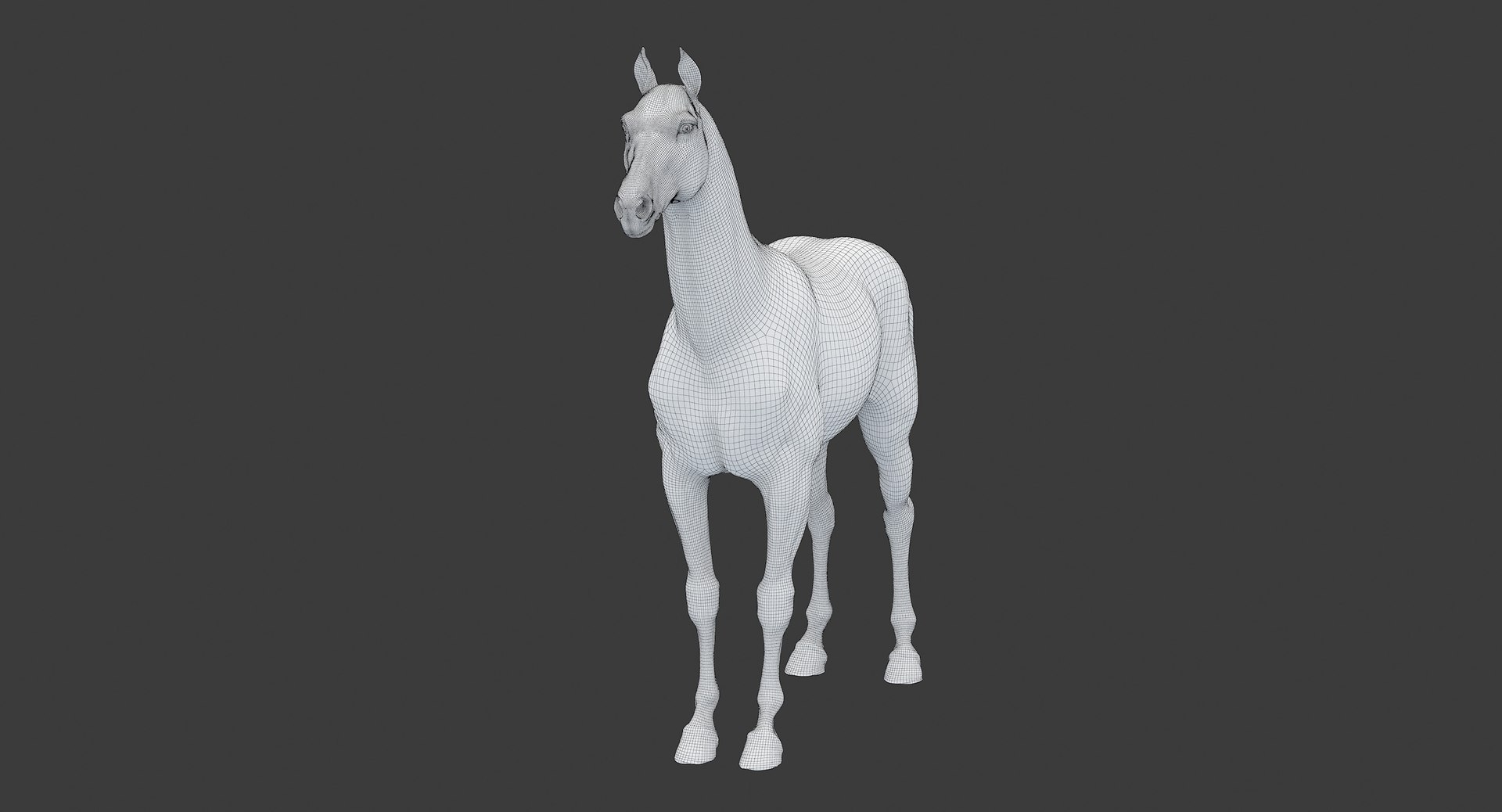
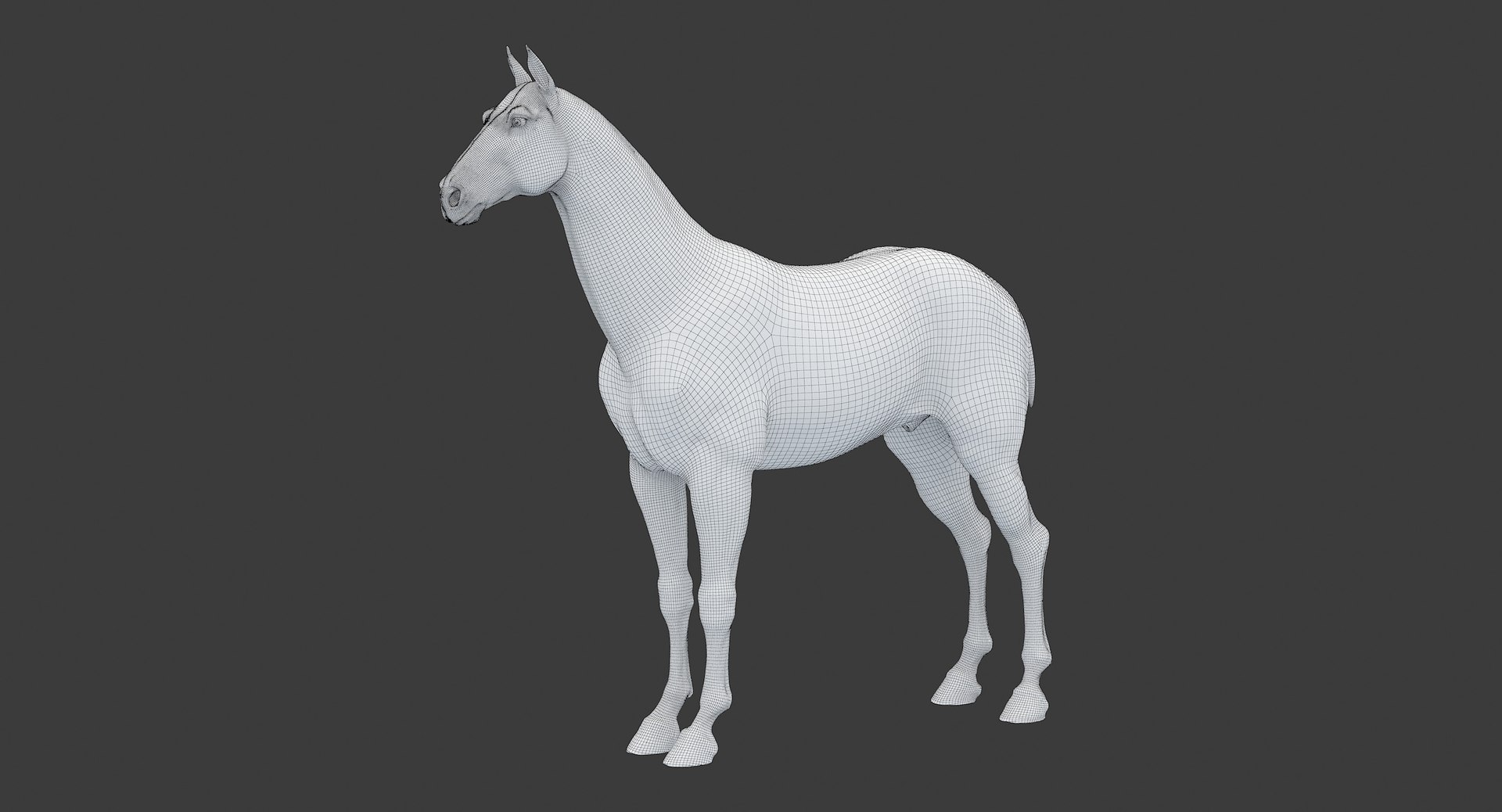
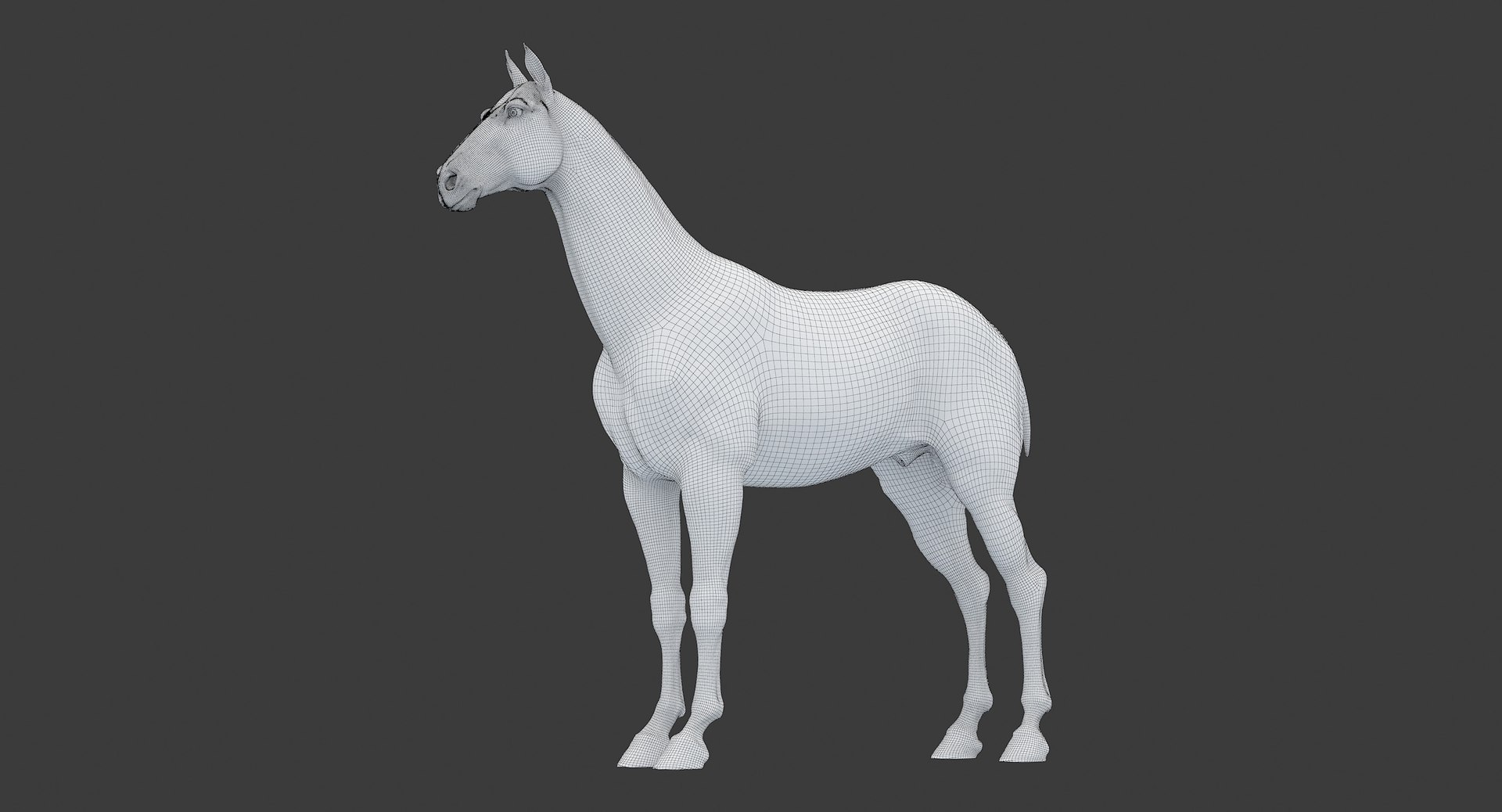
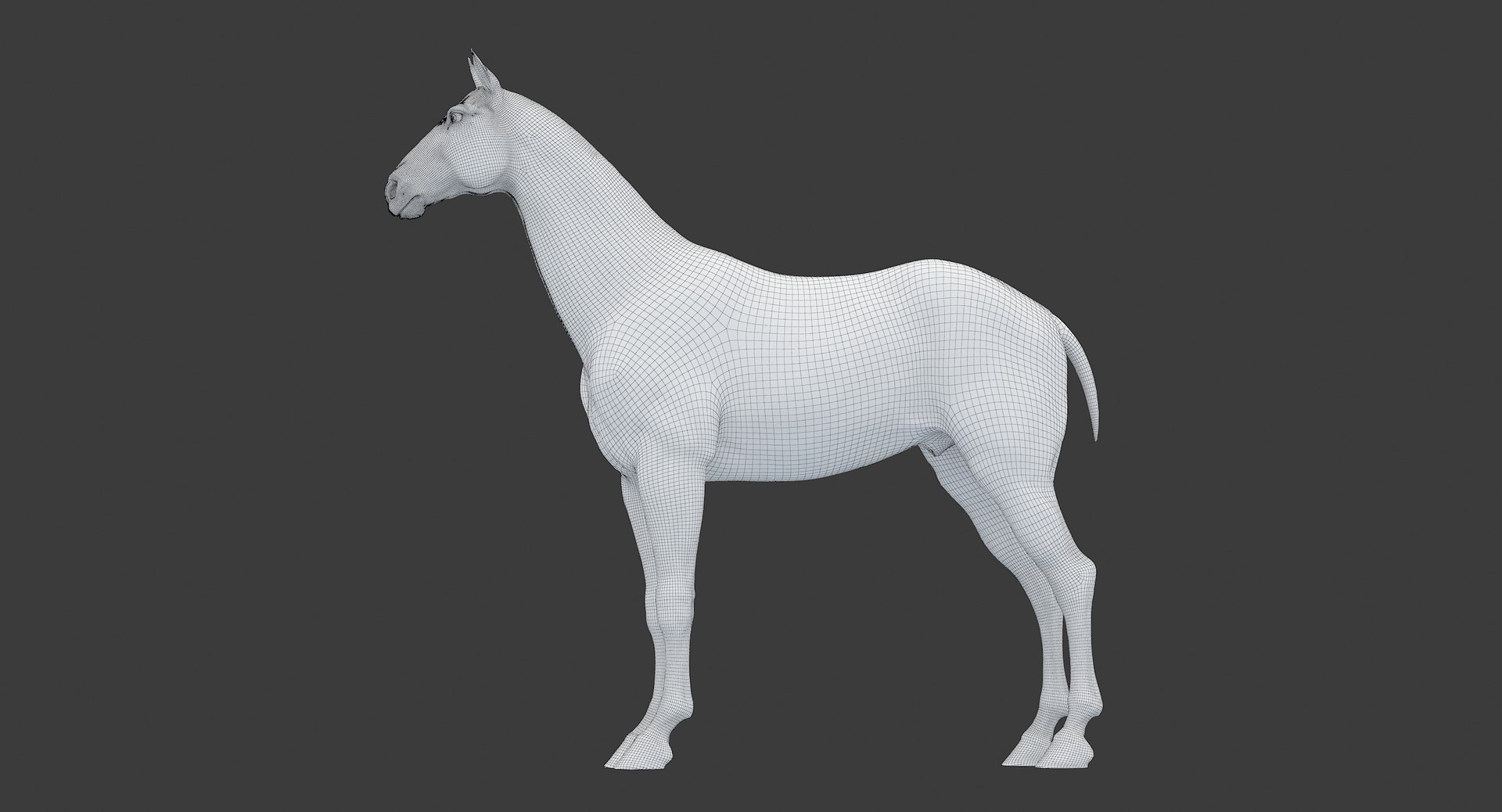
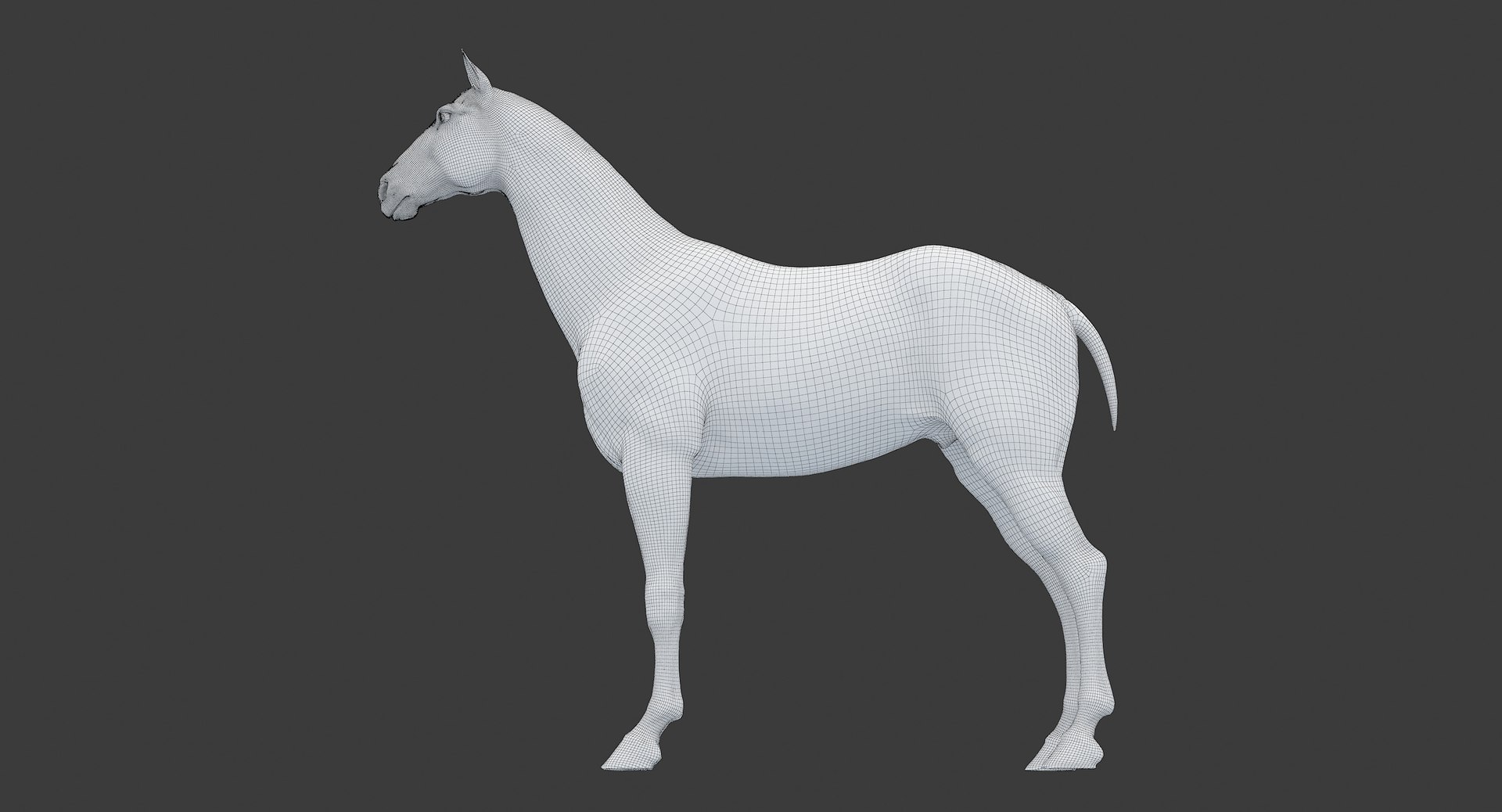
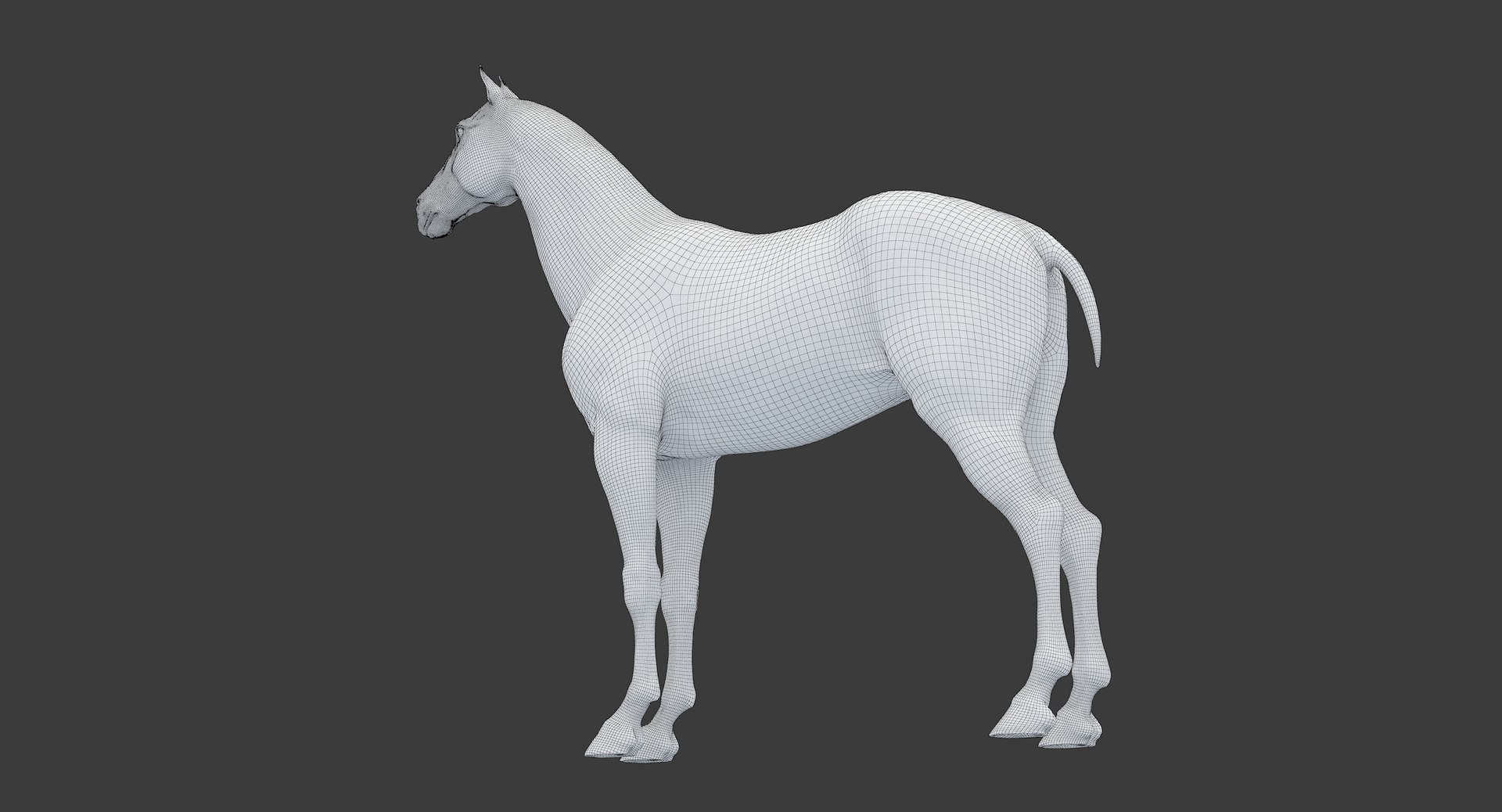
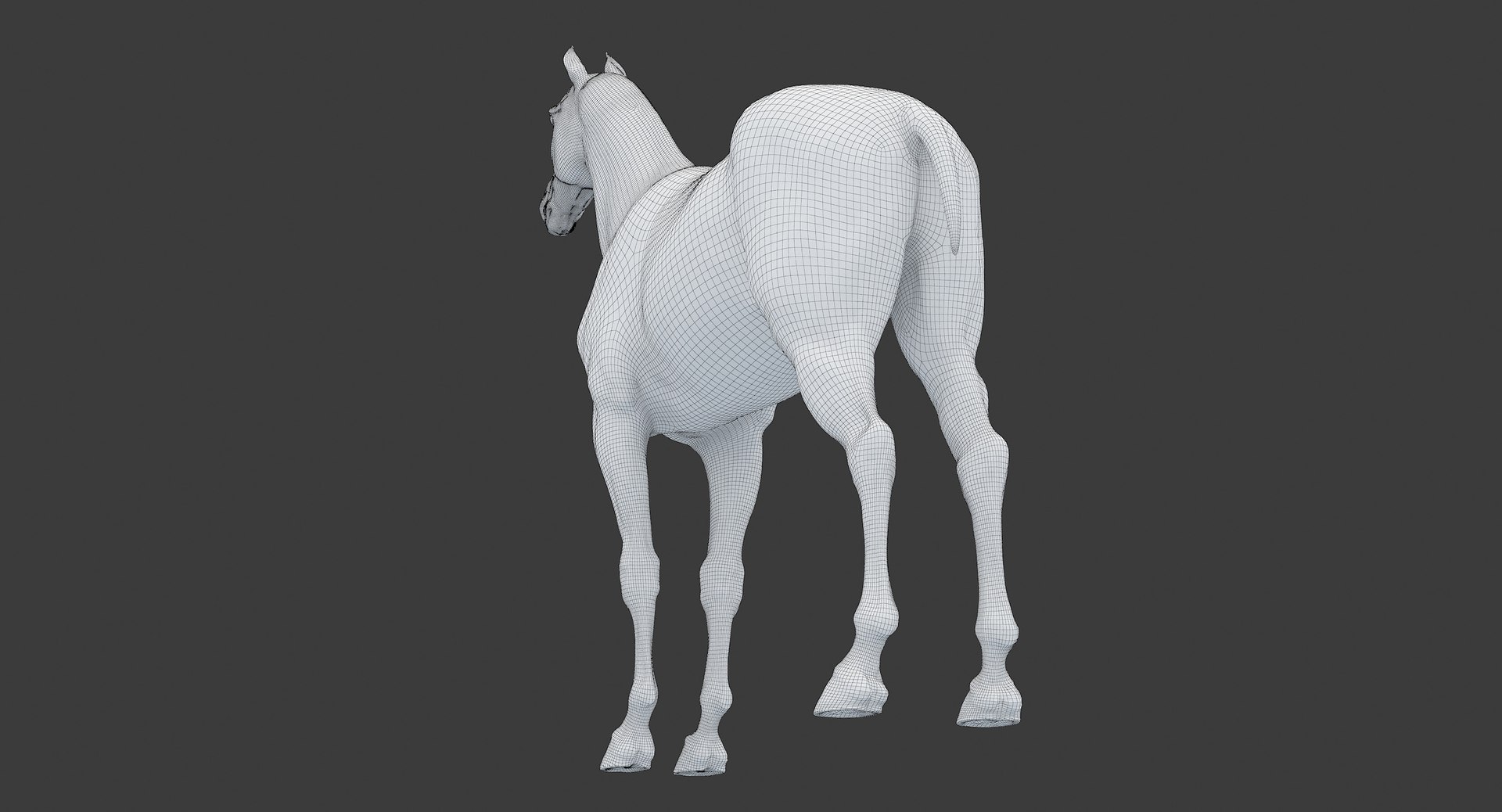
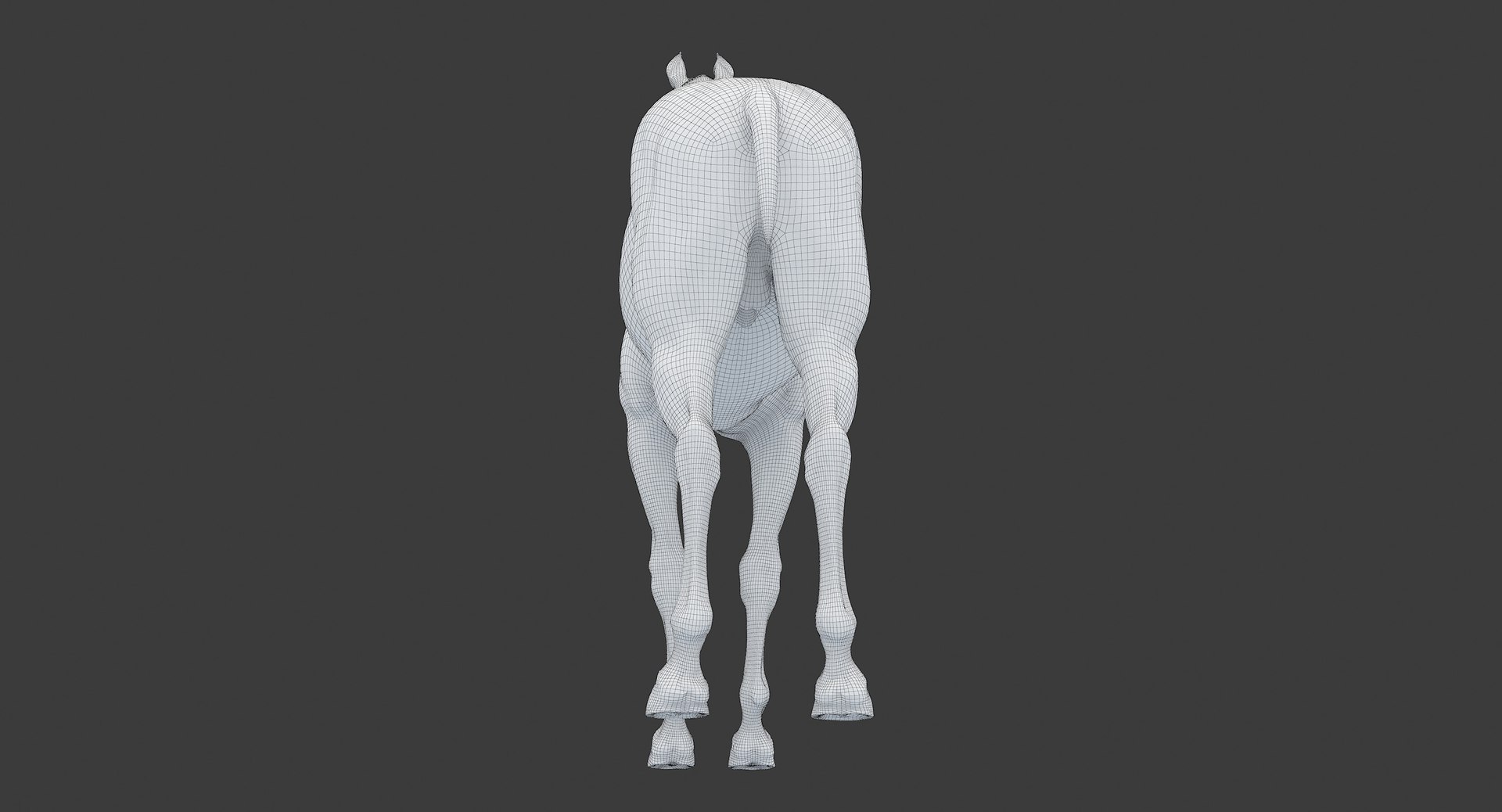
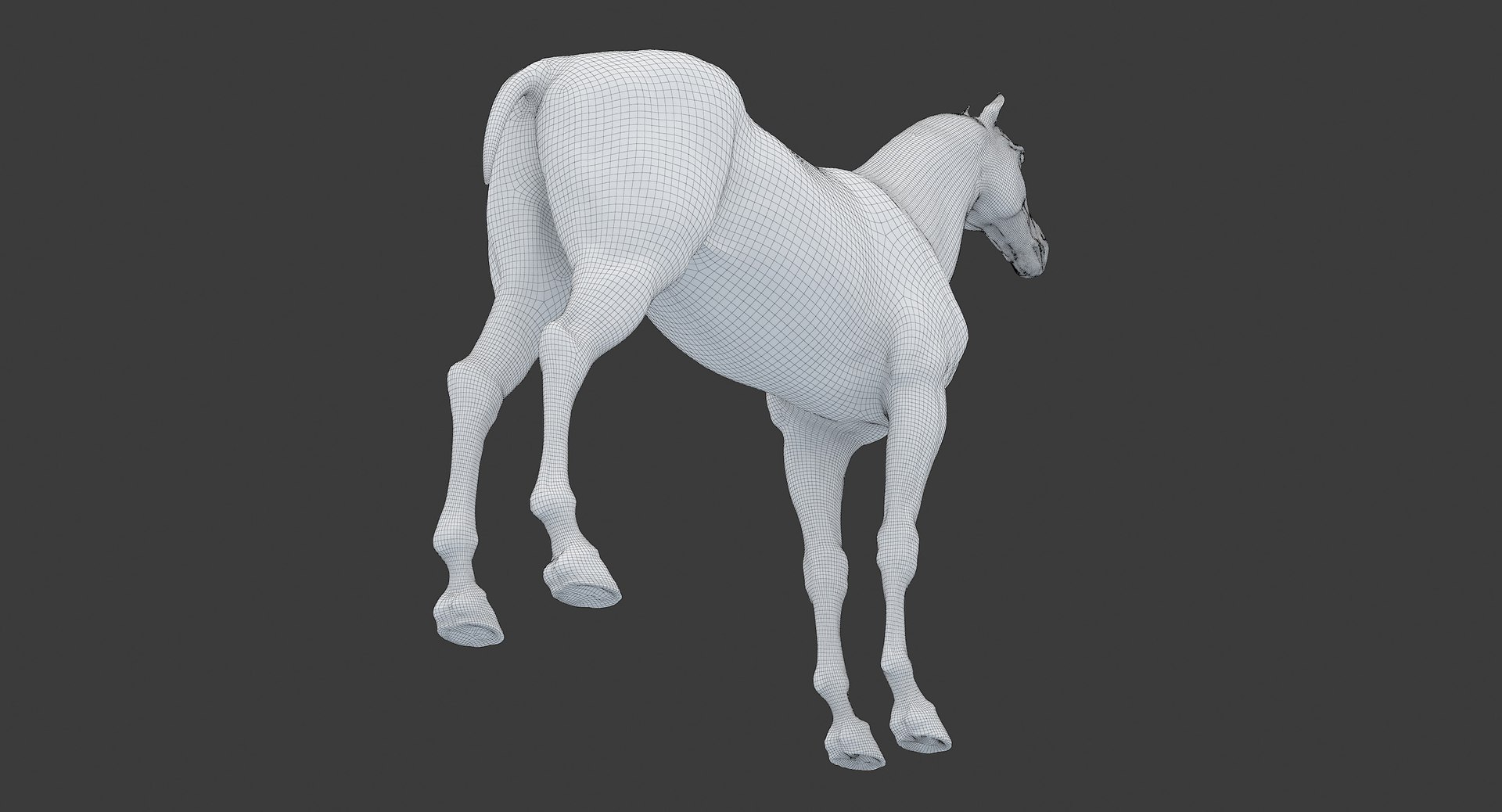
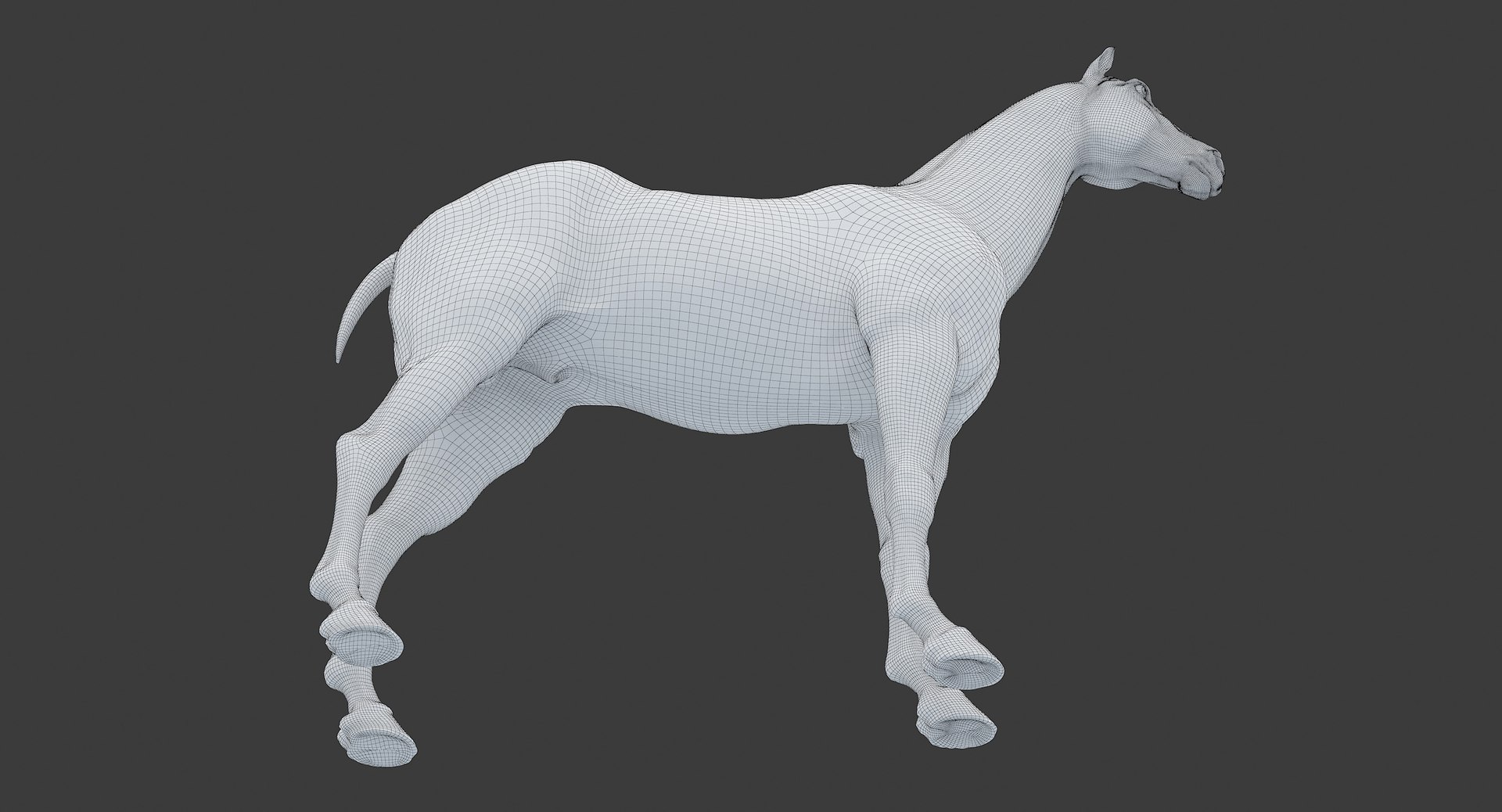
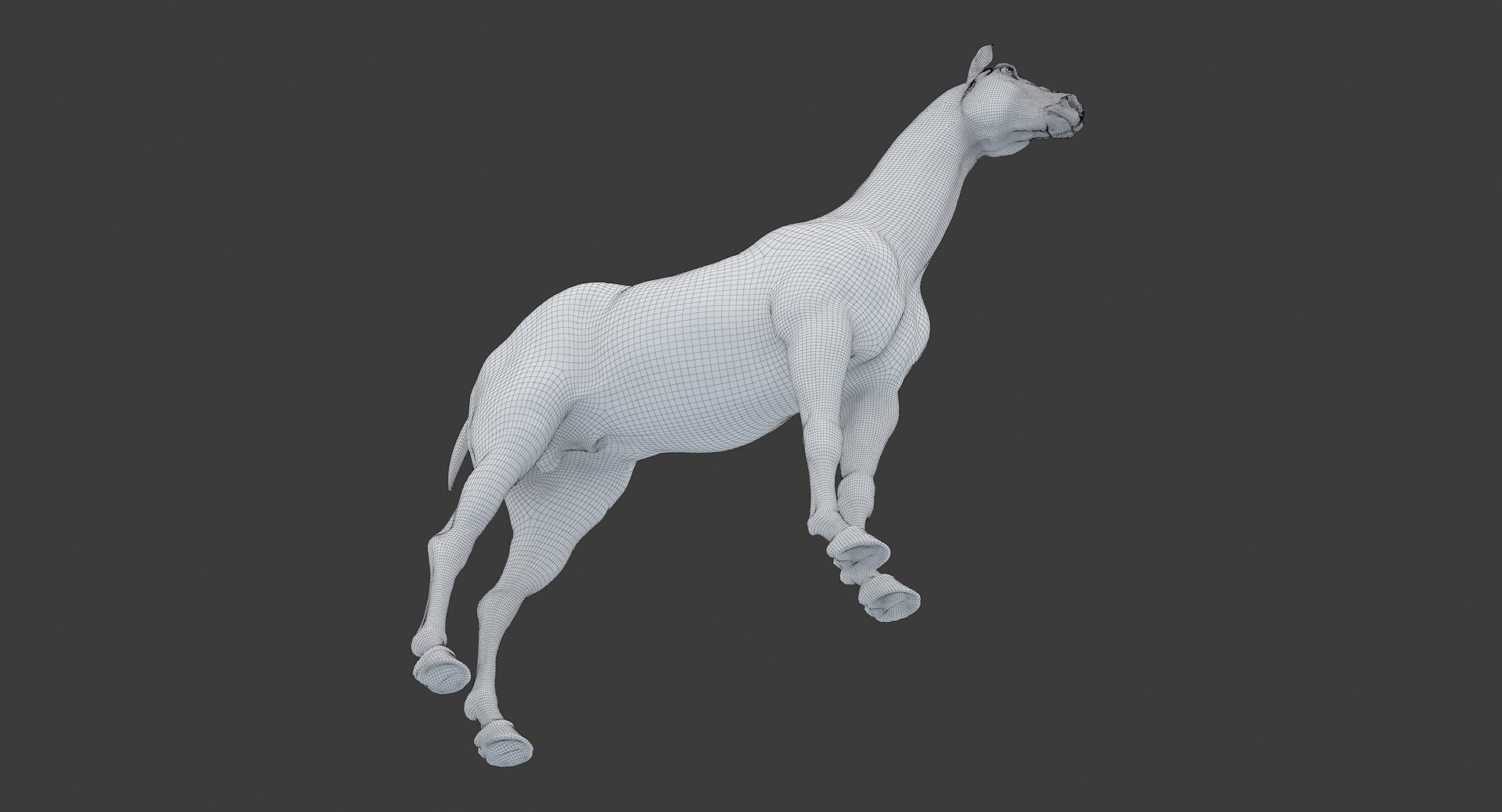
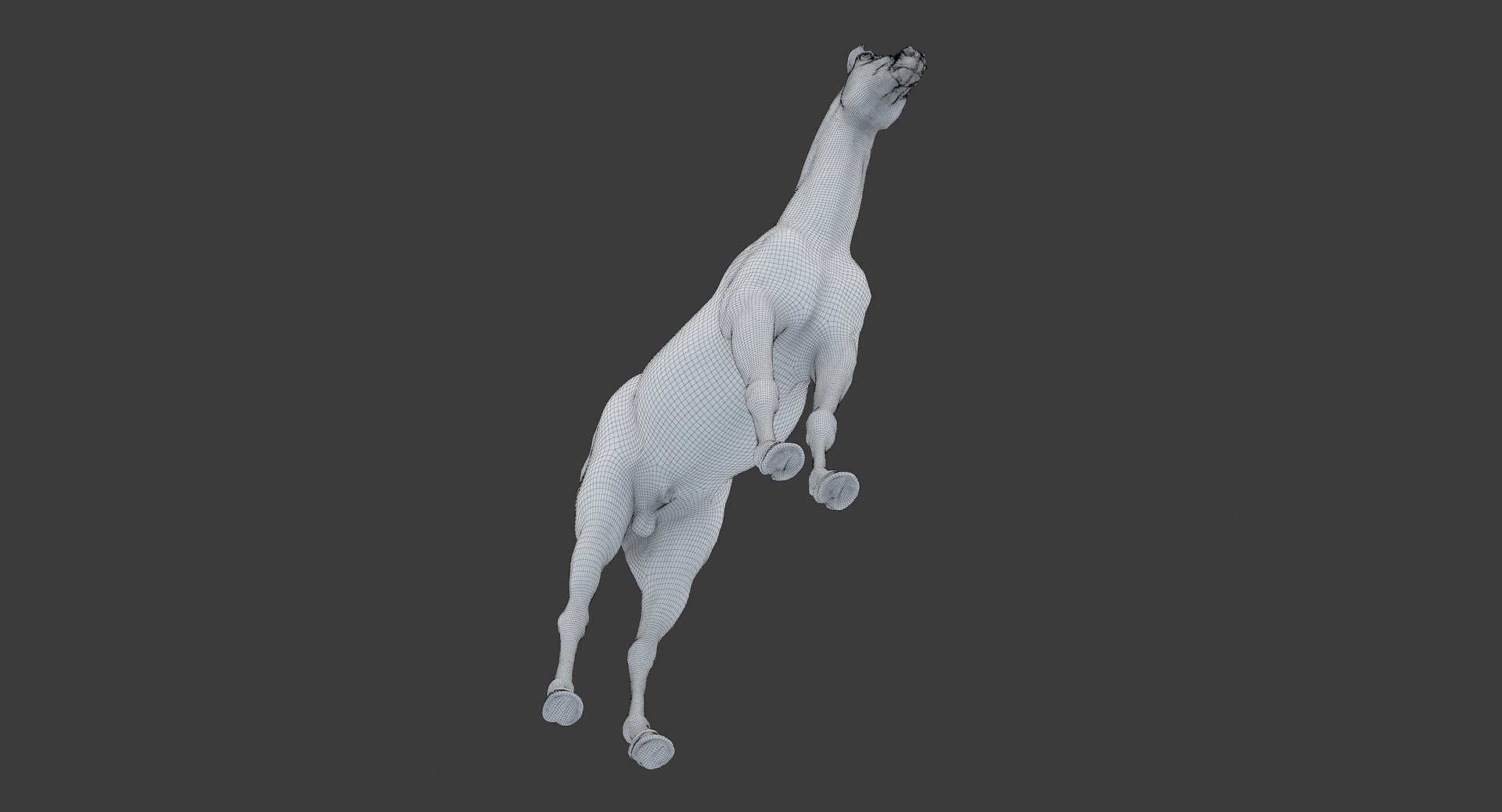
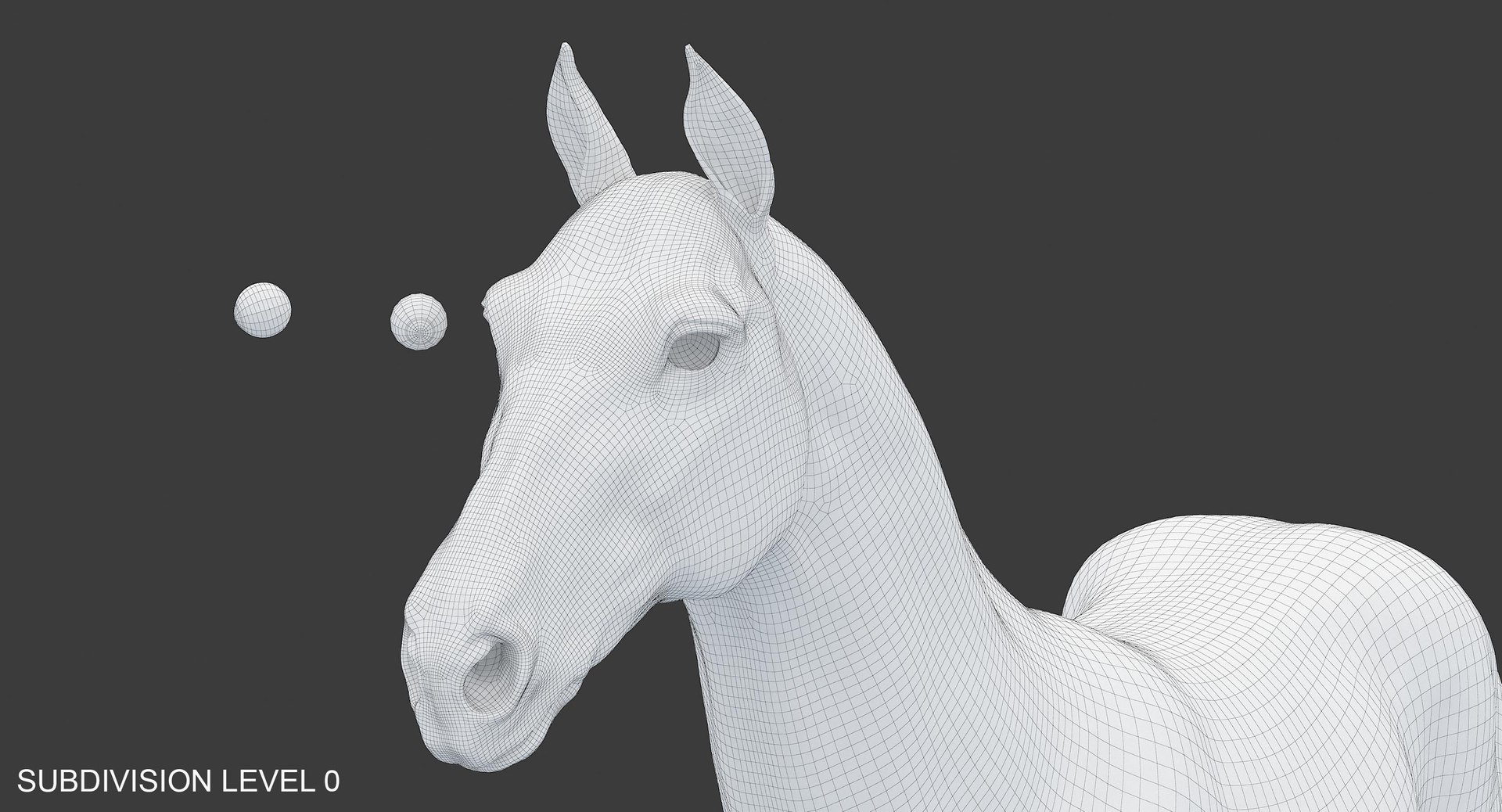
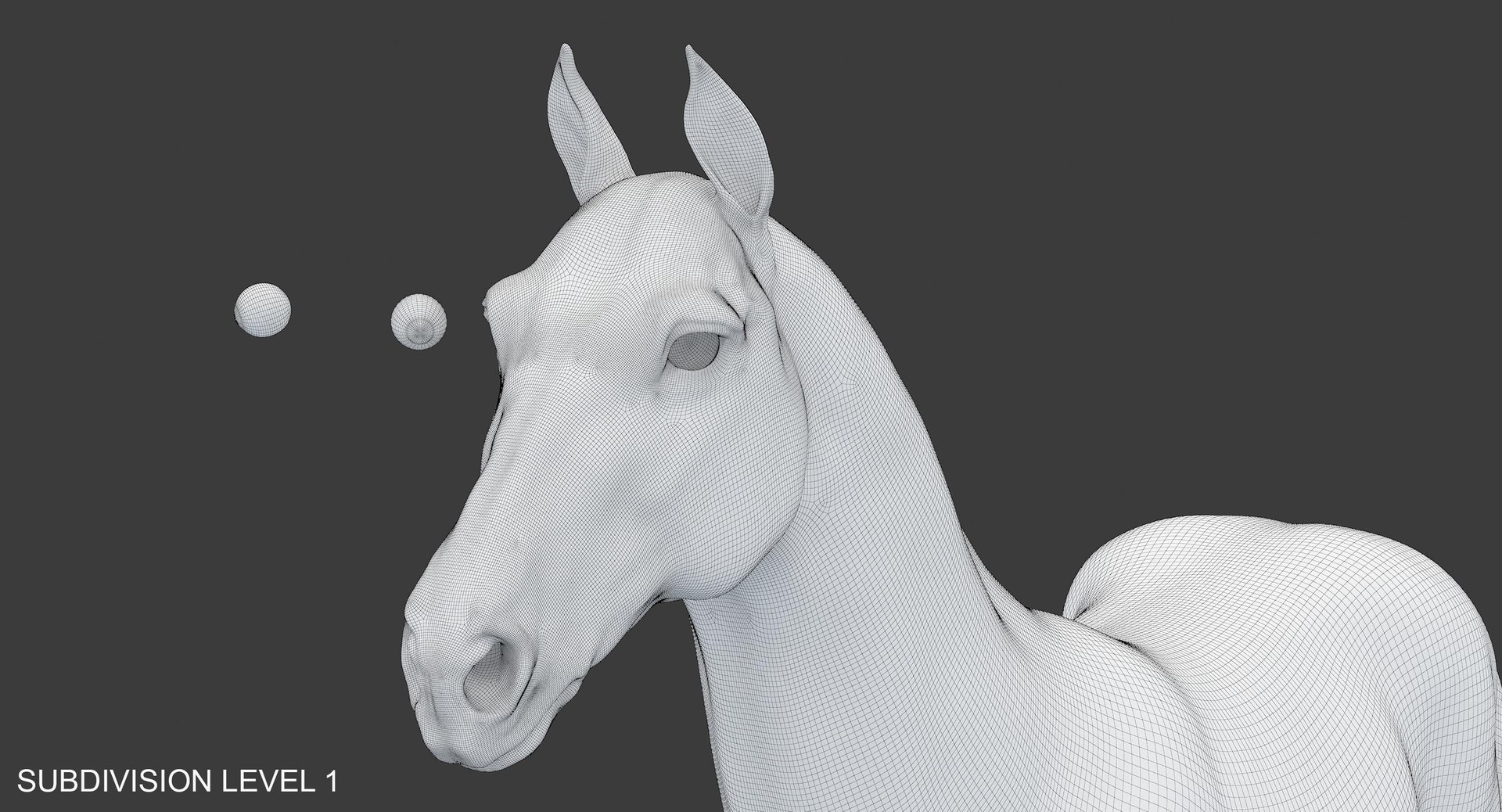
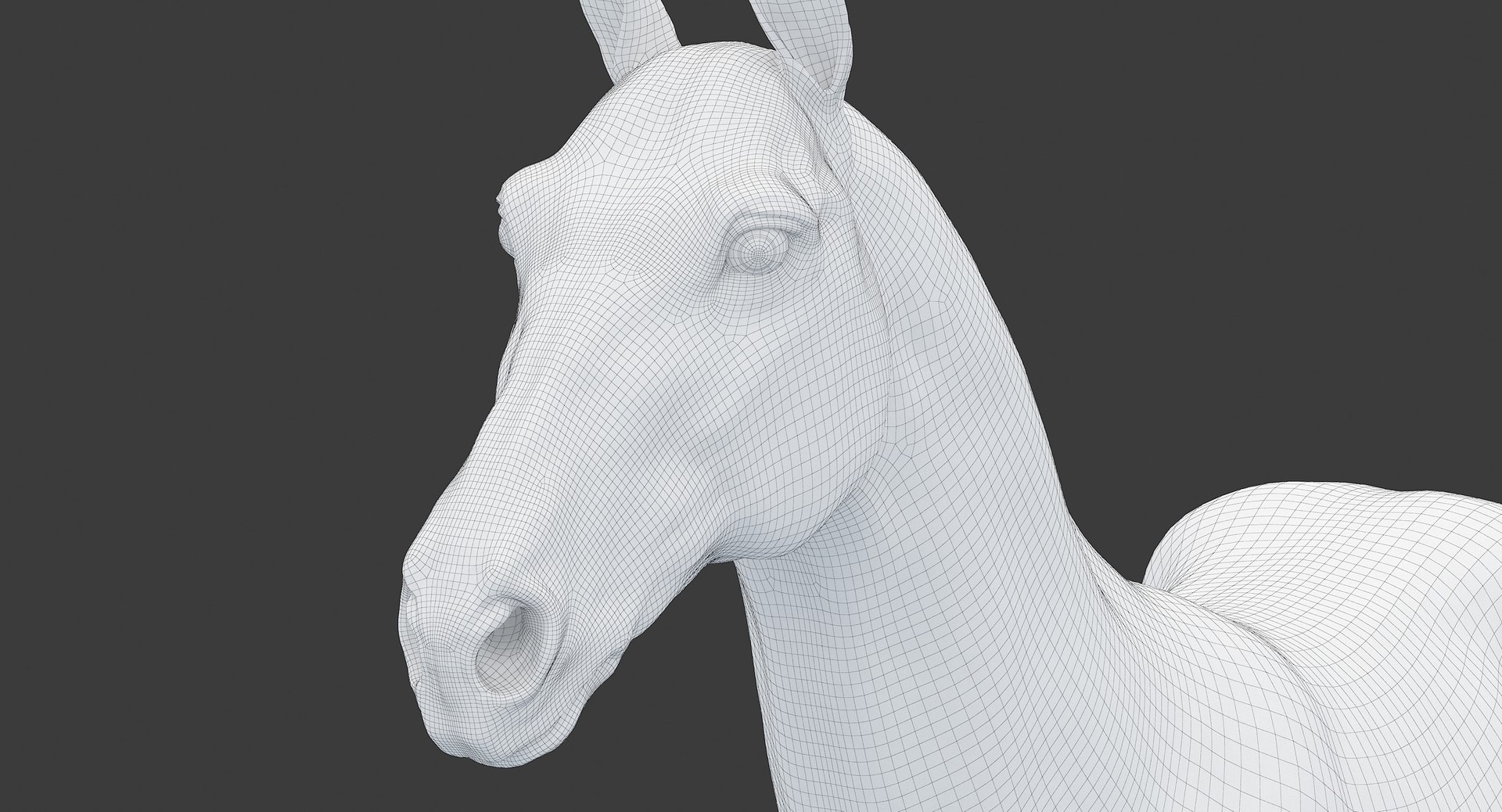
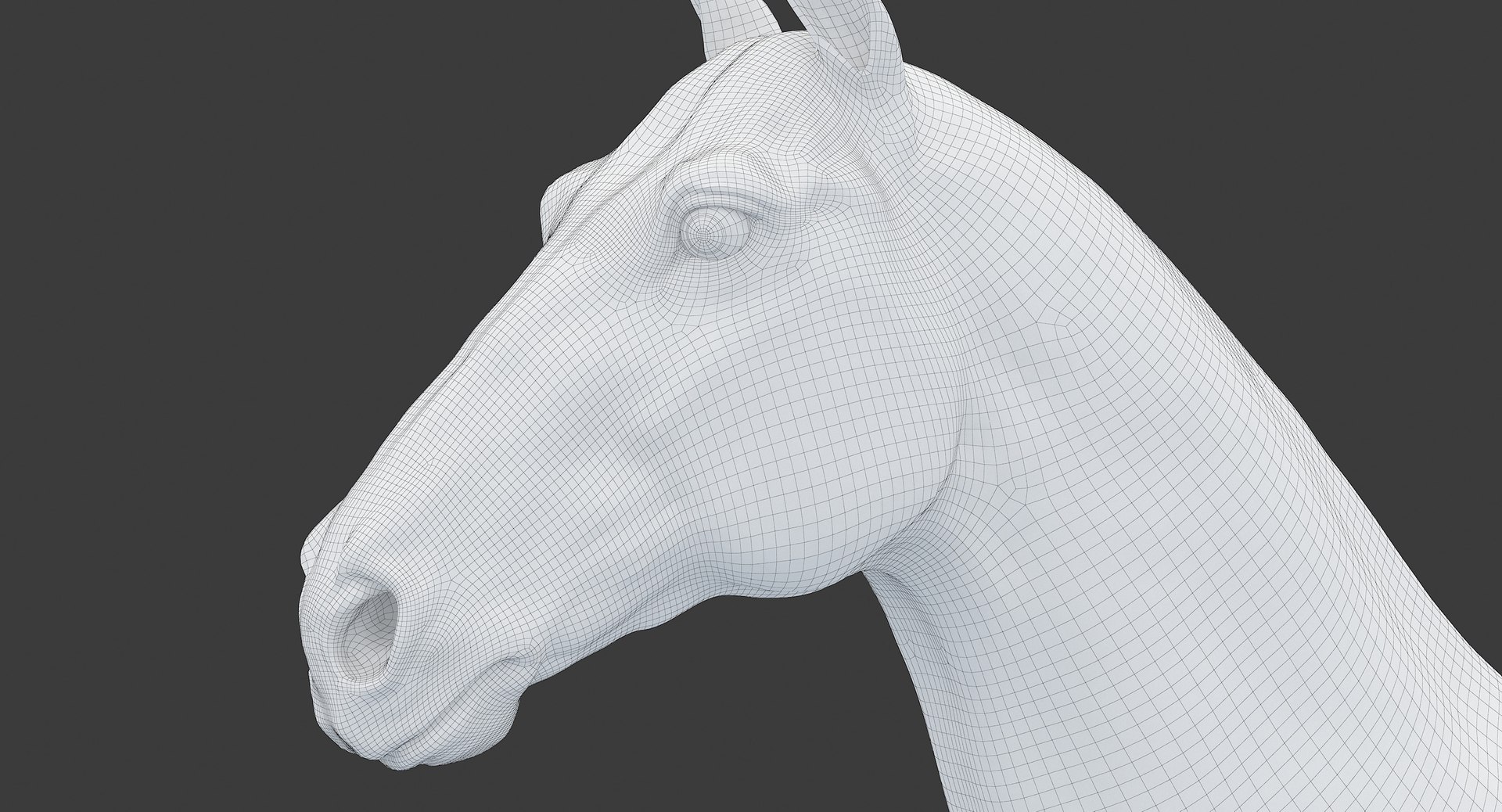
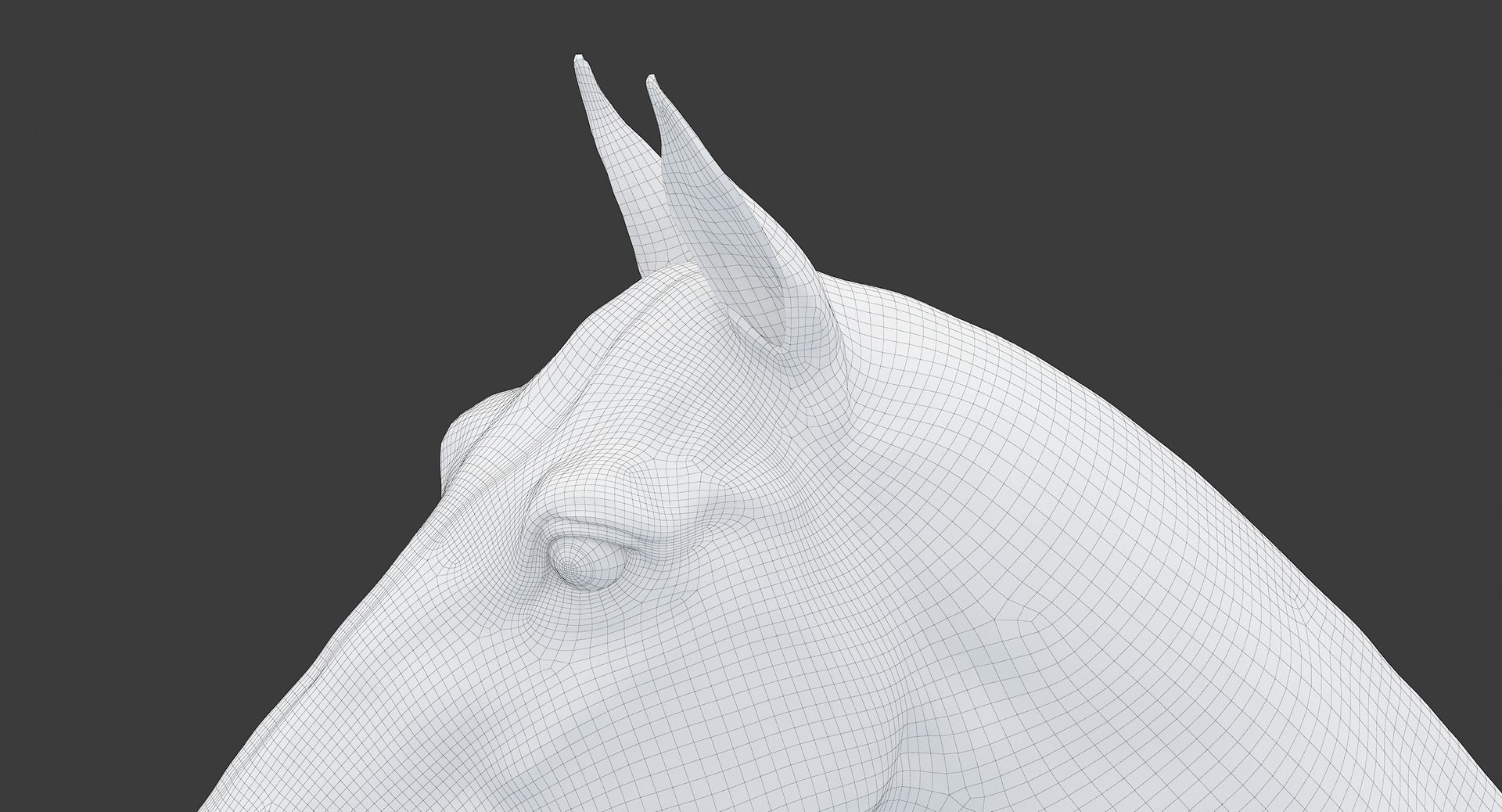
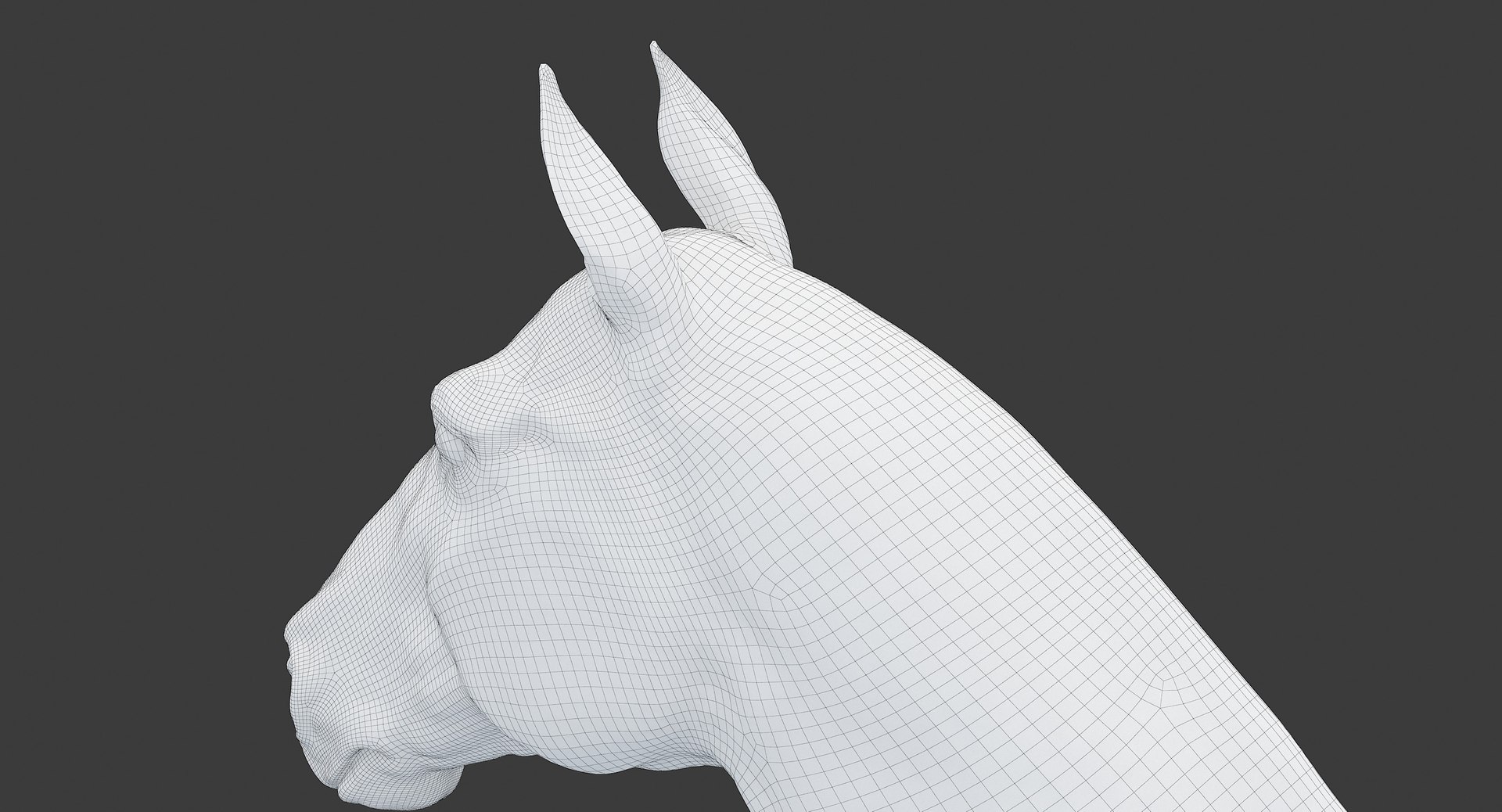
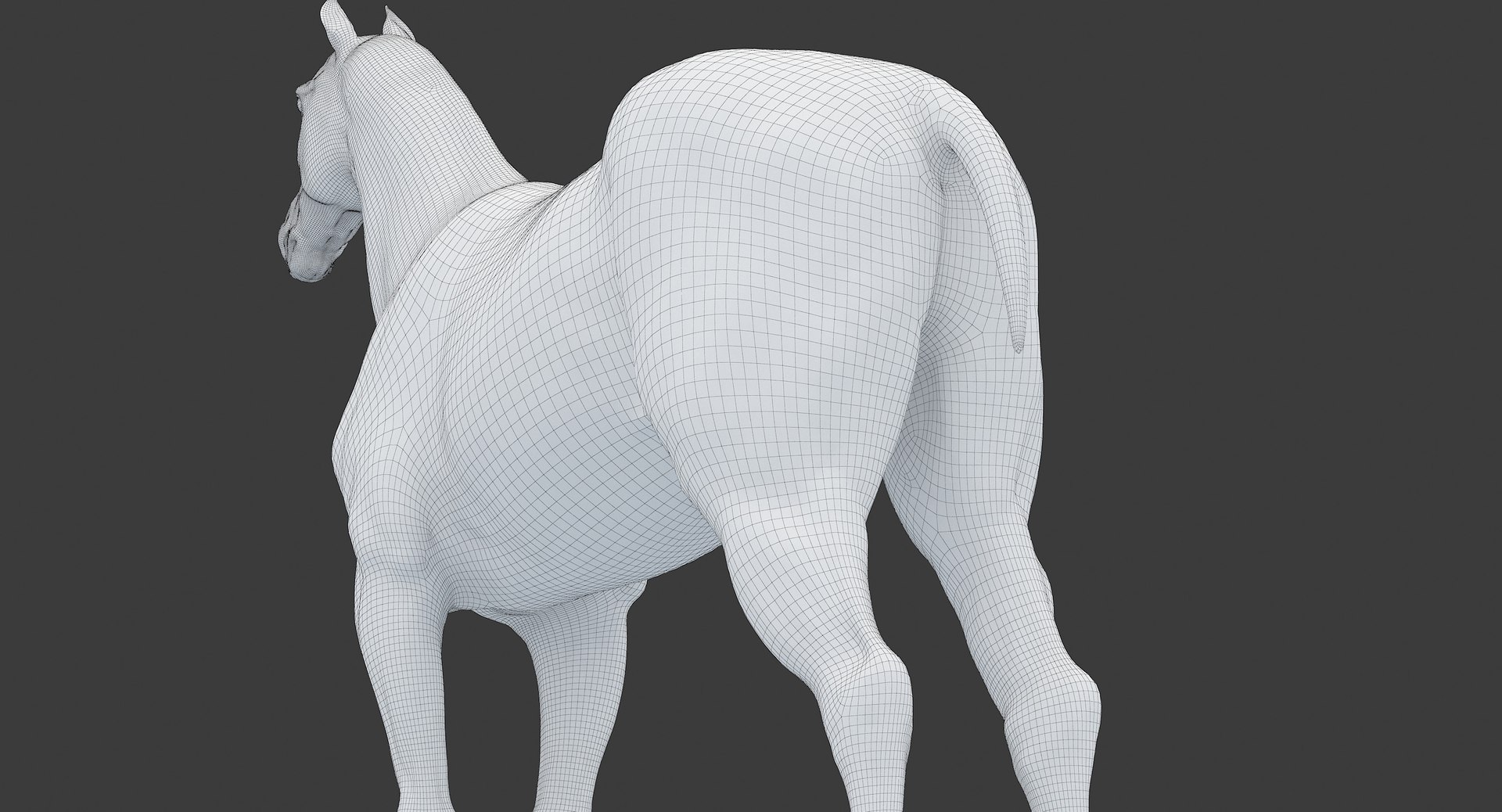
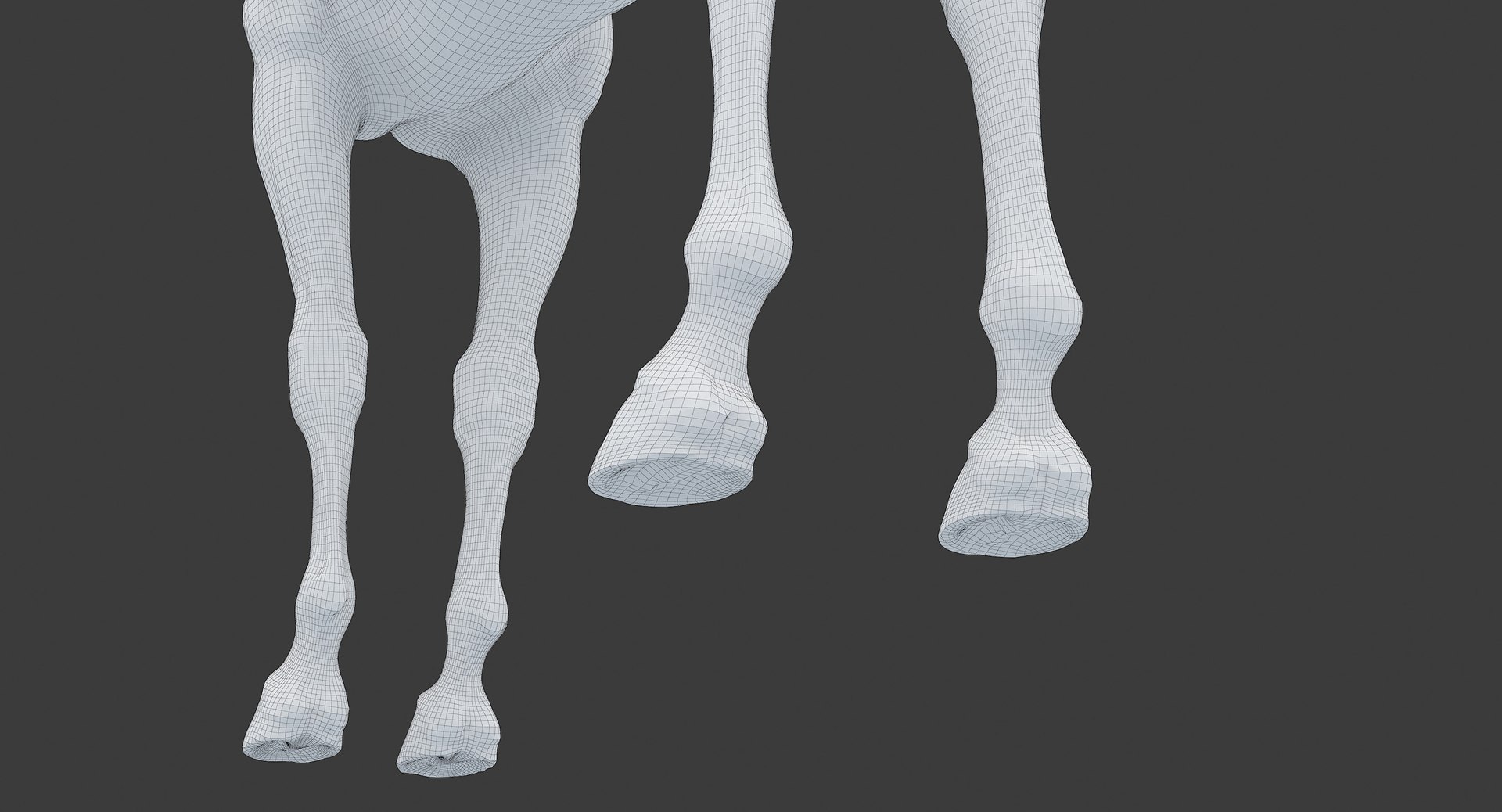
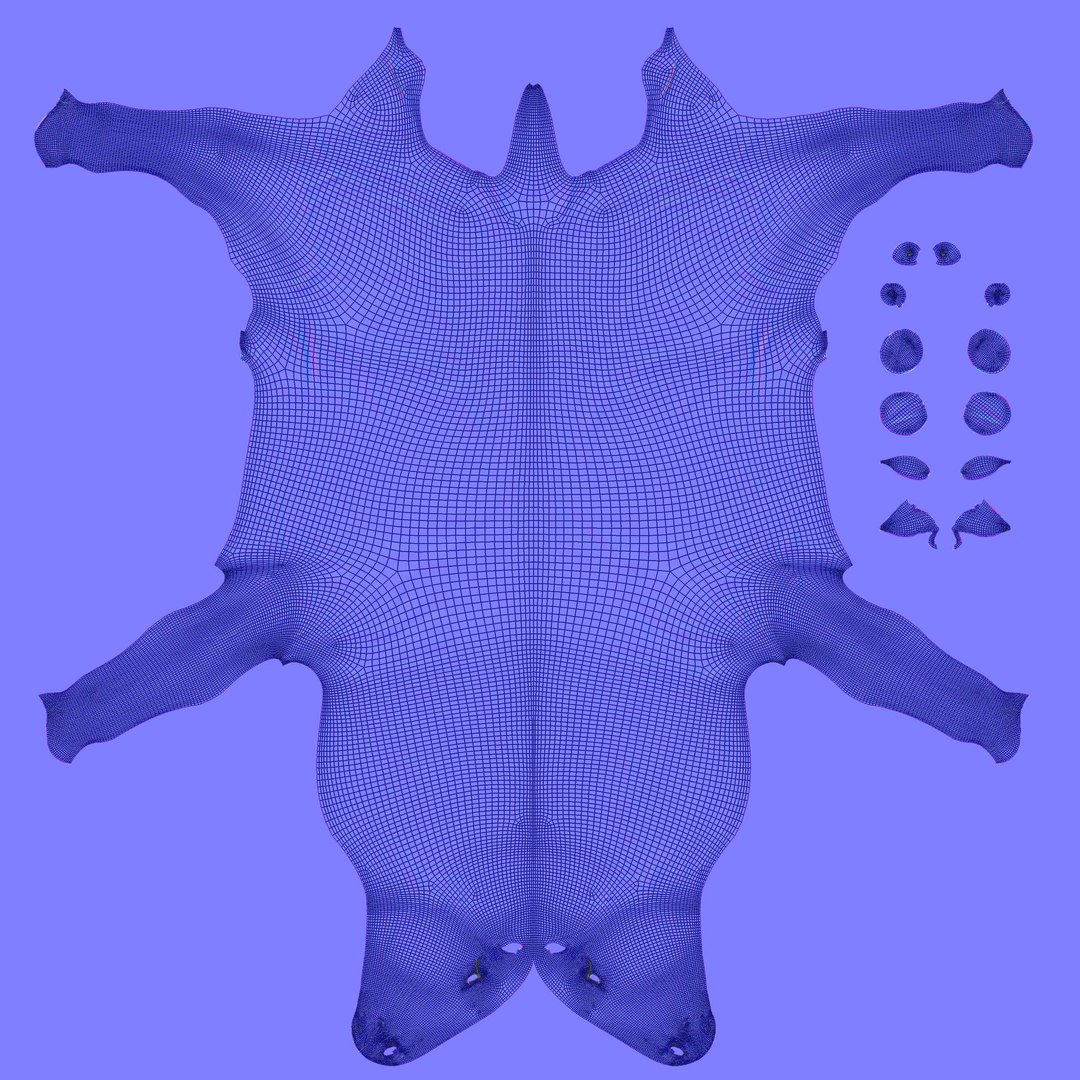
Horse Middle Poly (Normal Map Only)

$195

Standard License | Upgrade License
Formats (11)
Free file format Conversions available
Native | 3ds Max 8 sp3 | V-Ray 1.5 RC3
3ds Max 2014 sp3 | V-Ray 2.40.04
Maya 2014 sp2 | V-Ray 2.40.02
FBX
OBJ
glTF
3ds Max
USDz
Specifications
Publish Date December 20, 2018
Product ID 1358882
Polygons 55,364
Vertices 55,370
Polygonal Quads/Tris Geometry
Textures
UV Mapped
Non-overlapping Unwrapped UVs
PBR
TurboSquid Exclusive
member avatar
syol
162 Products | Contributor Since 2007
Have questions? Chat with us now.

Description

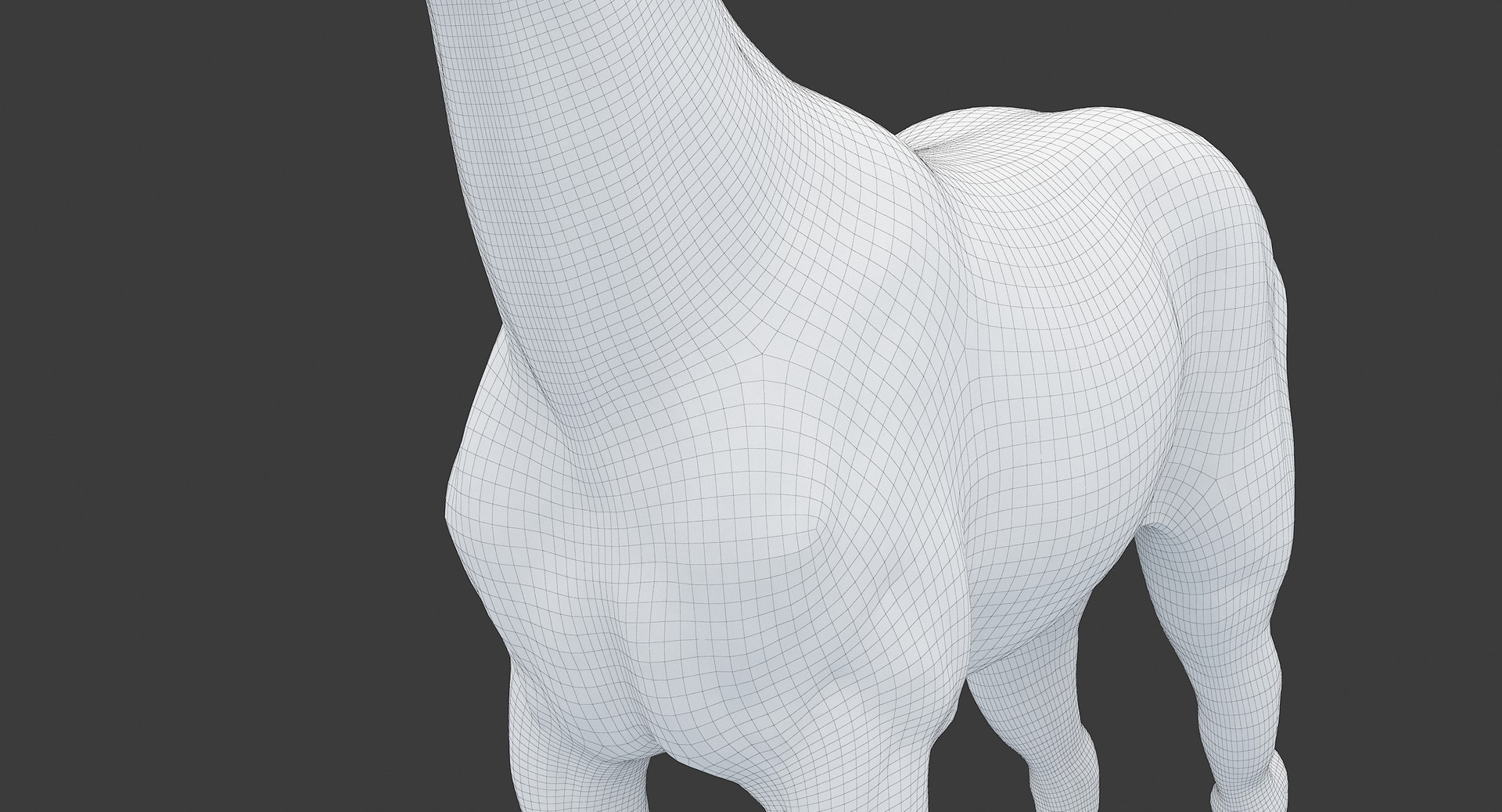
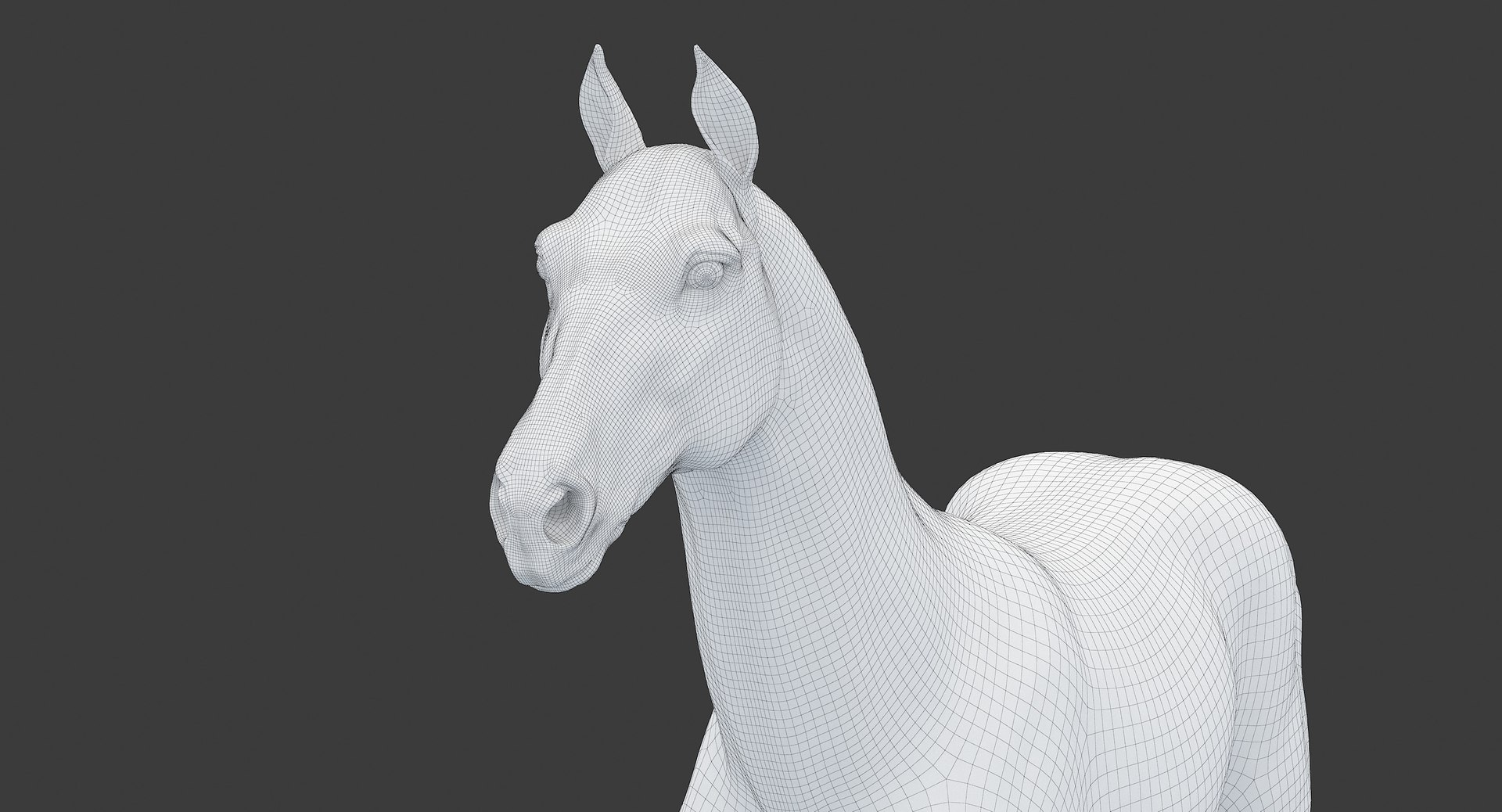
Horse Middle Poly (Normal Map Only)
Middle poly model of a horse.

Native format - 3dsMax8 sp3
Other formats: 3dsMax 2014 sp3; Maya 2014 sp2; OBJ; FBX;

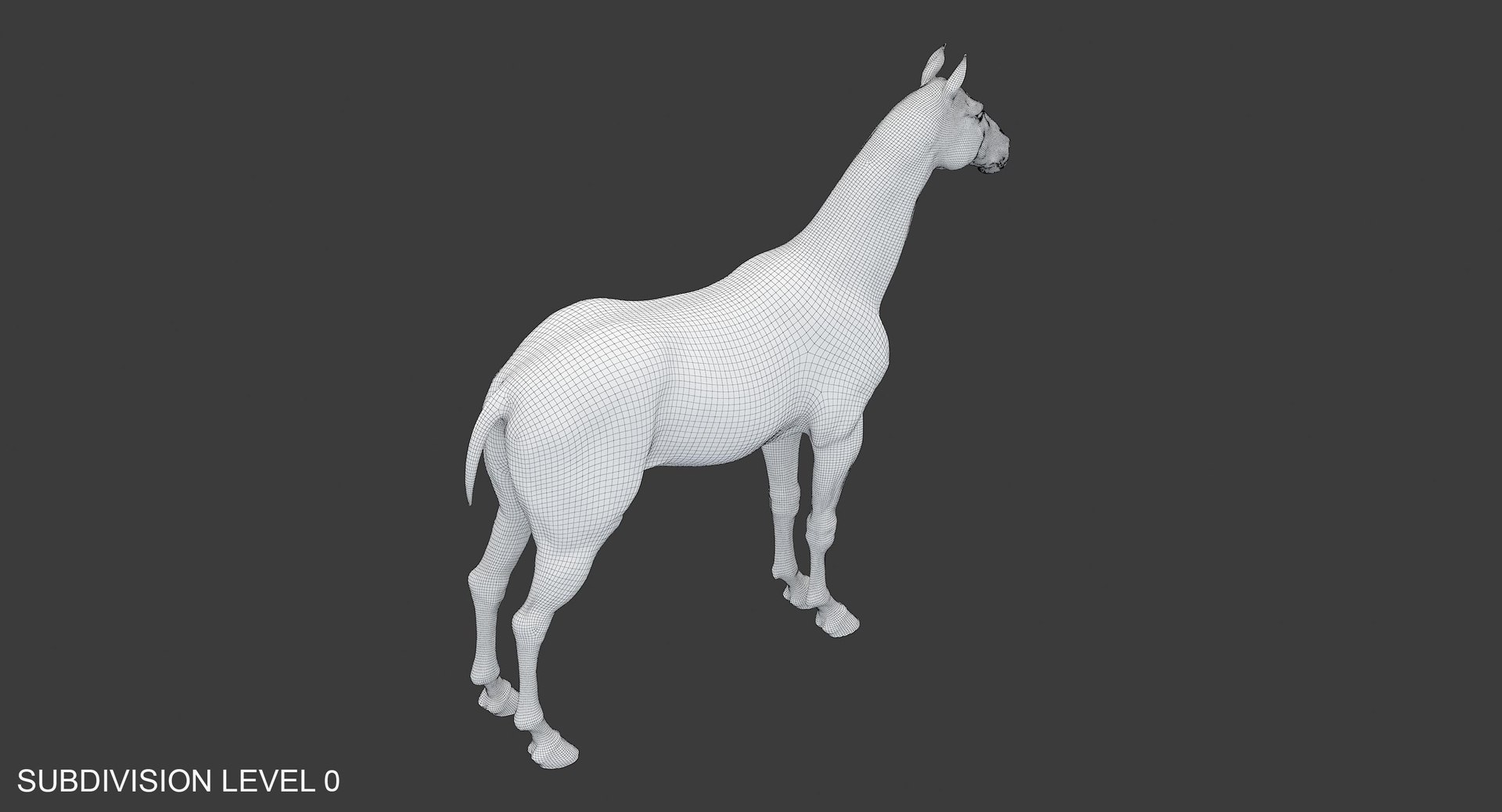
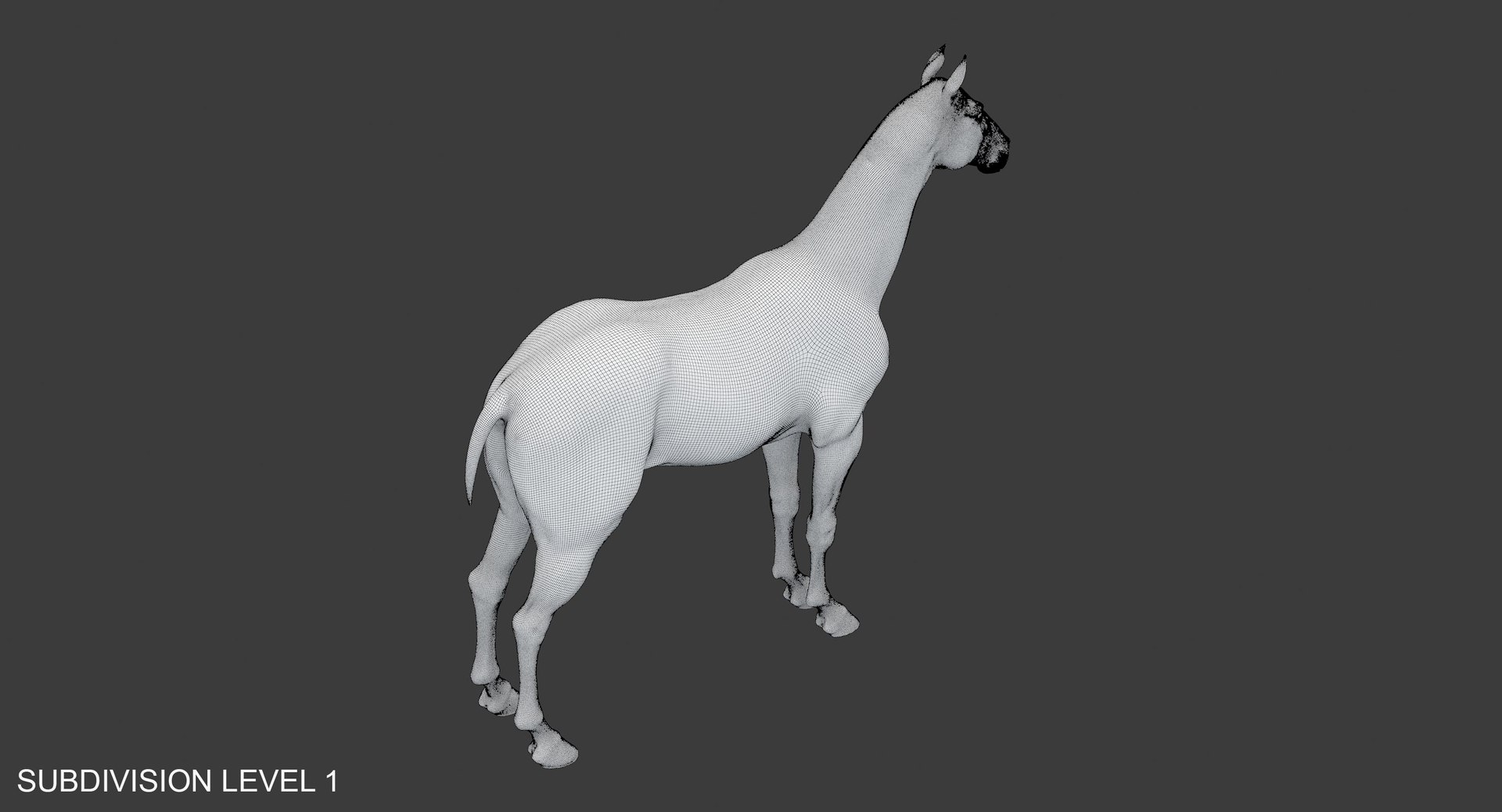
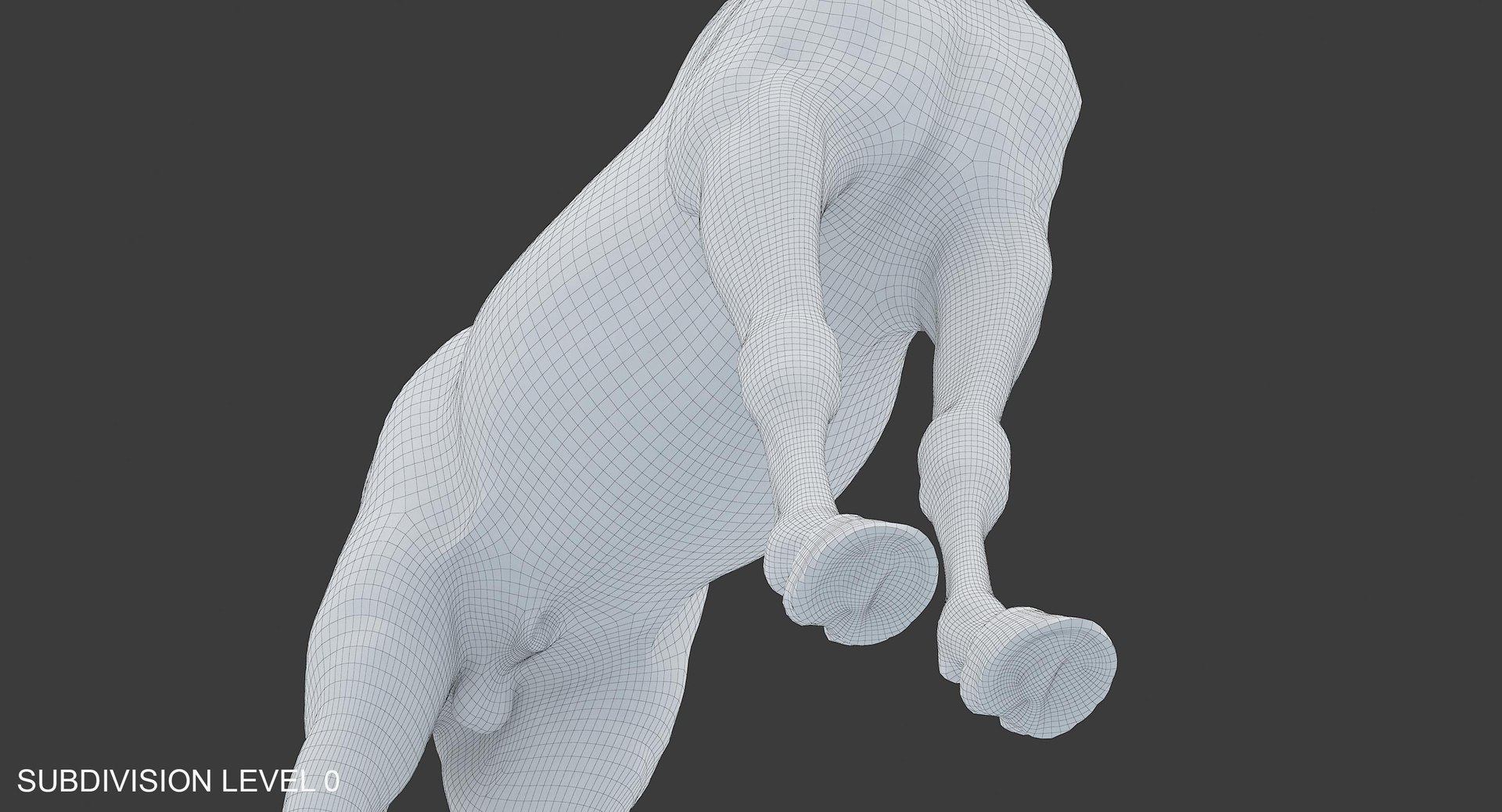
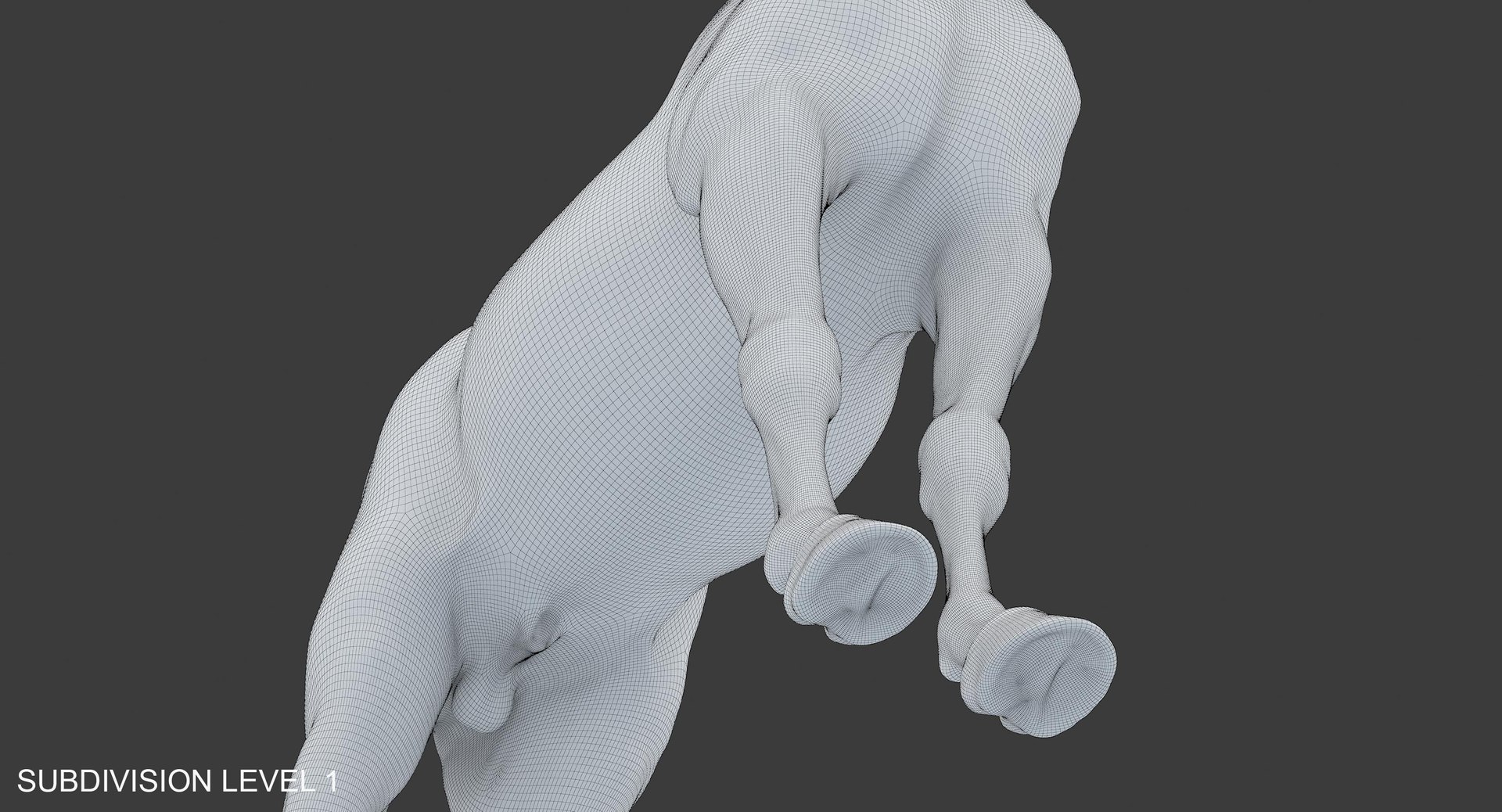
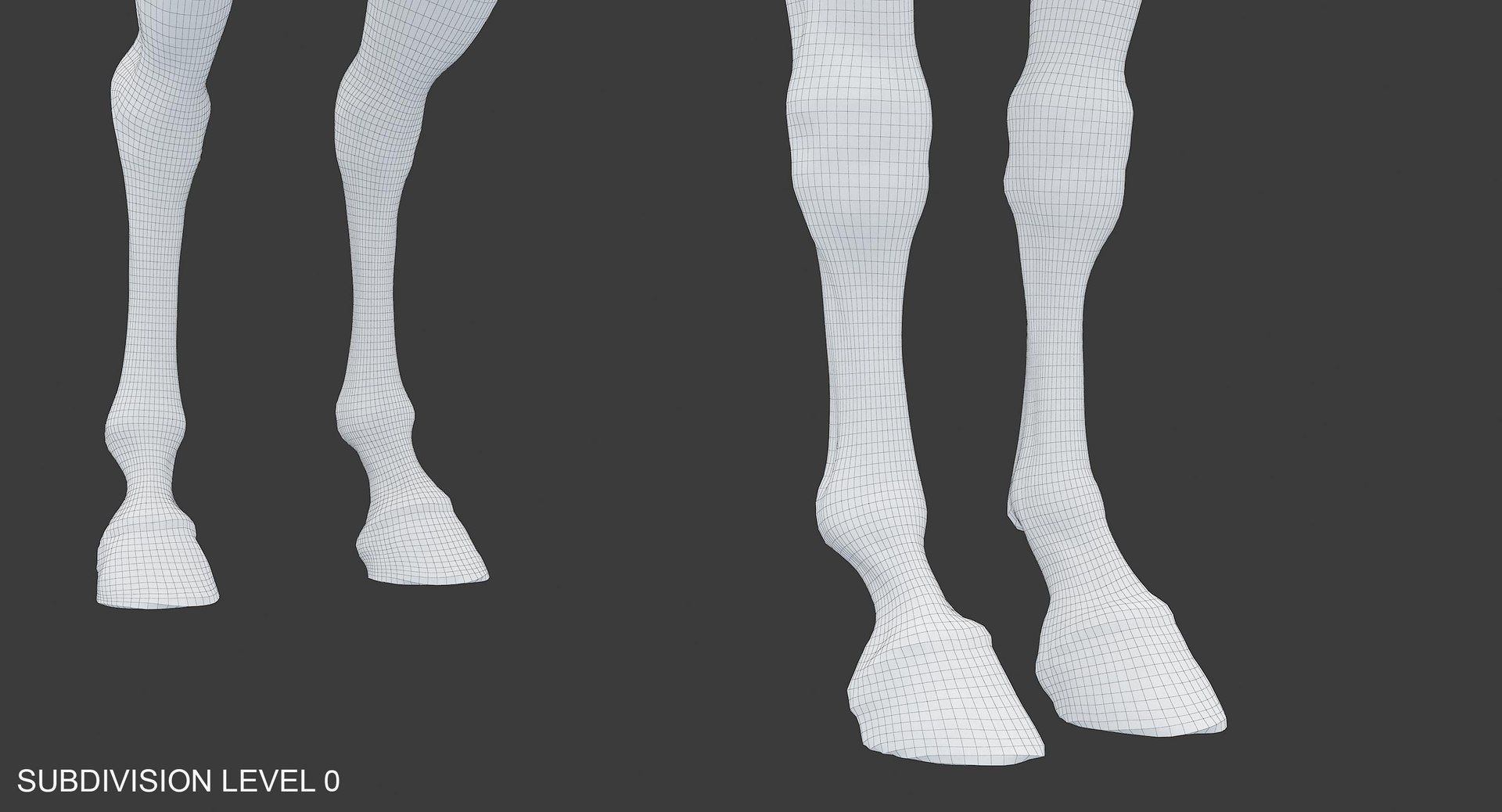
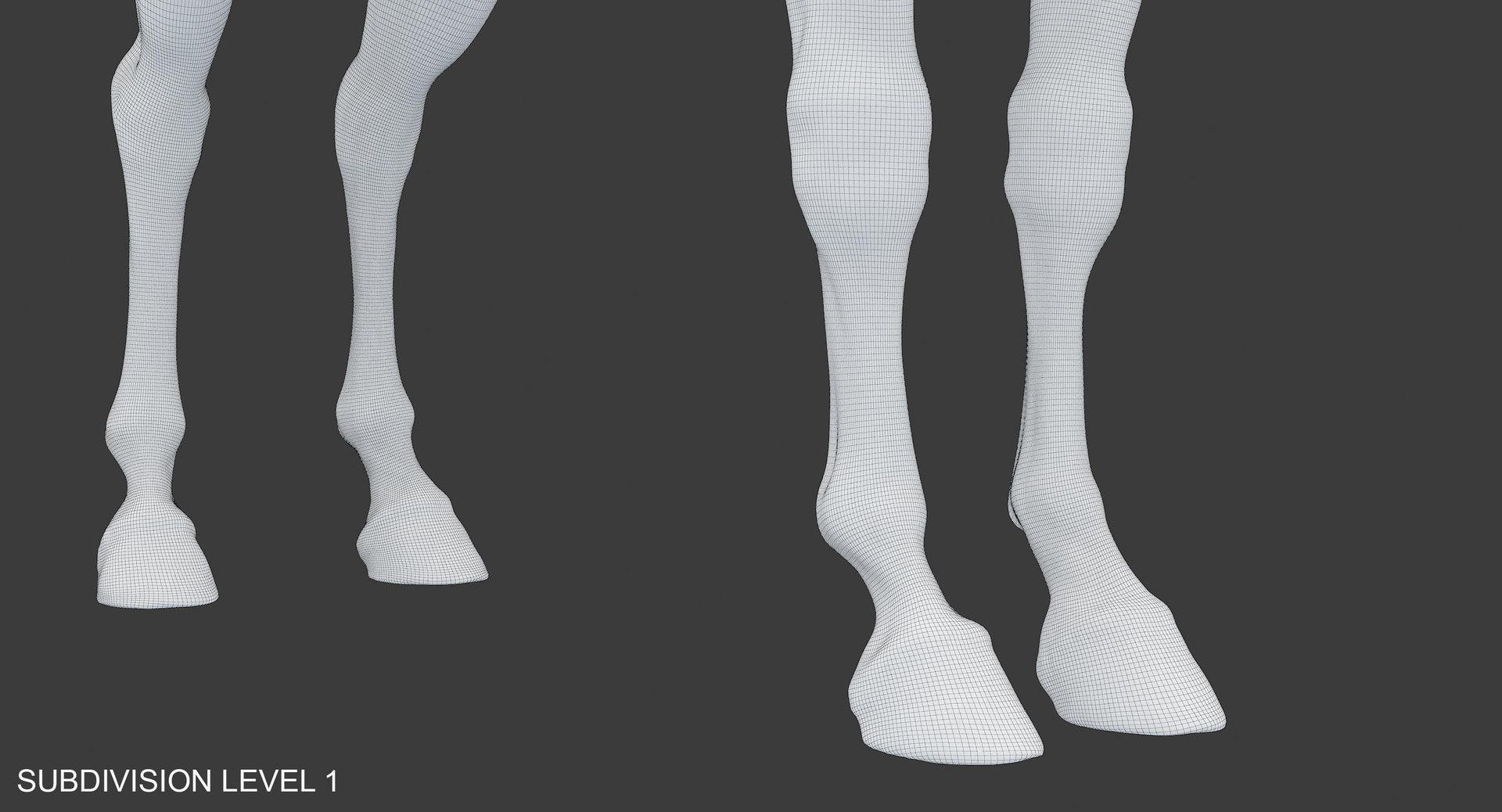
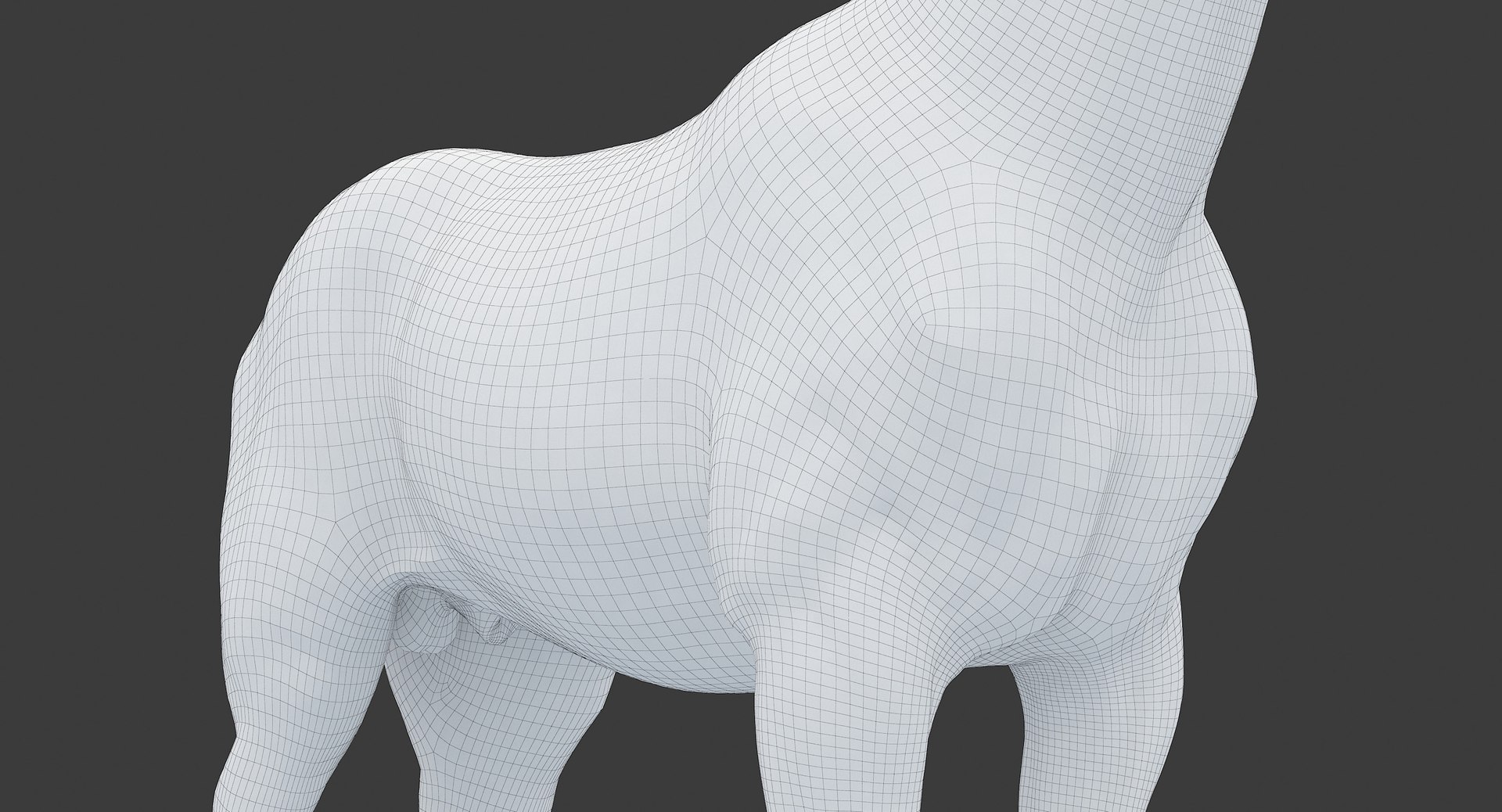
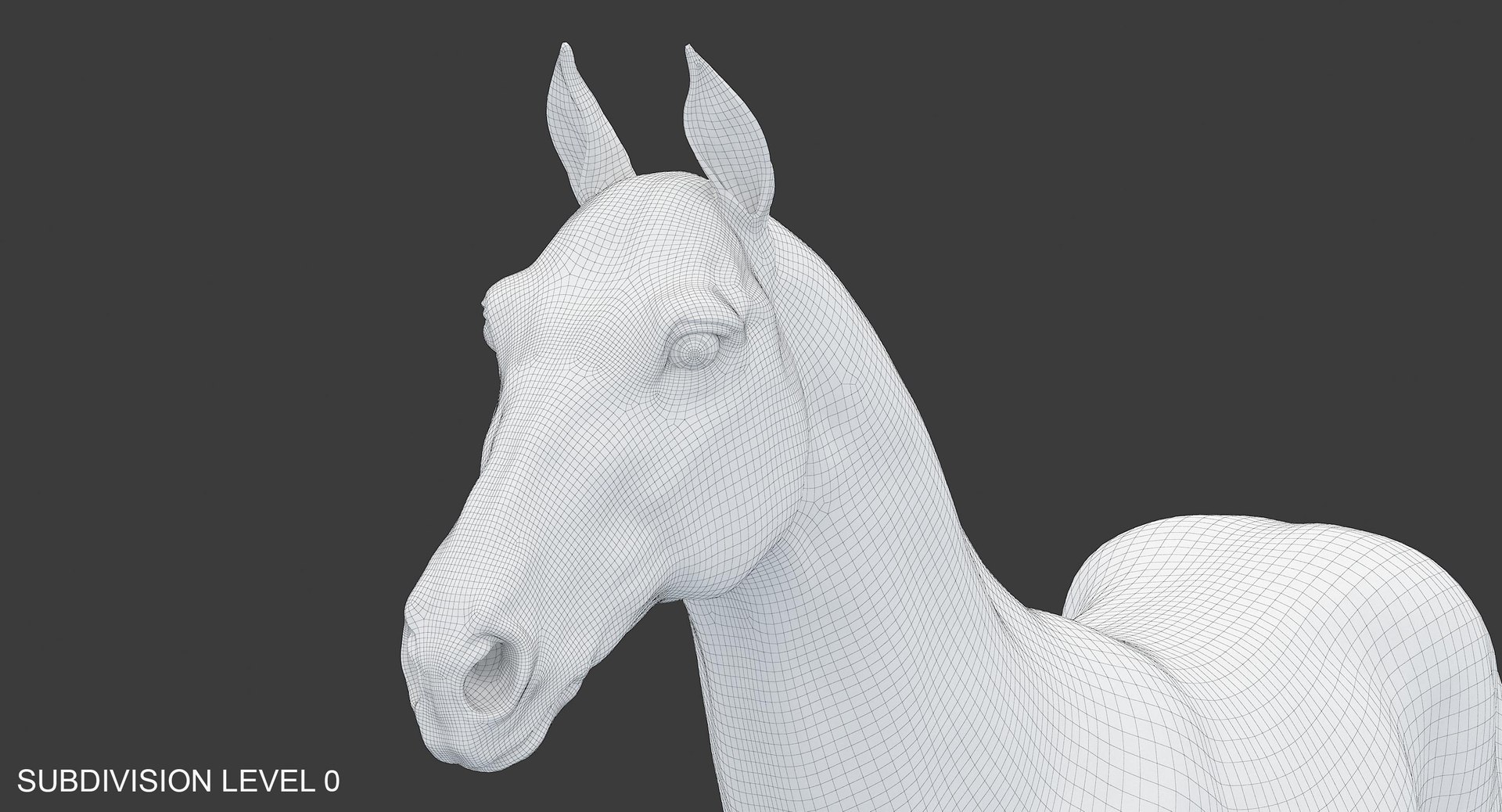
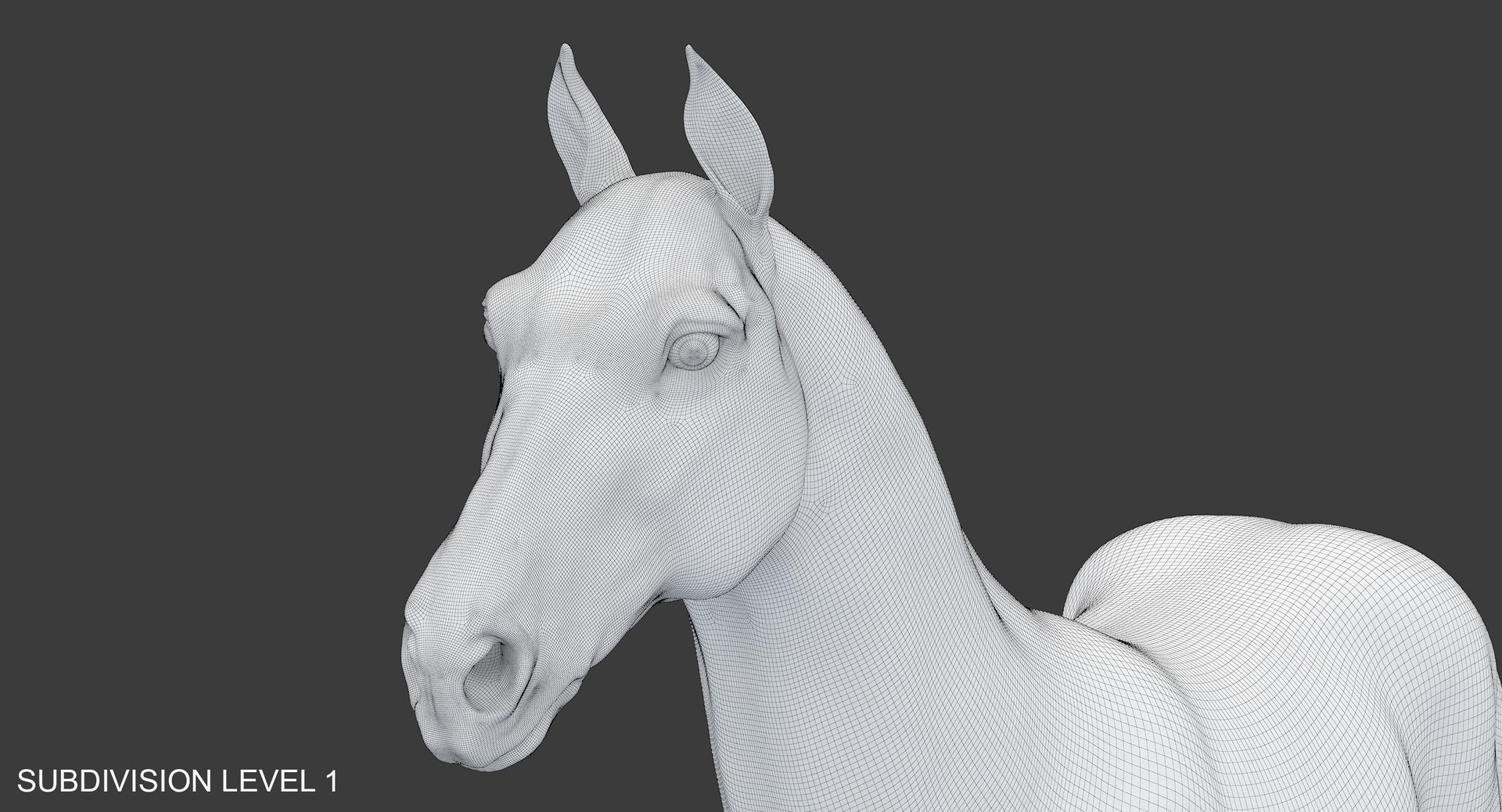
All files have Subdivision Level 1 applied to the model.
To unsmooth it, just change to 0 (zero) Iterations in 3ds Max or Divisions in Maya.

!!!NOTE: All V-Ray files have only normal map texture.

!!!NOTE: The model HAS NO open mouth, teeth.


Real-World Scale (centimeters)


Scene with 3dsMax 8 V-Ray setup is in HorseMP_VRay_Mx8.zip (Vray 1.5 RC3)
Scene with 3dsMax 2014 V-Ray setup is in HorseMP_VRay_Mx2014.zip (Vray Adv. 2.40.04)
Scene with Maya 2014 V-Ray setup is in HorseMP_VRay_Maya2014.zip (Vray Adv. 2.40.02)

Geometry: Editable poly

Unsmoothed
Polygons - 55364
Tris - 110728
Vertices - 55370

Smoothed (Subdivision Level 2)
Polygons - 221456
Tris - 442912
Vertices - 221462

Textures:HDR map (1500x750) - 1
Normal (4096x4096) - 1


!!!NOTE: Other versions of V-Ray may need some adjustments.

NOTE: Every format includes HDR map.

Note: All VRay scenes look like preview pics.

NOTE: Additional formats provided by TurboSquid

Select Enhanced License

  • $10,000 in Legal Protection (Indemnification)
  • Uncapped Legal Protection (Indemnification)
  • Waiver from injunctive relief
  • Assignable model rights
  • $1,000,000 in Legal Protection (Indemnification)
  • Waiver from injunctive relief
  • Assignable model rights
  • $250,000 in Legal Protection (Indemnification)
  • Assignable model rights
Read more about enhanced license tiers, or contact us at enterprise@turbosquid.com. Already a Shutterstock Enterprise Customer? Contact your Shutterstock Sales Support Agent to talk about adding 3D.

About Conversion Requests

To submit a conversion request for a purchased asset, please complete our Conversion Request Form.

If you have not yet purchased a model, please review our Documentation about Conversions to learn about what limitations you may encounter with a conversion.

For any additional questions about a model’s suitability for conversion, please contact TurboSquid Support.

Loading...