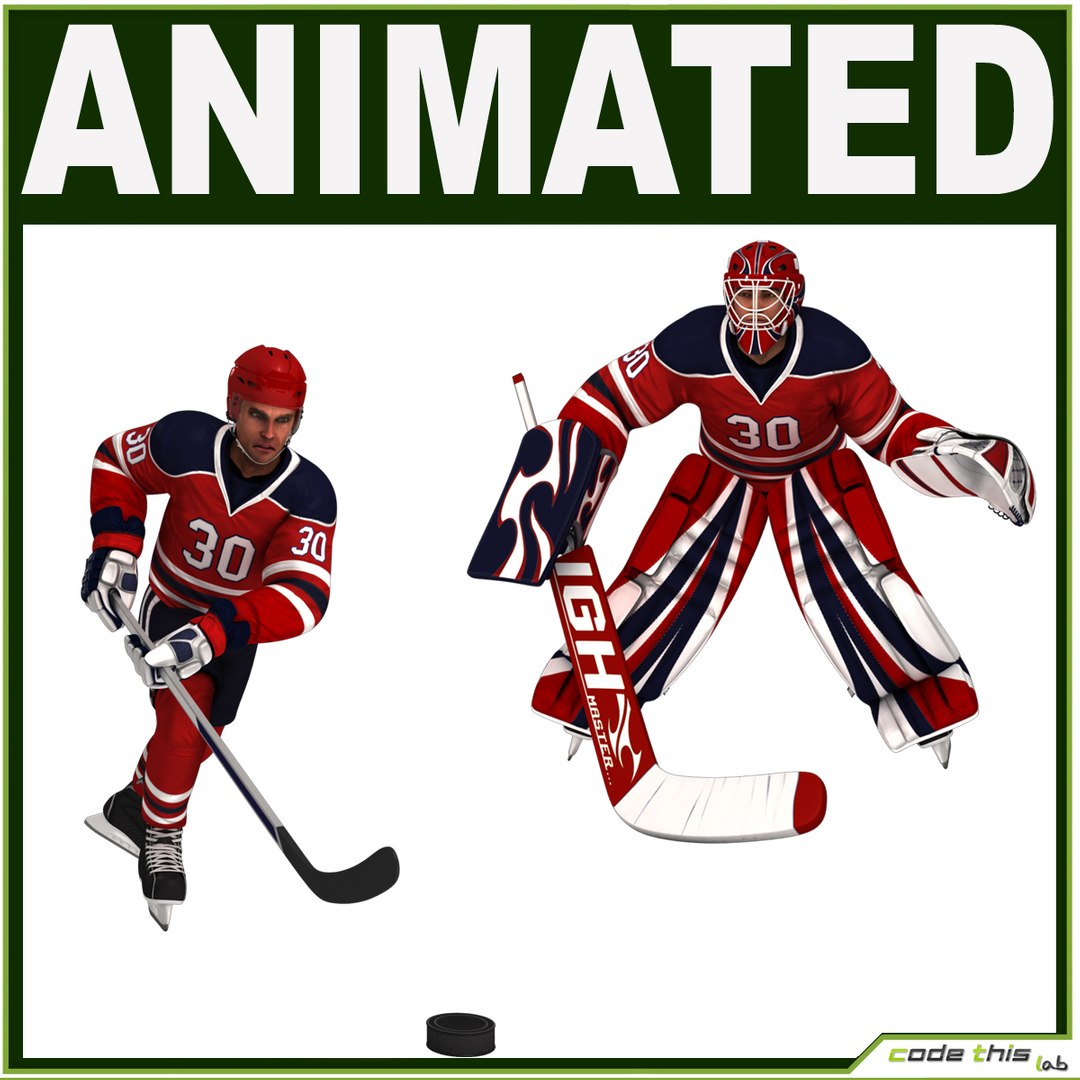
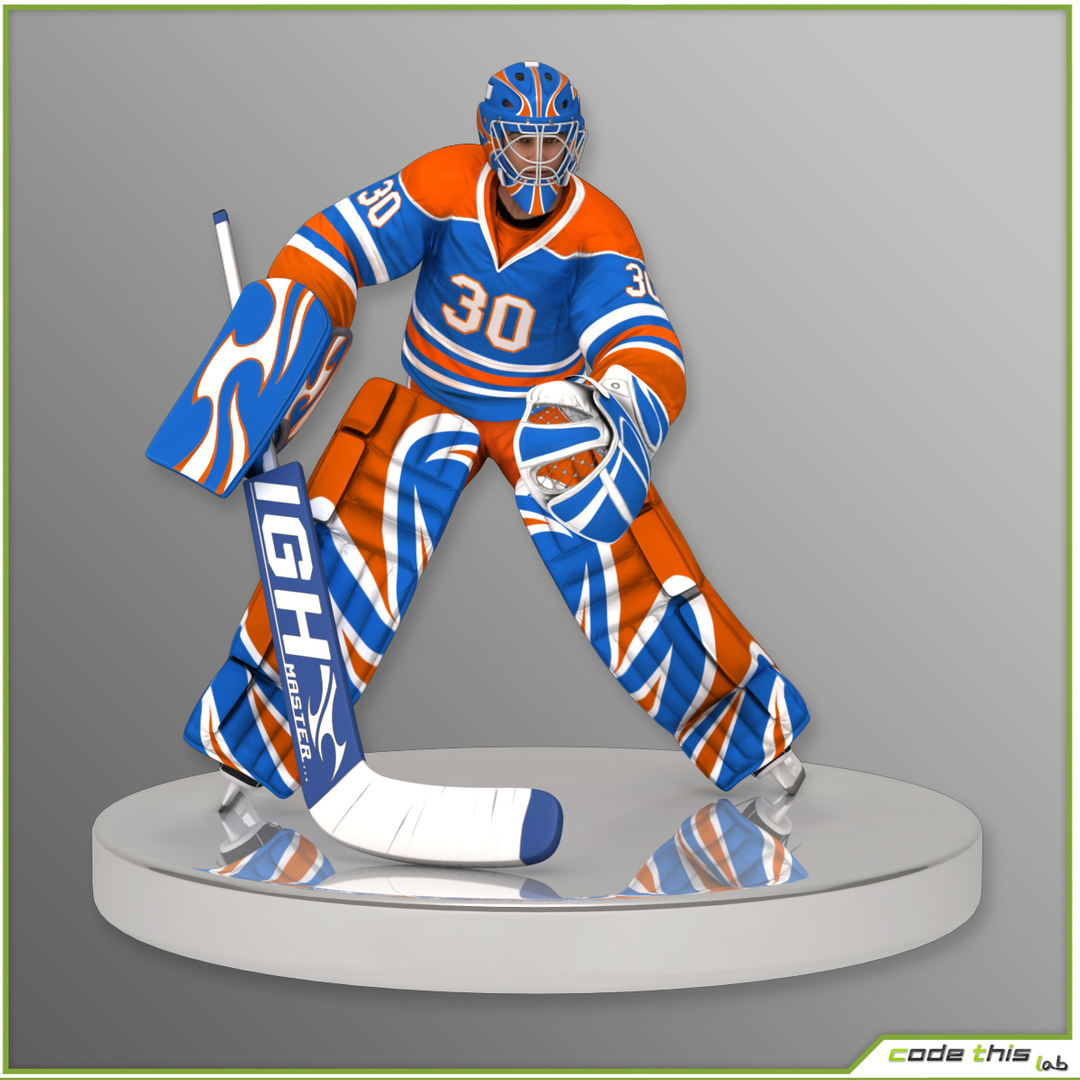
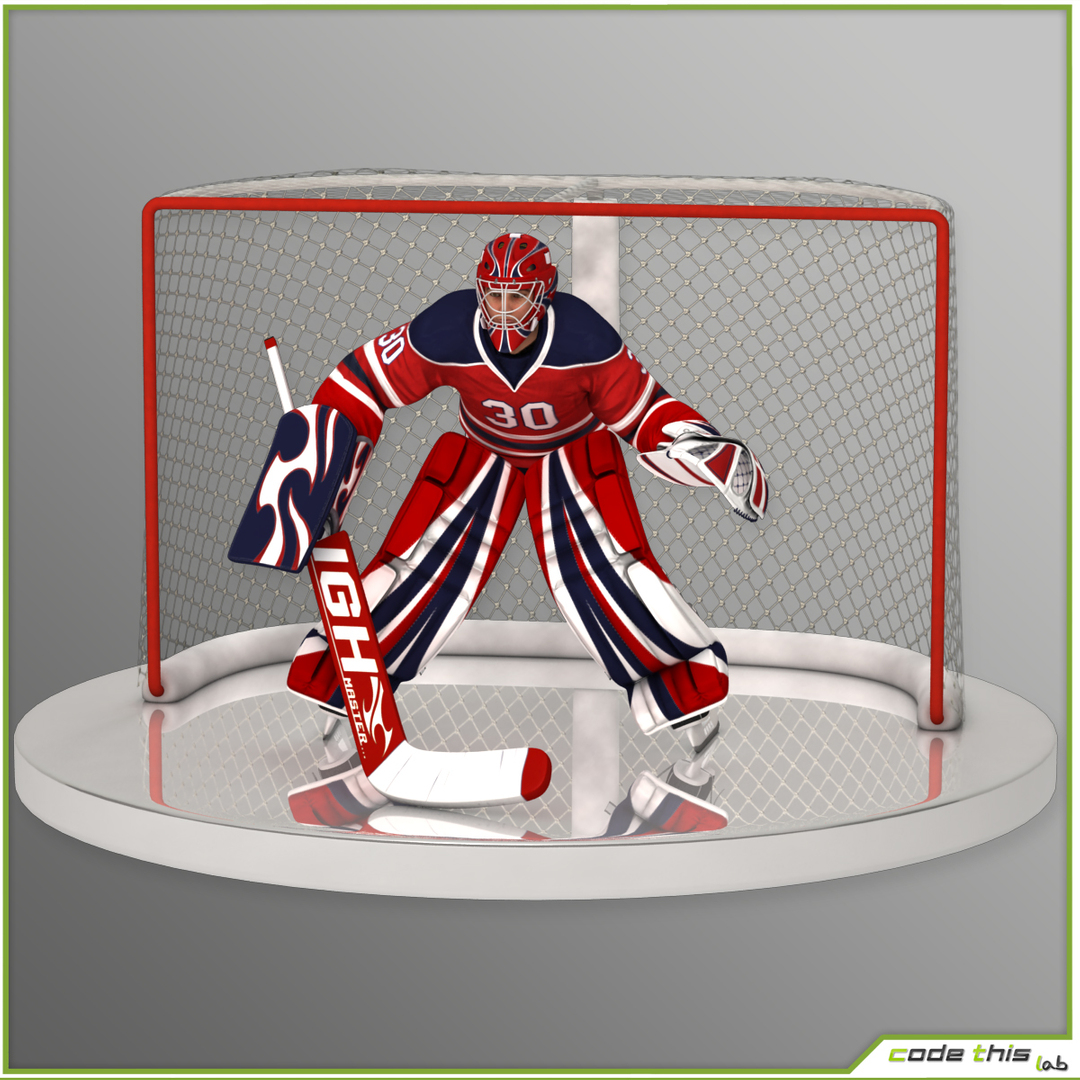
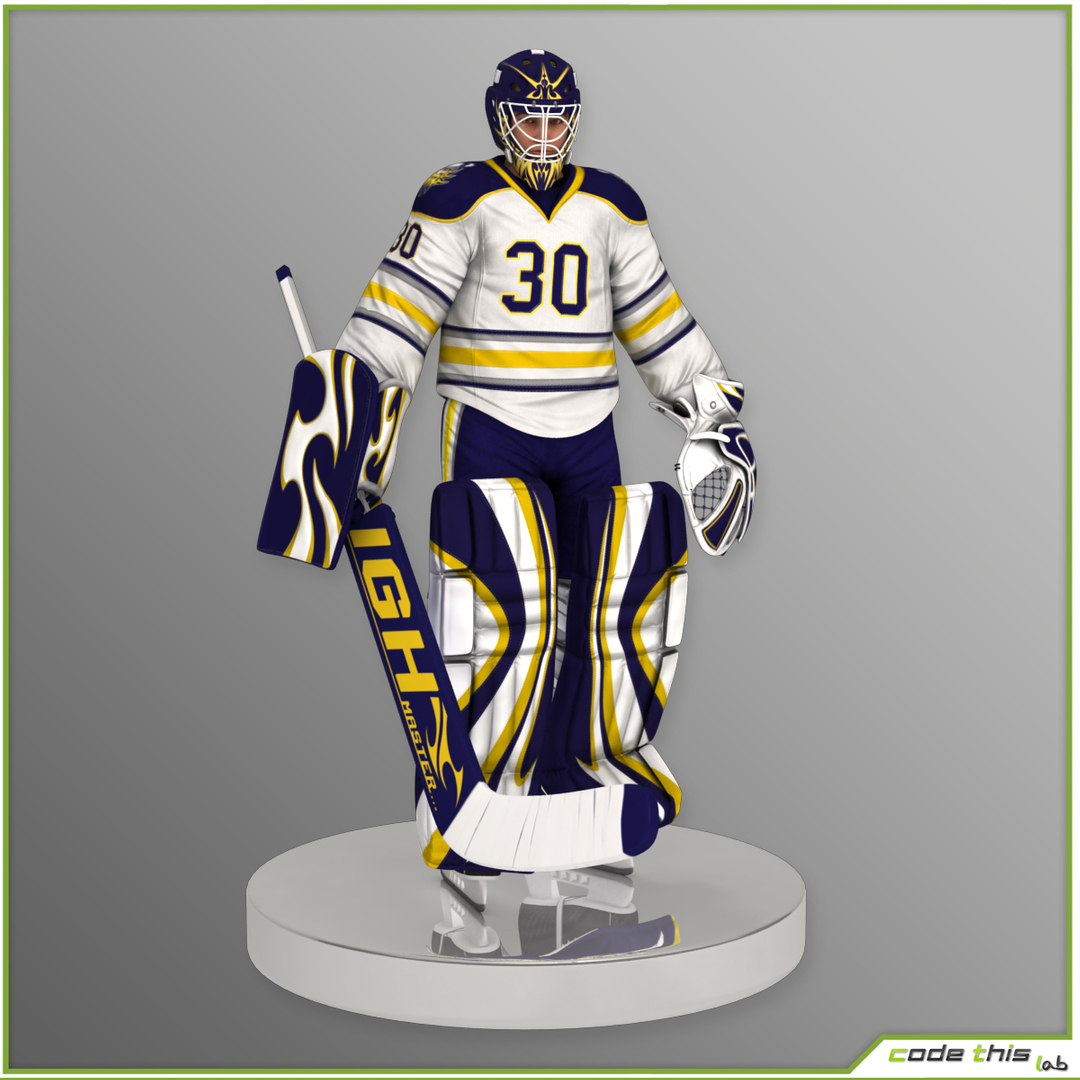
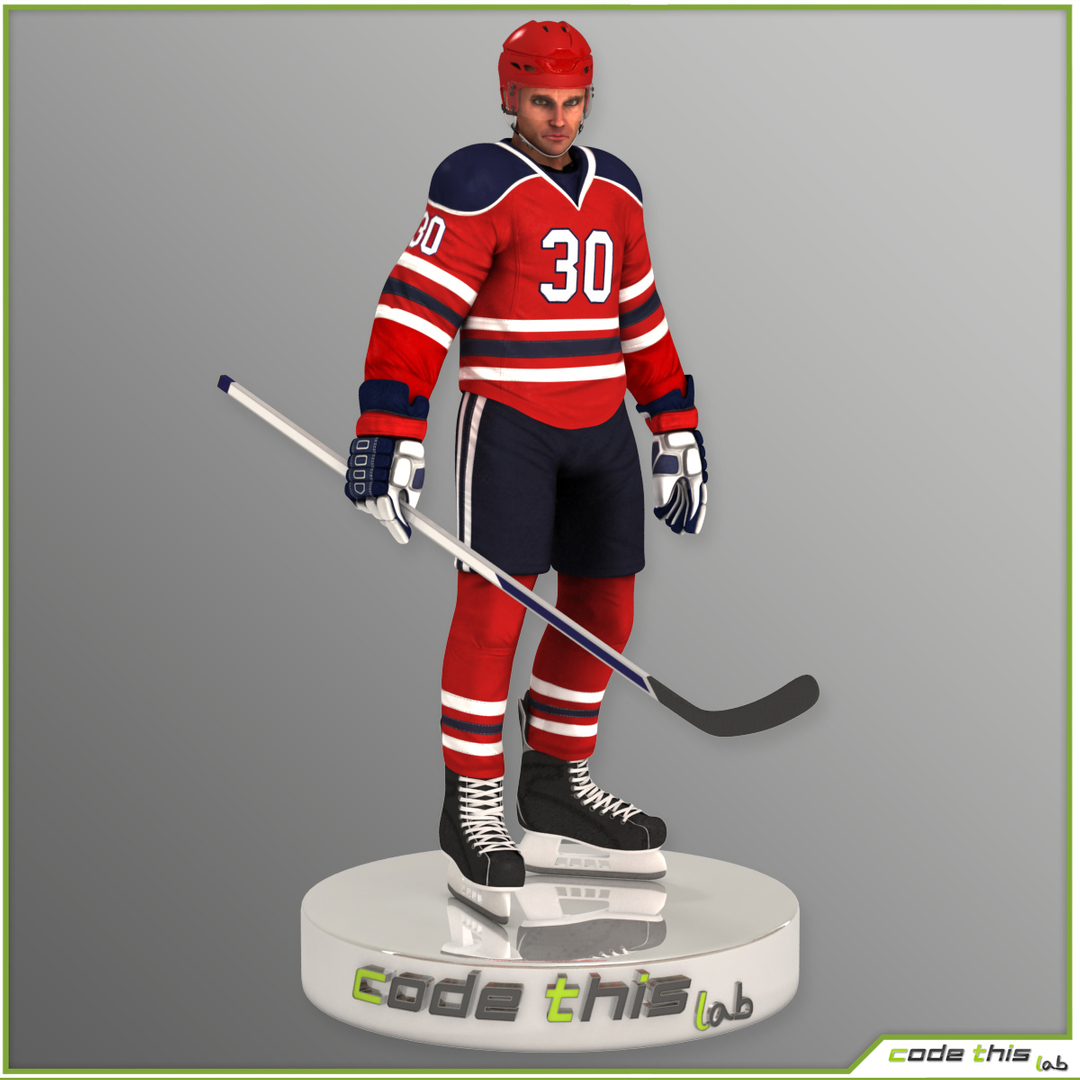
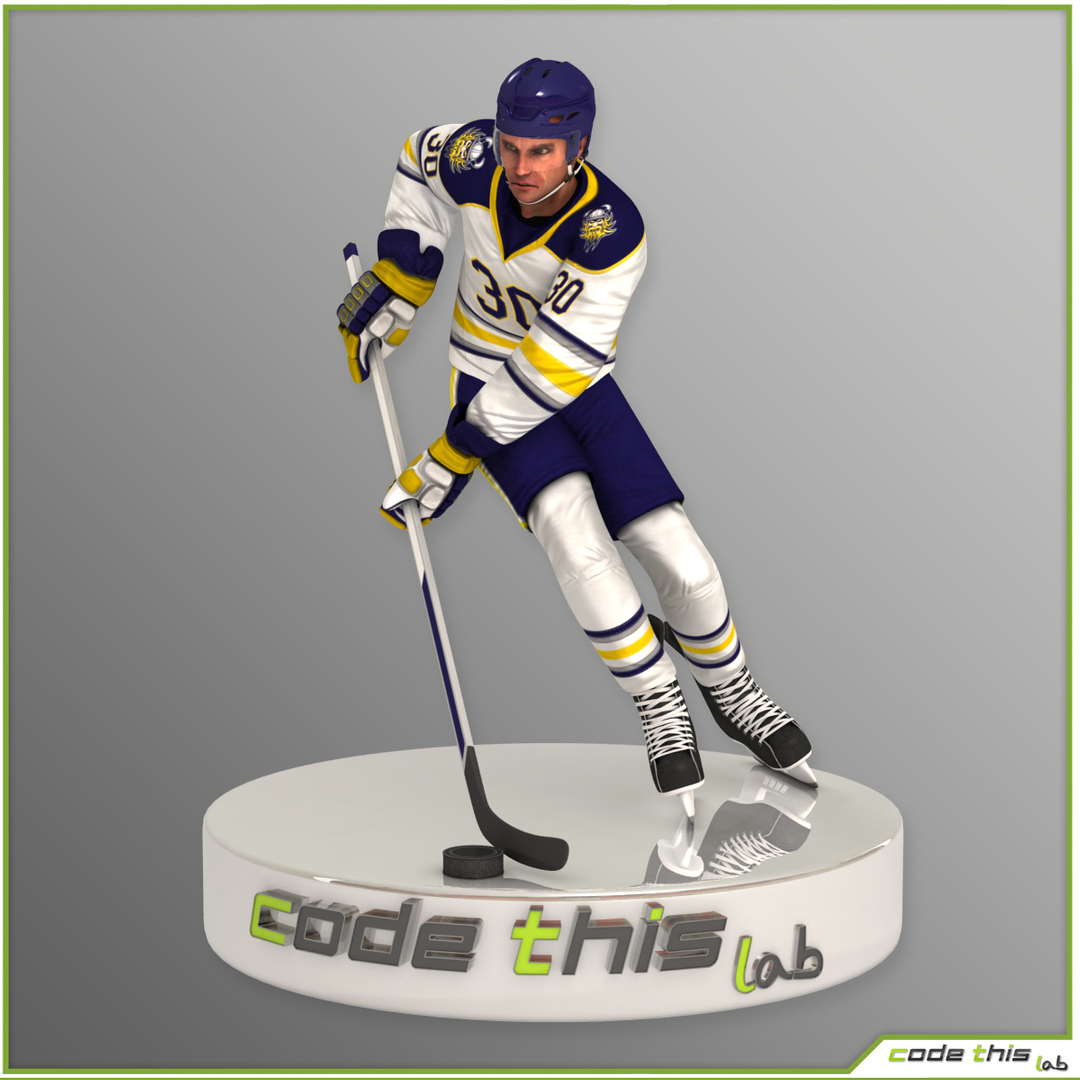
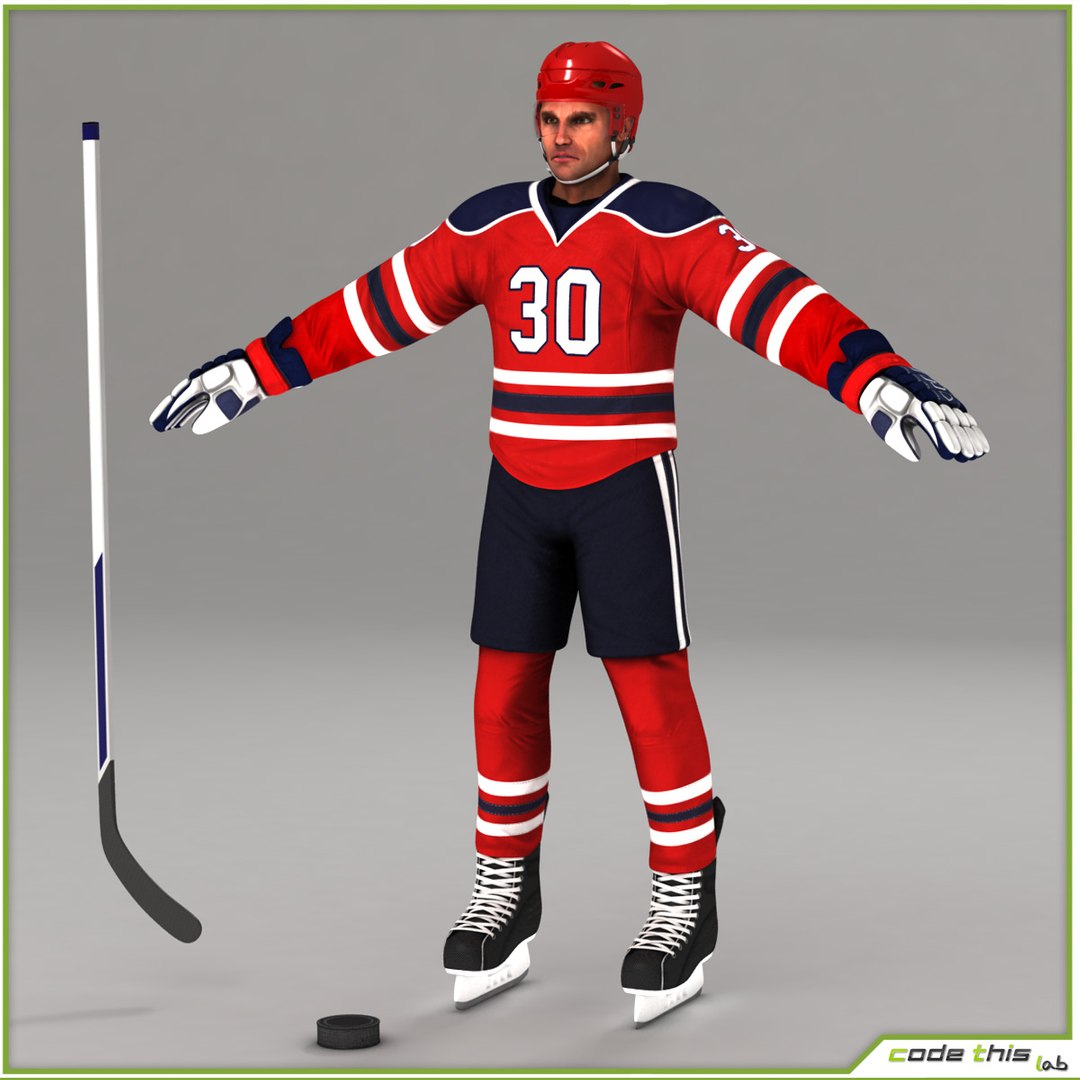
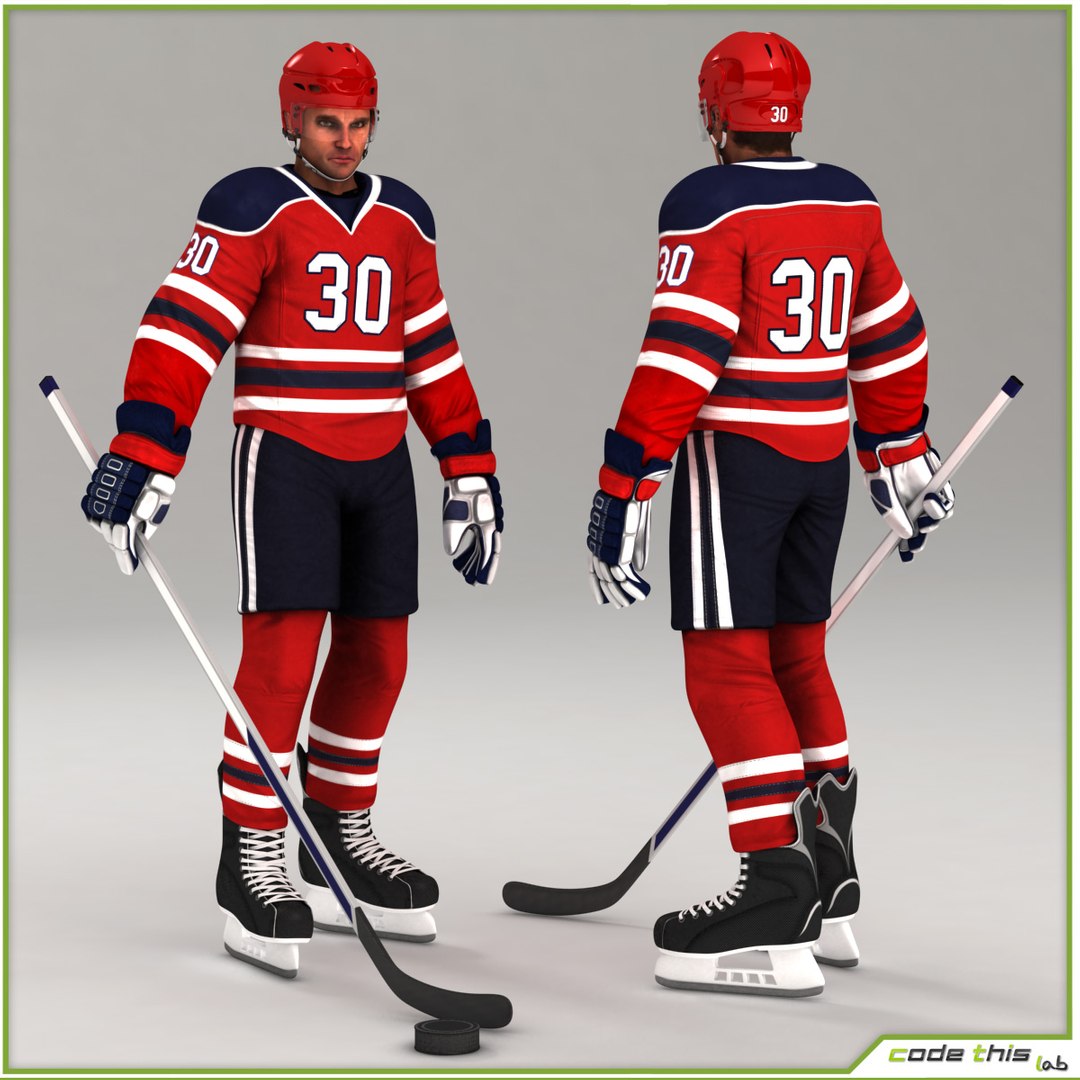
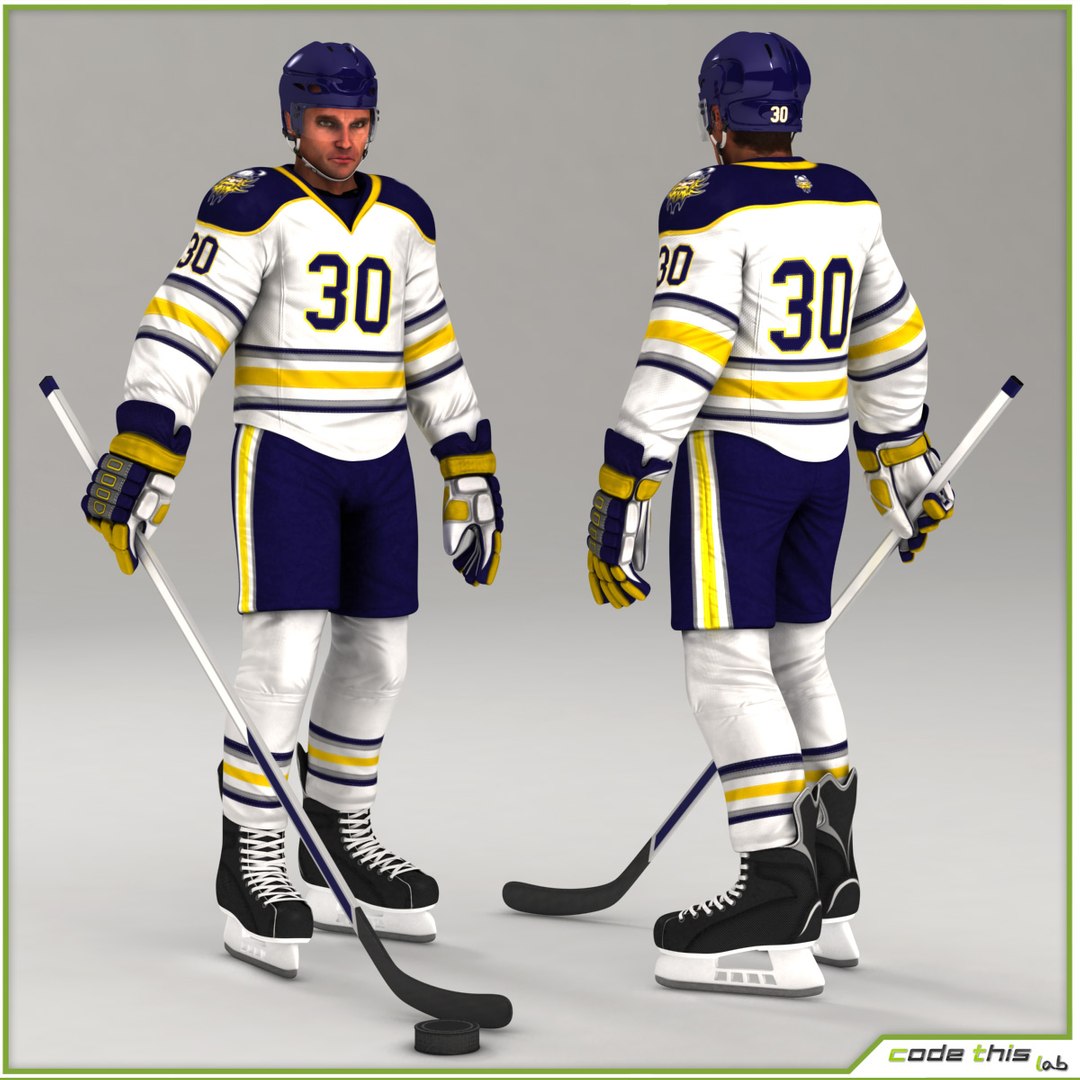
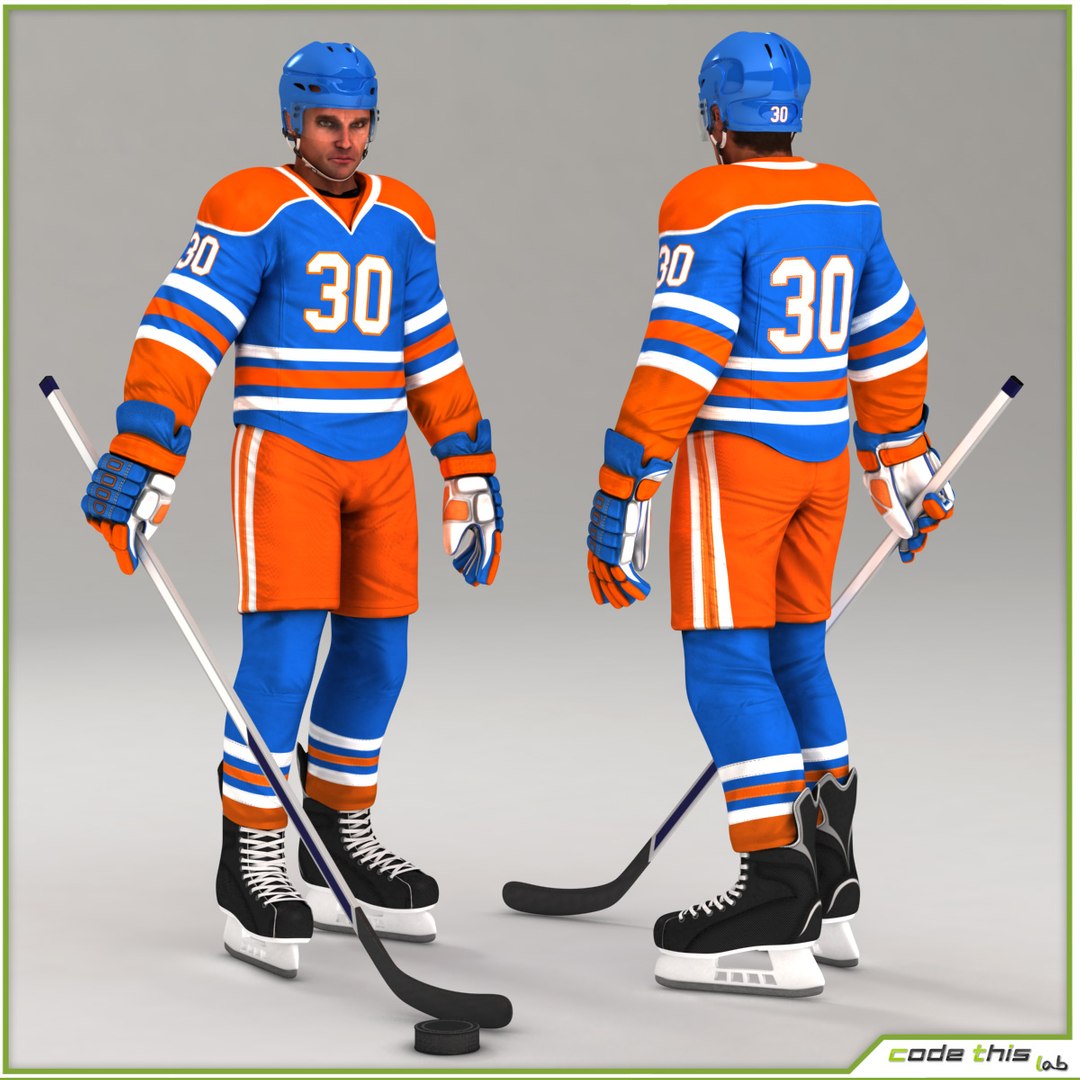
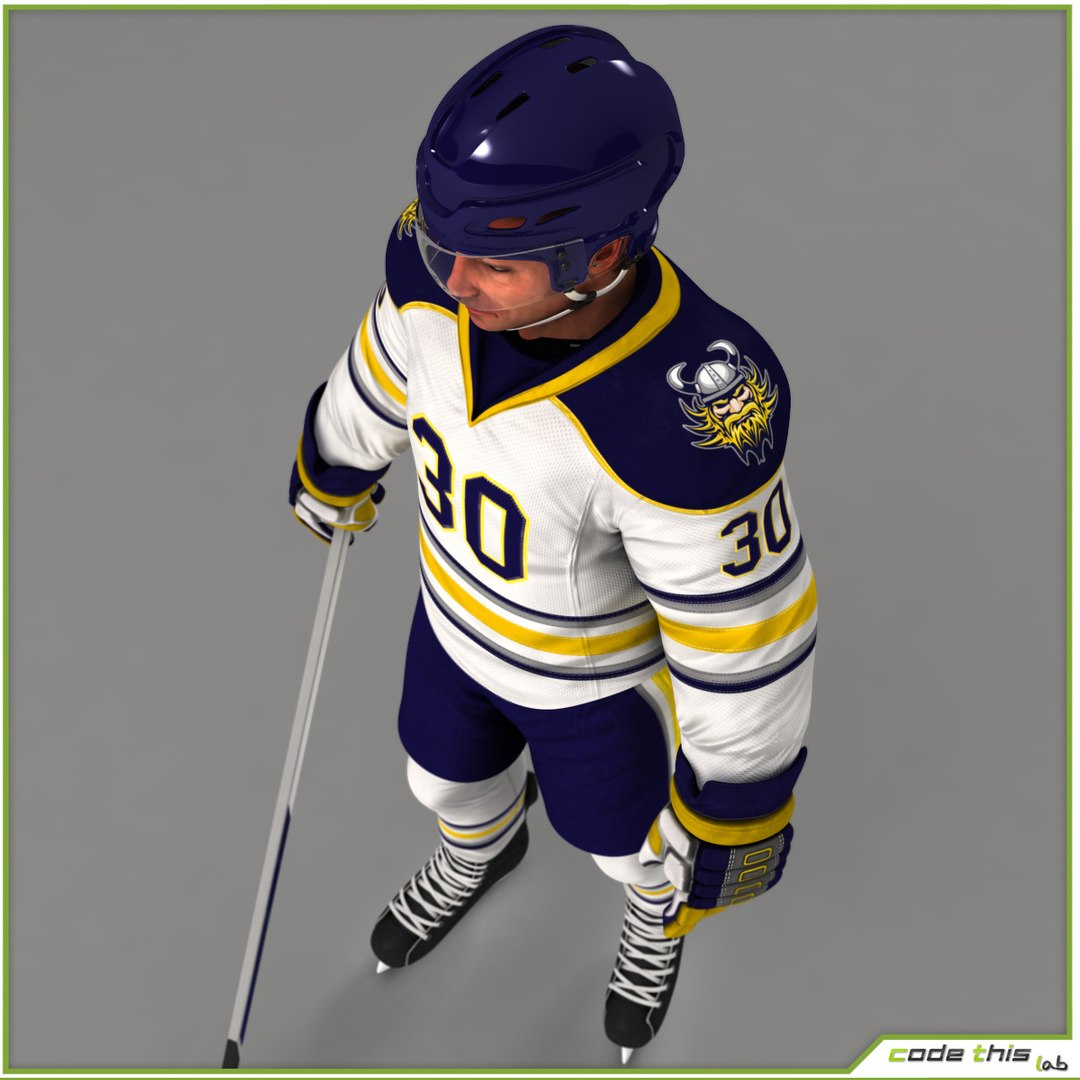
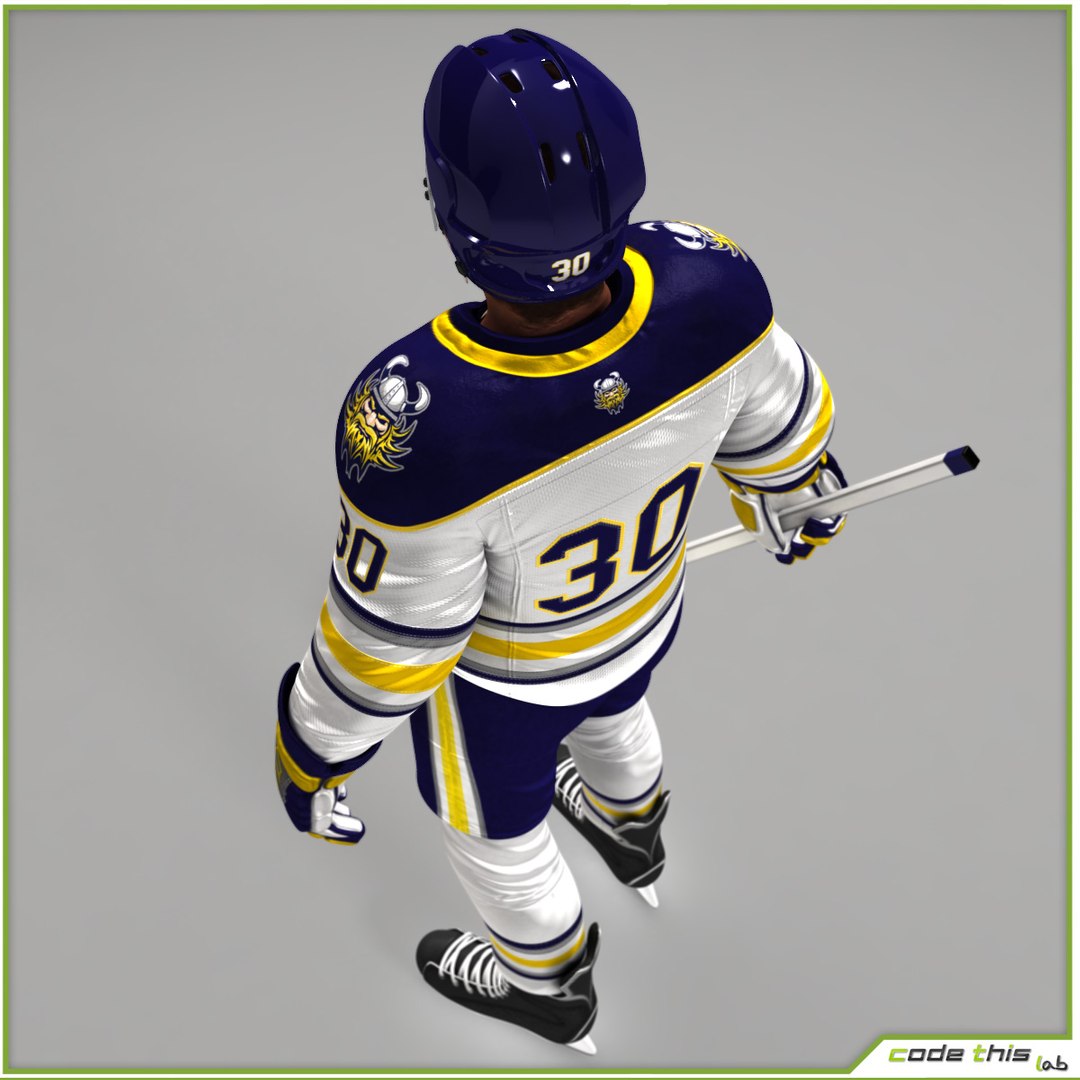
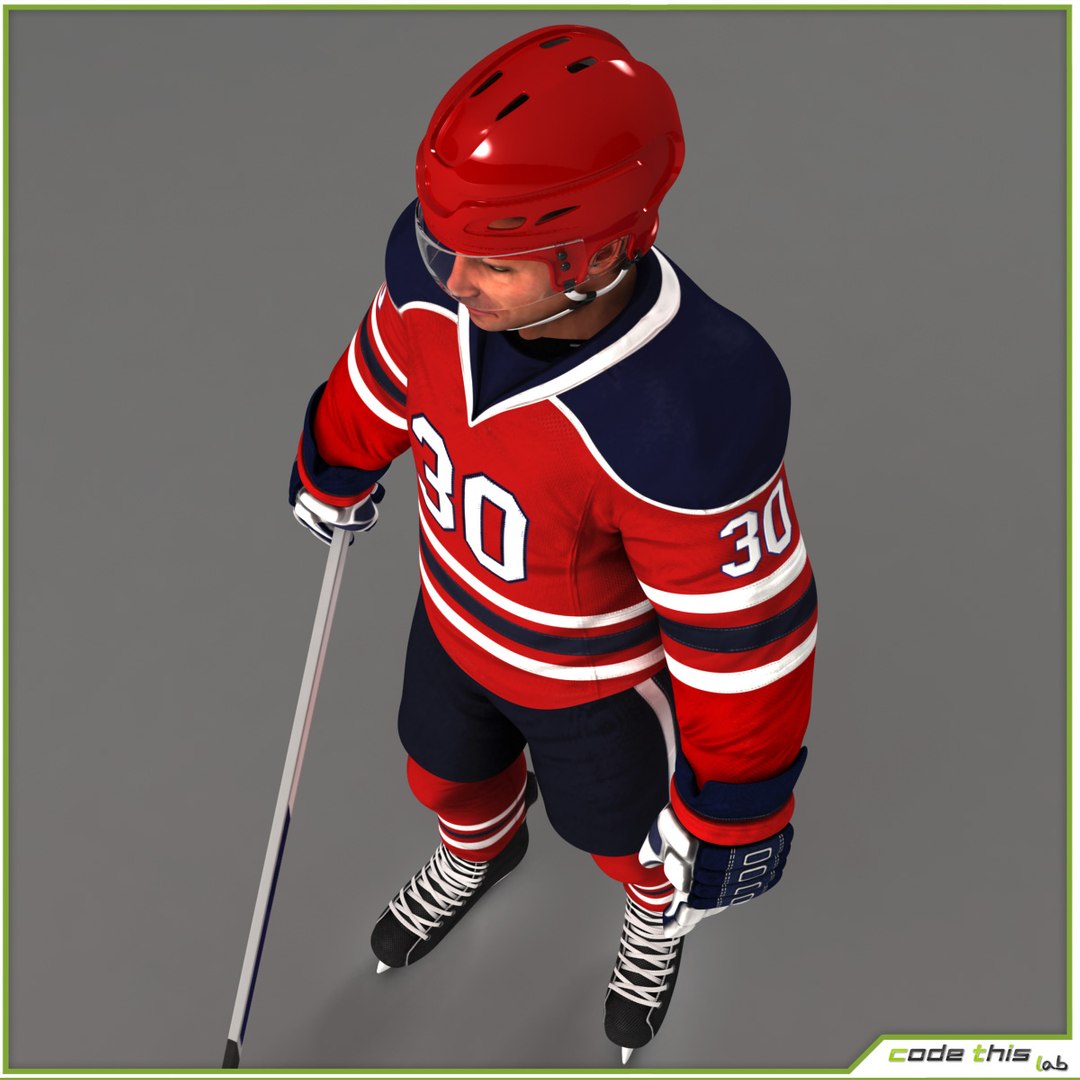
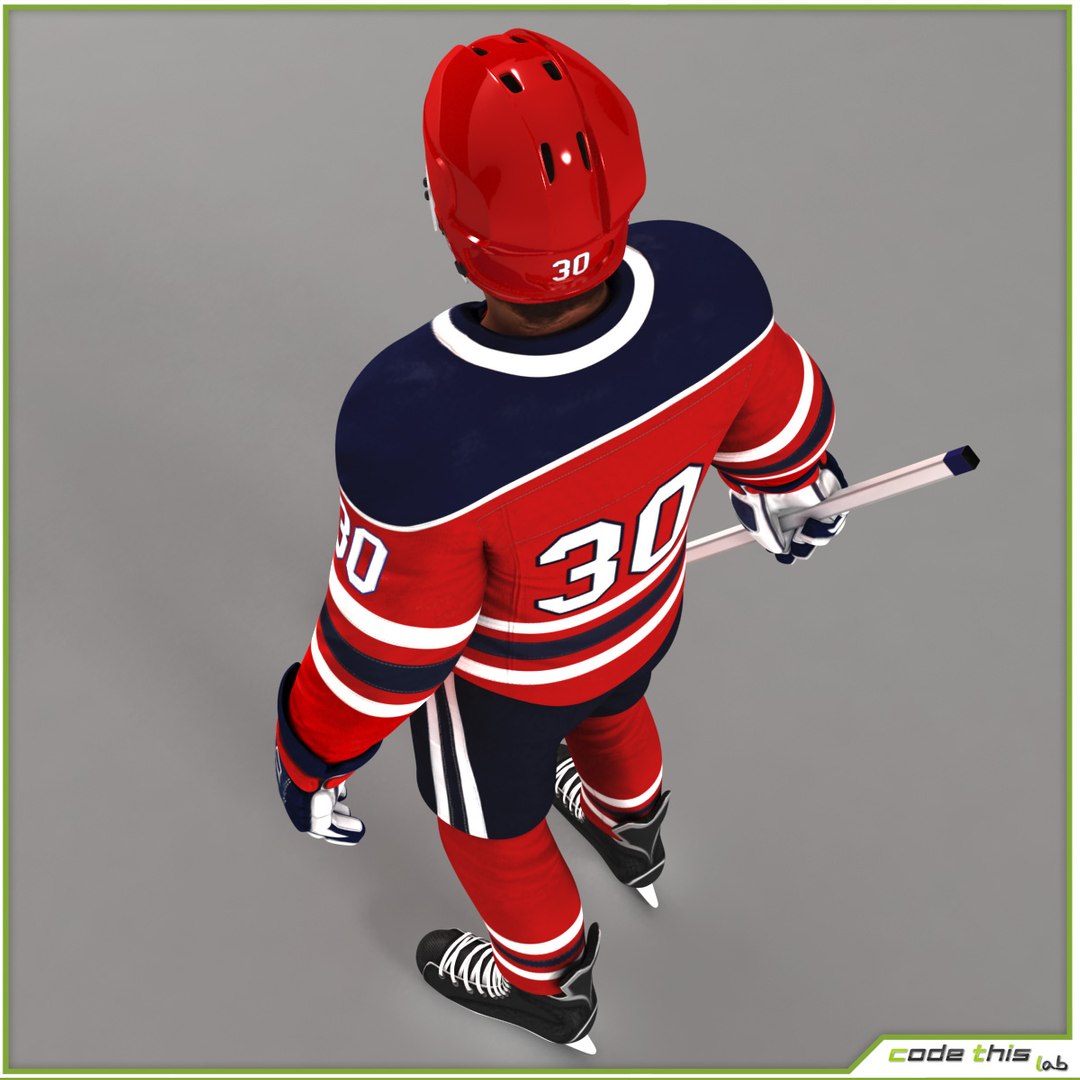
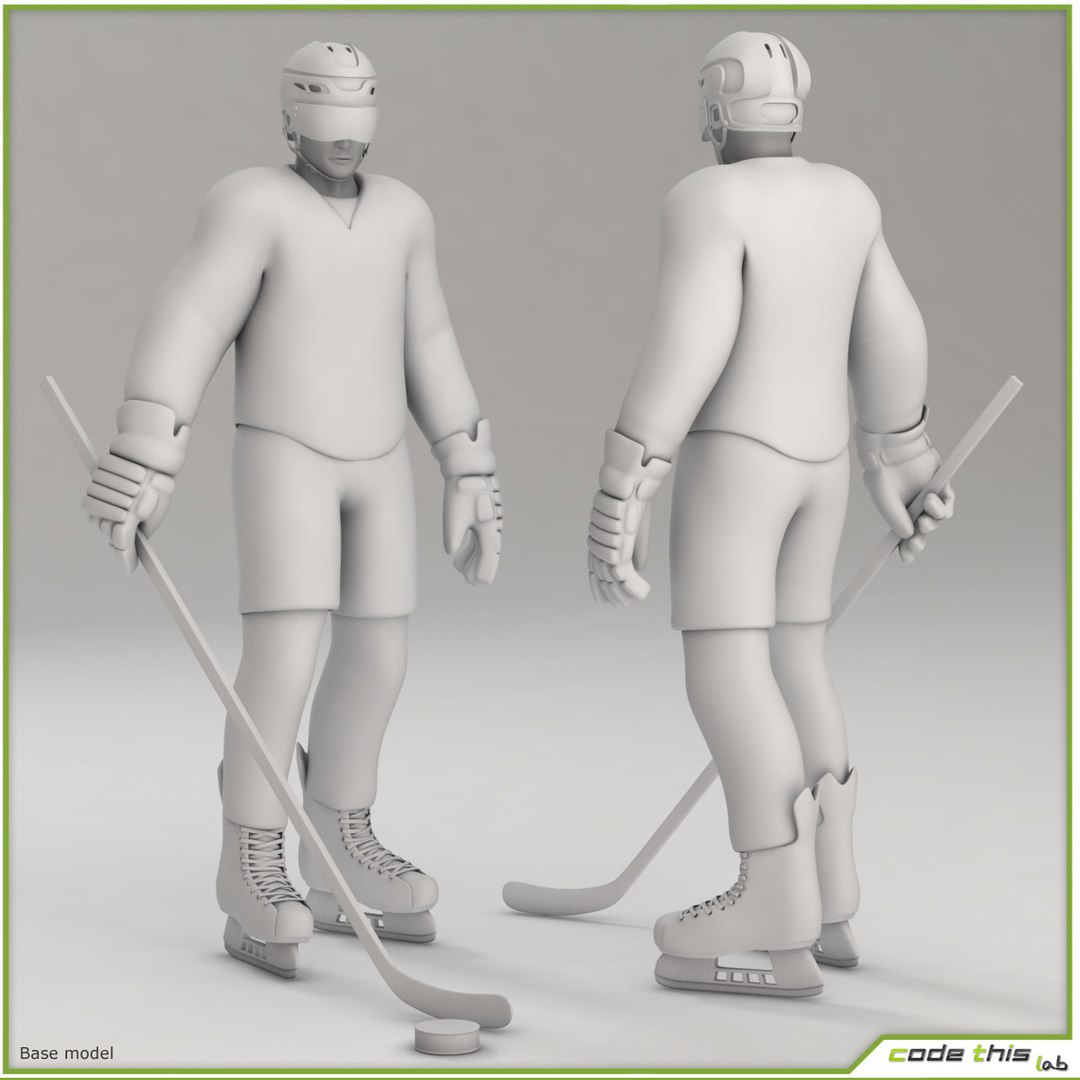
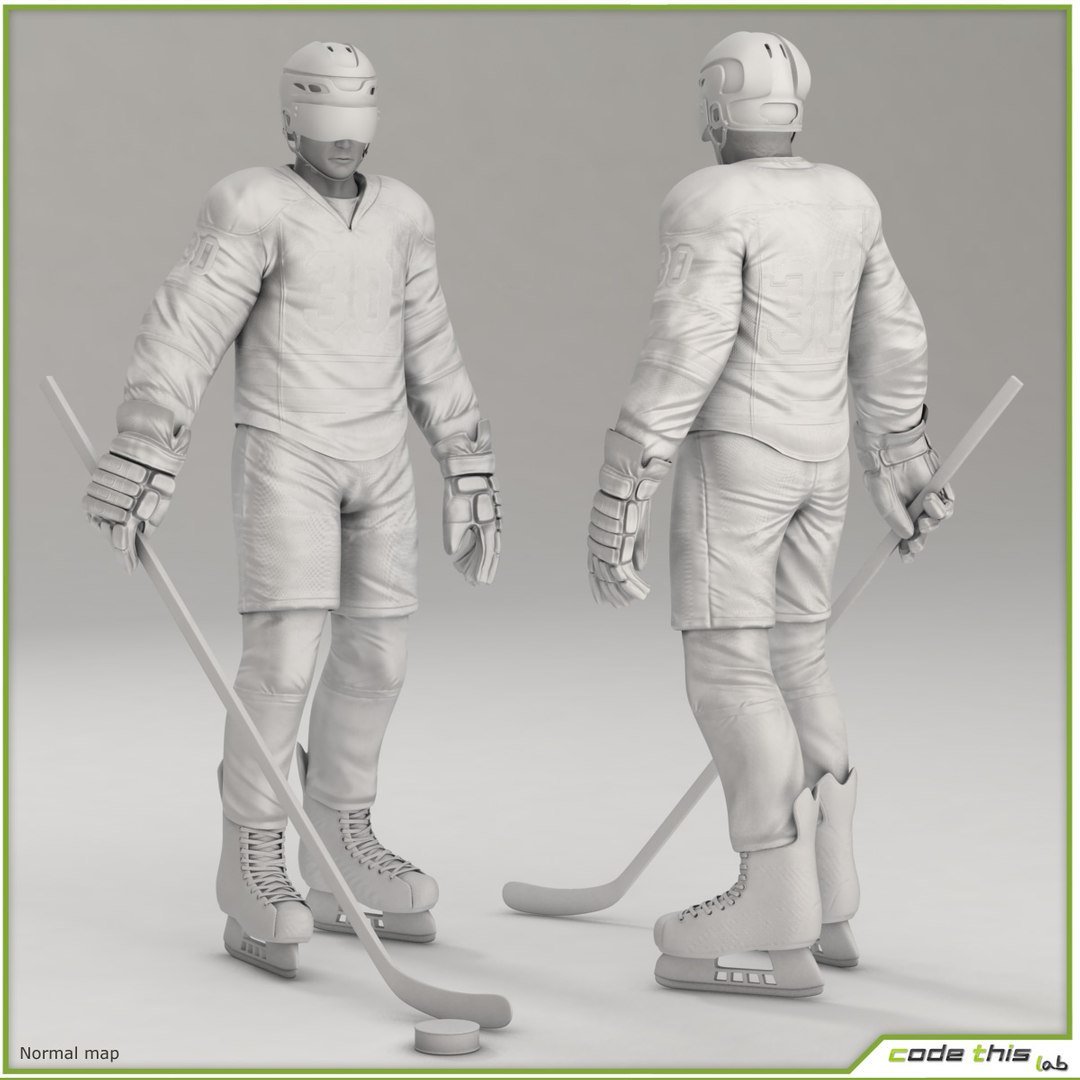
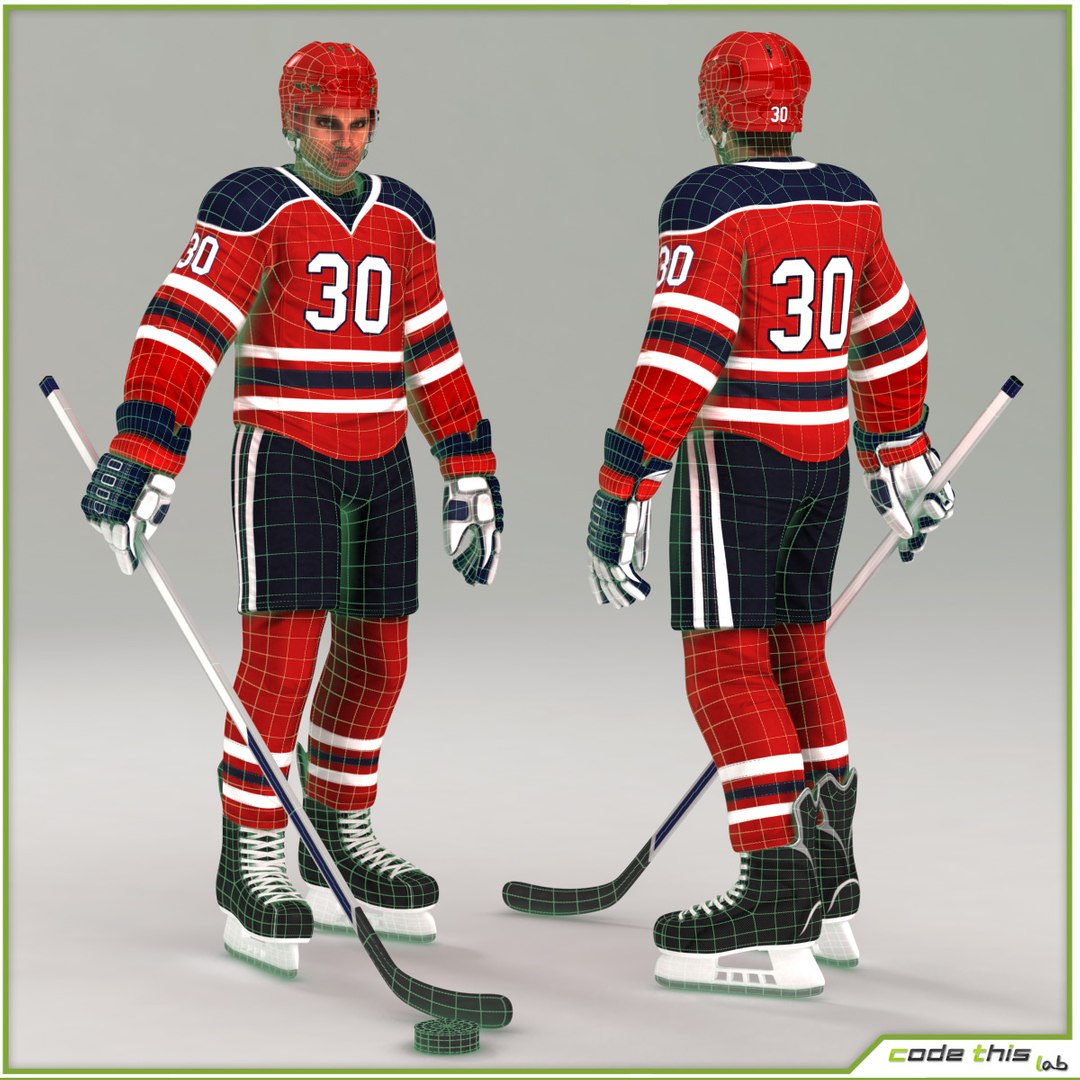
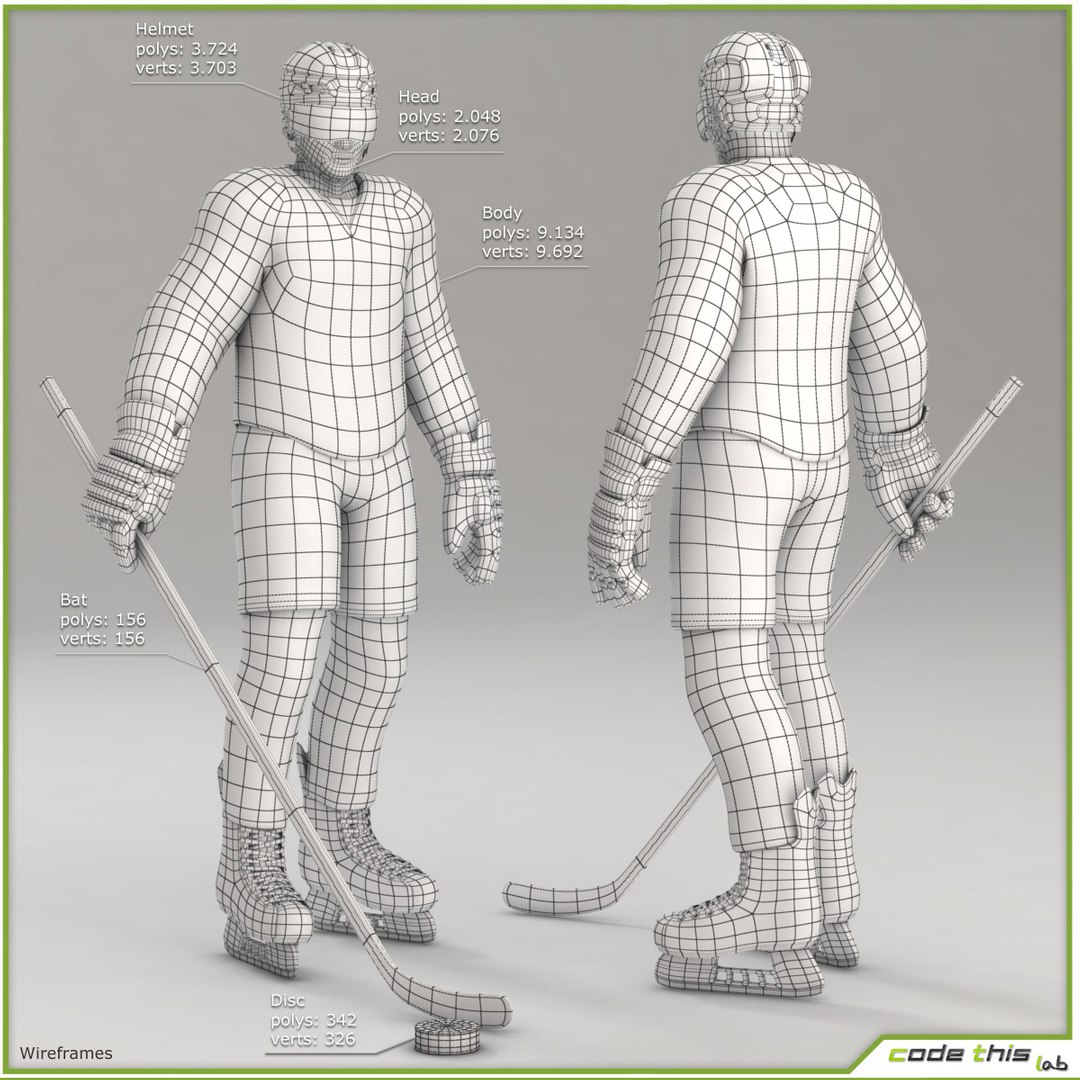
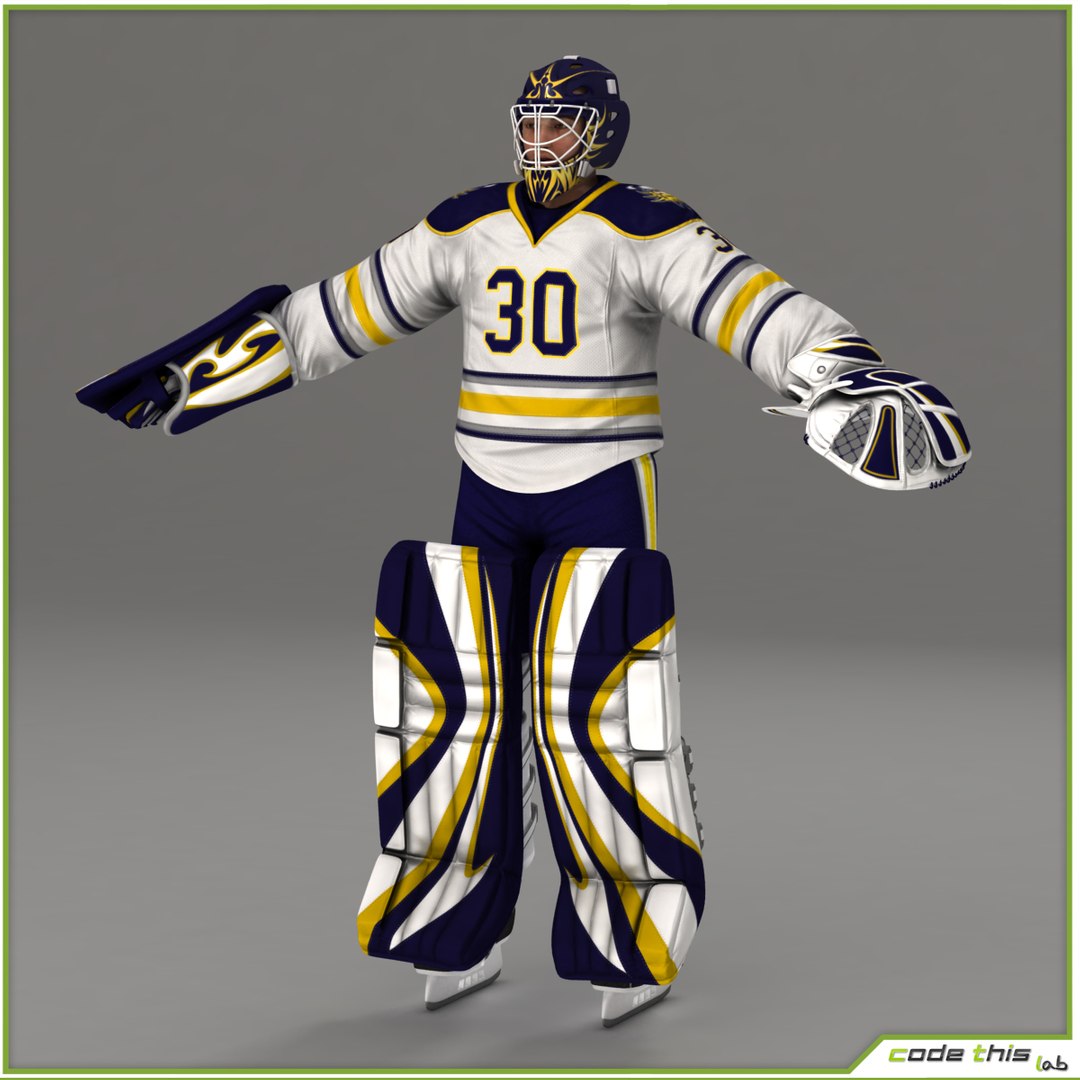
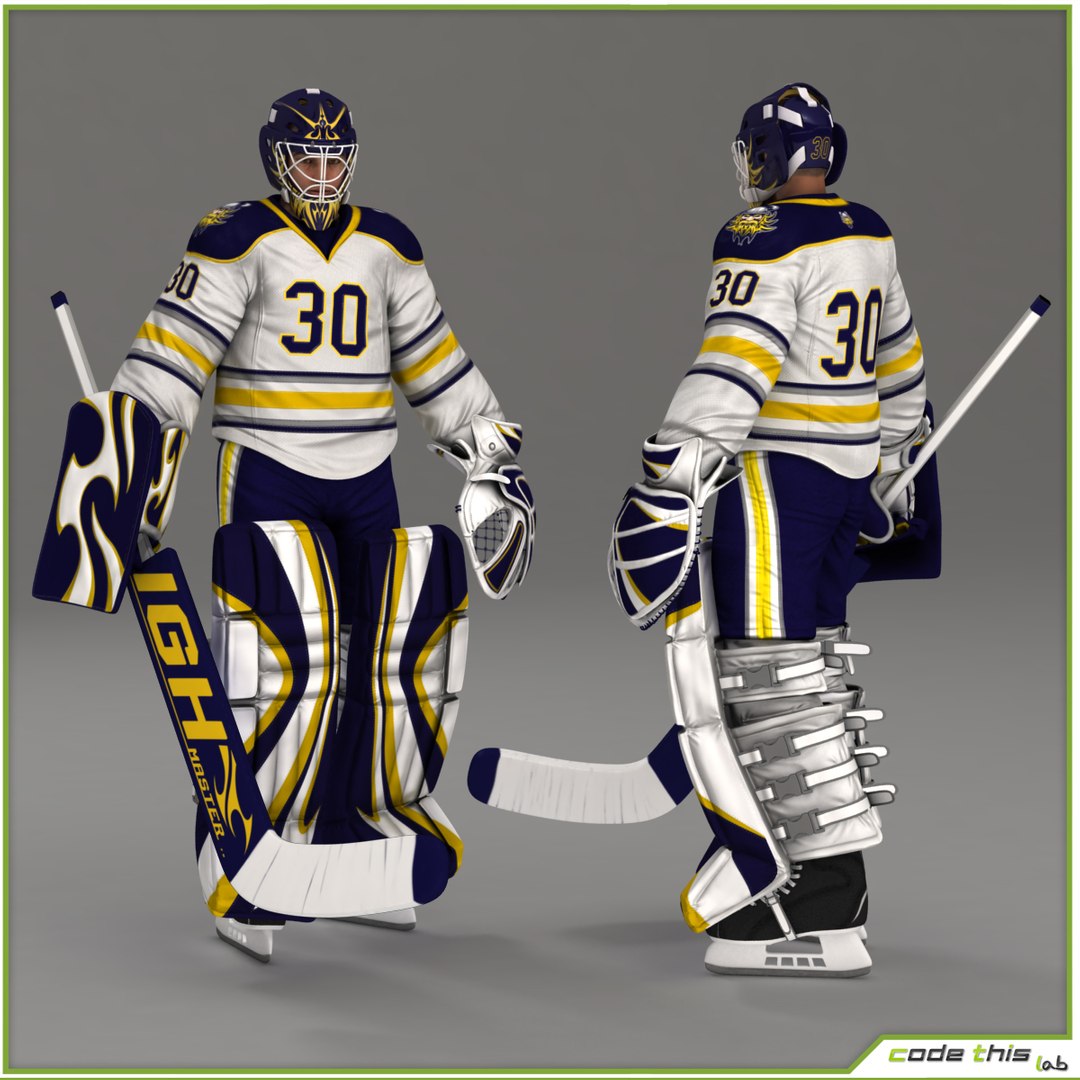
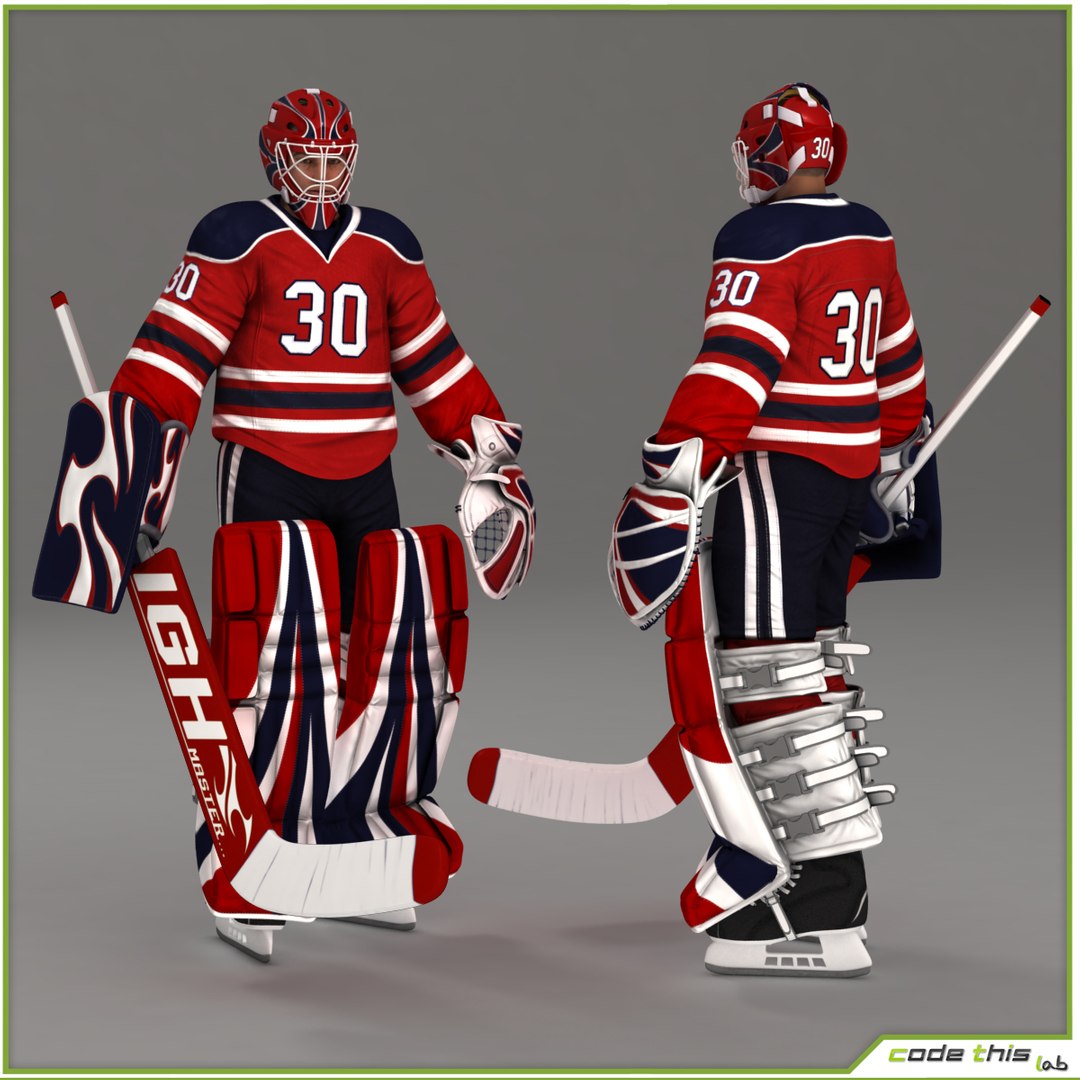
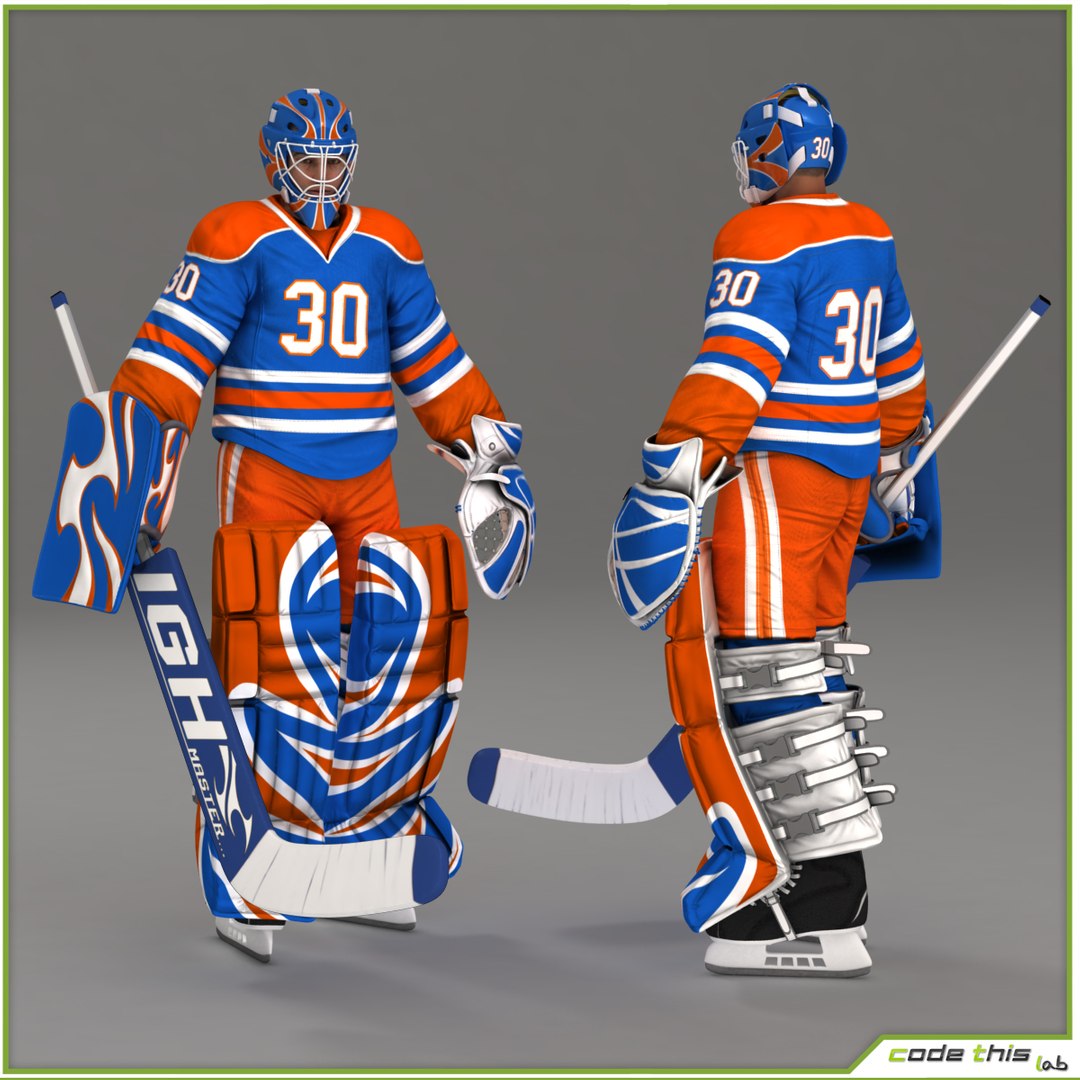
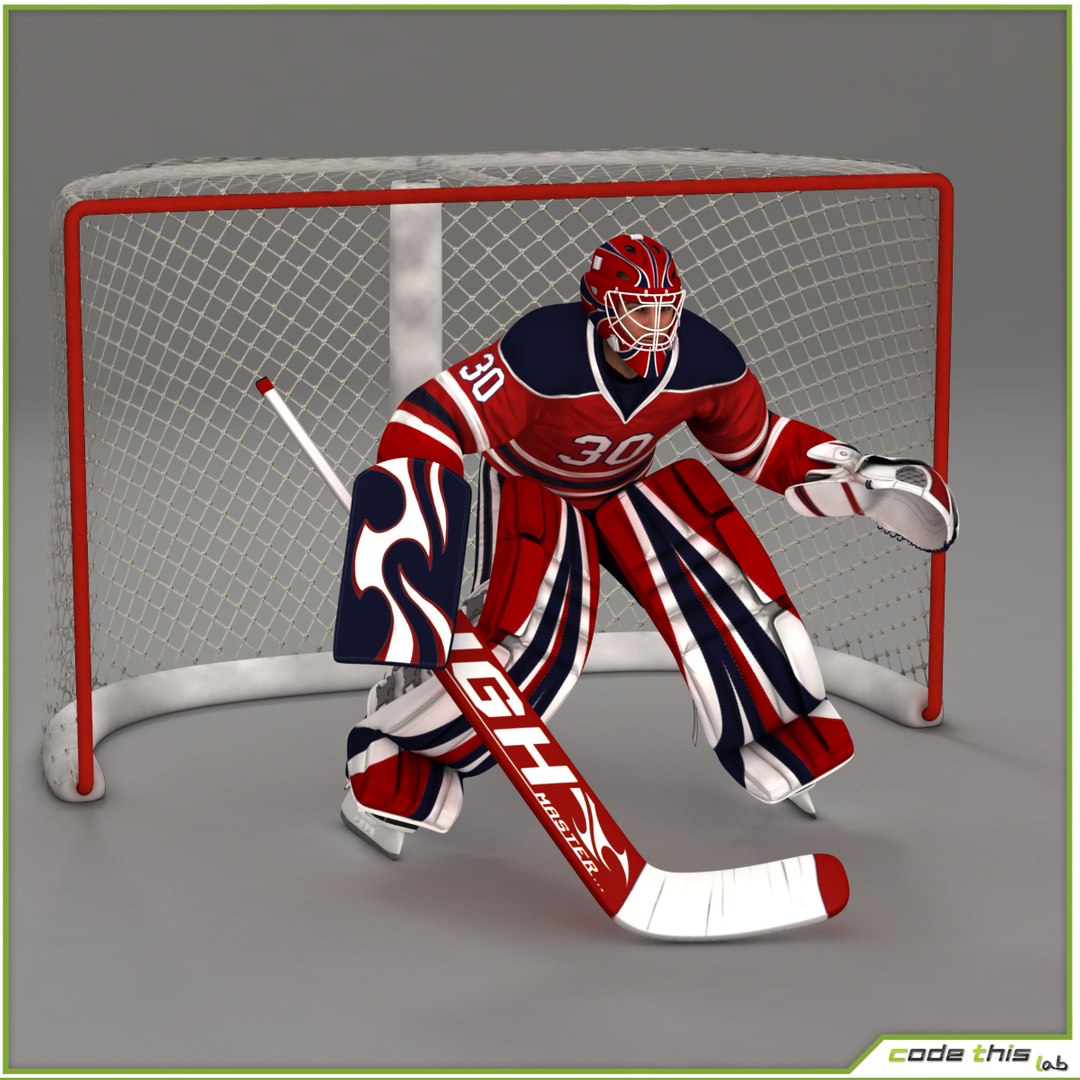
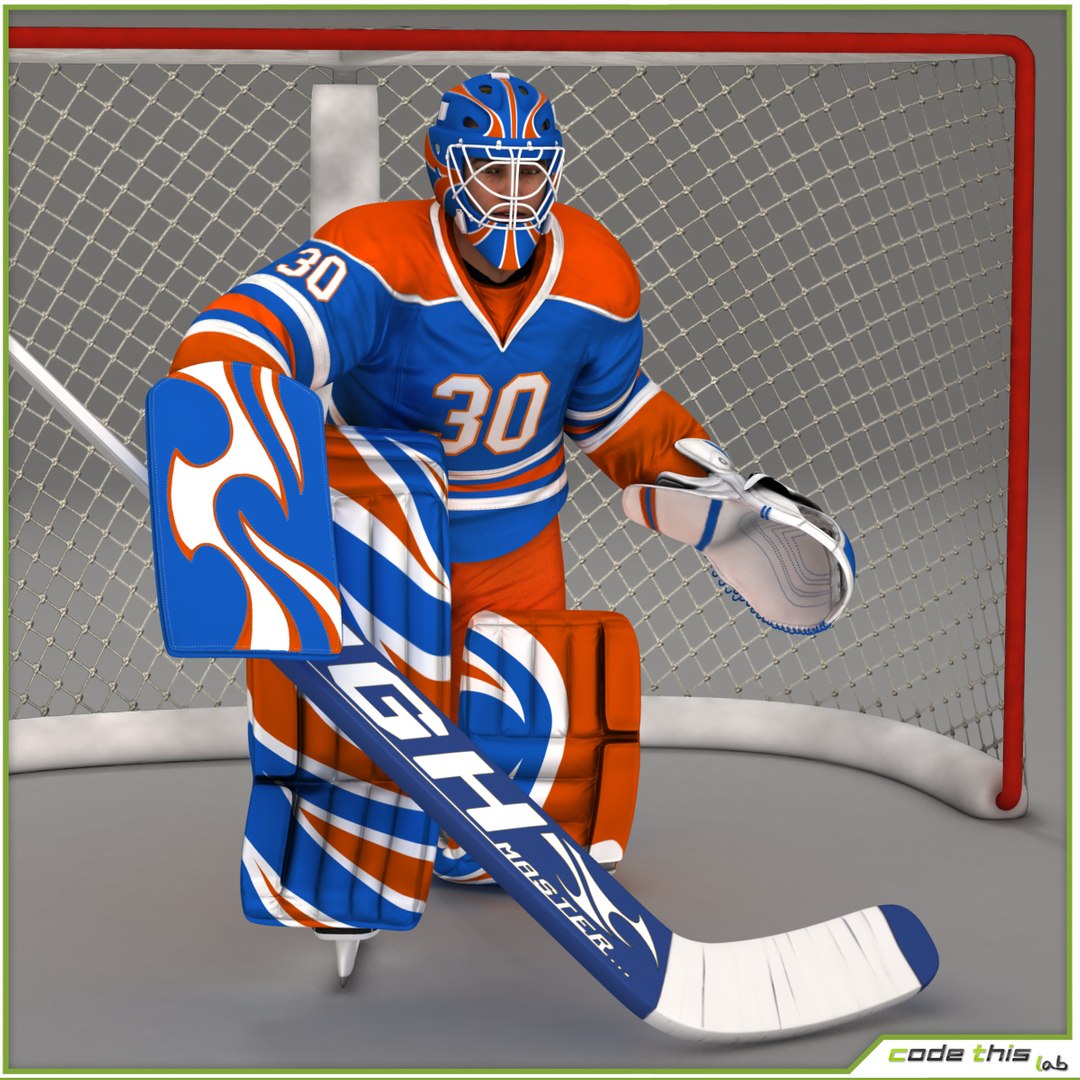
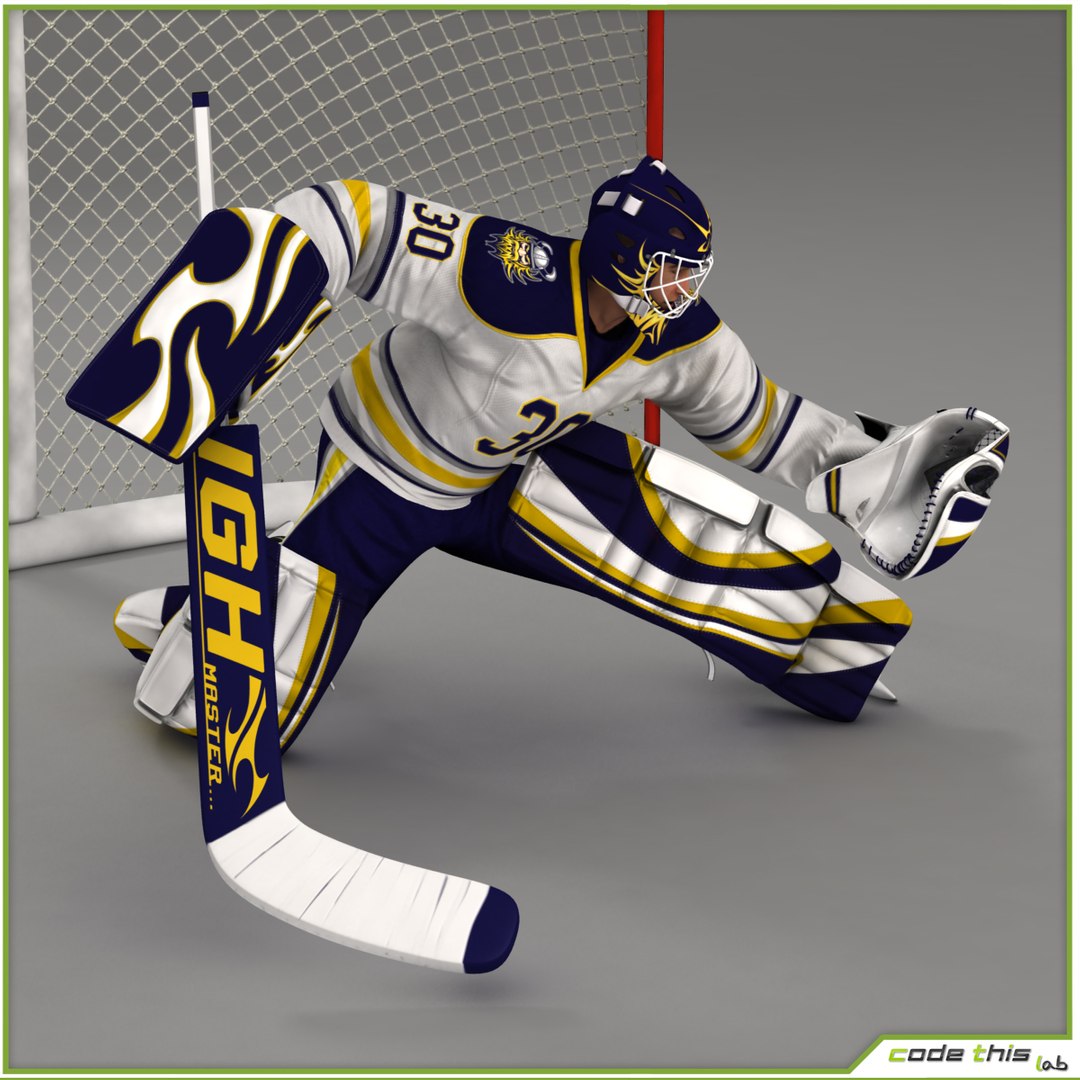
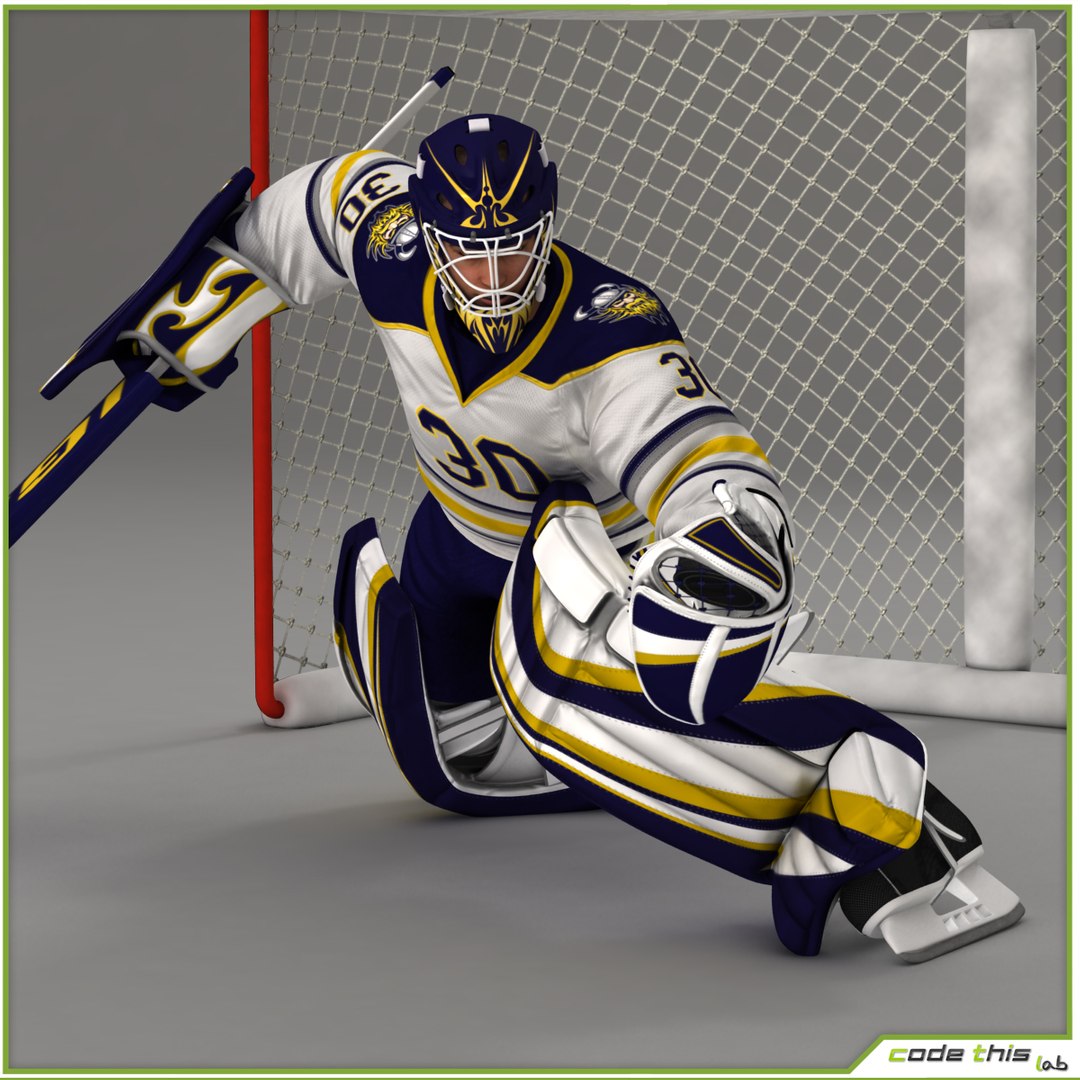
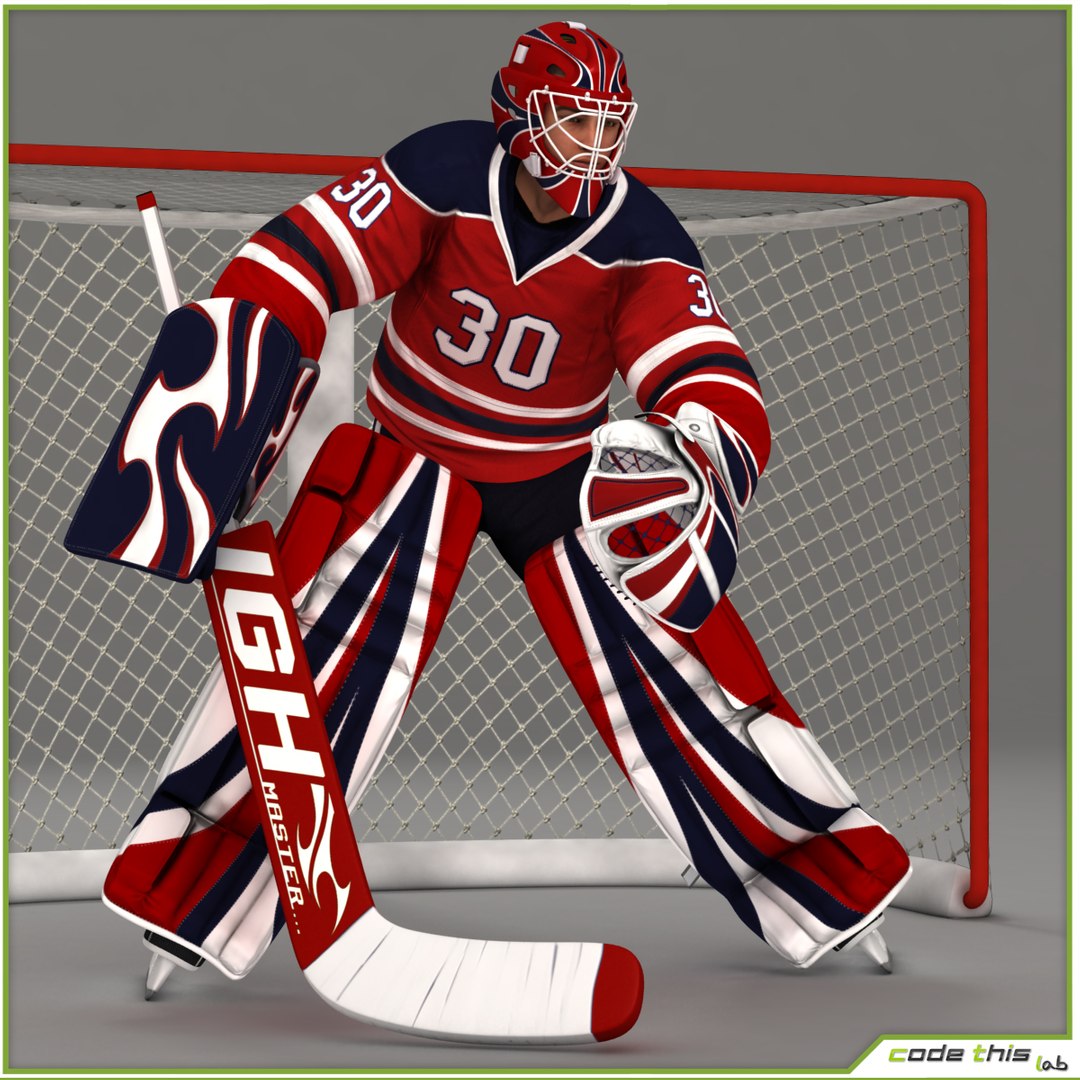
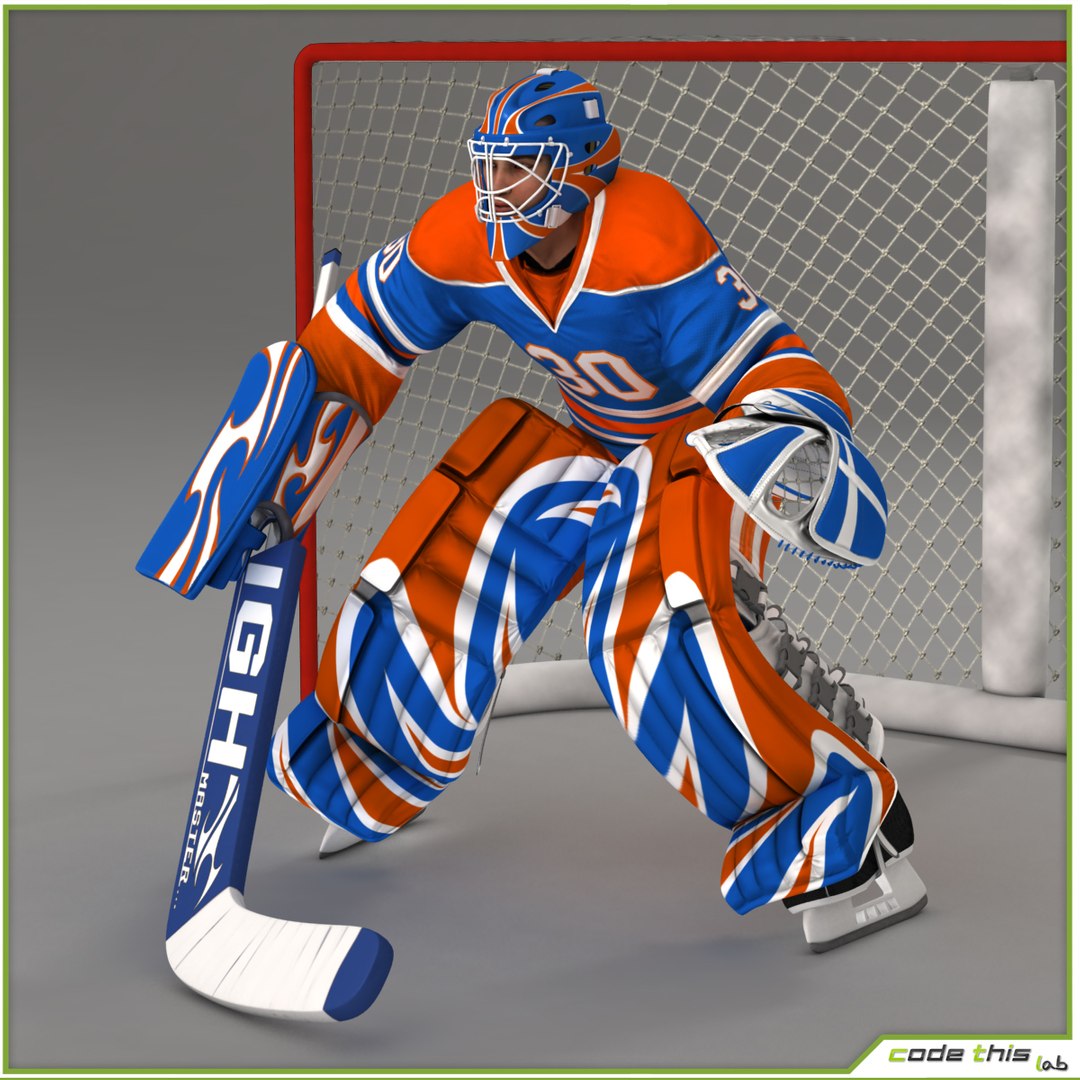
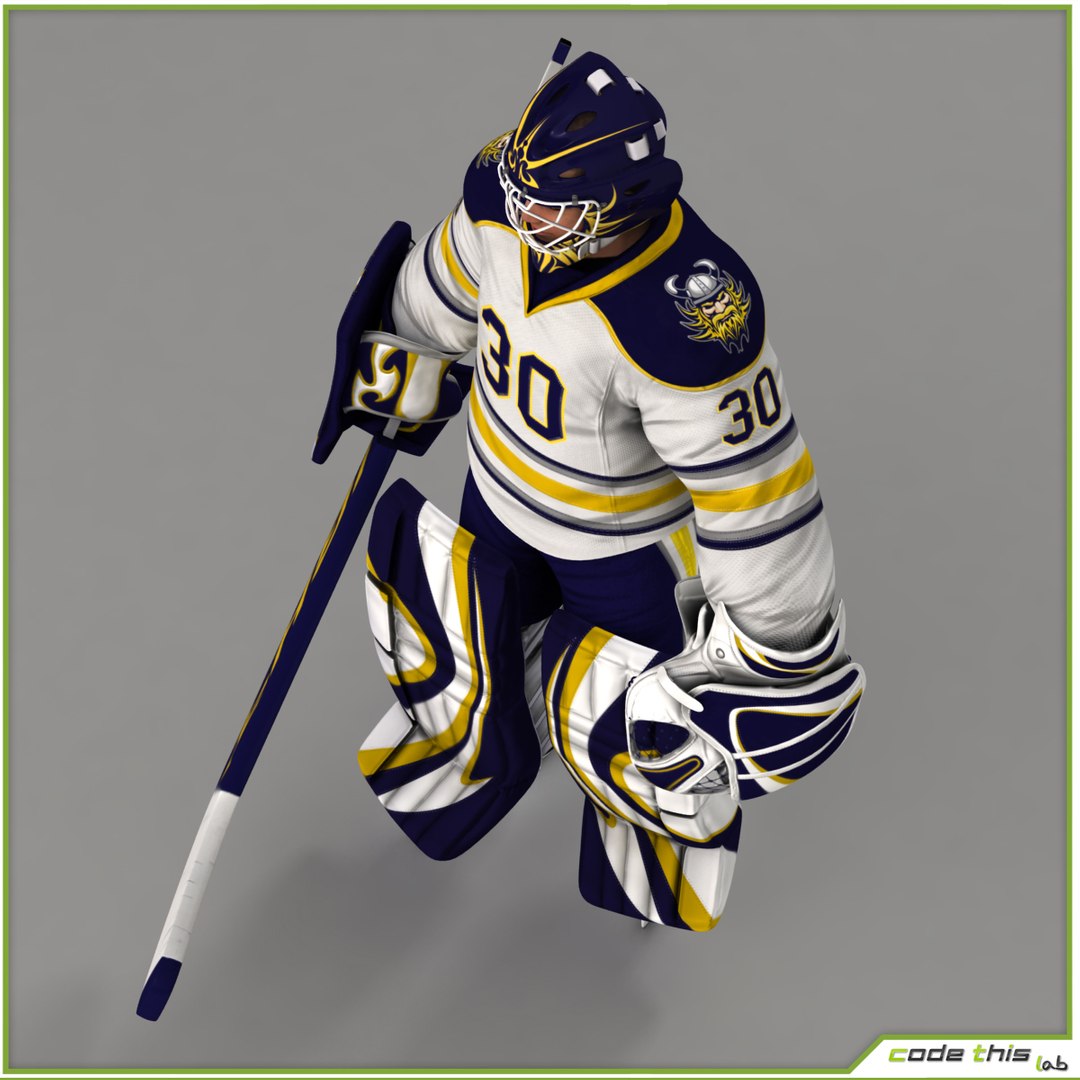
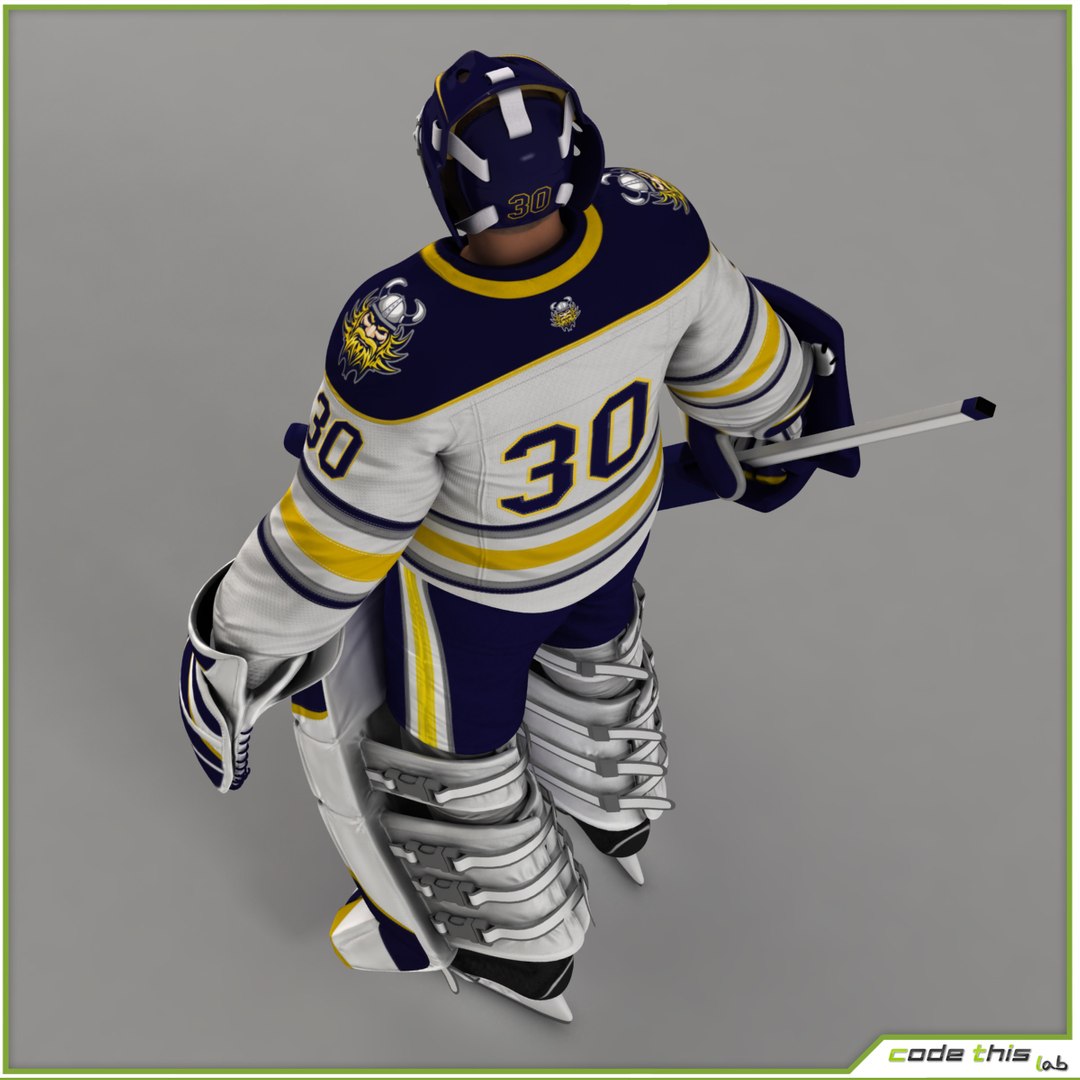
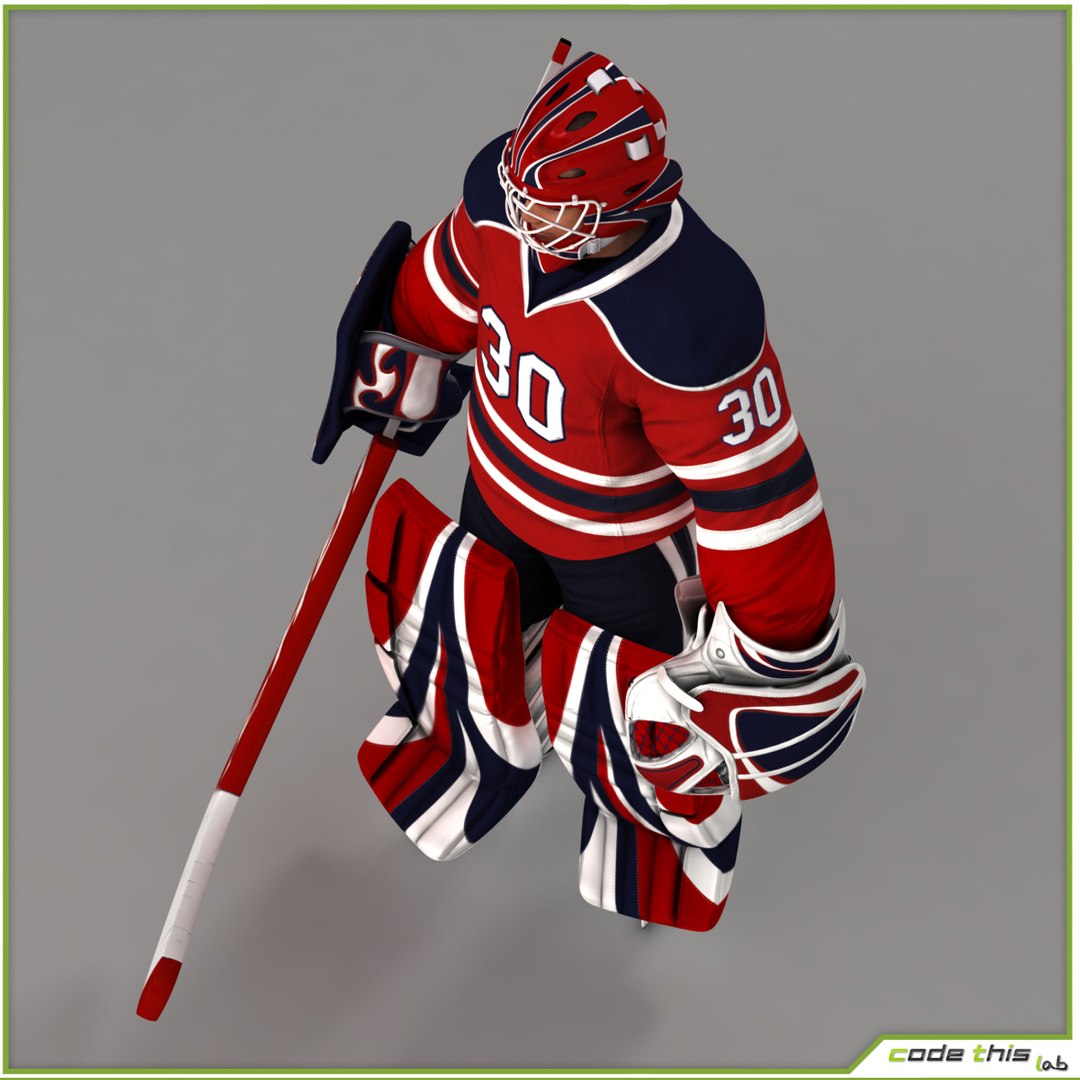
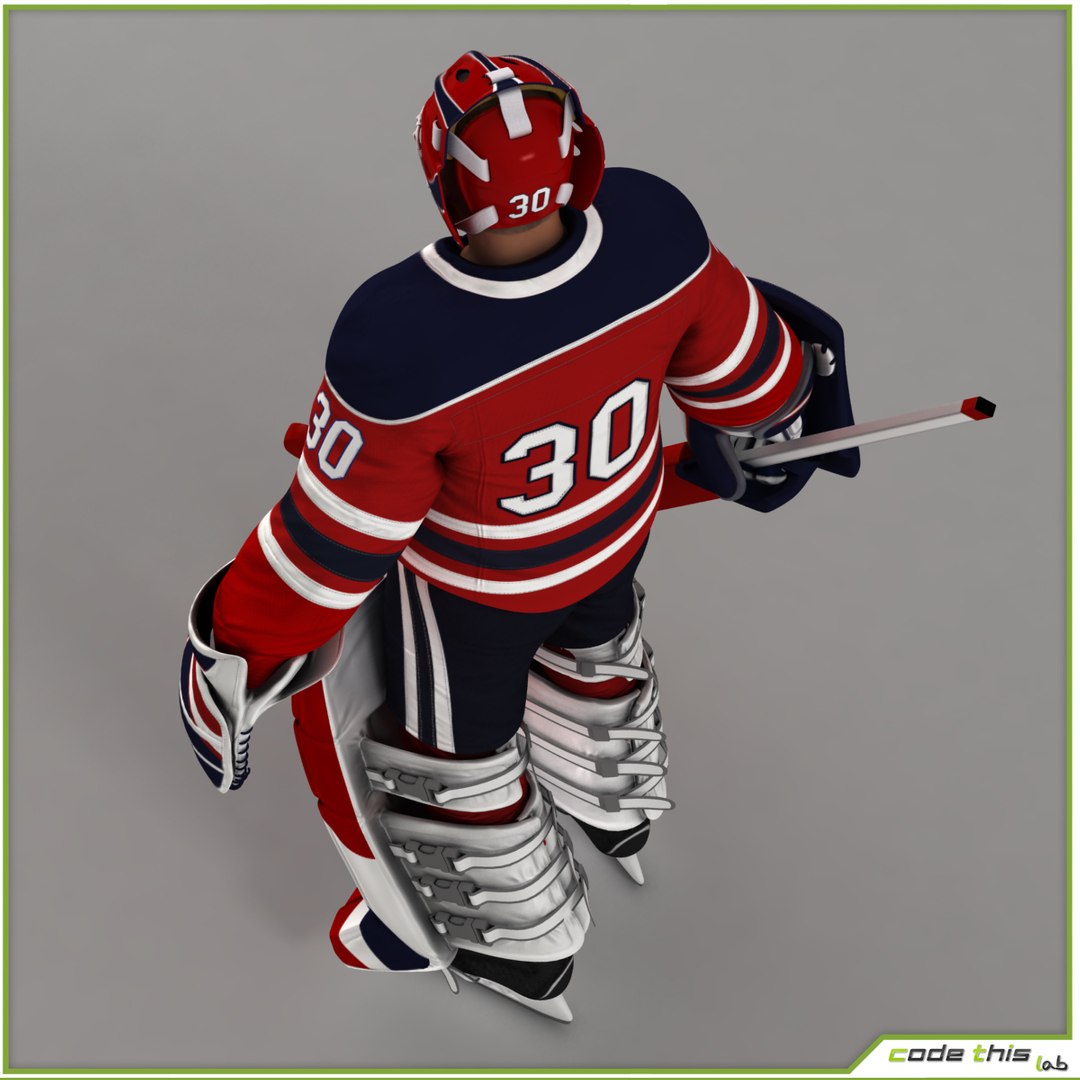
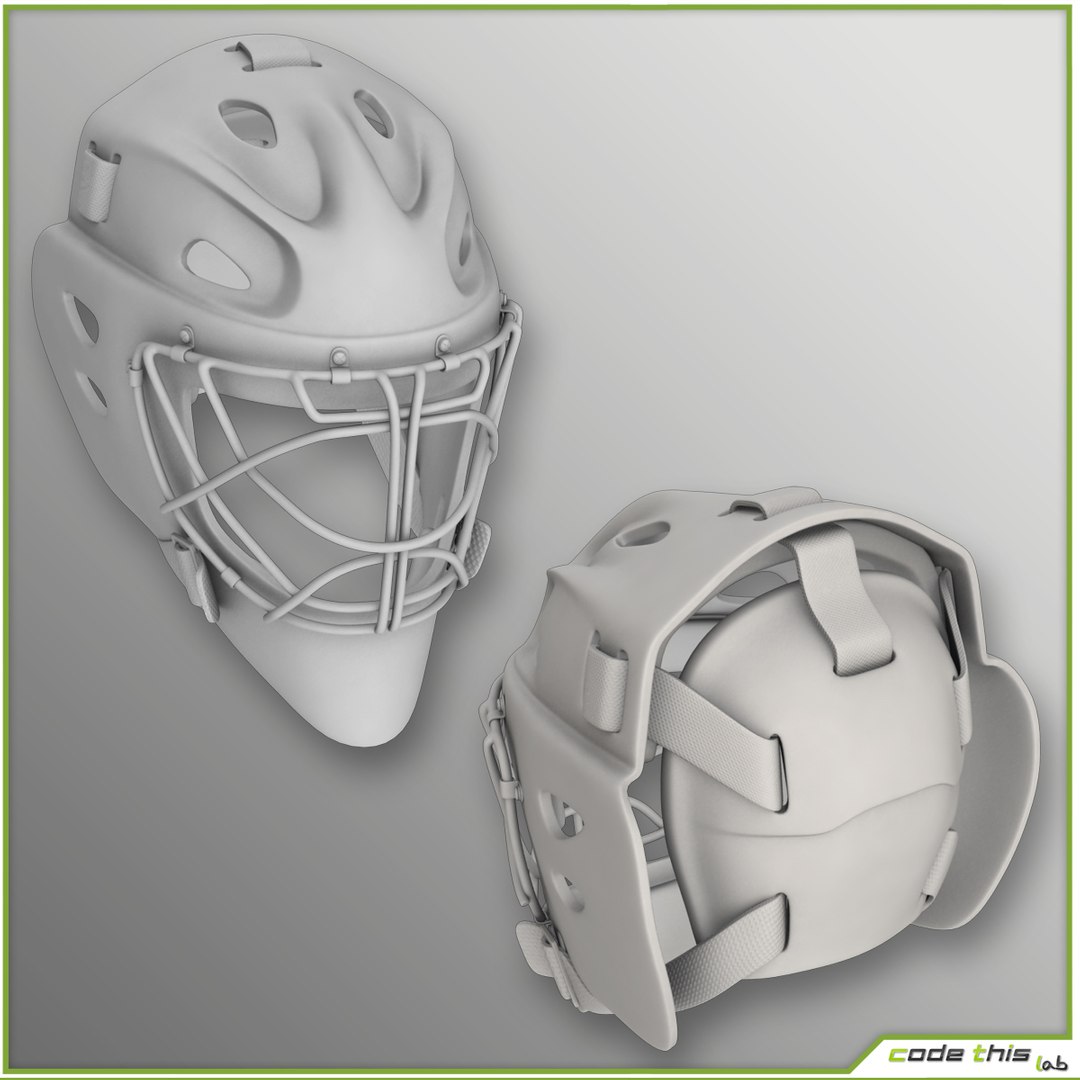
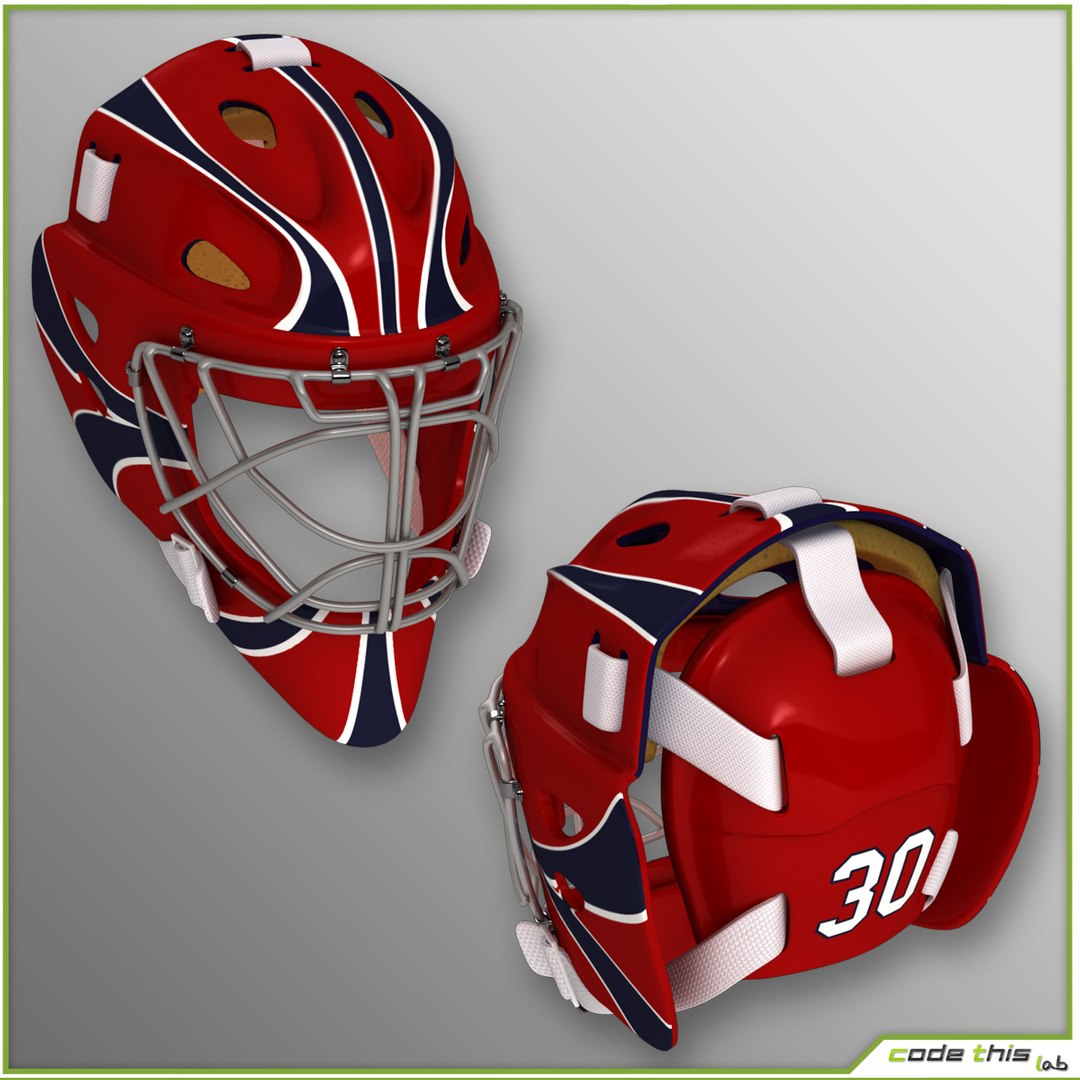
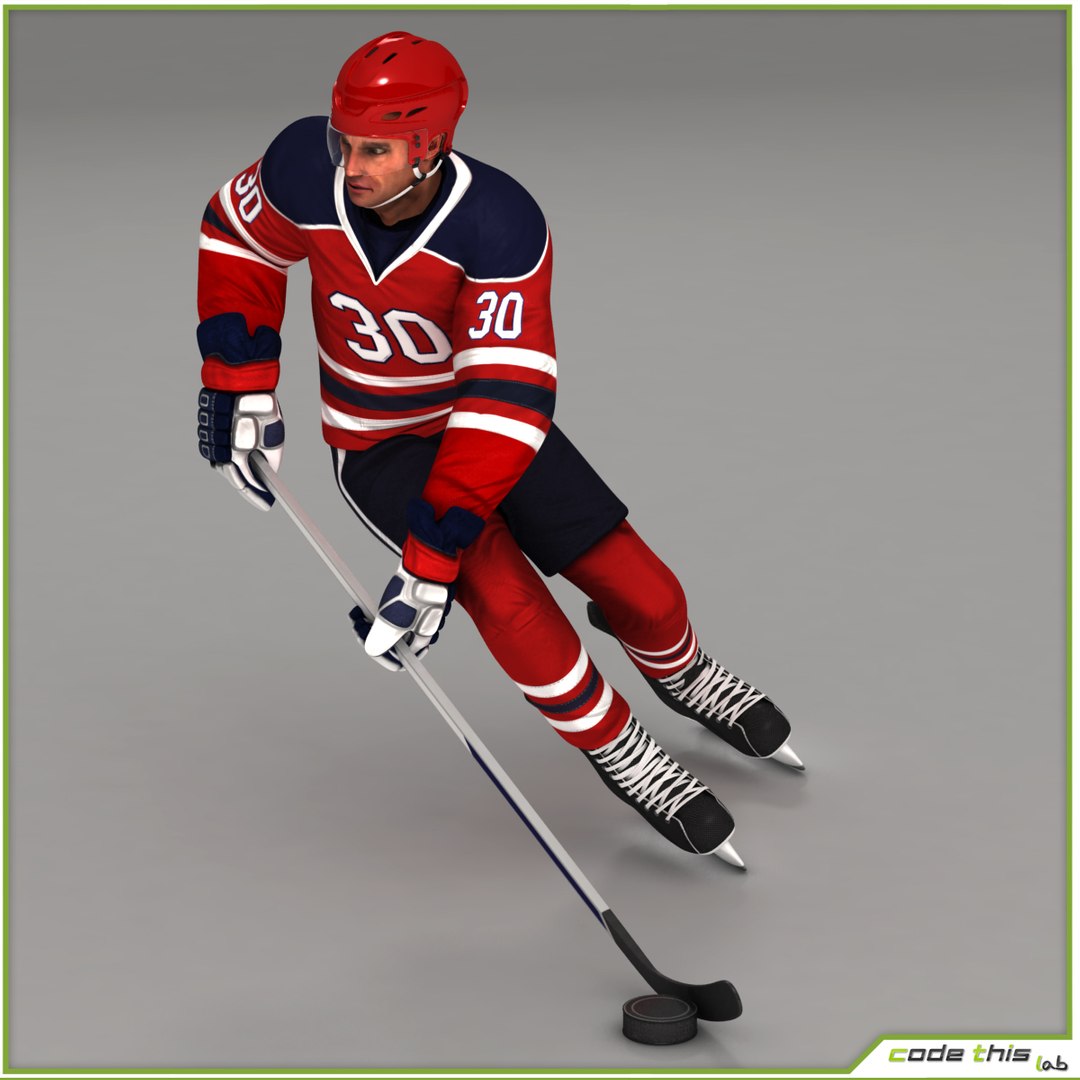
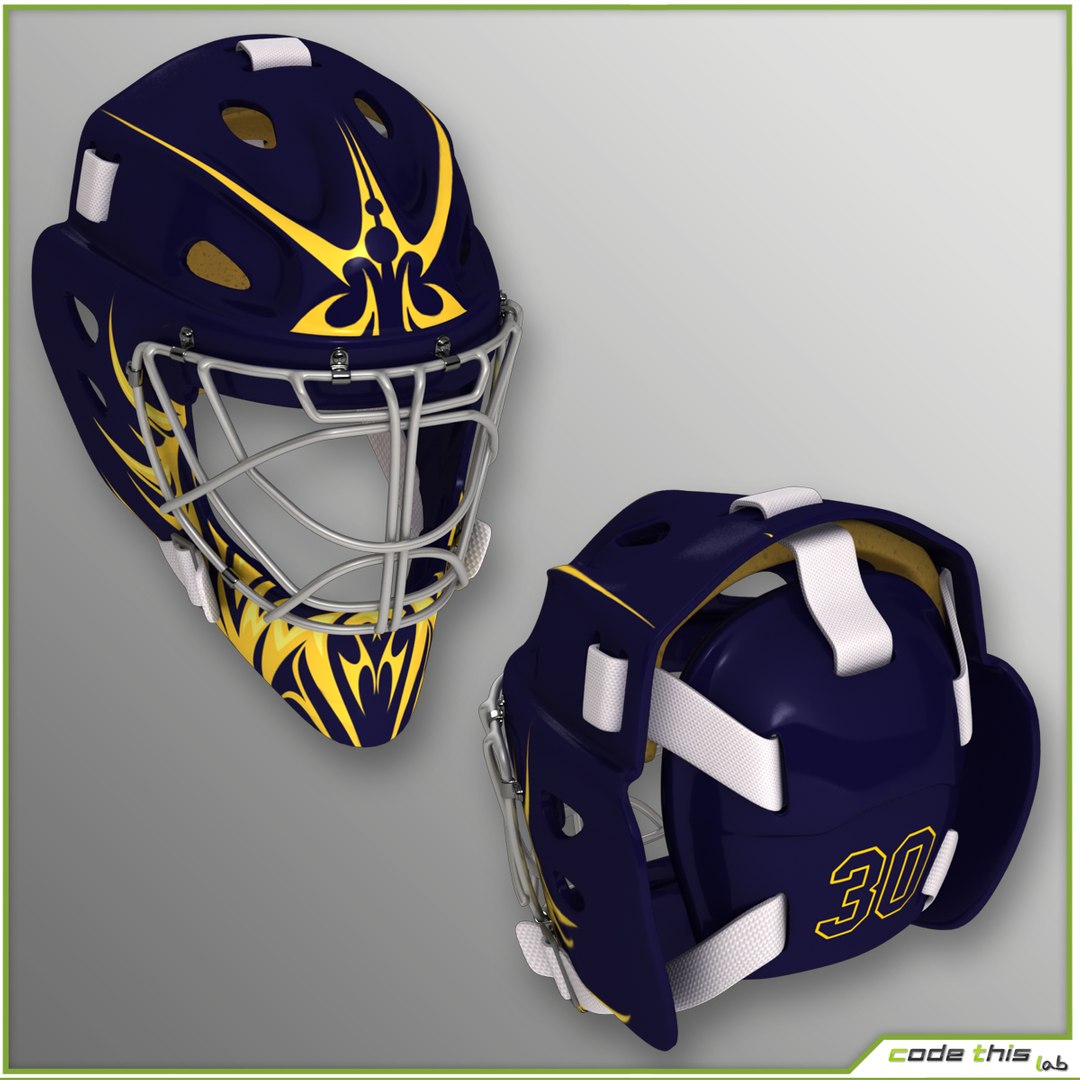
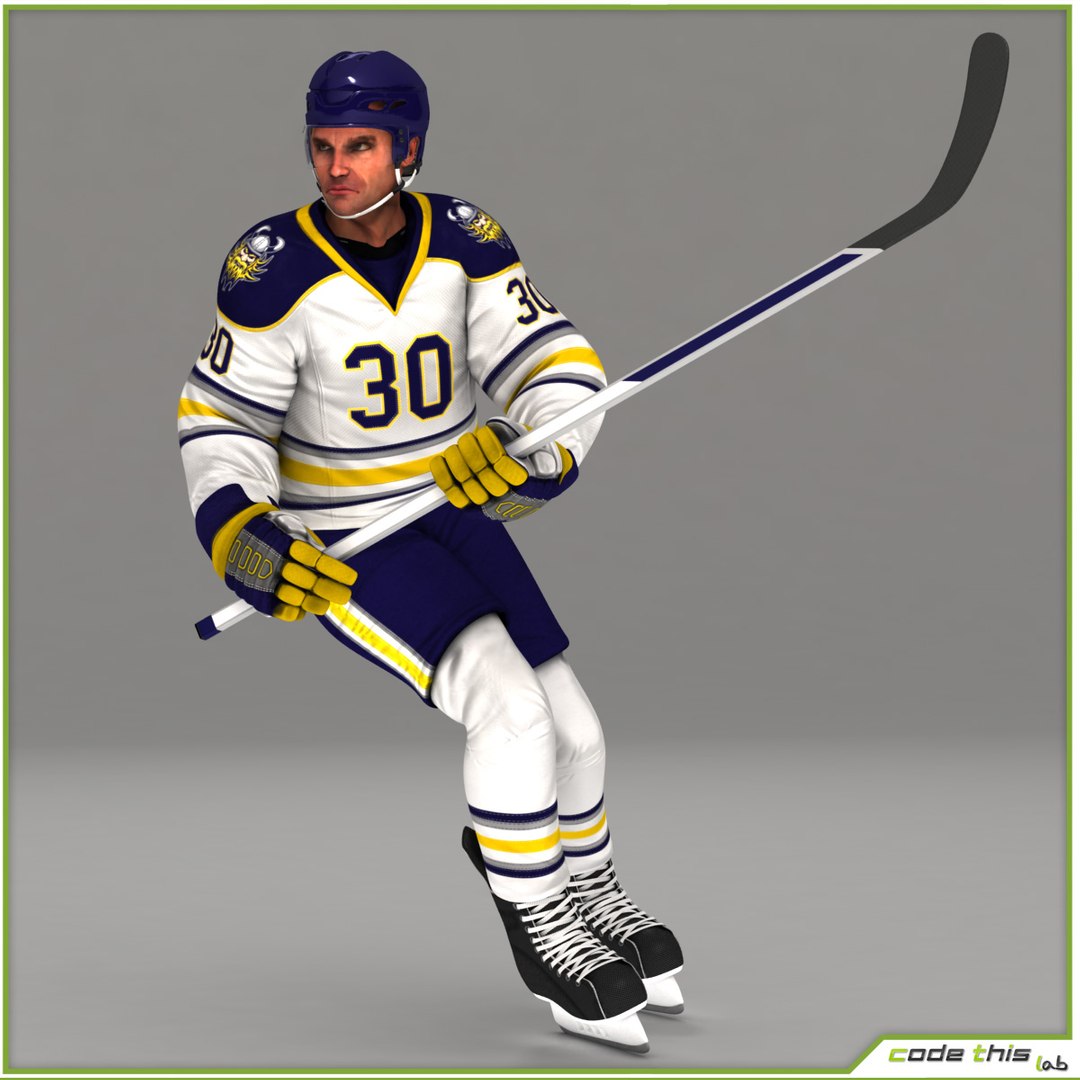
Hockey Player and Hockey Goalkeeper CG

$159

Standard License | Upgrade License
Formats (8)
Free file format Conversions available
Native | 3ds Max 2011 | V-Ray 2.0
3ds Max 2011 | V-Ray 2.0
Other Textures
FBX
OBJ
Specifications
Publish Date October 04, 2013
Product ID 772053
Polygons 1
Vertices 1
Polygonal
Textures
Materials
UV Mapped
Mixed Unwrapped UVs
Rigged
Animated
TurboSquid Exclusive
member avatar
codethislab
348 Products | Contributor Since 2010
Have questions? Chat with us now.

Description

High-poly 3d model not suitable for Virtual Reality (VR), Augmented Reality (AR), games and other real-time apps.

These models were realized using 3D Studio Max (version 2011) and Vray rendering engine (version 2.0), so it is optimized for working in this environment.

We can not be held responsible for the use of these models in environments different from the recommended one.

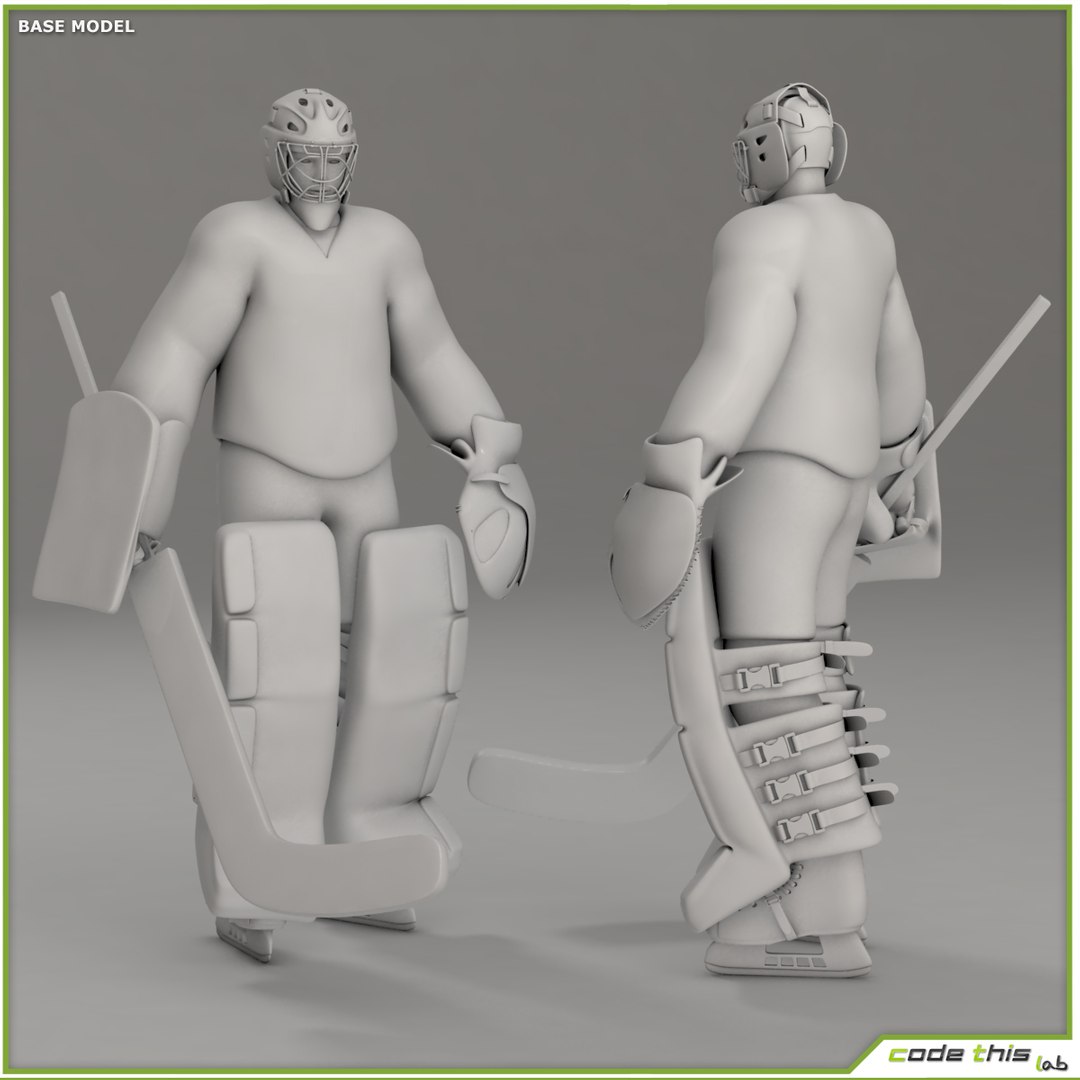
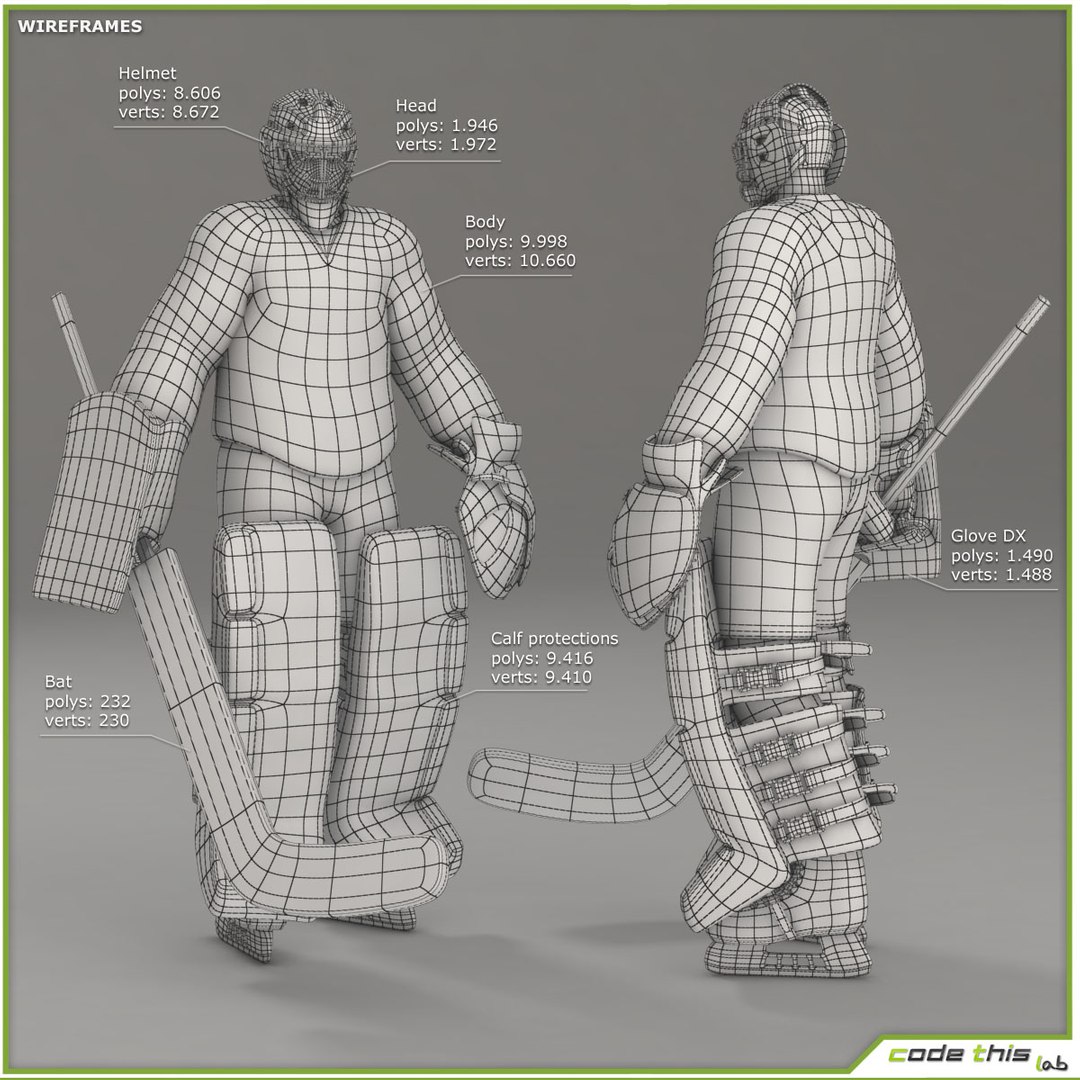
The models are a high poly composed by quads and triangles distributed across the topology in a well balanced way.
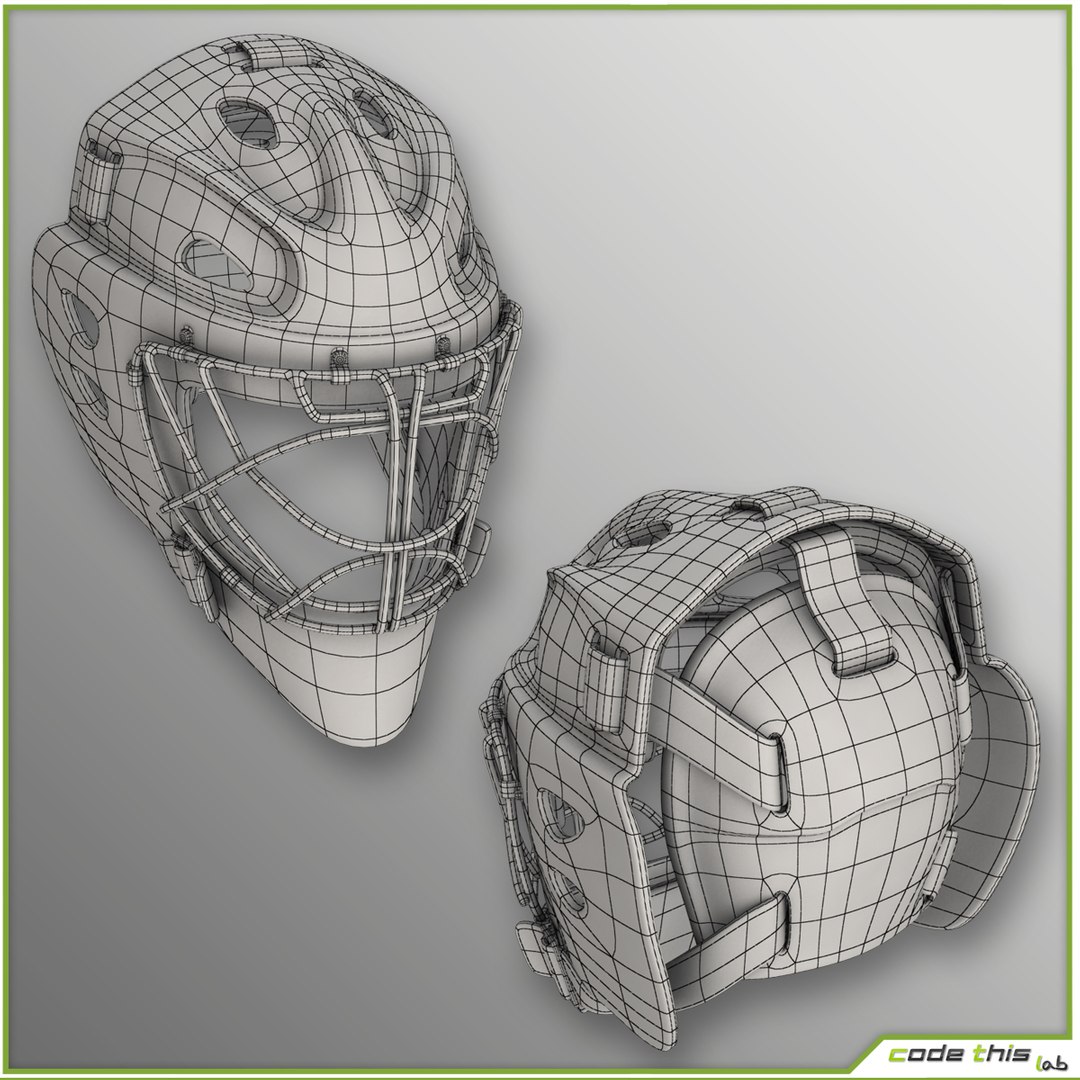
The rendering shown was made using Vray materials and scene setup provided in the file MAX (Vray lights, Vray materials and environment for scene setup).

TurboSmooth modifier was applied to the models for achieving the best quality.

The renderer visible in the scene can be obtained just using the native file.

MATERIALS AND TEXTURES:

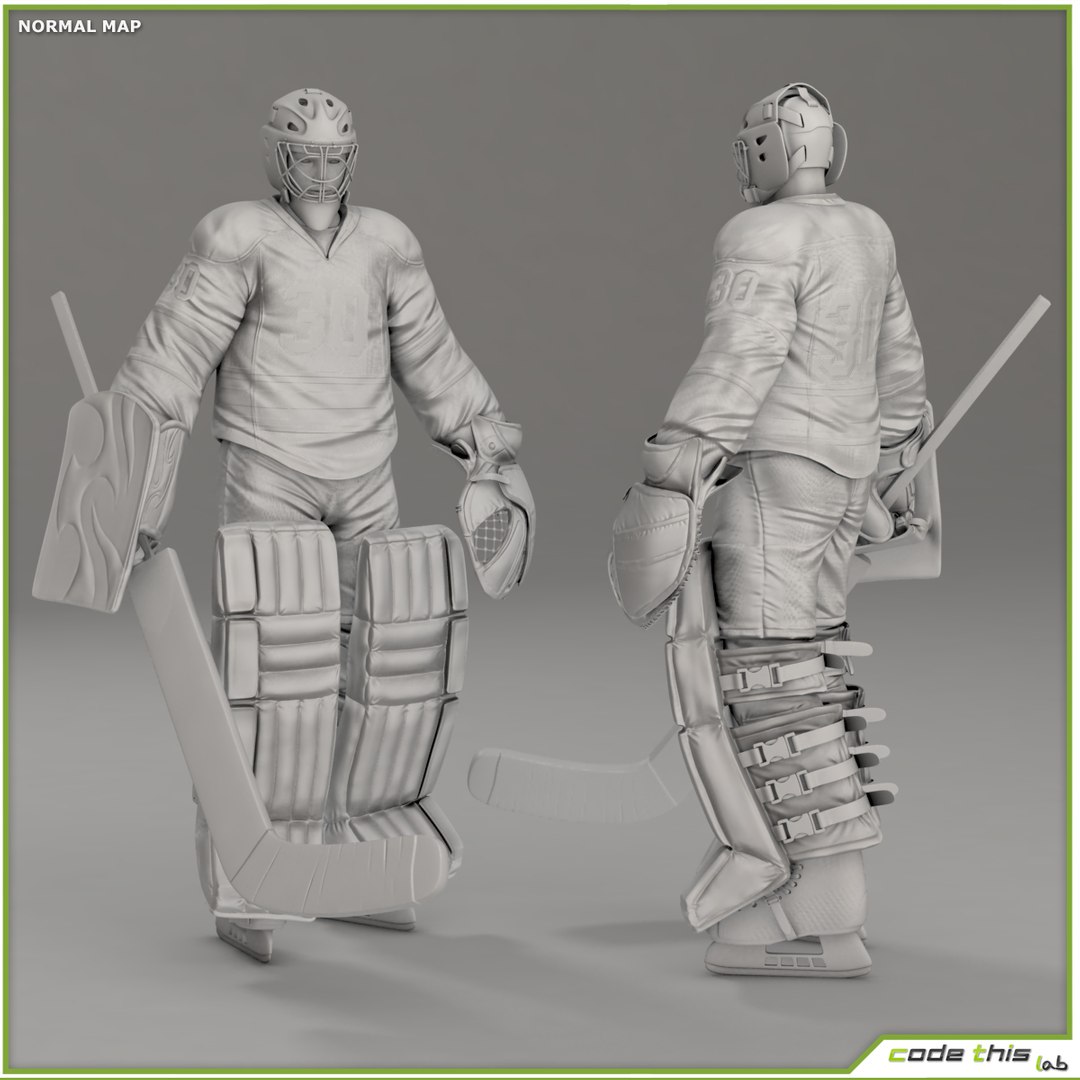
Textures are from 2048x2048 to 4096x4096.

All textures are in TGA format.

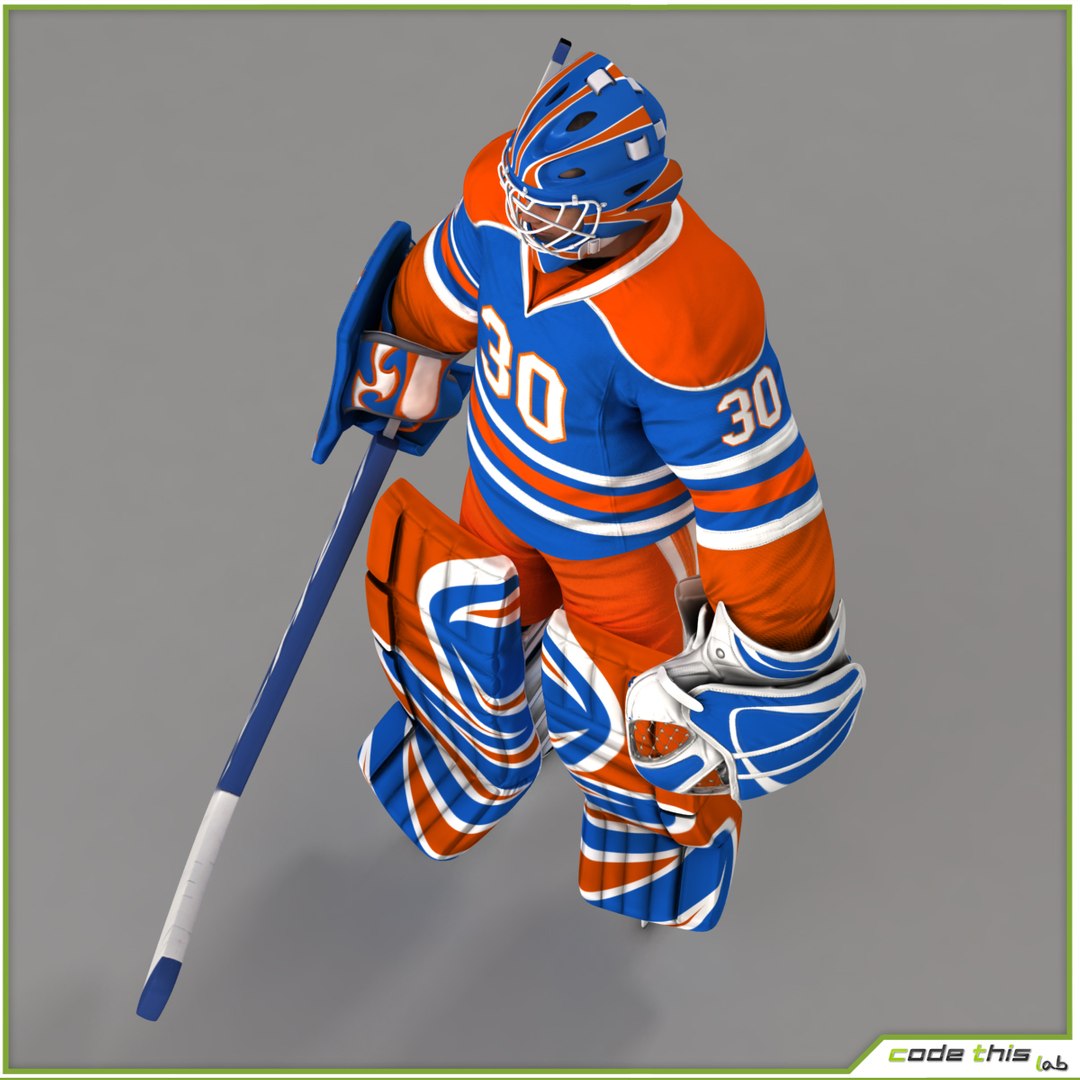
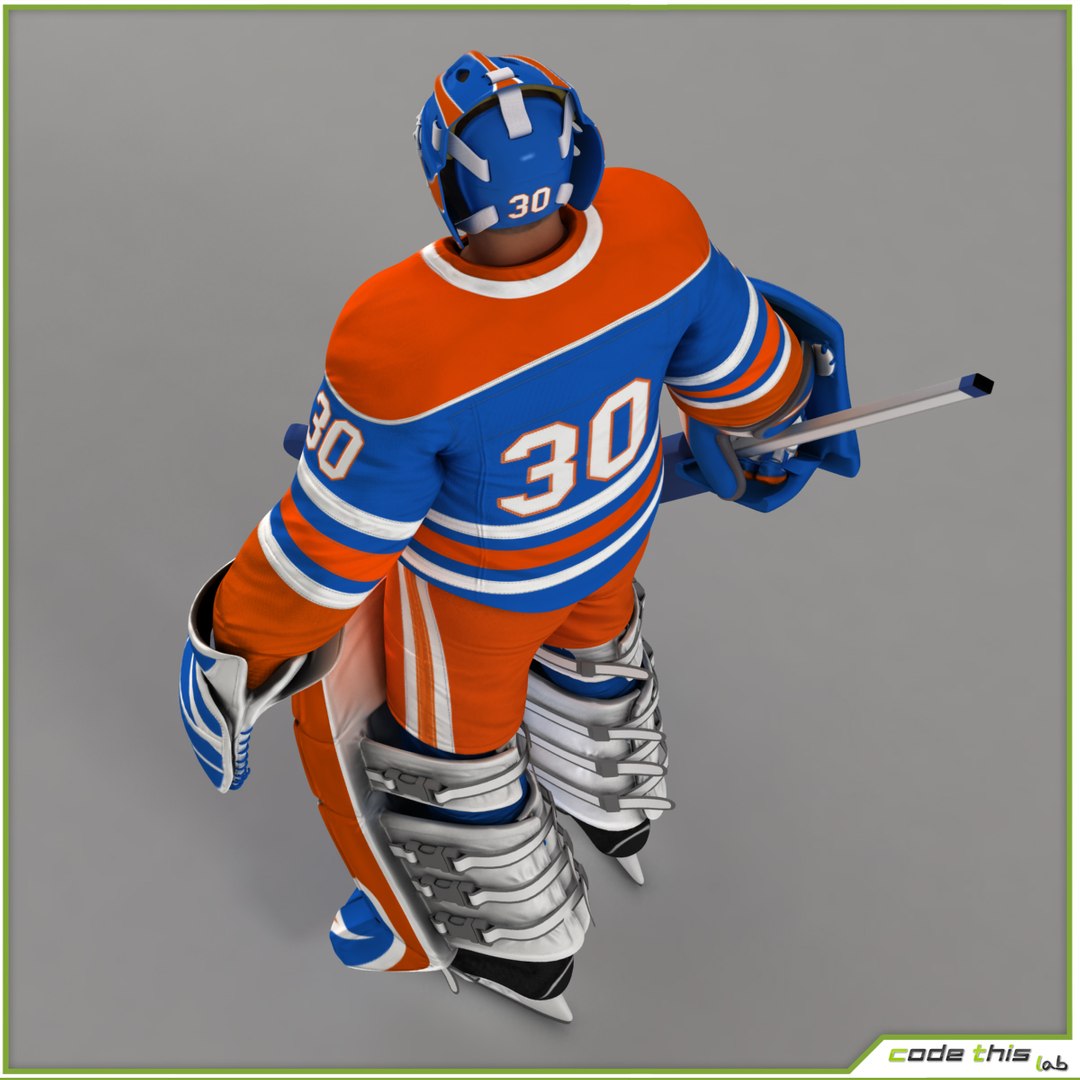
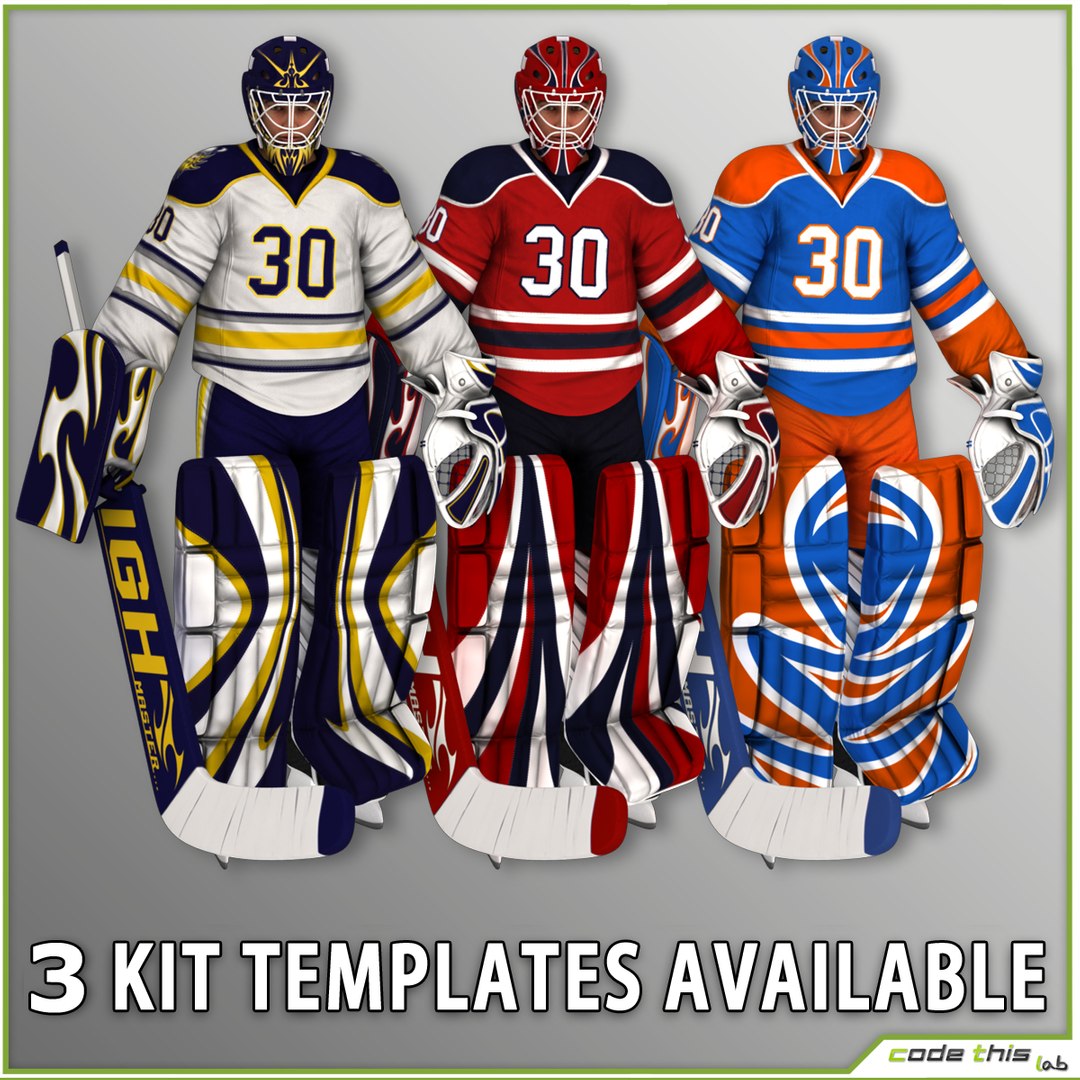
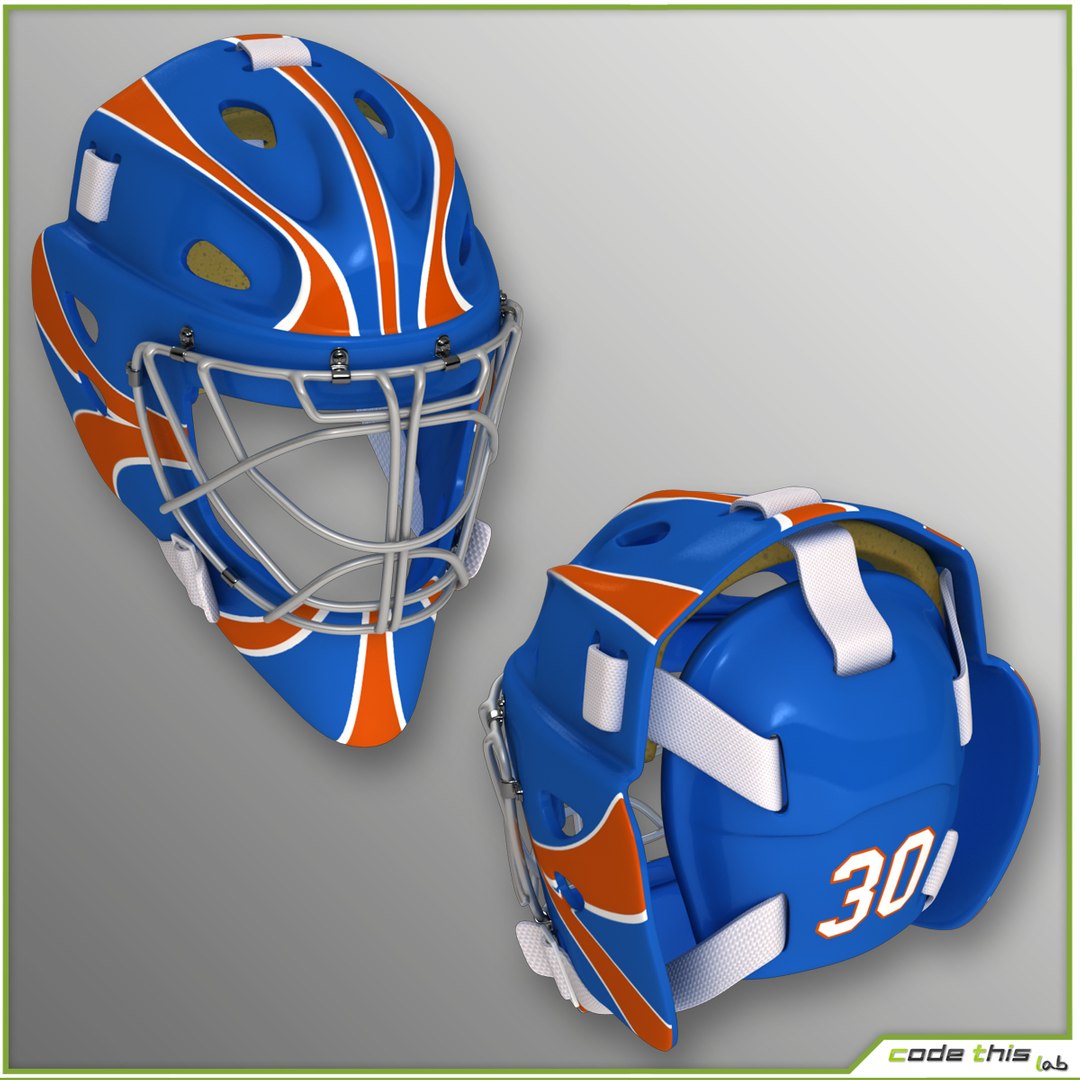
The package includes three versions of team kit for each models:
-orange
-red
-white

FEATURES:

The package includes two versions of the file for each models:
-Default scanline version with standard materials and lights
-VRay version with vray materials and VRayLights

RIGGING AND ANIMATIONS:

The models are rigged using the standard 3dsmax biped, with the addition of a bone for both the eyes, managed by a "look at costraint" to allow its rotation.

Helmet and chin strap are a single rigged mesh, which allows the chin strap to move along the jaw during an animation.

Facial expressions are handled with the morpher modifier.

The scene includes seven facial morphs for each models:
-angry
-left blink
-right blink
-teeth-grinding
-serious
-left eye-brown up
-right eye-brown up

6 animations for the hockey goalkeeper:
(The animation files are in scanline default version)
-saving right
-saving left
-shooting
-skating
-skating guard
-slide

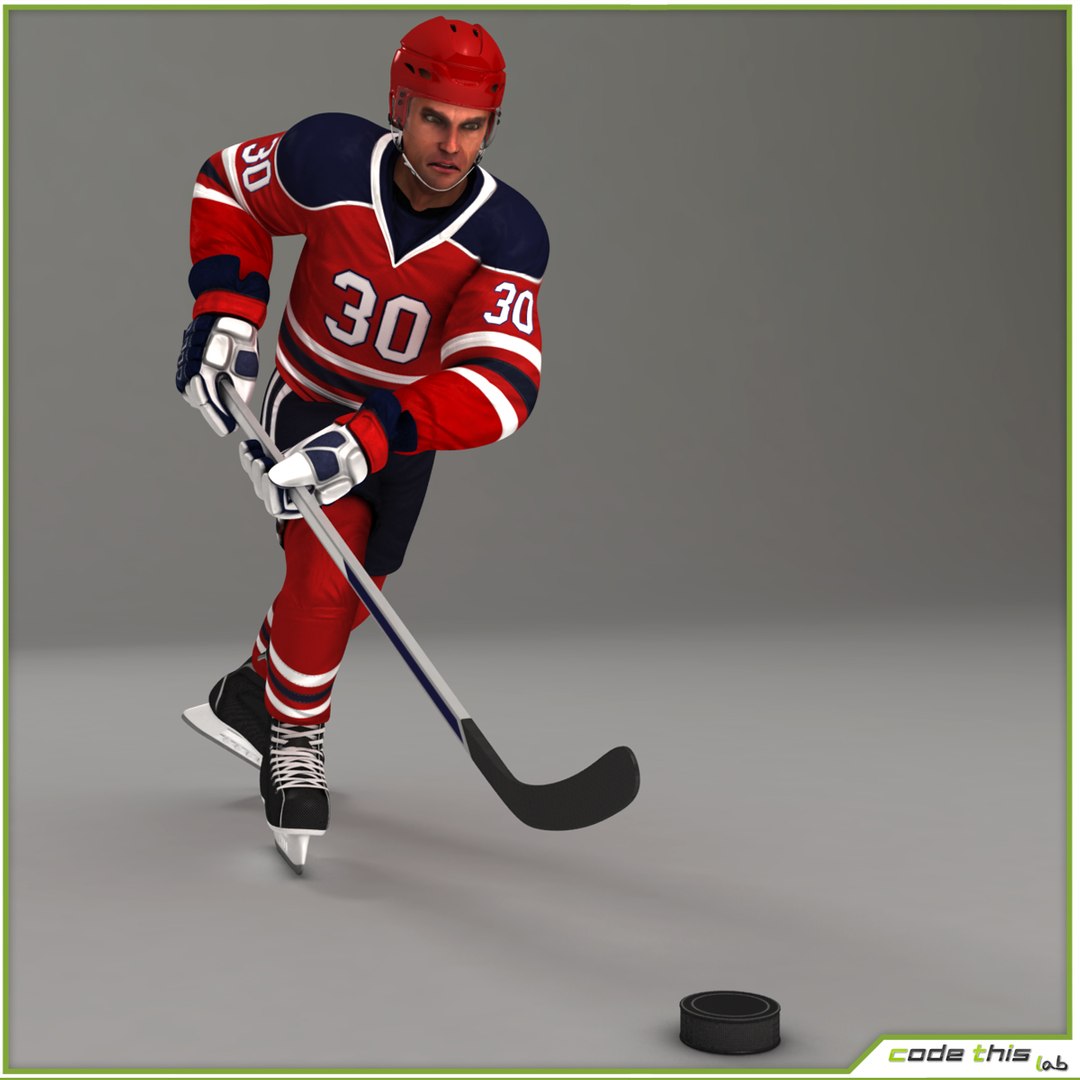
and 2 animations for the generic hockey player:
(The animation files are in scanline default version)
-skating loop
-shooting

OBJ INFO

The file .obj contains only the geometry (T-pose, heads with static facial expression, hockey bat and disk). So any facial morphing, rigging and animations must be created from the scratch by the customers.

FBX INFO

The FBX format included in the package can be used as it is provided, and is not editable. To get a similar quality of rendering images of the gallery, you must set the materials, lights and photo set independently.

The package includes 7 FBX files for the hockey goalkeeper:
-saving right
-saving left
-shooting
-skating
-skating guard
-slide
-t-pose

and 3 FBX files for the generic hockey player:
-shooting
-skating loop
-t-pose

WARNING

Since the model has been created with 3D Studio Max, it's optimized to work in this environment.

We can not be held responsible for eventual issues due to the use of this model in environments different from the recommended one.

For any questions or doubt please feel free to contact us.

***Please don't forget to vote the model. We'll really appreciate it. Thank you!***

Select Enhanced License

  • $10,000 in Legal Protection (Indemnification)
  • Uncapped Legal Protection (Indemnification)
  • Waiver from injunctive relief
  • Assignable model rights
  • $1,000,000 in Legal Protection (Indemnification)
  • Waiver from injunctive relief
  • Assignable model rights
  • $250,000 in Legal Protection (Indemnification)
  • Assignable model rights
Read more about enhanced license tiers, or contact us at enterprise@turbosquid.com. Already a Shutterstock Enterprise Customer? Contact your Shutterstock Sales Support Agent to talk about adding 3D.

About Conversion Requests

To submit a conversion request for a purchased asset, please complete our Conversion Request Form.

If you have not yet purchased a model, please review our Documentation about Conversions to learn about what limitations you may encounter with a conversion.

For any additional questions about a model’s suitability for conversion, please contact TurboSquid Support.

Loading...