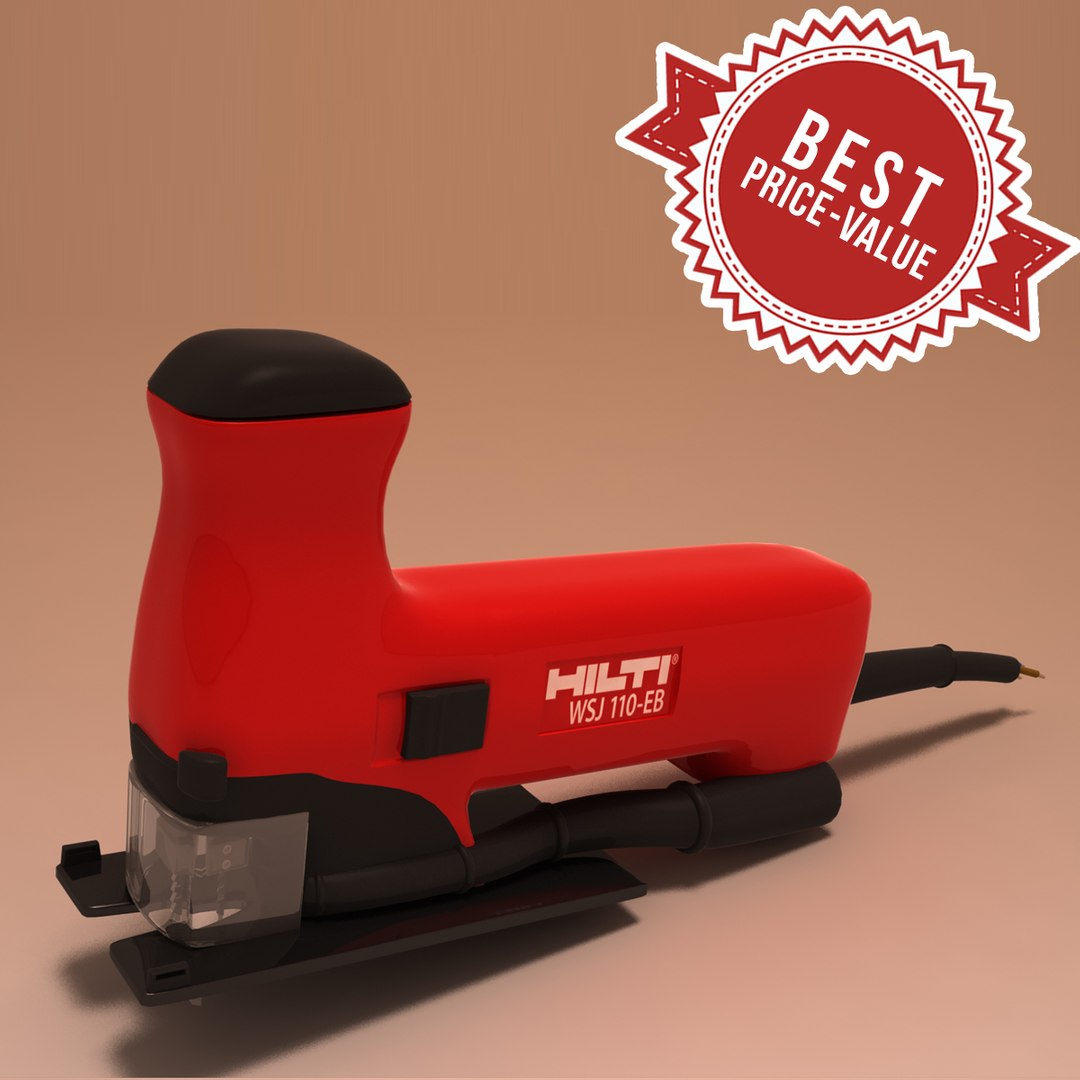
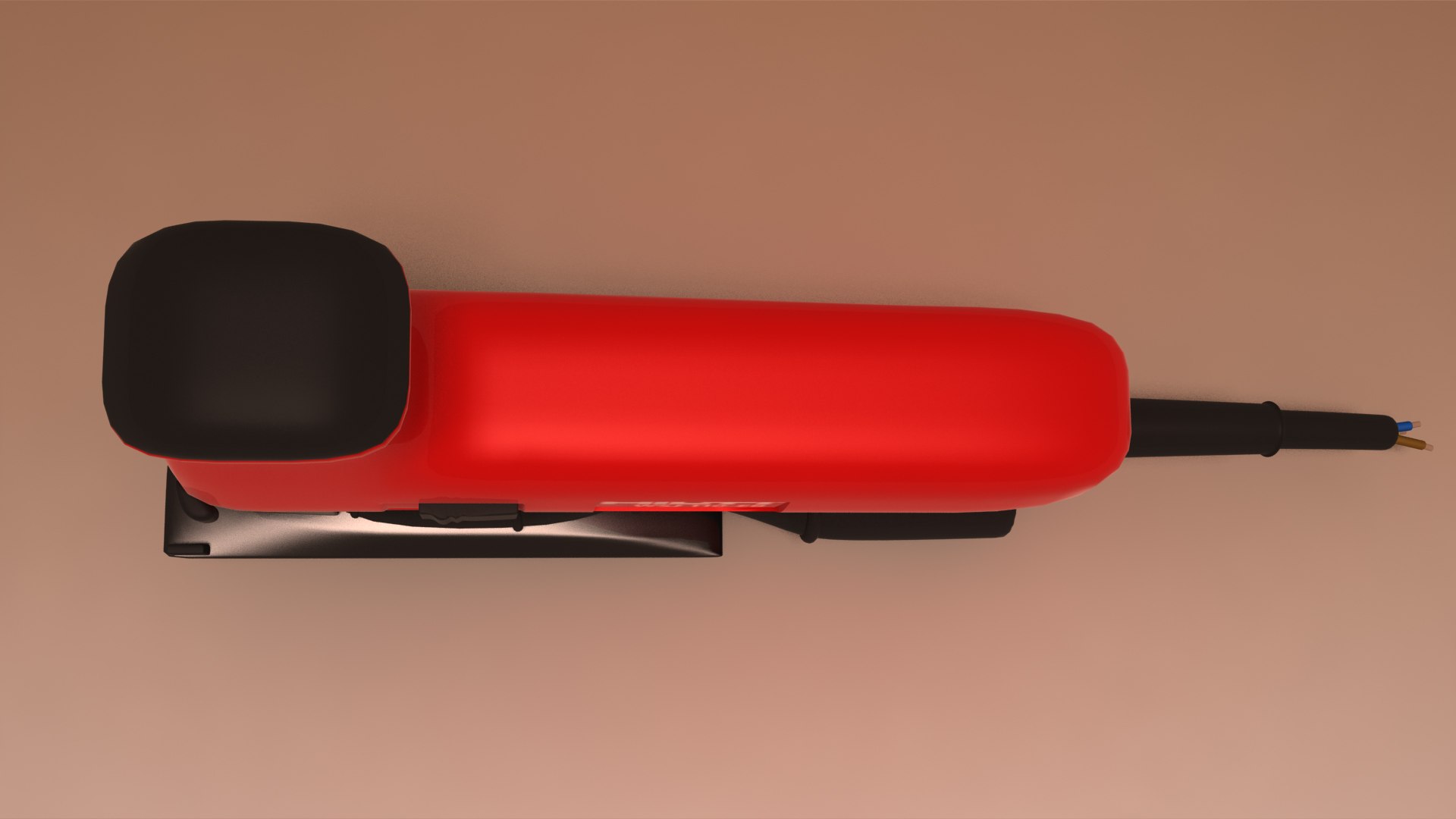
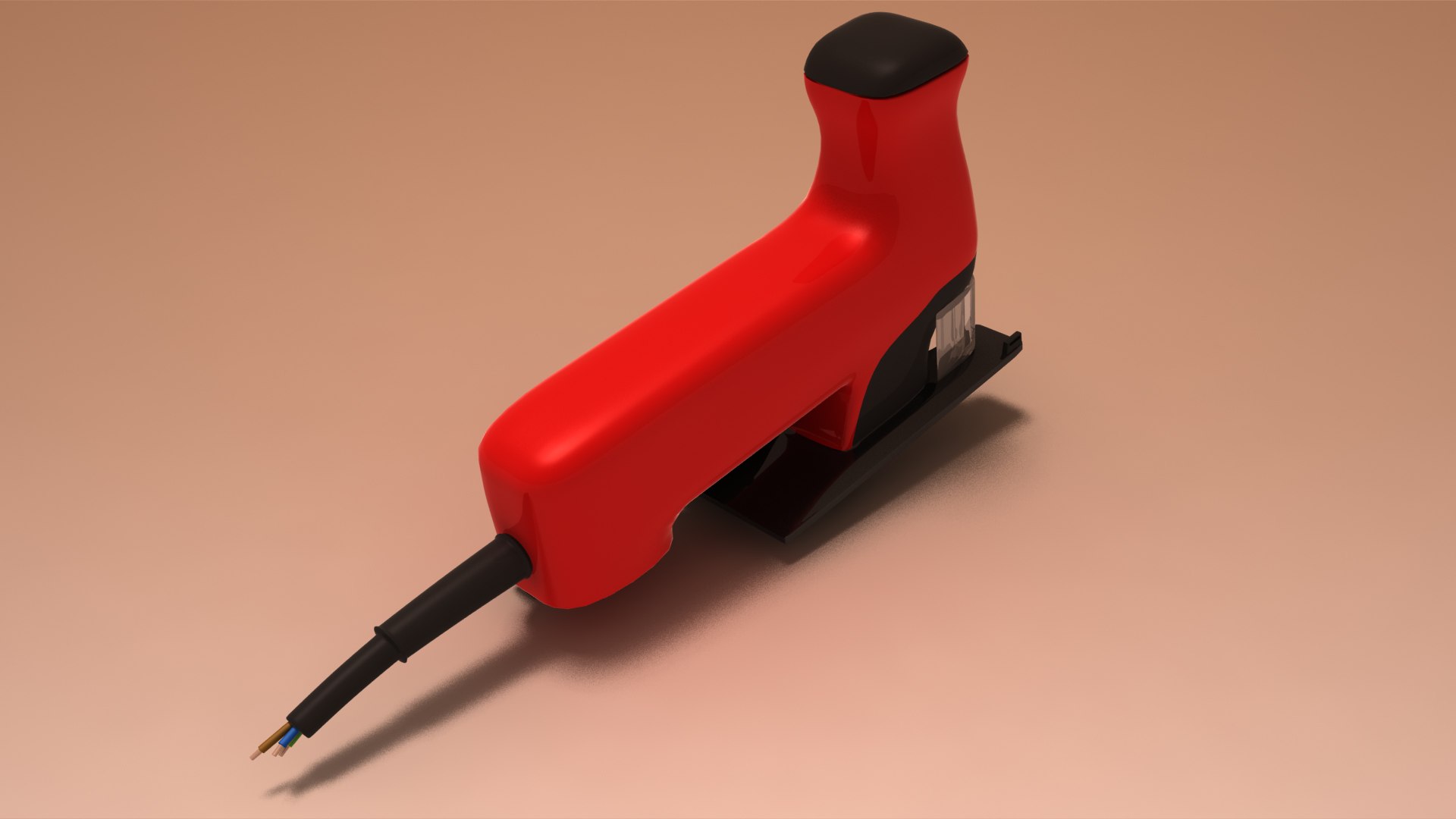
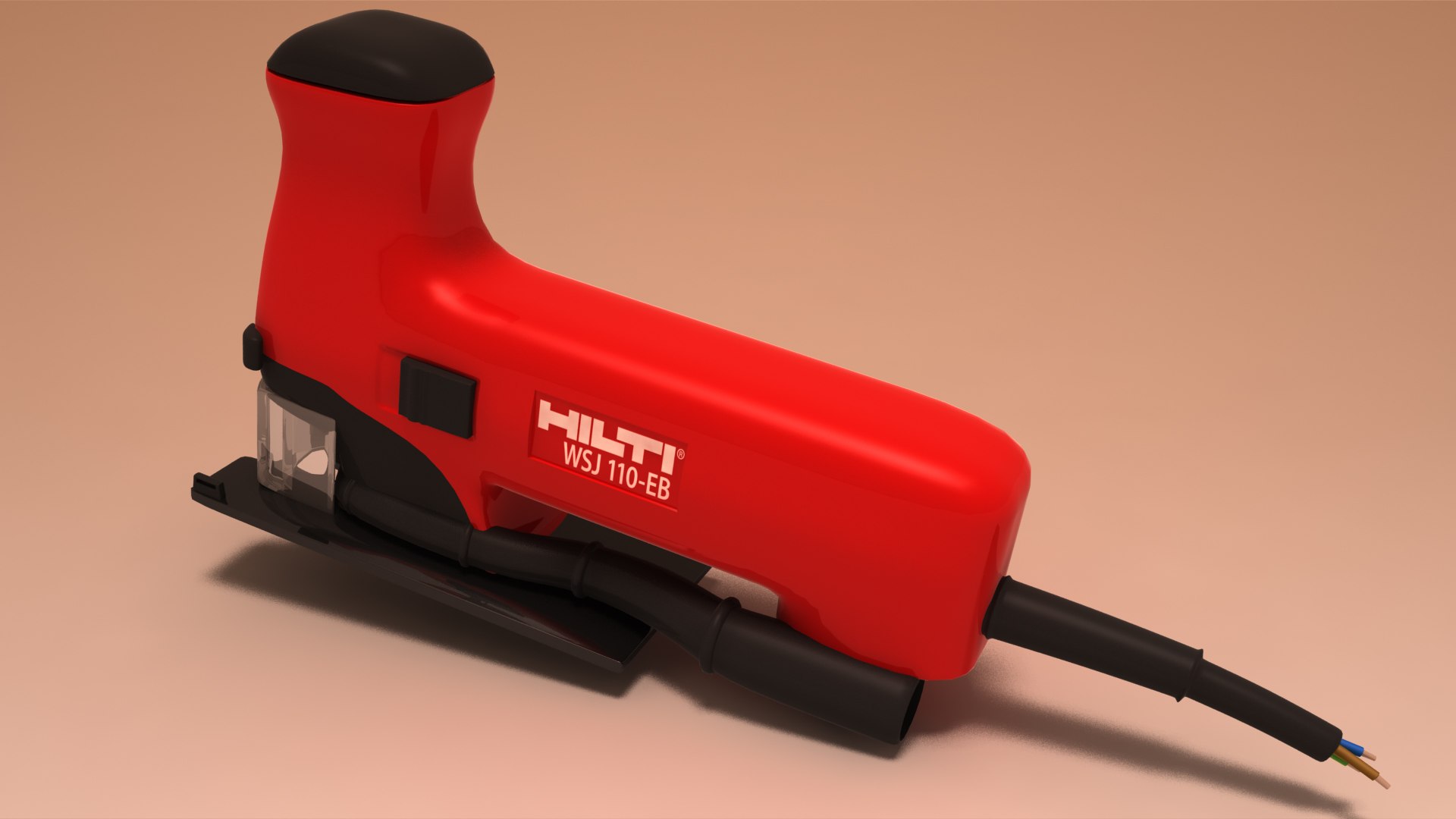
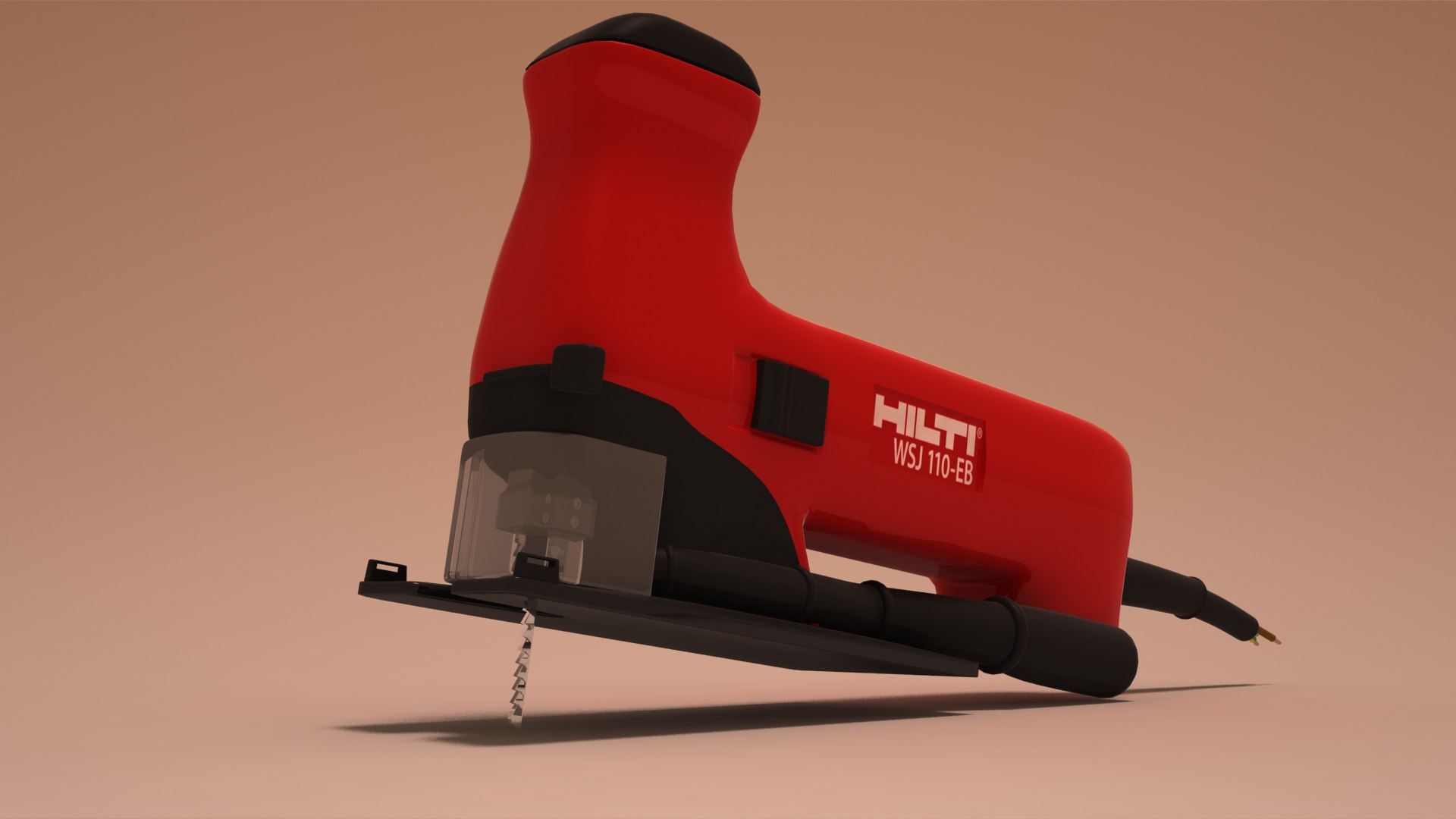
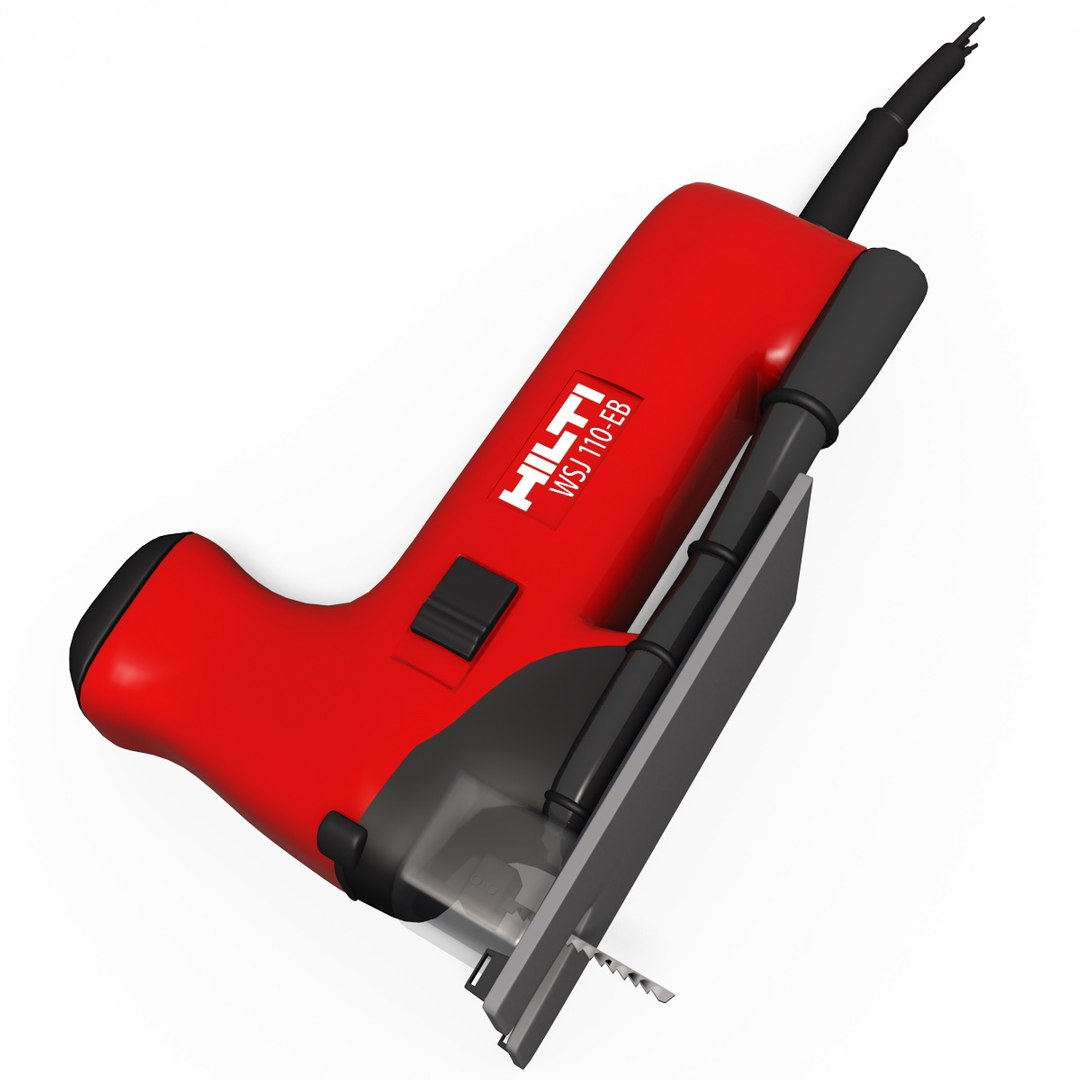
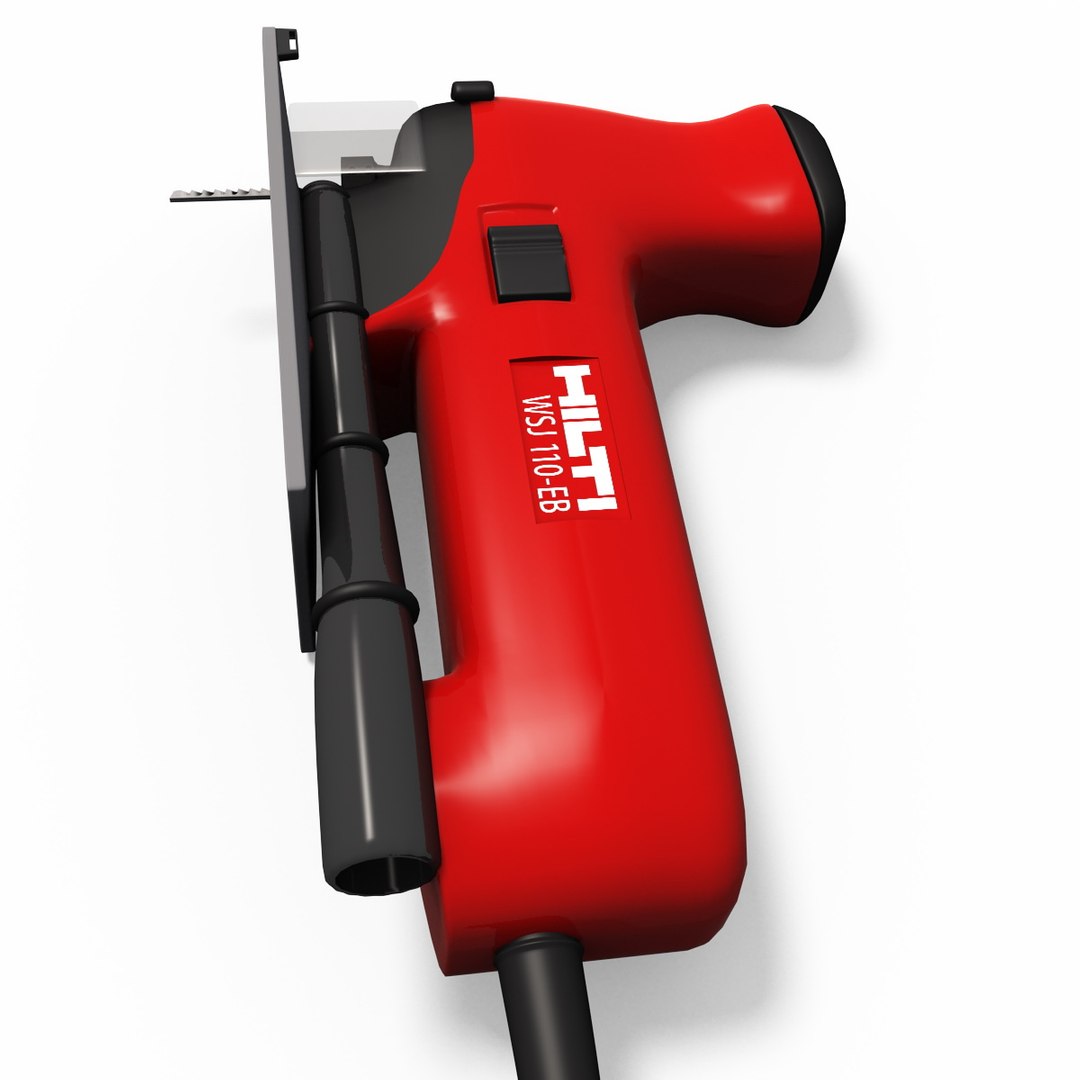
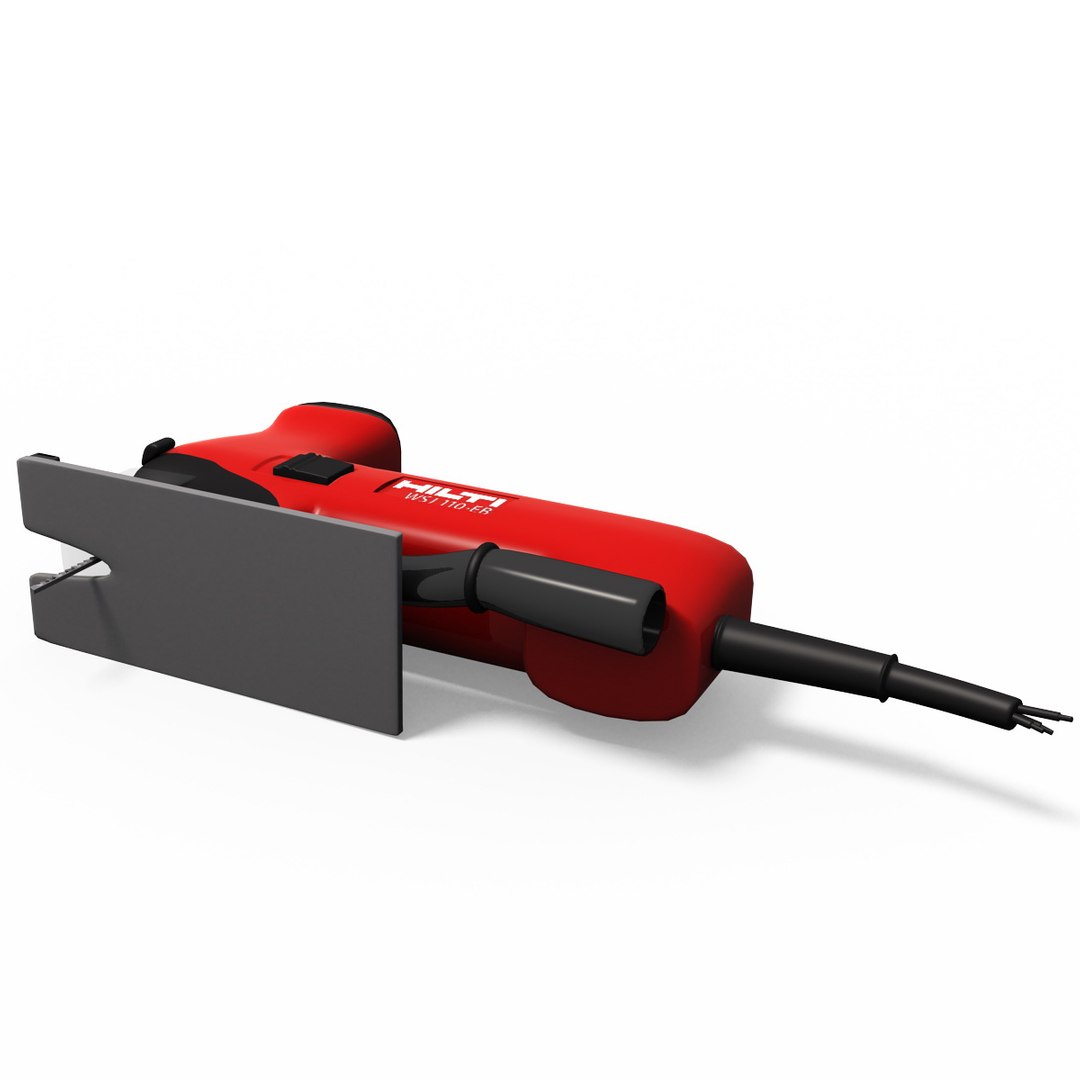
Hilti WSJ 110 EB - Jigsaw

$24

Standard License | Upgrade License
Editorial Uses Only
Formats (3)
Free file format Conversions available
Native | 3ds Max 2011 | V-Ray 2.5
3ds Max 2014 | Default Scanline
OBJ
Specifications
Publish Date August 22, 2011
Product ID 623879
Polygons 14,473
Vertices 12,620
Polygonal
Textures
Materials
UV Mapped
member avatar
emkei
135 Products | Contributor Since 2005
Have questions? Chat with us now.

Description

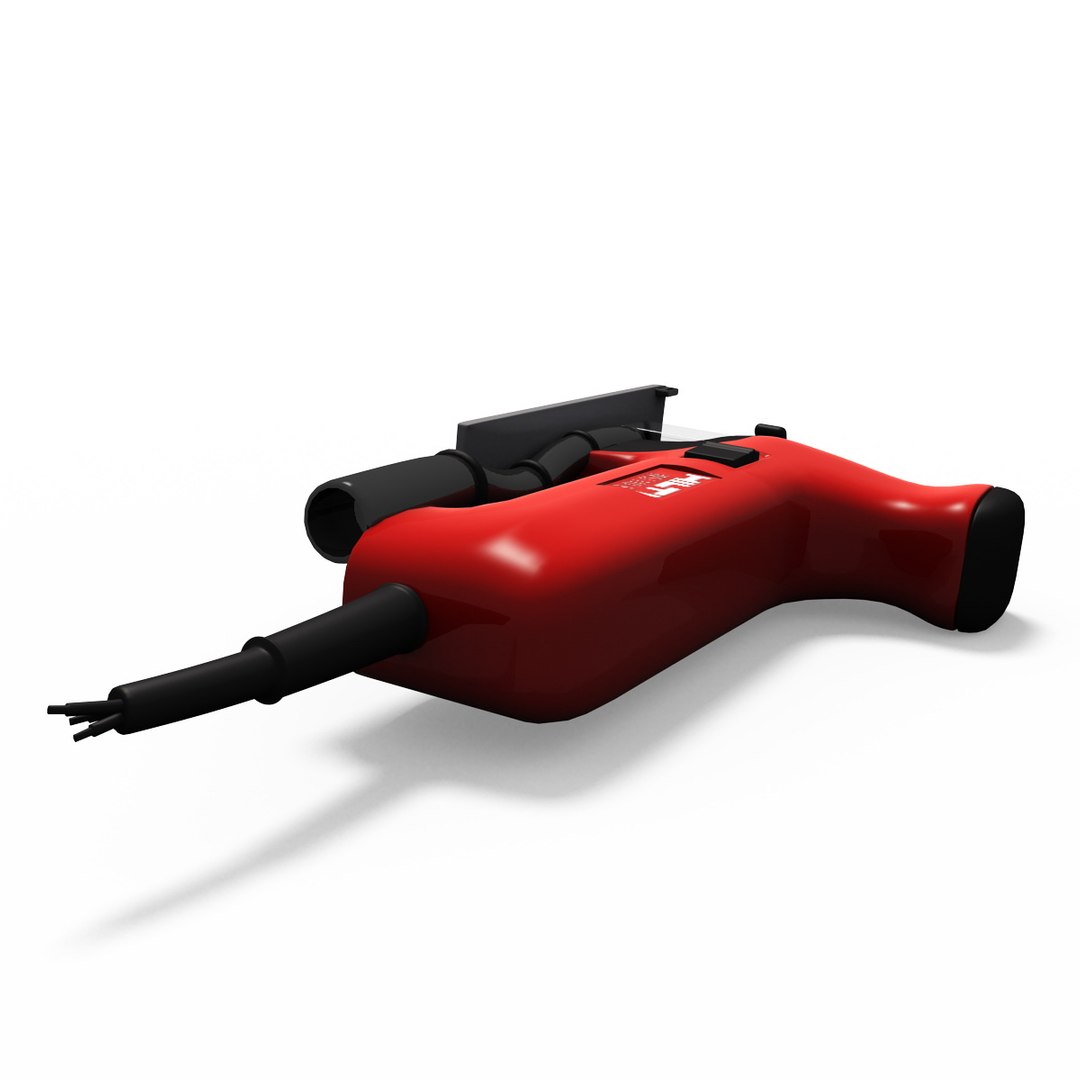
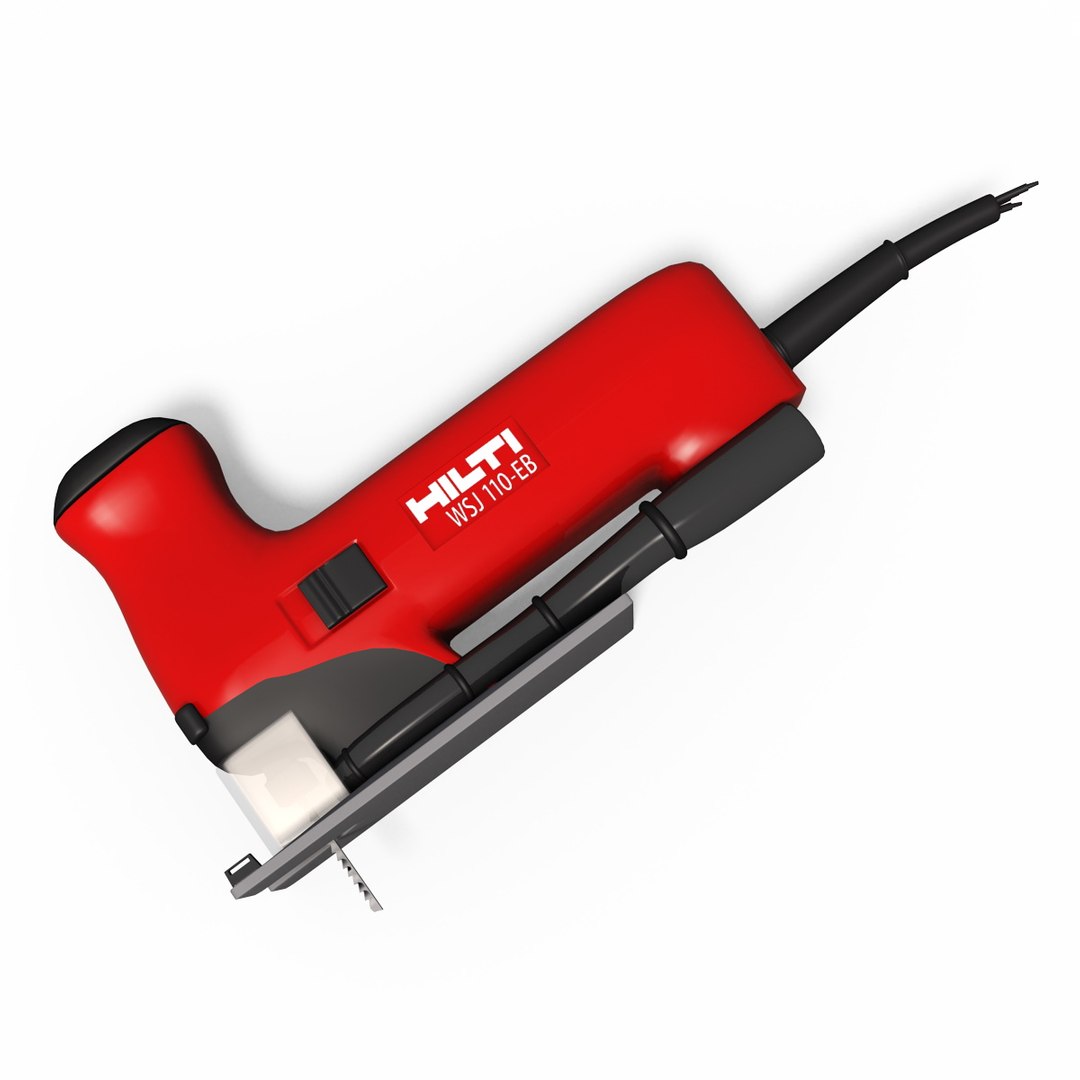
3D model of Jigsaw
Modeled from original model of Hilti WSJ 110 EB Jigsaw
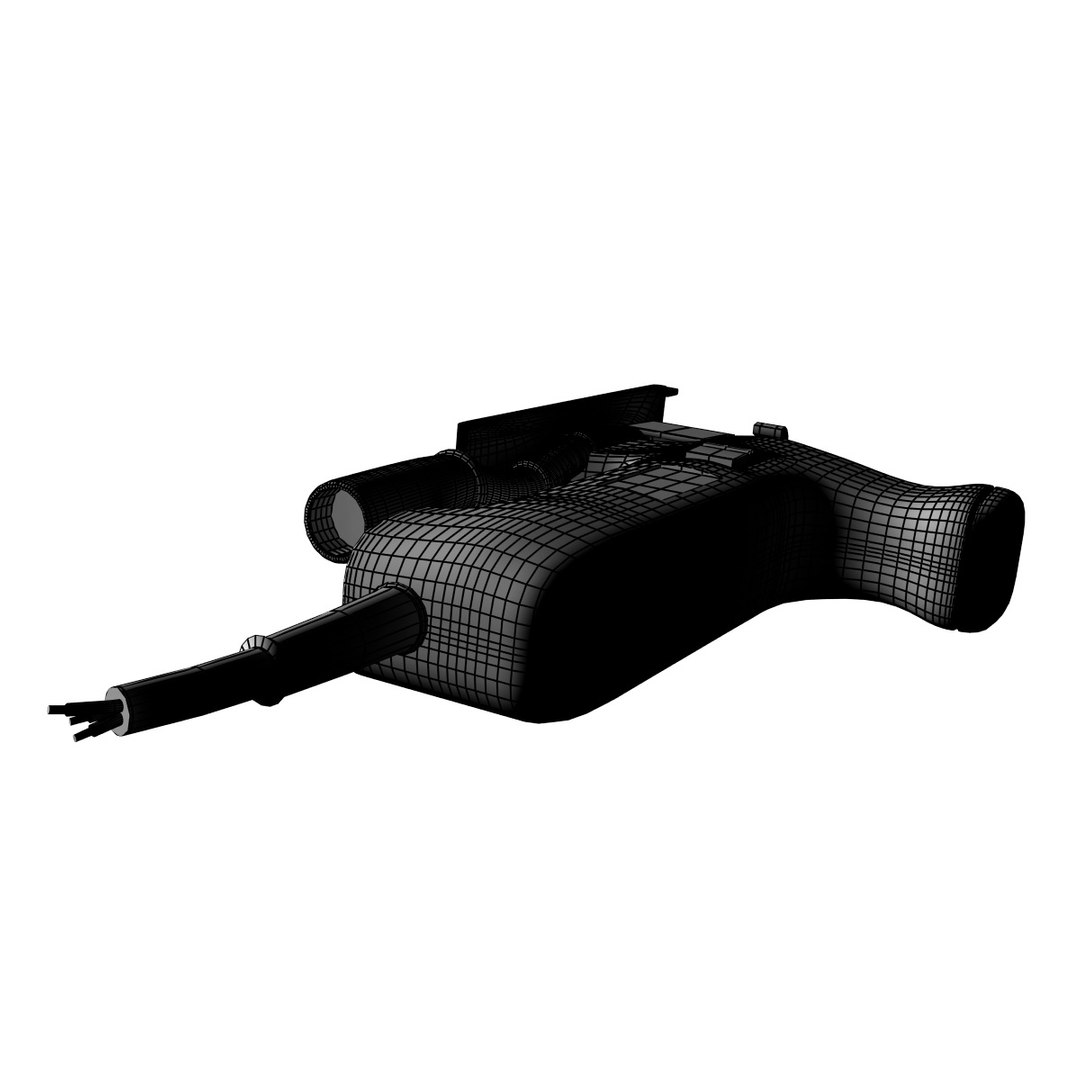
Detailed enough for close-up renders. Originally modelled in 3DS Max 2011.
Final images rendered with Stand Alone standard renderer and vRay renderer.

Both variants are available for downloads as 3ds max file.


---------------------------------------

Models:
- Editable poly
- Turbosmooth
- UVW or Unwrapped UVs mapping
- Max models grouped for easy selection
- 2 textures
- 14400 polygons

---------------------------------------

Render:
- Standard Scanline
- Standard lights used
- Sky Light
- Standard maps/textures

as well as

- vRay renderer

---------------------------------------

File formats:
- 3DS Max 2014 ScanLine
- 3DS Max 2011 vRay
- OBJ (Multi format)

All of the file formats are as ZIP file with all of the textures and maps.


---------------------------------------

Textures formats:
PNG (.png) with transparency

---------------------------------------

Hope you like it!
Also check out of my other models, just click on my user name to see complete gallery.

Select Enhanced License

  • $10,000 in Legal Protection (Indemnification)
  • Uncapped Legal Protection (Indemnification)
  • Waiver from injunctive relief
  • Assignable model rights
  • $1,000,000 in Legal Protection (Indemnification)
  • Waiver from injunctive relief
  • Assignable model rights
  • $250,000 in Legal Protection (Indemnification)
  • Assignable model rights
Read more about enhanced license tiers, or contact us at enterprise@turbosquid.com. Already a Shutterstock Enterprise Customer? Contact your Shutterstock Sales Support Agent to talk about adding 3D.

About Conversion Requests

To submit a conversion request for a purchased asset, please complete our Conversion Request Form.

If you have not yet purchased a model, please review our Documentation about Conversions to learn about what limitations you may encounter with a conversion.

For any additional questions about a model’s suitability for conversion, please contact TurboSquid Support.

Loading...