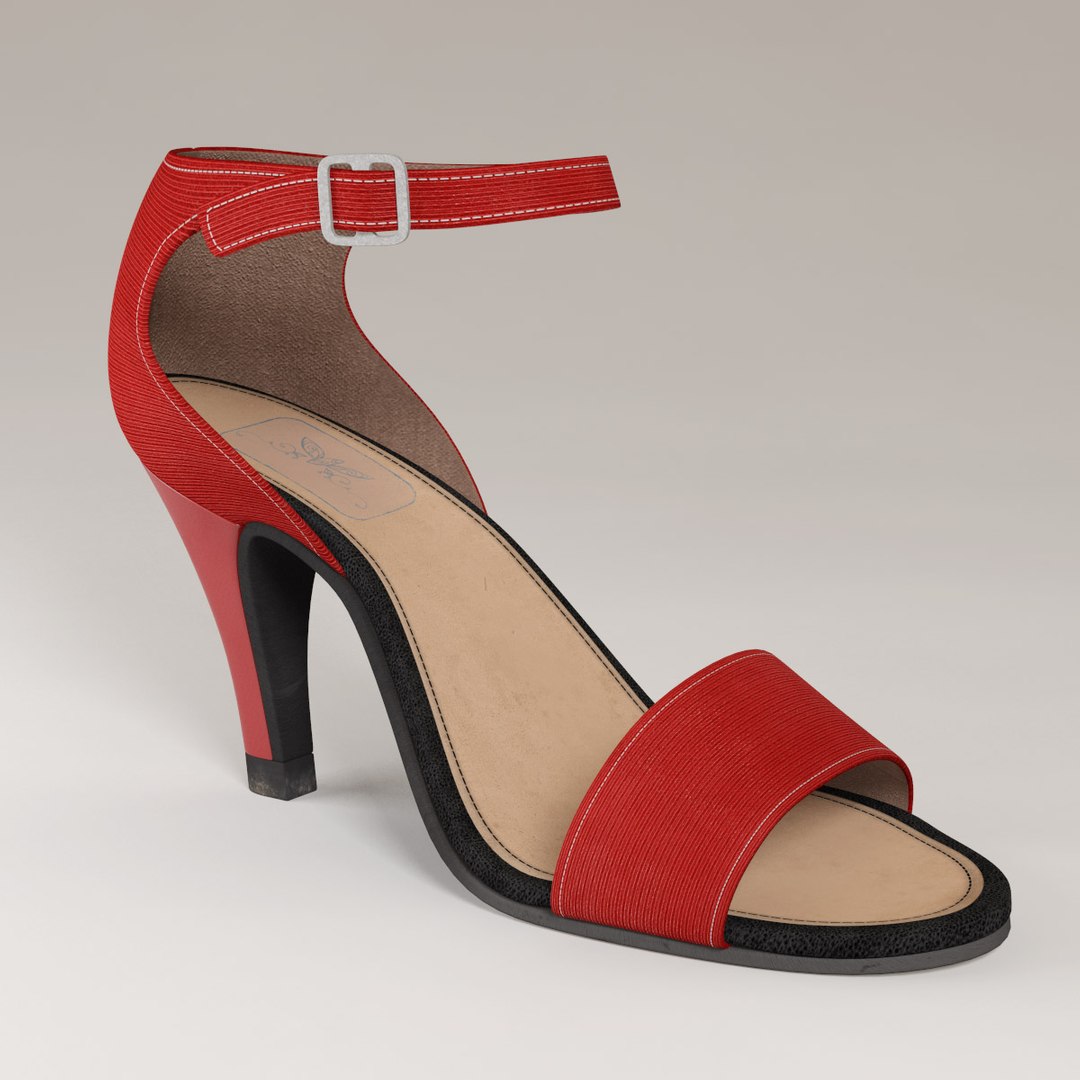
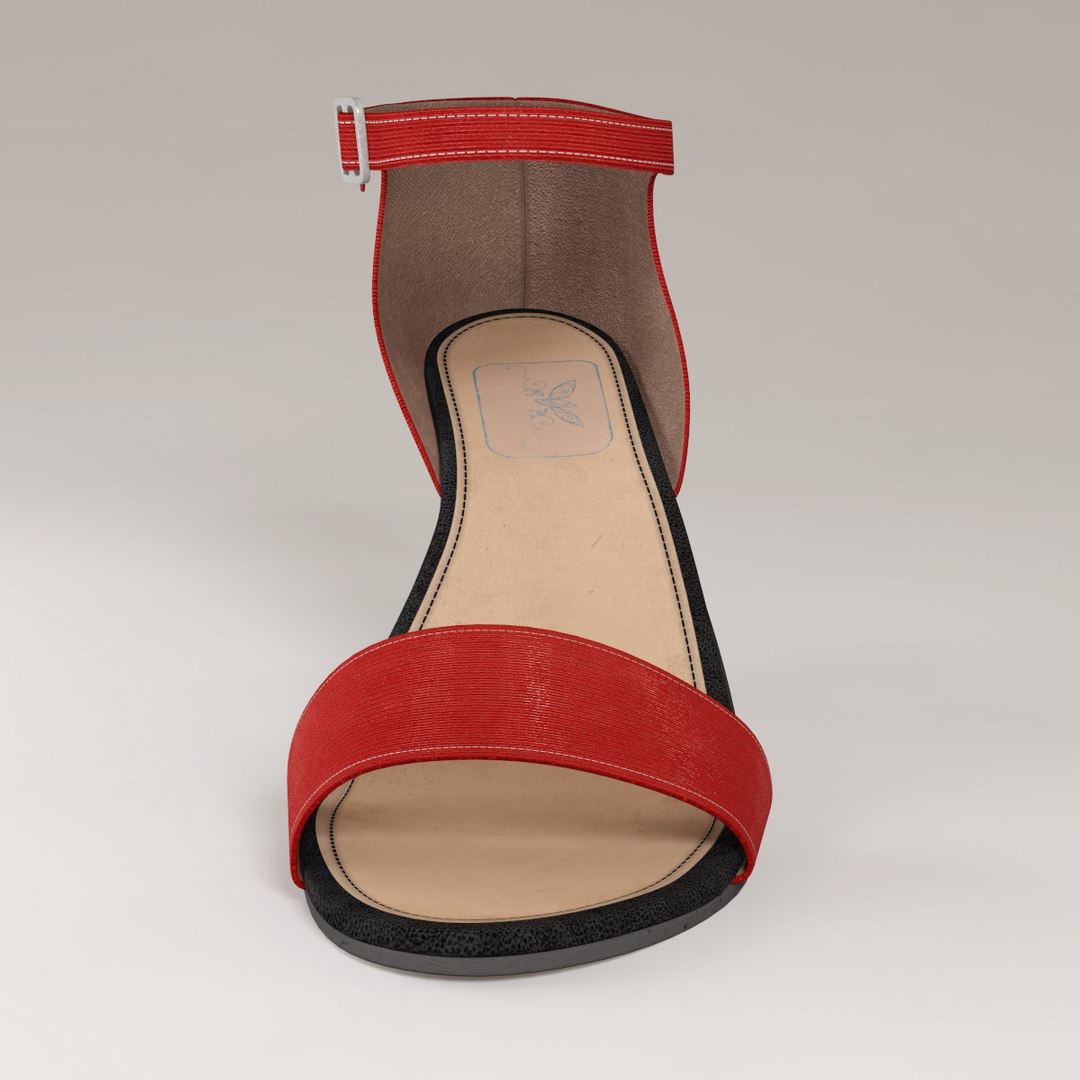
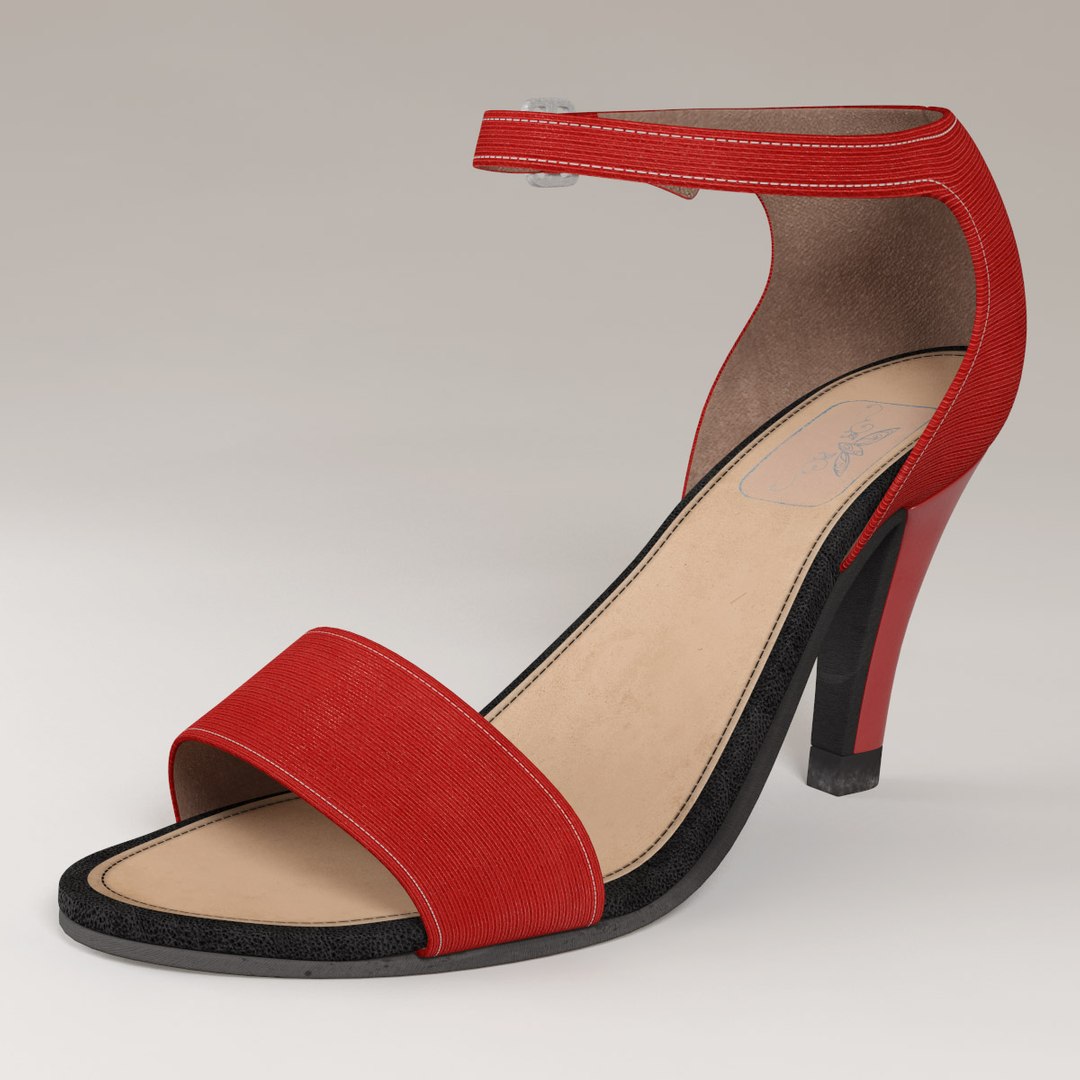
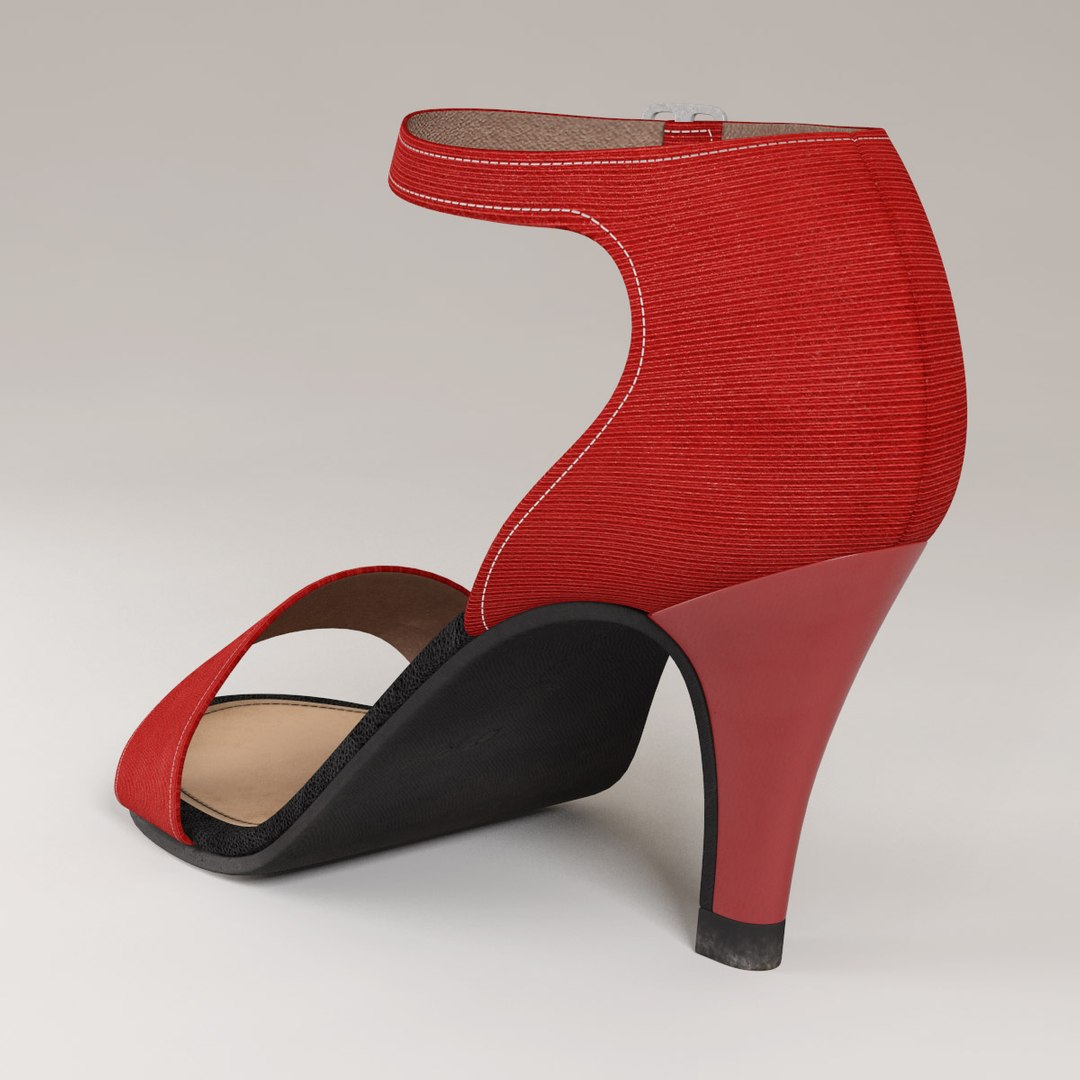
High Heel Sandal

$29

Standard License | Upgrade License
Formats (8)
Free file format Conversions available
Native | 3ds Max 2011 | mental ray
Maya 2009 | Maya Software
3ds Max 2011 | V-Ray 2.40.03
3ds Max 2011 | Default Scanline
OBJ
Collada
FBX
3D Studio
Specifications
Publish Date October 22, 2013
Product ID 775758
Polygons 1,828
Vertices 1,872
Polygonal Quads/Tris Geometry
Textures
Materials
UV Mapped
Mixed Unwrapped UVs
TurboSquid Exclusive
member avatar
cyberworlduser
53 Products | Contributor Since 2011
Have questions? Chat with us now.

Description

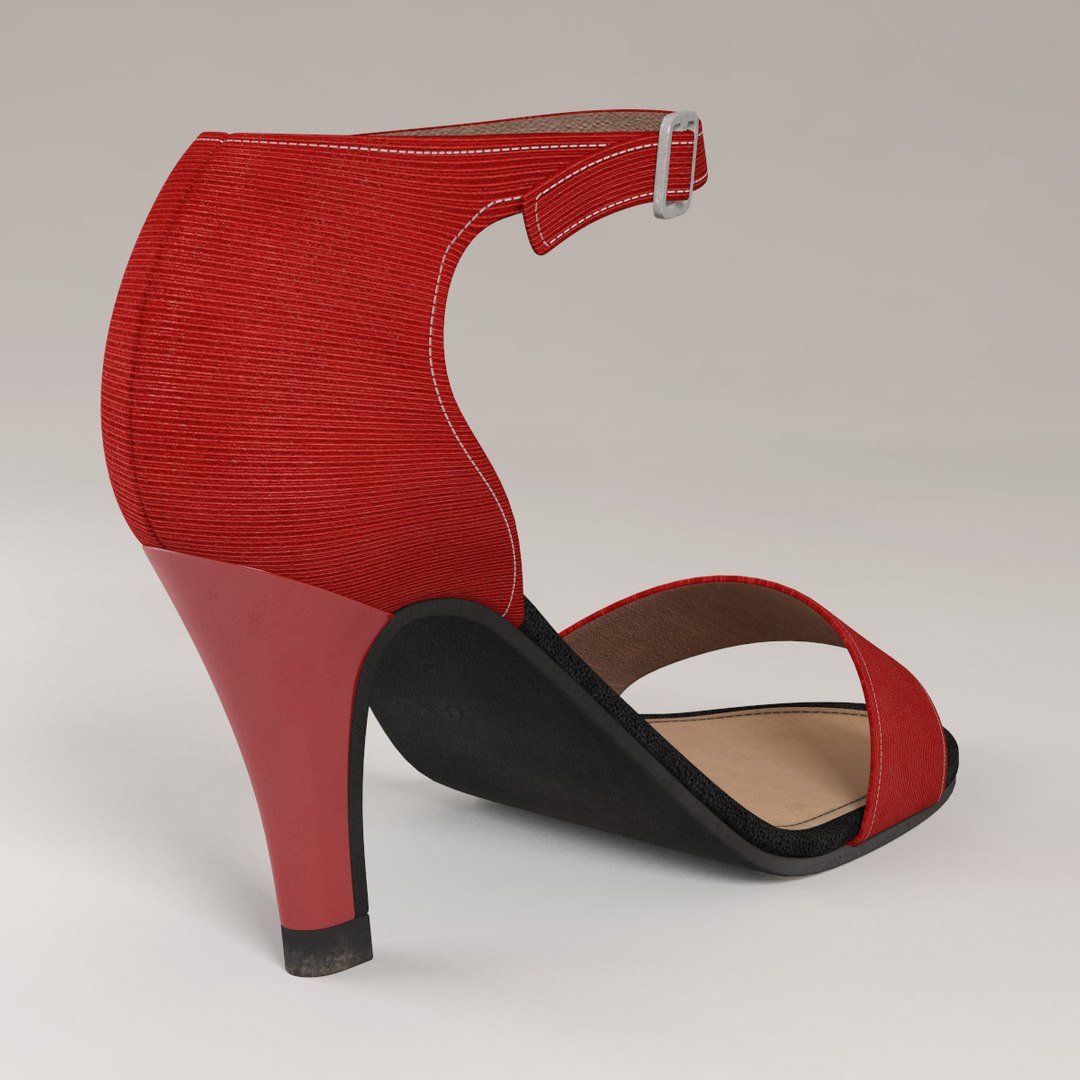
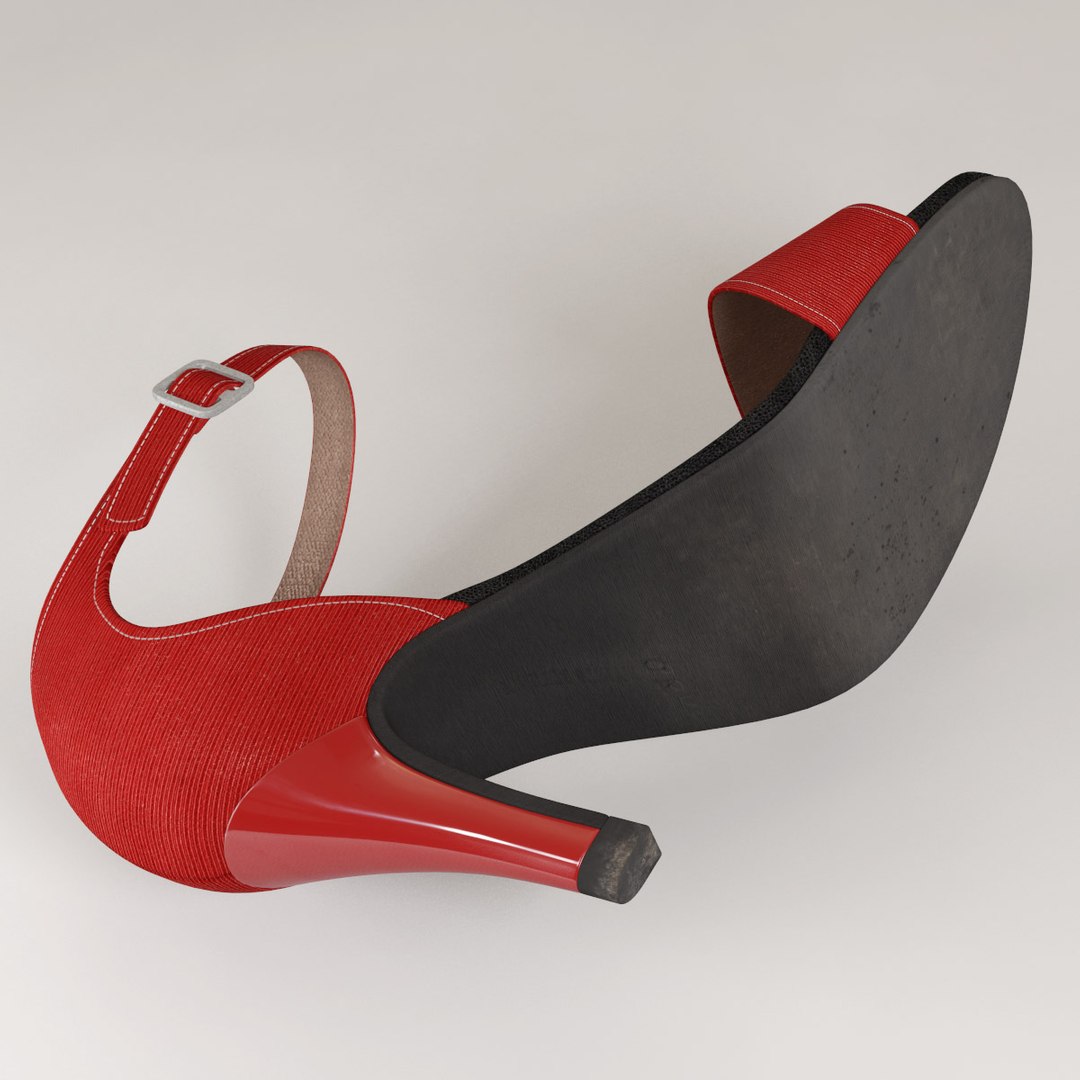
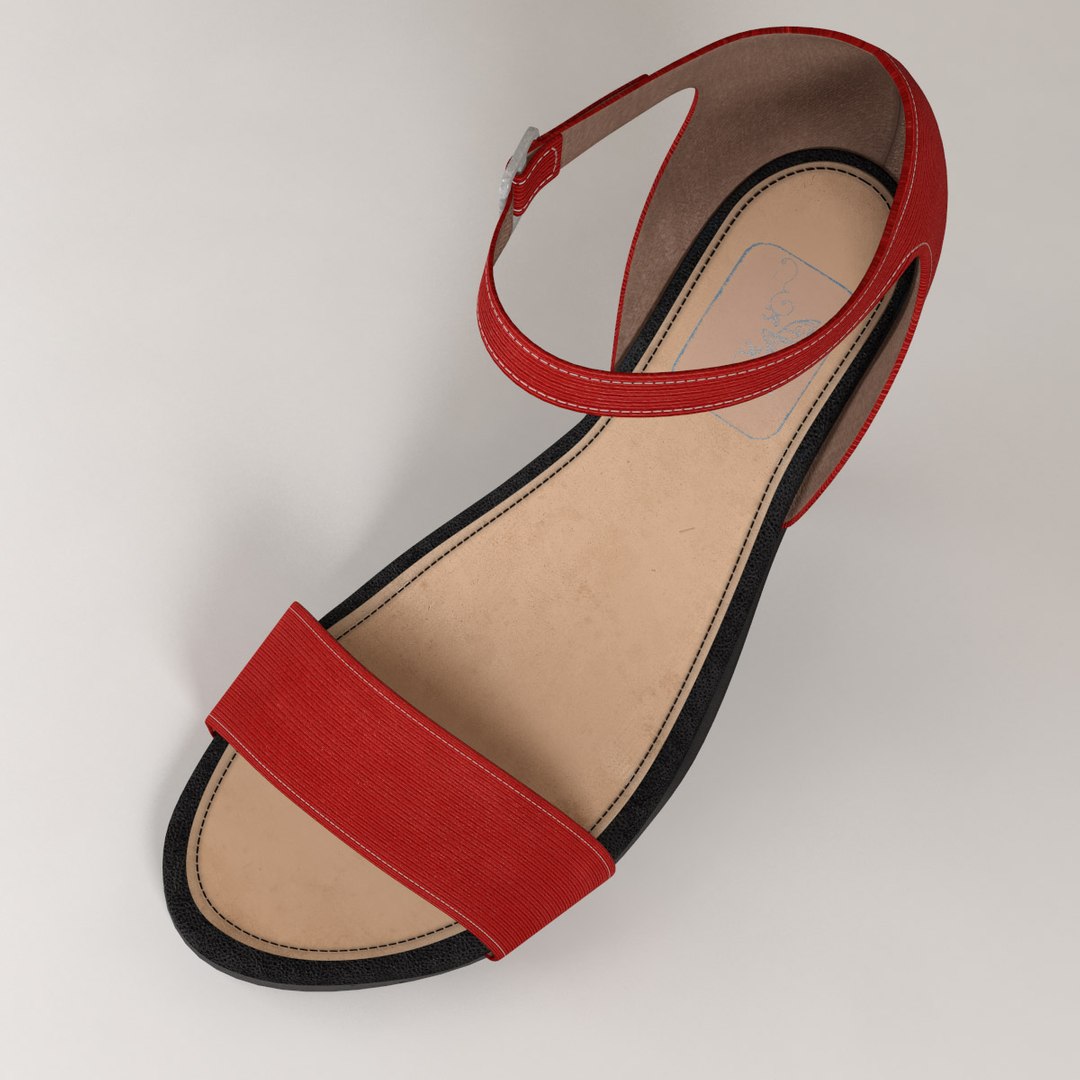
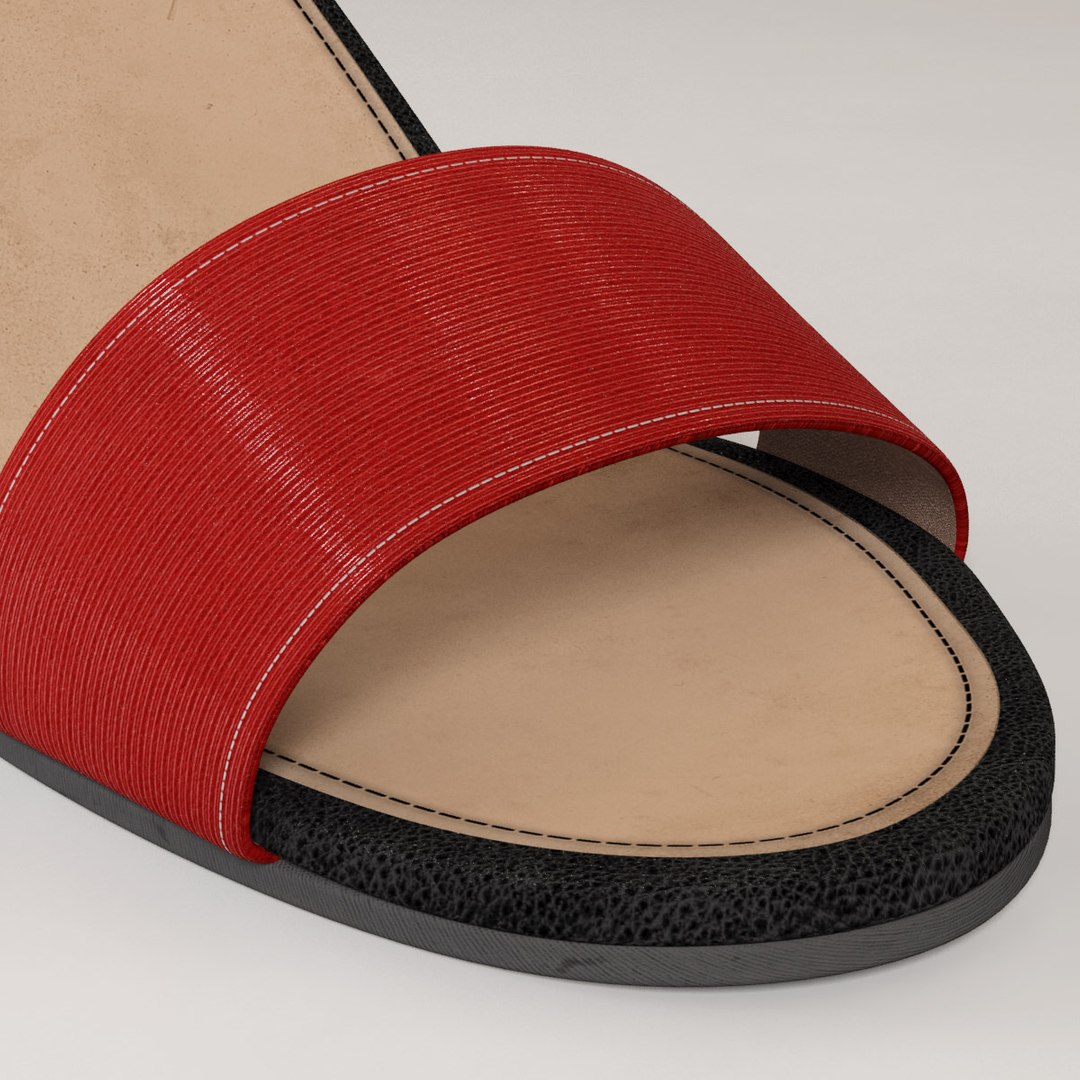
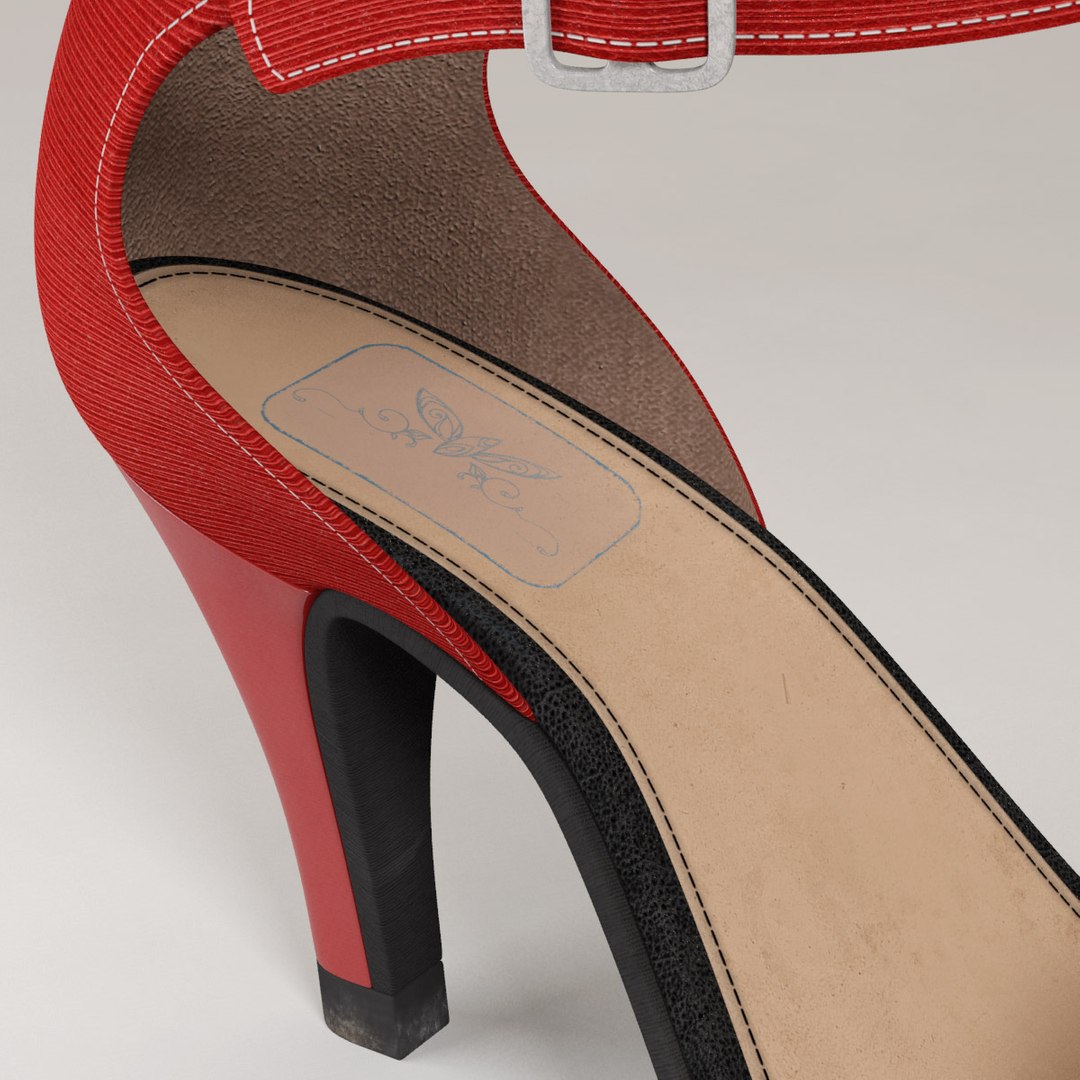
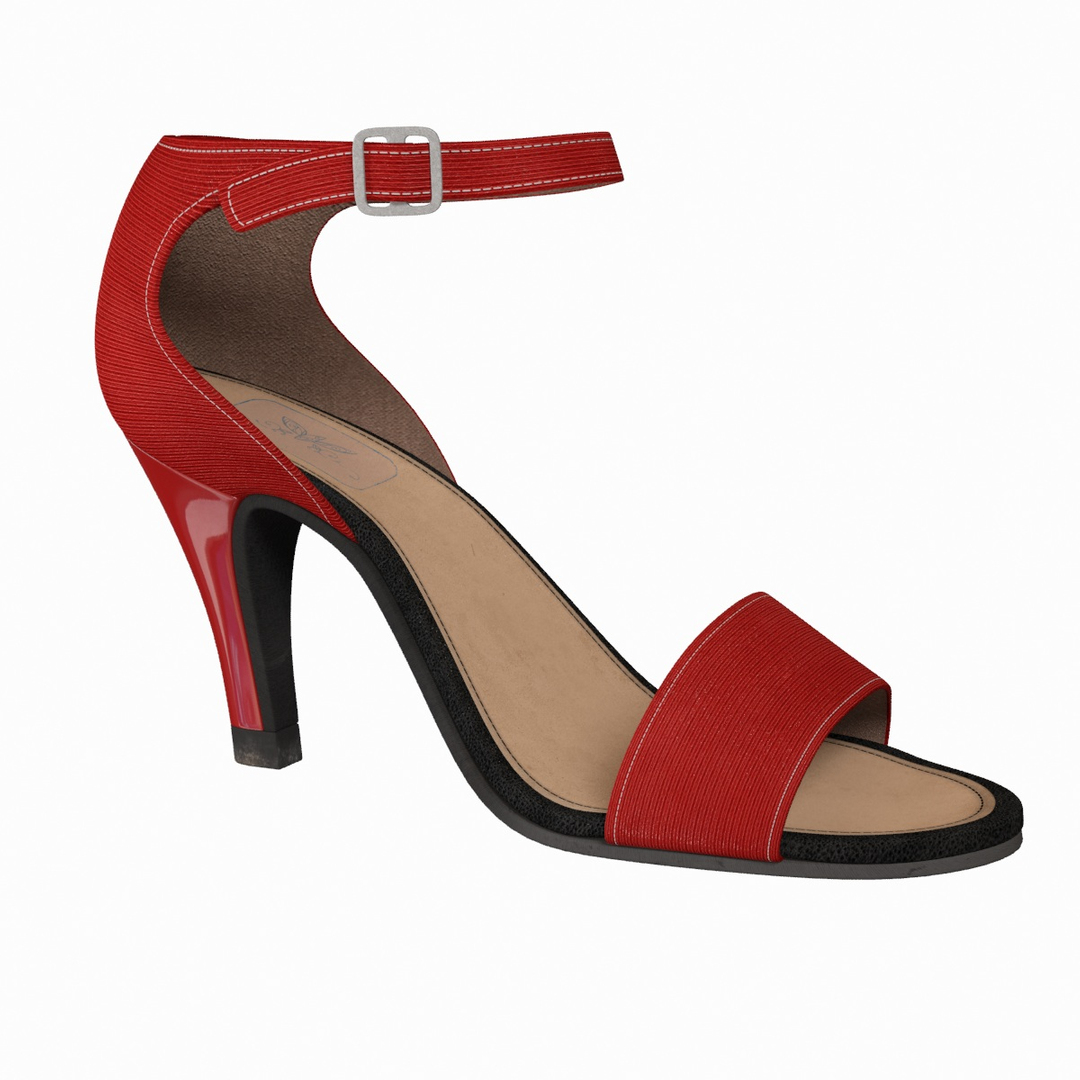
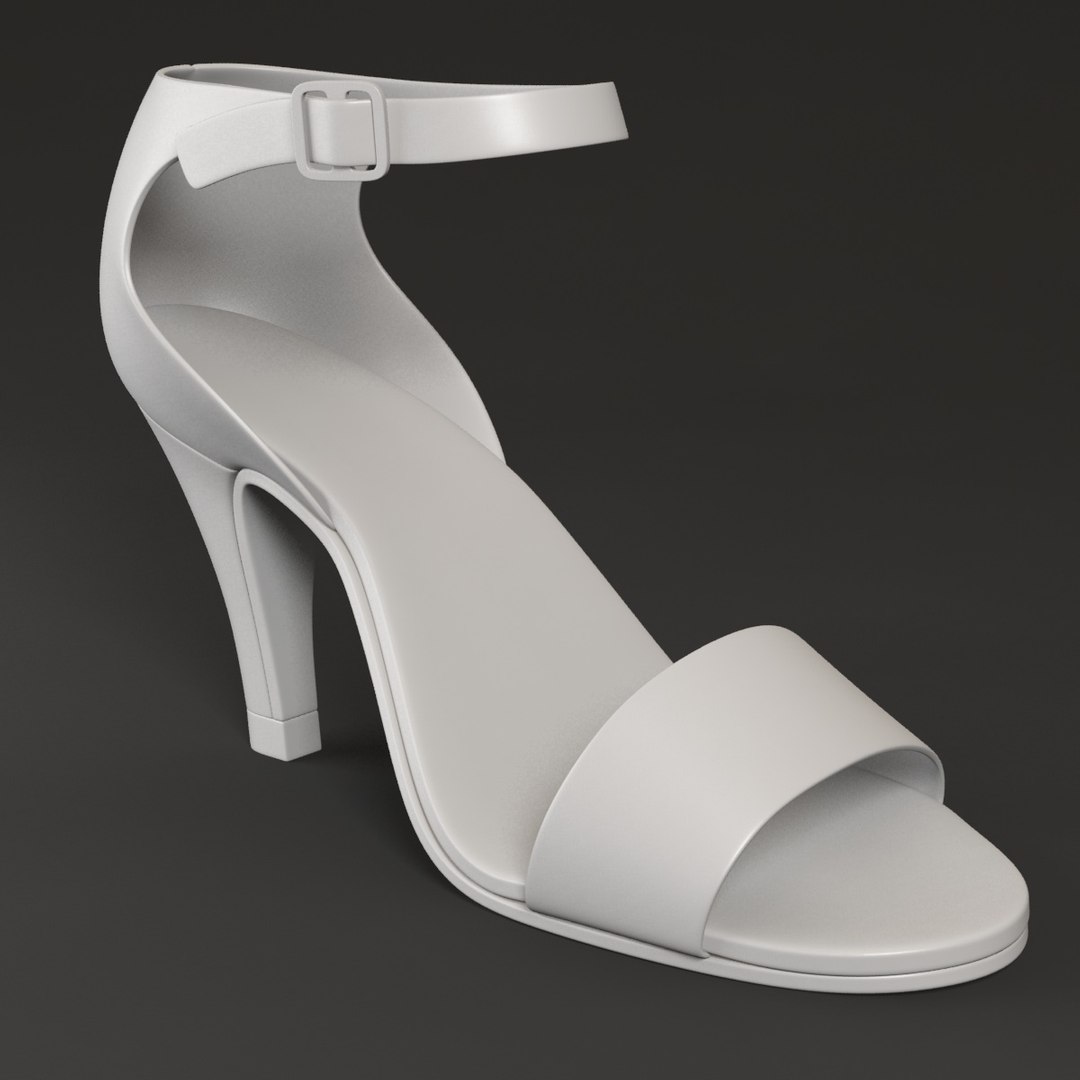
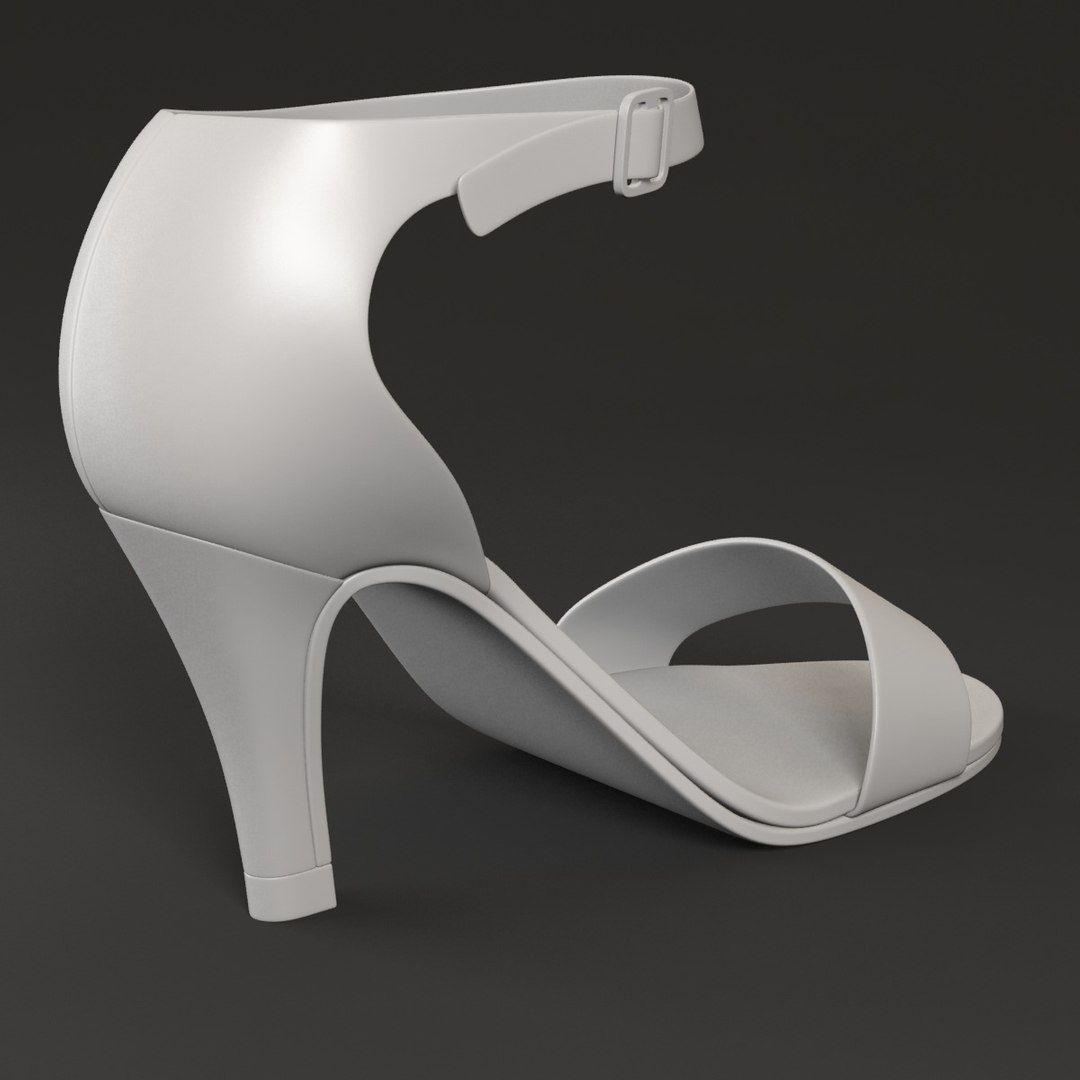
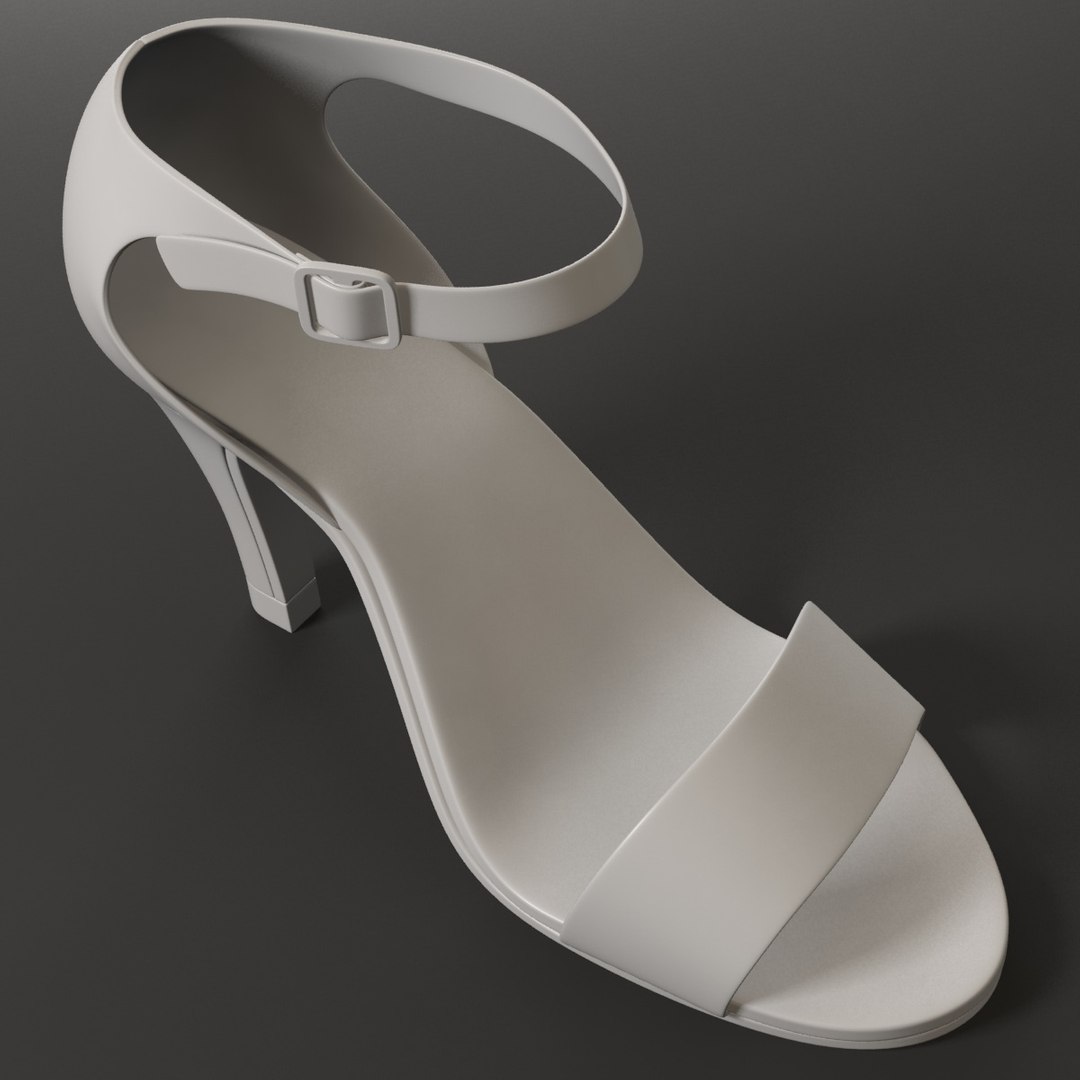
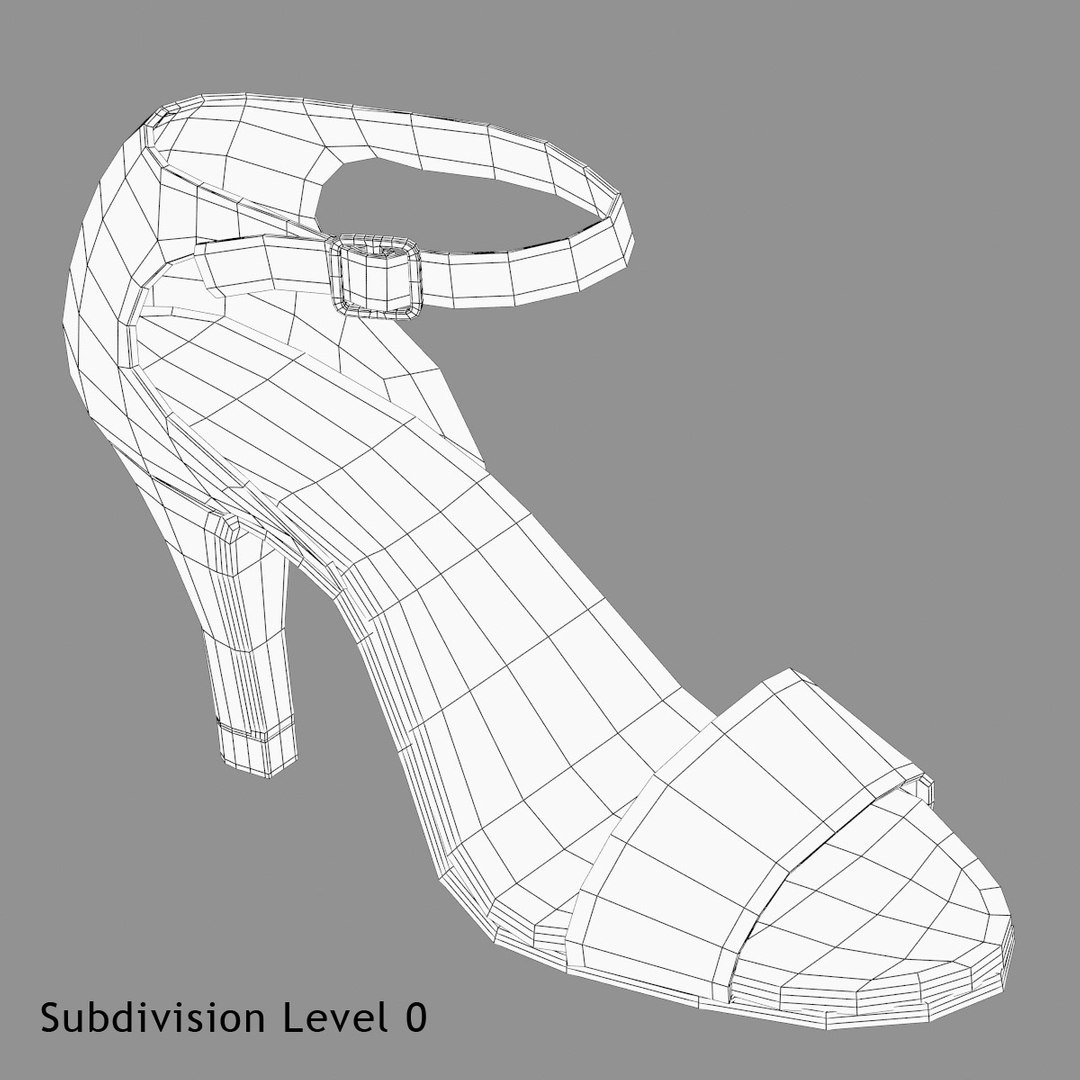
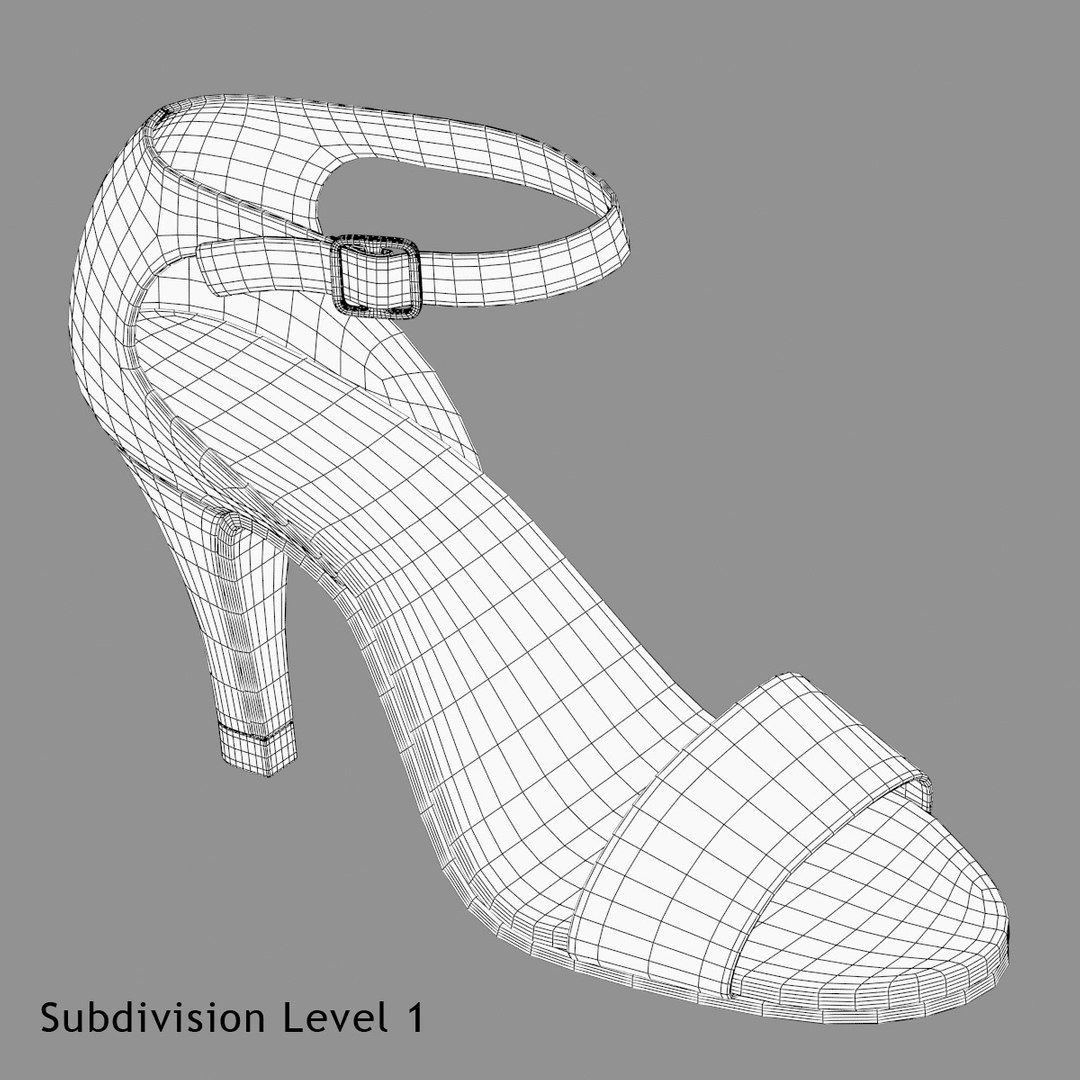
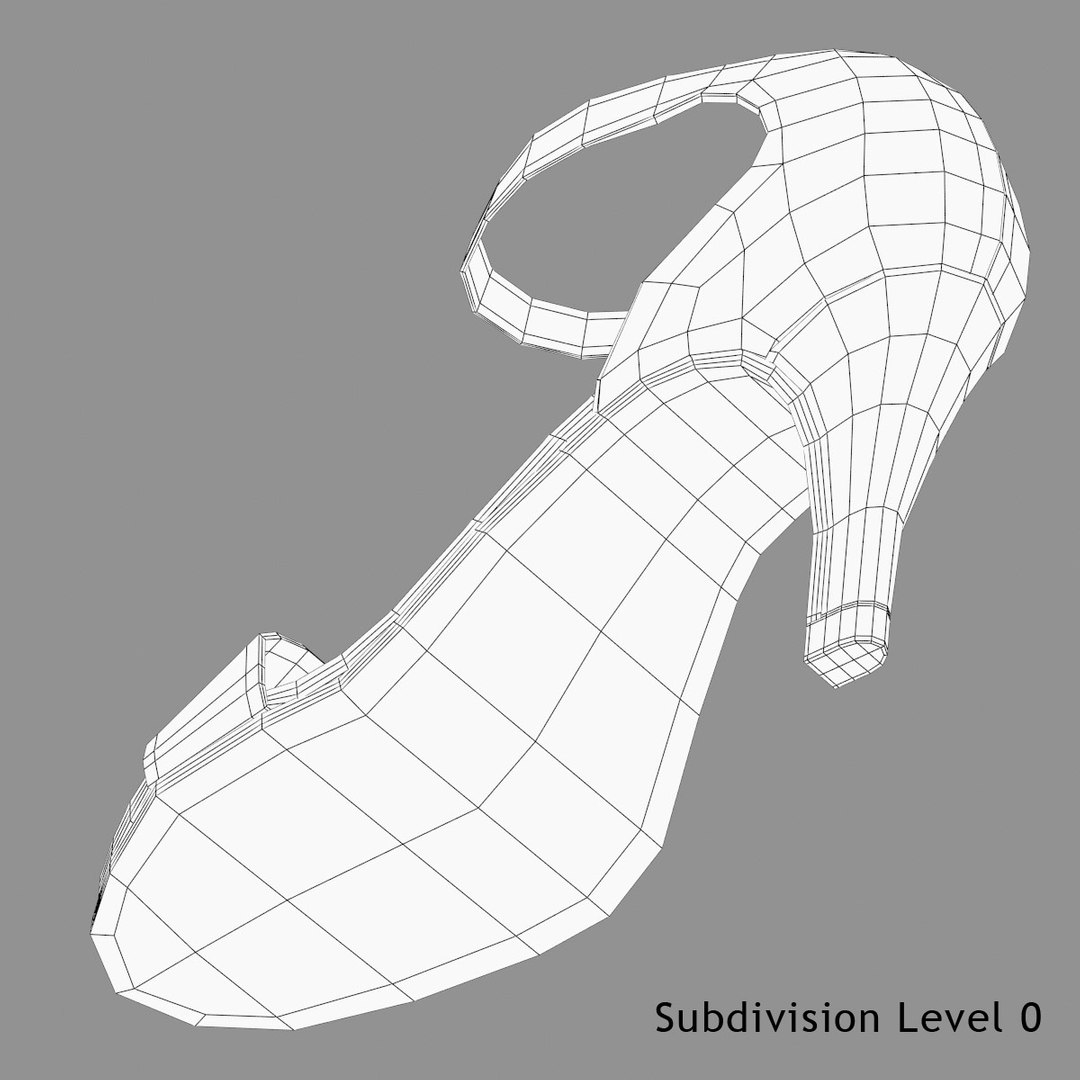
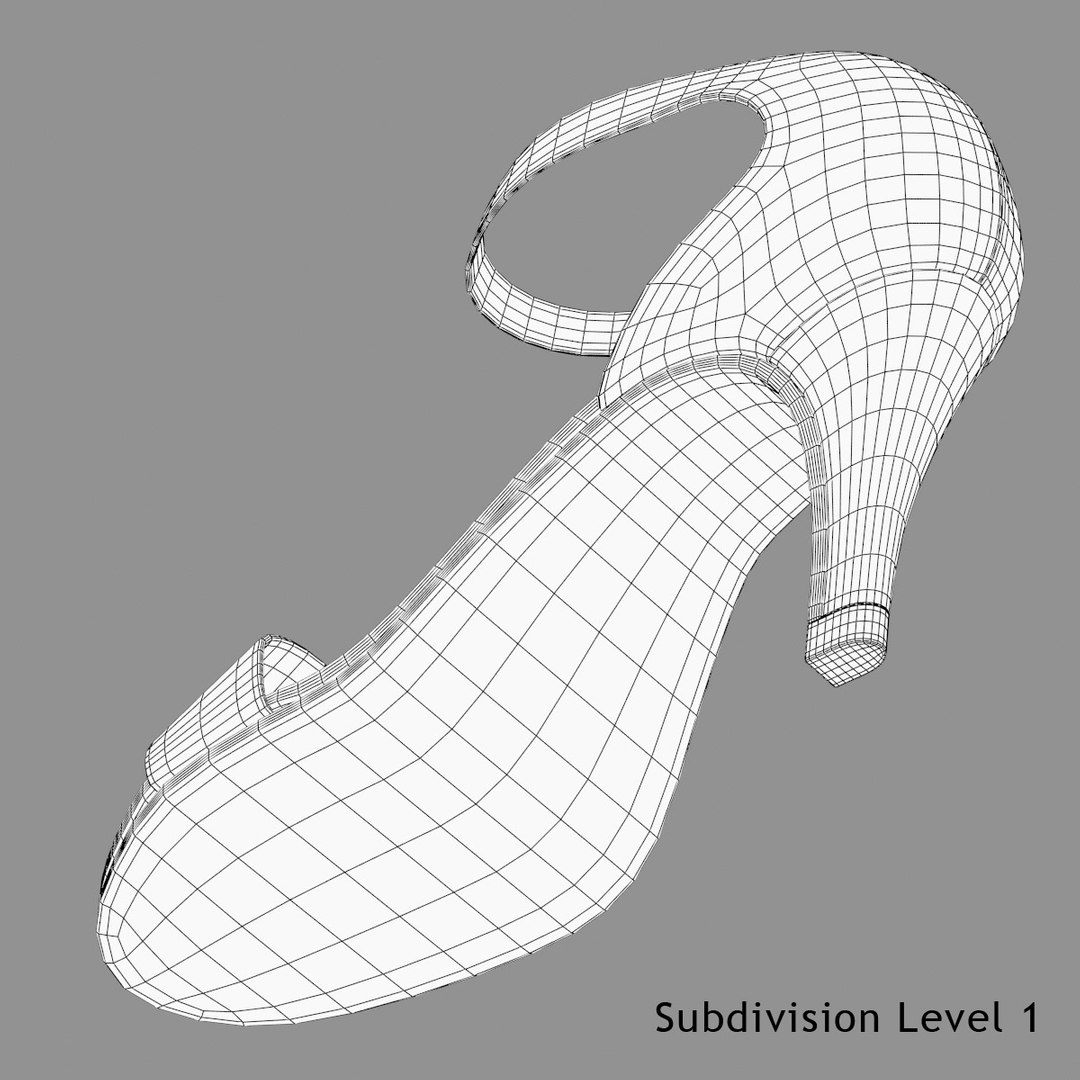
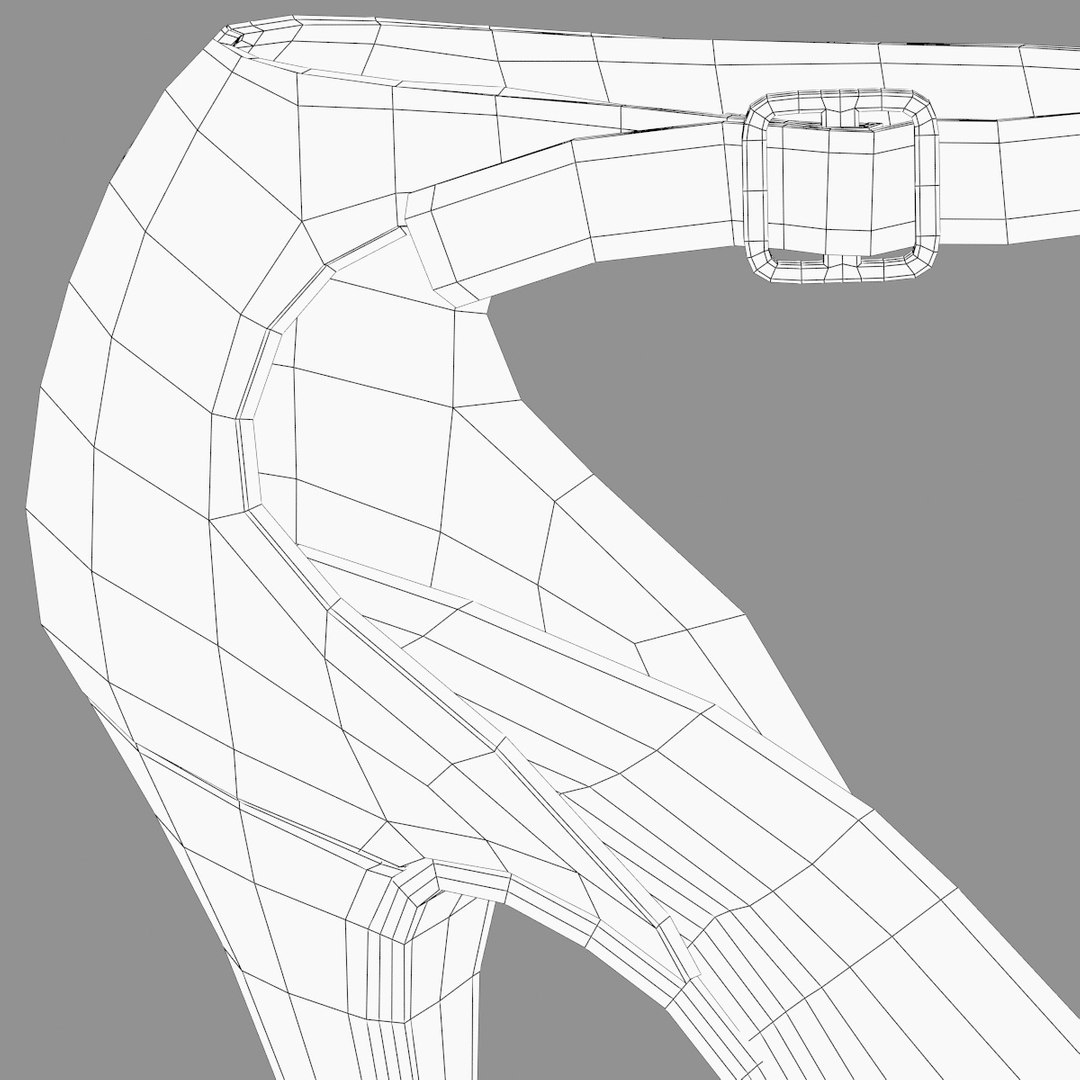
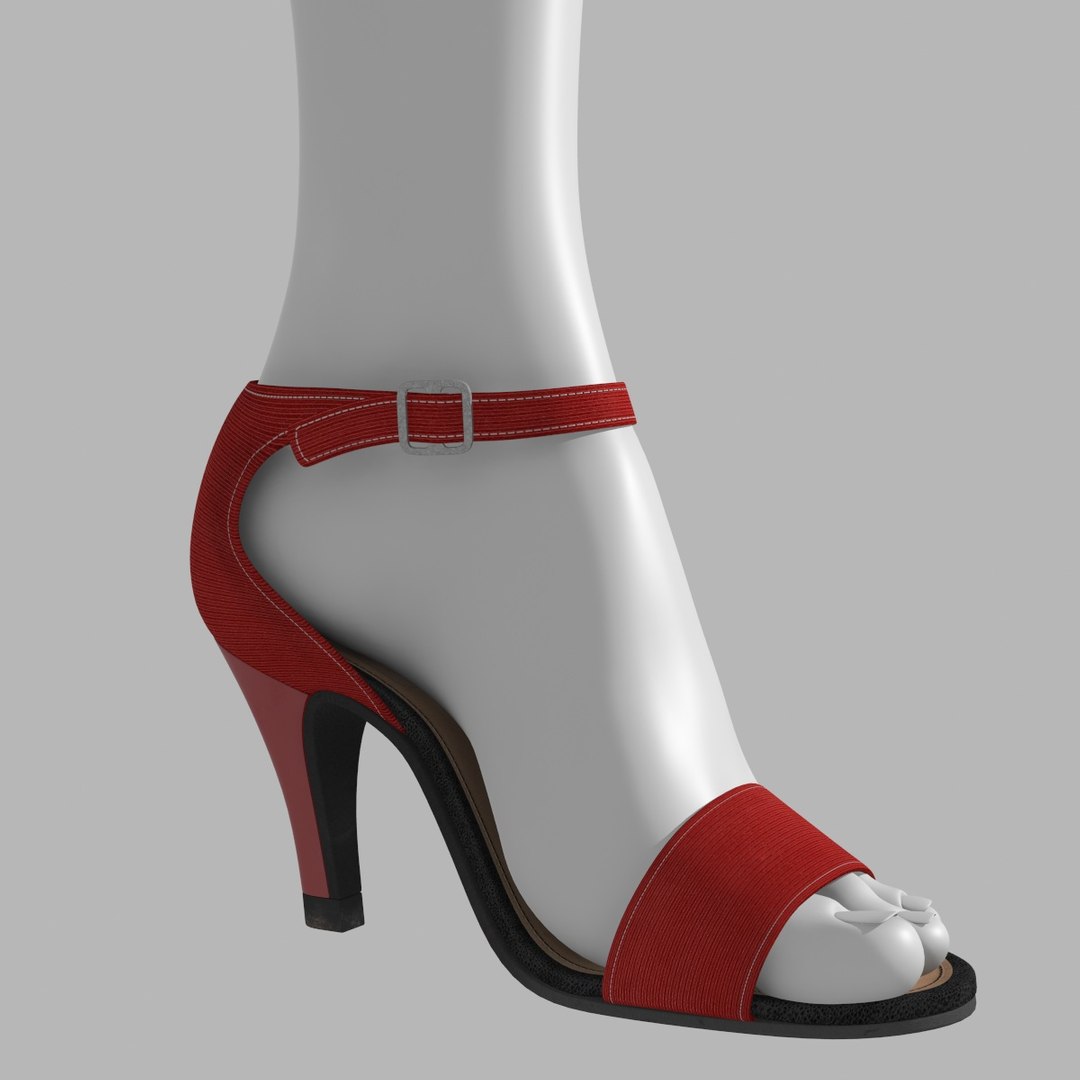
A realistic model of high heel sandals built with all quad geometry. The model is built from clean subdivision geometry with high resolution textures detailed enough for closeup renders. It can be easily edited for real time purpose as well at base level.


Geometry-

-poly 1828 (at base level 0)
-vert 1872 (at base level 0)
-100% quad in native formats
-Real world scale (approx 14cm in height)

Textures/Materials-

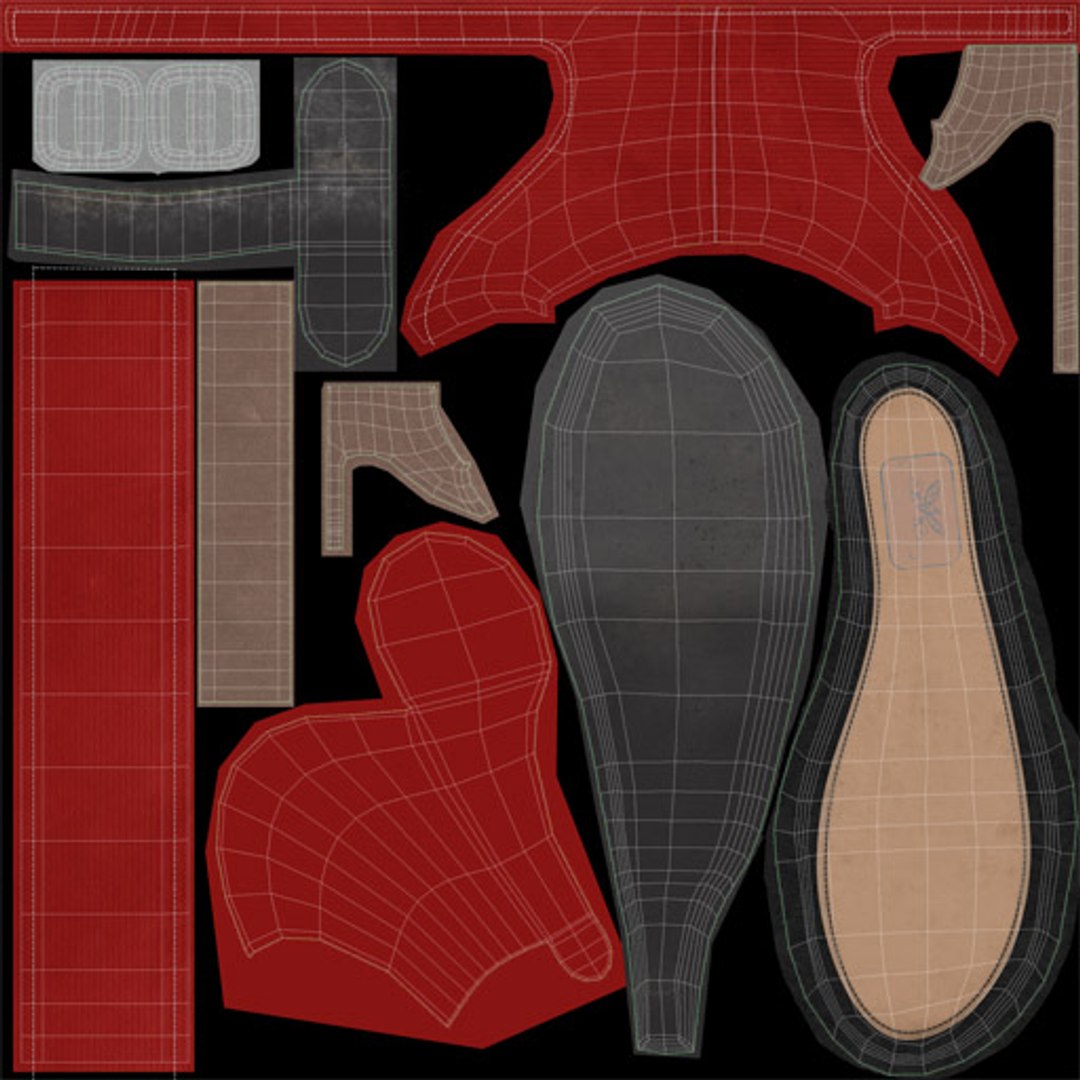
-Unwrapped uvs, left overlapping at certain borders just to facilitate texturing.
-High resolution 4k textures for closeup details
-Materials setup in all 3dsmax and maya versions
-Certain non native formats might require manual shader setup

Formats-

-3dsmax 2011 (mental ray, vray and scanline renderer)
-Maya 2009
-Obj
-Fbx
-DAE Open Collada
-3ds


NOTE-

-As a drag and drop object, lights/render setup shown in preview images is not included.
-Female foot shown in preview not included

Select Enhanced License

  • $10,000 in Legal Protection (Indemnification)
  • Uncapped Legal Protection (Indemnification)
  • Waiver from injunctive relief
  • Assignable model rights
  • $1,000,000 in Legal Protection (Indemnification)
  • Waiver from injunctive relief
  • Assignable model rights
  • $250,000 in Legal Protection (Indemnification)
  • Assignable model rights
Read more about enhanced license tiers, or contact us at enterprise@turbosquid.com. Already a Shutterstock Enterprise Customer? Contact your Shutterstock Sales Support Agent to talk about adding 3D.

About Conversion Requests

To submit a conversion request for a purchased asset, please complete our Conversion Request Form.

If you have not yet purchased a model, please review our Documentation about Conversions to learn about what limitations you may encounter with a conversion.

For any additional questions about a model’s suitability for conversion, please contact TurboSquid Support.

Loading...