Herod Temple

$299

Standard License | Upgrade License
Formats (5)
Free file format Conversions available
Native | 3ds Max 2011 | mental ray 2011
Lightwave 10 | Default Scanline
Modo 8 | Other
FBX
OBJ
Specifications
Publish Date September 23, 2017
Product ID 1205853
Polygons 1,691,000
Vertices 1,512,000
Polygonal
Textures
Materials
UV Mapped
Overlapping Unwrapped UVs
TurboSquid Exclusive
member avatar
holy_diver
140 Products | Contributor Since 2013
Have questions? Chat with us now.

Description

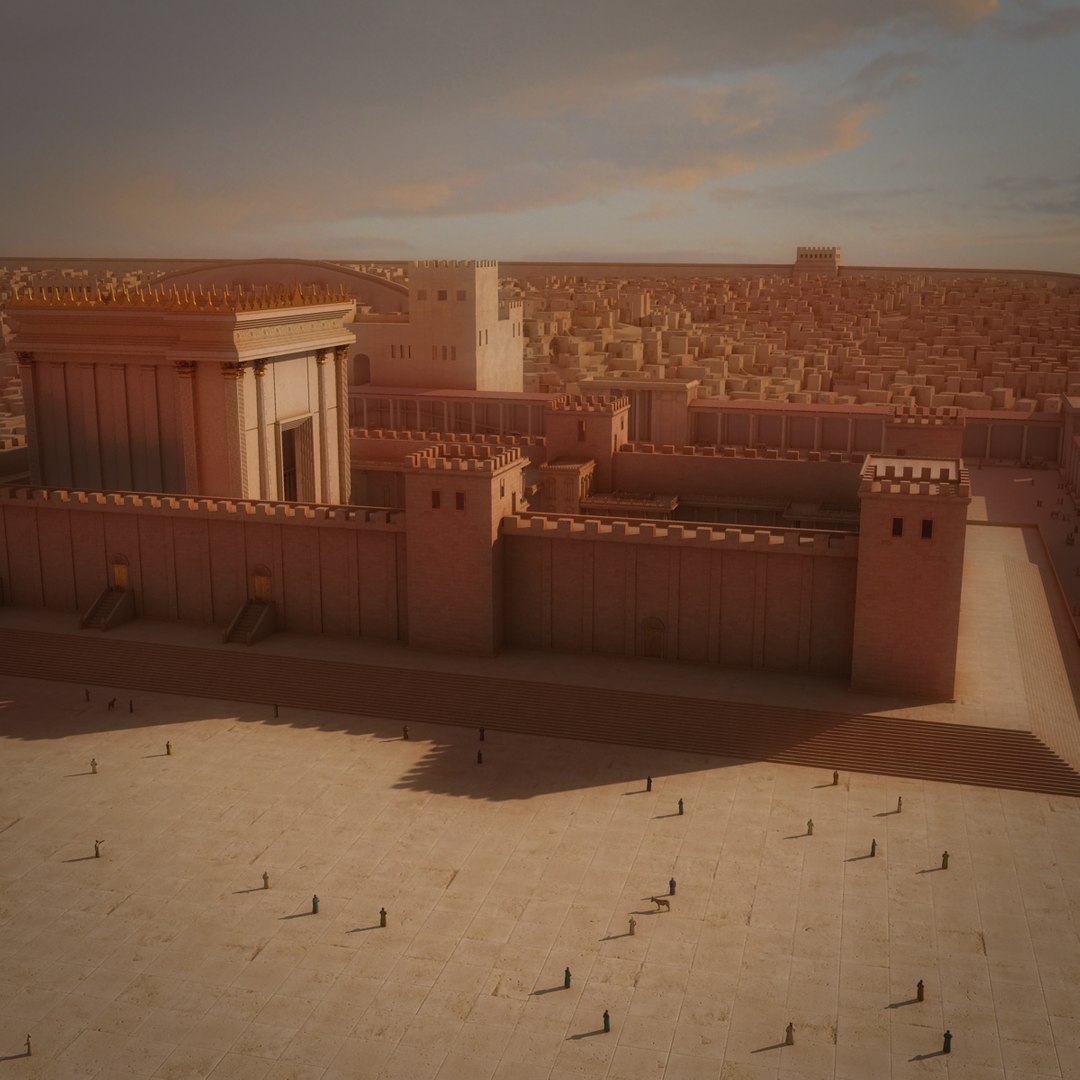
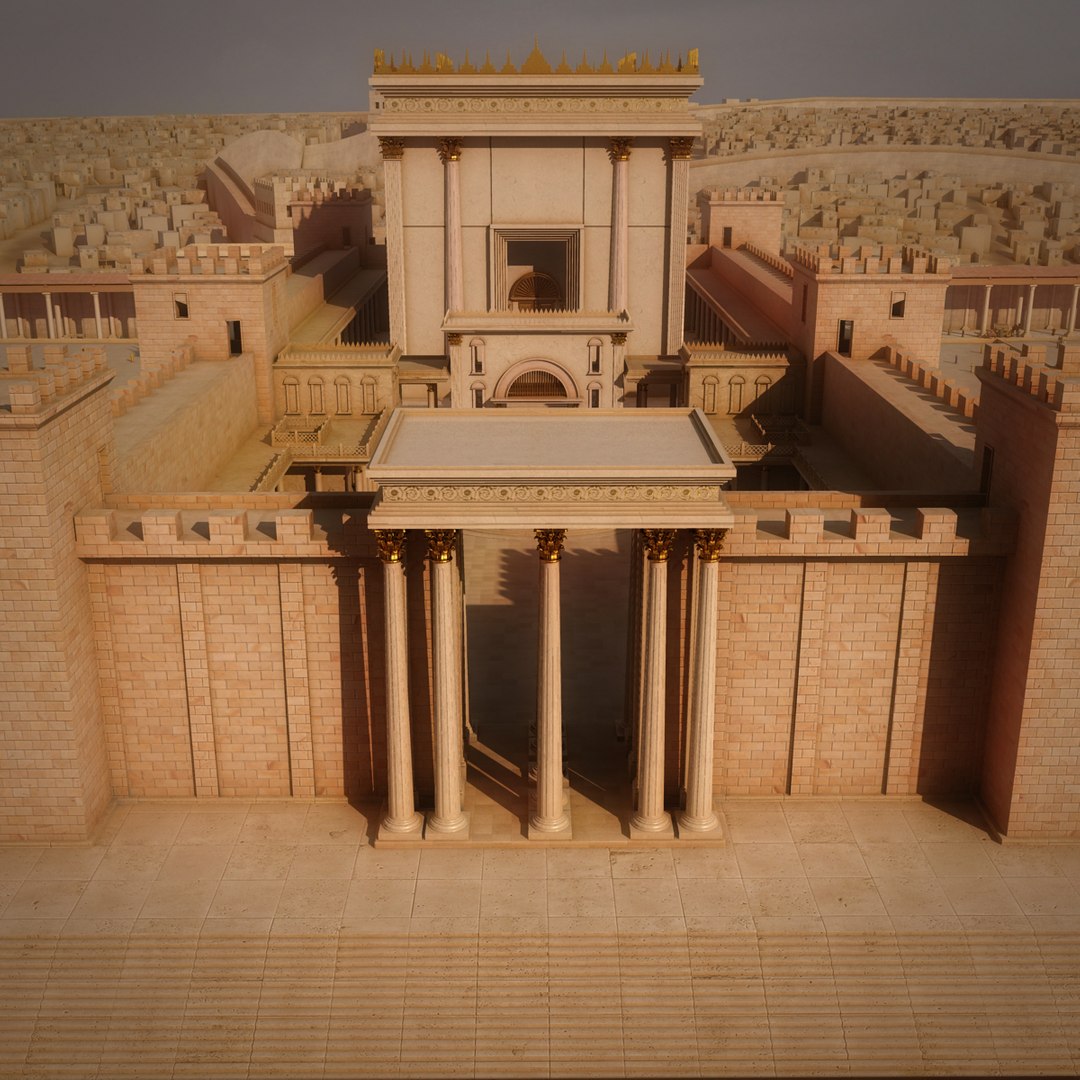
Solomon Temple, Herod Temple, Interview background, Animated cameras

======================================================================================
* Native 3d Studio MAX 2011
* Mental ray materials
* High quality
* Ready to use
* HD textures, jpg, png, gamma 2.2
* Placed at origin
* Correct scale

======================================================================================
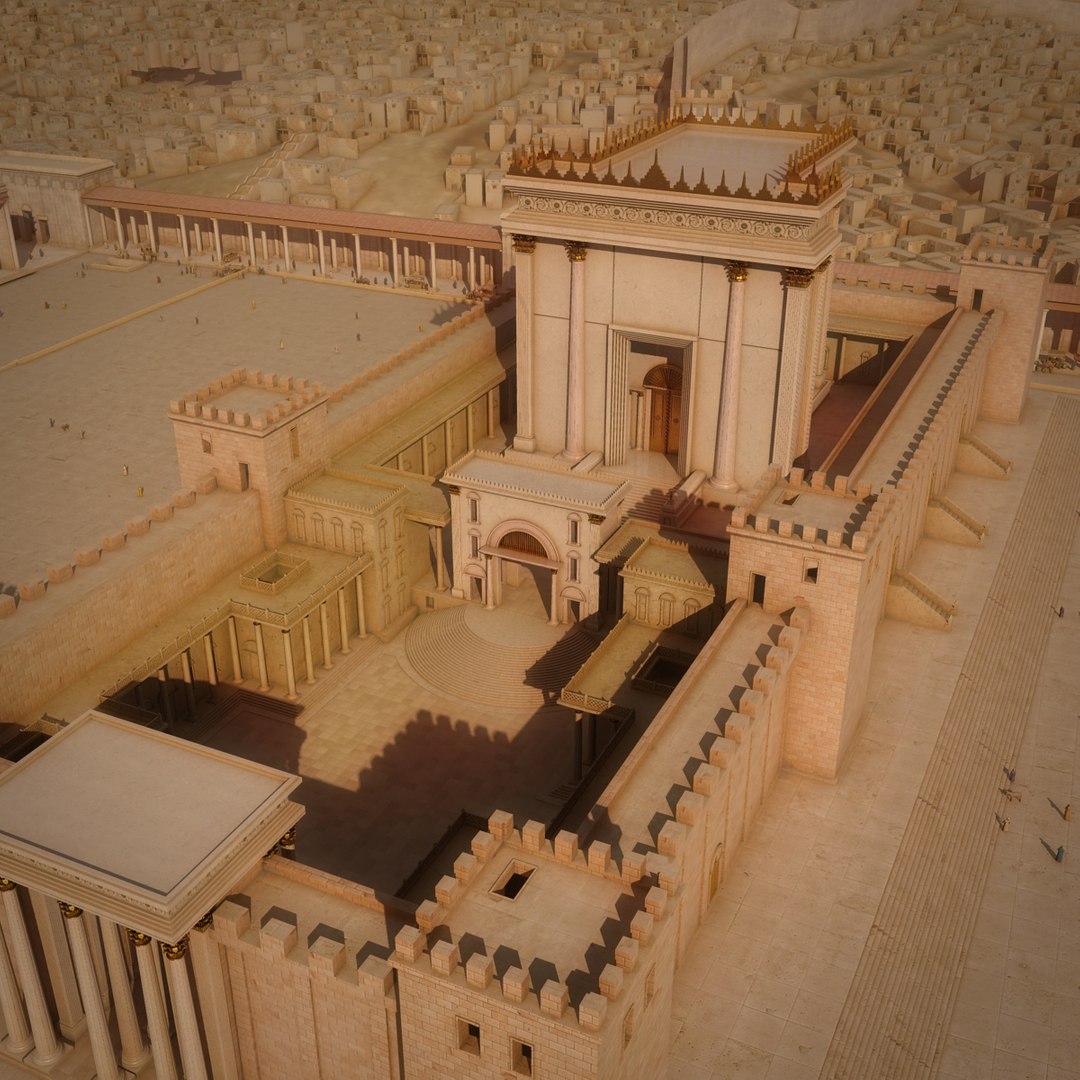
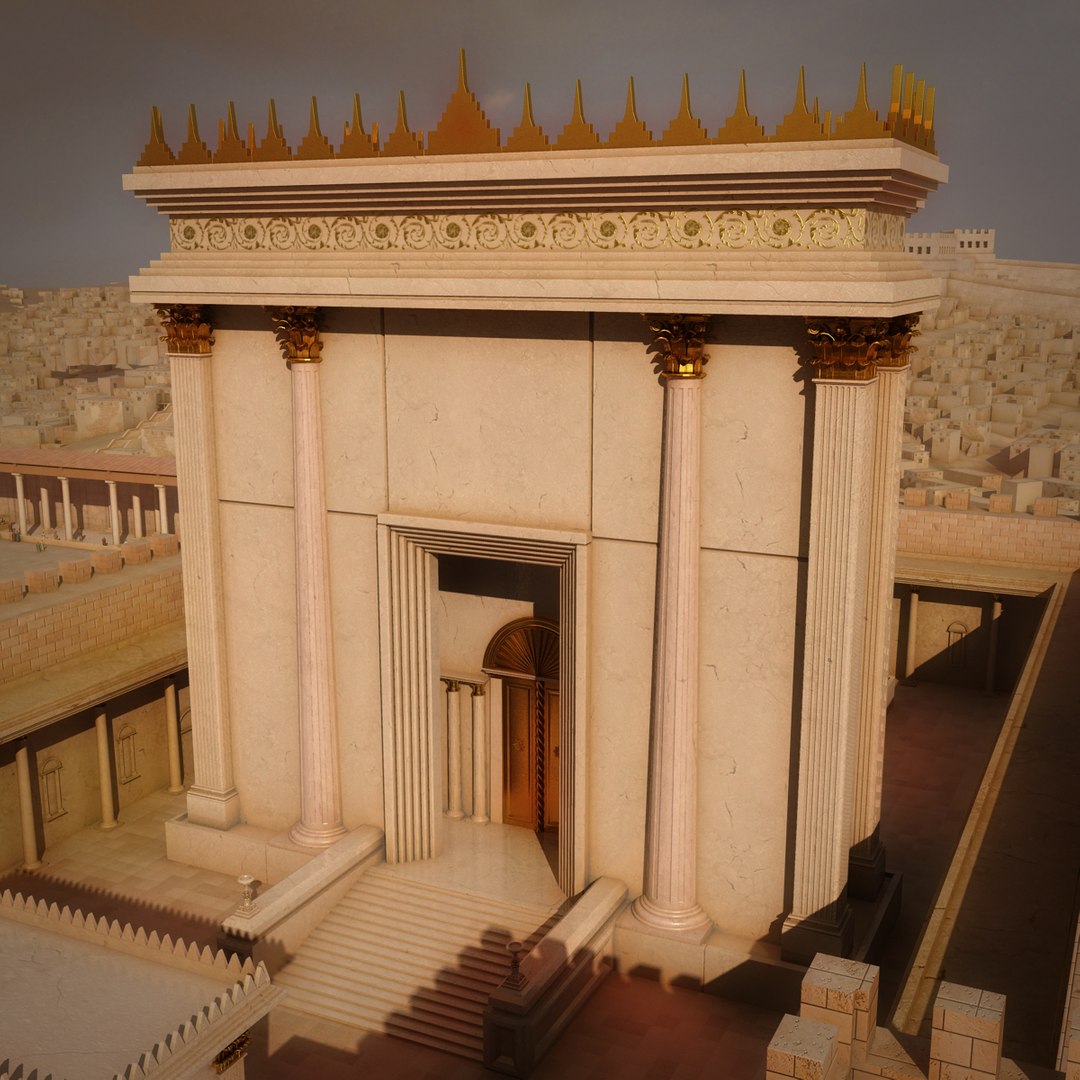
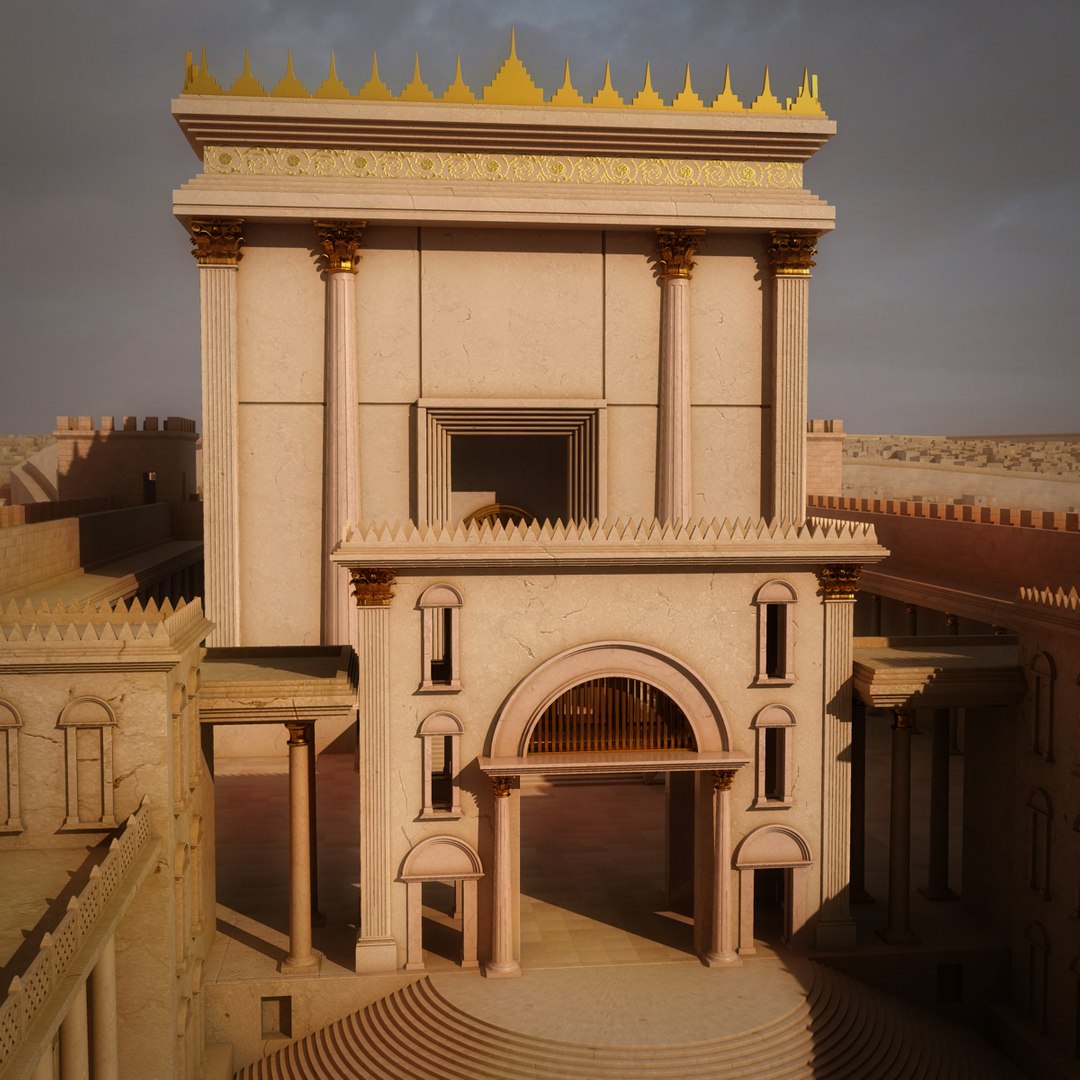
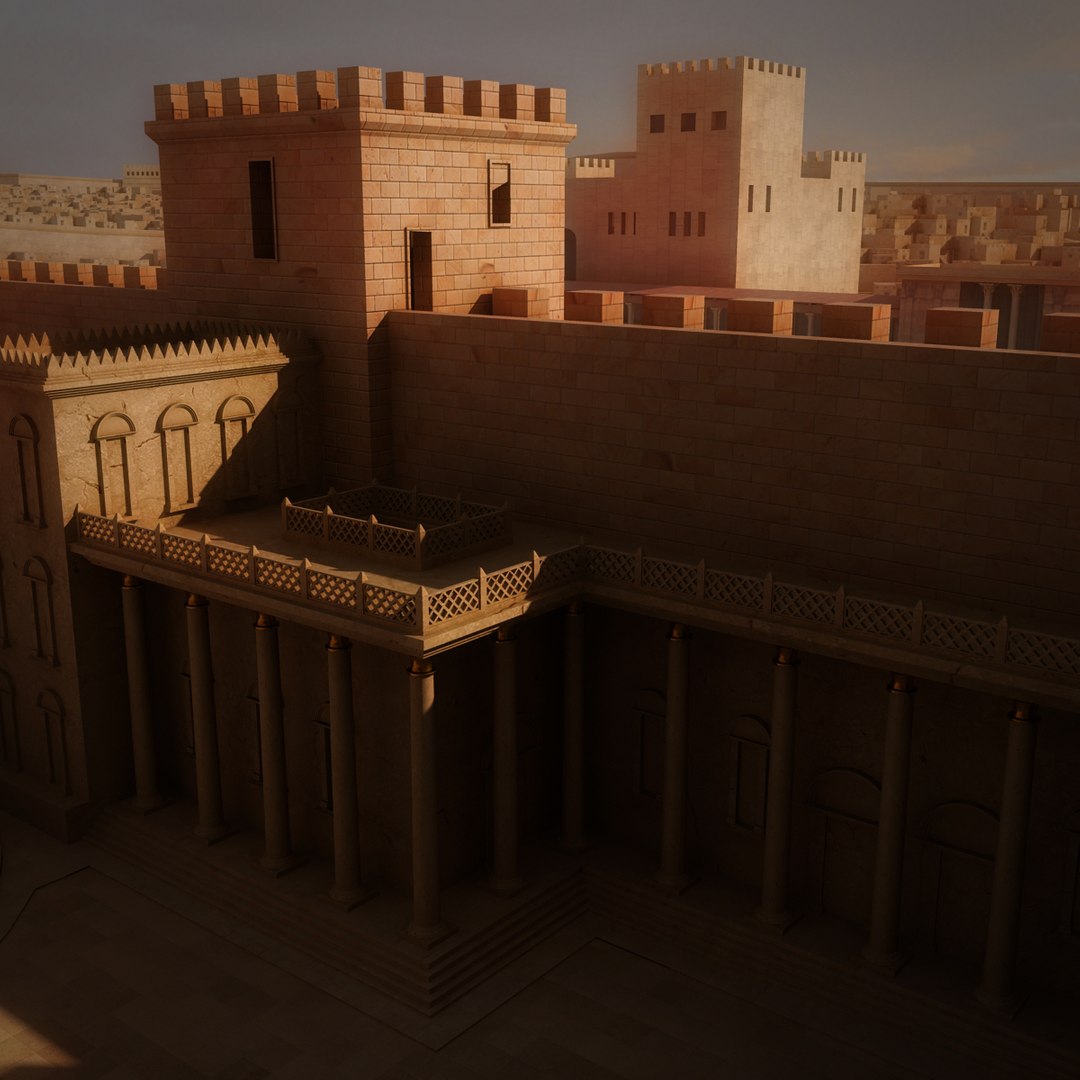
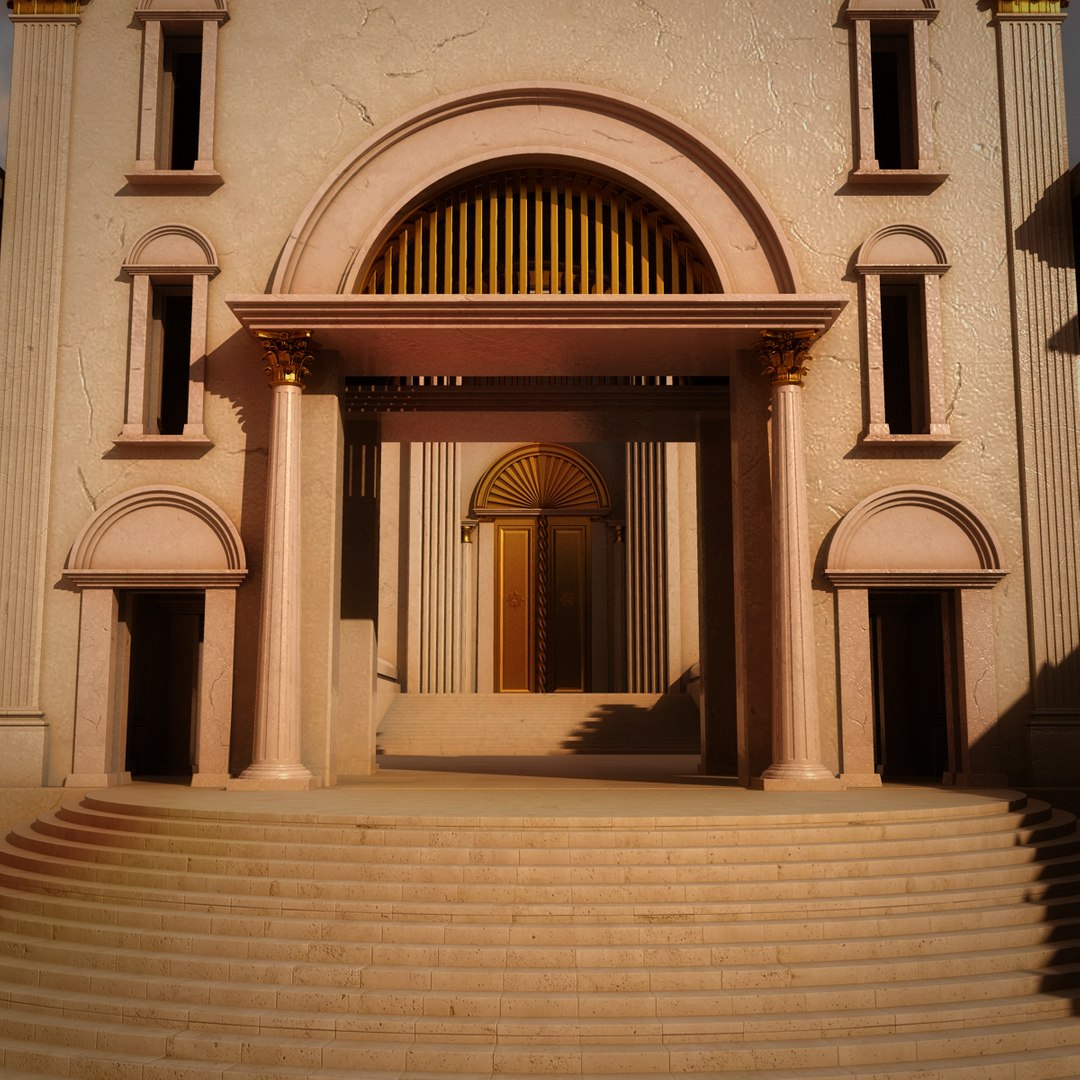
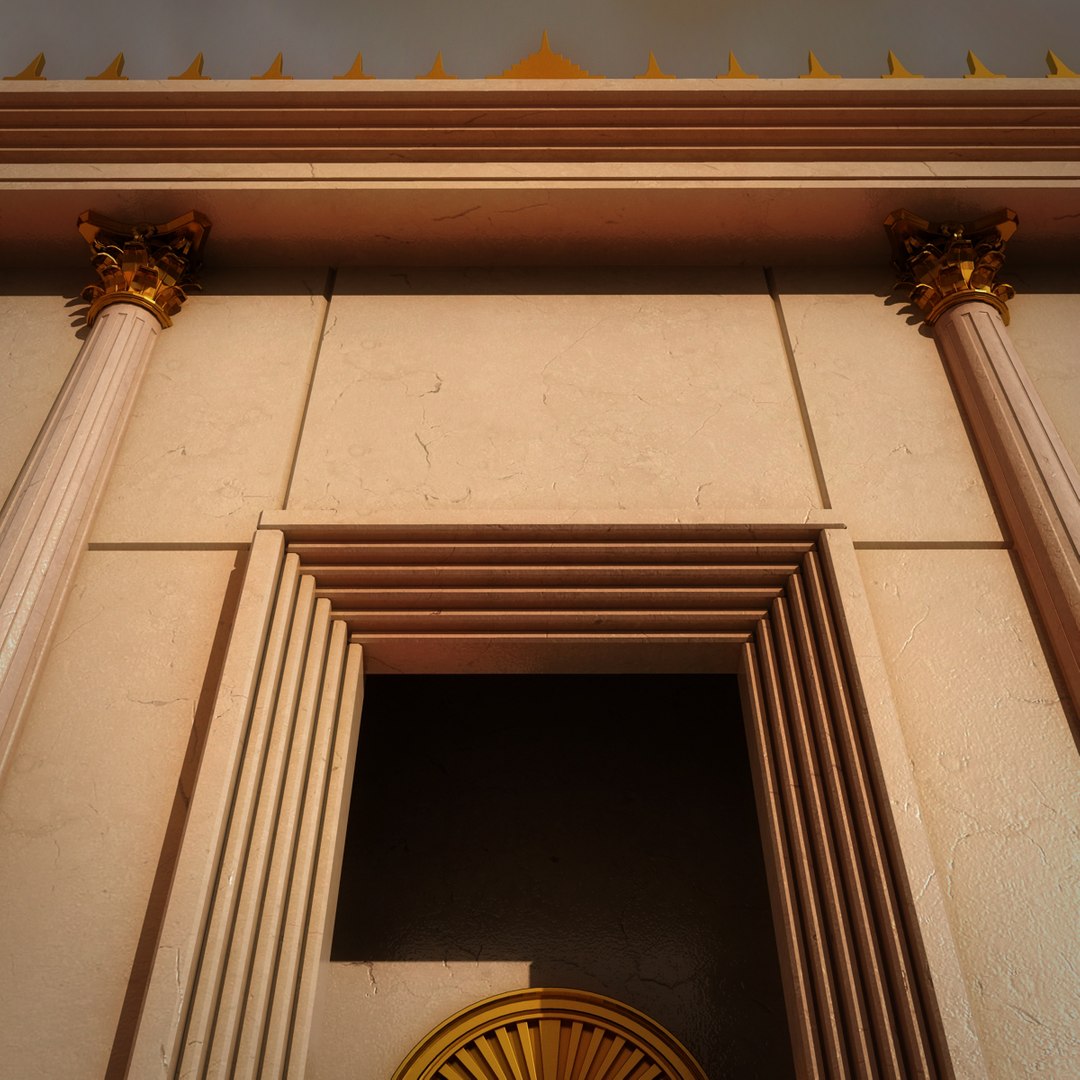
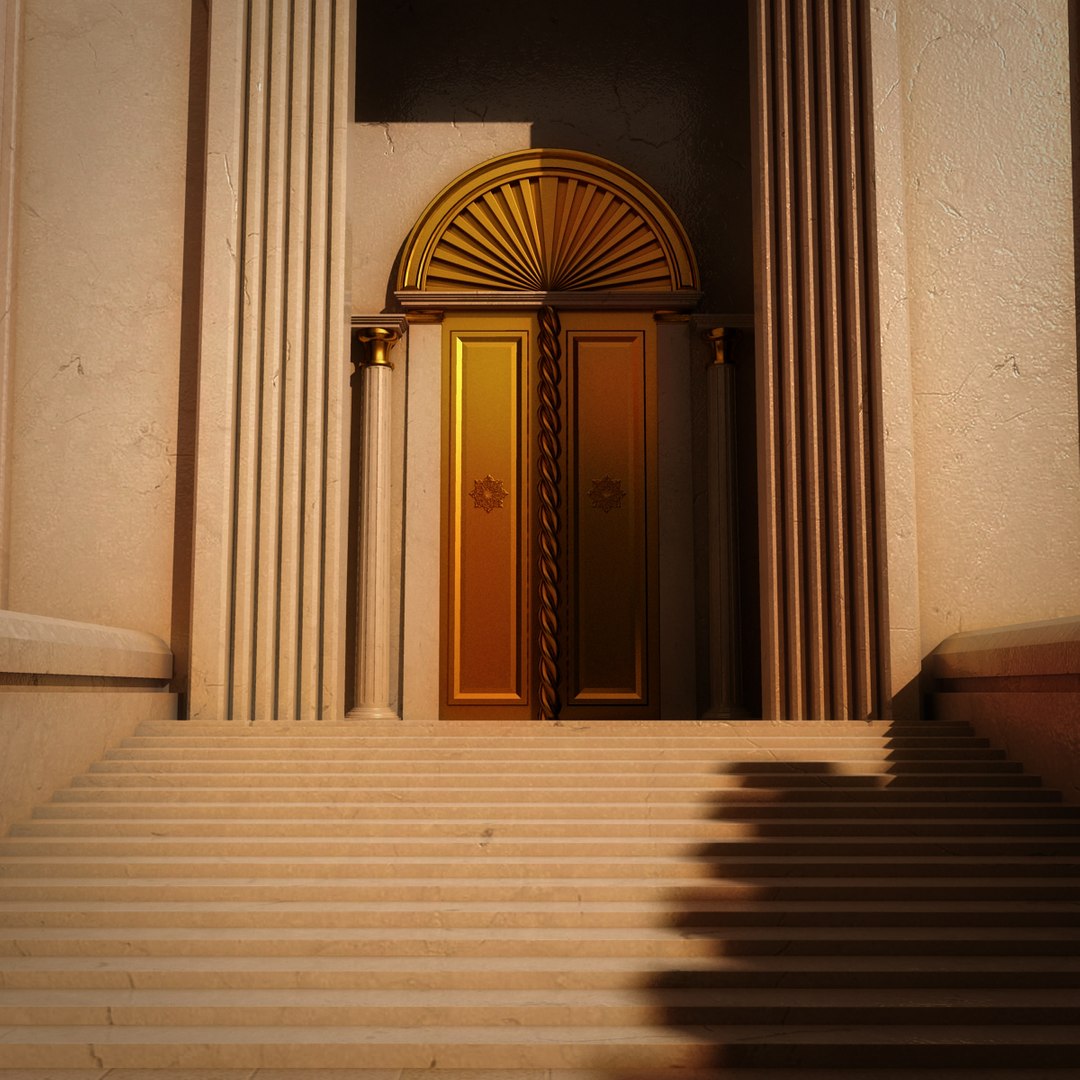
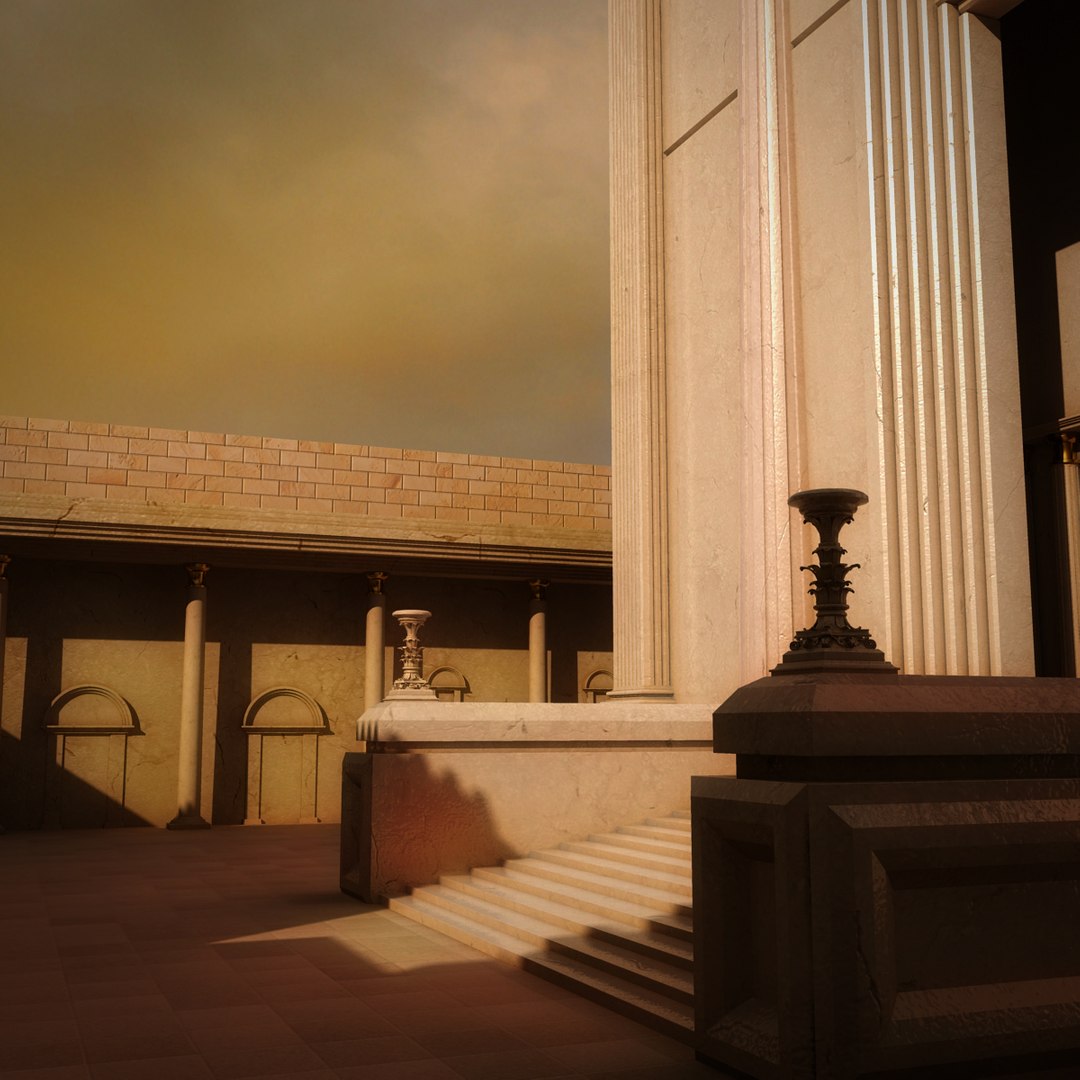
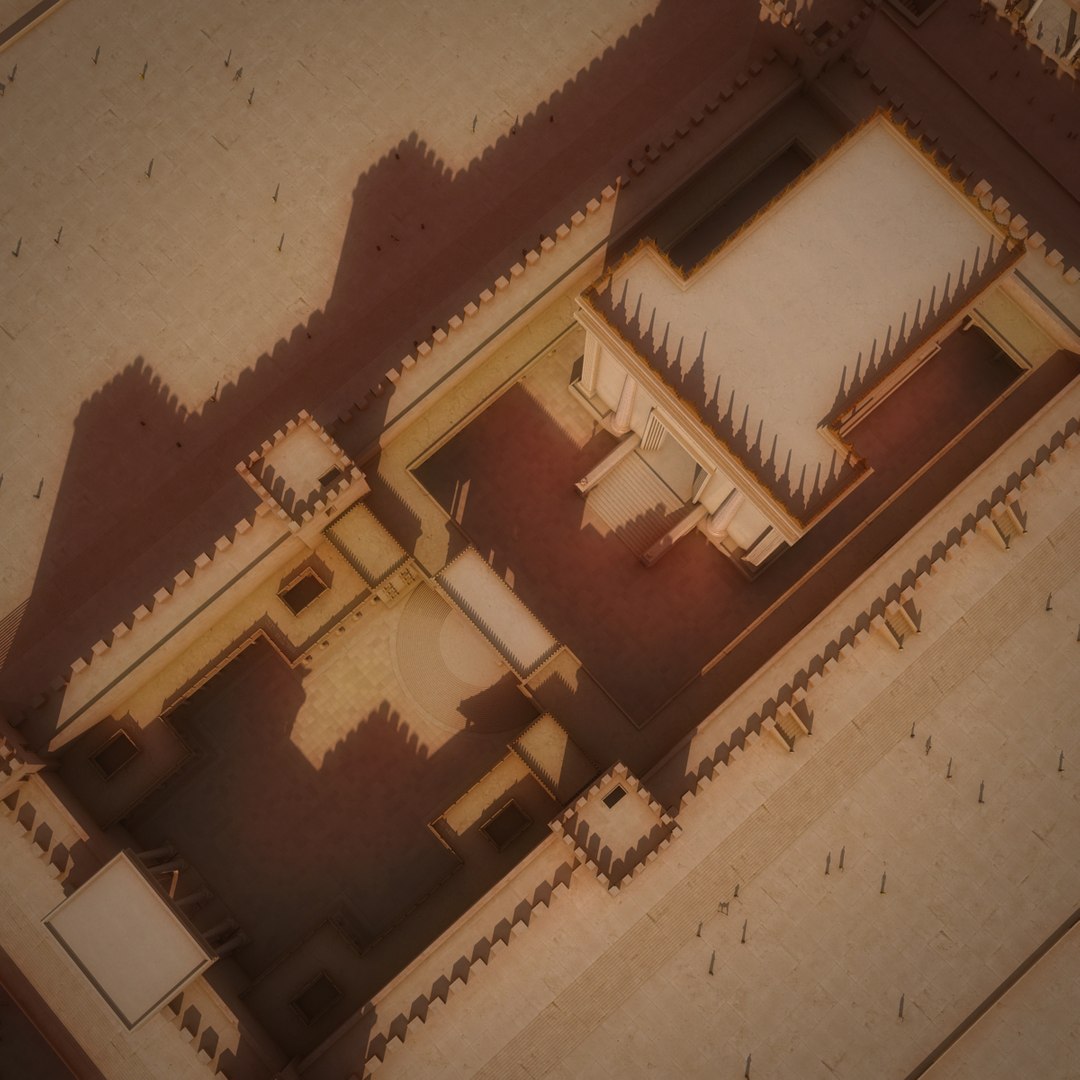
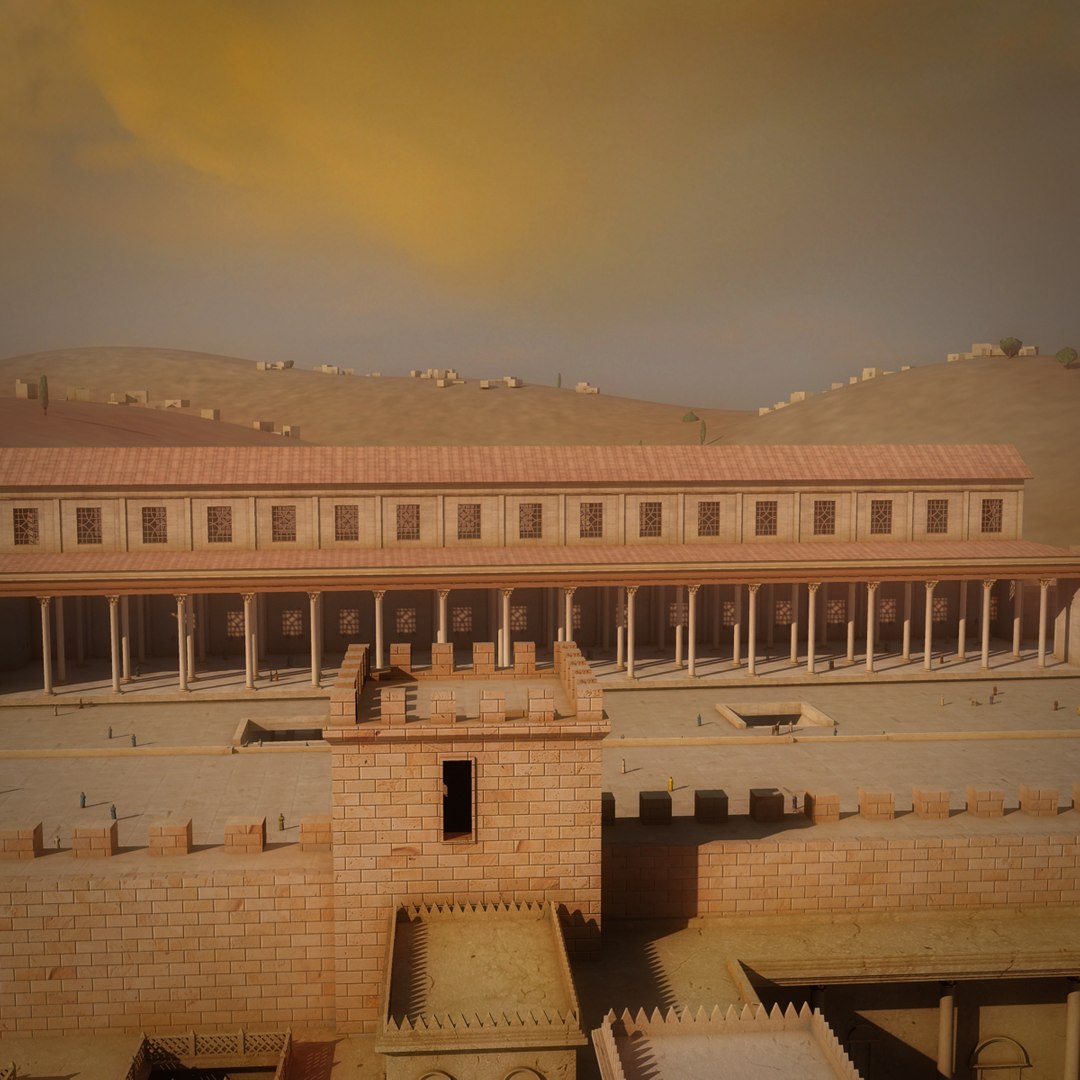
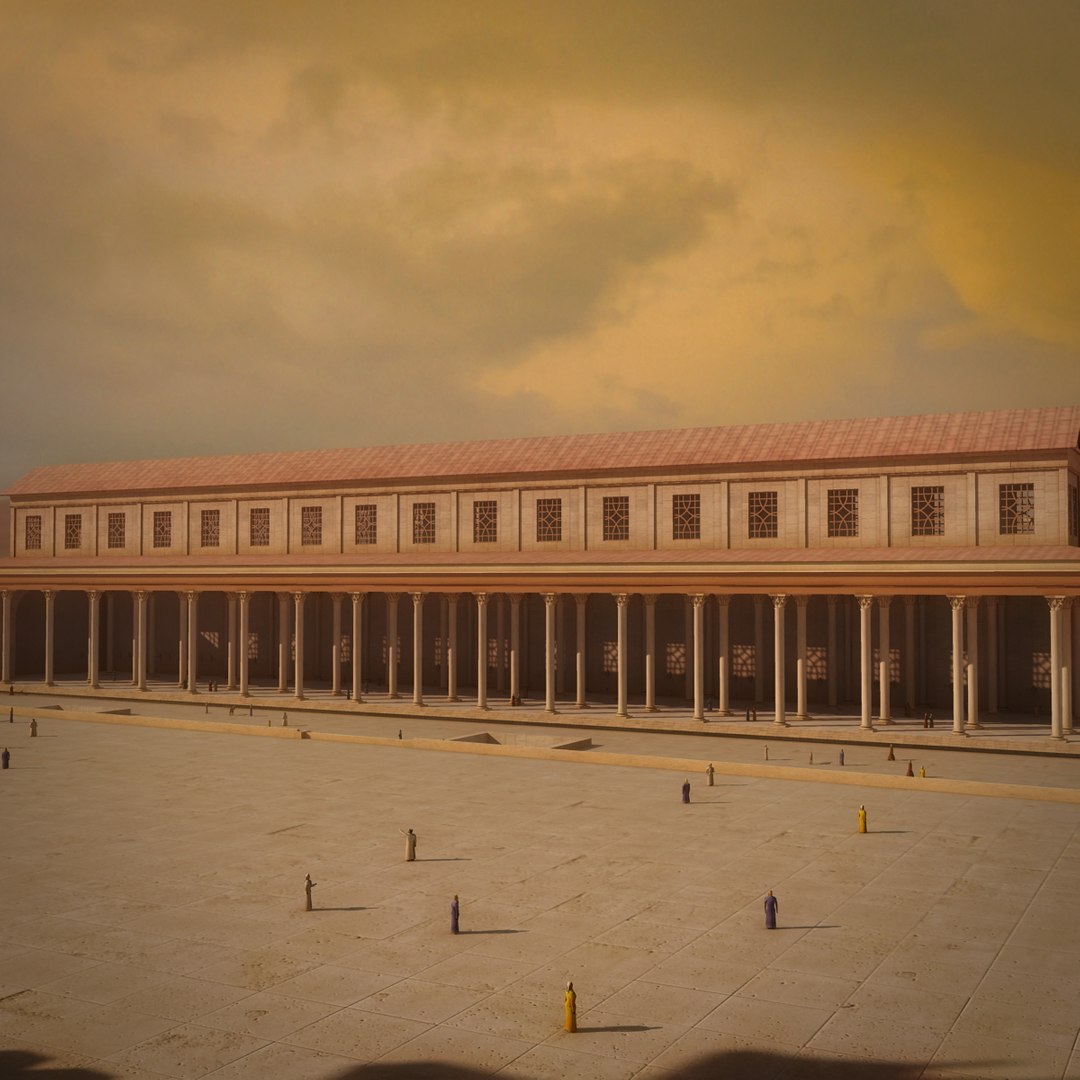
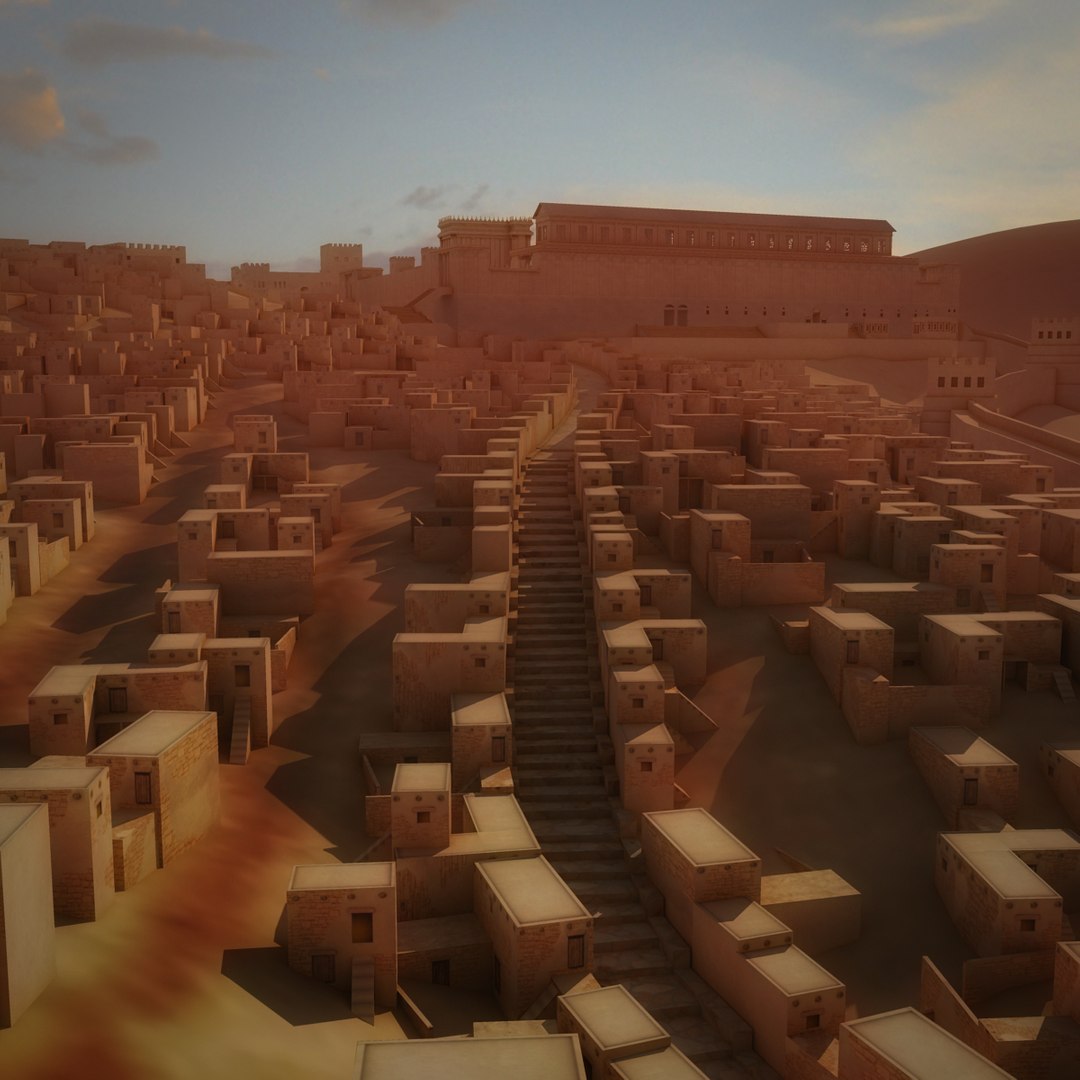
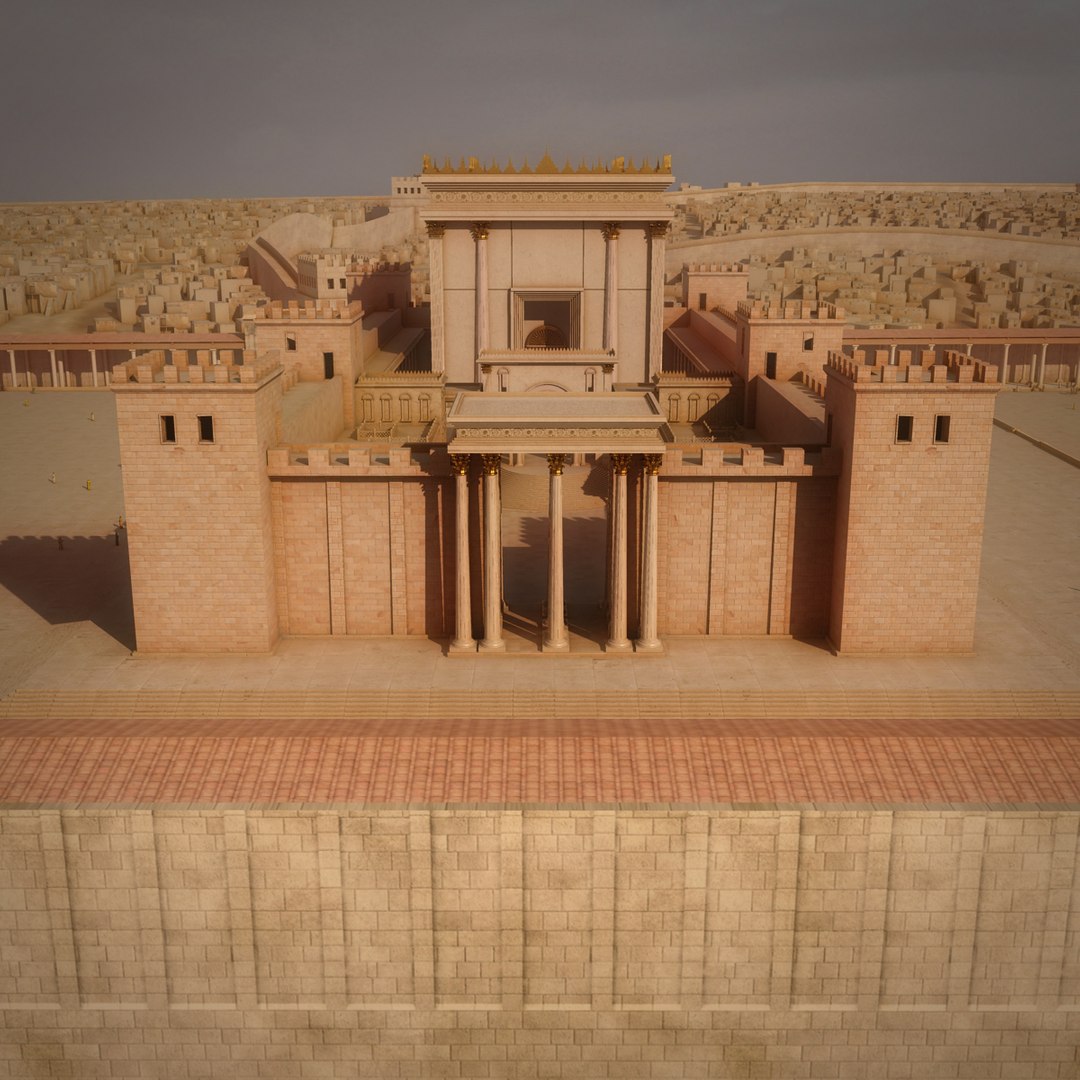
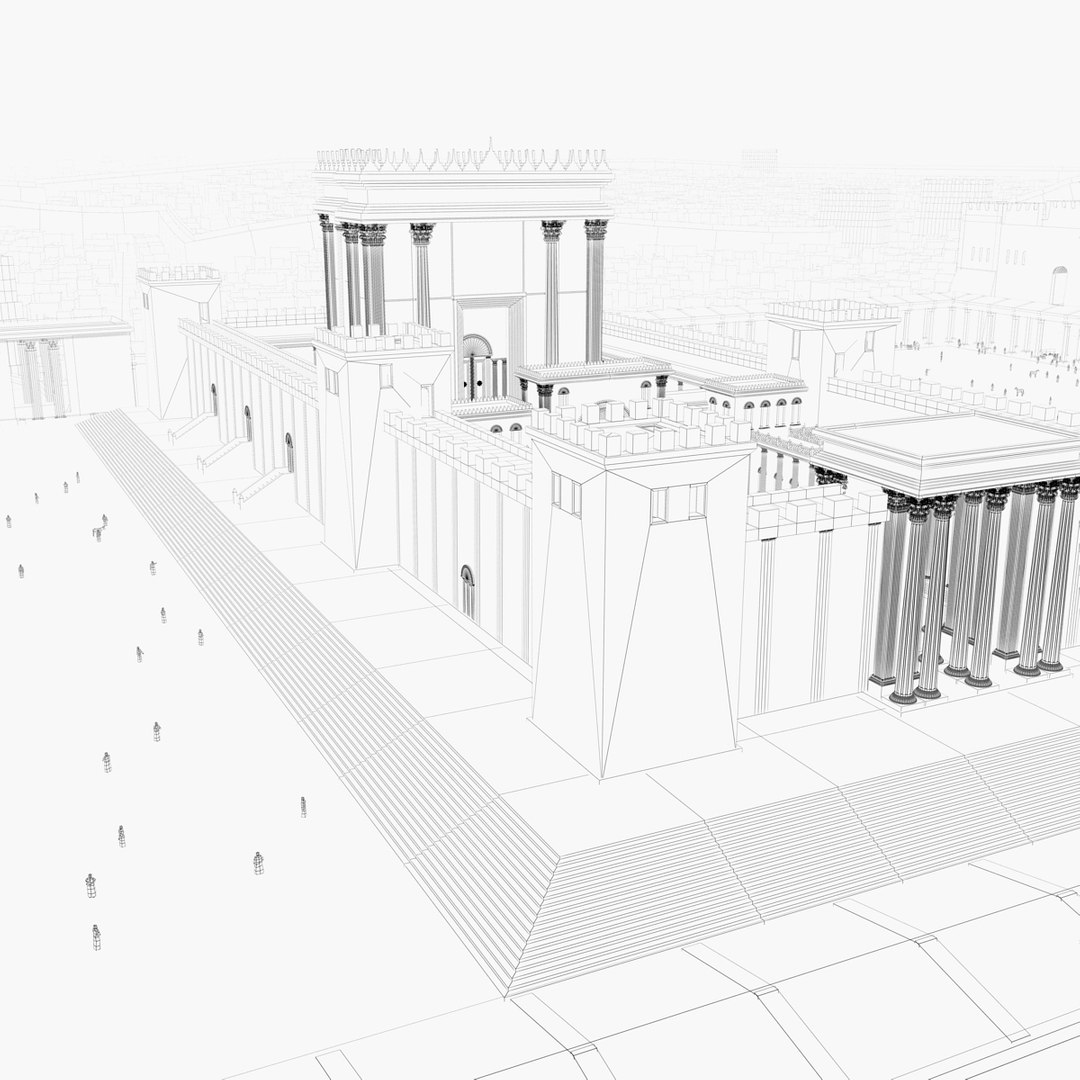
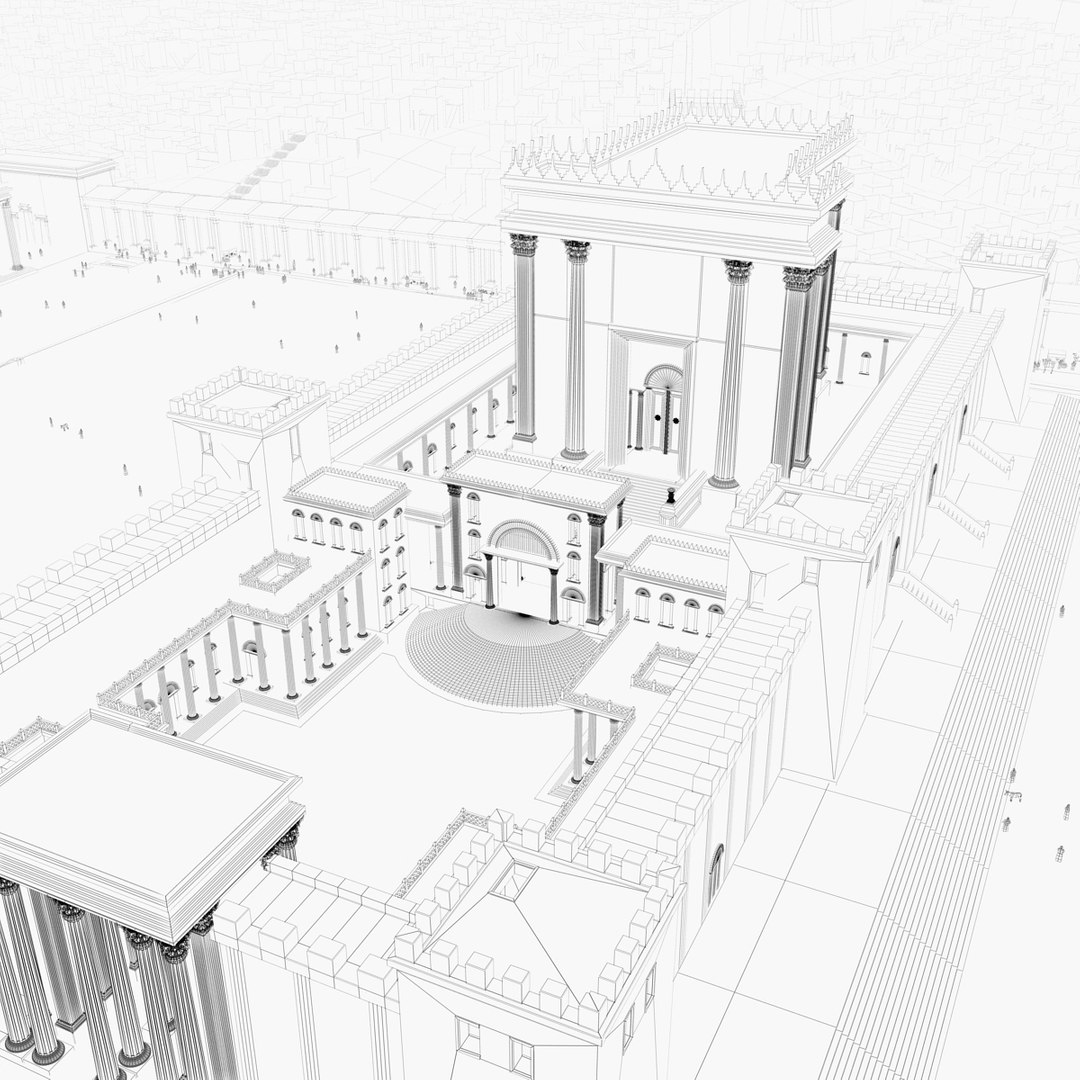
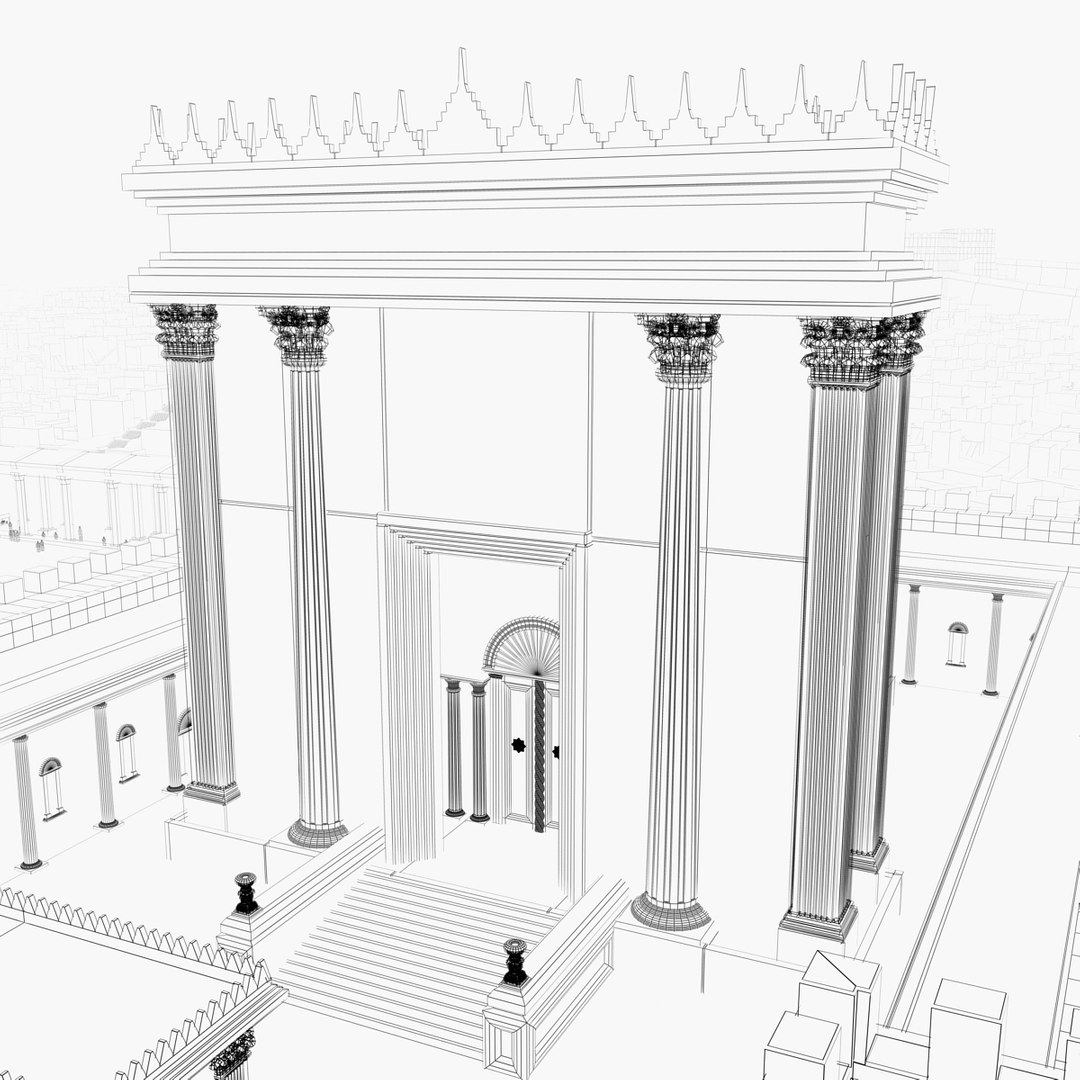
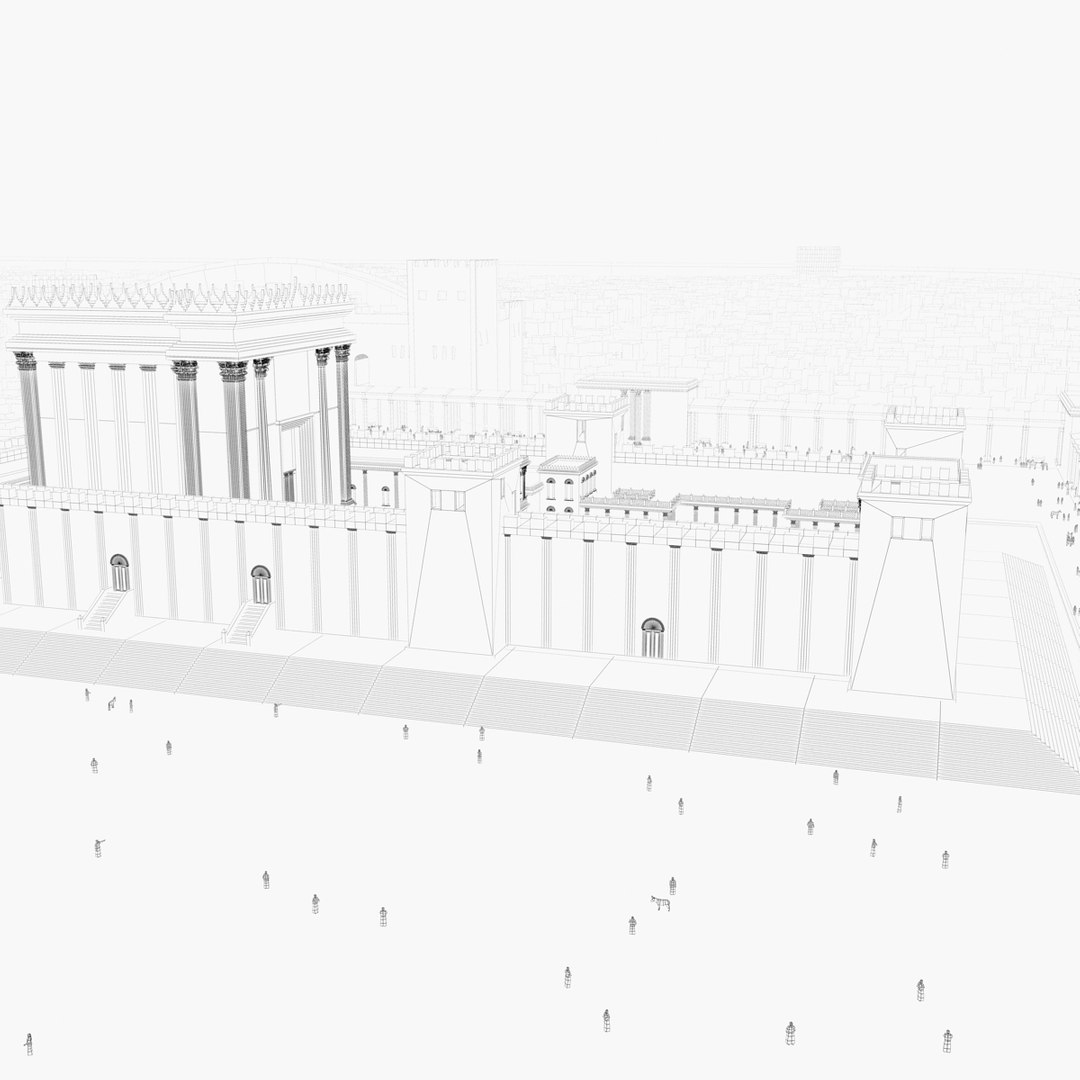
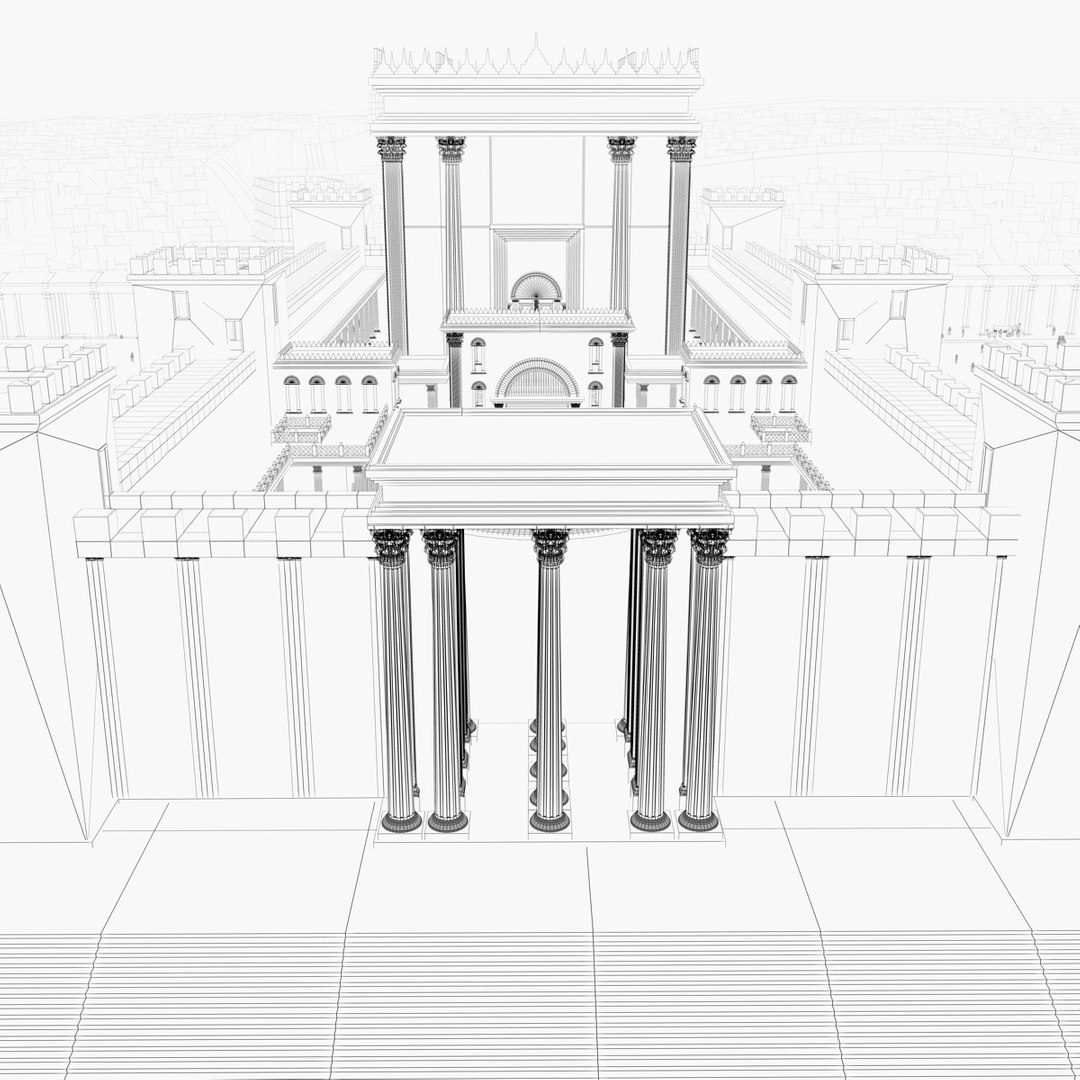
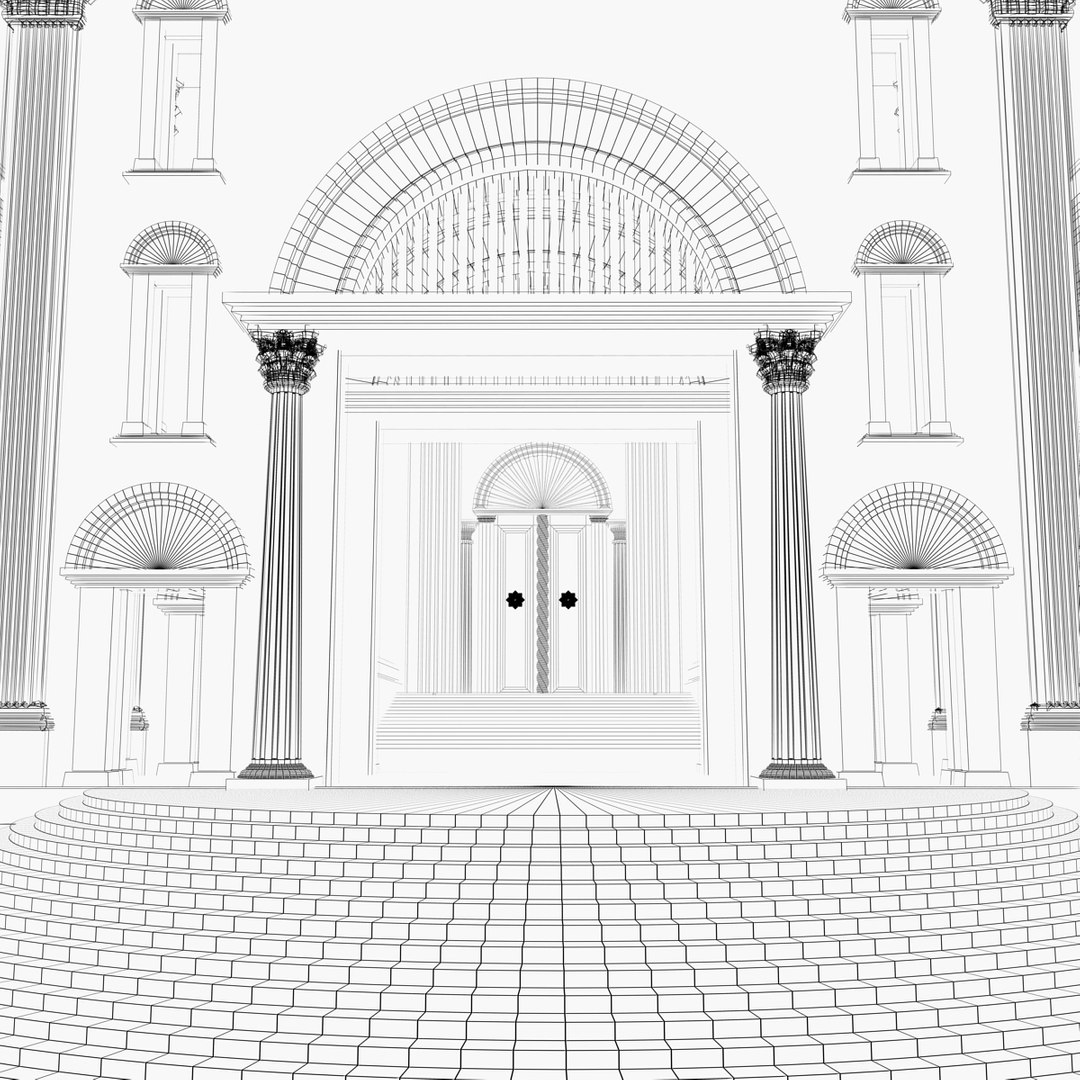
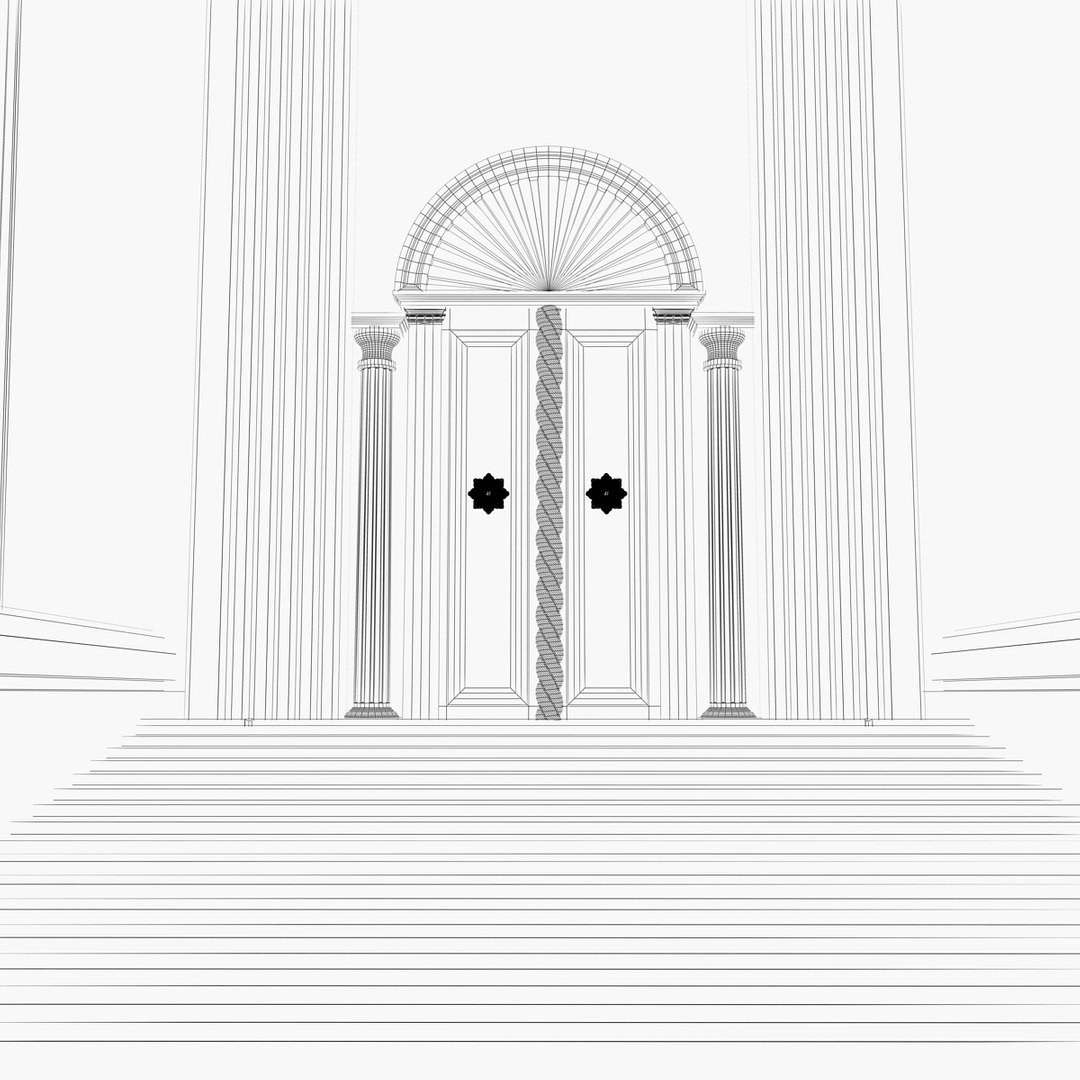
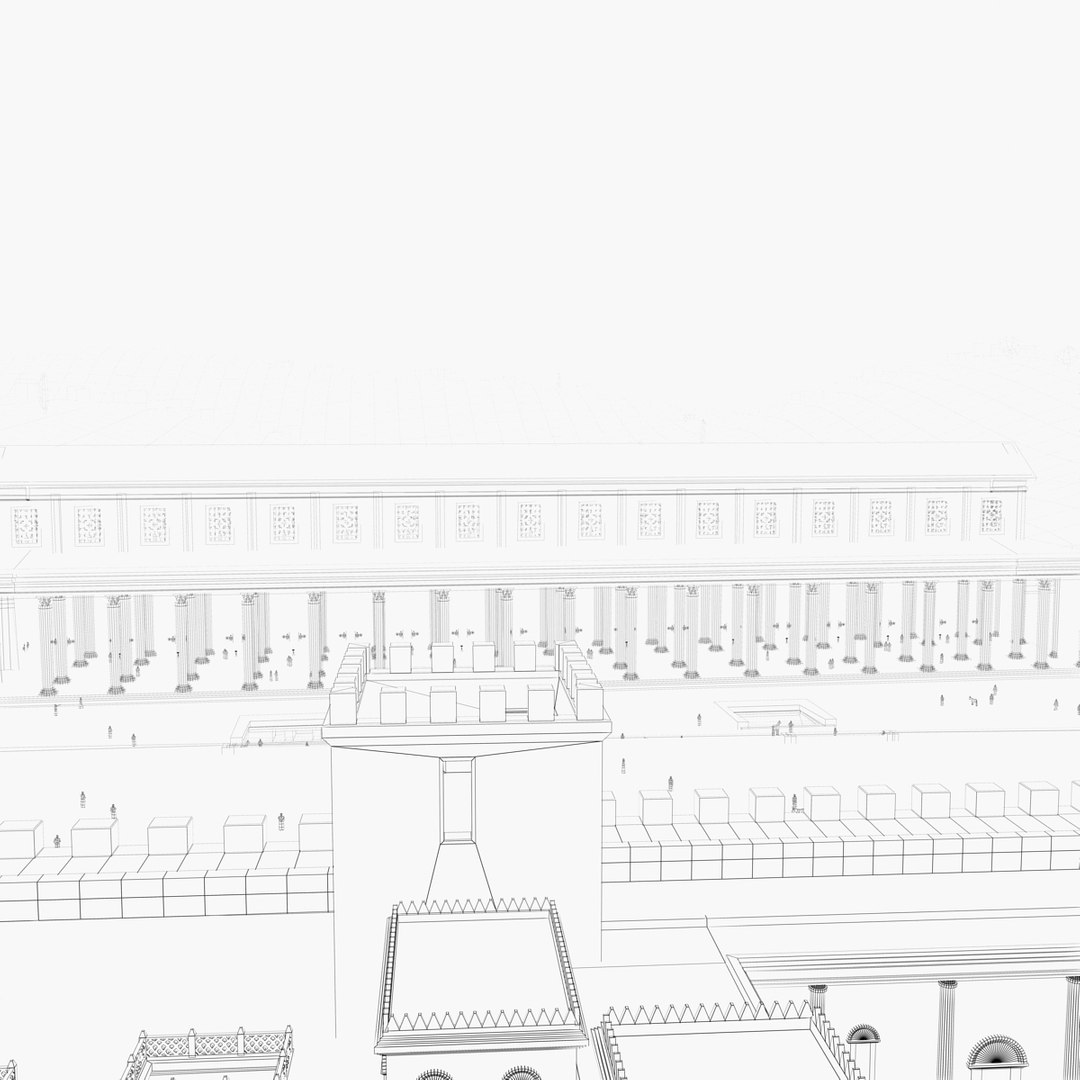
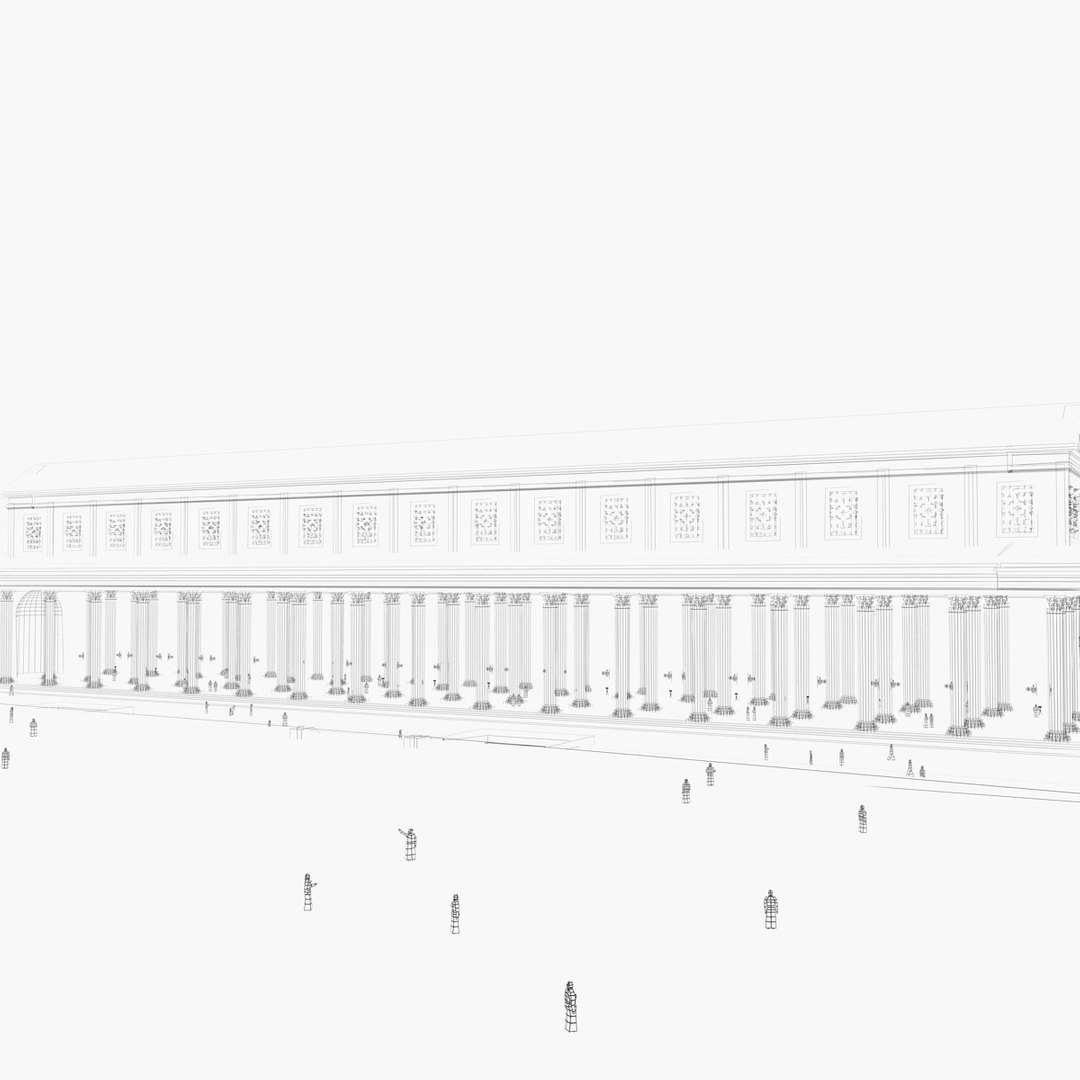
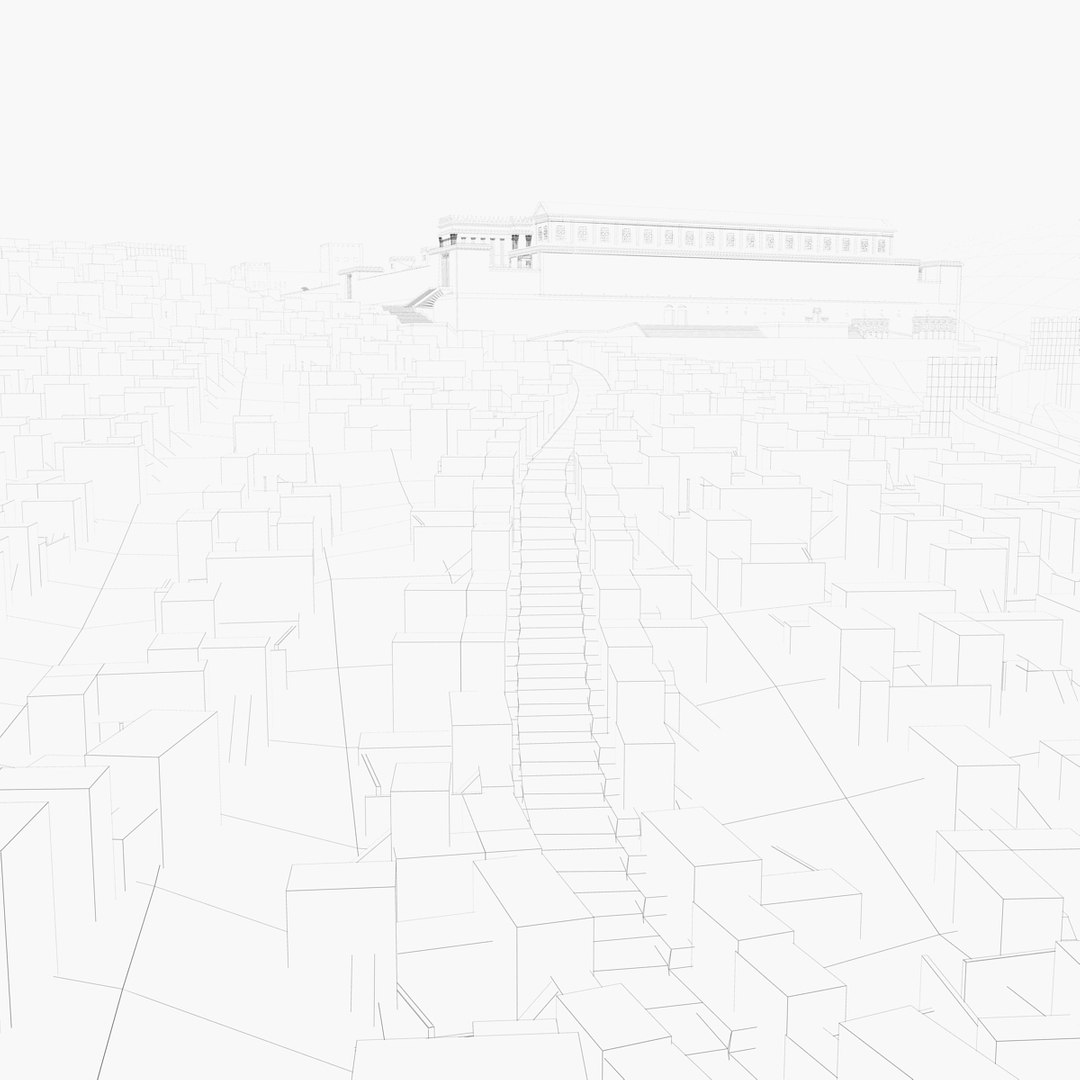
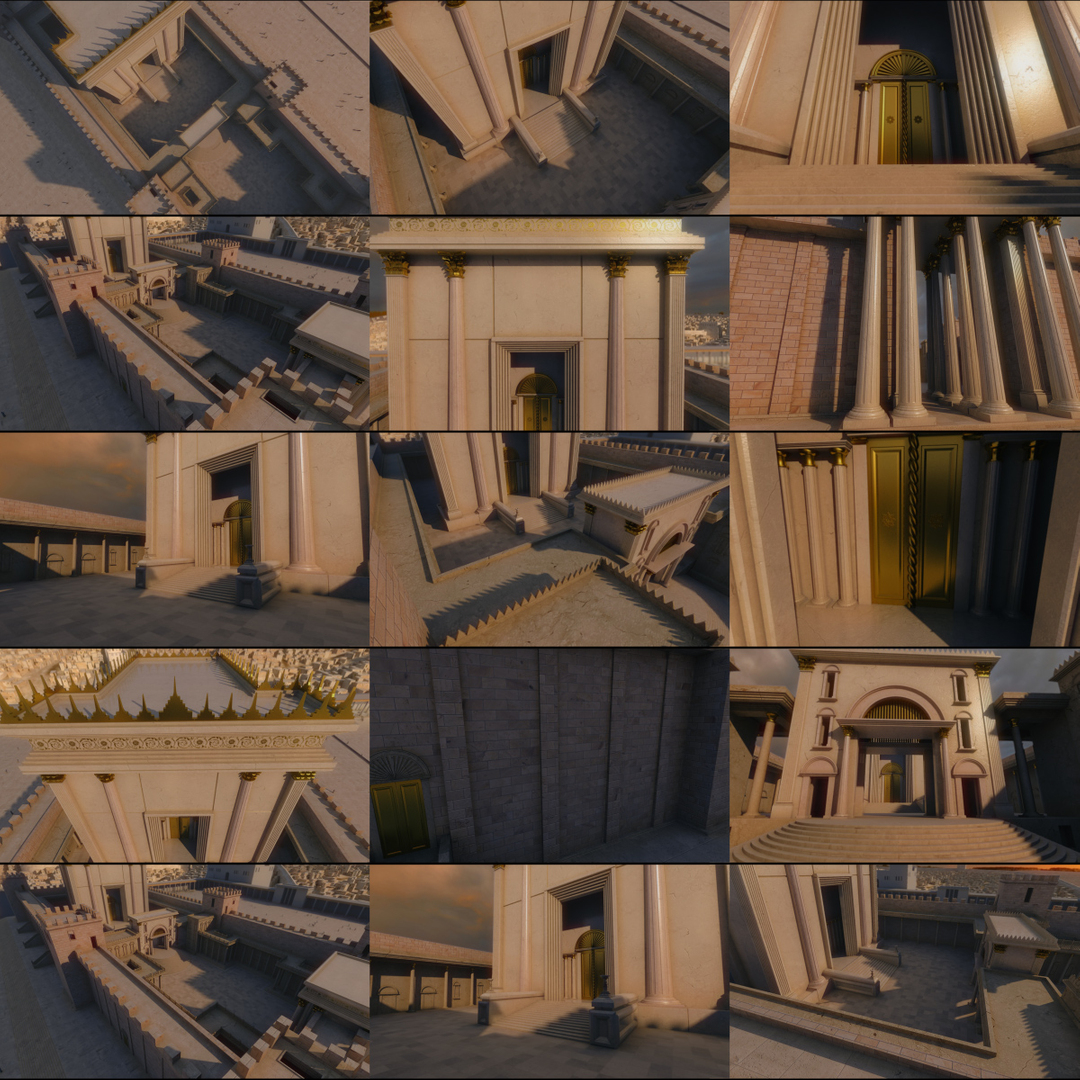
There are ten animated cameras ready to render nice shots of Herod Temple. You can watch the preview in above images.

Herod temple (the building at the center) is hi-poly, hi-quality and ready for HD rendering. The surroundings is low-mid-poly and texture - it is rather a background.

Model is ready for rendering in 3d Studio Max. It has materials prepared for mental ray.
OBJ file has parts named as materials, so importing it to any software shouldn't be a problem.
Model is high quality so it qualifies for HD rendering.
Correct scale, centered at origin.
Please find the textures in a separate archive.

======================================================================================

Select Enhanced License

  • $10,000 in Legal Protection (Indemnification)
  • Uncapped Legal Protection (Indemnification)
  • Waiver from injunctive relief
  • Assignable model rights
  • $1,000,000 in Legal Protection (Indemnification)
  • Waiver from injunctive relief
  • Assignable model rights
  • $250,000 in Legal Protection (Indemnification)
  • Assignable model rights
Read more about enhanced license tiers, or contact us at enterprise@turbosquid.com. Already a Shutterstock Enterprise Customer? Contact your Shutterstock Sales Support Agent to talk about adding 3D.

About Conversion Requests

To submit a conversion request for a purchased asset, please complete our Conversion Request Form.

If you have not yet purchased a model, please review our Documentation about Conversions to learn about what limitations you may encounter with a conversion.

For any additional questions about a model’s suitability for conversion, please contact TurboSquid Support.

Loading...