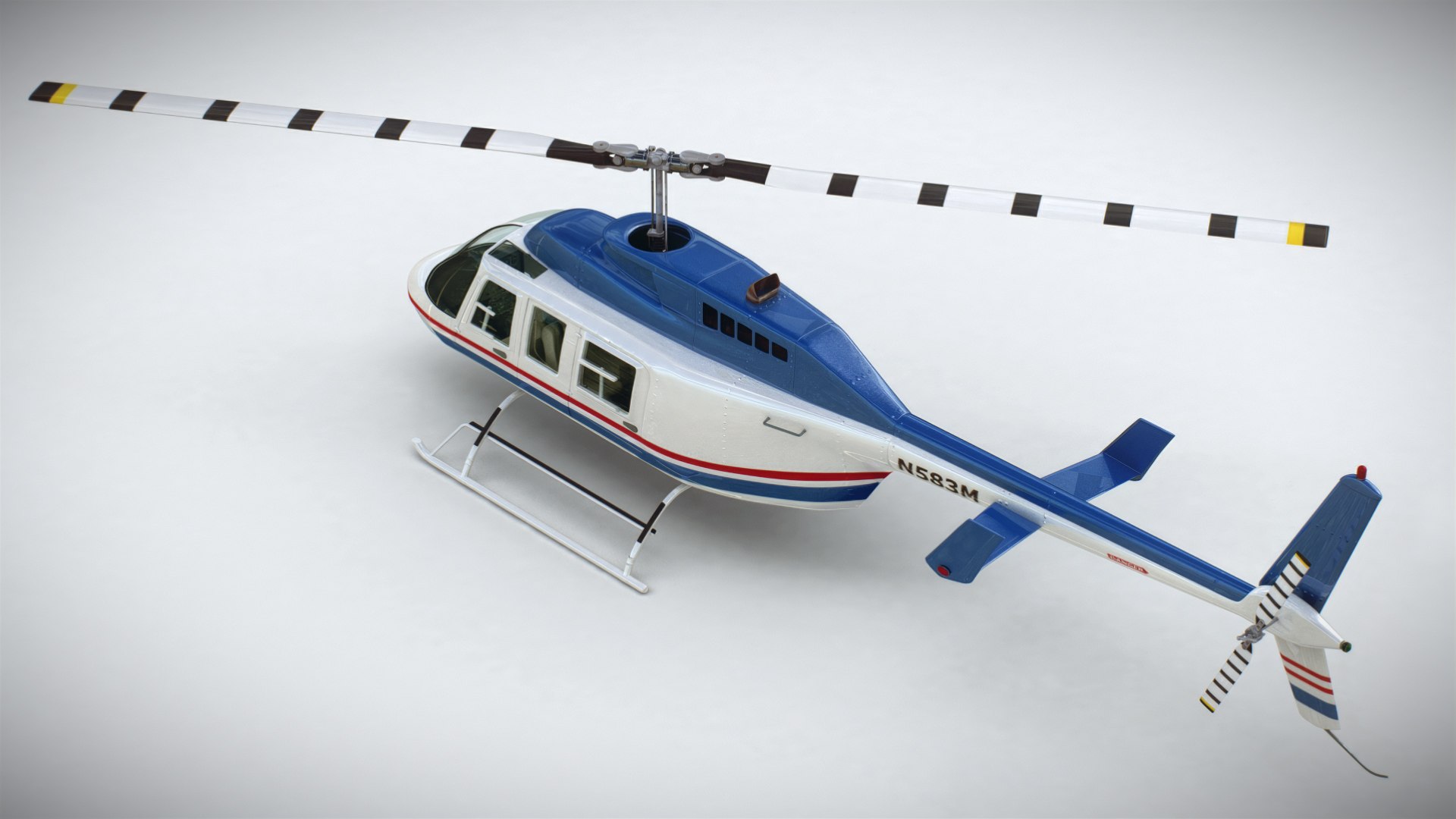
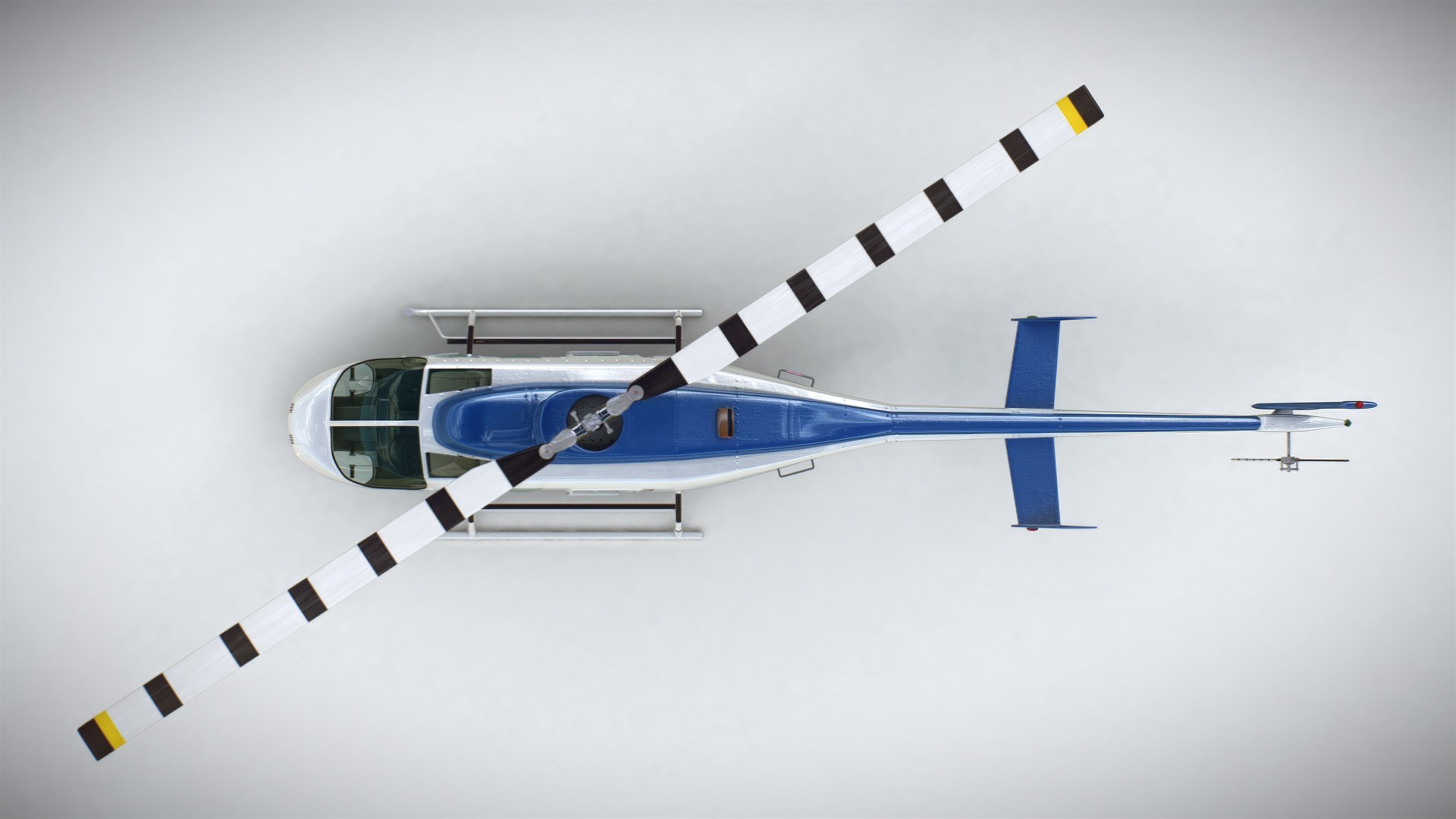
Helicopter Bell 206L Commercial

$99

Standard License | Upgrade License
Editorial Uses Only
Formats (6)
Free file format Conversions available
Native | 3ds Max 2022 | V-Ray
Blender 4.50 | Cycles Render
Maya 2022 | Maya Software
Cinema 4D
OBJ
FBX
Specifications
Publish Date November 05, 2010
Product ID 566916
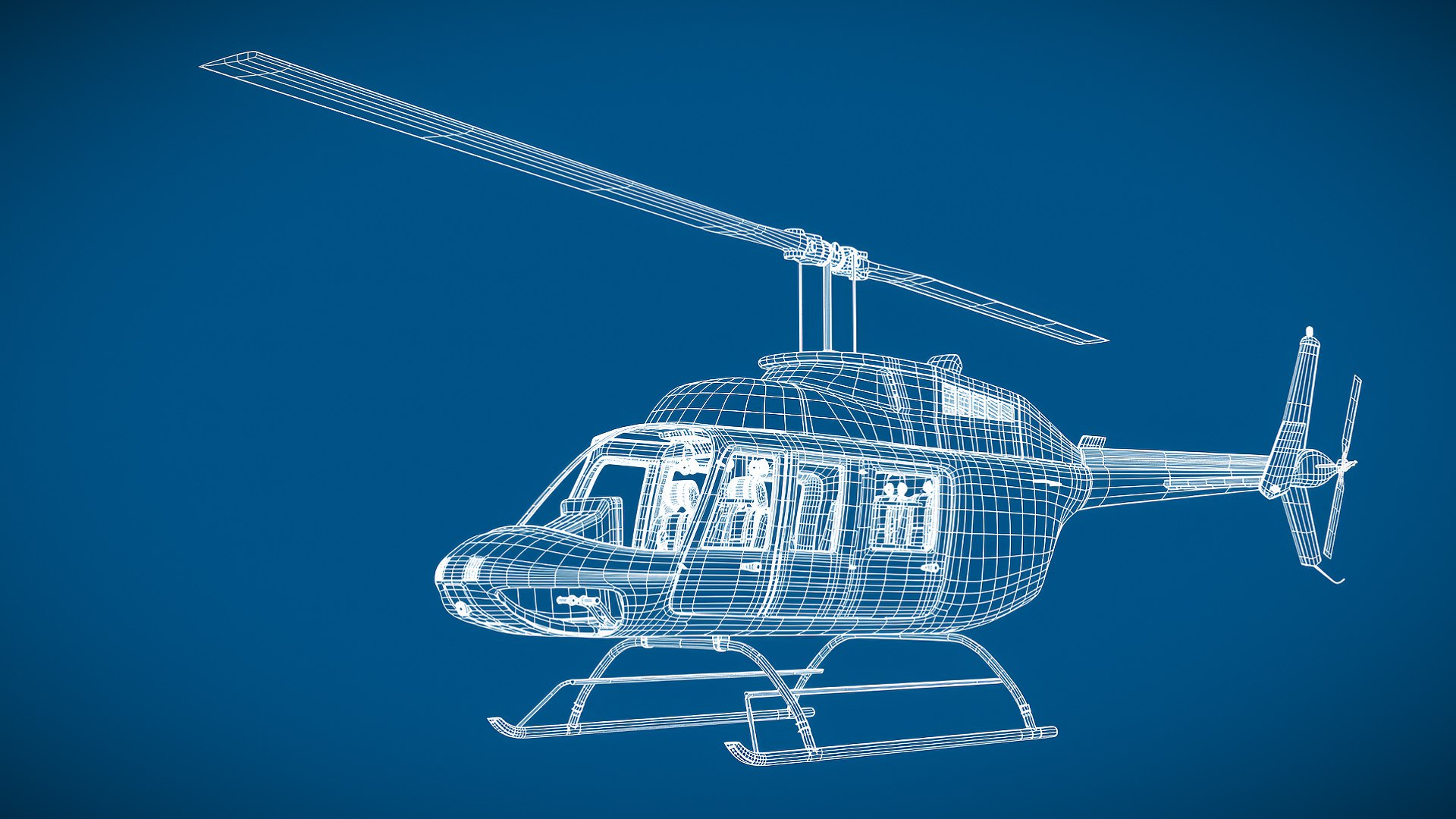
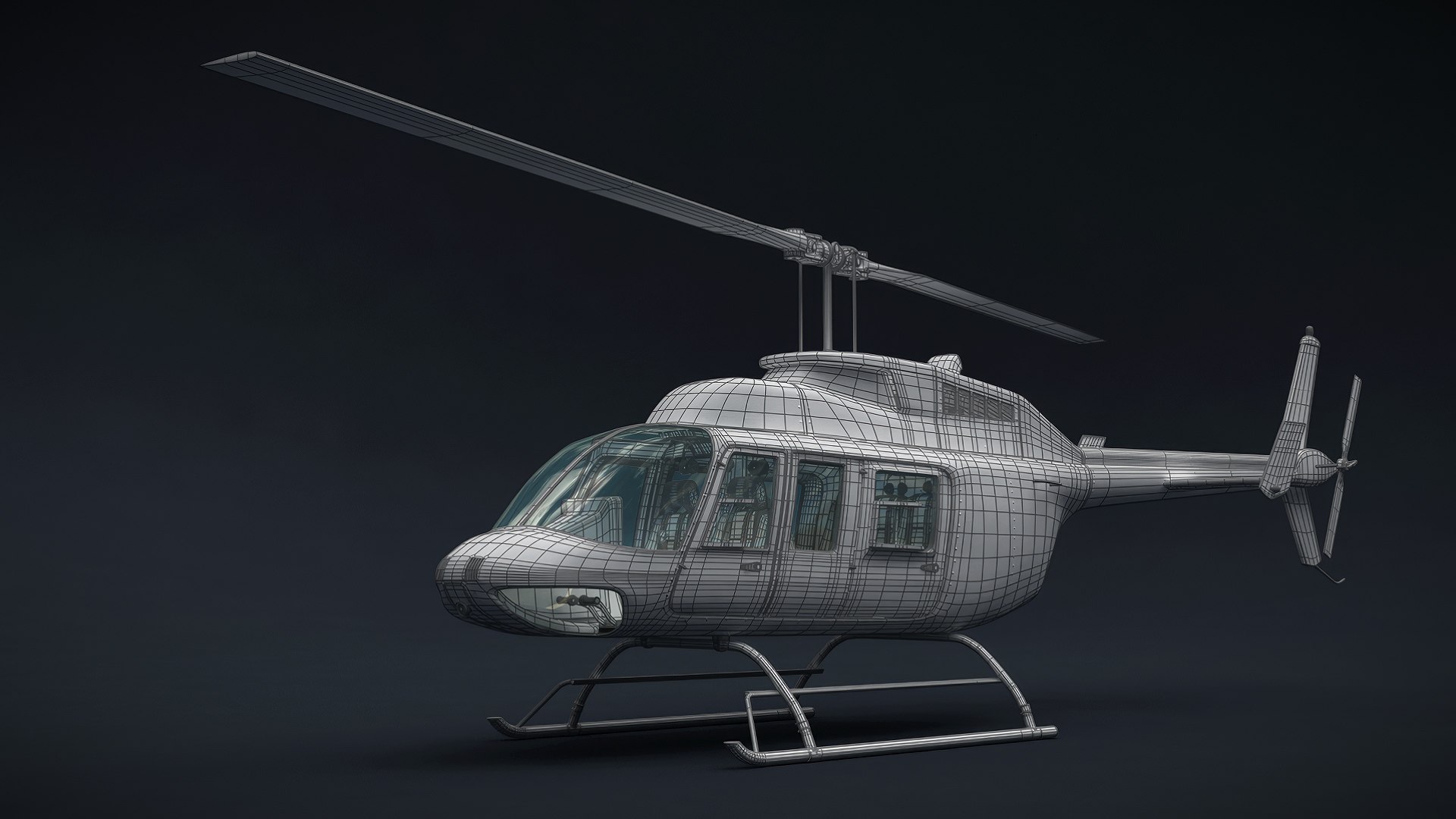
Polygons 437,450
Vertices 519,458
Subdivision
Textures
Materials
UV Mapped
Non-overlapping Unwrapped UVs
member avatar
CGShape
244 Products | Contributor Since 2010
Have questions? Chat with us now.

Description

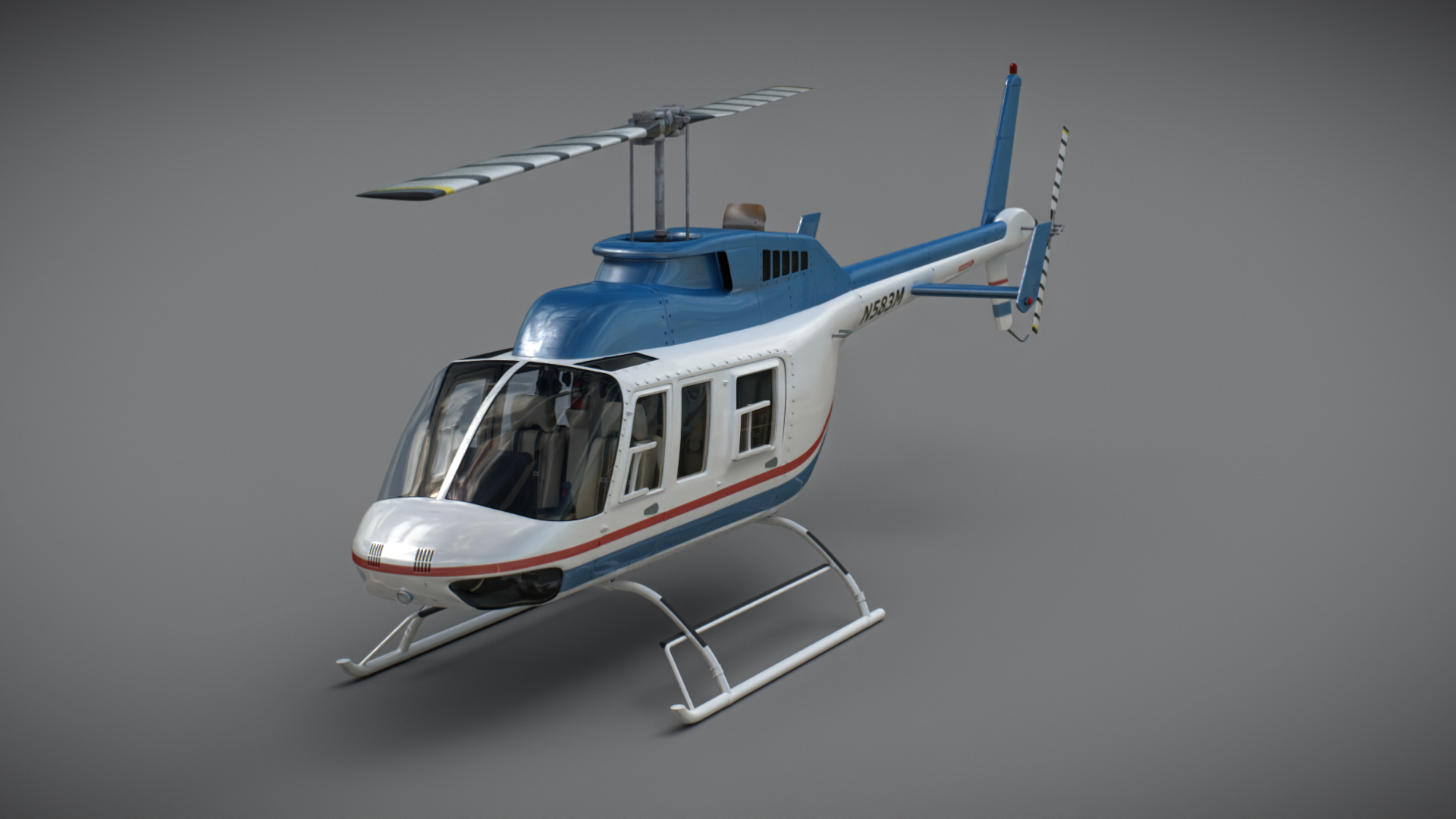
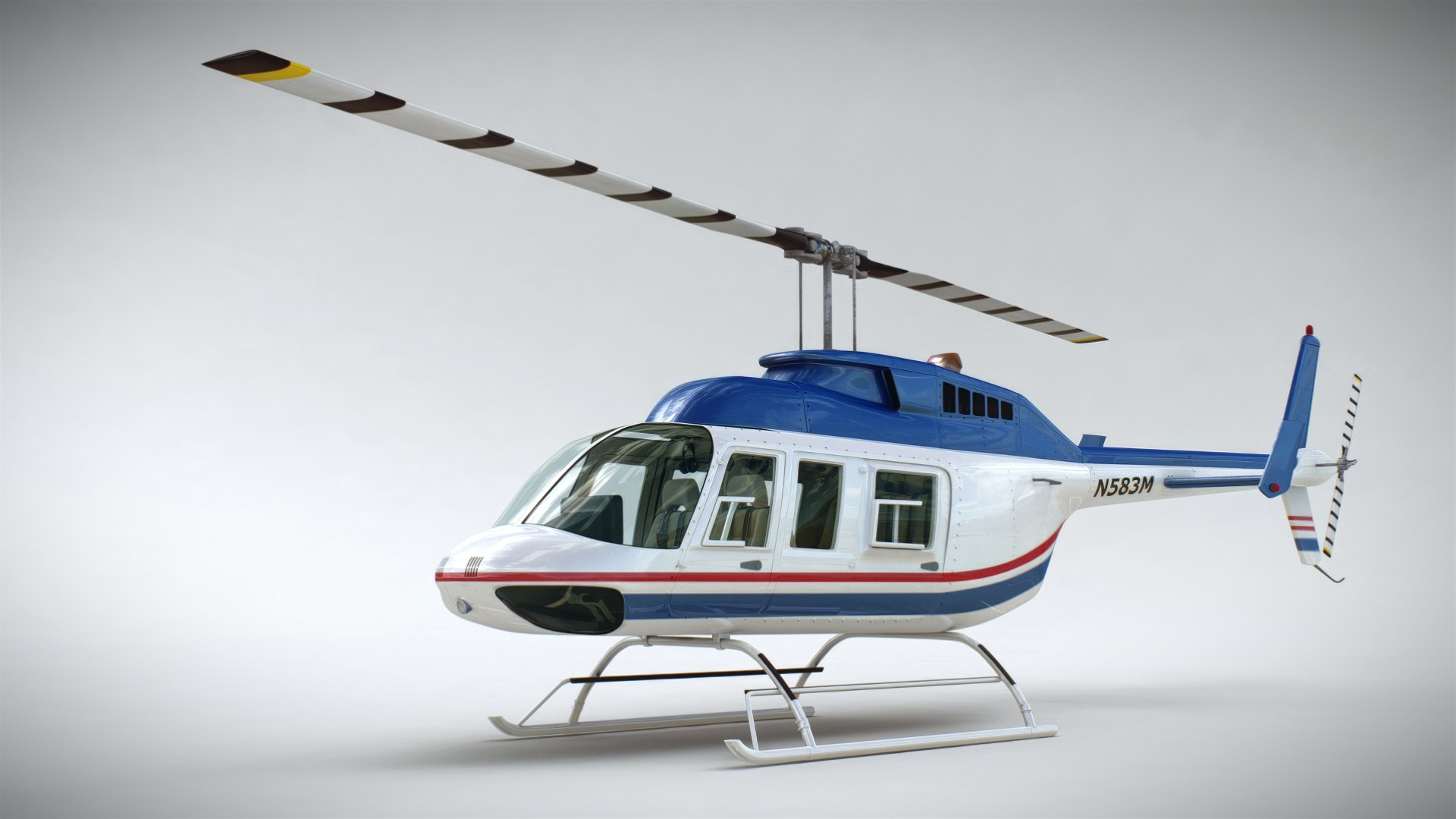
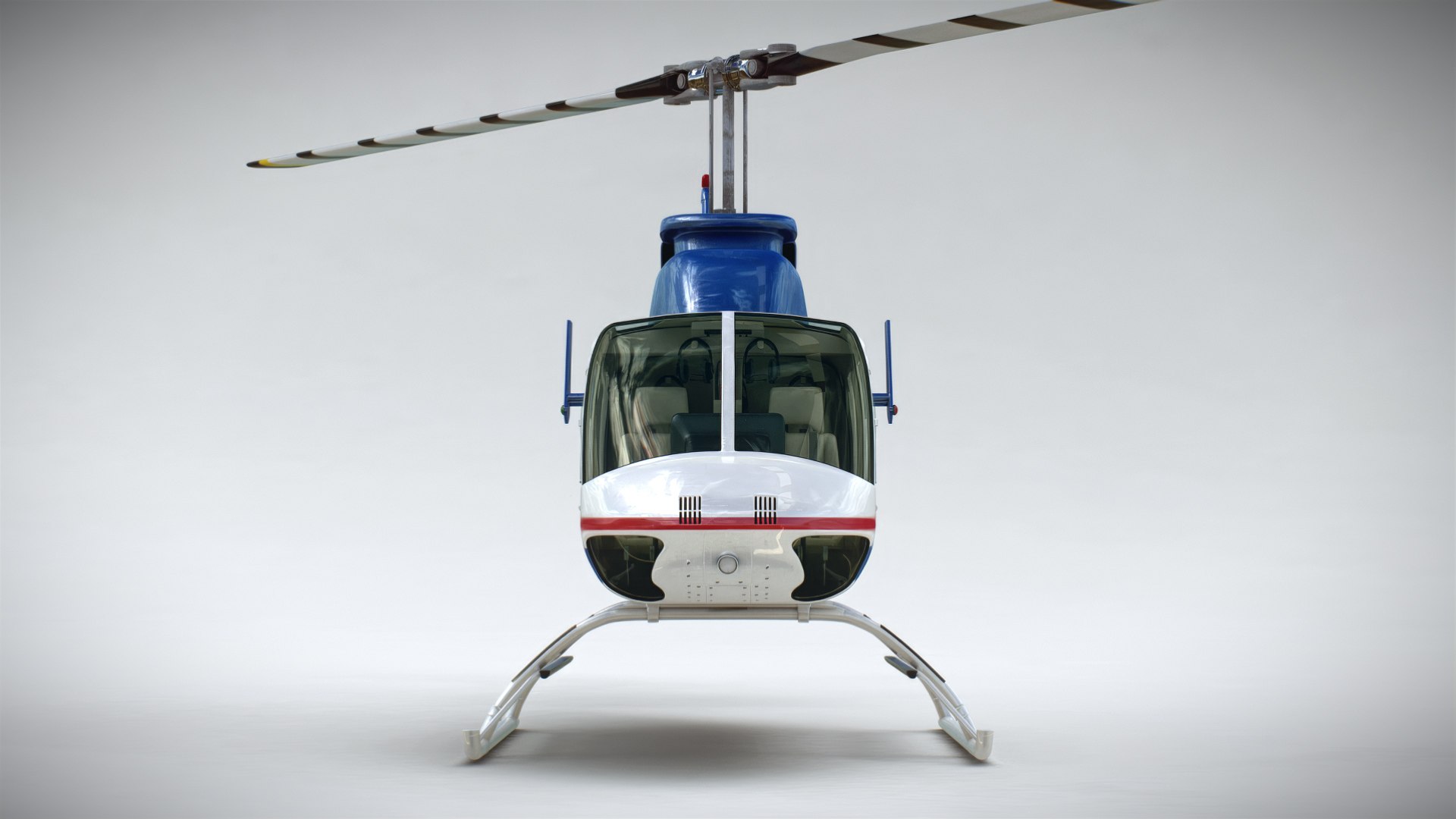
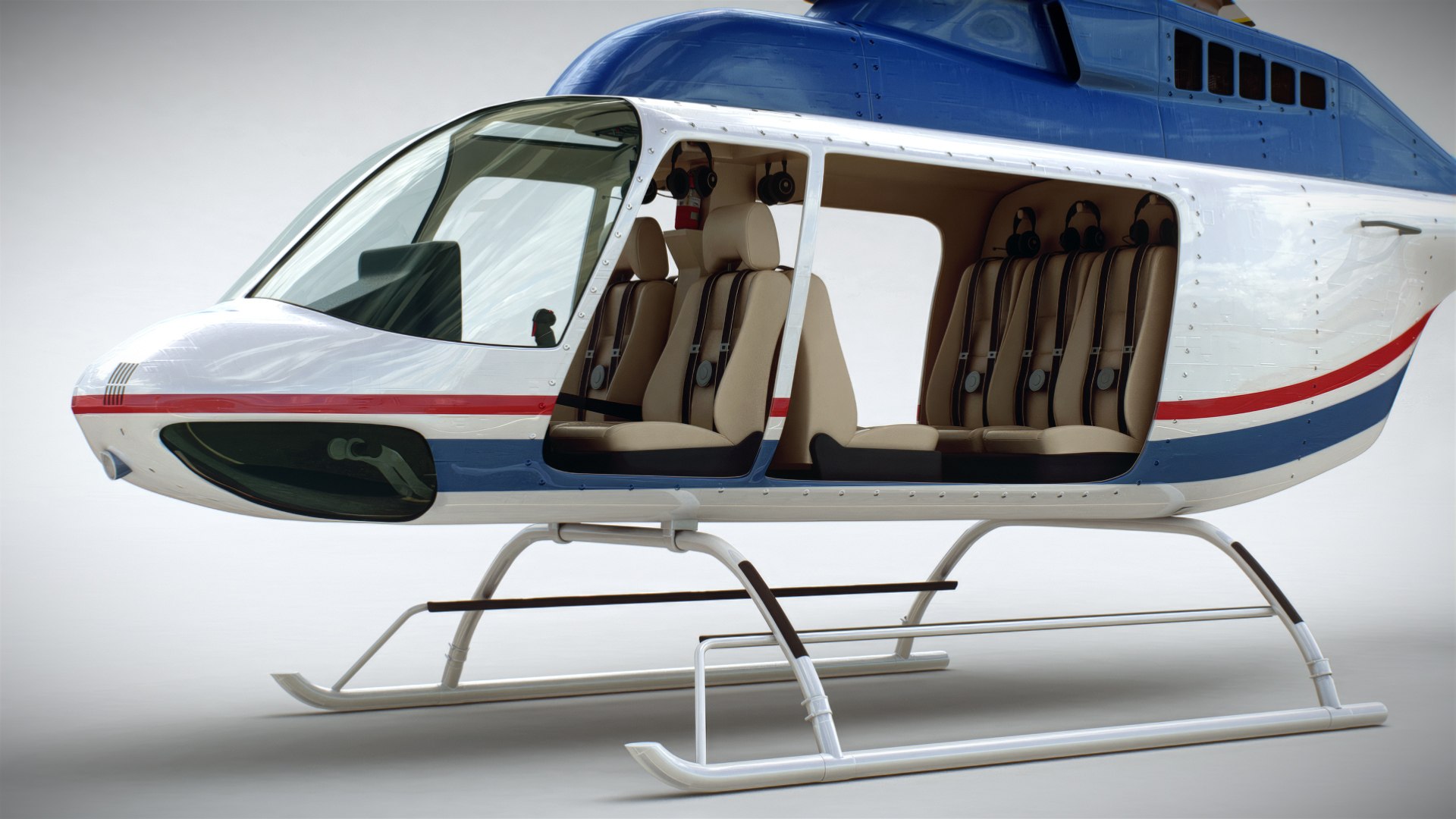
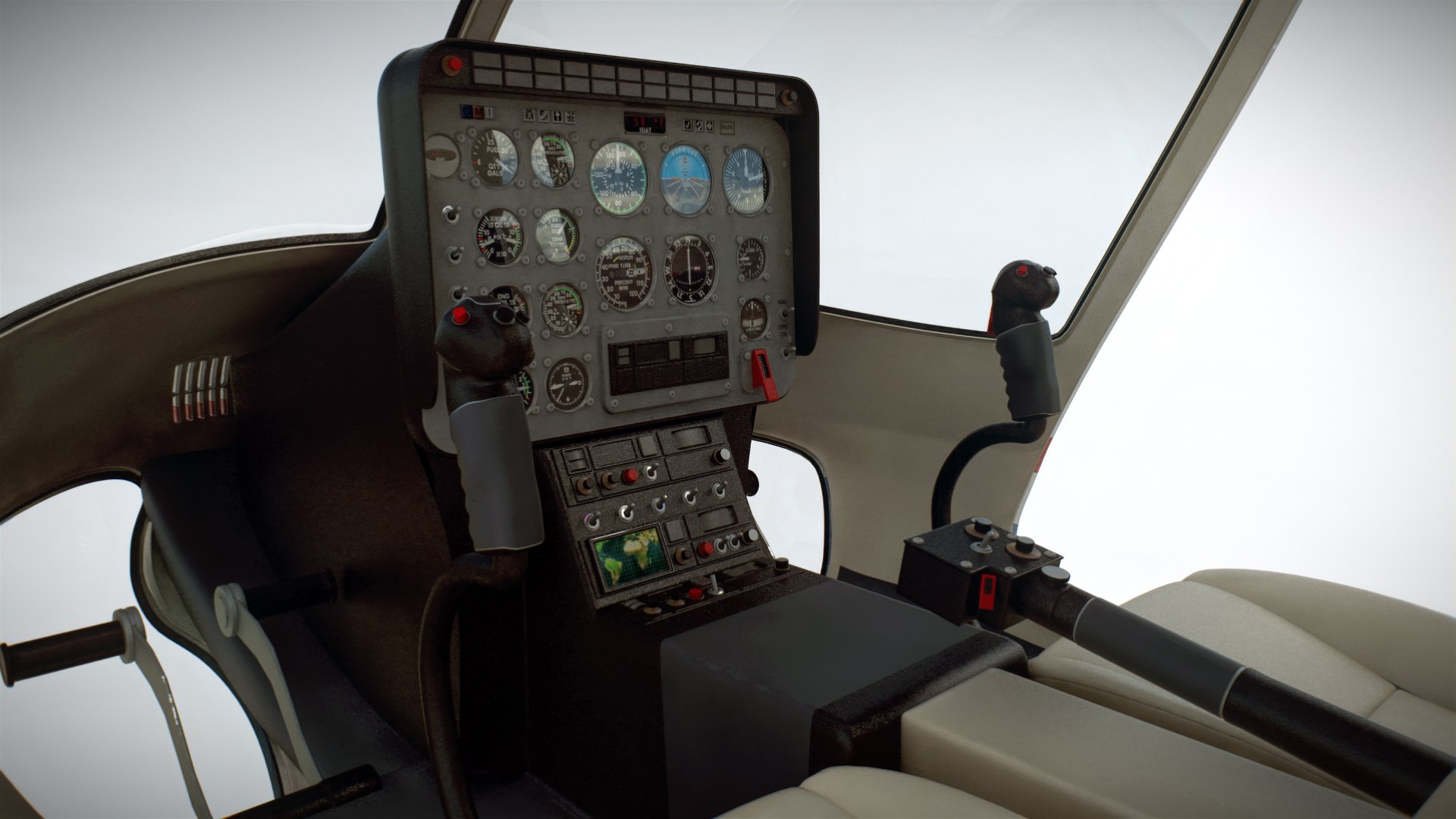
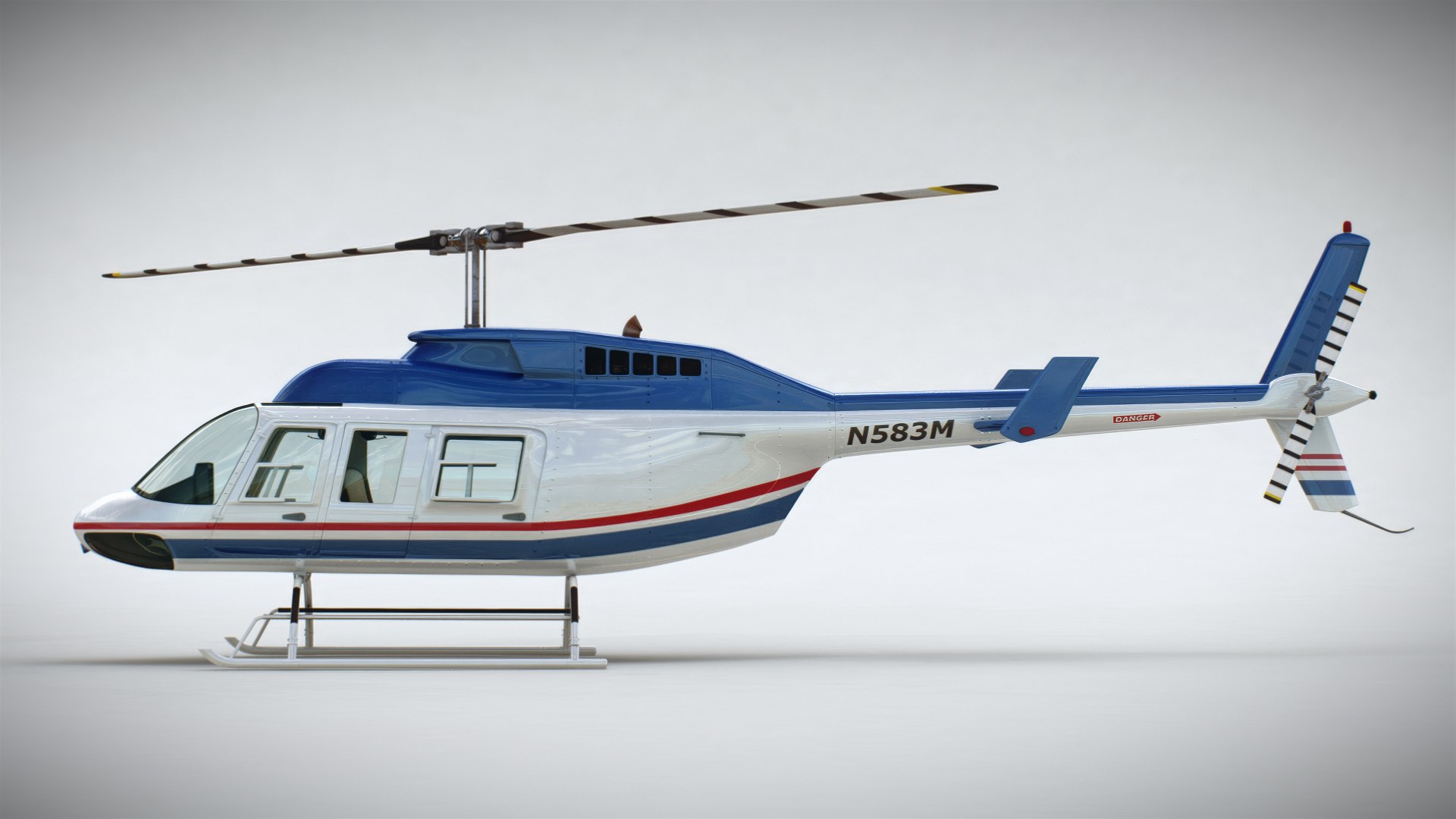
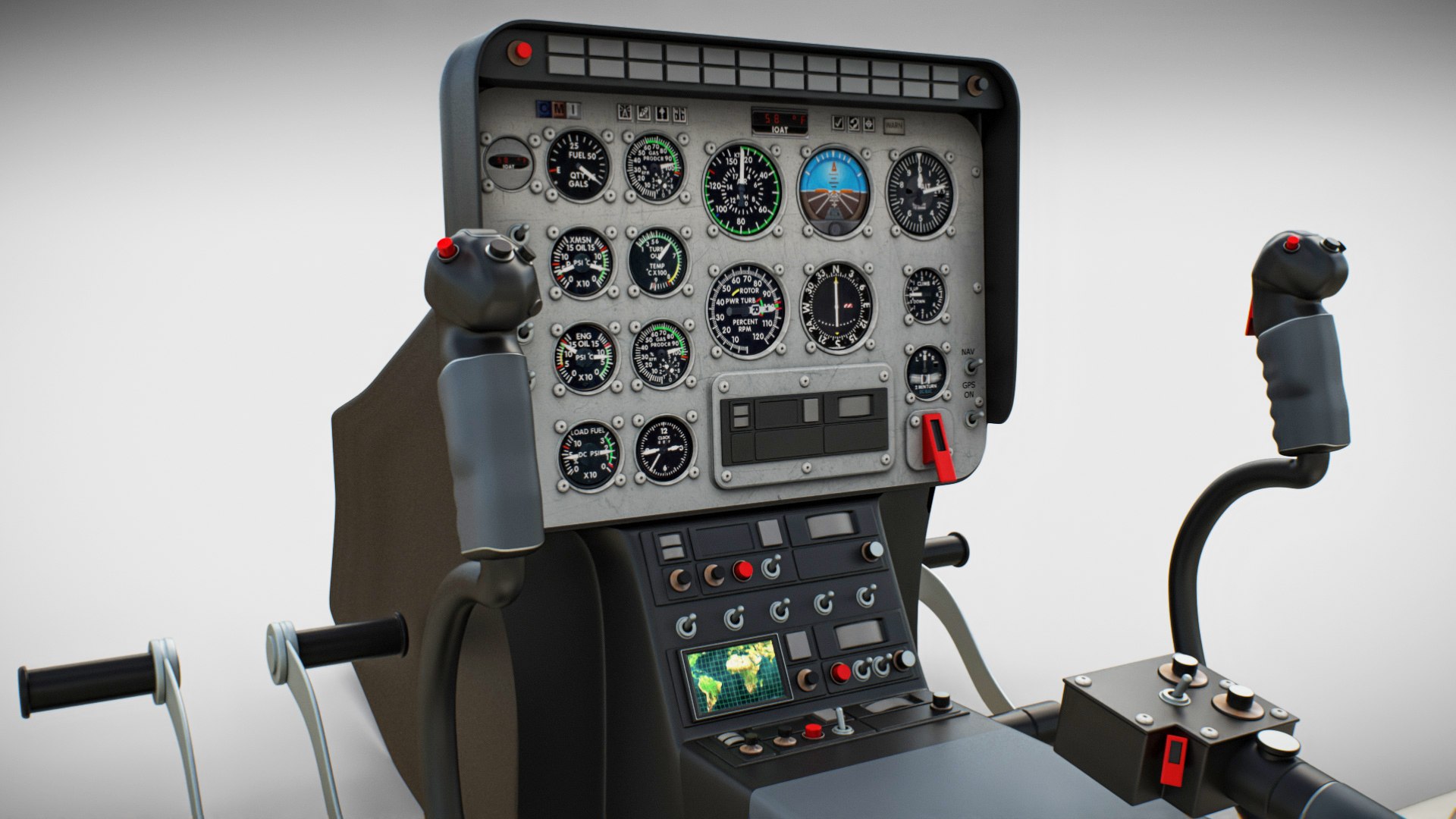
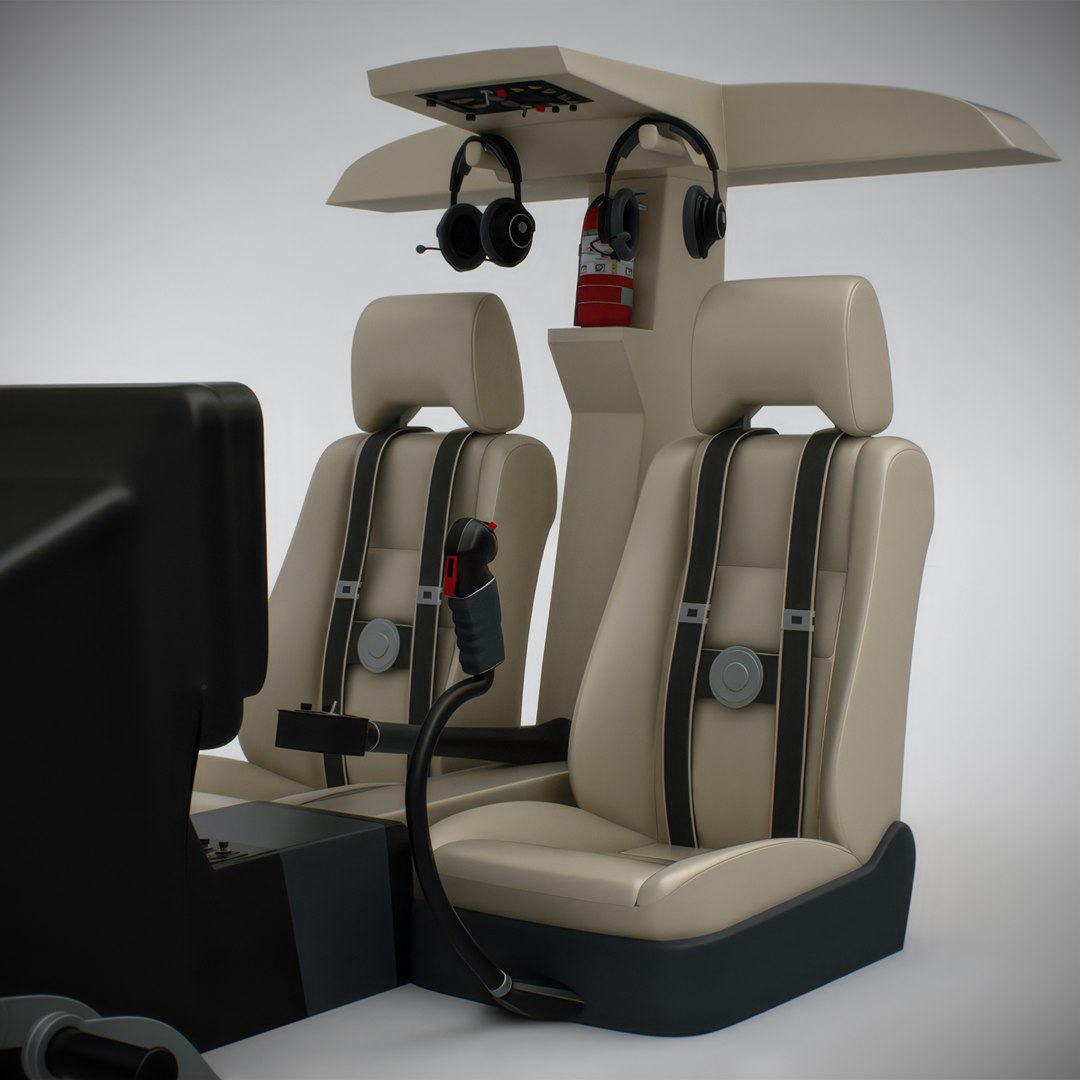
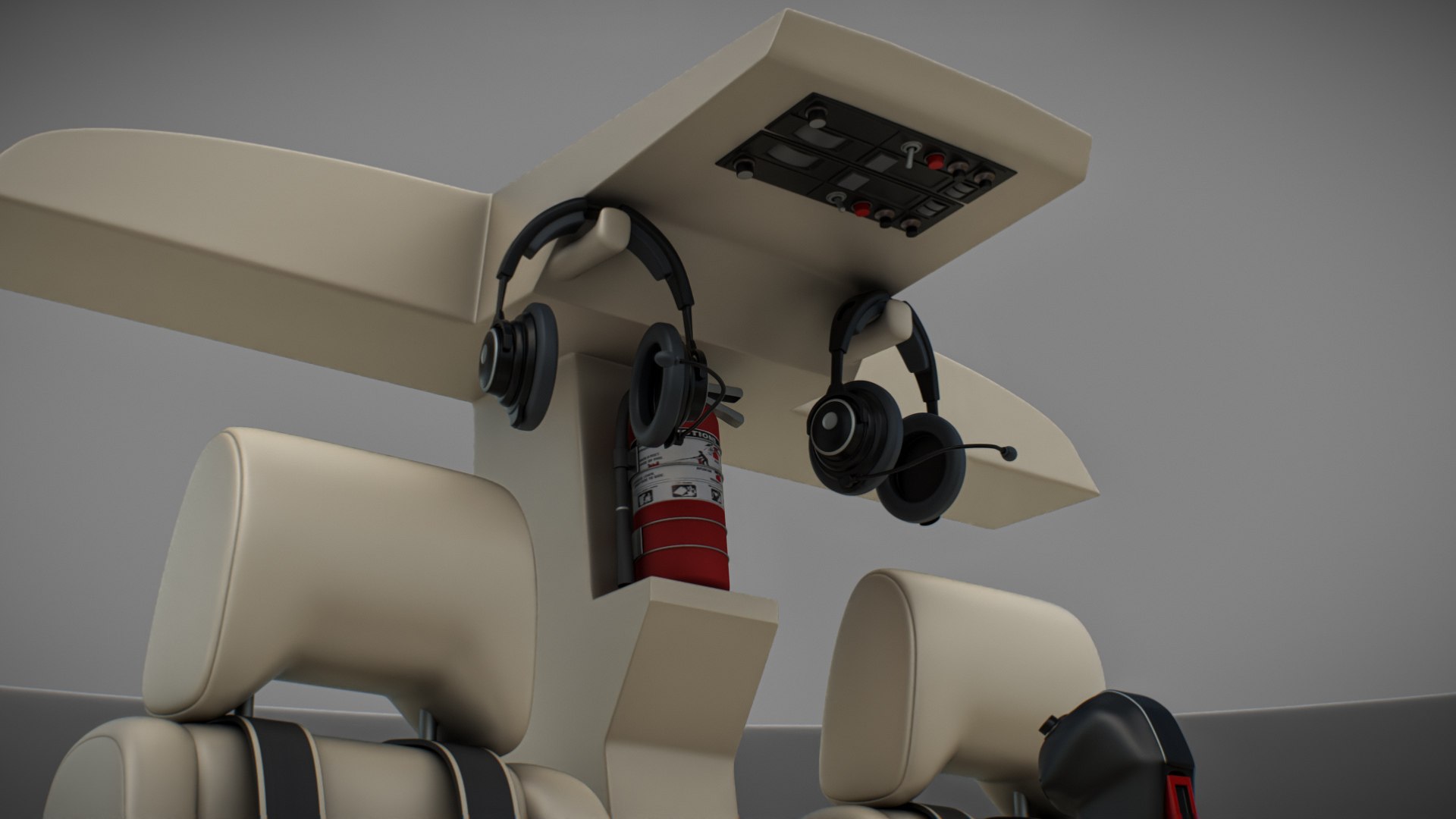
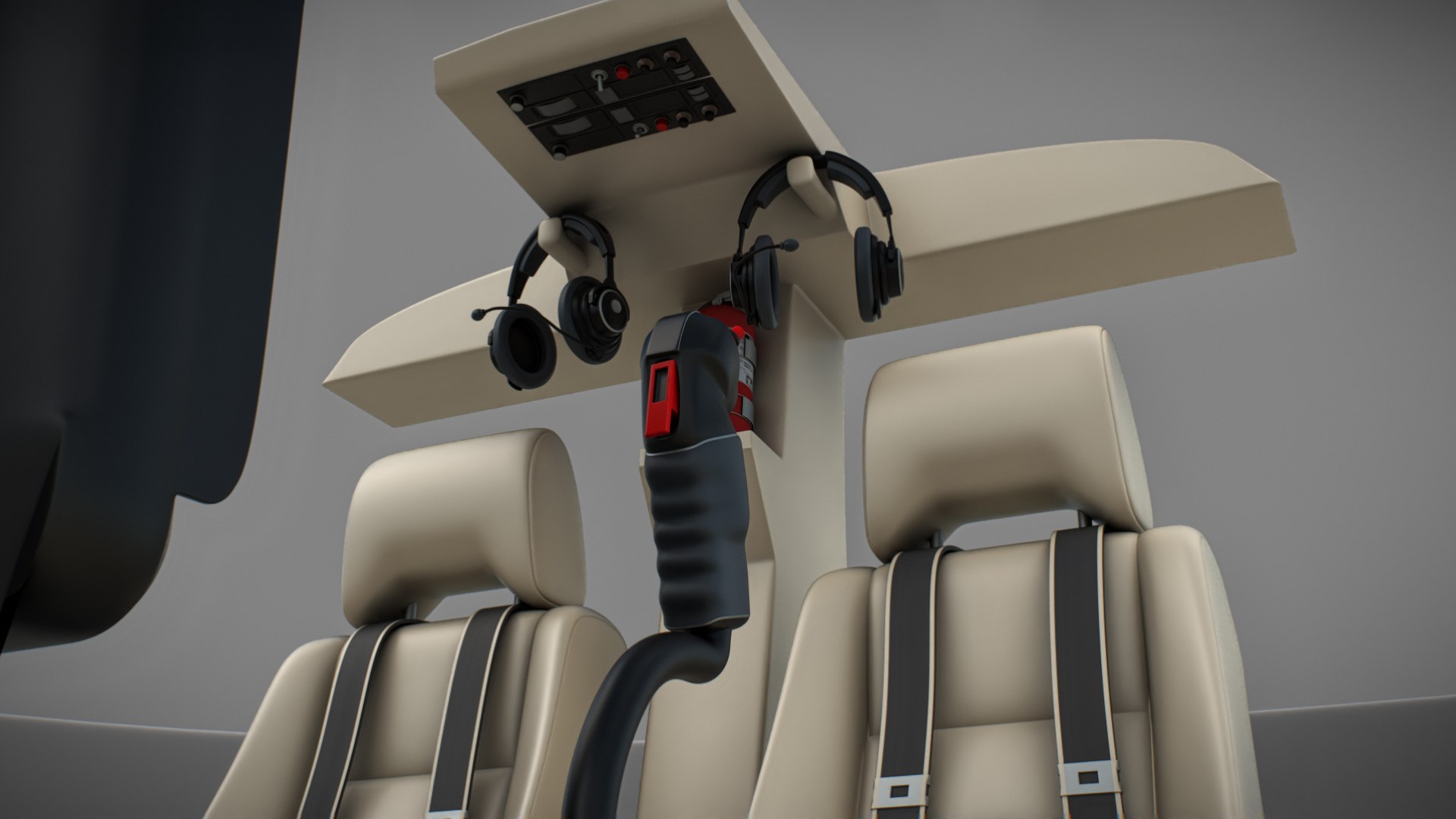
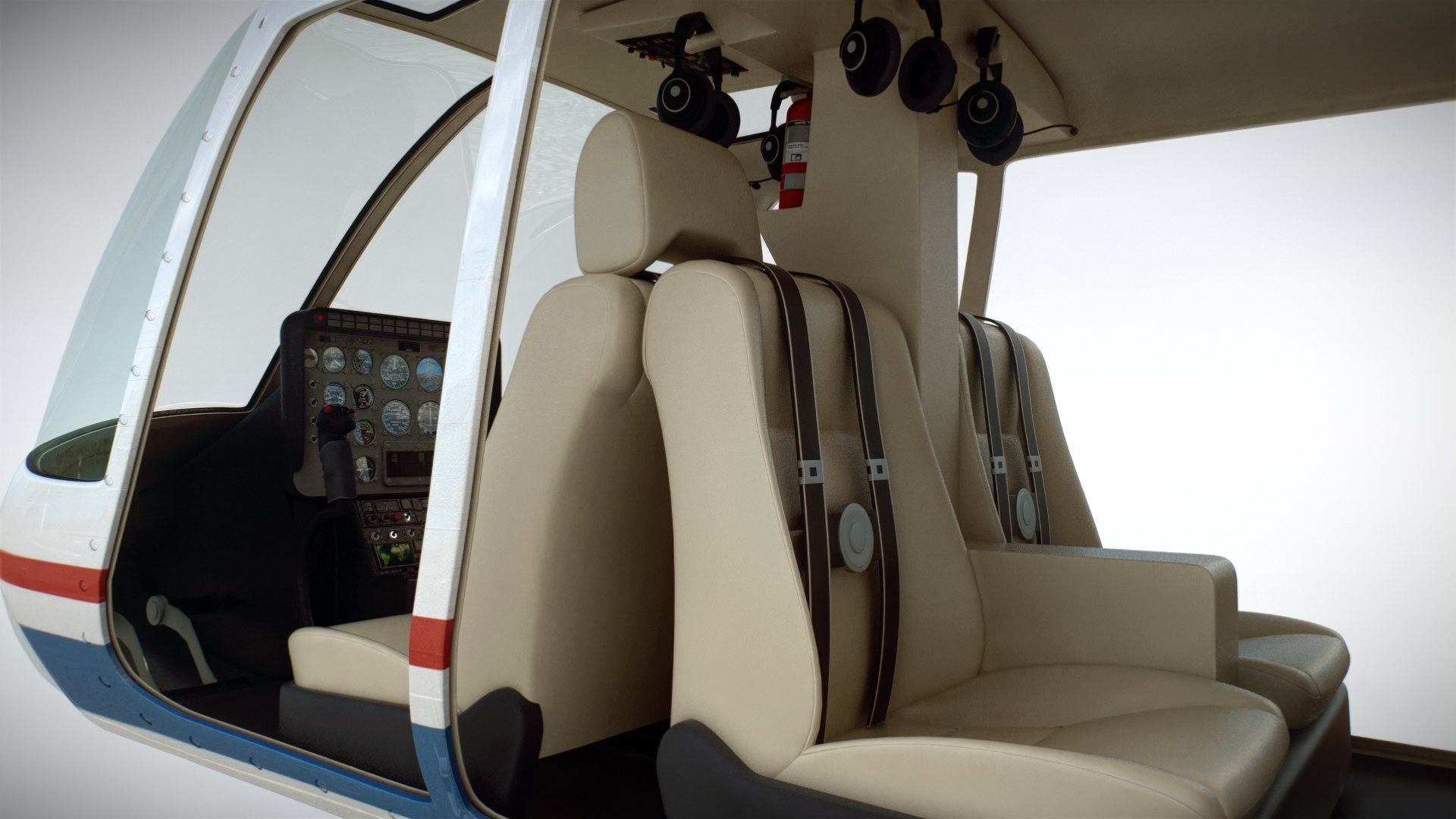
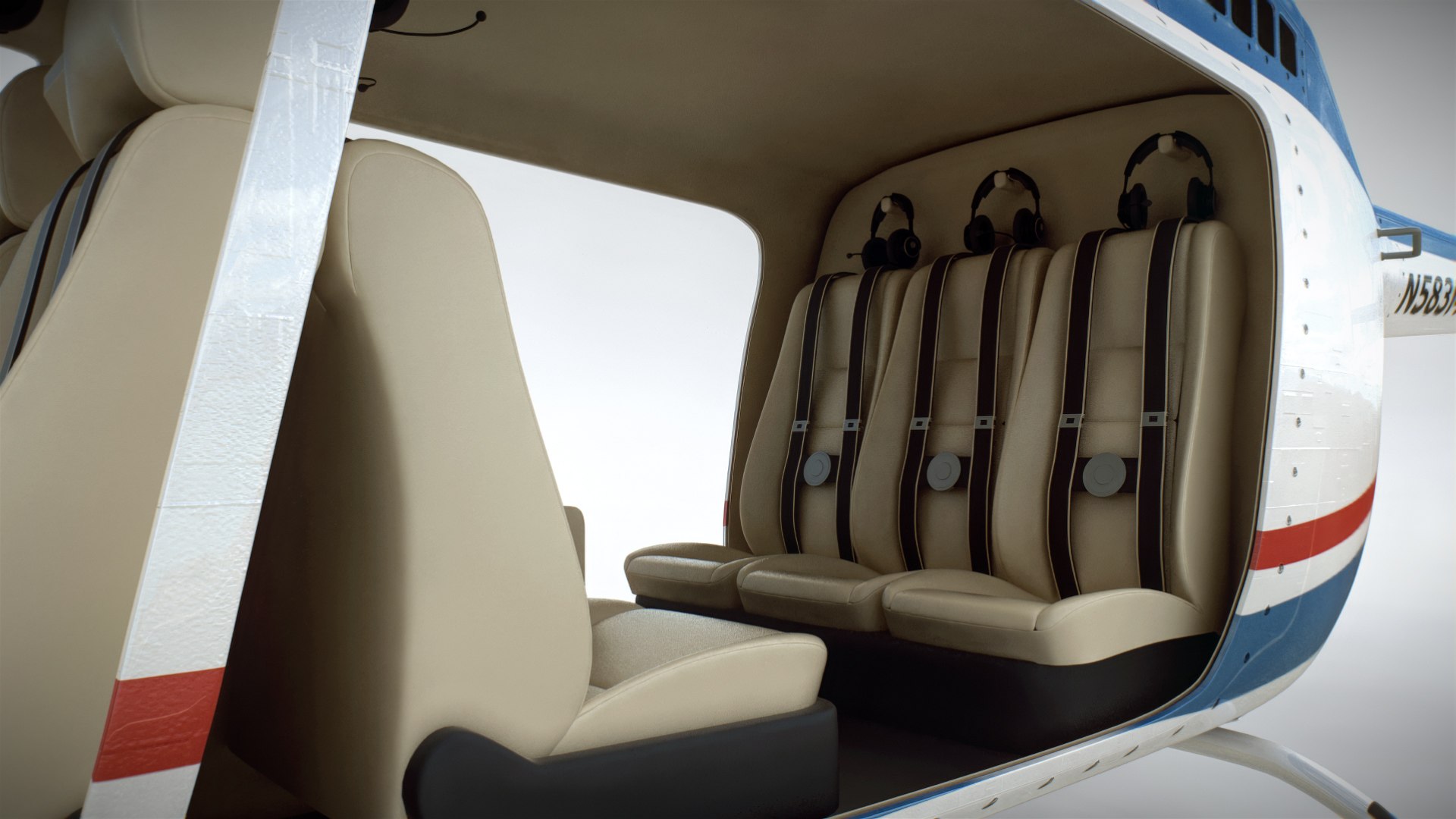
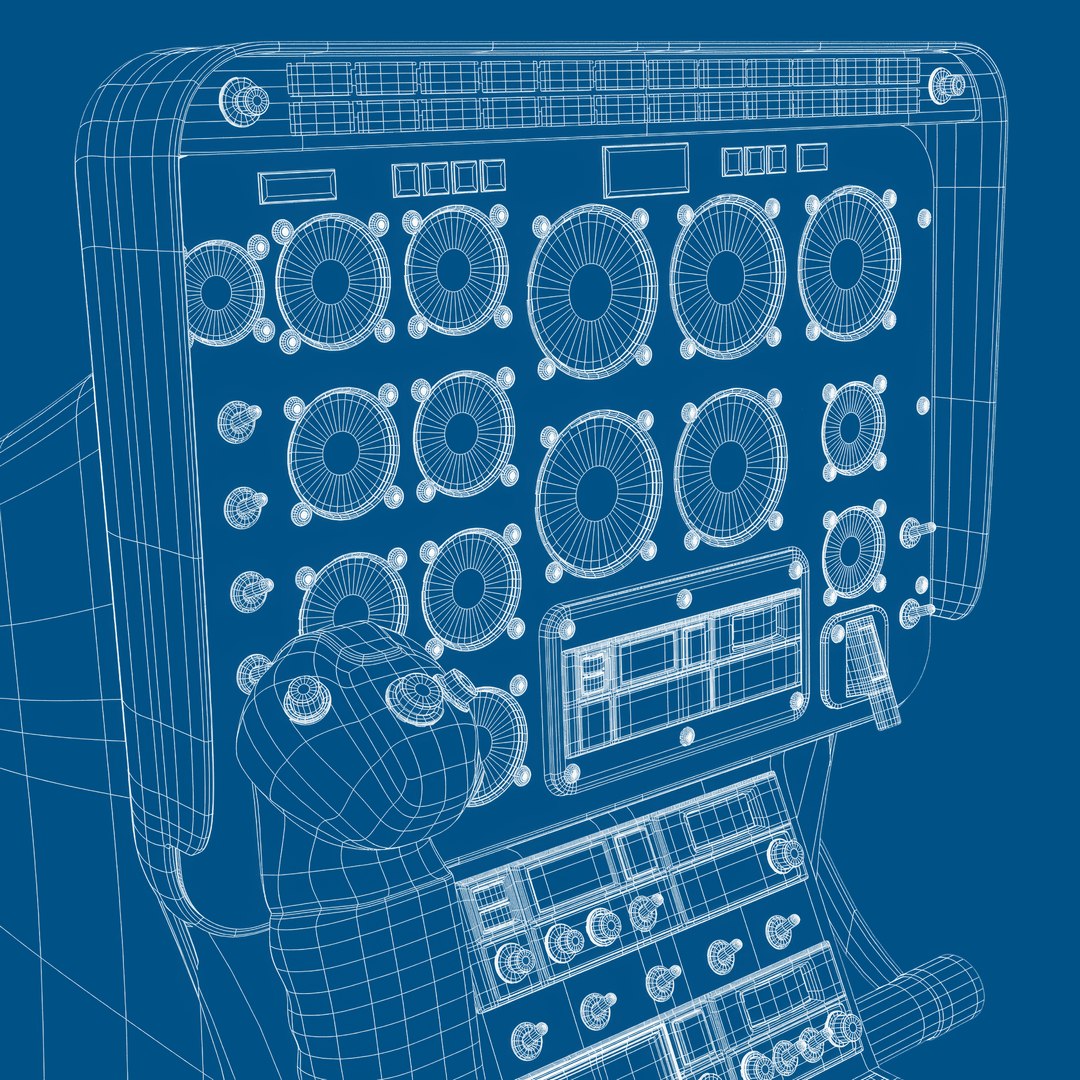
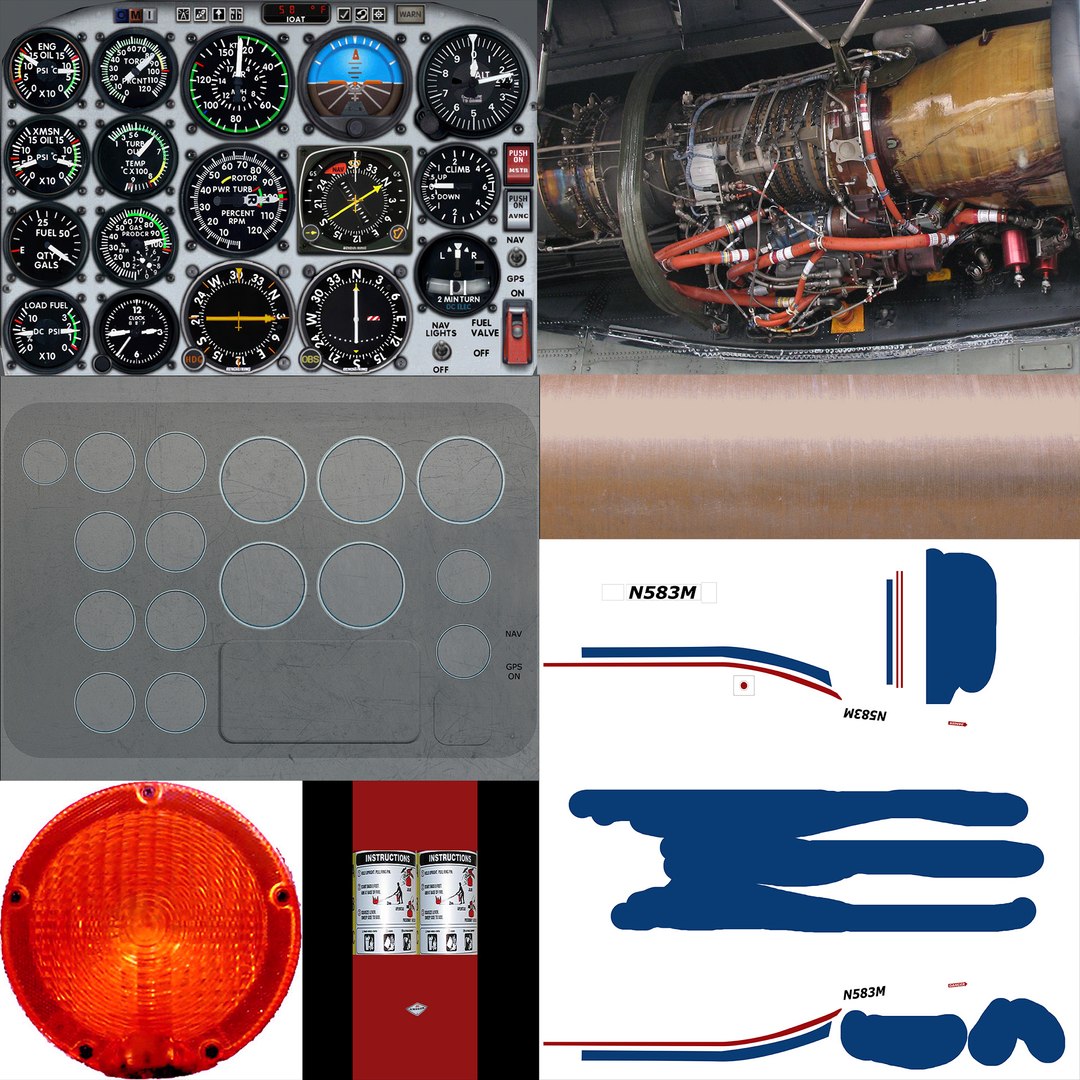
Realistic, detailed and textured Helicopter Bell 206L ‘Commercial’ with Interior; cockpit and avionics.
The model has been created with real world scale dimensions.

The base control mesh has been included in every format without being collapsed so you can subdivide the geometry as much as you need in your own 3D software.

The accurate details of the model work perfectly for extreme close-ups.

Every object and material has been carefully named and grouped (exterior, interior and avionics) for easy customization, so you can easily hide, modify or even delete the objects or materials you don't need in your project.

SOFTWARE
- 3dsMax 2022+ [Standard and Vray Renderers]
- Maya 2022+ [Standard Renderer]
- Cinema 4D R22+ [Standard Renderer]
- Blender 4.5 [Cycles Renderer]
- FBX 2018 (Geometry, UV's, Materials)
- OBJ (Geometry, UV's, Materials)

DETAILS
- Geometry: Subdivision
- Textures: Yes
- Materials: Yes
- UV Mapped: Yes
- Animated: No
- Rigged: No
- Polys: 437.350
- Verts: 519.362

Select Enhanced License

  • $10,000 in Legal Protection (Indemnification)
  • Uncapped Legal Protection (Indemnification)
  • Waiver from injunctive relief
  • Assignable model rights
  • $1,000,000 in Legal Protection (Indemnification)
  • Waiver from injunctive relief
  • Assignable model rights
  • $250,000 in Legal Protection (Indemnification)
  • Assignable model rights
Read more about enhanced license tiers, or contact us at enterprise@turbosquid.com. Already a Shutterstock Enterprise Customer? Contact your Shutterstock Sales Support Agent to talk about adding 3D.

About Conversion Requests

To submit a conversion request for a purchased asset, please complete our Conversion Request Form.

If you have not yet purchased a model, please review our Documentation about Conversions to learn about what limitations you may encounter with a conversion.

For any additional questions about a model’s suitability for conversion, please contact TurboSquid Support.

Loading...