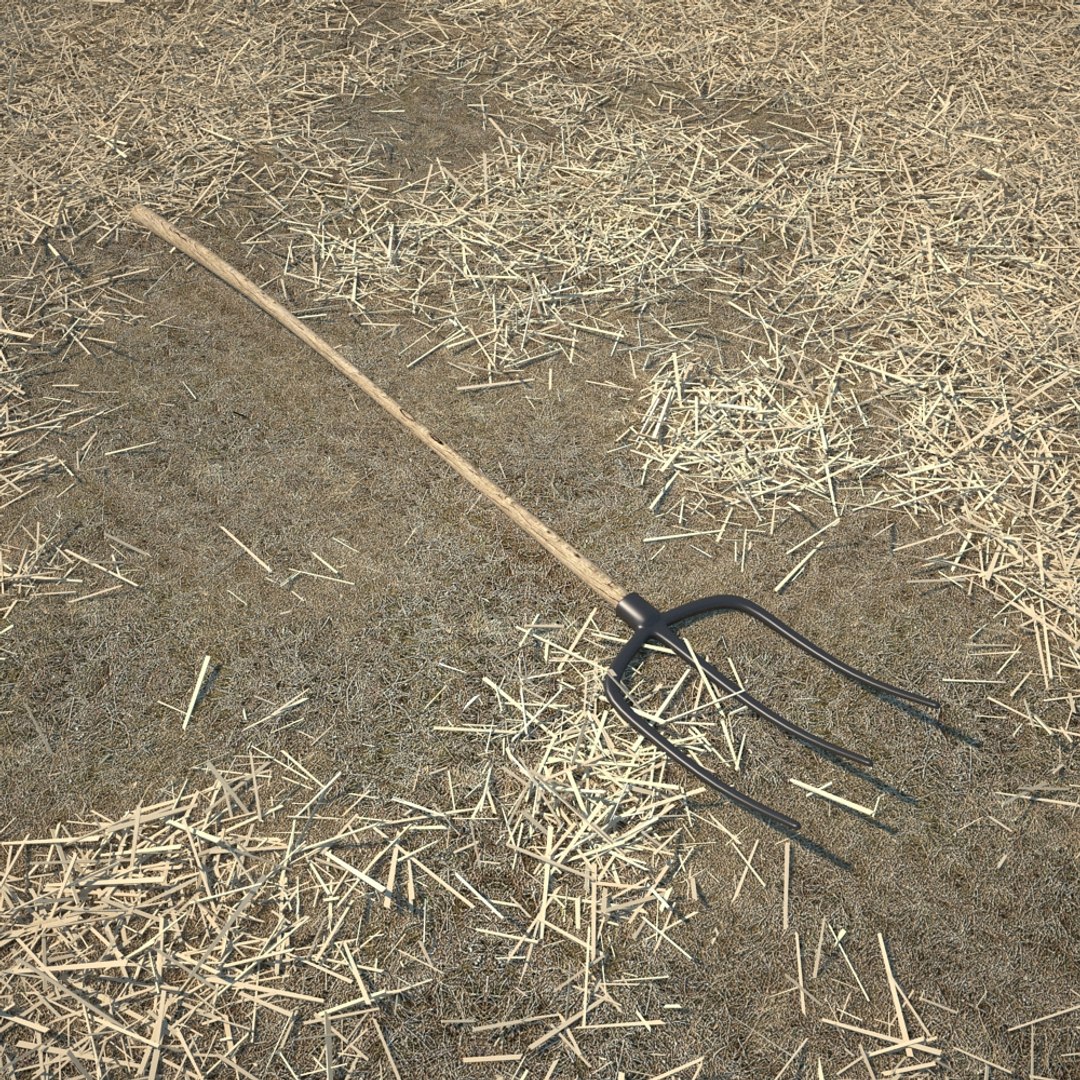
Hay Stack Scene

$69

Standard License | Upgrade License
Formats (1)
Free file format Conversions available
Native | 3ds Max 2010 | V-Ray
Specifications
Publish Date April 22, 2015
Product ID 918928
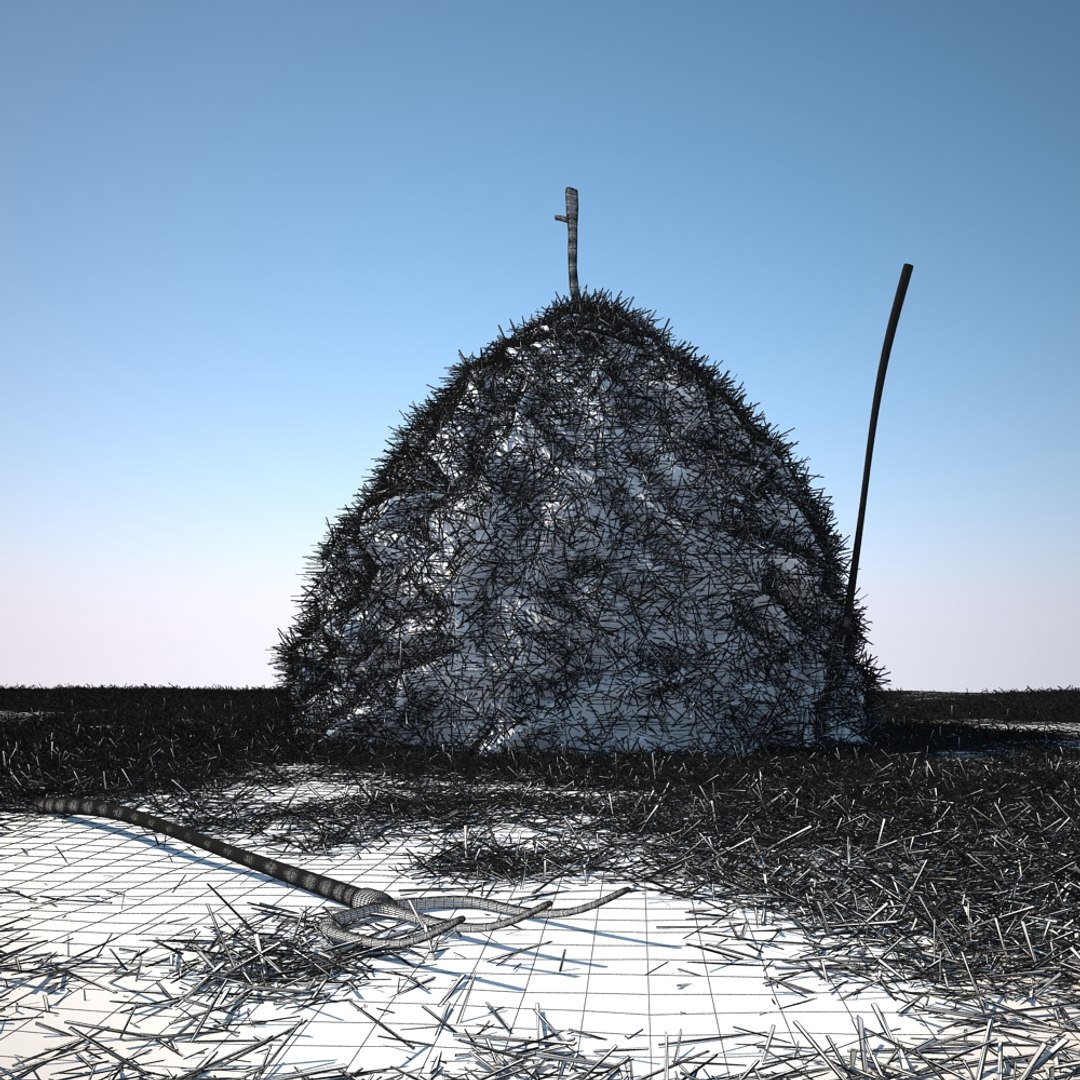
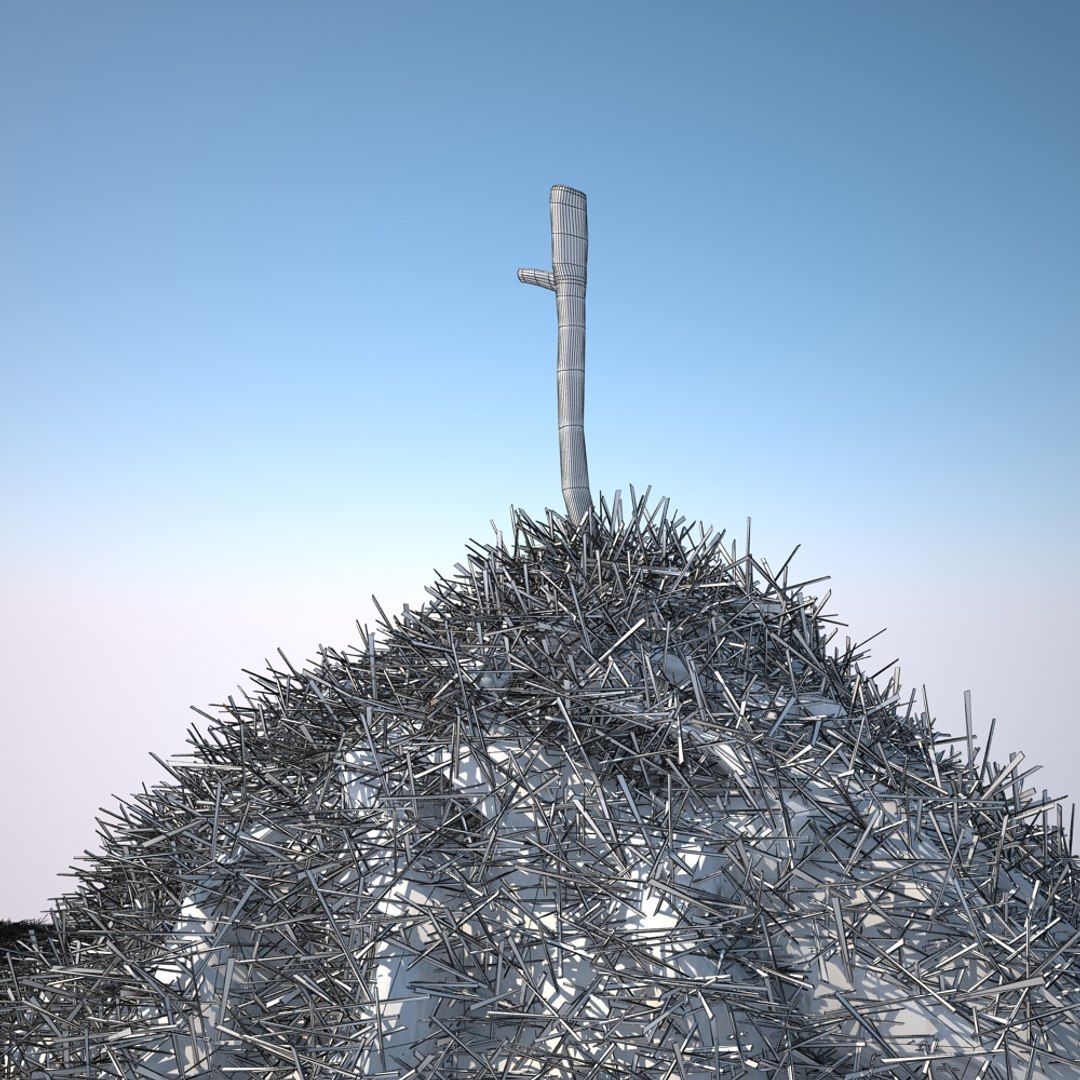
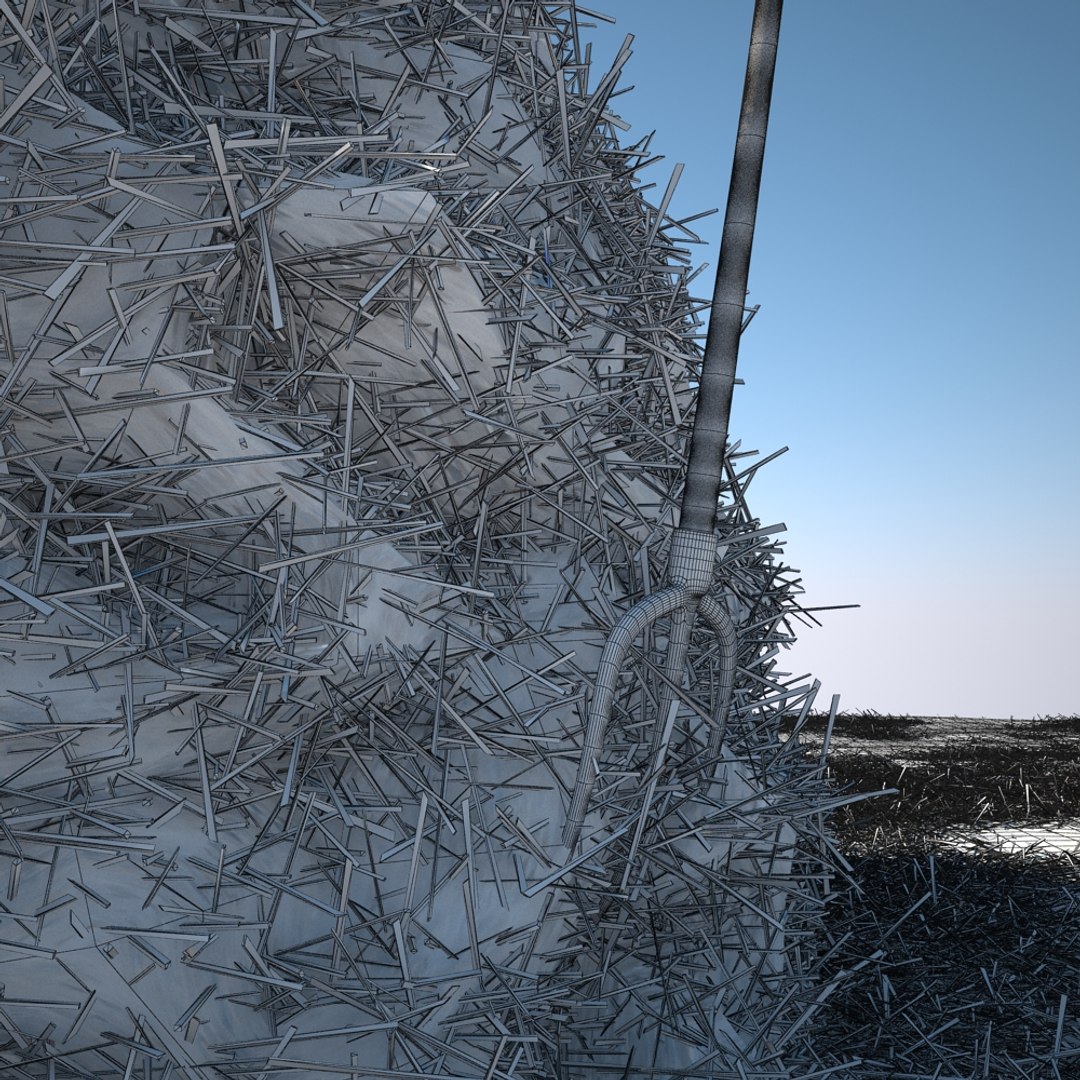
Polygons 3,002,564
Vertices 3,988,596
Polygonal Quads Only
Textures
Materials
UV Mapped

member avatar
cgwarehouse
2003 Products | Contributor Since 2014
Have questions? Chat with us now.

Description

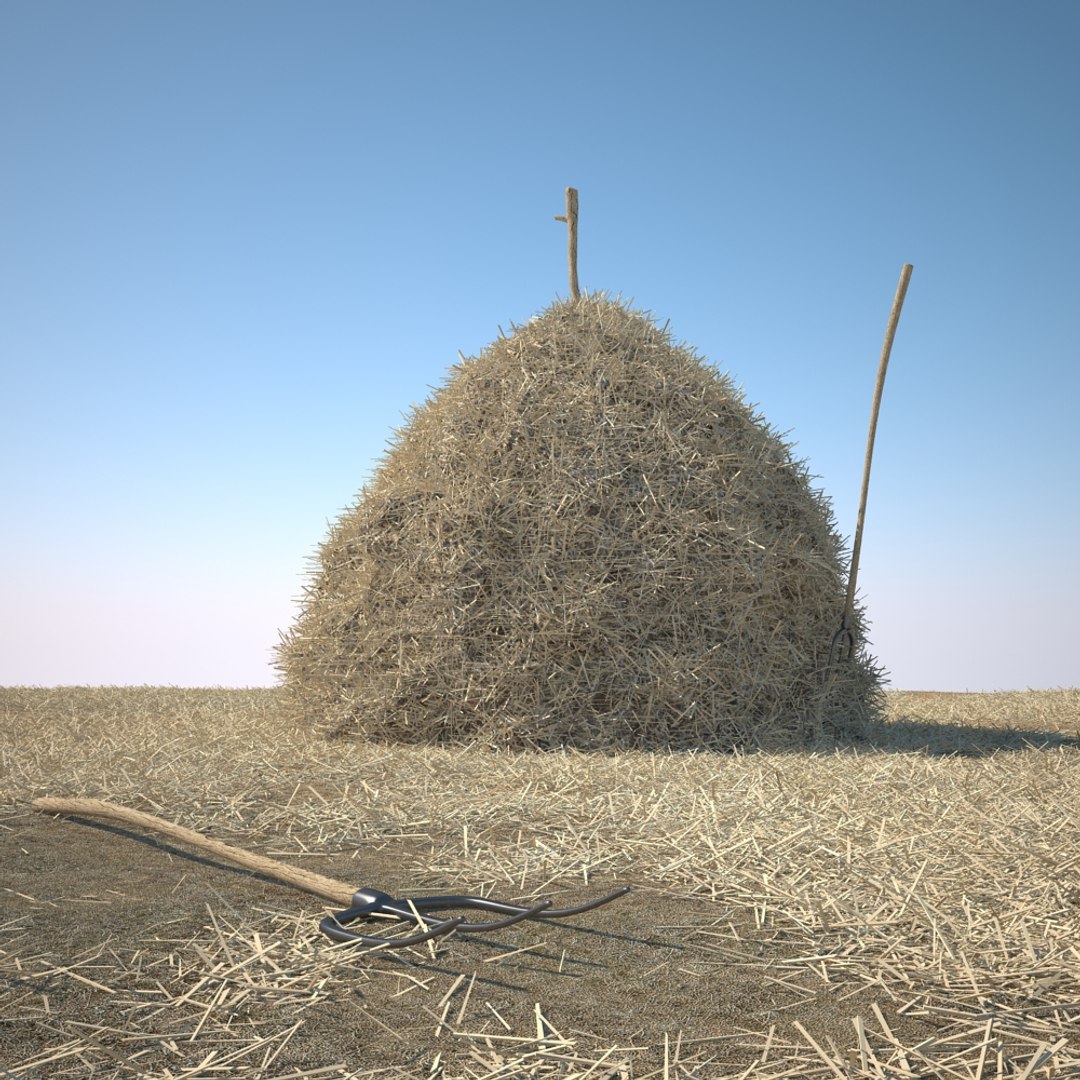
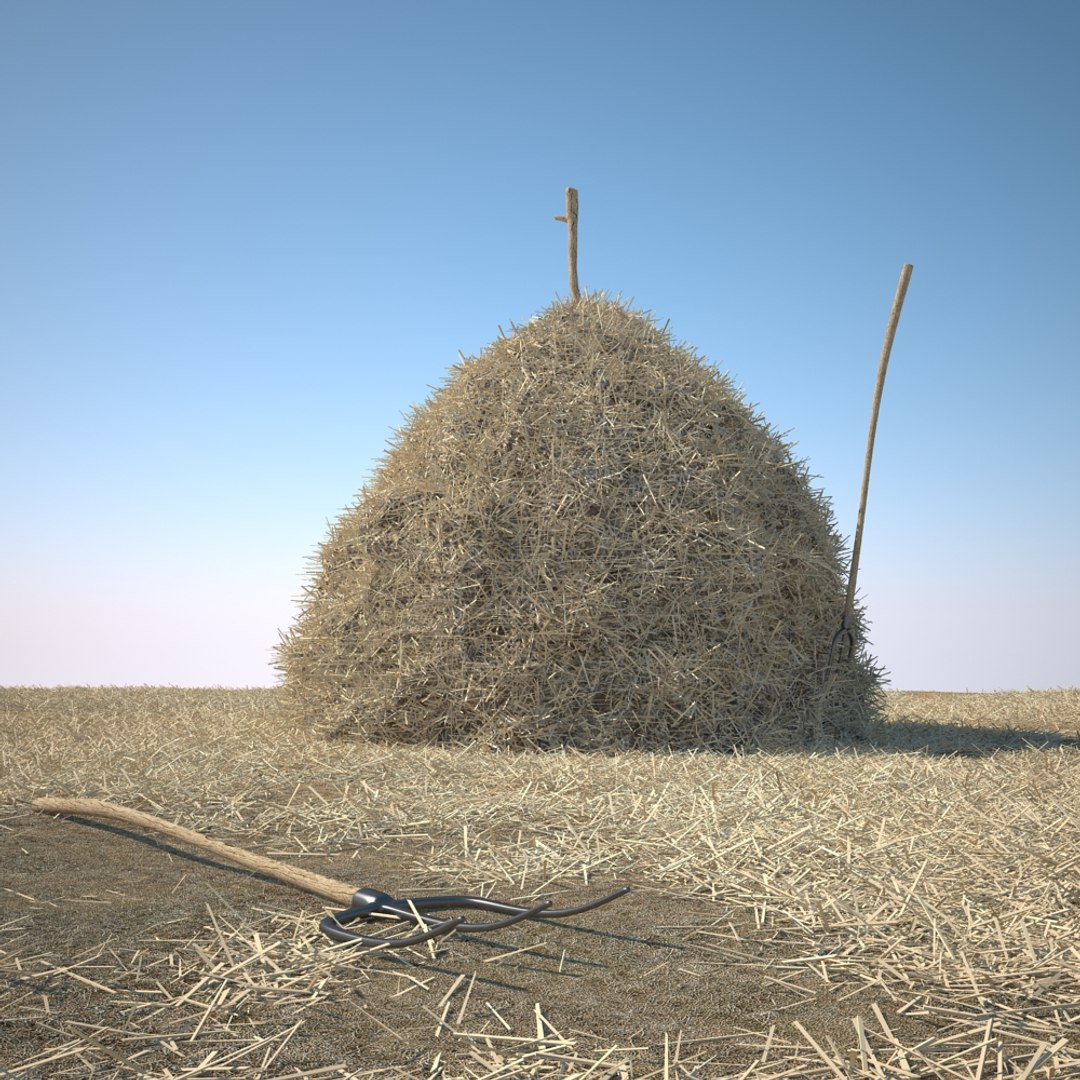
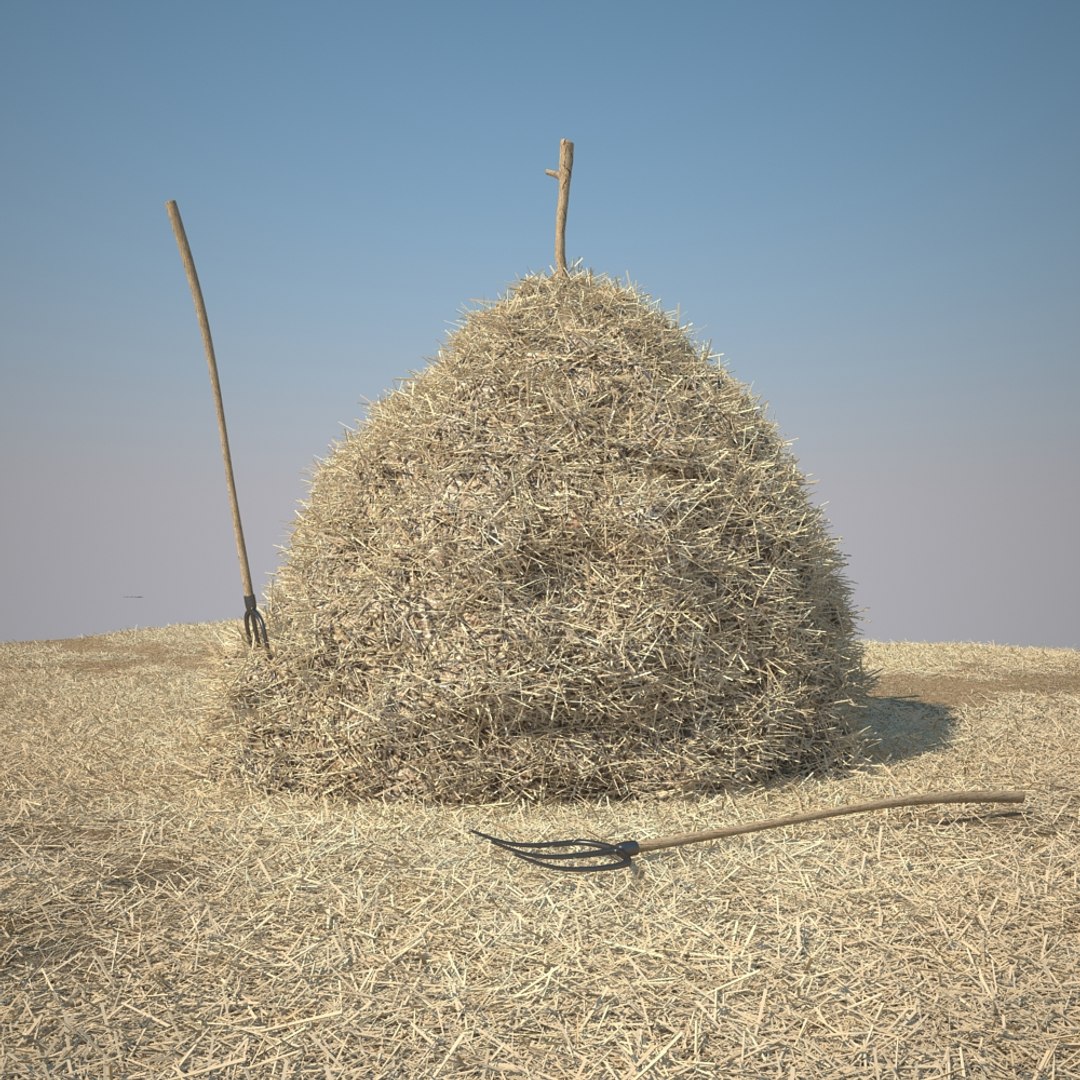
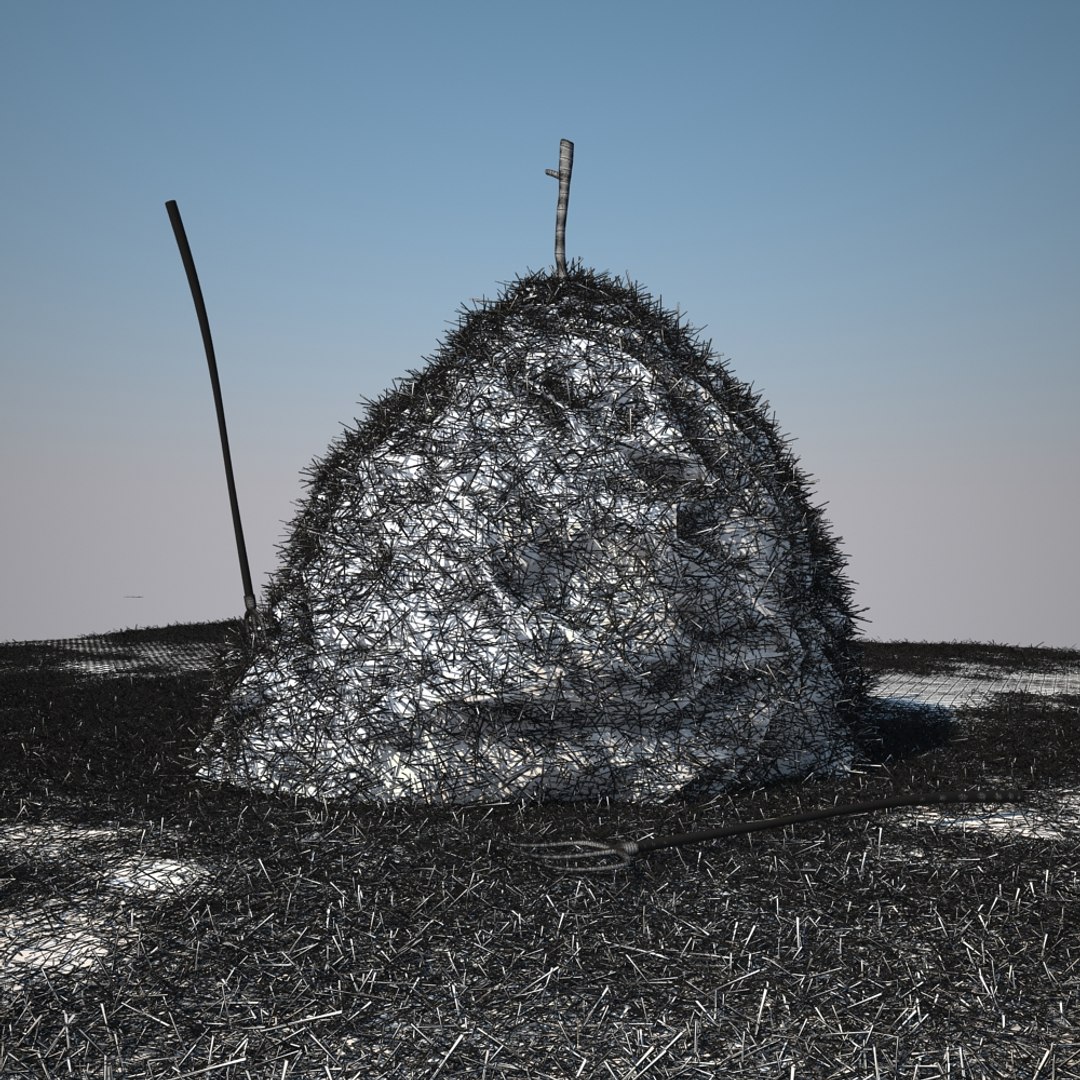
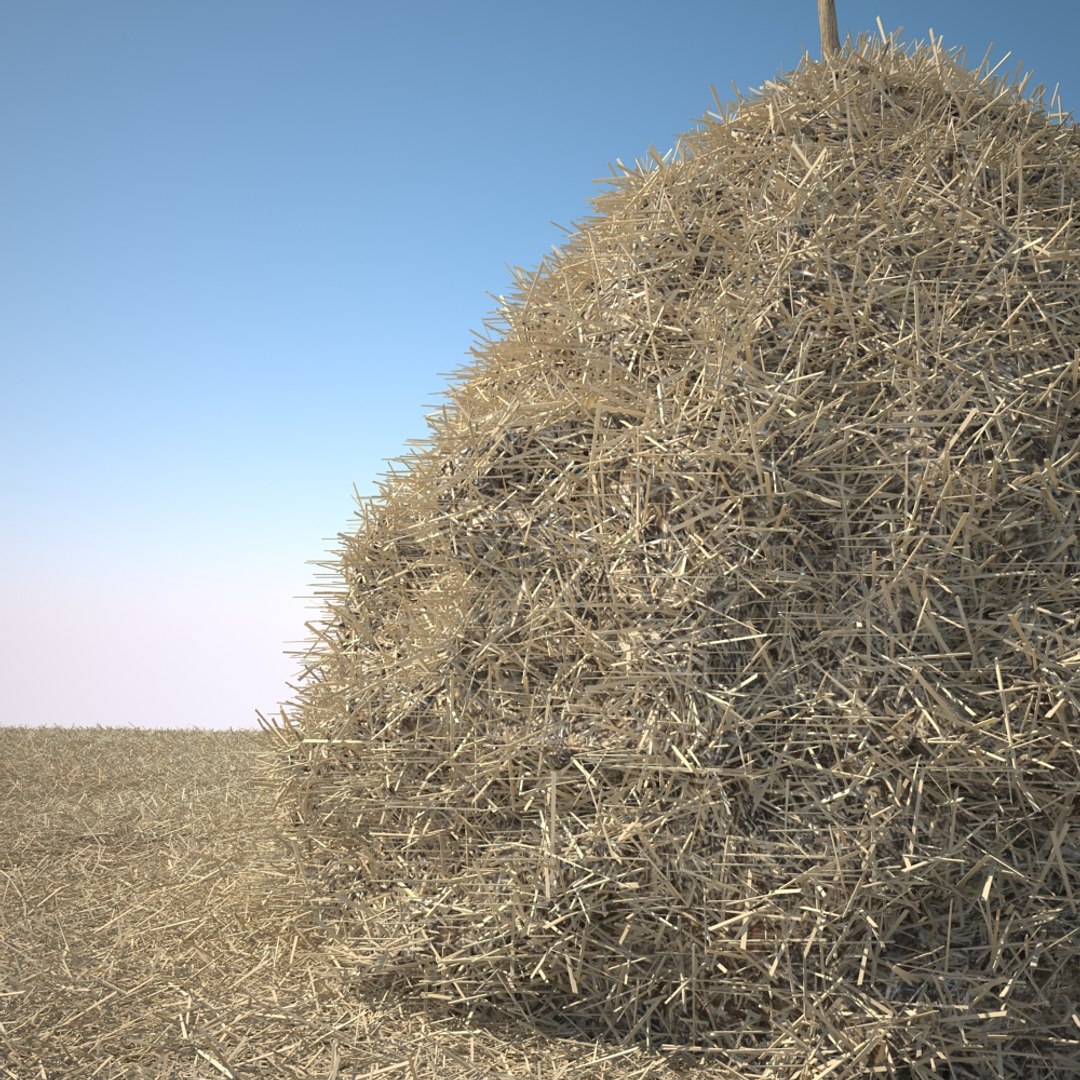
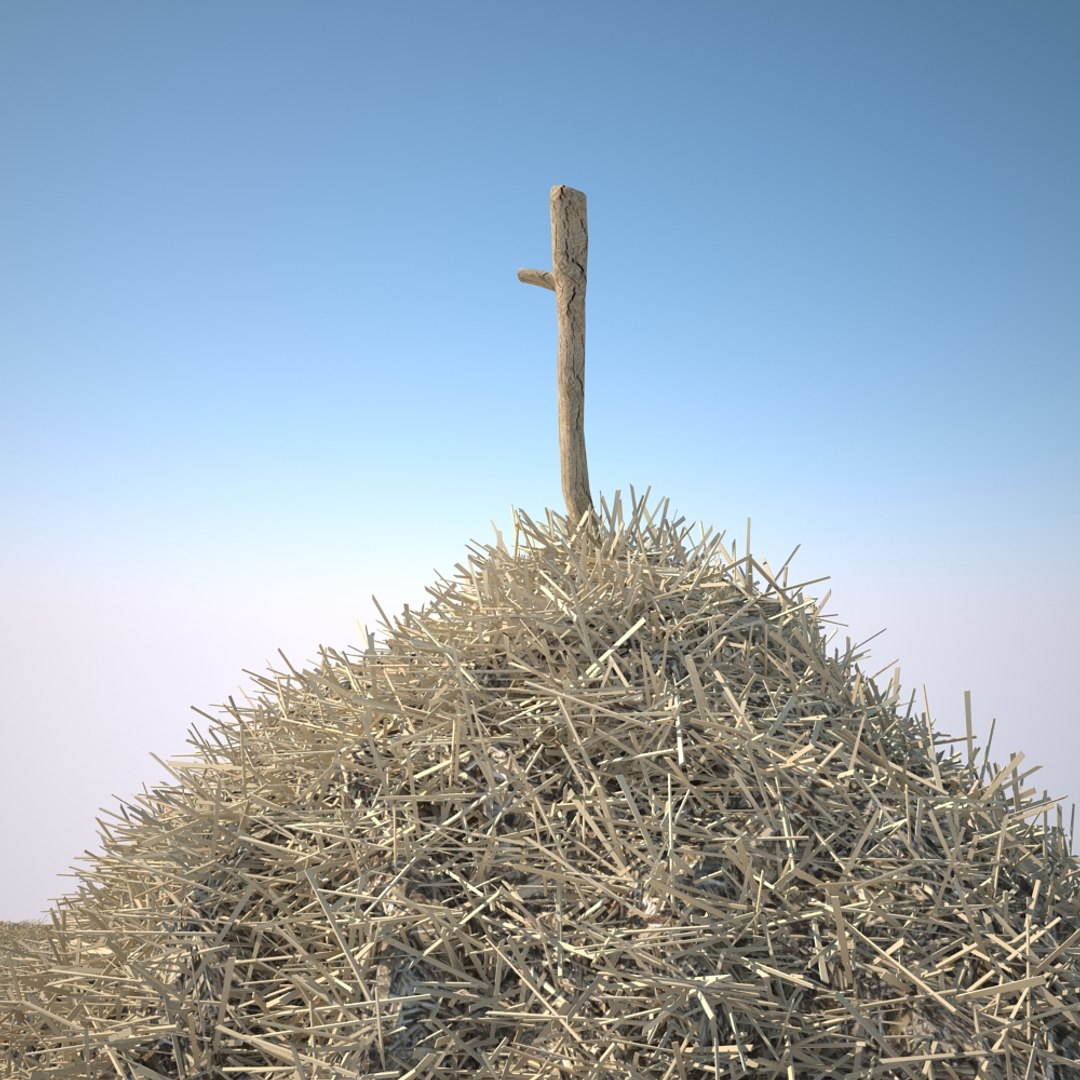
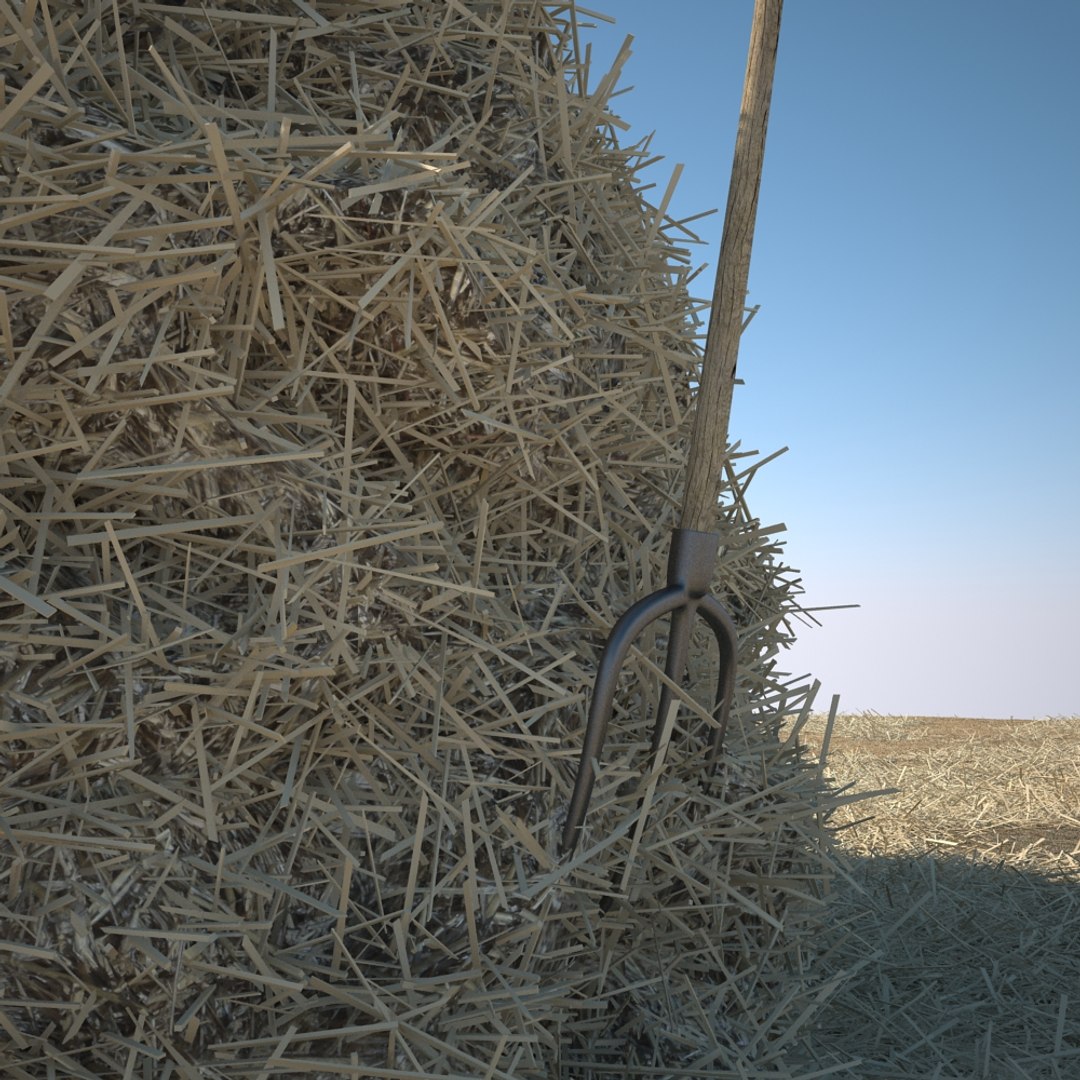
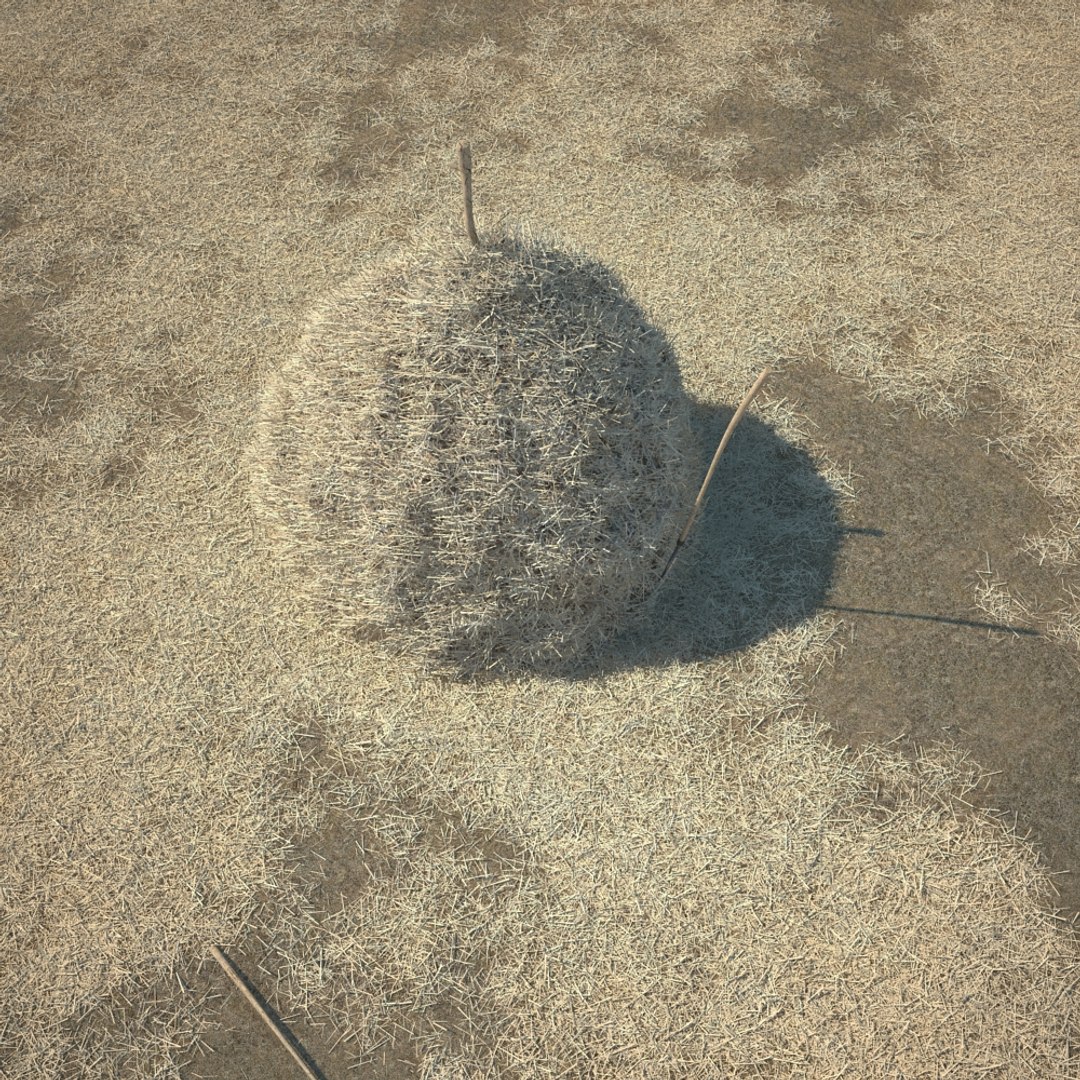
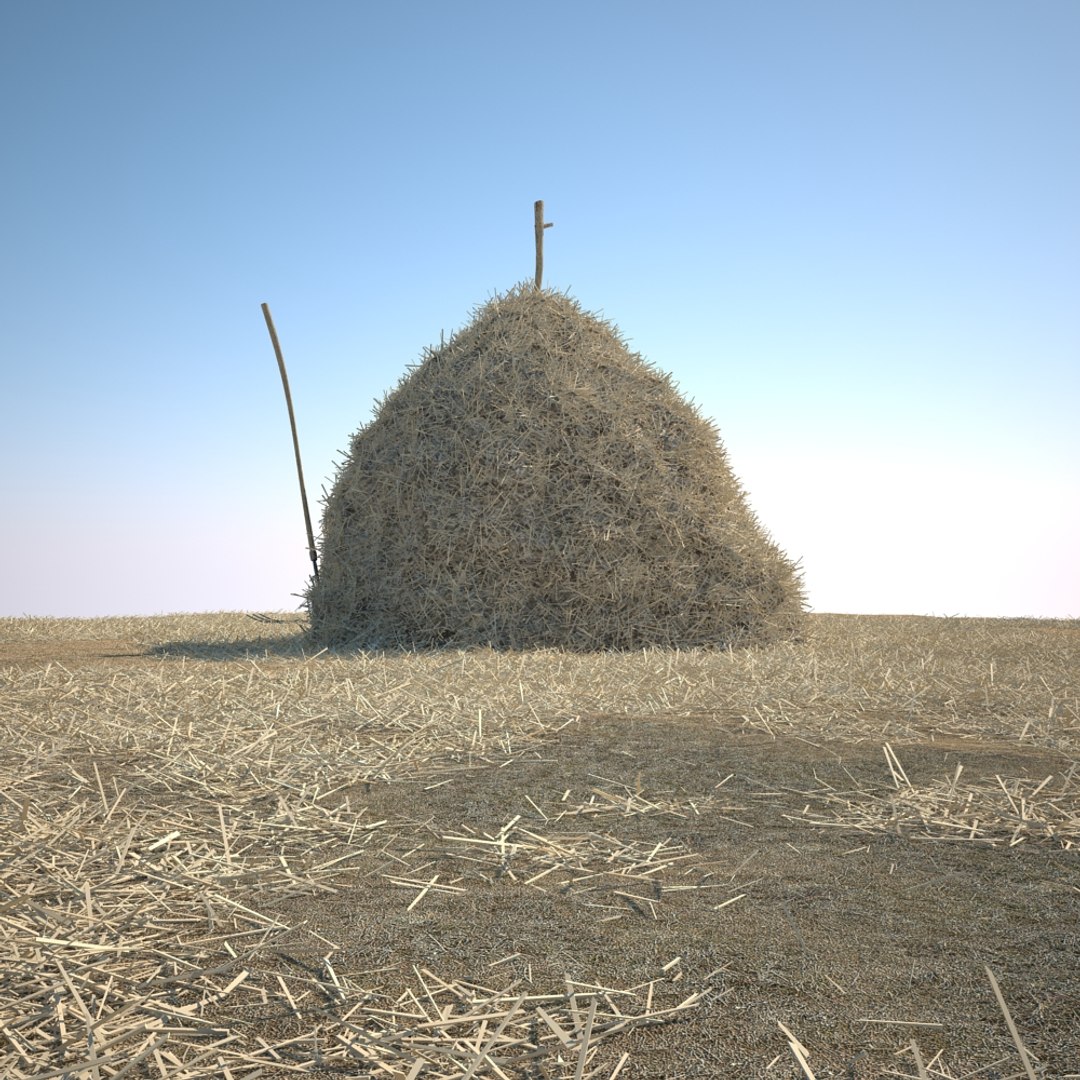
HI RES MODEL OF A HAY STACK SCENE

>>> Scene Information

- the scene is prepared for V-Ray
- the scene uses Linear Workflow
- all maps are in the 3ds Max ZIP file
- all previews are render outputs
- includes haystack, pitchfork, ground geometry with hay
- polycount scene: 3.002.564
- polycount haystack: 241.200


>>> Geometry

- all objects are named and organized with layers
- the model is hires and ready for closeups
- the hay is collapsed, the wire is a separate model
- if you use more modules, then I recommend to transform them to V-Ray proxies


>>> Materials

- the material is a multi sub object material with several material IDs
- the scene uses V-Ray materials


>>> Light setup

- the setup is included in the 3ds Max file
- the scene is set up for LWF


>>> Formats

- 3ds Max 2010


>>> please check out my catalog for more hi res and realistic models
>>> if you like this model I would kindly ask you to rate it
>>> this is a computer generated 3d model - it is not a real life object.


hay bale stack farm haybale haystack pitchfork straw barn realistic model grass field tractor landscape stable hourse cow food

Select Enhanced License

  • $10,000 in Legal Protection (Indemnification)
  • Uncapped Legal Protection (Indemnification)
  • Waiver from injunctive relief
  • Assignable model rights
  • $1,000,000 in Legal Protection (Indemnification)
  • Waiver from injunctive relief
  • Assignable model rights
  • $250,000 in Legal Protection (Indemnification)
  • Assignable model rights
Read more about enhanced license tiers, or contact us at enterprise@turbosquid.com. Already a Shutterstock Enterprise Customer? Contact your Shutterstock Sales Support Agent to talk about adding 3D.

About Conversion Requests

To submit a conversion request for a purchased asset, please complete our Conversion Request Form.

If you have not yet purchased a model, please review our Documentation about Conversions to learn about what limitations you may encounter with a conversion.

For any additional questions about a model’s suitability for conversion, please contact TurboSquid Support.

Loading...