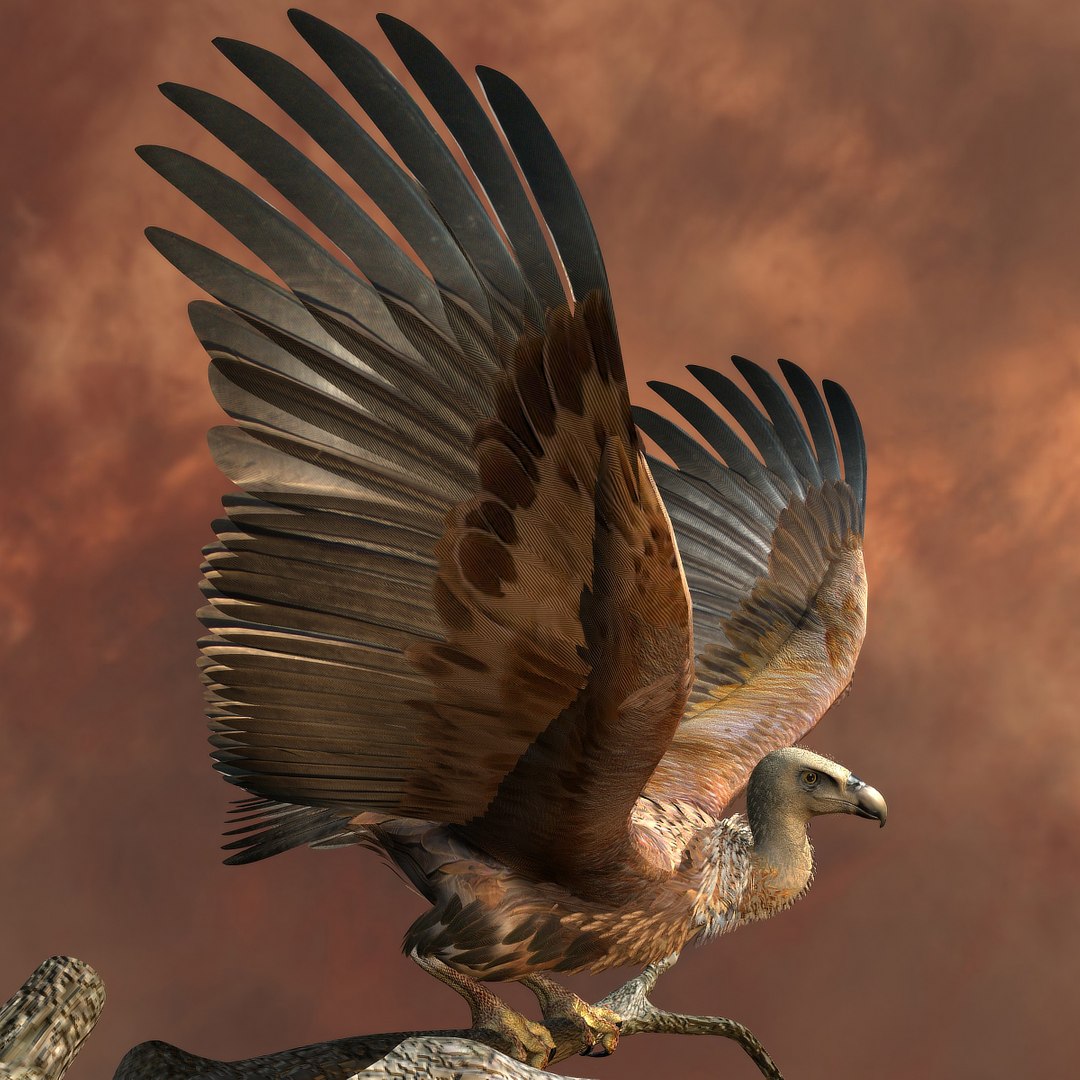
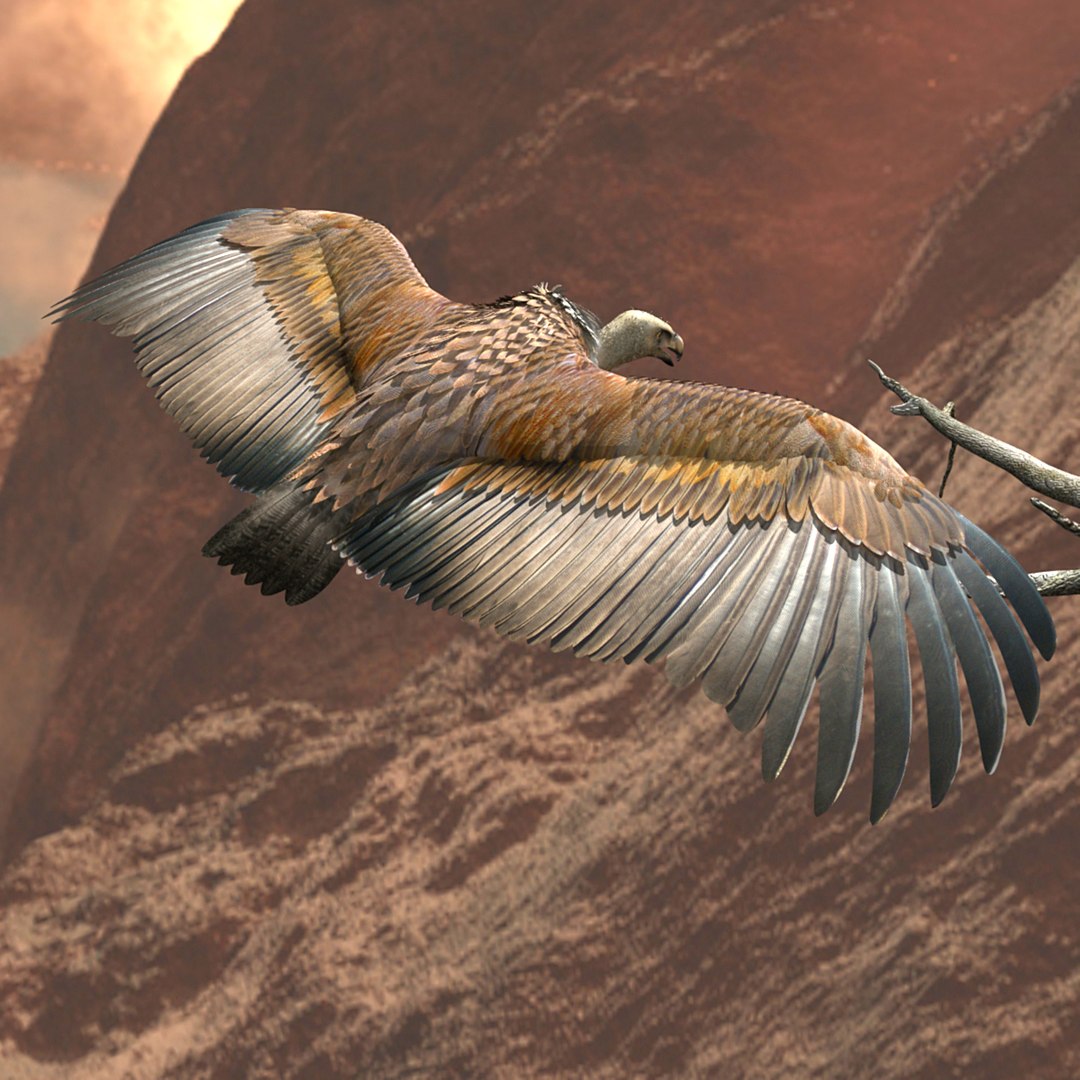
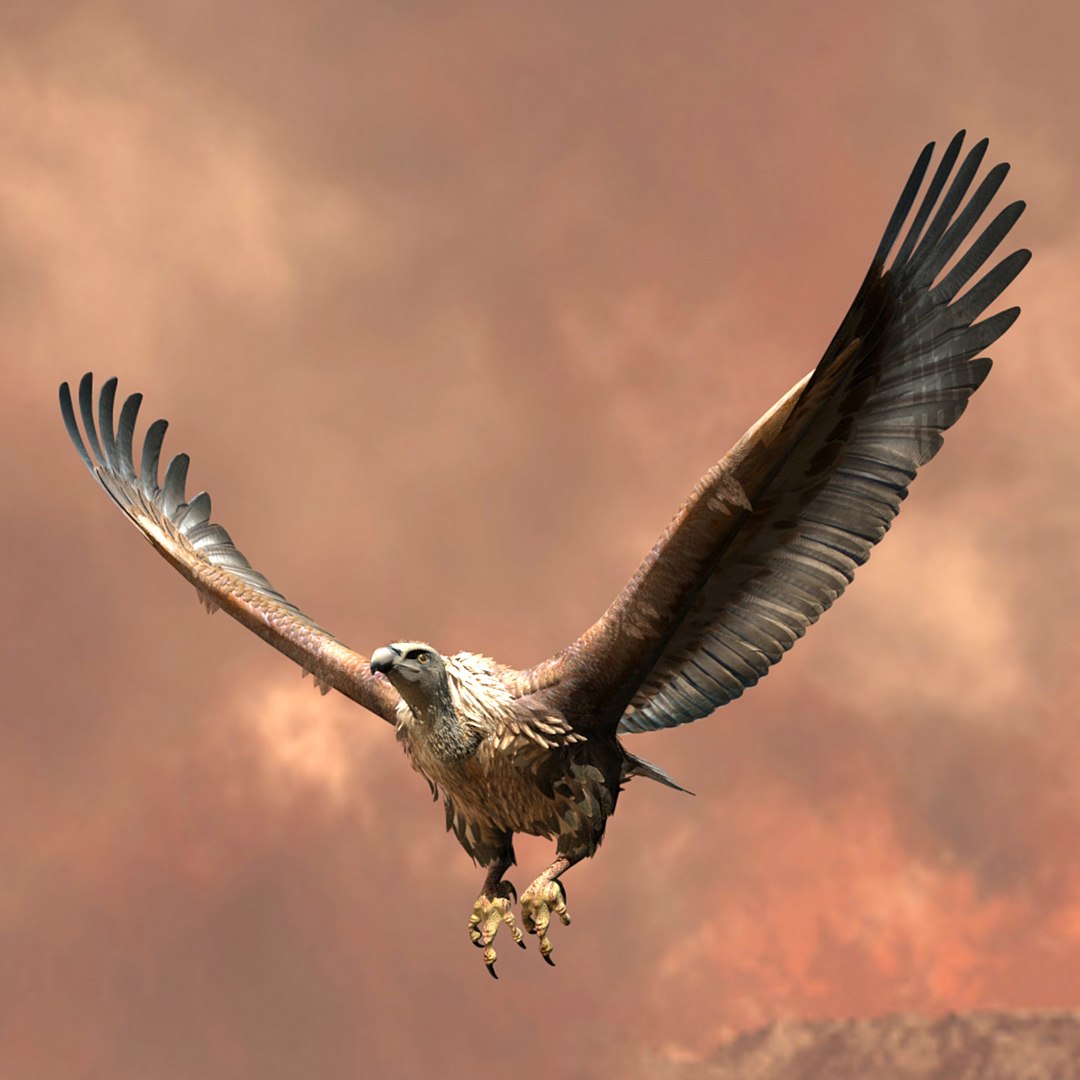
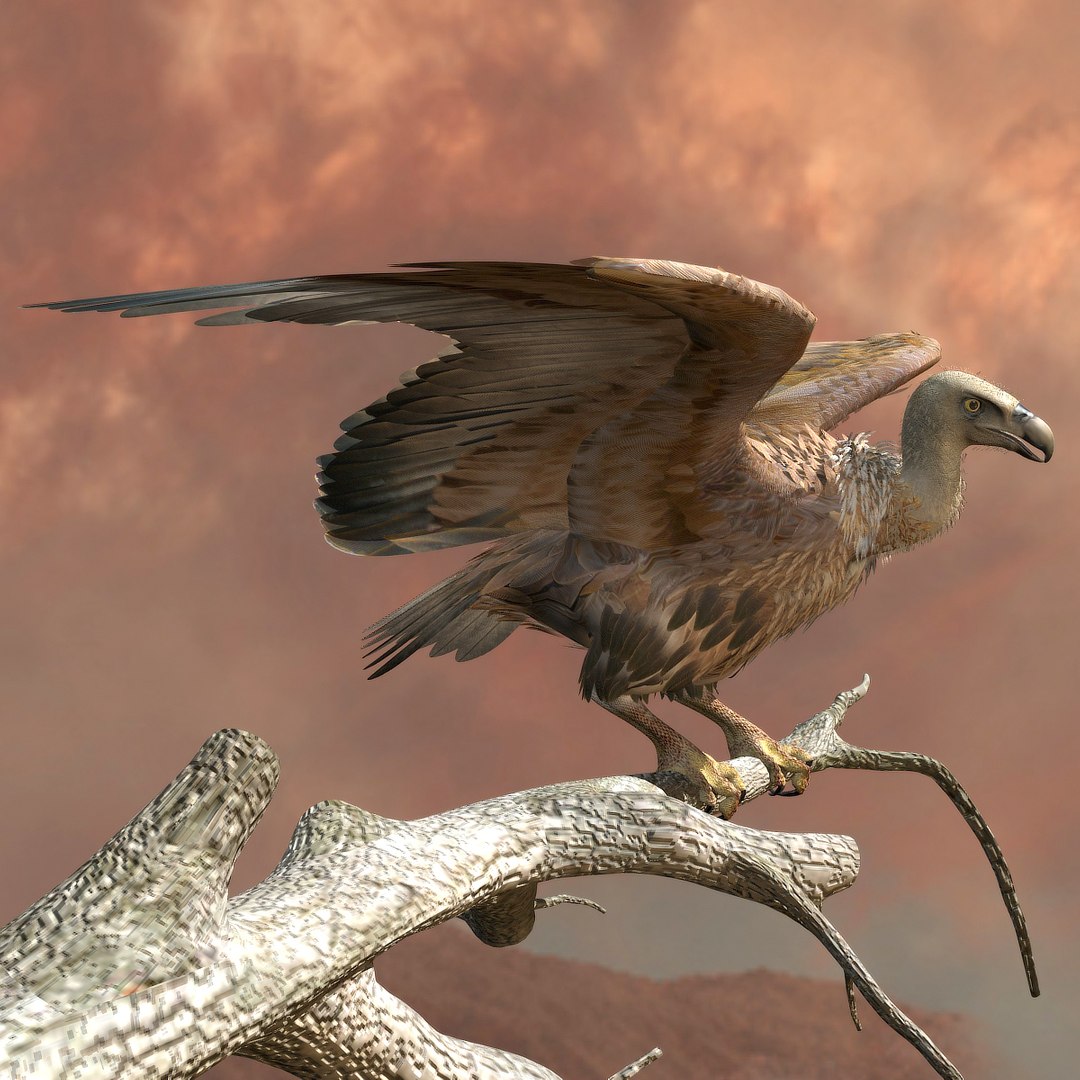
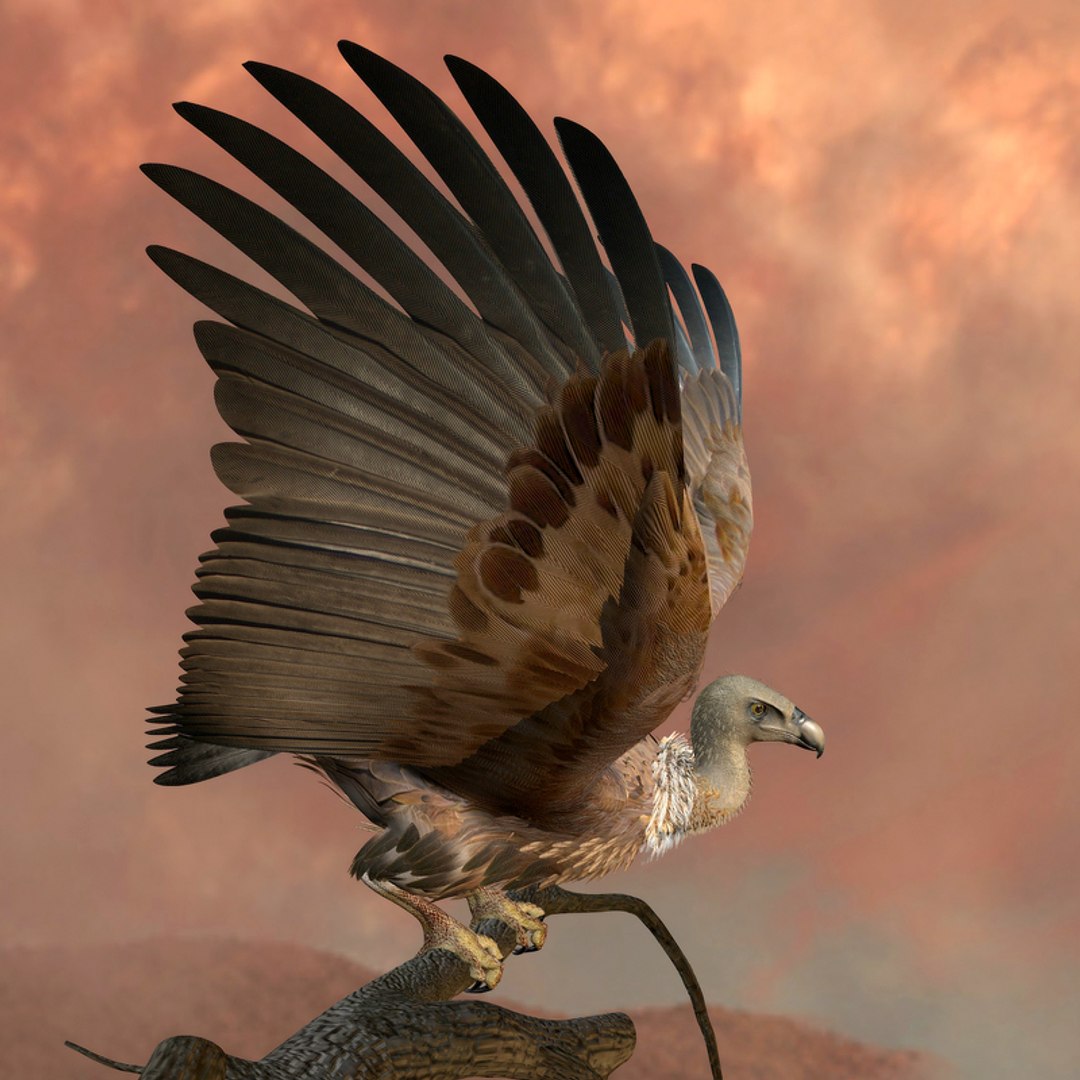
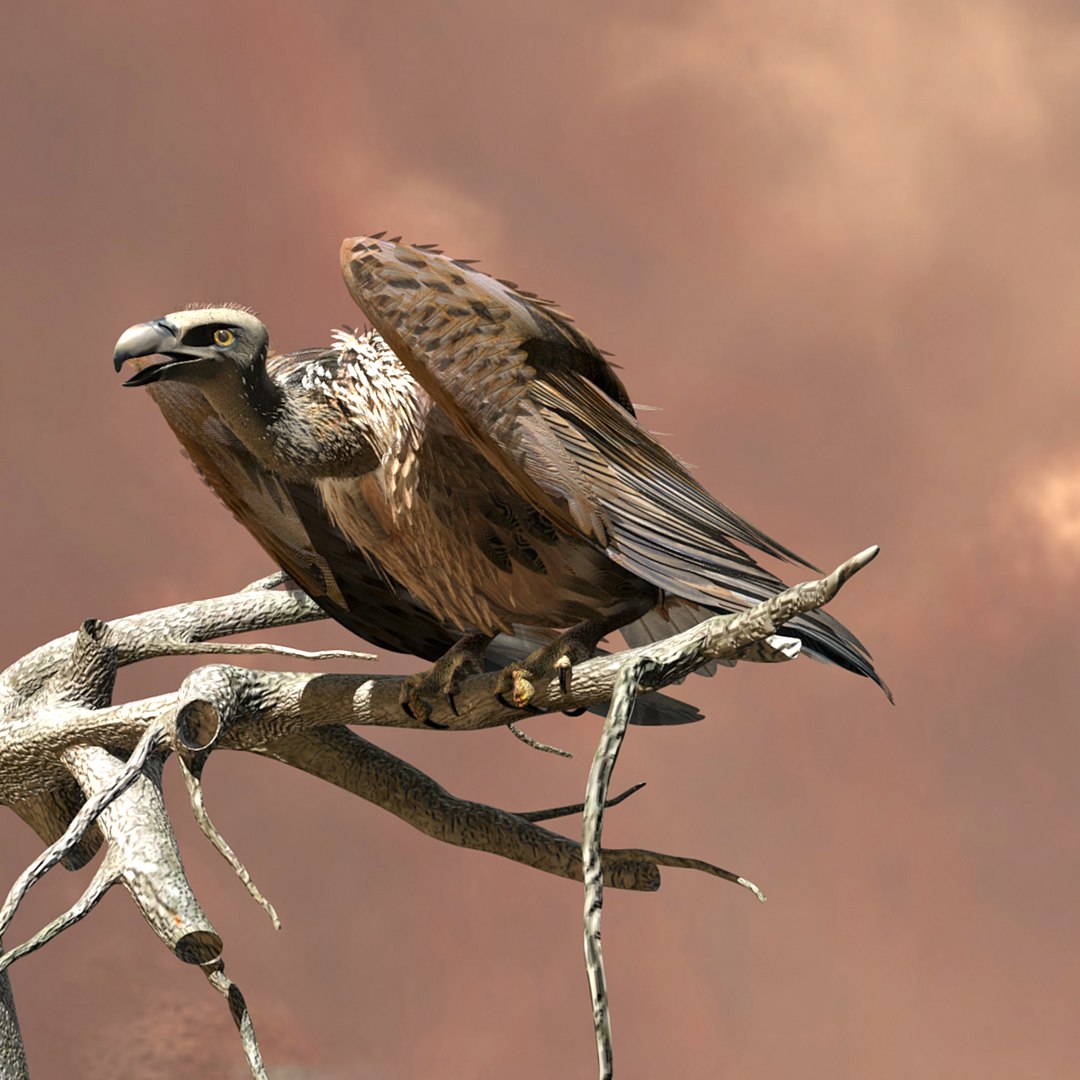
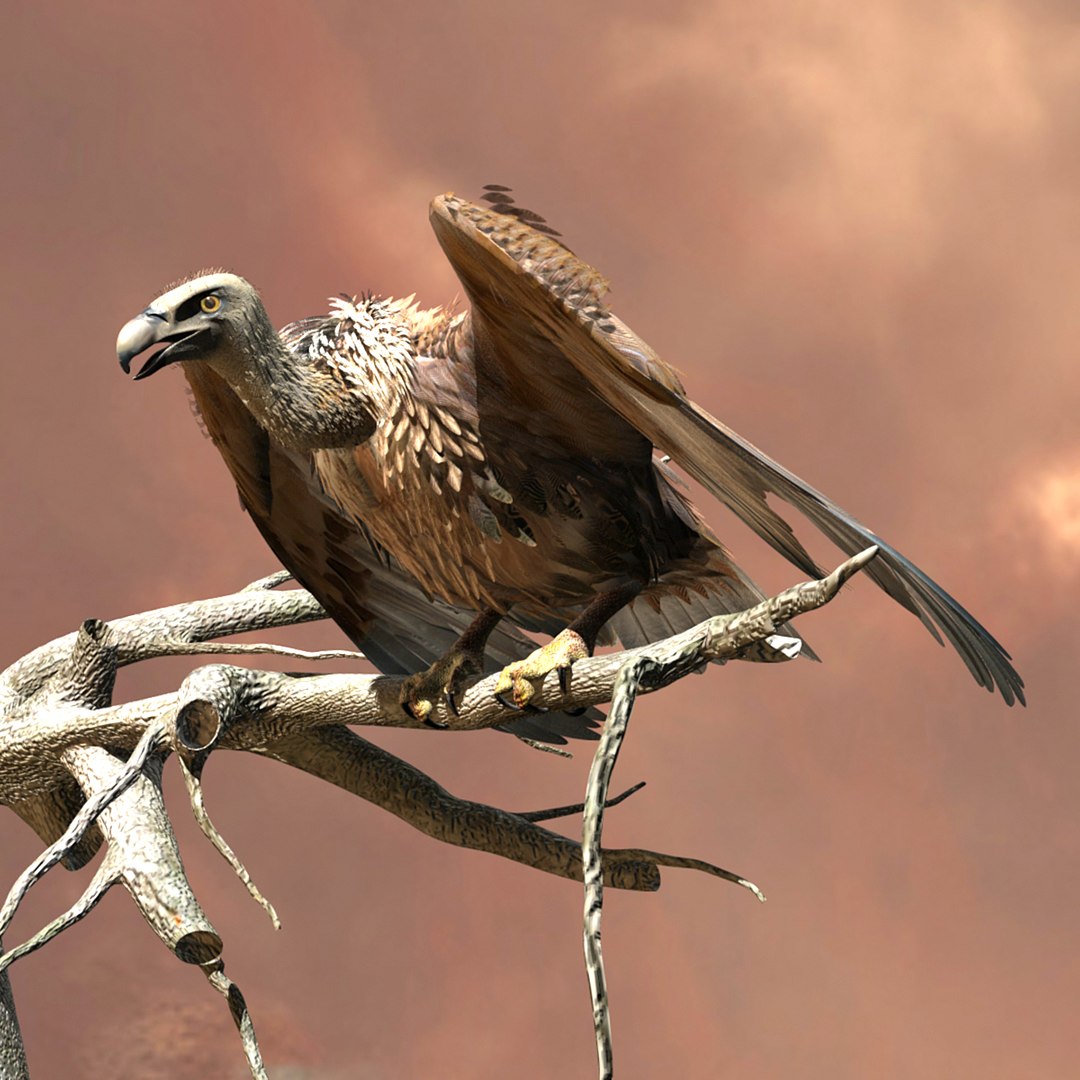
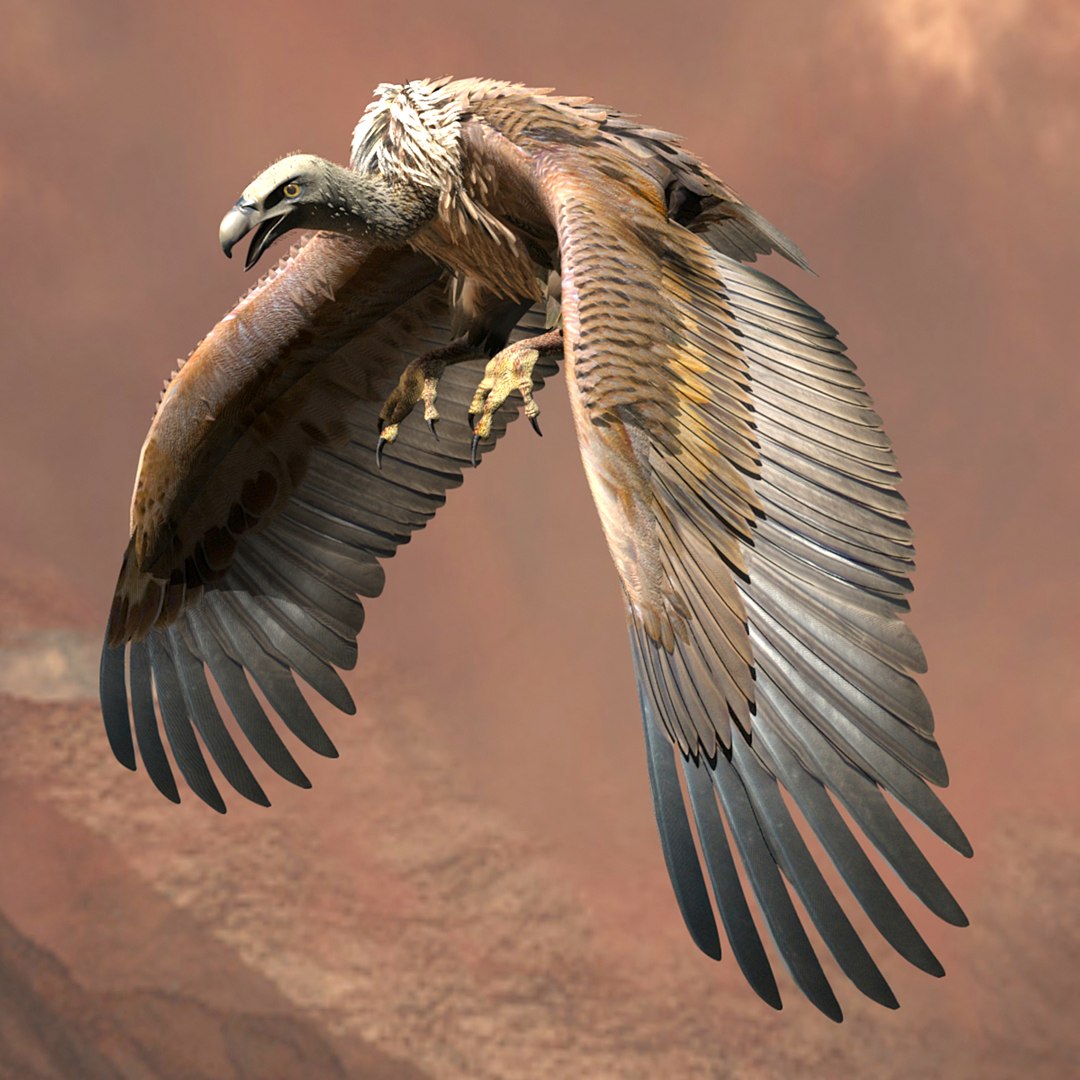
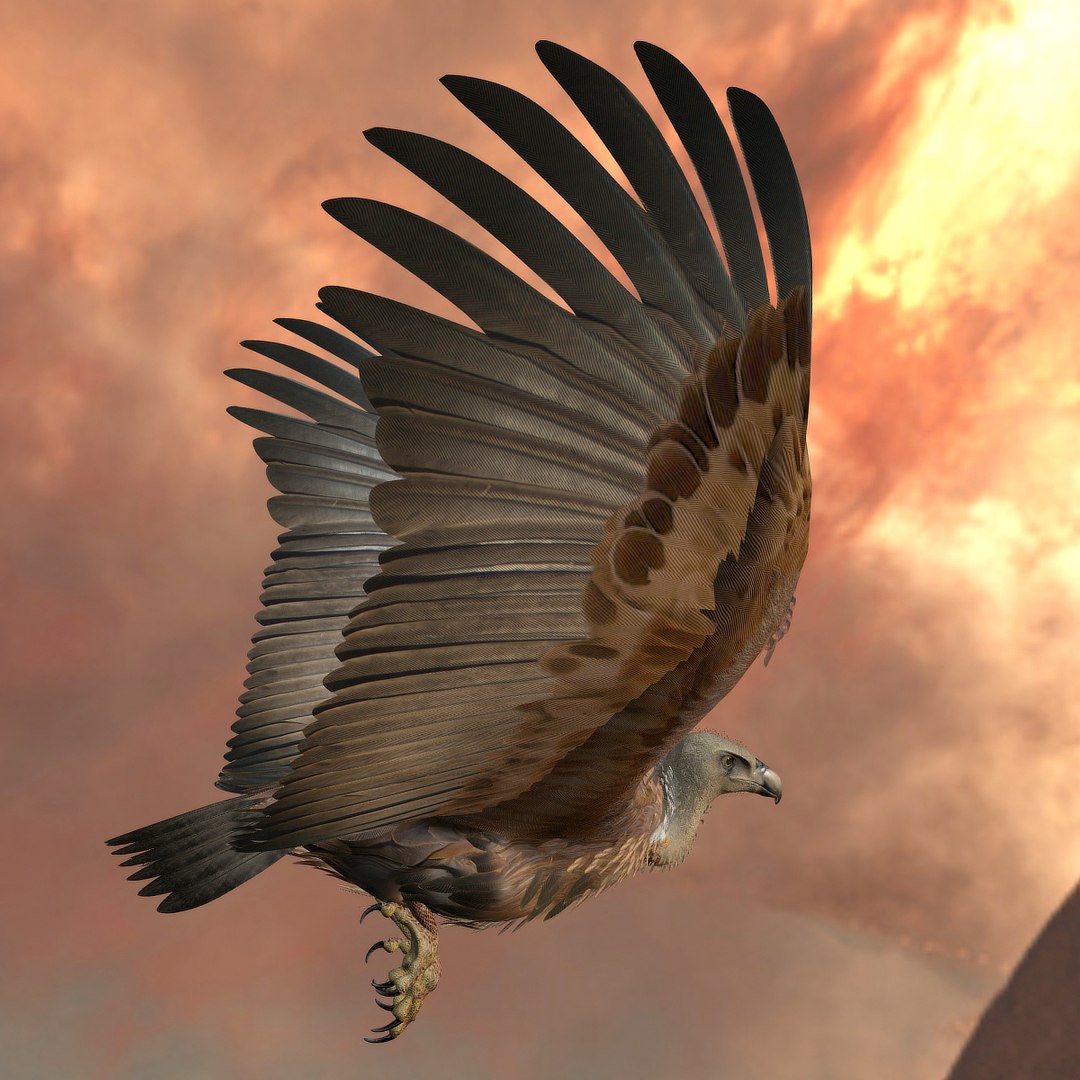
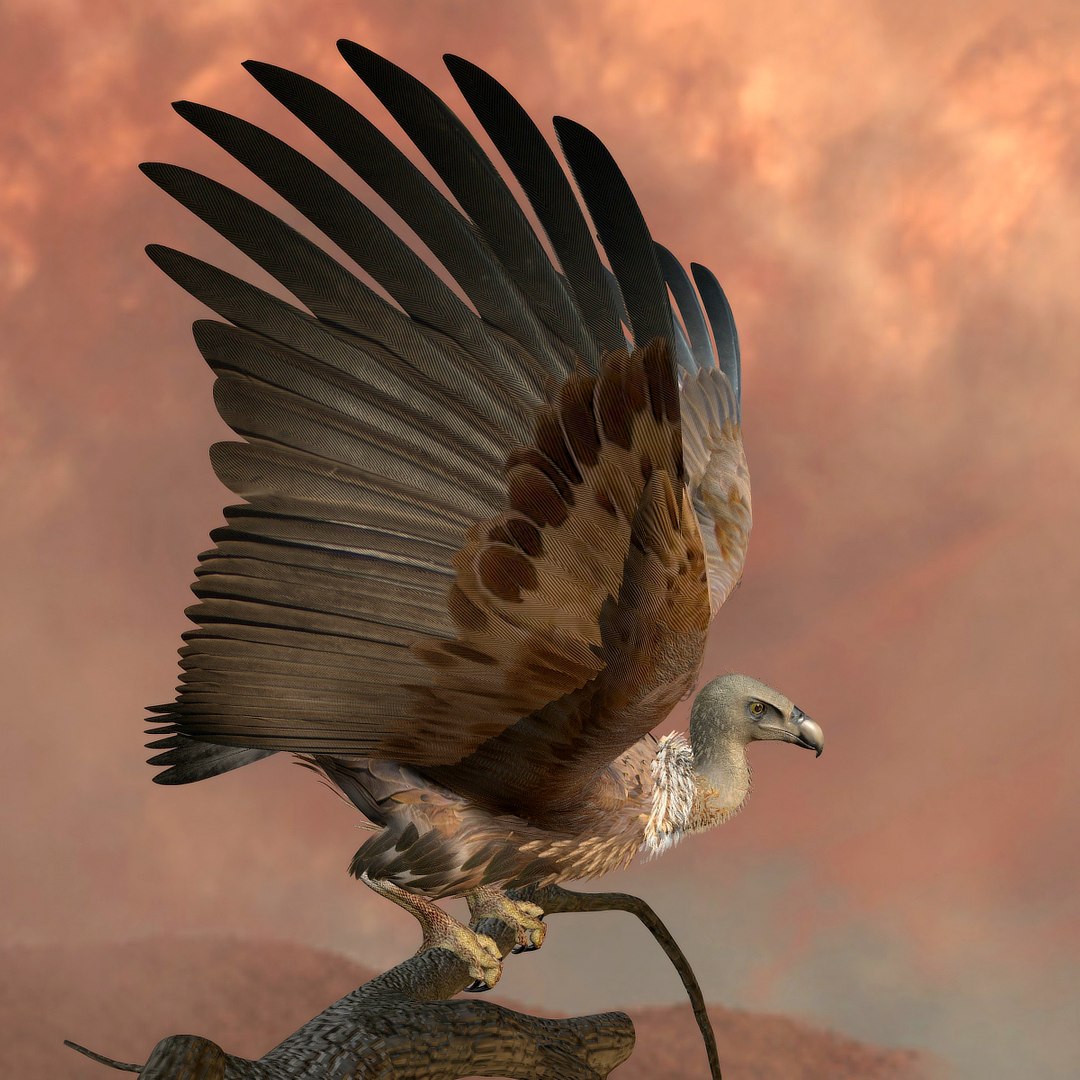
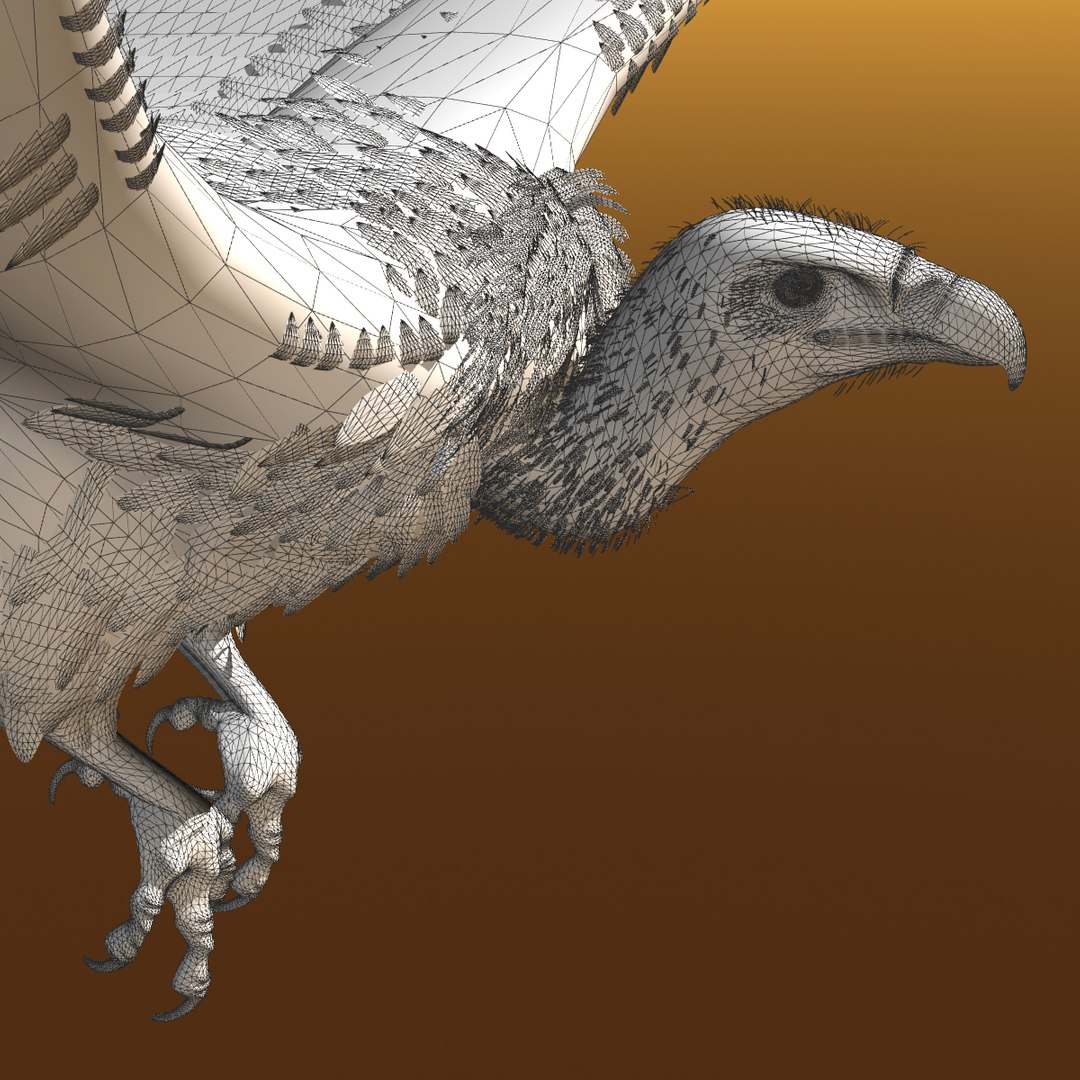
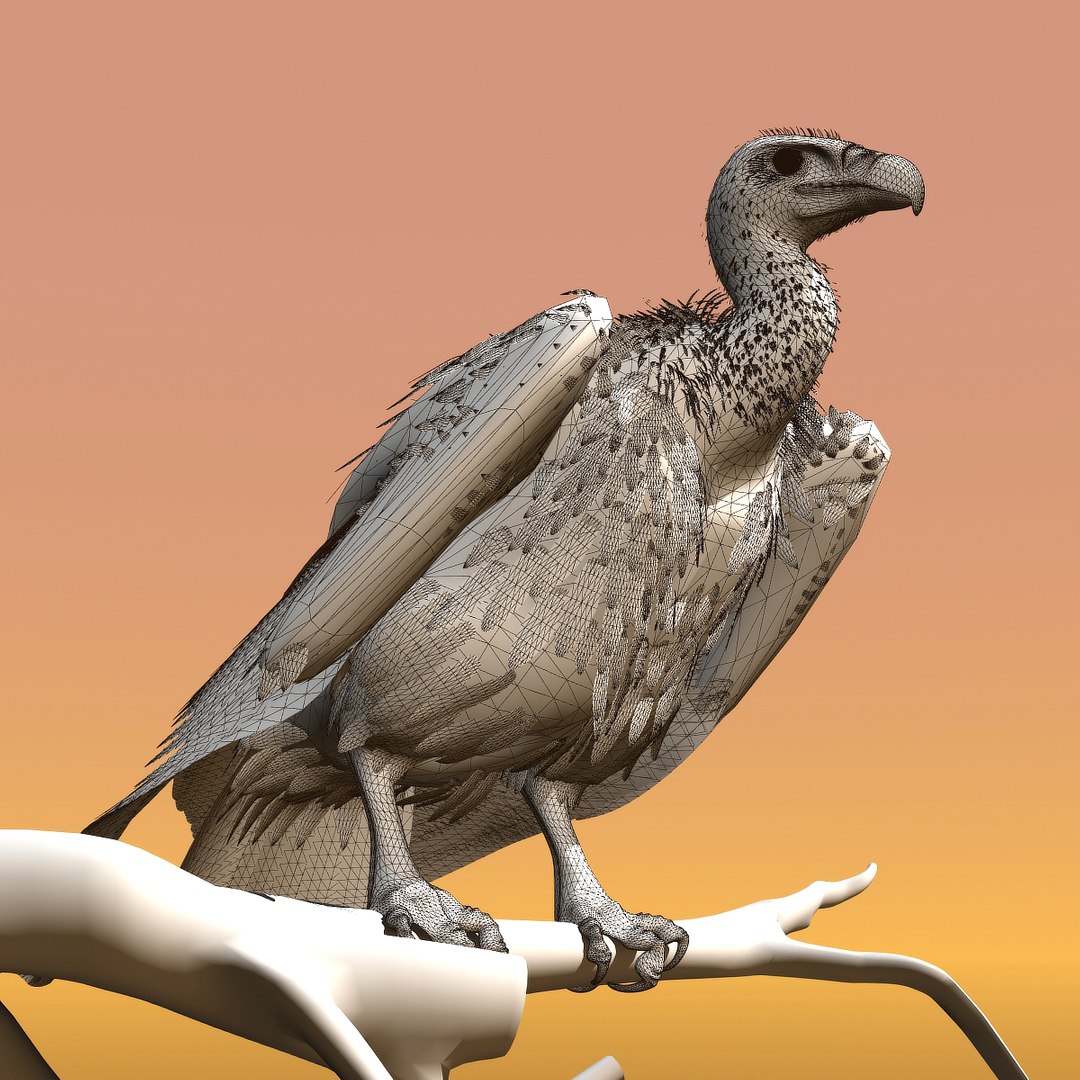
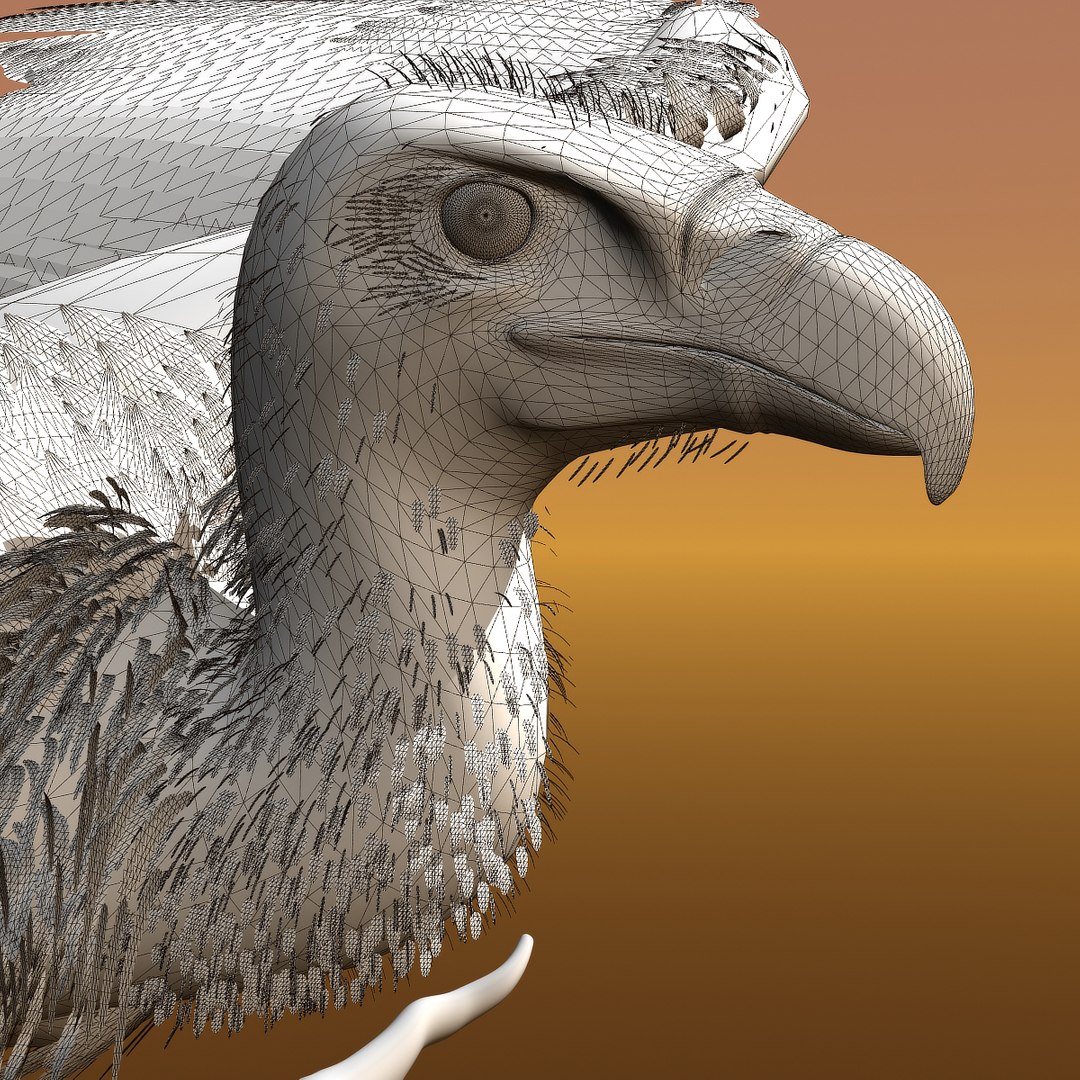
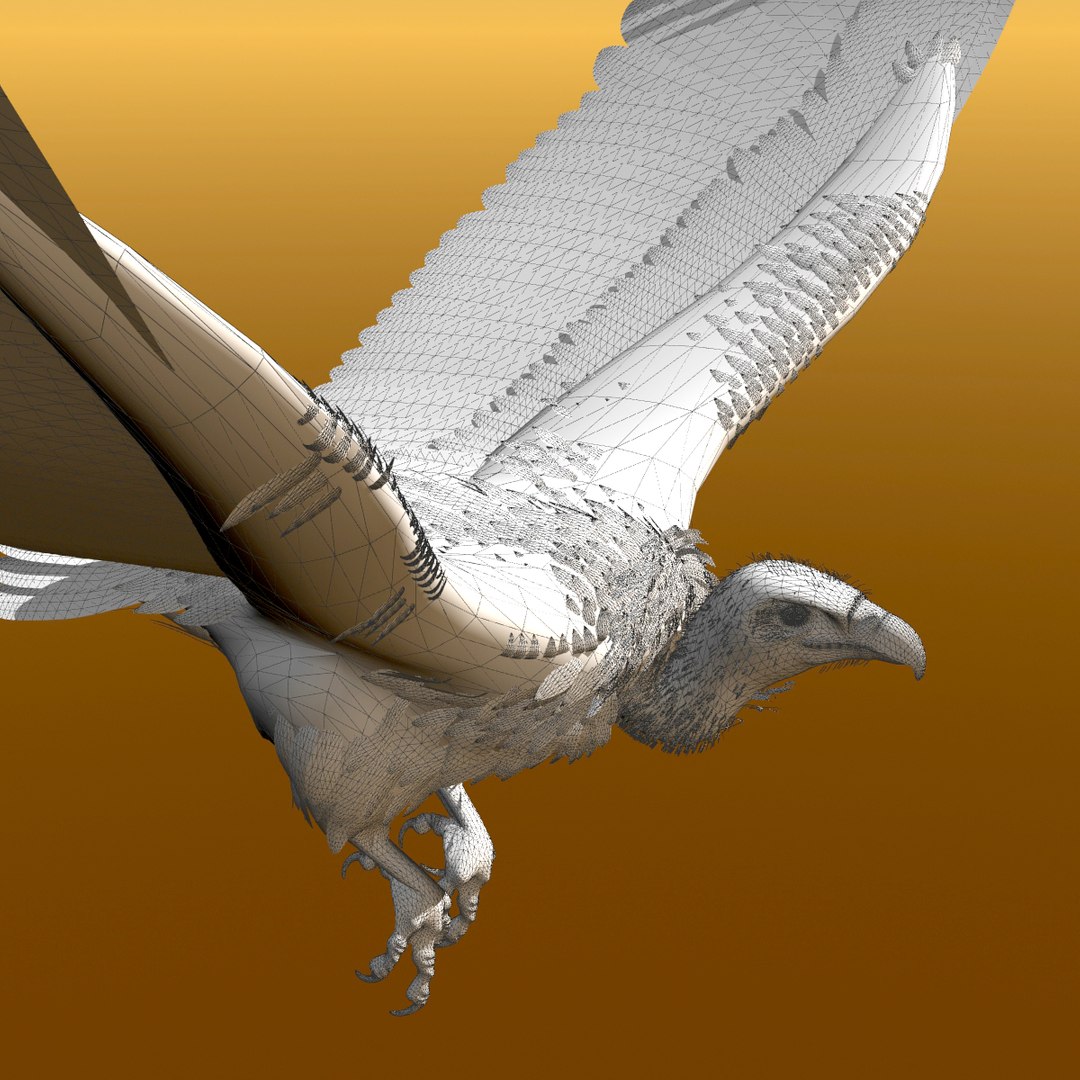
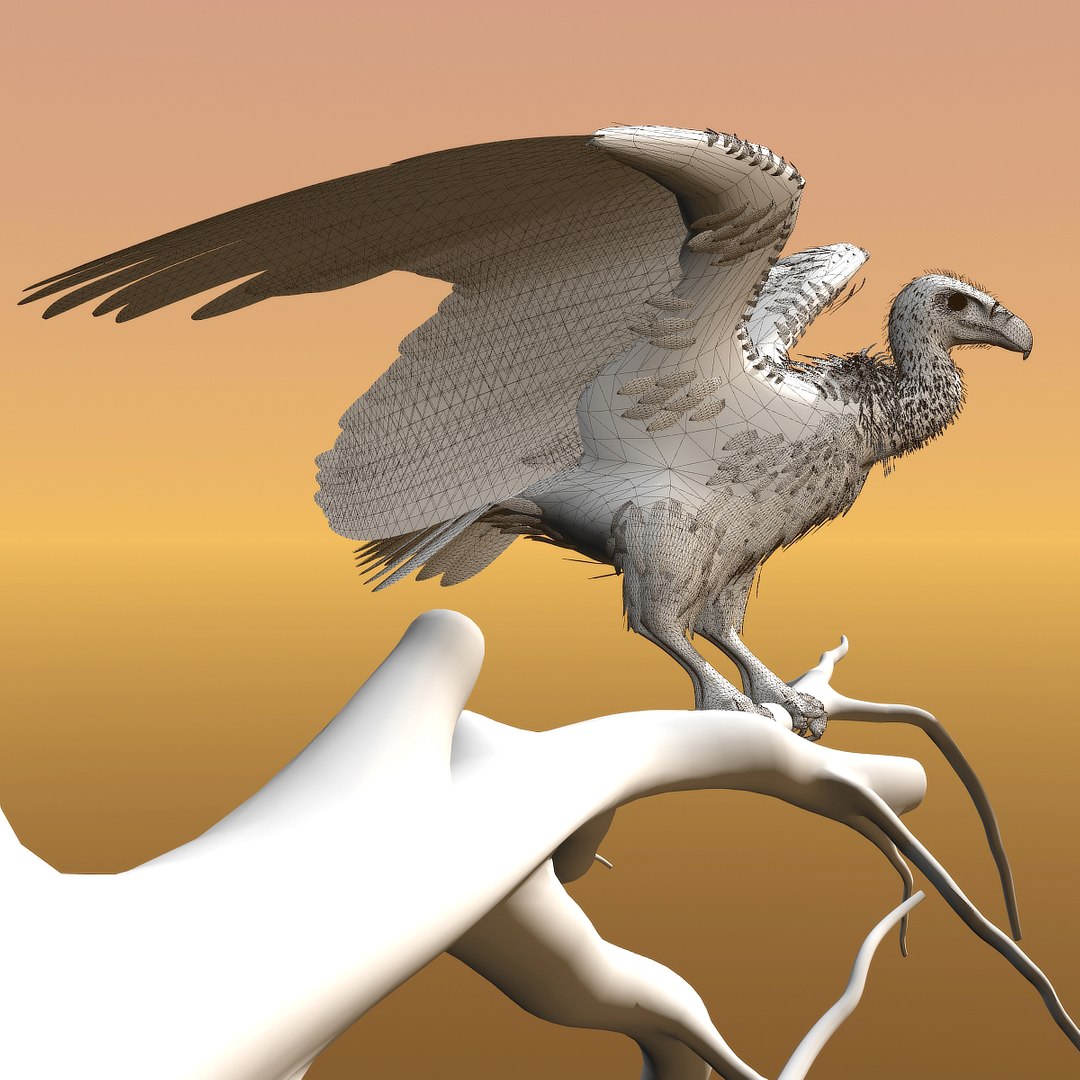
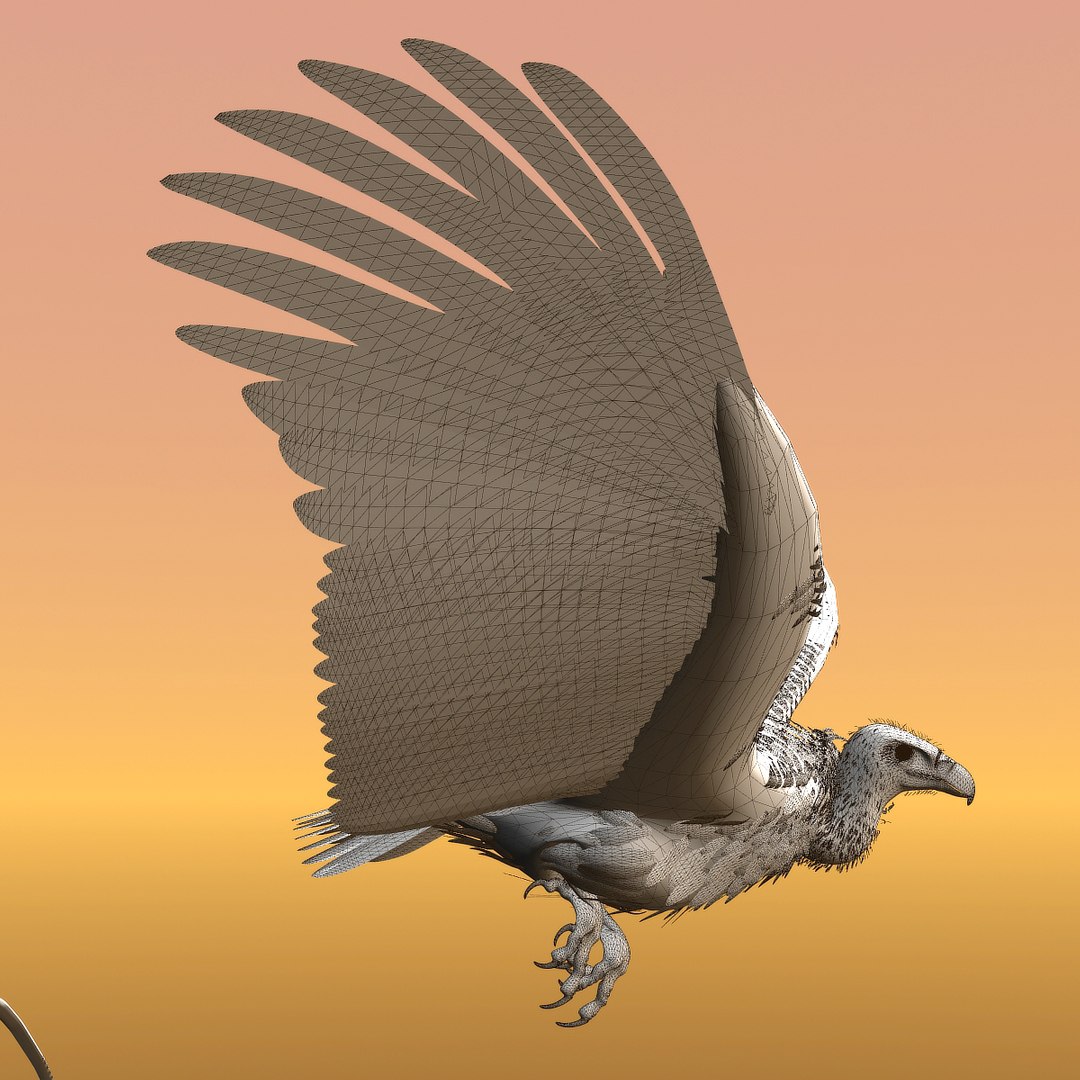
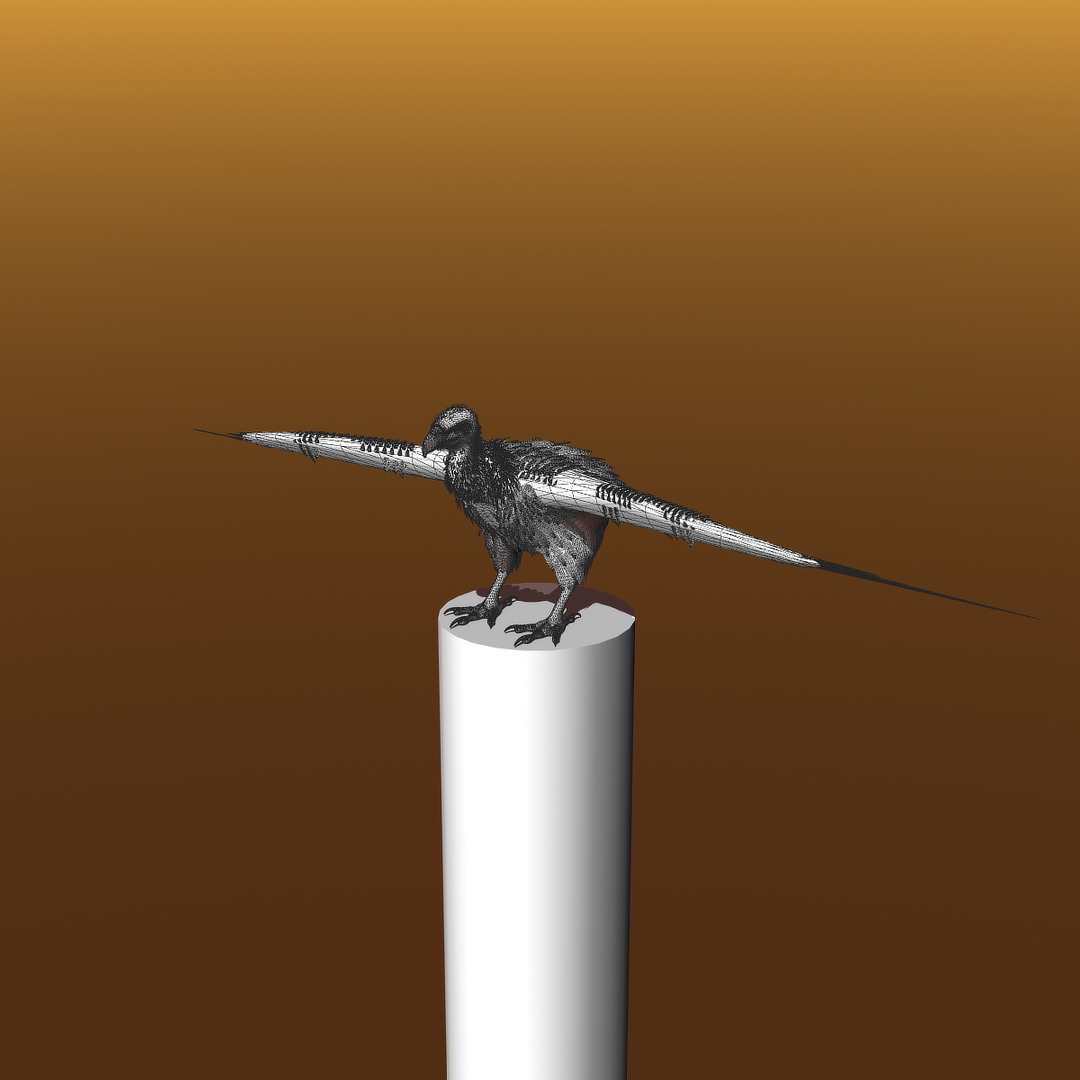
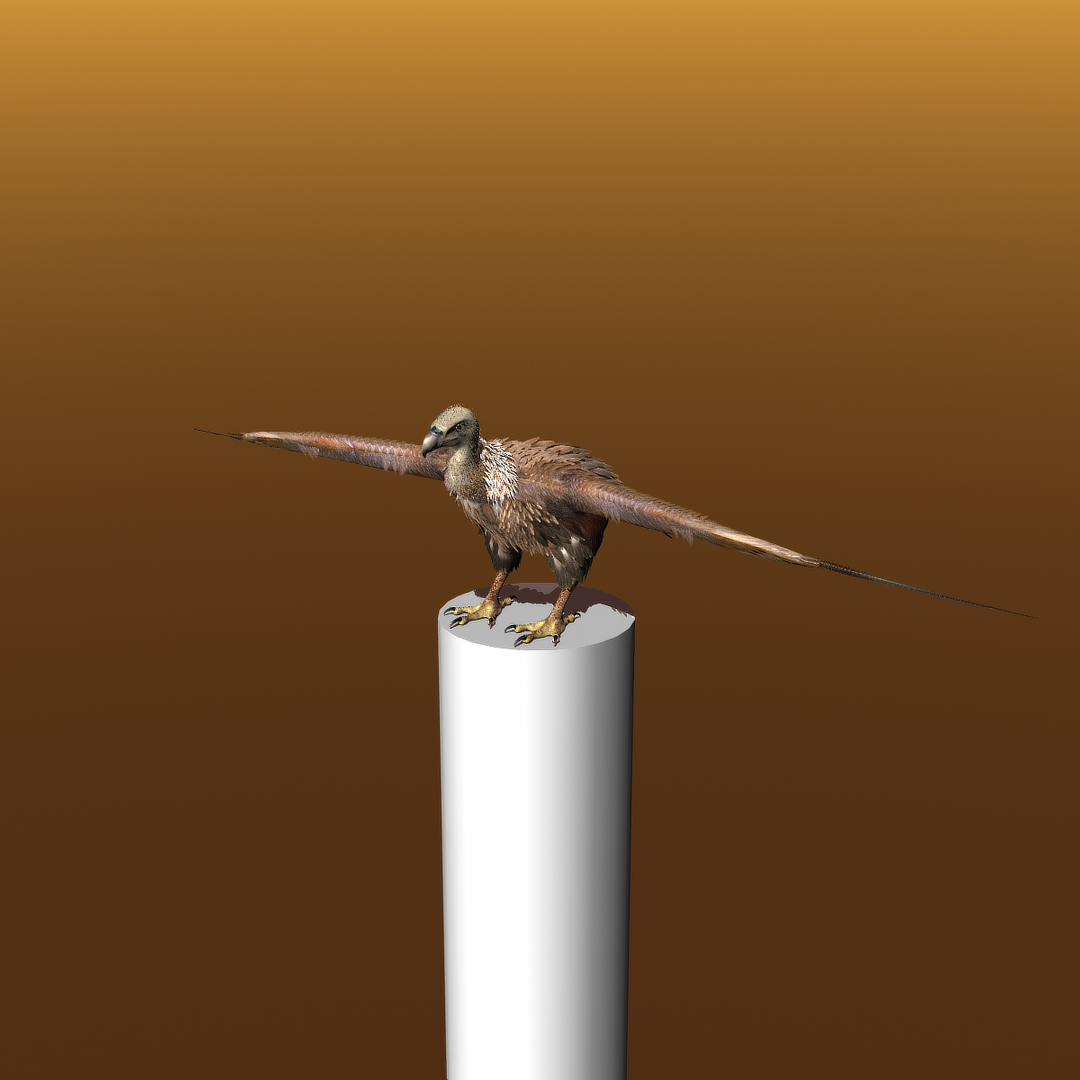
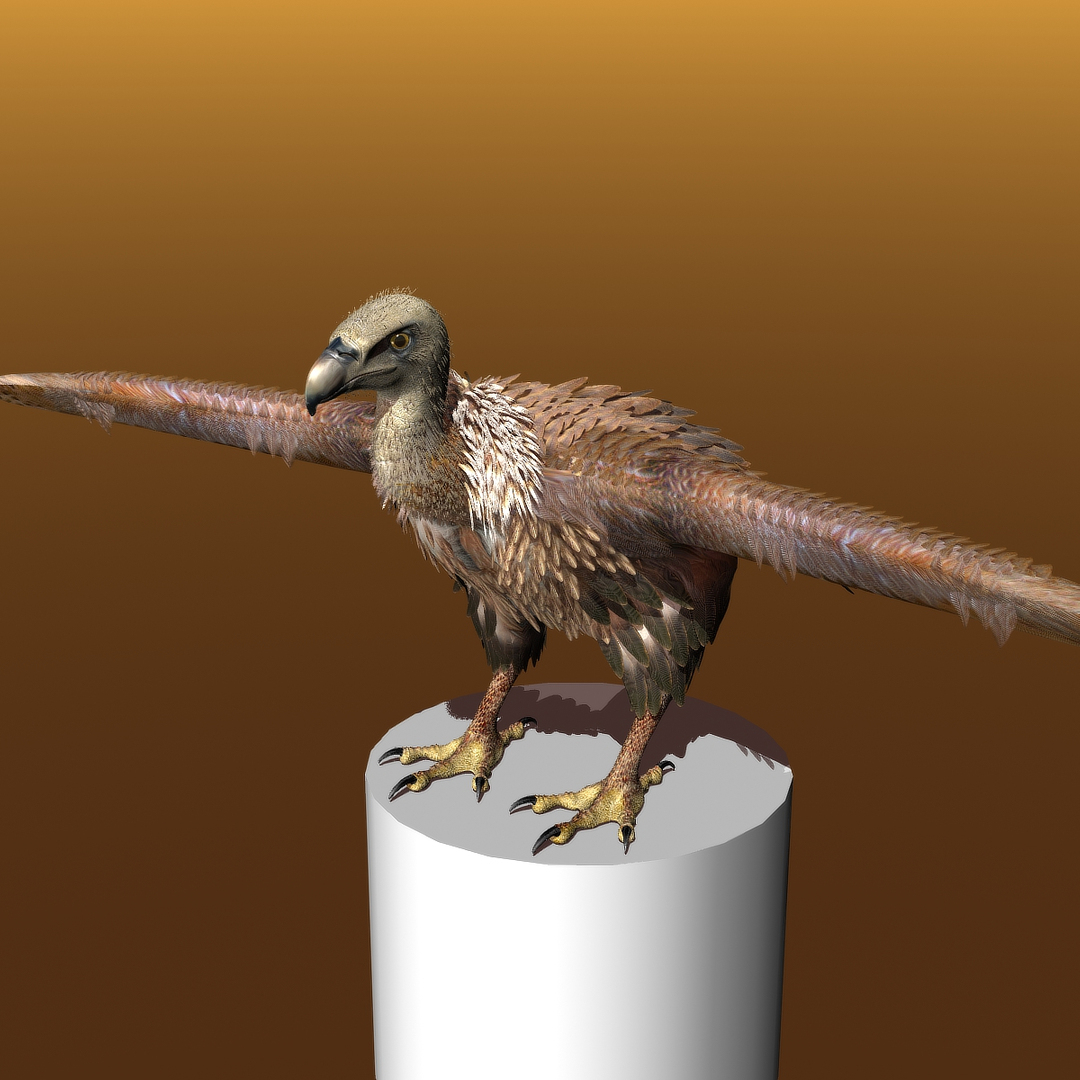
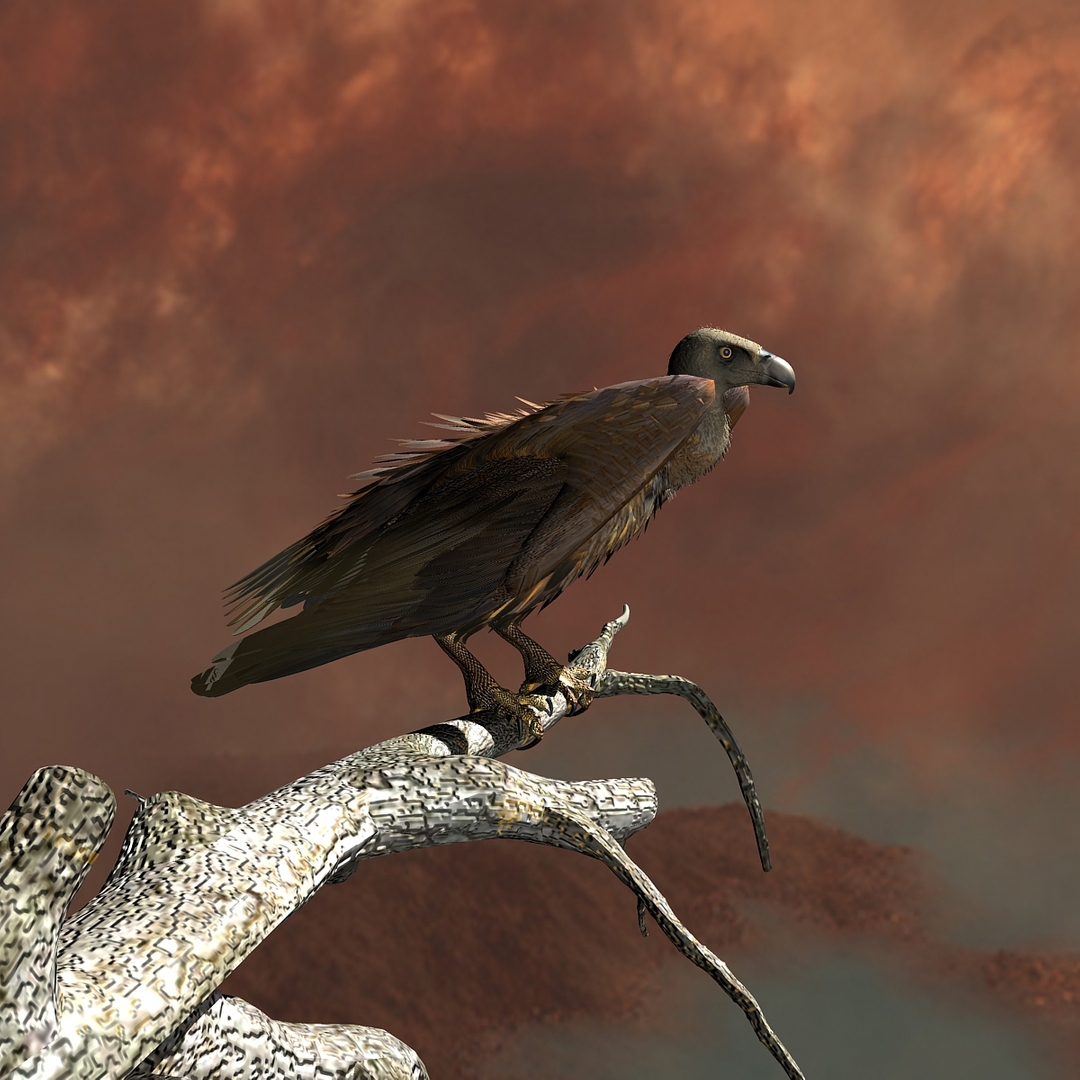
Griffon Vulture...
Rigged and Animated for:
LightWave 8.5 and up
3ds Max 8 and up
MAX 2017 generated FBX
MAX 2009 generated FBX
Lightwave 2015 generated FBX
OBJ - includes base object and all morph target objs
Both models come with several pre-animated scenes to get you started.
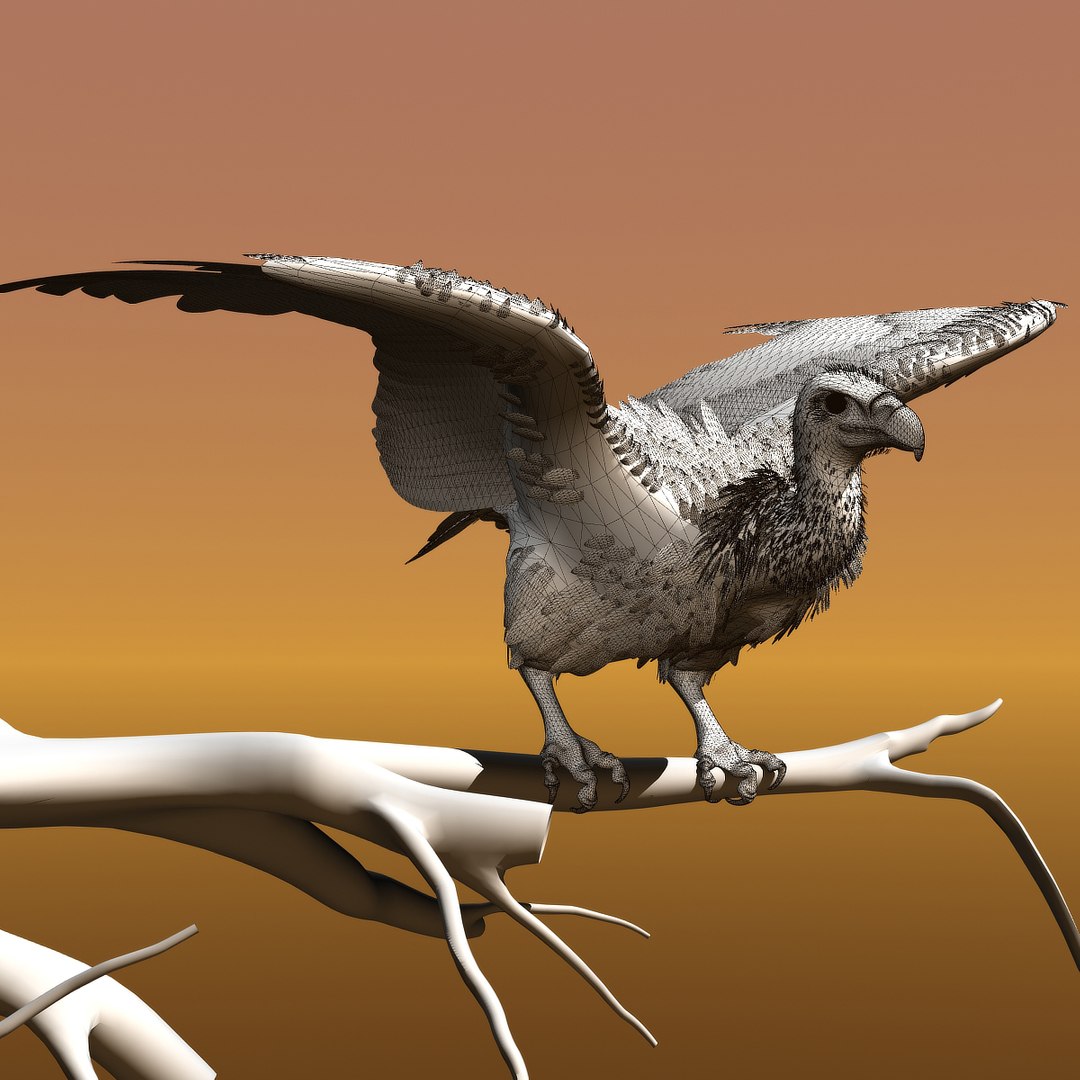
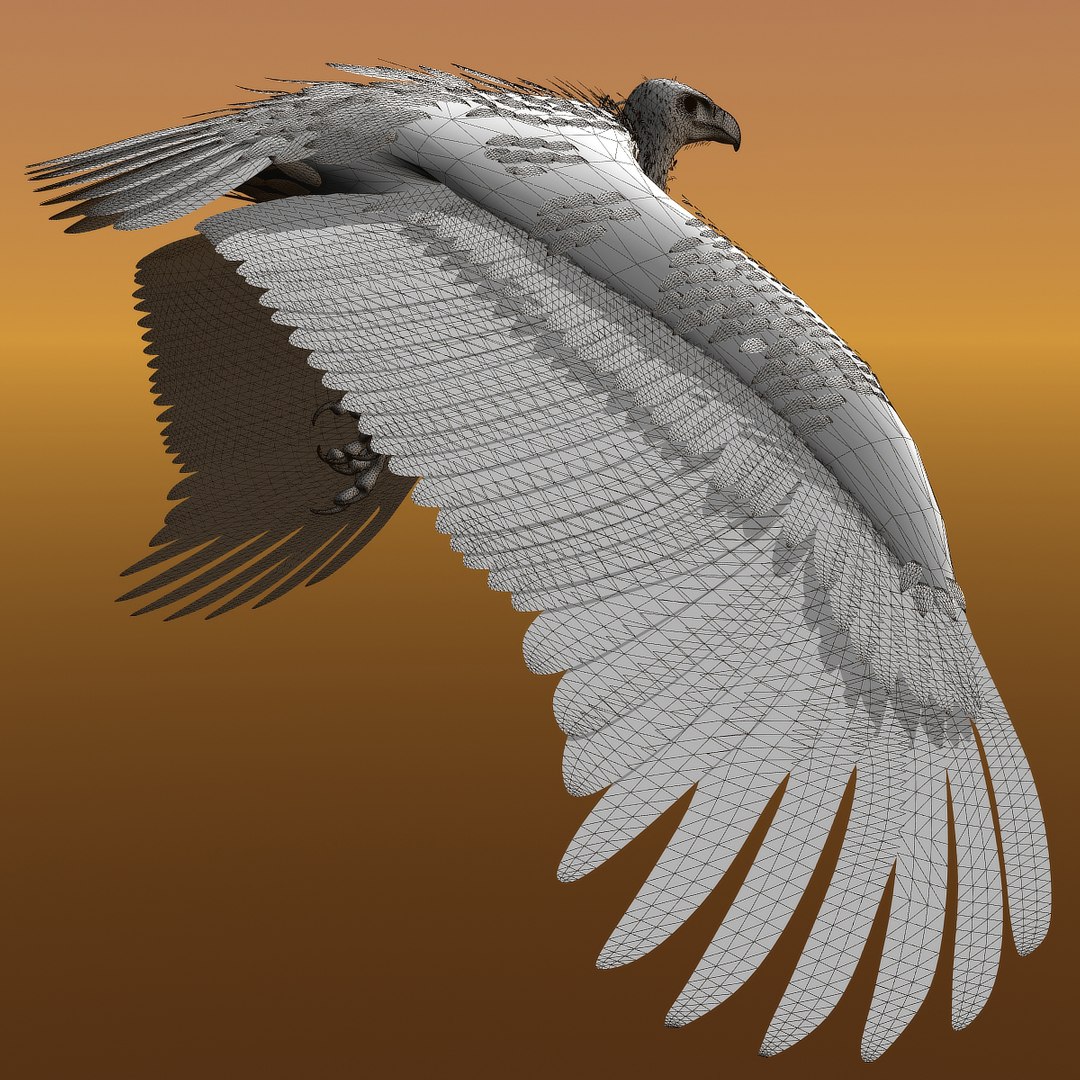
The feathers are geometry so they render fast and no plugins are needed.
The wings are animated using the 3 bones within each. The wings are folded using one of several morph targets.
You can also make adjustments, like spreading the wing tip feathers and spreading the tail using morph targets.
-------------------------
The main controlling object is the "ROOT" bone
I have provided several scene files to get you started:
Zero
Land-Take off
Fly loop
(This Max zip also includes a file "GV-ZERO 1 unit = 1 inch" in which the model is scaled to 1 unit = 1 inch; a more convenient size to work with than the System of 1 unit = 1 meter.)
The feet and legs are controlled by "LT-Foot" and "RT-Foot" respectively. (Lightwave)
The feet and legs are controlled by "LT-FootControl" and "RT-FootControl" respectively. (Max)
There are 3 'neck' bones, a 'head' bone and a 'lower beak' bone.
There are 30 Morph targets. (Lightwave)
There are 30 Morph targets. (Max)
The 'Mouth' phonemes are controlled by 8 Morph targets:
located when you select the CROW mesh and go to "Object" => "Properties" => "Deform" (Lightwave)
located when you select the CROW mesh and go to "Modify" => "Morpher" (Max)
But the mouth can be opened and closed with a bone as well.
The wings are controlled by 3 bones each
and have 3 Morph position, to spread the wing tips and 10 morph positions to manipulate the wing
WingFold-A1
WingFold-A2b
WingFold-A2d
WingFold-A2e
WingFold-A3
WingFold-A3b
WingFold-A4
WingFold-A5
WingFold-A6
WingFold-A7
WingTIpsDN
WingTIpsSpread-01
WingTIpsSpread-02
WingTIpsSpread-03
The Tail spread is controlled via Morph target "TailSpread", the Tail bone controls position and rotation.
The toes are controlled by 12 bones on each foot.
To fold the wings use the morphs noted above.
But if you have positioned the wings by moving the bones, AND you try to use morph targets to fold them, you WILL have some pretty weird distortions that will freak you out.
Don't panic, the solution is to 'zero' out your wing bone positions, as or just before you apply the 'Morph' targets.
-------------
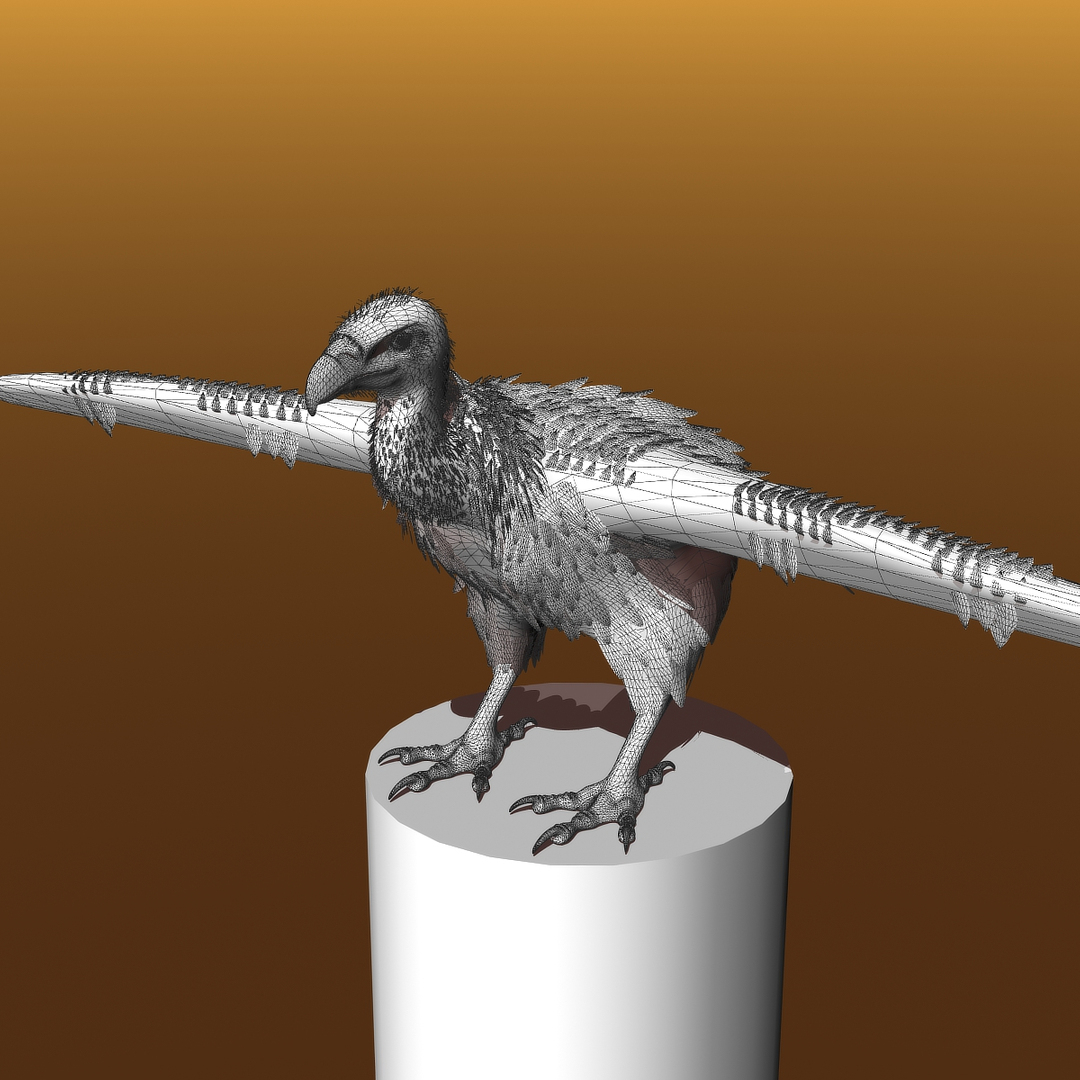
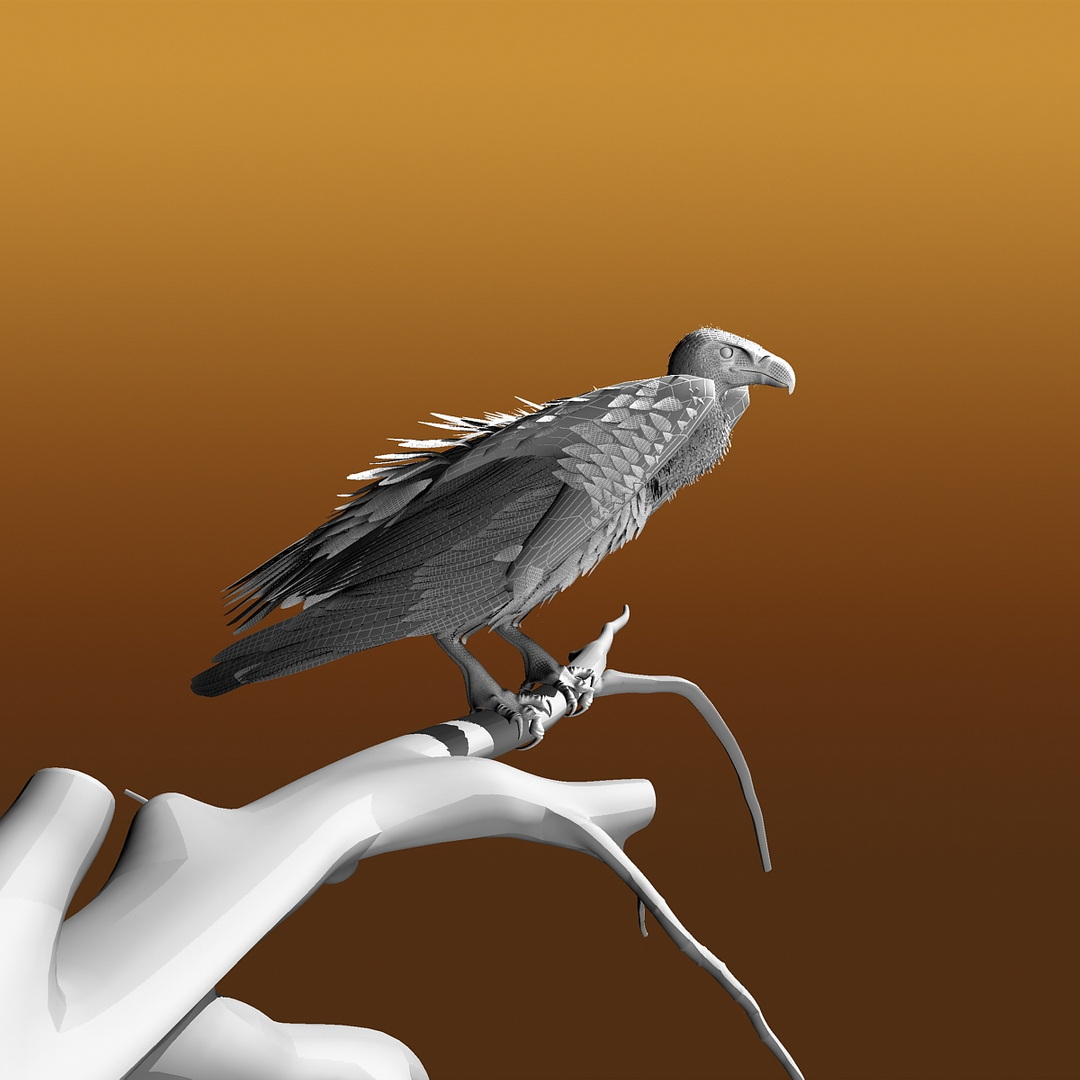
The model is made hi resolution by using Sub-Patching, so the actual geometry is much less than the rendered geometry.
LIGHTWAVE:
Real Geometry
Griffon Vulture:
38788 verticies
19305 polygons
Tree:
Real Geometry:
2399 verticies
2458 polygons
SkyGlobe
Real Geometry:
266 verticies
288 polygons
--------------------------
Vulture, Tree, Skyglobe
Real Geometry:
41453 verticies
22051 polygons
------------------------------------------------------------------------------
3DS MAX:
Real Geometry
Griffon Vulture:
38788 verticies
37005 polygons
Tree:
Real Geometry:
2433 verticies
2458 polygons
SkyGlobe
Real Geometry:
266 verticies
288 polygons
--------------------------
Vulture, Tree, Skyglobe
Real Geometry:
41487 verticies
39751 polygons
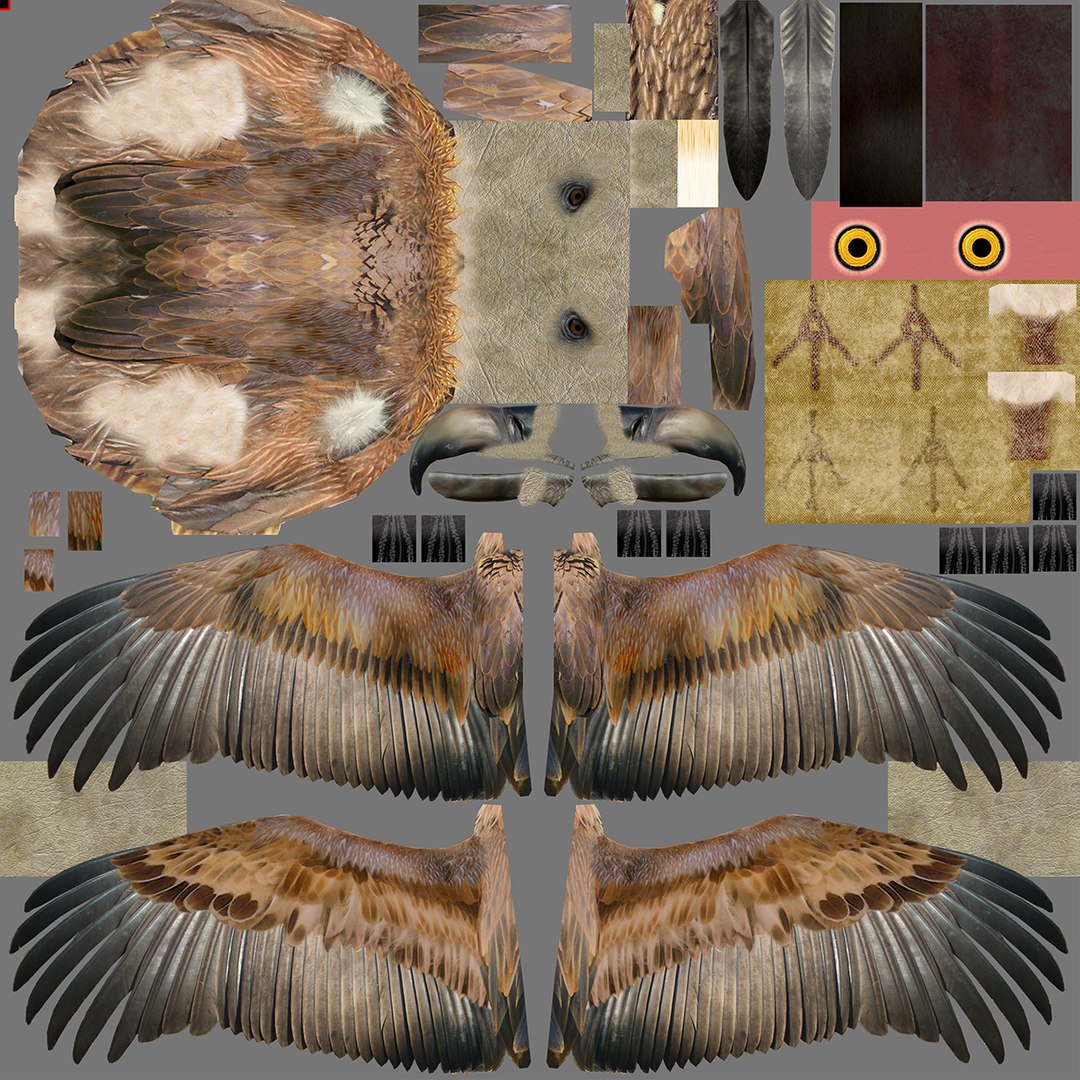
the maps are RGB or greyscale, 300dpi, 3999px X 3999px

 Apple Quick Look
 Meta Spark
 Omniverse
 Snap Studio
 TikTok
 Unity
Unity
 Unreal
 3ds Max
 Blender
 Cinema 4D
 Maya
Maya