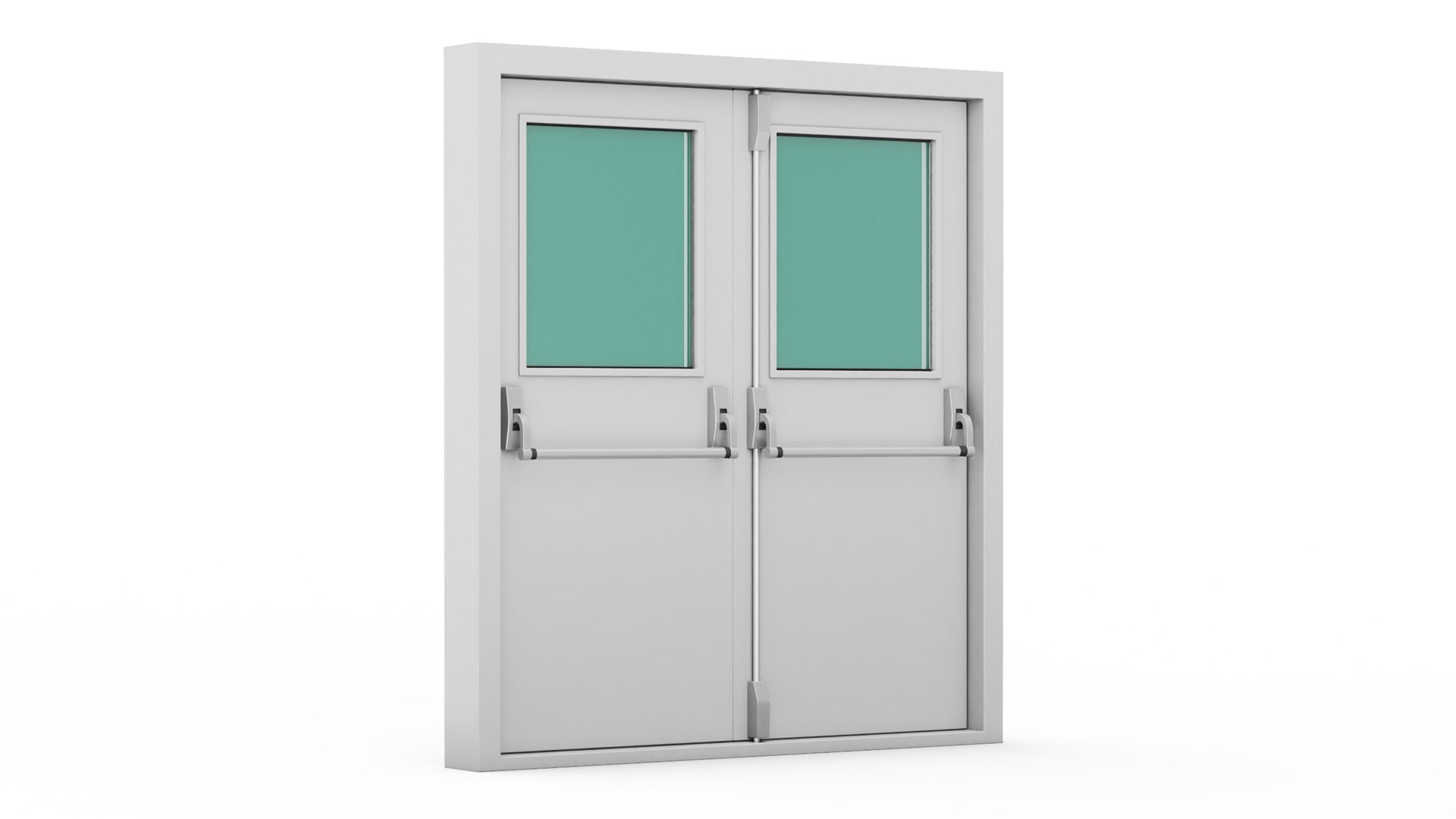
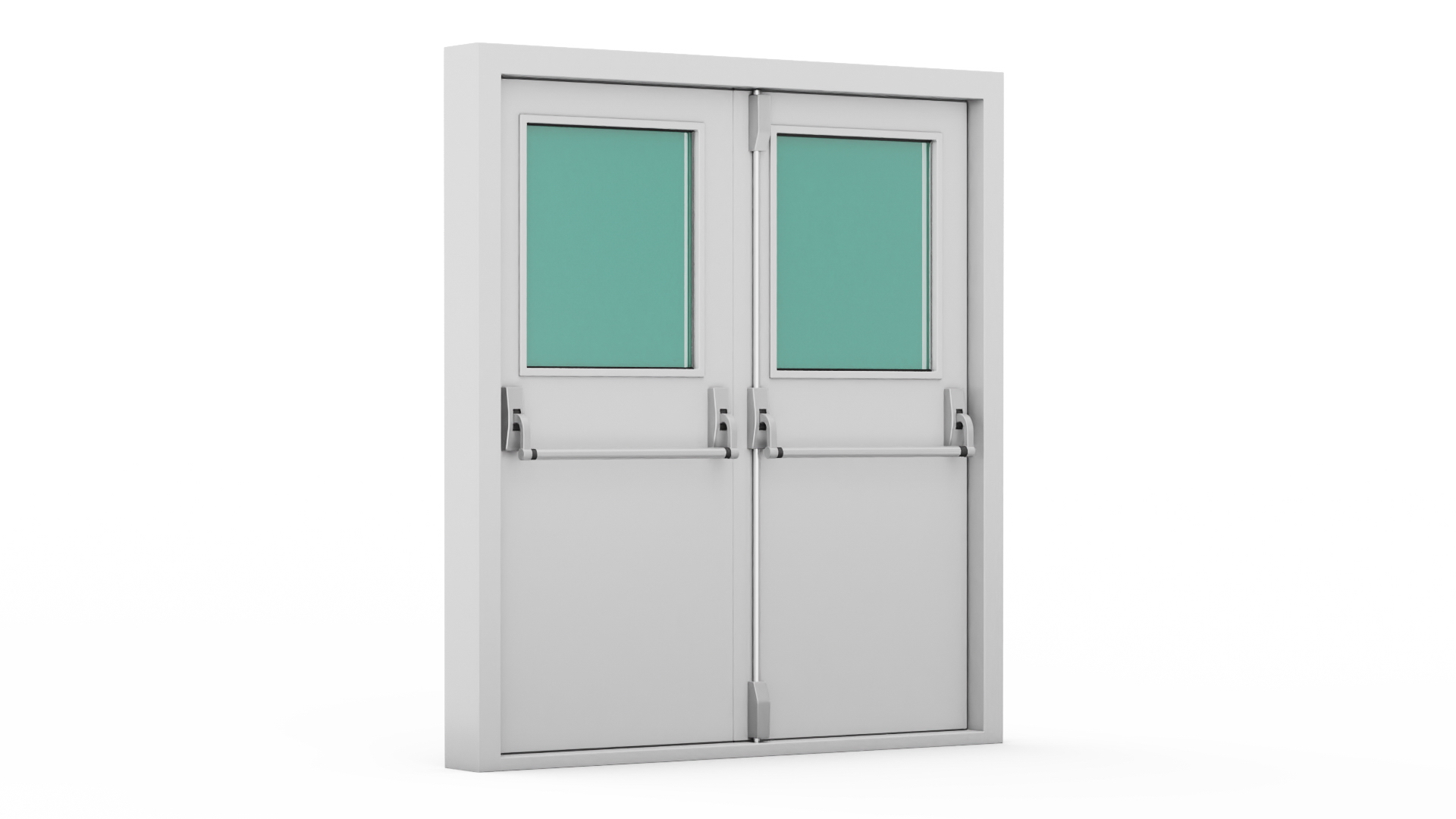
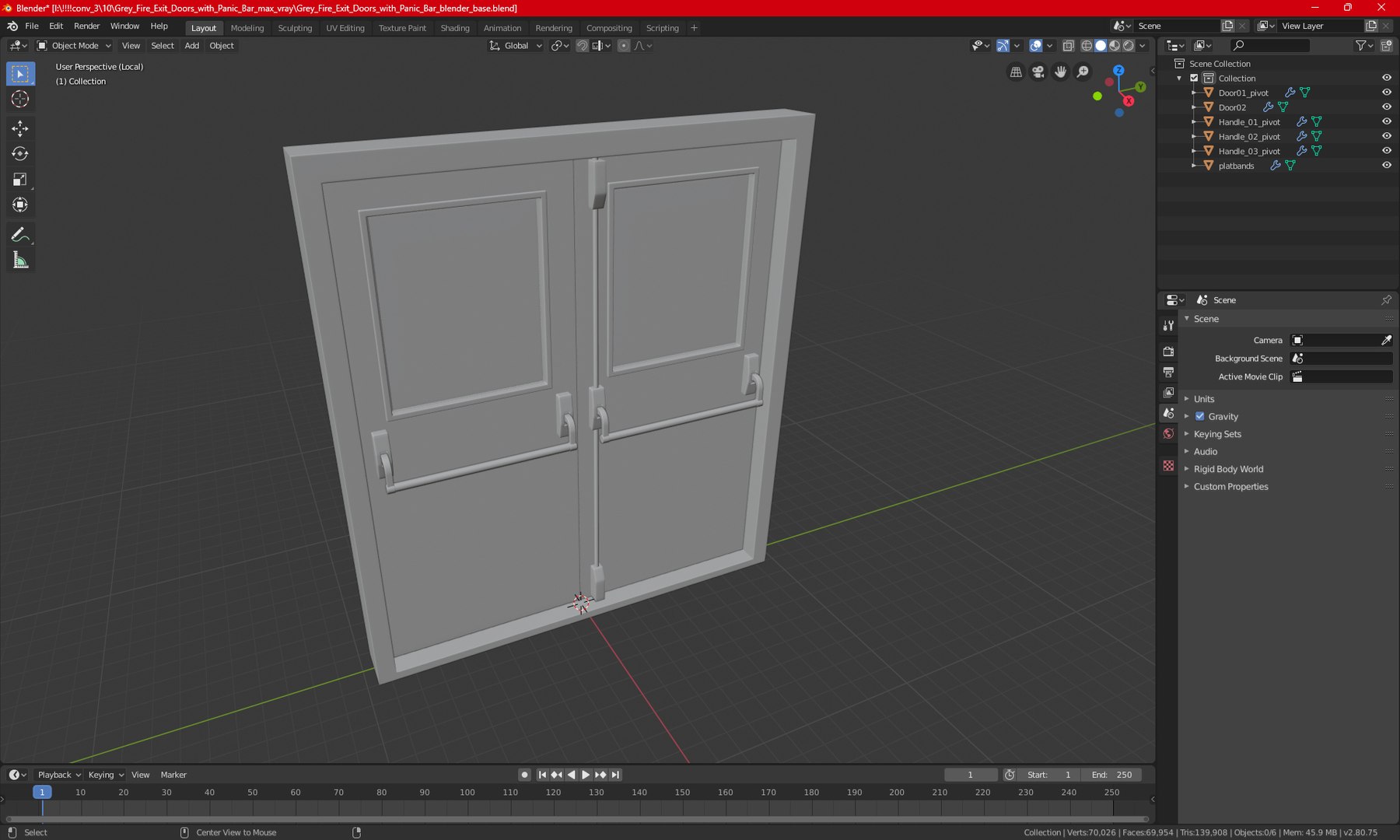
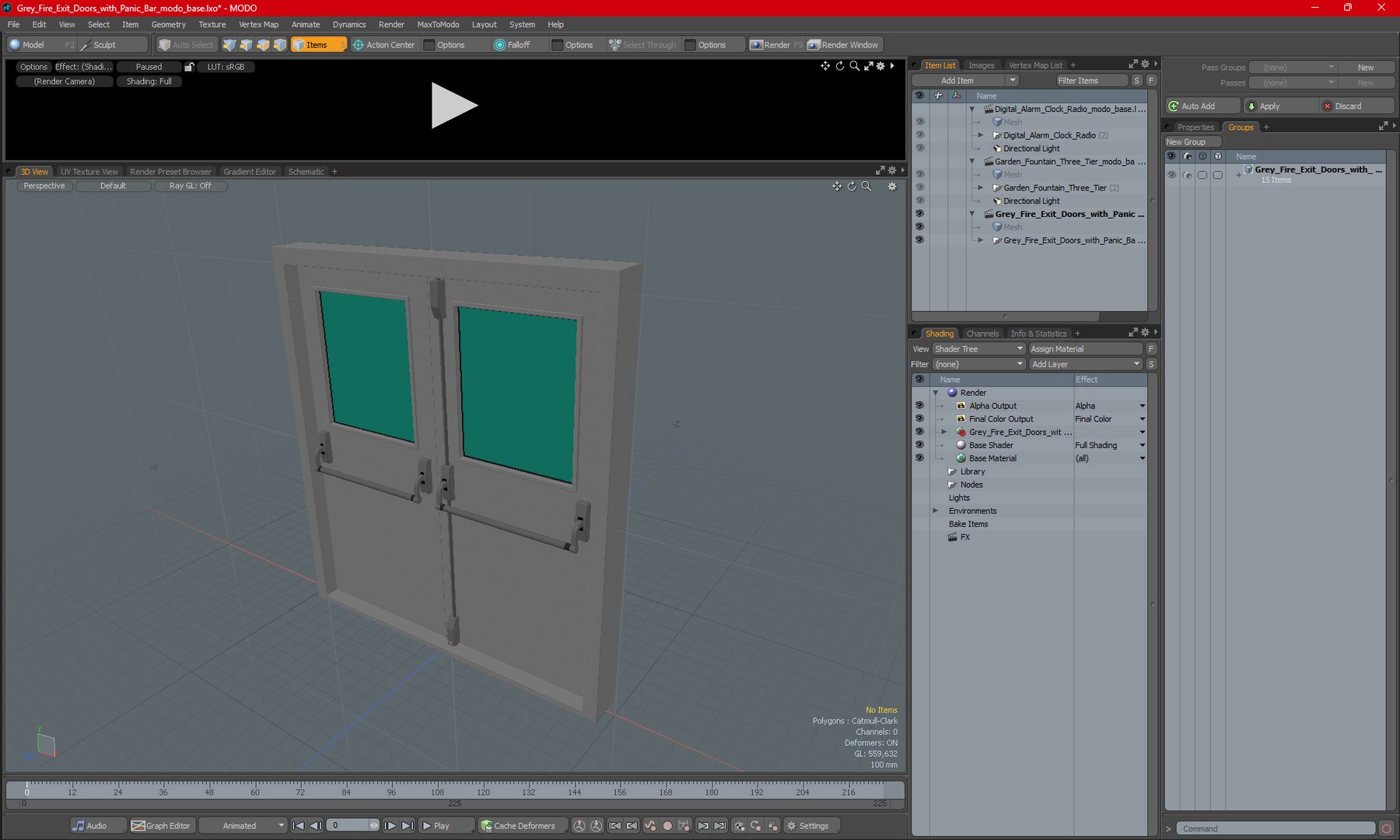
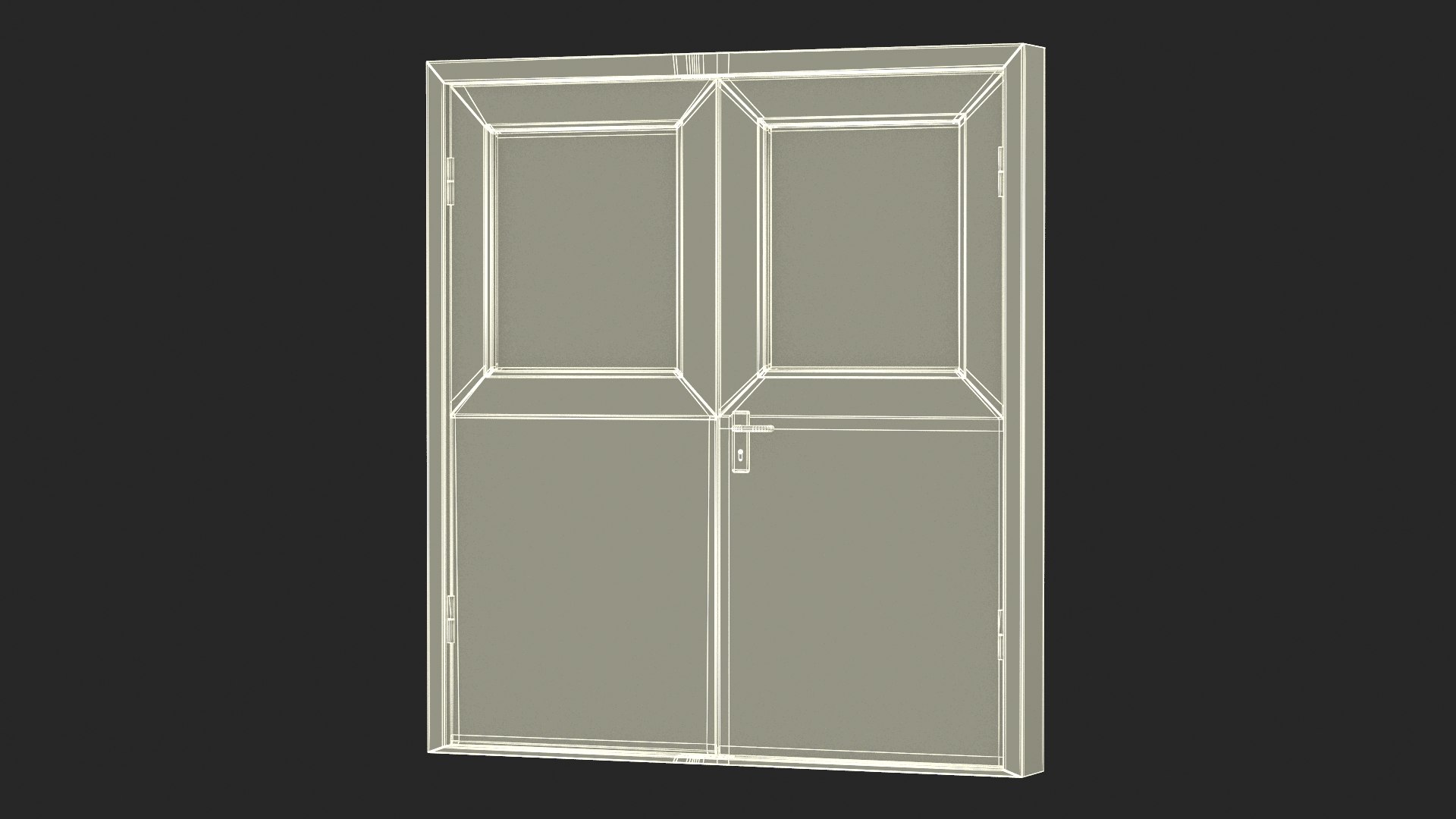
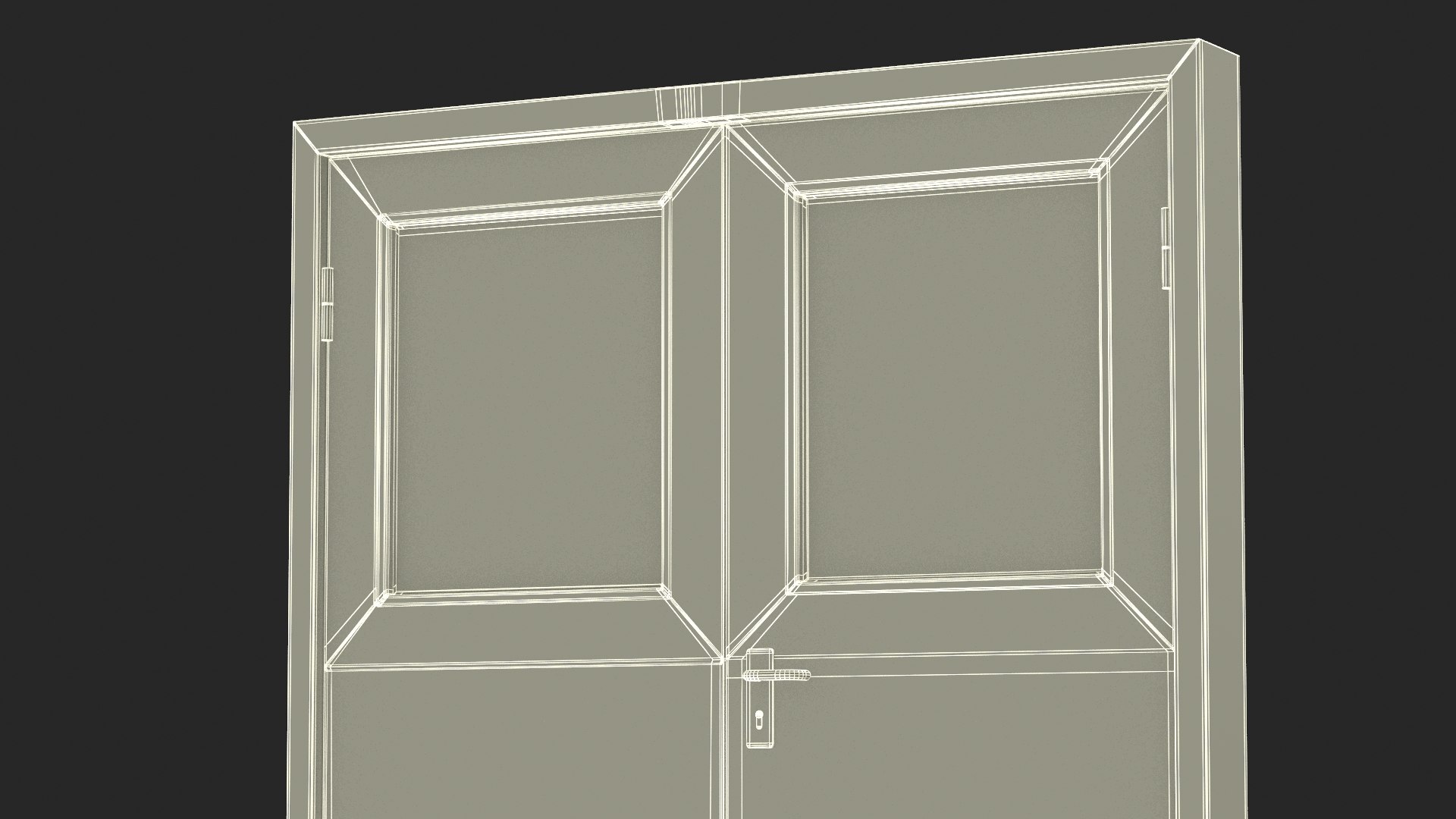
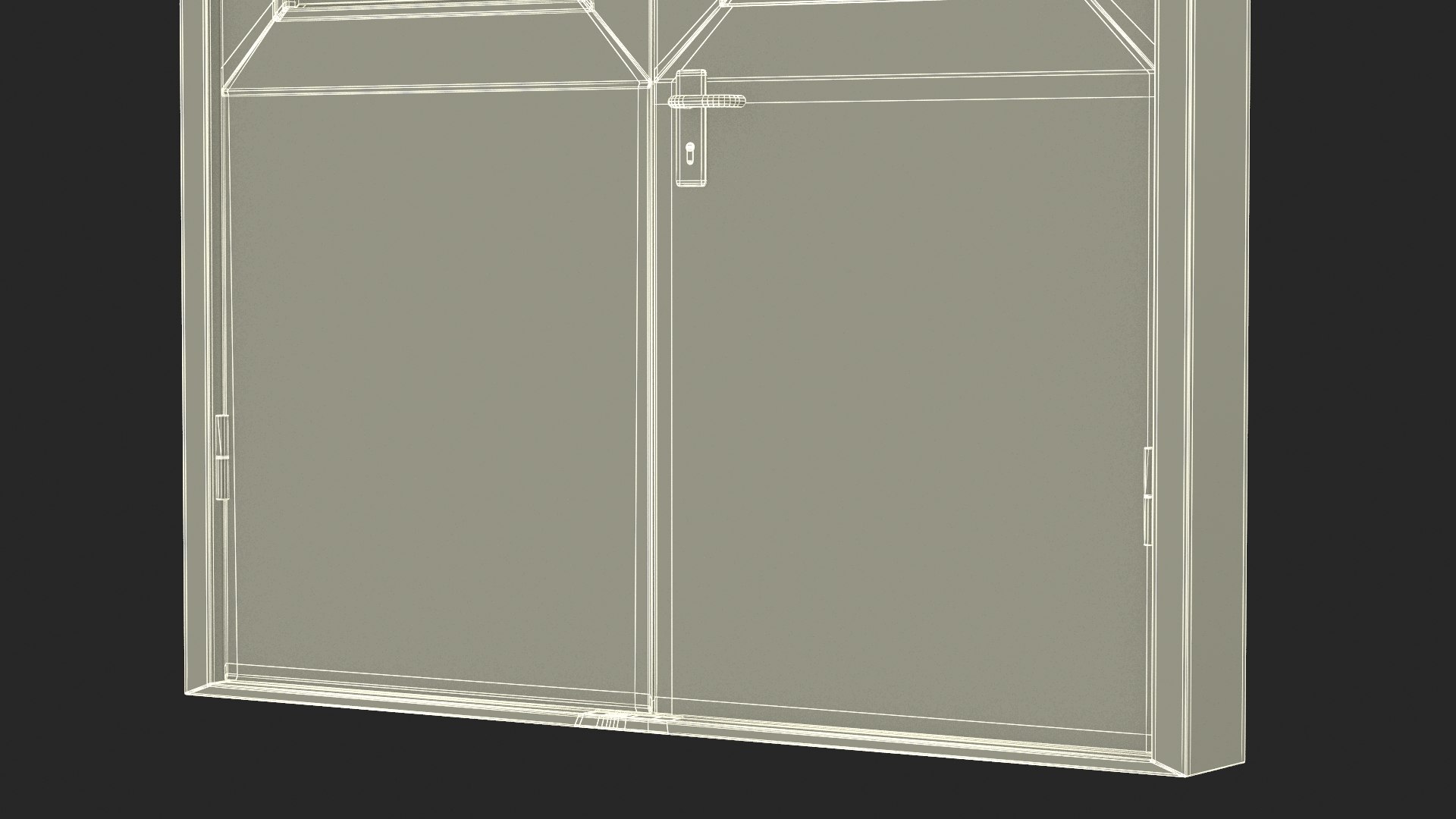
Grey Fire Exit Doors with Panic Bar

$19

Standard License | Upgrade License
Formats (14)
Native | 3ds Max 2014 | V-Ray 3.6
Cinema 4D R17 | Default Scanline
Cinema 4D R17 | V-Ray
3ds Max 2014 | Corona
3ds Max 2014 | mental ray
3ds Max 2014 | Default Scanline
Maya 2016 | Maya Hardware
Maya 2016 | V-Ray
Modo 10.2 | Other
3D Studio
Blender
FBX
Maya
OBJ
Specifications
Publish Date April 10, 2023
Product ID 2054439
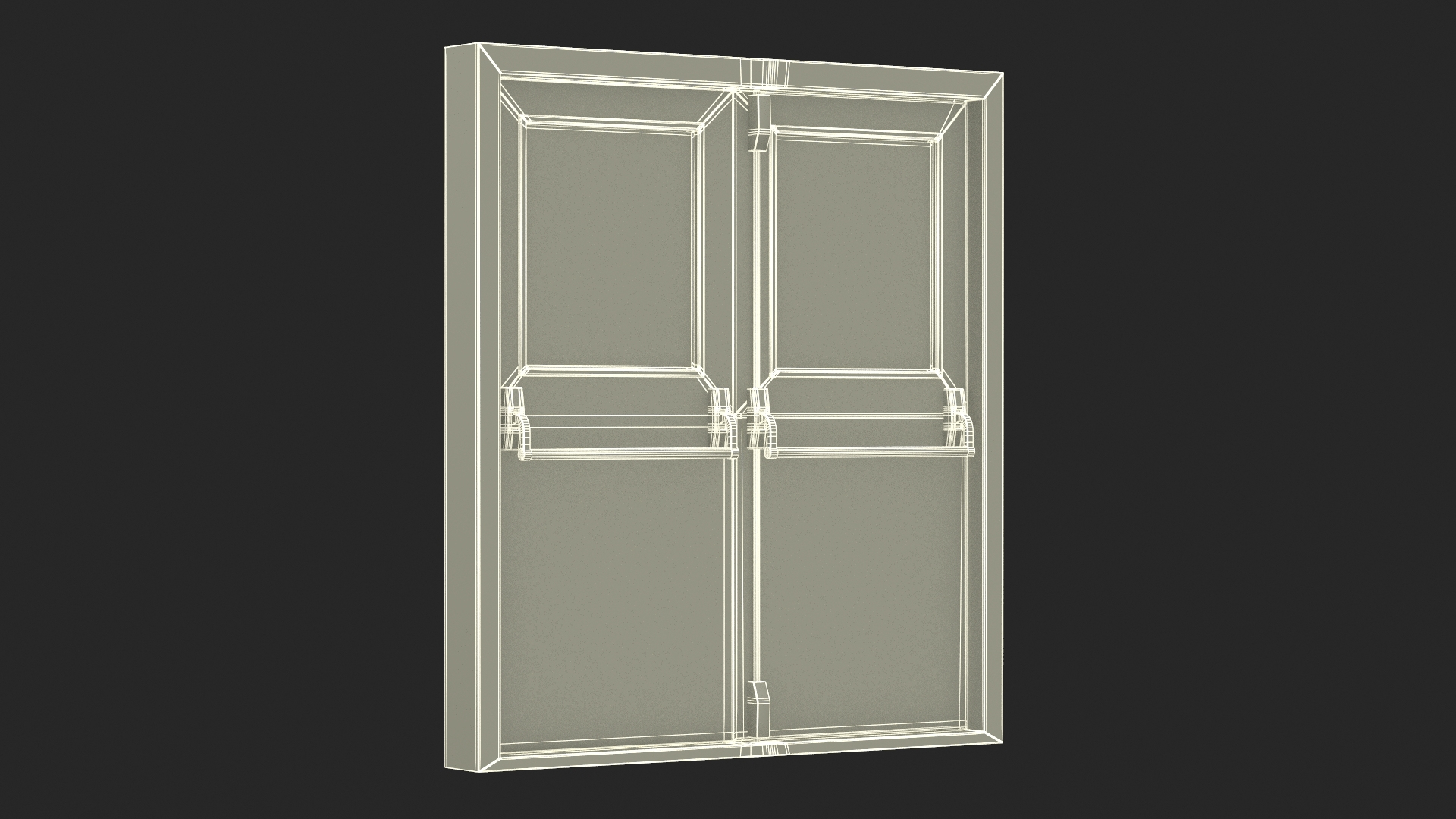
Polygons 18,394
Vertices 17,546
Polygonal Quads/Tris Geometry
Textures
Materials
UV Mapped
Non-overlapping Unwrapped UVs
TurboSquid Exclusive
member avatar
3d_molier International
85595 Products | Contributor Since 2015
Have questions? Chat with us now.

Description

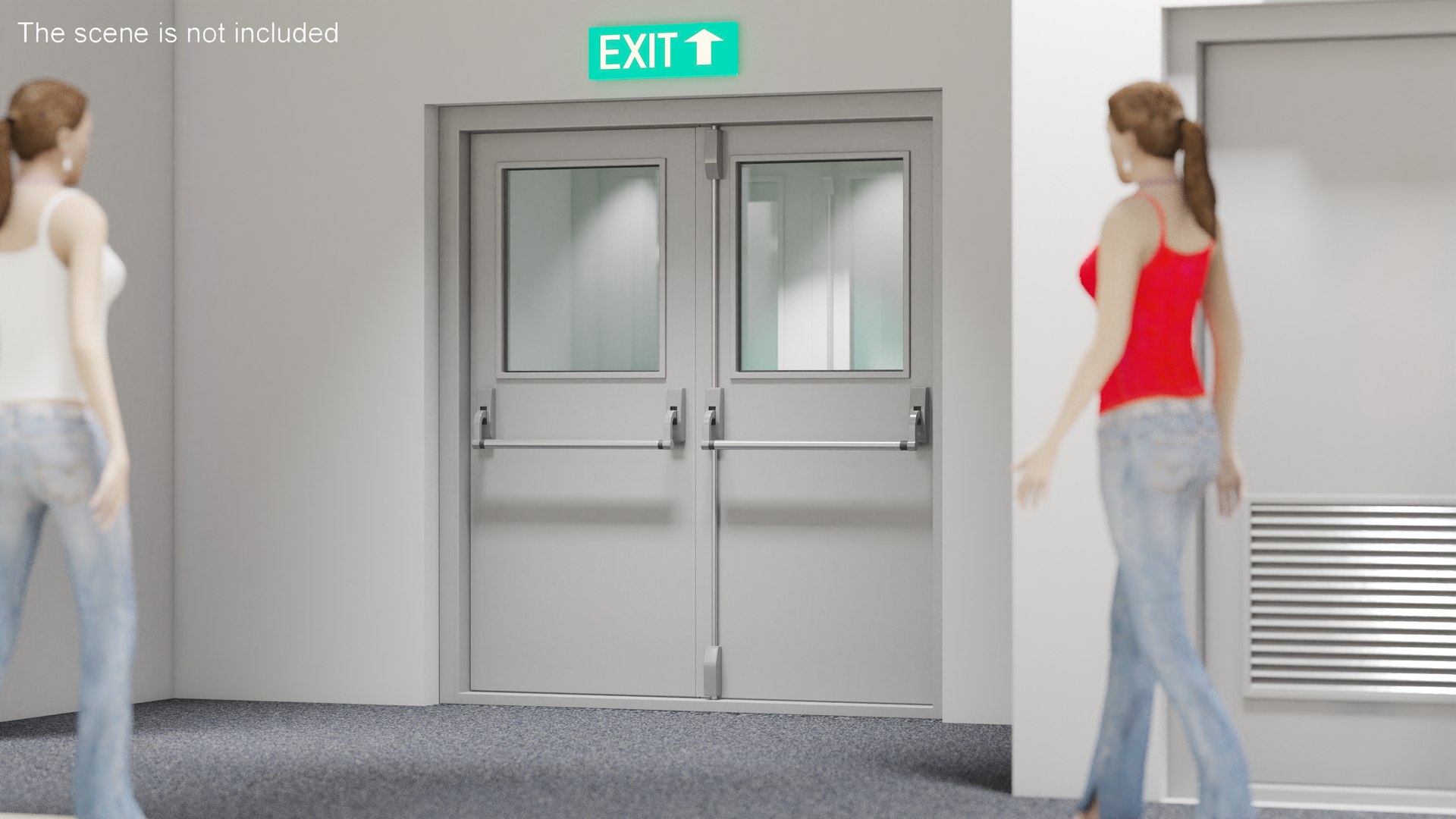
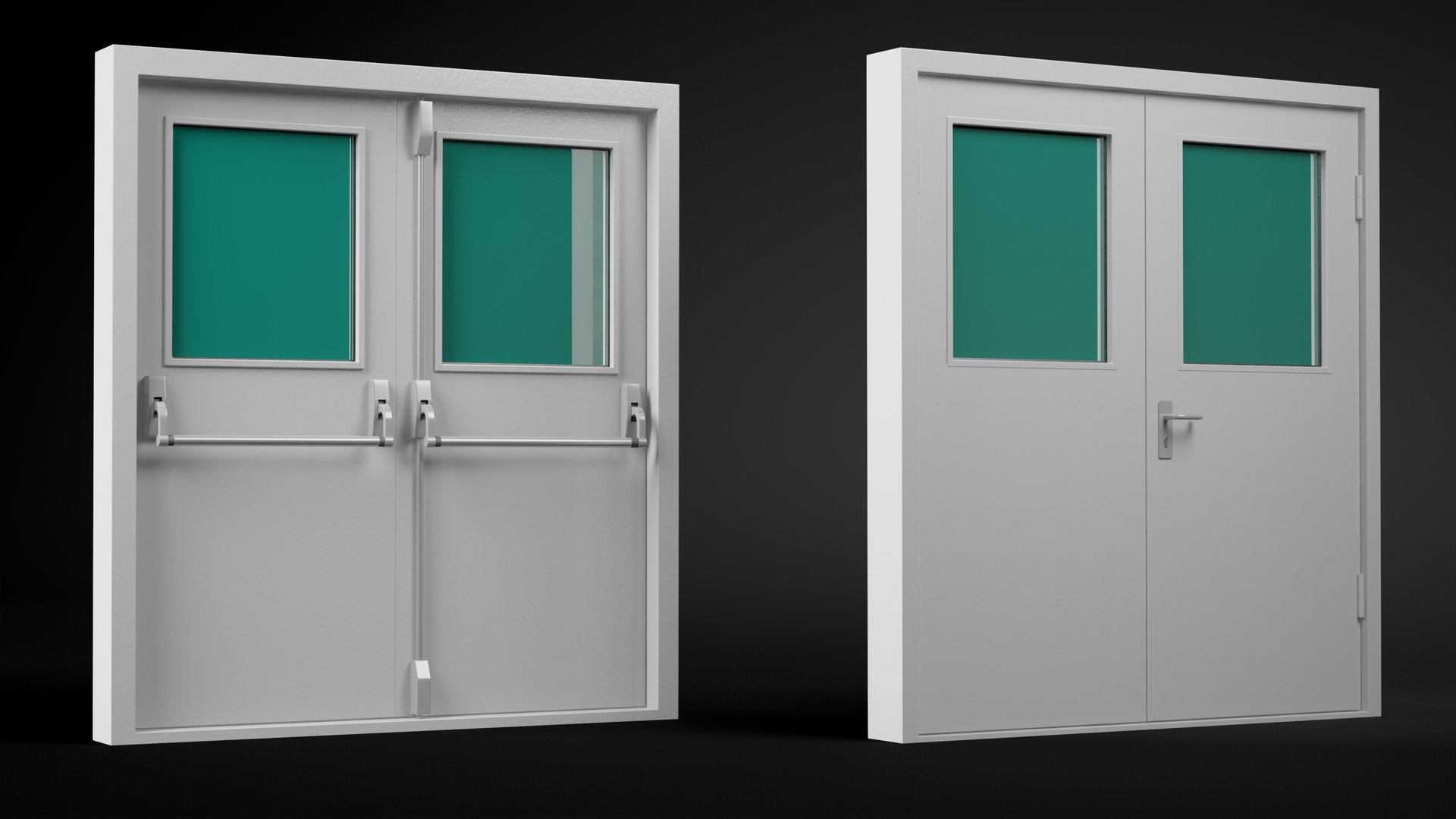
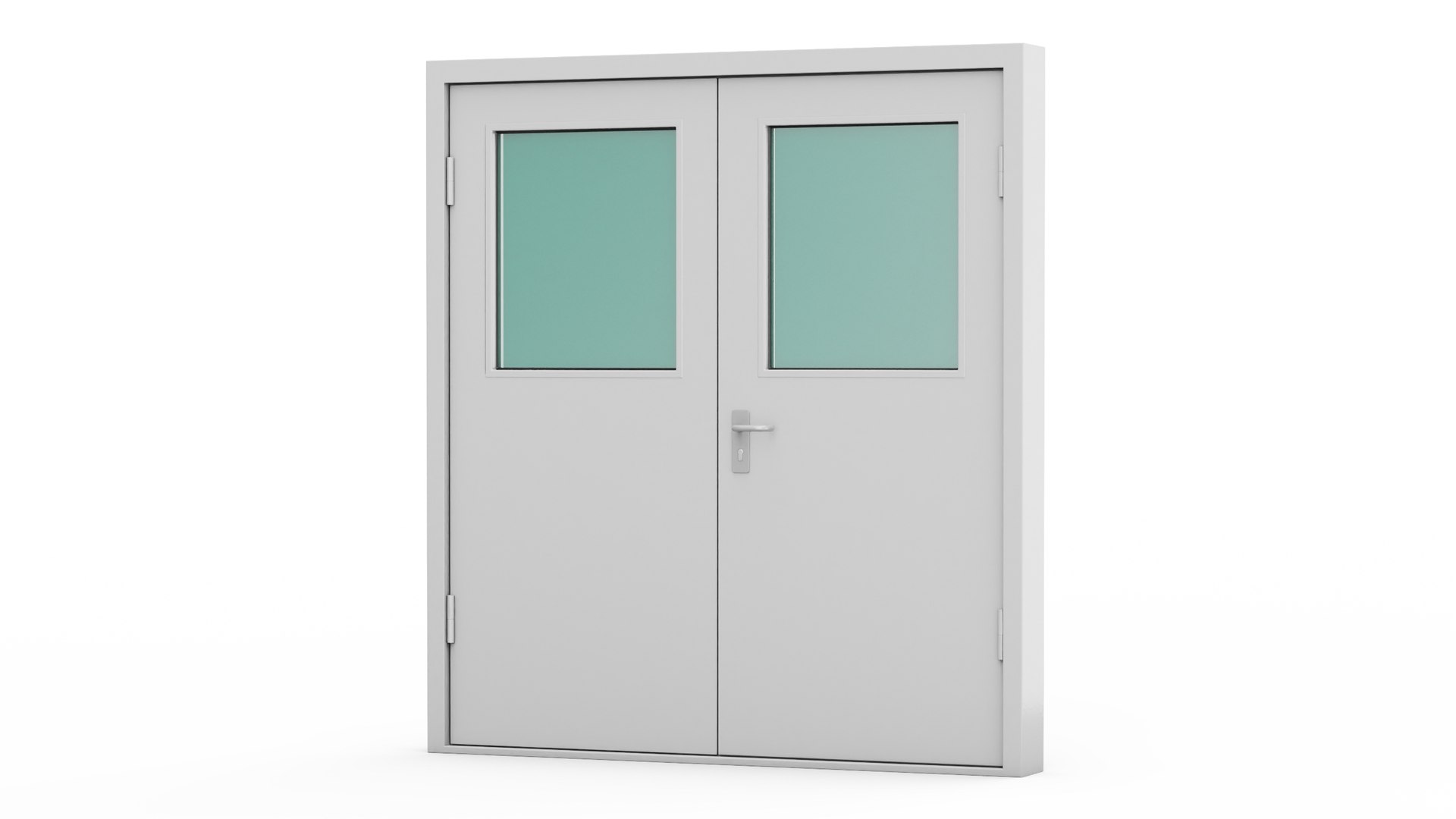
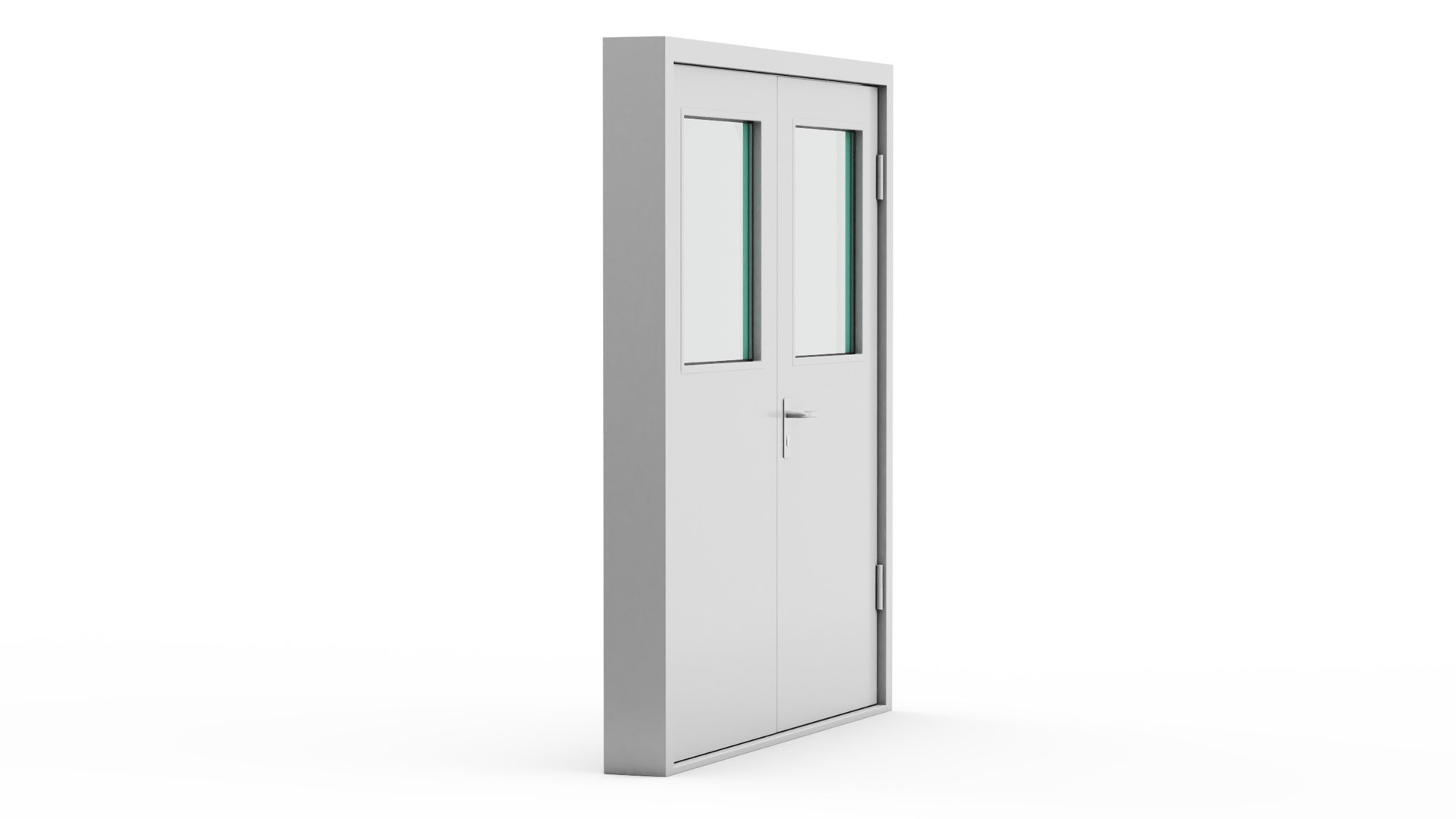
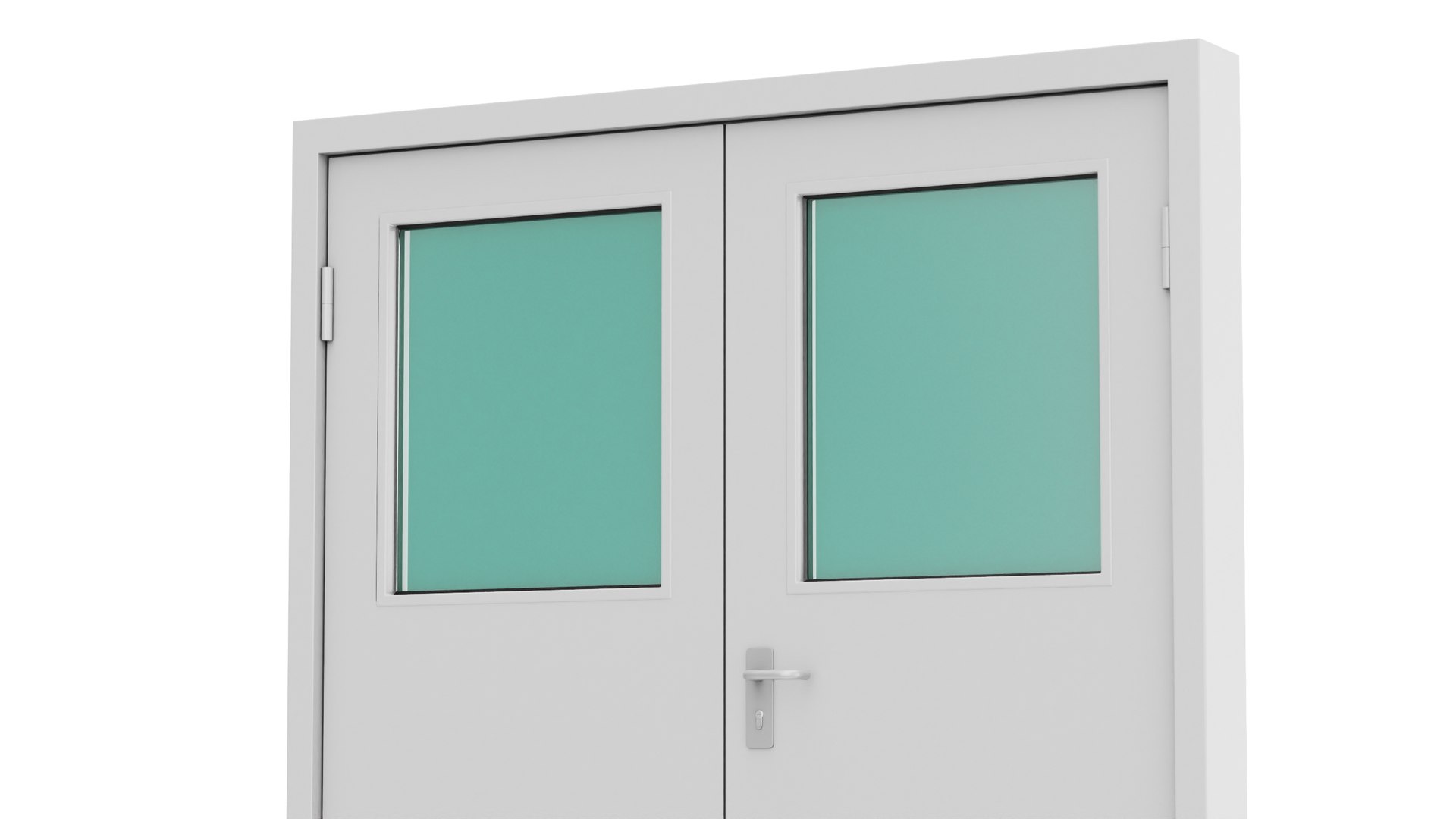
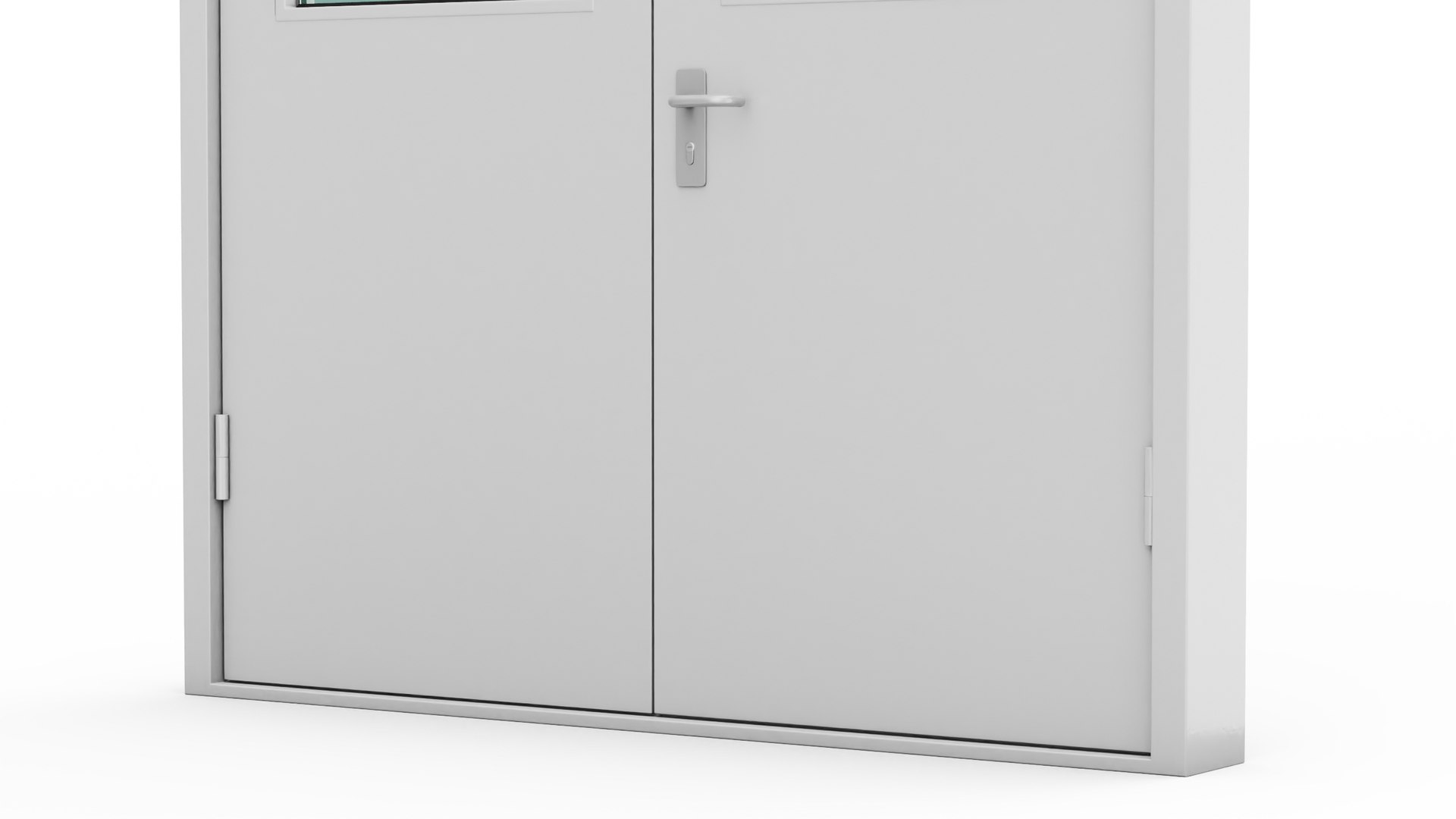
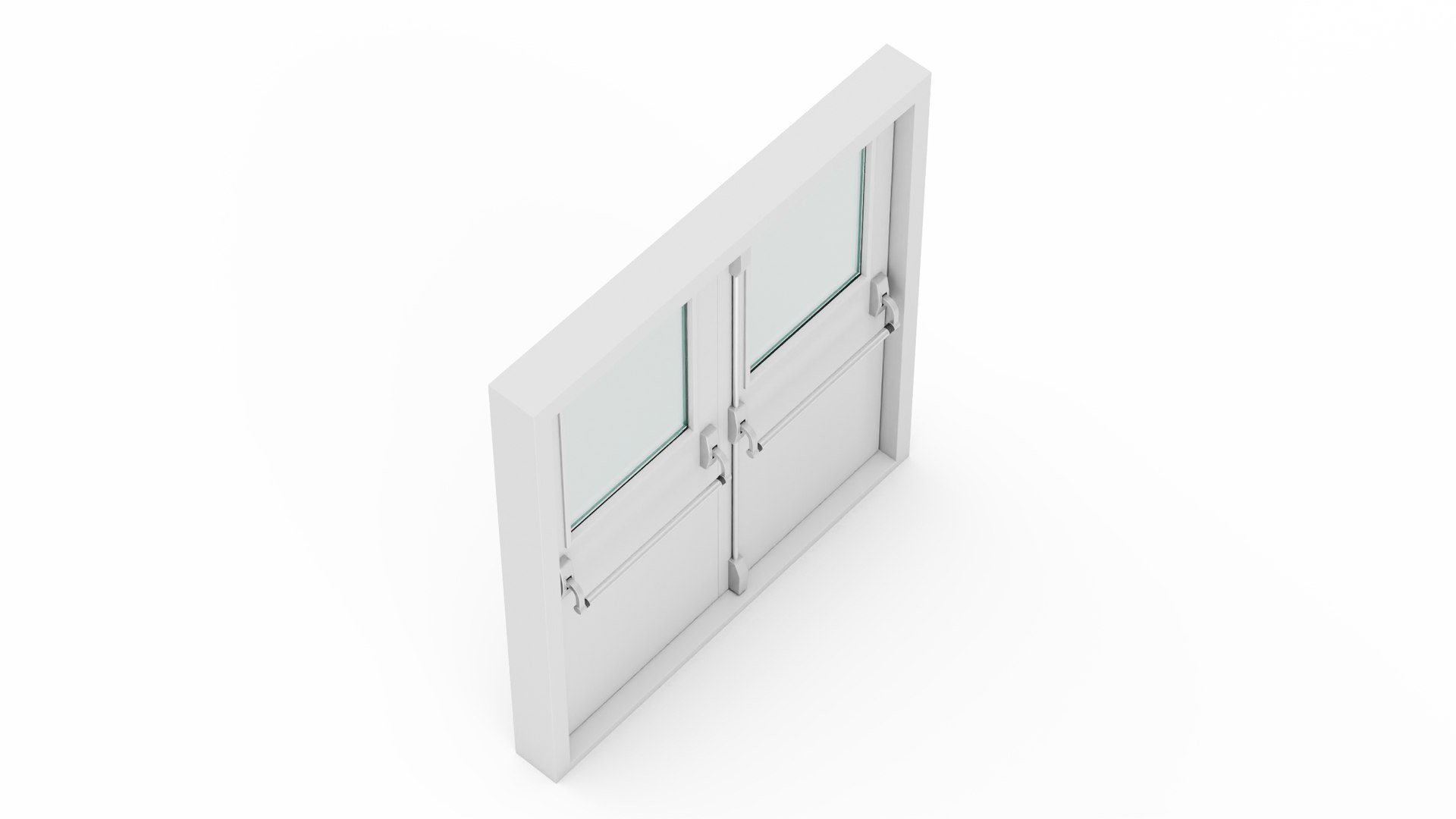
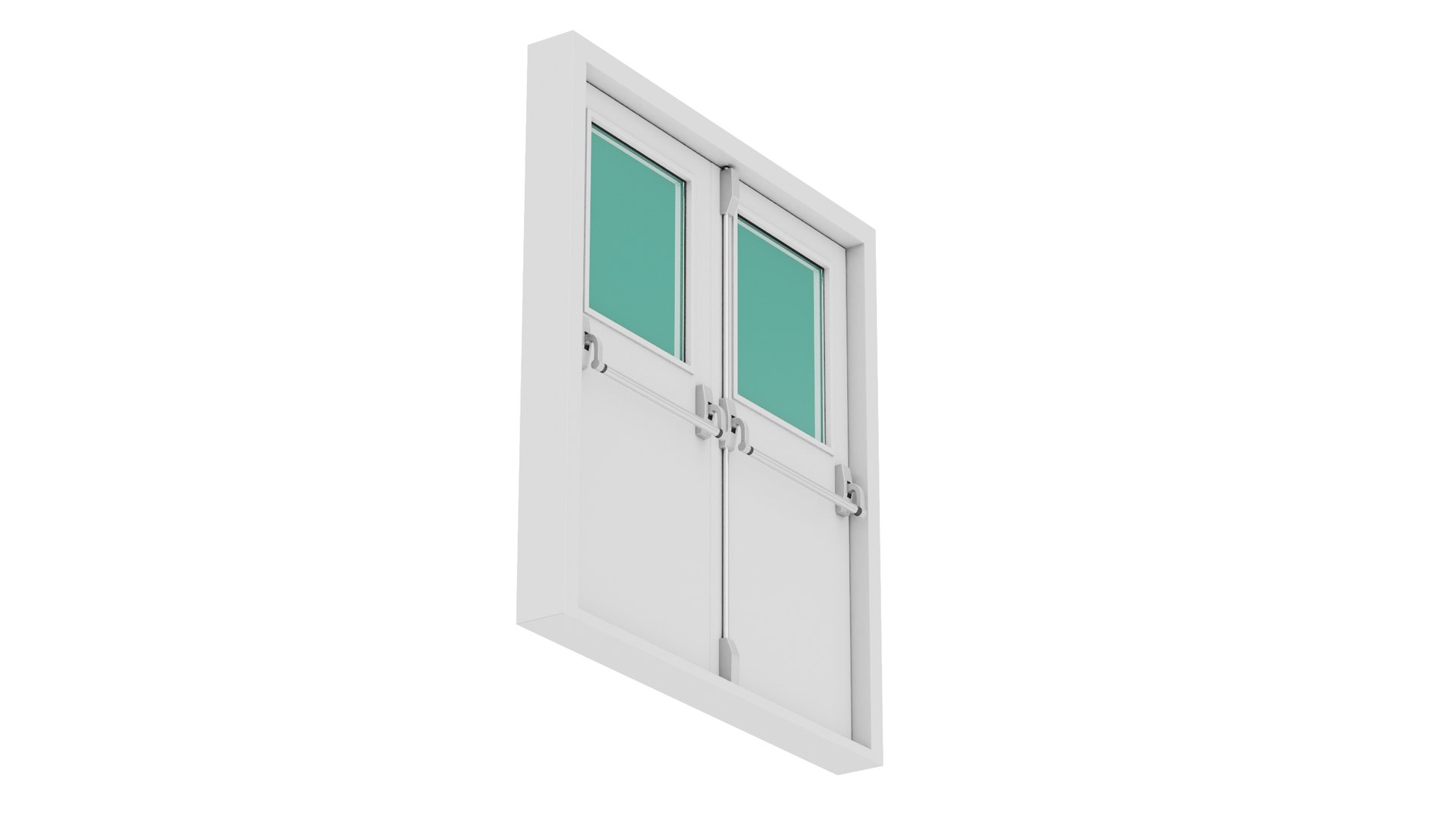
Grey Fire Exit Doors with Panic Bar is a 3D model of emergency exit construction that is specifically designed to provide a safe and easy way for people to evacuate the building in the event of a fire, flood, earthquake or other emergency.


Double fire exit door with crash bar that can be used to open easily and quickly from the inside, so that people can escape the building (house) safely and quickly, and that is only to be used in the case of an emergency or disaster.
For firefighting equipment, fire emergency purposes equipment, fire emergency services, firefighter accessories, fire equipment, fire fighting devices, fire services, firefighting support equipment, and fire fighting services promotional projects.

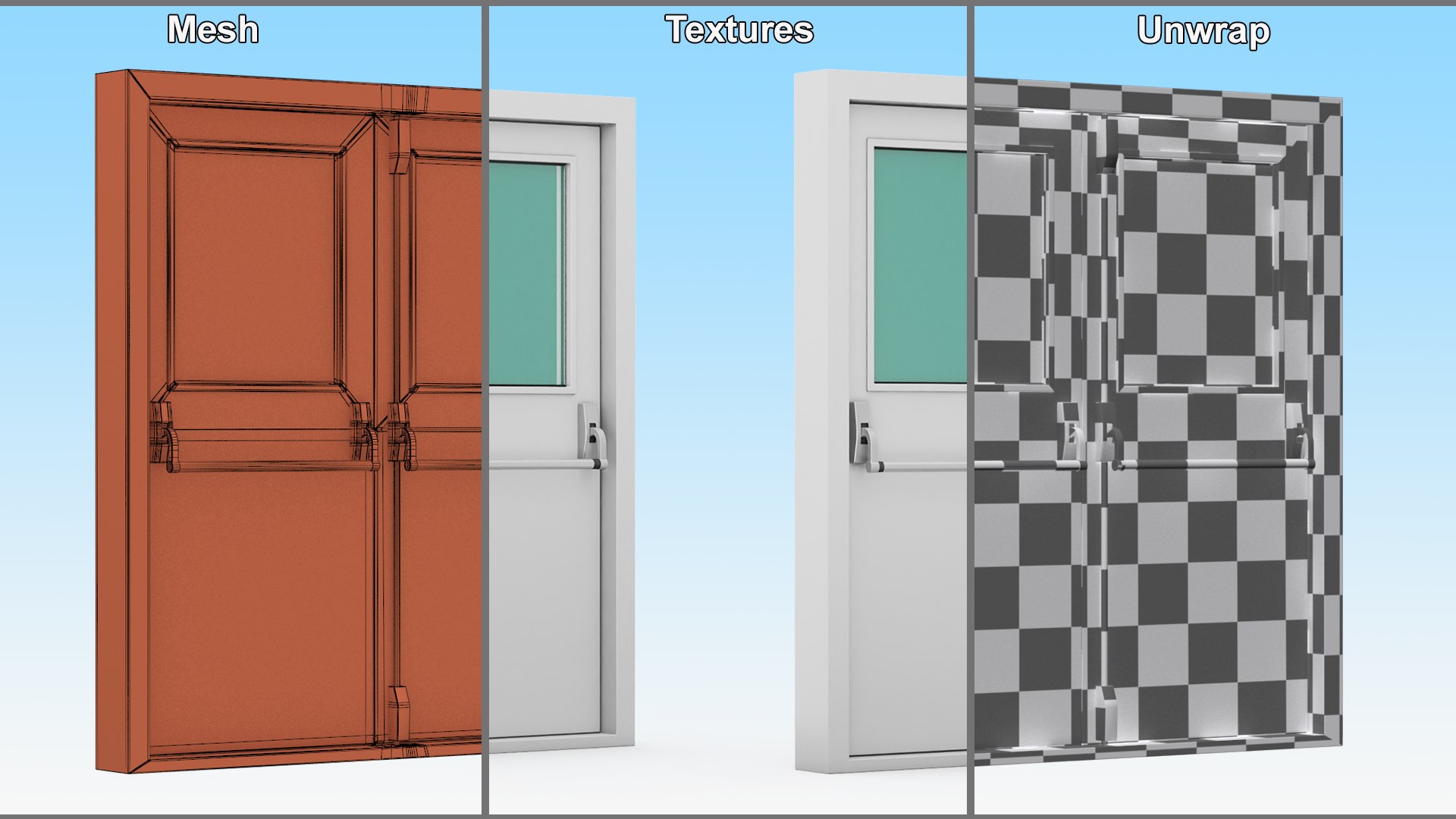
Grey Fire Exit Doors with Panic Bar is a high quality, photo real 3d model that will enhance detail and realism to any of your rendering projects. The model has a fully textured, detailed design that allows for close-up renders, and was originally modeled in 3ds Max 2014 and rendered with V-Ray. Renders have no postprocessing!

Hope you like it!

*****
Features:
- High quality polygonal model, has real dimensions. Easy to merge into your scene.
- Units: cm
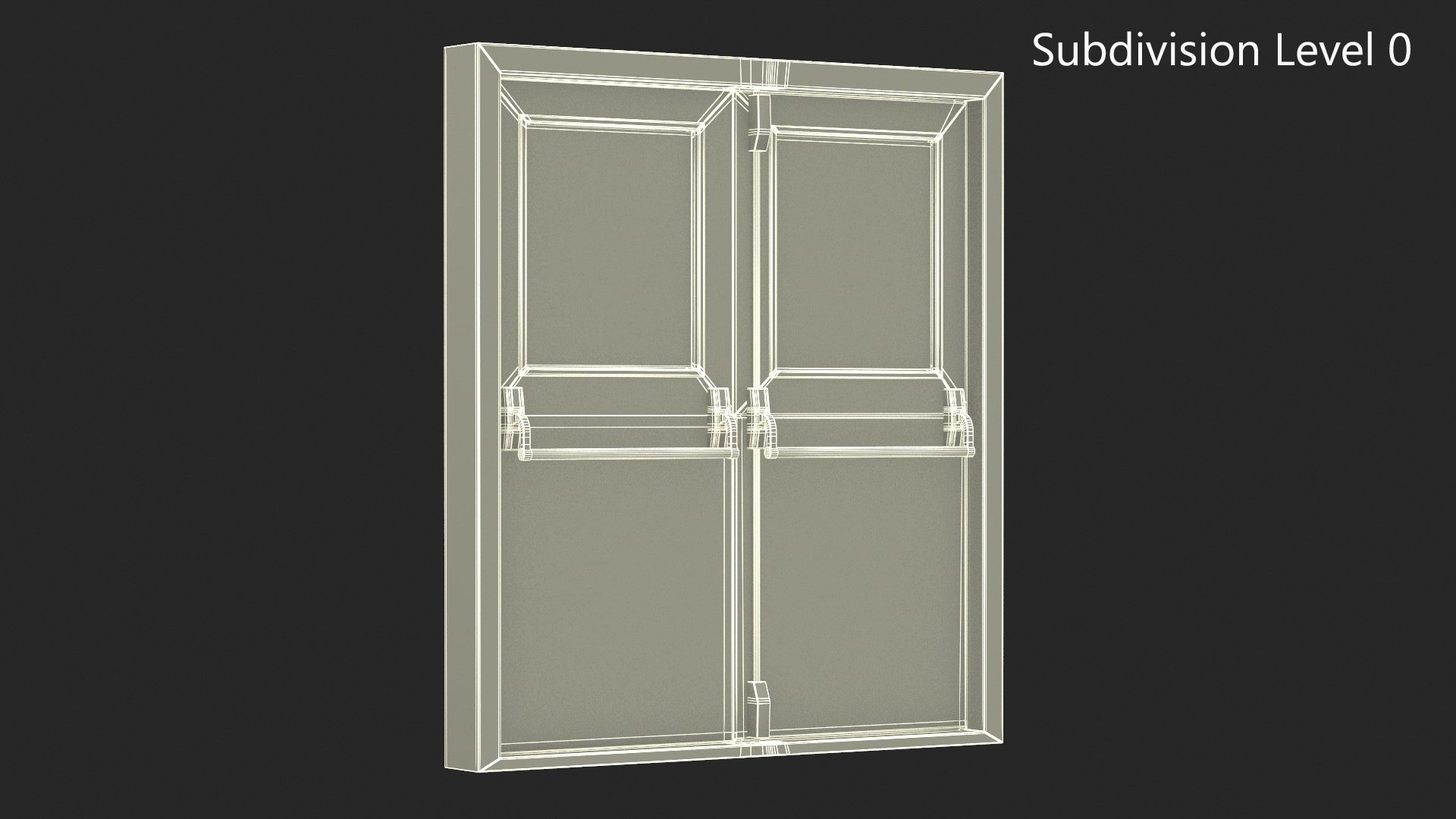
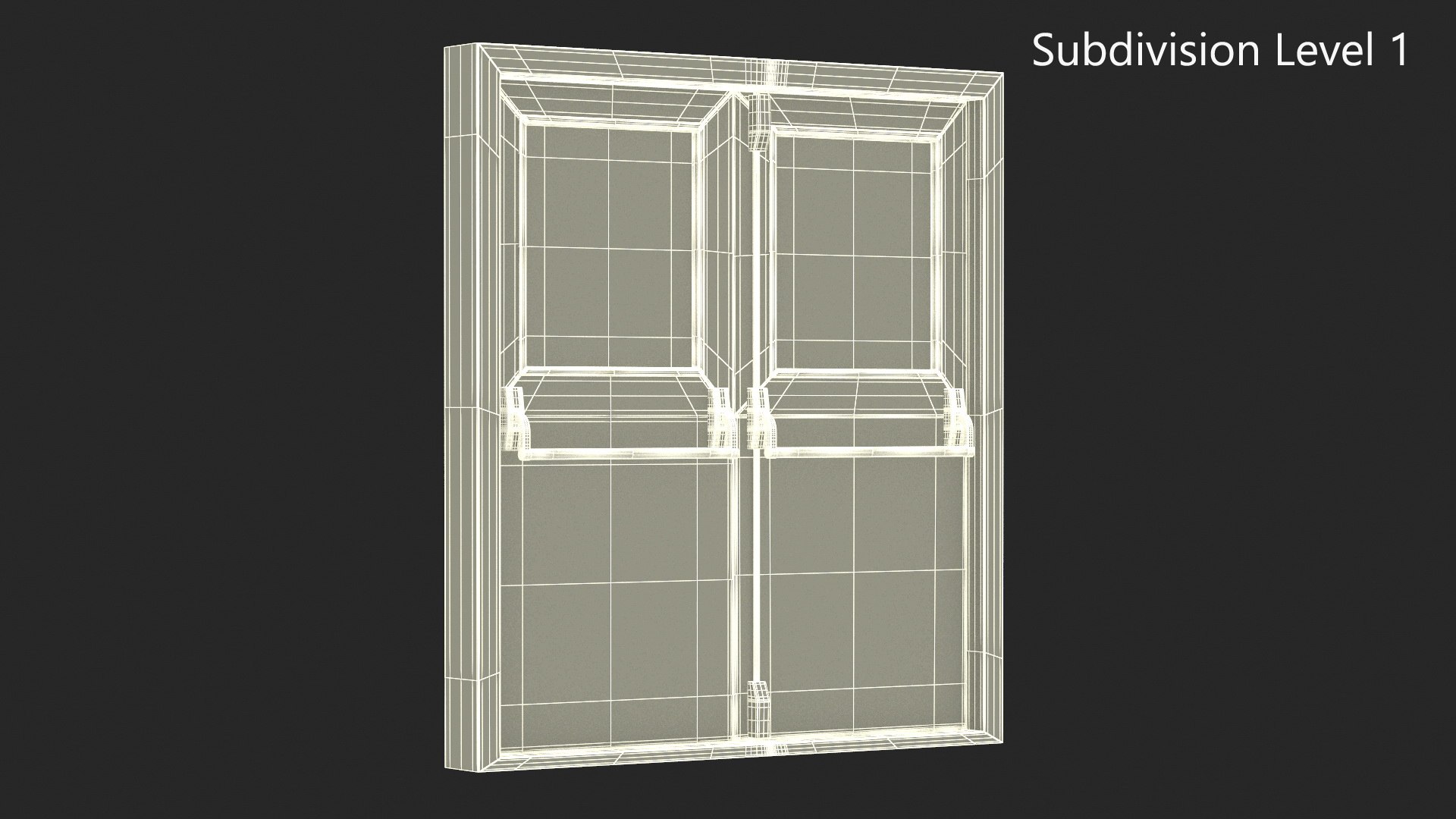
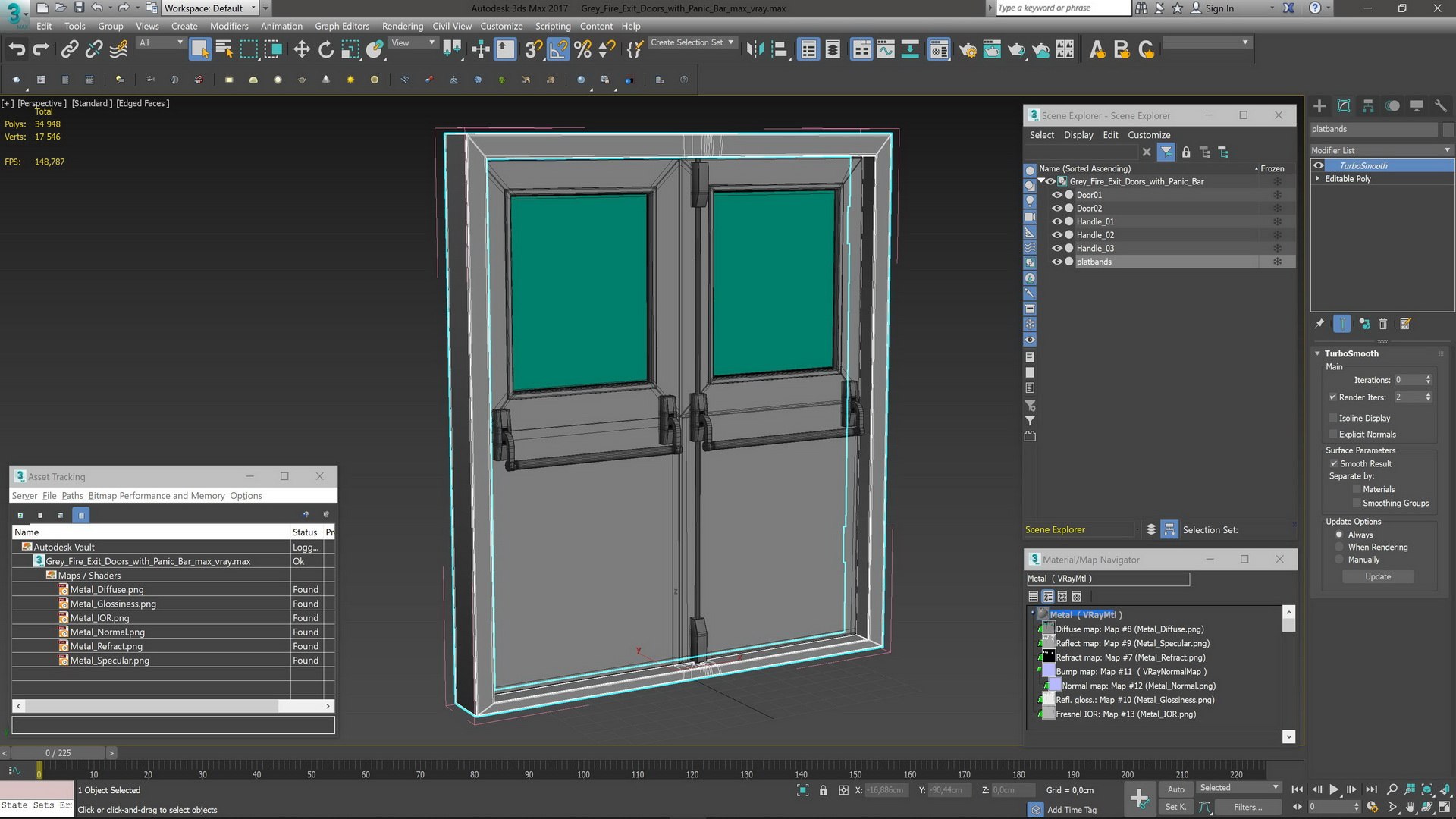
- The model was created with the optimal number of polygons. (The Meshsmooth modifier is assigned to the original mesh. Easy to increase mesh resolution if necessary.)
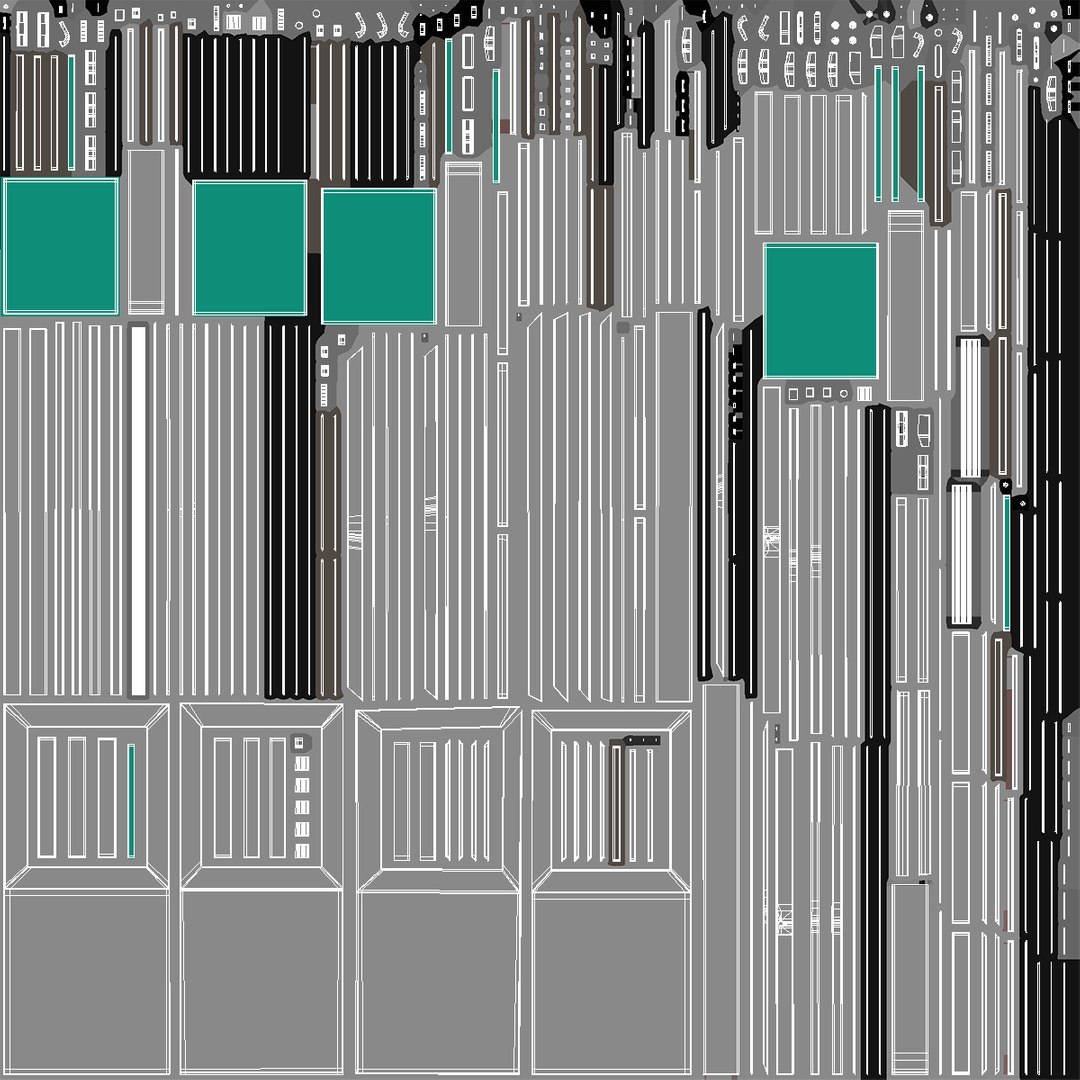
- All the objects come with complete UVs
- All textures and materials are included and mapped. (All colors can be easily modified.)
- All objects are logically named and grouped for ease of objects selection and scene management.
- No part-name confusion when importing several models into a scene.
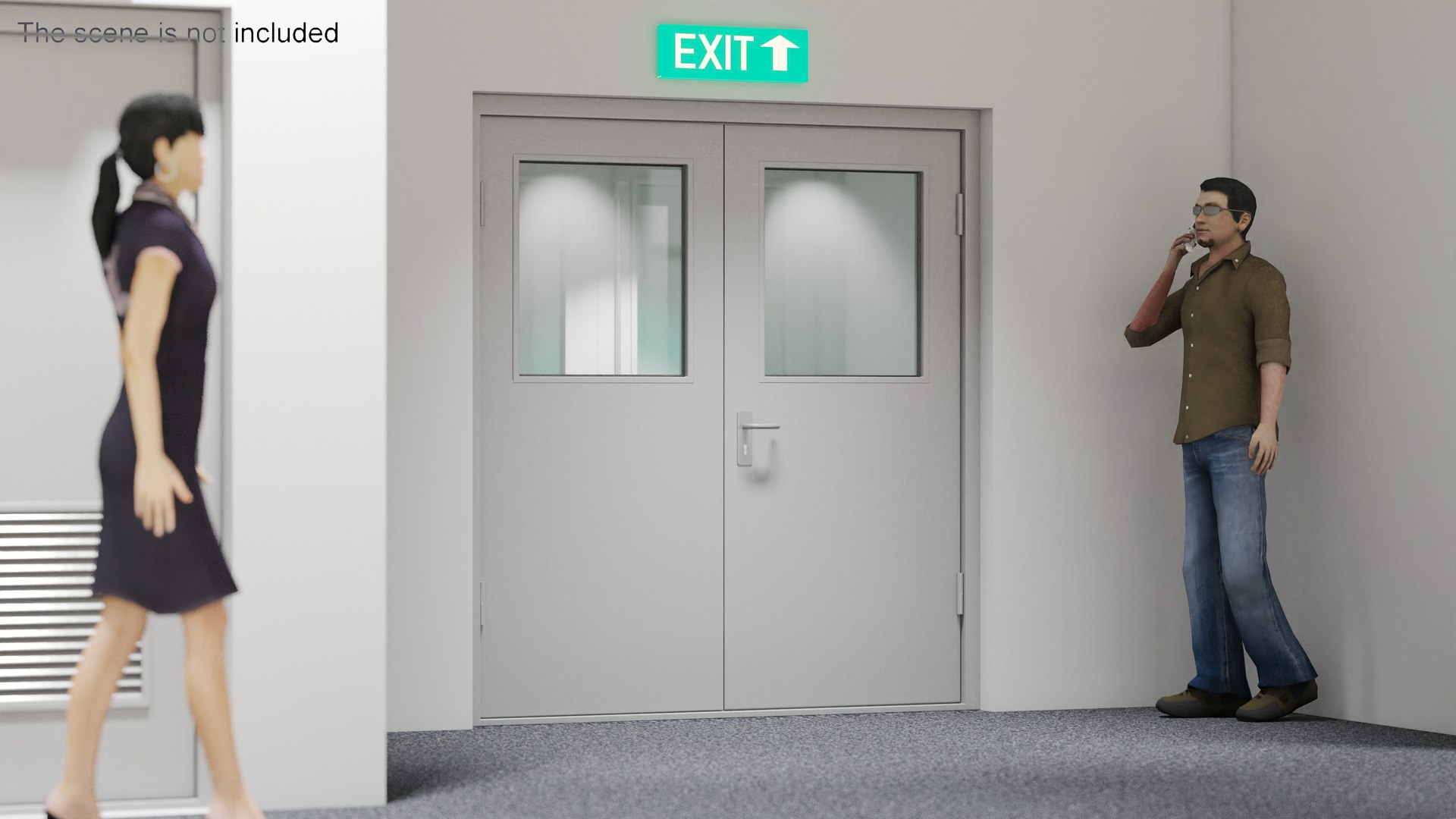
- No cleaning up necessary (Model does not include any backgrounds or scenes used in preview images.) - just drop model into your scene.
- No special plugin needed to open scene.

*****
File Formats:
- 3ds Max 2014 V - Ray and standard materials scenes
- Blender 2.8 Eevee materials scene
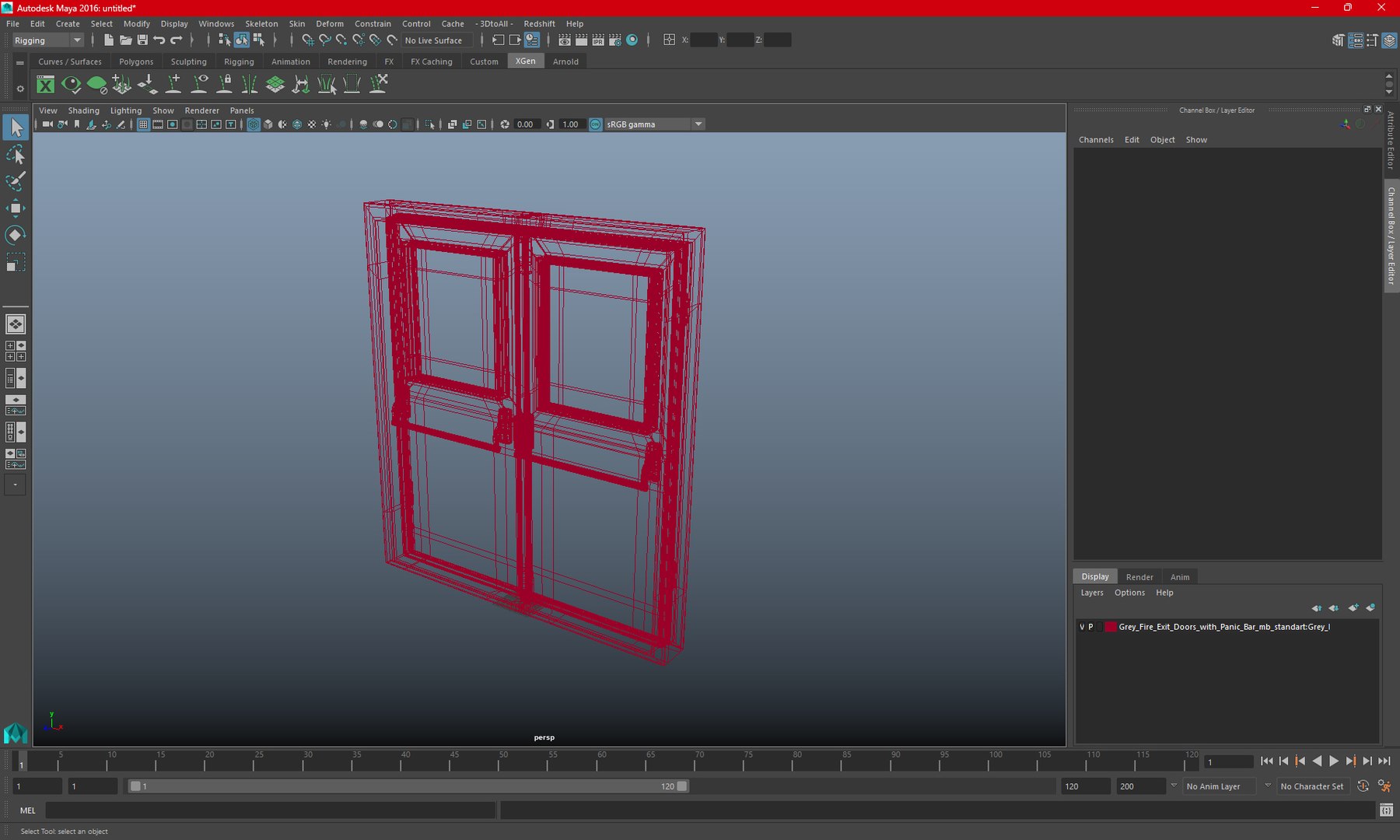
- Maya 2016 V-Ray, Hardware and Redshift materials scenes
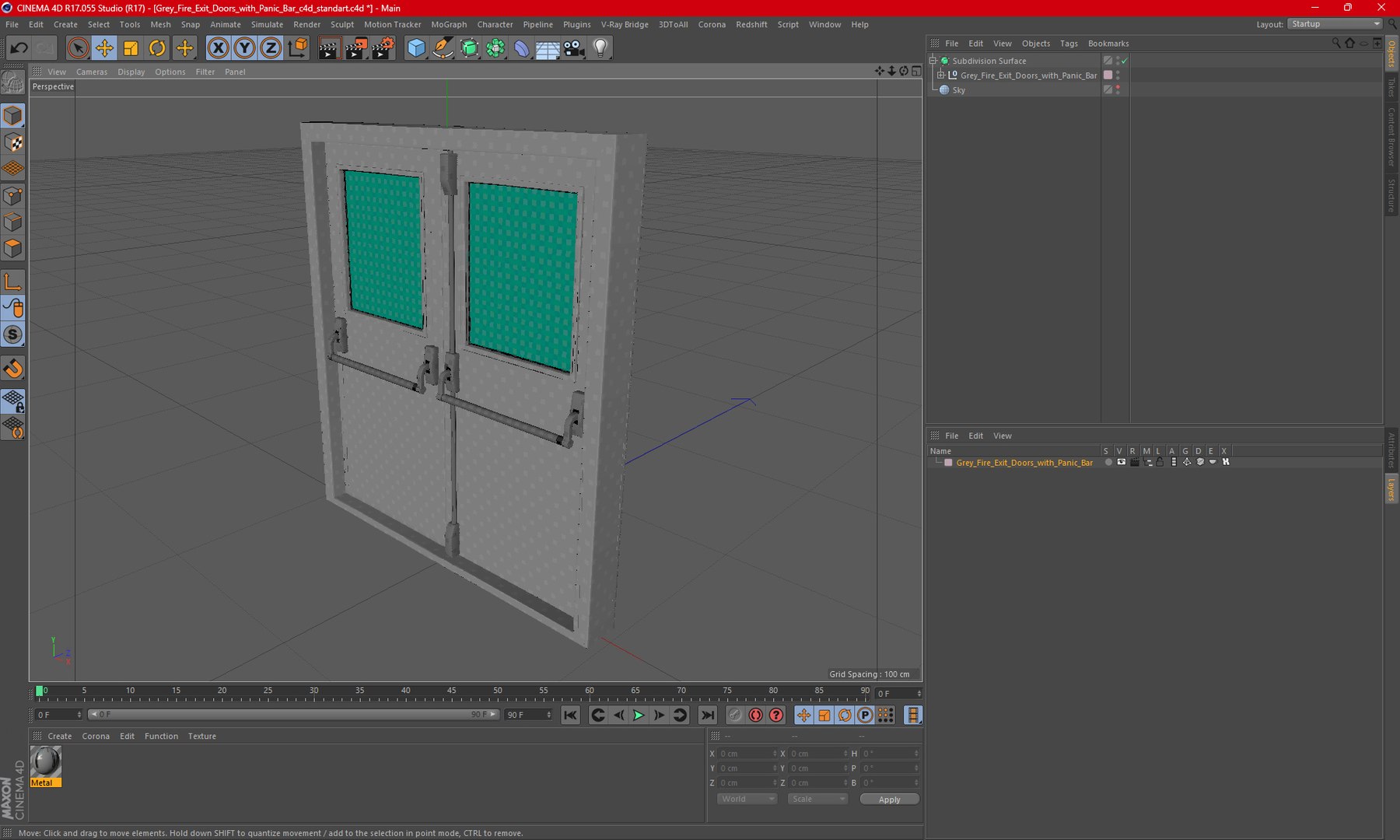
- Cinema 4D R17 V-Ray and Standard materials scene
- Modo 10.2 Standard materials scene
- OBJ, 3DS, FBX (Multi Formats)

*****
Textures Formats:
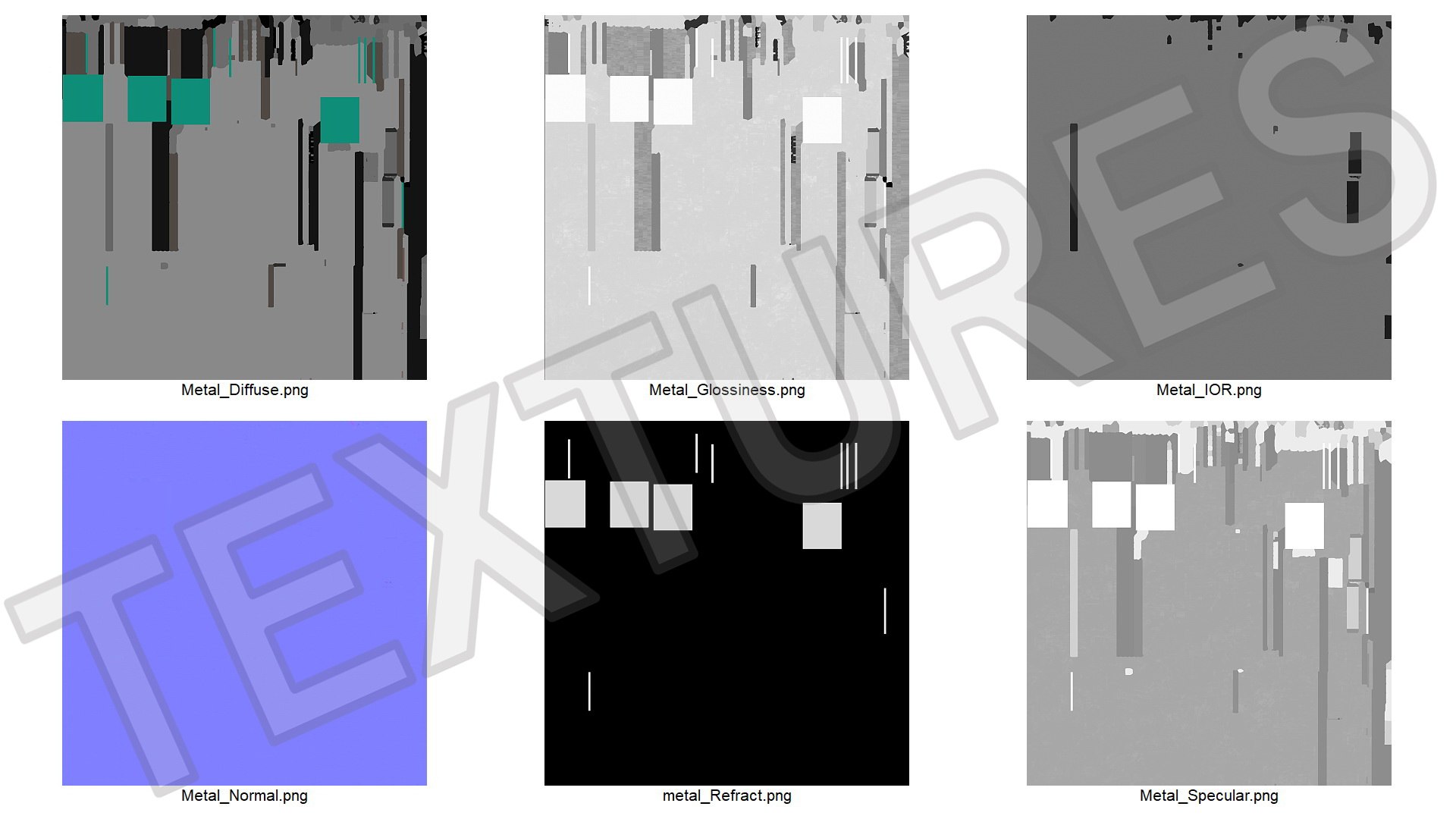
- 6 png (2048x2048)

*****
3d Molier International is a team of 3D artists with over a 15 years of experience. The company participated in various projects allowing us to learn our clients needs. Every model we build goes through thorough Quality assessment both visual and technical to make sure the assets look realistic and the models are of the best quality, which you can tell by looking at the renders - none of the has any postprocessing.

We produce 3D models. This is our main activity. Our goal is to create a 3D copy of all objects on the world.
Buy 3D models from professionals!
Also check out our other models, just click on our user name to see complete gallery.
(c) 3d_molier International - 2023

Select Enhanced License

  • $10,000 in Legal Protection (Indemnification)
  • Uncapped Legal Protection (Indemnification)
  • Waiver from injunctive relief
  • Assignable model rights
  • $1,000,000 in Legal Protection (Indemnification)
  • Waiver from injunctive relief
  • Assignable model rights
  • $250,000 in Legal Protection (Indemnification)
  • Assignable model rights
Read more about enhanced license tiers, or contact us at enterprise@turbosquid.com. Already a Shutterstock Enterprise Customer? Contact your Shutterstock Sales Support Agent to talk about adding 3D.

About Conversion Requests

To submit a conversion request for a purchased asset, please complete our Conversion Request Form.

If you have not yet purchased a model, please review our Documentation about Conversions to learn about what limitations you may encounter with a conversion.

For any additional questions about a model’s suitability for conversion, please contact TurboSquid Support.

Loading...