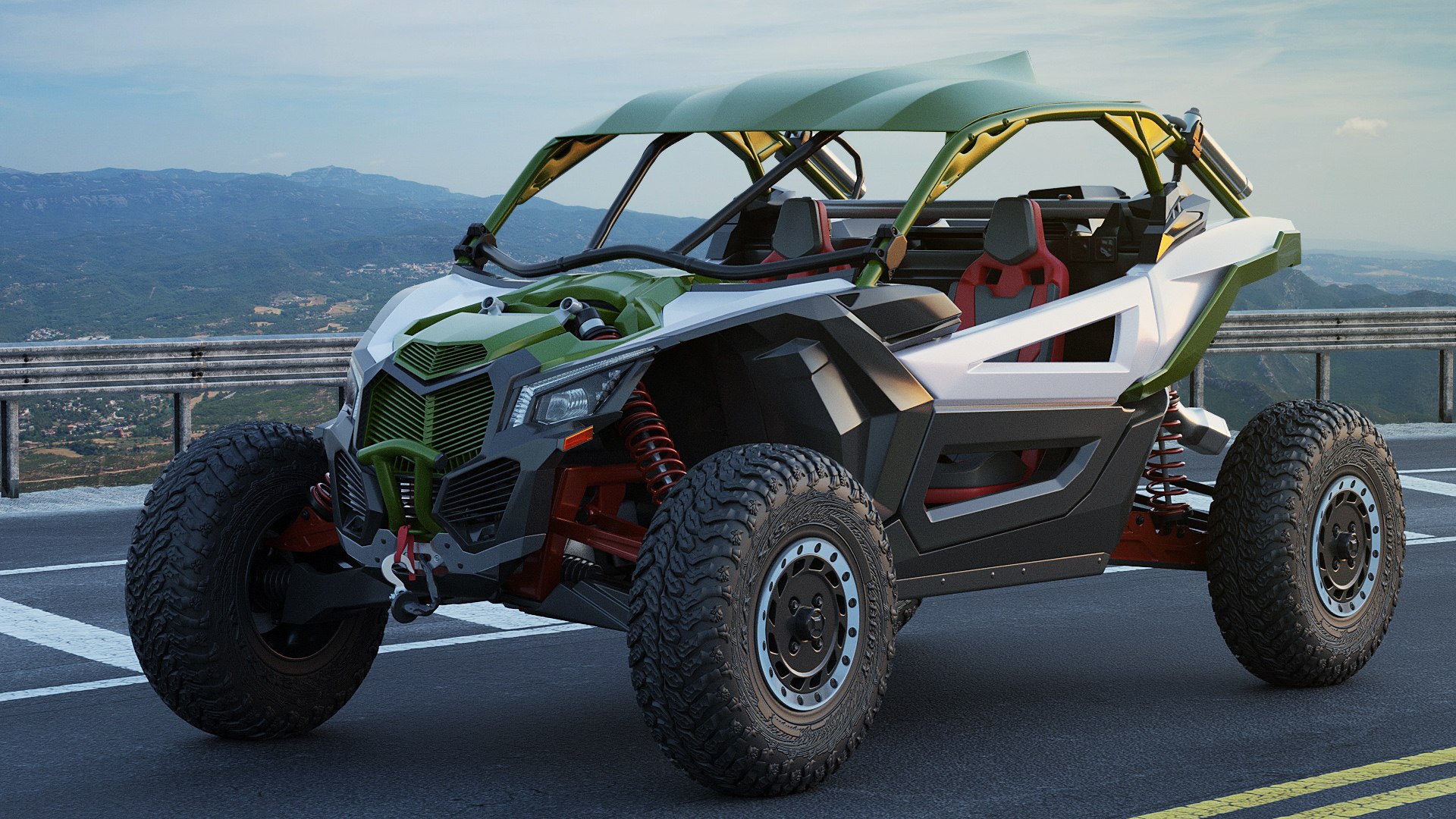
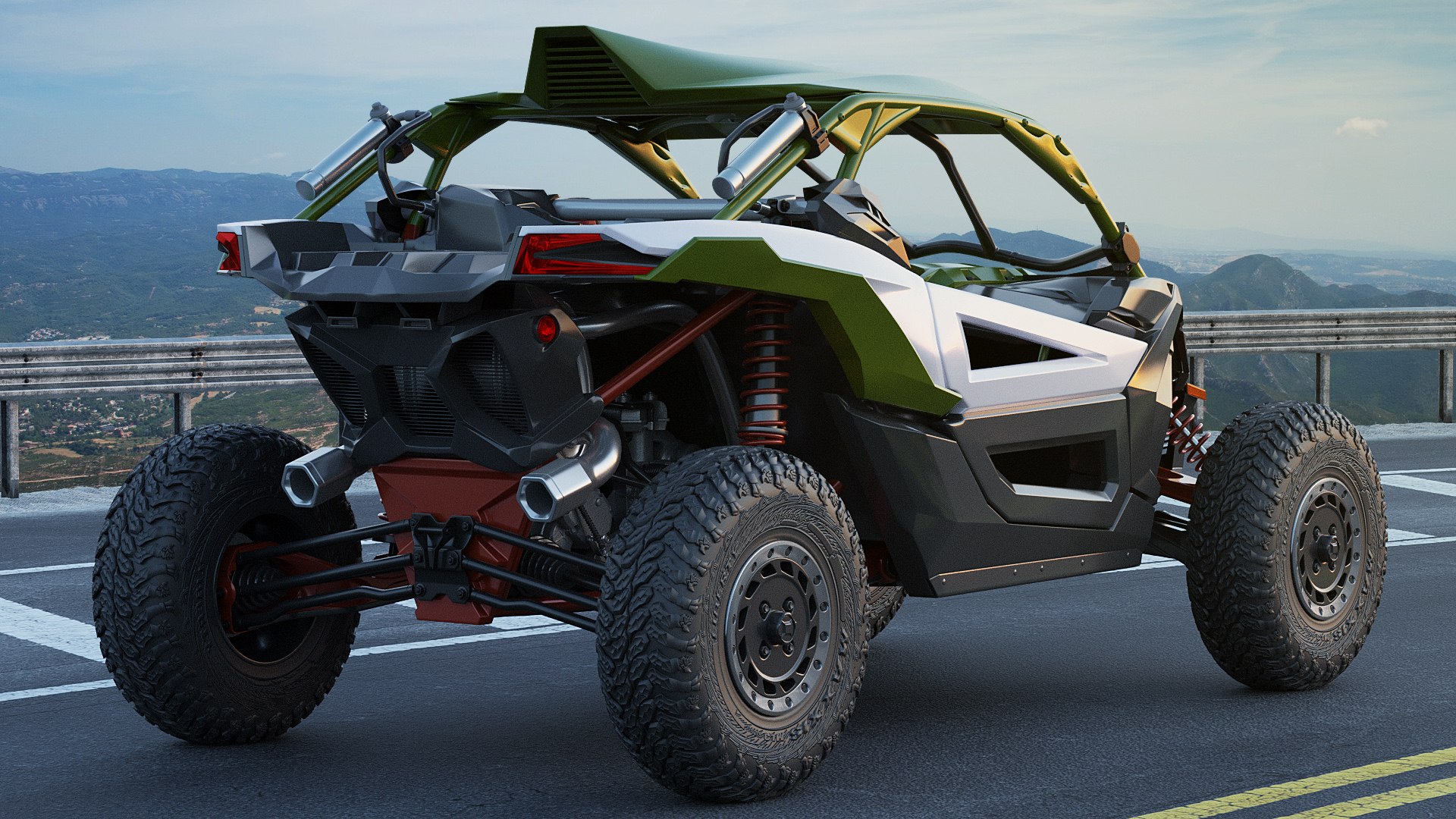
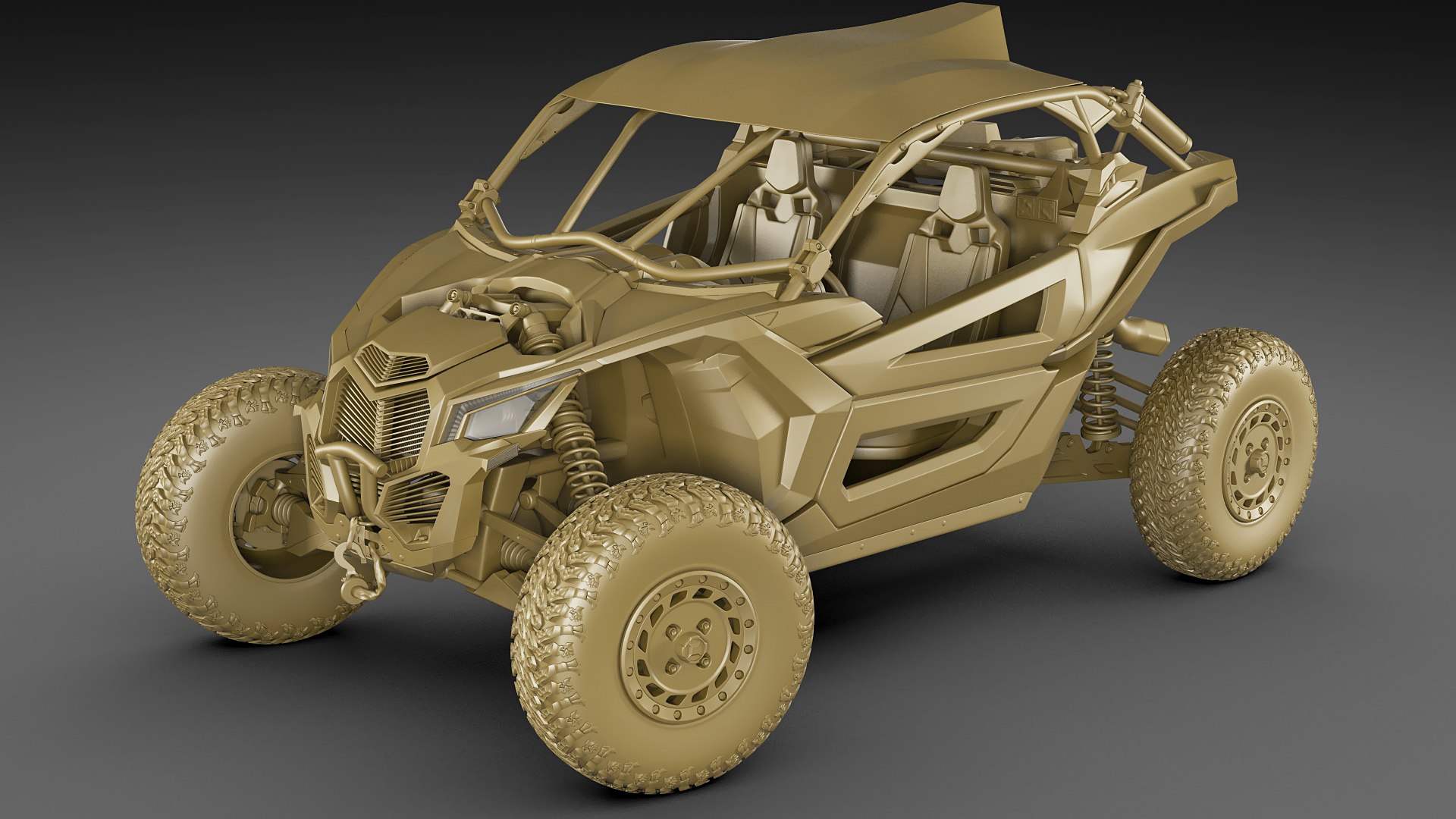
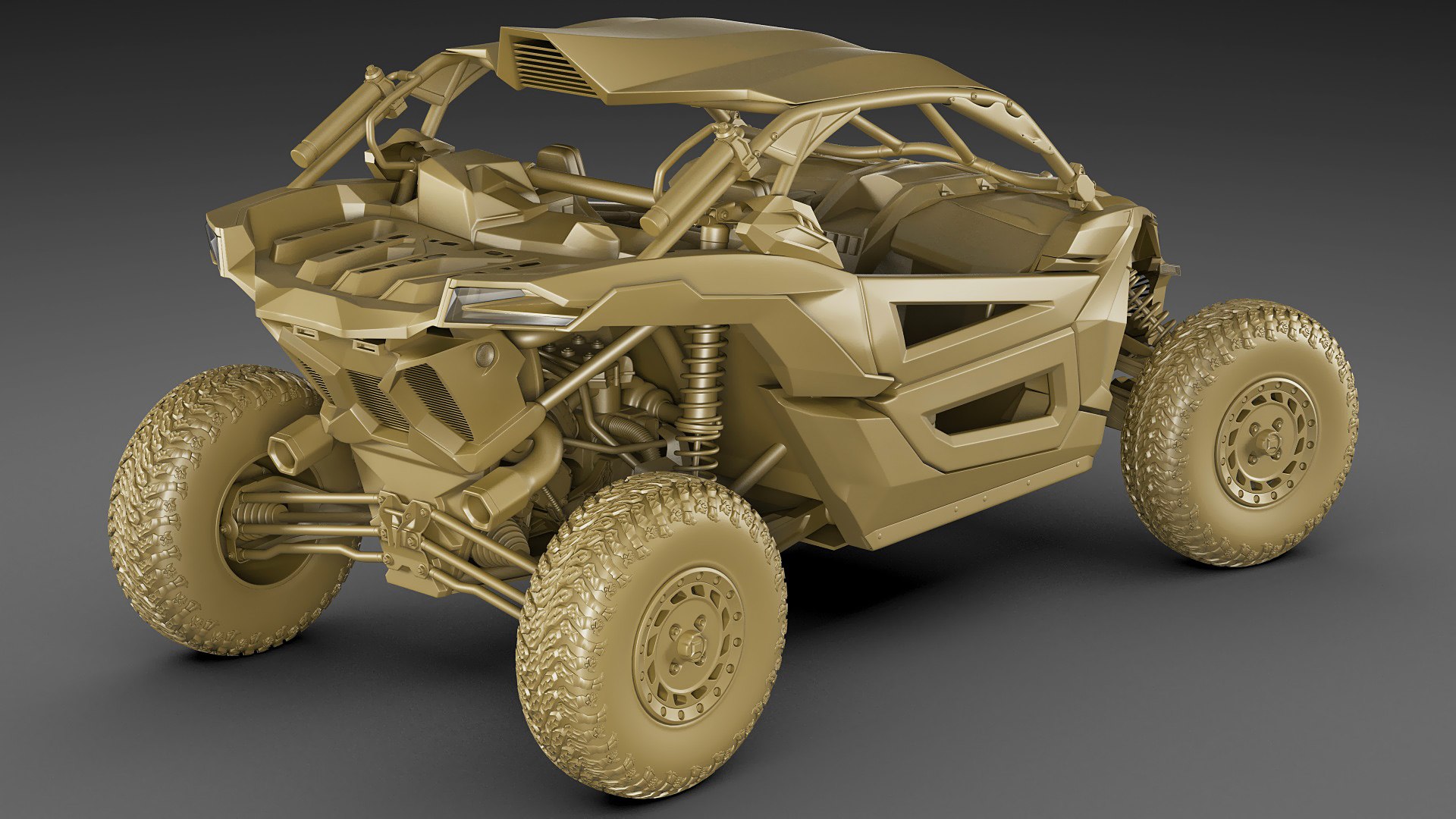
Generic Buggy

$139

Standard License | Upgrade License
Editorial Uses Only
Formats (9)
Free file format Conversions available
Blender 2.9 | Cycles Render
Lightwave 6 | Default Scanline
Cinema 4D R11 | Default Scanline
3ds Max 2011 | V-Ray 3,7
3D Studio
FBX
Other Textures
OBJ
STL
Specifications
Publish Date September 16, 2021
Product ID 1788264
Polygons 770,000
Vertices 770,000
Polygonal
Textures
Materials
Mixed Unwrapped UVs
member avatar
fisherman3d
837 Products | Contributor Since 2004
Have questions? Chat with us now.

Description

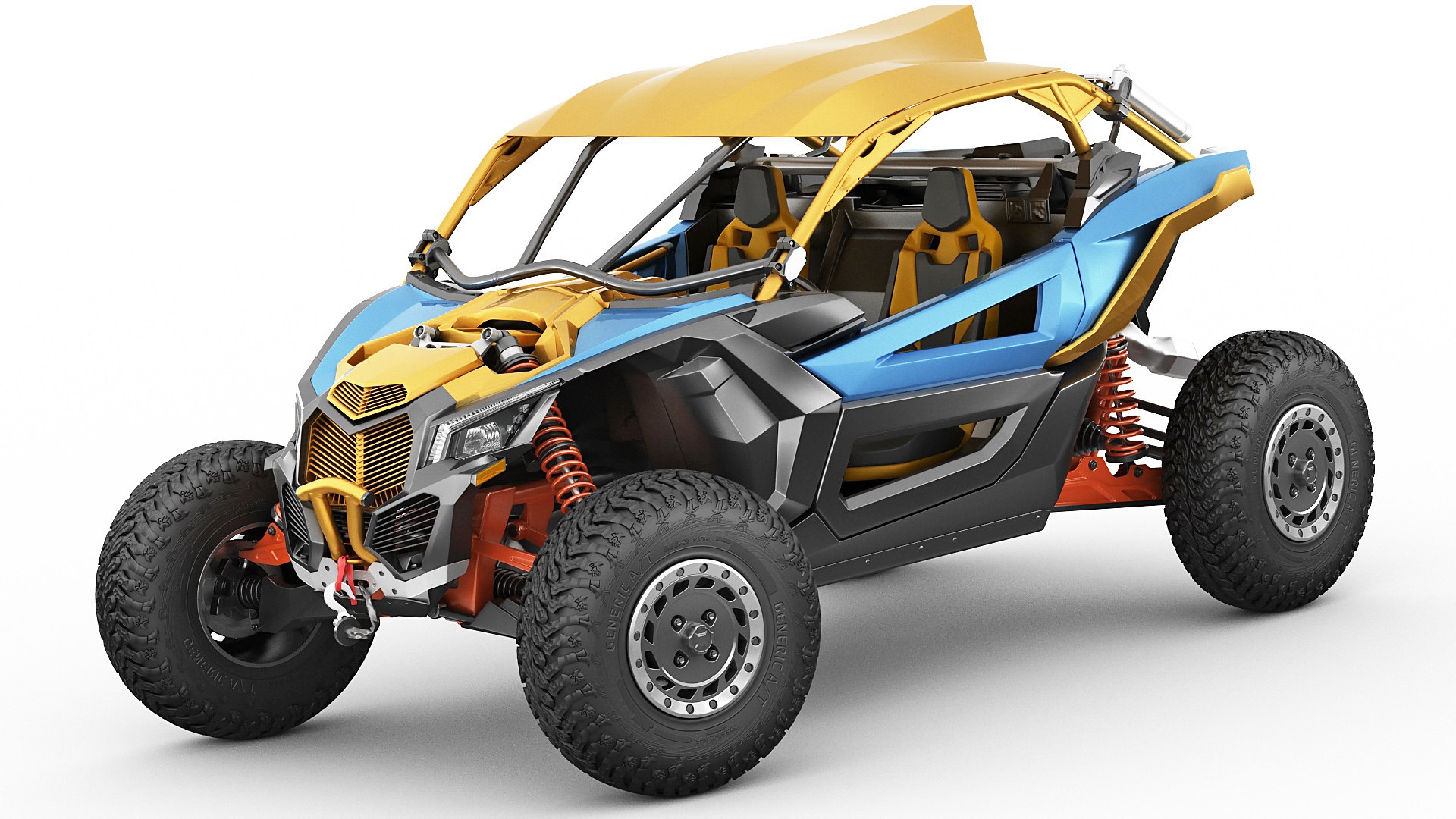
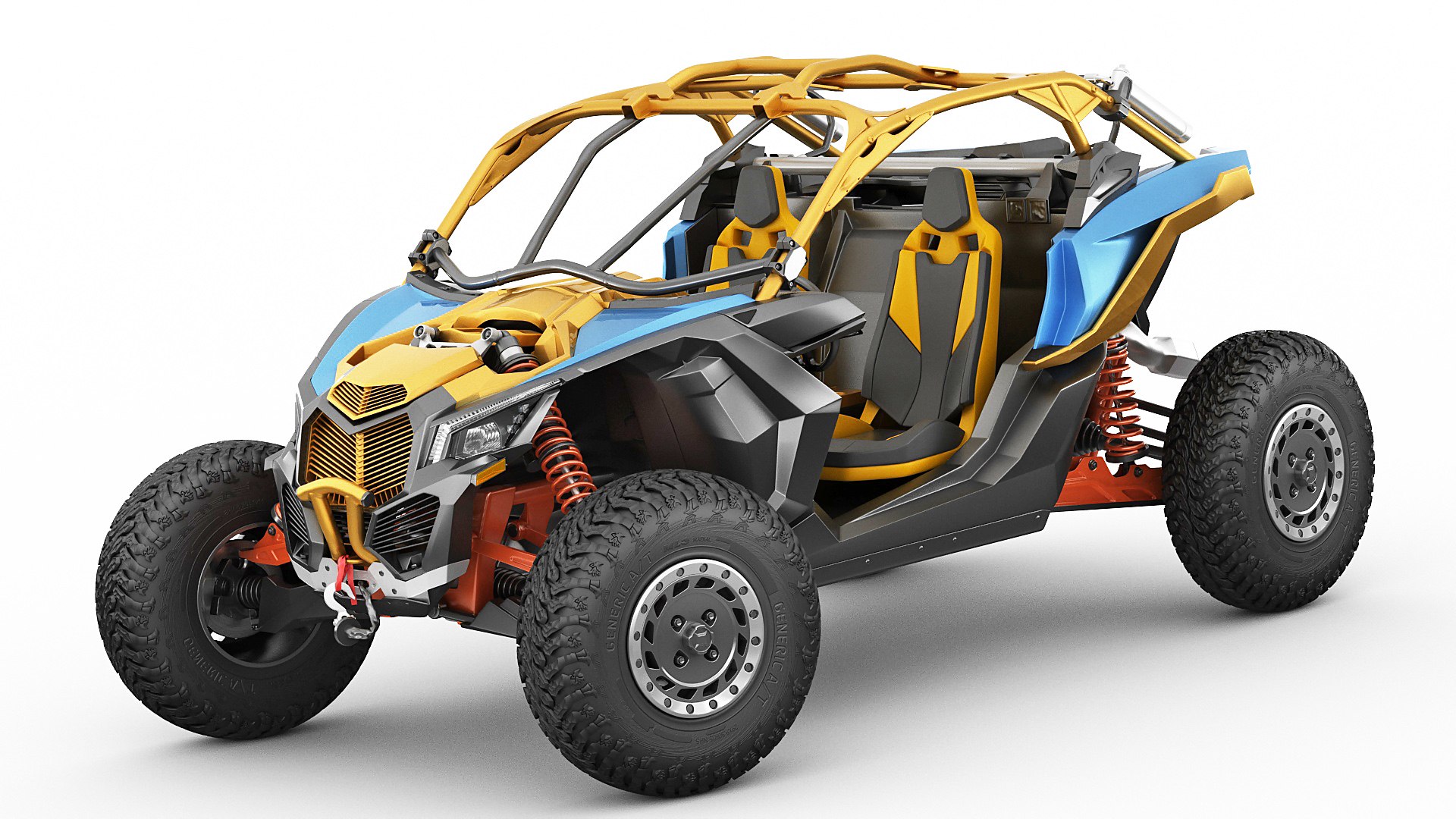
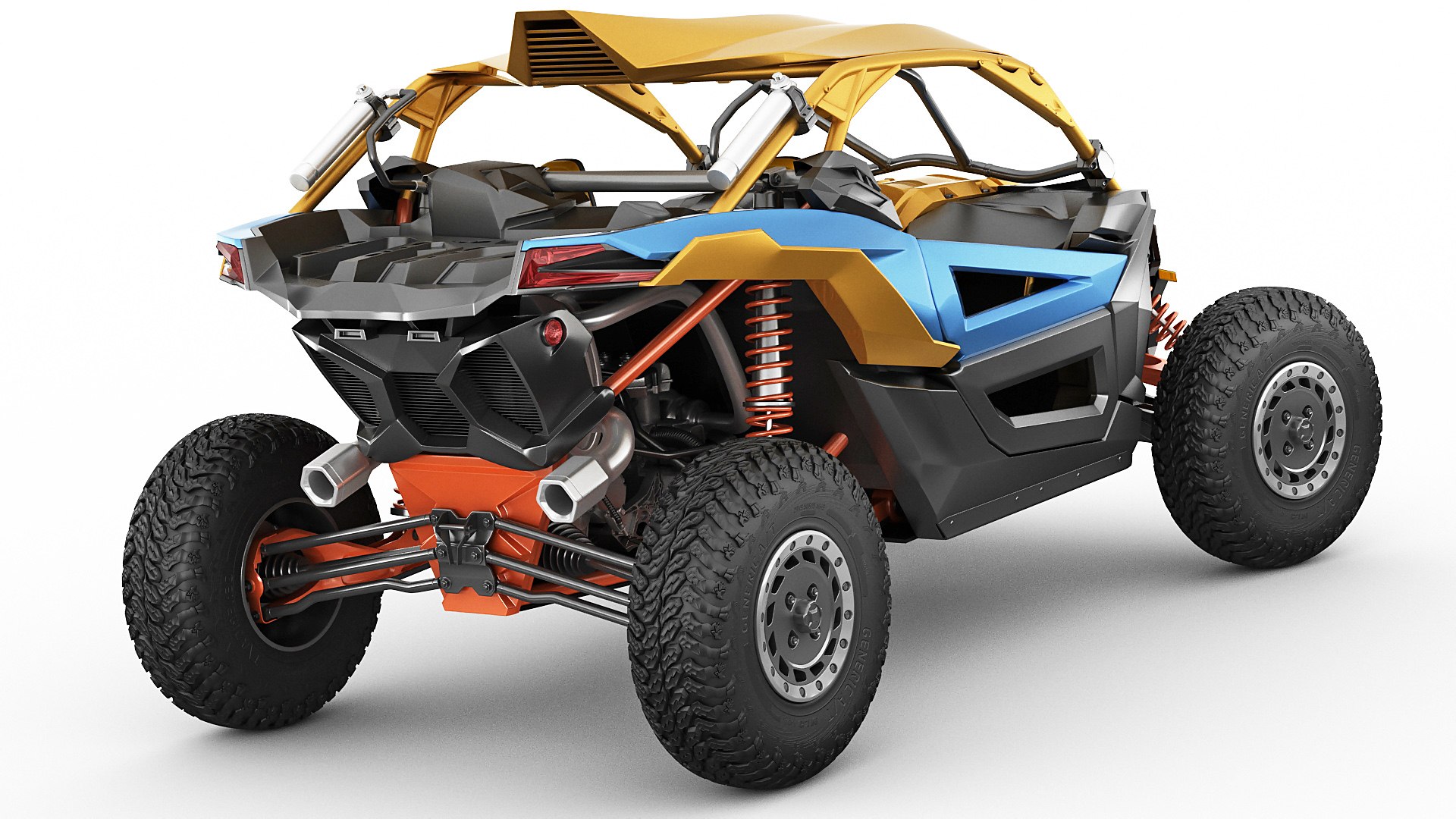
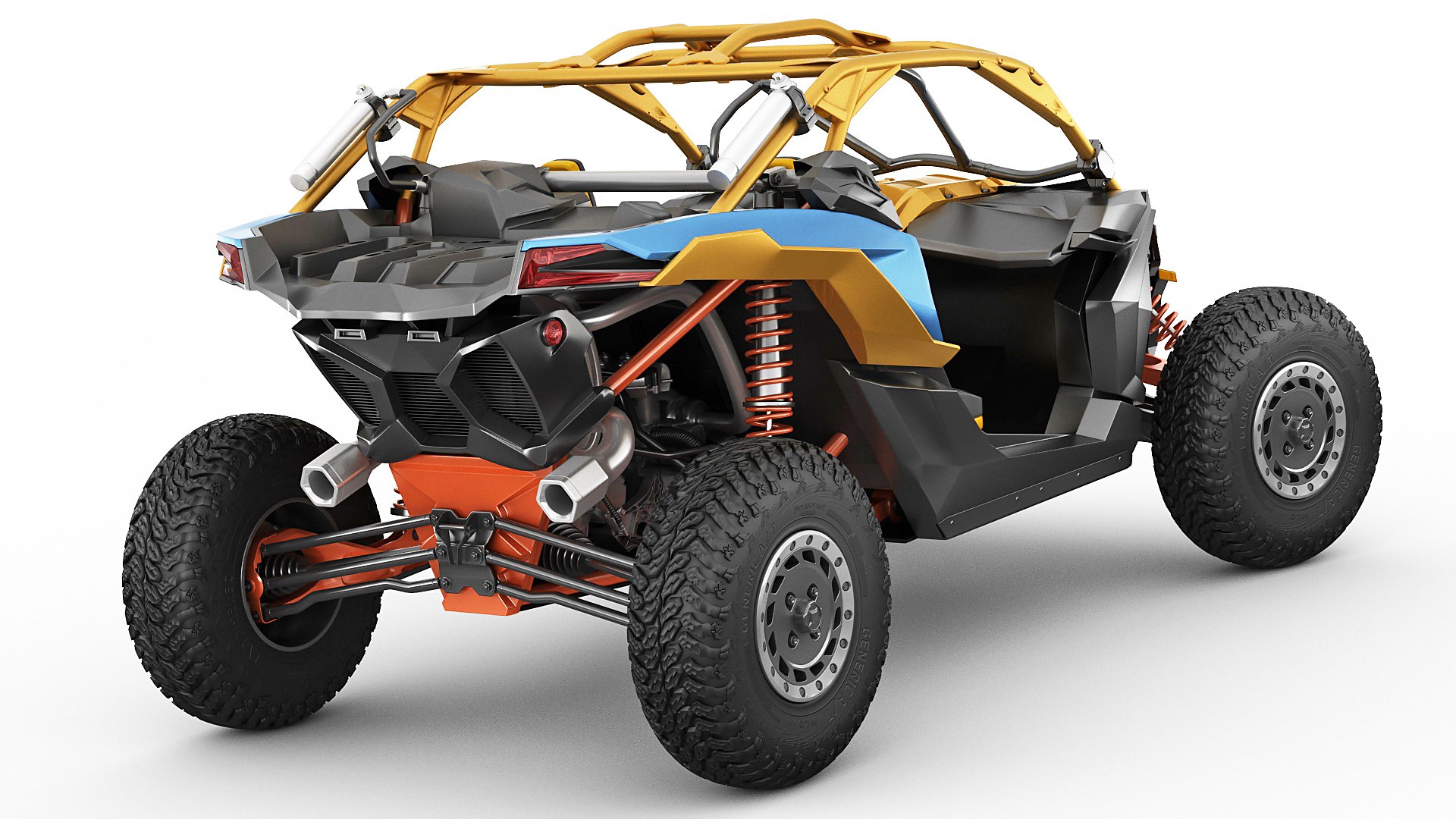
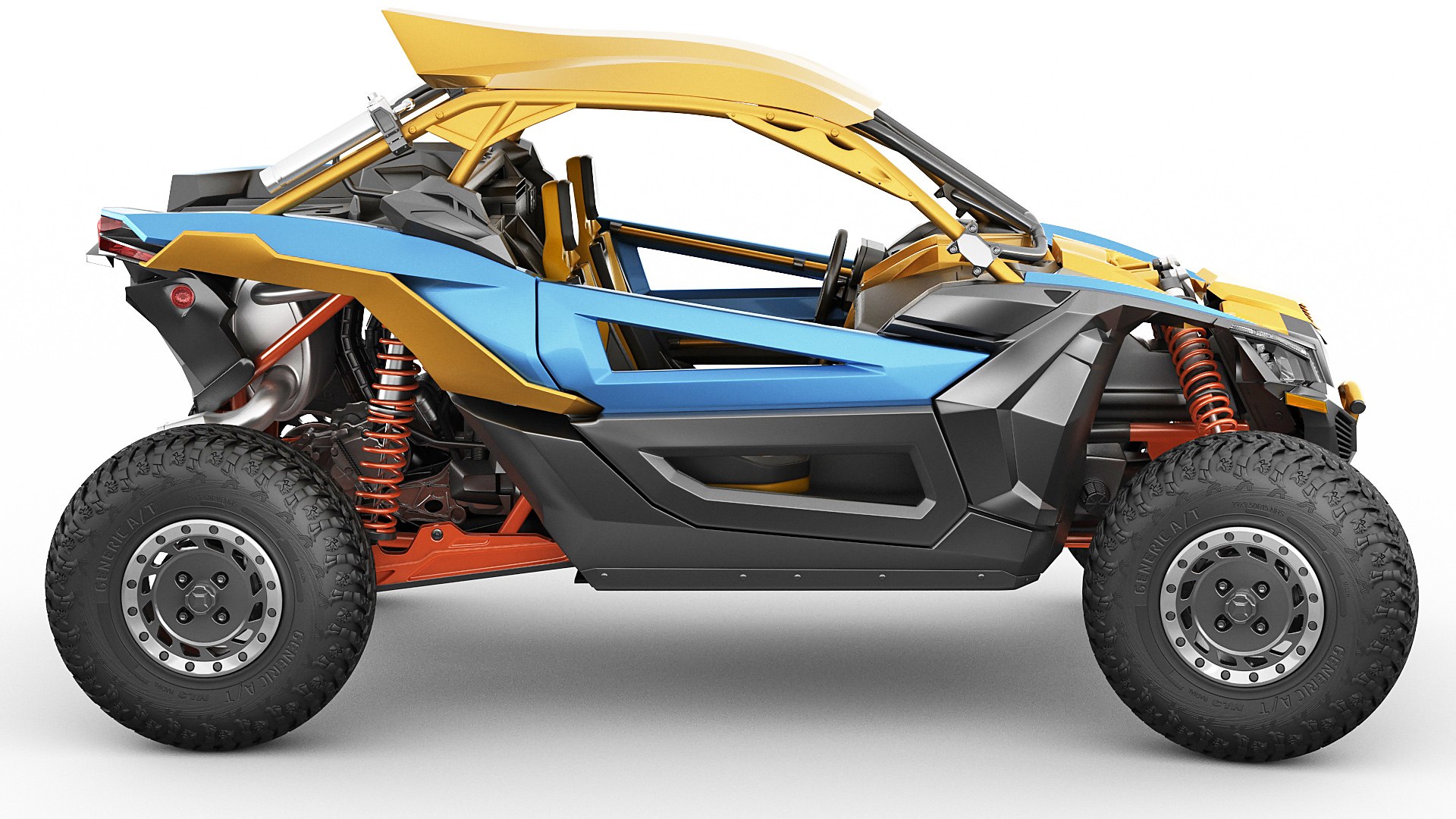
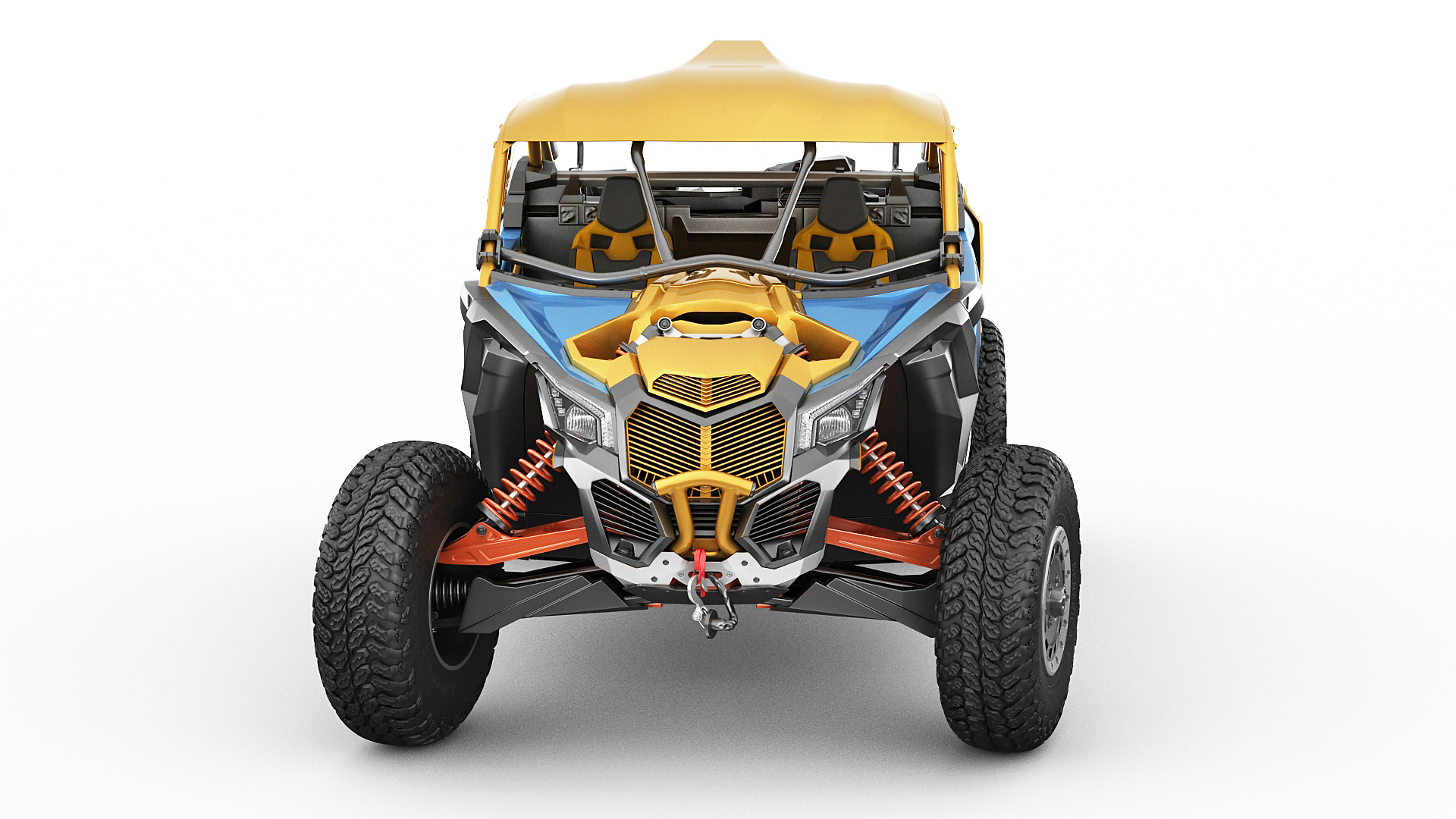
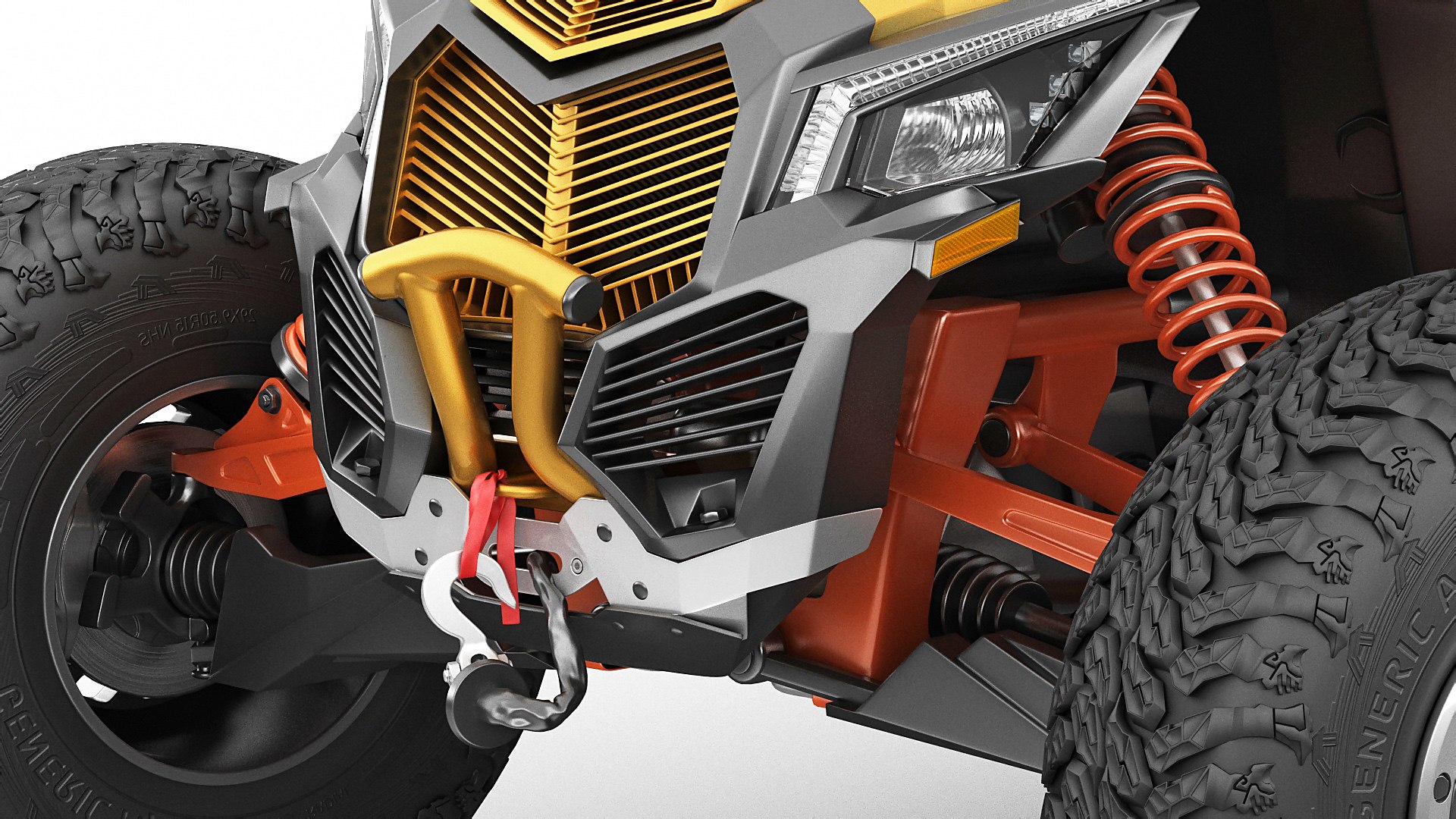
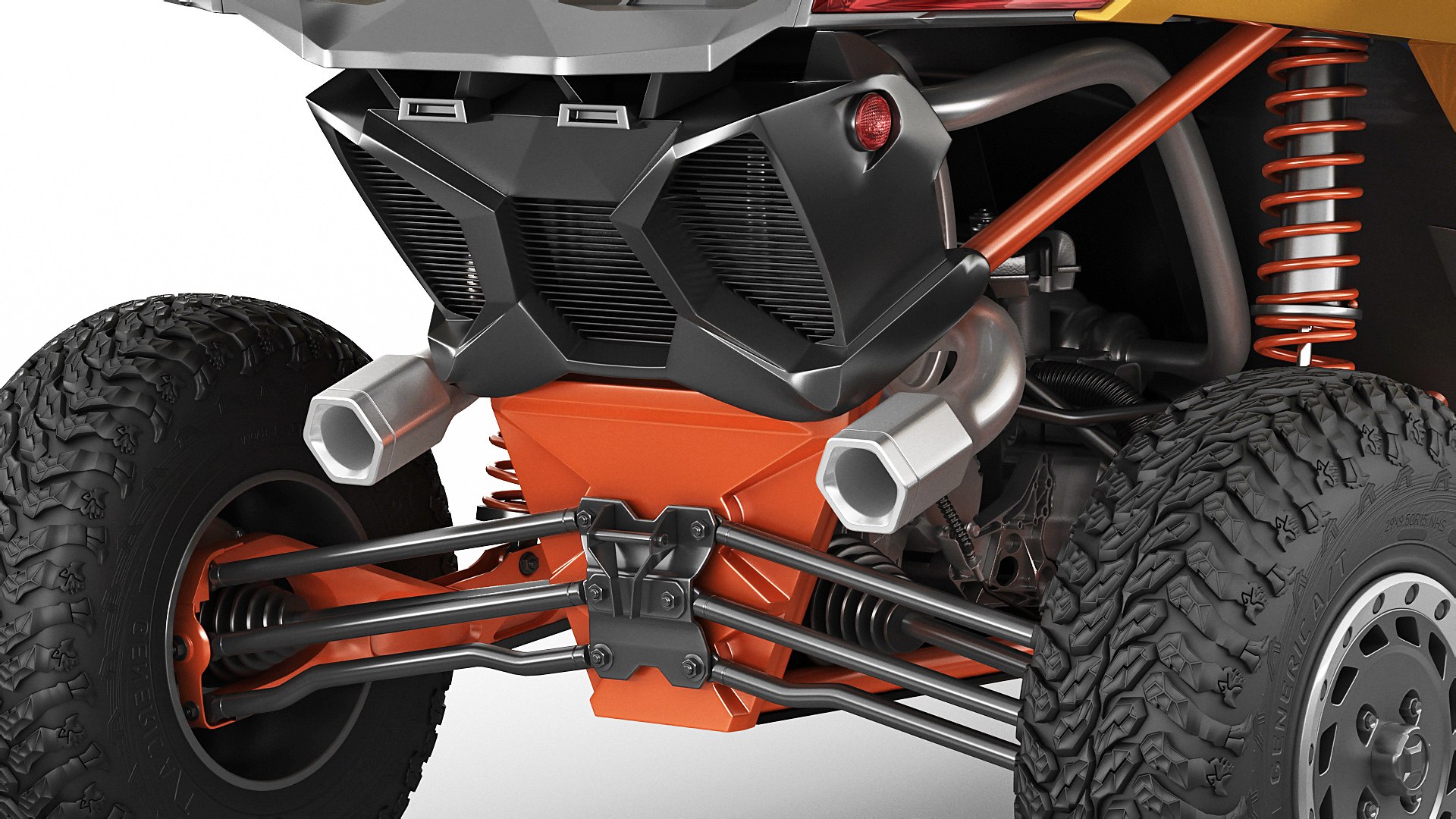
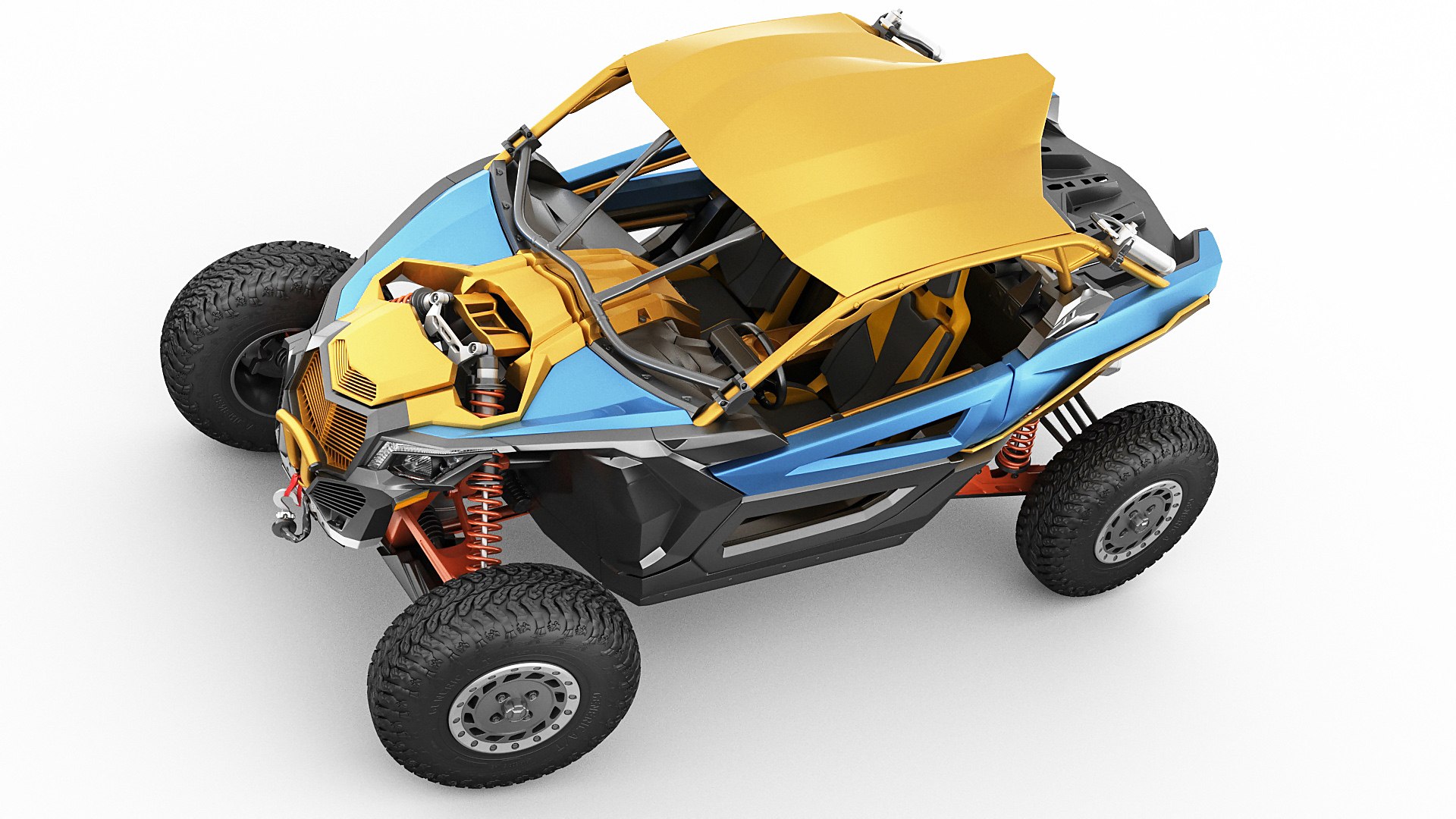
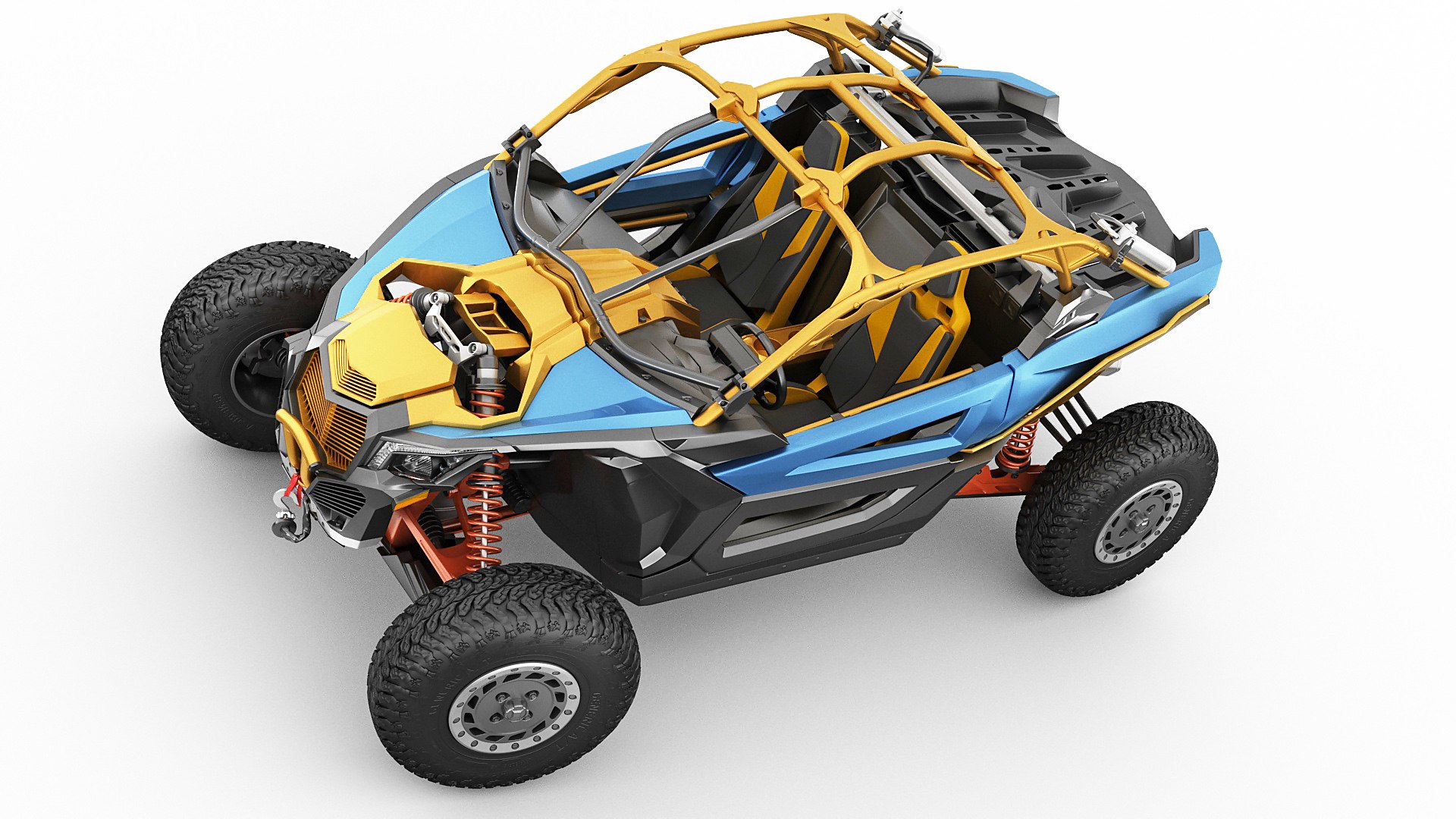
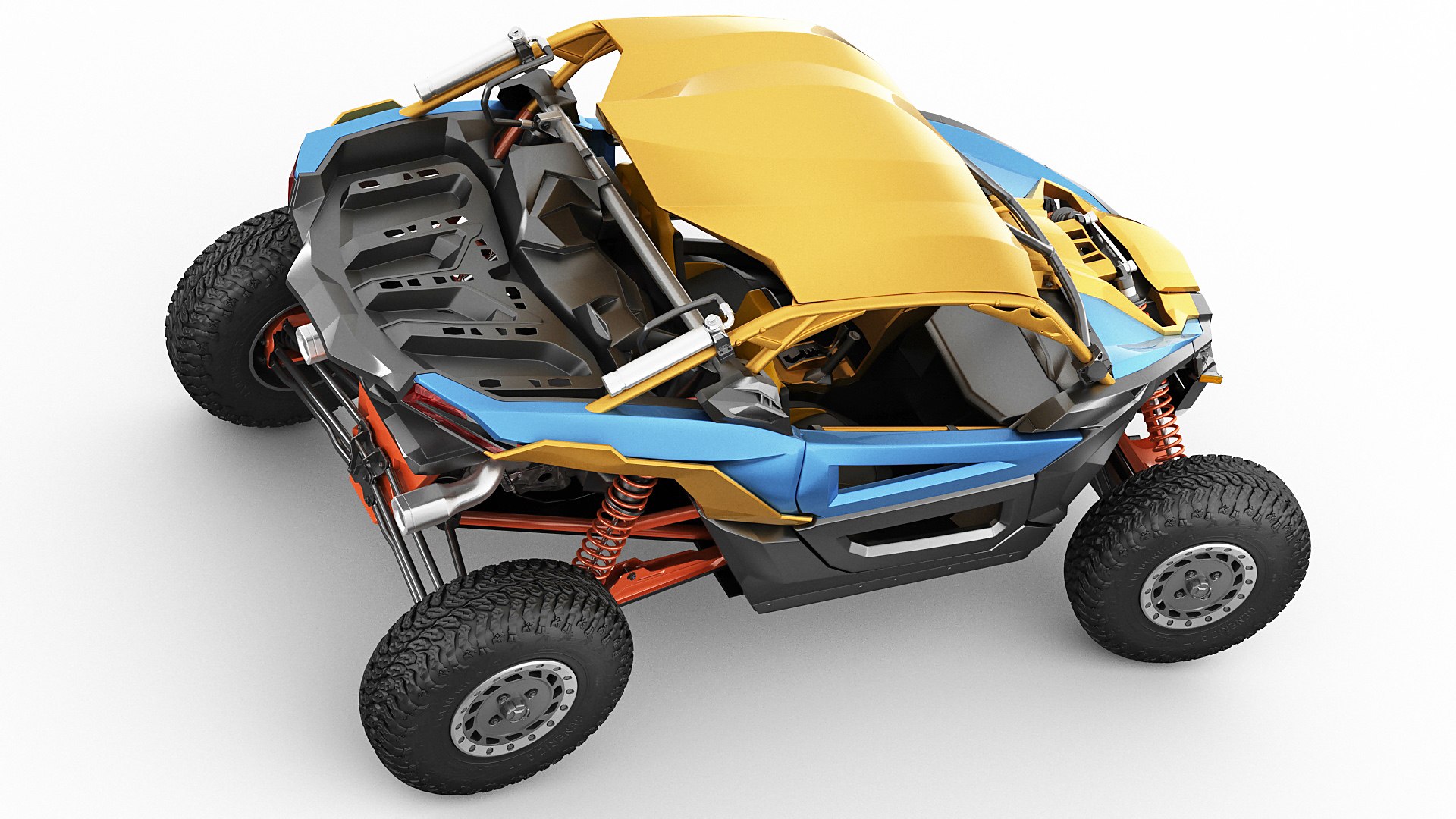
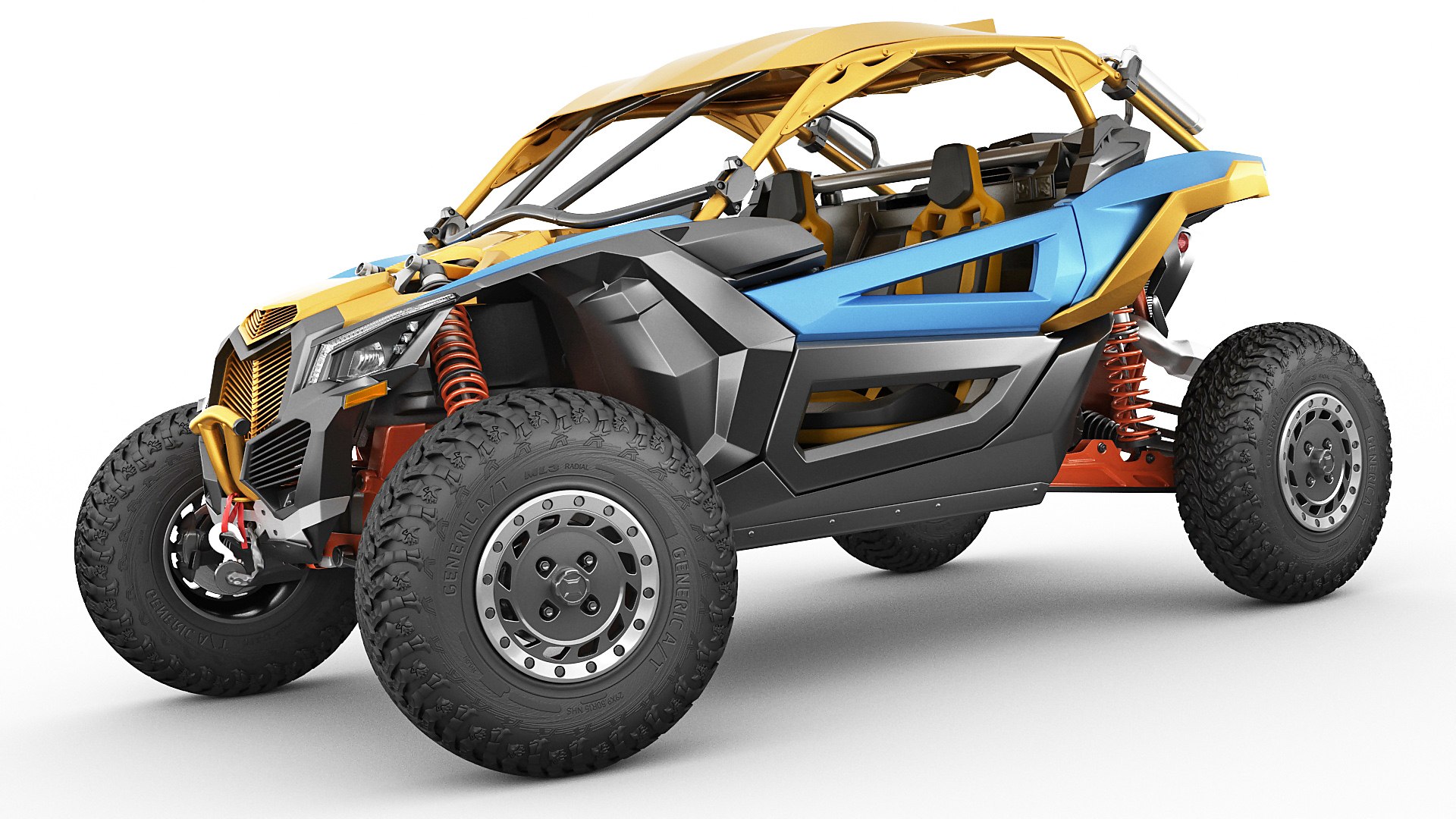
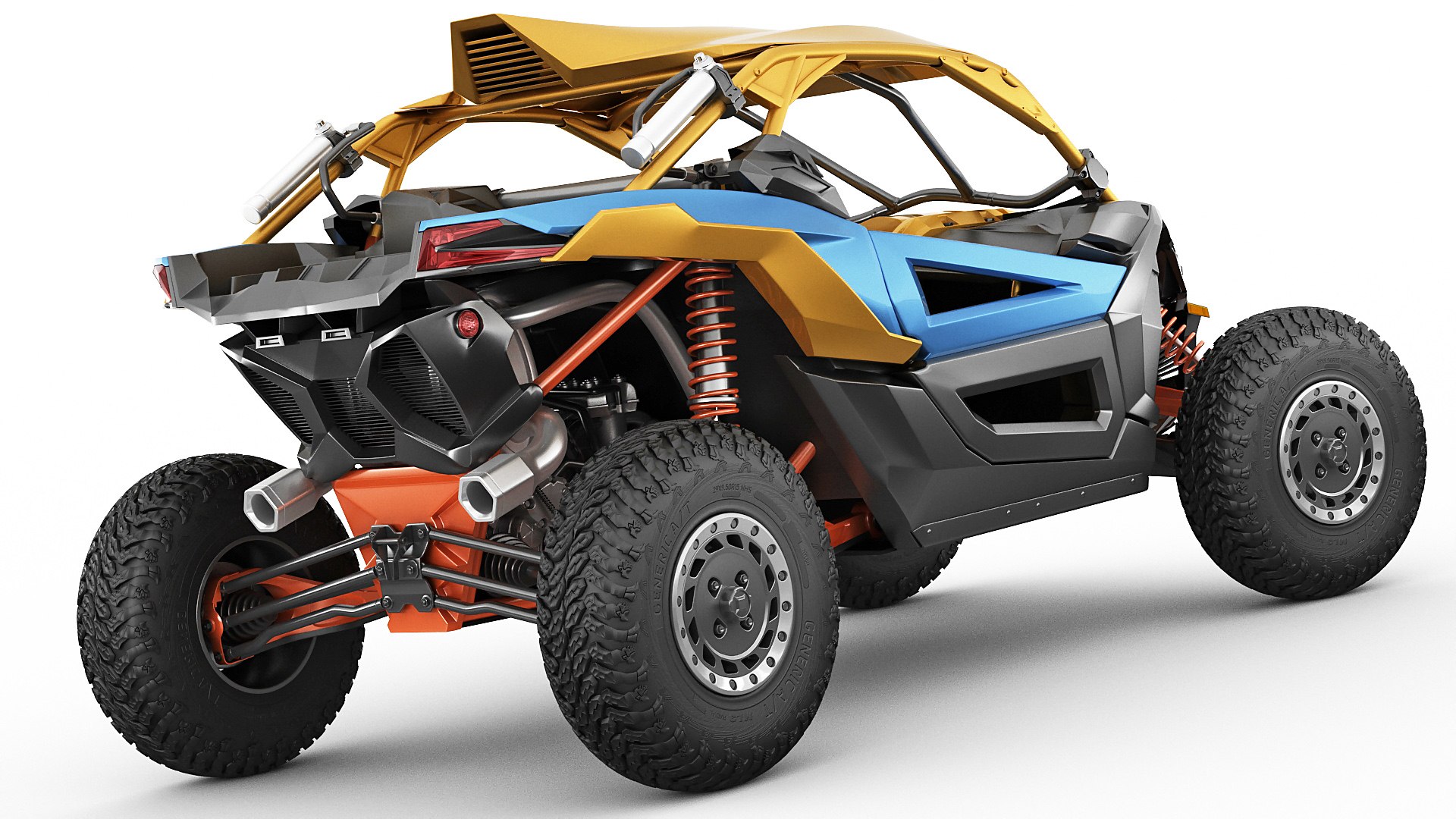
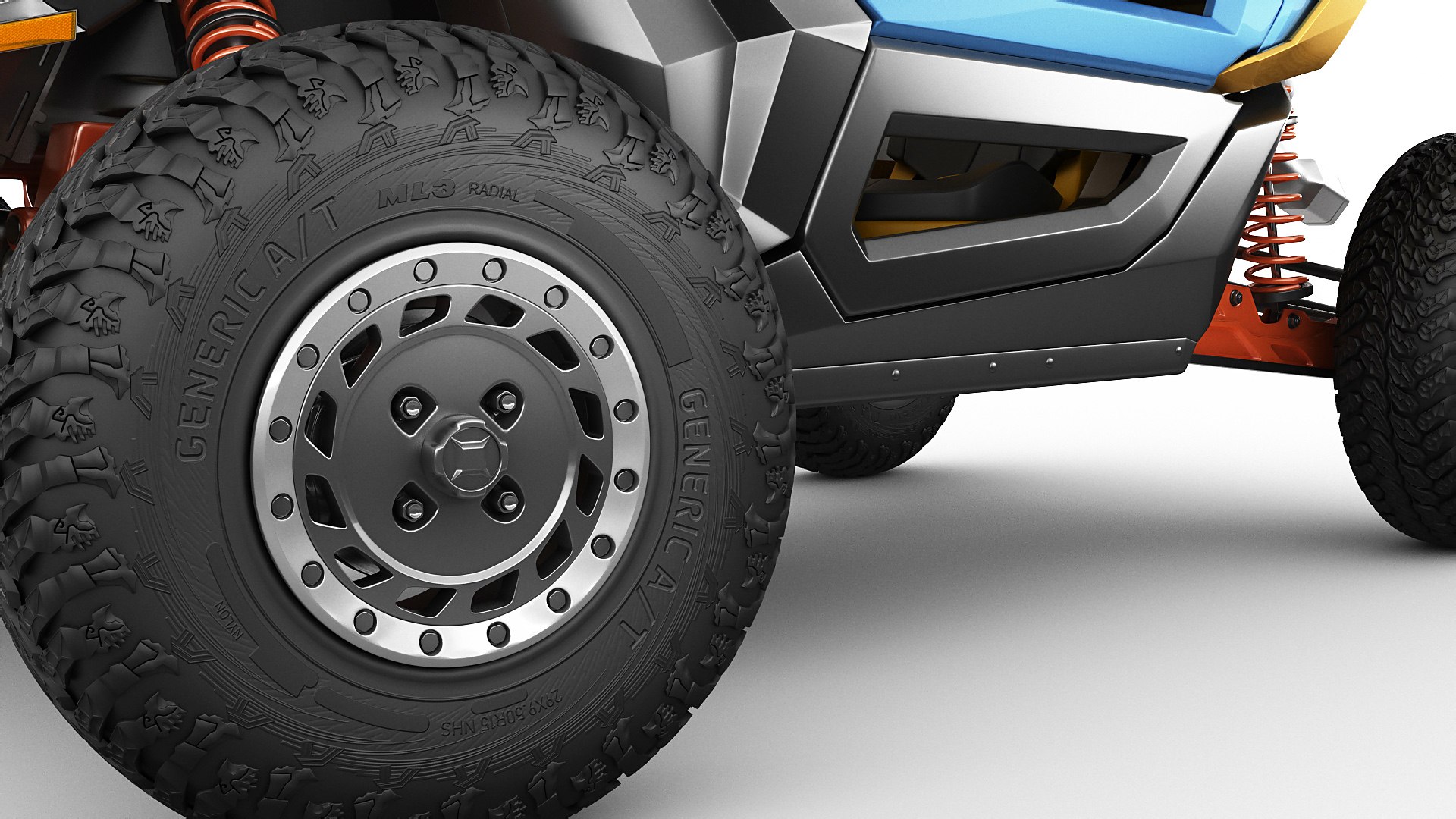
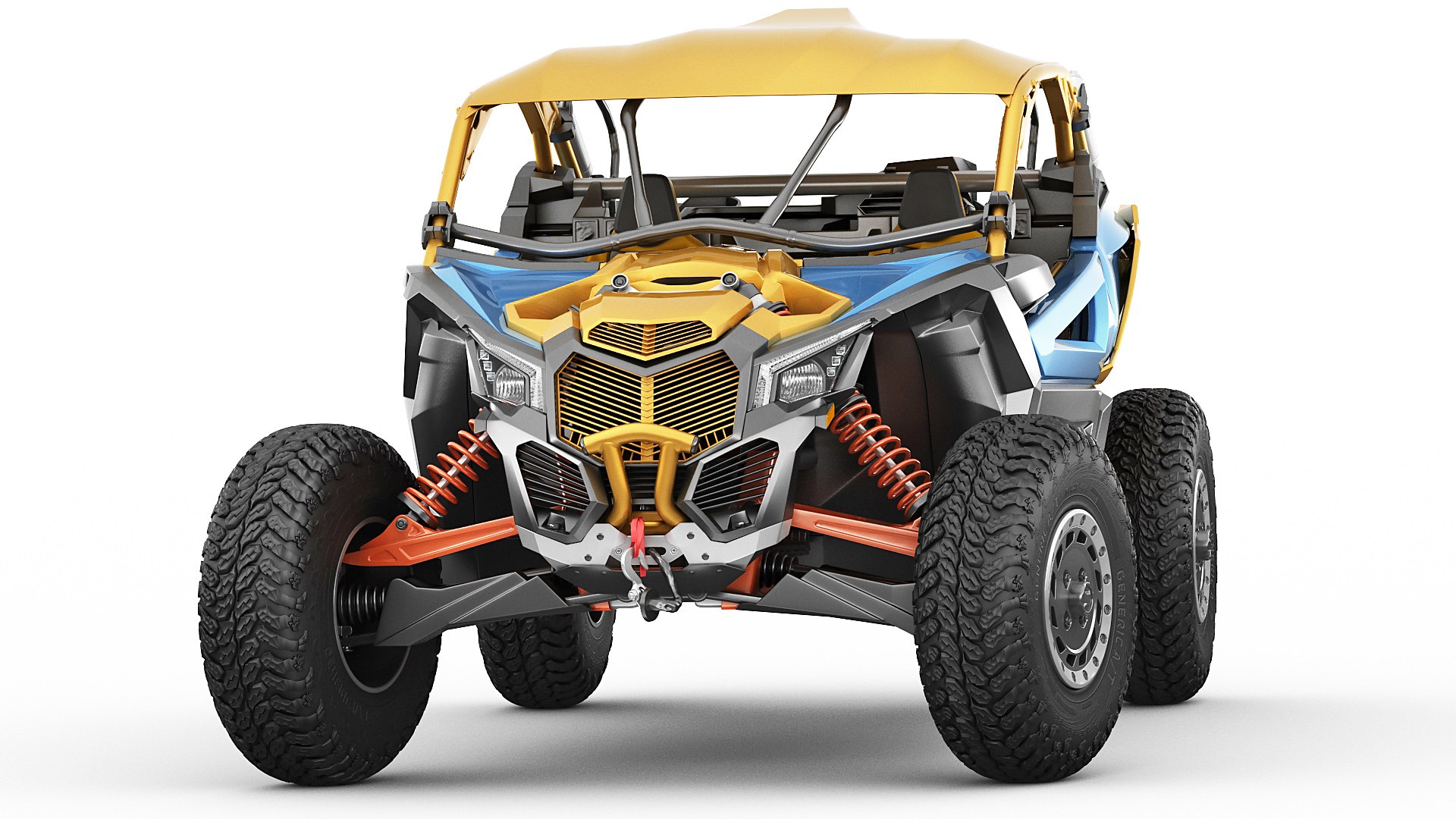
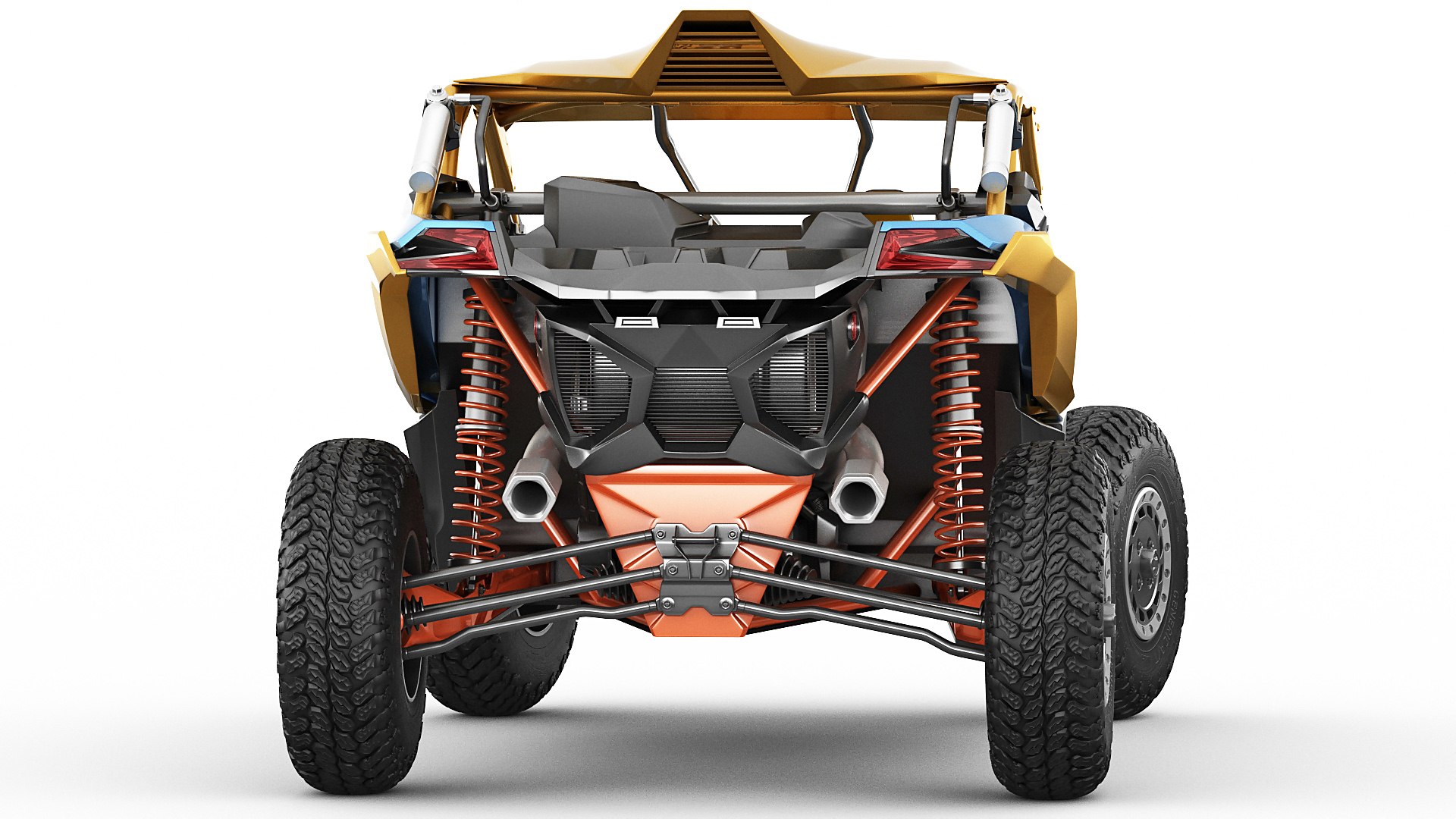
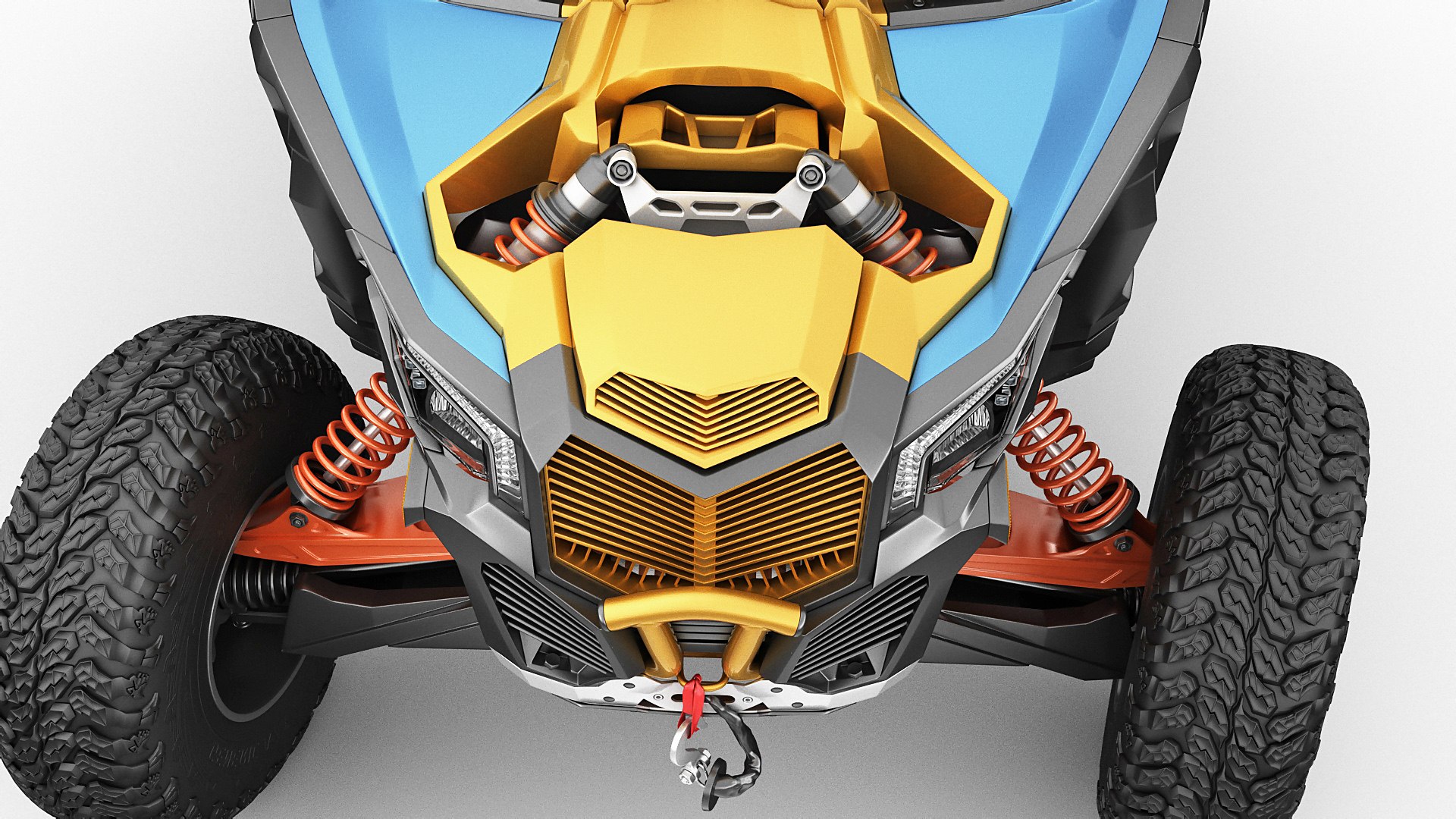
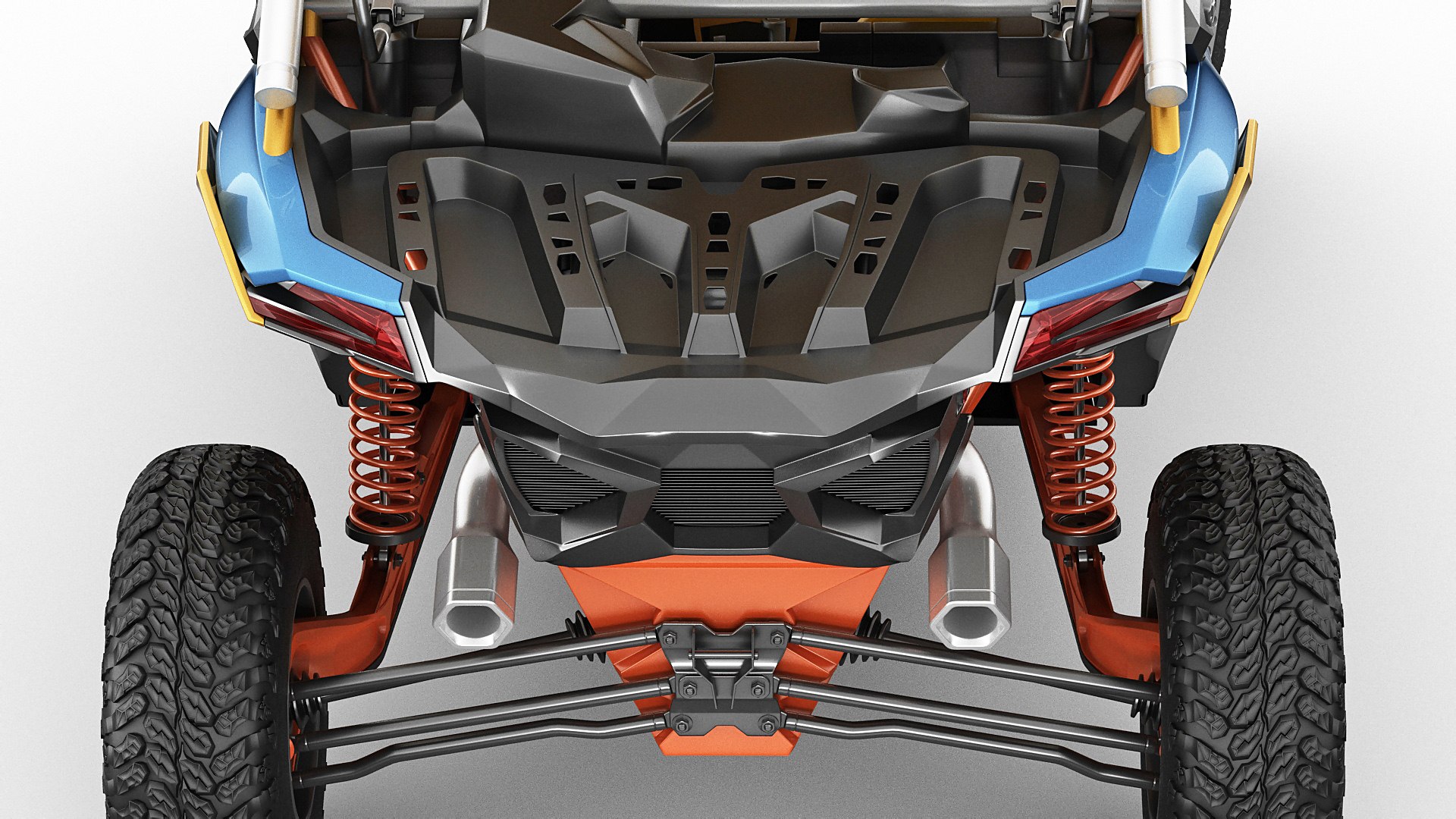
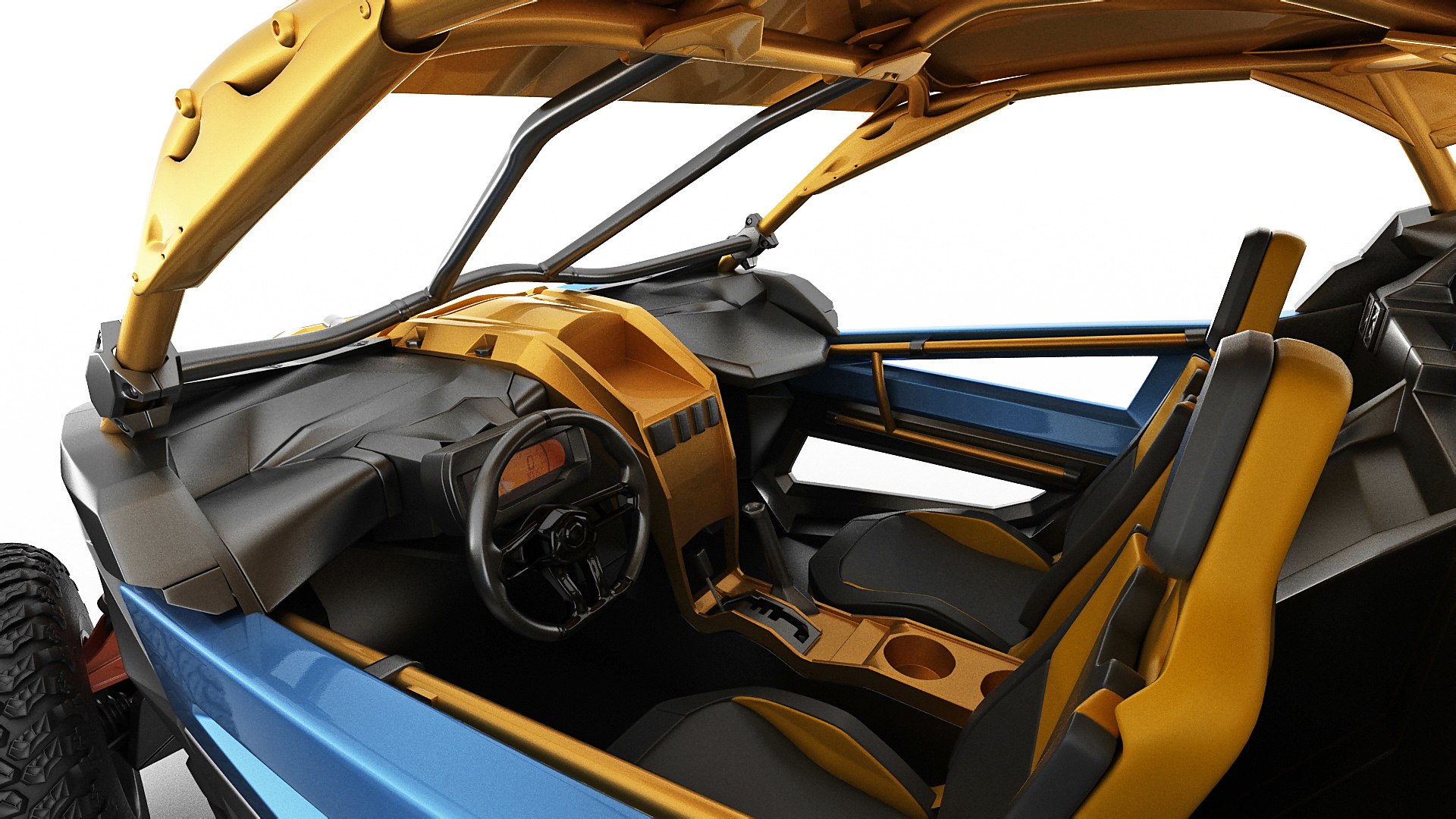
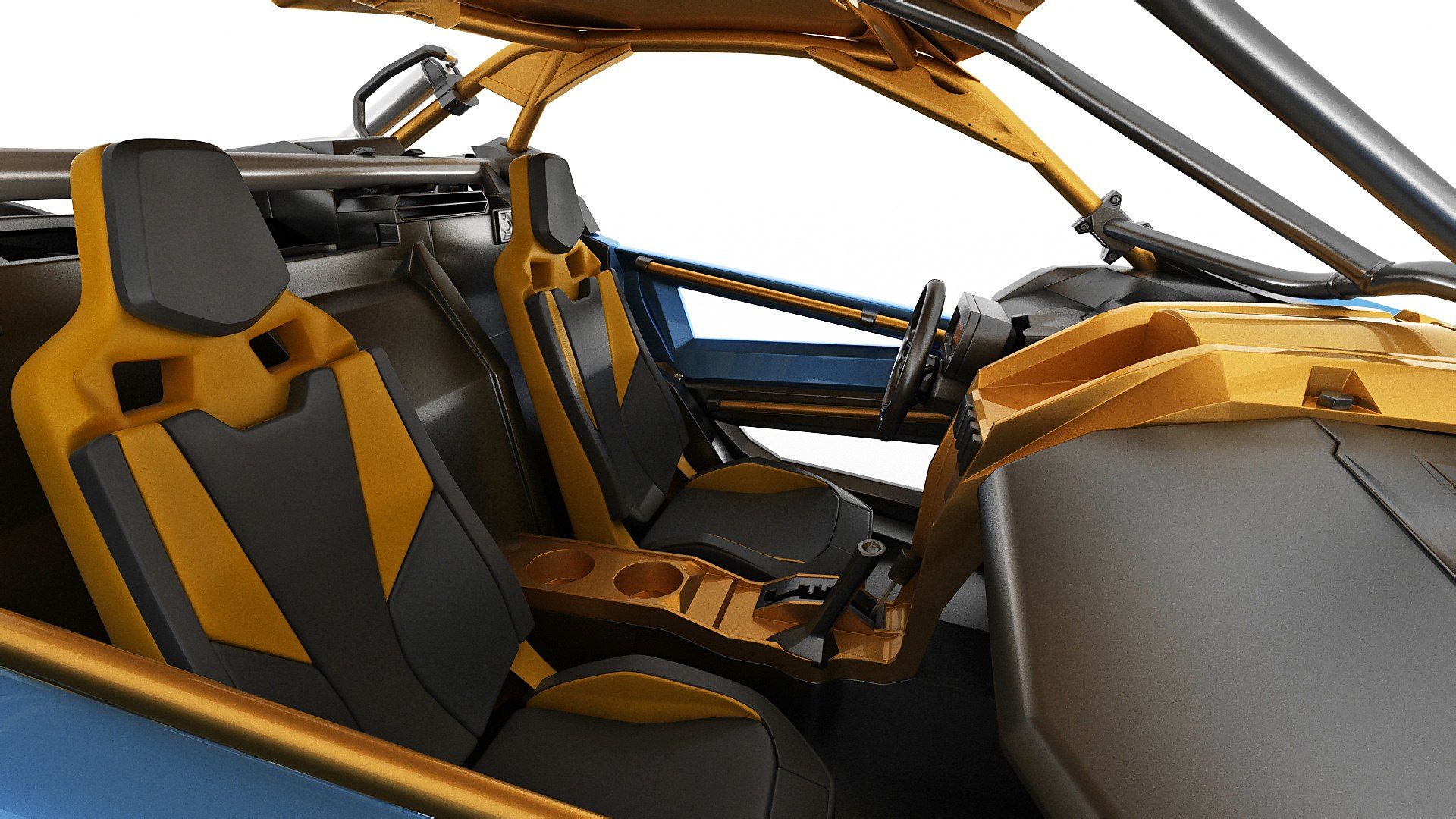
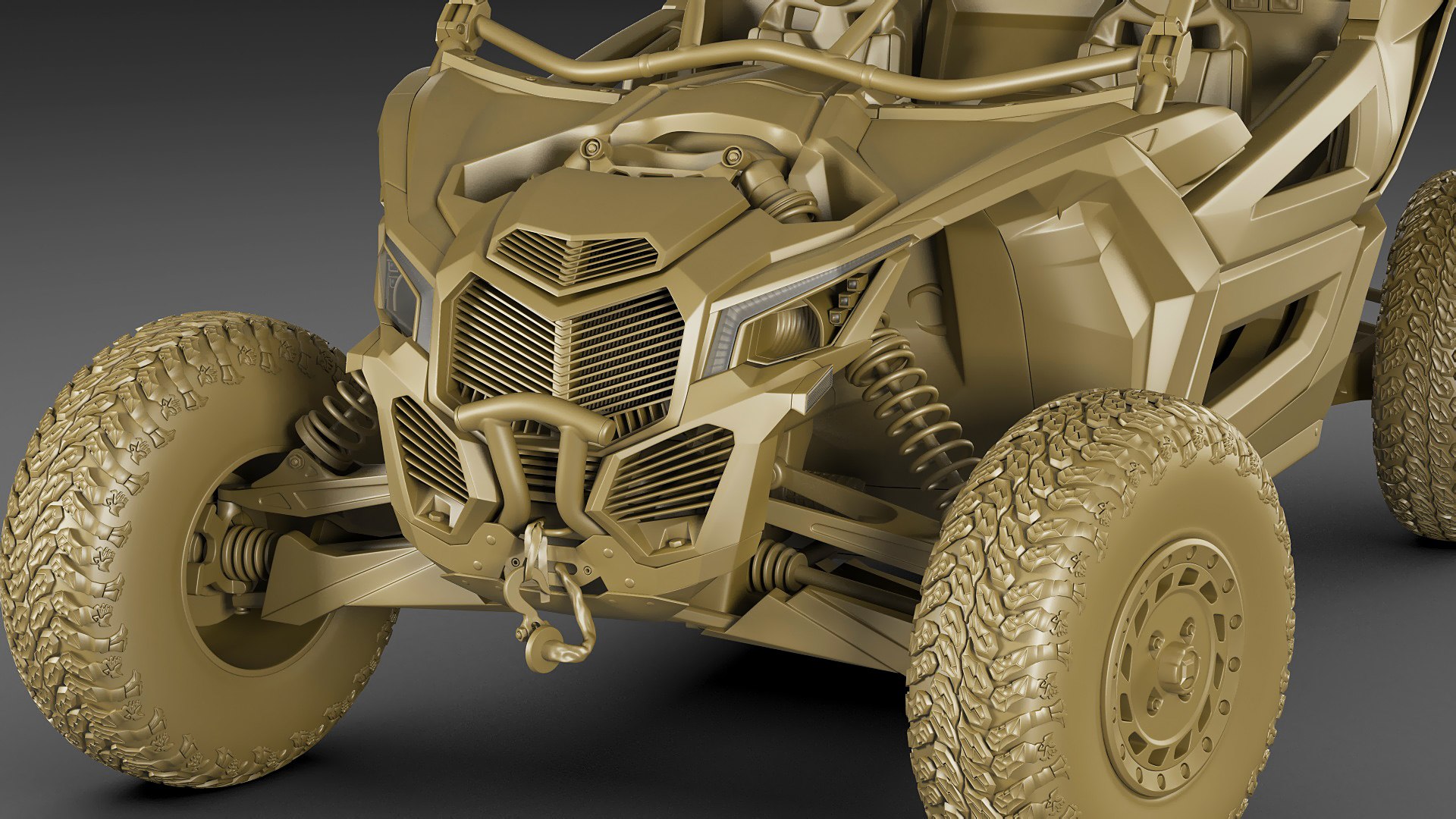
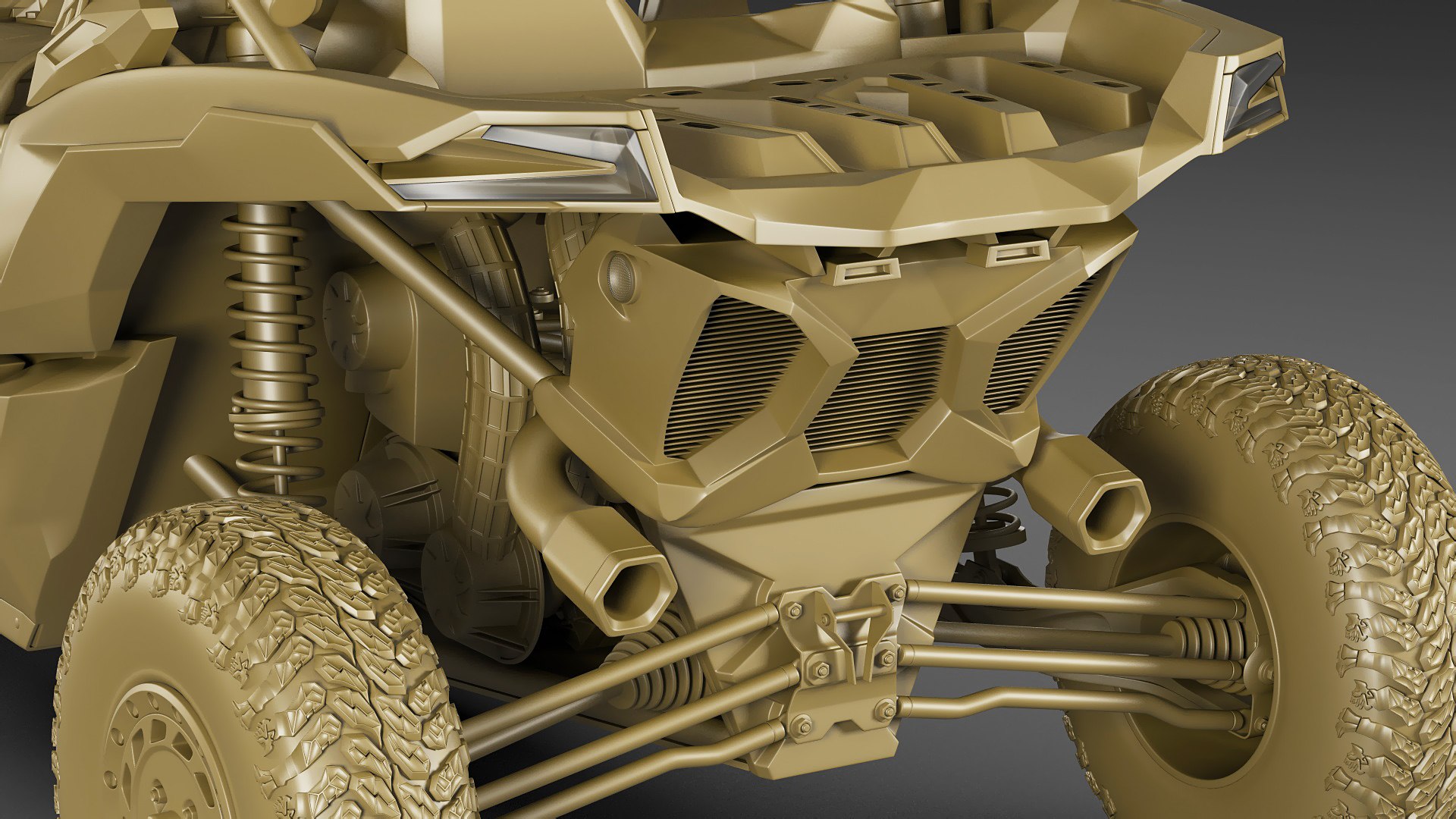
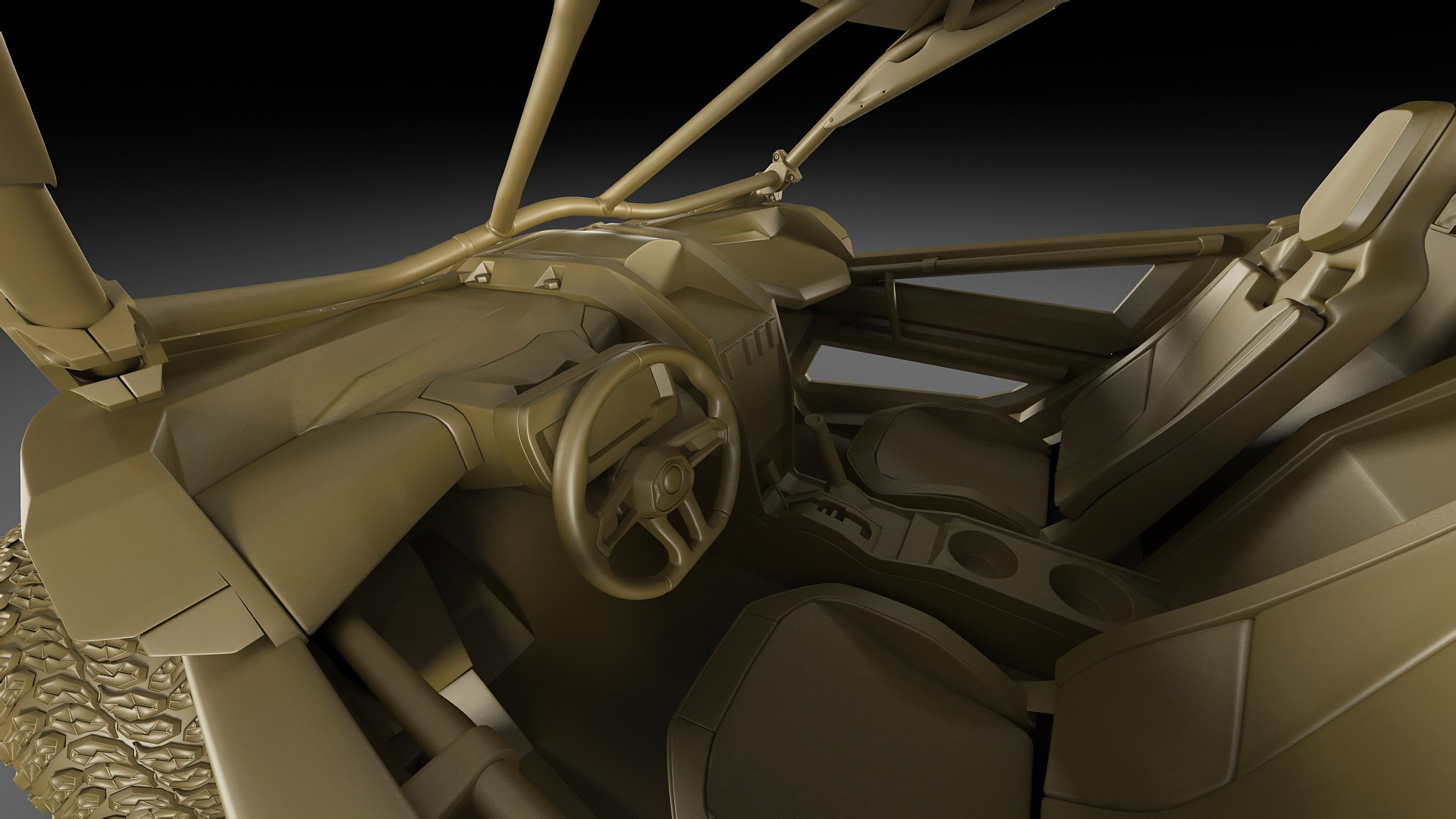
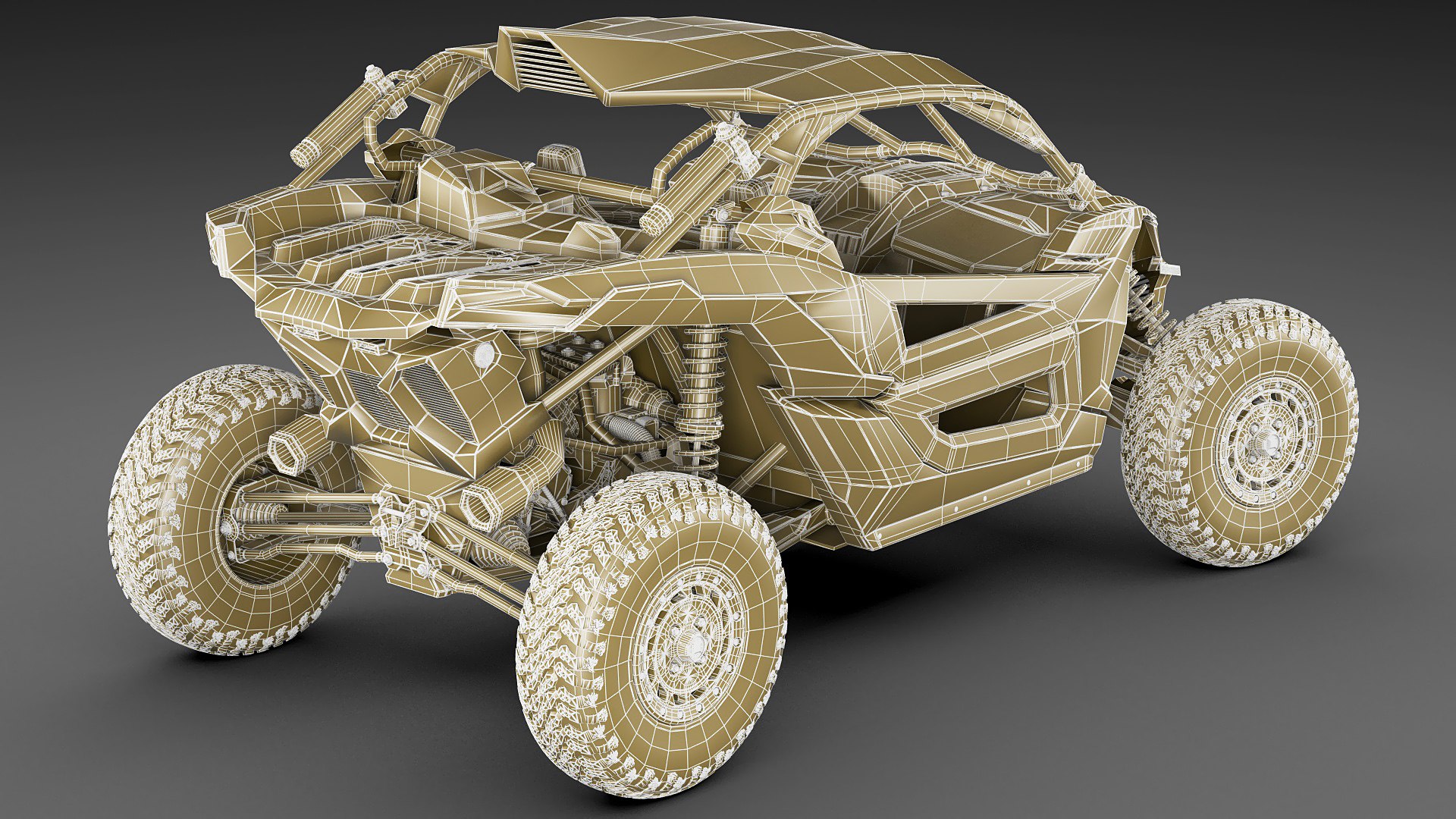
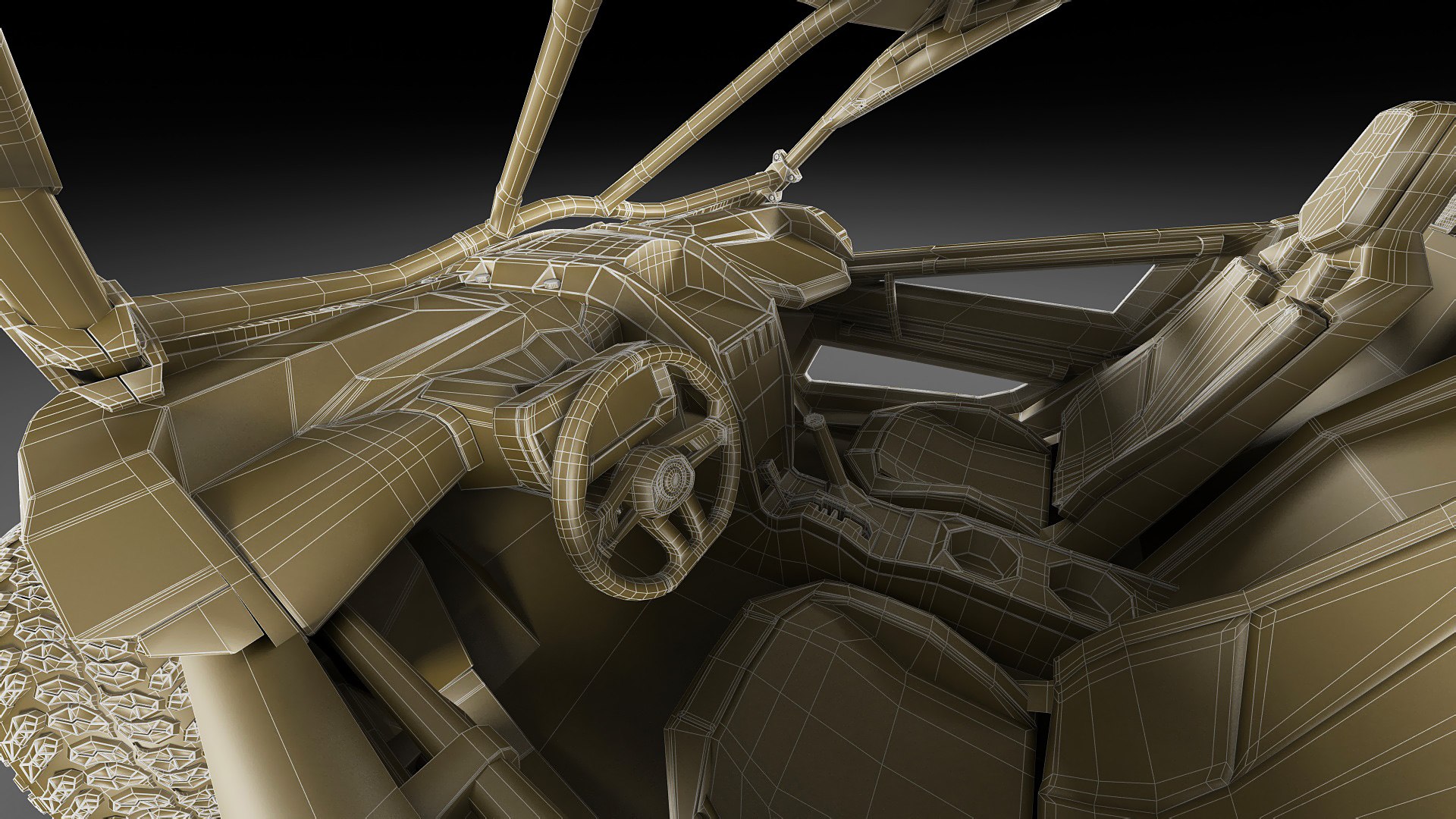
- detailed exterior, medium-detail interior.
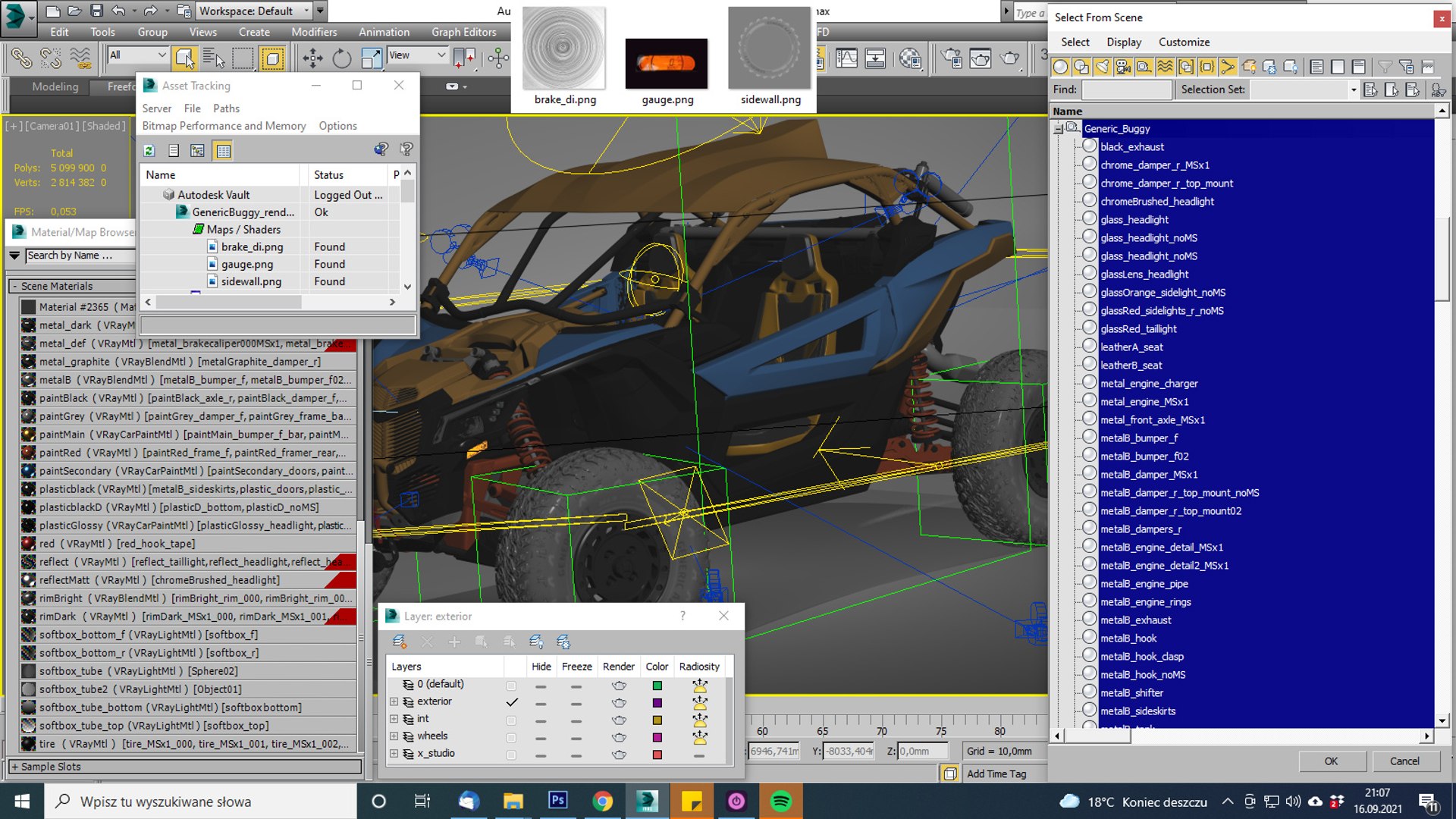
- every object has material's name, you can easily change or apply materials
.
.
.

max format:

Rar archive contains:

1. 3ds max 2011 with vray materials, which you can see in preview images studio renders. Carpaint colour can be slightly different. Lighting and render setup included but render results can be different because photoshop was used to correct contrast, brightness, saturation etc.. but Photoshop CS6 macro file (.atn) for post production is also included.

2. 3ds max 2011 with simple standard materials scanline

Just put into your scene and render!

In each scene model is provided with mesh smooth modifier on stack on objects that need it. Mesh smooth is set 1 or 2 for renders. Exterior and wheels are in different layers.

.

.blend format:

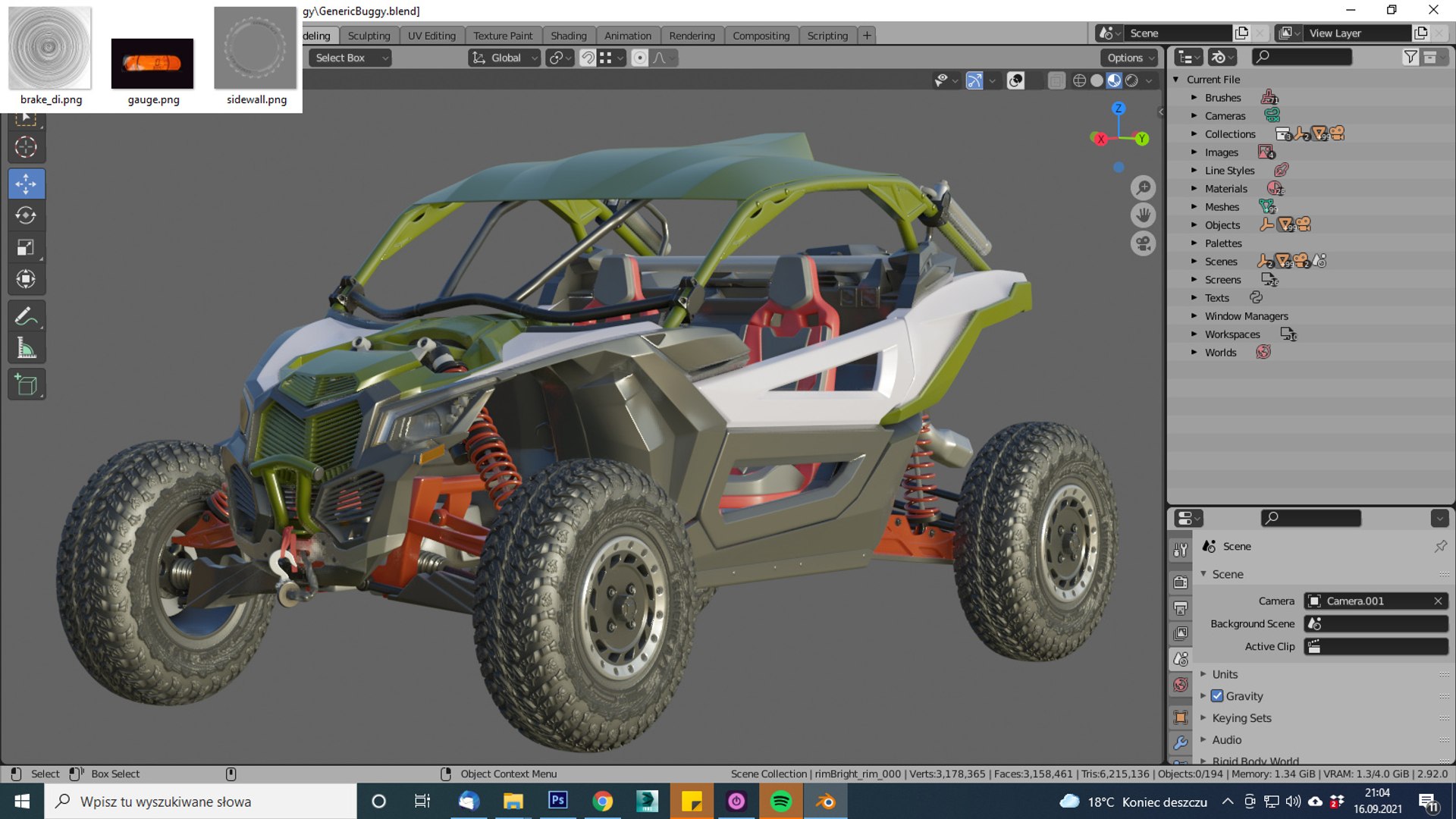
Blender 2.9.1 with Cycles/Eevee materials, which you can see in preview images in outdoor renders. Render scene not included, only car model.

.

.obj format:

Rar archive contains two versions of model:

1. Exported without collapsing after mesh smooth. Low or med poly mesh which you can see in preview images, good if you need to edit model.

2. Exported after appllying mesh smooth. Just import, apply materials and render

Simple materials, textures may have to be added manually.

.

.lwo, .c4d format:

Rar archive contains model exported without collapsing after mesh smooth. Low or med poly mesh which you can see in preview images, good if you need to edit model.

Simple materials, textures may have to be added manually. In Cinema 4D some elements may have to be optimized.

.

.fbx and 3ds format:

Rar archive contains model exported after appllying mesh smooth. Just import, apply materials and render.

Simple materials, textures may have to be added manually.

.

.stl format:

Rar archive contains model in two resolutions. Geometry only.

.

.

Polycount:
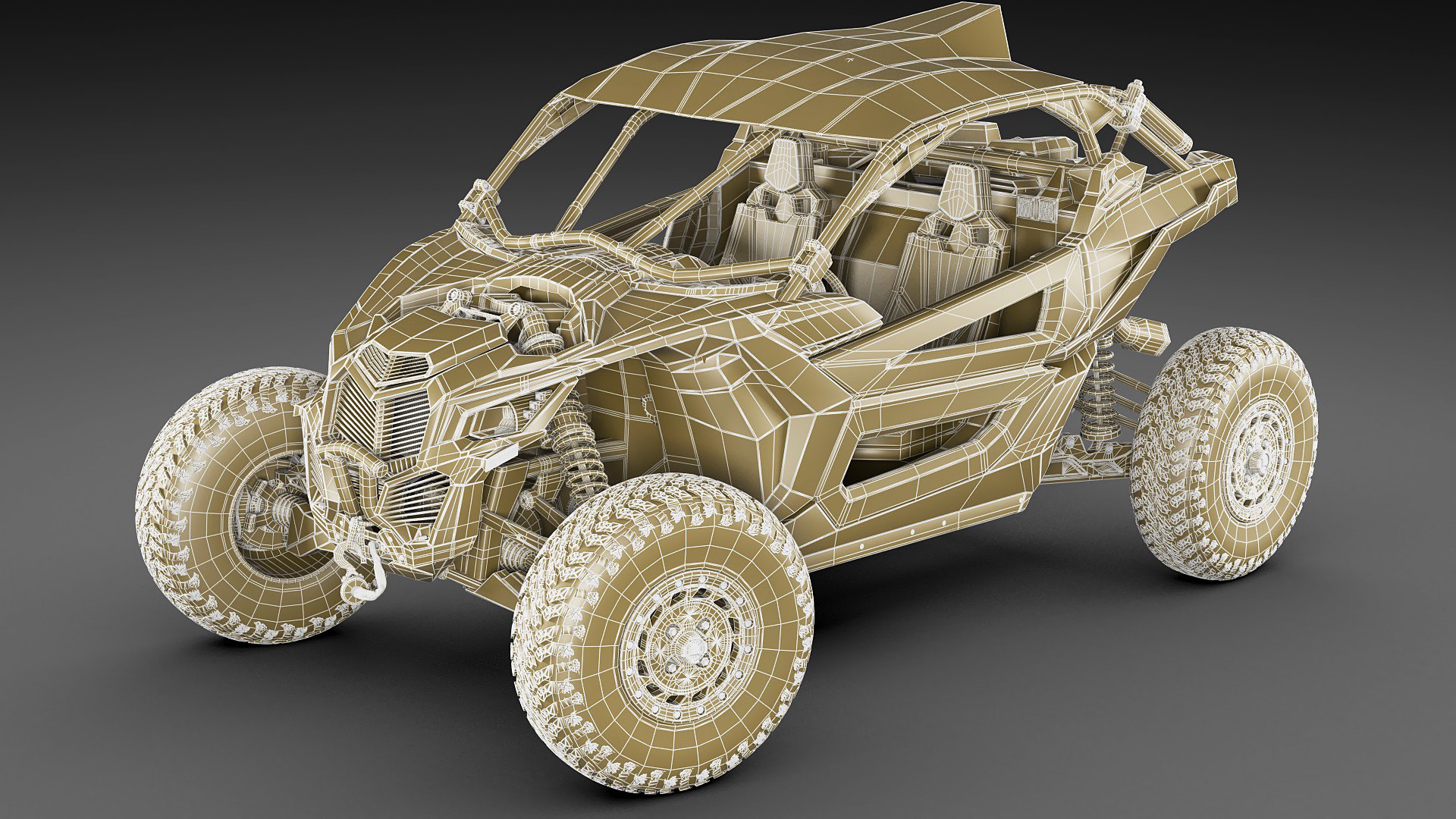
without meshsmooth max,obj,lwo,xsi,c4d: 770 000 polygons
collapsed fbx,3ds,obj: 5 500 000 faces/ 3 500 000 polygons

Select Enhanced License

  • $10,000 in Legal Protection (Indemnification)
  • Uncapped Legal Protection (Indemnification)
  • Waiver from injunctive relief
  • Assignable model rights
  • $1,000,000 in Legal Protection (Indemnification)
  • Waiver from injunctive relief
  • Assignable model rights
  • $250,000 in Legal Protection (Indemnification)
  • Assignable model rights
Read more about enhanced license tiers, or contact us at enterprise@turbosquid.com. Already a Shutterstock Enterprise Customer? Contact your Shutterstock Sales Support Agent to talk about adding 3D.

About Conversion Requests

To submit a conversion request for a purchased asset, please complete our Conversion Request Form.

If you have not yet purchased a model, please review our Documentation about Conversions to learn about what limitations you may encounter with a conversion.

For any additional questions about a model’s suitability for conversion, please contact TurboSquid Support.

Loading...