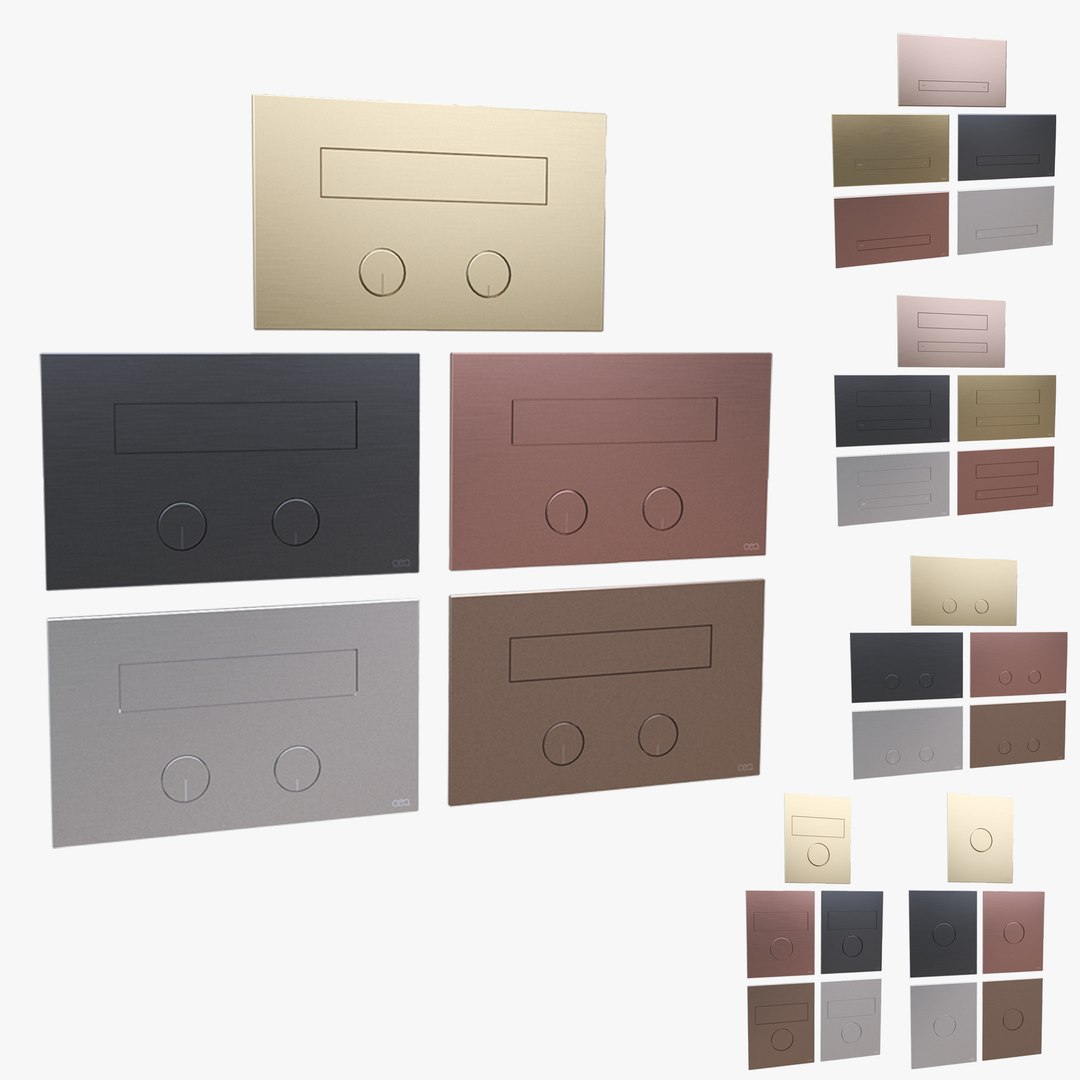
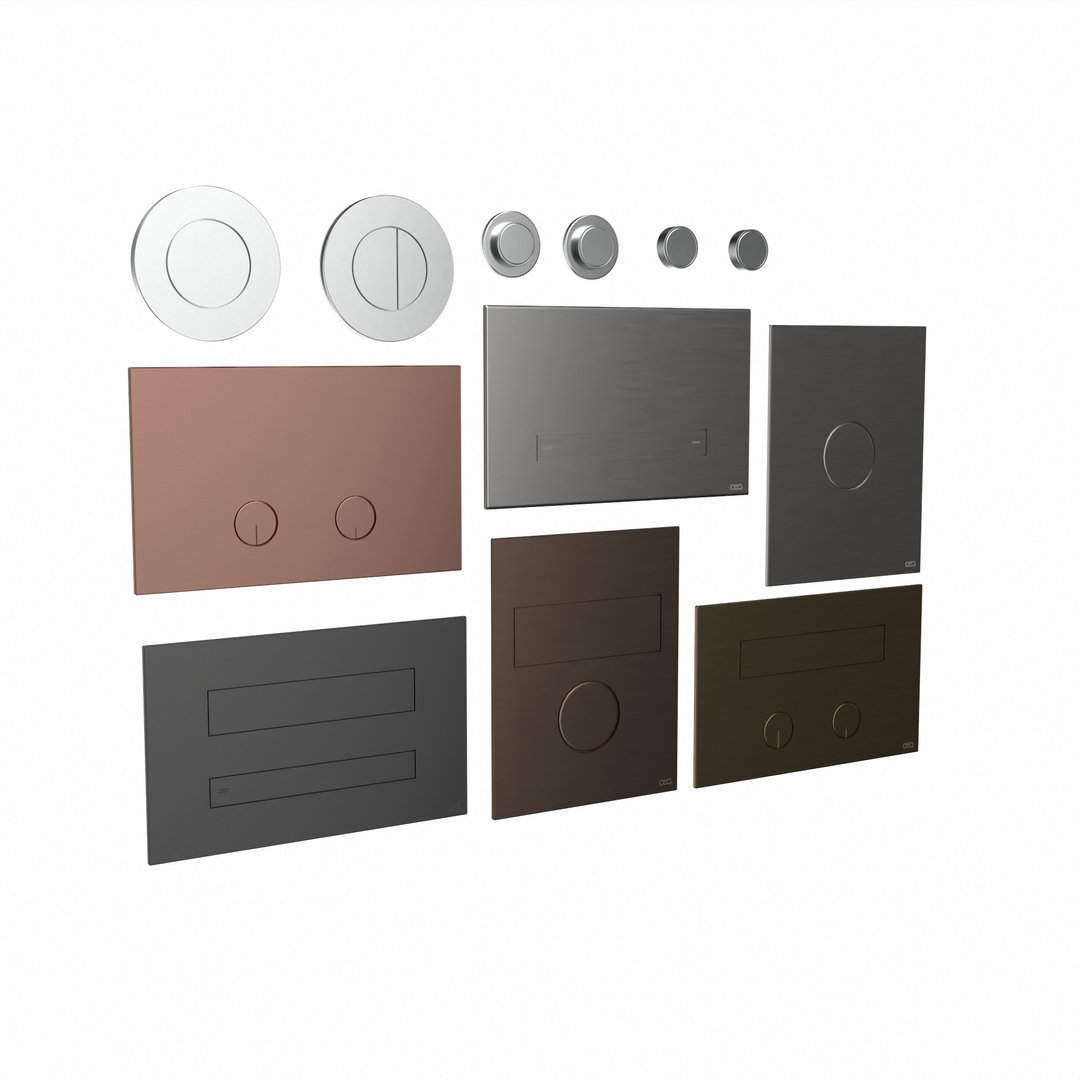
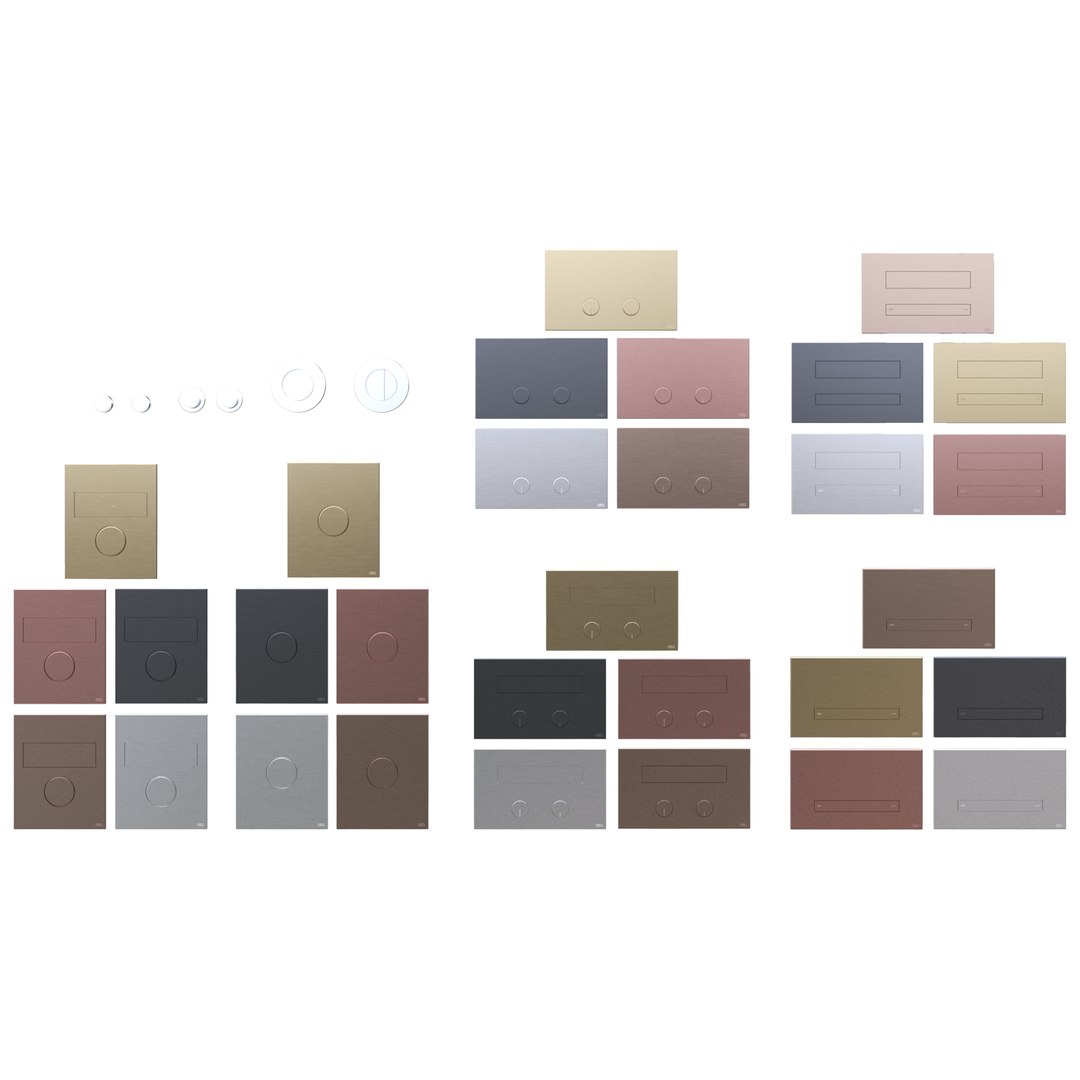
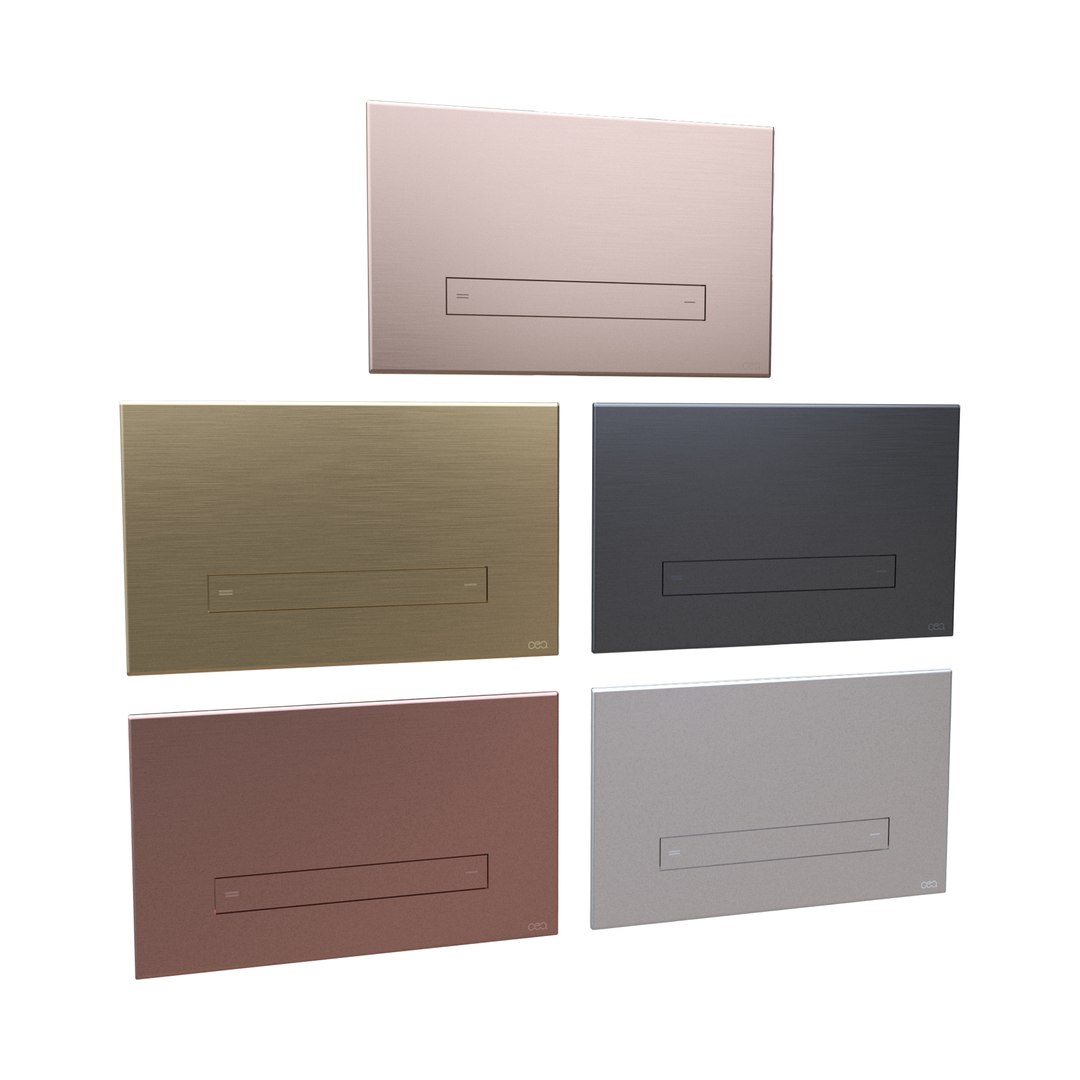
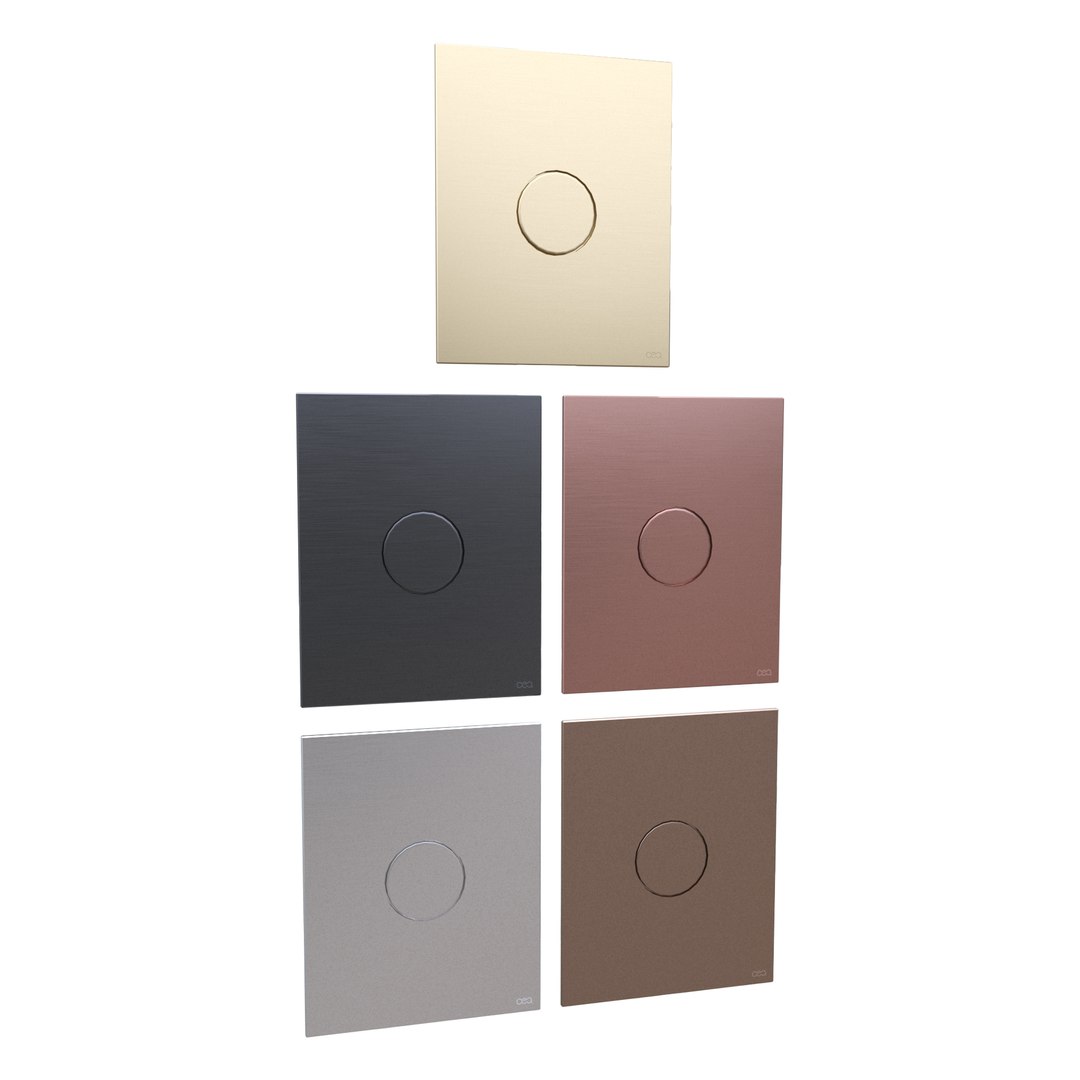
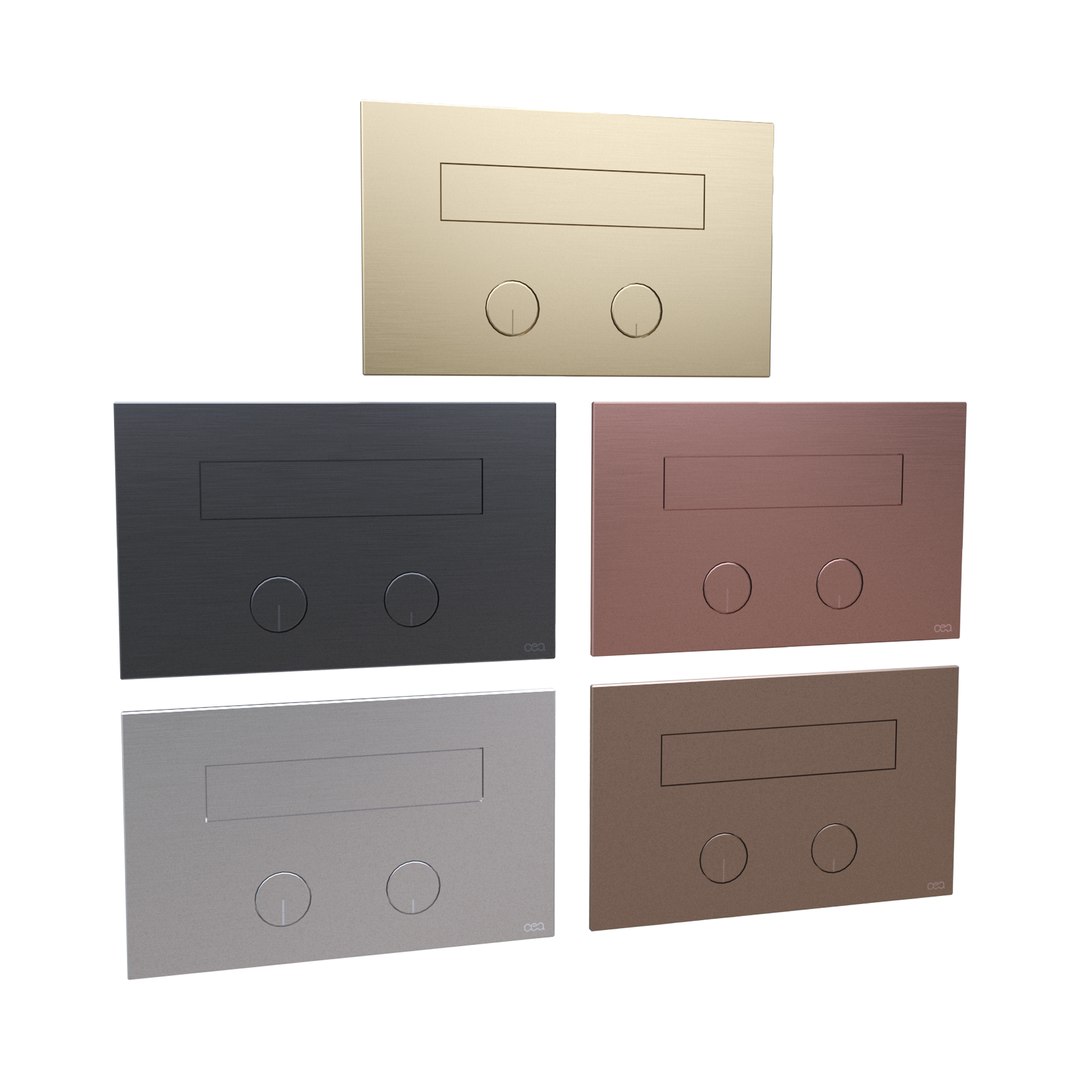
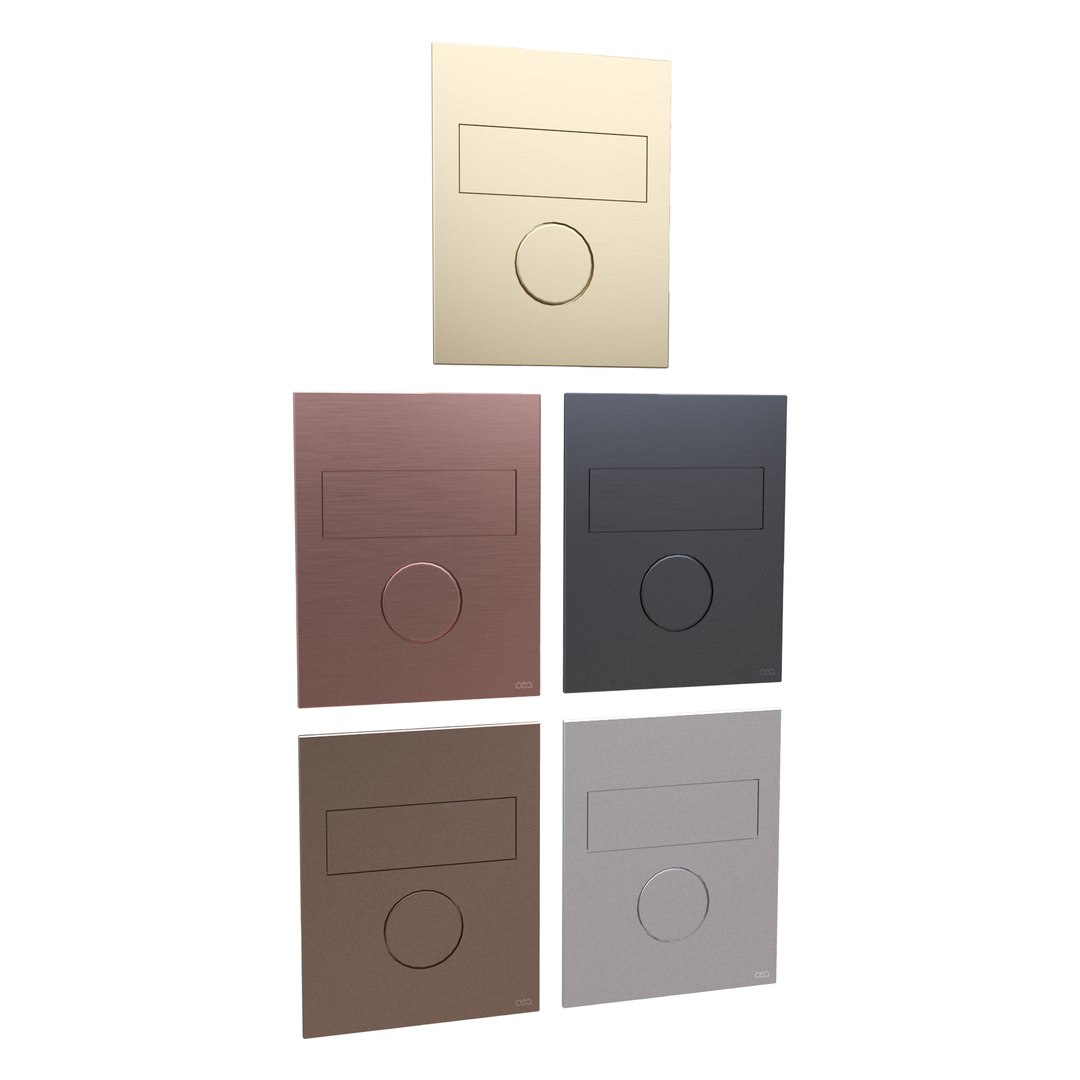
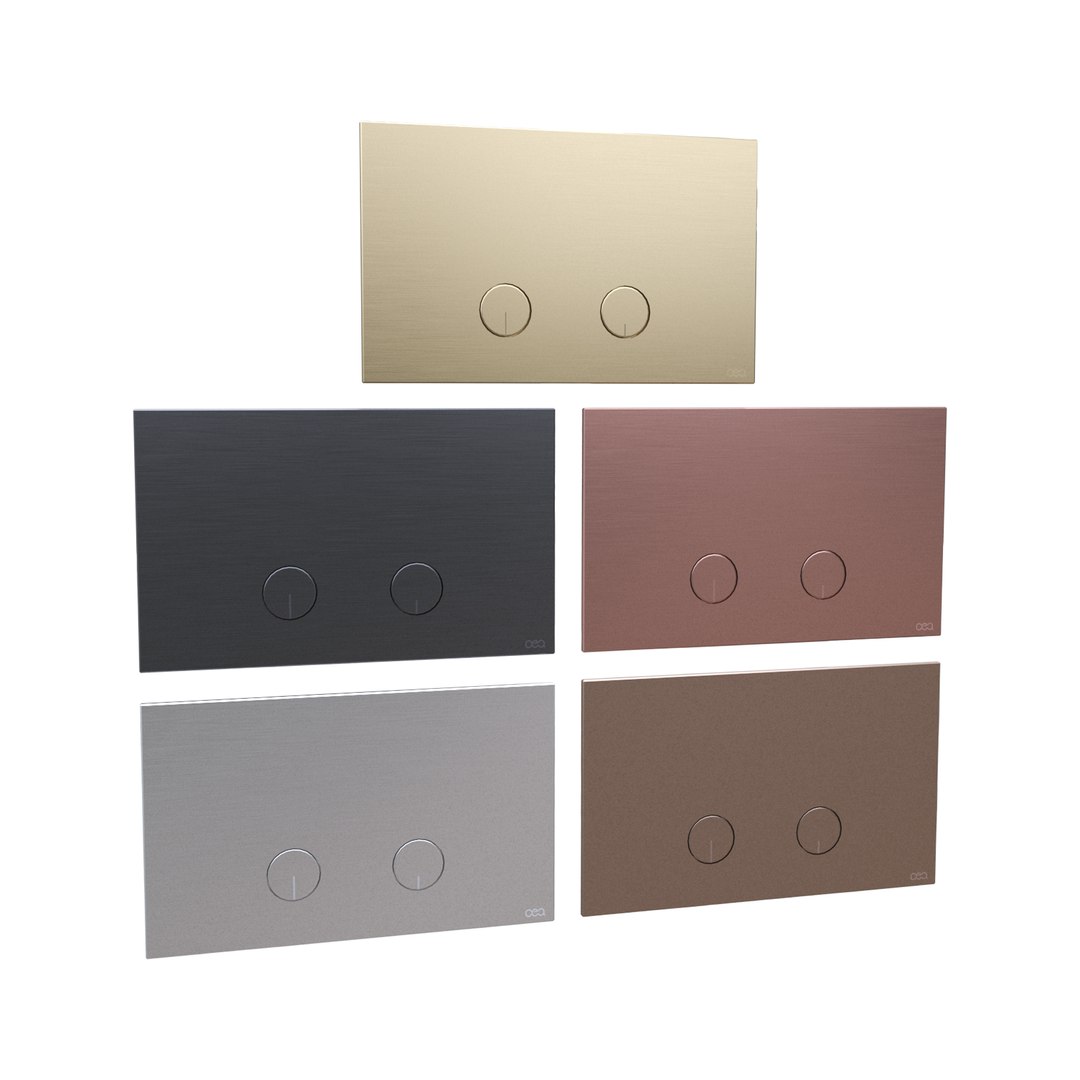
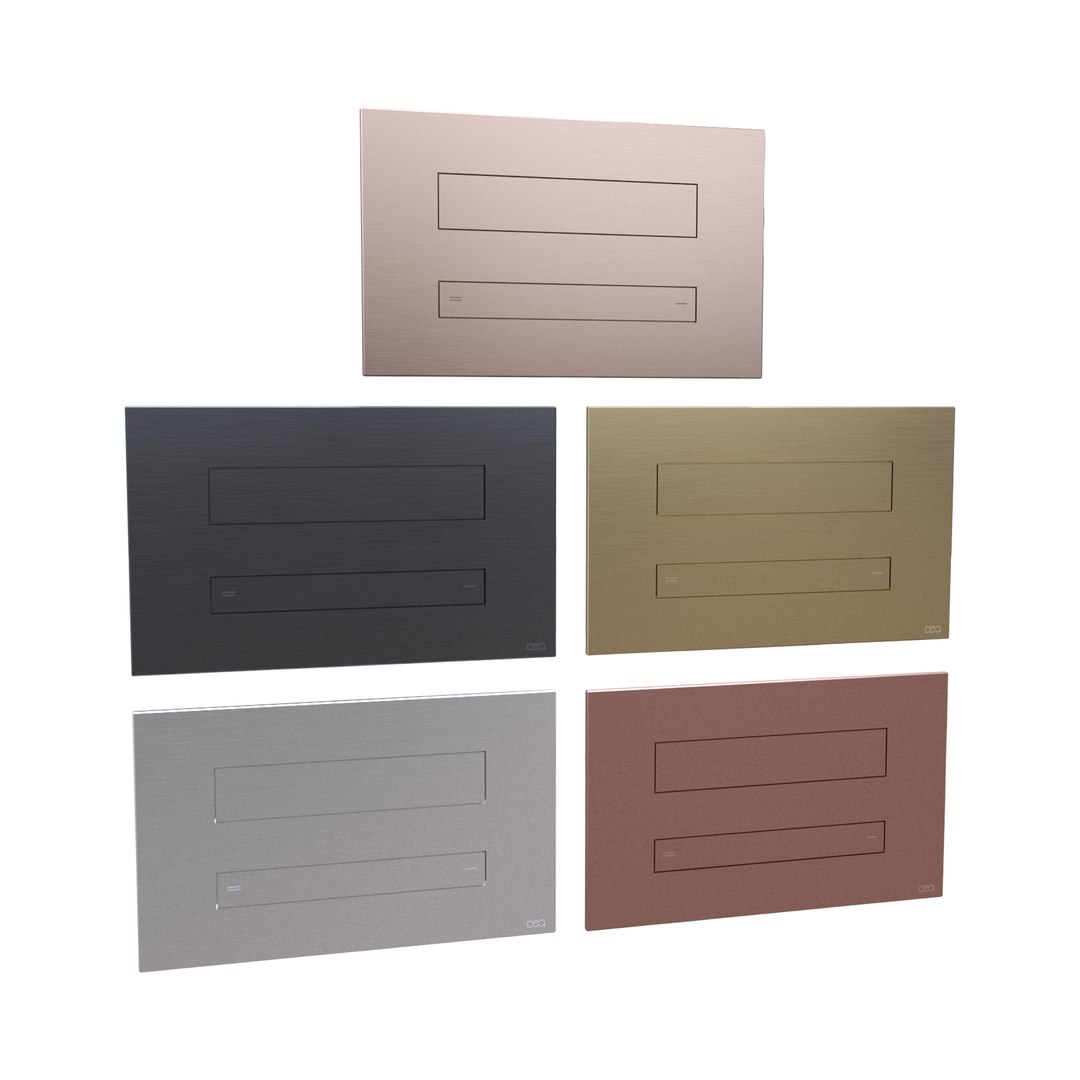
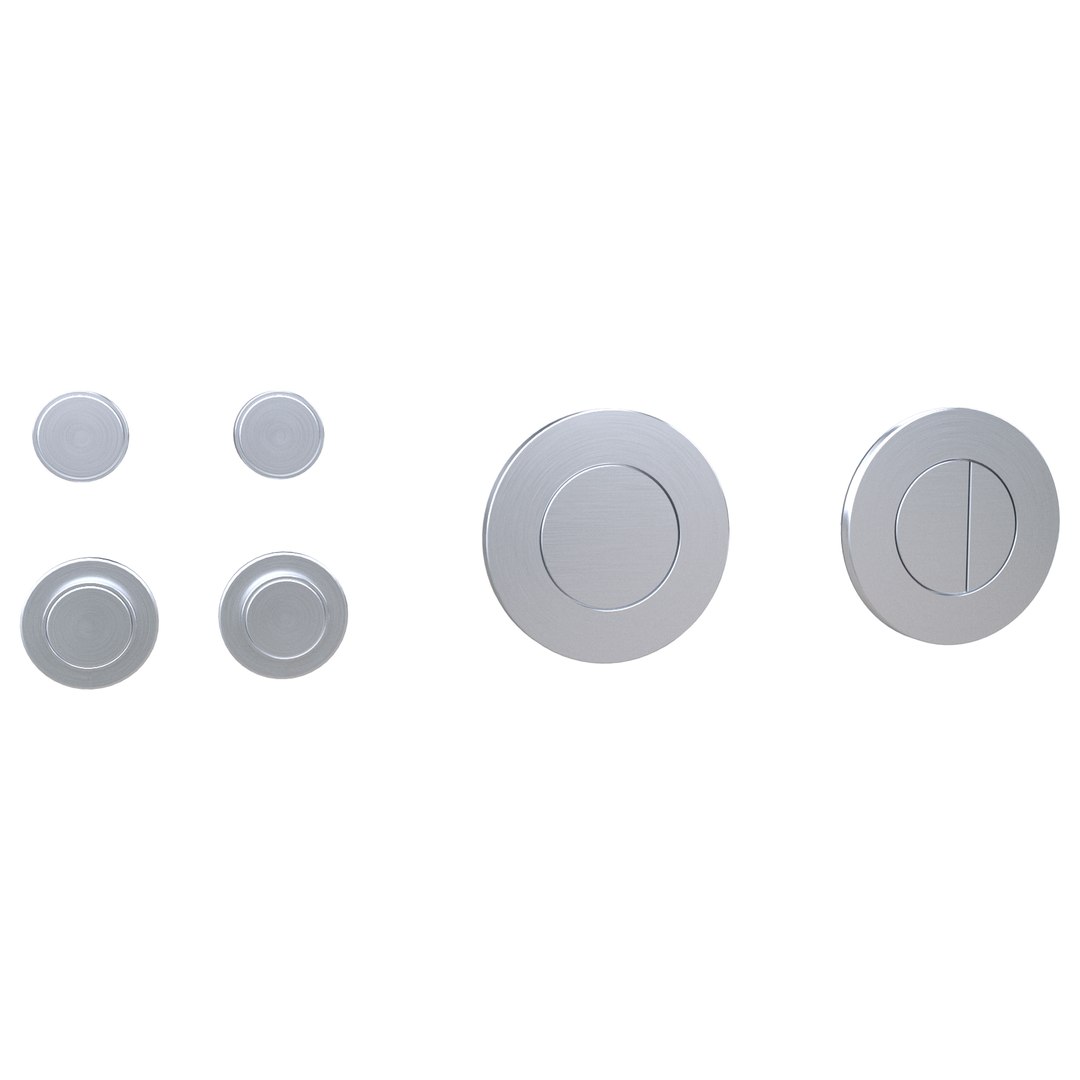
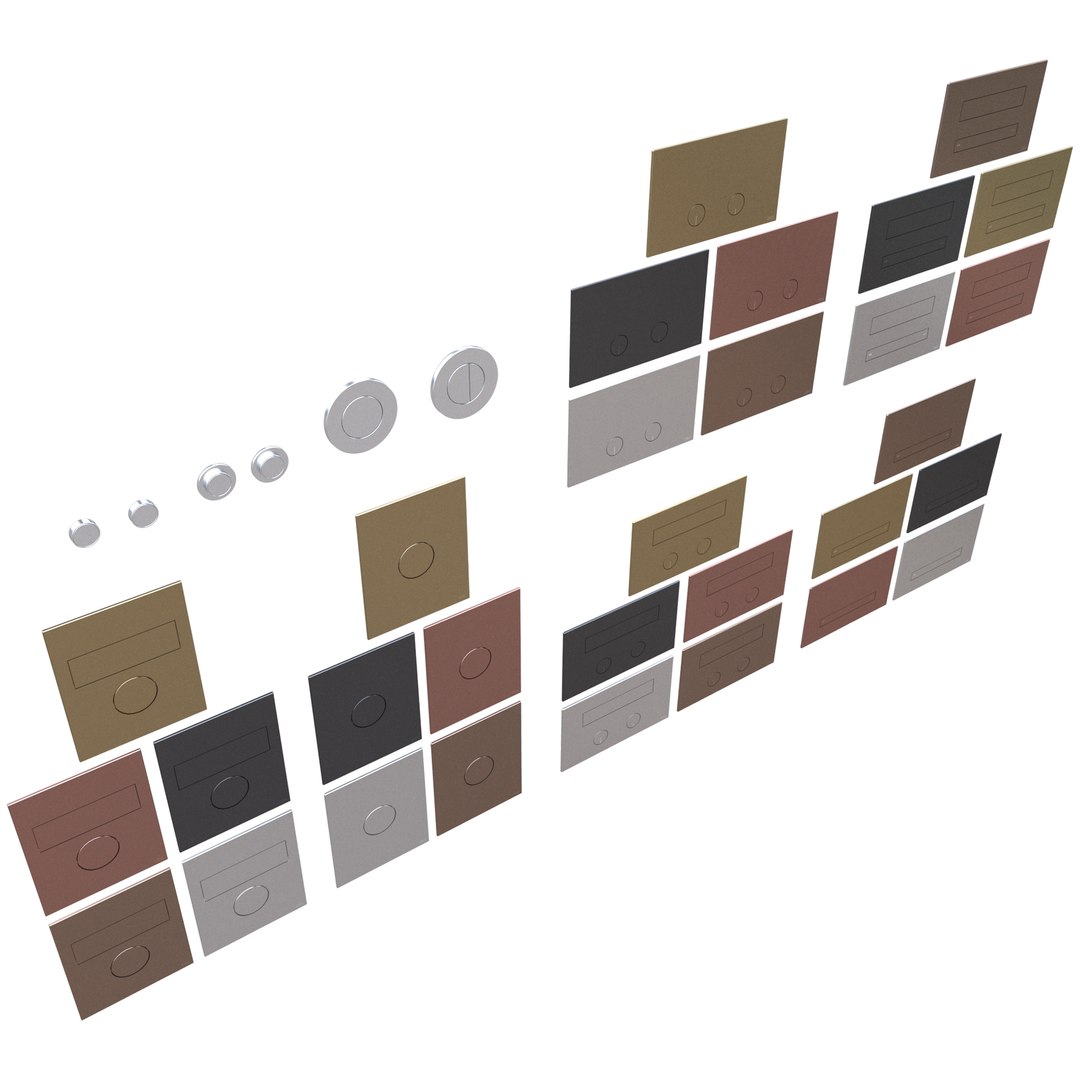
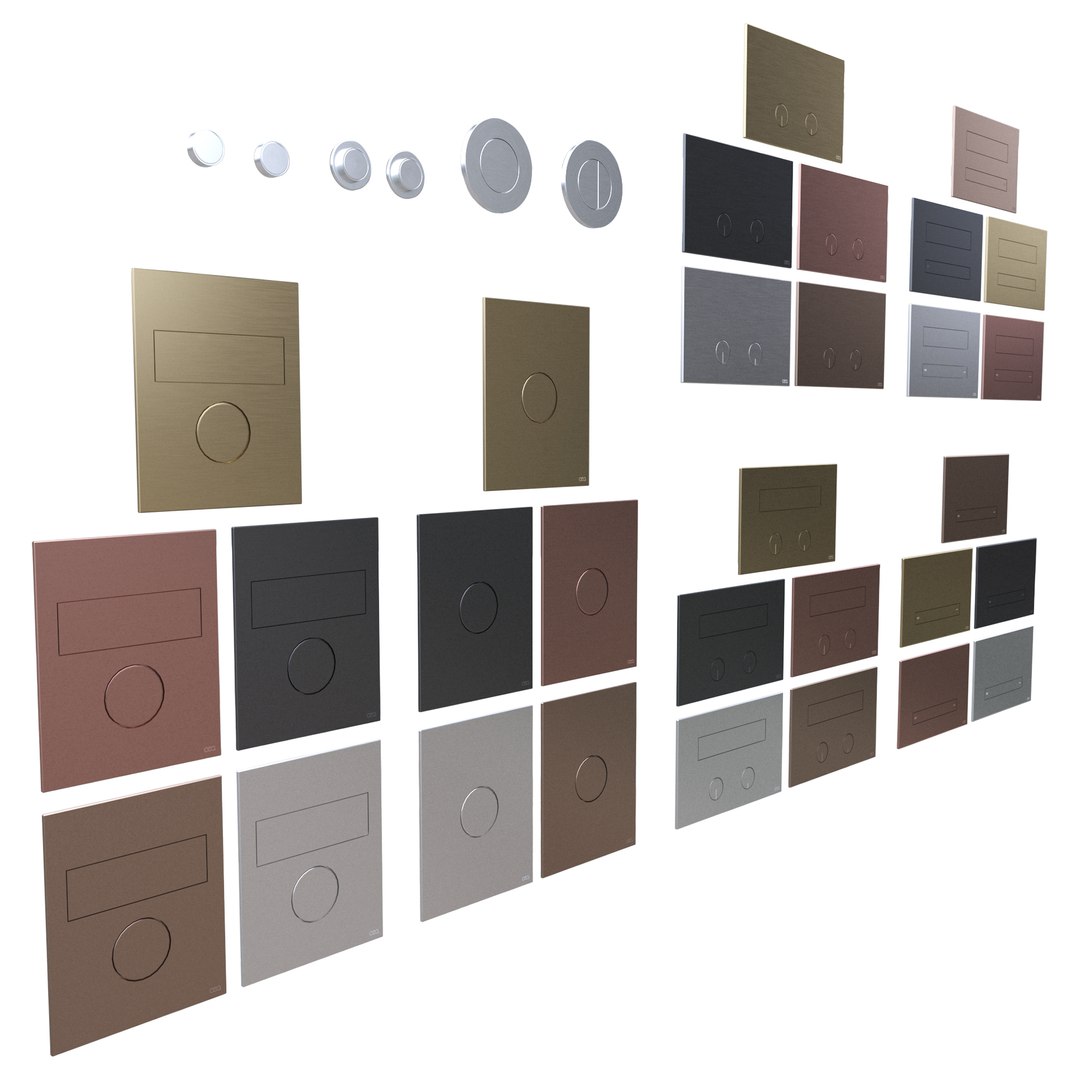
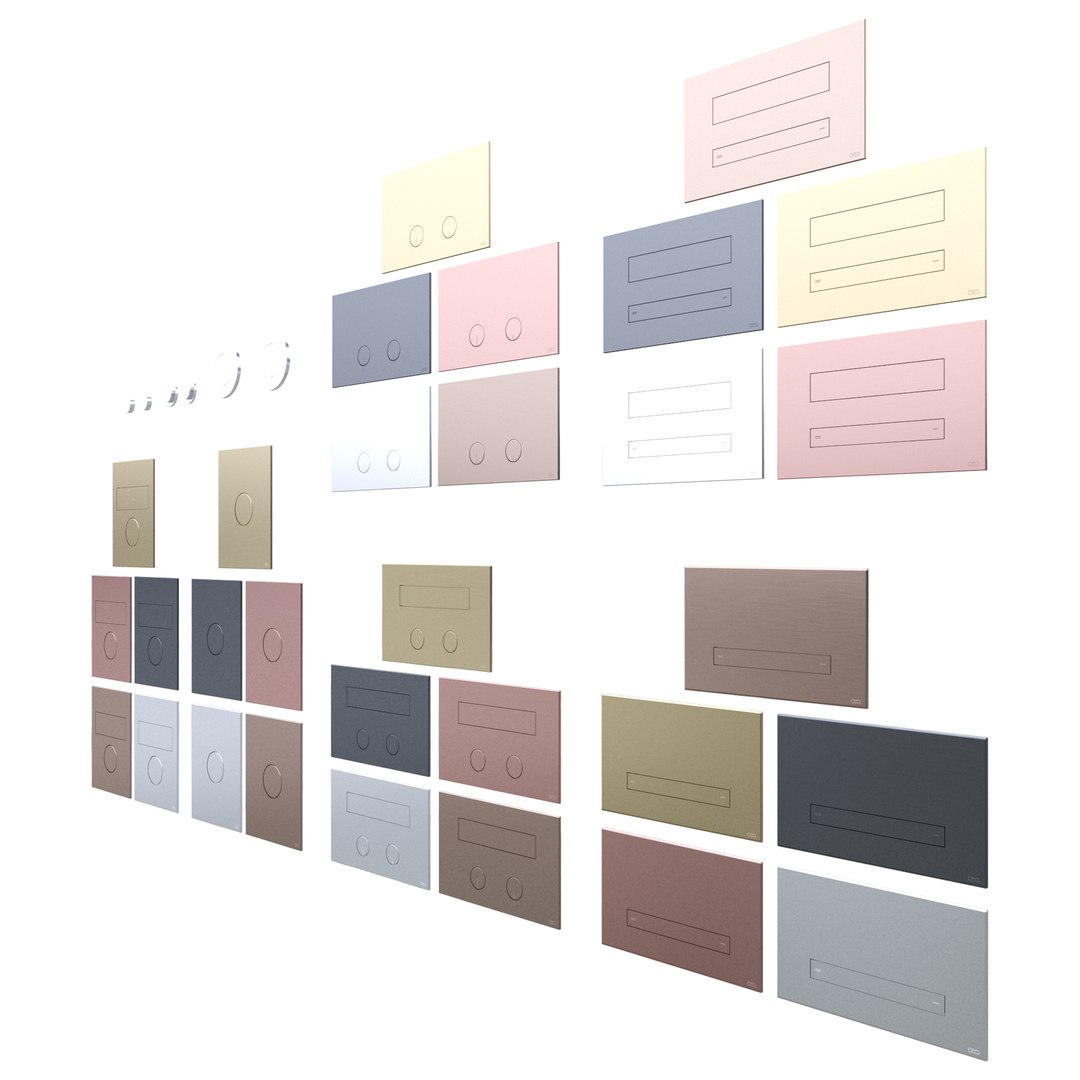
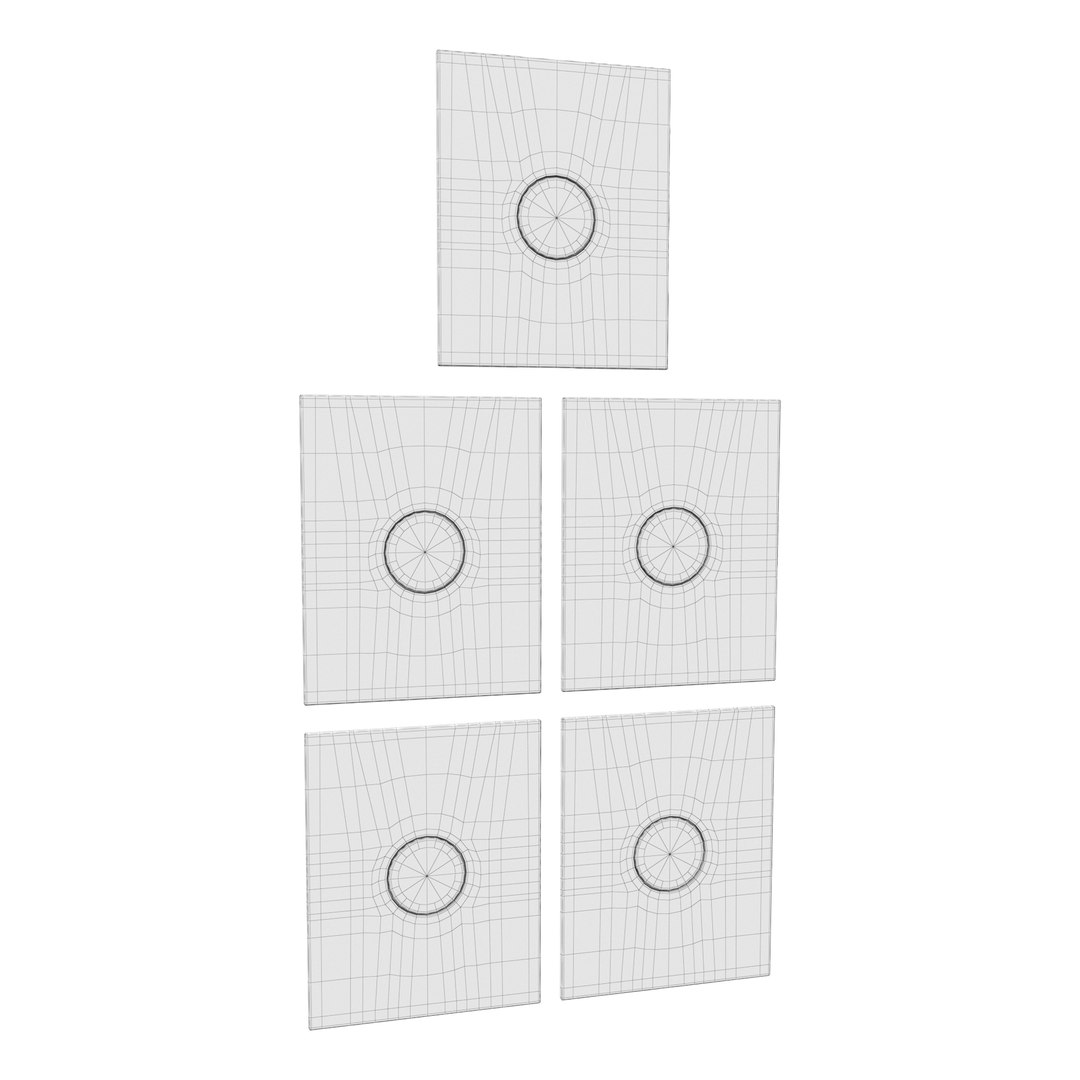
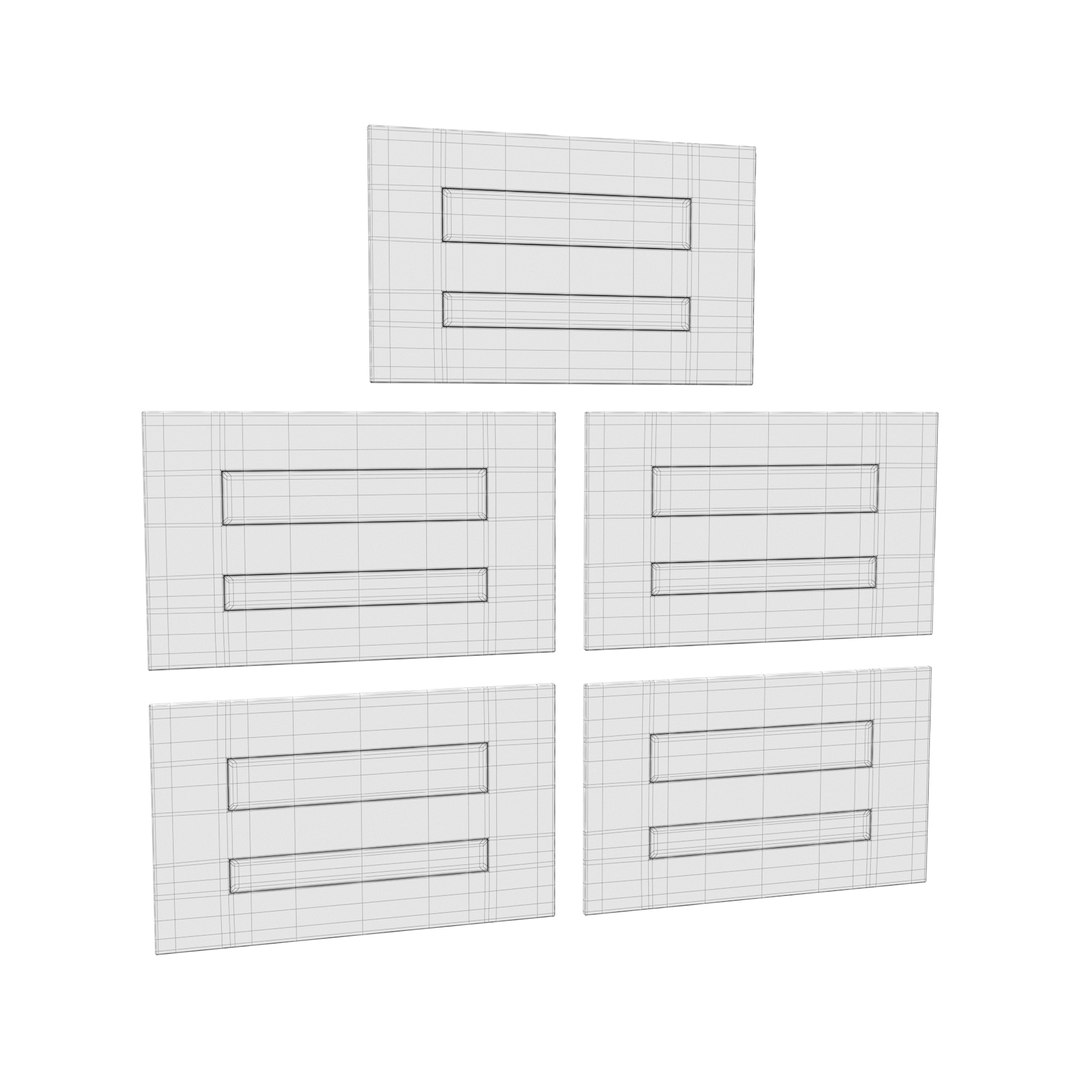
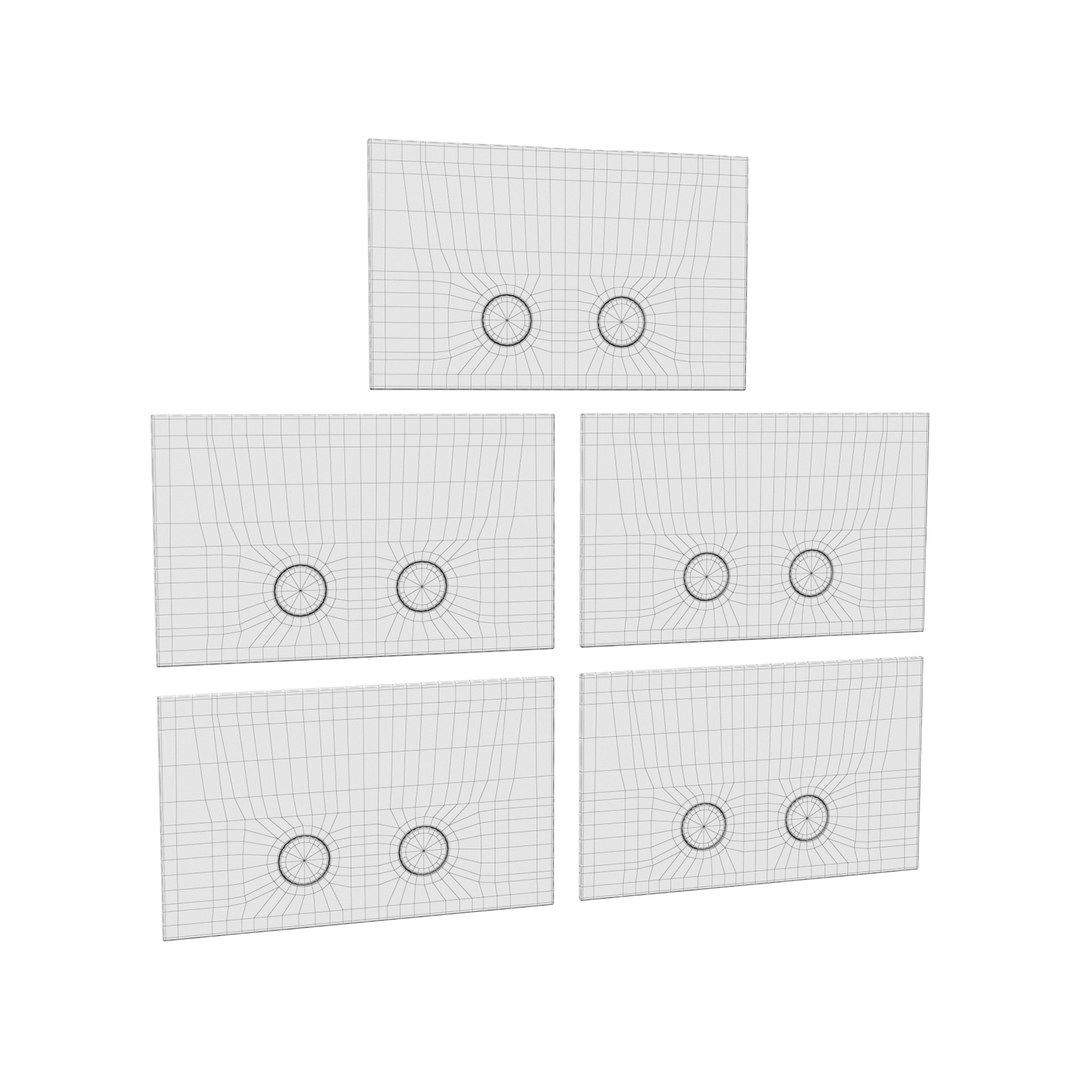
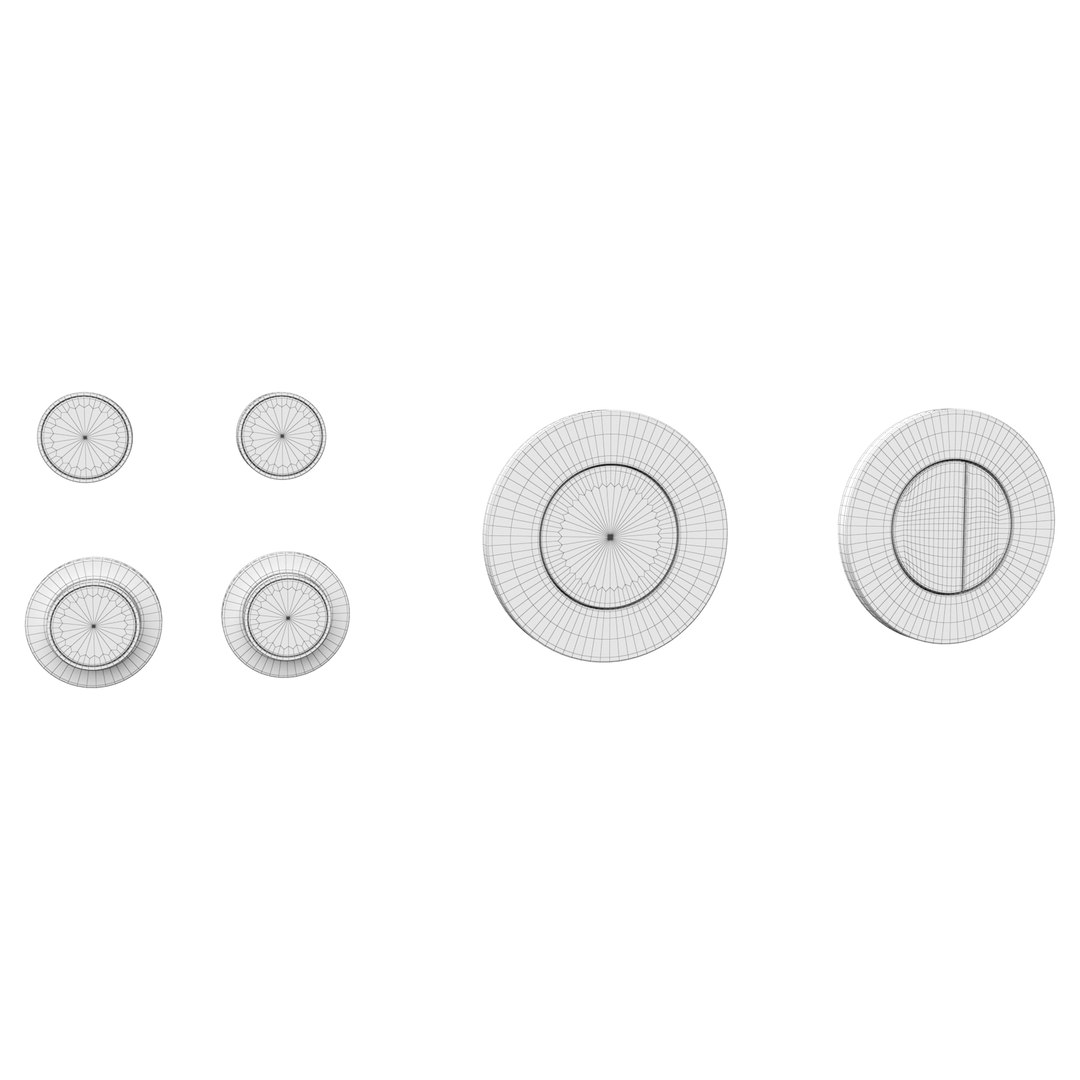
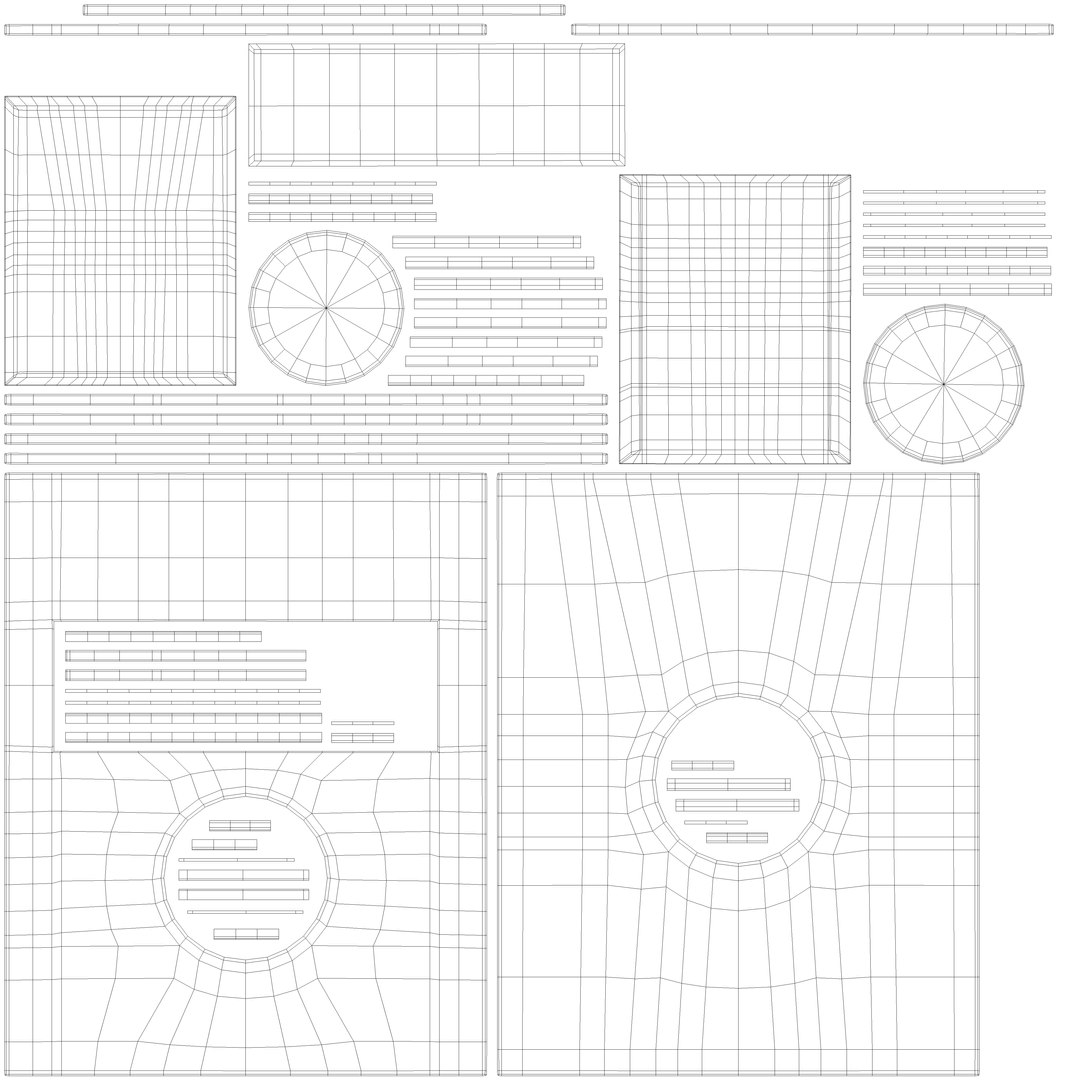
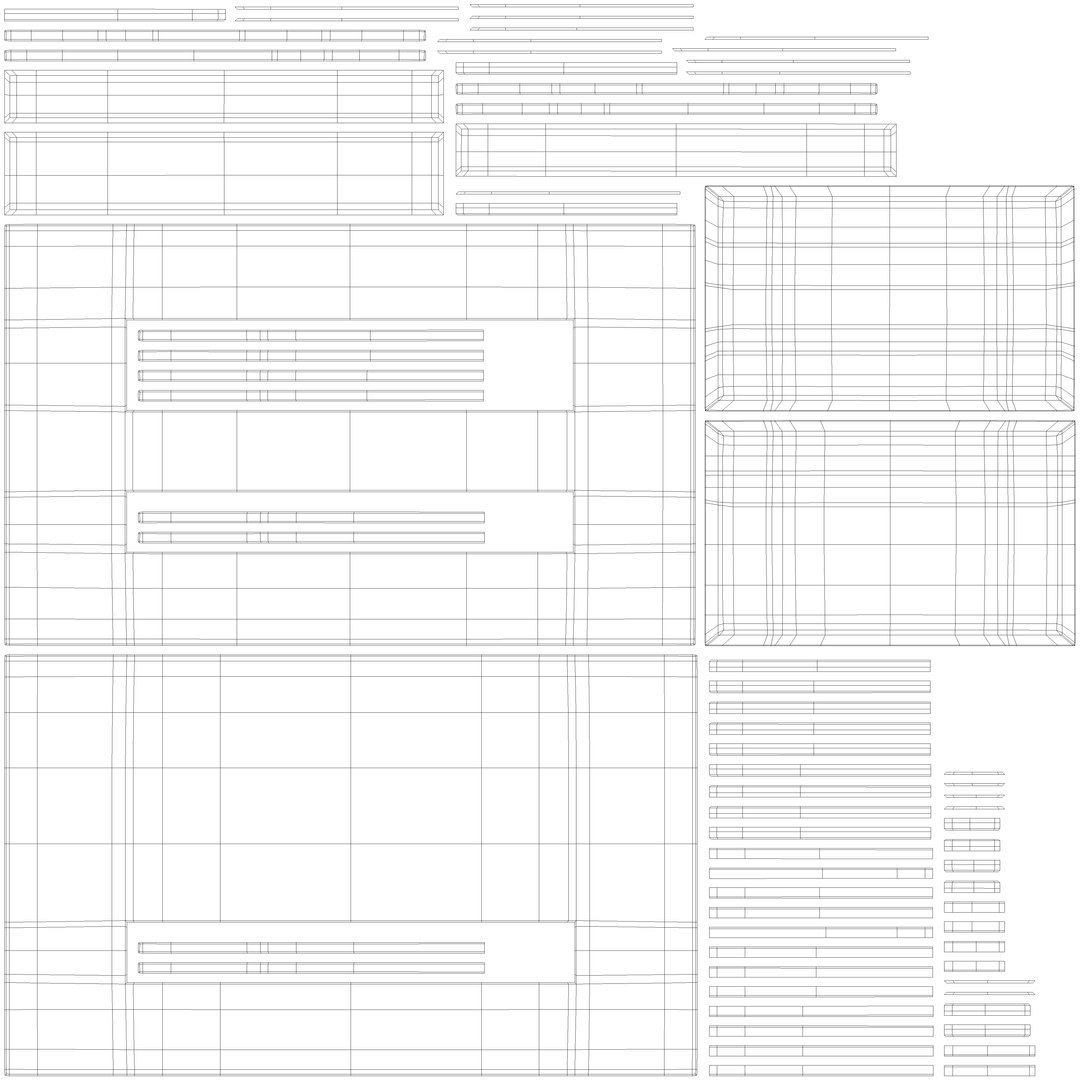
Flush Plate Set 3 Cea Design Pla Pul for Installation Buttons

$7

Standard License | Upgrade License
Editorial Uses Only
Formats (10)
Native | 3ds Max 2021 | V-Ray 5
3ds Max 2018 | Corona 5
3ds Max 2018 | V-Ray 5
3ds Max 2021 | Corona 5
3D Studio 2010
FBX 2012
OBJ 2010
Specifications
Publish Date January 26, 2025
Product ID 2345768
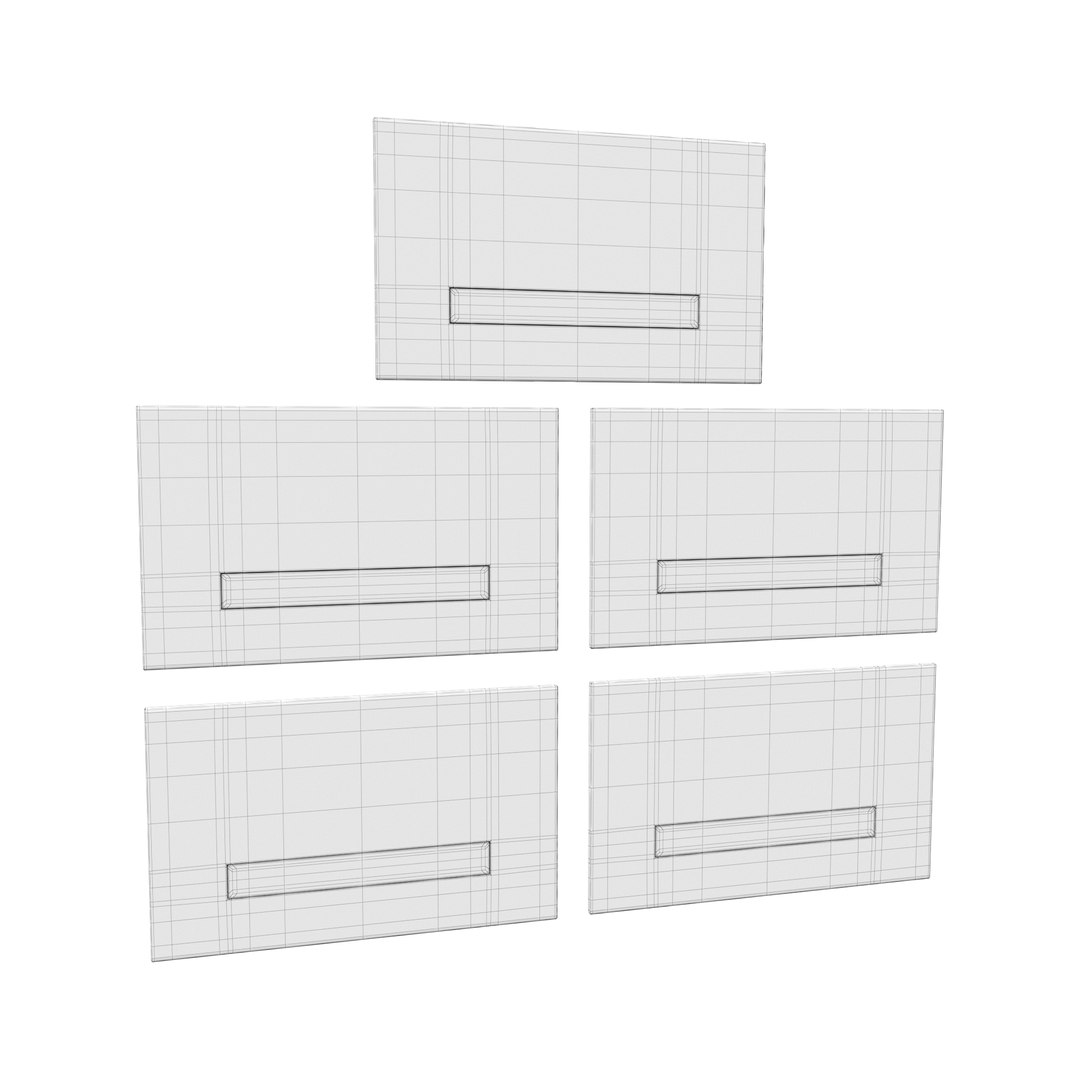
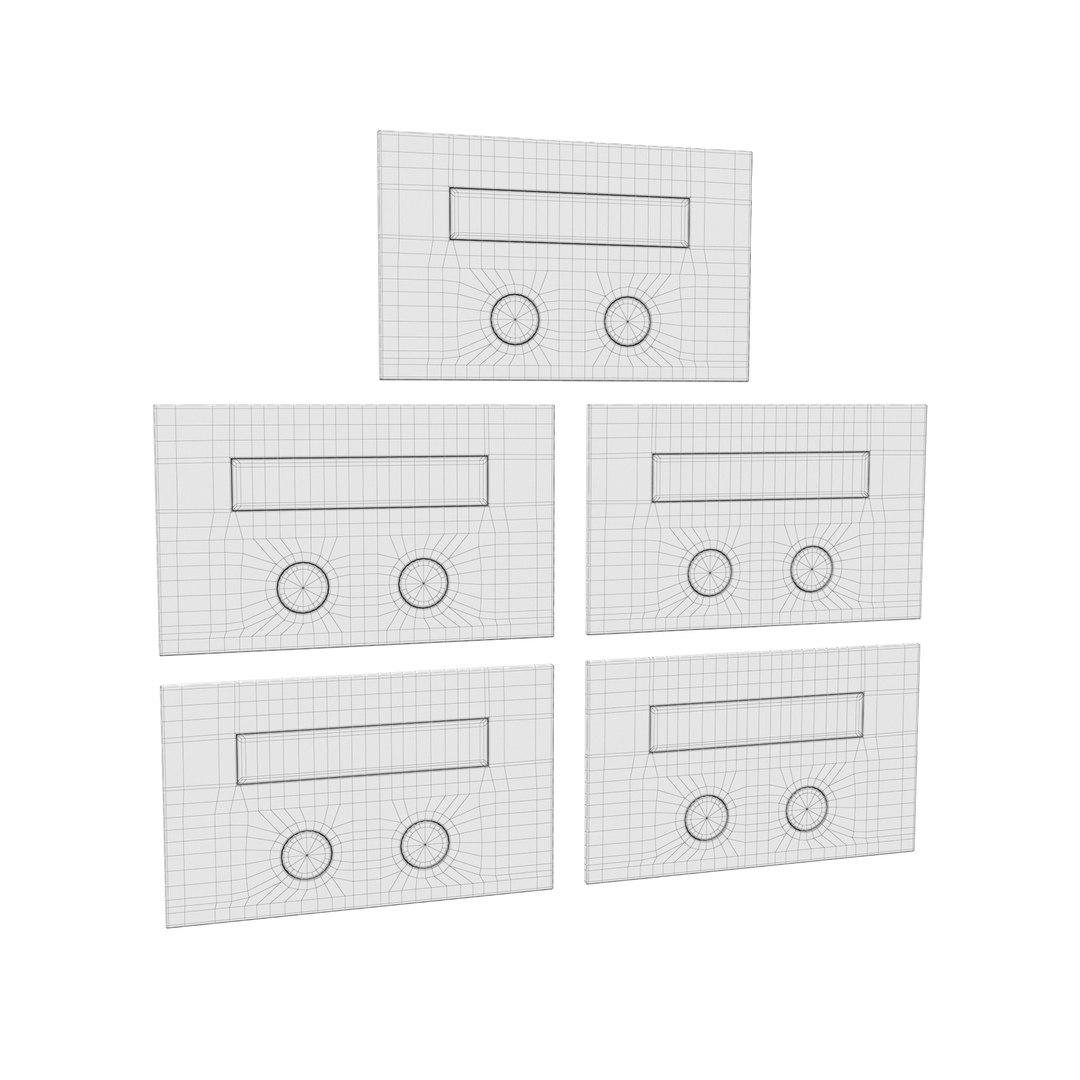
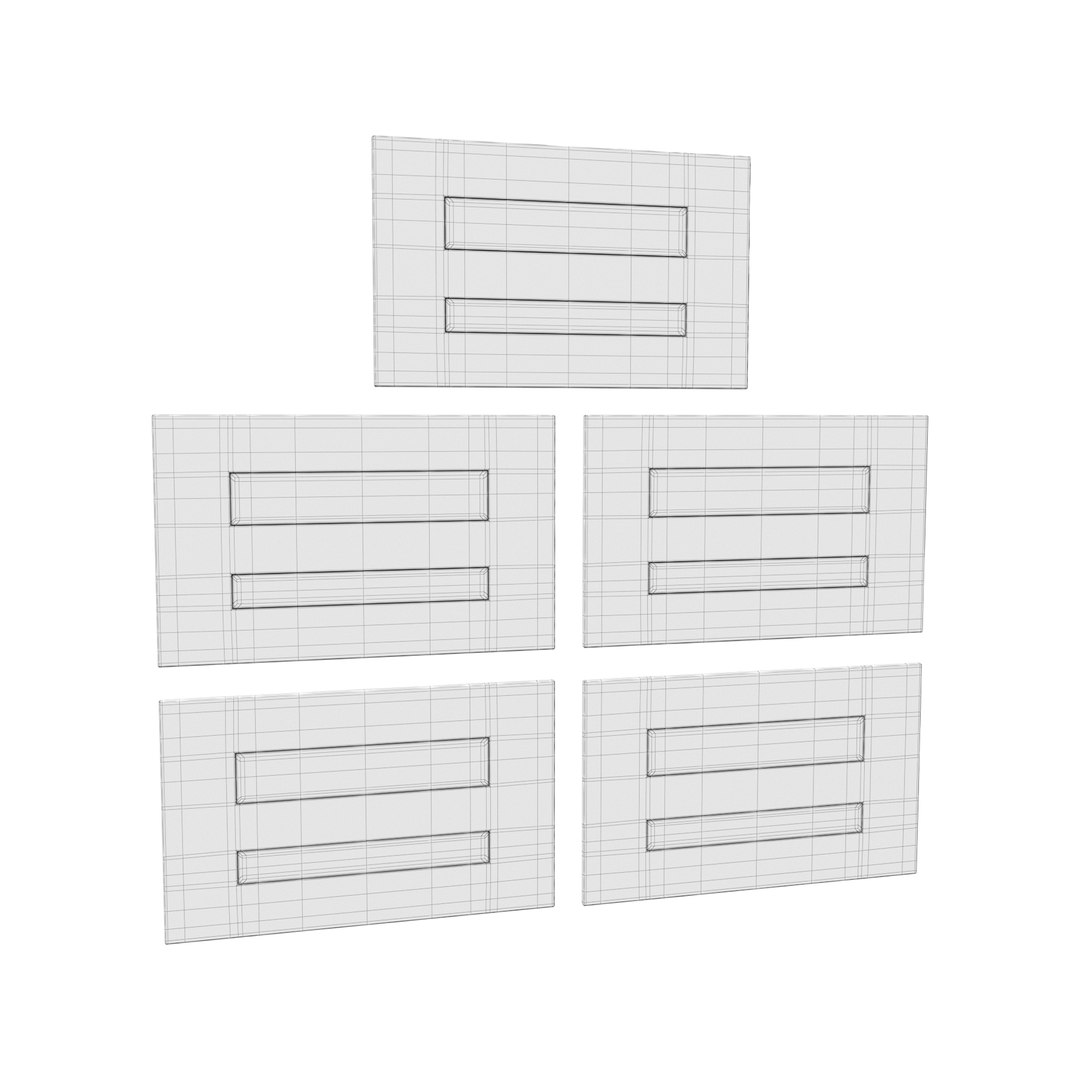
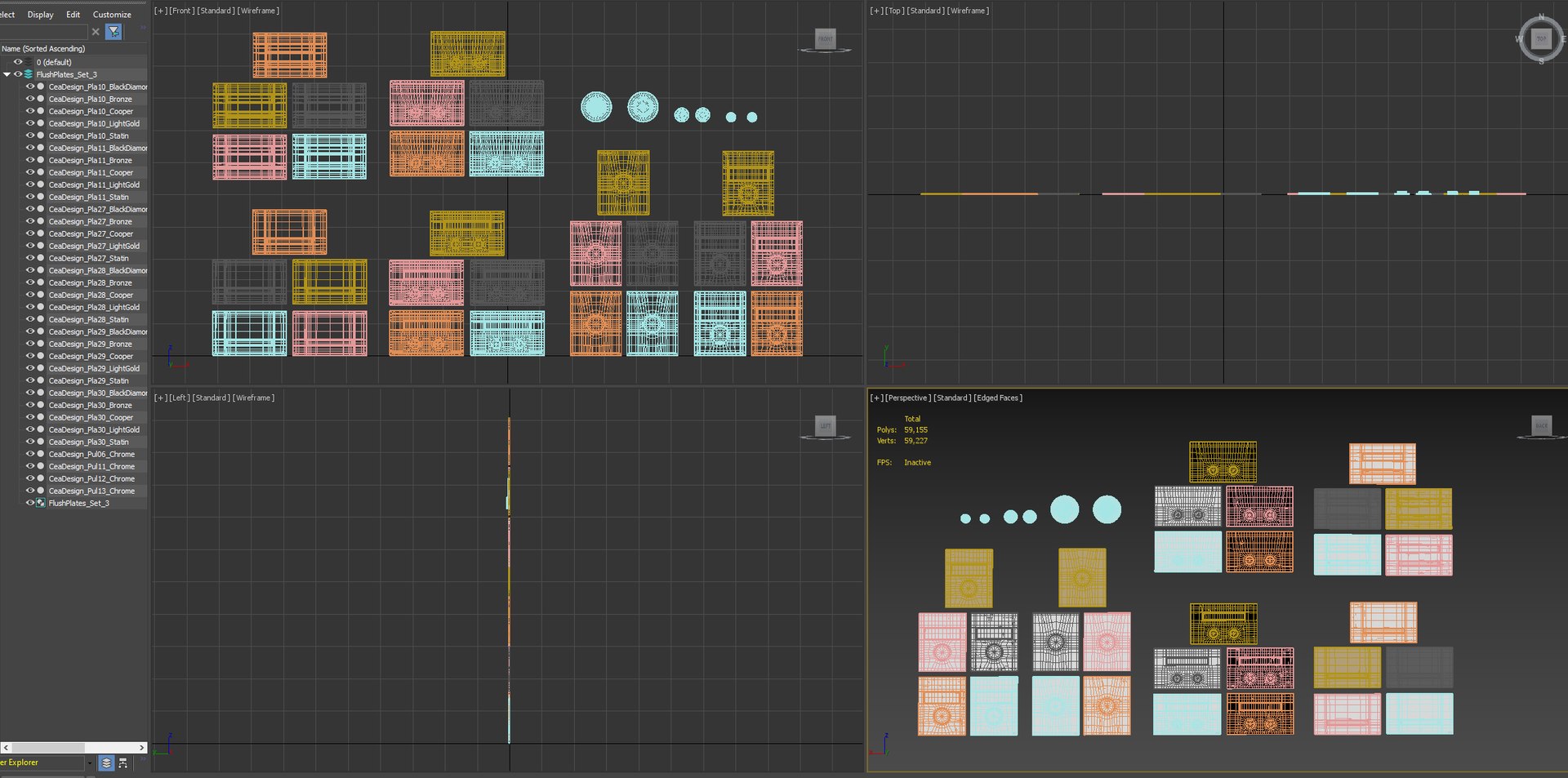
Polygons 59,155
Vertices 59,227
Polygonal Quads Only
Textures
Materials
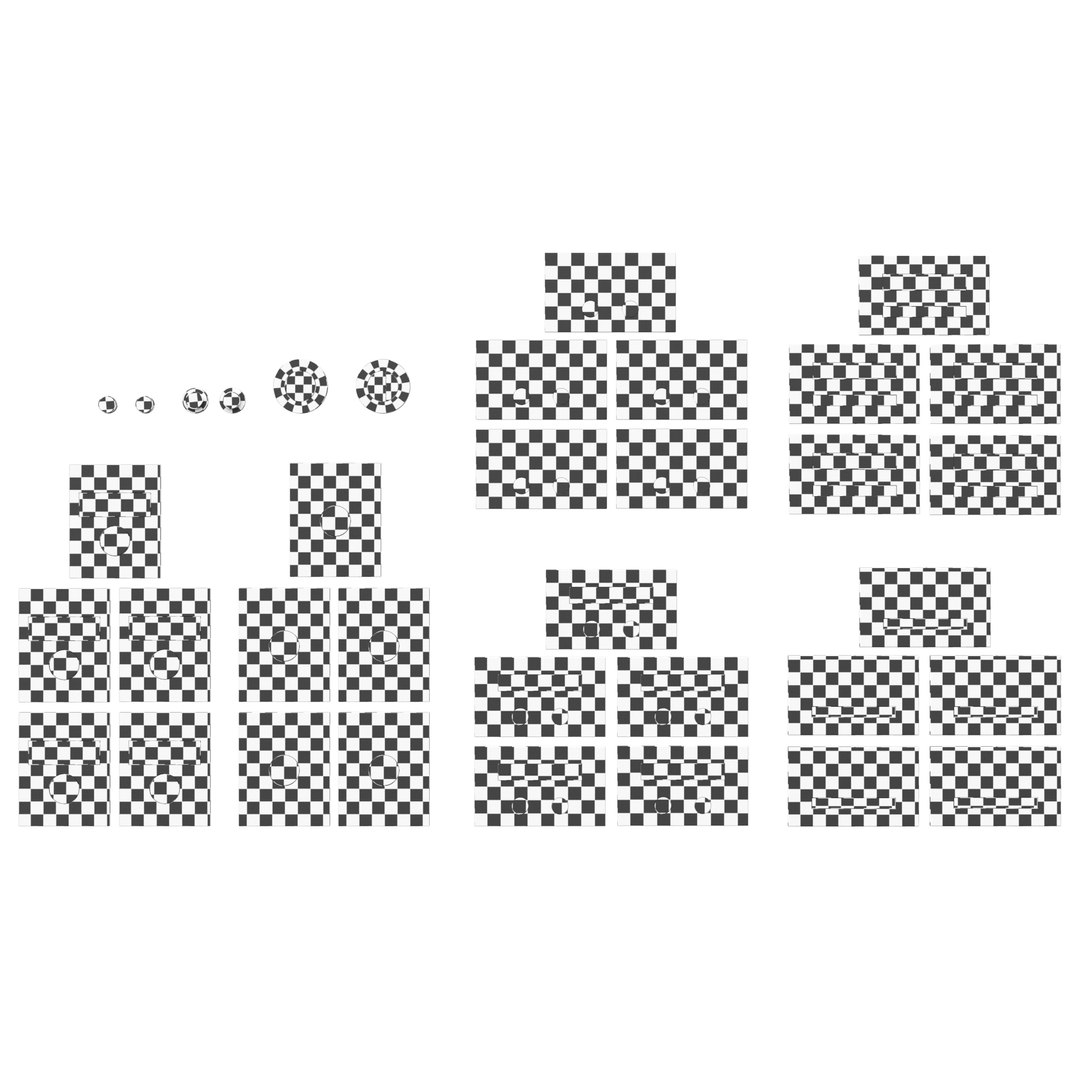
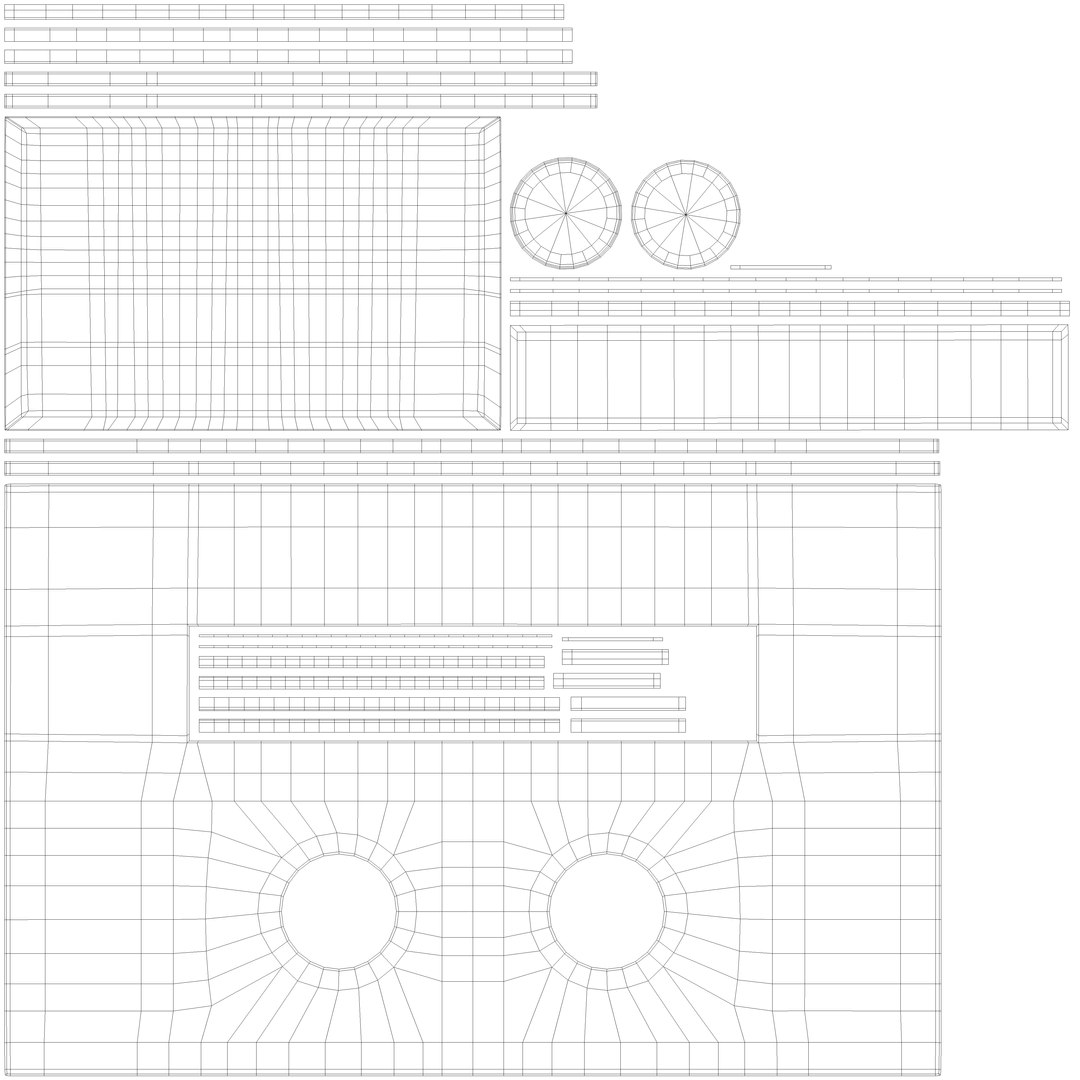
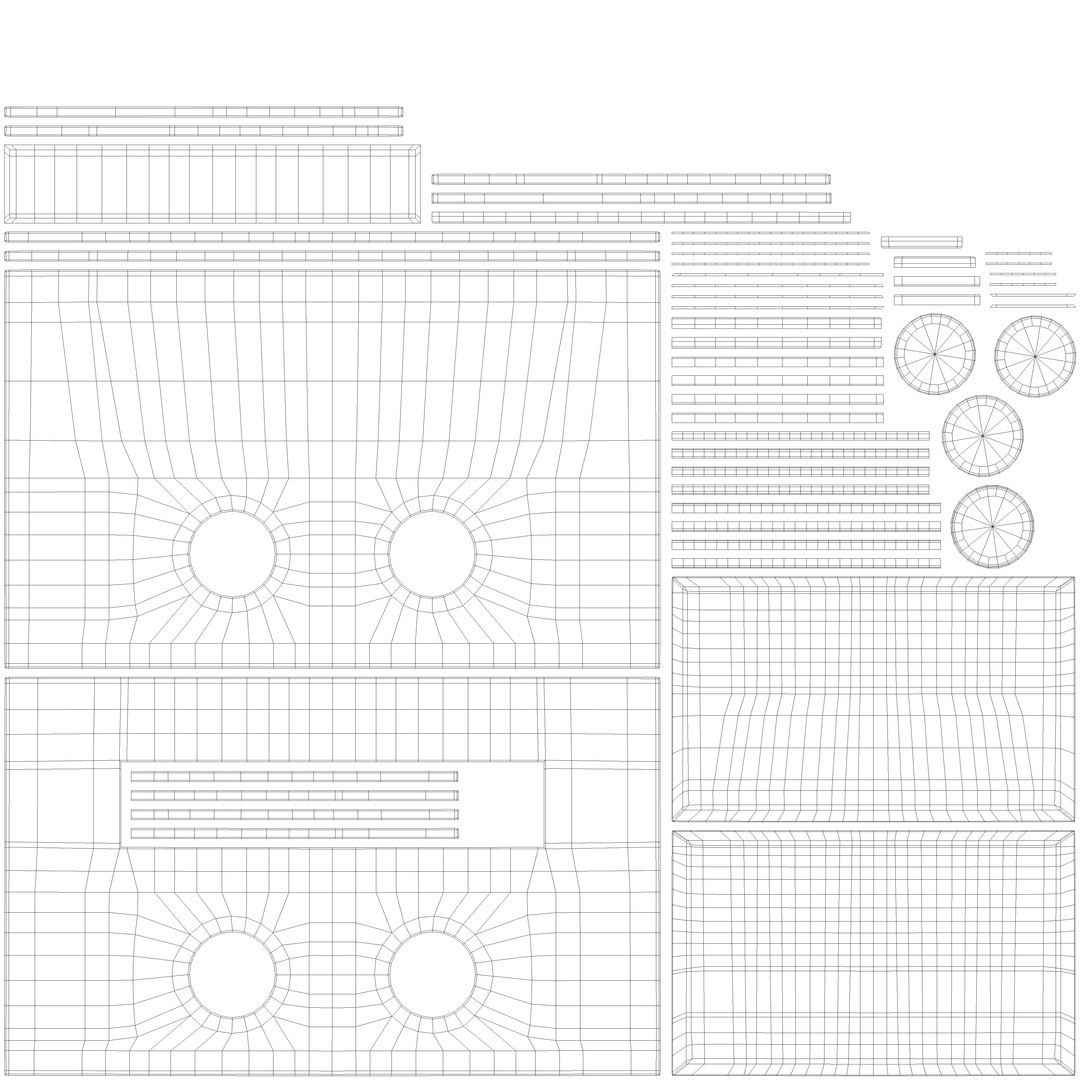
UV Mapped
Overlapping Unwrapped UVs
TurboSquid Exclusive

member avatar
vlad3dviz
163 Products | Contributor Since 2022
Have questions? Chat with us now.

Description

3d model was originally modeled in 3ds Max 2021 and rendered with Vray 5 and Marmoset Toolbag.

Set includes:

  • Ceadesign Pla 10-11 - 27-30 ;
  • Ceadesign Pul 11 - 12 -6 -13.

Features:

  • Scene doesn’t contain extra camera, helpers, splines, light sources etc;
  • Model at real-world scale, units in mm;
  • Model centered at origin and, oriented facing forward;
  • Model in a single non-default layer;
  • Complete model grouped at the root of the scene;
  • All model files, scene objects, materials - logically named;

3d model dimensions:

  • 1830 x 15 x 1010 mm;

Polycounts in 3ds Max:

  • Set: 59155 – polygons, 59227 – vertices ;

File Formats:

  • 3ds Max 2021(2018) ,Vray Next, Corona 5;
  • obj, mtl, fbx(v-ray, corona), 3ds.

Textures:

  • format - png;,
  • size - 2048 x 2048 px.

Materials:

  • Note: For Corona and Vray. If your version of V-Ray is lower than 3.1, please note: the materials in the BRDF section are worth MicrofasetGTR (GGX). In older versions of Vray, the BRDF field will be blank. Select Blinn, Phong or Ward.

Select Enhanced License

  • $10,000 in Legal Protection (Indemnification)
  • Uncapped Legal Protection (Indemnification)
  • Waiver from injunctive relief
  • Assignable model rights
  • $1,000,000 in Legal Protection (Indemnification)
  • Waiver from injunctive relief
  • Assignable model rights
  • $250,000 in Legal Protection (Indemnification)
  • Assignable model rights
Read more about enhanced license tiers, or contact us at enterprise@turbosquid.com. Already a Shutterstock Enterprise Customer? Contact your Shutterstock Sales Support Agent to talk about adding 3D.

About Conversion Requests

To submit a conversion request for a purchased asset, please complete our Conversion Request Form.

If you have not yet purchased a model, please review our Documentation about Conversions to learn about what limitations you may encounter with a conversion.

For any additional questions about a model’s suitability for conversion, please contact TurboSquid Support.

Loading...