
Flashlight

$29

Standard License | Upgrade License
Editorial Uses Only
Formats (5)
Free file format Conversions available
Native | 3ds Max 2016 | V-Ray 3.50.04
3ds Max 2013 | V-Ray 3.50.04
3D Studio
FBX
OBJ
Specifications
Publish Date March 16, 2020
Product ID 1523606
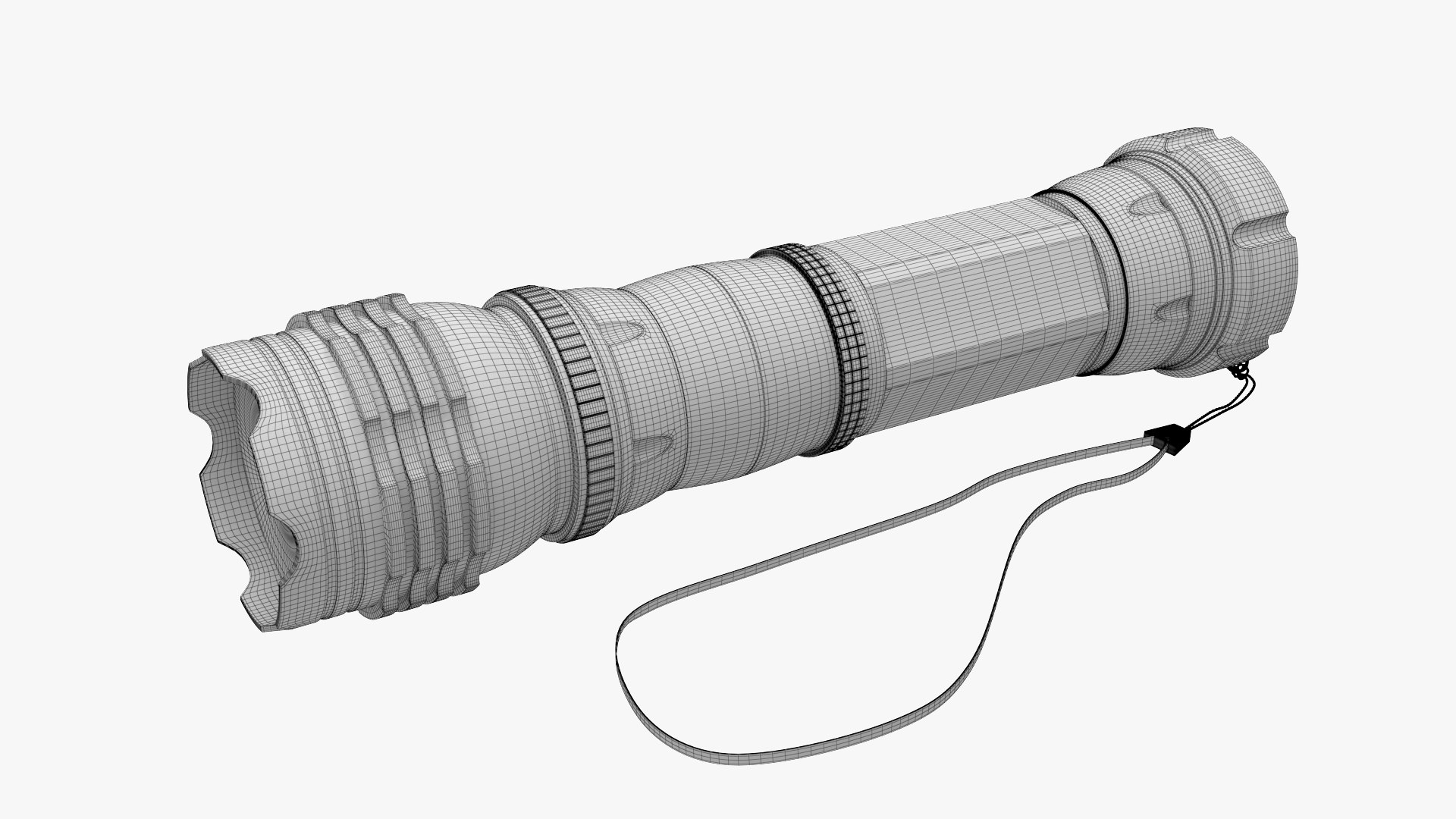
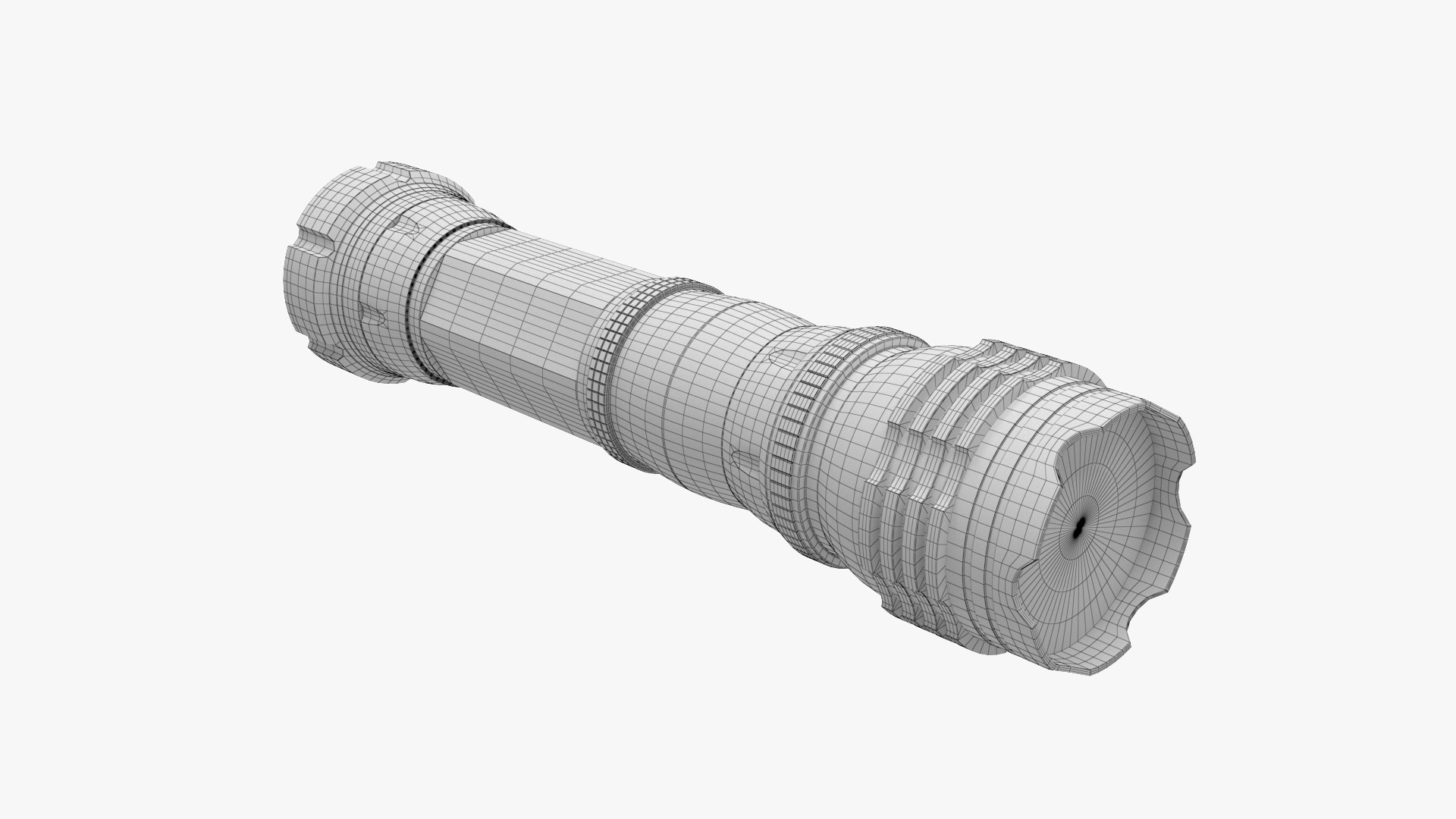
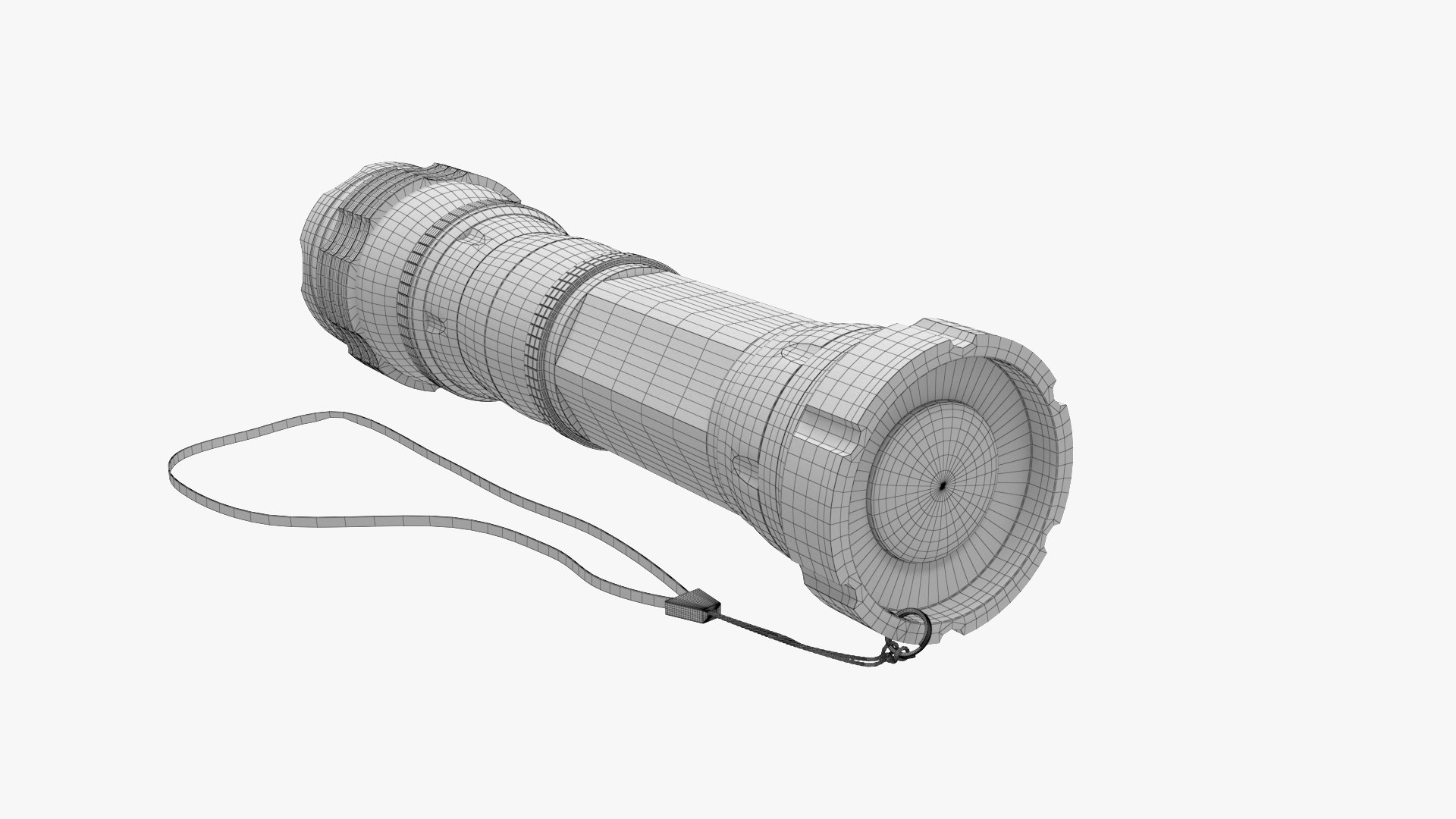
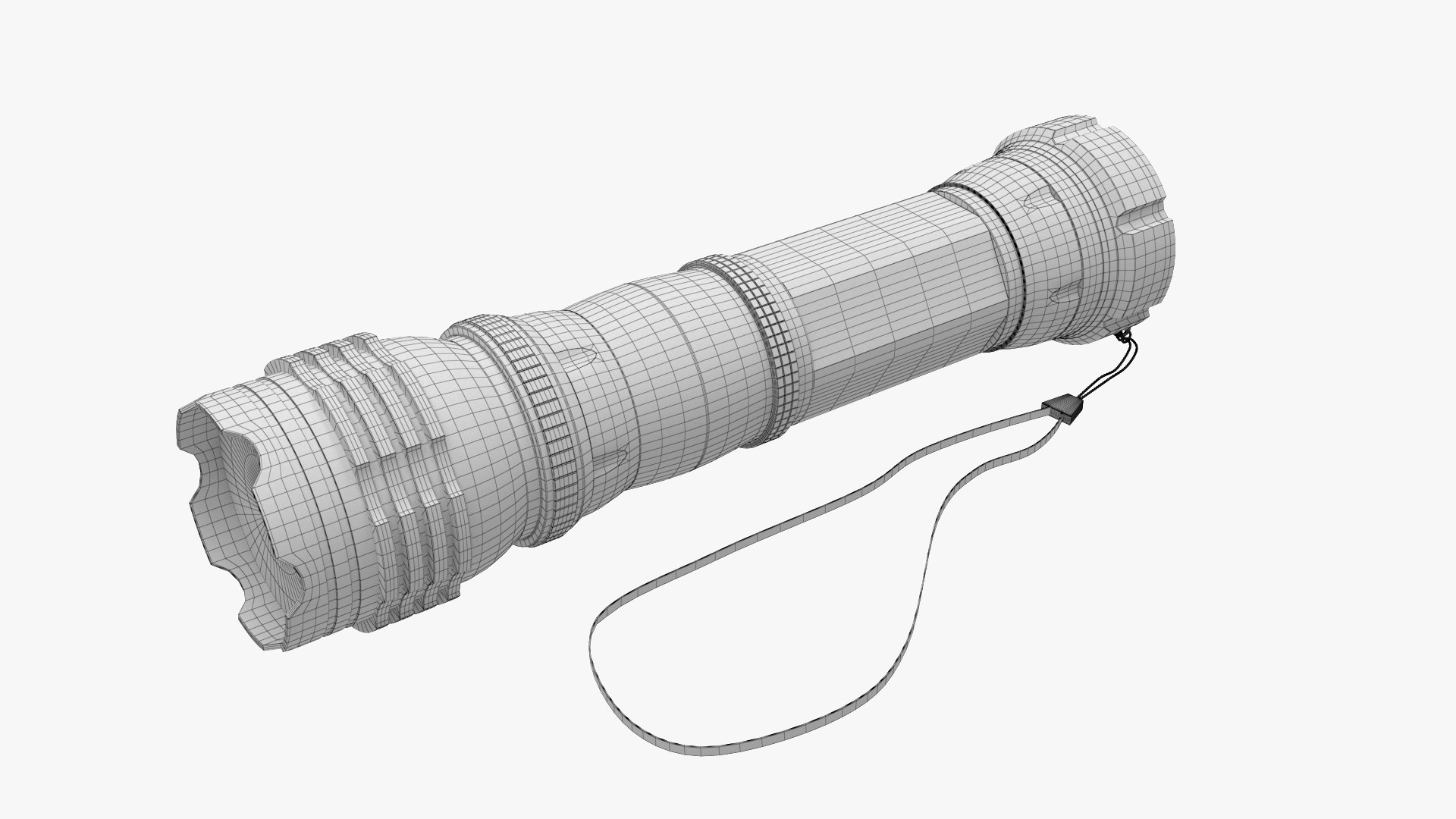
Polygons 49,467
Vertices 48,833
Polygonal Quads/Tris Geometry
Textures
Materials
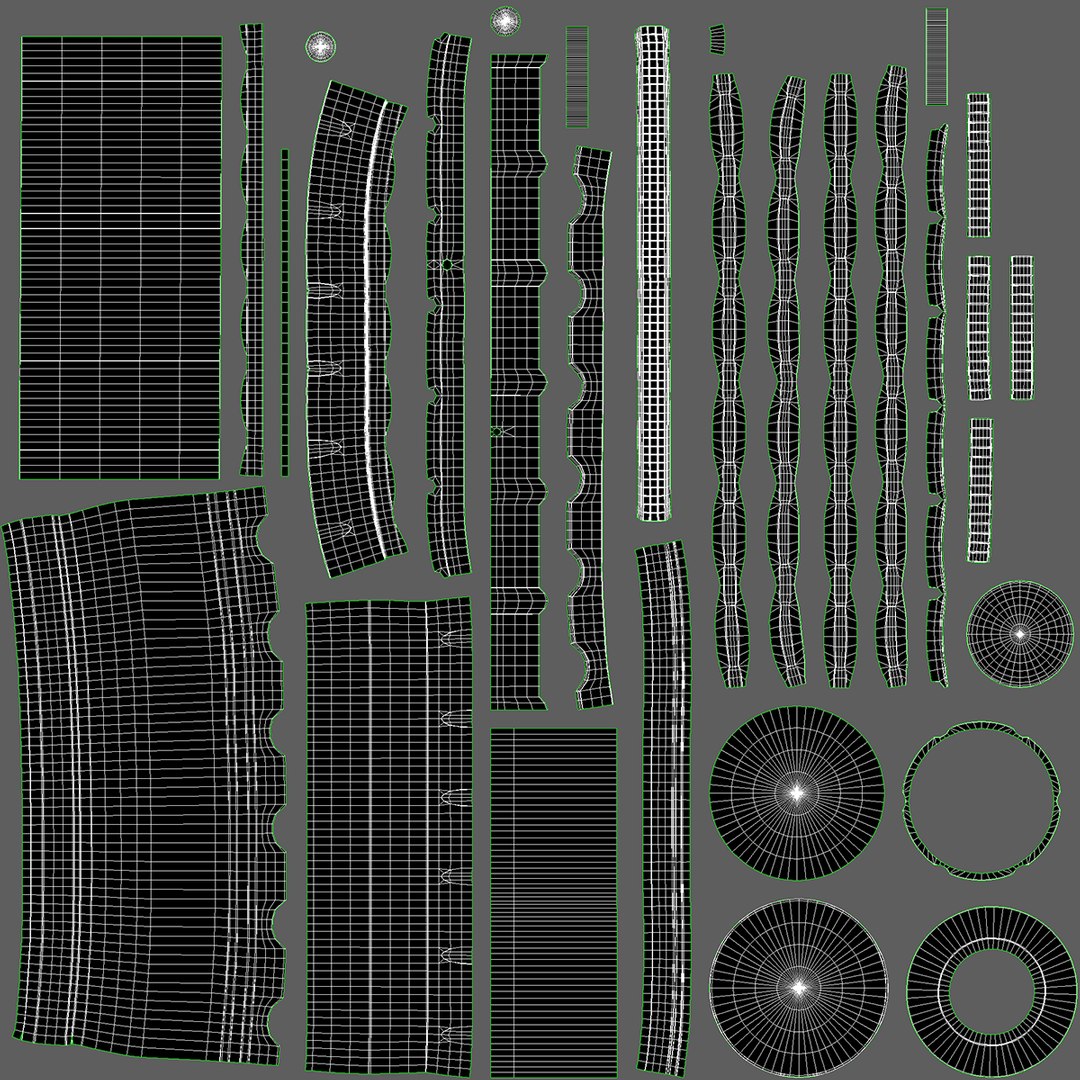
UV Mapped
Overlapping Unwrapped UVs
TurboSquid Exclusive
member avatar
Medvegenok
25 Products | Contributor Since 2017
Have questions? Chat with us now.

Description

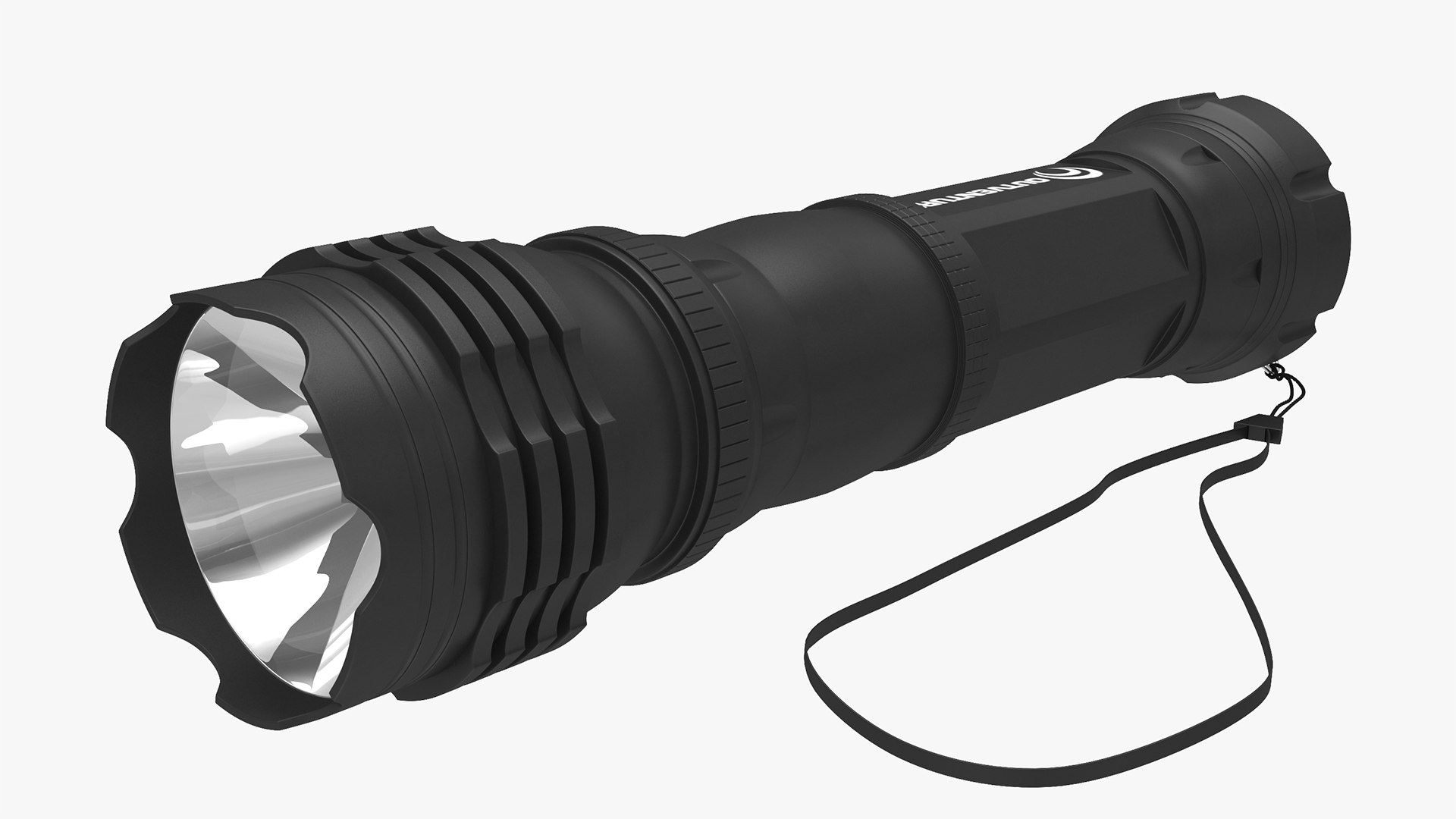
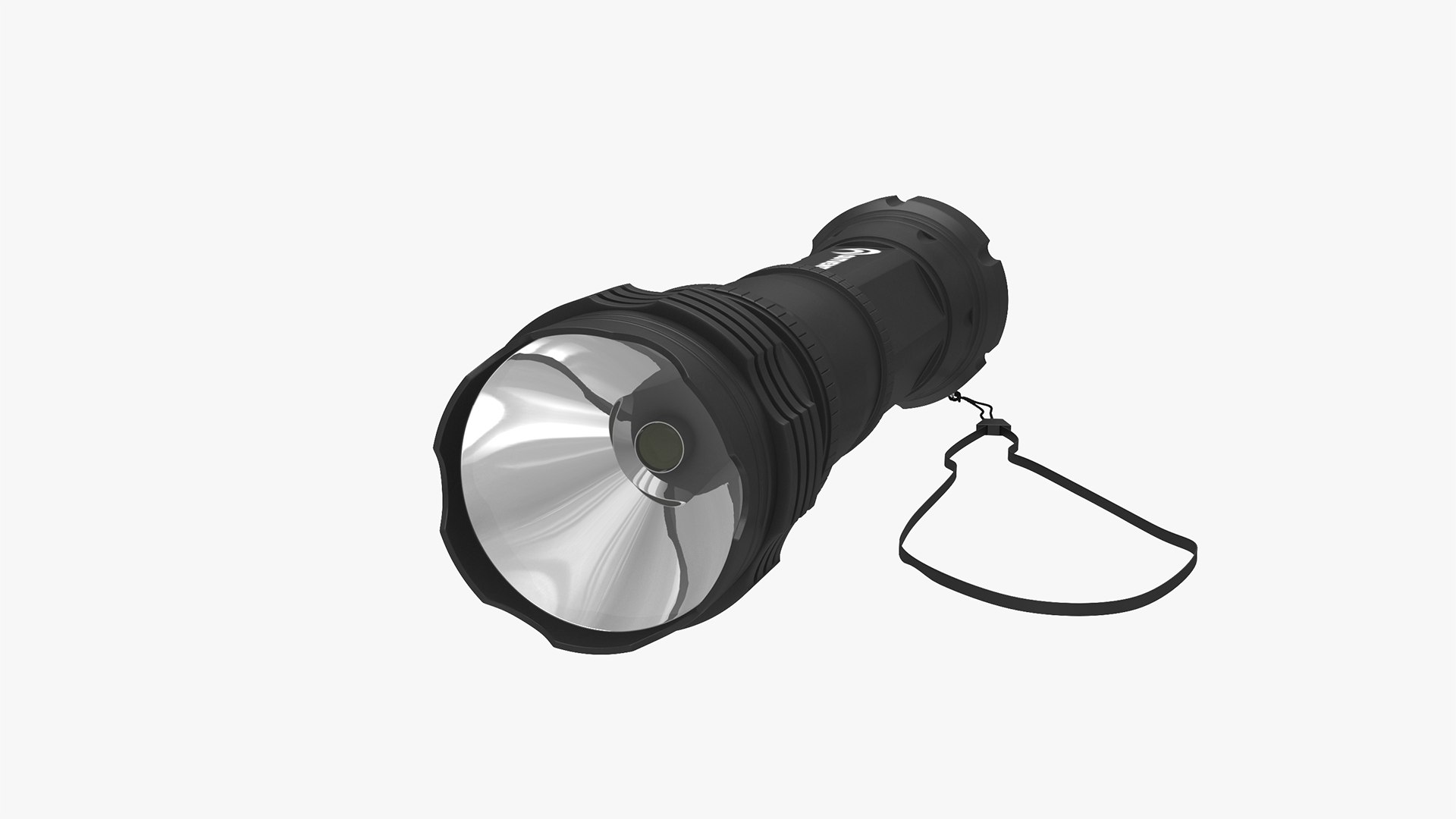
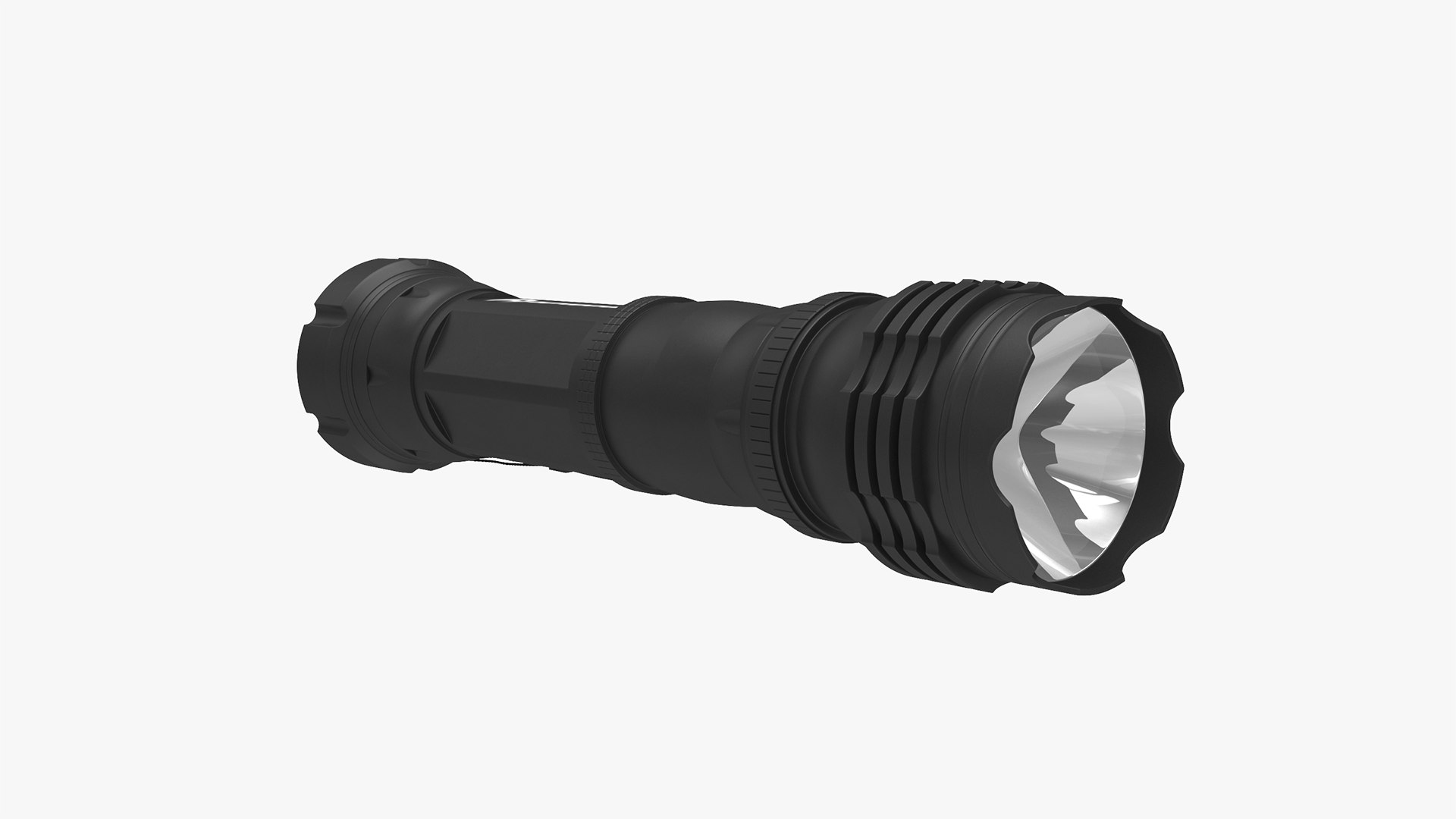
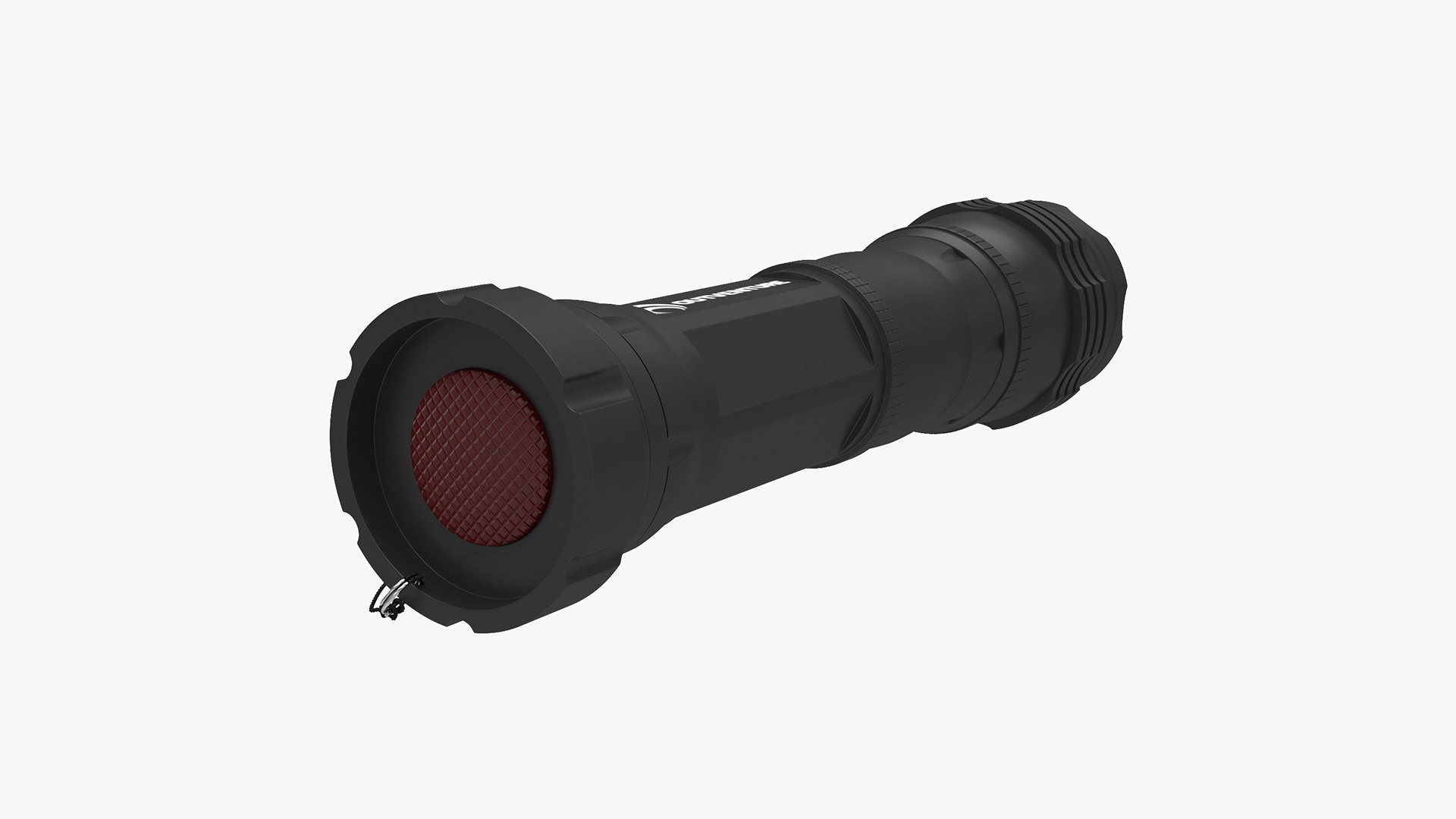
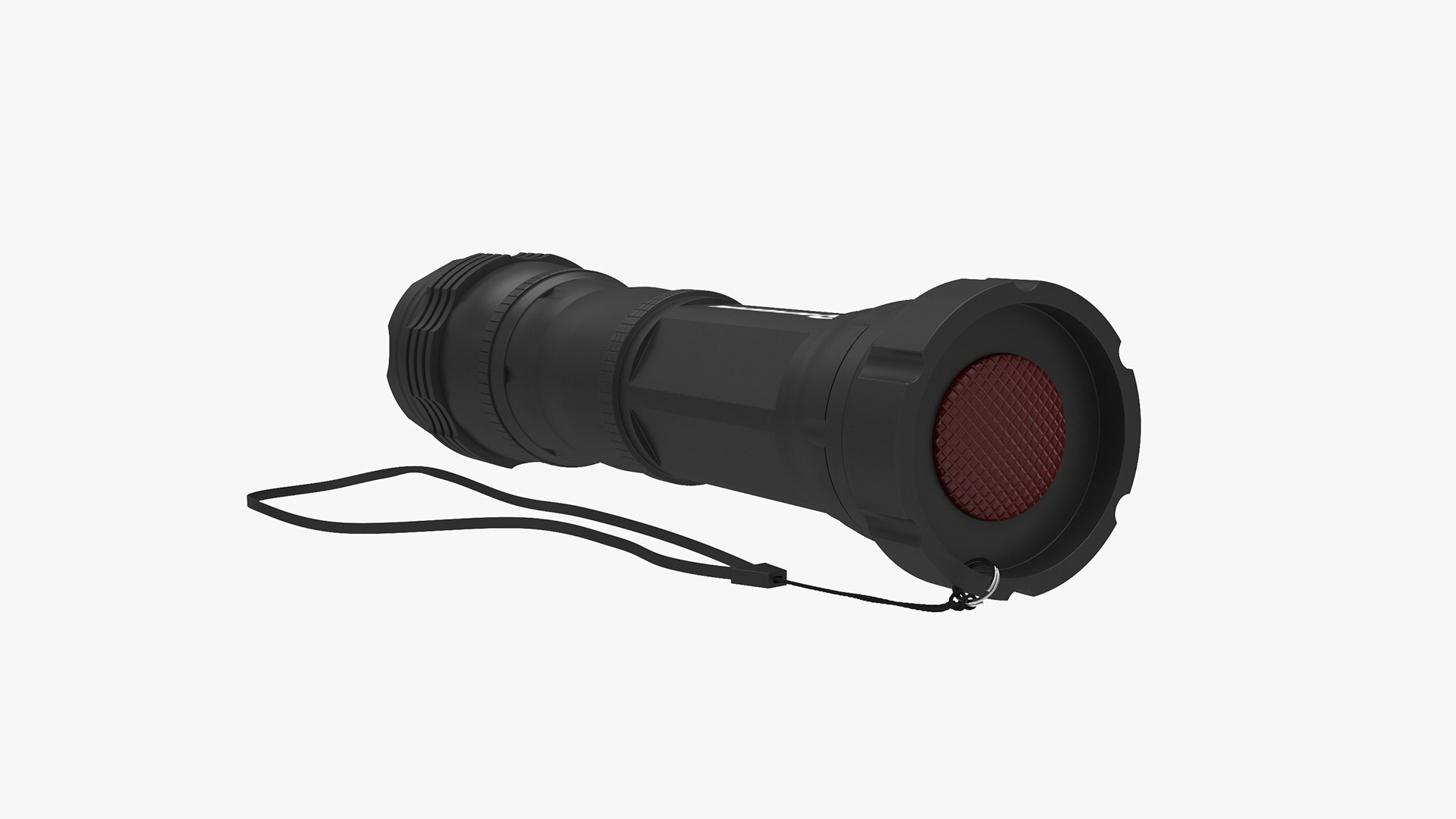
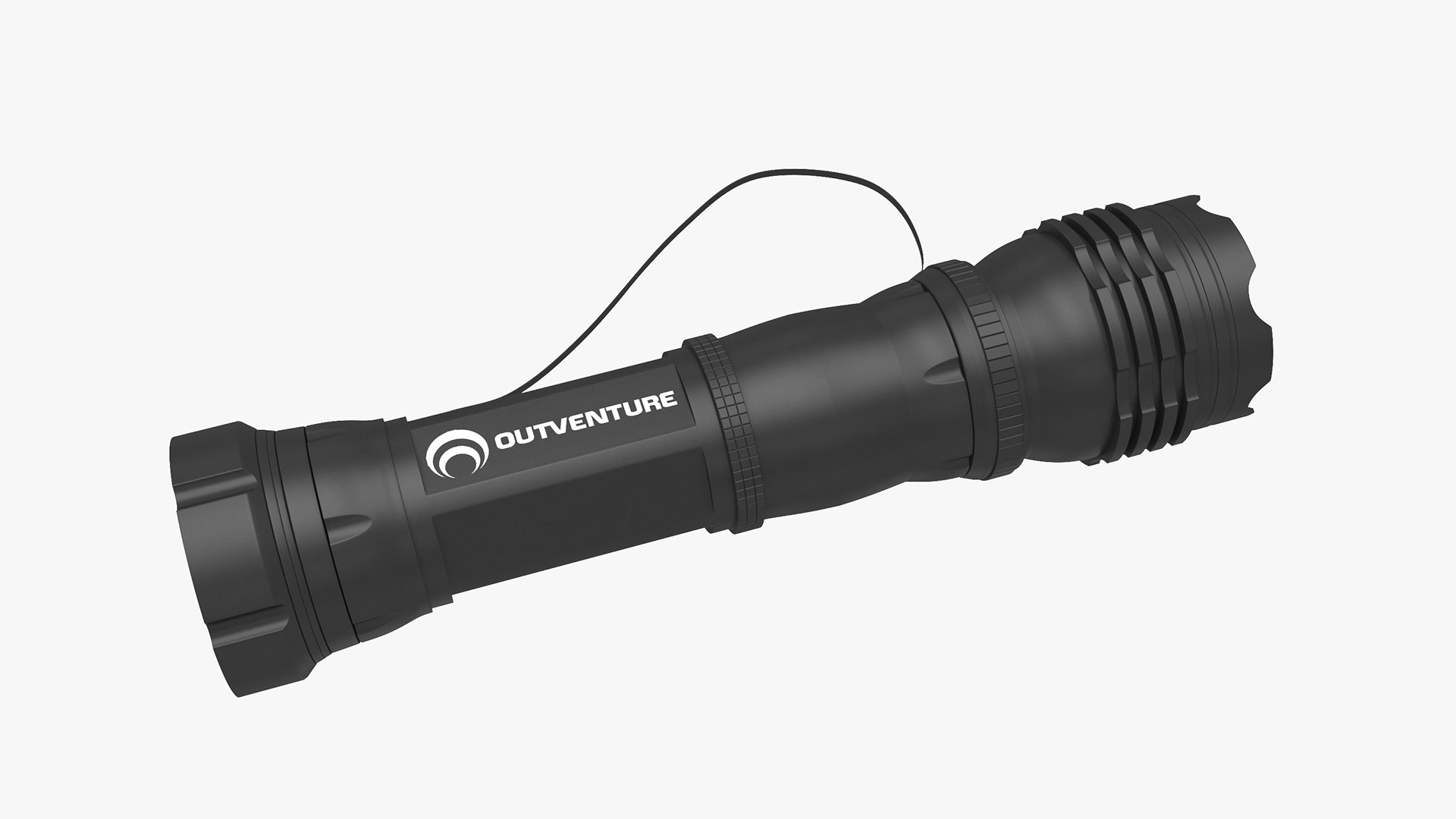
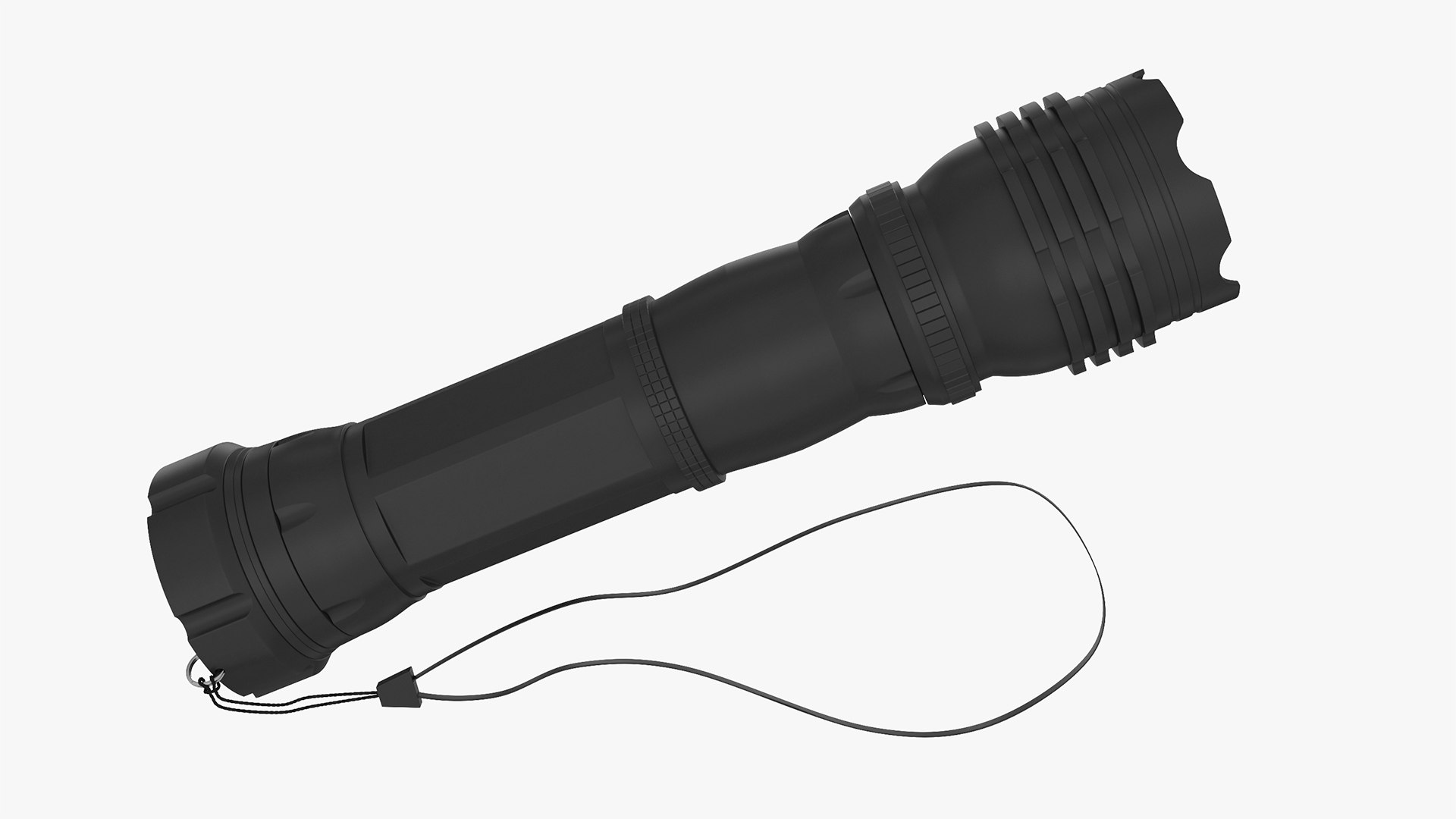
I present to you a high-poly 3D flashlight model.

- High-quality polygonal model, correctly scaled to accurately represent the original object.
- The model is fully textured with all materials.
- All textures and materials are included and displayed in each format.
- All scene objects have logical names.
- No name confusion when importing multiple models into the scene.
- To open the scene does not require a special plugin.
- The model does not include backgrounds or scenes used in preview images.
- Units: millimeters.
- The model is fully suitable for smoothing.
- This model contains poles (more than 5 edges that converge to a single vertex.)

_________________________________________________________________________________________

Texture Formats:
- 2 textures in PNG format with a resolution of 4096 * 4096 pixels.

_____________________________________________________________________________________________

File Formats:
- 3ds Max 2016 V-Ray.
- 3ds Max 2013 V-Ray.
- OBJ(Multi Format).
- 3DS(Multi Format).
- FBX(Multi Format).

Select Enhanced License

  • $10,000 in Legal Protection (Indemnification)
  • Uncapped Legal Protection (Indemnification)
  • Waiver from injunctive relief
  • Assignable model rights
  • $1,000,000 in Legal Protection (Indemnification)
  • Waiver from injunctive relief
  • Assignable model rights
  • $250,000 in Legal Protection (Indemnification)
  • Assignable model rights
Read more about enhanced license tiers, or contact us at enterprise@turbosquid.com. Already a Shutterstock Enterprise Customer? Contact your Shutterstock Sales Support Agent to talk about adding 3D.

About Conversion Requests

To submit a conversion request for a purchased asset, please complete our Conversion Request Form.

If you have not yet purchased a model, please review our Documentation about Conversions to learn about what limitations you may encounter with a conversion.

For any additional questions about a model’s suitability for conversion, please contact TurboSquid Support.

Loading...