
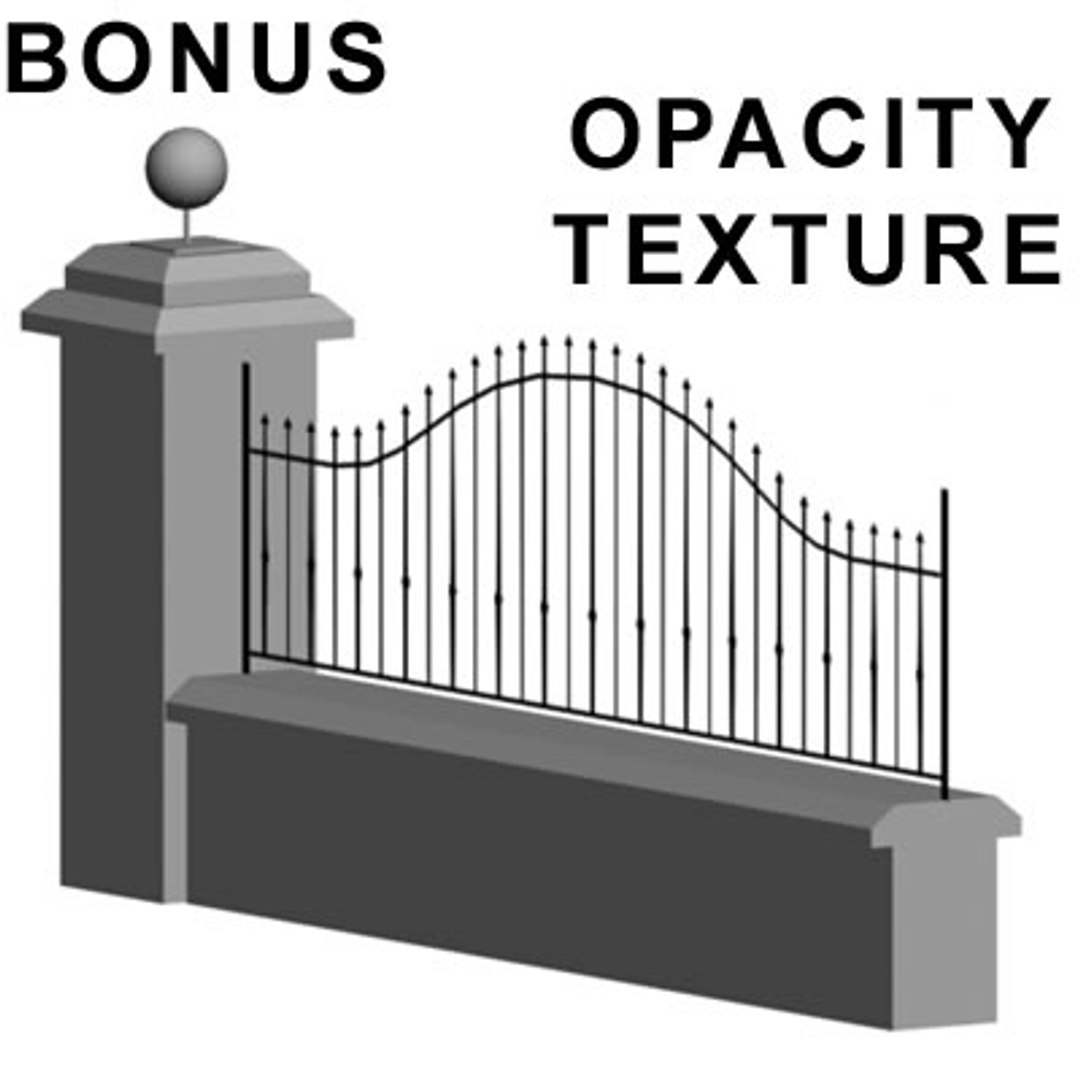
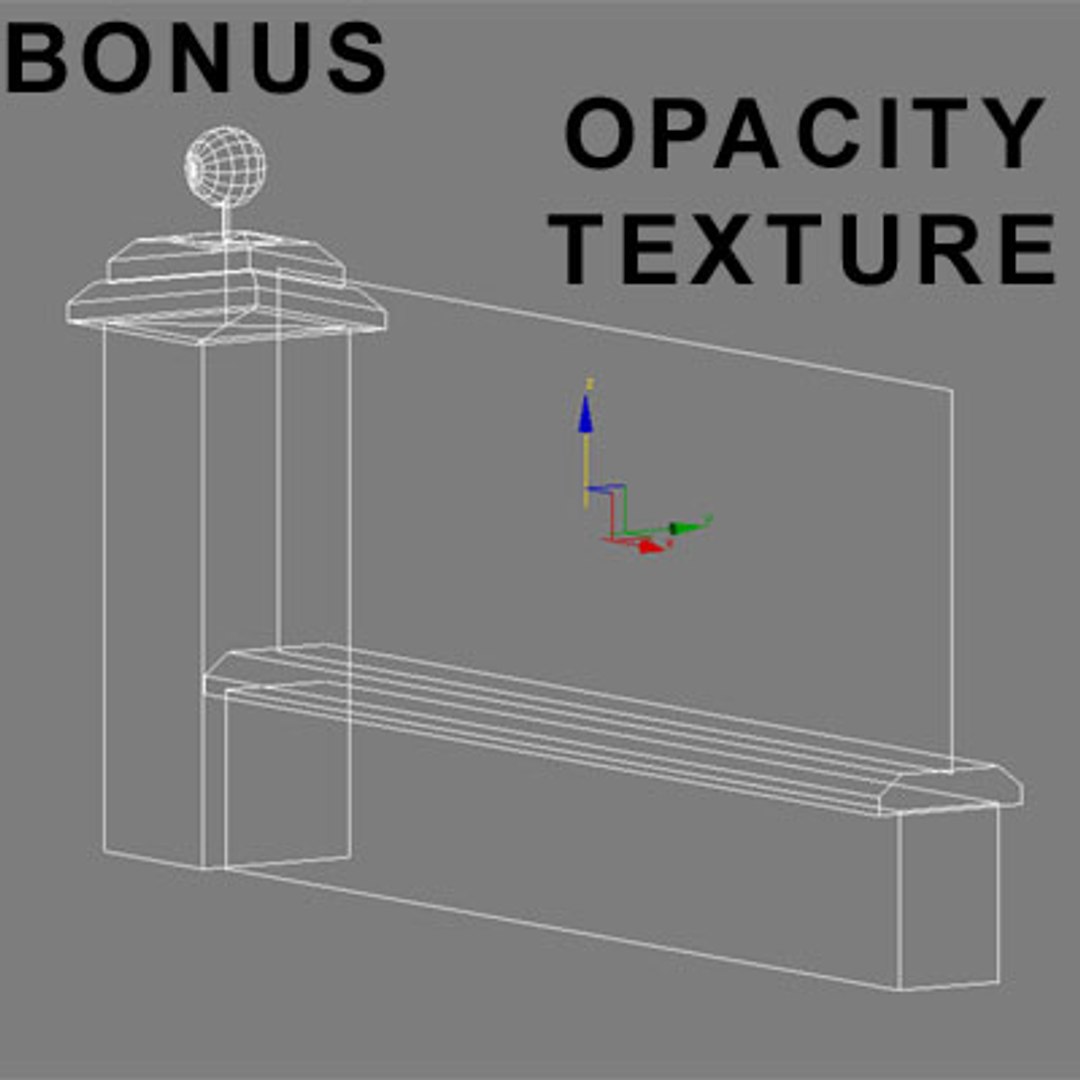
fence

$50

Standard License | Upgrade License
Formats (5)
Free file format Conversions available
OBJ
Lightwave
Cinema 4D
3D Studio
3ds Max
Specifications
Publish Date July 31, 2005
Product ID 271628
Polygons 3,020
Vertices 1,588
Polygonal
Textures
Materials
Unknown Unwrapped UVs
TurboSquid Exclusive

member avatar
BARAKA
762 Products | Contributor Since 2004
Have questions? Chat with us now.

Description

************************************************
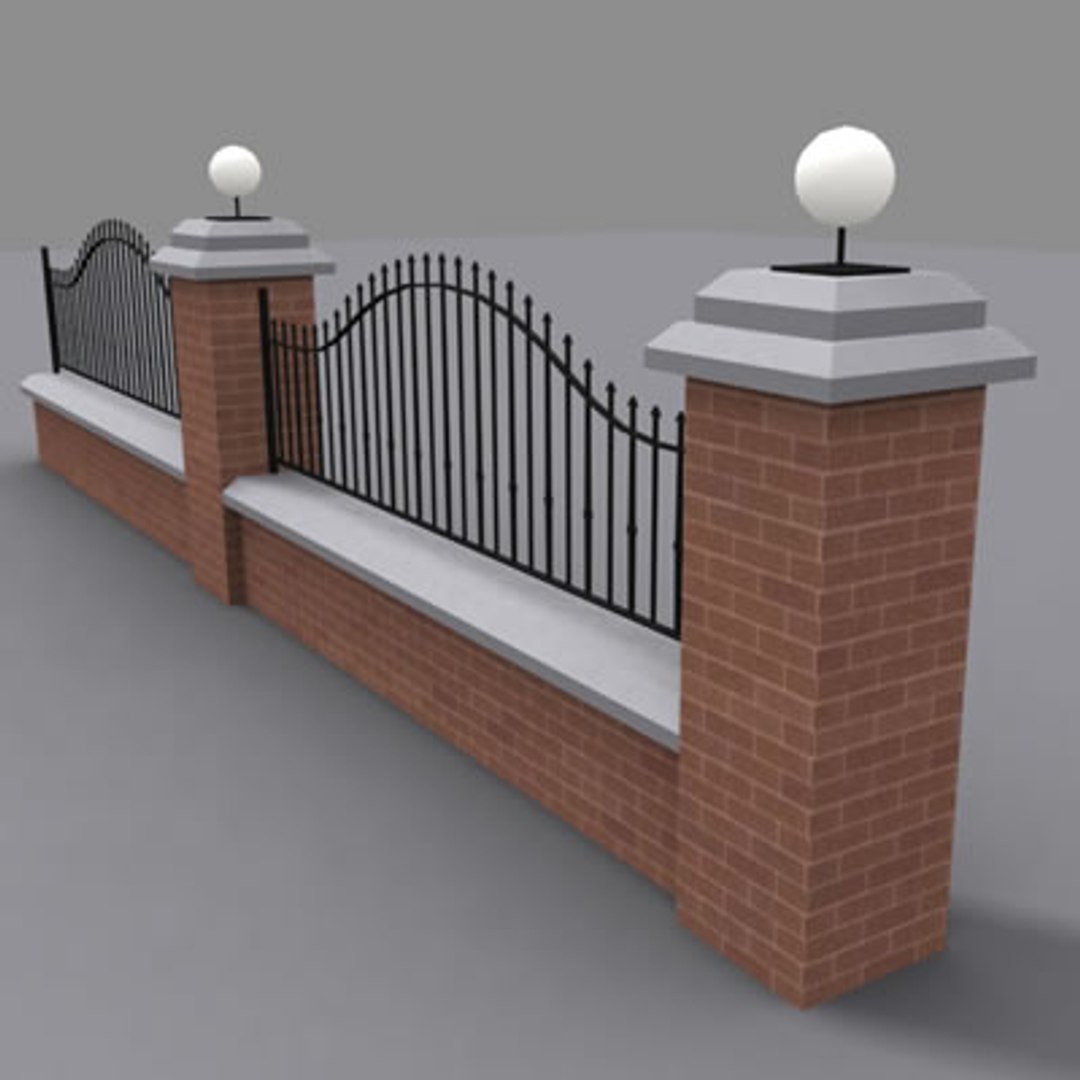
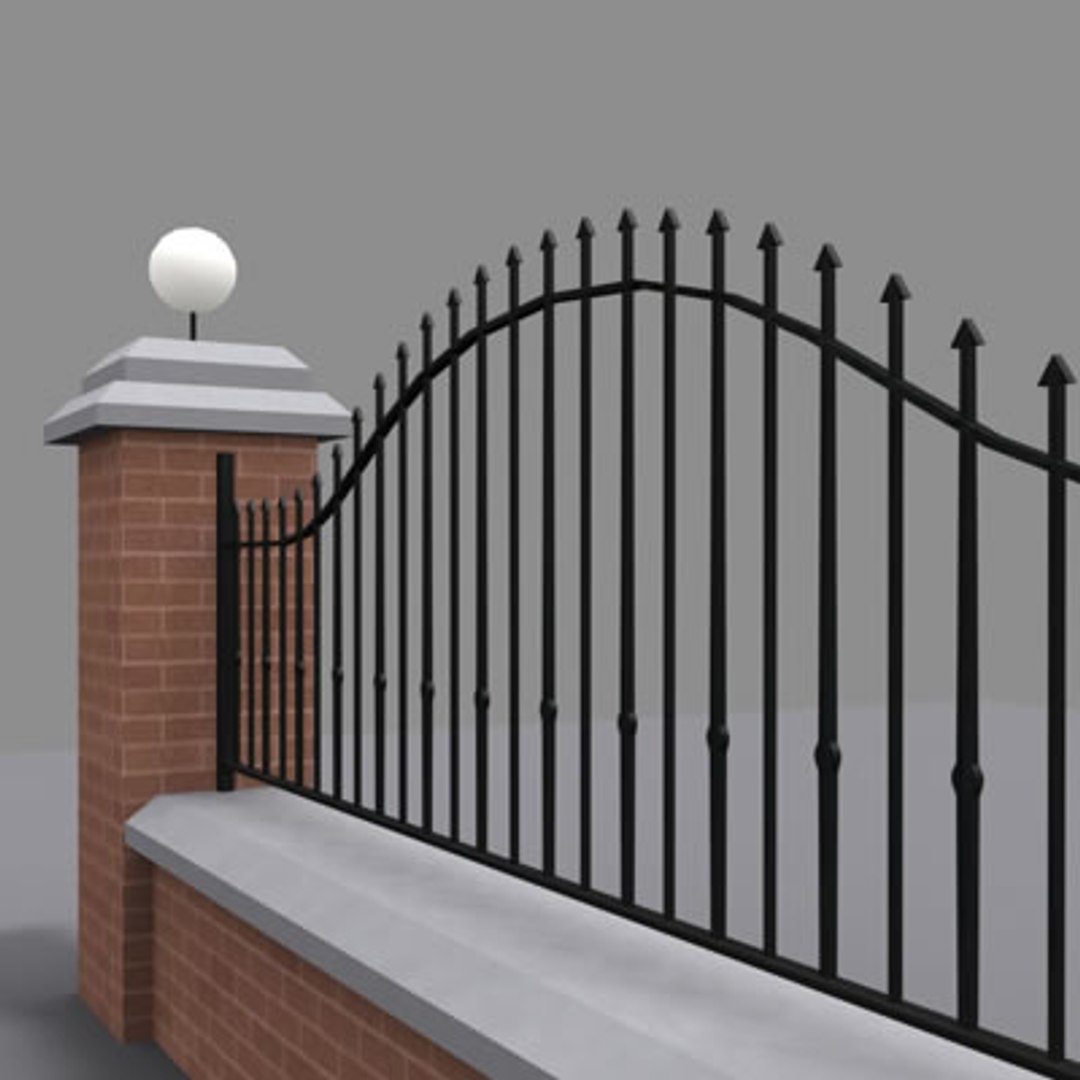
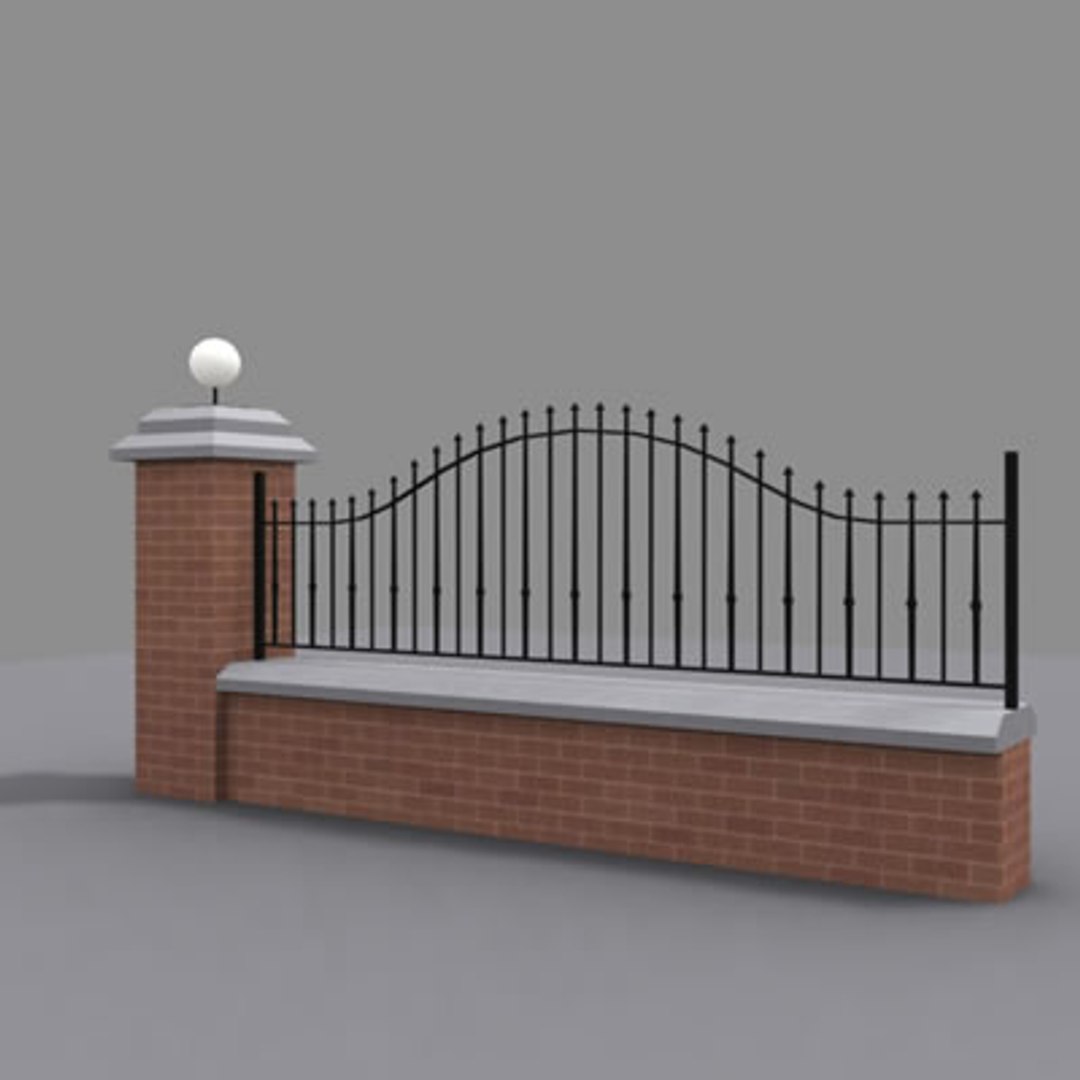
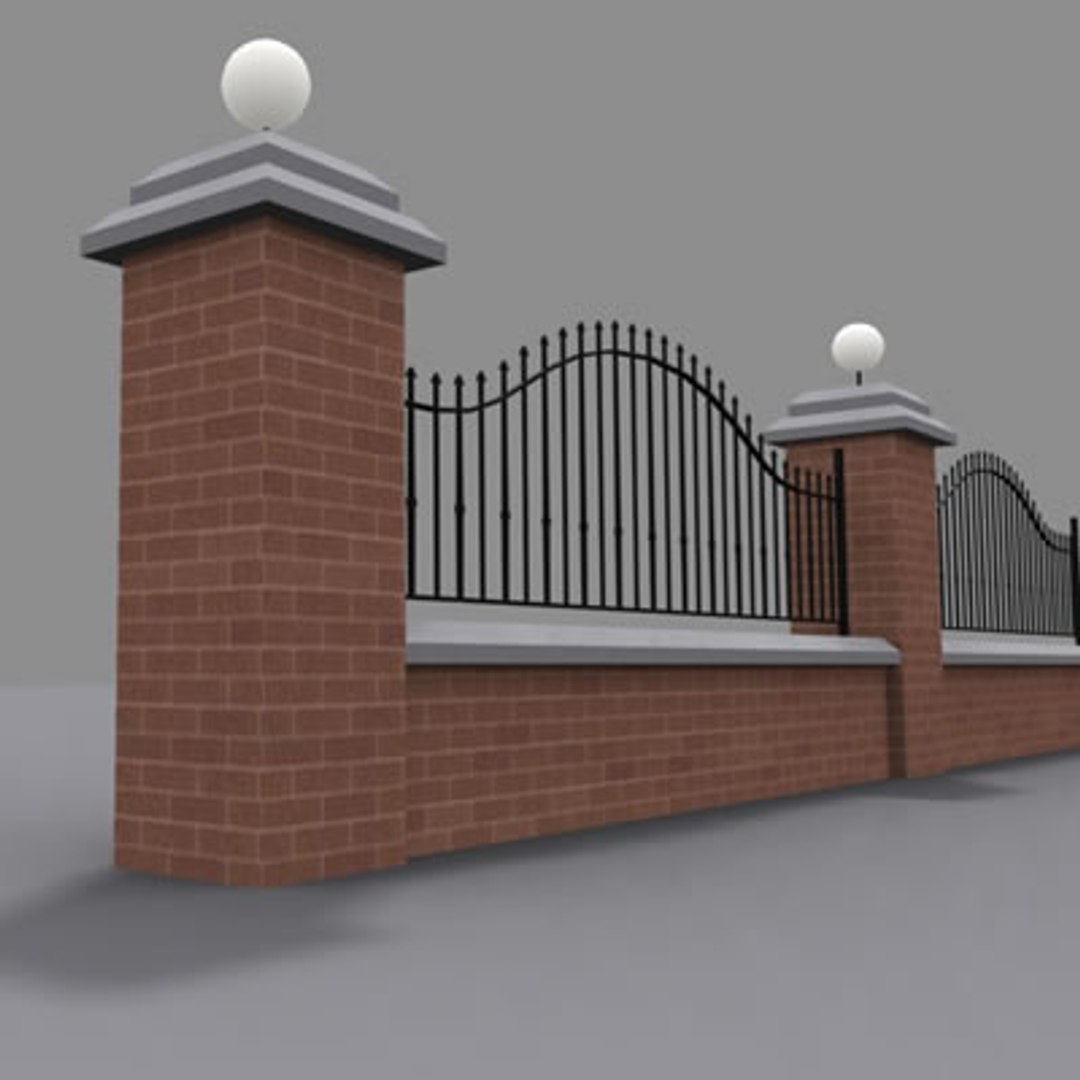
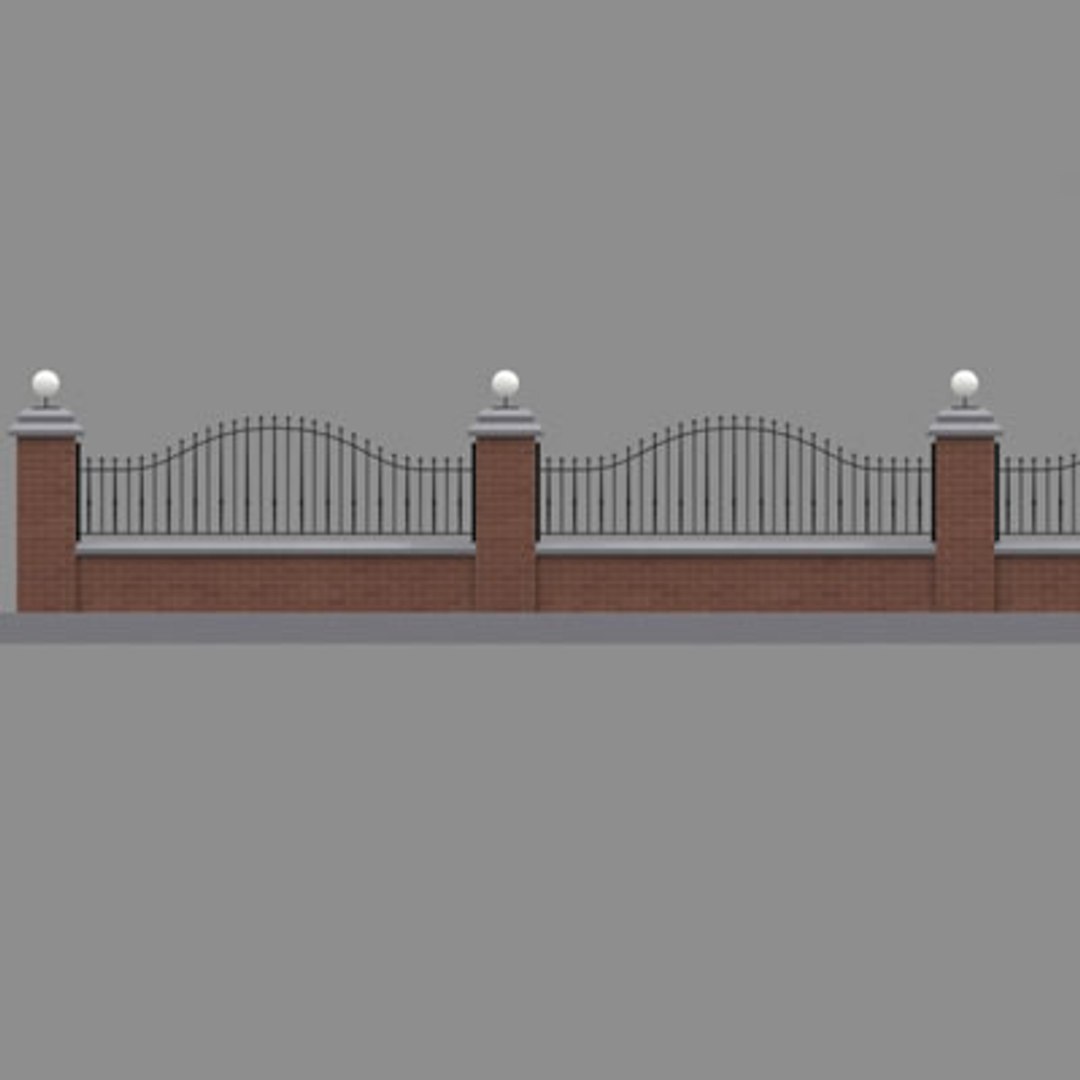
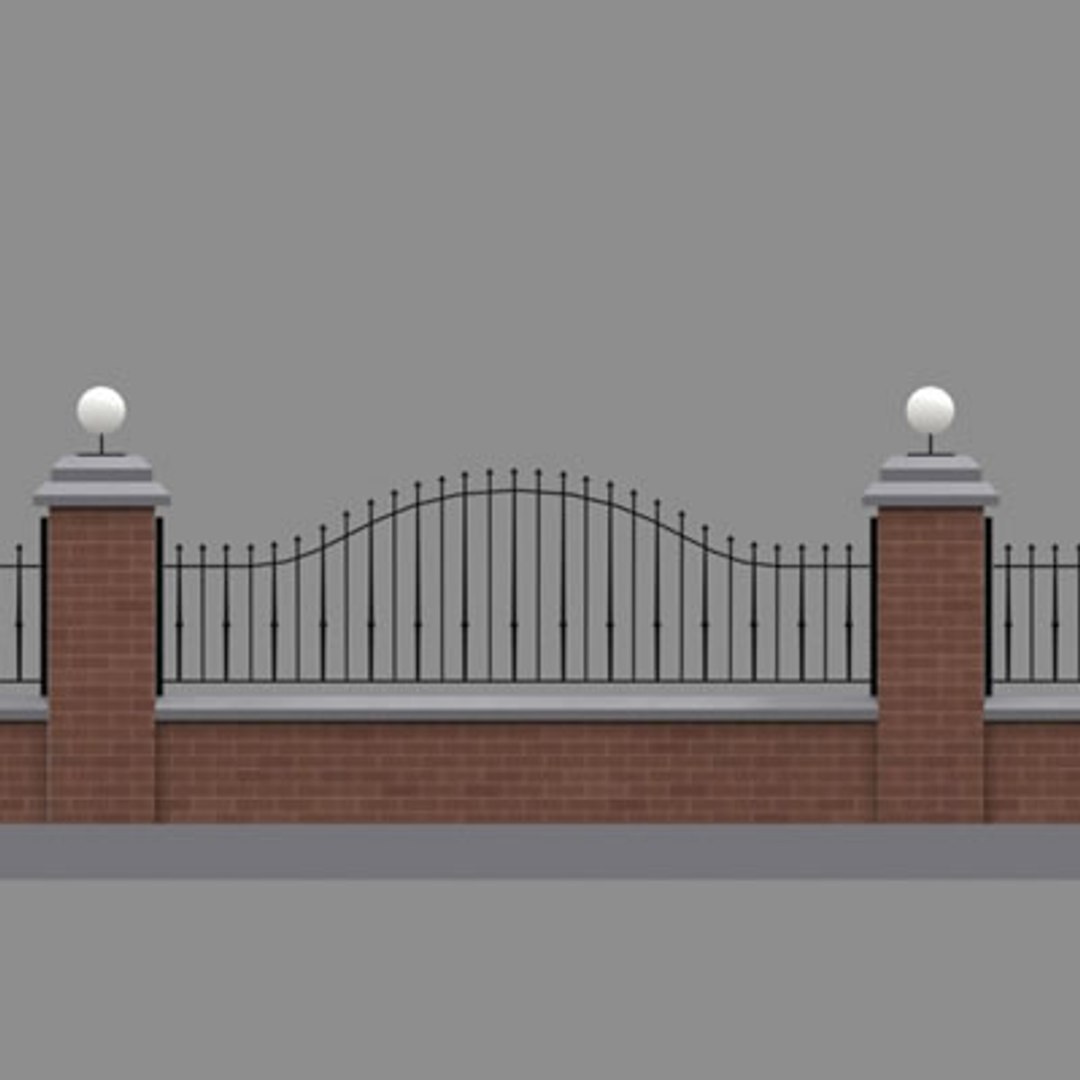
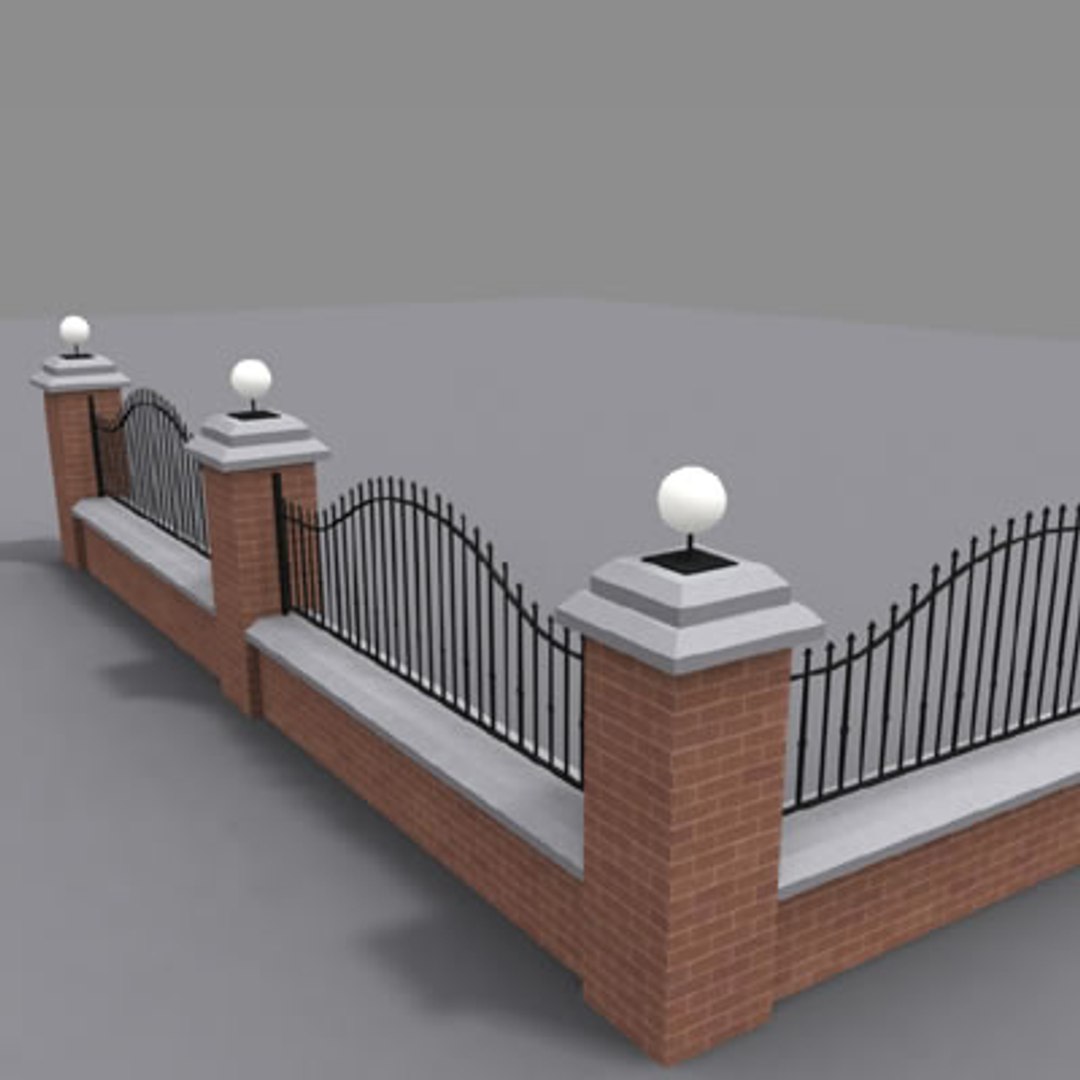
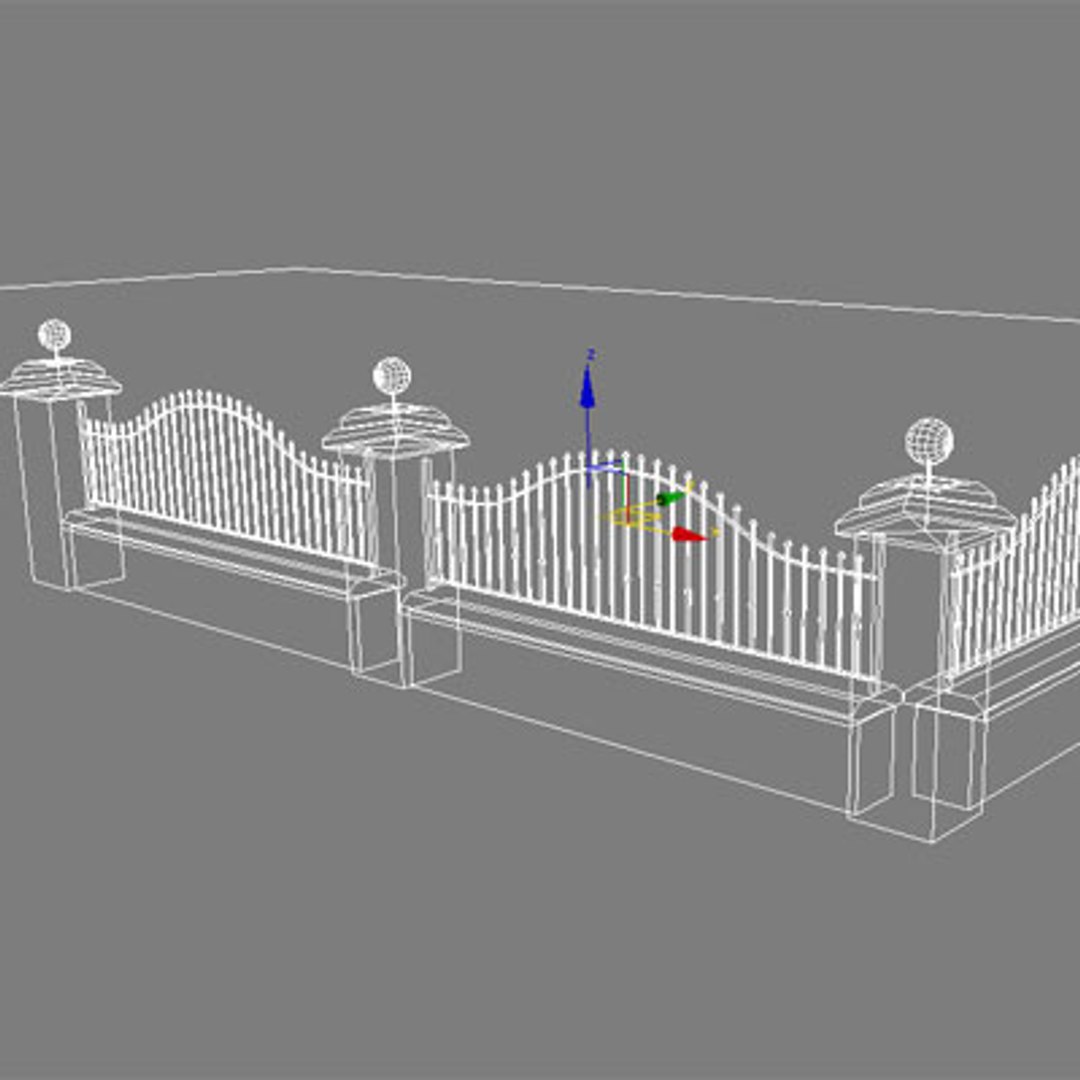
Fence + wall
By BARAKA_DESIGN
Copyright 2005 BARAKA_DESIGN
************************************************
detailed Fence+wall
you can use any combination to unit for entire wall
opacity textures useful for non close-up works

FILE LIST:
Archive (fence.zip) contains 7 files below

*TEXTURES*
Brick06b.jpg
Brick_c.jpg
fe.bmp (for opacity)
fe_o.bmp (for opacity)
mtl.bmp
SAND1.jpg

*MODELS*
fence.max


unzip the files in any folder to open it.
All files must be in same folder.
Previews images rendered with max6
ready to render for max6
*************************************************************
(others)
All surface smoothing angles must be 30 degree


*TEXTURES*
Brick06b.jpg
Brick_c.jpg
fe.bmp (for opacity)
fe_o.bmp (for opacity)
mtl.bmp
SAND1.jpg

*Models*
fence_3ds.zip
fence_c4d.zip
fence_lwo.zip
fence_obj.zip
*************************************************************
Copyright Statement

Object meshes were made by BARAKA_DESIGN
*************************************************************


Thank you for your interest in this model
BARAKA_DESIGN

July 2005

Select Enhanced License

  • $10,000 in Legal Protection (Indemnification)
  • Uncapped Legal Protection (Indemnification)
  • Waiver from injunctive relief
  • Assignable model rights
  • $1,000,000 in Legal Protection (Indemnification)
  • Waiver from injunctive relief
  • Assignable model rights
  • $250,000 in Legal Protection (Indemnification)
  • Assignable model rights
Read more about enhanced license tiers, or contact us at enterprise@turbosquid.com. Already a Shutterstock Enterprise Customer? Contact your Shutterstock Sales Support Agent to talk about adding 3D.

About Conversion Requests

To submit a conversion request for a purchased asset, please complete our Conversion Request Form.

If you have not yet purchased a model, please review our Documentation about Conversions to learn about what limitations you may encounter with a conversion.

For any additional questions about a model’s suitability for conversion, please contact TurboSquid Support.

Loading...