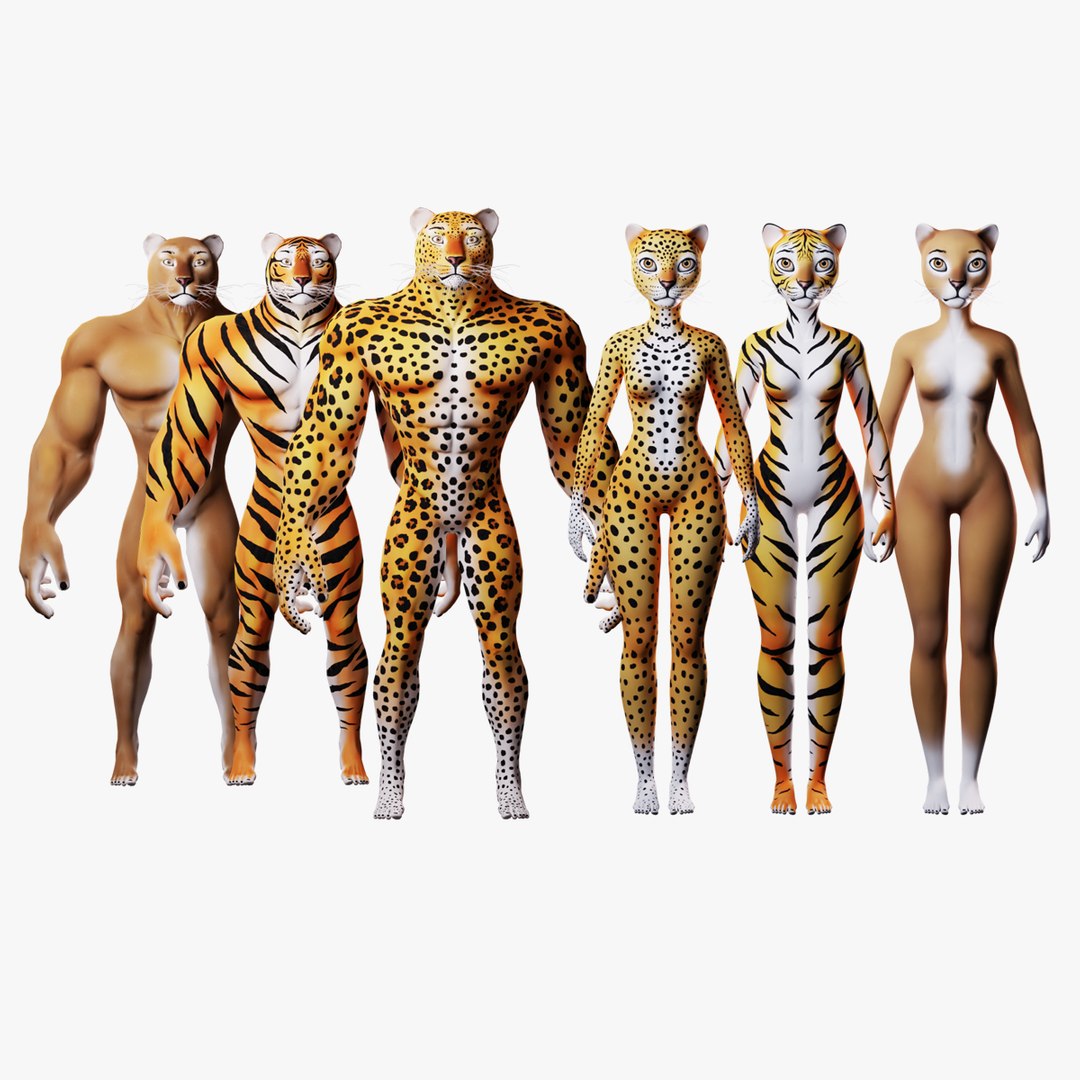
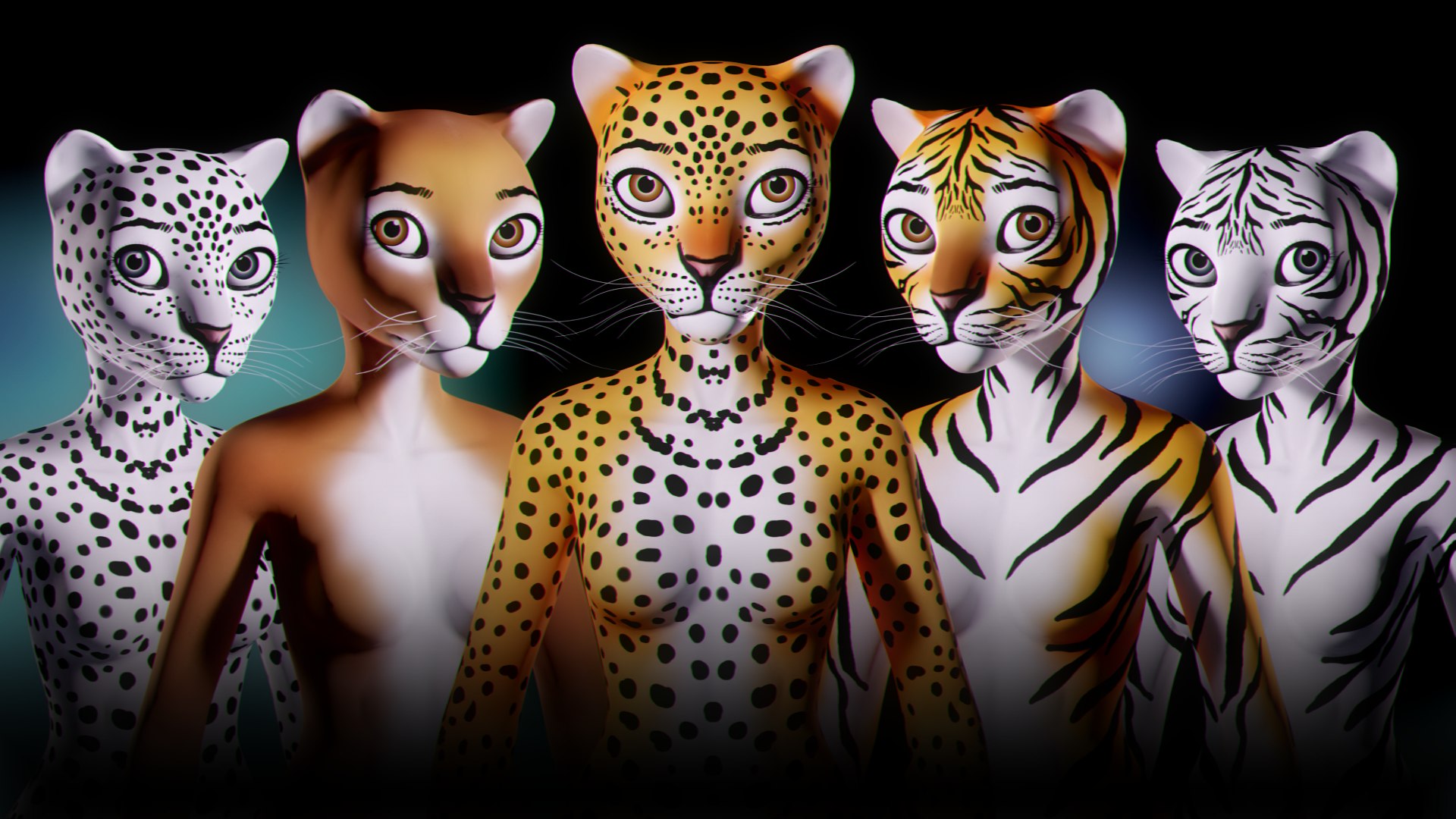
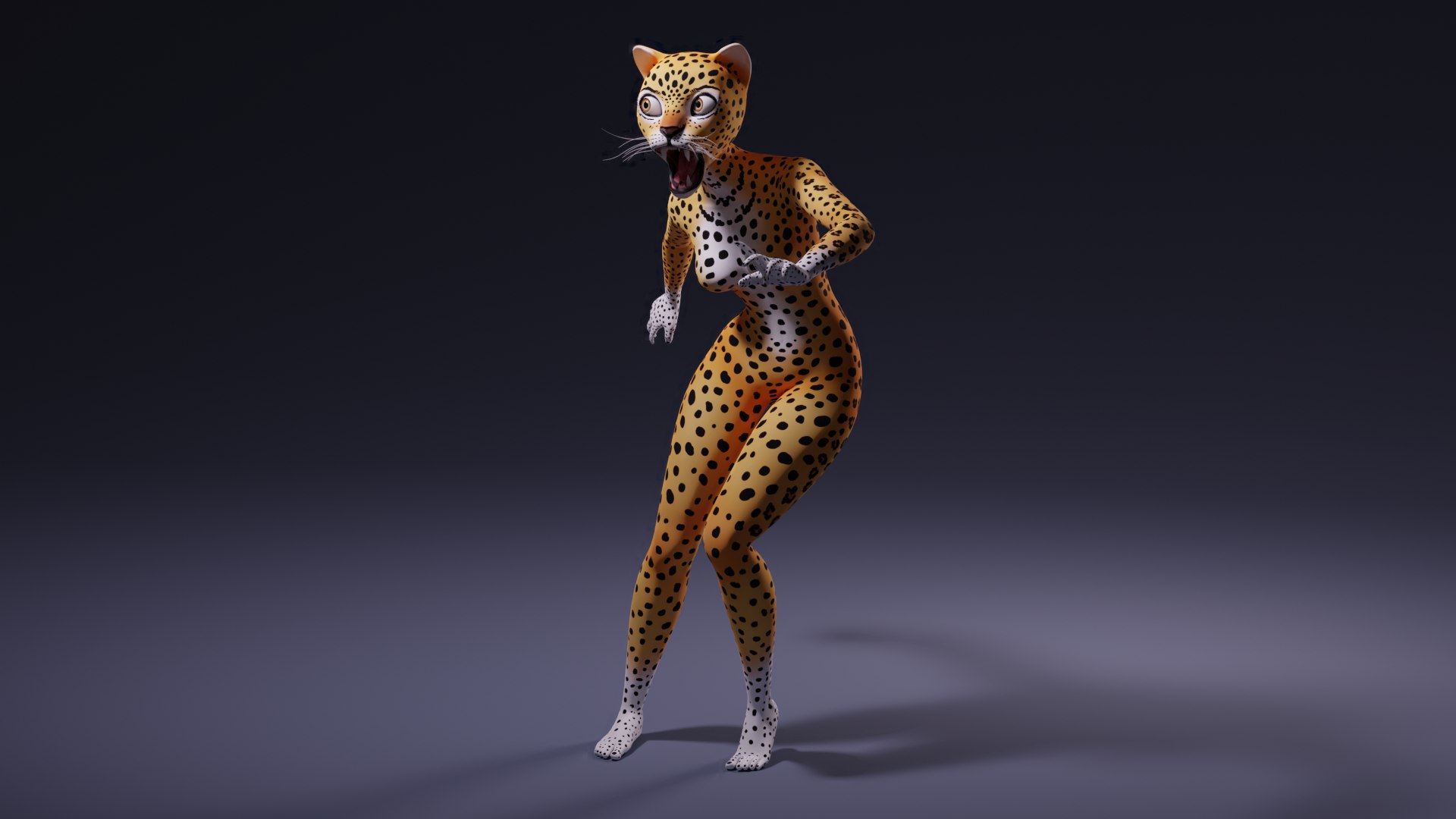
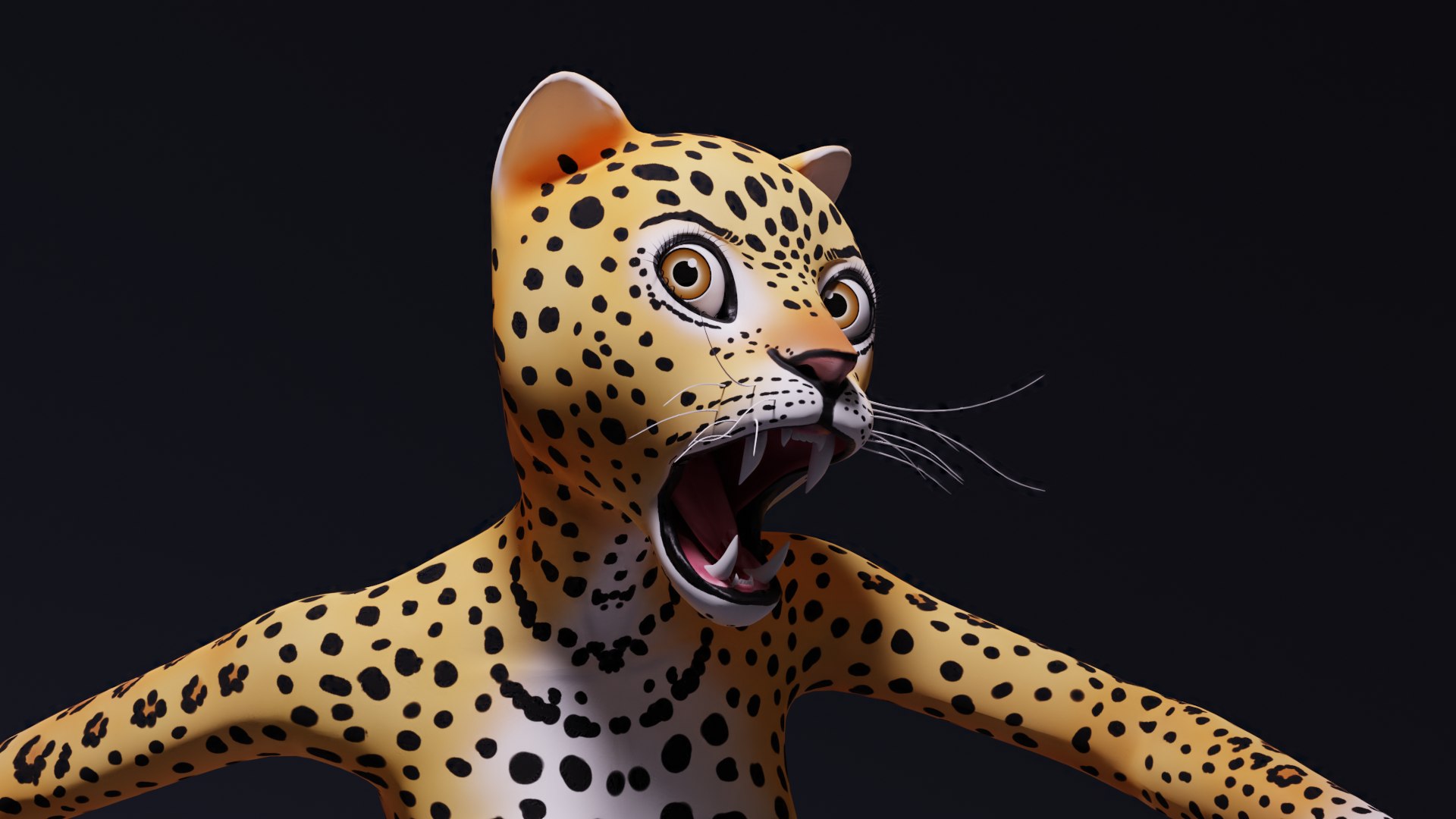
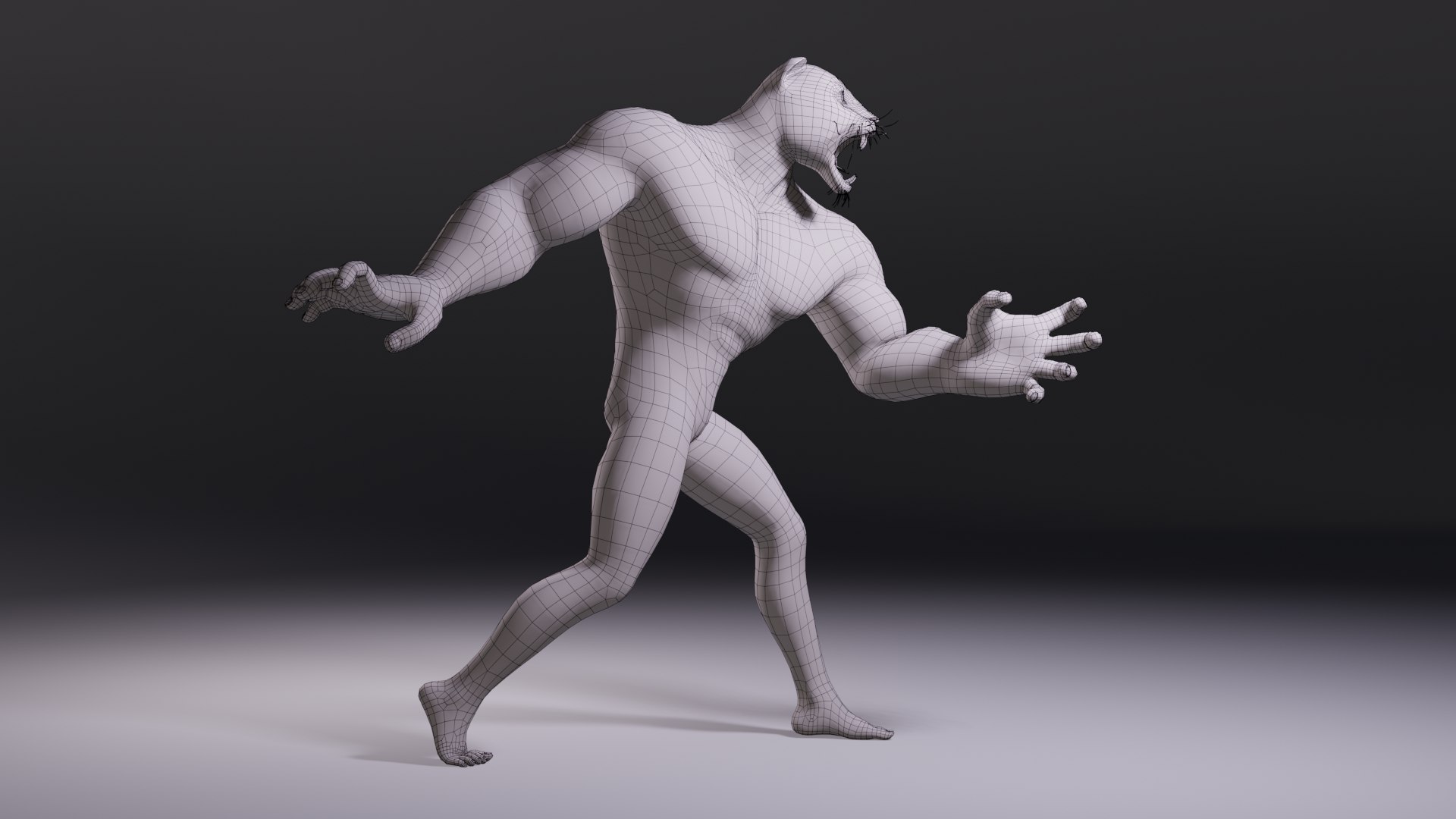
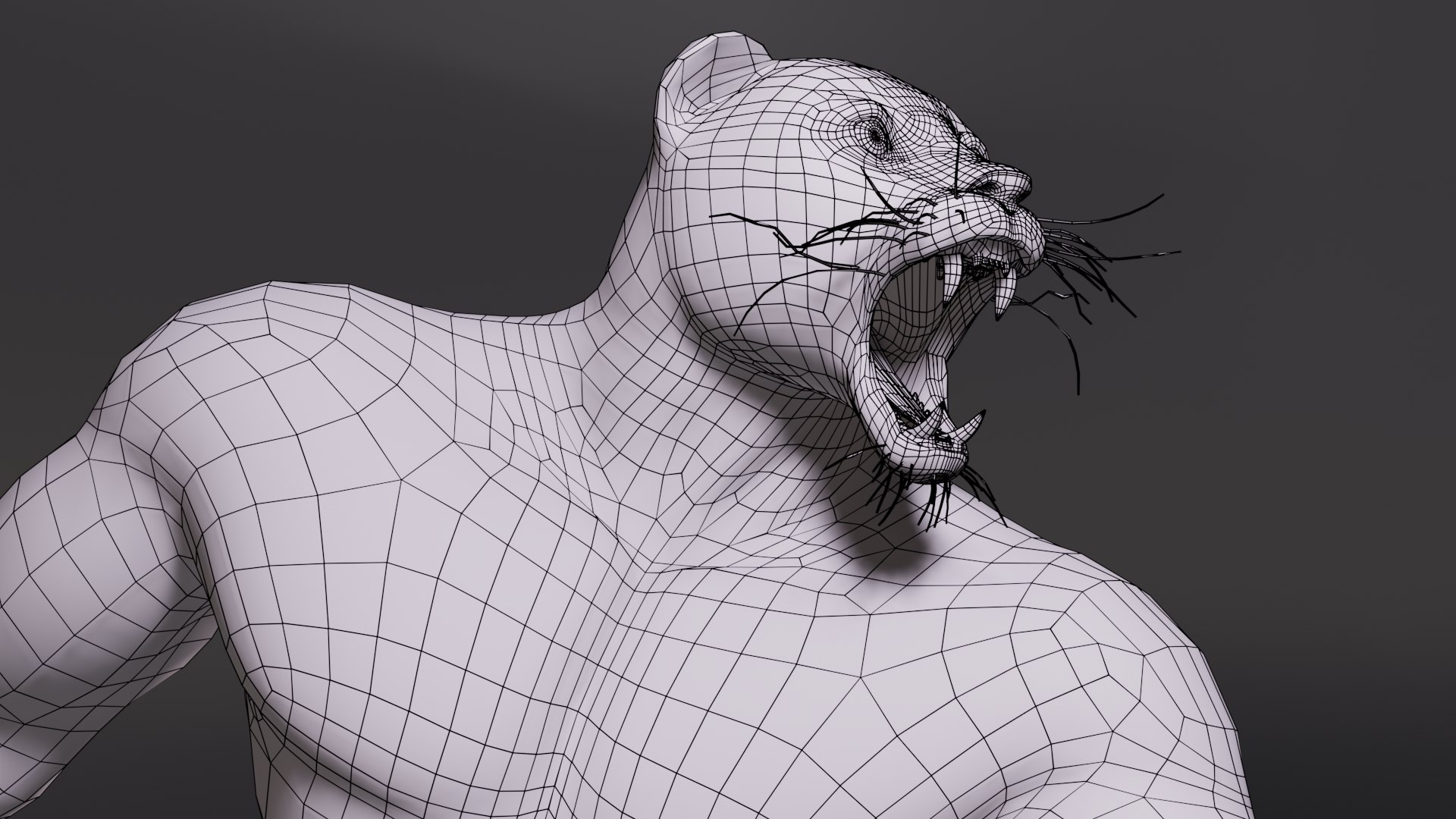
Fantasy Creatures Isi-Agu

$129

Formats (14)
Native | Blender 2.82
Cinema 4D R16 | Default Scanline
FBX
OBJ
Cinema 4D
Unreal
Unity
Blender
Other Files
Blender_Rig_Tool.zip Isi_Agu_M_Additional_Textures.zip
Specifications
Publish Date August 07, 2020
Product ID 1602157
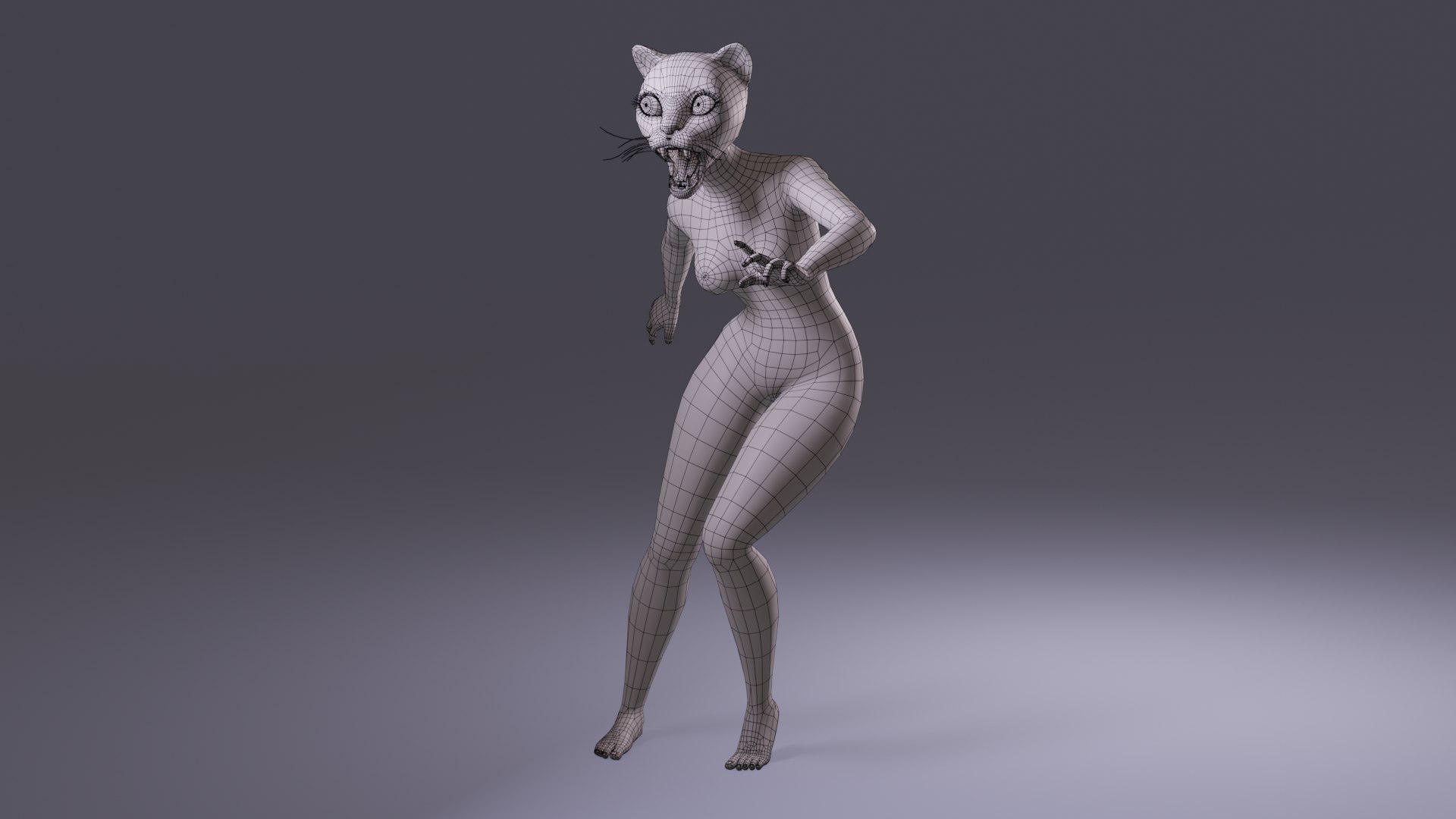
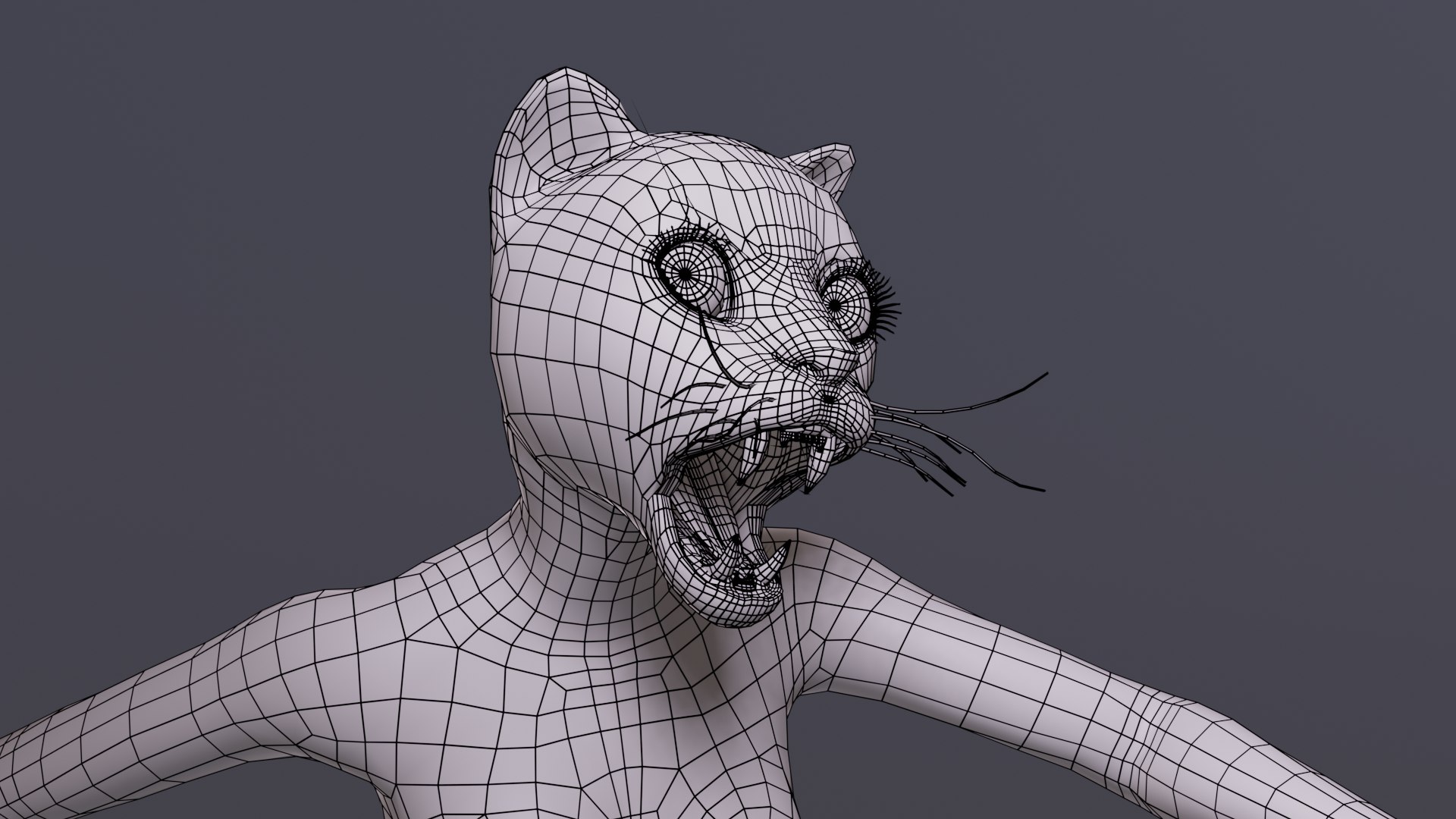
Polygons 14,337
Vertices 14,527
Polygonal
Textures
Materials
UV Mapped
Non-overlapping Unwrapped UVs
Rigged
PBR
member avatar
Dibia Digital
168 Products | Contributor Since 2005
Have questions? Chat with us now.

Description

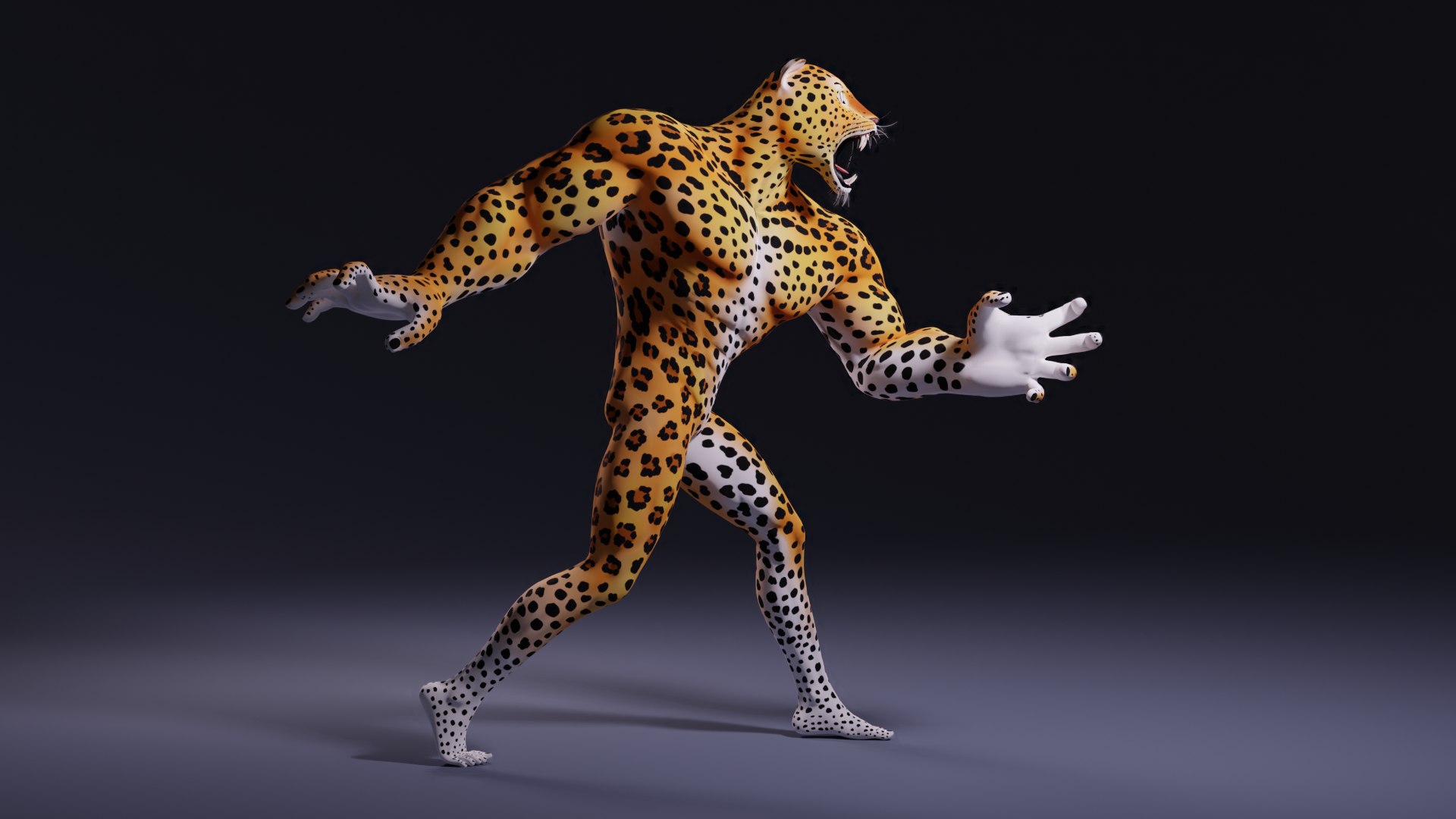
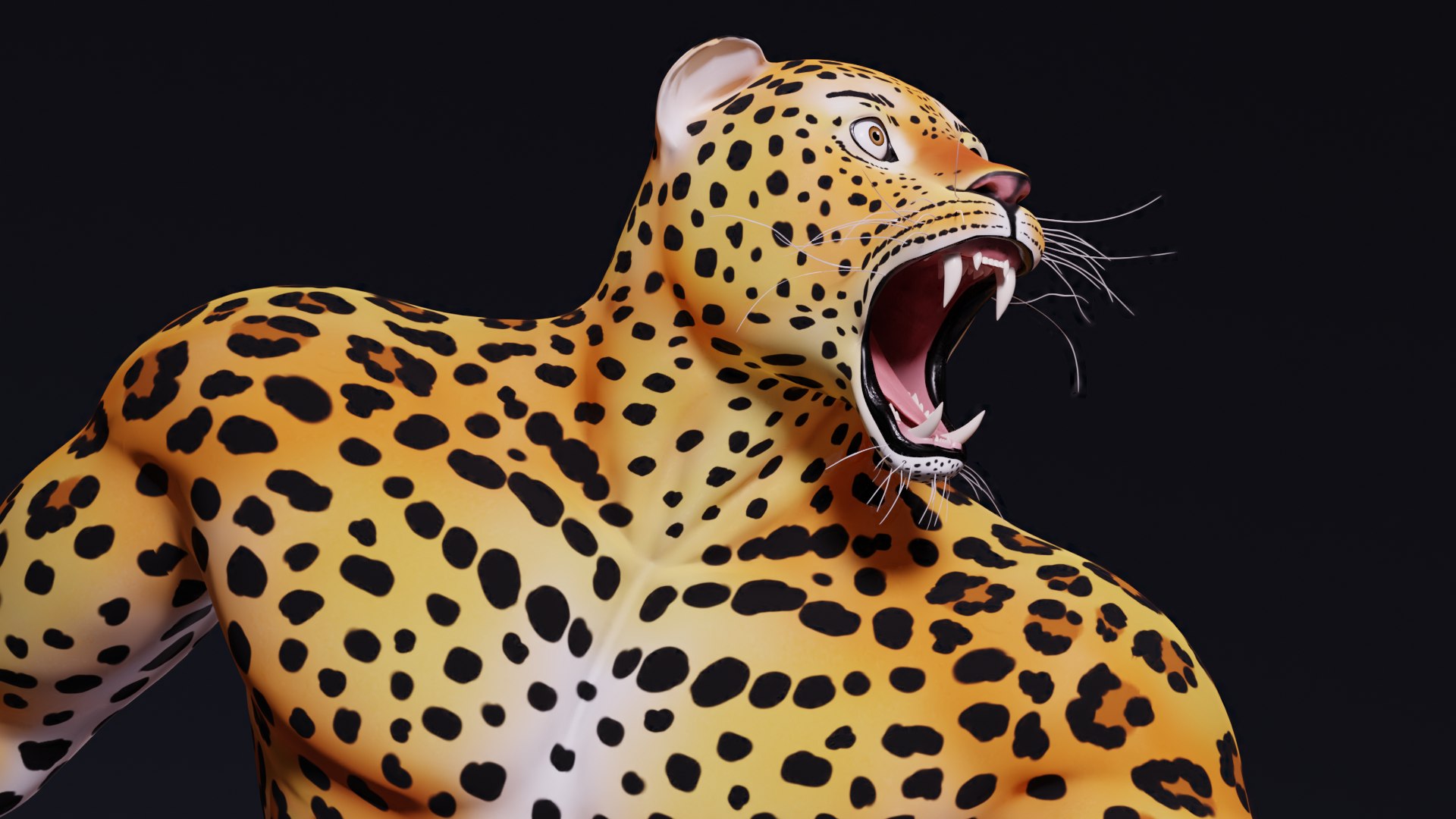
Game ready fantasy characters set up in Blender 2.82 with pbr textures, ready for animation and rendering with cycles or eevee realtime engine. All textures are packed into the blend files.

For more detailed product description please take a look at the products that are contained in this collection.

Fantasy Creature Isi-Agu Female. Product ID: 1601656

Fantasy Creature Isi-Agu Male. Product ID: 1601801


Features:


UE4 Project (Rigged to Epic Skeleton)

Unity Package (Humanoid Mecanim Rig)

BlendShapes

2 Characters

Vertices: 14527 Faces: 14337 Triangles: 28319

4k Texture Maps

PBR material and Textures (Blender 2.82)

5 Skin Variants

Texture Maps Included: Albedo, Normal and Roughness

Photoshop CS6 Texture Templates Included.


No plug-in is required to operate the Blender rigs. However, if you require access to some of the advanced rig tools like IK/FK switching, you must install the provided Blender rigging tool add-on.

Select Enhanced License

  • $10,000 in Legal Protection (Indemnification)
  • Uncapped Legal Protection (Indemnification)
  • Waiver from injunctive relief
  • Assignable model rights
  • $1,000,000 in Legal Protection (Indemnification)
  • Waiver from injunctive relief
  • Assignable model rights
  • $250,000 in Legal Protection (Indemnification)
  • Assignable model rights
Read more about enhanced license tiers, or contact us at enterprise@turbosquid.com. Already a Shutterstock Enterprise Customer? Contact your Shutterstock Sales Support Agent to talk about adding 3D.

About Conversion Requests

To submit a conversion request for a purchased asset, please complete our Conversion Request Form.

If you have not yet purchased a model, please review our Documentation about Conversions to learn about what limitations you may encounter with a conversion.

For any additional questions about a model’s suitability for conversion, please contact TurboSquid Support.

Loading...