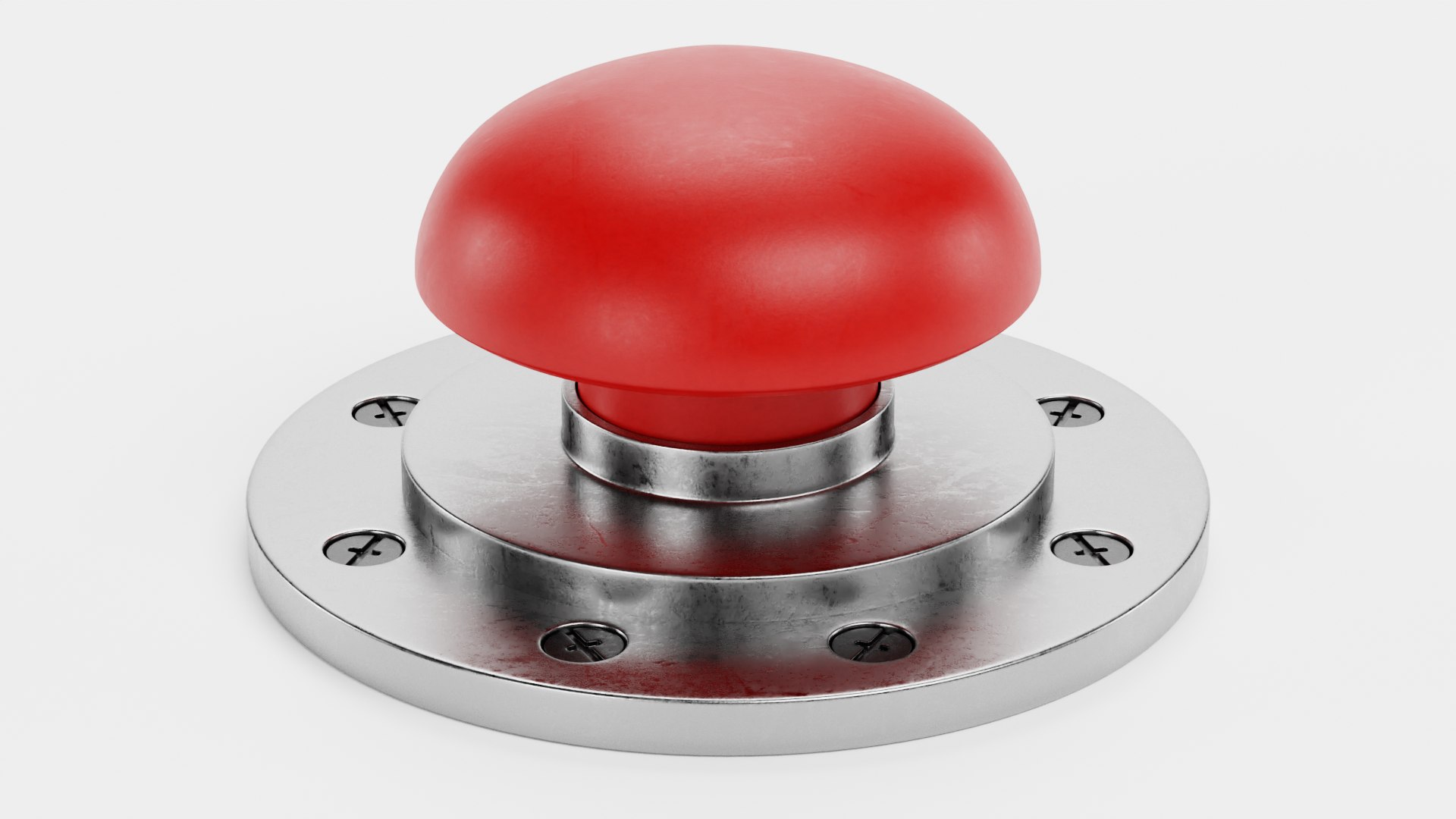
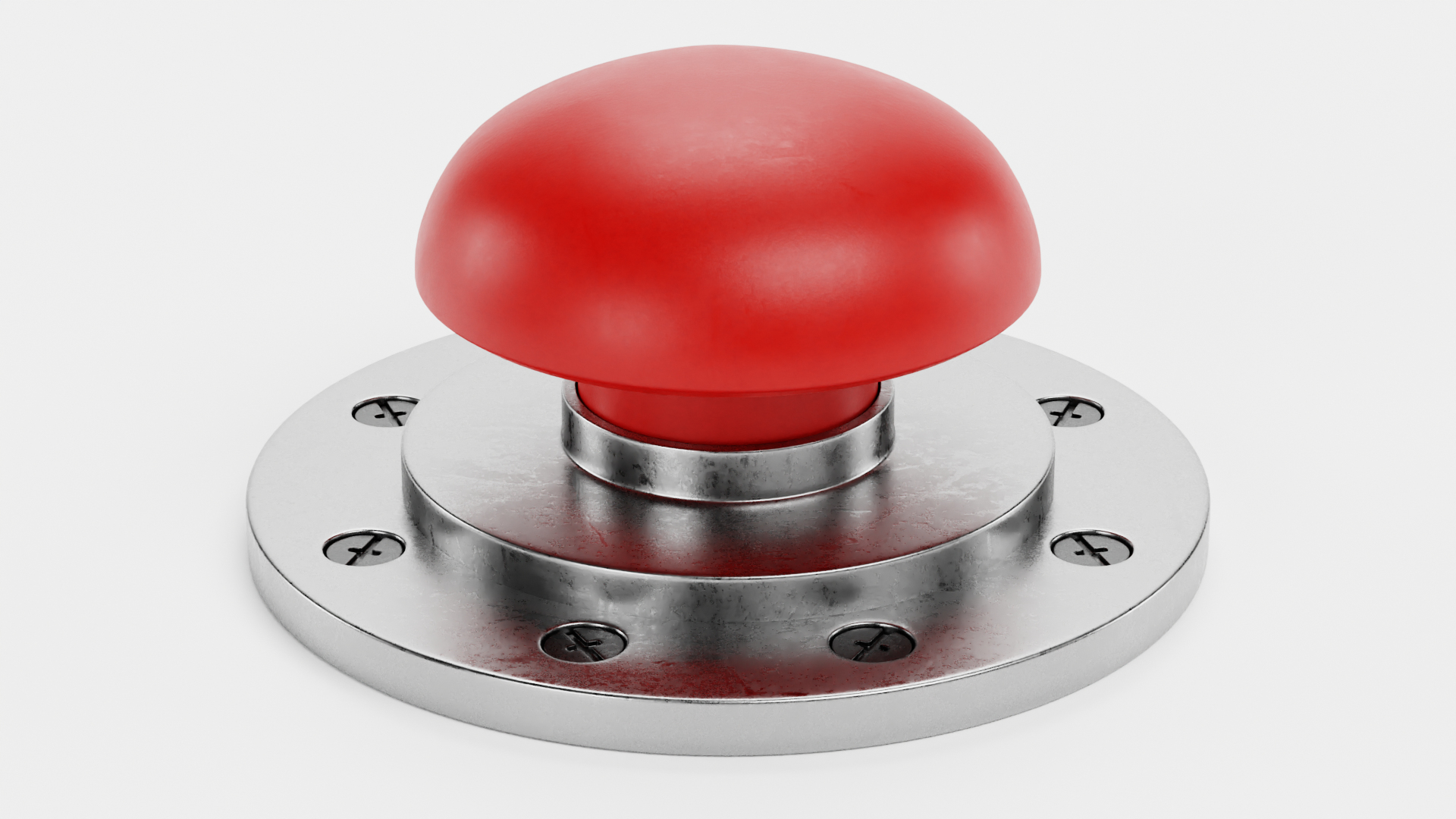
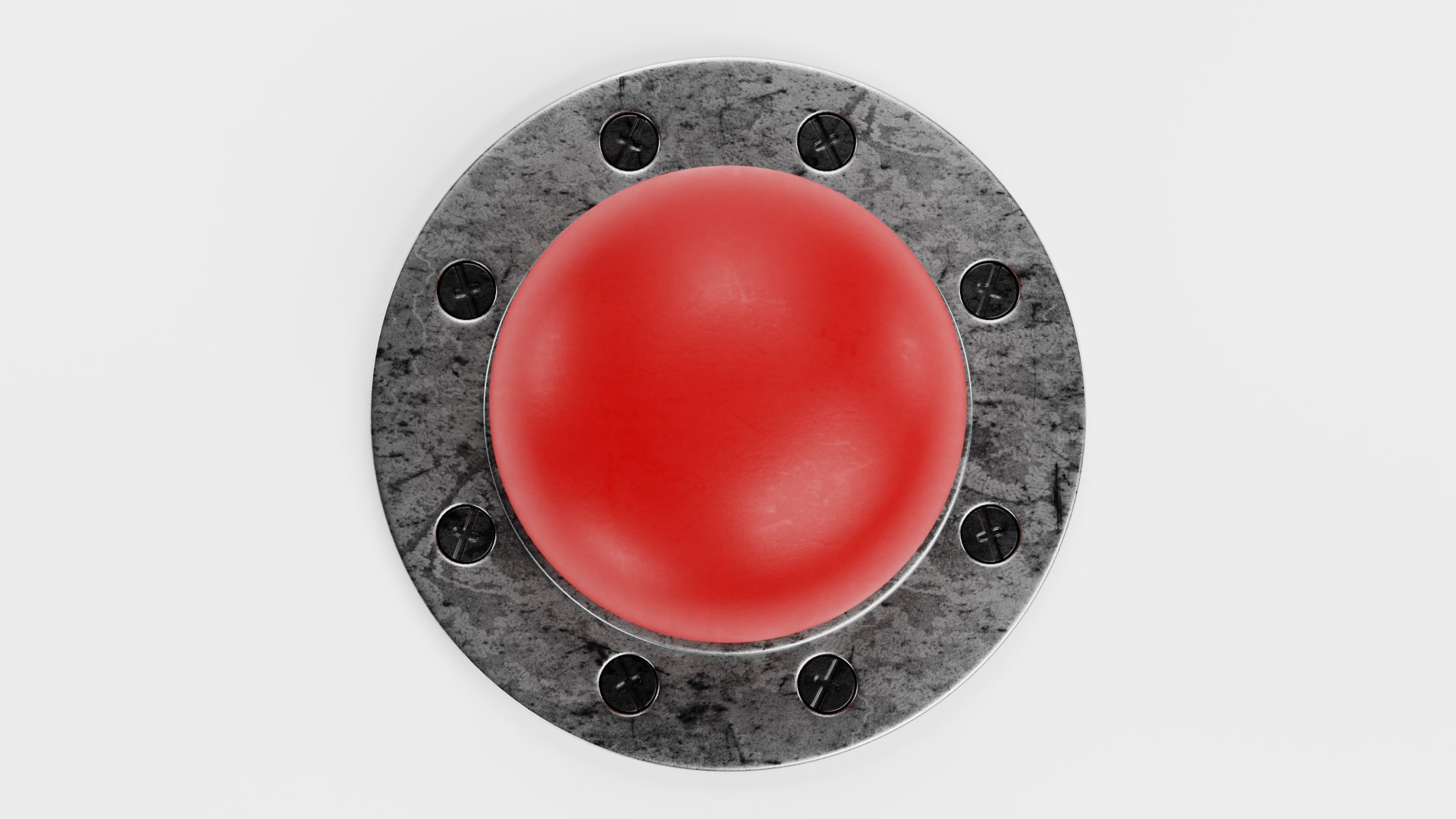
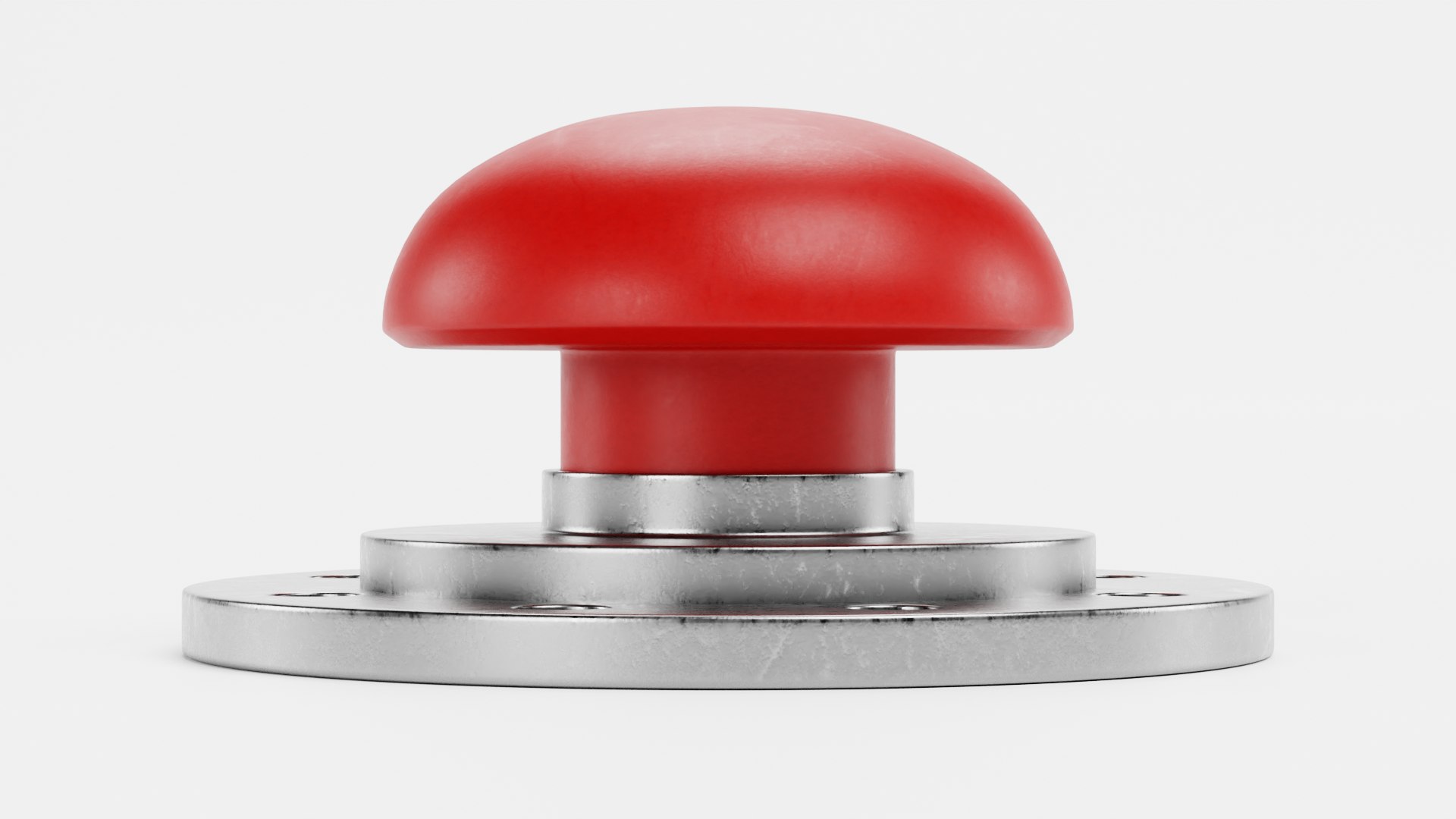
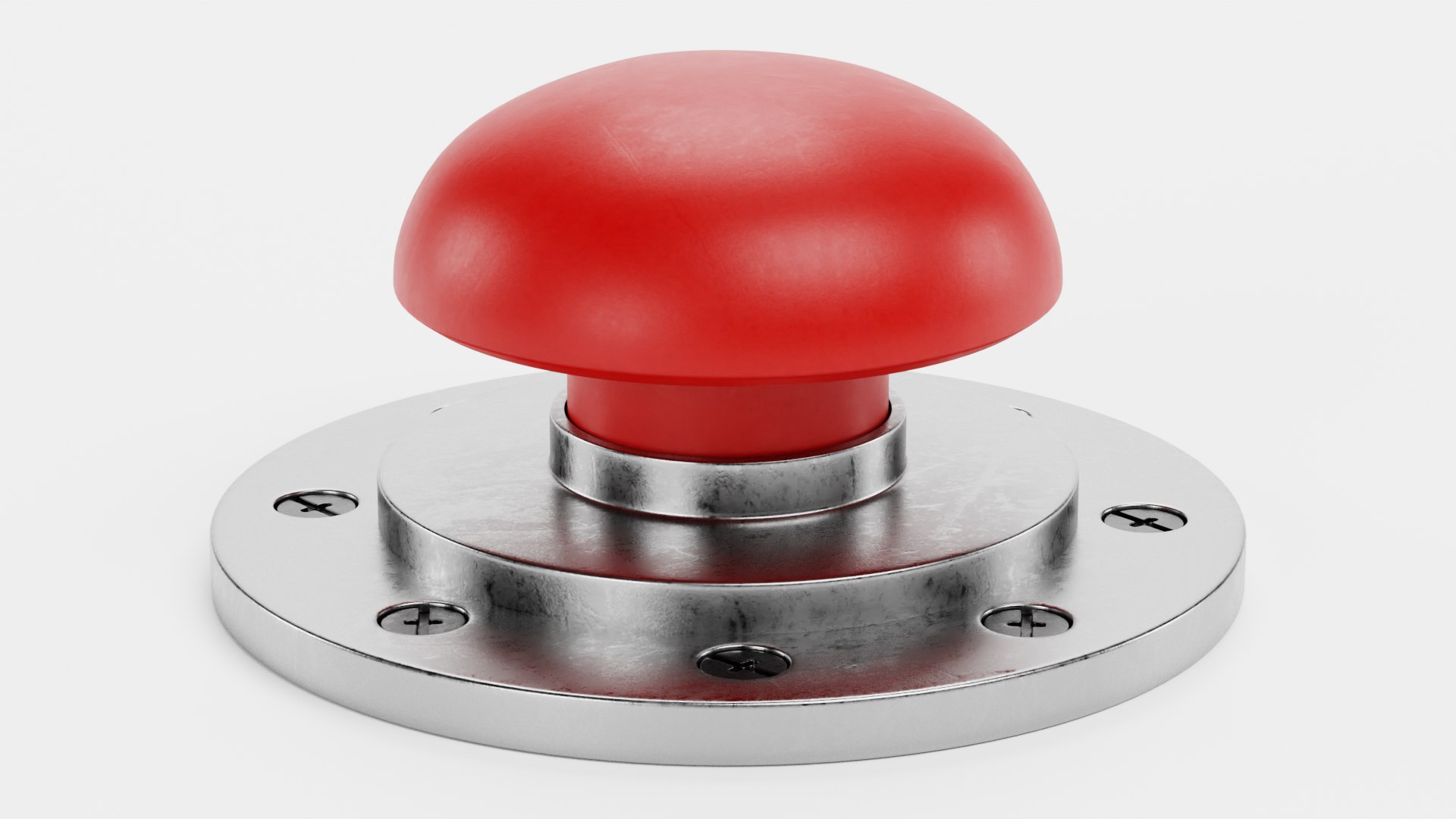
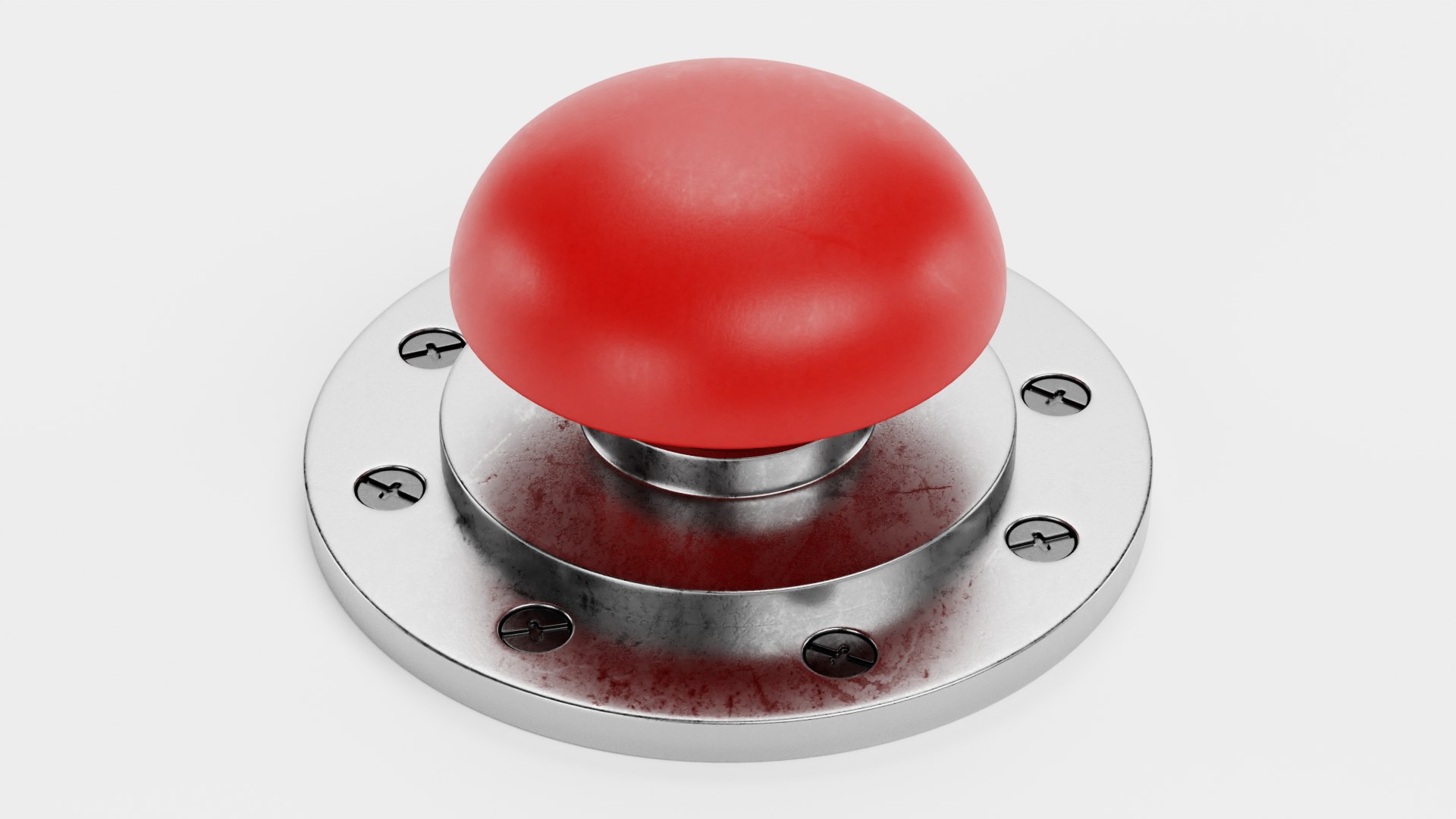
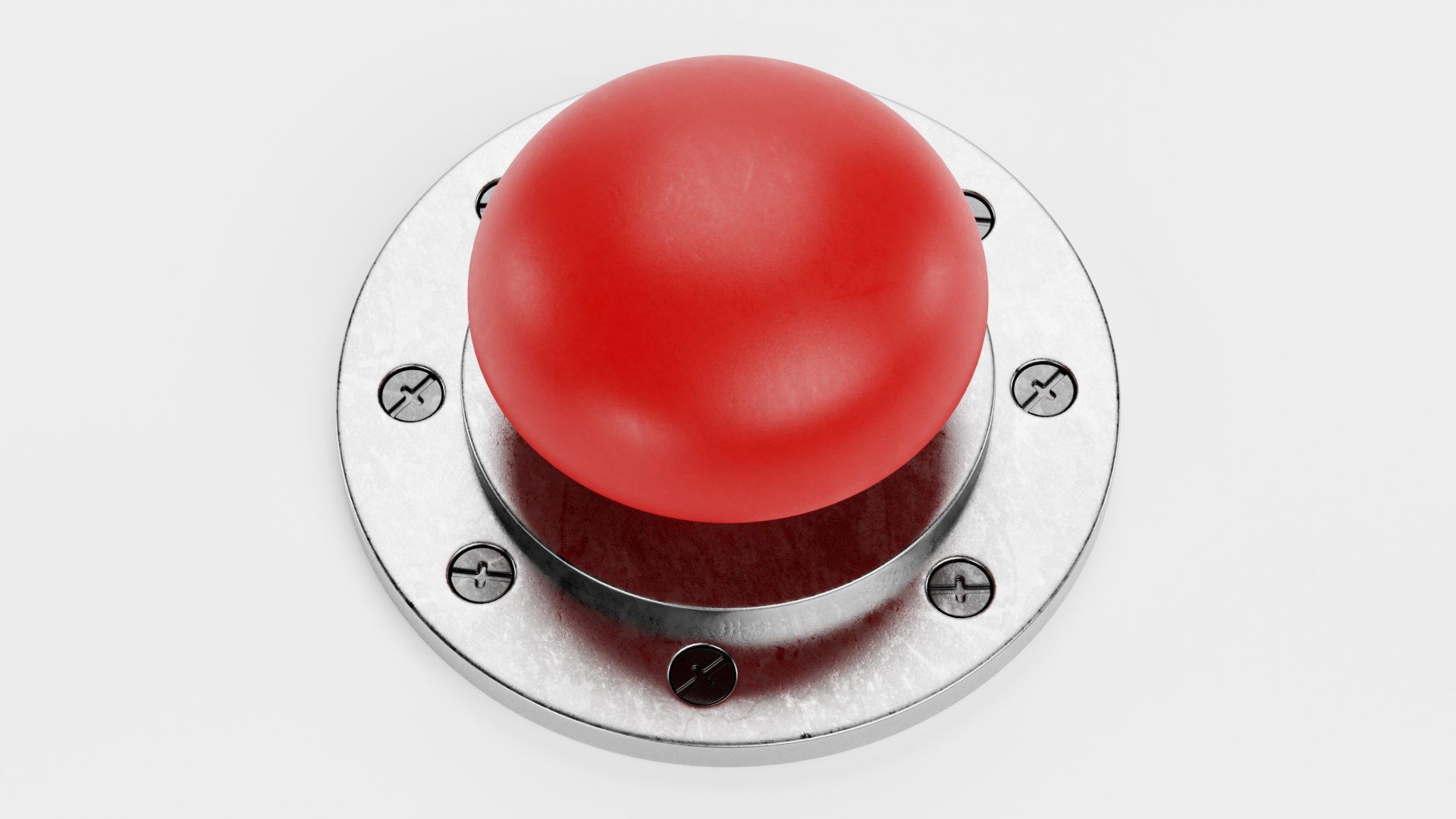
Emergency Button 6

$29

Standard License | Upgrade License
Formats (4)
Free file format Conversions available
Native | Blender 3.1 | Cycles Render
OBJ
FBX
Collada
Specifications
Publish Date March 19, 2022
Product ID 1870043
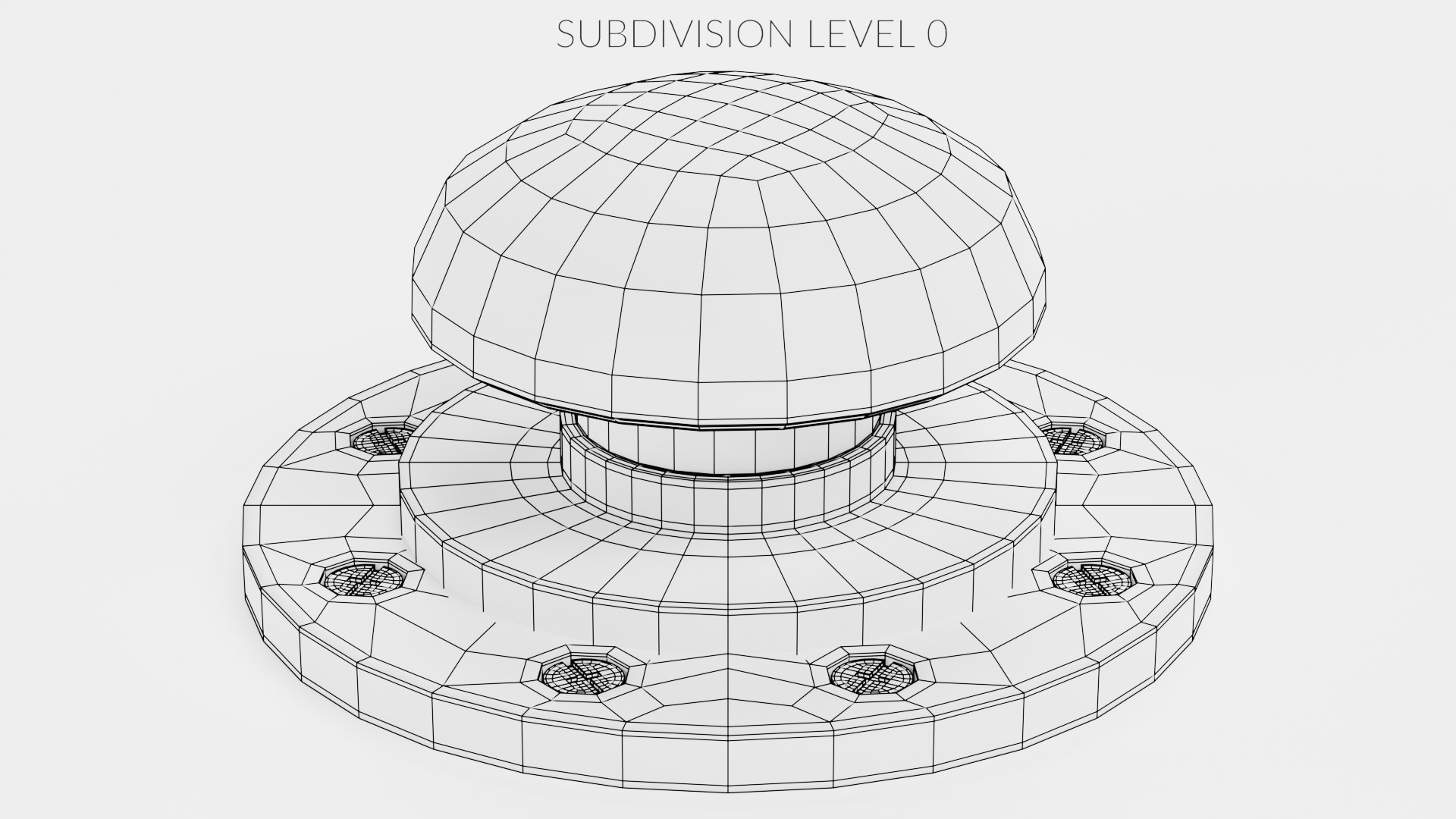
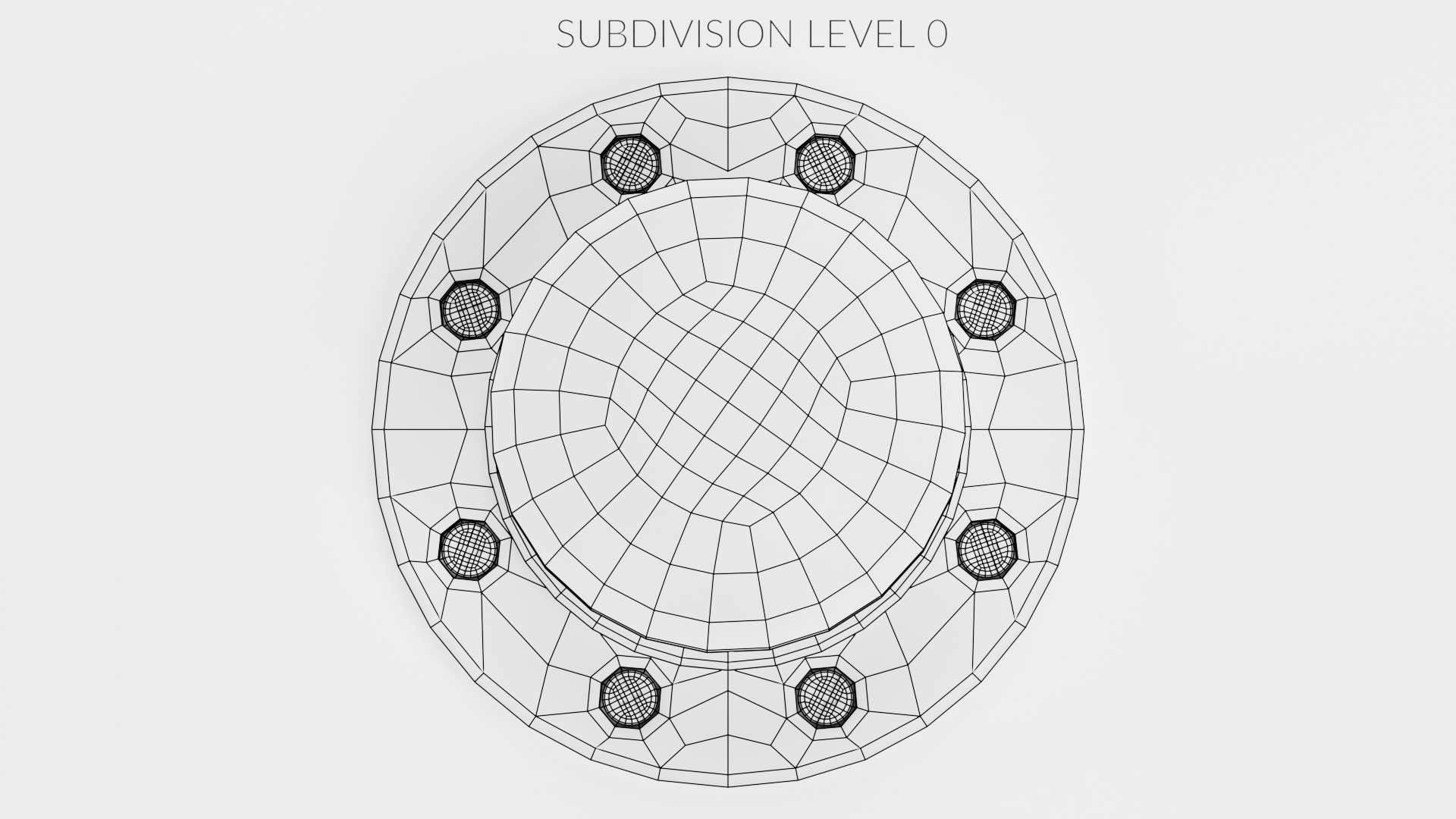
Polygons 5,772
Vertices 5,794
Polygonal Quads Only
Textures
Materials
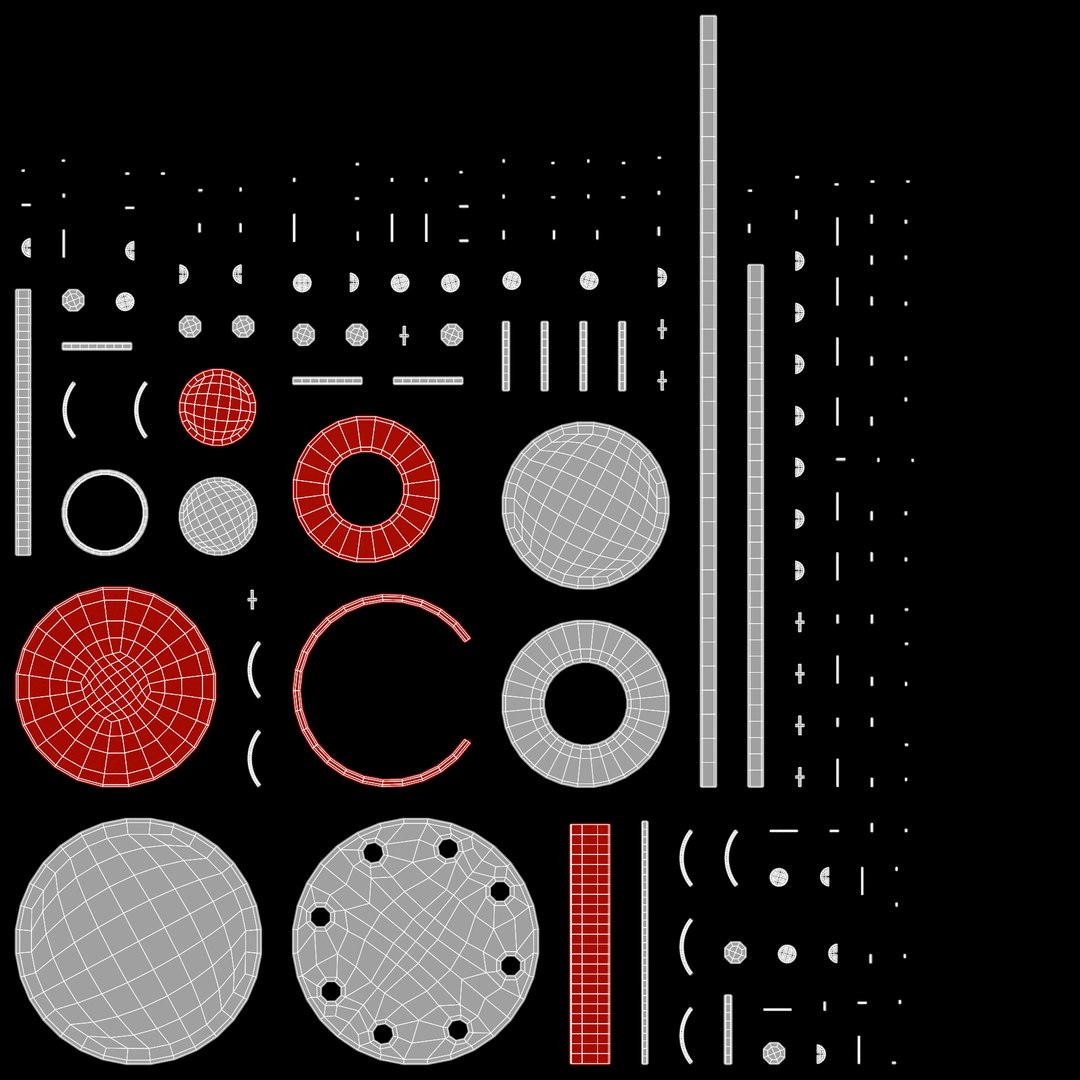
UV Mapped
Non-overlapping Unwrapped UVs
PBR
member avatar
BeshMesh
8479 Products | Contributor Since 2006
Have questions? Chat with us now.

Description

Emergency Button

|| PRODUCT DESCRIPTION ||
-Originally created with Blender v3.1.

|| USAGE ||
-This model is an accurate representation of Emergency Button .

|| SPECS ||
-This model contains 1 separate object.
-This model contains 5,772 polygons and 5,794 vertices with subdivision turned OFF.
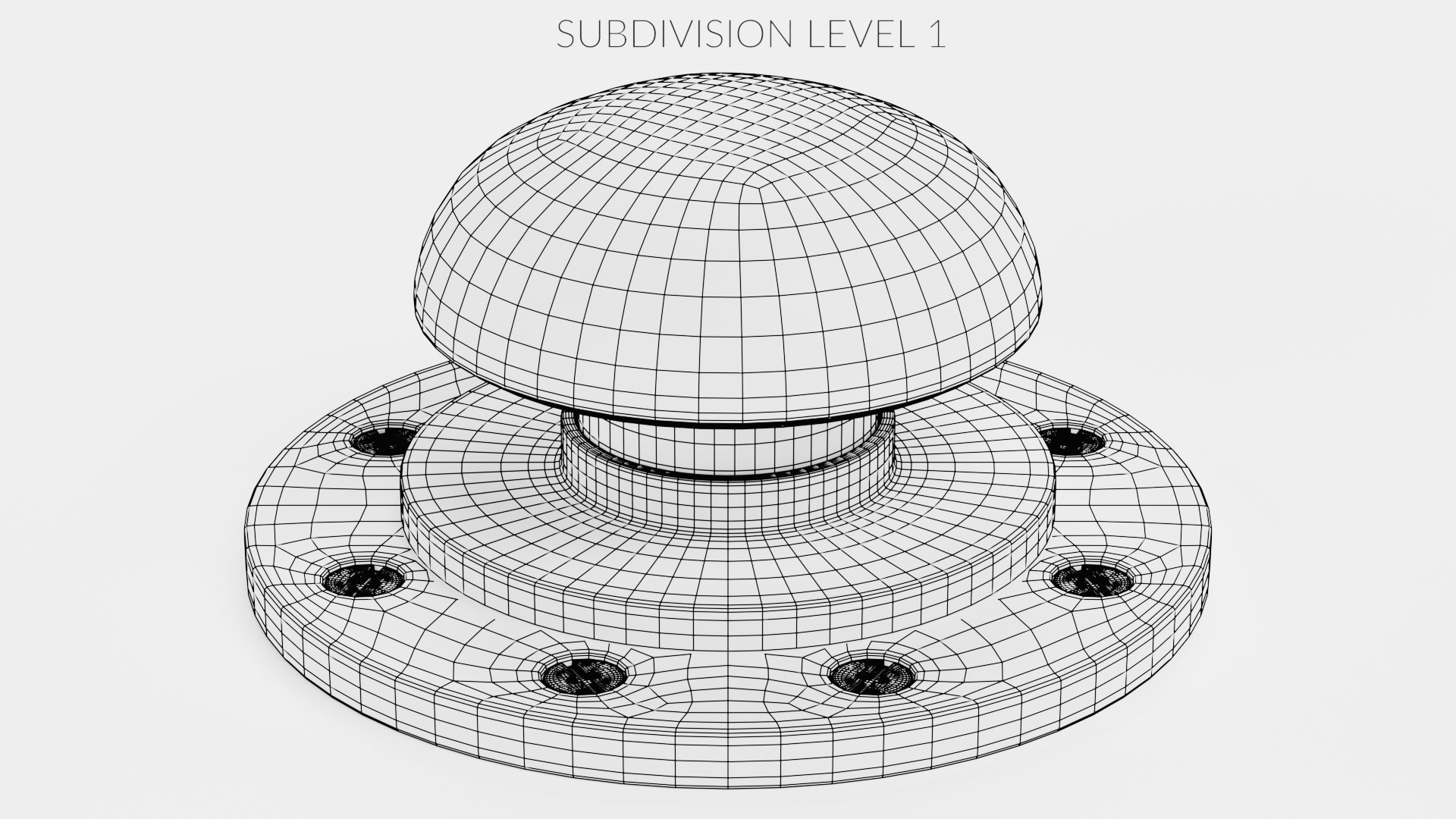
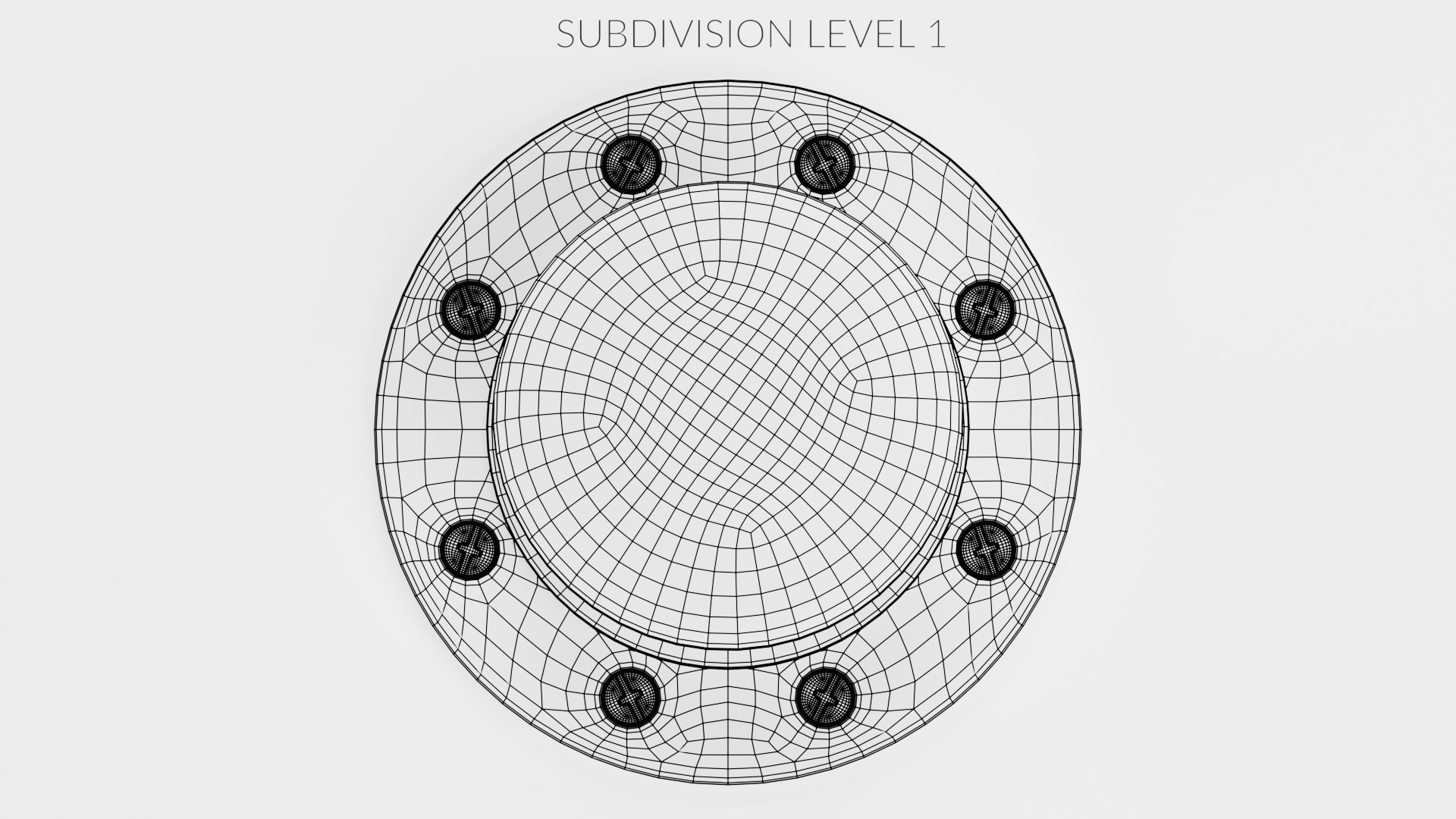
-This model contains 92,352 polygons and 92,374 vertices with subdivision turned ON.

|| PRESENTATION IMAGES ||

-All preview images are rendered with Cycles Renderer.
-No compositing editors used, Product is ready to render out-of-the-box. Lights and cameras are included in the file.

|| TEXTURES ||
-Textures Resolution 4096 x 4096 pixels. There are diffuse, roughness and normal map included (PBR workflow).
-All textures are created from original photographs or drawings.

|| GENERAL ||
-Model is built to real-world scale
-Units used: centimeters. Model is 8 centimeters tall, 17 centimeters wide and 17 centimeters long.
-No third-party renderer or plug-ins needed.

|| ADDITIONAL NOTES ||
-File formats other than Blender exported as base mesh (not smoothed).

Select Enhanced License

  • $10,000 in Legal Protection (Indemnification)
  • Uncapped Legal Protection (Indemnification)
  • Waiver from injunctive relief
  • Assignable model rights
  • $1,000,000 in Legal Protection (Indemnification)
  • Waiver from injunctive relief
  • Assignable model rights
  • $250,000 in Legal Protection (Indemnification)
  • Assignable model rights
Read more about enhanced license tiers, or contact us at enterprise@turbosquid.com. Already a Shutterstock Enterprise Customer? Contact your Shutterstock Sales Support Agent to talk about adding 3D.

About Conversion Requests

To submit a conversion request for a purchased asset, please complete our Conversion Request Form.

If you have not yet purchased a model, please review our Documentation about Conversions to learn about what limitations you may encounter with a conversion.

For any additional questions about a model’s suitability for conversion, please contact TurboSquid Support.

Loading...