
Dragon Rigged

$299

Standard License | Upgrade License
Formats (4)
Free file format Conversions available
Native | Maya 2020 | Arnold
Maya 2018 | Arnold
OBJ
FBX
Specifications
Publish Date June 15, 2020
Product ID 1577021
Polygons 21,262
Vertices 21,646
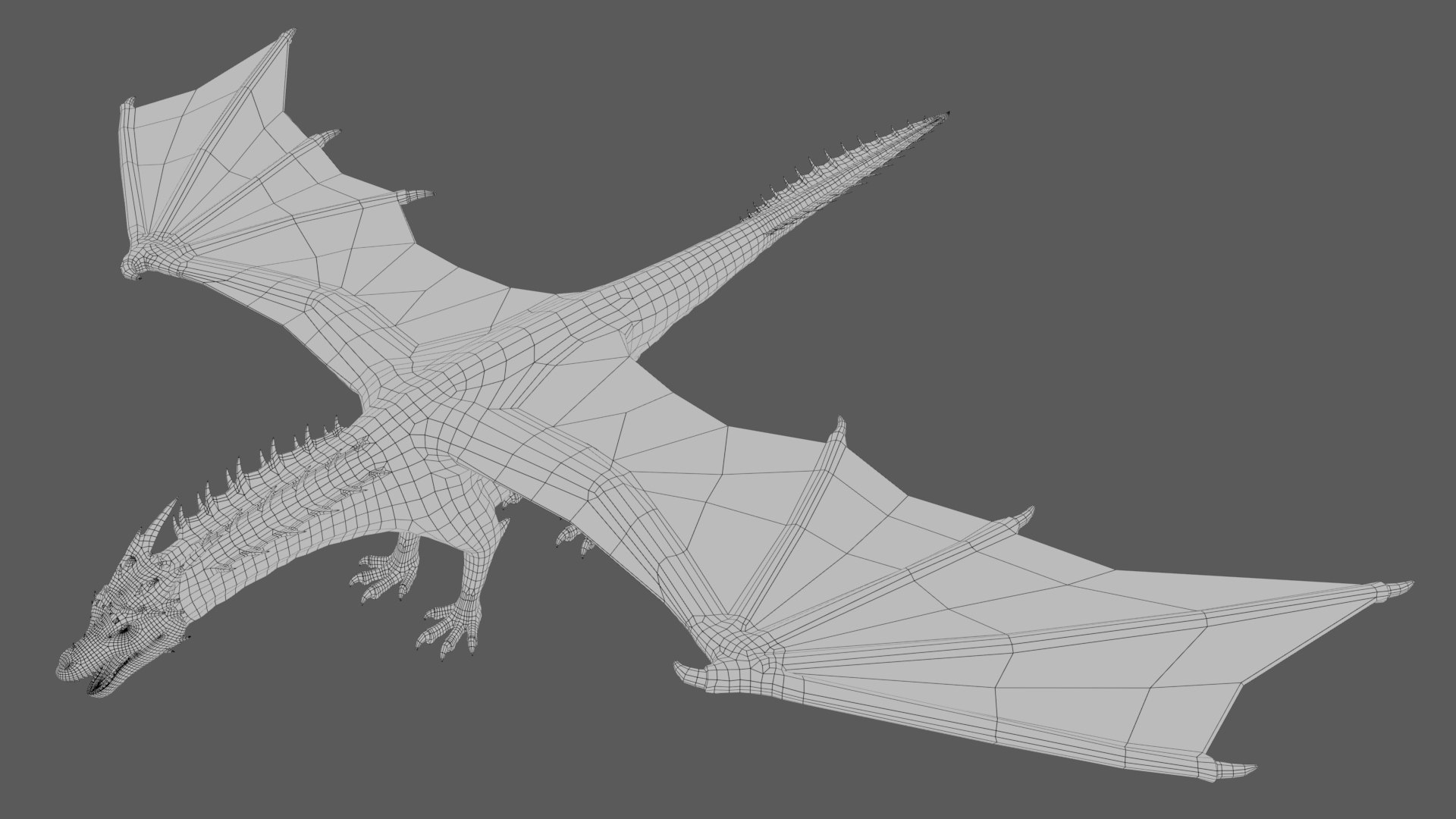
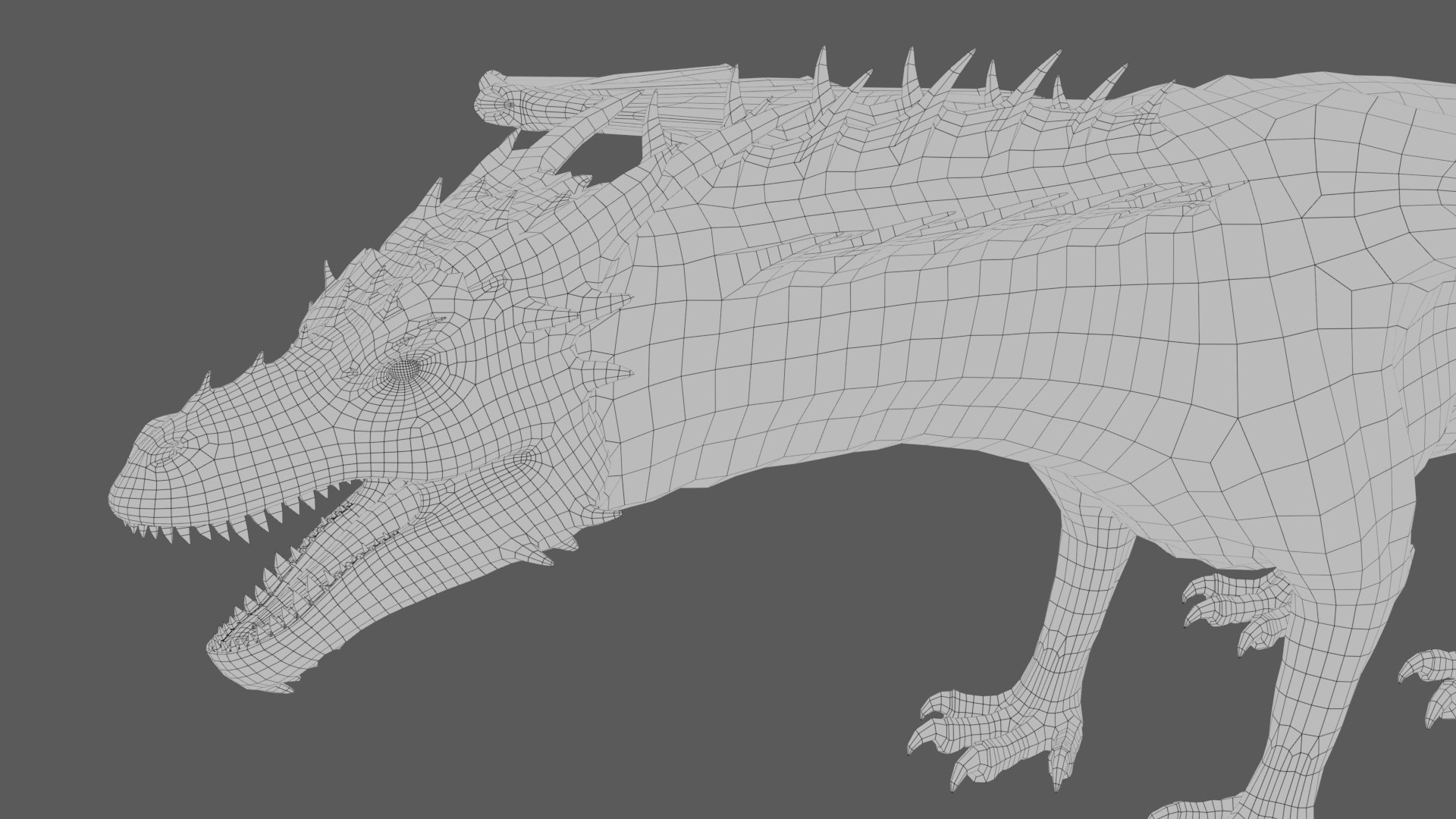
Polygonal Quads Only
Textures
Materials
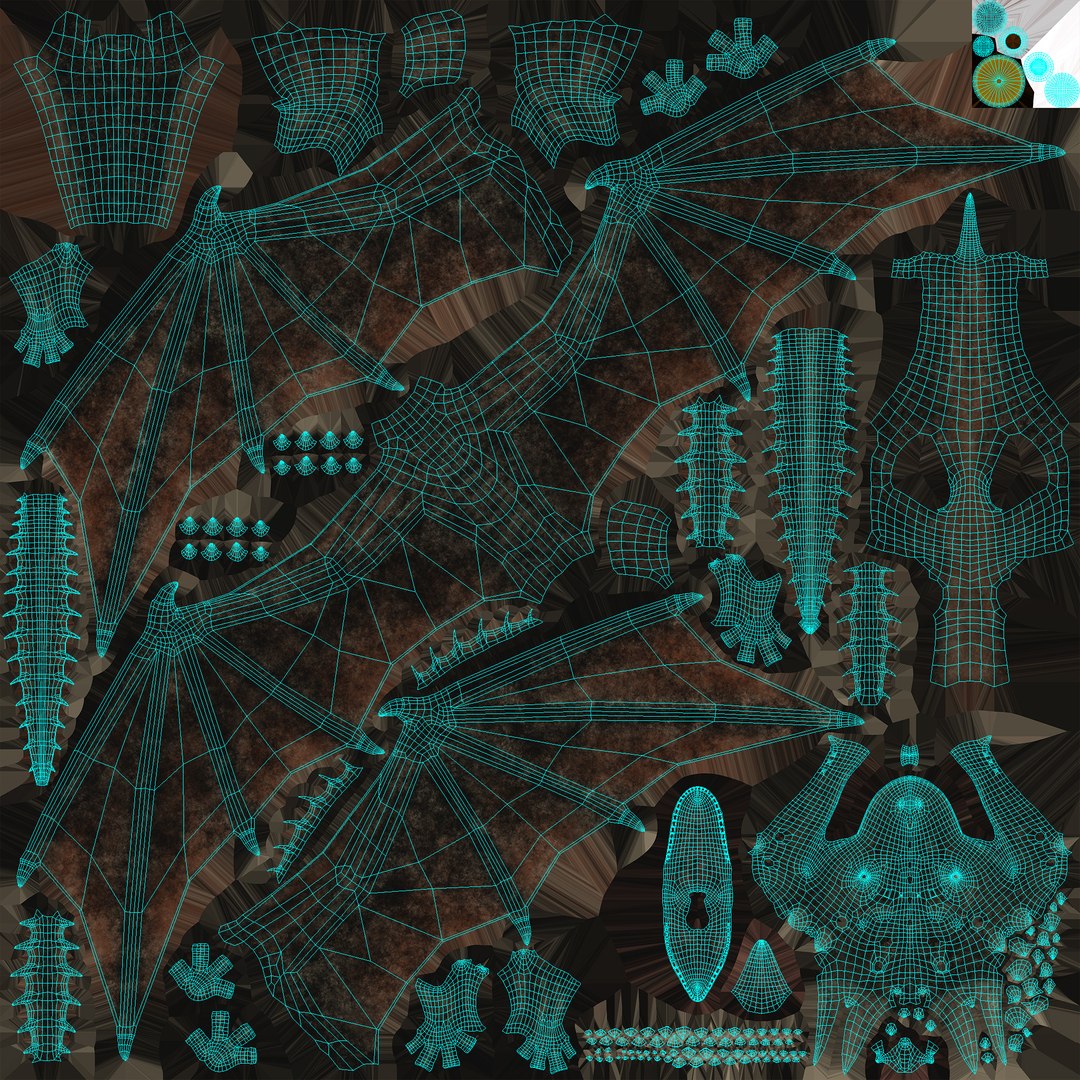
UV Mapped
Mixed Unwrapped UVs
Rigged
PBR
TurboSquid Exclusive

member avatar
triduza
282 Products | Contributor Since 2007
Have questions? Chat with us now.

Description

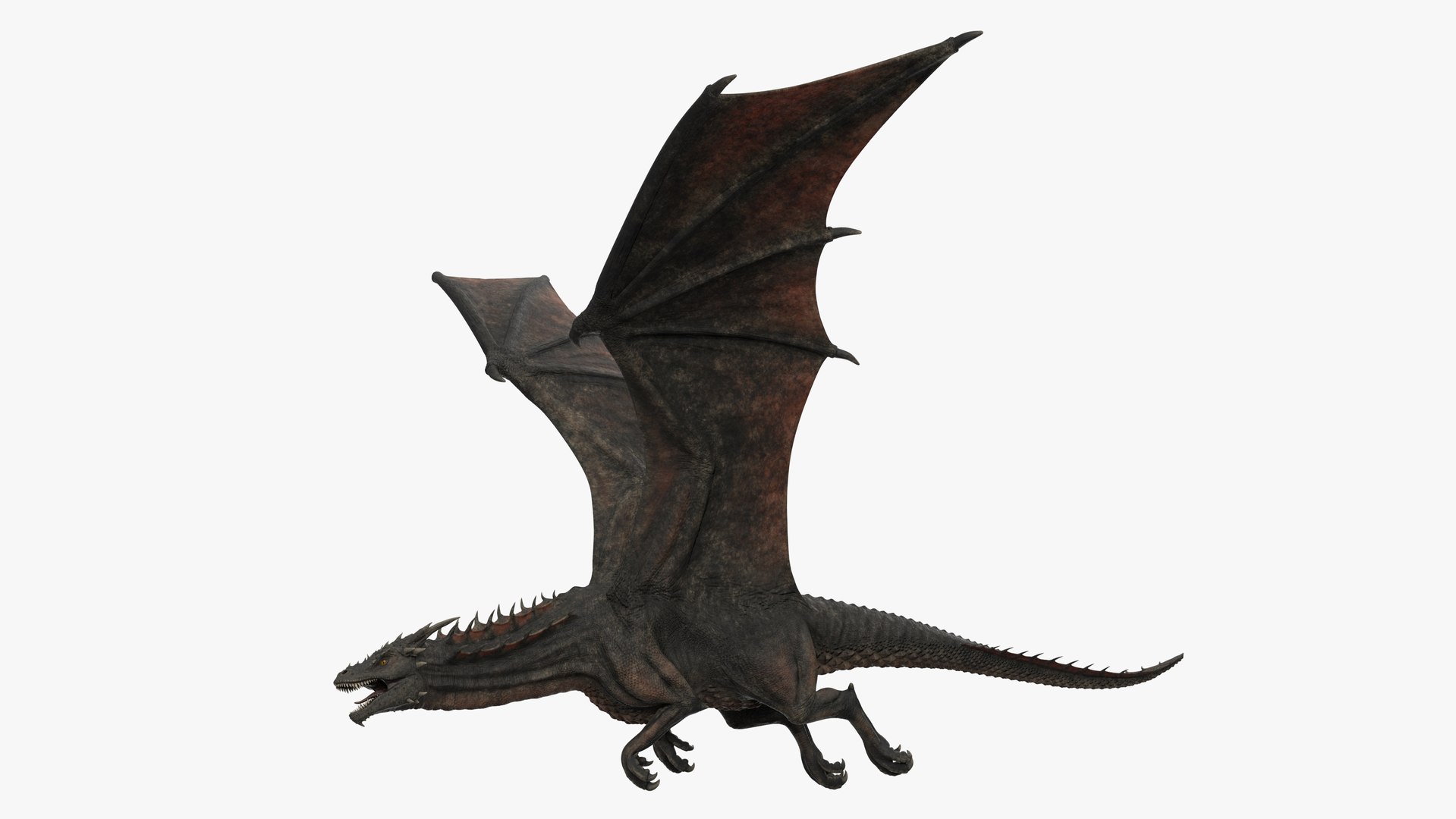
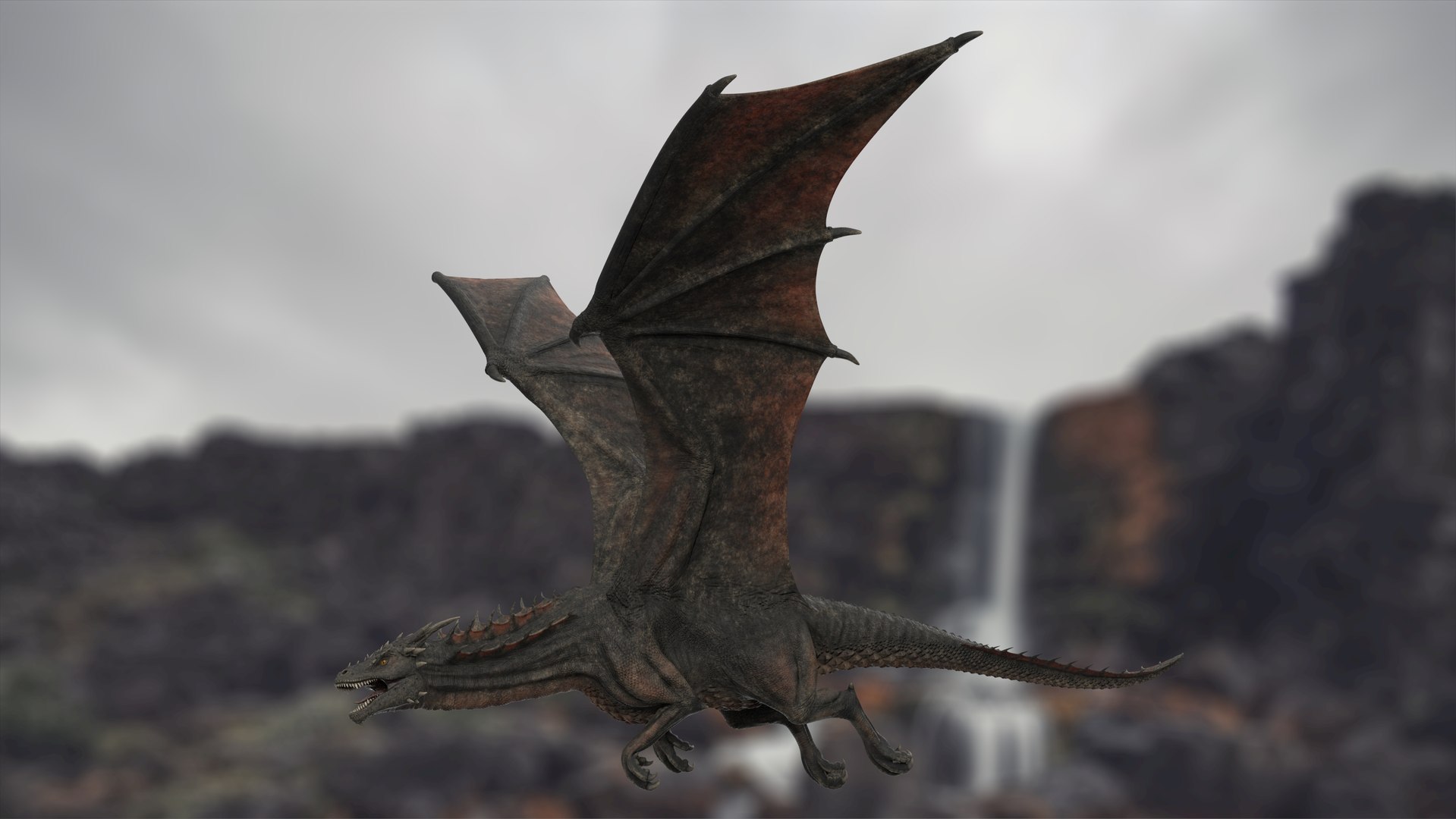
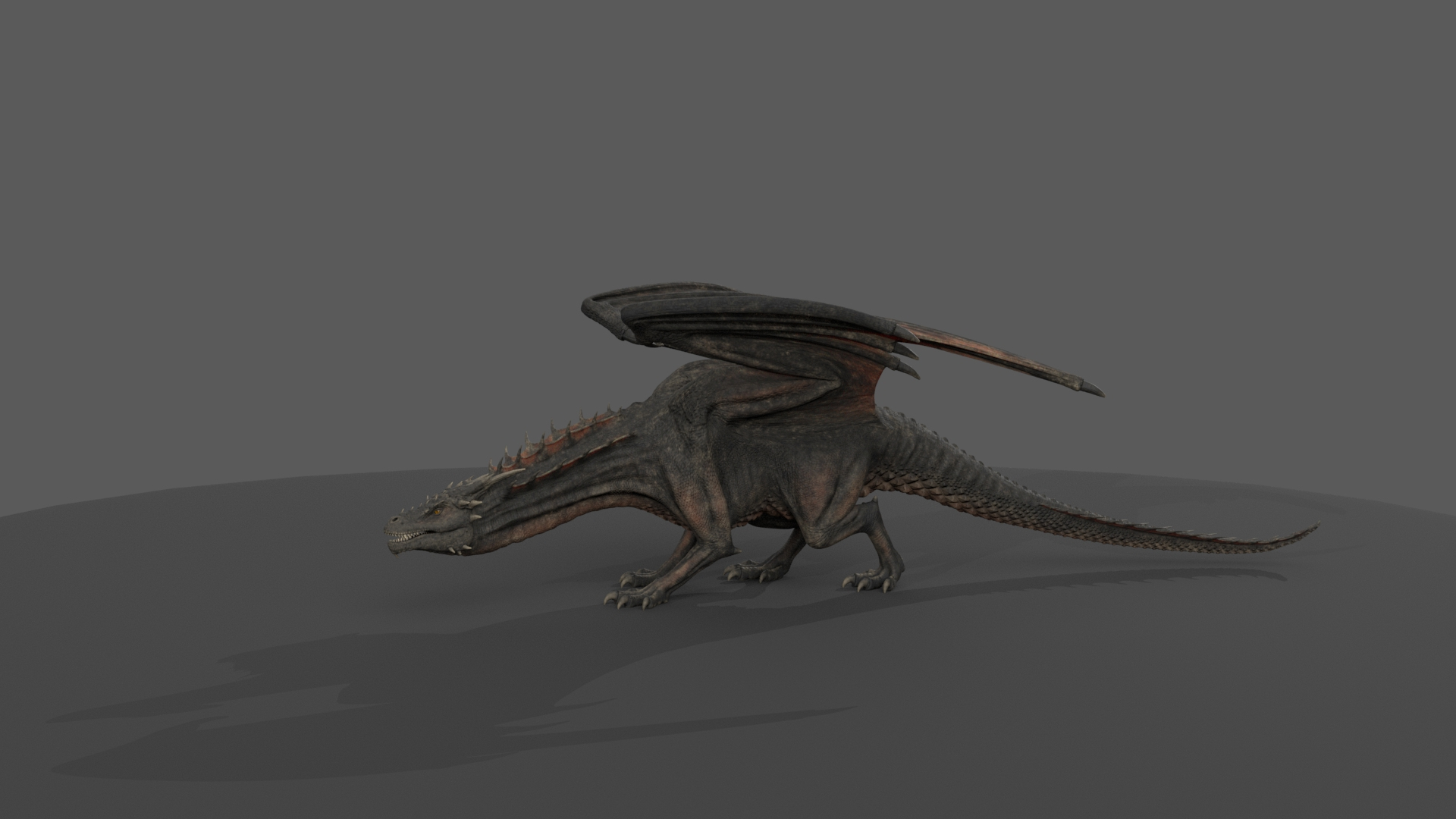
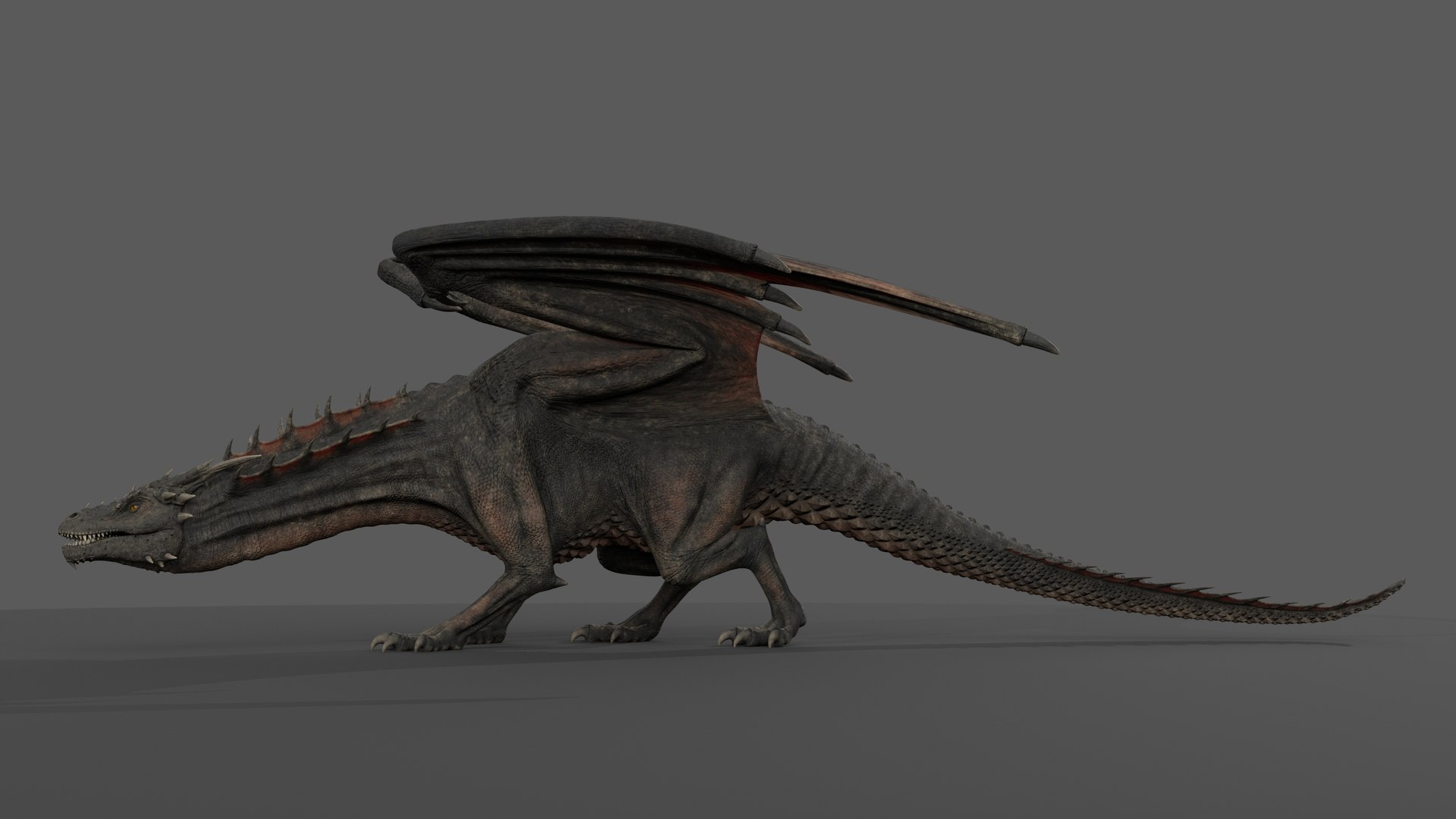
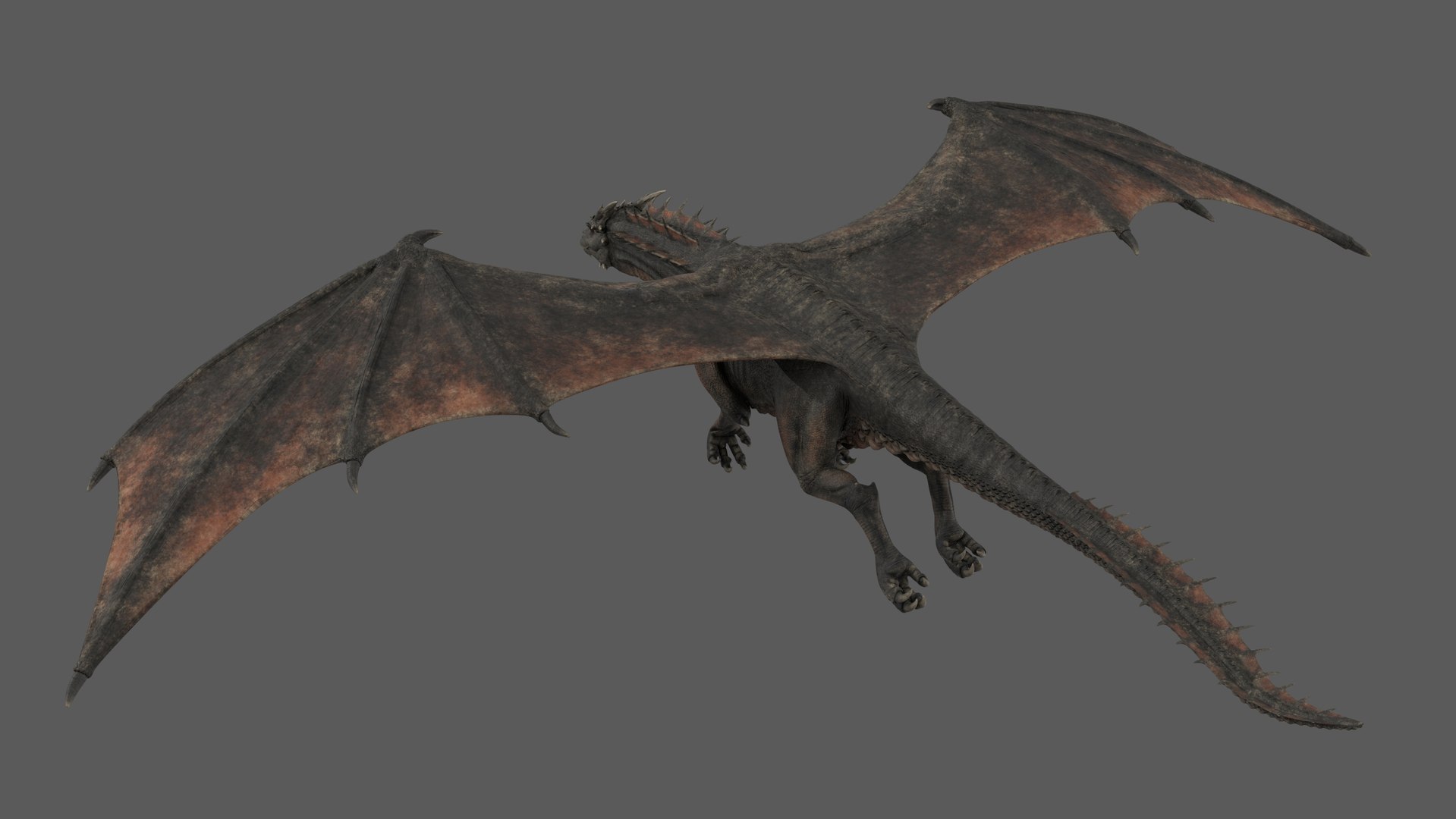
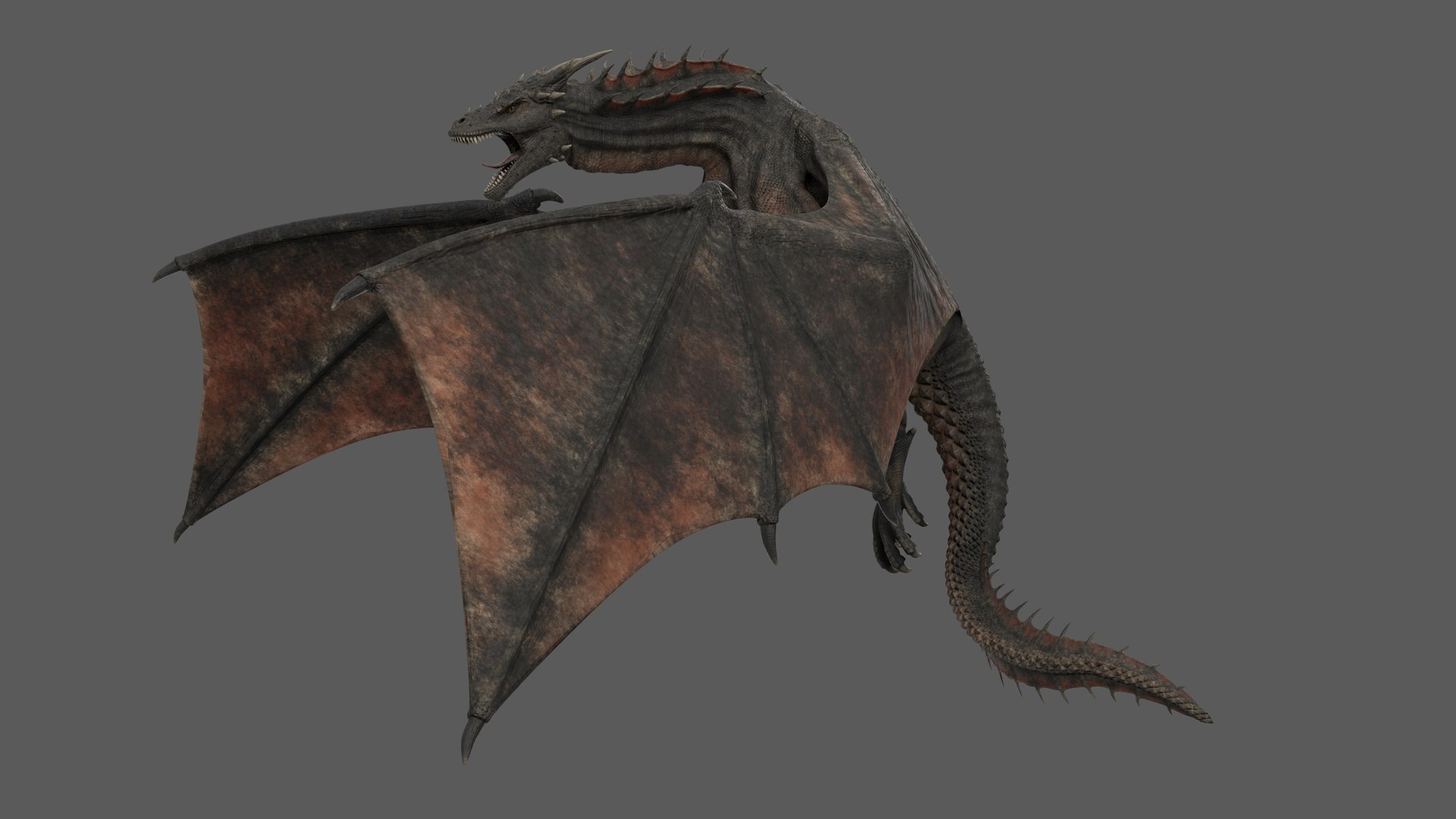
Rigged 3D model of Dragon, created in Maya 2018.
Real-world scale.
Units: cm.
Model is scalable (use Main_Control's scale to rescale rig, displace value need to be adjusted manually after rescale).
Clean topology with quad polygons only.
All objects properly named.

Polygons:
Faces: 21262
Vertices: 21646

THIS PRODUCT DOES NOT INCLUDE ANIMATIONS!
Animated version: Product ID 1581074

Rig description:
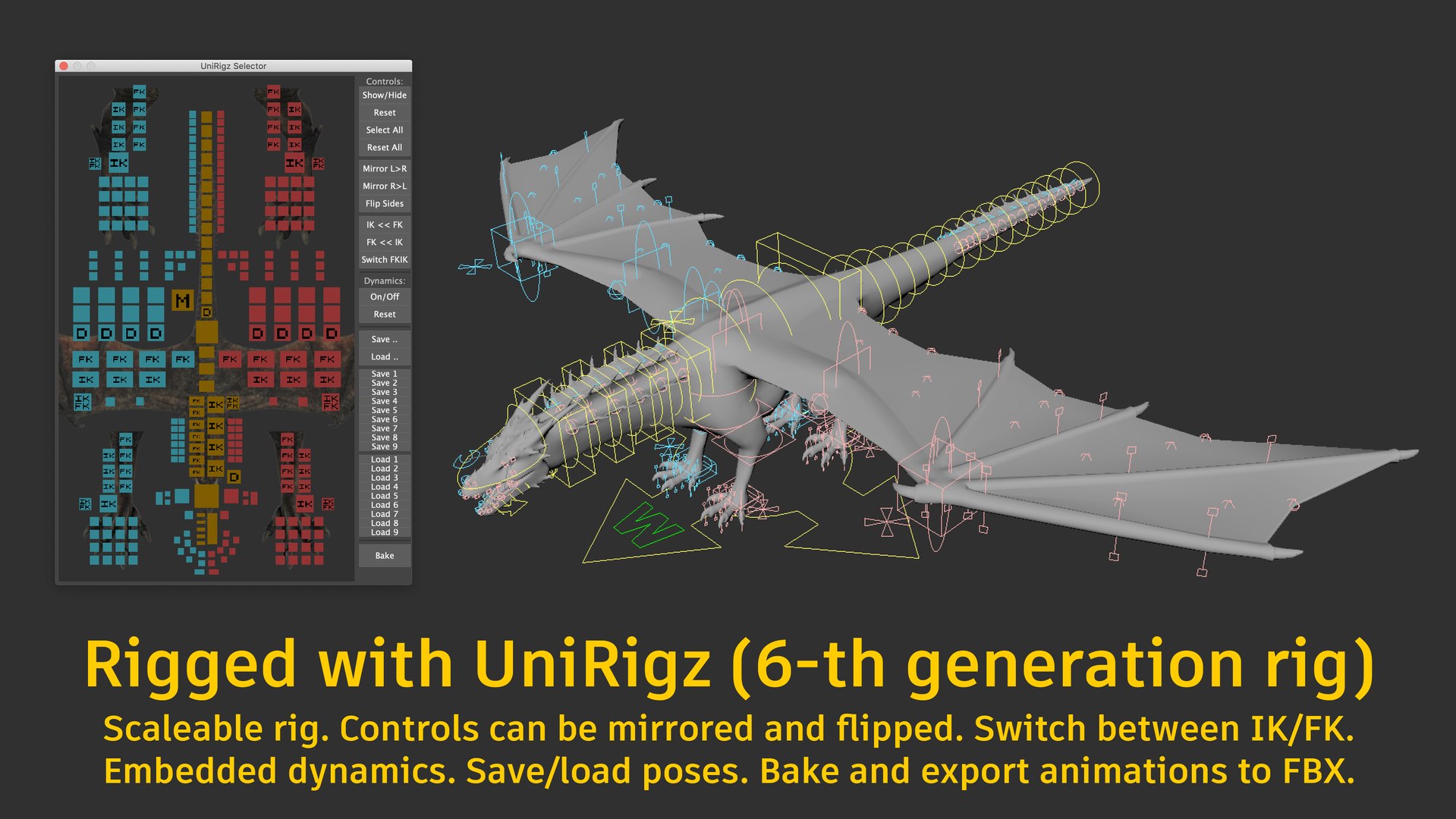
Model rigged with Triduza’s UniRigz system (6th Generation rig) and ready for animation.
UniRigz can easily bake animations, which can be exported to .FBX (read tips during baking)

UniRigz can do 2 types of baking:
-free joints - will bake all joints separated from hierarchy, this way is faster, but not recommended if you need to export animations to game engines like Unreal Engine or Unity.
-keep hierarchy - will keep skeletal hierarchy, but baking is slower. Works perfect with game engines, but may have issues with Cinema4d.

To activate UniRigz panel, select green W in viewport.
You can save and load poses of model, mirror and flip controllers, easily switch between IK and FK and use dynamics for some parts of model to achieve more realistic behavior.
Please watch attached video with rig preview.
Rig readme file included.

Files:
Dragon_Rig.mb - main product file.
Dragon_Rig_NoDynamics.mb - same as main file, but without dynamics, works faster in viewport.
Also you can turn off dynamics in main file in UniRigz panel, but because skeleton still have connections to dynamic joints it will slow down playback, recommended to animate with NoDynamics file, but use it as referenced and when finished animations, switch to main file and tune dynamics.
Dragon_Poses.mb using Dragon_Rig.mb as reference.
Dragon_FoldedWings.pos - pose file for folded wings, can be loaded from UniRigz panel.
button1.png, button2.png, button3.png, button4.png, button5,.png button6.png, bg.png - images used by UniRigz.
Dragon_OBJ.obj - Model exported to .obj format (without rig).
Dragon_FBX.fbx - Model exported to .fbx with skeleton attached (without rig controls, membrane joints attached to closest parent).

Textures (PBR):
Dragon_Body_Basecolor.png (8192x8192)
Dragon_Body_Roughness.png (8192x8192)
Dragon_Body_Displace.png (8192x8192)
Dragon_Body_Normal.png (8192x8192)
Dragon_Body_SSS.png (8192x8192)
Dragon_Body_SSSScale.png (8192x8192)
zPoolSt.exr (4096x2048) environment map

Select Enhanced License

  • $10,000 in Legal Protection (Indemnification)
  • Uncapped Legal Protection (Indemnification)
  • Waiver from injunctive relief
  • Assignable model rights
  • $1,000,000 in Legal Protection (Indemnification)
  • Waiver from injunctive relief
  • Assignable model rights
  • $250,000 in Legal Protection (Indemnification)
  • Assignable model rights
Read more about enhanced license tiers, or contact us at enterprise@turbosquid.com. Already a Shutterstock Enterprise Customer? Contact your Shutterstock Sales Support Agent to talk about adding 3D.

About Conversion Requests

To submit a conversion request for a purchased asset, please complete our Conversion Request Form.

If you have not yet purchased a model, please review our Documentation about Conversions to learn about what limitations you may encounter with a conversion.

For any additional questions about a model’s suitability for conversion, please contact TurboSquid Support.

Loading...