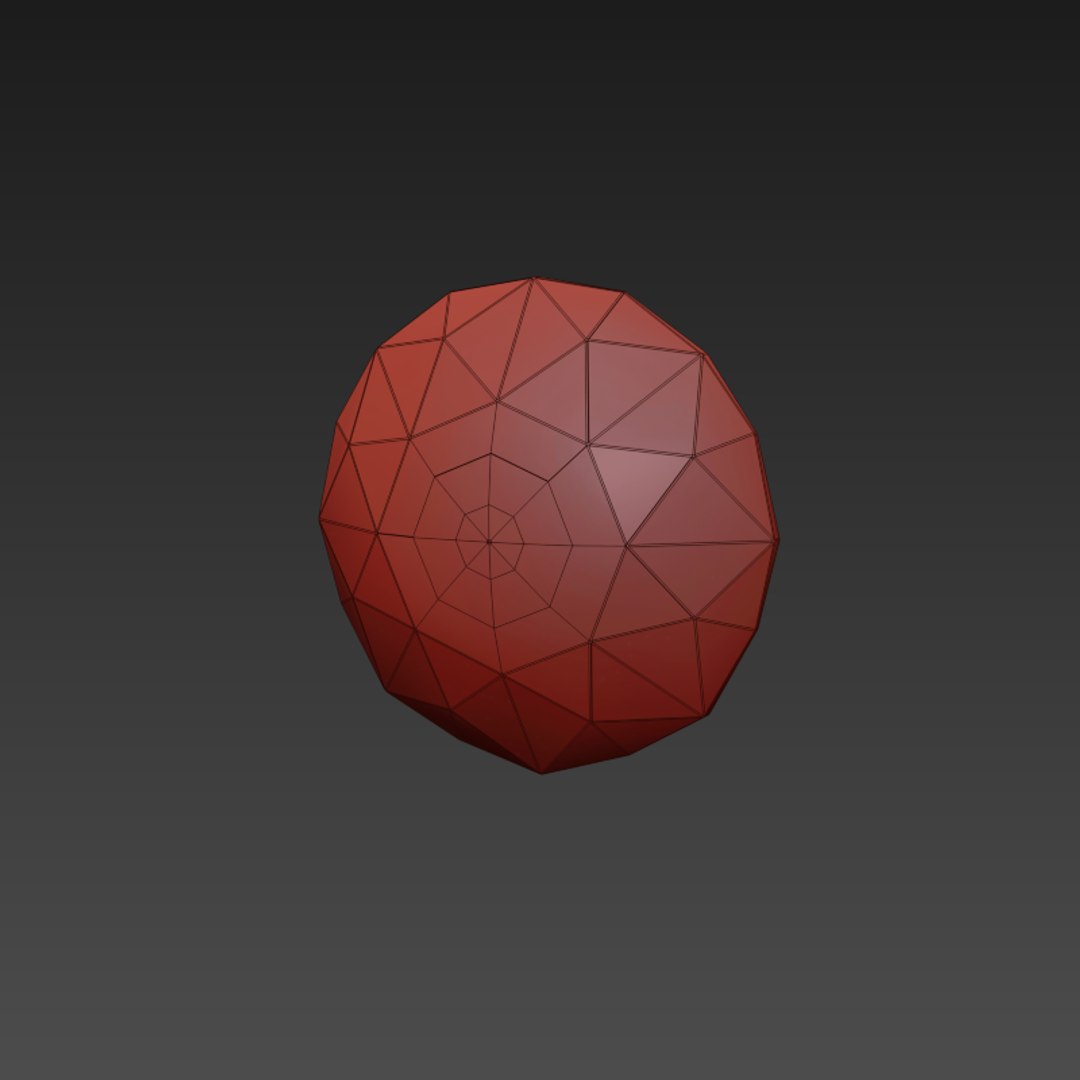
Diamond Earrings

$7.99

Standard License | Upgrade License
Formats (13)
3ds Max 2010 | Default Scanline
3ds Max 2010 | V-Ray
3ds Max 2013 | Default Scanline
3ds Max 2013 | V-Ray
OBJ
FBX
3D Studio
glTF
3ds Max
USDz
Specifications
Publish Date August 25, 2013
Product ID 762821
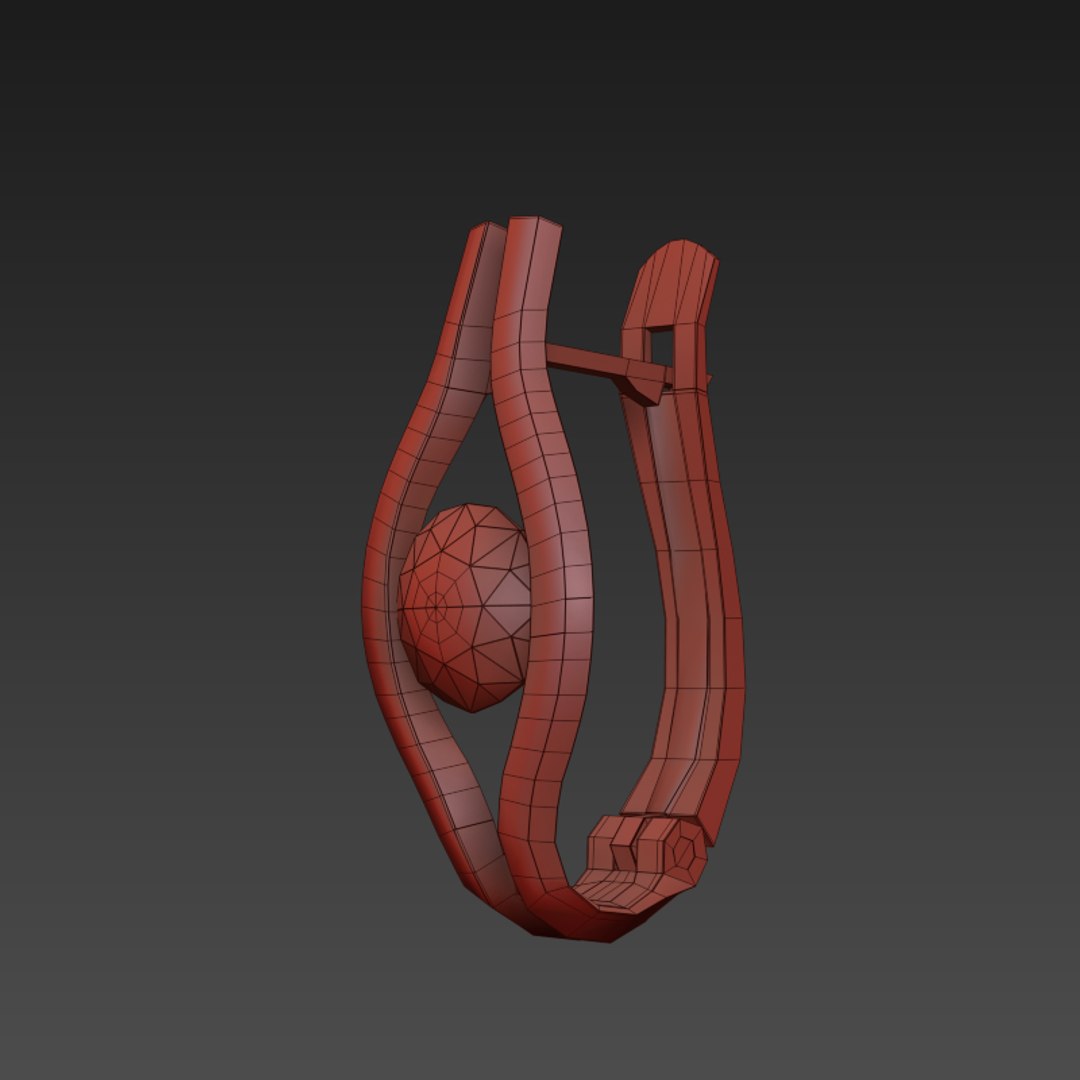
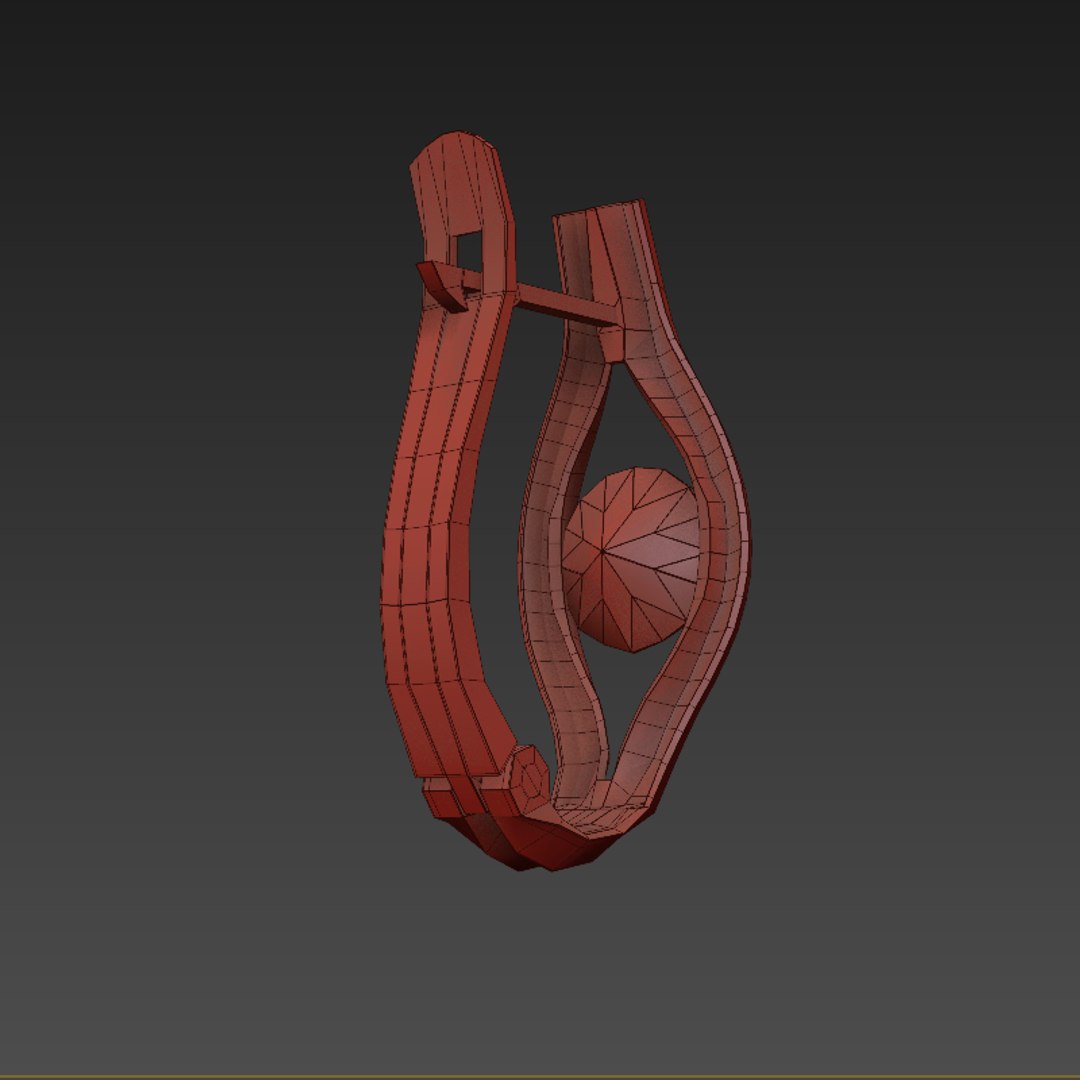
Polygons 2,988
Vertices 2,970
Polygonal
Materials
Rigged
PBR
TurboSquid Exclusive
member avatar
tearas
17 Products | Contributor Since 2013
Have questions? Chat with us now.

Description

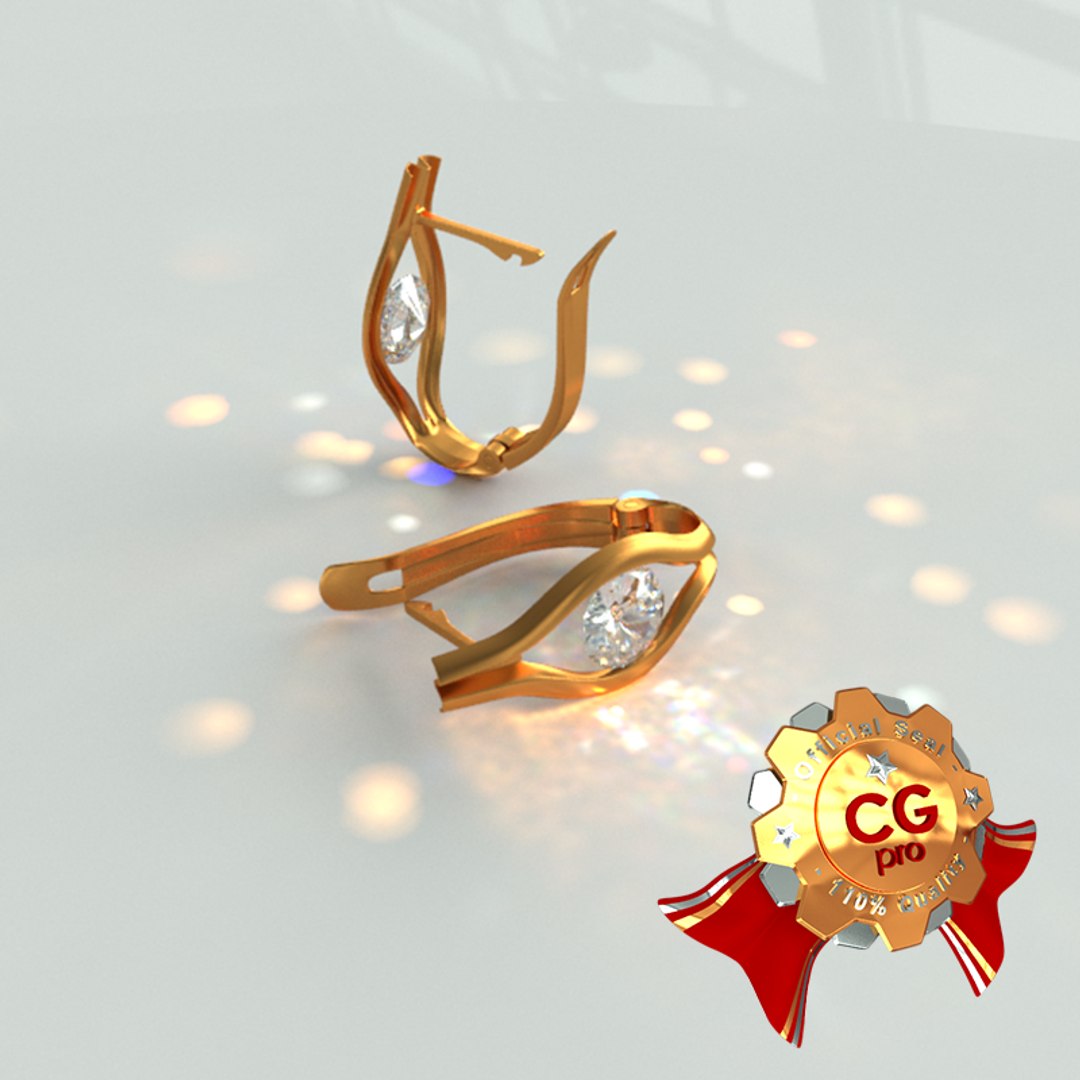
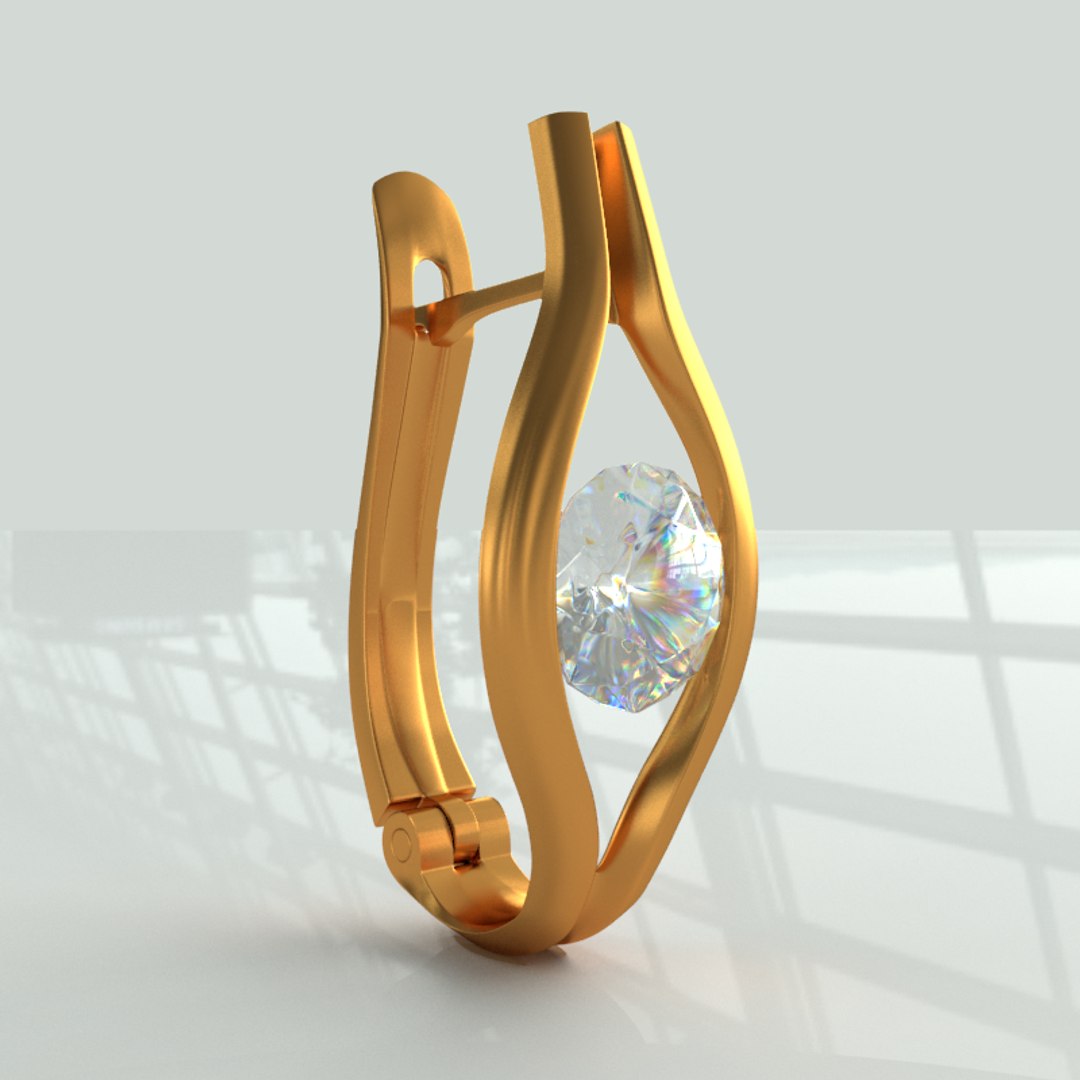
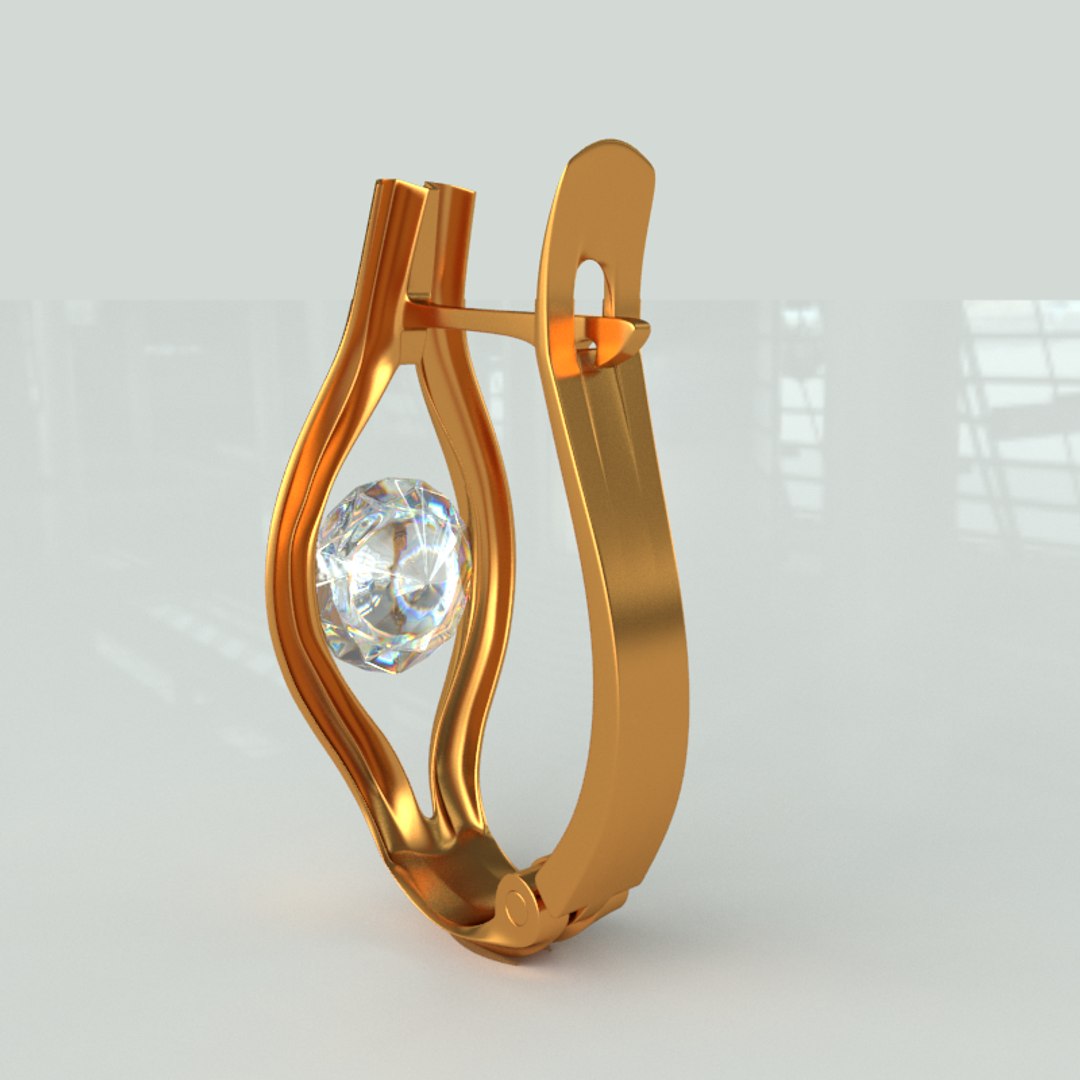
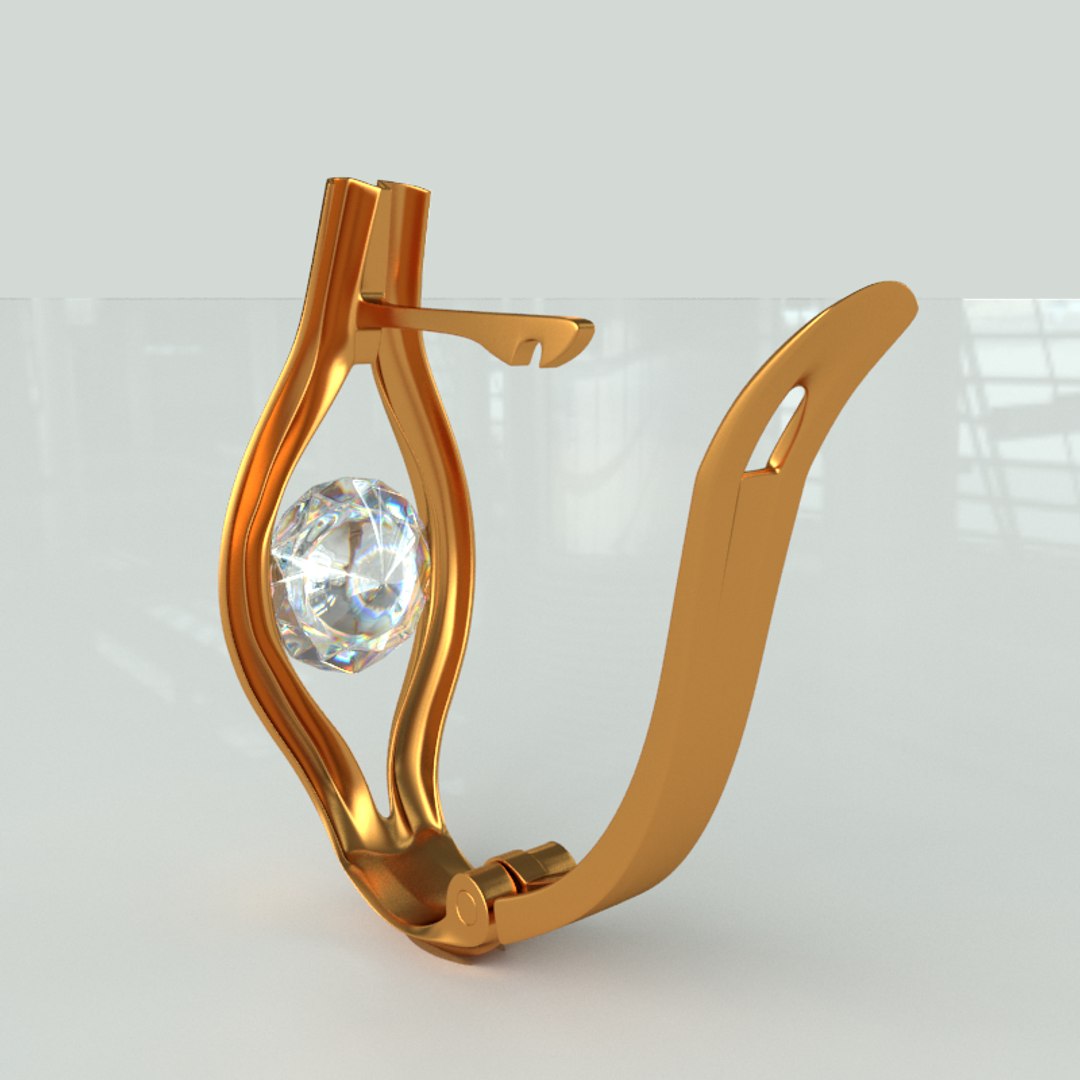
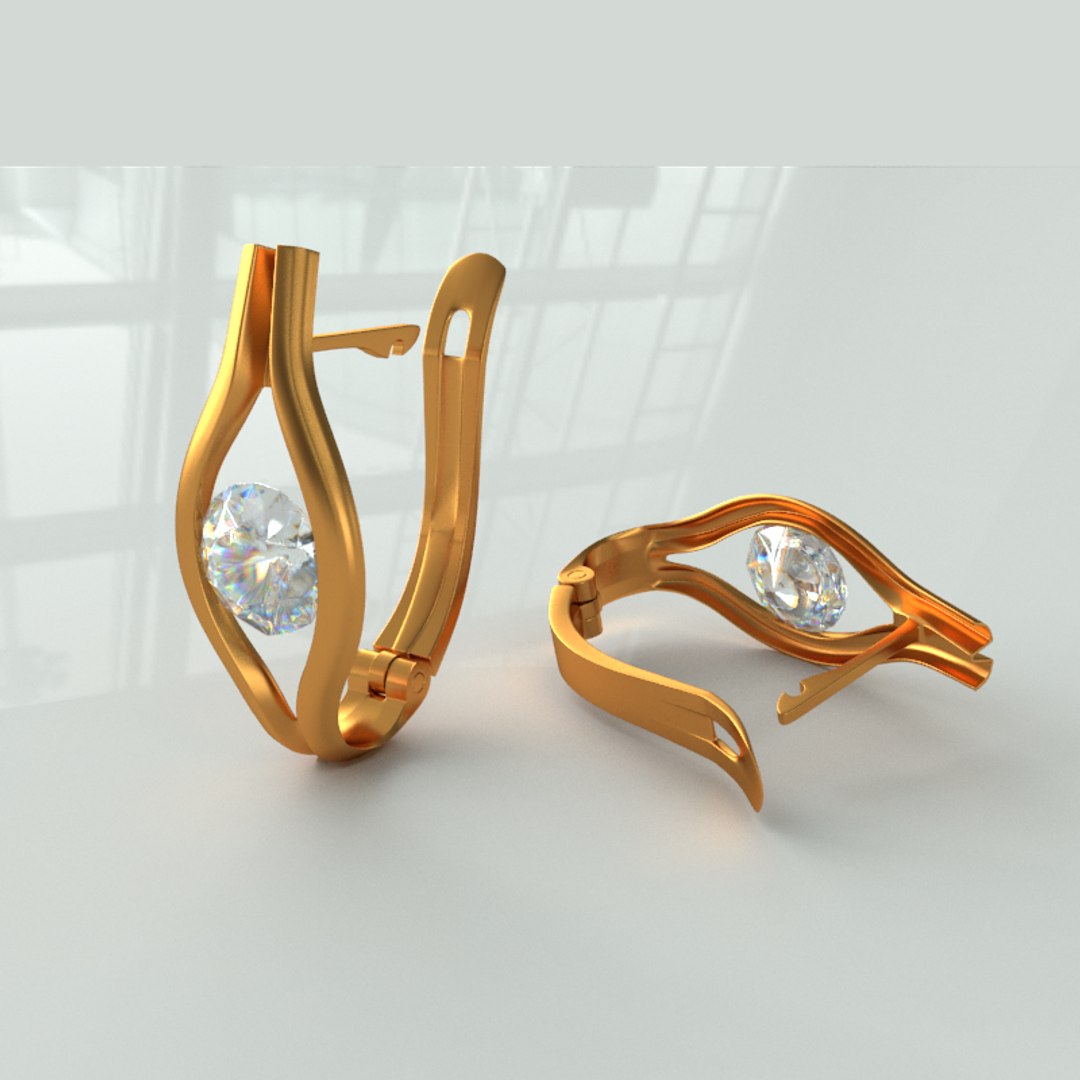
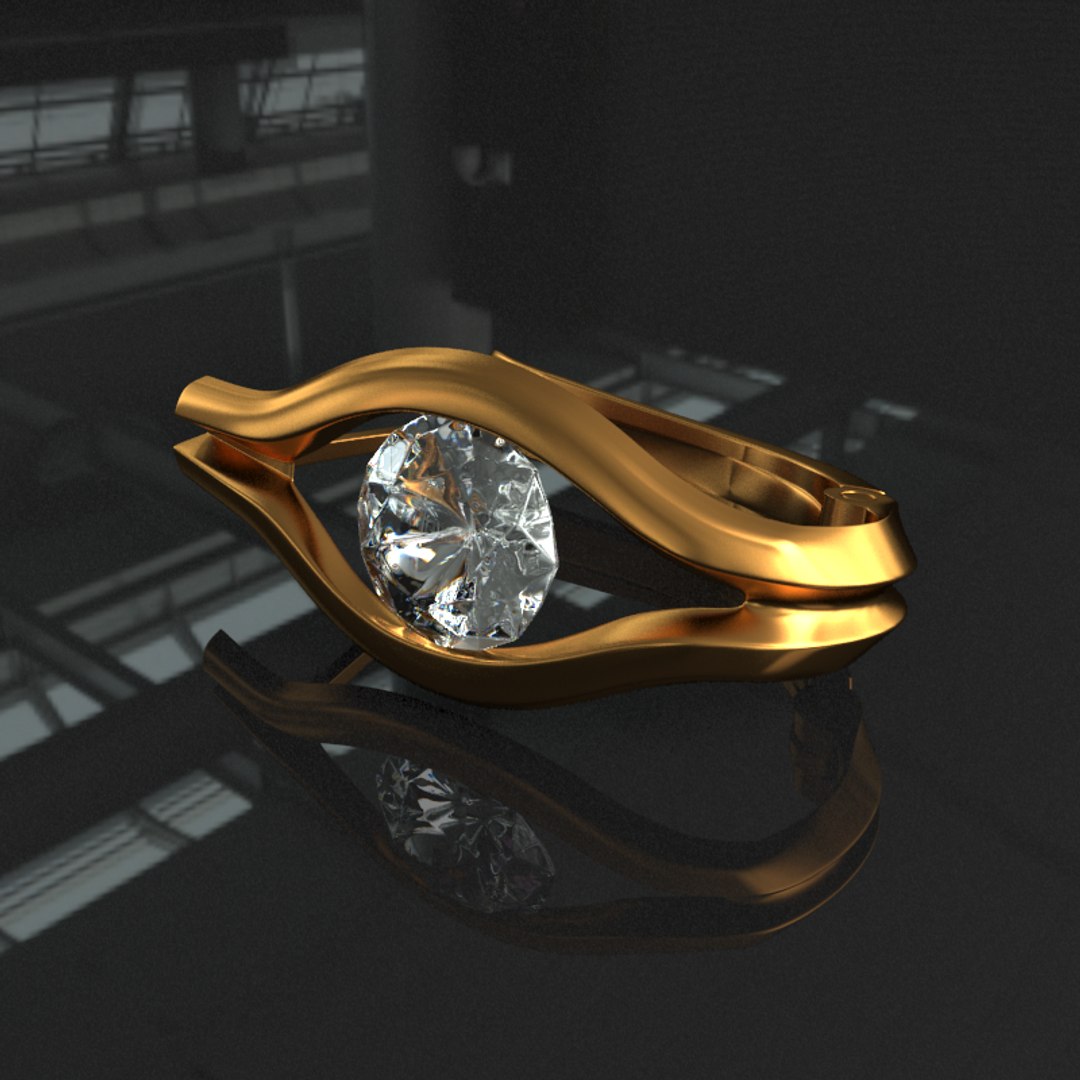
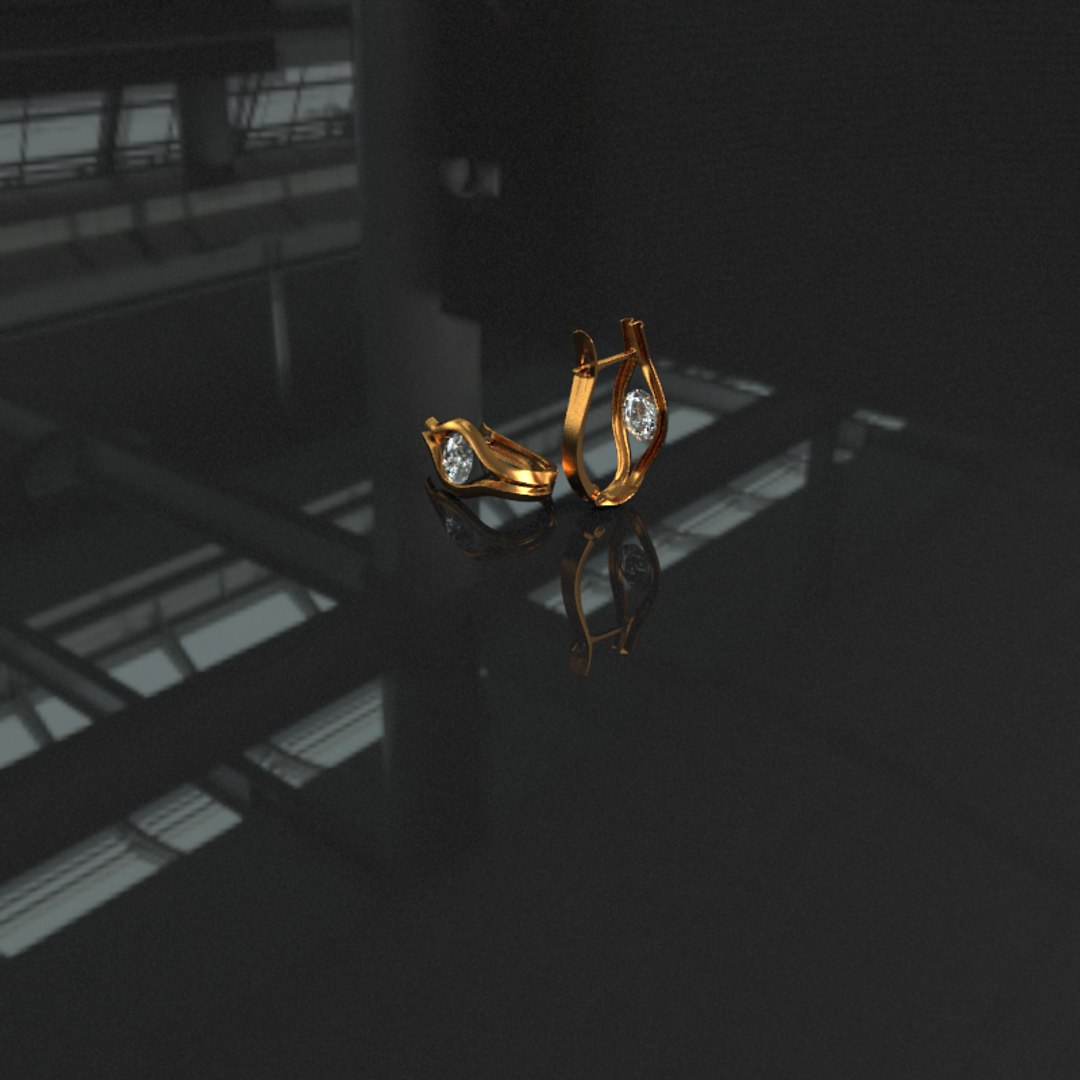
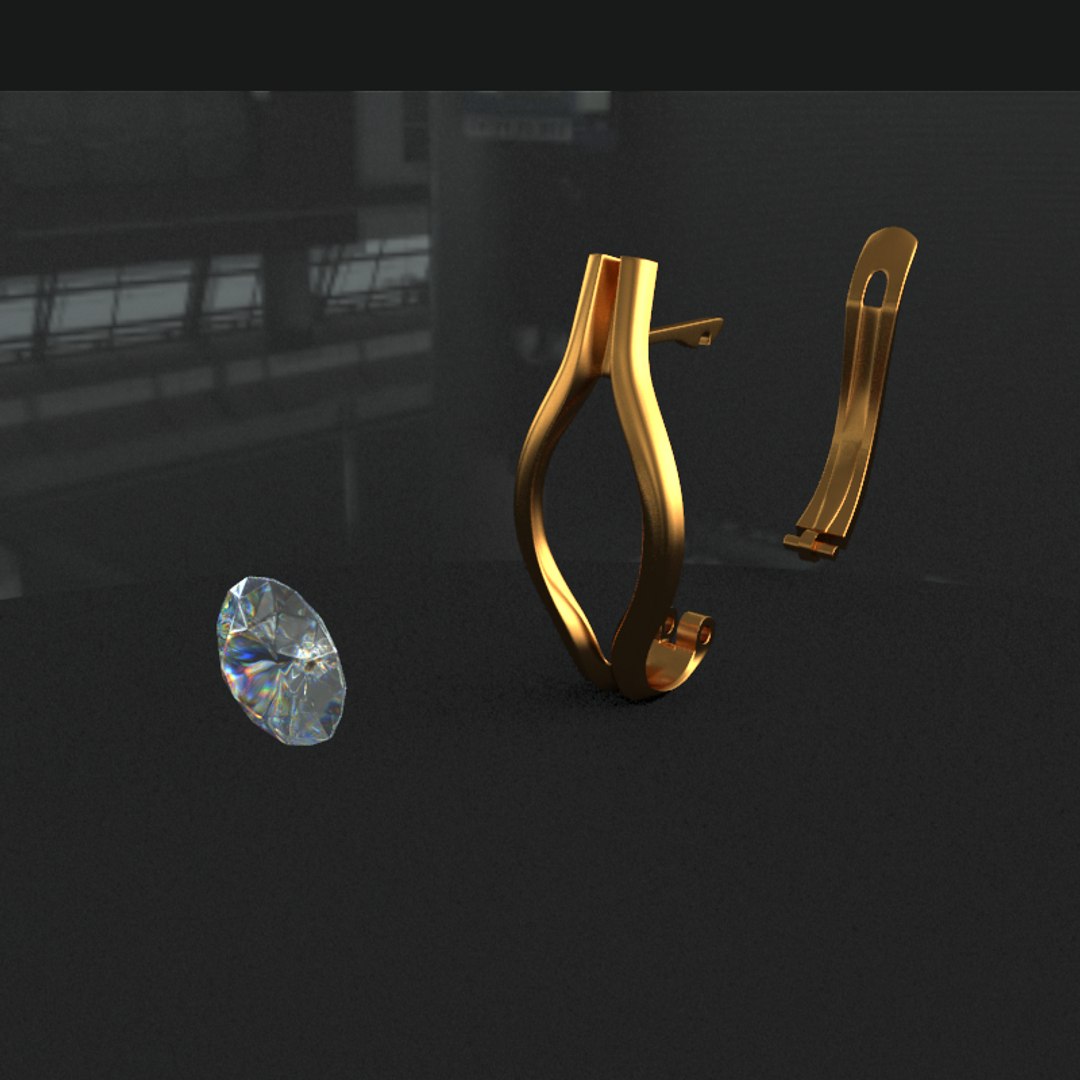
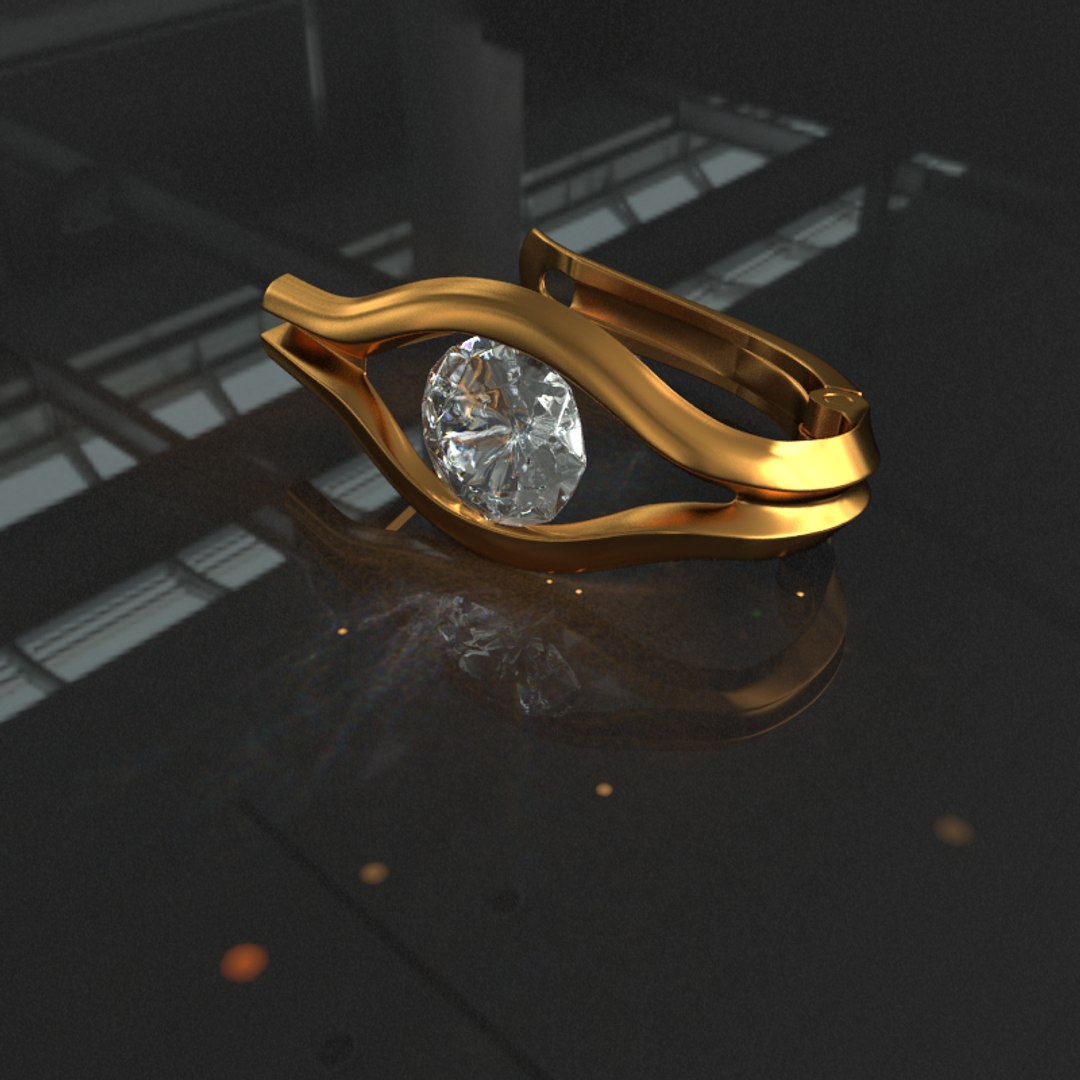
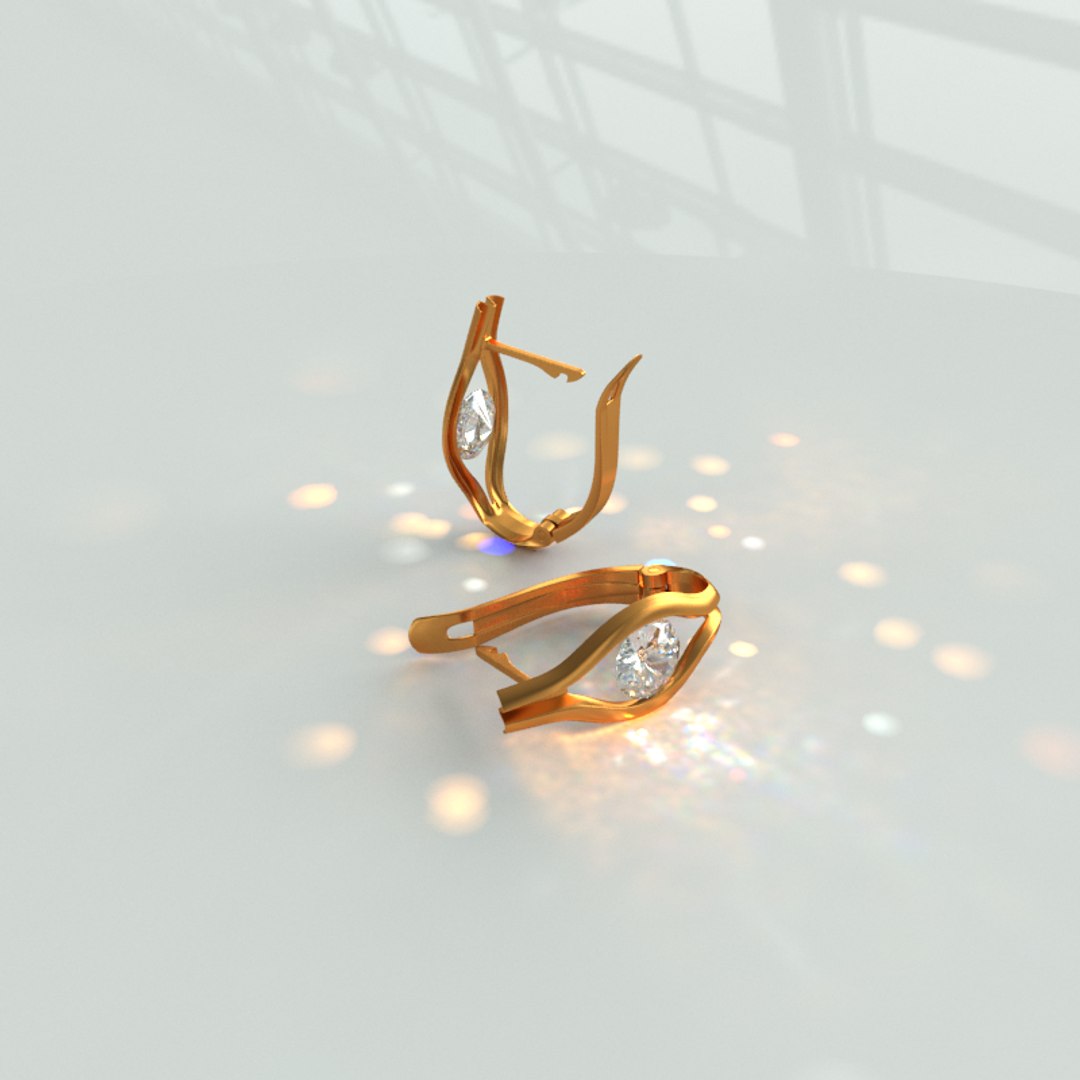
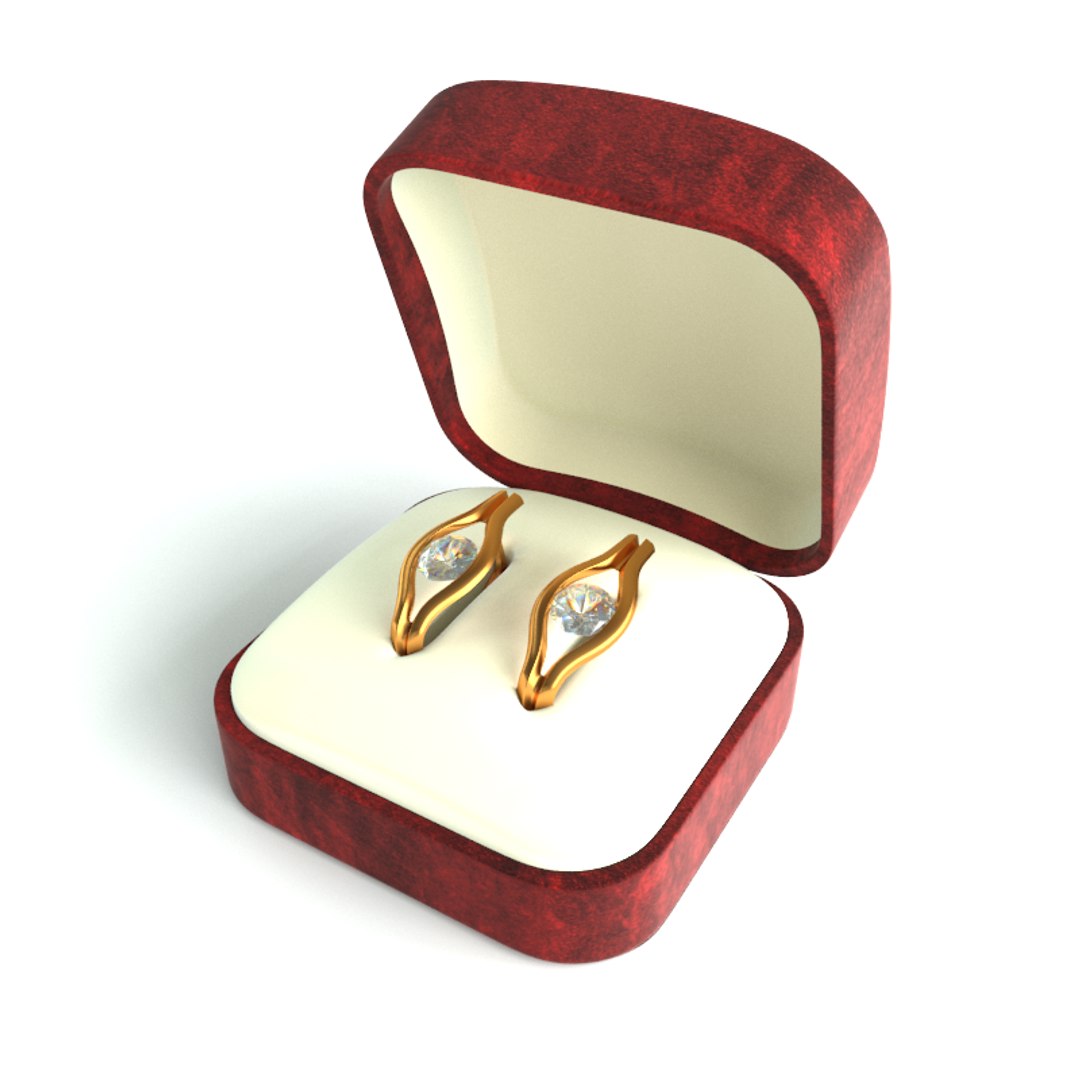
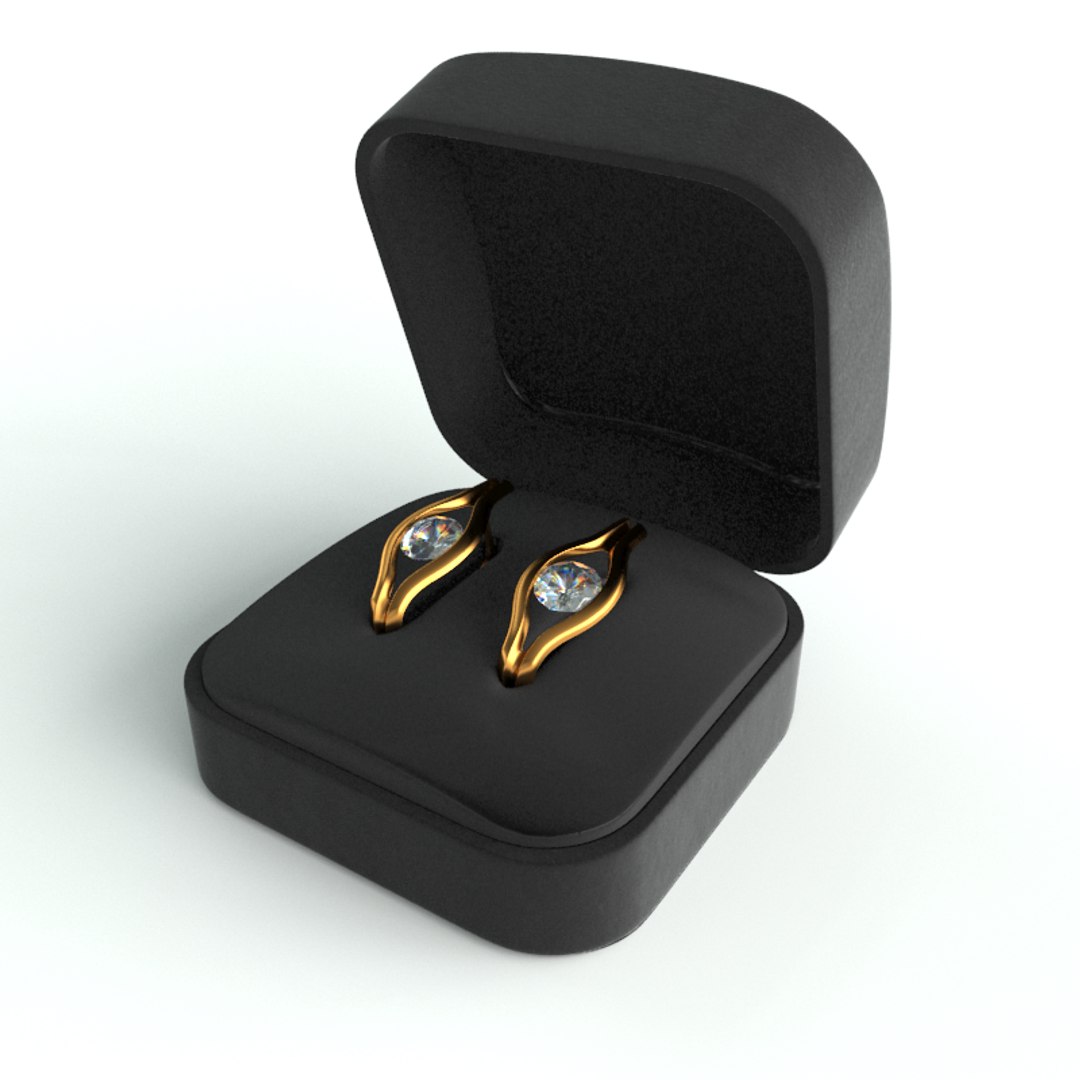
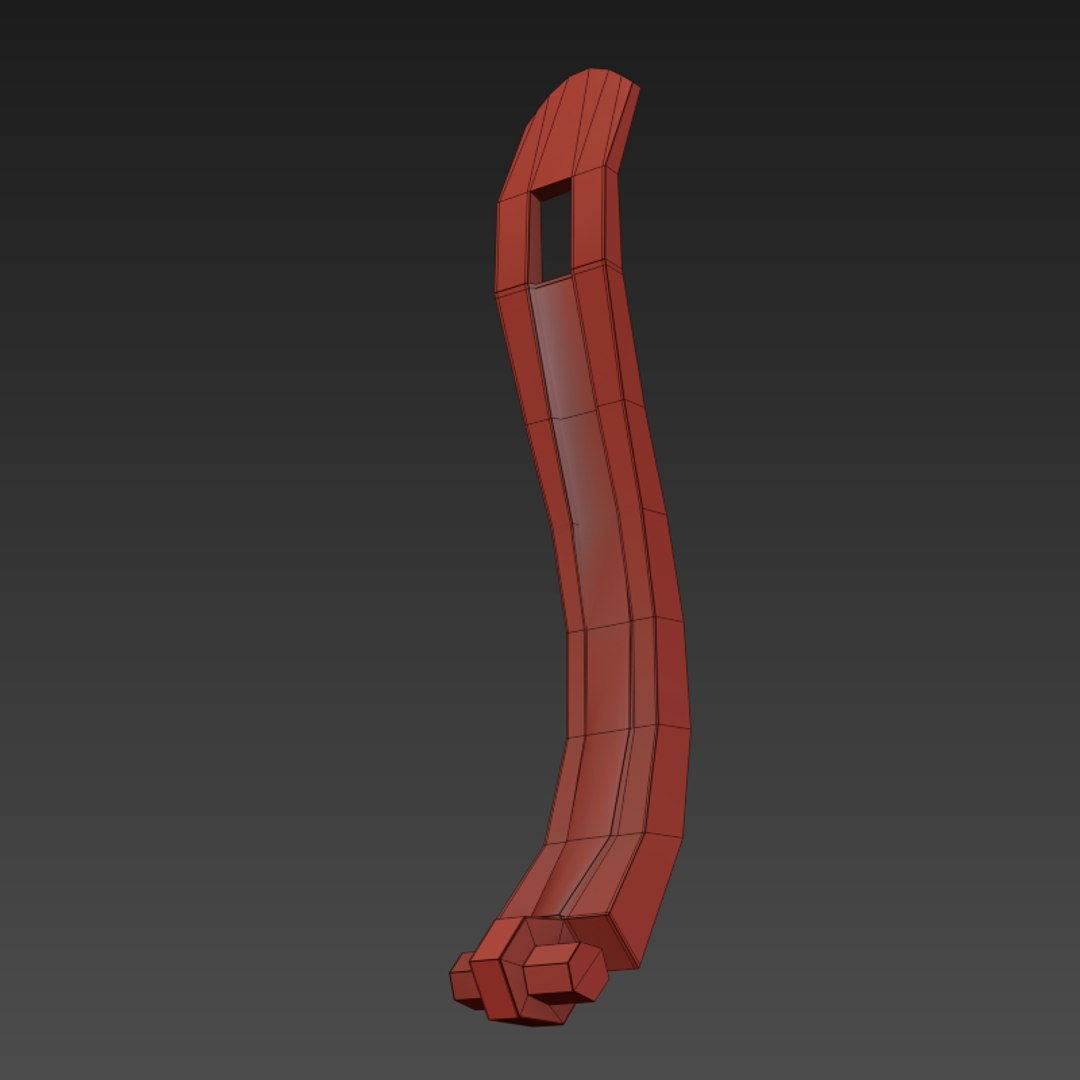
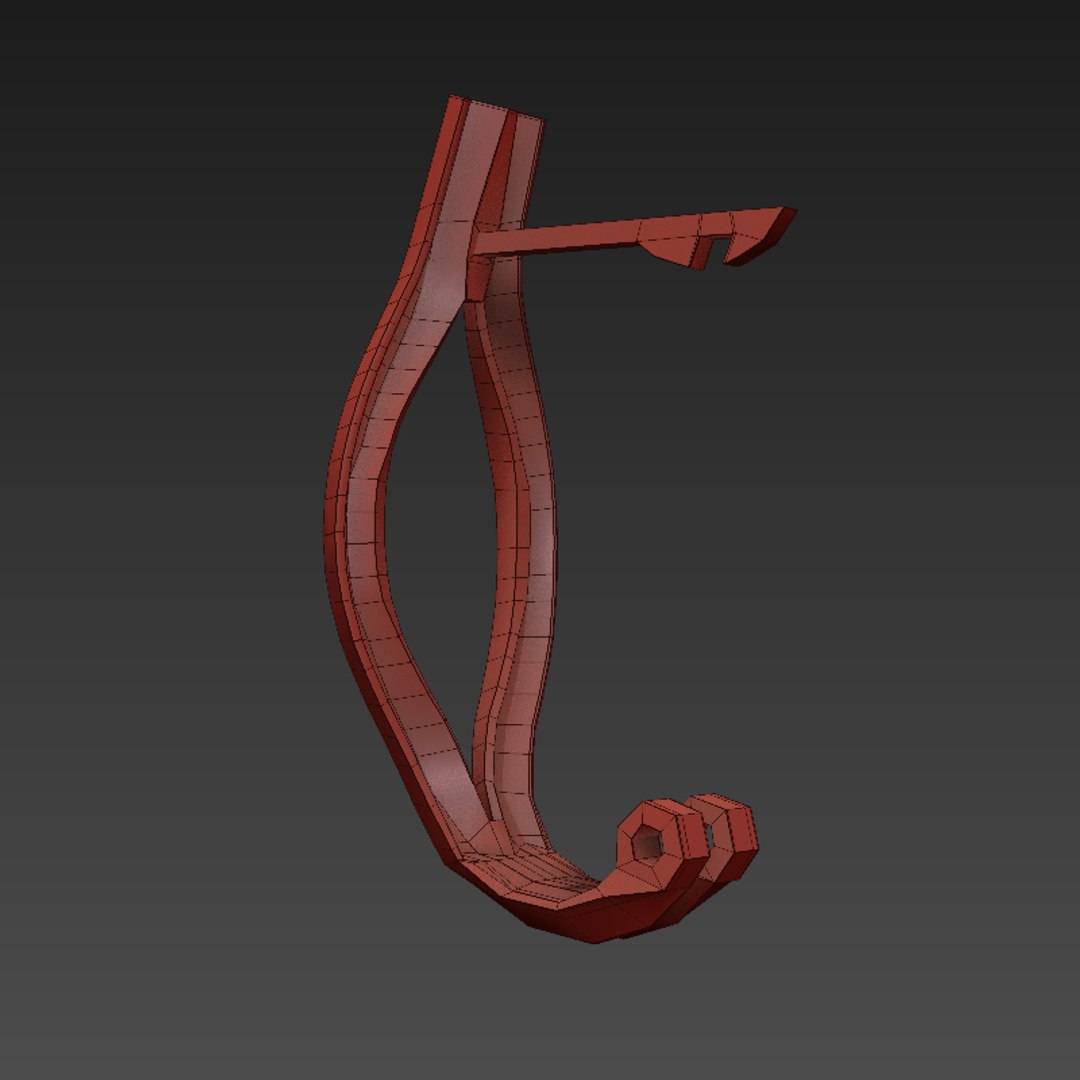
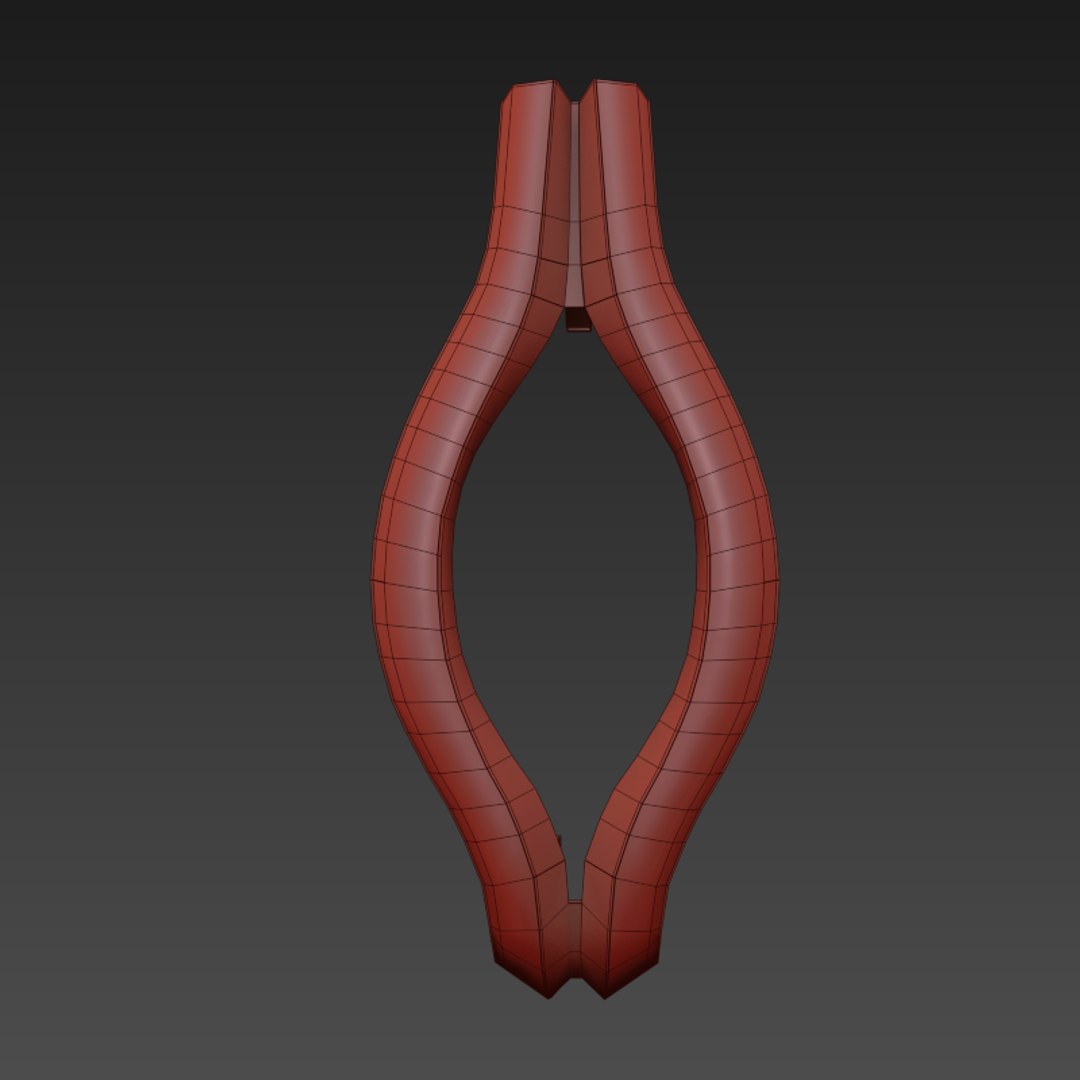
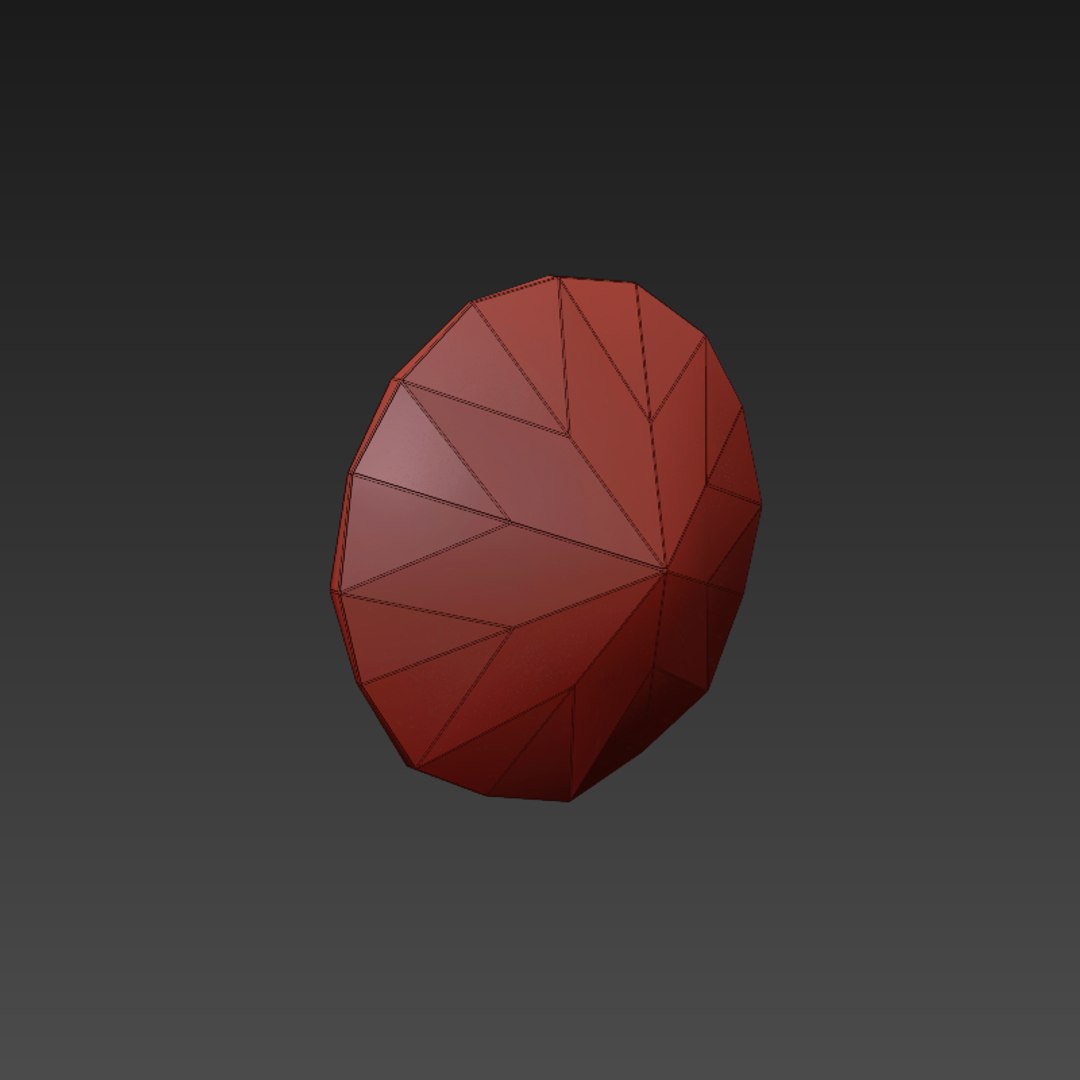
Pair of elegant earrings for the ladies. The brilliant cut diamond centerpiece will leave any viewer breathless and speachless :)


Model Details
_____________

- Polycount: 2988
- Vertcount: 2970


- Scaled appropriately to real world.
- All materials and components are named accordingly to avoid confusion and overlaps with any scene.
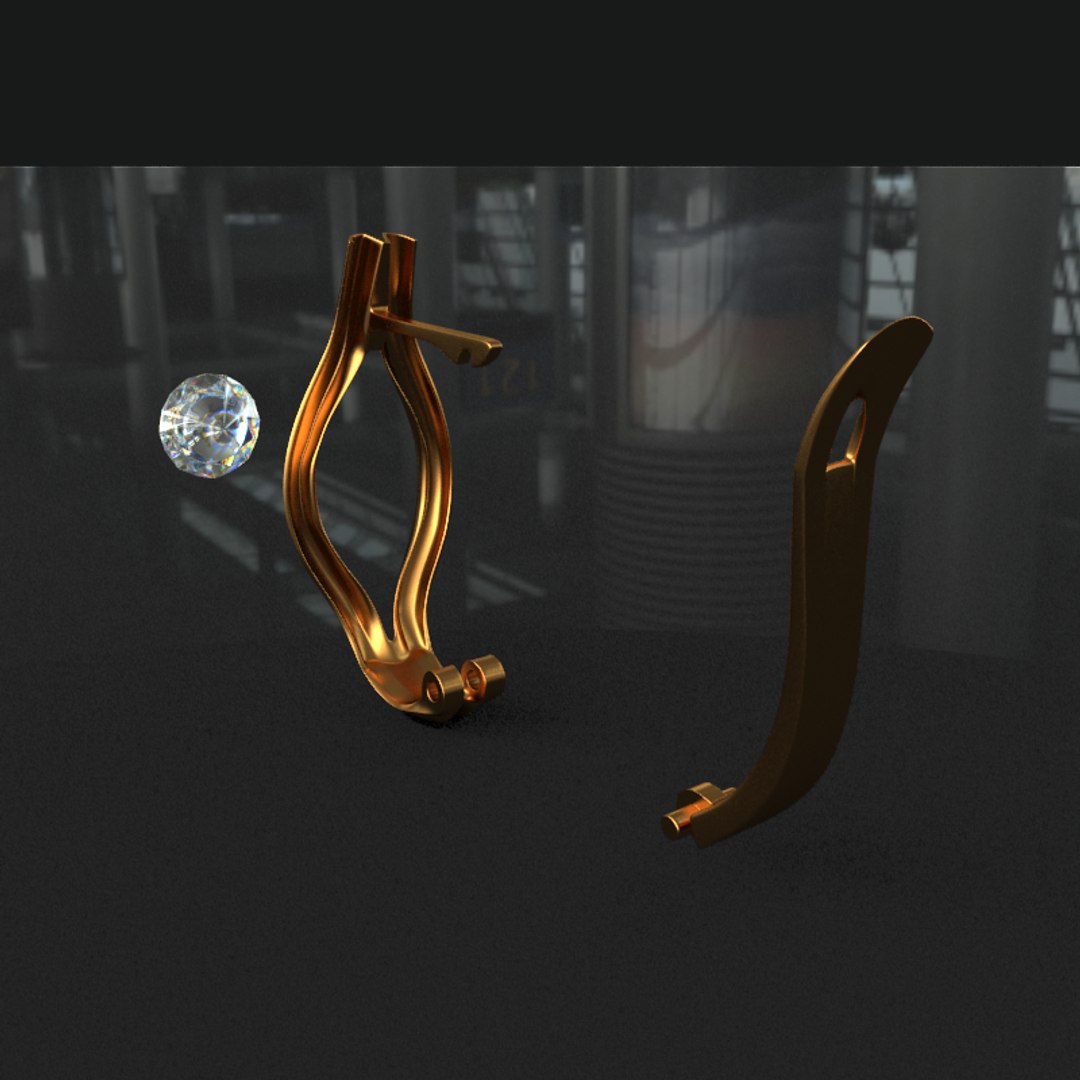
- All components are grouped and named logically for ease of placement.
- All pivot points are placed accurately to simulate real world function.
- Detailed enough for close up renders.
- Basically drag and drop into any scene.
- Entirely smoothable.
- Has both Vray and Scanline materials.

Texture Details
_______________

- No texture, all material

Miscallaneous
_____________

-File formats:
- 3DS Max Vray (2010 & 2013)
- 3DS Max Scanline (2010 & 2013)
- OBJ
- FBX
- 3DS

- File archives are made with 7zip, it is a free software, but any software will decompress them.
- Images rendered using V-ray.

Enjoy! Hope you like it and dont forget to rate please !

Select Enhanced License

  • $10,000 in Legal Protection (Indemnification)
  • Uncapped Legal Protection (Indemnification)
  • Waiver from injunctive relief
  • Assignable model rights
  • $1,000,000 in Legal Protection (Indemnification)
  • Waiver from injunctive relief
  • Assignable model rights
  • $250,000 in Legal Protection (Indemnification)
  • Assignable model rights
Read more about enhanced license tiers, or contact us at enterprise@turbosquid.com. Already a Shutterstock Enterprise Customer? Contact your Shutterstock Sales Support Agent to talk about adding 3D.

About Conversion Requests

To submit a conversion request for a purchased asset, please complete our Conversion Request Form.

If you have not yet purchased a model, please review our Documentation about Conversions to learn about what limitations you may encounter with a conversion.

For any additional questions about a model’s suitability for conversion, please contact TurboSquid Support.

Loading...