
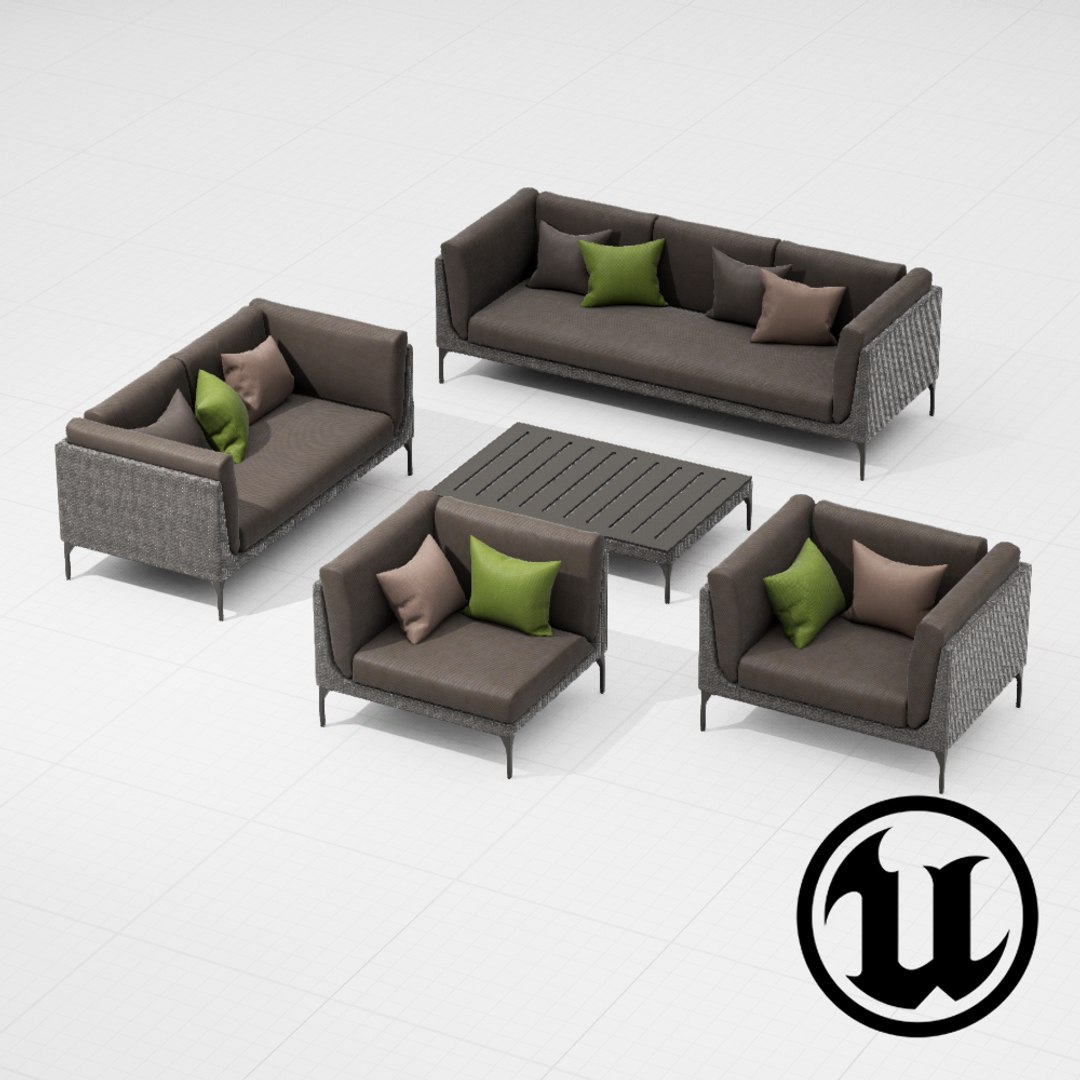
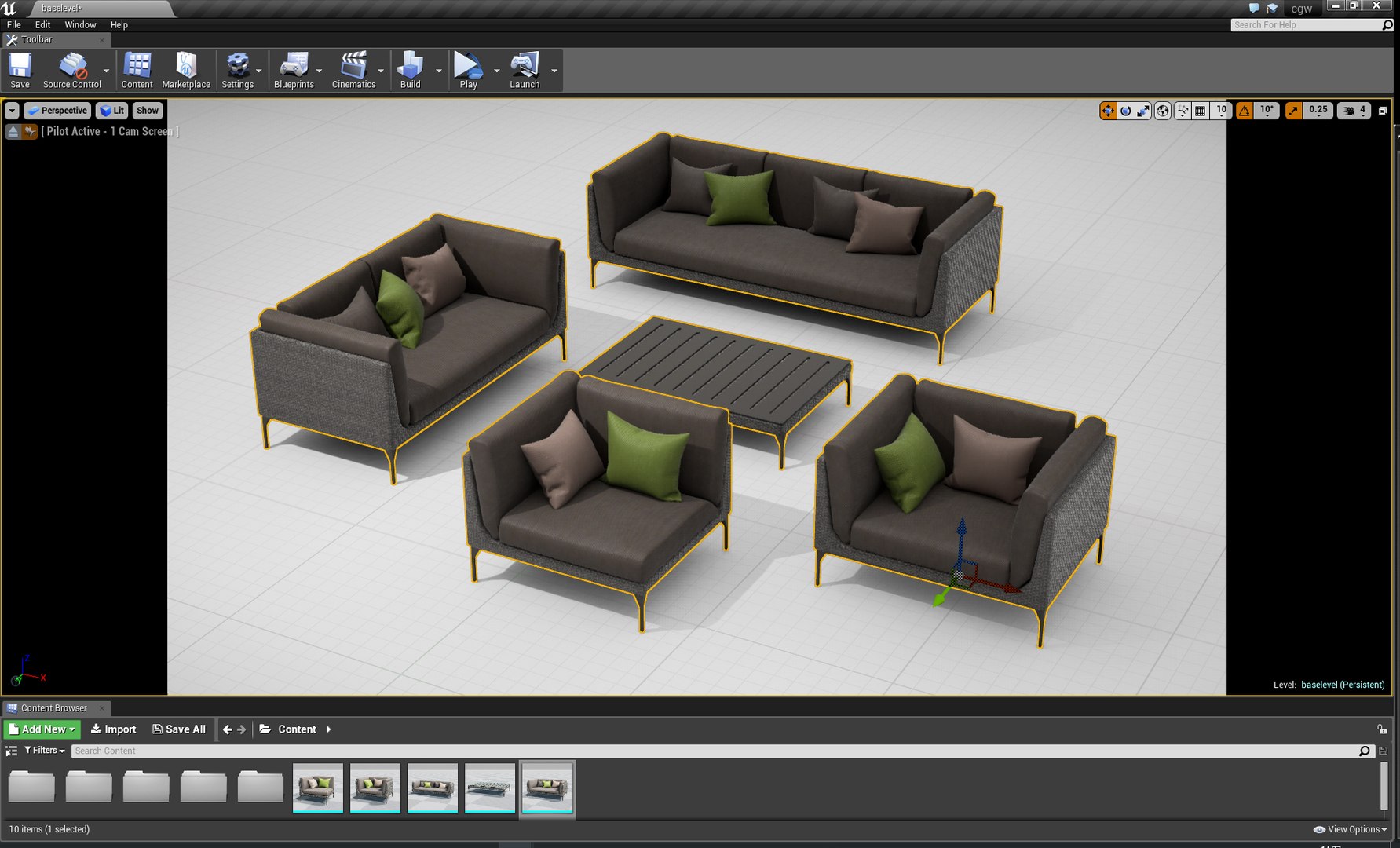
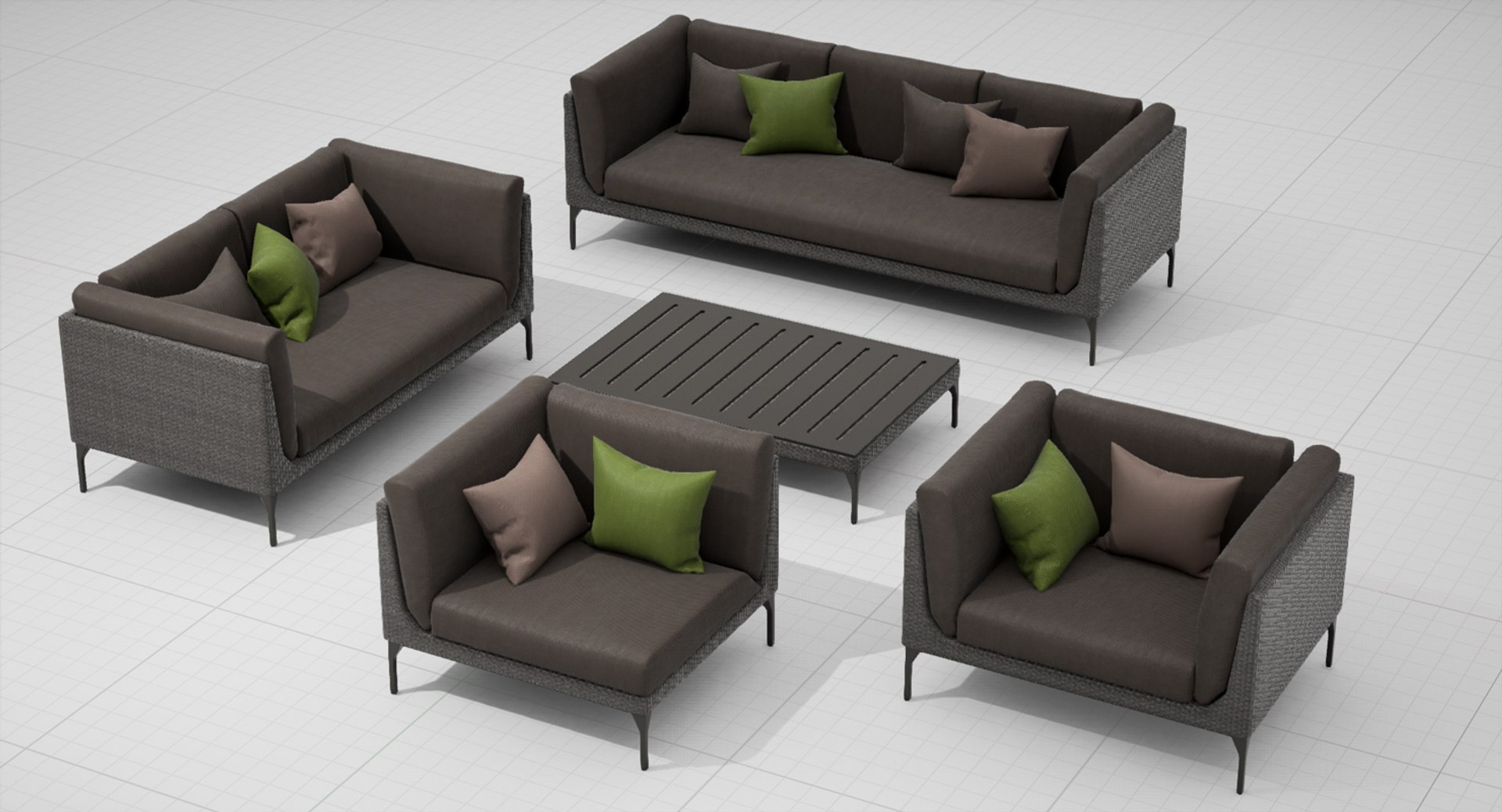
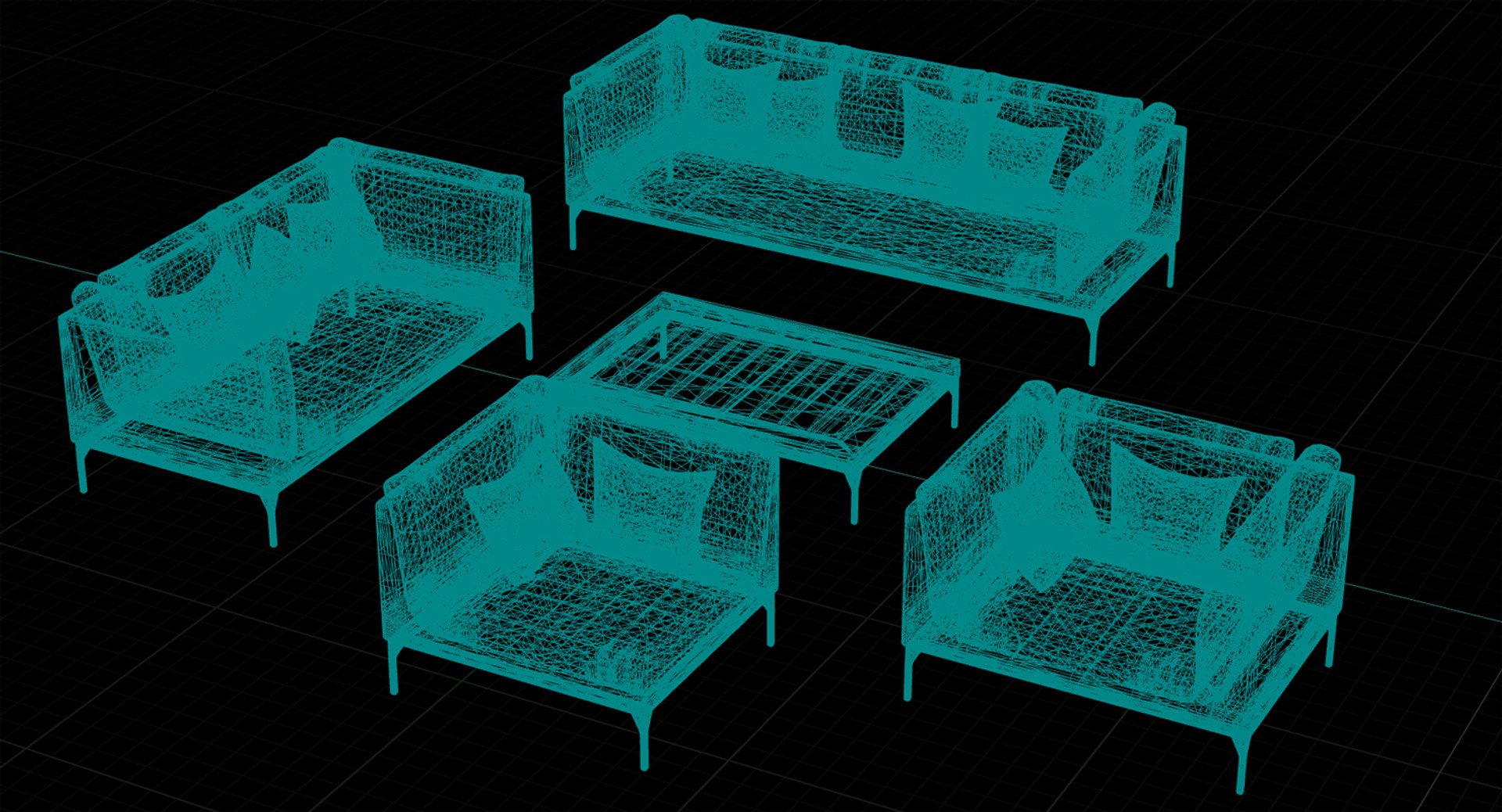
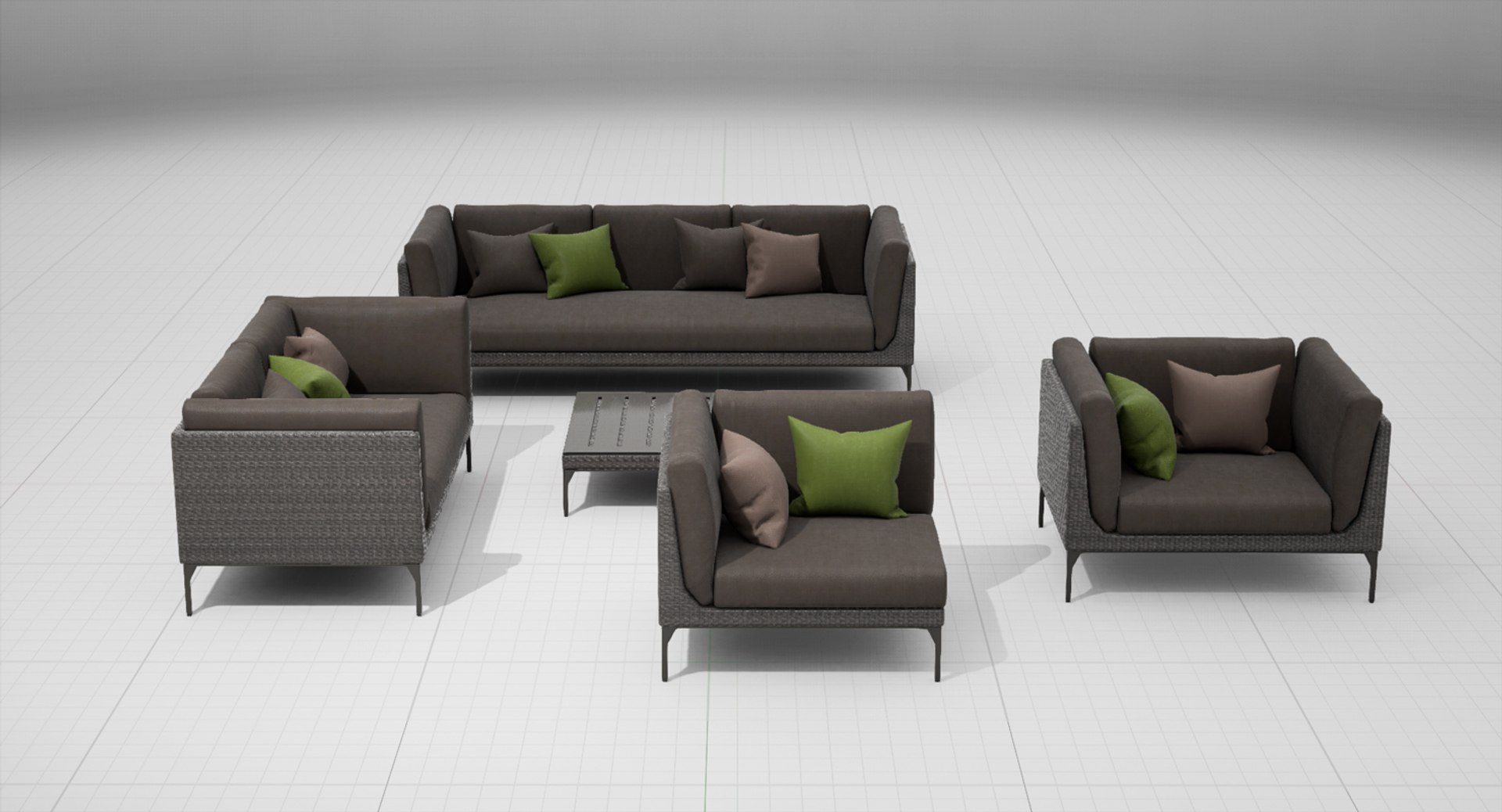
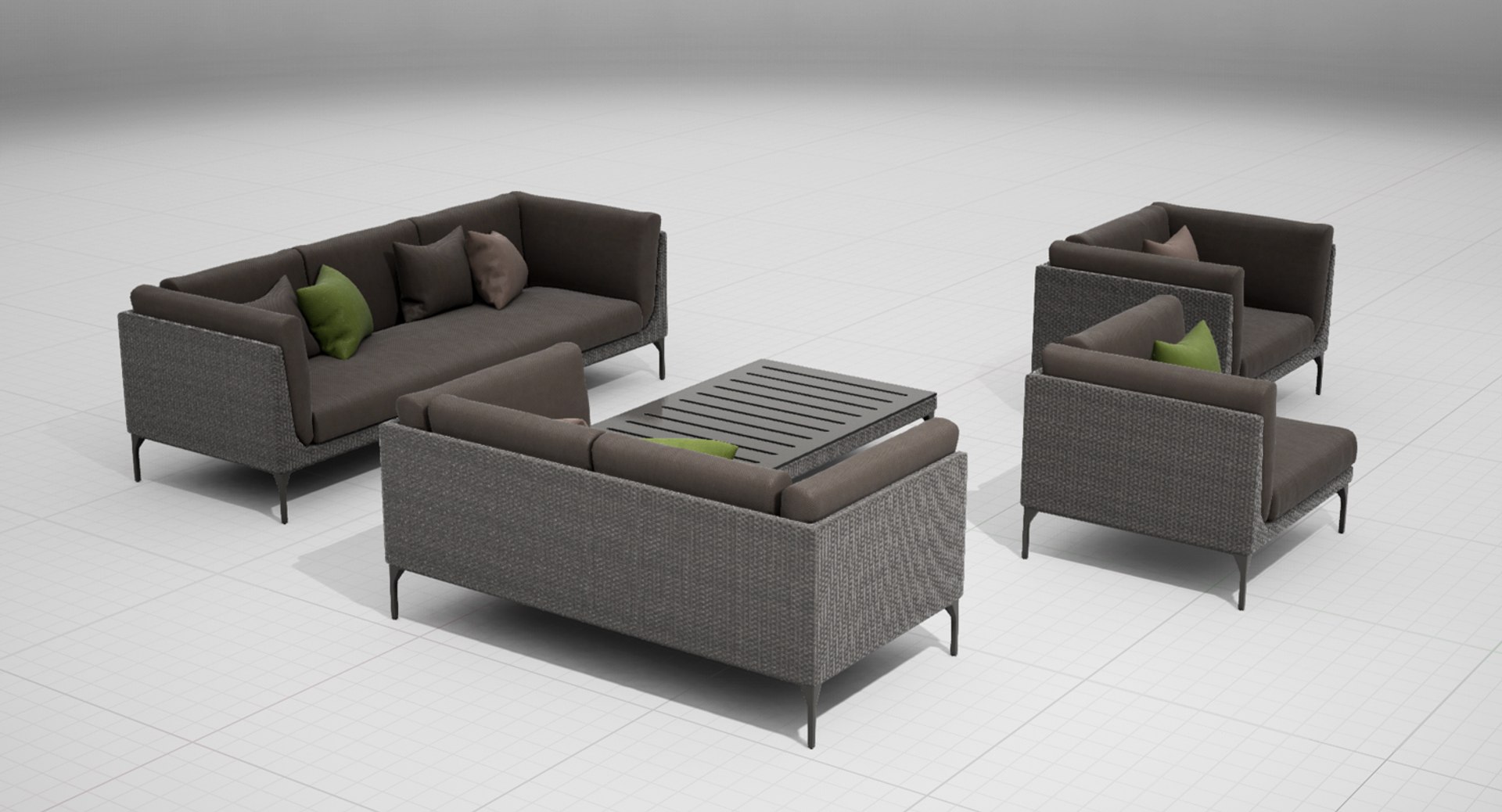
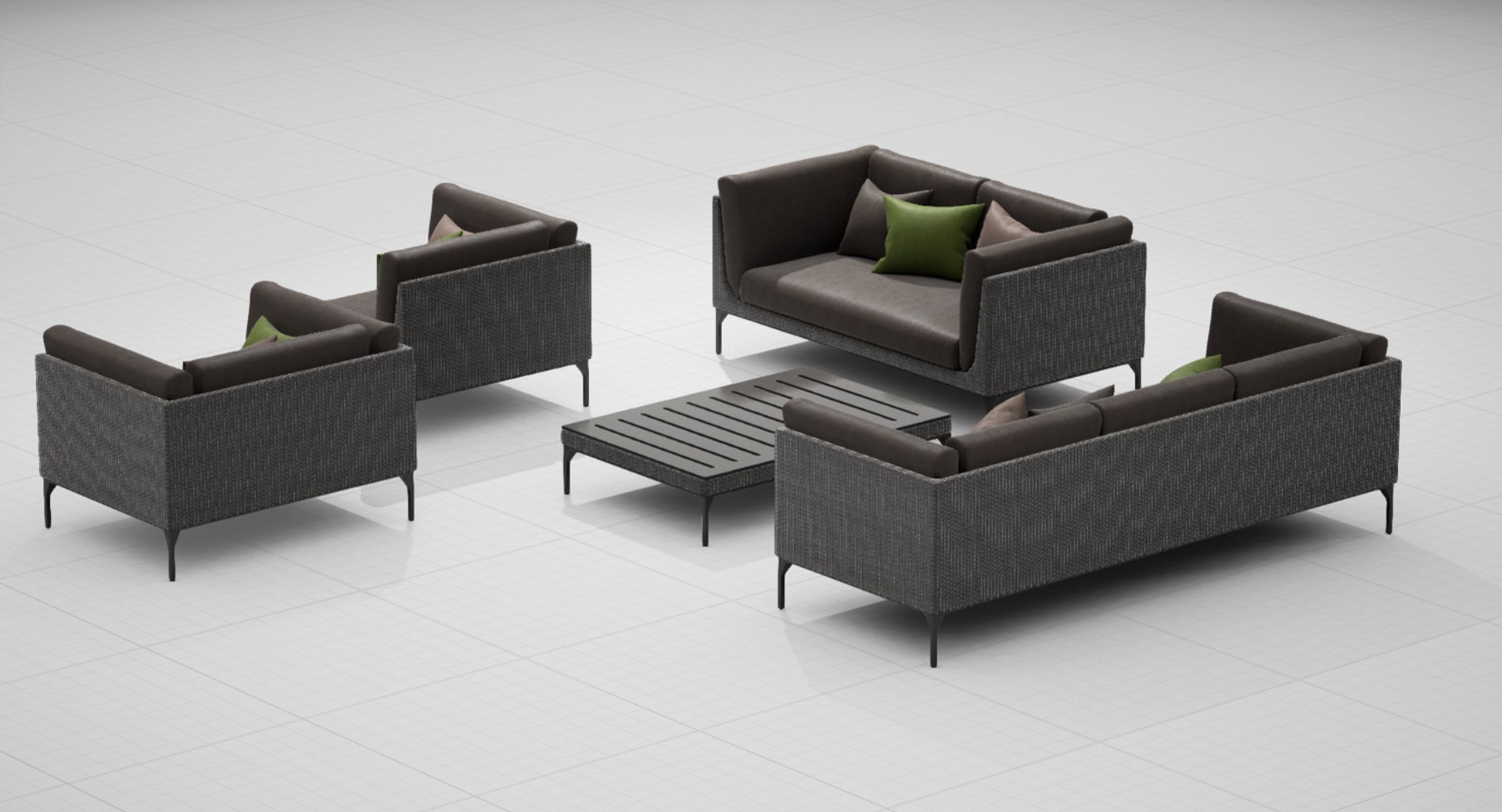
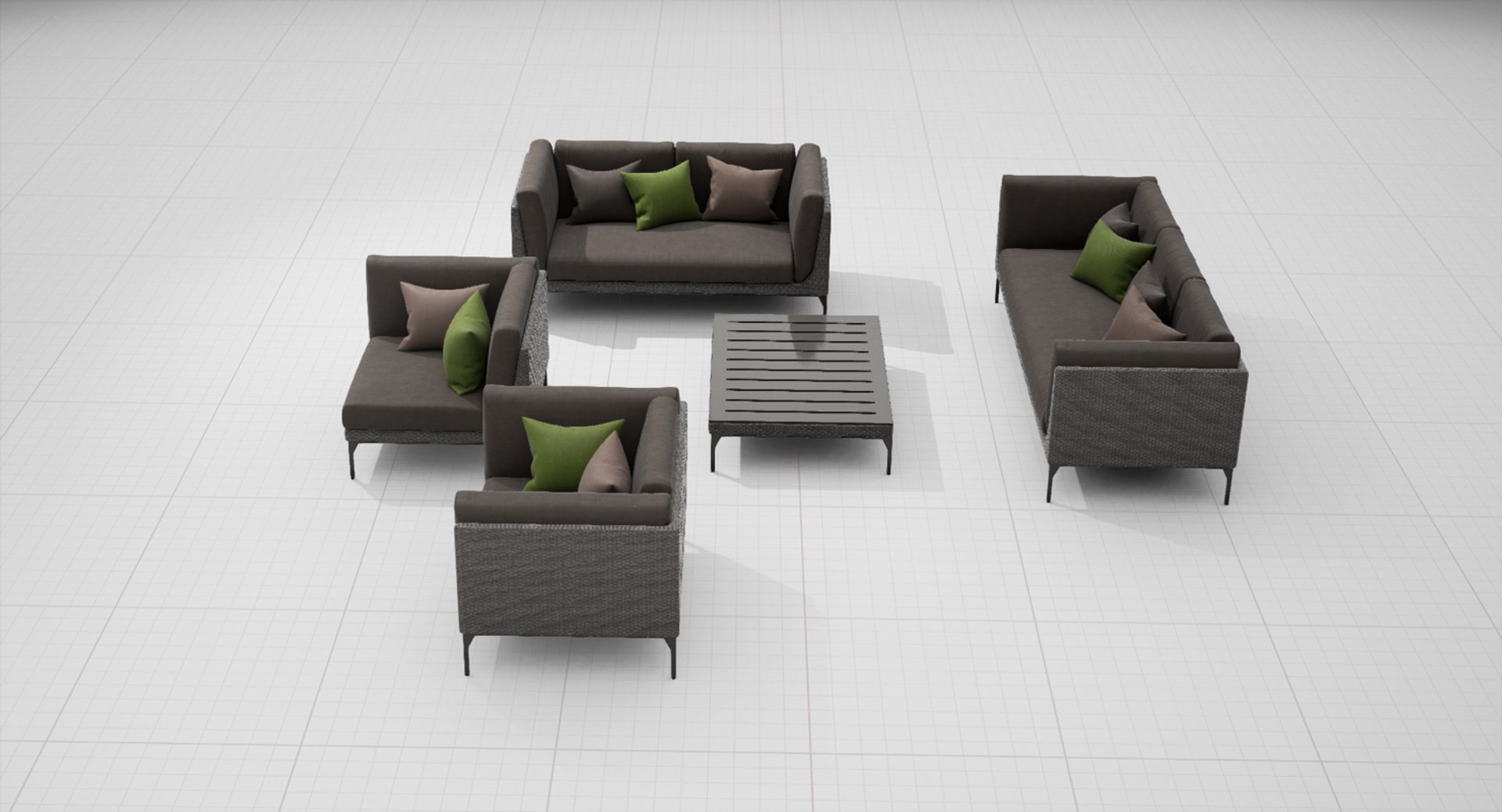
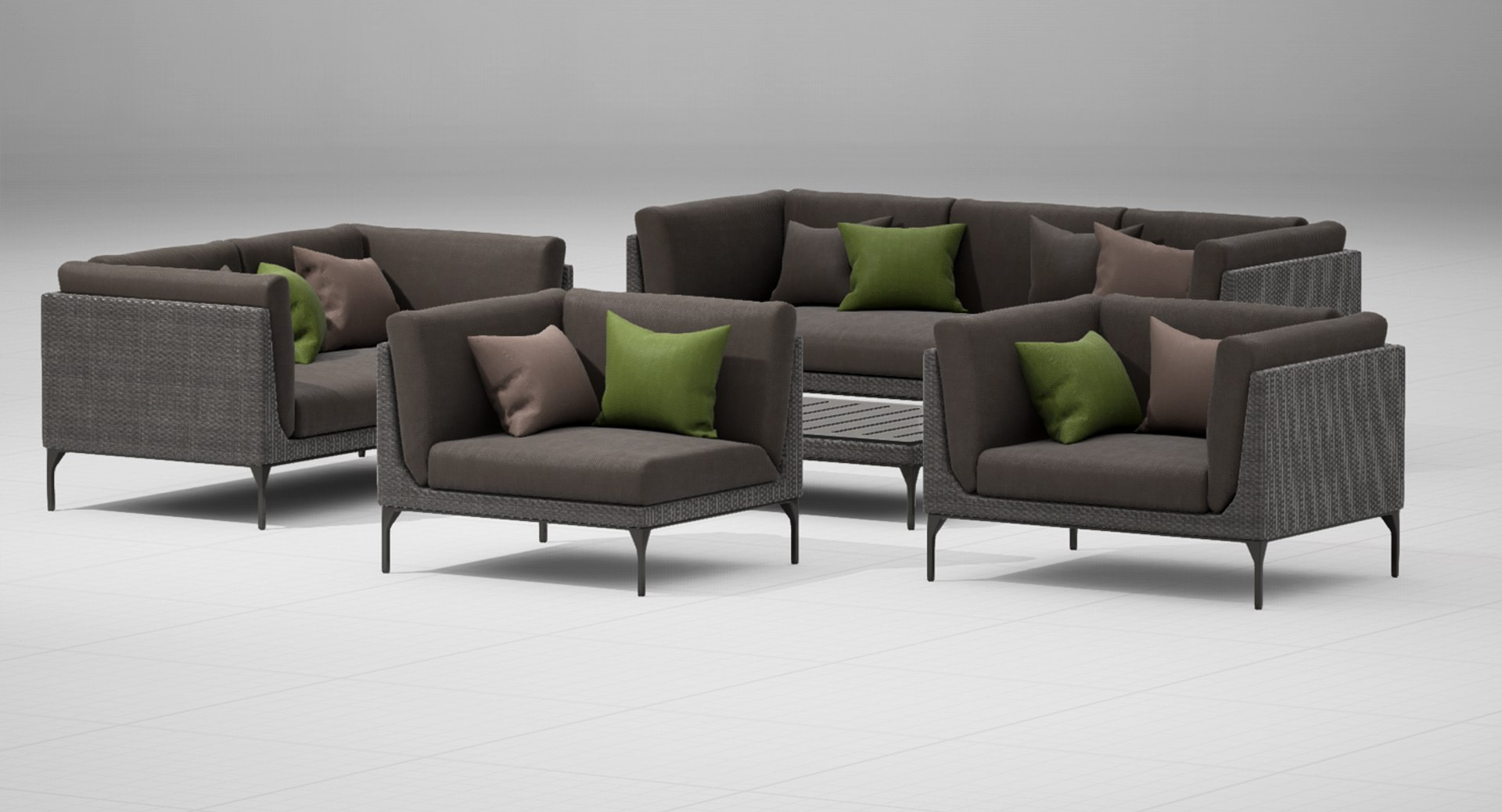
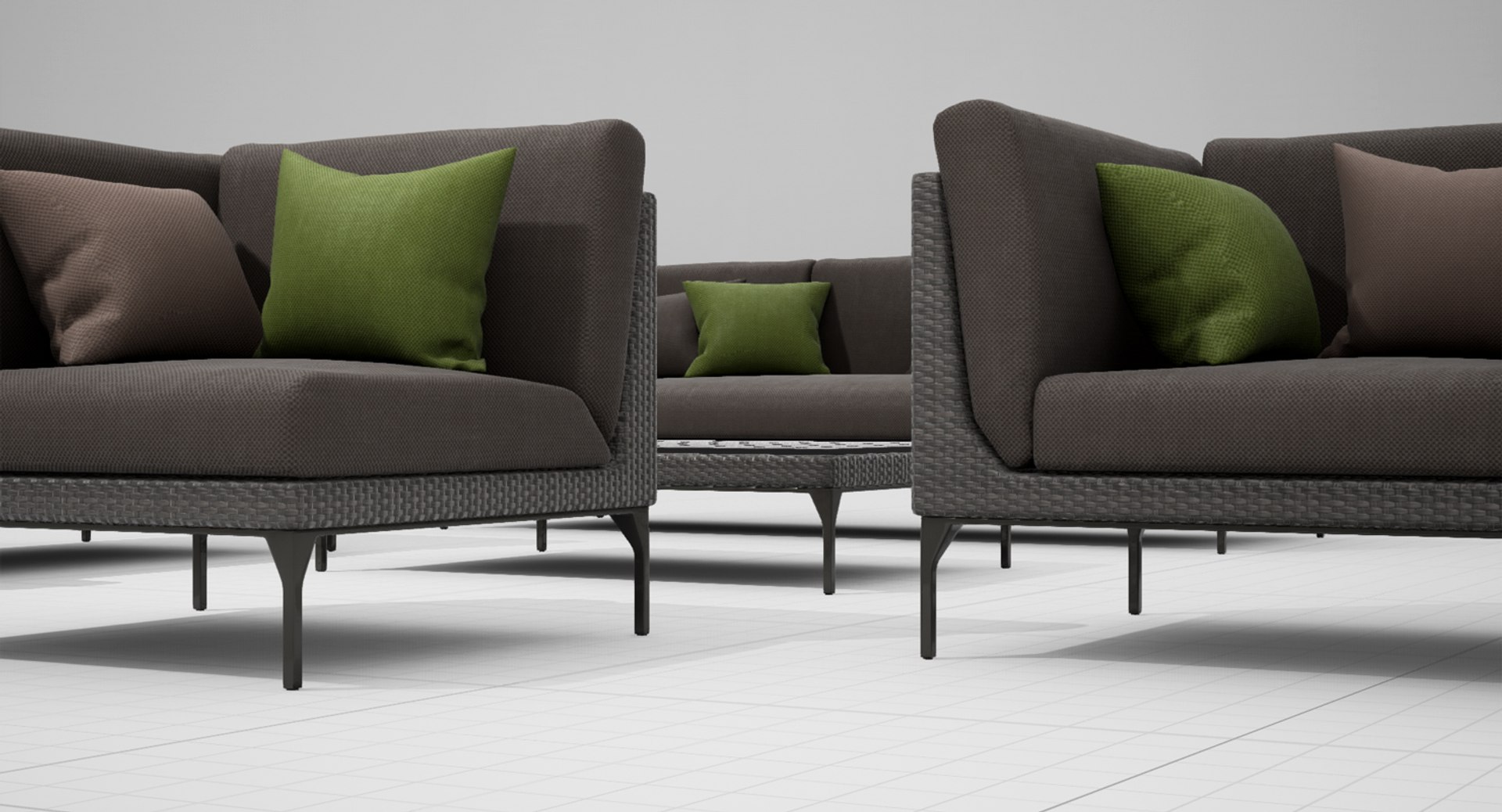
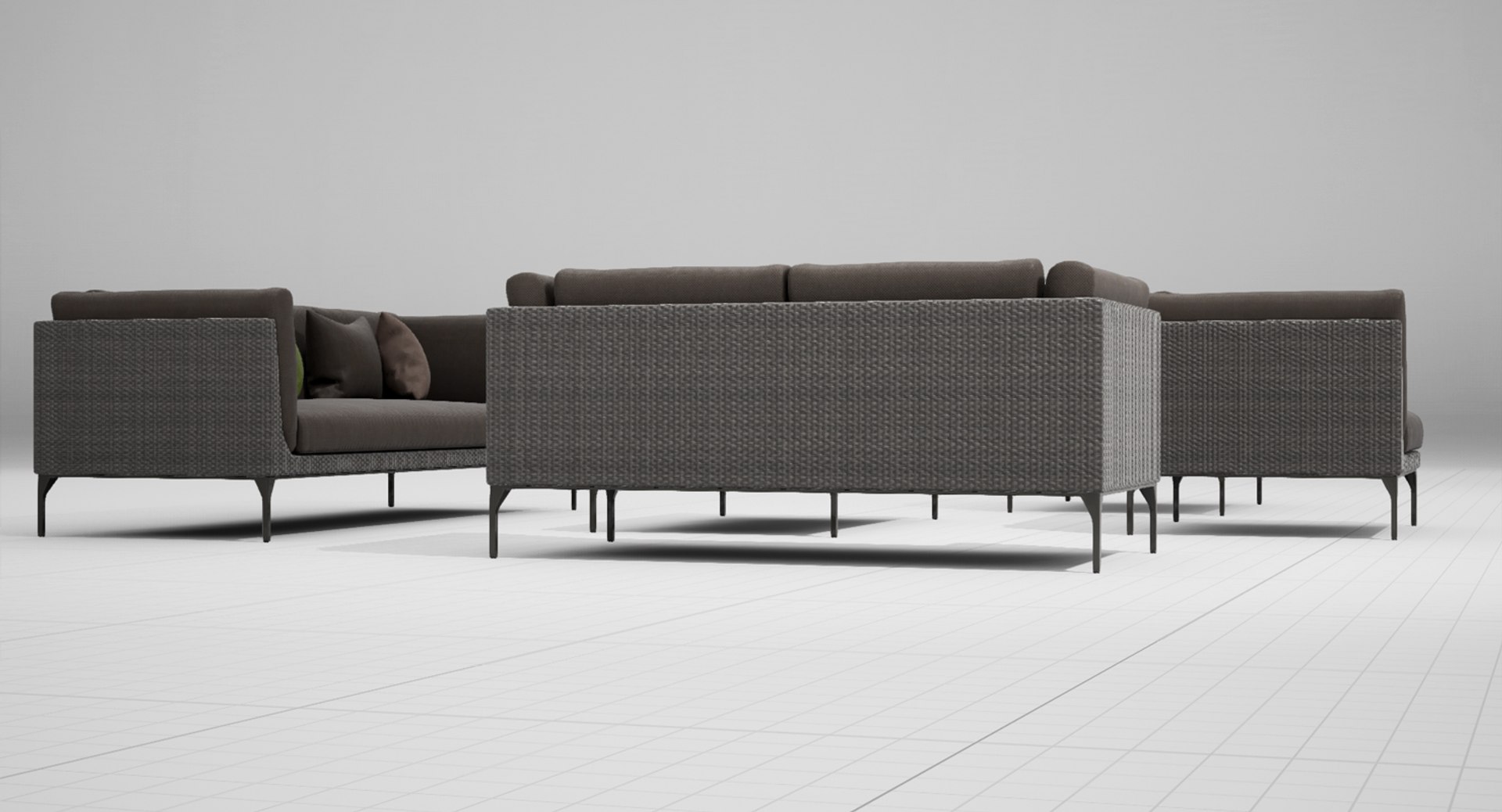
Dedon Mu Set UE4

$39

Standard License | Upgrade License
Editorial Uses Only
Formats (2)
Free file format Conversions available
Unreal
FBX
Specifications
Publish Date November 07, 2016
Product ID 1090128
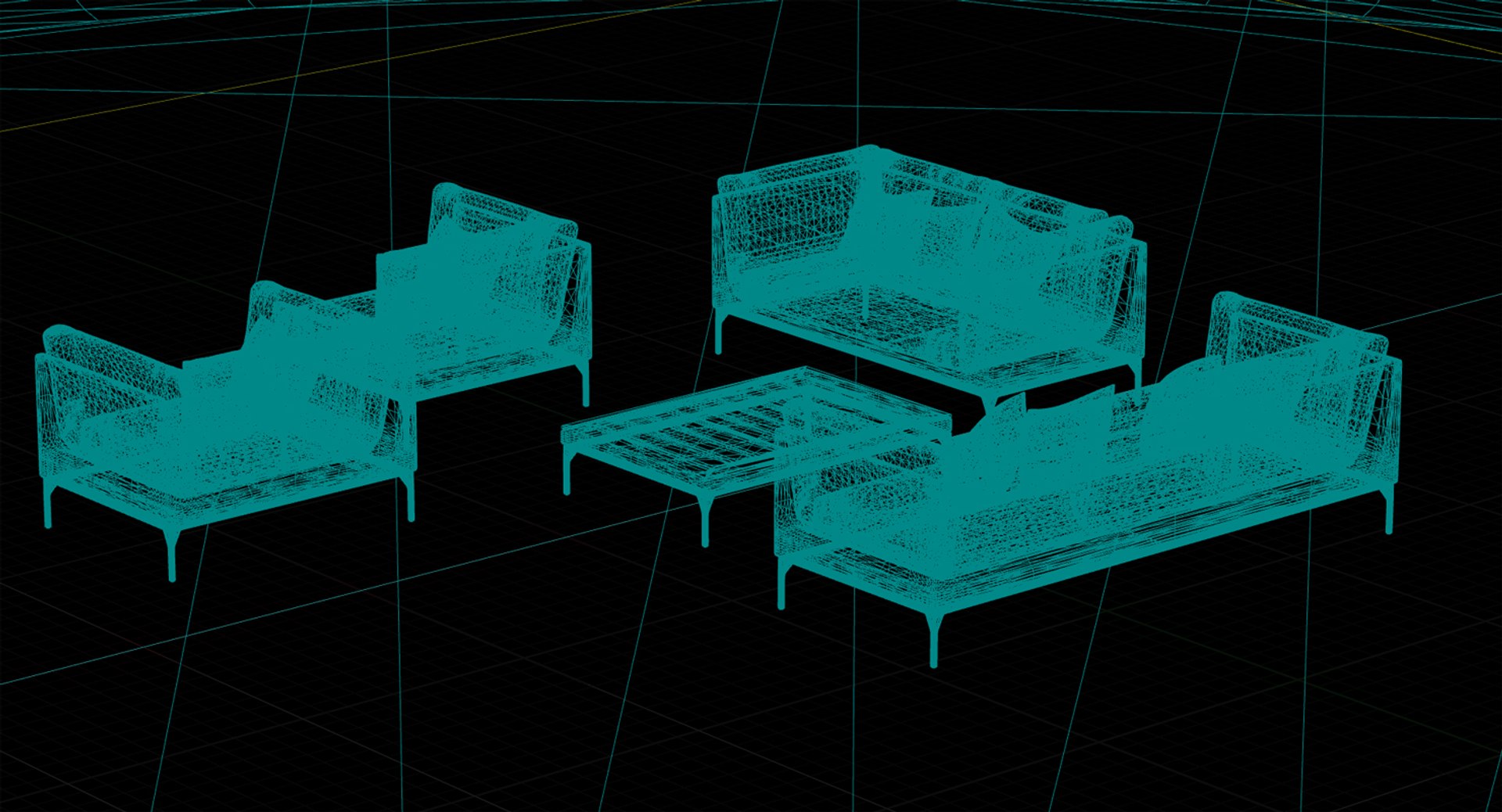
Polygons 153,020
Vertices 76,616
Polygonal Ngons Used
Textures
Materials
UV Mapped
Non-overlapping Unwrapped UVs

member avatar
cgwarehouse
2003 Products | Contributor Since 2014
Have questions? Chat with us now.

Description

UNREAL ENGINE 4 ASSET OF A DEDON MU SET


>>> Scene Information

- The asset is prepared for Unreal Engine 4.13.1
- The preview images are screenshot from the baked scene
- The pivot of the asset is at 0,0,0
- The studio scene is not included


>>> Geometry

- The model is not collapsed
- The pivots are at 0,0,0
- Drag the assets into your scene and move them to 0,0,0 to align them
- The model is suitable for closeups
- All objects and materials are named
- The object is unwrapped for UVW Map Channel 2
- The unwrapping method within 3ds Max was a flatten mapping with packed clusters


>>> Materials

- UE4 shaders/materials/textures are included
- FBX is exported from 3ds Max
- FBX includes material IDs and UVWs
- no materials/textures for FBX


>>> Formats

- Unreal Engine 4.13.1
- FBX


>>> Contact Turbosquid support if you need assistance with file formats
>>> Please check out my catalogue for more hires and realistic models
>>> If you like this model I would kindly ask you to rate it
>>> This is a computer generated 3d model - it is not a real life object.

Select Enhanced License

  • $10,000 in Legal Protection (Indemnification)
  • Uncapped Legal Protection (Indemnification)
  • Waiver from injunctive relief
  • Assignable model rights
  • $1,000,000 in Legal Protection (Indemnification)
  • Waiver from injunctive relief
  • Assignable model rights
  • $250,000 in Legal Protection (Indemnification)
  • Assignable model rights
Read more about enhanced license tiers, or contact us at enterprise@turbosquid.com. Already a Shutterstock Enterprise Customer? Contact your Shutterstock Sales Support Agent to talk about adding 3D.

About Conversion Requests

To submit a conversion request for a purchased asset, please complete our Conversion Request Form.

If you have not yet purchased a model, please review our Documentation about Conversions to learn about what limitations you may encounter with a conversion.

For any additional questions about a model’s suitability for conversion, please contact TurboSquid Support.

Loading...