
Decimator

$7

Standard License | Upgrade License
Formats (3)
Blender
OBJ
FBX
Specifications
Publish Date July 28, 2014
Product ID 838535
Polygons 458
Vertices 239
Polygonal Quads/Tris Geometry
Textures
Materials
UV Mapped
Non-overlapping Unwrapped UVs
member avatar
InnerSanctum Games Ltd
2 Products | Contributor Since 2014
Have questions? Chat with us now.

Description

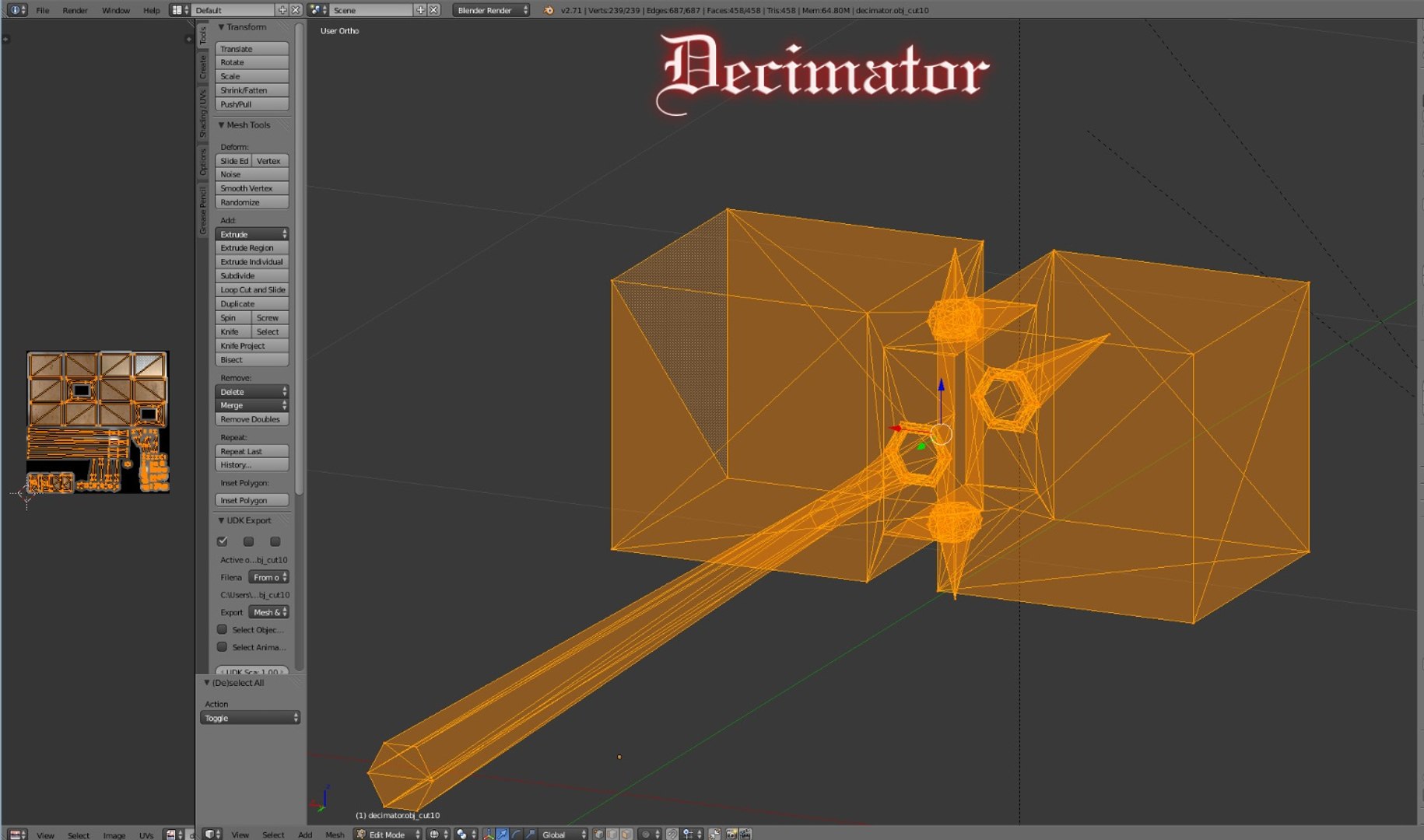
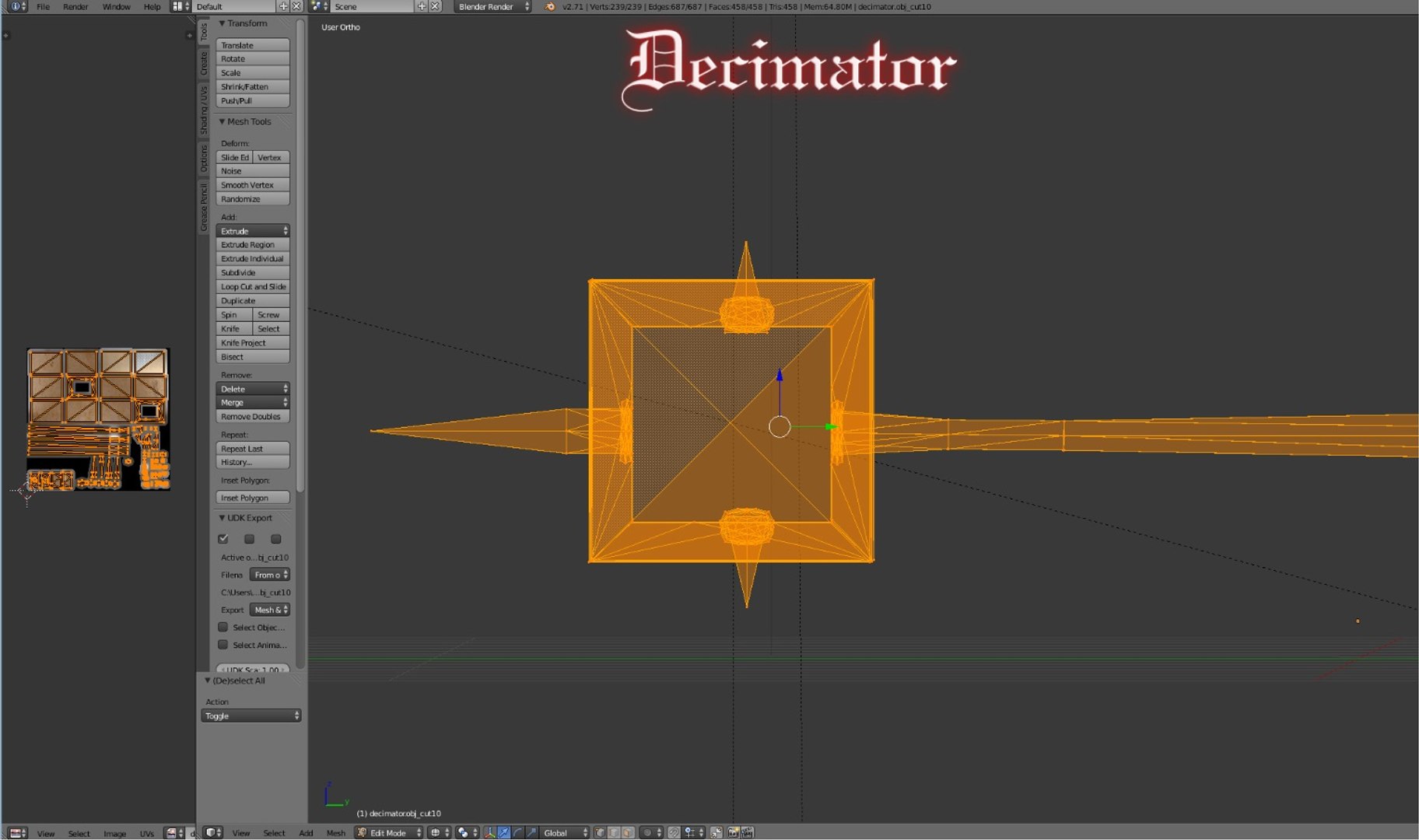
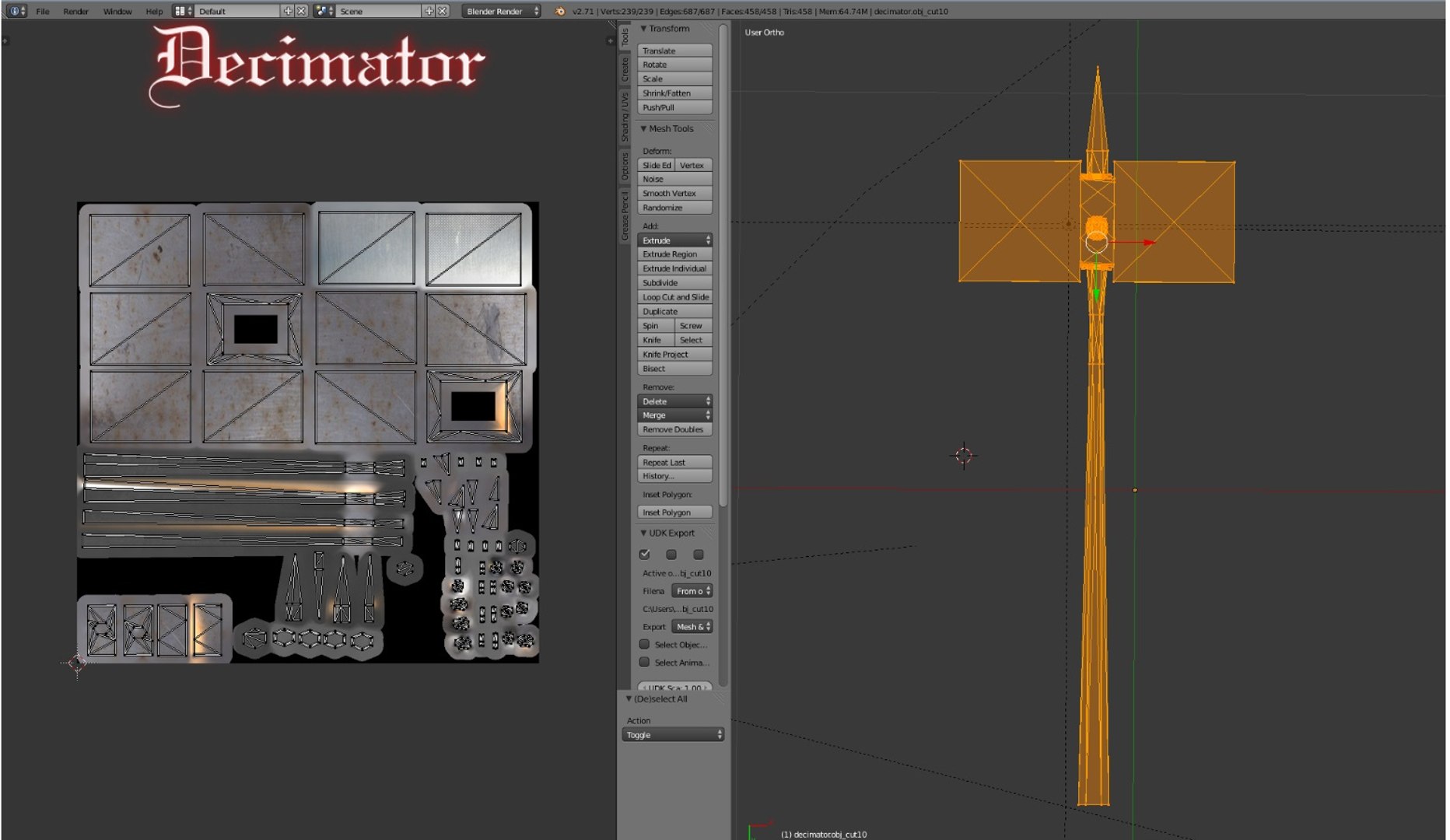
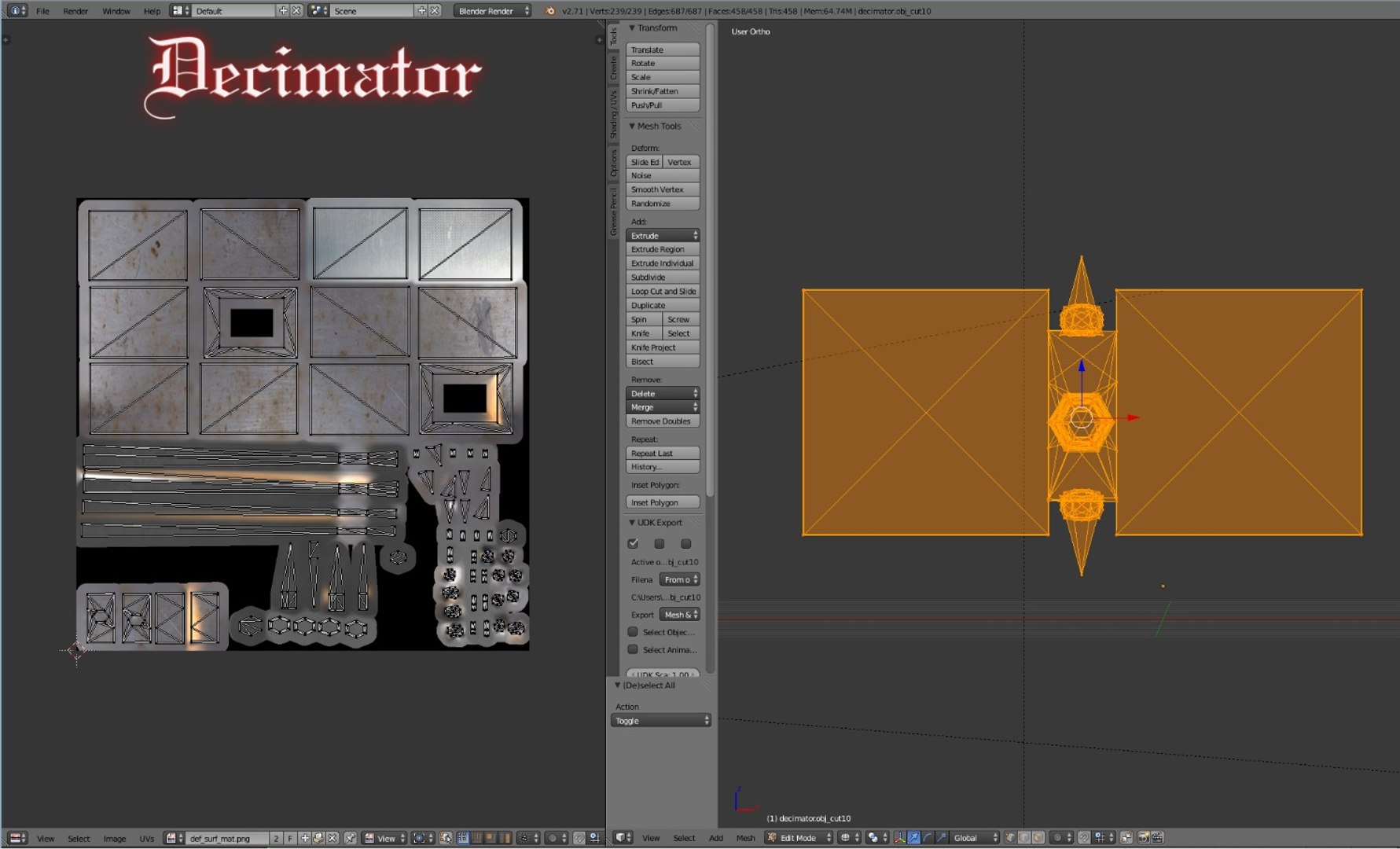
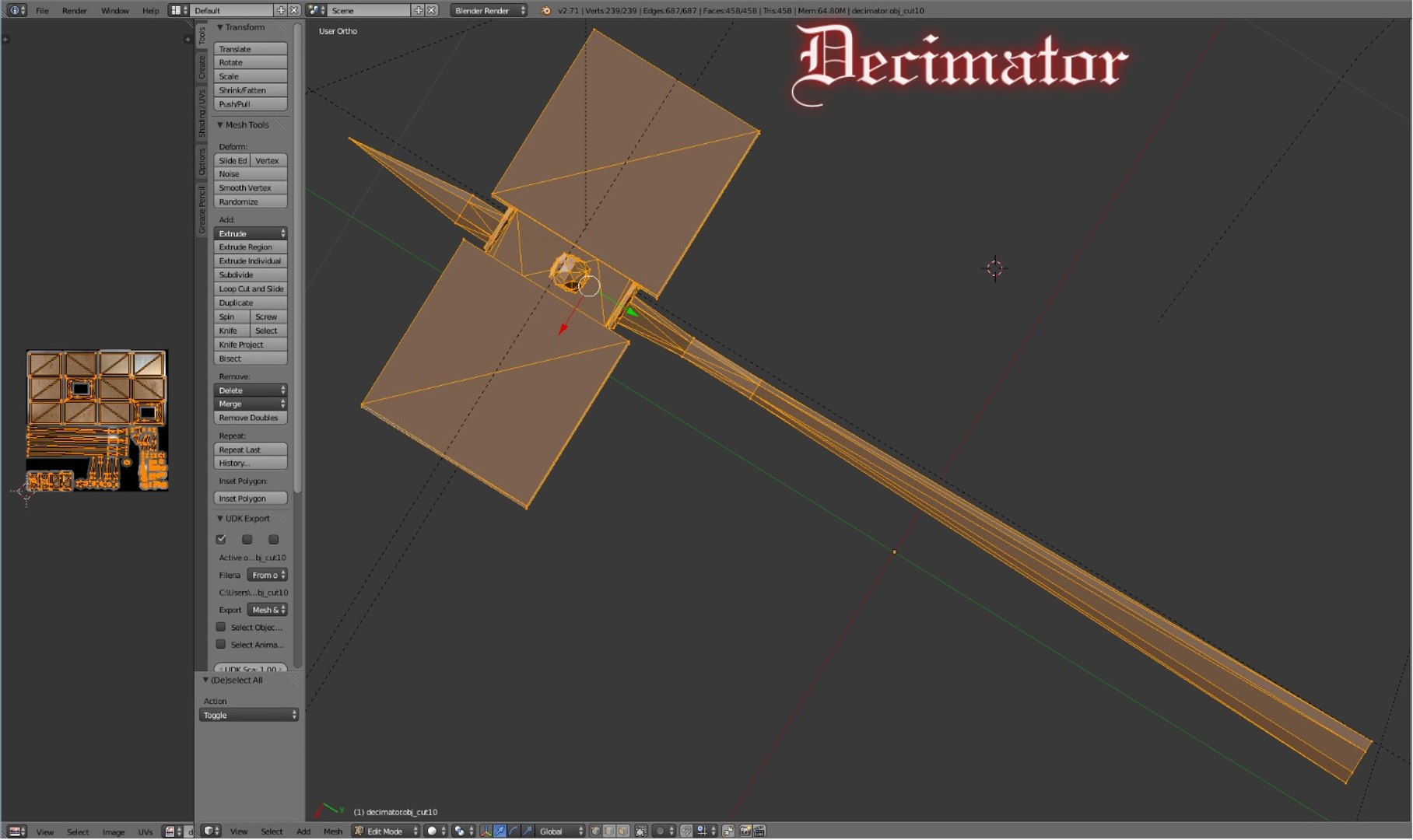
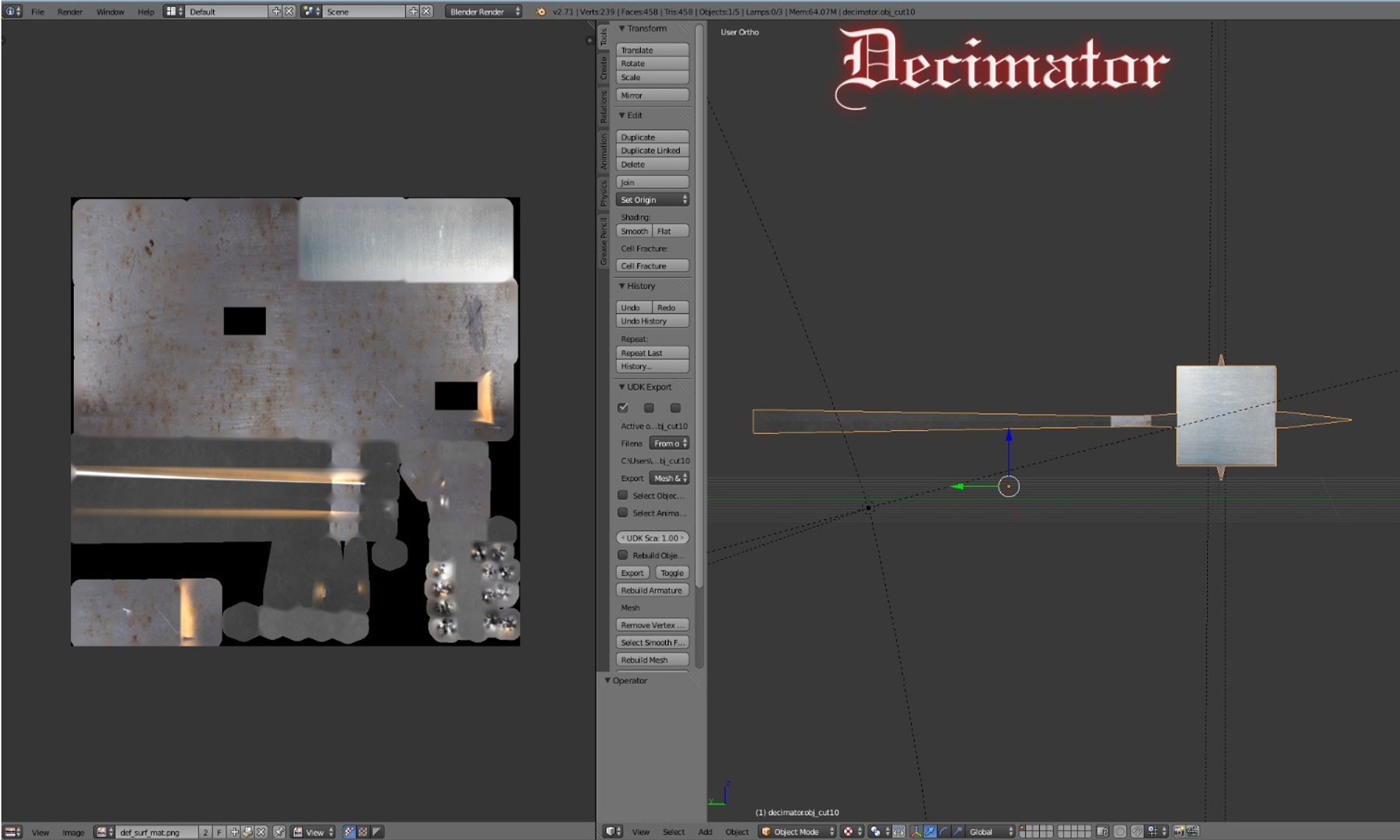
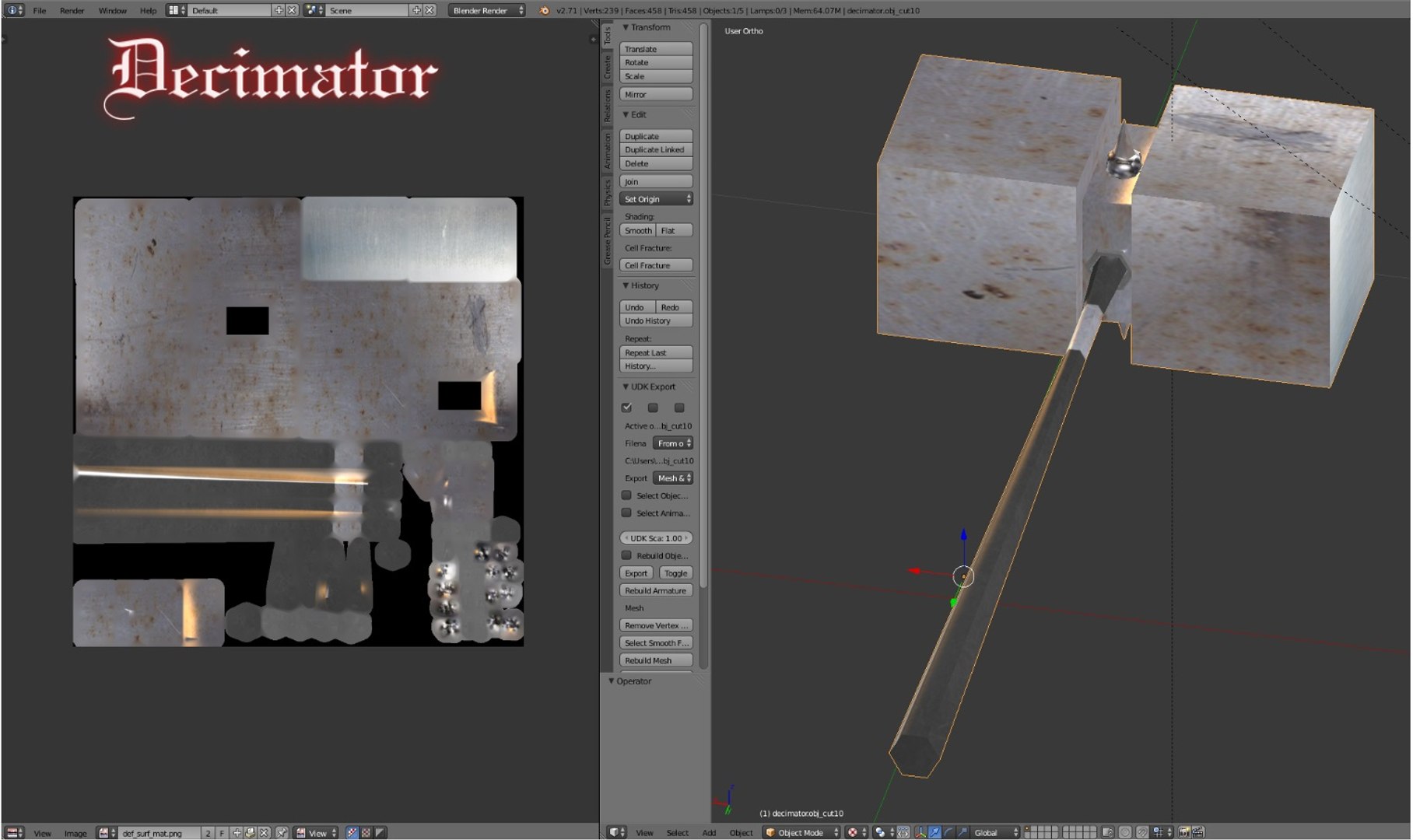
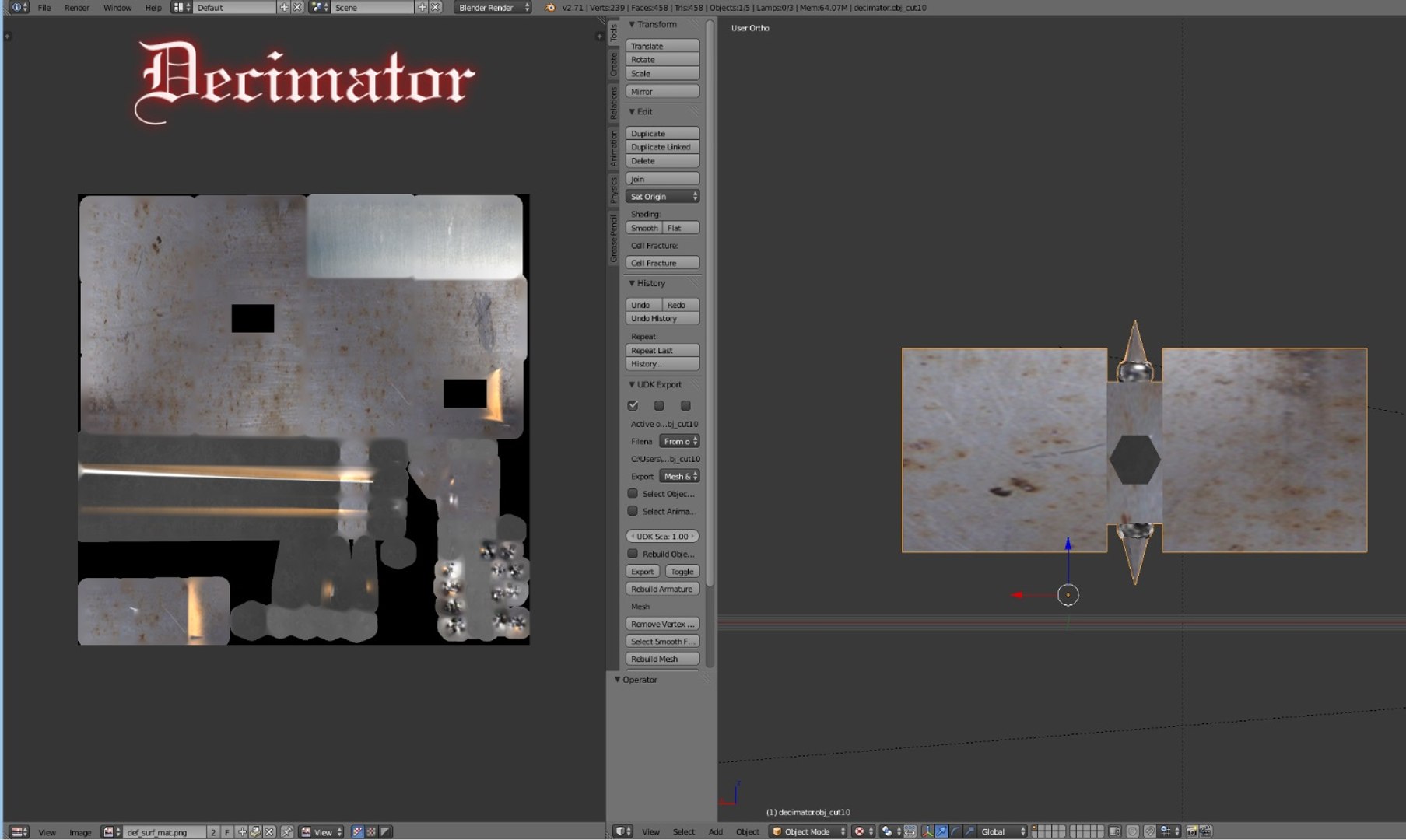
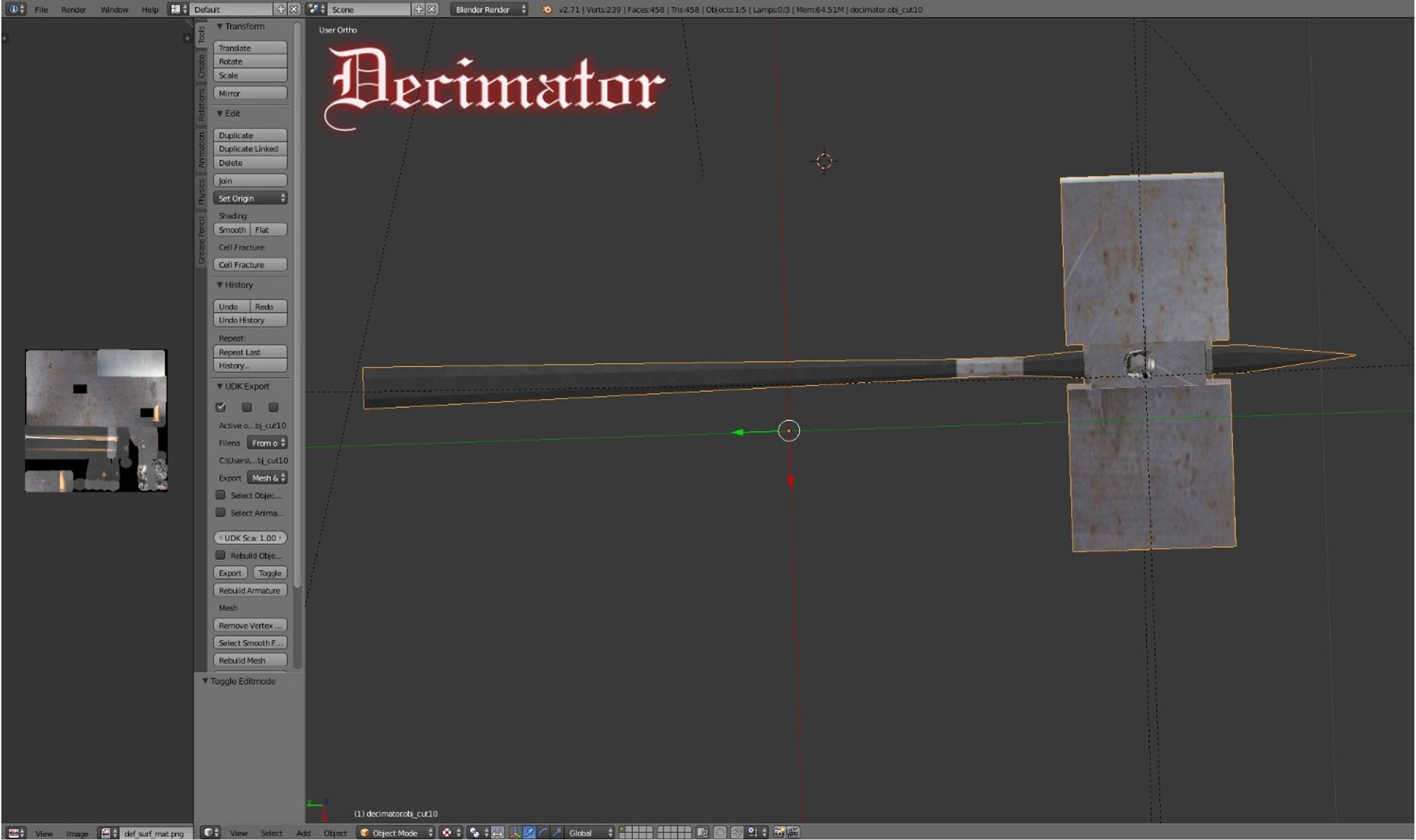
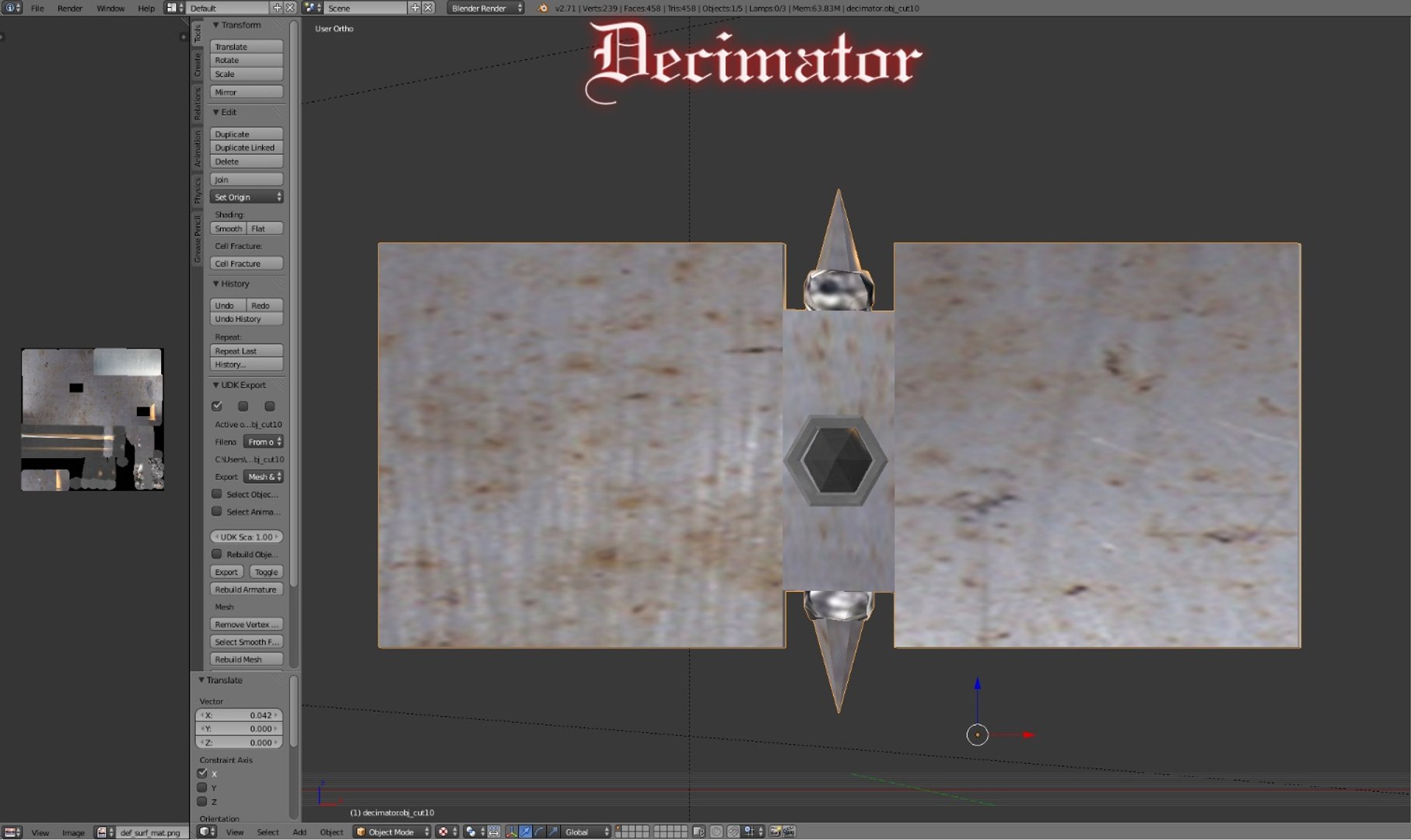
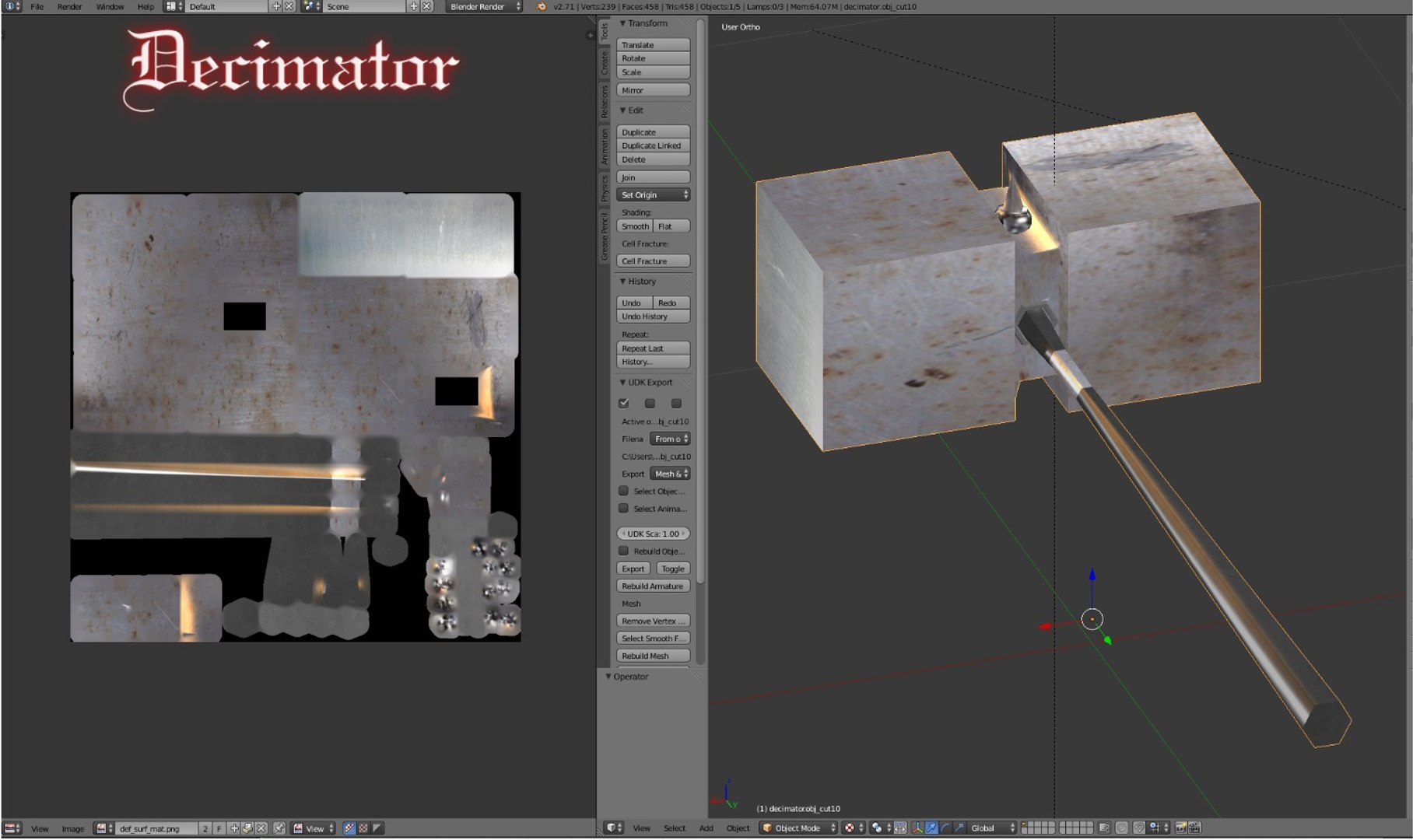
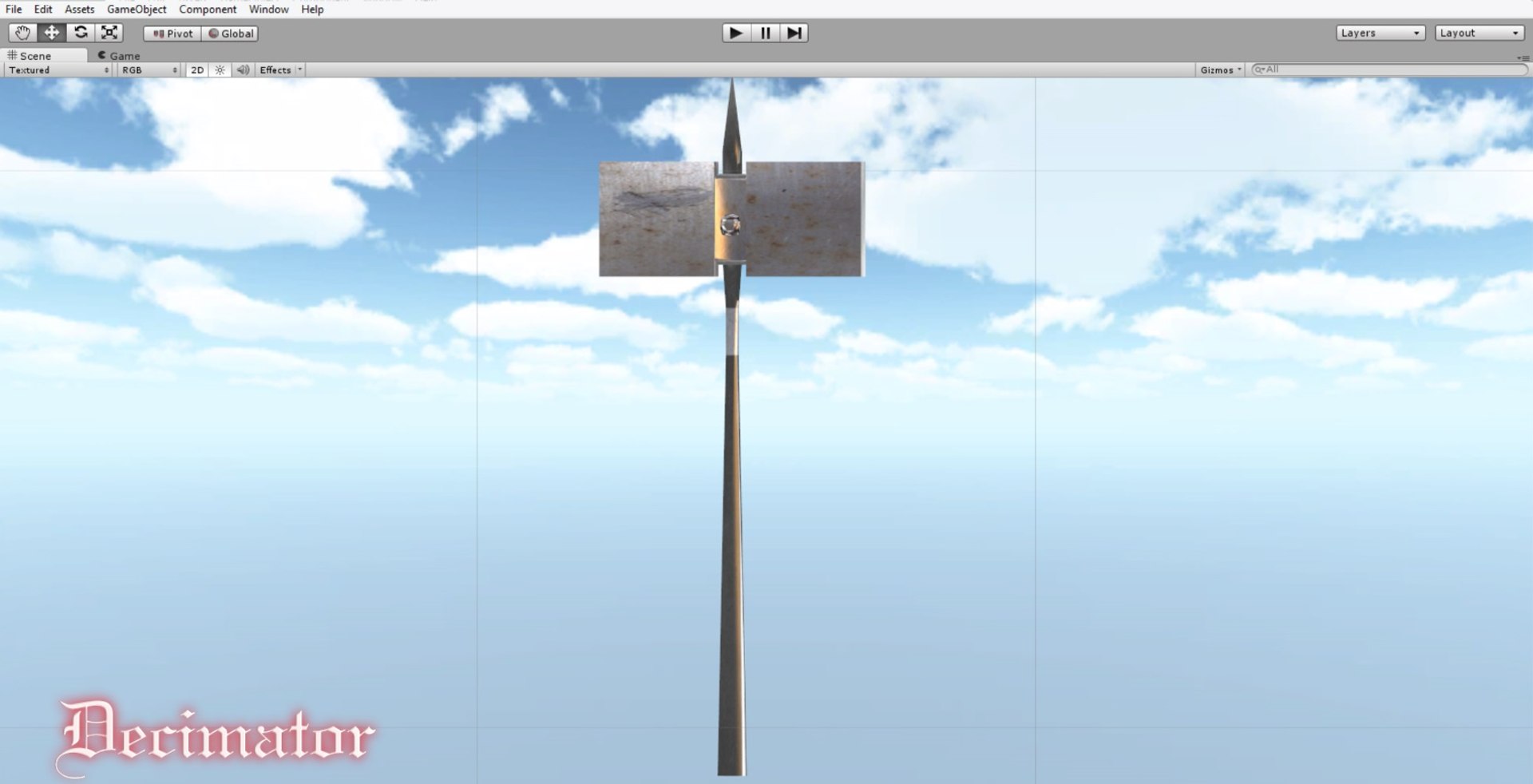
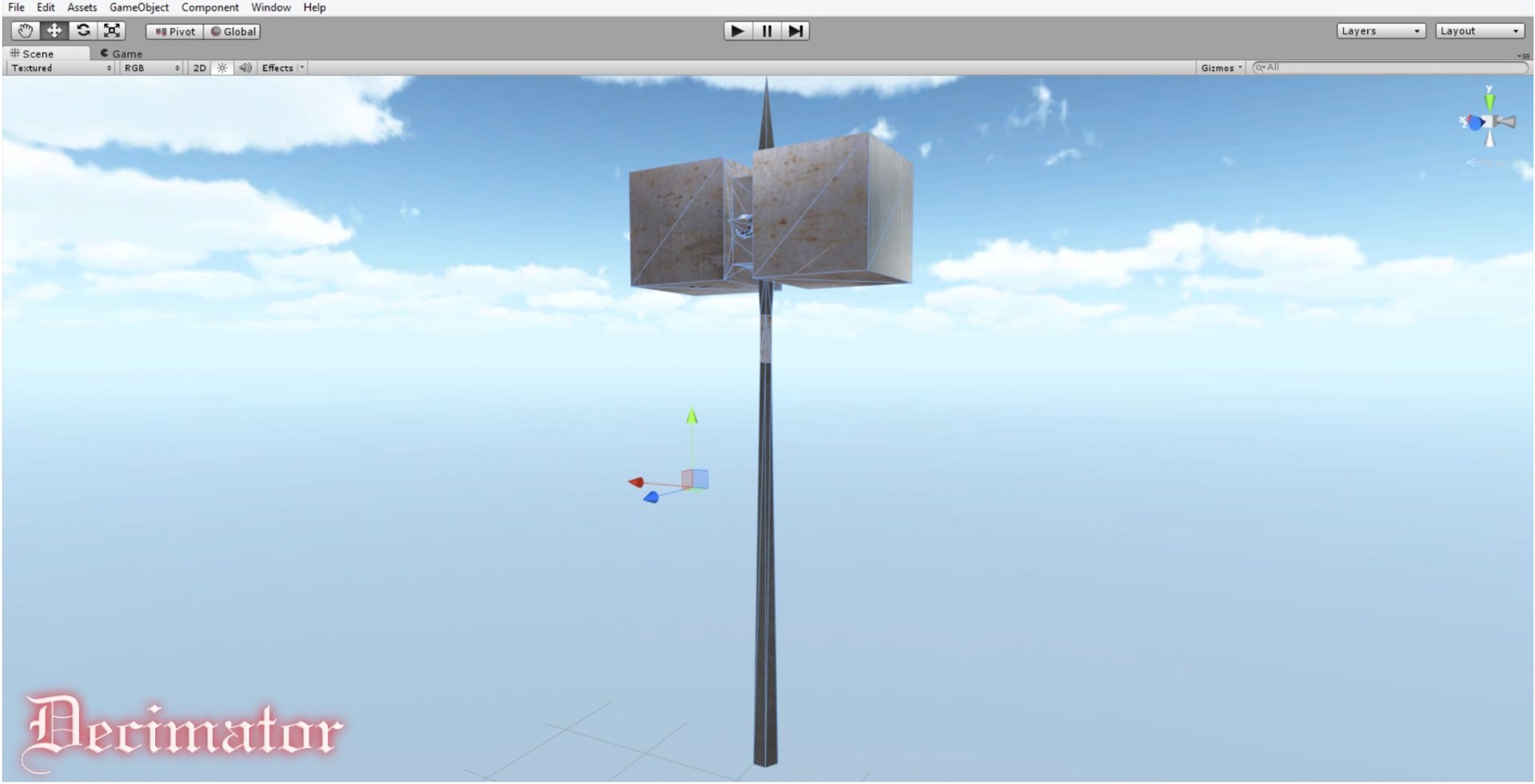
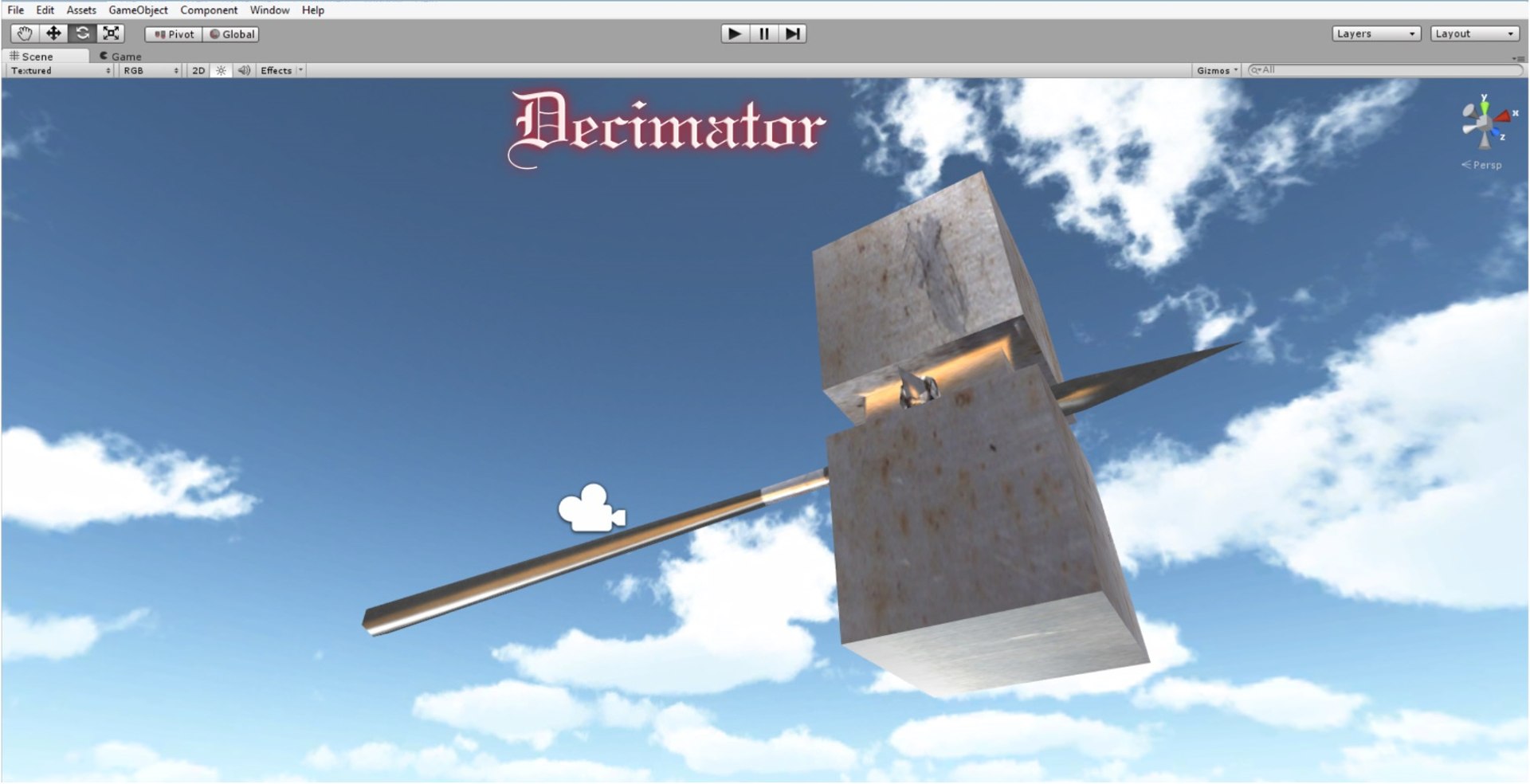
The Decimator is a low Poly game ready weapon that is meant to function as a primary weapon from mid and far range combat.

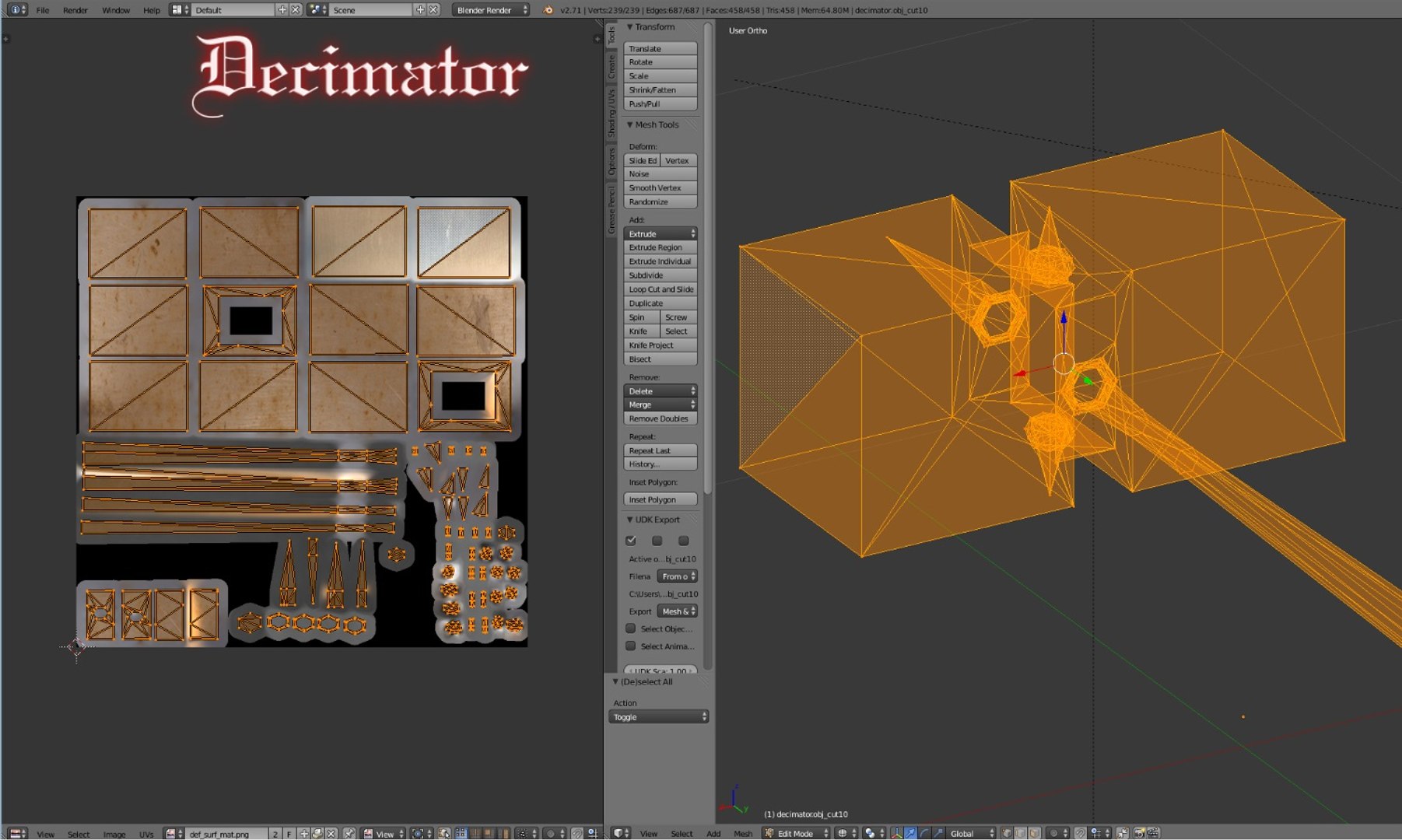
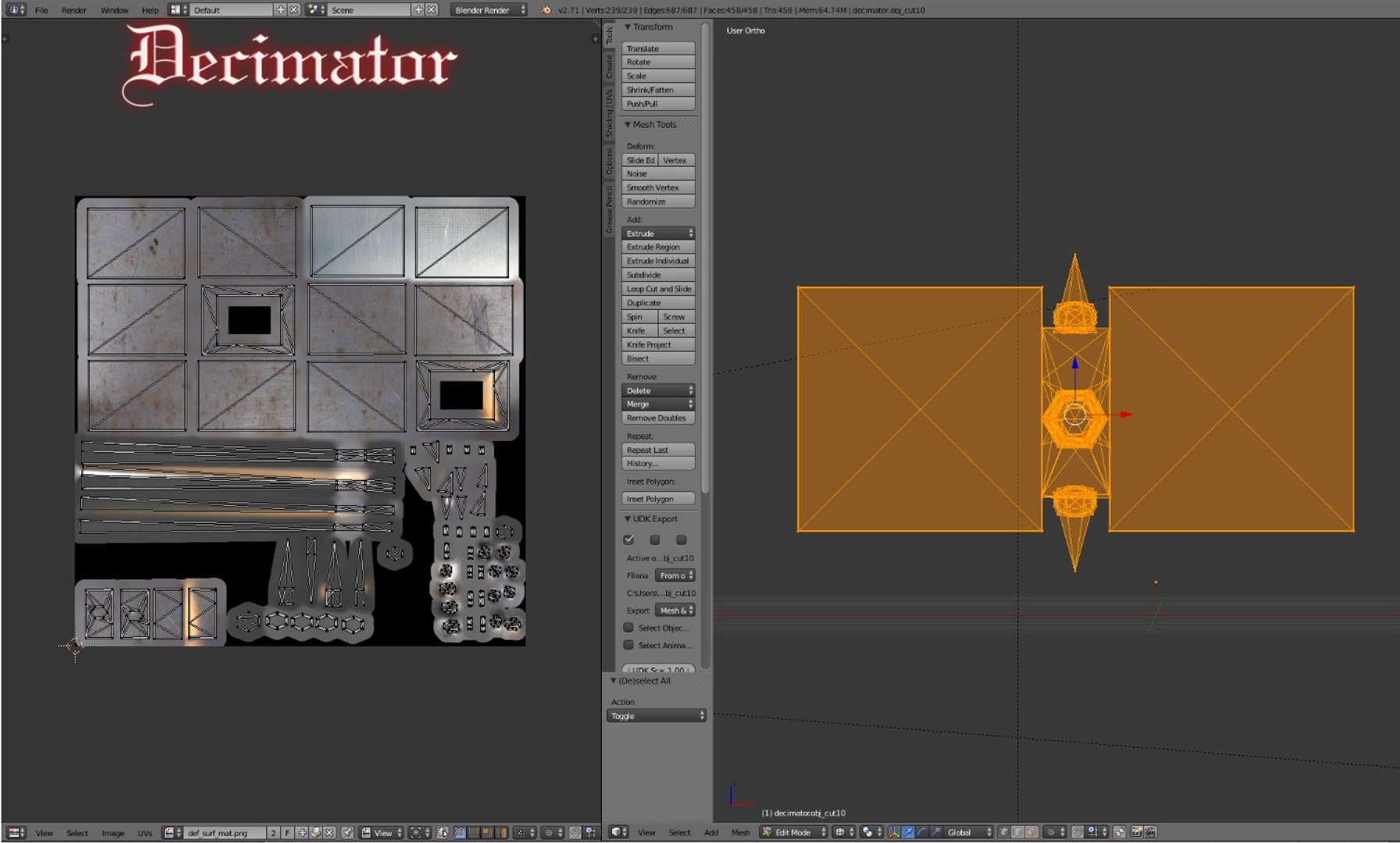
This model is designed to be conservative with polygon designation, and is suitable for game engine use. It can also be used for rendering, as the normal and diffuse maps have been carefully selected to augment the default material properties.

The Decimator is also set up with multi-material mapping, to ensure aspects of the blade can be customized and tweaked without affecting other parts of the model.


---- Statistics ----

Decimator = 458 Tris, 239 Vertices.

Files = 7

- DECIMATOROBJ (ARCHIVE) - decimator.obj + decimator.mtl

- DECIMATORFBX2014 (ARCHIVE) - DECIMATOR.fbx + DECIMATOR.images (DECIMATORTEX + DECIMATORNORMALS + DECIMATORUV)

- DECIMATOR.blend

The .blend file comes with all model, maps and textures packed into the project.

Total size (Models + Maps) = 12.9 MB

Maps provided: Diffuse and Normal Maps

Materials: Yes


Unity3D Users:

Unity users are reported to experience mesh integrity problems including:

1) Inverted Normals (resulting in black faces or invisible faces).

2) Missing Textures.

3) Broken meshes.


All of the above has been checked for, and do not apply to the Decimator.


Thanks

Select Enhanced License

  • $10,000 in Legal Protection (Indemnification)
  • Uncapped Legal Protection (Indemnification)
  • Waiver from injunctive relief
  • Assignable model rights
  • $1,000,000 in Legal Protection (Indemnification)
  • Waiver from injunctive relief
  • Assignable model rights
  • $250,000 in Legal Protection (Indemnification)
  • Assignable model rights
Read more about enhanced license tiers, or contact us at enterprise@turbosquid.com. Already a Shutterstock Enterprise Customer? Contact your Shutterstock Sales Support Agent to talk about adding 3D.

About Conversion Requests

To submit a conversion request for a purchased asset, please complete our Conversion Request Form.

If you have not yet purchased a model, please review our Documentation about Conversions to learn about what limitations you may encounter with a conversion.

For any additional questions about a model’s suitability for conversion, please contact TurboSquid Support.

Loading...