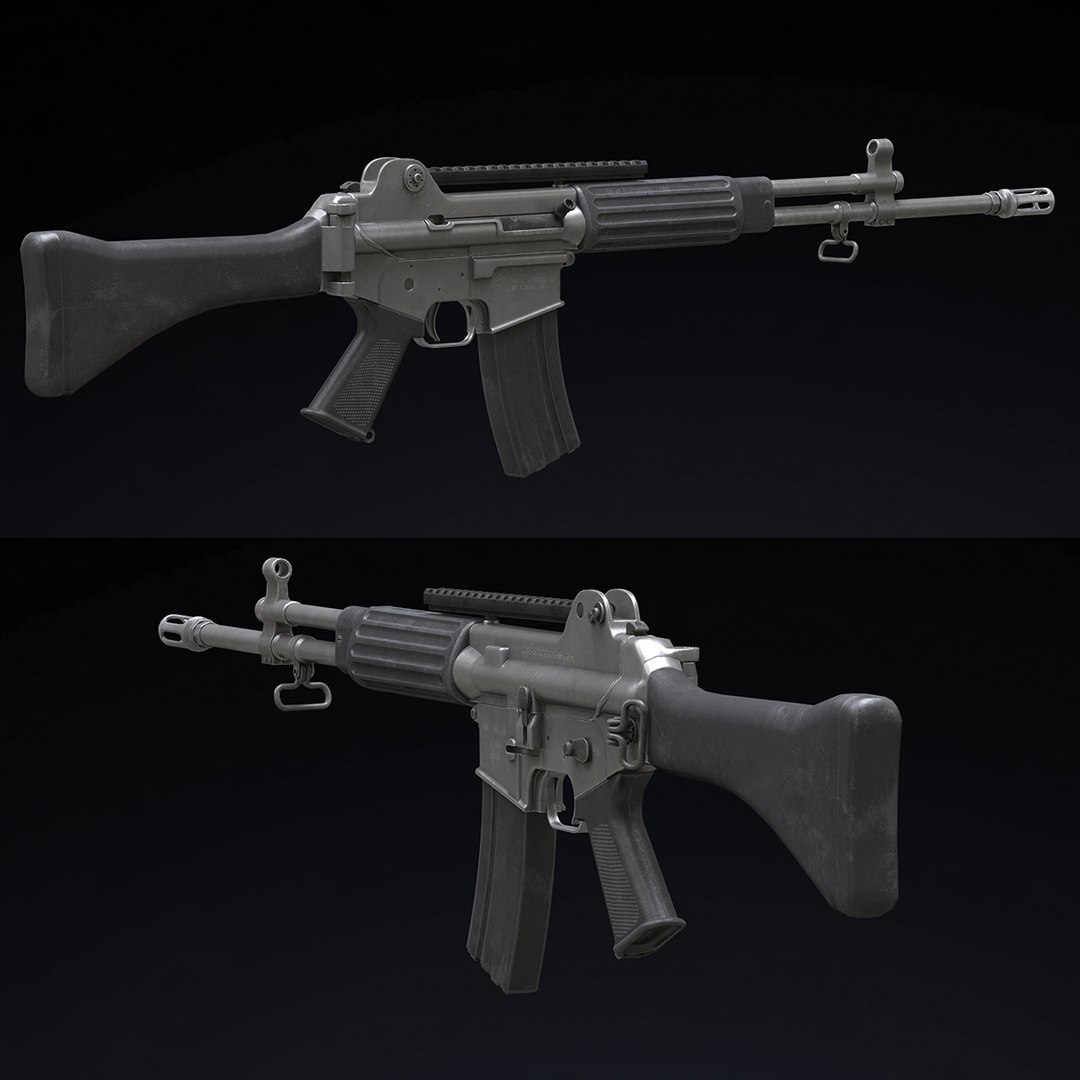
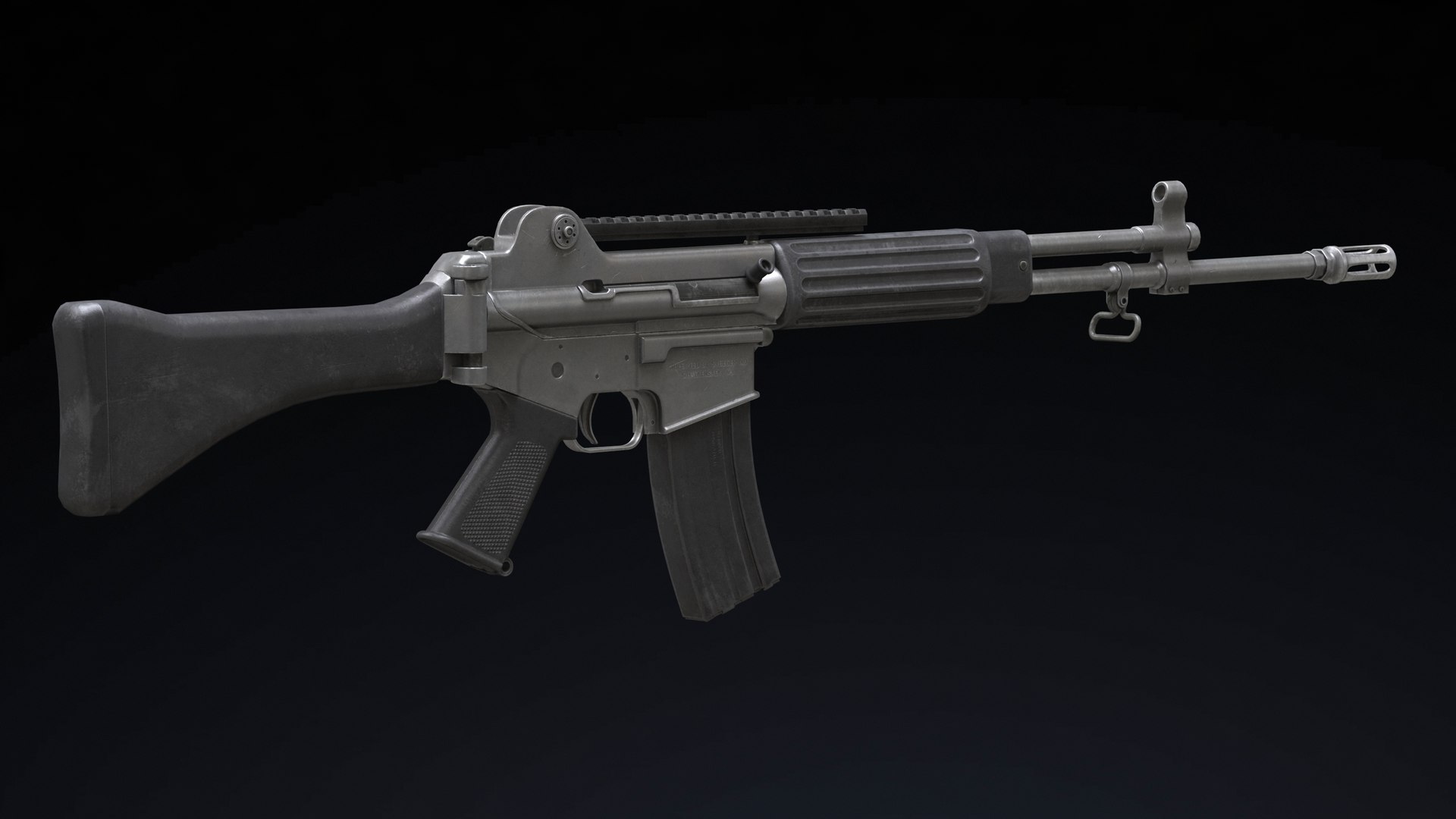
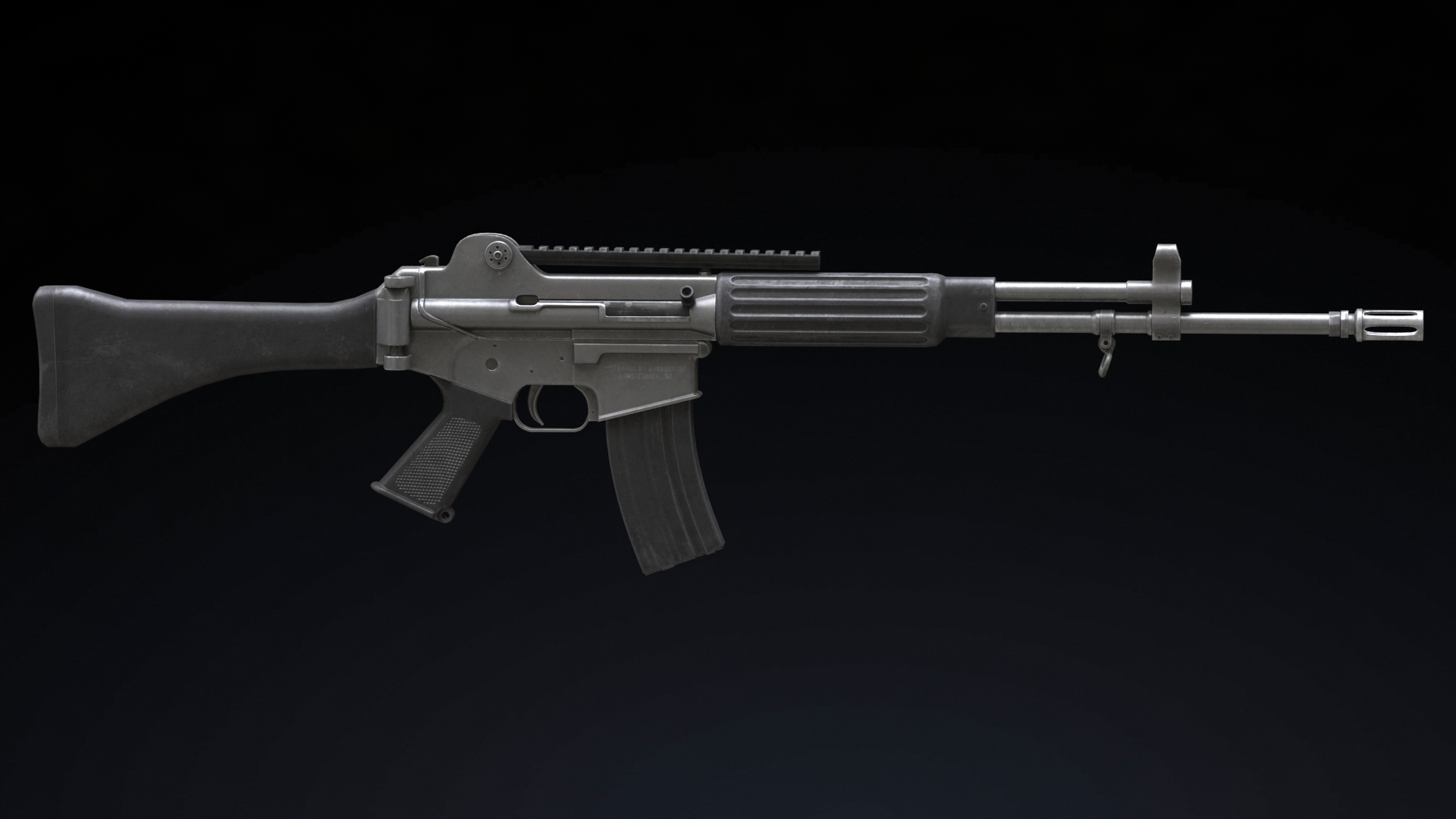
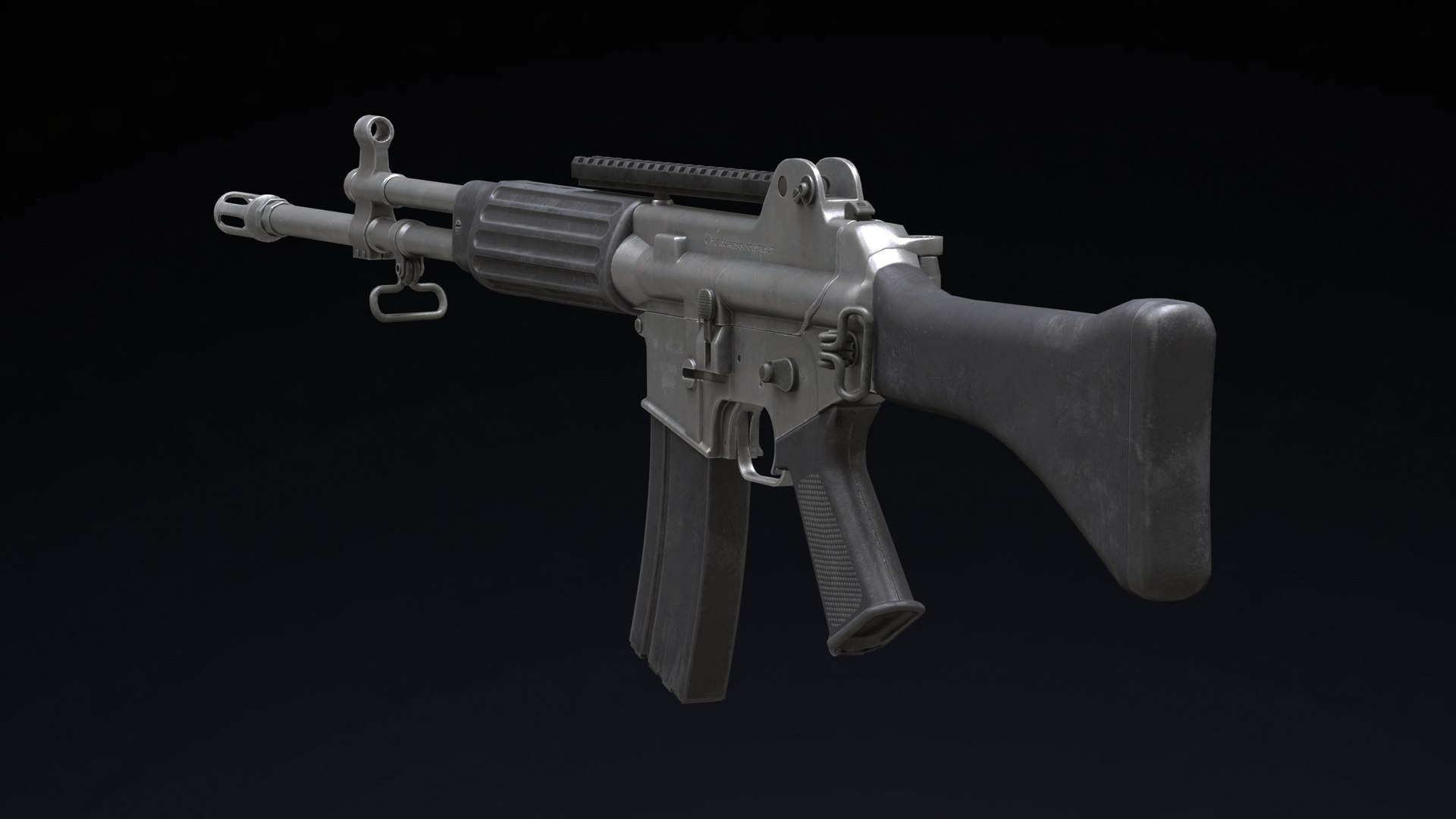
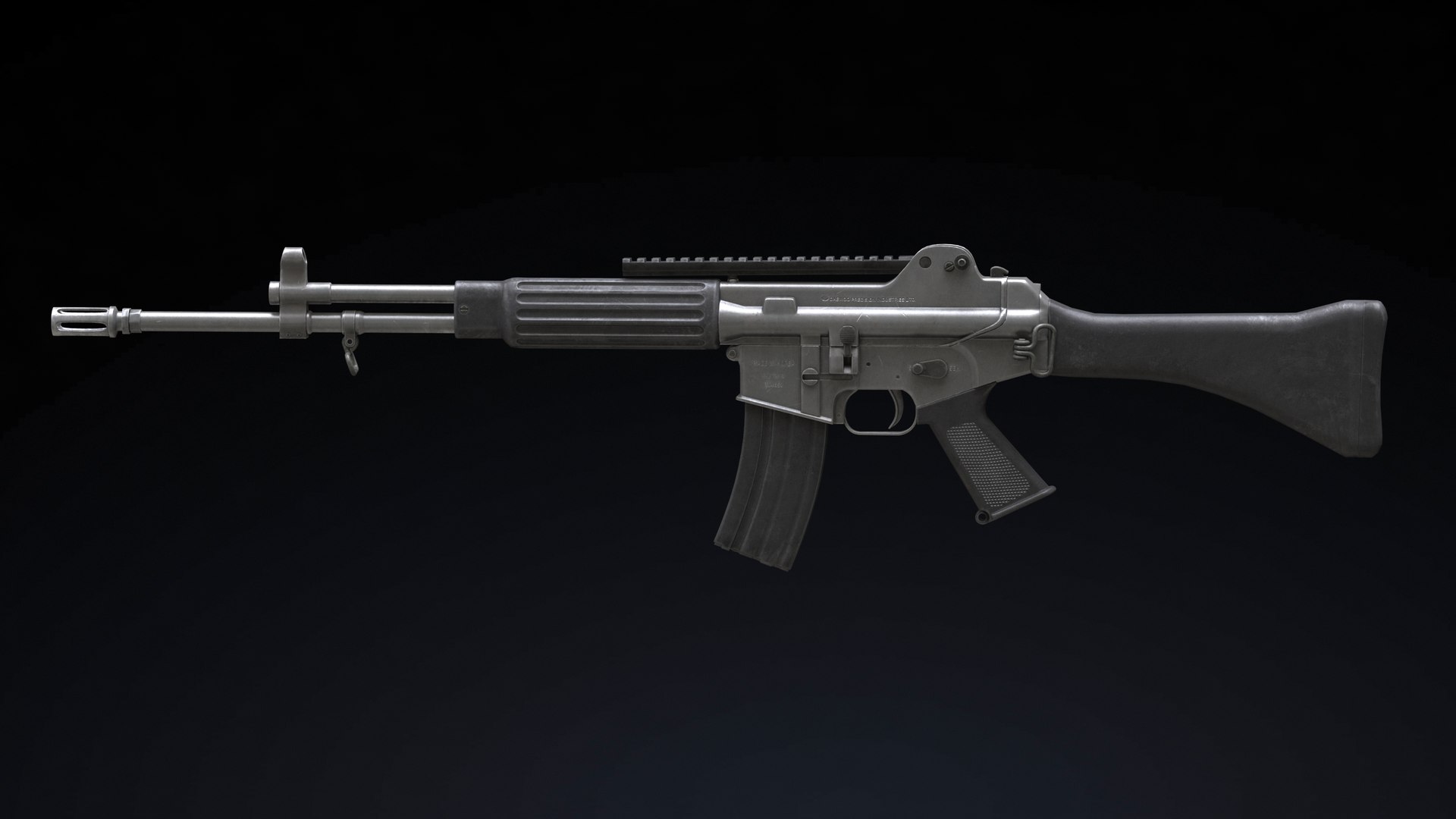
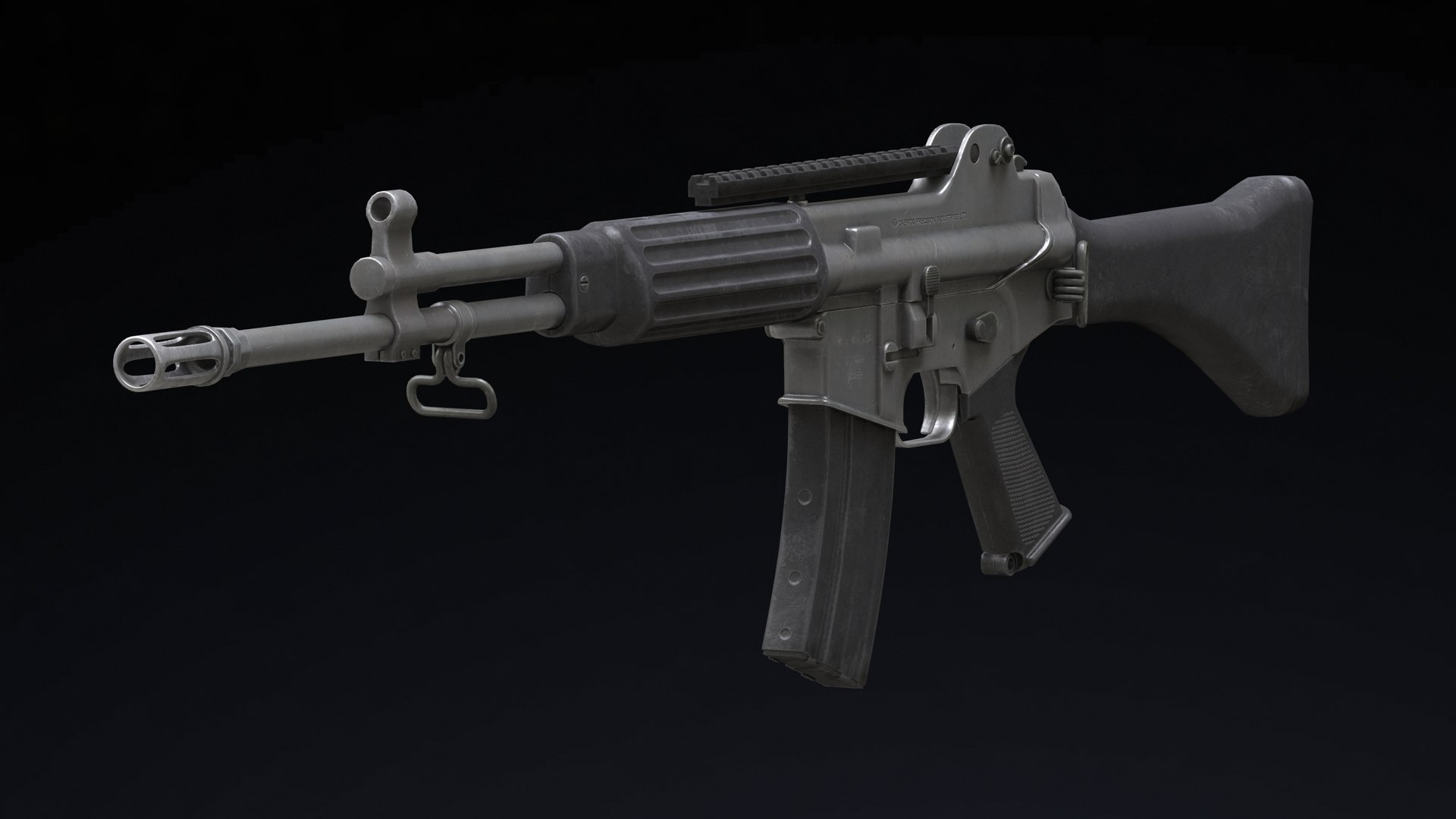
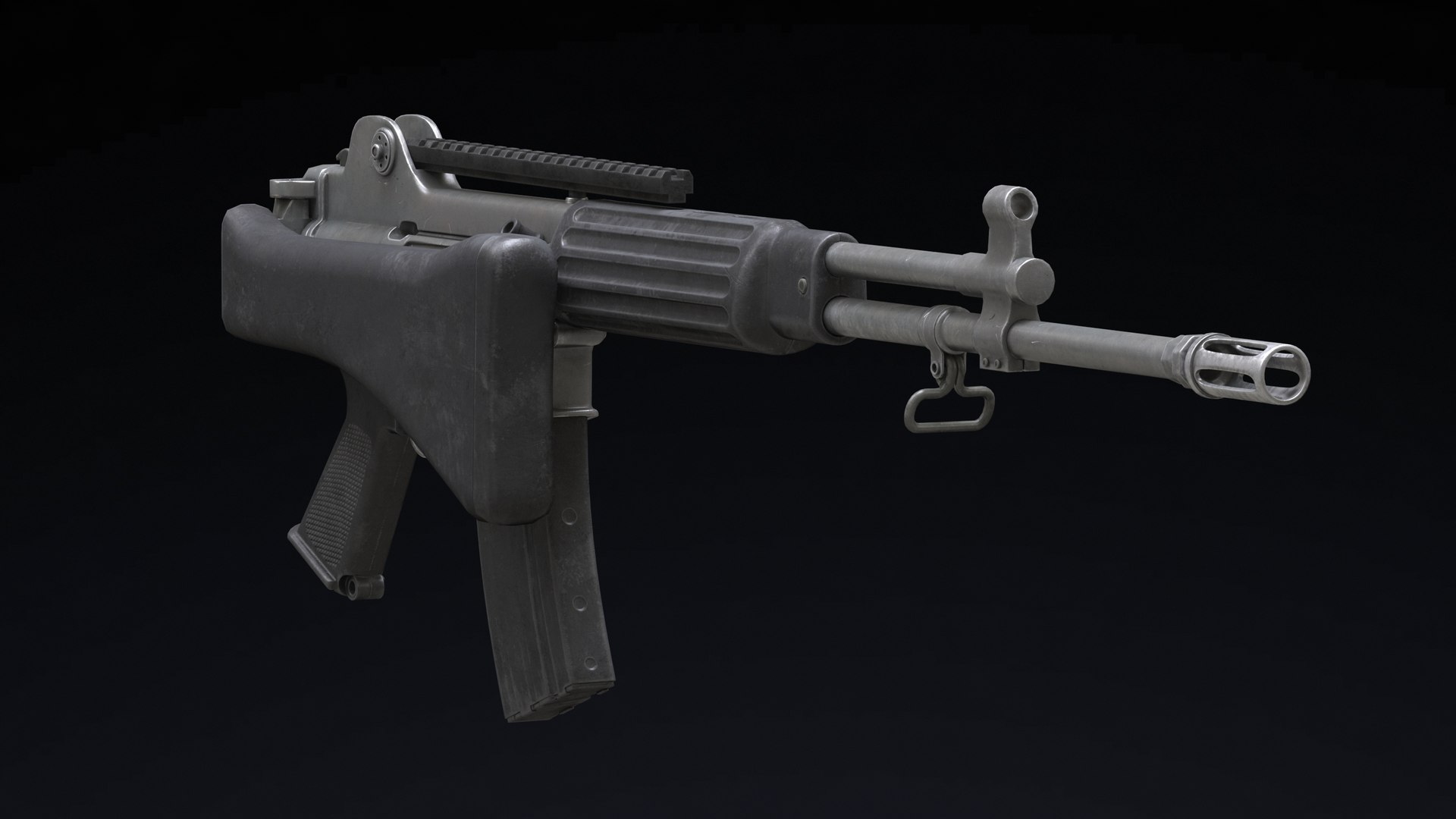
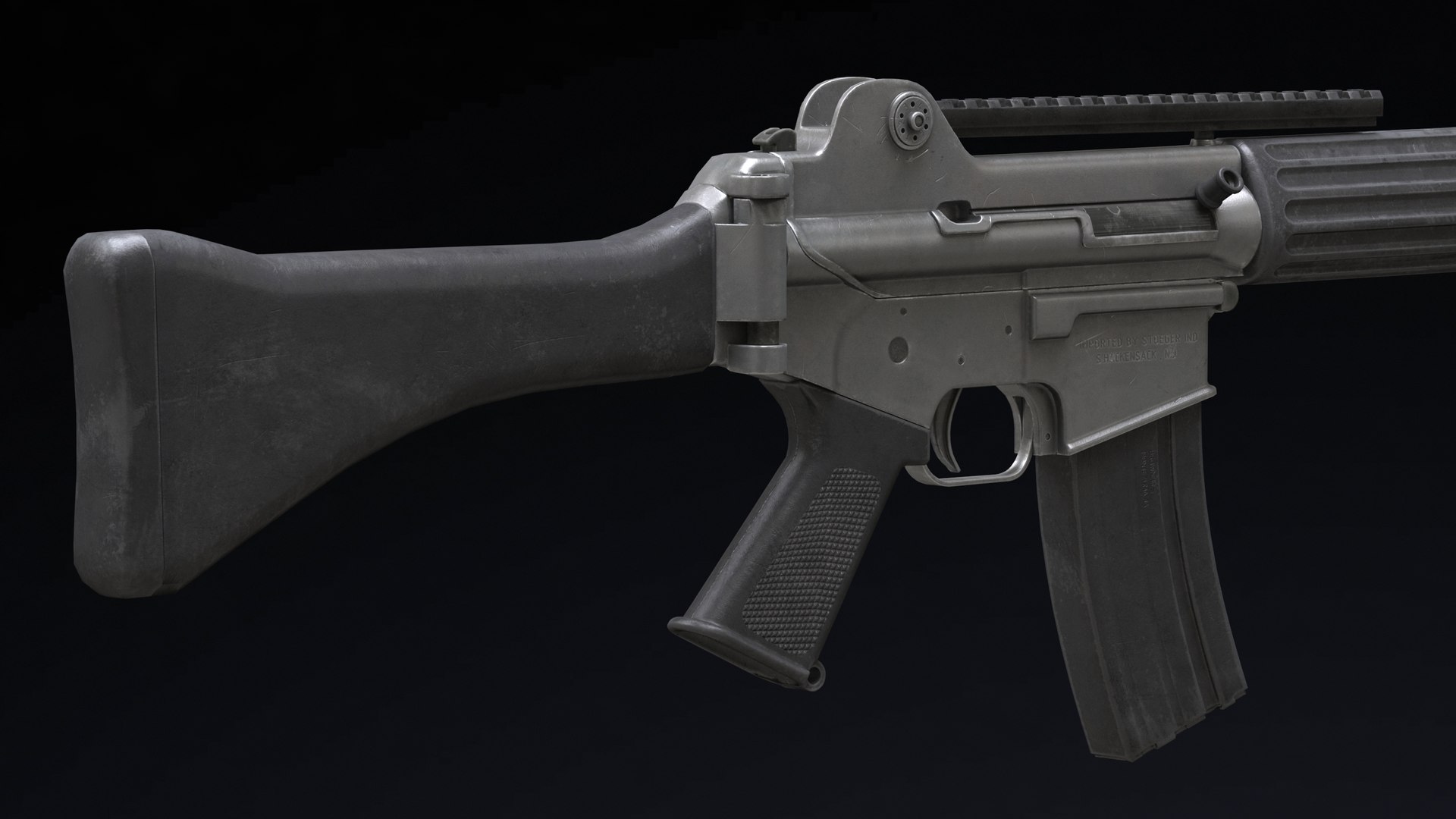
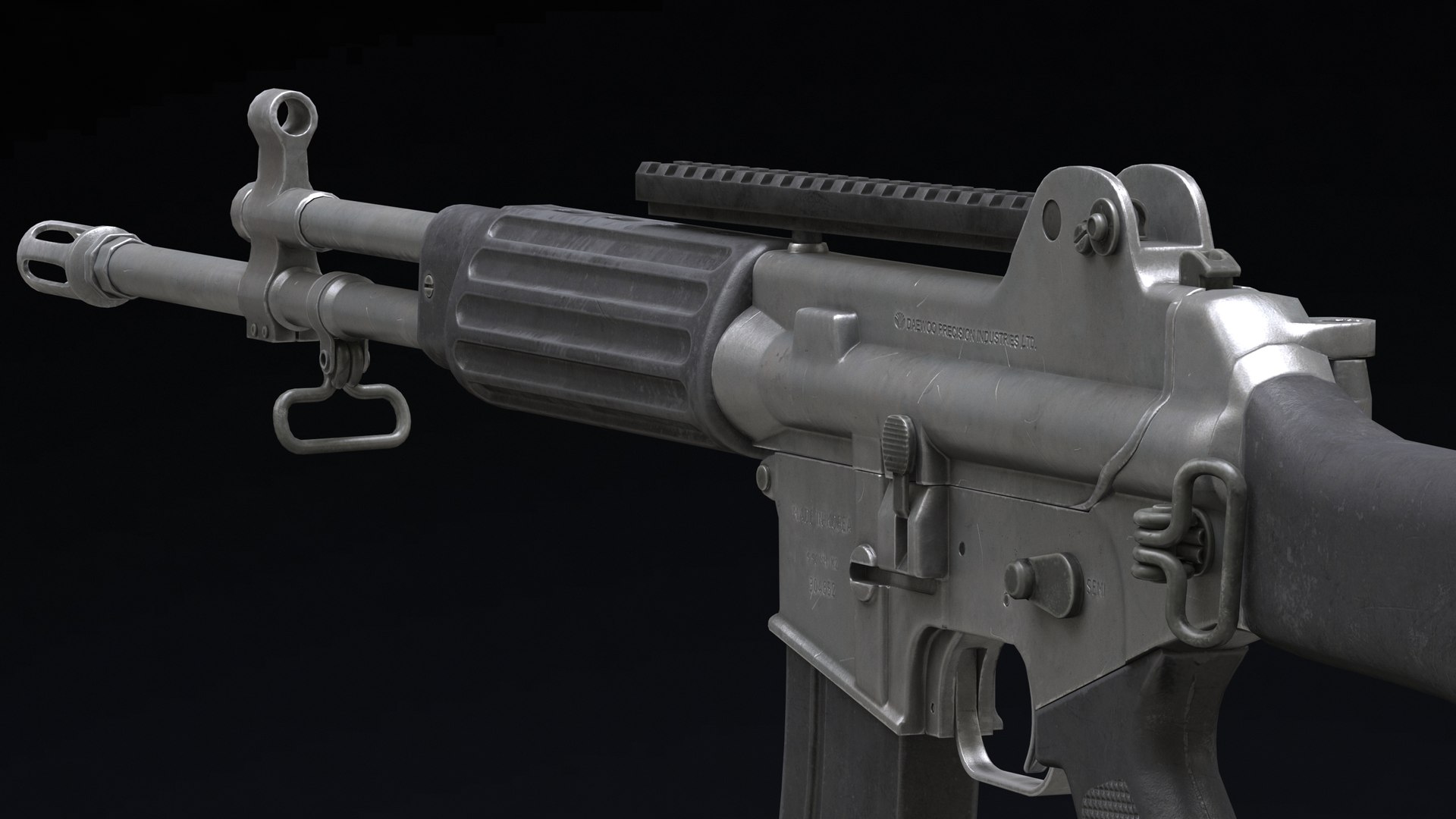
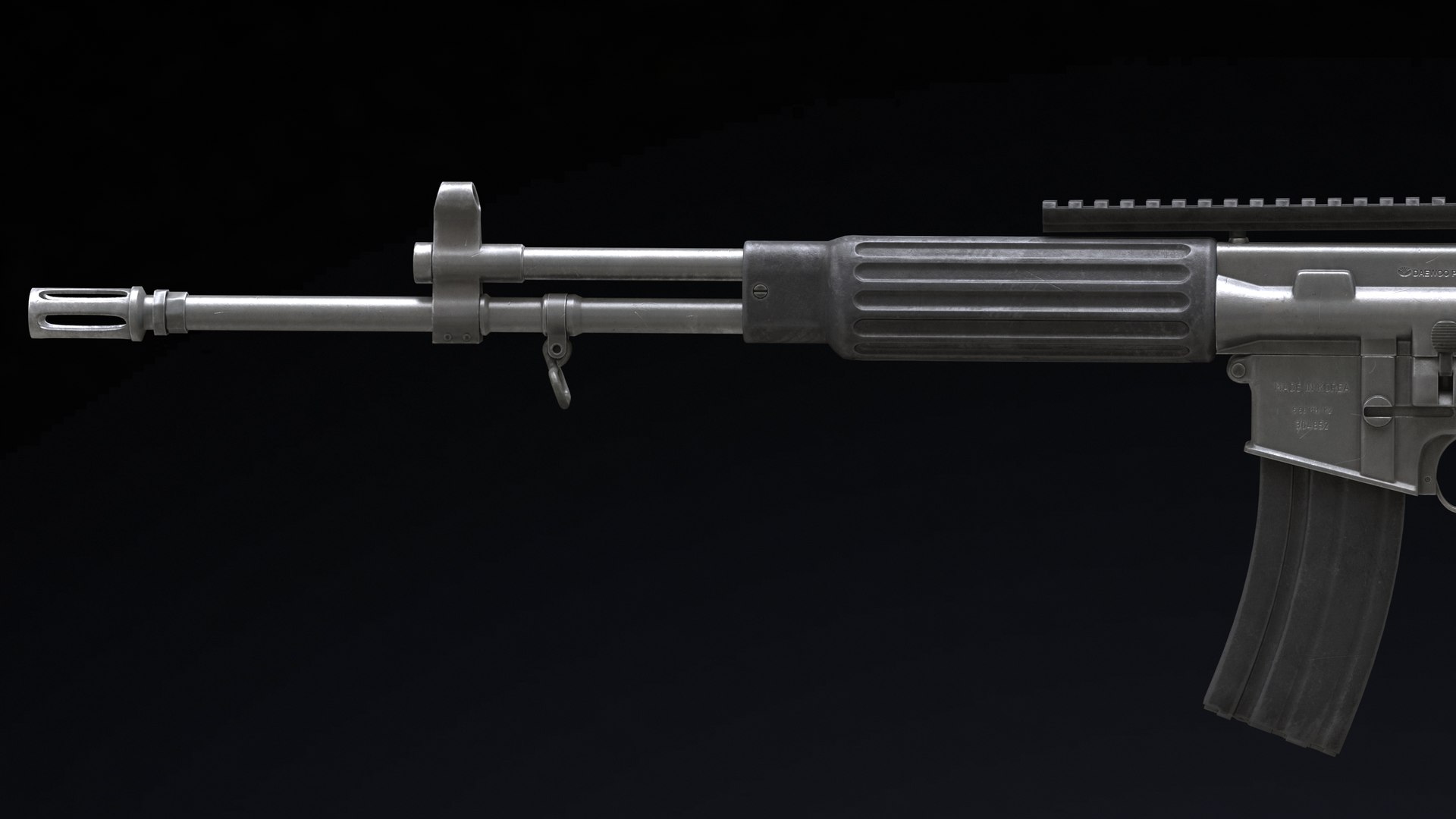
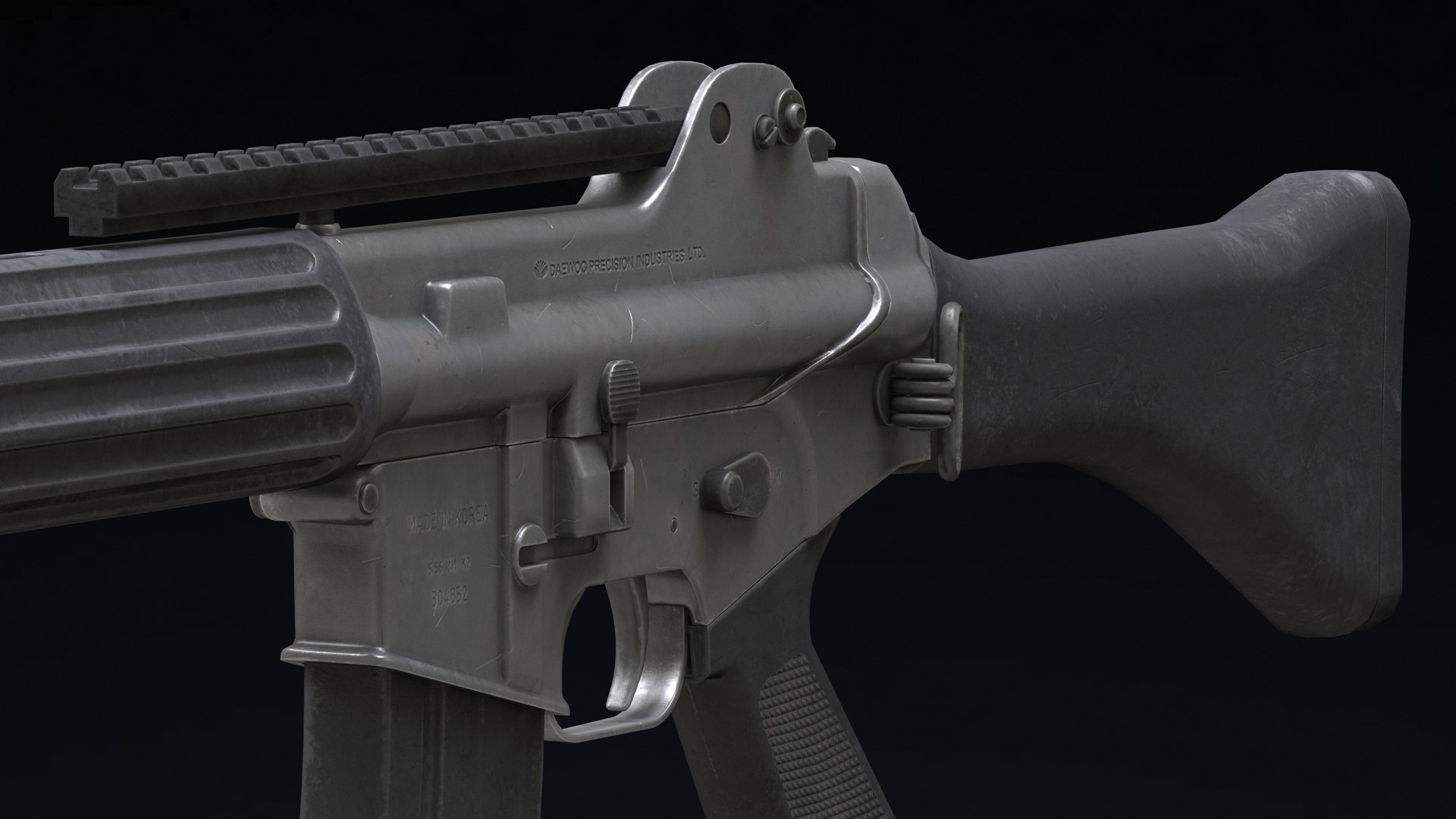
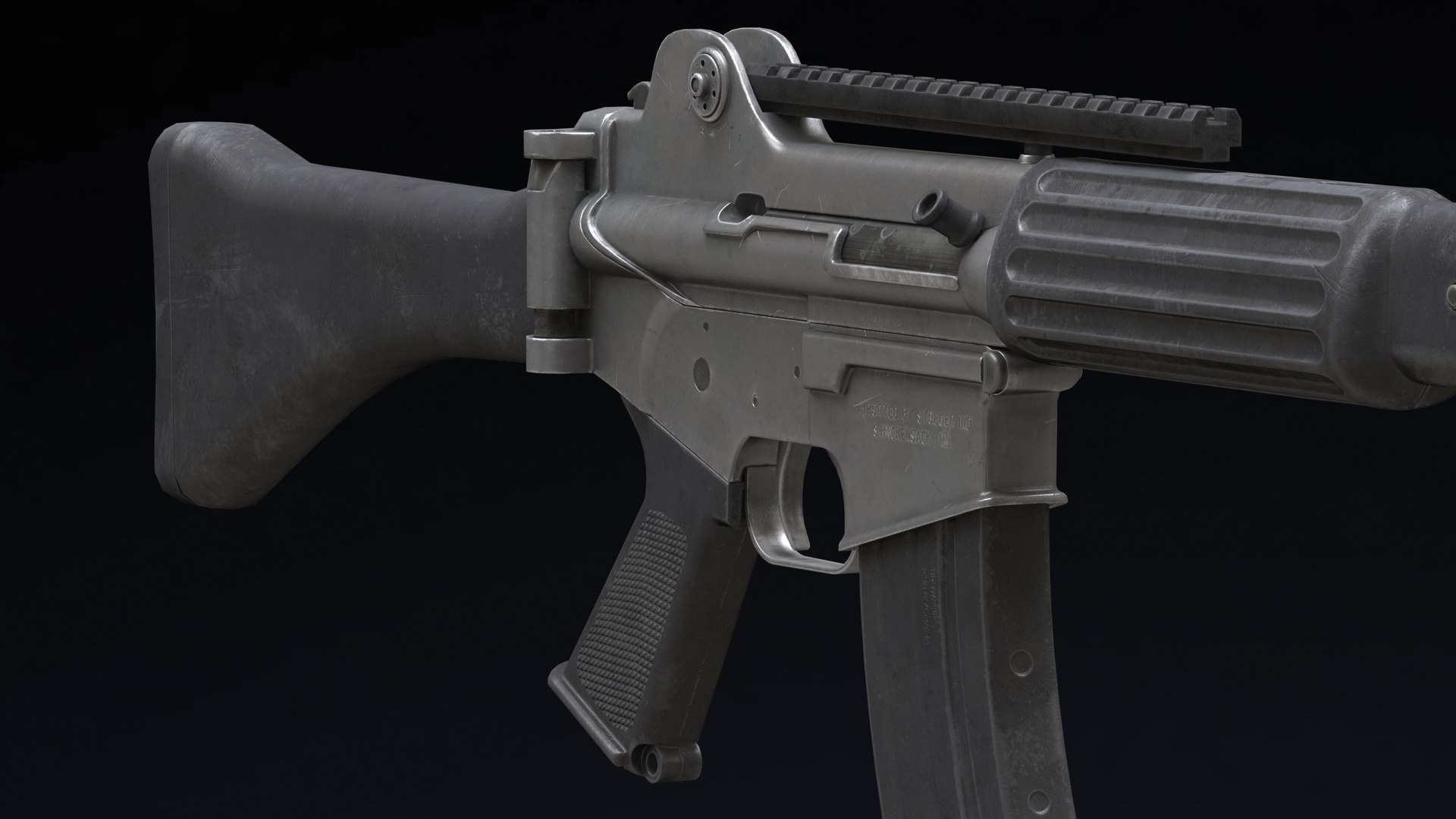
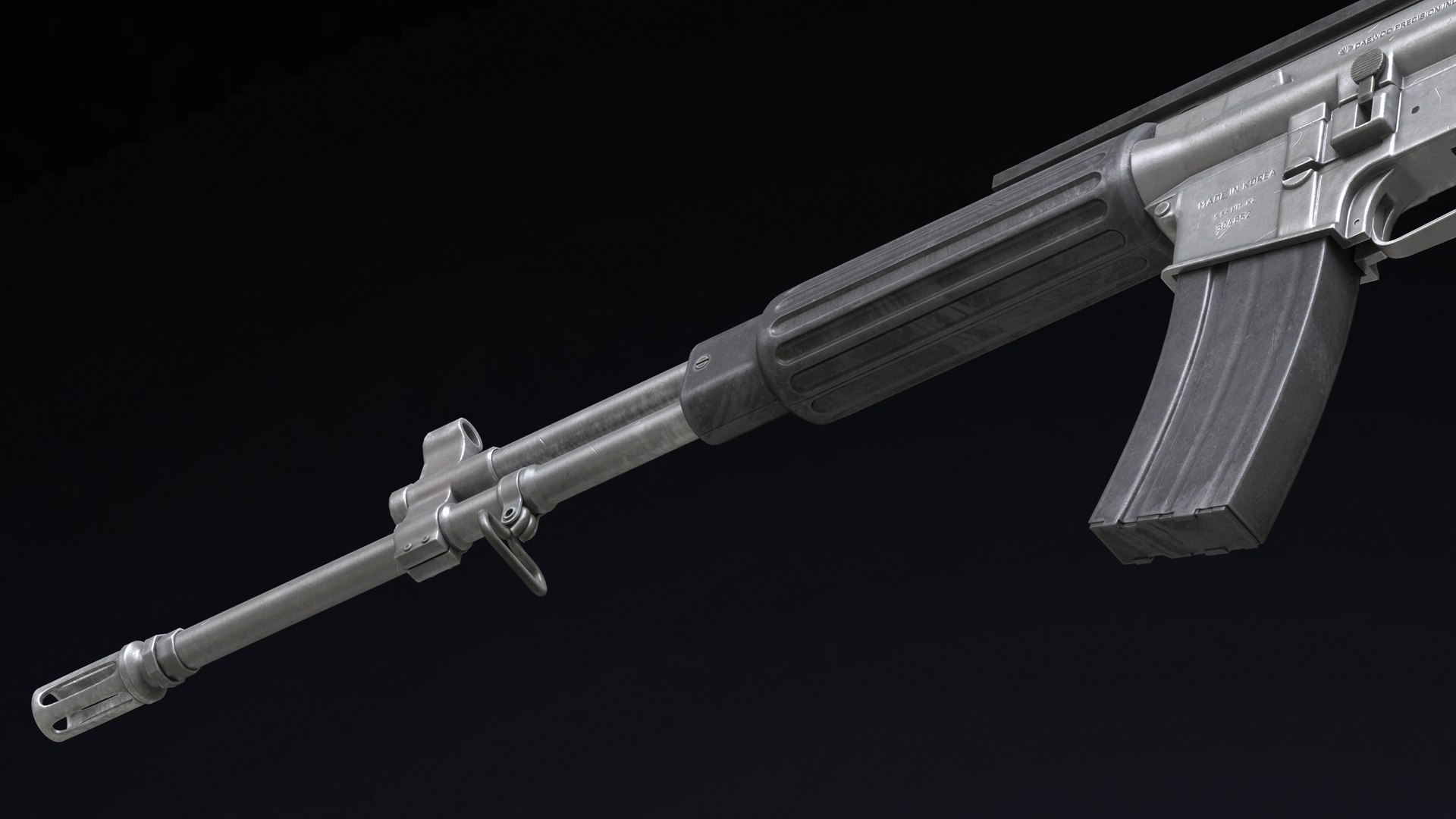
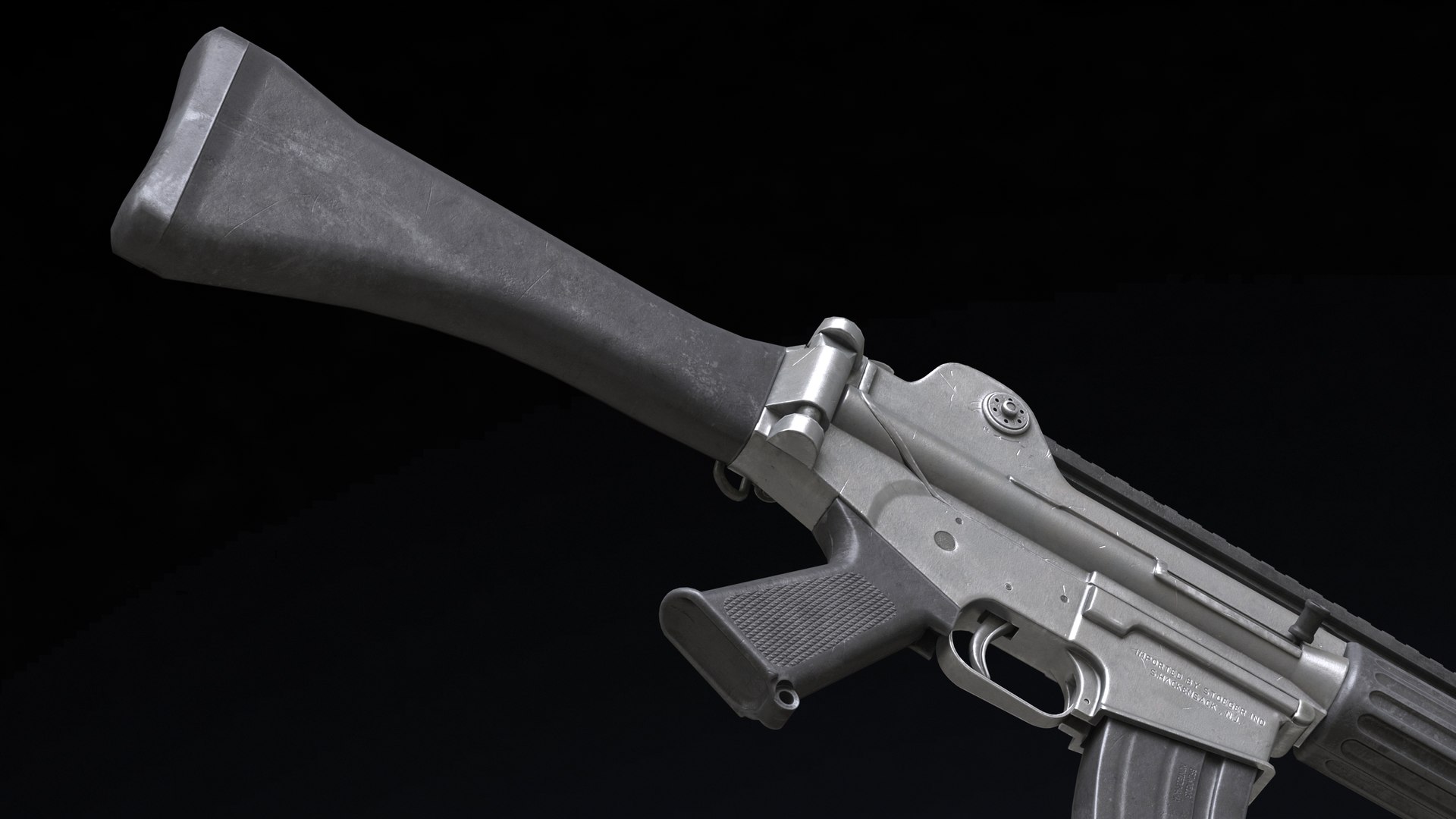
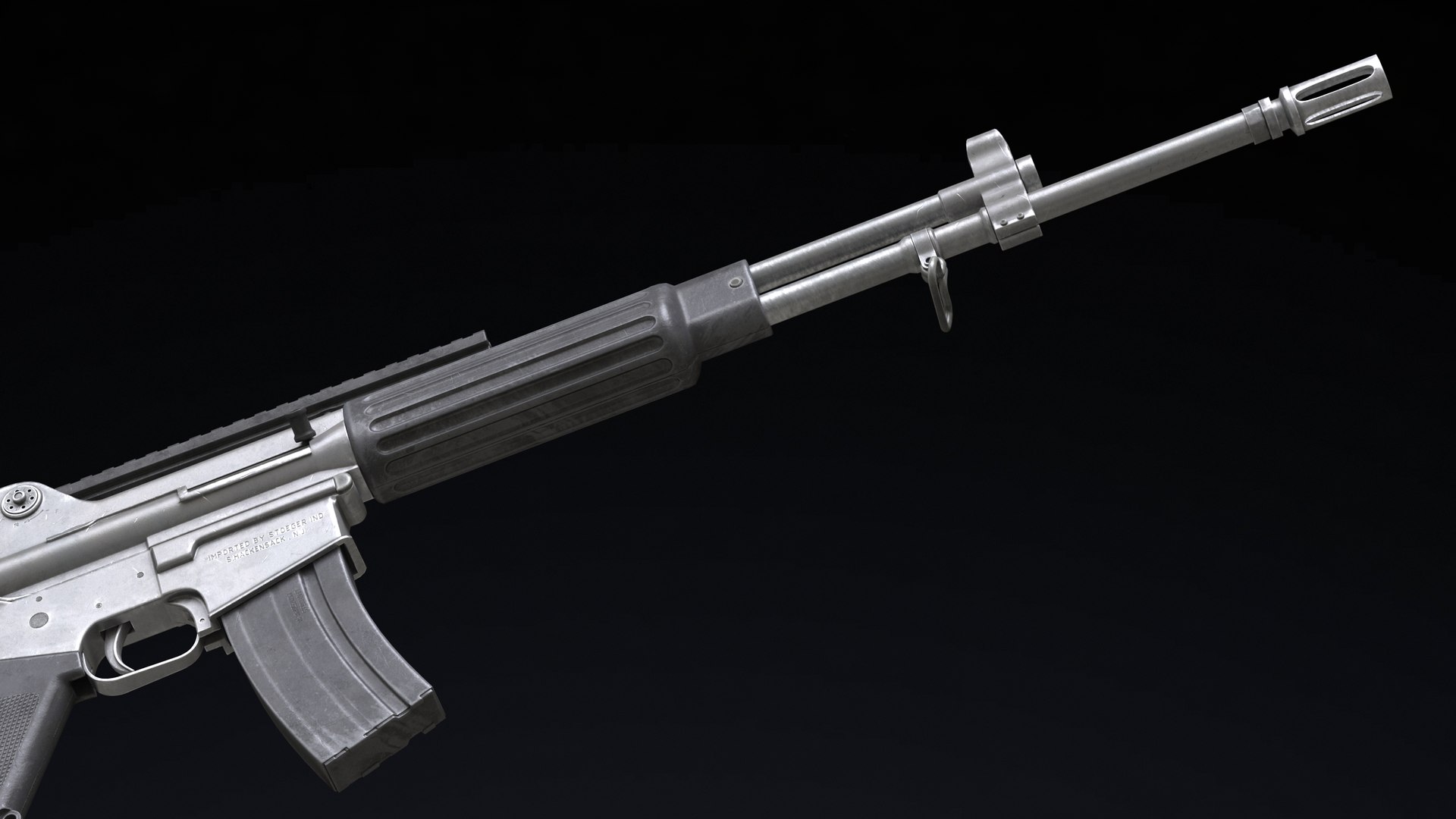
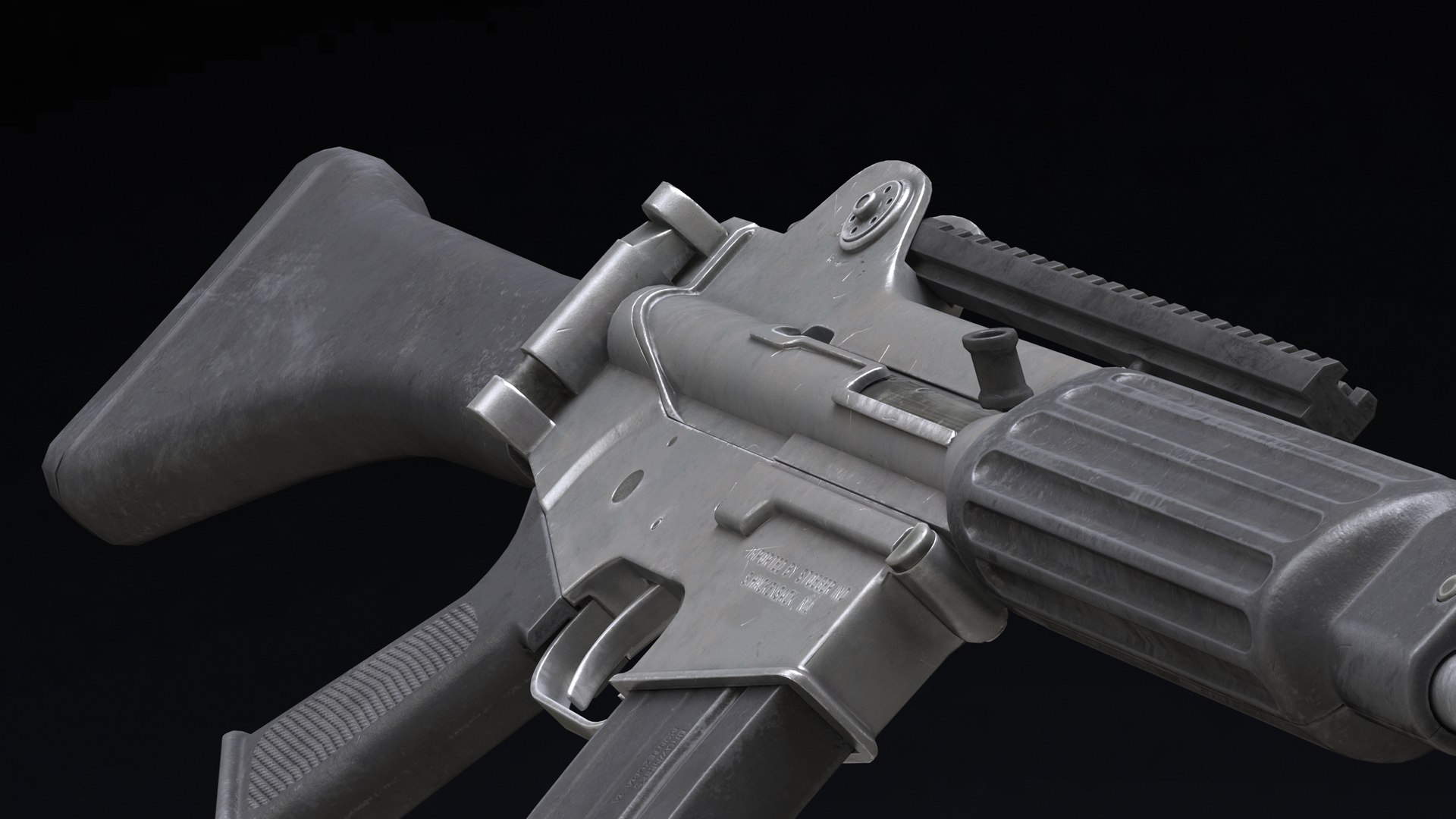
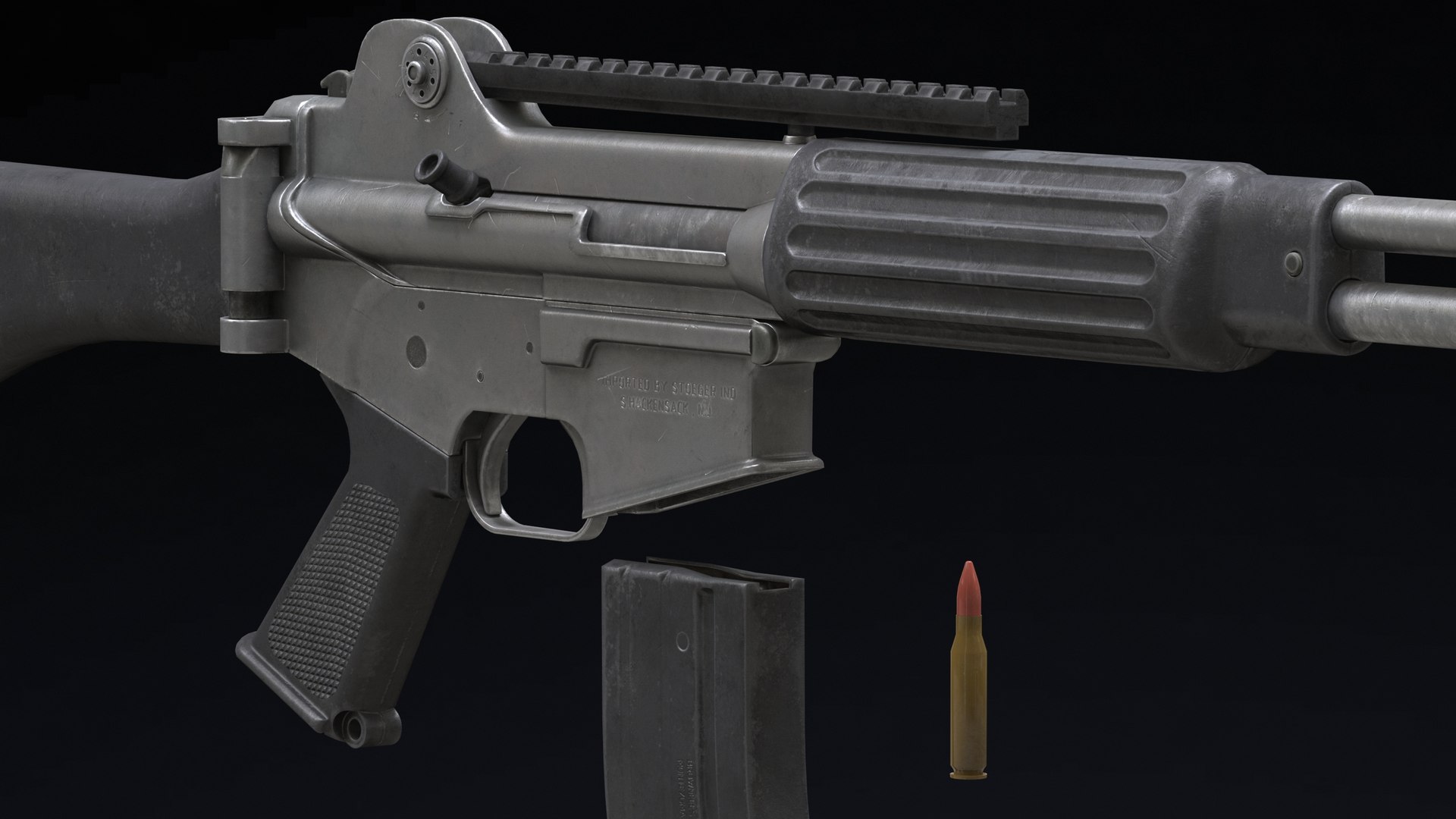
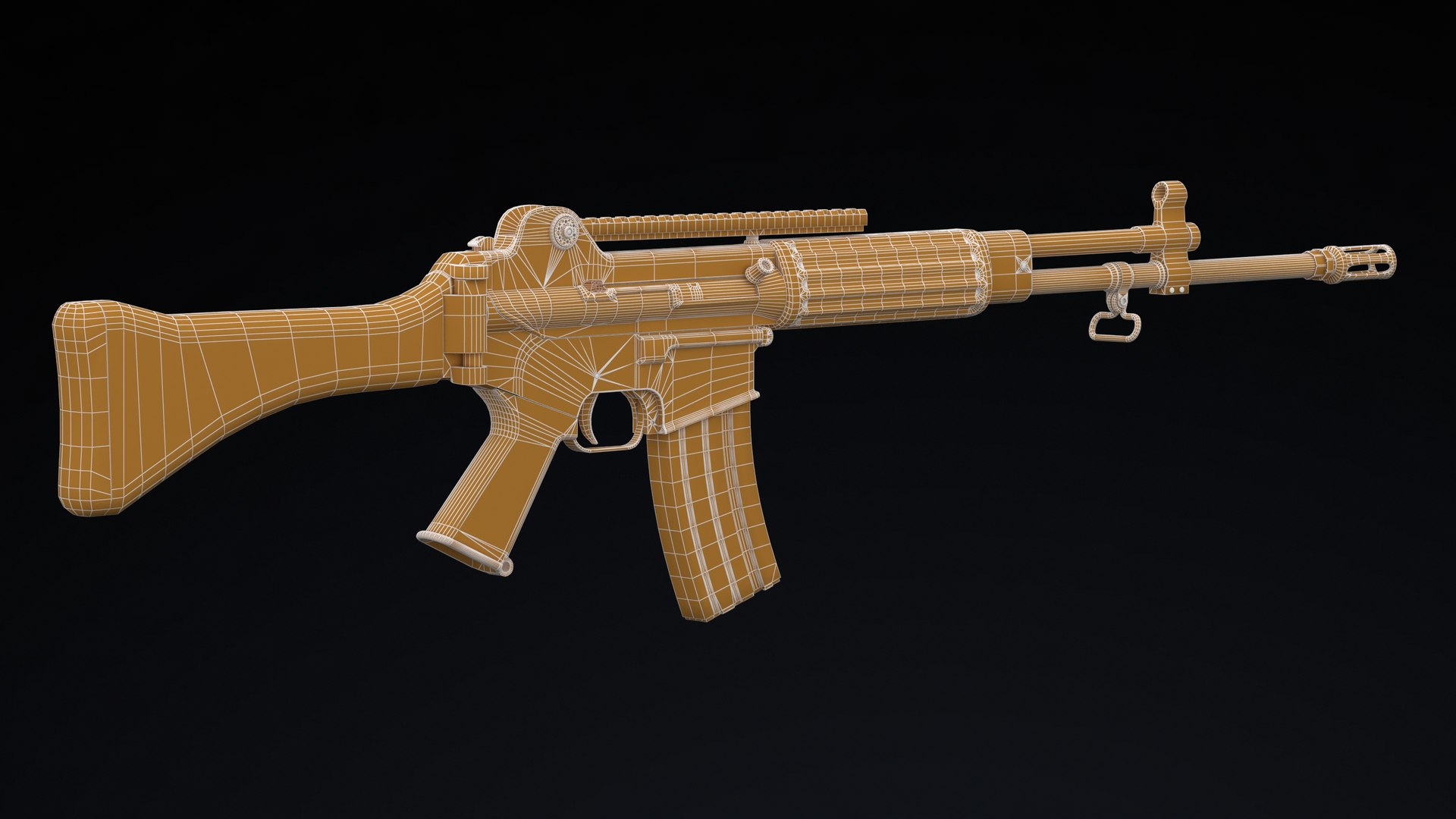
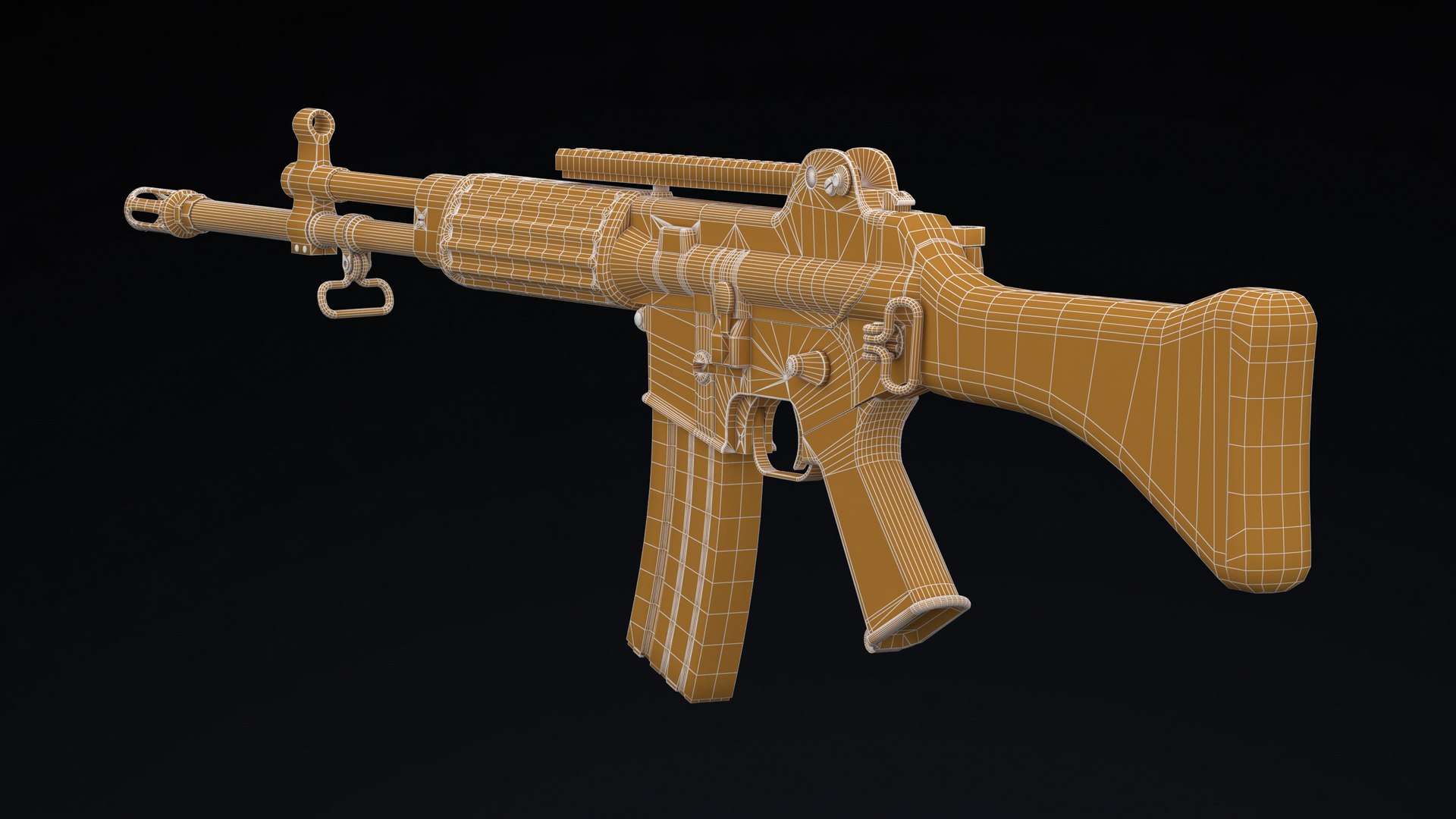
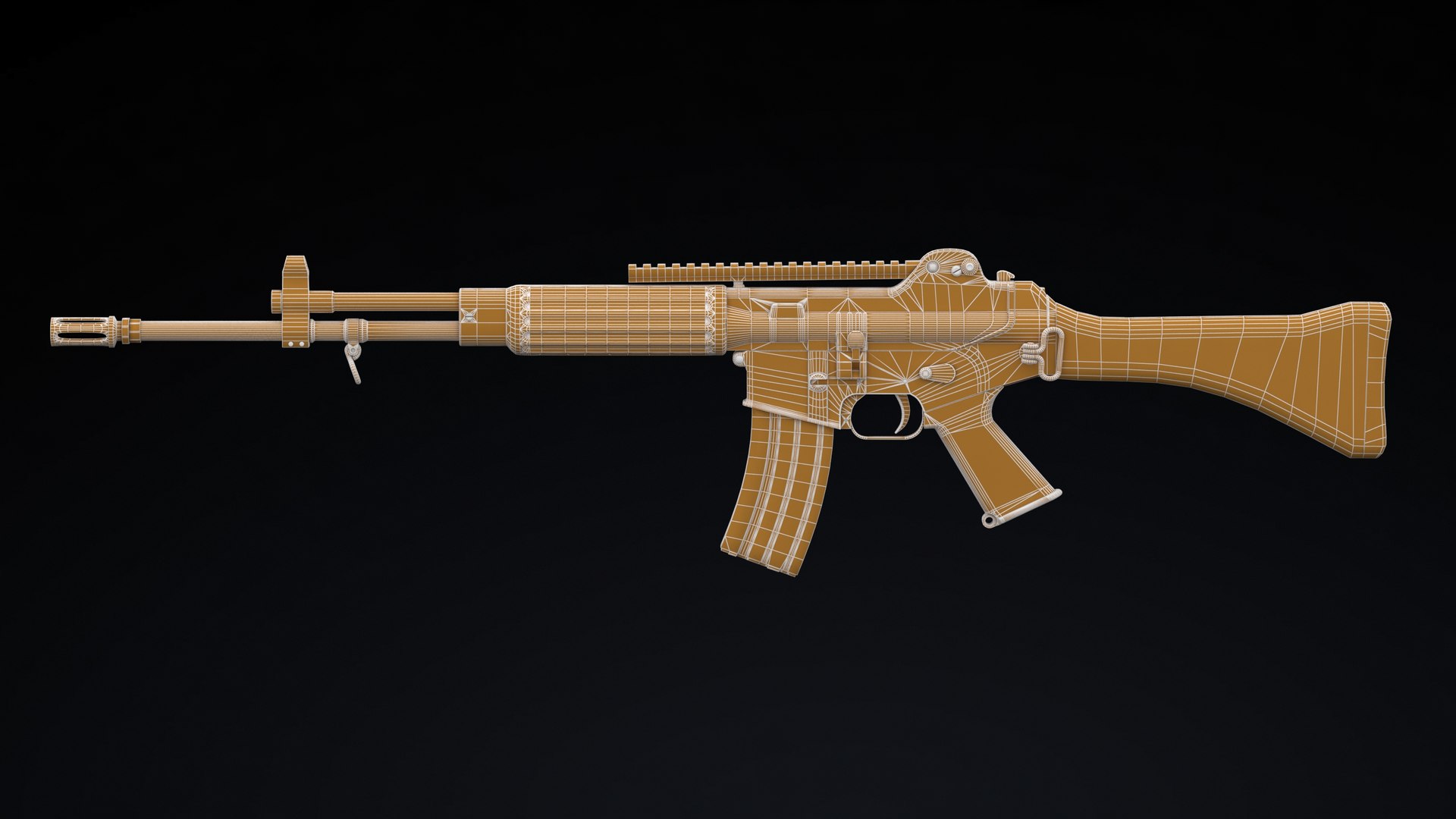
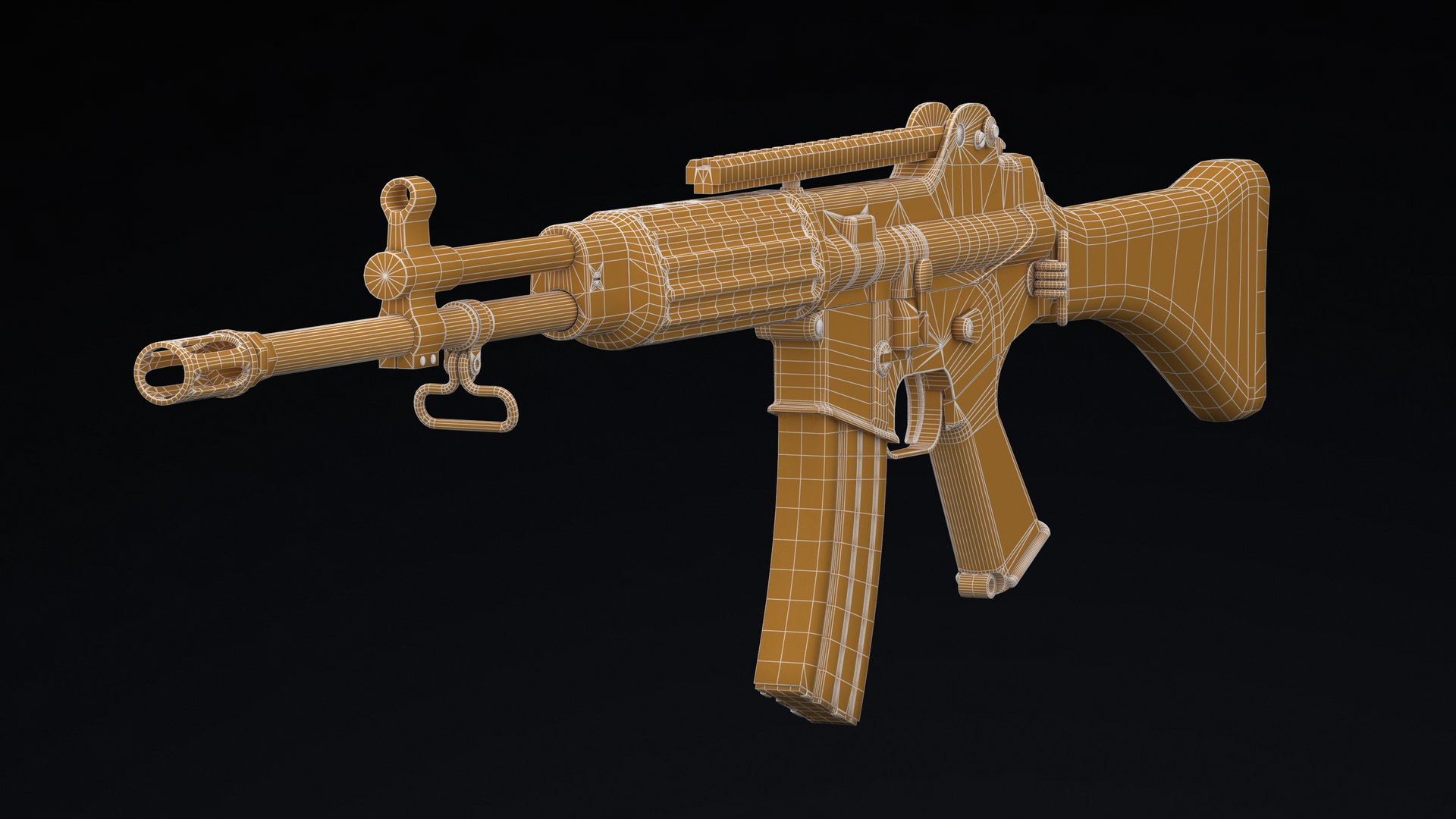
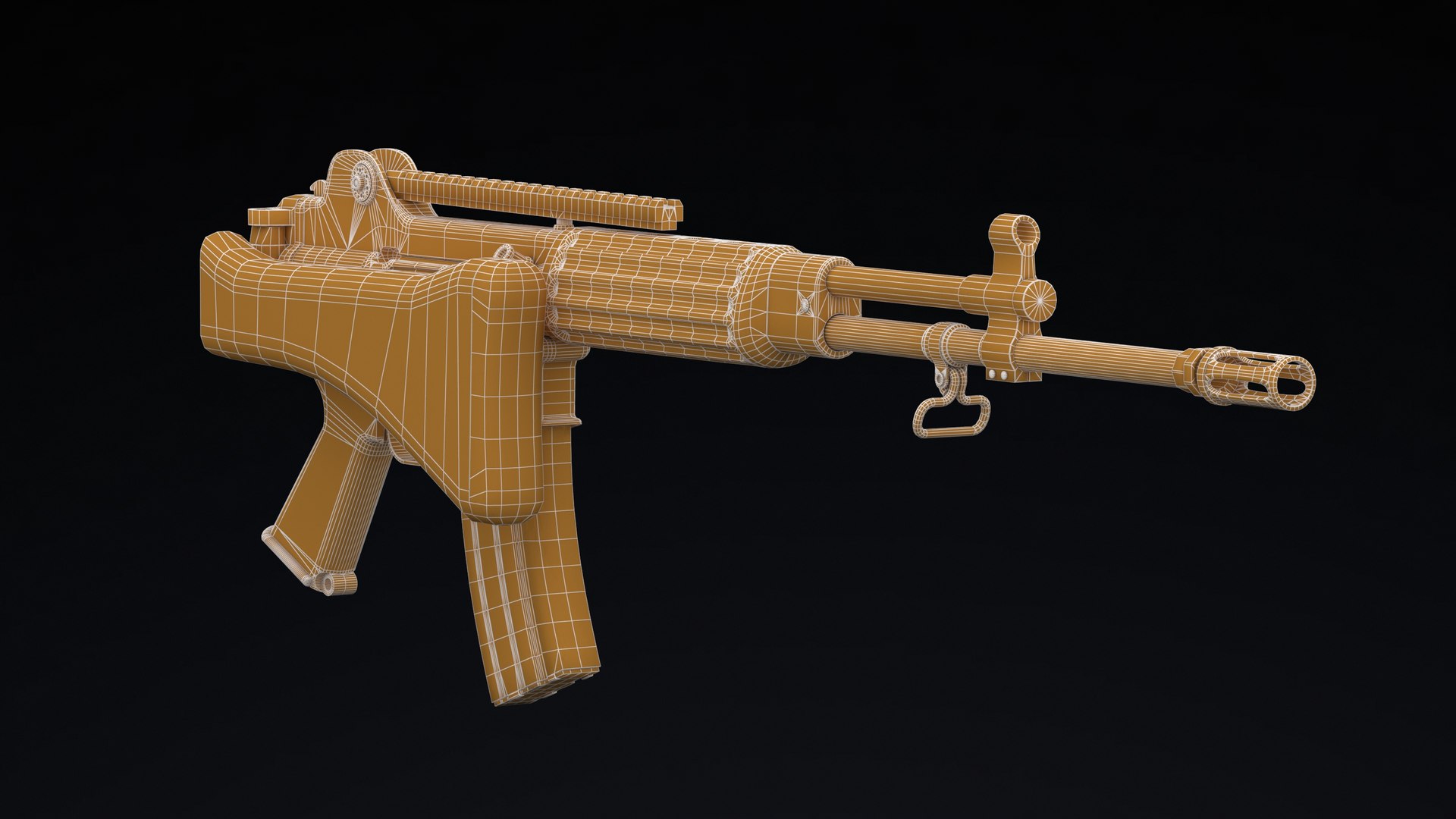
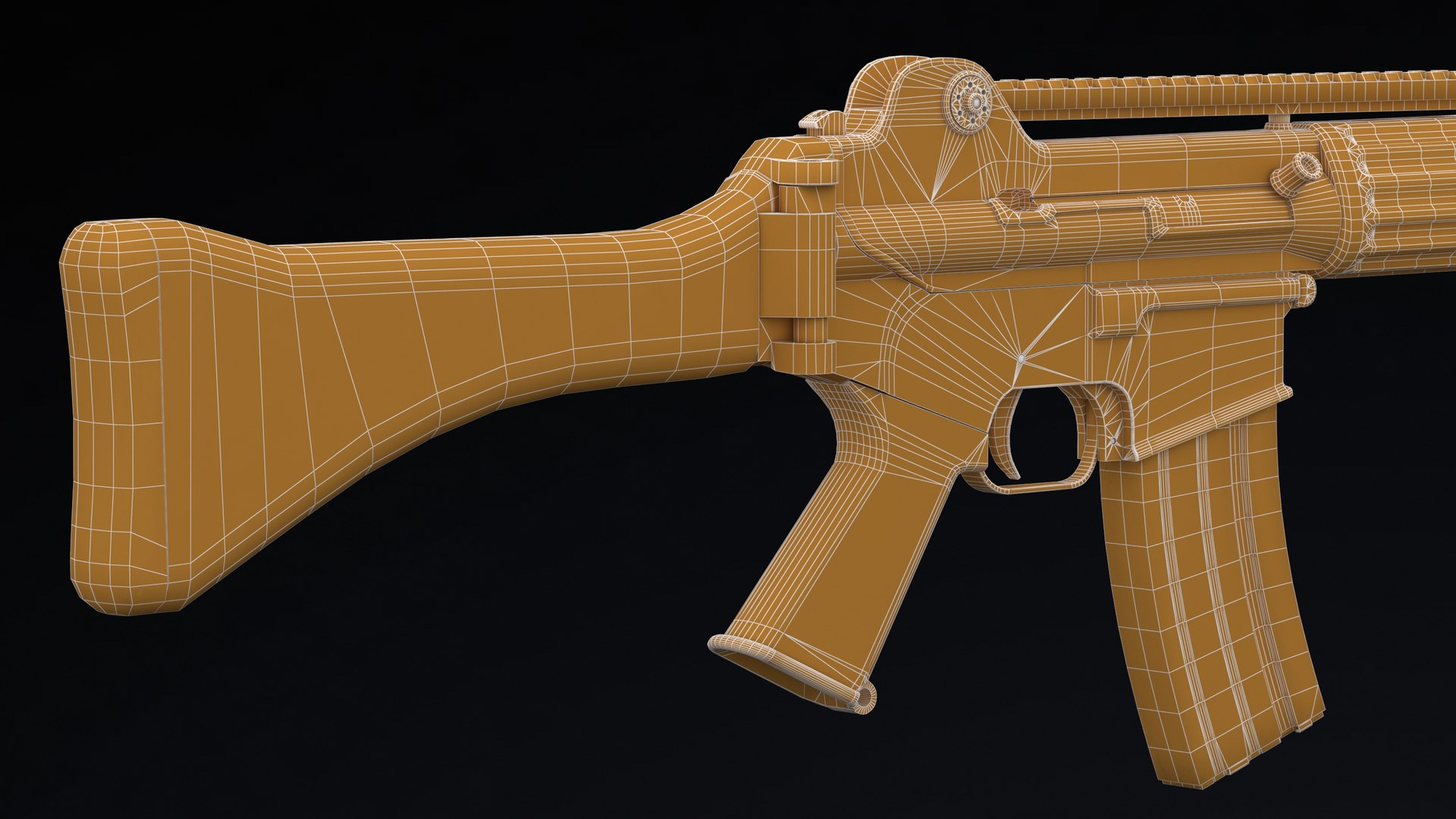
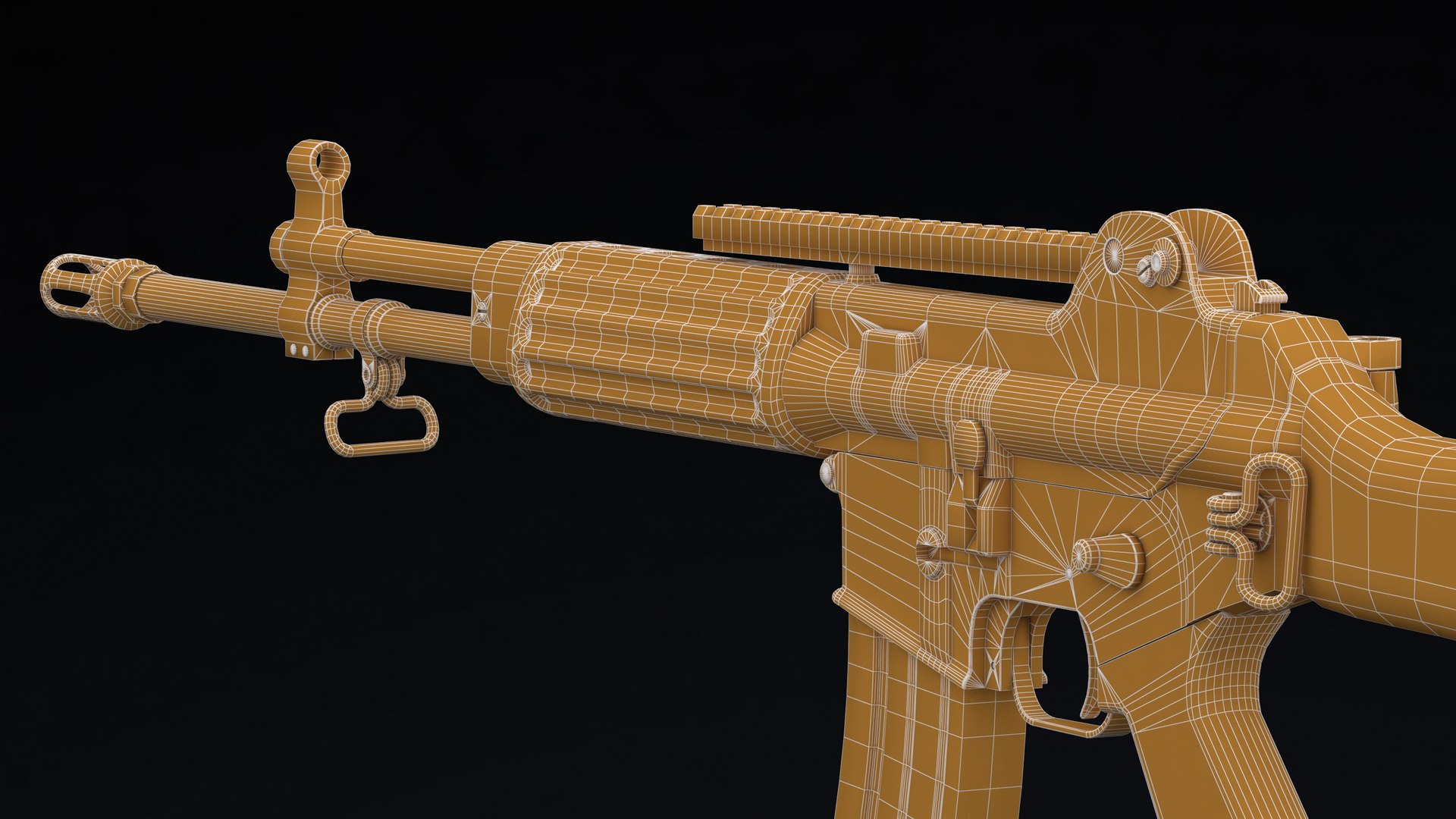
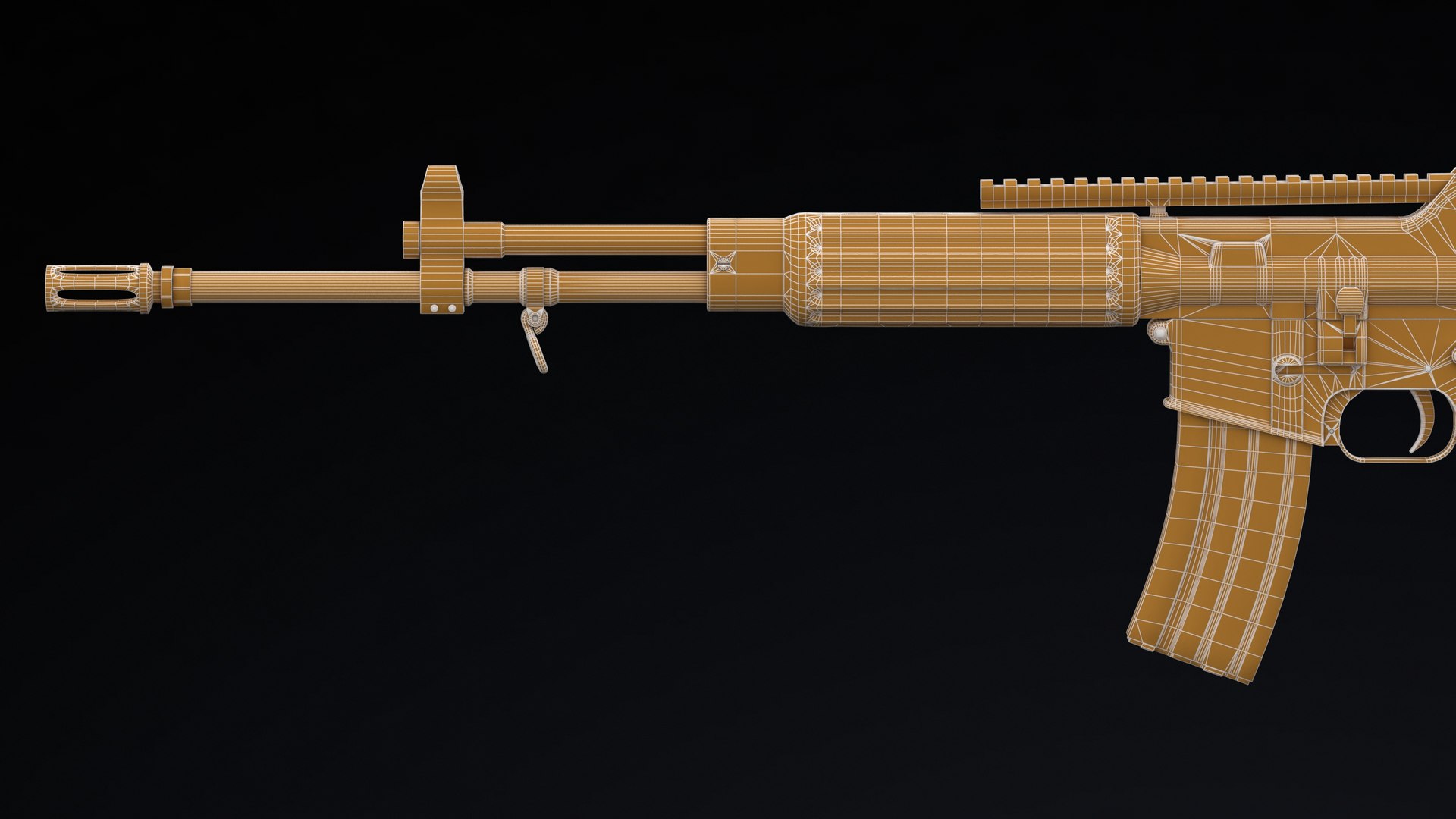
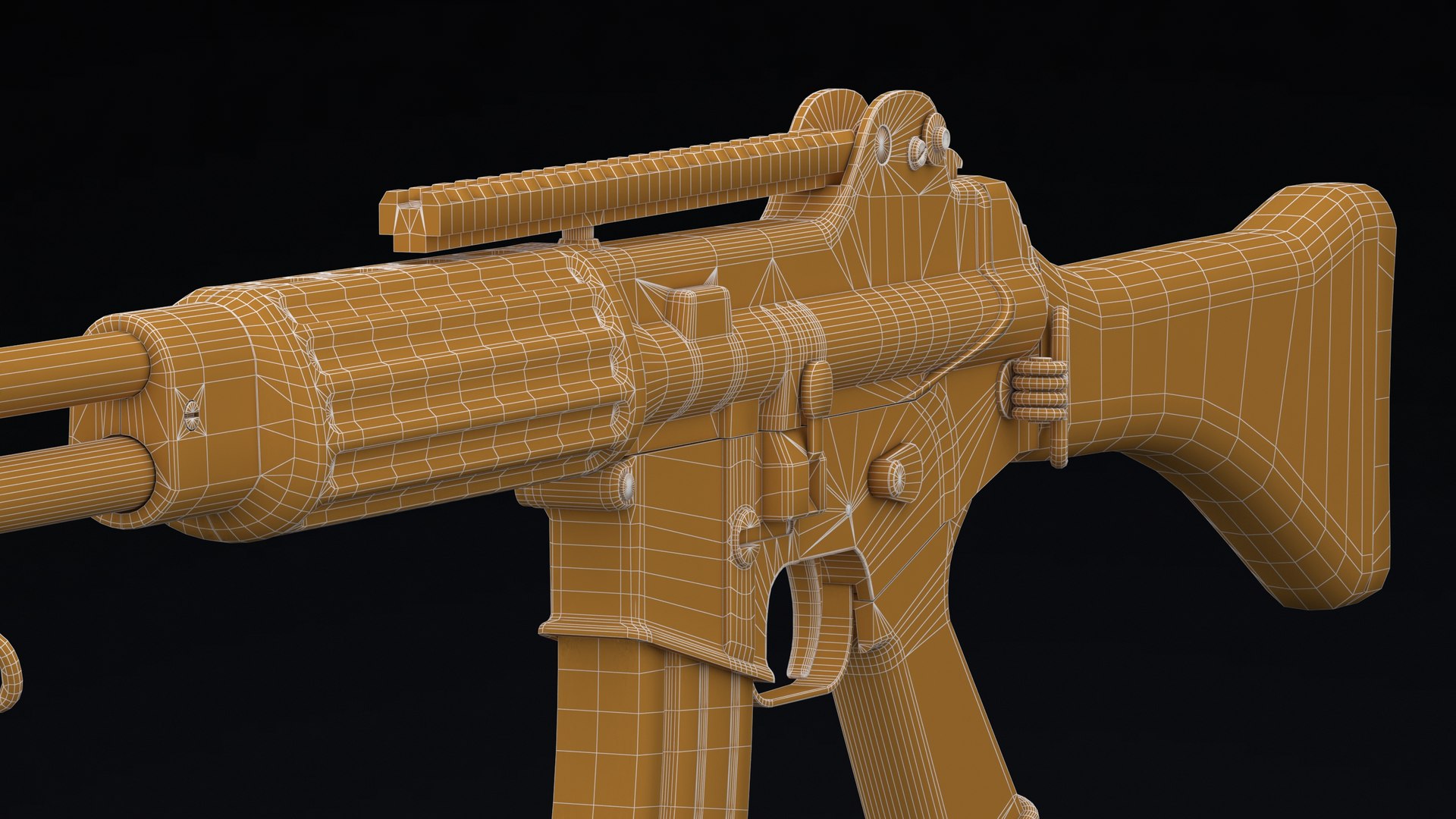
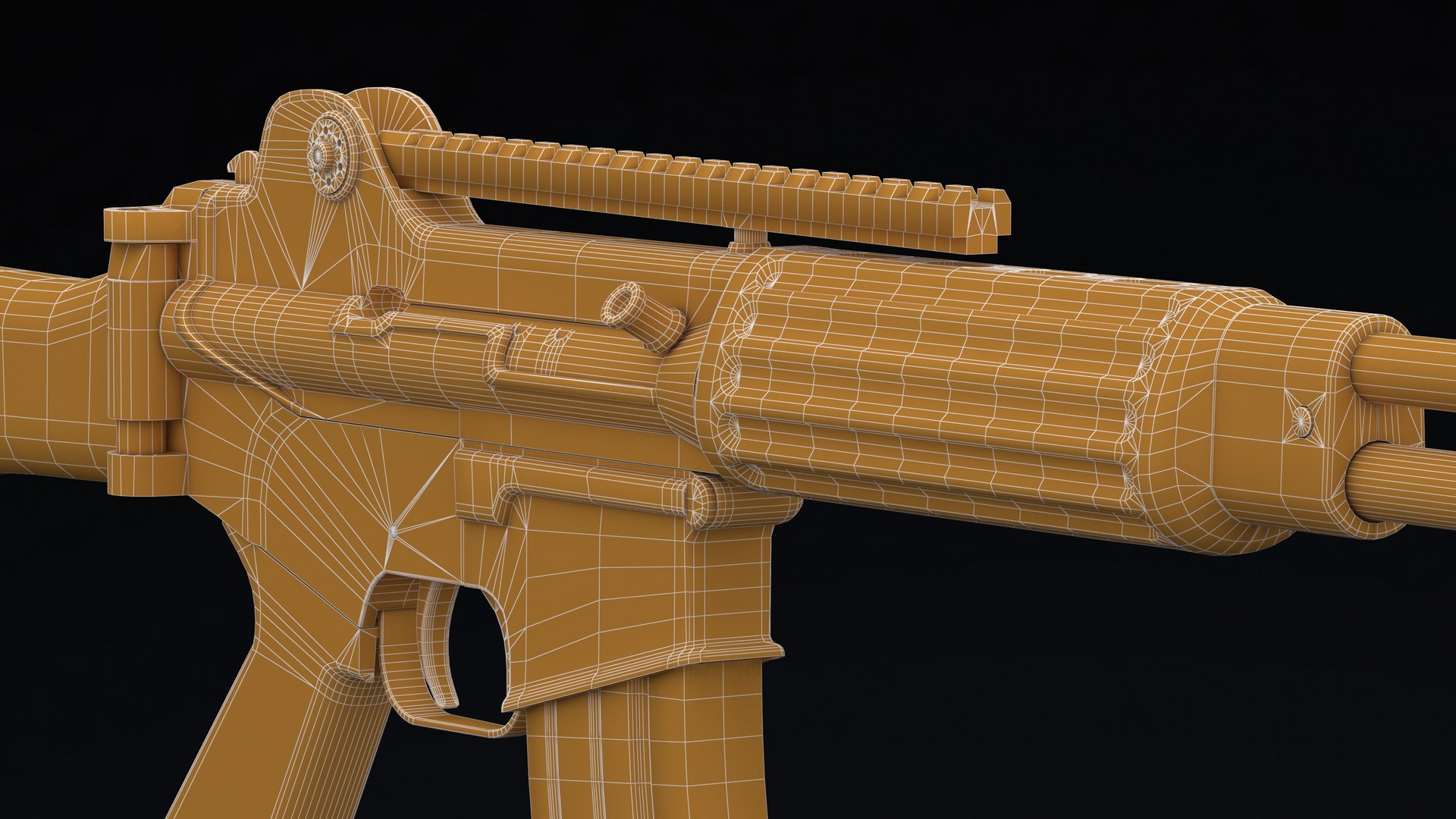
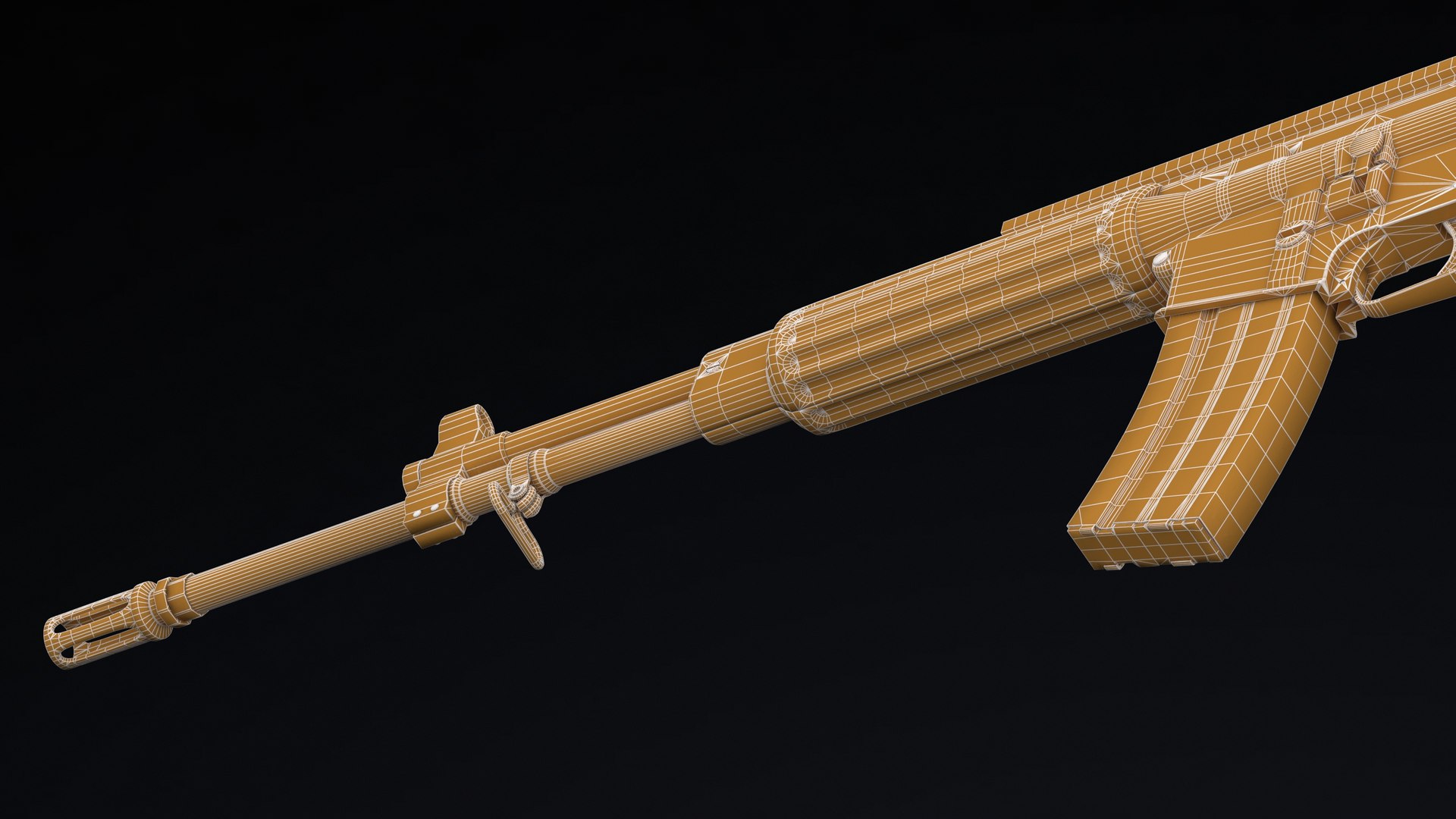
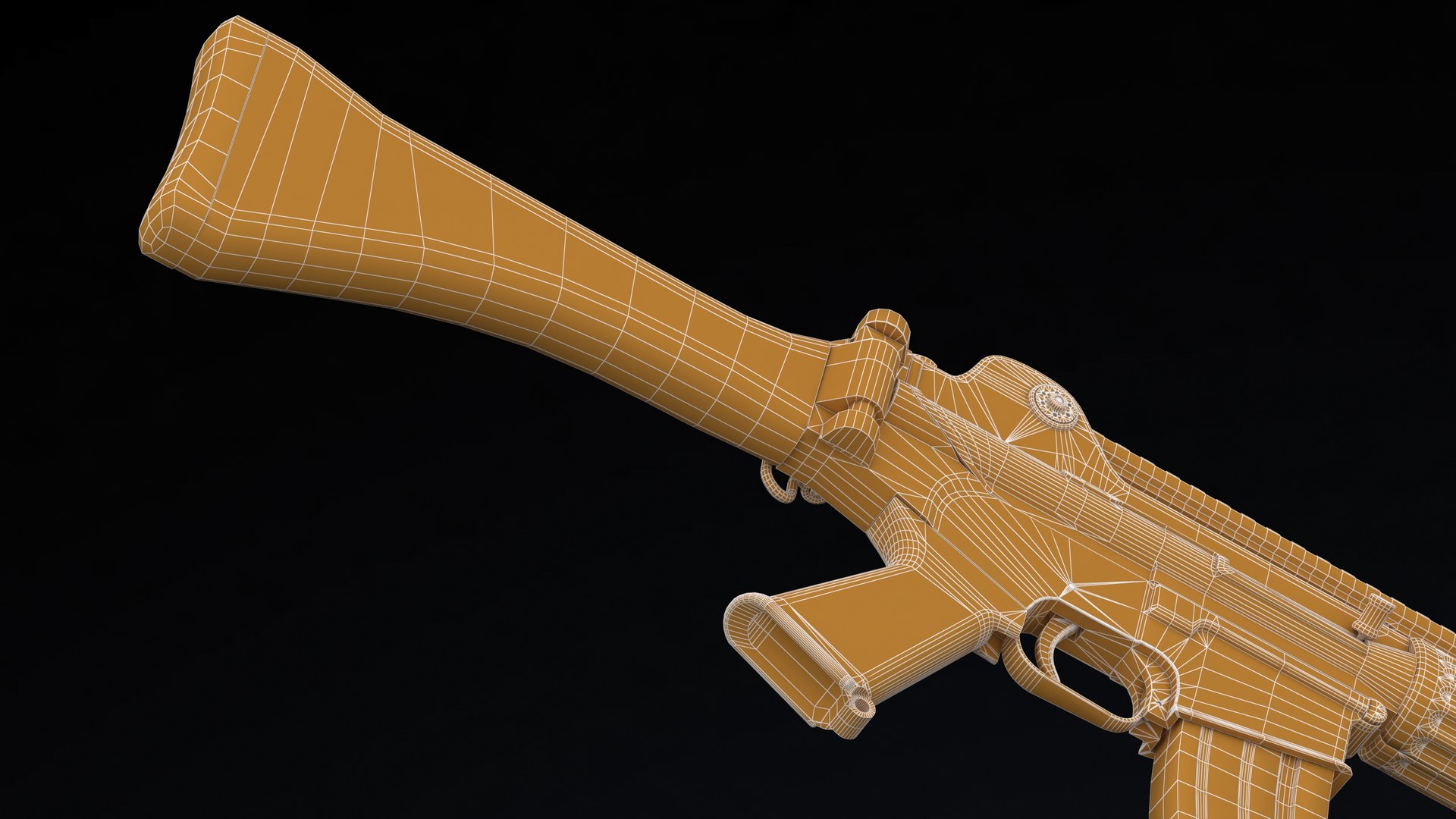
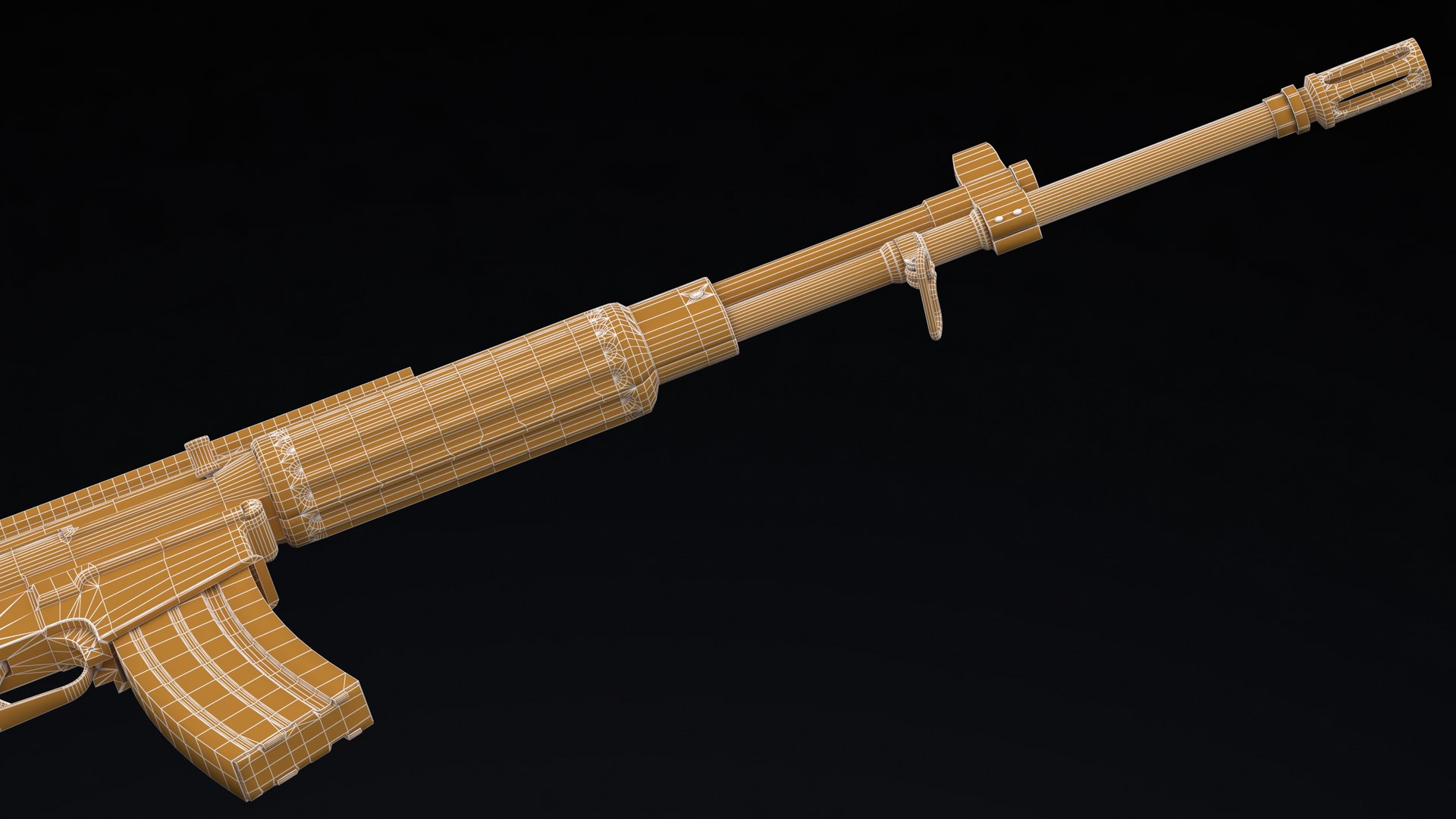
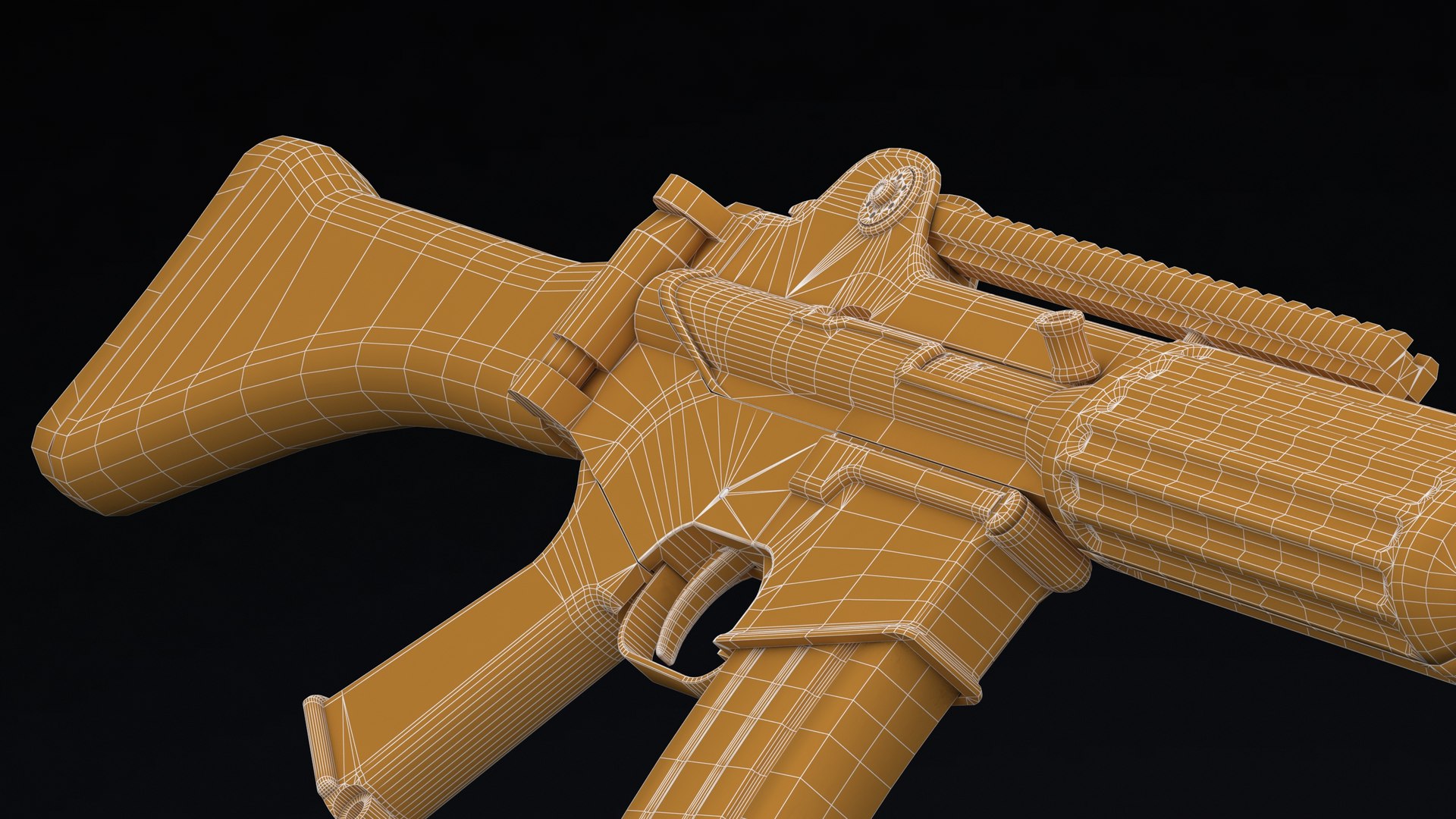
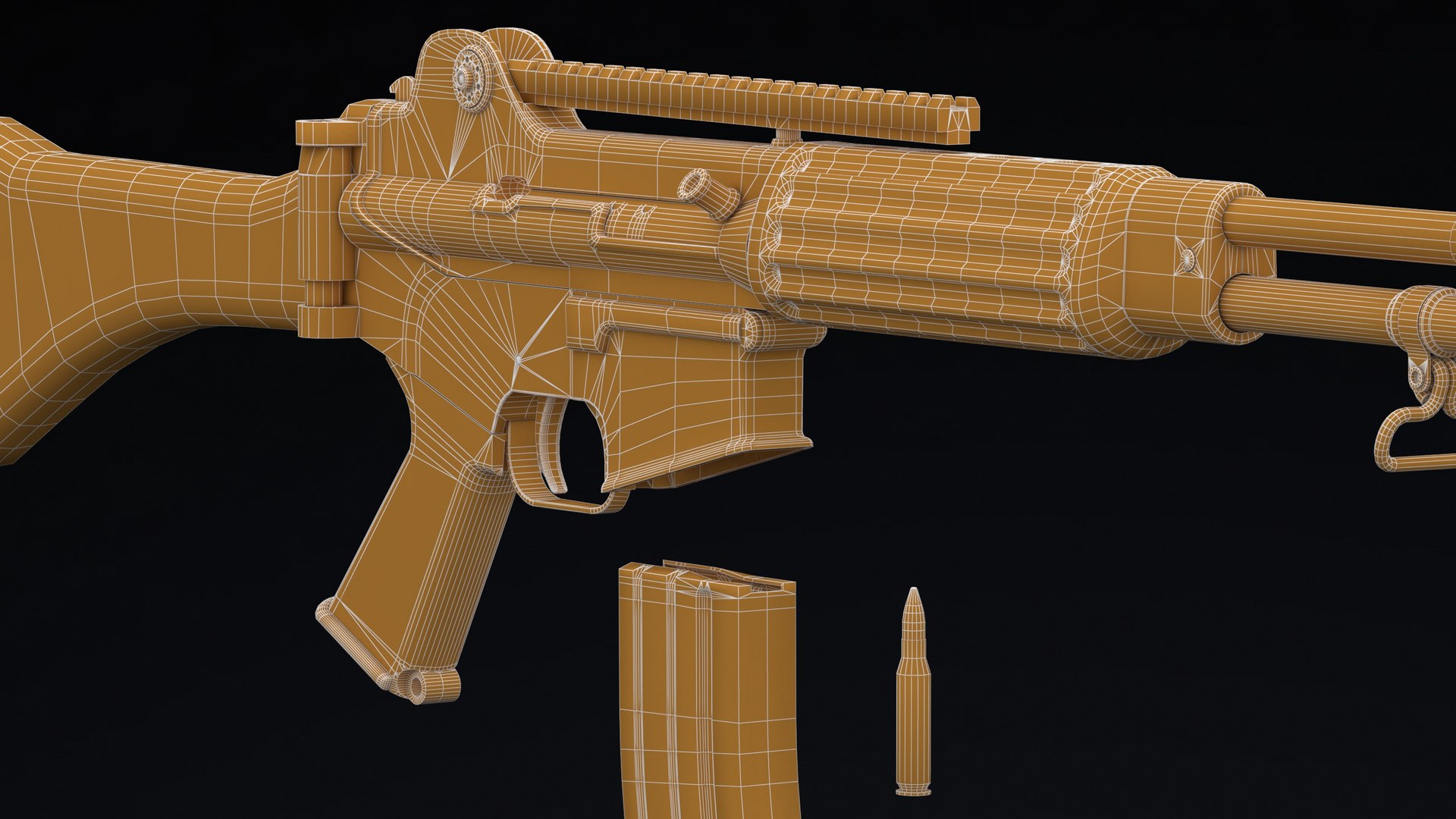
Daewoo Precision Industries K2 Low Poly

$29

Standard License | Upgrade License
Editorial Uses Only
Formats (9)
Free file format Conversions available
Blender 2.91 | Blender Render 2.91
Cinema 4D R20 | Default Scanline R20
Maya 2018 | Maya Hardware 2018
3ds Max 2018 | Default Scanline 2018
3ds Max 2018 | V-Ray 3.6
3D Studio
FBX
OBJ
Specifications
Publish Date August 26, 2021
Product ID 1778758
Polygons 22,260
Vertices 21,472
Polygonal
Textures
Materials
UV Mapped
Non-overlapping Unwrapped UVs
PBR
member avatar
I am Frezzy
1550 Products | Contributor Since 2020
Have questions? Chat with us now.

Description

Daewoo Precision Industries K2 assault rifle is the standard service rifle of the Republic of Korea Armed Forces. It was developed by the South Korean Agency for Defense Development and manufactured by S&T Motiv (formerly Daewoo Precision Industries) and Dasan Machineries (since 2016). Shoulder-fired and gas-operated, the K2 is capable of firing both 5.56×45mm NATO and .223 Remington ammunition; however, using .223 Remington is only recommended for practicing for short distance. The K2 supplanted the M16A1 assault rifle for the Republic of Korea Armed Forces since its adoption in 1984.

+++++++++++++++

Hi I am Frezzy from Vnvisual studio.

This model is high quality, photo real model that will enhance detail and realism to any of your rendering projects.

The model has a fully textured, detailed design that allows for close-up renders, and was originally modeled in 3ds Max 2012 and rendered with V-Ray.

Fidelity is optimal up to a 4k render. Renders have no postprocessing.

This model is ready to be animated. You can easily position it the way you need or animate.

+++++++++++++++

Features:

- High quality polygonal model, correctly scaled for an accurate representation of the original object.

- Models resolutions are optimized for polygon efficiency. (In 3ds Max, the Meshsmooth function can be used to increase mesh resolution if necessary.)

- All colors can be easily modified.

- Model is fully textured with all materials applied.

- All textures and materials are included and mapped in every format.

- 3ds Max models are grouped for easy selection, and objects are logically named for ease of scene management.

- No part-name confusion when importing several models into a scene.

- No cleaning up necessaryjust drop your models into the scene and start rendering.

- No special plugin needed to open scene.

- Model does not include any backgrounds or scenes used in preview images.

+++++++++++++++

File Formats:

- 3ds Max 2012 V-Ray ( 2.4 ) and standard materials scenes

- OBJ 2012 (Multi Format)

- 3DS 2012 (Multi Format)

- FBX 2012 (Multi Format)

- Maya 2012 with standard materials

- Cinema 4D R12 with standard materials

+++++++++++++++

Textures: ( just for the models have textures )

- High resolution ( up to 4096x4096 pixels for big parts and 2048x2048 pixels for small parts ).

+++++++++++++++

+ NOTE for Cinima 4D users: add HyperNURBS for each object to get subdivision ( smooth ). And make sure setting of HyperNURBS is Catmull-Clark and Subdivide UVs is Edge to correct textures and UVs.

+ NOTE: If you have problem with extract file please use latest version of winrar ( winrar is free )

+++++++++++++++

About Vnvisual:

We are a team of 3D artists with over a decade of experience in the field. My team participated in various projects allowing us to learn our clients needs.

+ Also check out our other models, just click on my user name to see complete gallery.

Select Enhanced License

  • $10,000 in Legal Protection (Indemnification)
  • Uncapped Legal Protection (Indemnification)
  • Waiver from injunctive relief
  • Assignable model rights
  • $1,000,000 in Legal Protection (Indemnification)
  • Waiver from injunctive relief
  • Assignable model rights
  • $250,000 in Legal Protection (Indemnification)
  • Assignable model rights
Read more about enhanced license tiers, or contact us at enterprise@turbosquid.com. Already a Shutterstock Enterprise Customer? Contact your Shutterstock Sales Support Agent to talk about adding 3D.

About Conversion Requests

To submit a conversion request for a purchased asset, please complete our Conversion Request Form.

If you have not yet purchased a model, please review our Documentation about Conversions to learn about what limitations you may encounter with a conversion.

For any additional questions about a model’s suitability for conversion, please contact TurboSquid Support.

Loading...