Cricket Bat

$9

Standard License | Upgrade License
Formats (6)
Native | 3ds Max 2020 | V-Ray 5.0
3ds Max 2017 | V-Ray 5.0
3D Studio
OBJ
FBX
Other Textures
Specifications
Publish Date October 26, 2024
Product ID 2297090
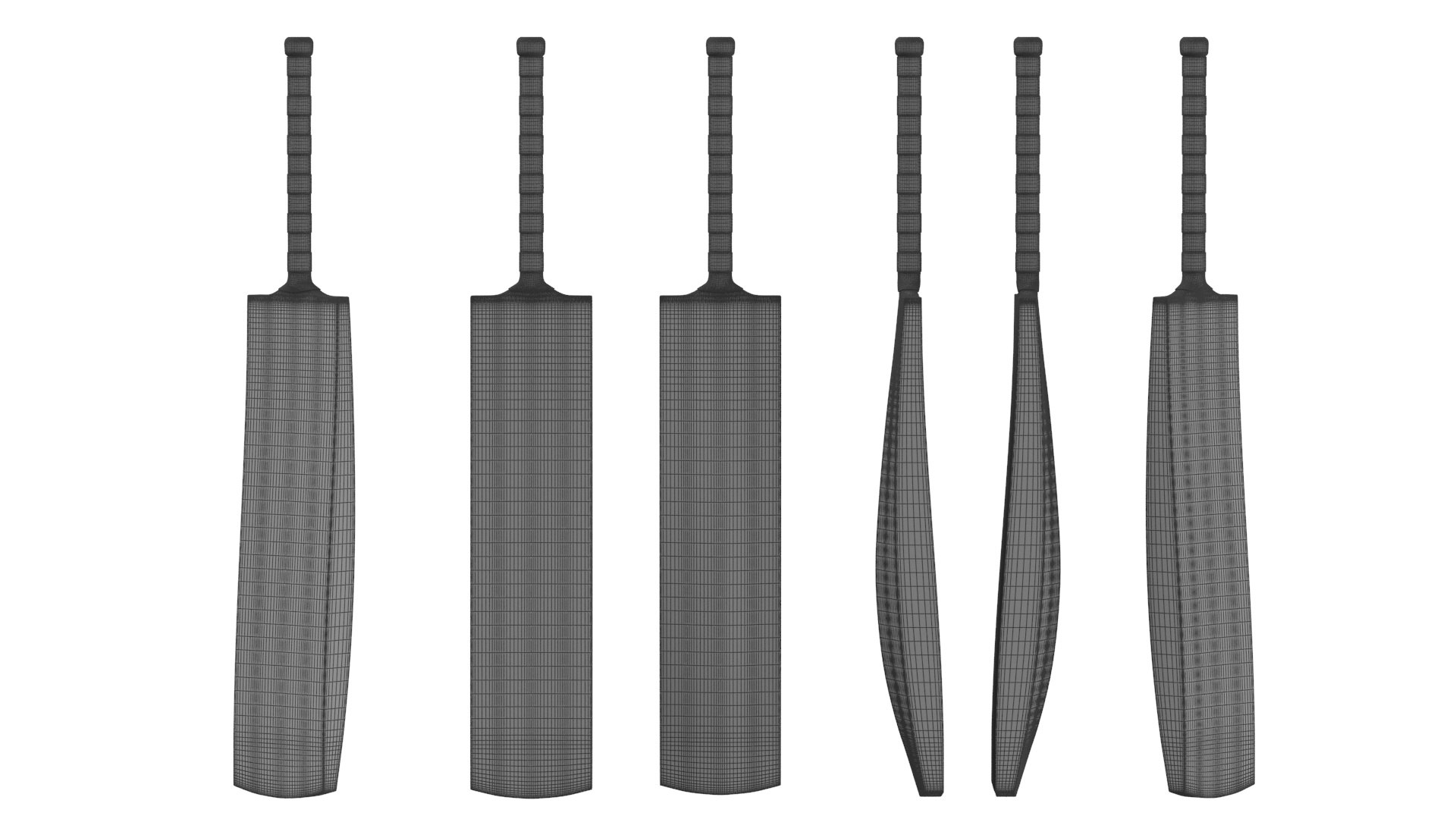
Polygons 1,974
Vertices 1,969
Polygonal
Textures
Materials
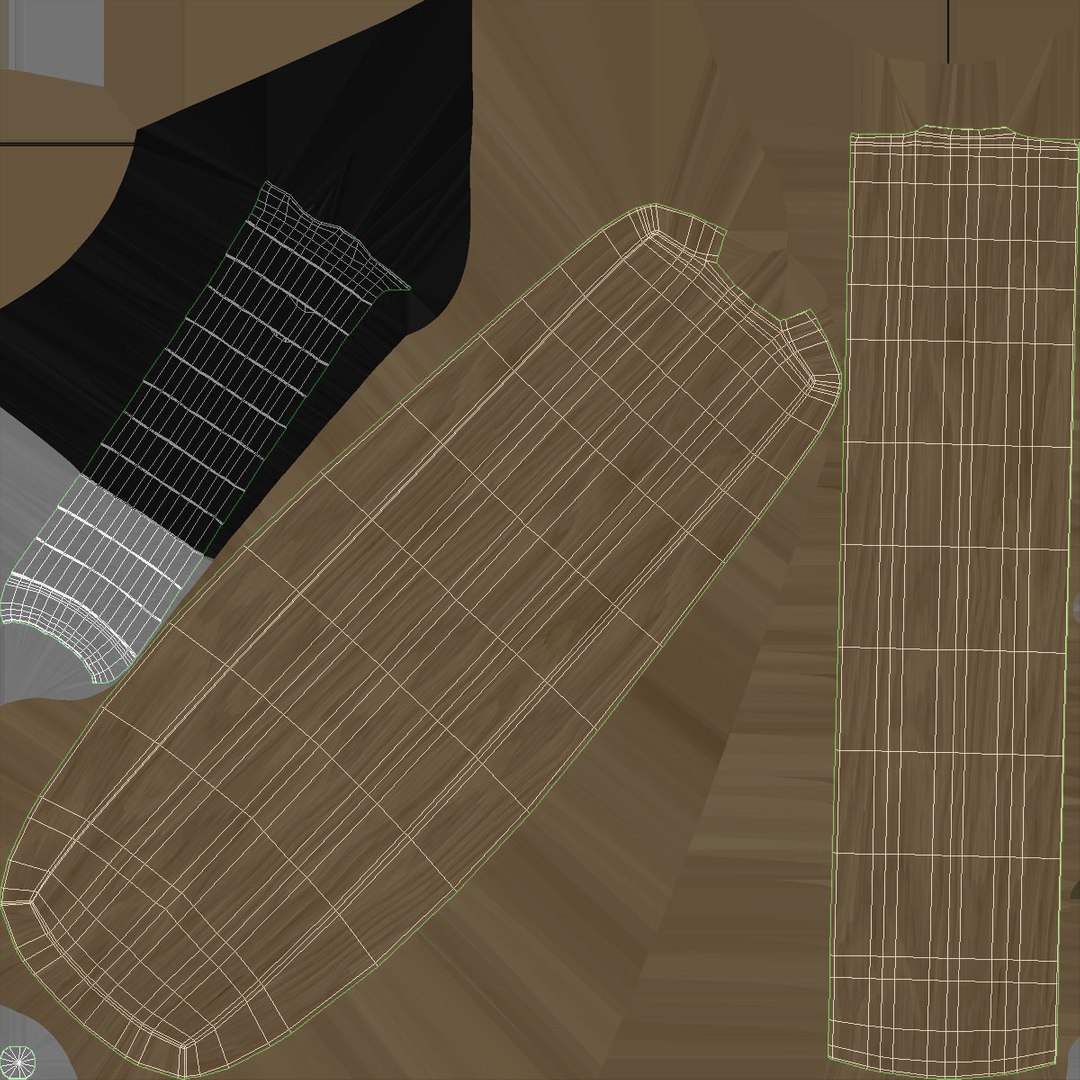
UV Mapped
Non-overlapping Unwrapped UVs
PBR
member avatar
3dcharity
453 Products | Contributor Since 2022
Have questions? Chat with us now.

Description

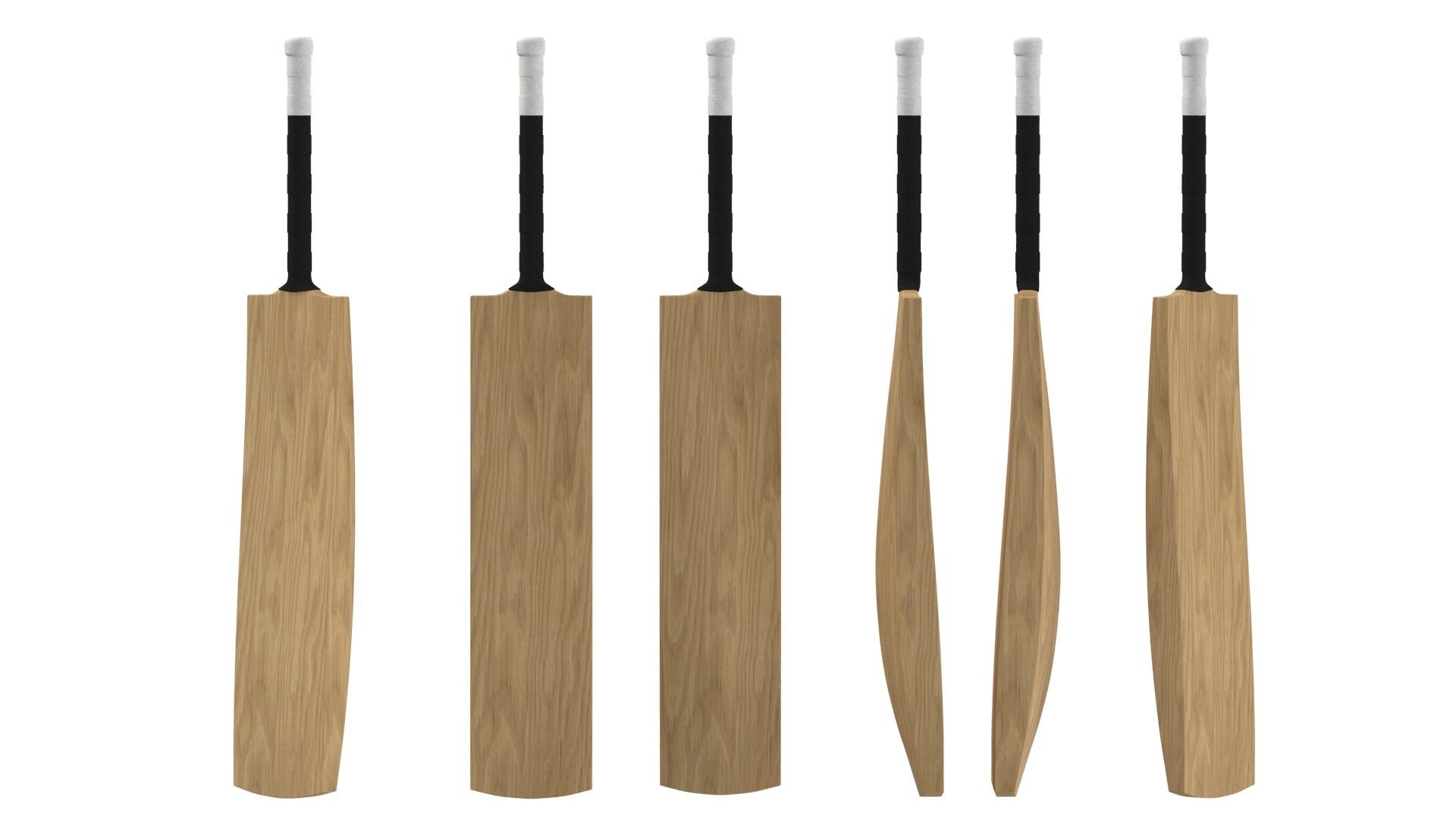
High-detailed 3D model of Leather Cricket Bat

  • Modeled in 3ds Max
  • Preview image rendered using vray
  • All scene files are included.

Great for close up render.

Model specifications:


Created in 3DS Max 2020 and rendered with V-Ray 5.0. Lighting is a mix of global illumination from HDRI and 1 v-ray light. The model
does not require installation of additional plug-ins or software. You need only 3DS Max 2020 and V-Ray 5.0 to get the same rendering as on the preview image.

Topology of geometry:

- forms and proportions of The 3D model most similar to the real object
- the geometry of the model was created very neatly
- there are no many-sided polygons
- detailed enough for close-up renders
- the model optimized for turbosmooth modifier
- Not collapsed the turbosmooth modified
- apply the Smooth modifier with a parameter to get the desired level of detail

PBR TEXTURES

- Diffuse/Base Color (2,048 x 2,048 PNG)
- NormalMap (2,048 x 2,048 PNG)
- roughness (2,048x 2,048 PNG)

Model is available in the following formats:

- MAX (2020), MAX (2017), - FBX, - OBJ, - 3DS,

Have a great project!


Select Enhanced License

  • $10,000 in Legal Protection (Indemnification)
  • Uncapped Legal Protection (Indemnification)
  • Waiver from injunctive relief
  • Assignable model rights
  • $1,000,000 in Legal Protection (Indemnification)
  • Waiver from injunctive relief
  • Assignable model rights
  • $250,000 in Legal Protection (Indemnification)
  • Assignable model rights
Read more about enhanced license tiers, or contact us at enterprise@turbosquid.com. Already a Shutterstock Enterprise Customer? Contact your Shutterstock Sales Support Agent to talk about adding 3D.

About Conversion Requests

To submit a conversion request for a purchased asset, please complete our Conversion Request Form.

If you have not yet purchased a model, please review our Documentation about Conversions to learn about what limitations you may encounter with a conversion.

For any additional questions about a model’s suitability for conversion, please contact TurboSquid Support.

Loading...