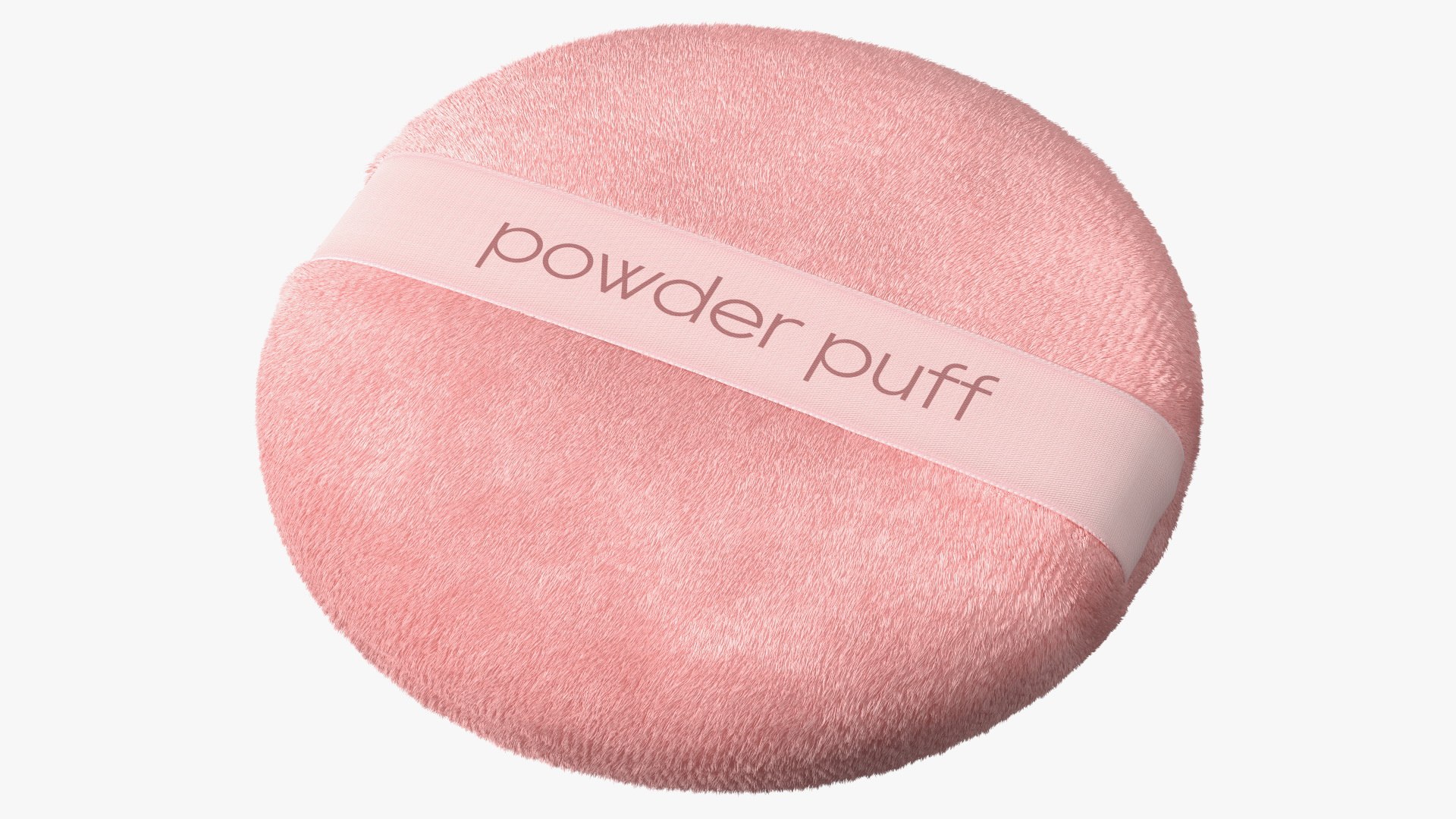
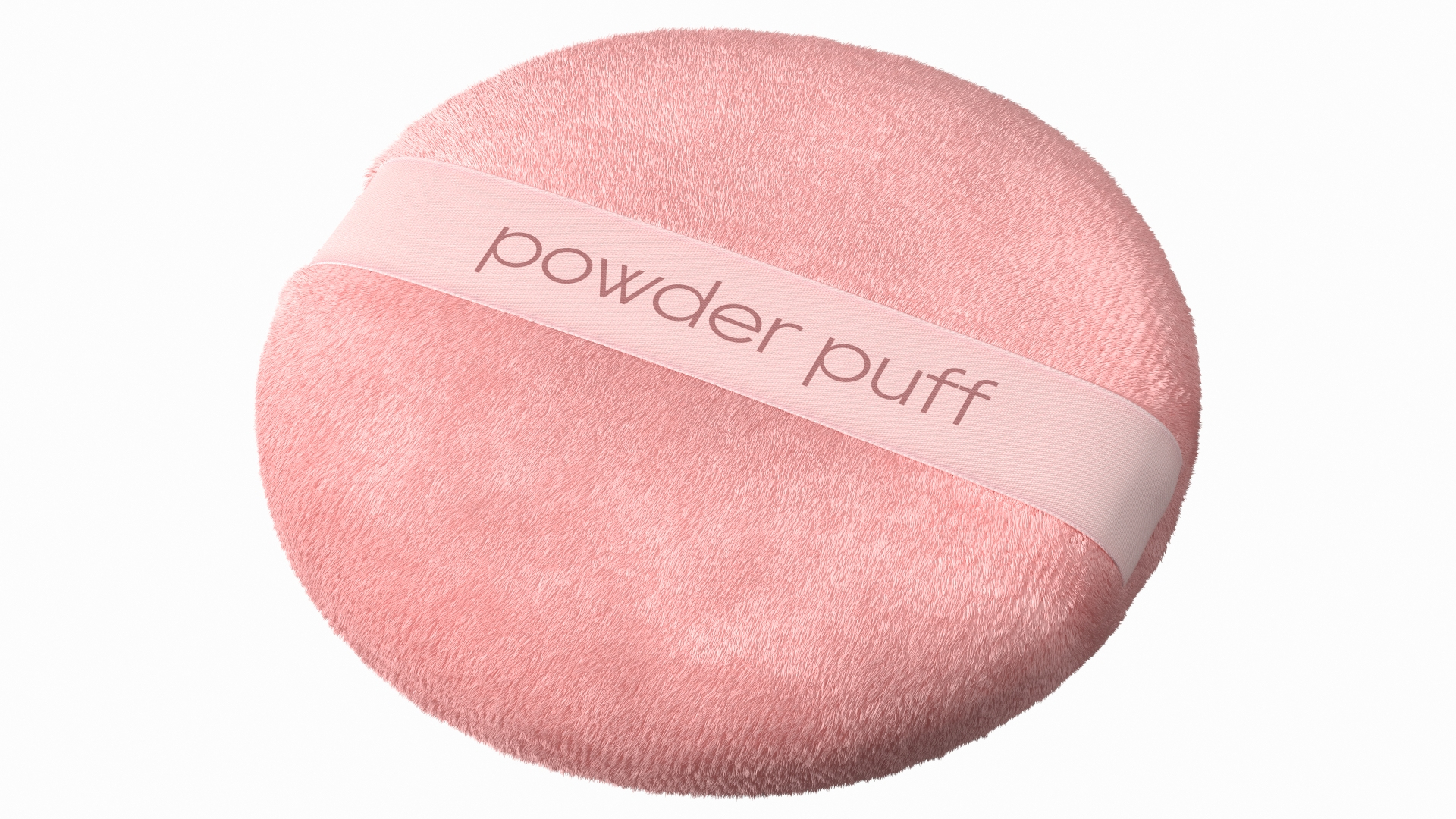
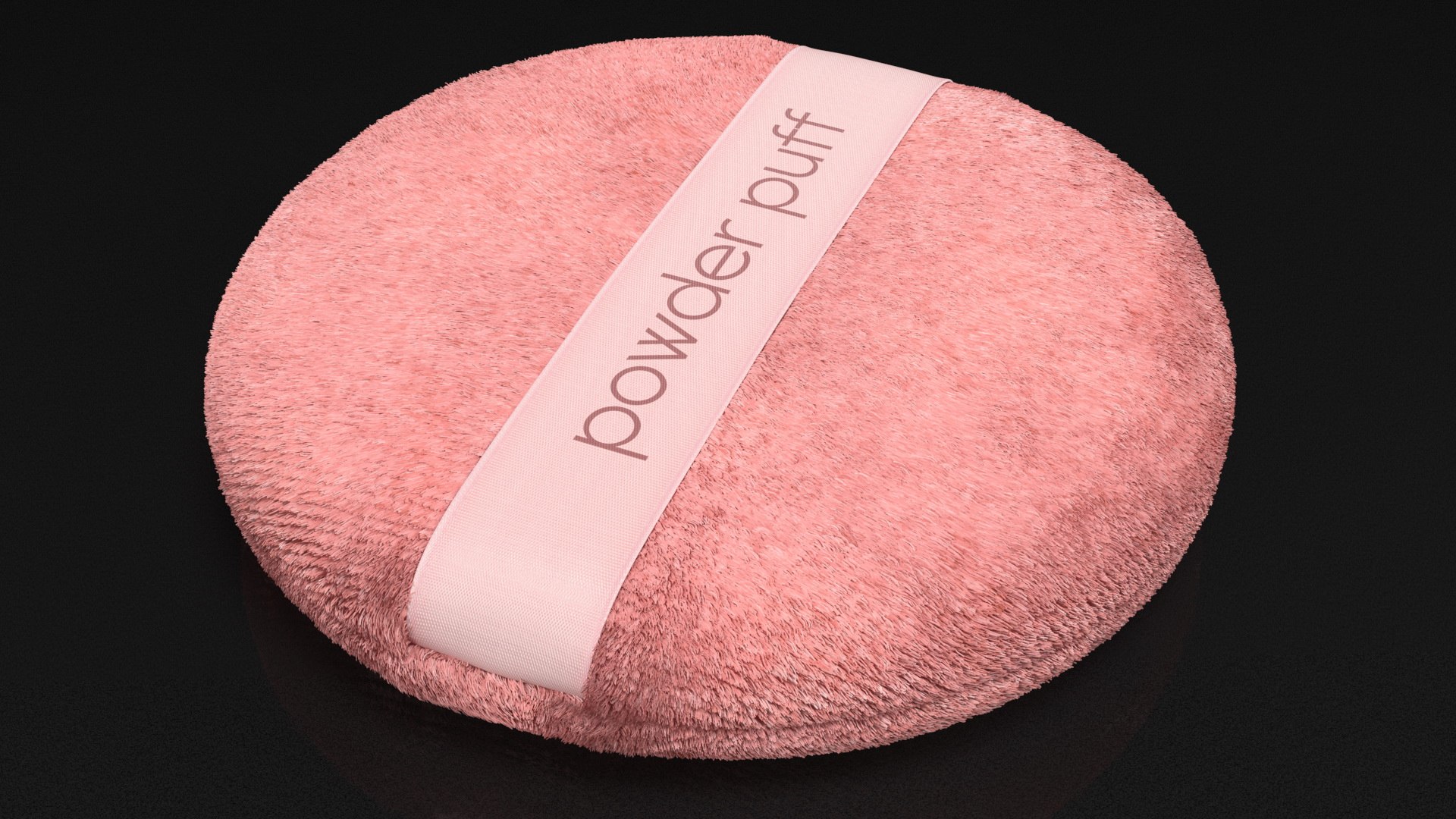
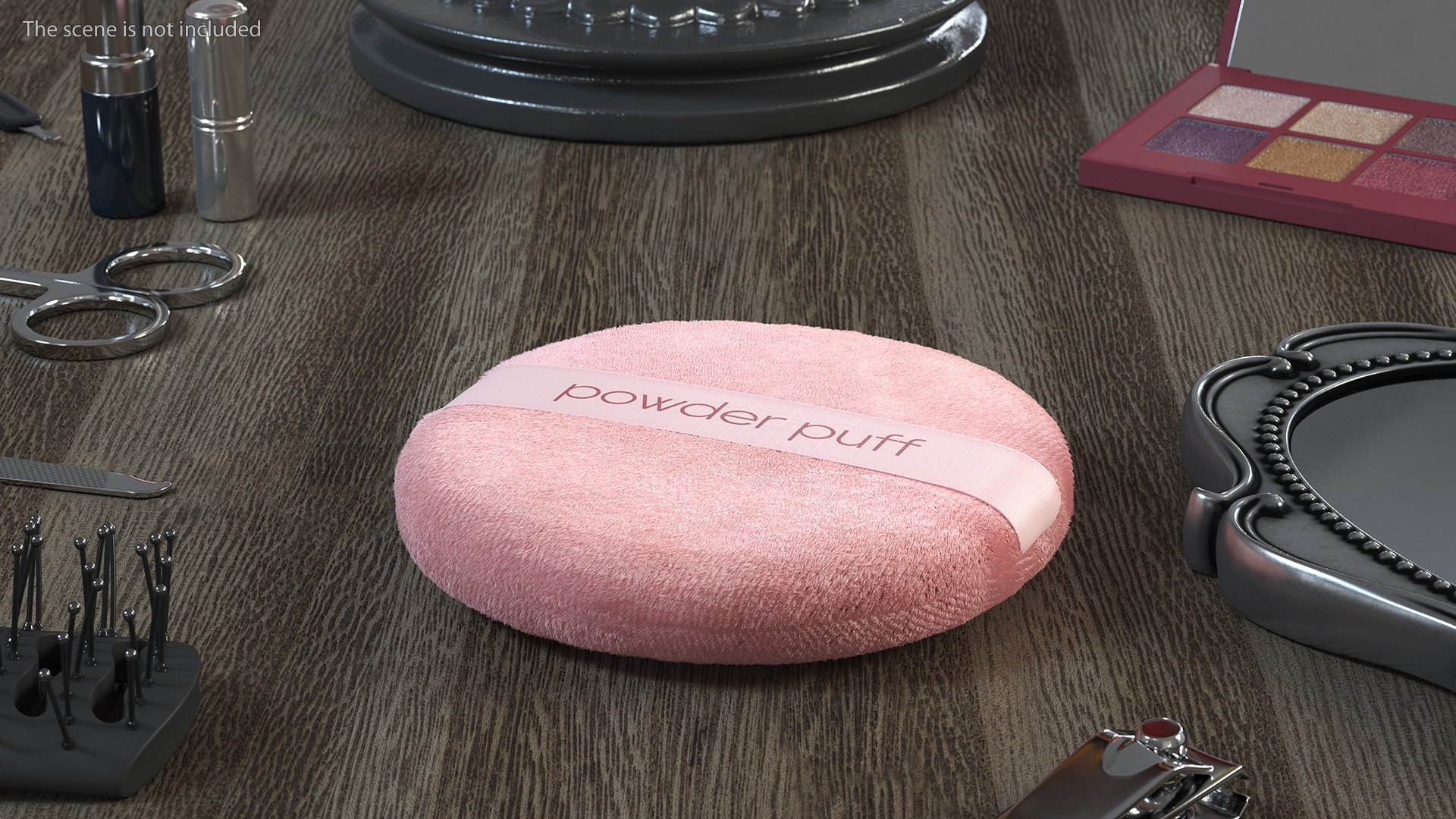
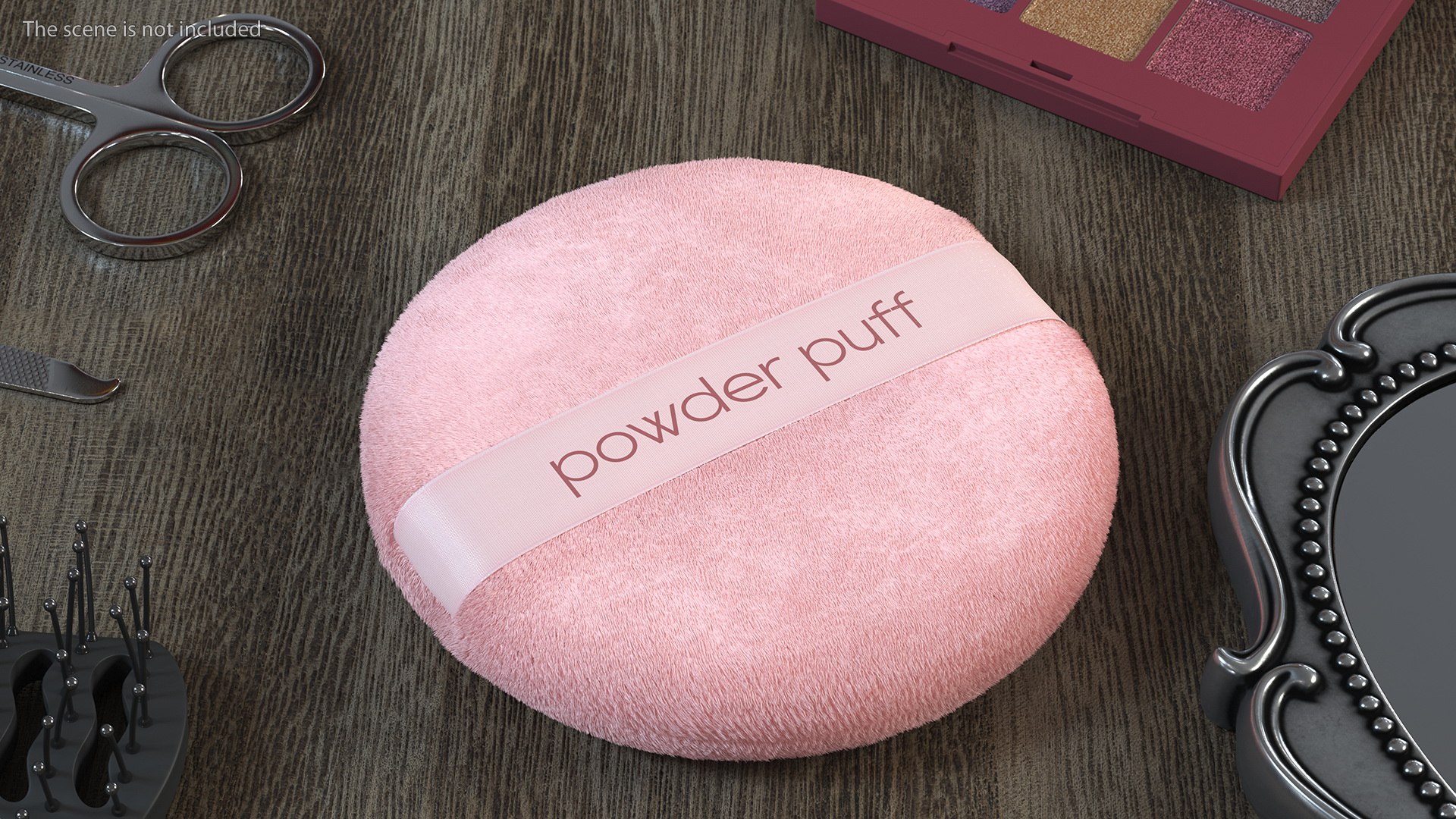
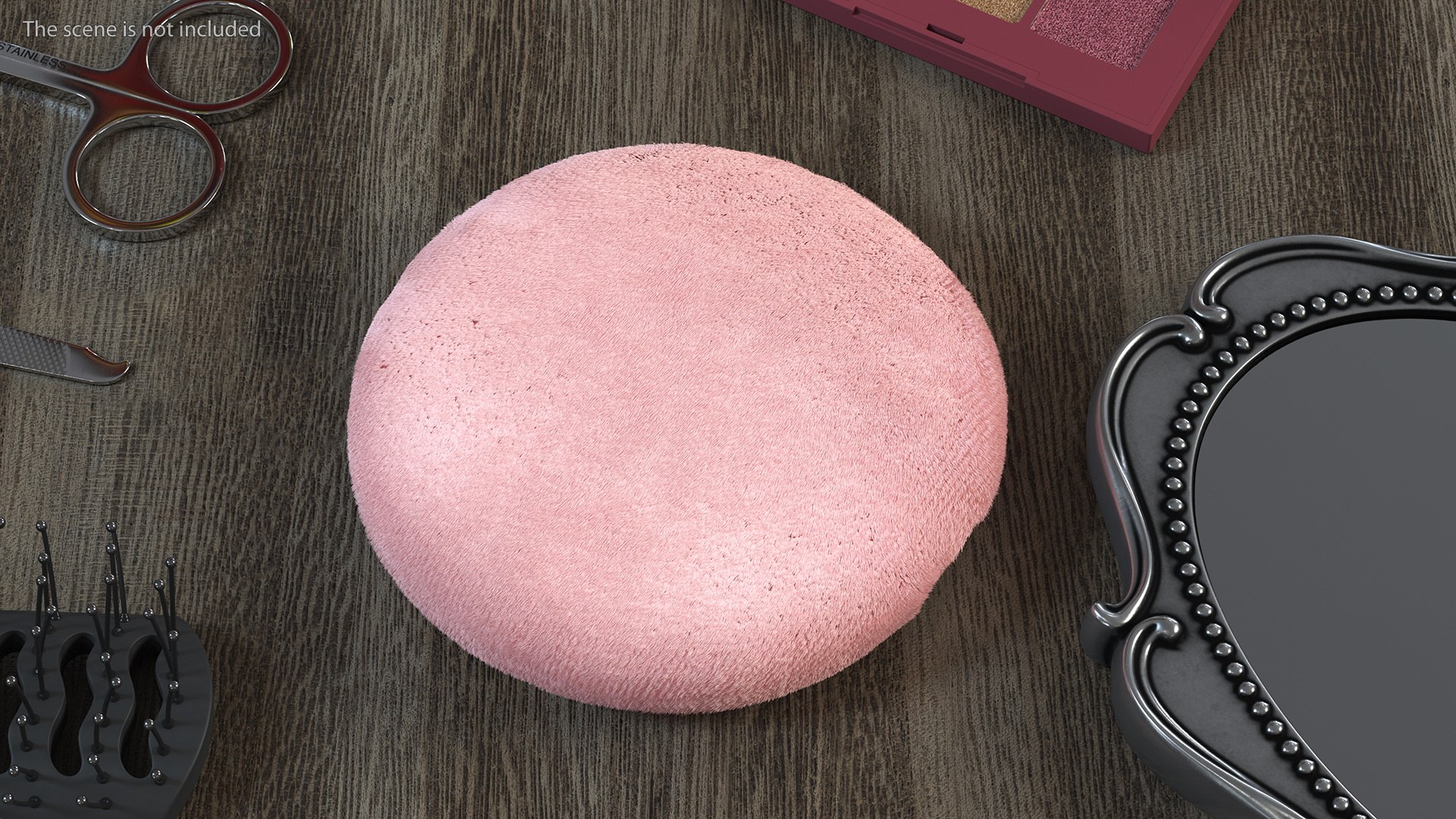
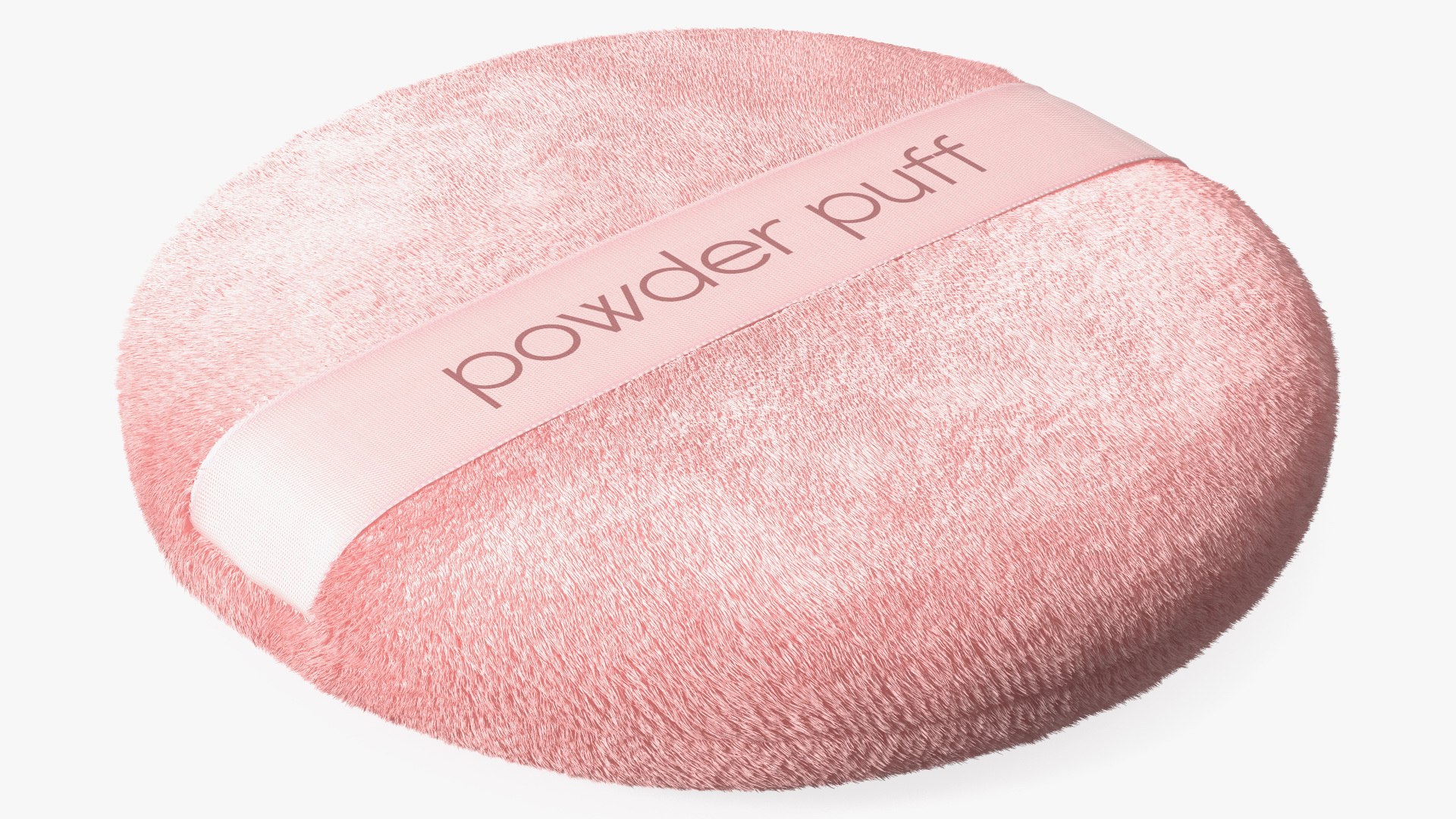
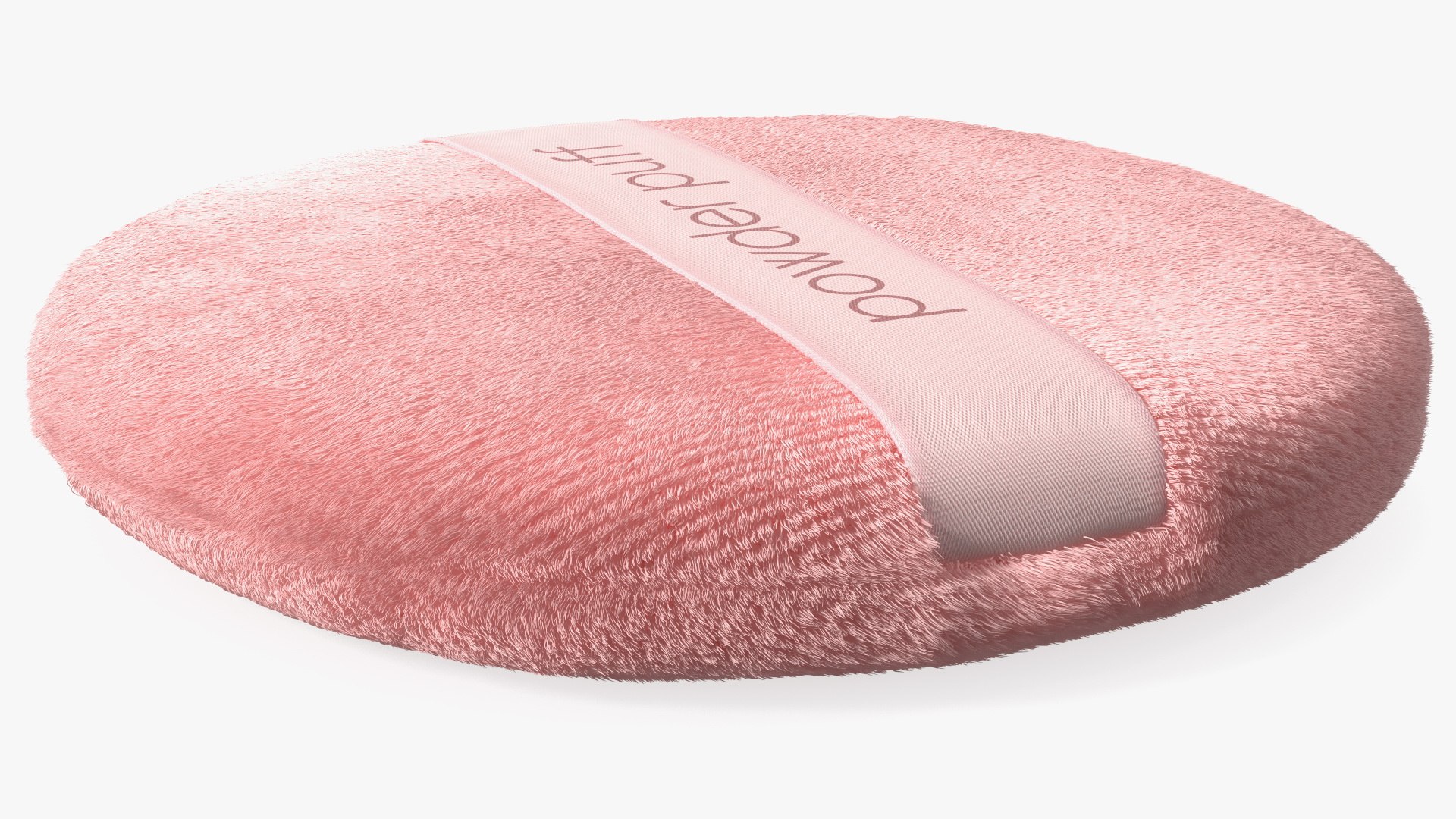
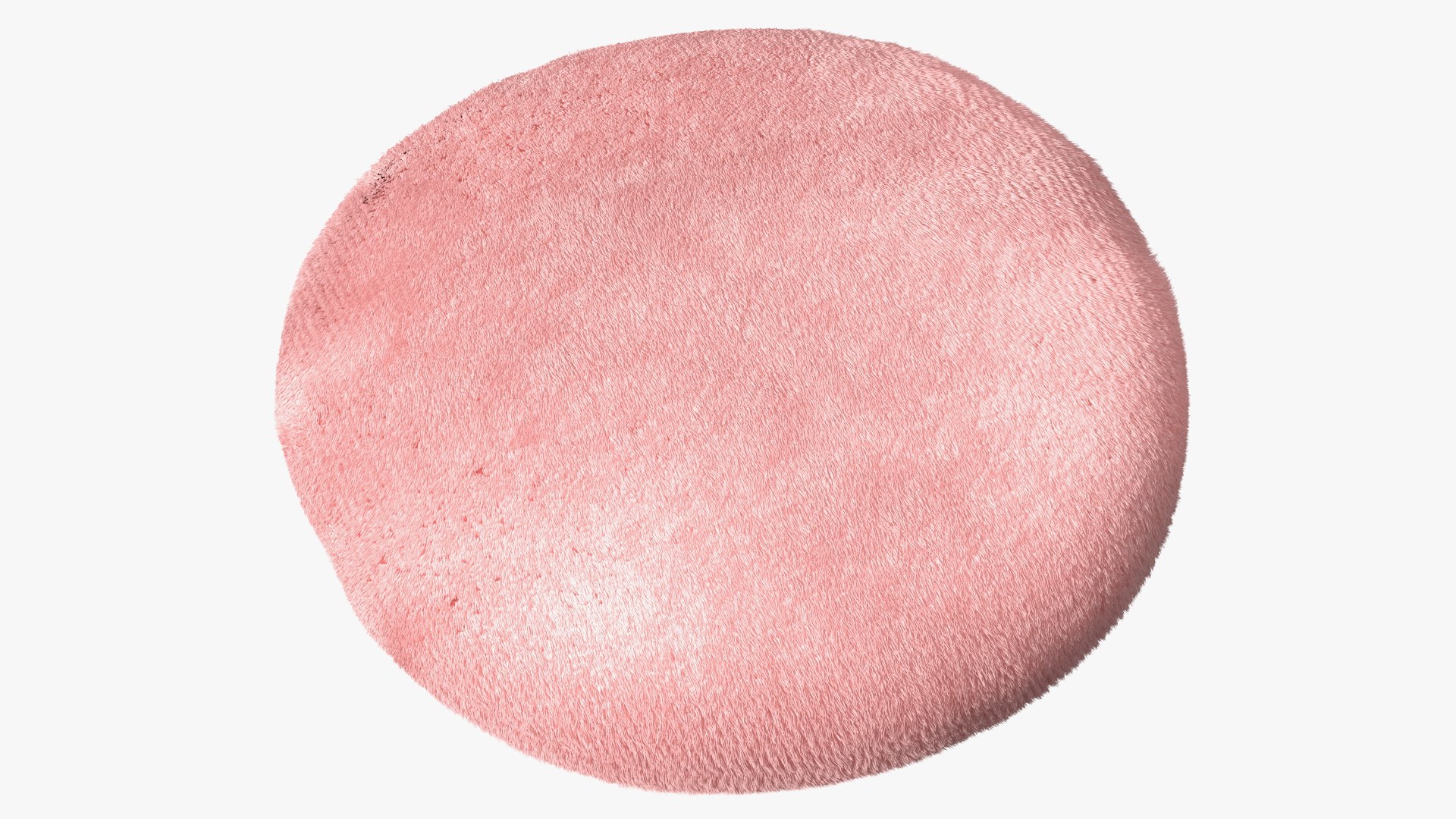
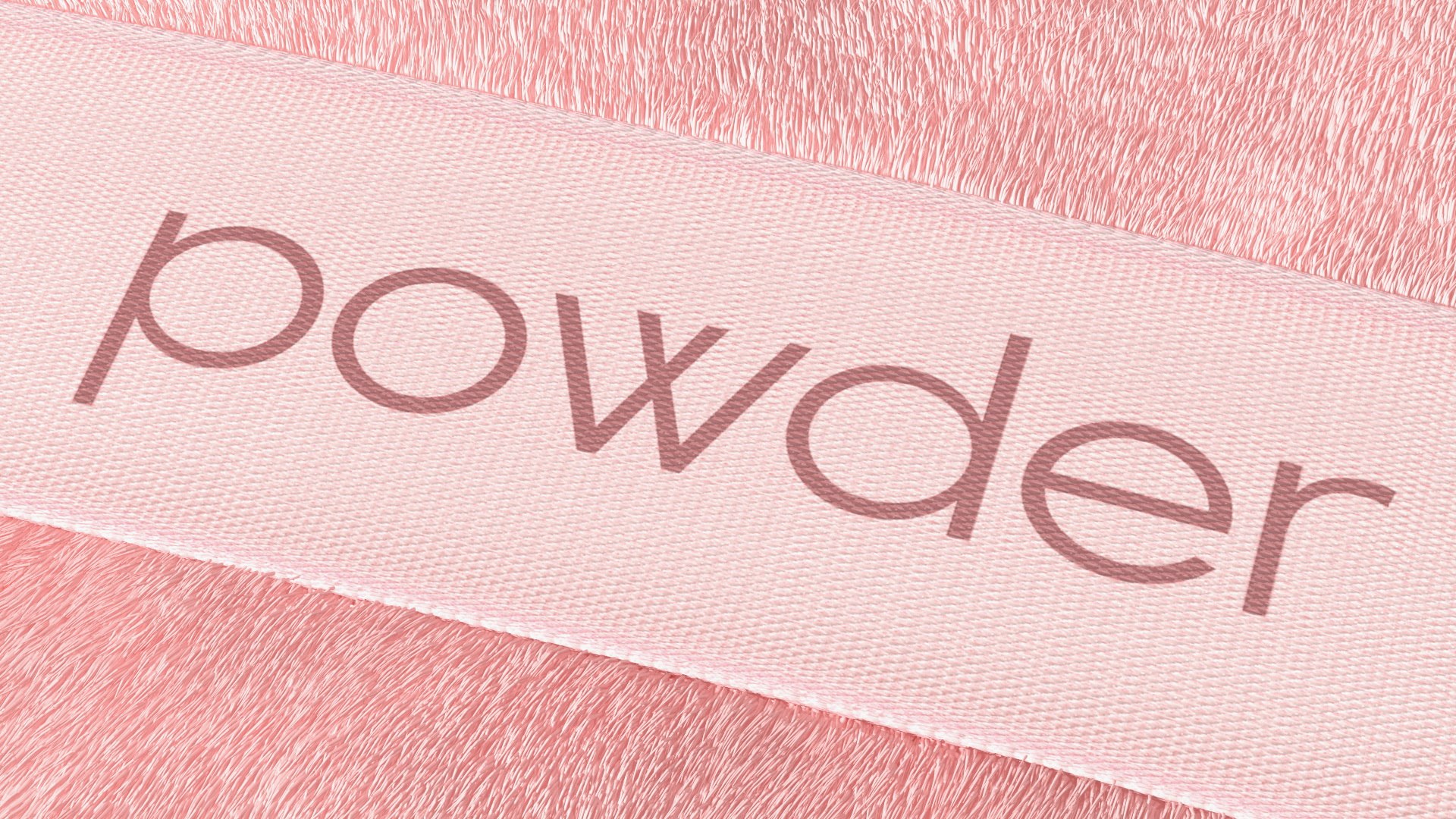
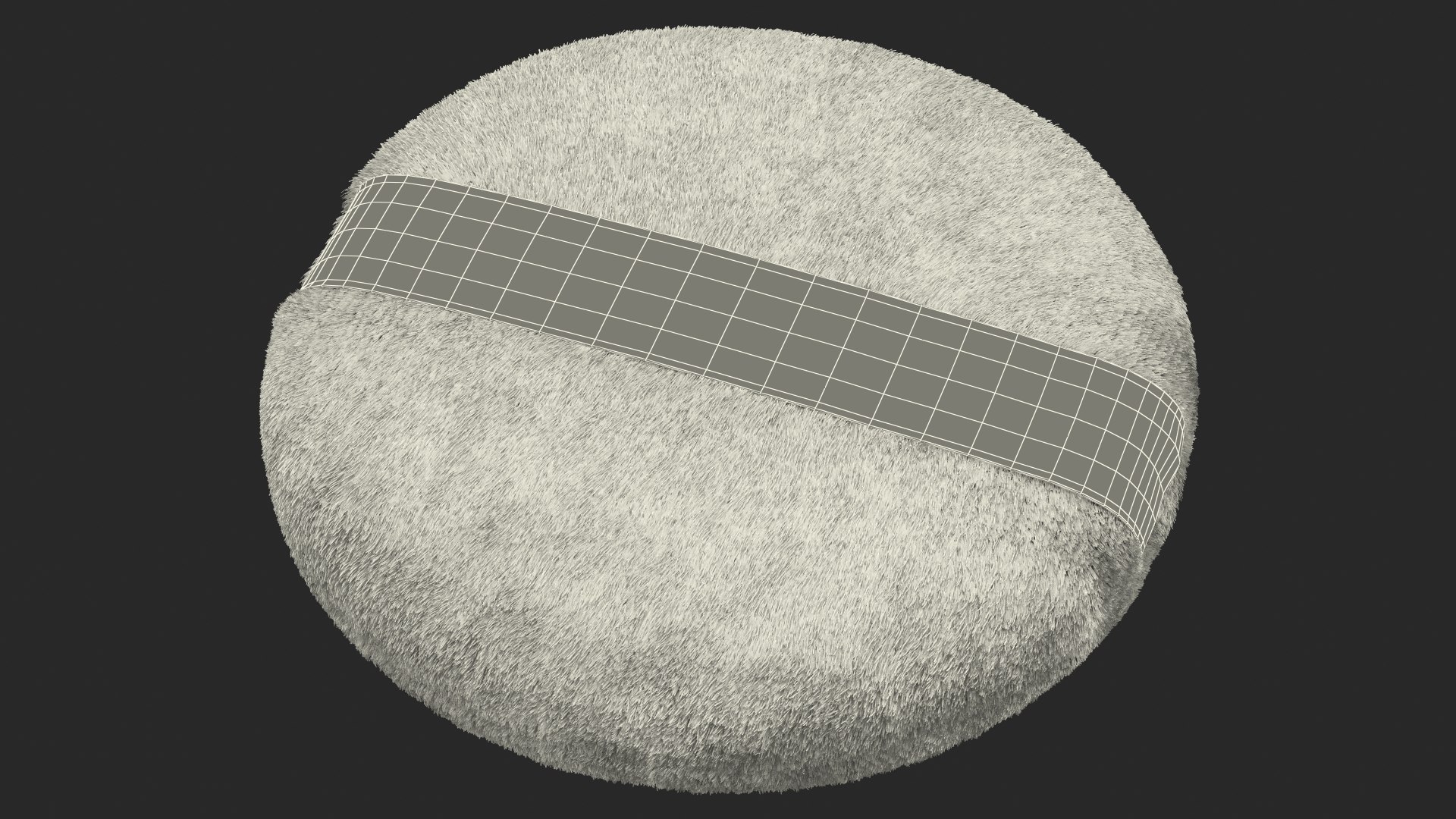
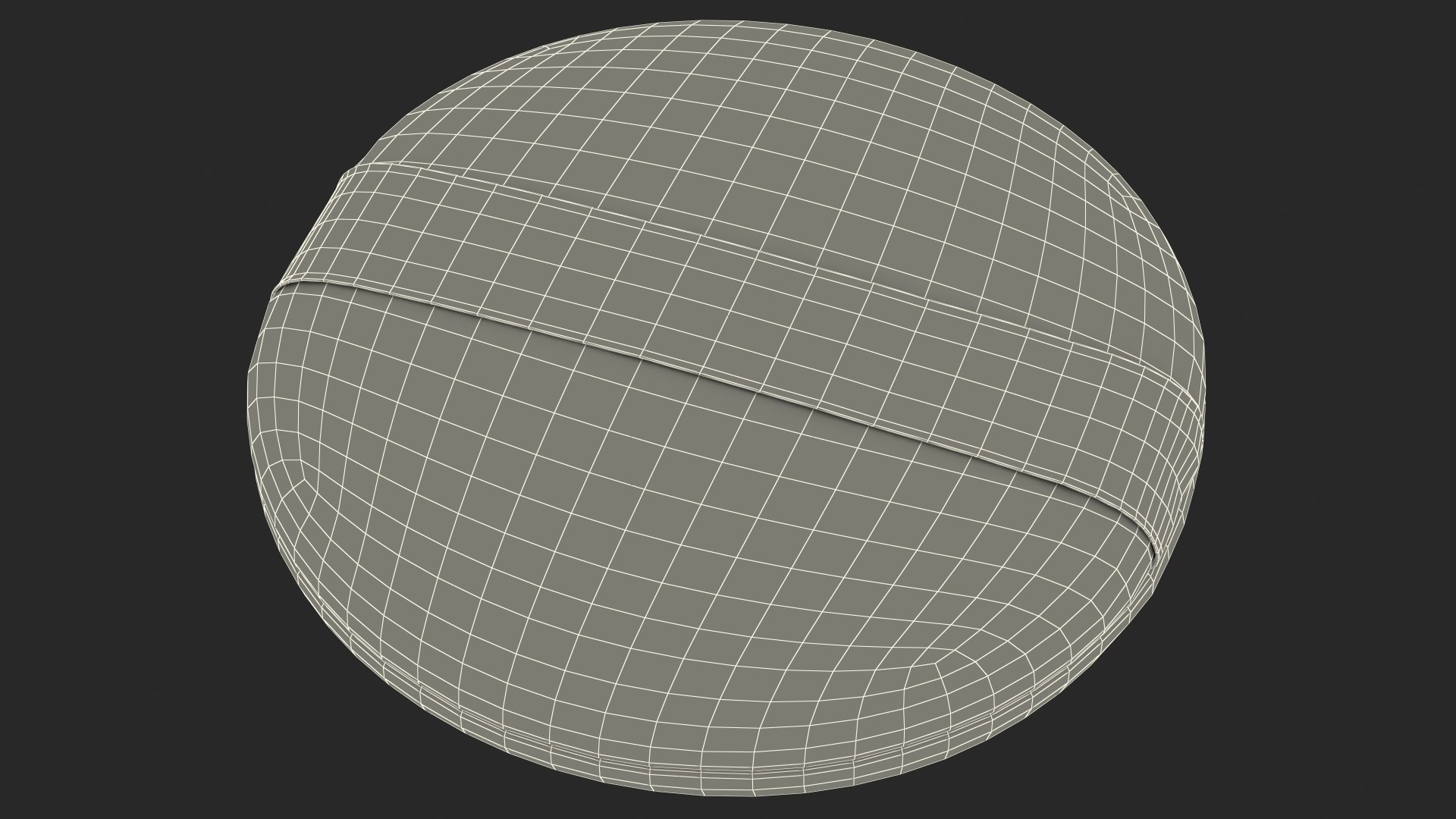
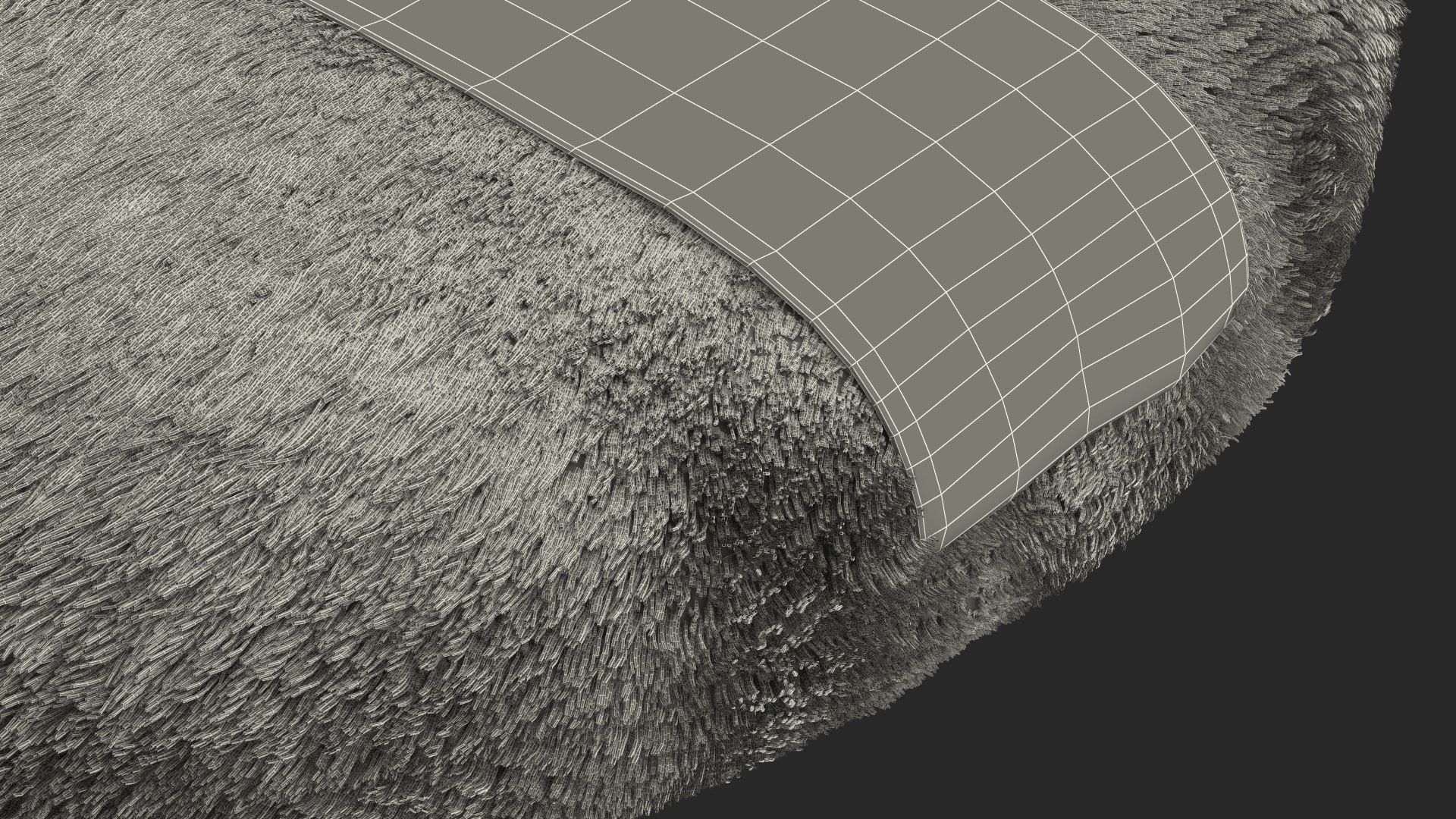
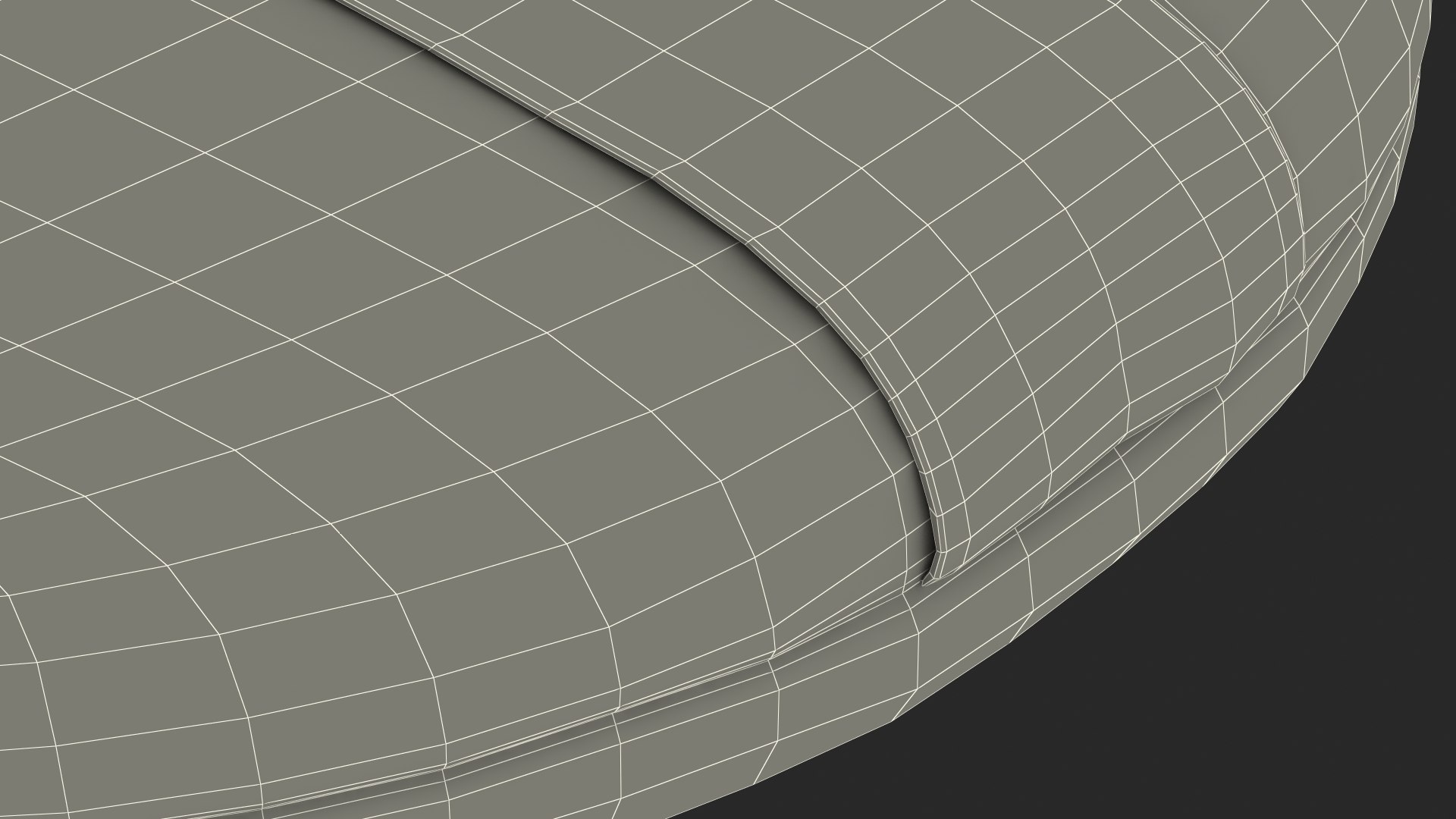
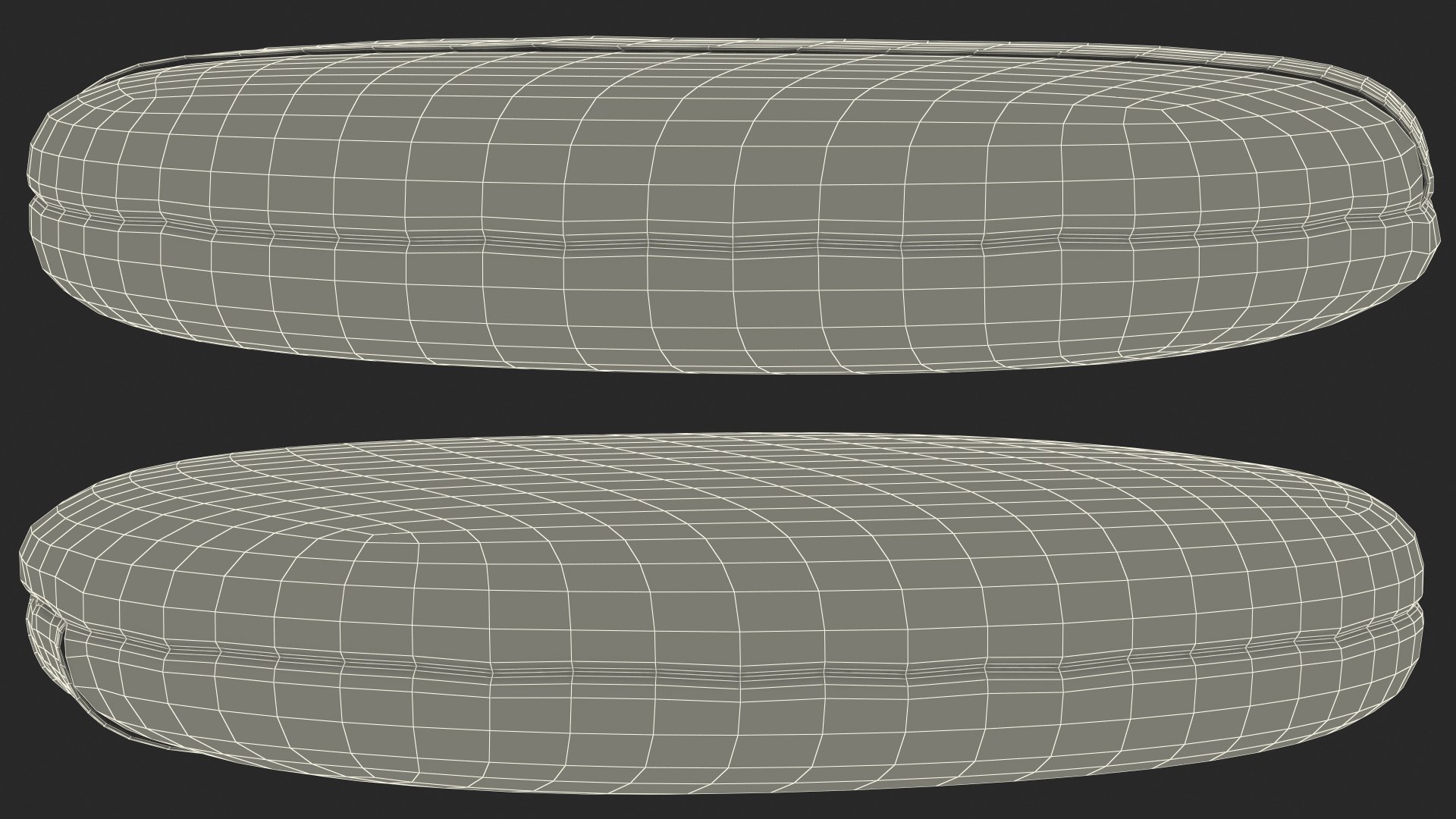
Compact Makeup Powder Puff Fur is a three-dimensional model of a soft, circle tool used for the application of face powder.
Powder puff accessory which is pad shaped piece of soft material used for the application of face powder, which made of fine, very soft material.
For beauty cosmetic, professional makeup paint tools, female fashion, beautician accessories, portable cosmetic accessories, face make up equipment, face skin care, cosmetic finishing tools, female skin care, human face hygiene, cosmetic hygienic products, makeup artist equipment, personal skin hygiene, professional female fashion make-up equipment, or cosmetic products promotional projects.
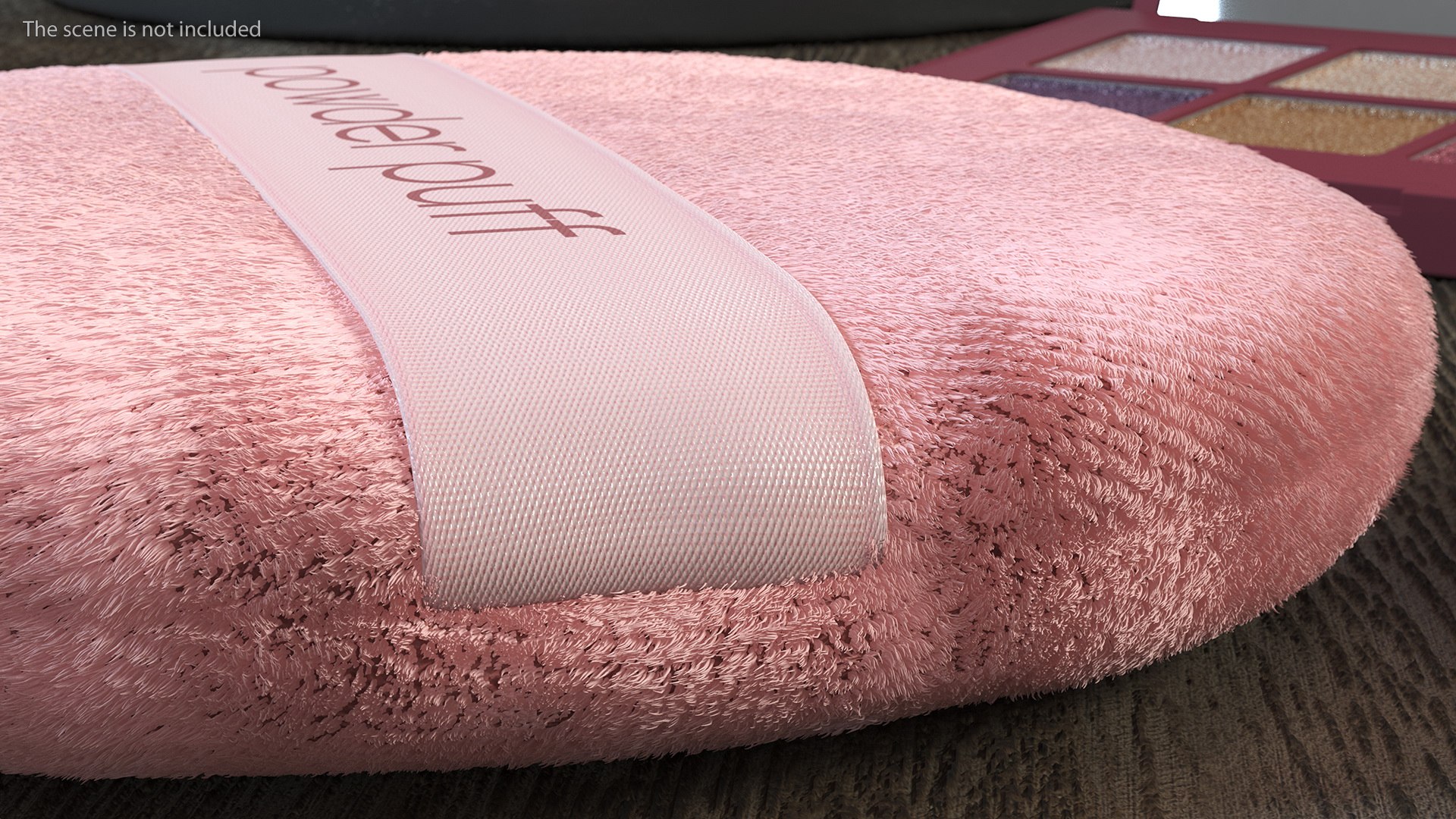
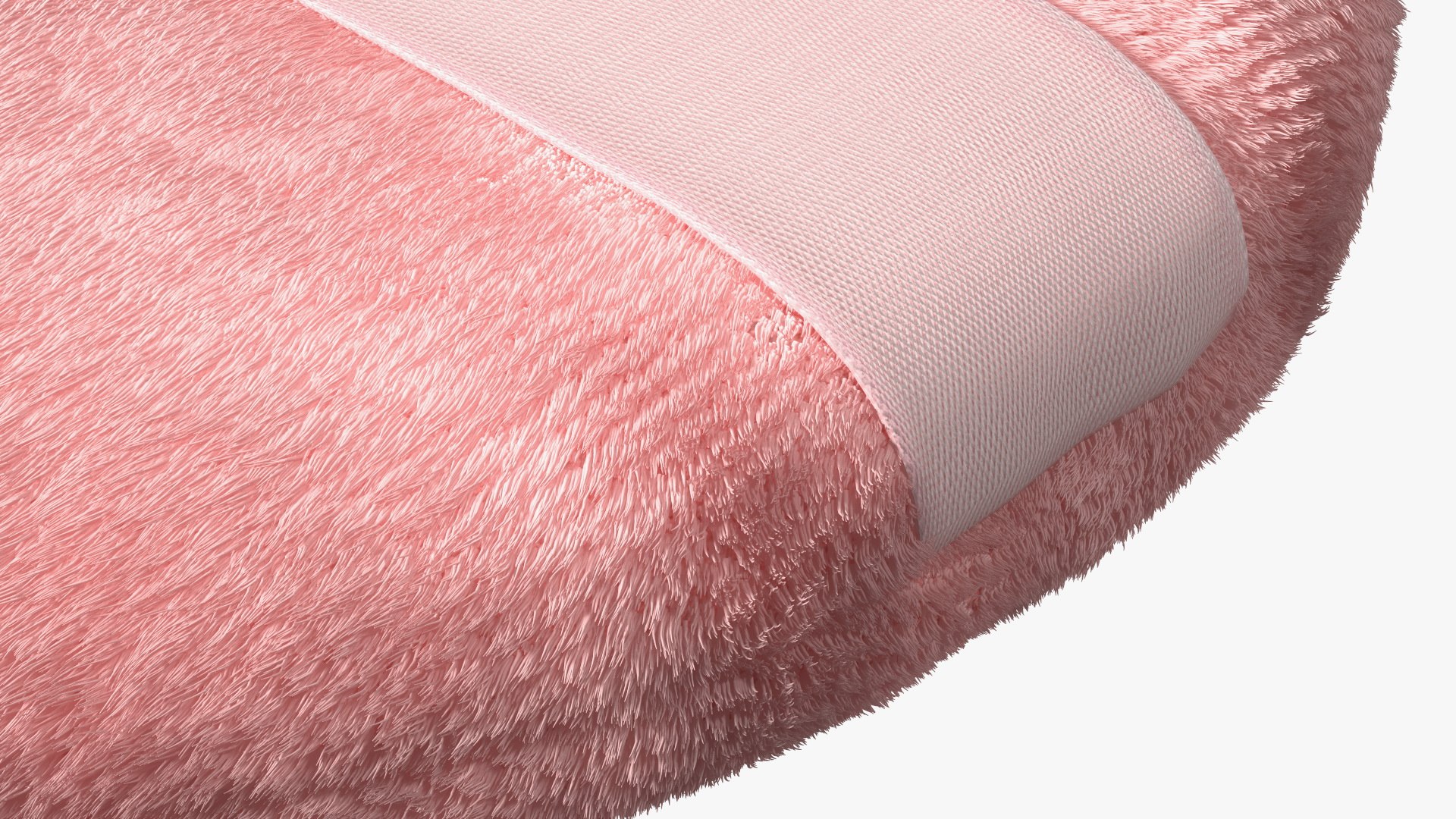
Compact Makeup Powder Puff Fur is a high quality, photo real 3d model that will enhance detail and realism to any of your rendering projects. The model has a fully textured, detailed design that allows for close-up renders, and was originally modeled in 3ds Max 2014 and rendered with V-Ray. Renders have no postprocessing!
Hope you like it!
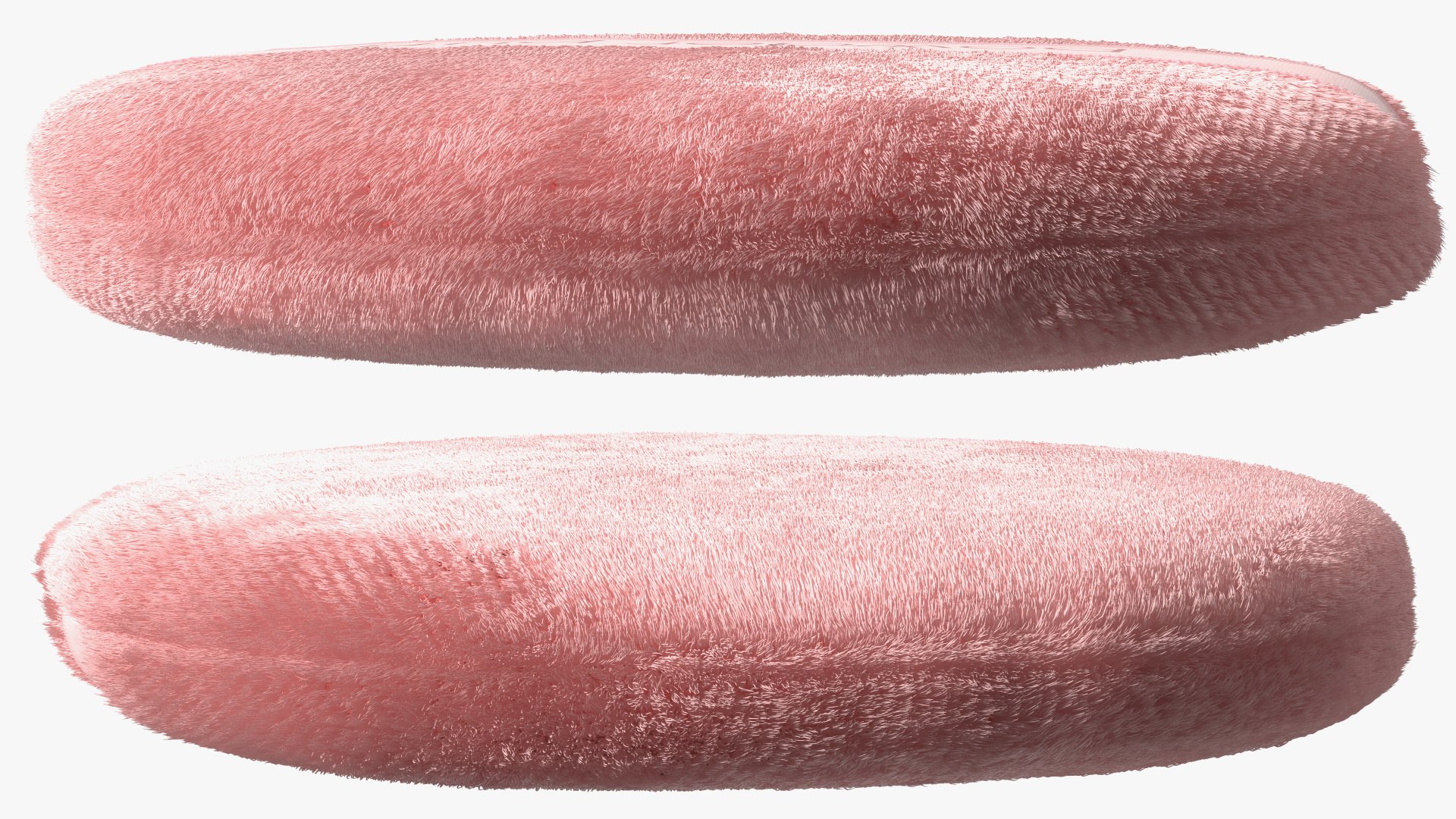
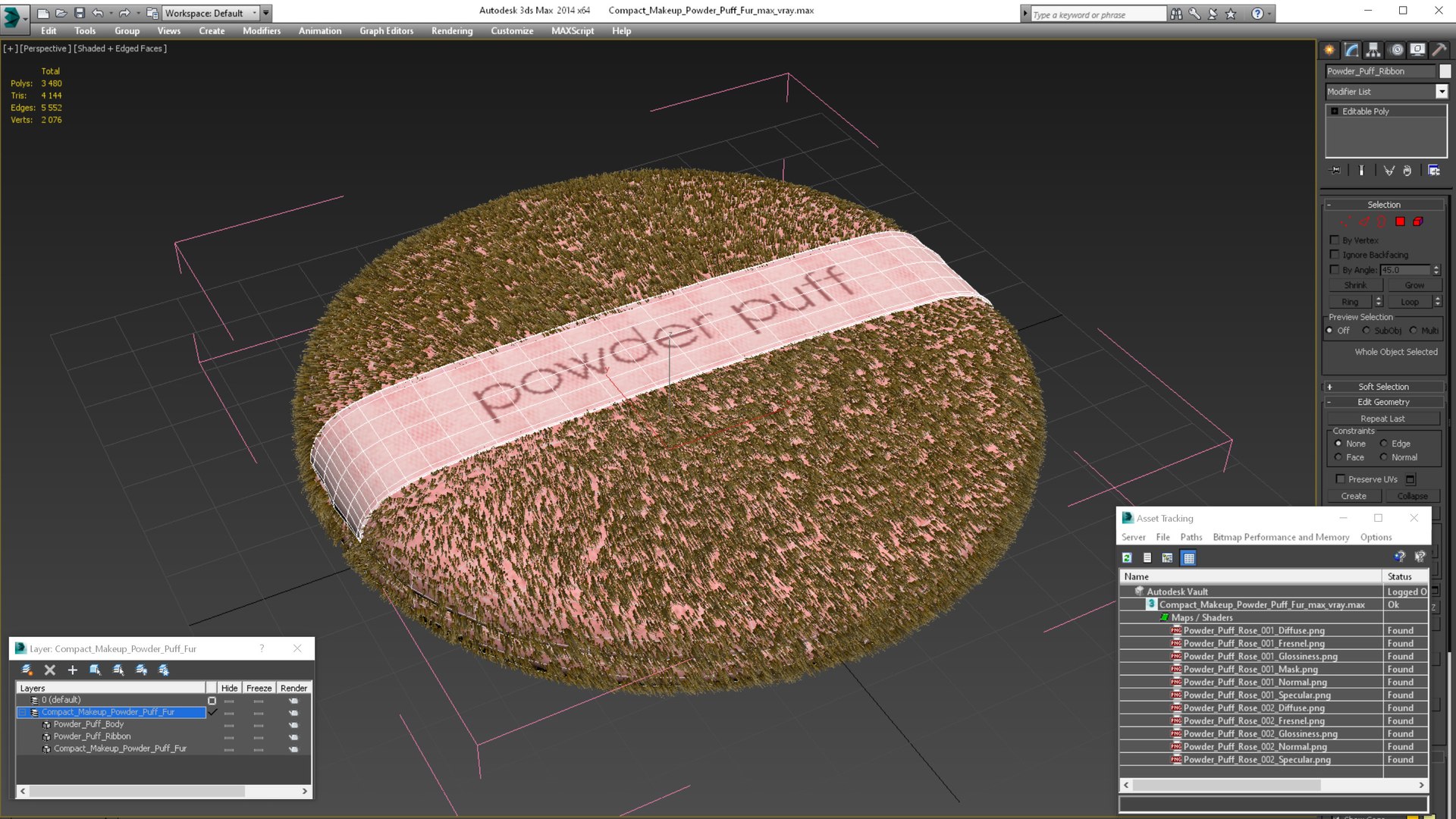
Compact Makeup Powder Puff has a 3dsmax Fur modifier, hair customizable (hair count, hair segments, multistrands, hair color, root size, tip size, etc).
*****
Features:
- High quality polygonal model, has real dimensions. Easy to merge into your scene.
- Units: cm
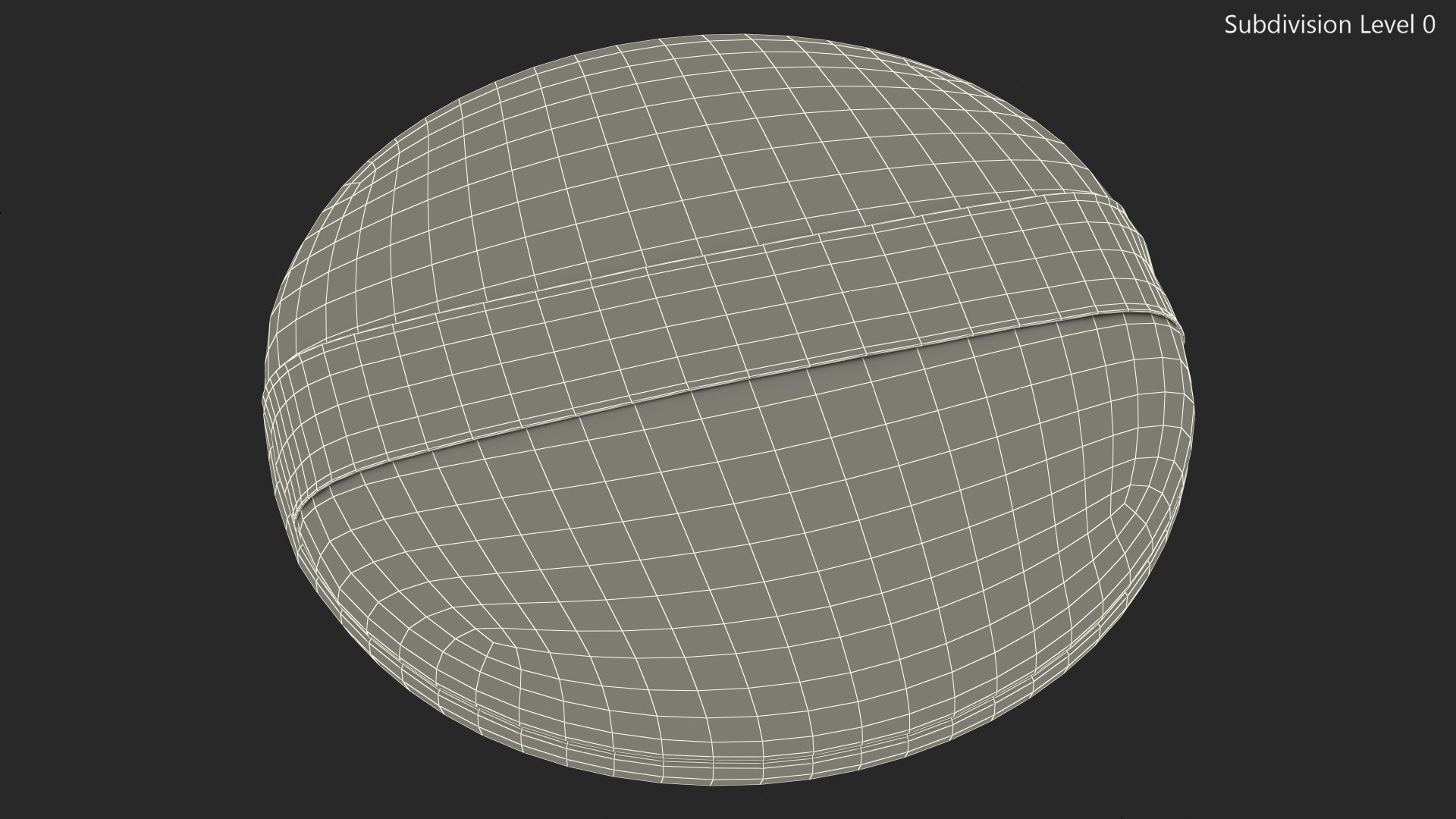
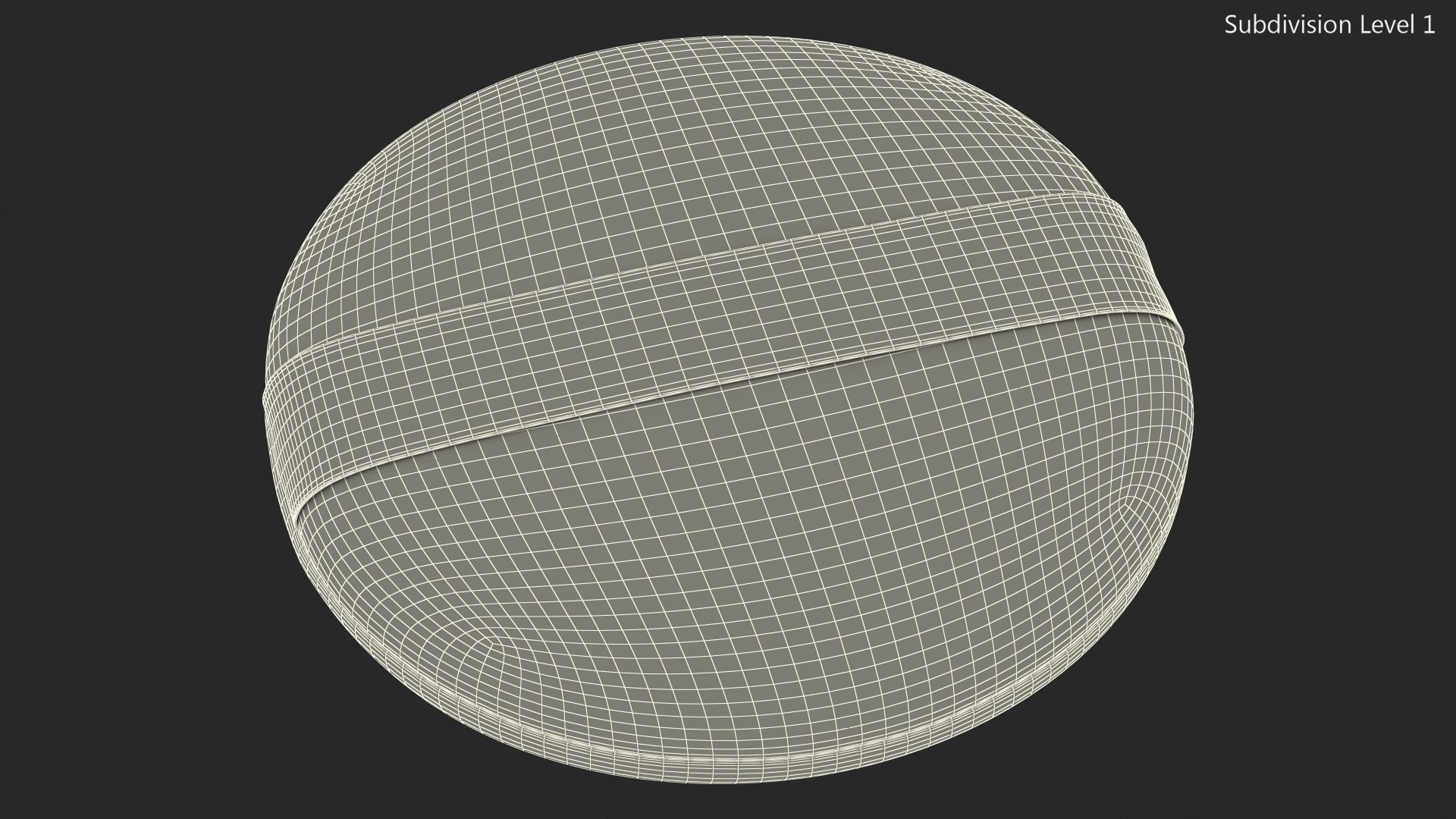
- The model was created with the optimal number of polygons. (The Meshsmooth modifier is assigned to the original mesh. Easy to increase mesh resolution if necessary.)
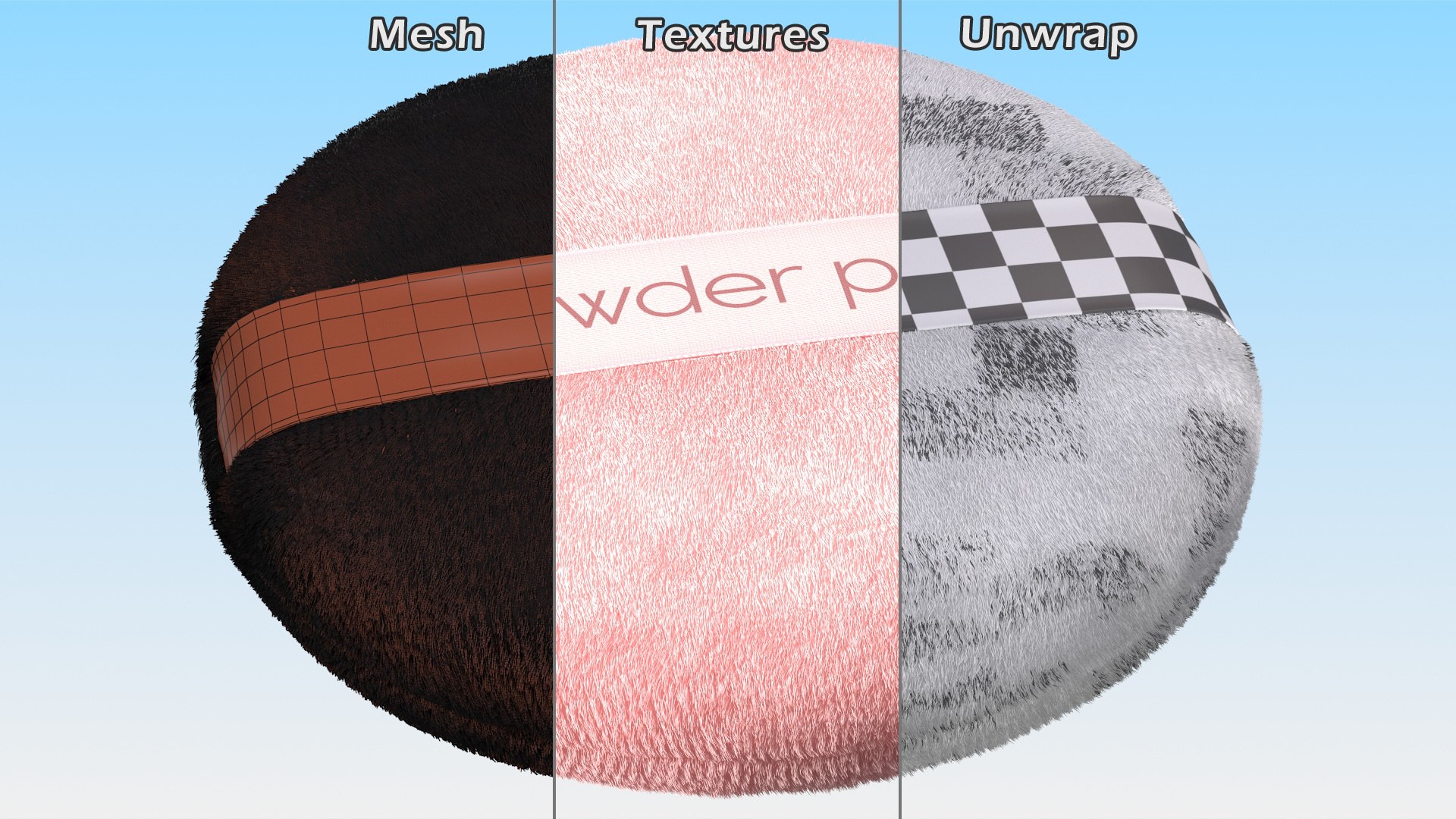
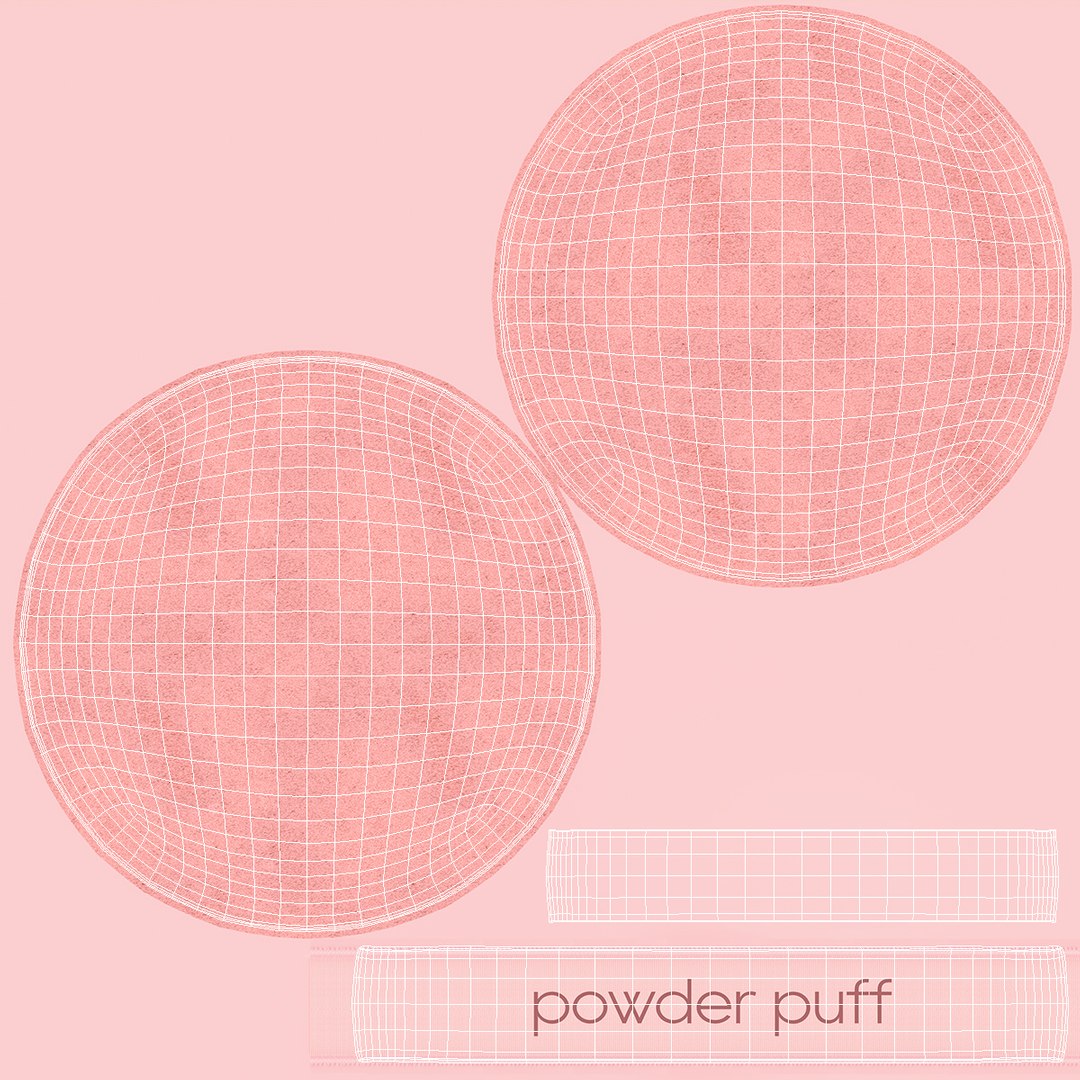
- All the objects come with complete UVs
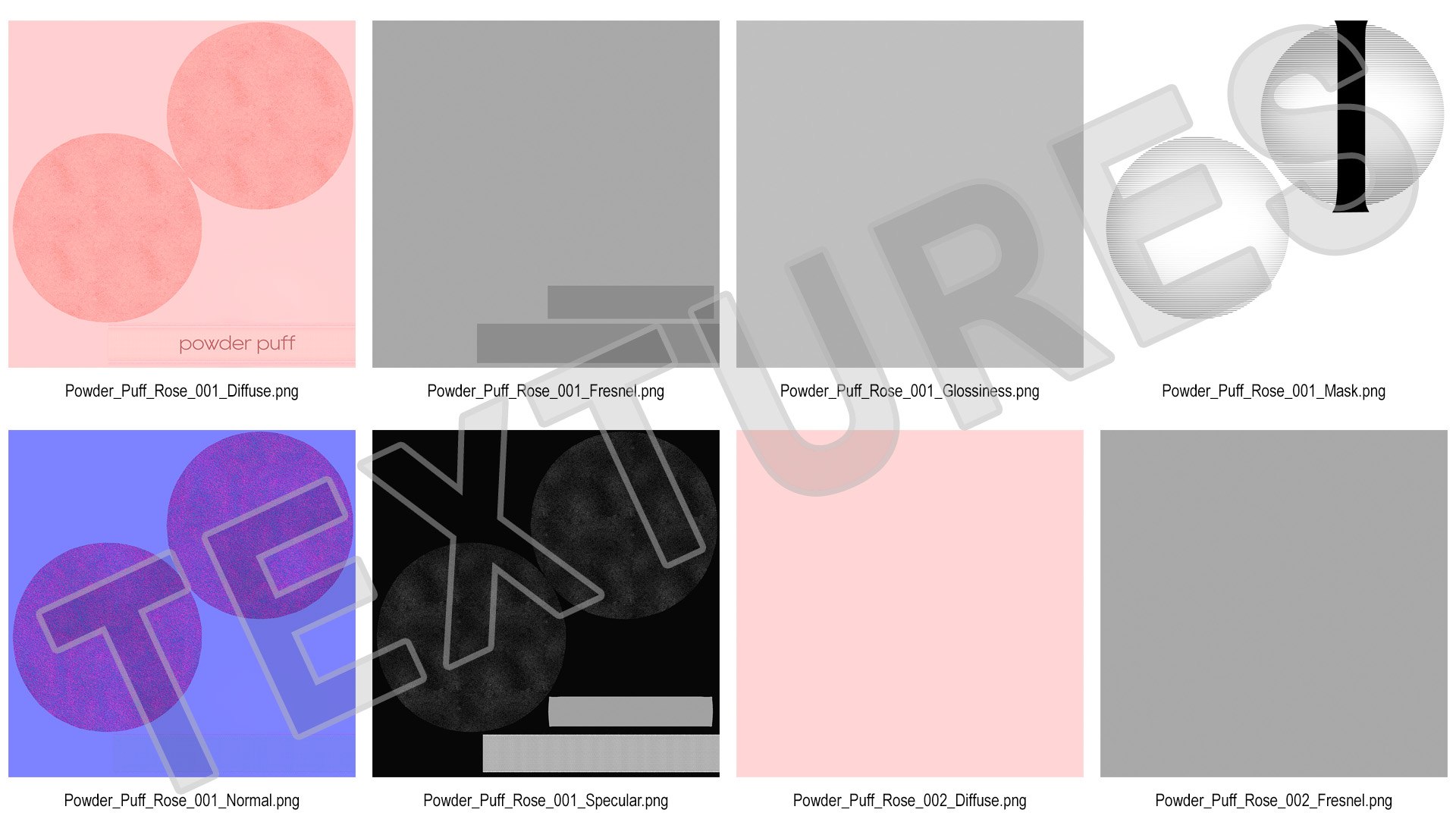
- All textures and materials are included and mapped. (All colors can be easily modified.)
- All objects are logically named and grouped for ease of objects selection and scene management.
- No part-name confusion when importing several models into a scene.
- No cleaning up necessary (Model does not include any backgrounds or scenes used in preview images.) - just drop model into your scene.
- No special plugin needed to open scene.
*****
File Formats:
- 3ds Max 2014 V - Ray and standard materials scenes
*****
Textures Formats:
- 6 Png (4096x4096)
- 5 Png (1024x1024)
*****
3d Molier International is a team of 3D artists with over a 15 years of experience. The company participated in various projects allowing us to learn our clients needs. Every model we build goes through thorough Quality assessment both visual and technical to make sure the assets look realistic and the models are of the best quality, which you can tell by looking at the renders - none of the has any postprocessing.
We produce 3D models. This is our main activity. Our goal is to create a 3D copy of all objects on the world.
Buy 3D models from professionals!
Also check out our other models, just click on our user name to see complete gallery.
(c) 3d_molier International - 2021