Common Wheat Field

$39

Standard License | Upgrade License
Formats (5)
Free file format Conversions available
Native | 3ds Max 2011 | V-Ray 2.00
3ds Max 2011 | Default Scanline
3ds Max 2011 | V-Ray 2.00
FBX
OBJ
Specifications
Publish Date September 20, 2014
Product ID 851256
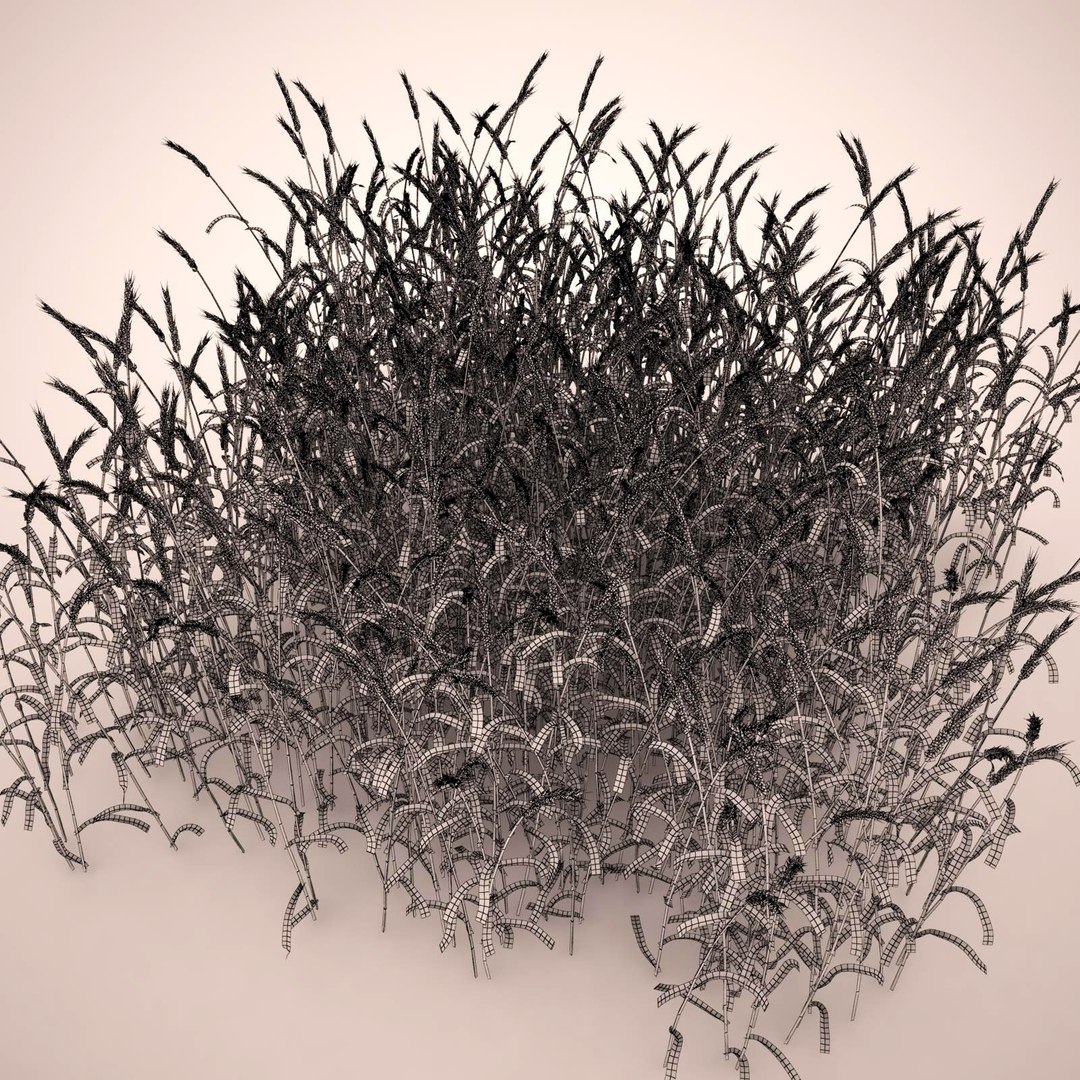
Polygons 615,903
Vertices 762,039
Polygonal Quads/Tris Geometry
Textures
Materials
UV Mapped
Mixed Unwrapped UVs
TurboSquid Exclusive
member avatar
3Dhedgehog
82 Products | Contributor Since 2014
Have questions? Chat with us now.

Description

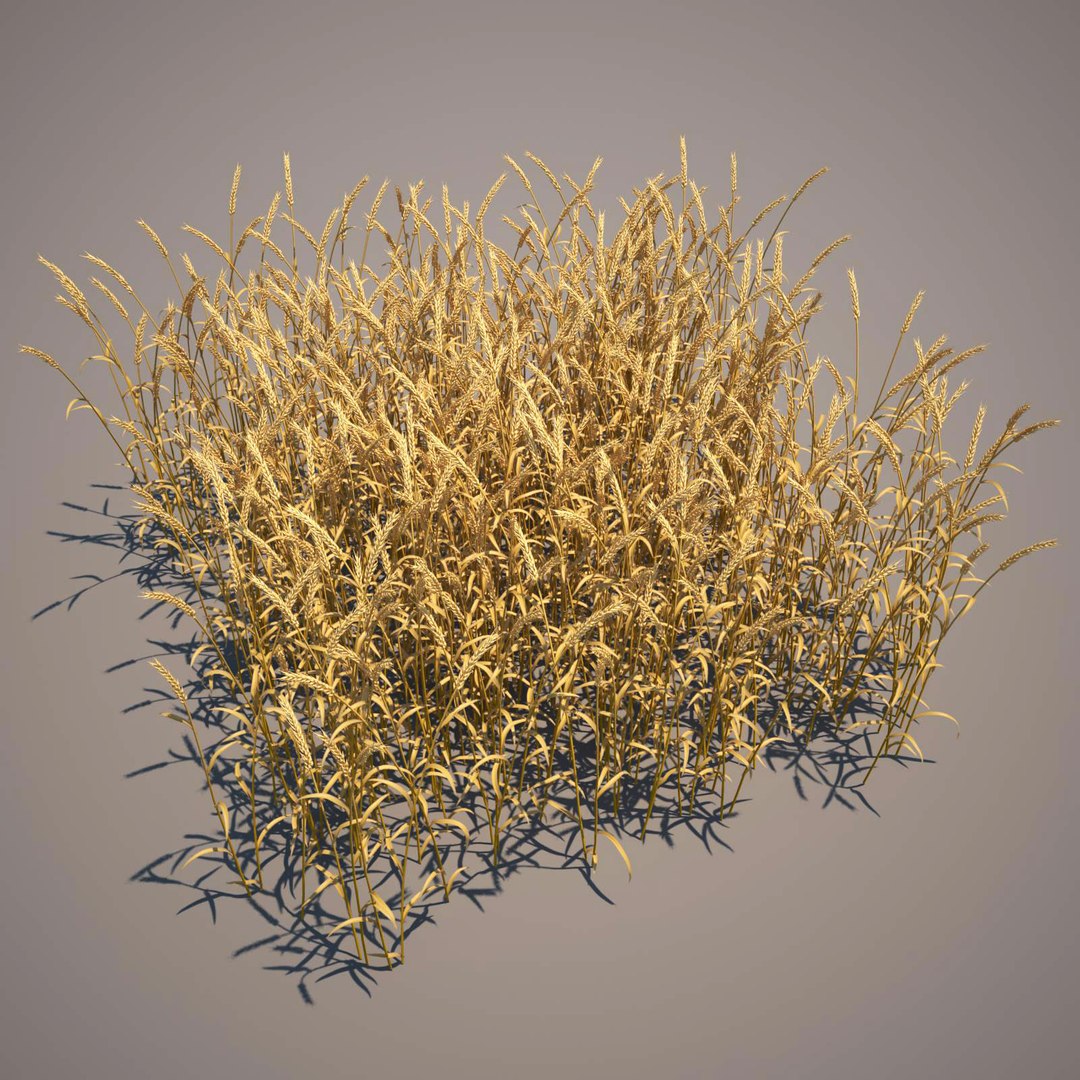
Very detailed high poly 3d model of the triticum aestivum.
(Triticum aestivum, also known as common wheat or bread wheat, is a cultivated wheat species. About 95% of the wheat produced is common wheat. Attention: wheat ears can be very different. Usually artists represent ears with long awns, but real modern common wheat have a short small awns or have not them at all.)

I've got a couple of models of other wheat species:
Emmer Wheat - Product ID: 852377
Durum Wheat - Product ID: 852666

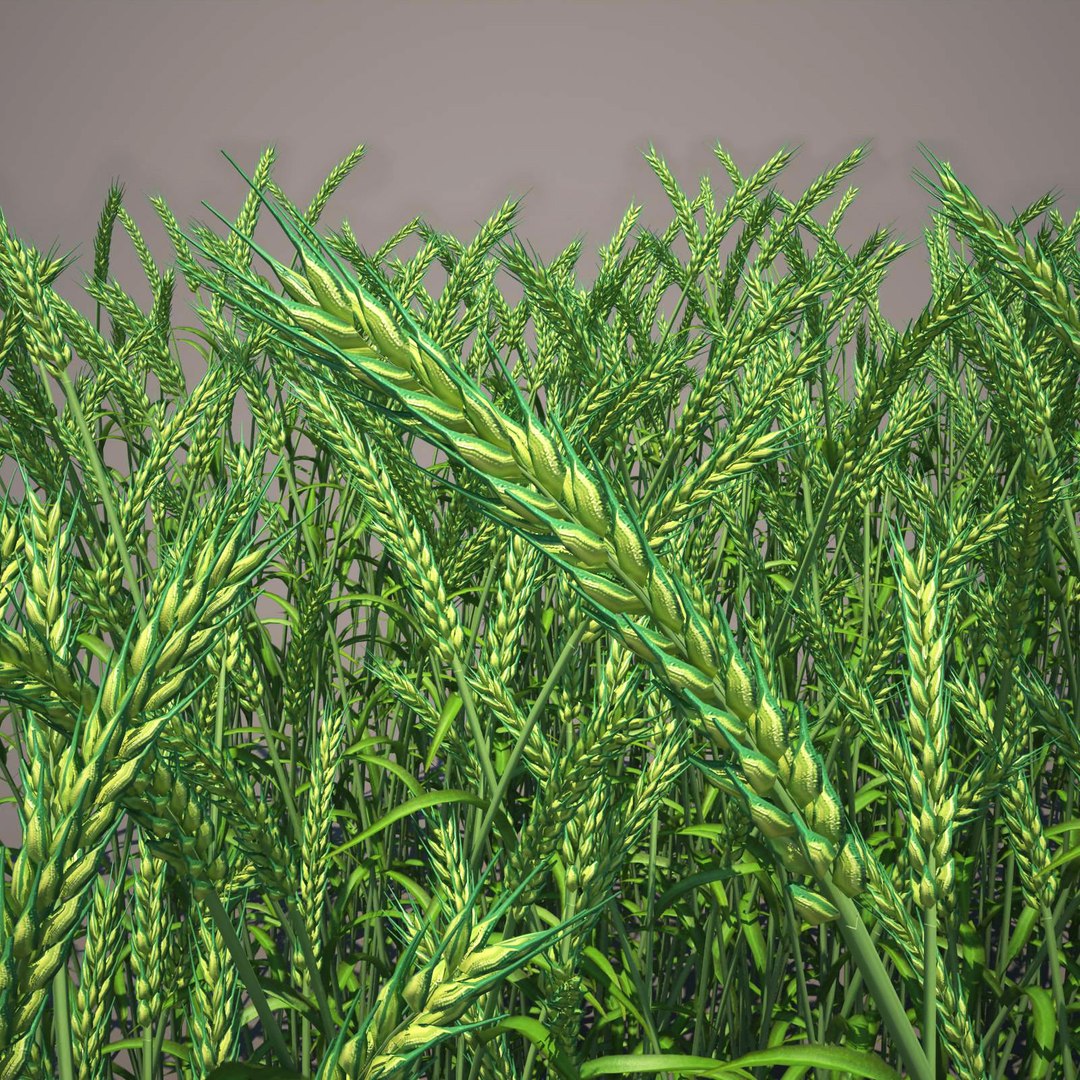
Models are detailed enough for your close-up renders.
Real world size (centimeters). Several hundreds of stems are growing in square block (190cm X 190cm).
There are three Max2011 files: one with standard mat, second with photoreal V-ray mat and third with full V-ray environment including sky, ground surface, lights and cameras.
There are materials for young and mature wheat in each file.
All necessary textures are in each archive.
Preview images were rendered with V-Ray adv 2.00.02.
Please, don't miss hiresolution (1600x1600) preview images.

Select Enhanced License

  • $10,000 in Legal Protection (Indemnification)
  • Uncapped Legal Protection (Indemnification)
  • Waiver from injunctive relief
  • Assignable model rights
  • $1,000,000 in Legal Protection (Indemnification)
  • Waiver from injunctive relief
  • Assignable model rights
  • $250,000 in Legal Protection (Indemnification)
  • Assignable model rights
Read more about enhanced license tiers, or contact us at enterprise@turbosquid.com. Already a Shutterstock Enterprise Customer? Contact your Shutterstock Sales Support Agent to talk about adding 3D.

About Conversion Requests

To submit a conversion request for a purchased asset, please complete our Conversion Request Form.

If you have not yet purchased a model, please review our Documentation about Conversions to learn about what limitations you may encounter with a conversion.

For any additional questions about a model’s suitability for conversion, please contact TurboSquid Support.

Loading...