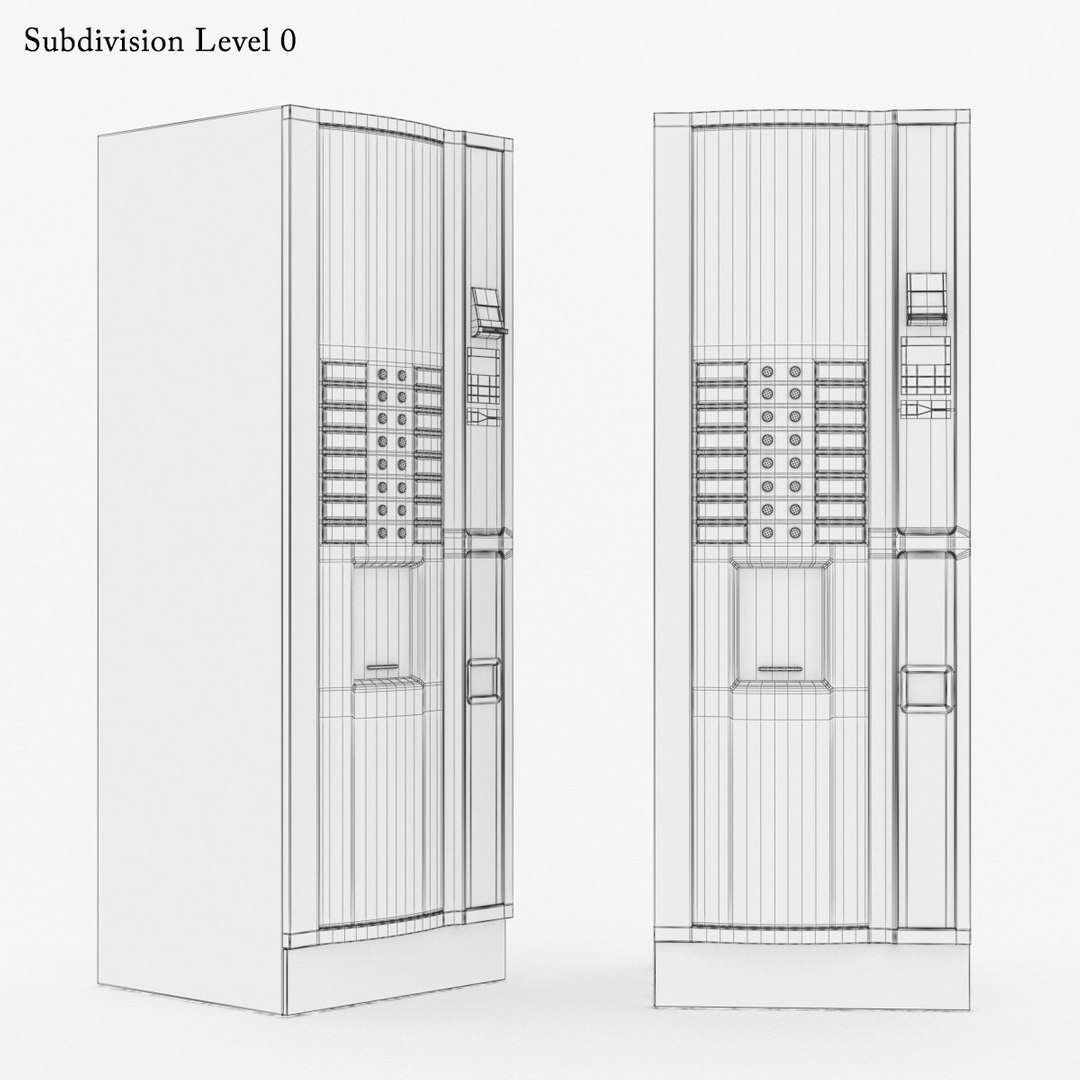
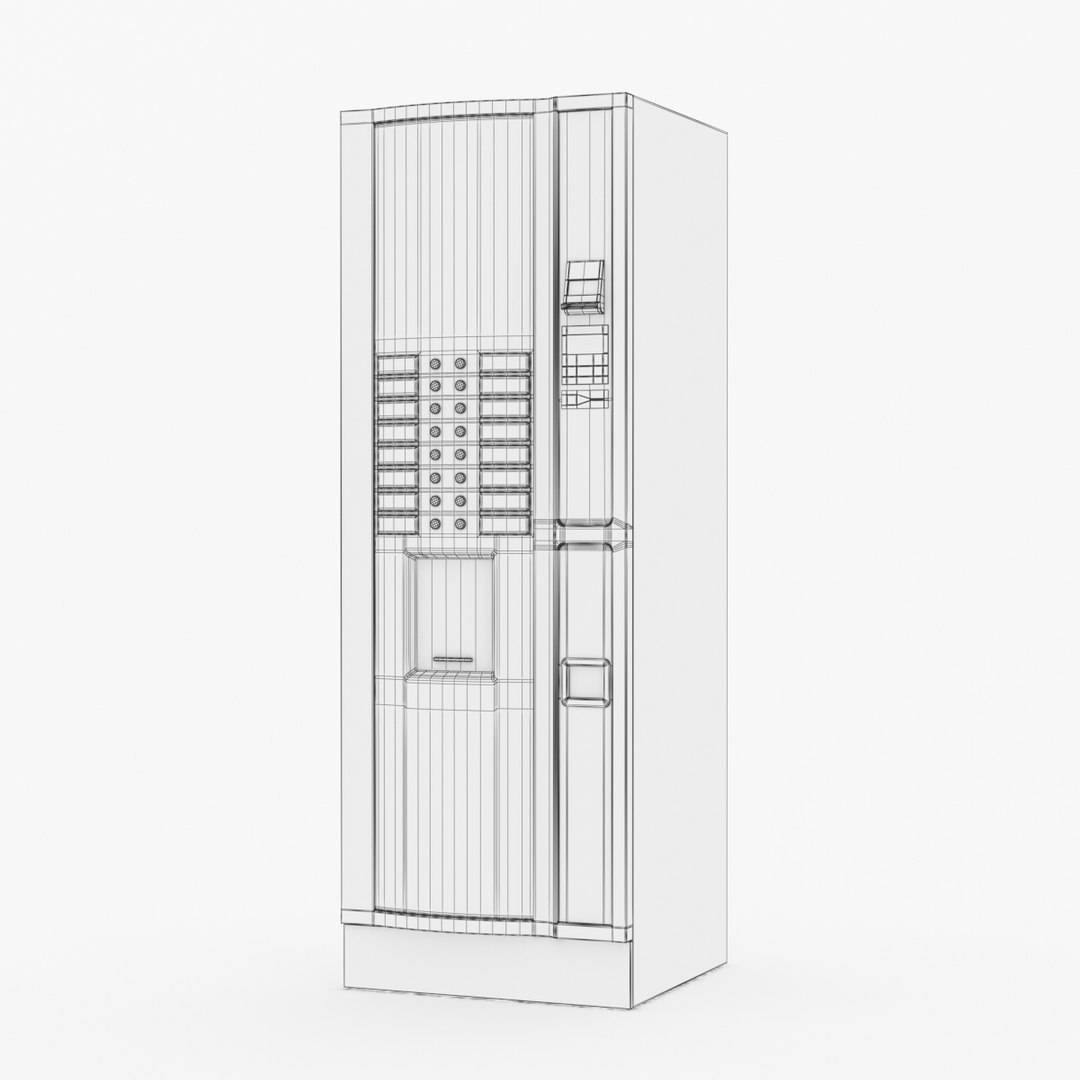
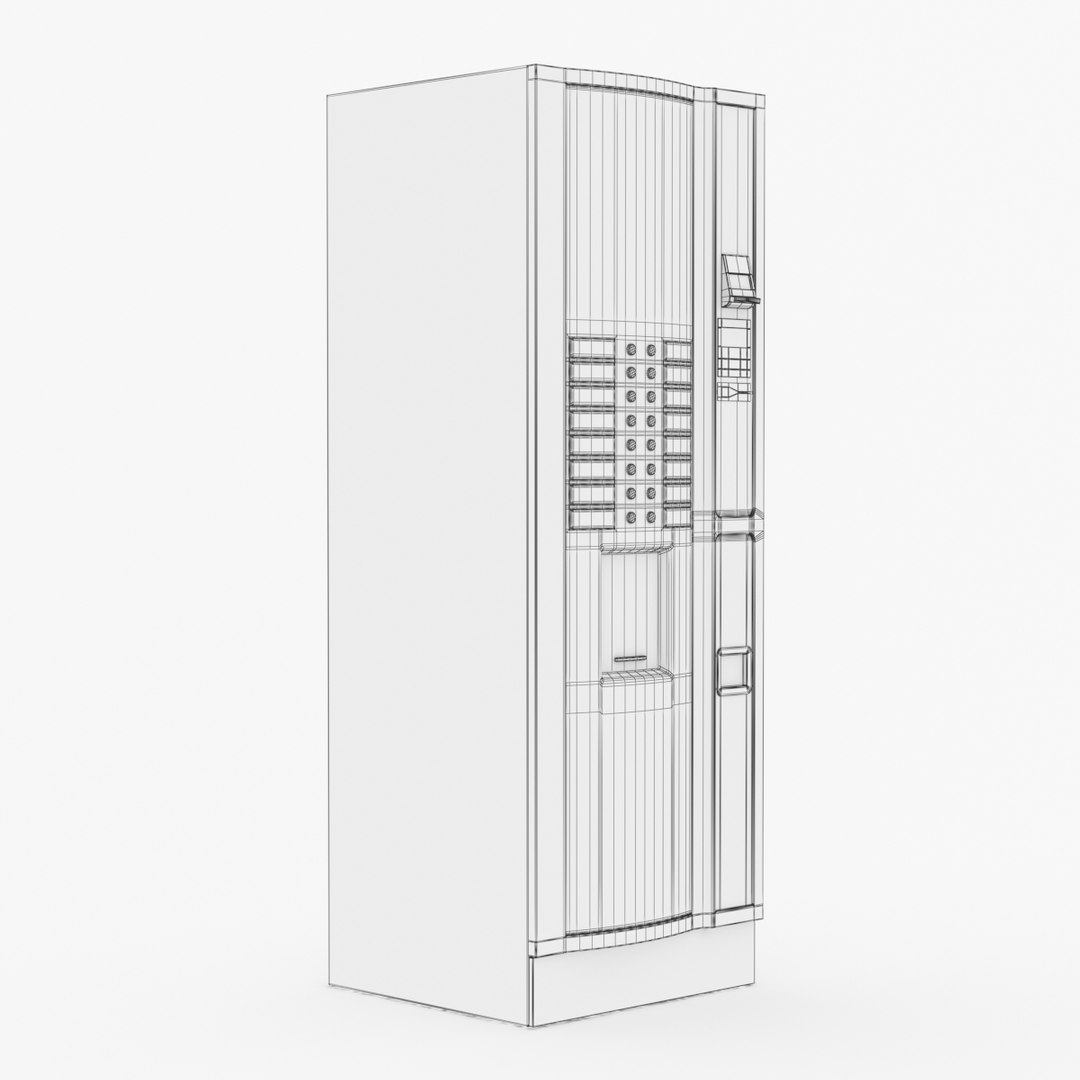
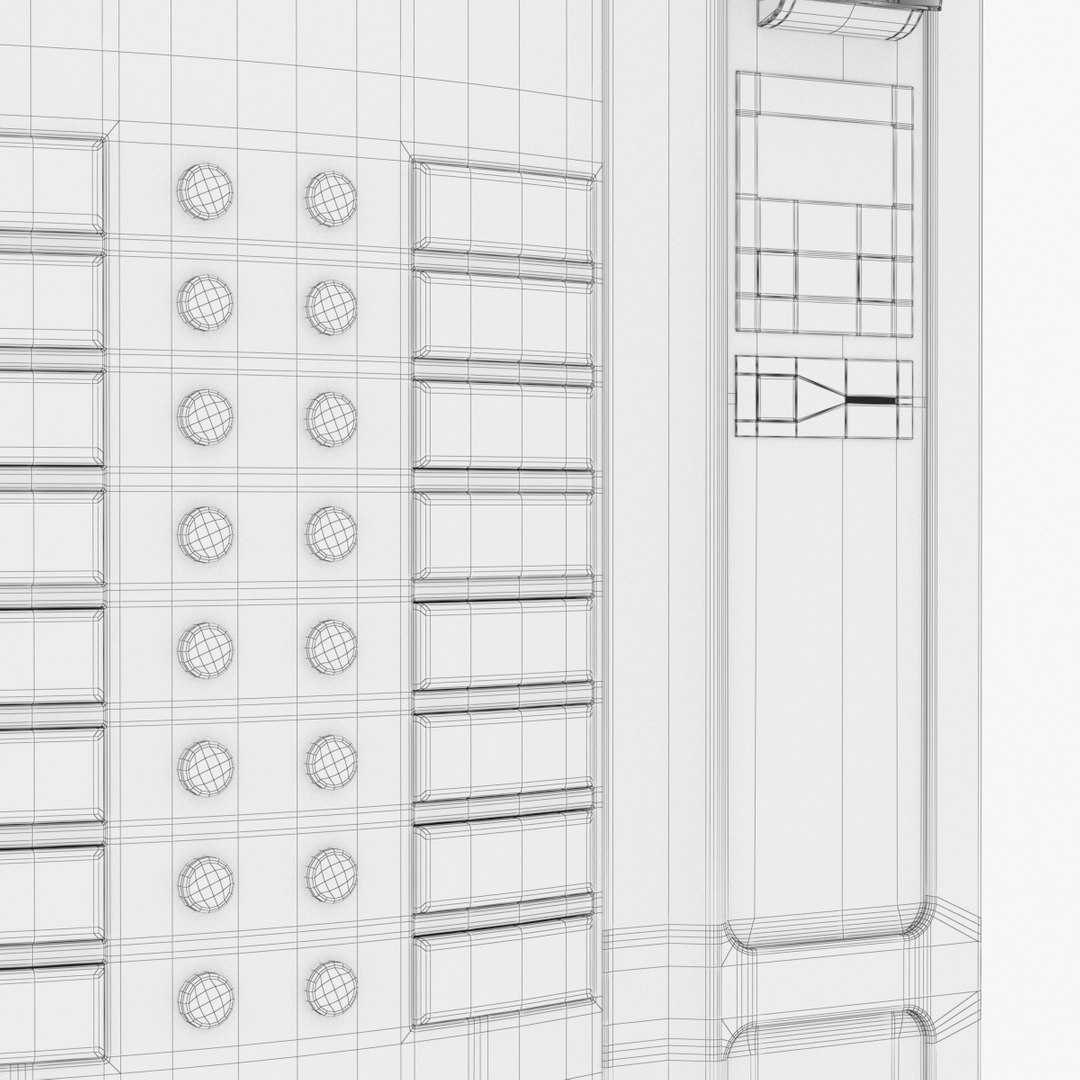
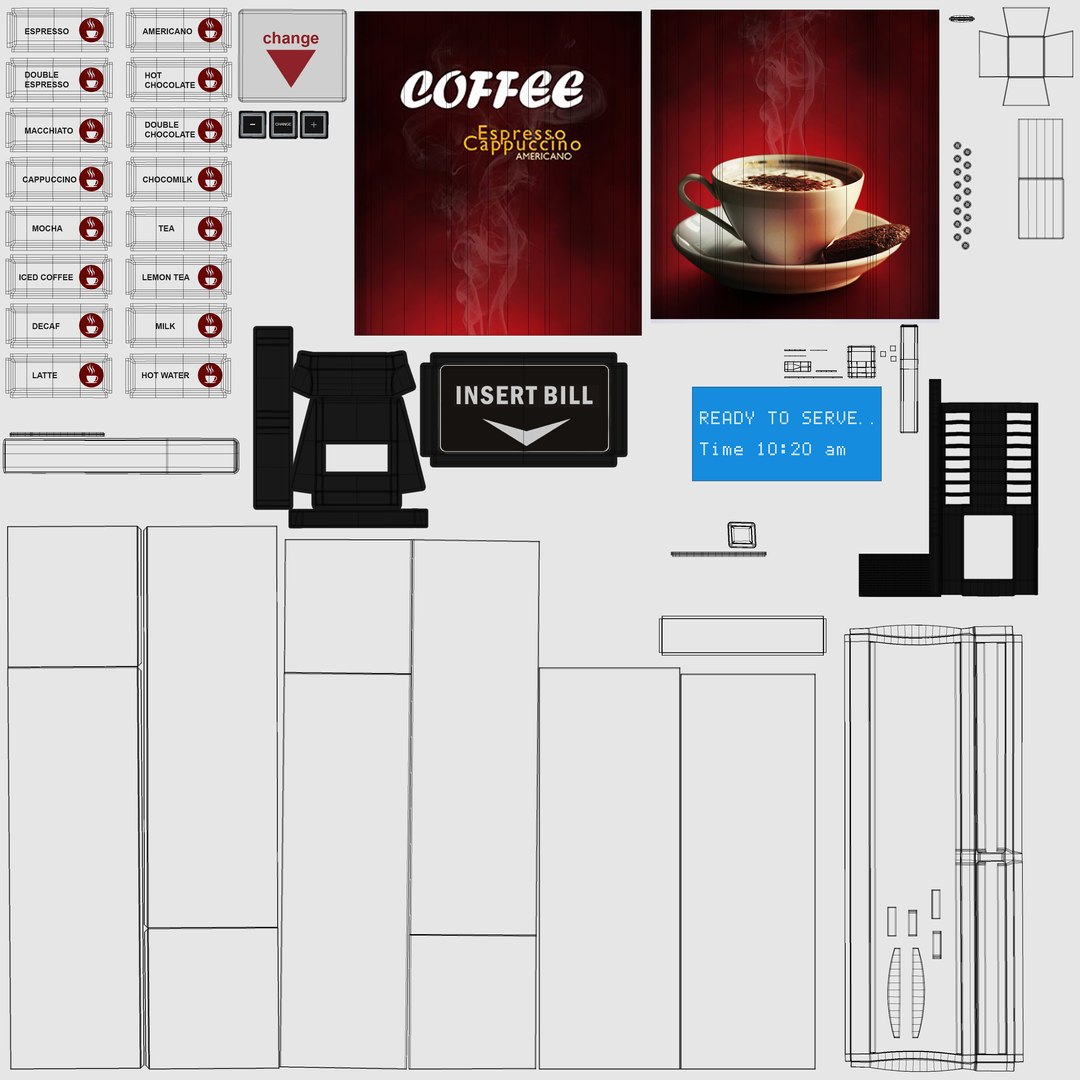
Coffee Vending Machine

$20

Standard License | Upgrade License
Formats (6)
Native | 3ds Max 2014 | V-Ray 3
3ds Max 2014 | Corona 1.5
3D Studio
FBX
OBJ
Specifications
Publish Date September 23, 2017
Product ID 1205769
Polygons 11,874
Vertices 12,852
Polygonal Quads/Tris Geometry
Textures
Materials
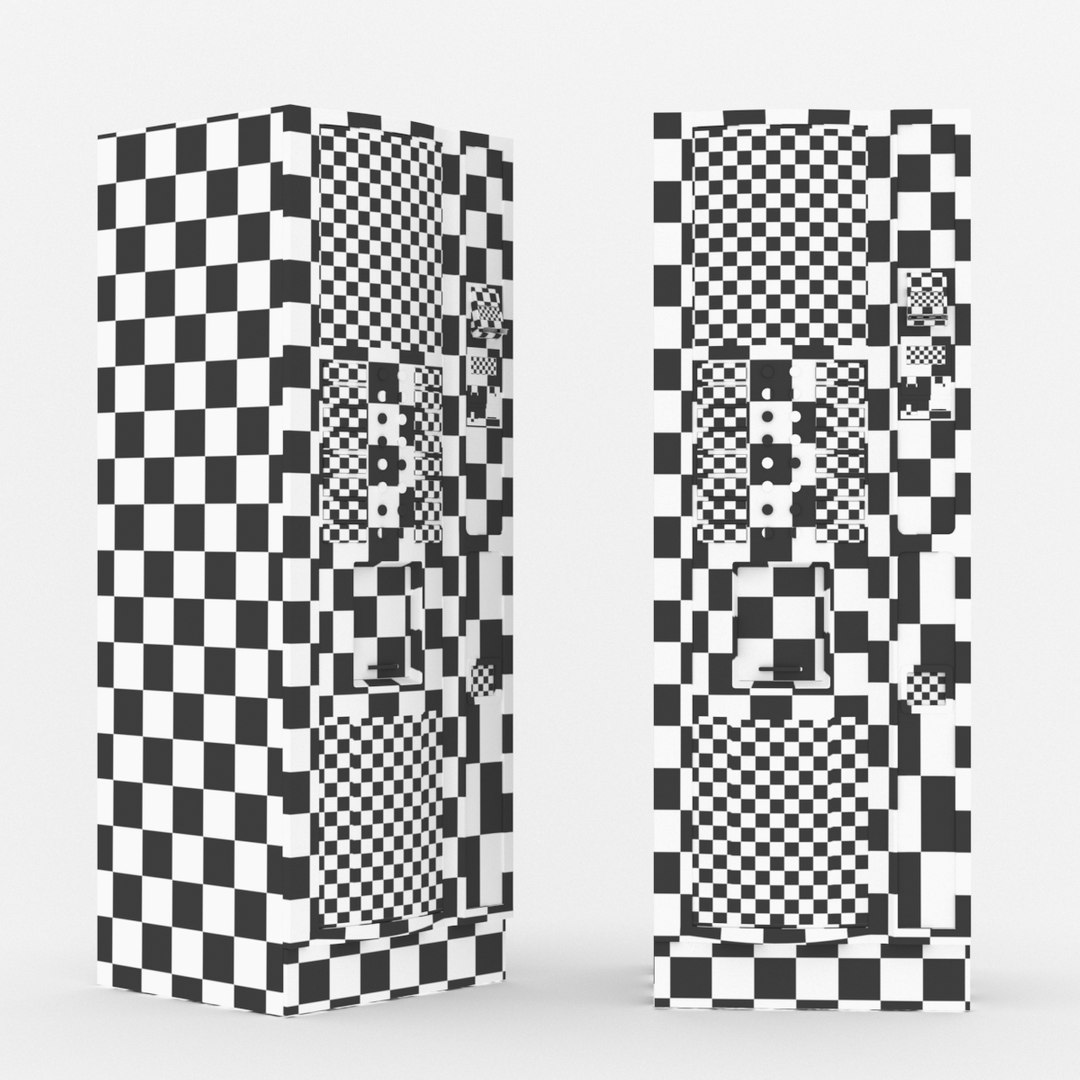
UV Mapped
Non-overlapping Unwrapped UVs
TurboSquid Exclusive

member avatar
3DSerg
354 Products | Contributor Since 2012
Have questions? Chat with us now.

Description

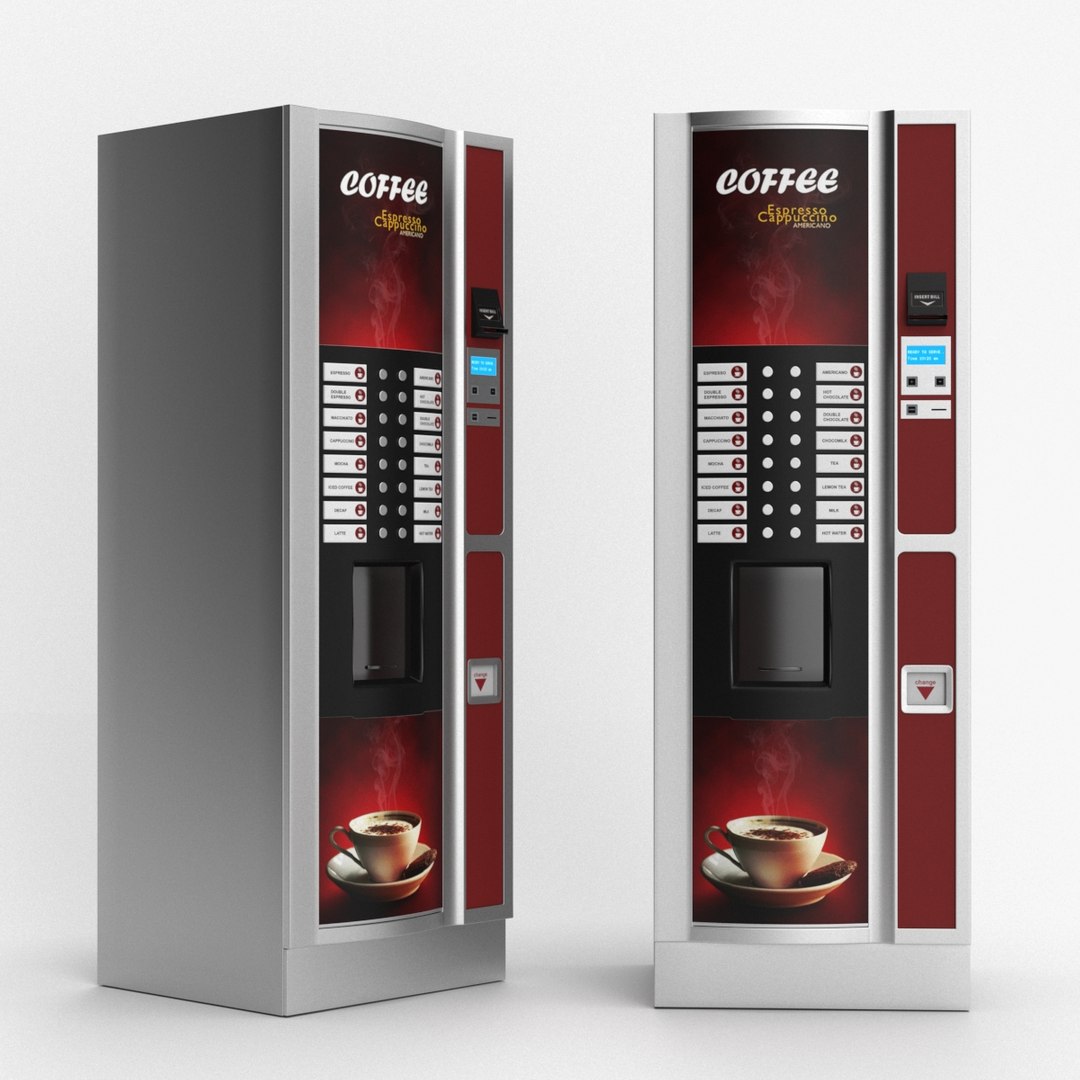
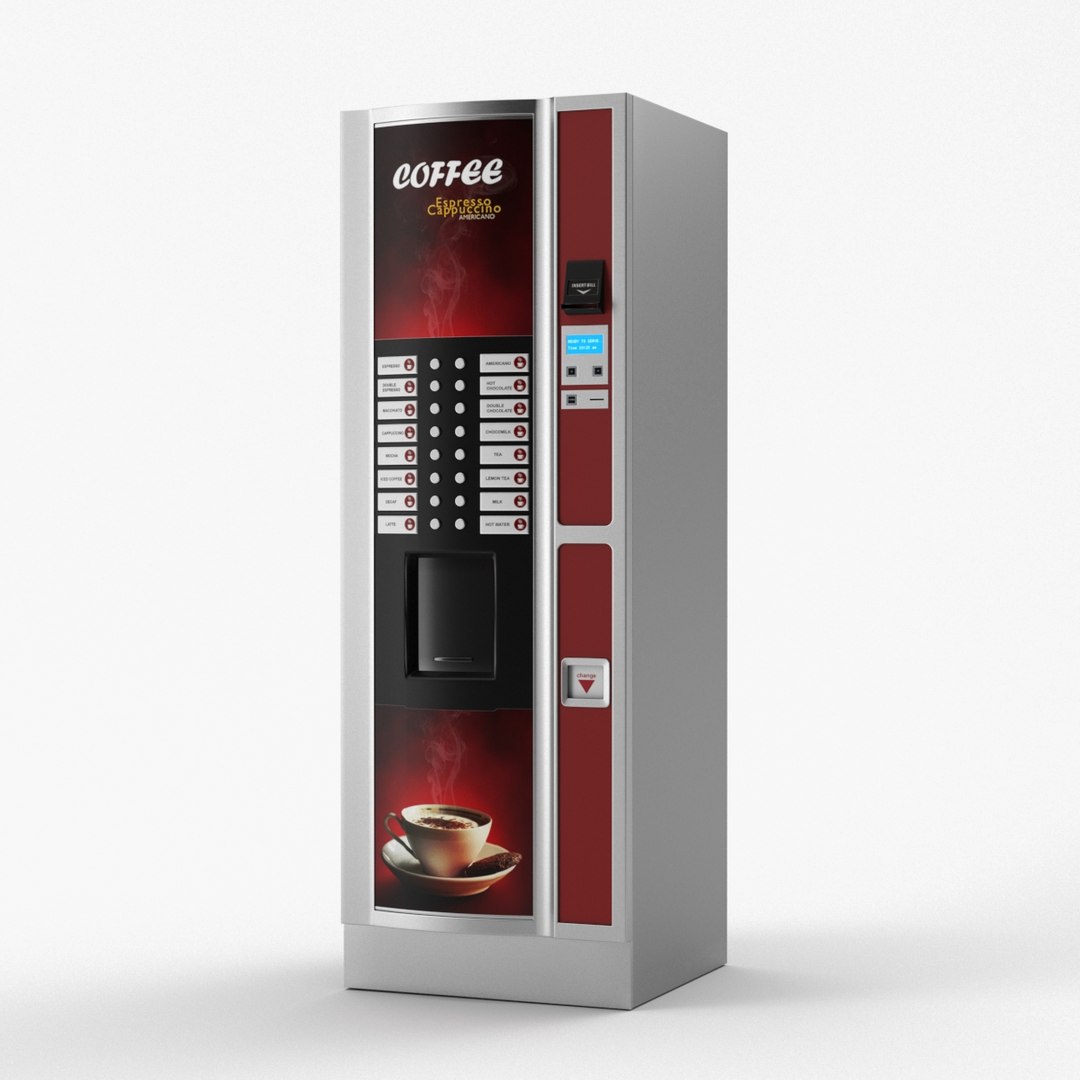
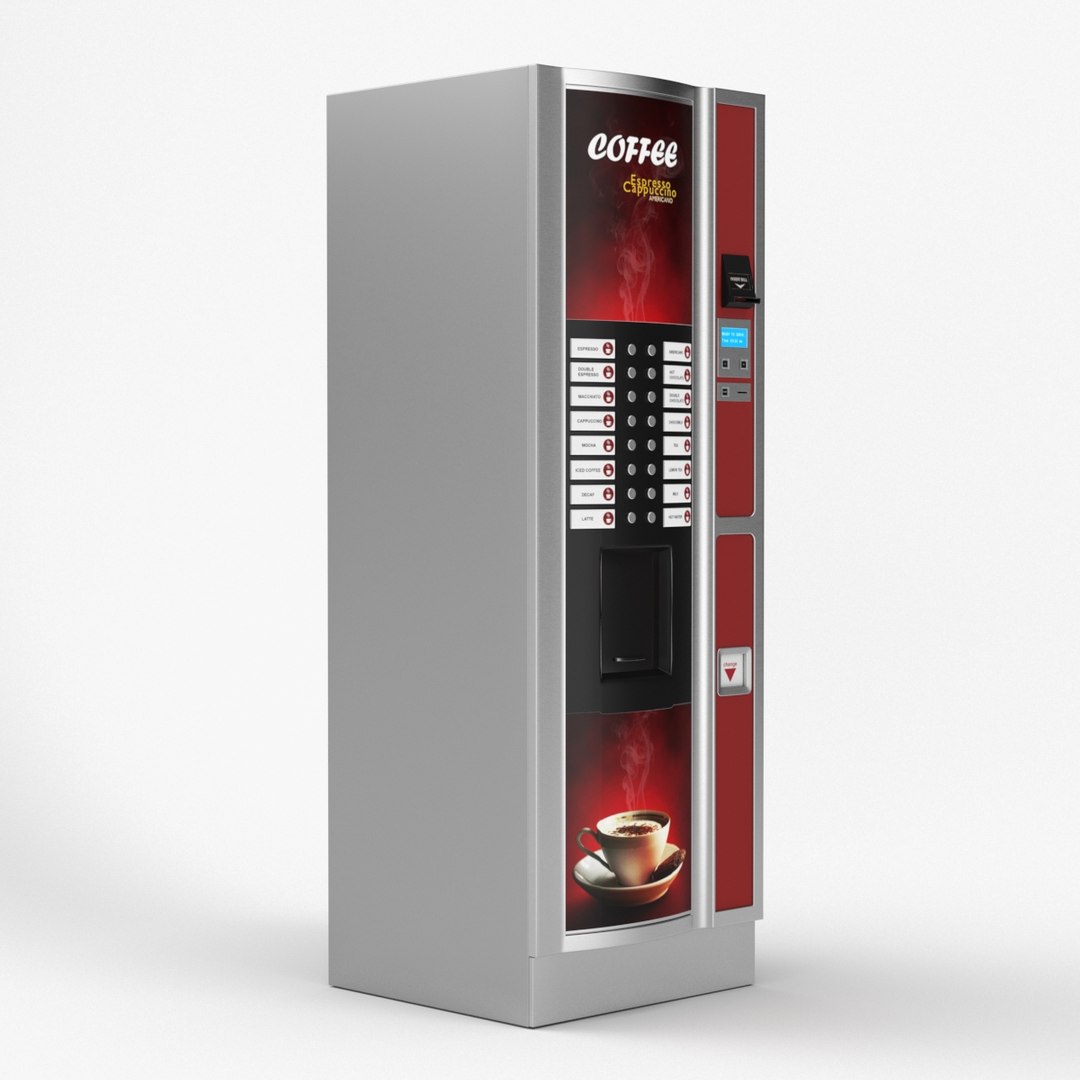
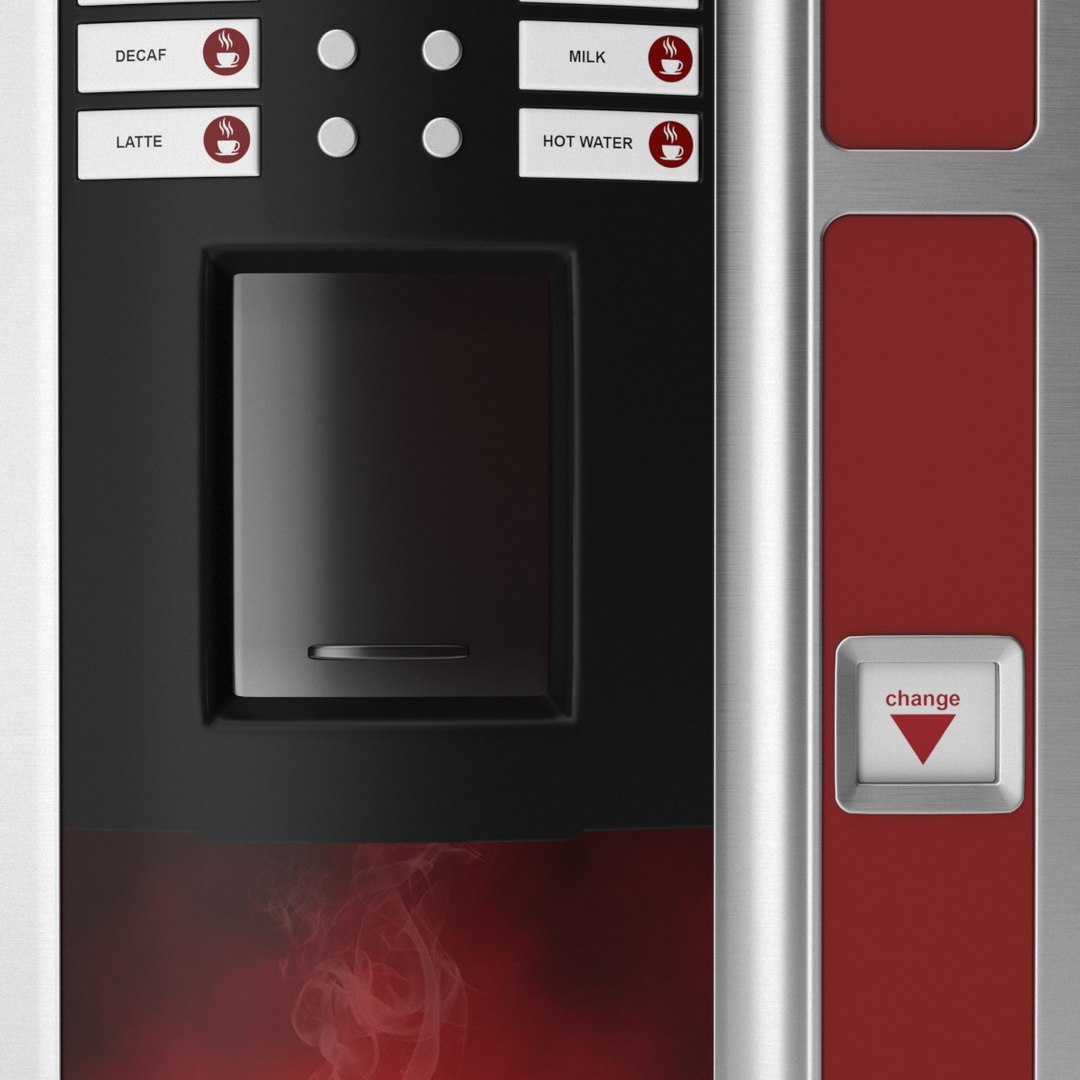
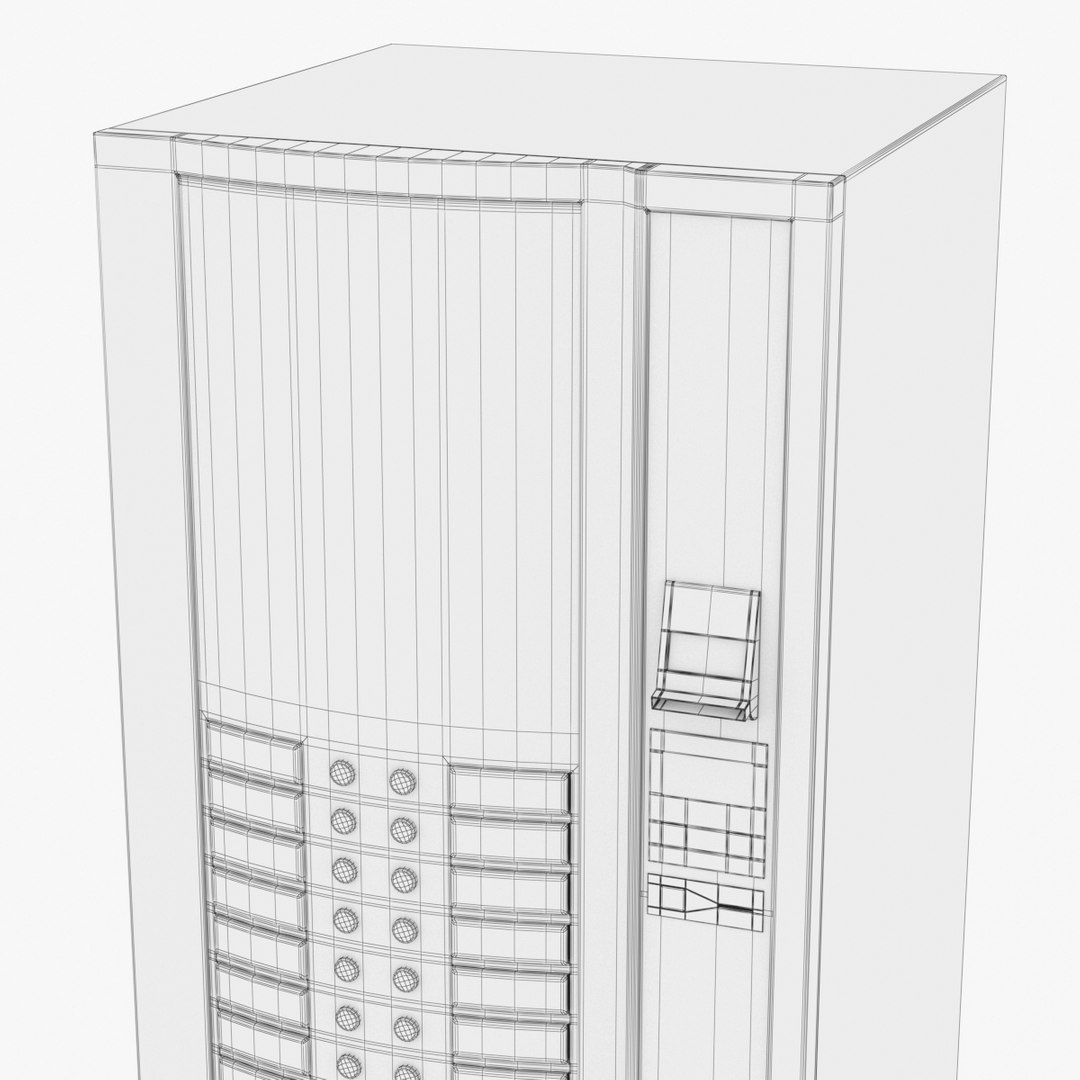
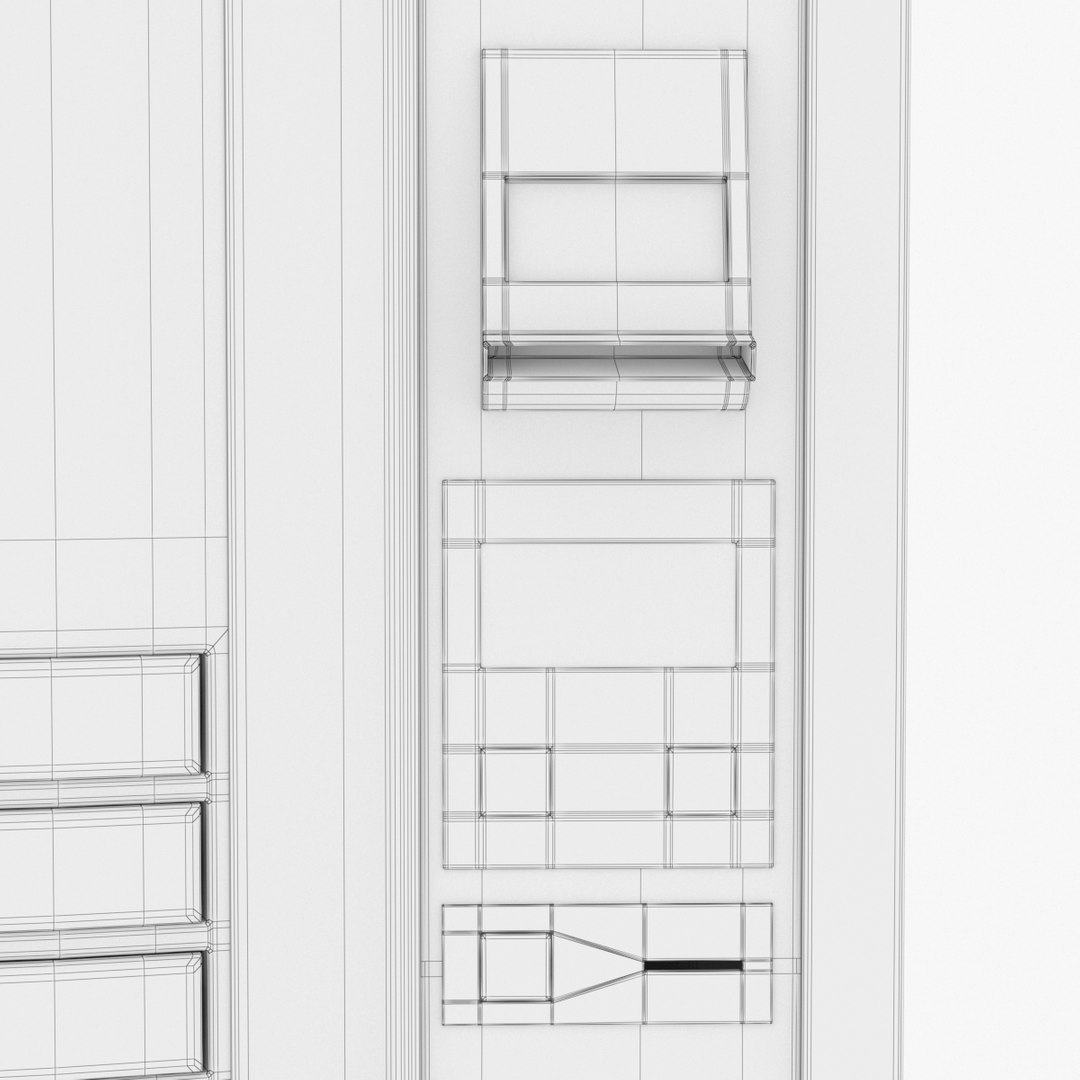
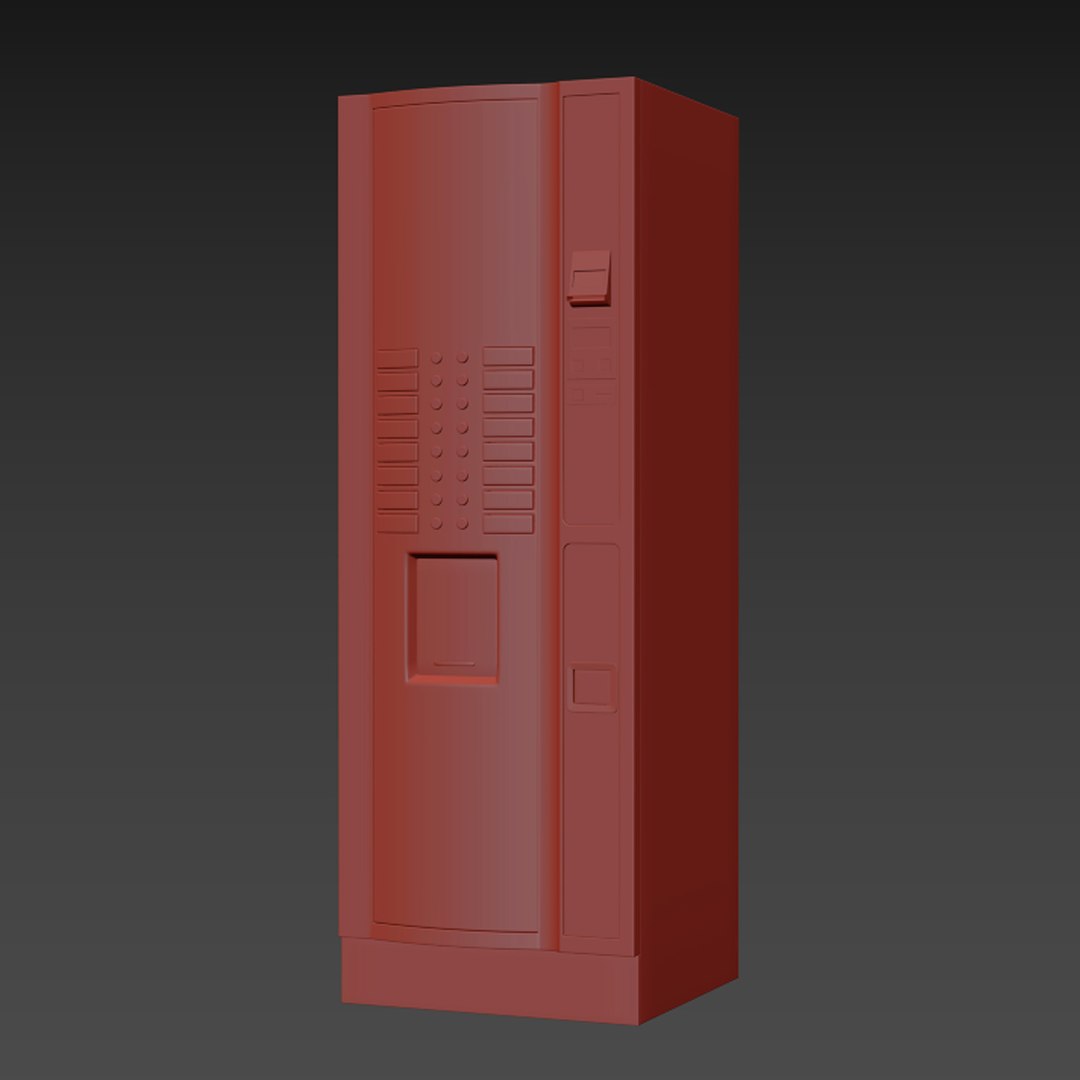
Realistic 3d model of Coffee Vending Machine

Features:

- Compatible with 3ds max 2014 or and higher
- Materials and render: V-Ray 3, Corona Renderer
- All objects, textures and materials have their own names

- Polys: 11874
- Verts: 12852

Other format:

- FBX version contains all the textures and materials (Standart Materials, for import Maya, Cinema4d etc.)
- FBX VRay version contains all the textures and materials (for 3dsmax old version)
- OBJ version comes without materials, however contains uvw mapping.
- 3DS version comes without materials, however contains uvw mapping.

Textures:

- epeaks_coffee_vending_machine_aluminium.jpg - 4000x4000 px
- epeaks_coffee_vending_machine_diffuse.jpg - 4000x4000 px

Misc:

- Units used: Millimeters as Default System Unit
- Textures and preview included in archive
- Preview images rendered with V-Ray 3

- If you need this scene in a different format, contact support for a free conversion.

- 3D model ready to use in your projects

Select Enhanced License

  • $10,000 in Legal Protection (Indemnification)
  • Uncapped Legal Protection (Indemnification)
  • Waiver from injunctive relief
  • Assignable model rights
  • $1,000,000 in Legal Protection (Indemnification)
  • Waiver from injunctive relief
  • Assignable model rights
  • $250,000 in Legal Protection (Indemnification)
  • Assignable model rights
Read more about enhanced license tiers, or contact us at enterprise@turbosquid.com. Already a Shutterstock Enterprise Customer? Contact your Shutterstock Sales Support Agent to talk about adding 3D.

About Conversion Requests

To submit a conversion request for a purchased asset, please complete our Conversion Request Form.

If you have not yet purchased a model, please review our Documentation about Conversions to learn about what limitations you may encounter with a conversion.

For any additional questions about a model’s suitability for conversion, please contact TurboSquid Support.

Loading...